As criações são armazenadas por apenas 7 dias. Os recursos criados após o upgrade para um plano de assinatura serão armazenados permanentemente.
Desbloqueie seu potencial criativo e experimente a magia da IA de mídia hoje!
Adicione Orelhas de Coelho à Foto Online Com Estilos Cute de IA
Faça upload de qualquer selfie, retrato ou foto de pet para adicionar orelhas de coelho à foto em segundos. O Media.io ajuda você a adicionar orelhas de coelho à foto com tiaras realistas, visuais em tons pastéis e edições prontas para a Páscoa direto no seu navegador, sem precisar de habilidades em design. Esta solução funciona muito bem para filtro de orelhas de coelho da Páscoa.
Digite sua ideia -> A IA cria o design. Grátis para experimentar.
Confira estas direções de exemplo e personalize os detalhes para obter melhores resultados com a ferramenta de foto com orelhas de coelho do Media.io.
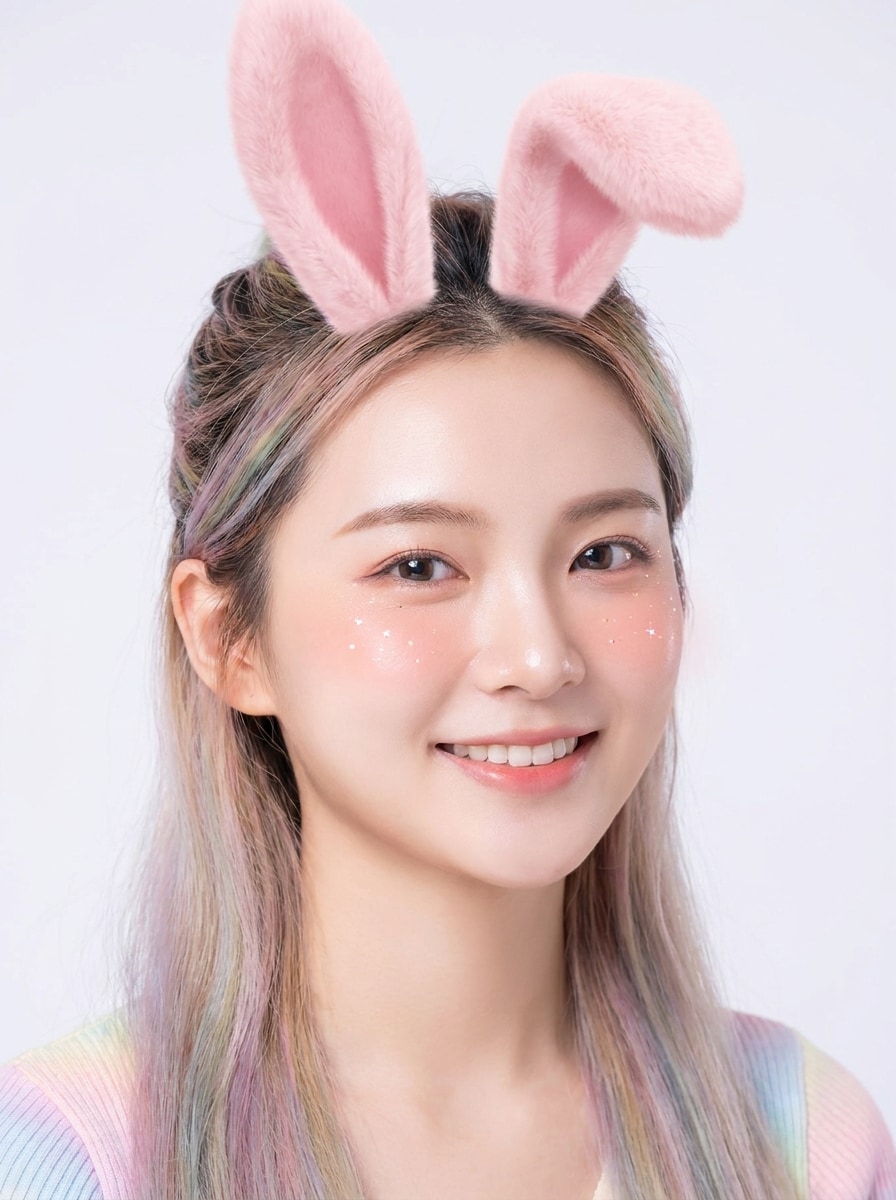
Filtro Suave de Coelho em Rosa AR
Use a imagem enviada como sujeito e transforme-a em um filtro de coelho divertido para redes sociais. Adicione orelhas de coelho rosa suave alinhadas naturalmente ao ângulo da cabeça, blush sutil, pequenas faíscas brilhantes, brilho suave na pele, iluminação limpa de retrato, destaques em tons pastéis e uma estética de filtro mobile sofisticada com detalhes faciais nítidos.
Sobreposição Kawaii de Rosto de Coelho
Use o retrato enviado como sujeito e transforme-o em uma foto fofa com filtro de coelho kawaii. Adicione orelhas de coelho pastel grandes, um narizinho rosa, bigodes suaves, olhos brilhantes, iluminação clara e suave, tons de blush, acentos candy-pastel e uma sobreposição alegre inspirada no anime, mantendo a pessoa reconhecível.
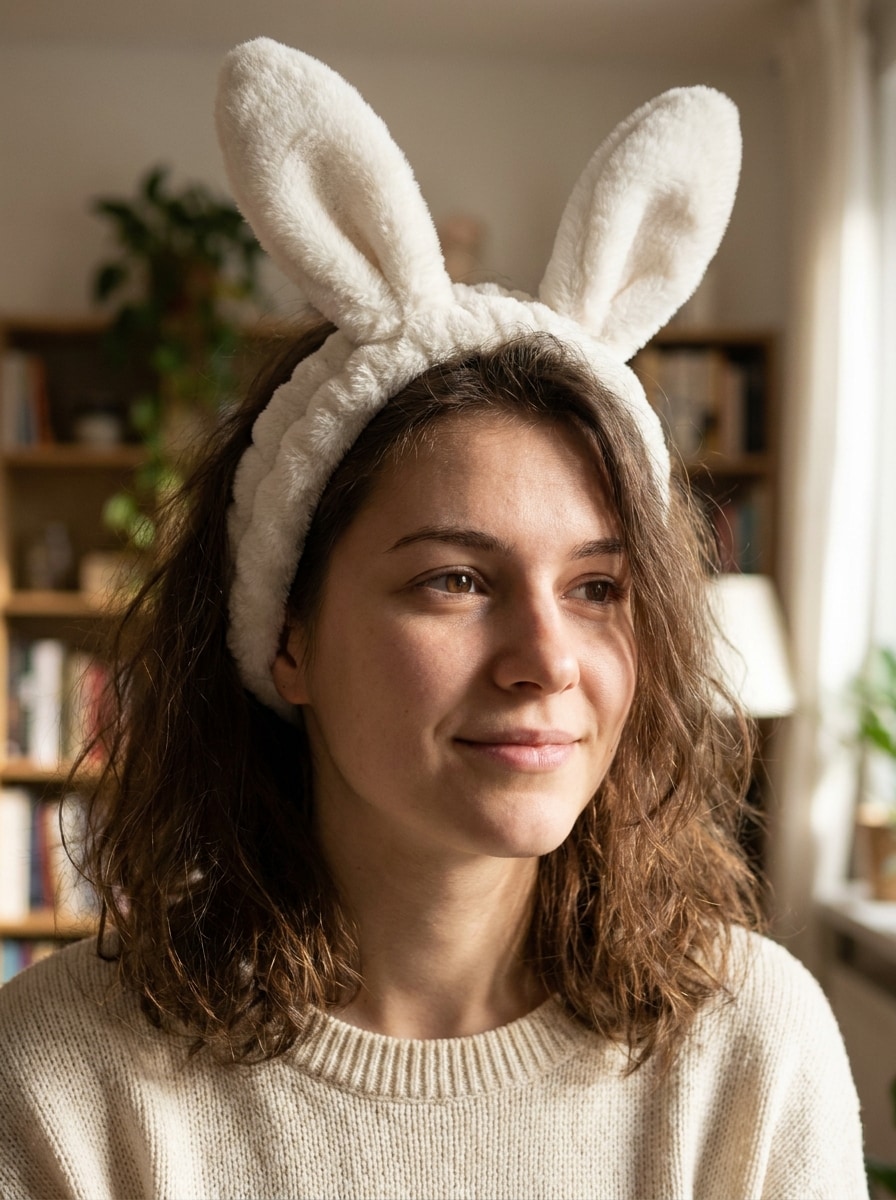
Tiara de Coelho Fotorrealista
Use a imagem enviada como sujeito e adicione uma tiara de orelhas de coelho brancas fotorrealista. Combine o ângulo original da câmera, o posicionamento do cabelo e a direção da luz, com textura de tecido crível, sombras suaves, profundidade realista e mistura perfeita para que a edição pareça uma fotografia real de fantasia.
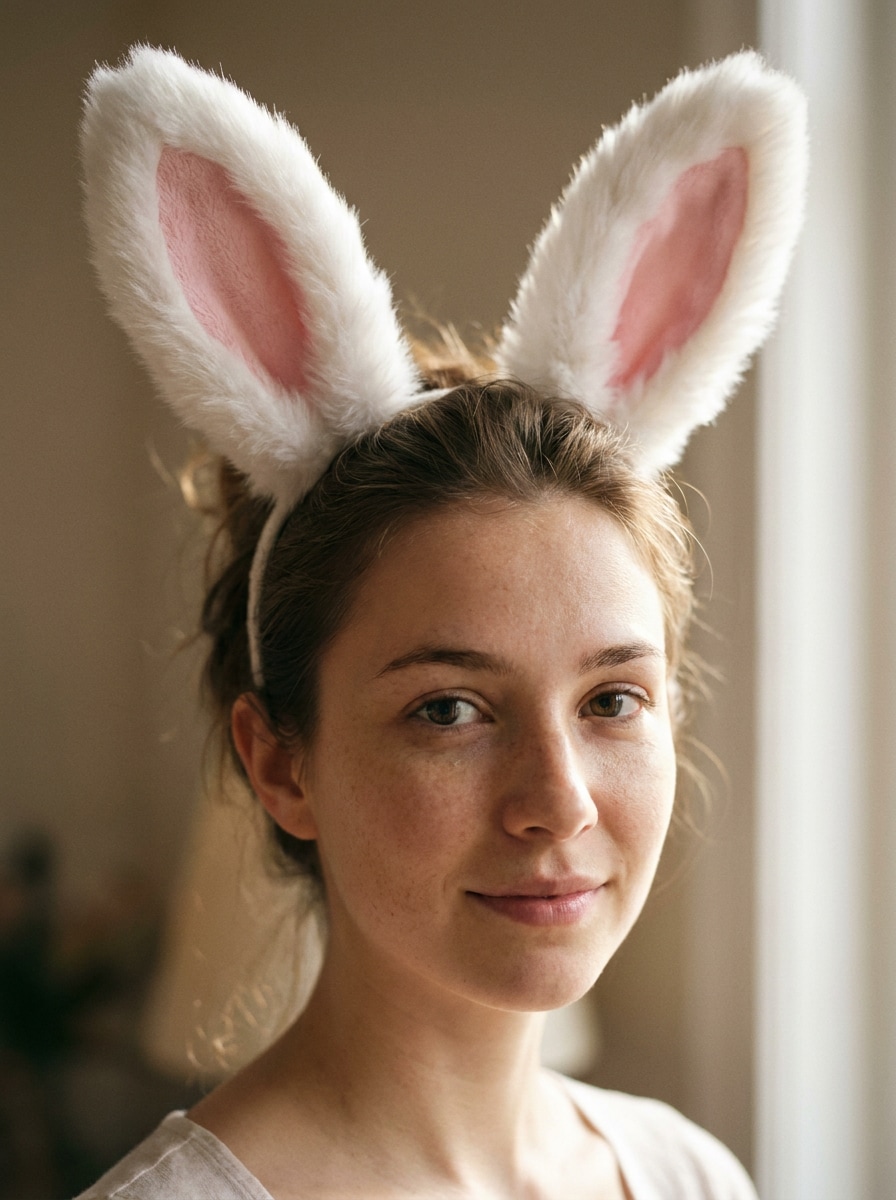
Orelhas de Coelho Brancas e Fofas
Use o retrato enviado como sujeito e coloque orelhas de coelho brancas e fofas com revestimento interno rosa na cabeça. Preserve os detalhes faciais, combine a perspectiva e a fonte de luz, mantenha a textura natural da pele e crie uma edição realista e encantadora com contraste suave e um acabamento limpo de retrato.
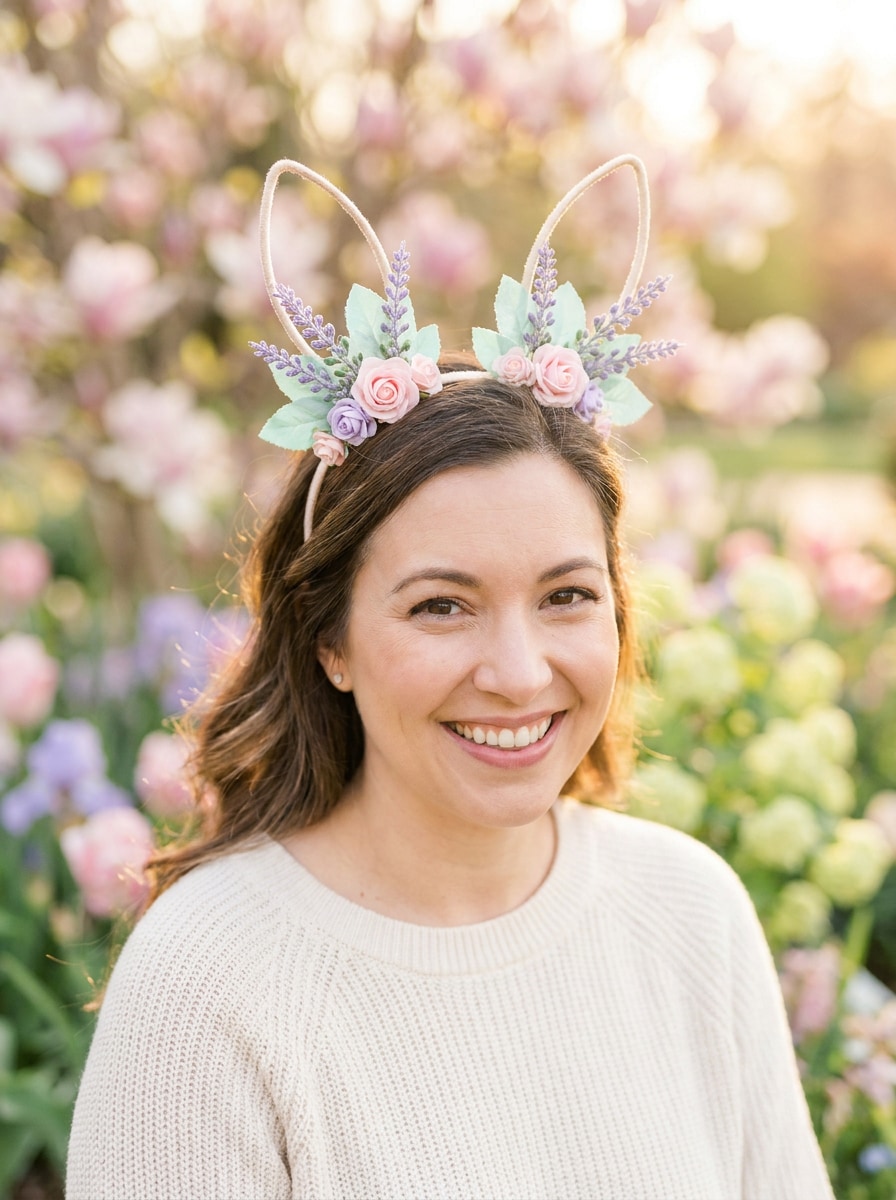
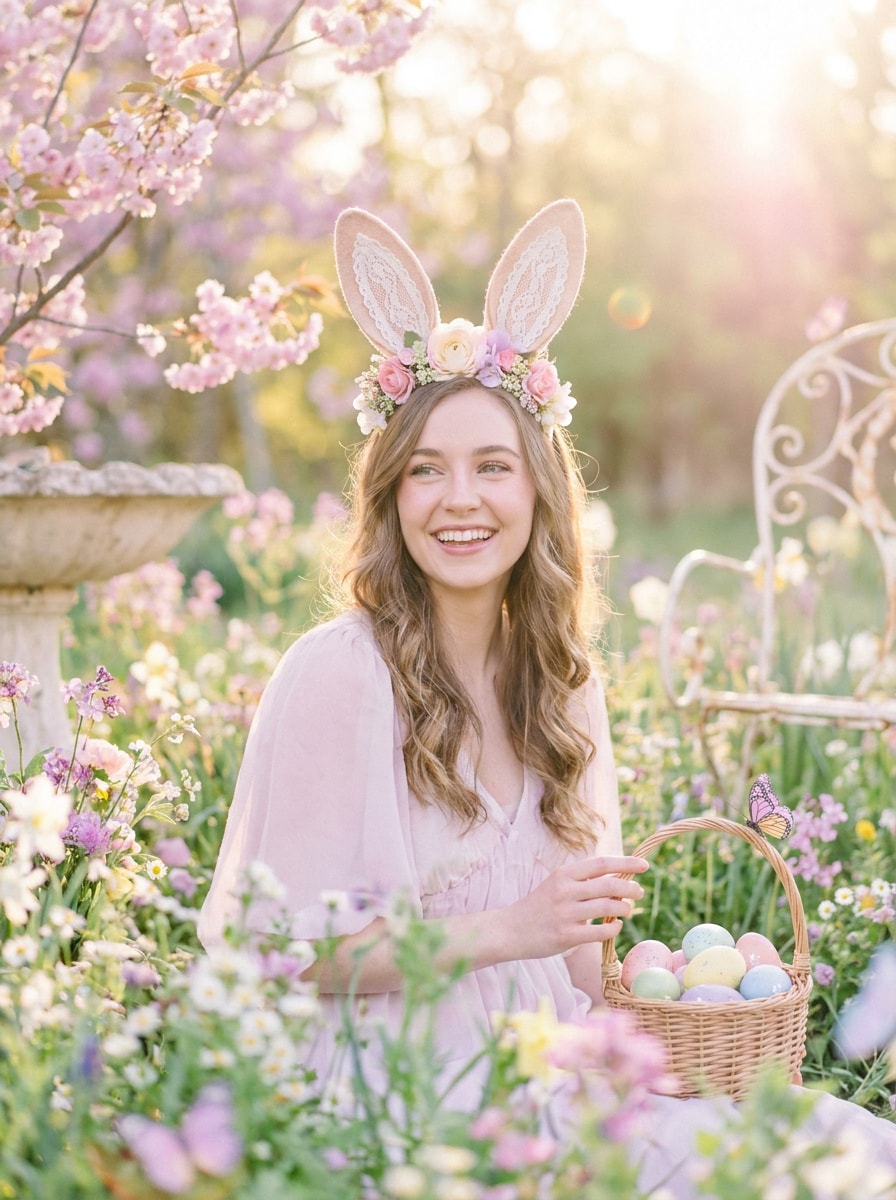
Retrato Pastel de Coelho da Páscoa
Use a imagem enviada como sujeito e transforme-a em um retrato vibrante de Páscoa. Adicione orelhas de coelho elegantes, acentos florais delicados, luz solar suave de primavera, tons de rosa pastel, lavanda e menta, bokeh suave e um clima alegre e sazonal, mantendo a identidade do sujeito clara e natural.
Visual de Coelho no Jardim de Primavera
Use a foto enviada como sujeito e crie um visual encantador de coelho na primavera. Adicione orelhas de coelho fofas, bokeh floral, gradação de cores pastéis arejada, luz solar suave, clima fresco de jardim, brilho sutil e um estilo sazonal leve que seja ideal para um post de Páscoa ou de primavera para compartilhar.
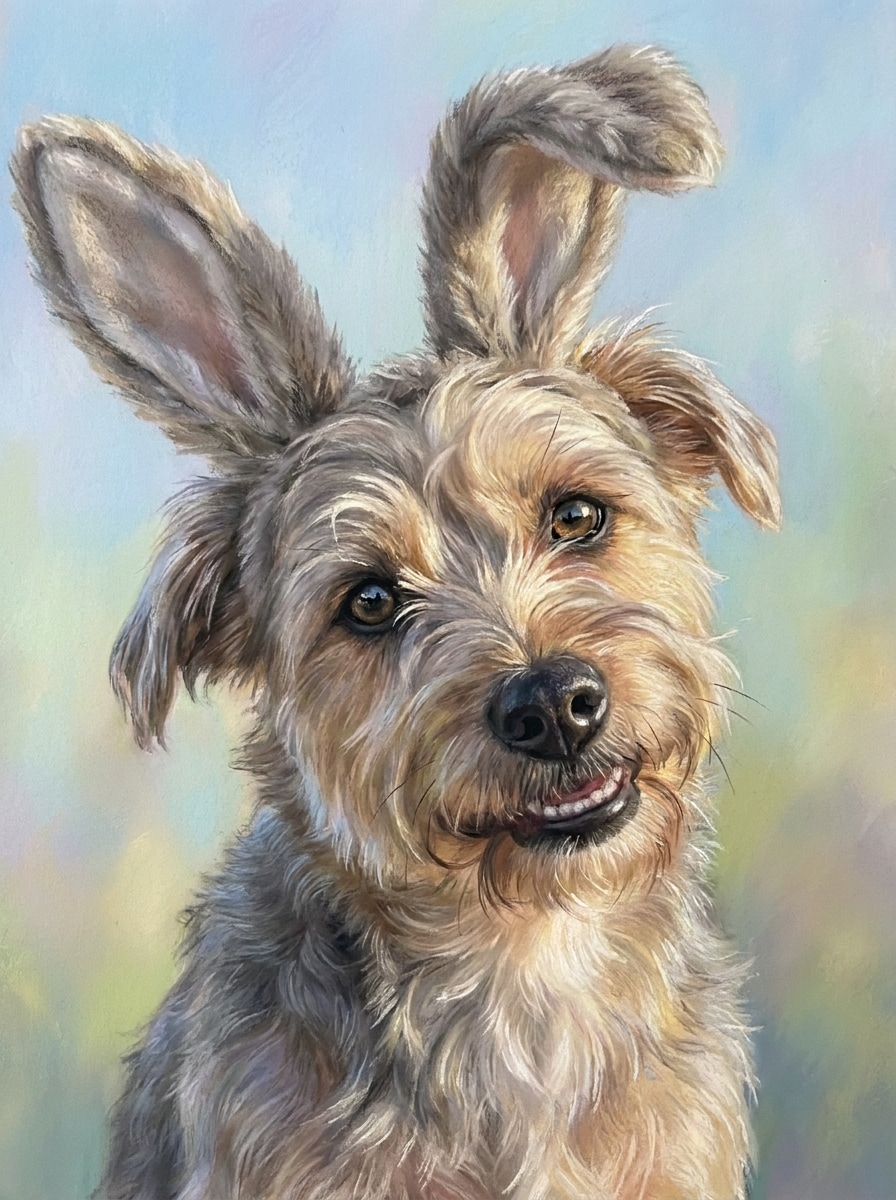
Orelhas de Coelho Fofas para Cachorros
Use a foto do cachorro enviada como sujeito e adicione orelhas de coelho adoráveis dimensionadas naturalmente para a cabeça do pet. Misture as orelhas com a textura do pelo e a posição da cabeça, mantenha a iluminação original, preserve os detalhes dos olhos e crie um retrato divertido do pet com tons pastéis suaves e um acabamento limpo e sofisticado.
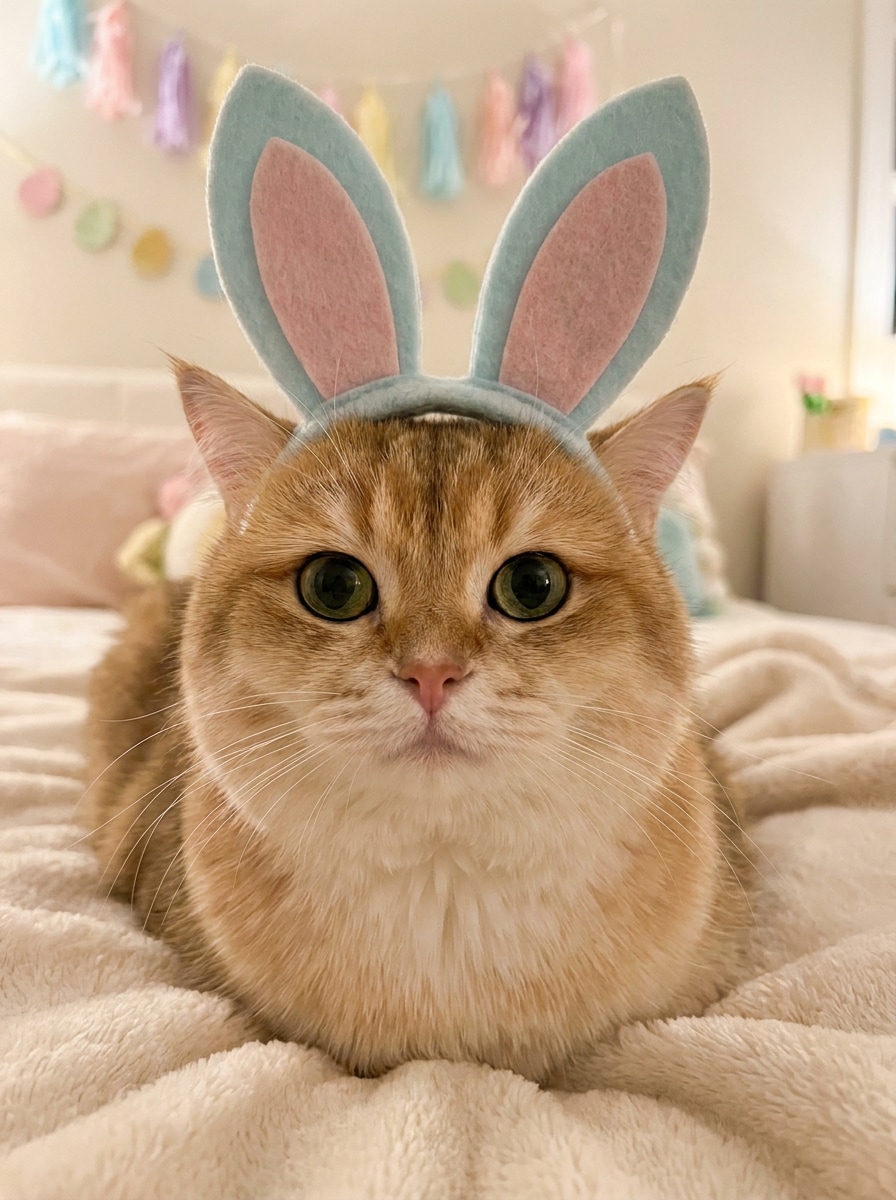
Edição de Fantasia de Coelho para Gato
Use a foto do gato enviada como sujeito e crie um efeito charmoso de fantasia de coelho. Adicione orelhas de coelho suaves alinhadas ao formato da cabeça do gato, preserve os bigodes e os detalhes do pelo, combine perspectiva e sombra, introduza tons pastéis suaves e mantenha a imagem final fofa, limpa e altamente compartilhável.
Retrato Anime de Coelho
Use a imagem enviada como sujeito e transforme-a em um retrato de coelho no estilo anime. Mantenha a pose e o enquadramento originais, adicione orelhas de coelho estilosas, olhos expressivos, sombreamento cel limpo, tons pastéis suaves, traços suaves e um acabamento ilustrado sofisticado com iluminação brilhante, mas suave.
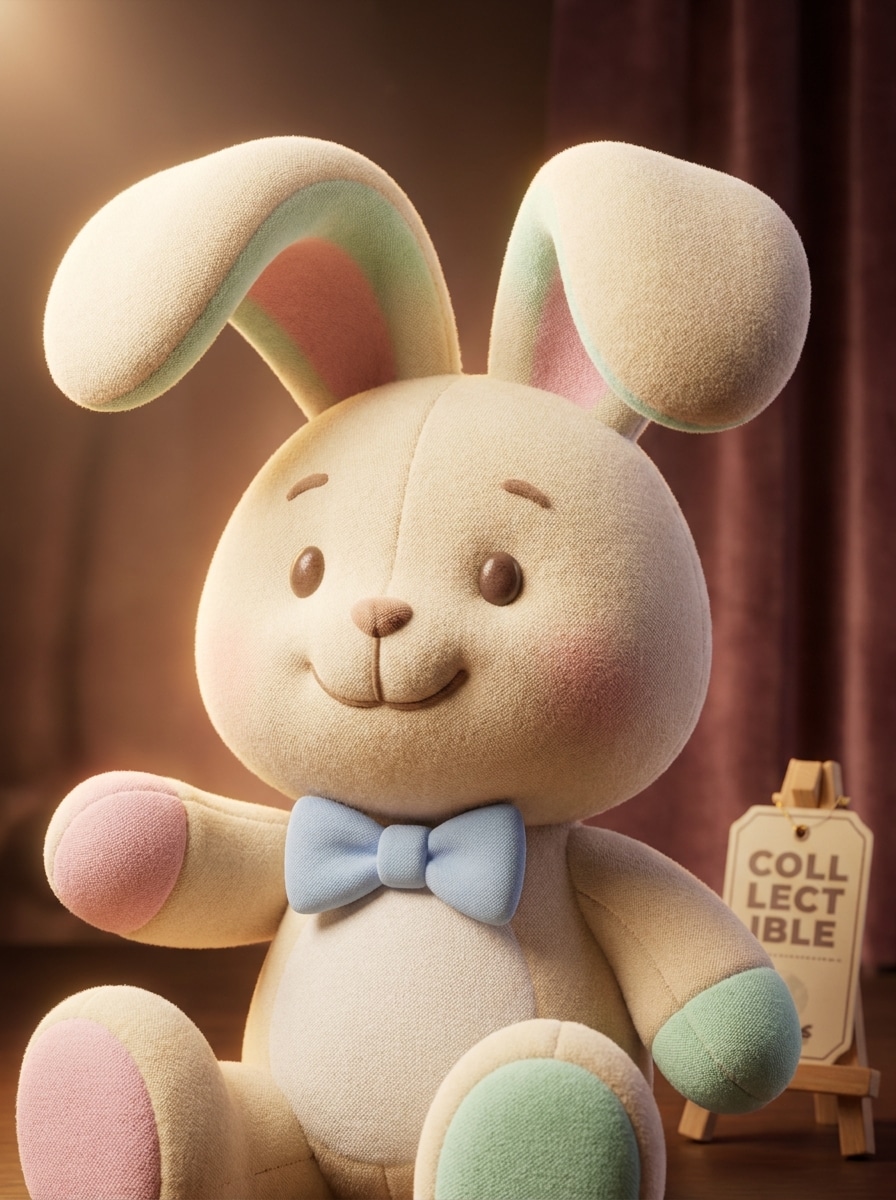
Personagem de Coelho de Pelúcia 3D
Use a imagem enviada como sujeito e reimagine-a como um personagem de coelho 3D sofisticado. Adicione orelhas de coelho de pelúcia, texturas suaves e arredondadas, iluminação cinematográfica de estúdio, detalhes de superfície semelhantes a brinquedos, acentos de cores pastéis e um clima divertido de personagem colecionável, preservando a pose original e a expressão reconhecível.
Por Que Usar o Media.io para Adicionar Orelhas de Coelho a uma Foto
Mantenha o Sujeito Reconhecível em Novos Estilos
Ideias criativas abertas são mais fáceis de explorar com o Media.io, pois você pode experimentar diversas variações em torno do mesmo conceito de adicionar orelhas de coelho a uma foto e comparar estilos rapidamente antes de escolher o que melhor se encaixa no seu post ou projeto.
Explore Diferentes Visuais Sem Perder a Direção
Quando a direção artística ainda está em aberto, o Media.io permite testar múltiplos visuais em torno da mesma ideia de adicionar orelhas de coelho à foto, facilitando a escolha do estilo certo sem recomeçar do zero.
Gere Resultados Mais Nítidos em até 4K
Quando uma foto com orelhas de coelho adicionadas é destinada a publicação real, o Media.io oferece uma saída mais nítida de até 4K, o que ajuda a manter a imagem clara em apresentações, fundos e ativos reutilizados.
Trabalhe em Qualquer Dispositivo Sem Instalações Extras
O Media.io mantém o fluxo de trabalho baseado no navegador, para que você possa iniciar uma edição no computador e revisá-la mais tarde no celular com menos atrito. Isso ajuda o processo a continuar sendo prático quando você não está preso a um único dispositivo.
Como Adicionar Orelhas de Coelho a uma Foto no Media.io
Transforme suas palavras em visuais impressionantes em três etapas simples e continue refinando o resultado se quiser ir mais longe.
Etapa 1
Faça Upload da Sua Imagem de Referência
Comece com uma selfie clara, retrato, foto de bebê ou imagem de pet em JPG, PNG ou JPEG. Uma foto de frente com a parte superior da cabeça visível facilita adicionar orelhas de coelho a uma foto e manter o efeito final natural.
Etapa 2
Descreva a Mudança e Defina as Opções
Digite o visual que você deseja, como uma tiara realista, retrato de primavera em tons pastéis ou filtro de coelho de Páscoa com IA. Em seguida, escolha o modelo de sua preferência e ajuste a proporção, a qualidade e o número de variações de imagem que você deseja gerar.
Etapa 3
Gere, Baixe e Continue Melhorando
Gere algumas versões, compare o posicionamento e o estilo e baixe a que você mais gostar. Se necessário, refine o prompt para adicionar orelhas de coelho à foto de forma mais realista, experimente uma sobreposição mais fofa ou crie novas variações para diferentes usos.
Desbloqueie o Potencial de Adicionar Orelhas de Coelho a uma Foto
Veja como os criadores usam o Media.io para fazer edições de fotos com orelhas de coelho para conteúdo, marketing e projetos pessoais e adapte cada ideia ao seu briefing.
Torne as Selfies Mais Divertidas para Compartilhar nas Redes Sociais
Transforme retratos do dia a dia em imagens fofas e prontas para stories com orelhas suaves, blush e um estilo brilhante. É uma forma rápida de adicionar orelhas de coelho a uma foto para fotos de perfil, reels, memes ou posts sazonais sem precisar aprender um aplicativo de design completo.
Crie Retratos de Páscoa para Cartões e Posts em Família
Dê às fotos de primavera uma atualização festiva com gradação de cores pastéis, acentos florais e um visual alegre de fantasia. Se você quiser um filtro de coelho de Páscoa com IA para convites, cartões de felicitações ou posts de almoço de Páscoa, o Media.io mantém o fluxo de trabalho simples e rápido.
Edite Fotos de Pets em Conteúdo Fofinho para Feriados
Cachorros e gatos podem receber o mesmo tratamento divertido com estilos de orelhas dimensionados para o formato da cabeça e a textura do pelo. Isso é especialmente útil quando você quer uma edição temática de coelho para anúncios de pets, álbuns temáticos ou conteúdo encantador para compartilhar pelo celular.
O Que os Usuários Dizem
Rachel Kim
Criadora de Lifestyle
"Resultados fofos sem edição manual" Eu queria uma maneira rápida de adicionar orelhas de coelho a uma foto para os Stories do Instagram, e isso funcionou muito melhor do que eu esperava. As orelhas ficaram alinhadas de forma natural, e obtive um resultado sofisticado sem usar camadas ou adesivos complicados.
Darren Lopez
Dono de Conta de Pets
"Ótimo para fotos de cachorros e gatos" Testei tanto no meu cachorro quanto no meu gato, e as edições de pets ficaram adoráveis. O efeito combinou bem com o ângulo da cabeça, então pareceu mais uma foto real de fantasia do que um gráfico colado.
Nina Patel
Mãe e Criadora de Cartões DIY
"Perfeito para cartões de Páscoa" Usei para fazer retratos de Páscoa dos meus filhos para cartões de família. Os estilos pastéis ficaram delicados sem exagero, e exportar as imagens foi fácil. Economizou muito tempo em comparação com editar tudo manualmente.
Marcus Reed
Editor de Conteúdo Mobile
"Fácil de usar pelo navegador do celular" Gostei de poder usar diretamente pelo meu celular sem precisar baixar nada. Se você precisa adicionar orelhas de coelho a uma foto rapidamente para um post ou uma imagem de brincadeira, o fluxo de trabalho é muito simples.
Explore os efeitos de vídeo e imagem de IA mais quentes
Perguntas Frequentes Sobre Adicionar Orelhas de Coelho à Foto
1. Como posso adicionar orelhas de coelho a uma foto online?
Faça upload da sua imagem no Media.io, insira um prompt descrevendo o estilo de orelhas de coelho que você deseja e gere o resultado editado no seu navegador. Este fluxo de trabalho funciona bem para selfies, retratos, fotos de Páscoa e fotos de pets quando você quer adicionar orelhas de coelho a uma foto online sem edição gráfica manual.
2. Existe um editor de fotos com orelhas de coelho gratuito?
O Media.io oferece créditos gratuitos para que você possa testar o editor de fotos com orelhas de coelho antes de fazer upgrade. O uso gratuito pode incluir marcas d'água, enquanto os planos pagos desbloqueiam mais créditos e downloads em alta resolução sem marca d'água. Você pode comparar as opções na página de preços.
3. Posso colocar orelhas de coelho em uma foto pelo meu celular?
O Media.io é baseado na web, então você pode usá-lo em iPhone, Android, tablets ou computadores, desde que tenha um navegador. Isso facilita adicionar orelhas de coelho a uma foto pelo seu celular sem precisar mudar para um computador.
4. As orelhas de coelho ficarão realistas em selfies e retratos?
Elas podem parecer muito naturais quando você faz upload de uma imagem clara com a cabeça visível e usa um prompt realista. Como o Media.io edita a partir da sua foto de referência, o resultado pode combinar melhor com o ângulo original, o posicionamento do cabelo e a iluminação, o que ajuda as orelhas de coelho a se misturarem de forma mais convincente em selfies e retratos.
5. Posso adicionar orelhas de coelho a fotos de pets também?
O Media.io suporta edição com imagem de referência para fotos de pets também, para que você possa adicionar orelhas de coelho a cachorros ou gatos mantendo os detalhes do pelo e o formato da cabeça mais reconhecíveis. É uma opção prática se você quiser adicionar orelhas de coelho a uma foto para posts de pets em feriados ou retratos temáticos.
6. Quanto tempo leva para gerar uma edição de foto com orelhas de coelho?
Geralmente leva apenas um curto período de tempo para fazer upload da sua imagem, inserir um prompt e gerar algumas variações. A velocidade exata pode variar de acordo com a complexidade da imagem e as configurações, mas o Media.io foi projetado para um fluxo de trabalho rápido baseado no navegador quando você quer uma edição rápida de foto com orelhas de coelho.
Além do AI Powered Online Adicionar Orelhas de Coelho à Foto