As criações são armazenadas por apenas 7 dias. Os recursos criados após o upgrade para um plano de assinatura serão armazenados permanentemente.
Desbloqueie seu potencial criativo e experimente a magia da IA de mídia hoje!
Add Unicorn Horn to Photo for Magical, Share-Ready Portrait Edits
Use AI to add a unicorn horn to a photo and turn selfies, portraits, pet shots, or kids' pictures into whimsical fantasy edits. Media.io makes it easy to create anything from a playful unicorn filter look to a more realistic AI unicorn horn effect right in your browser.
Review these example directions, then tailor the prompt details to get stronger results with this Add Unicorn Horn To Photo.
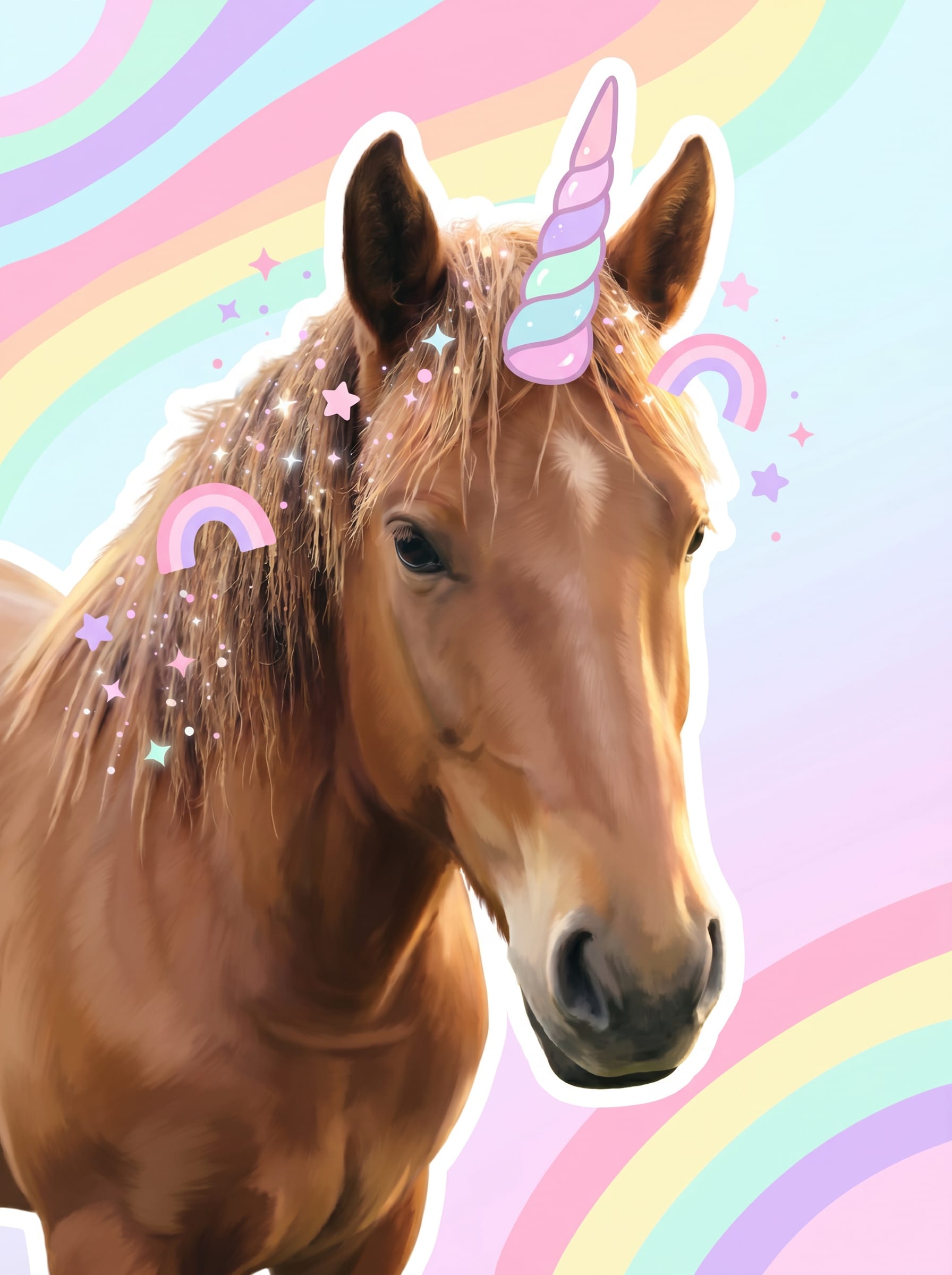
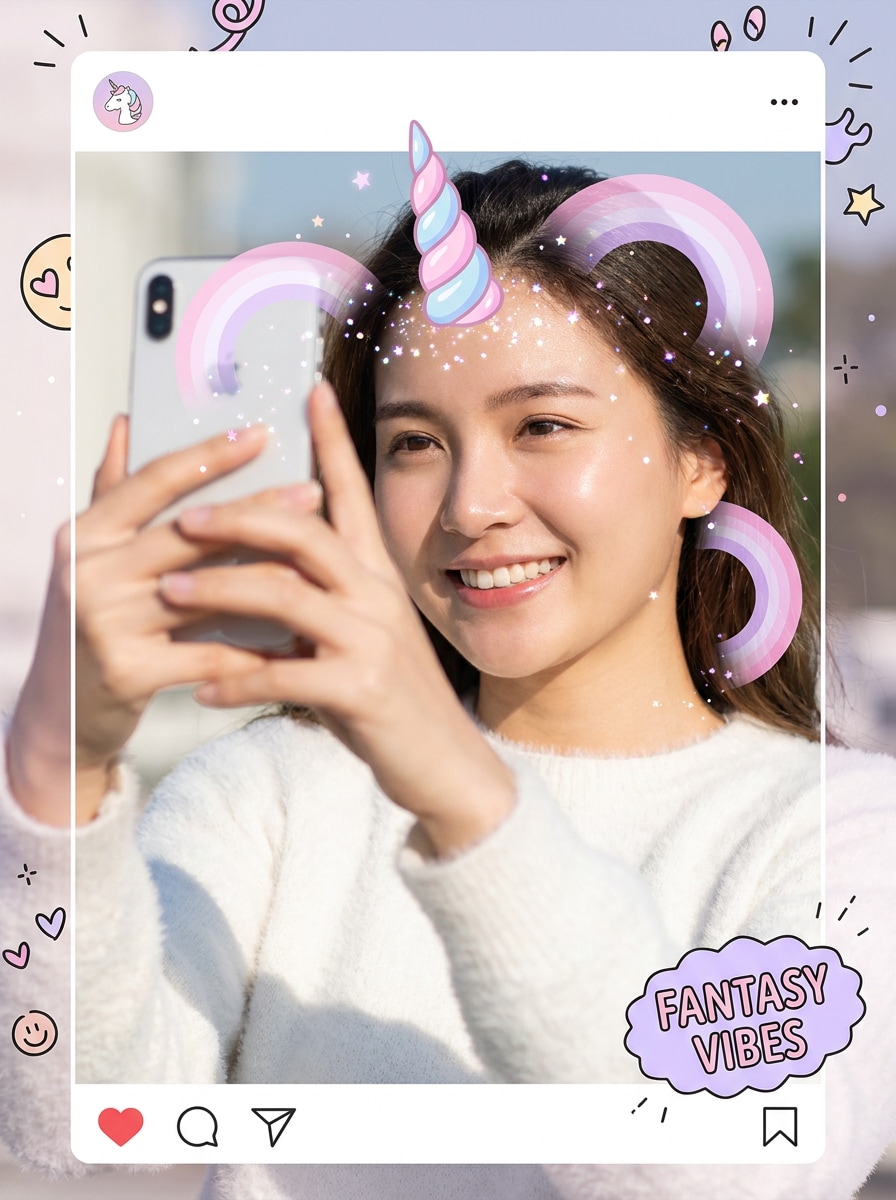
Kawaii Unicorn Sticker
Use the uploaded image as the subject and add a cute pastel unicorn horn centered on the forehead. Blend in tiny sparkles, soft stars, pink and lavender rainbow accents, bright cheerful lighting, smooth skin-friendly retouching, and a clean selfie composition with a playful sticker-style finish.
Rainbow Princess Filter
Use the uploaded portrait as the base and transform it into a dreamy rainbow unicorn princess look. Add a glossy spiral horn, glitter particles, rainbow shimmer highlights, soft blush tones, pastel color grading, subtle glow, and whimsical fantasy styling with a polished beauty-edit finish.
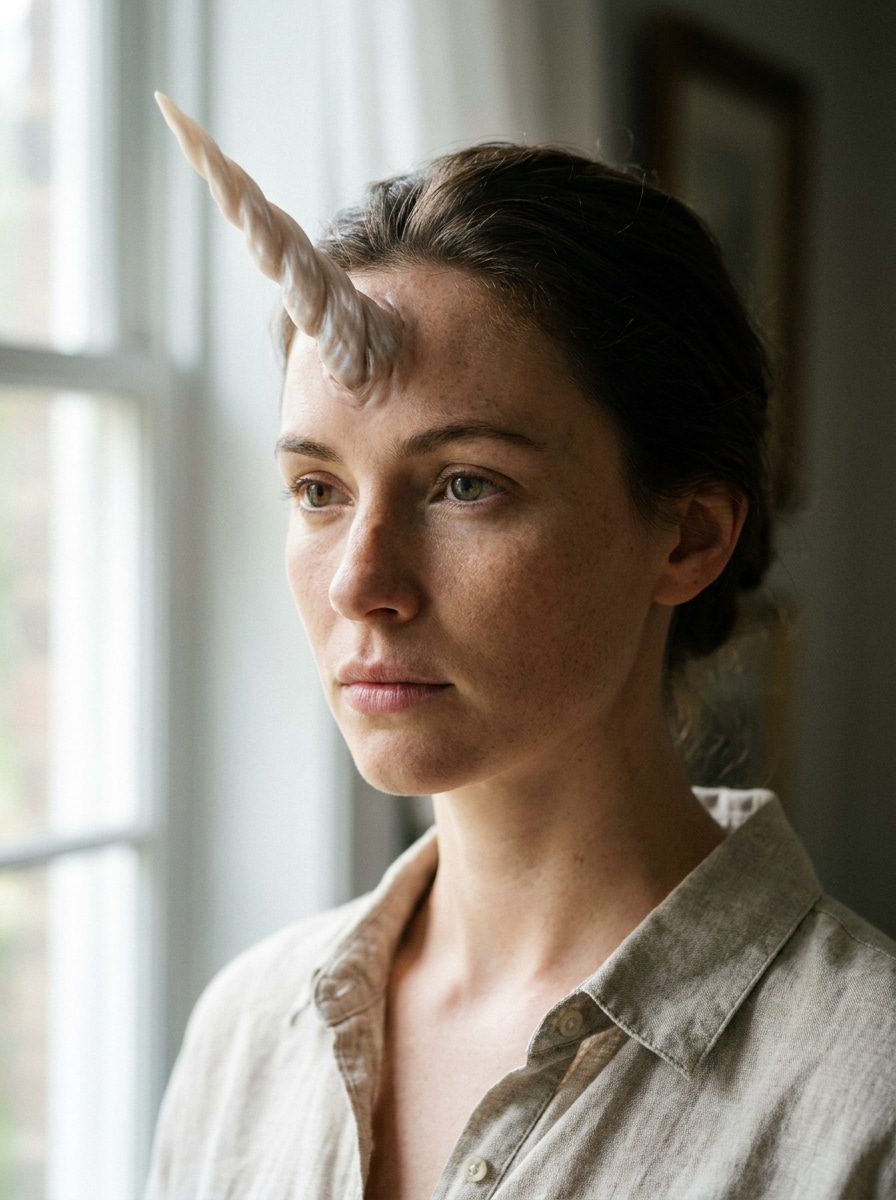
Photoreal Unicorn Horn
Use the uploaded photo as the subject and add a realistic unicorn horn that matches the face angle, skin tones, shadows, and existing lighting naturally. Keep textures believable, blend edges seamlessly, preserve facial details, and create a high-end fantasy composite with subtle magical polish.
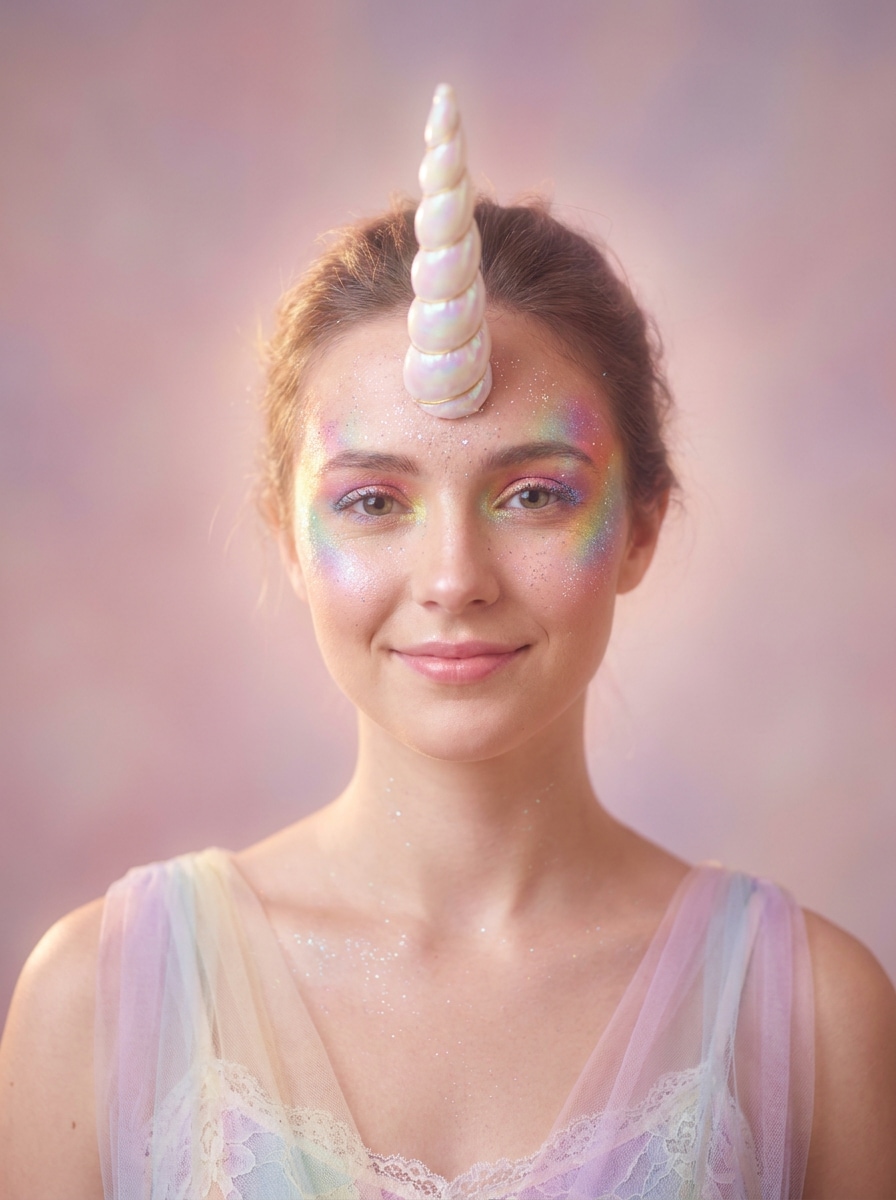
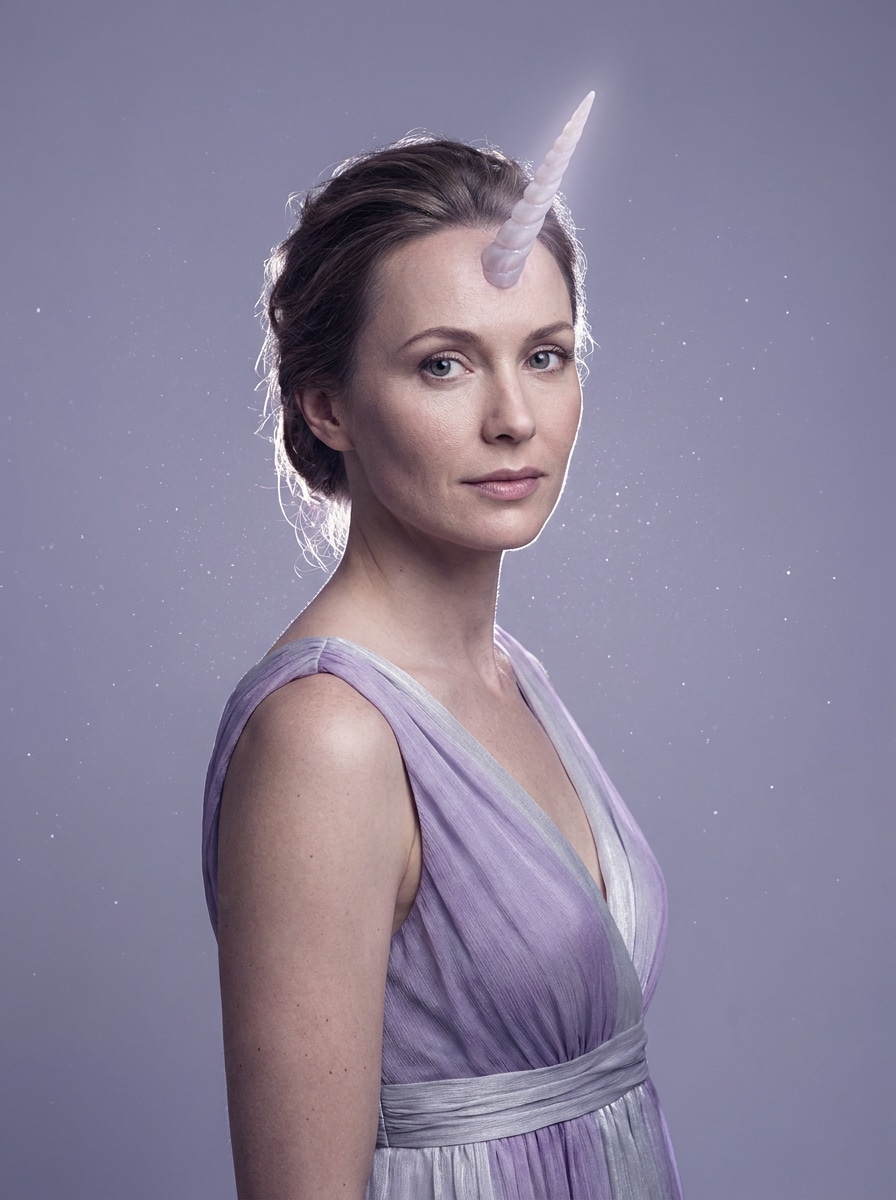
Enchanted Studio Portrait
Use the uploaded image as the subject and create an elegant fantasy portrait with a subtle pearlescent unicorn horn. Add soft rim light, floating sparkle dust, graceful lavender and silver tones, realistic skin texture, and a studio-quality finish that feels magical yet refined.
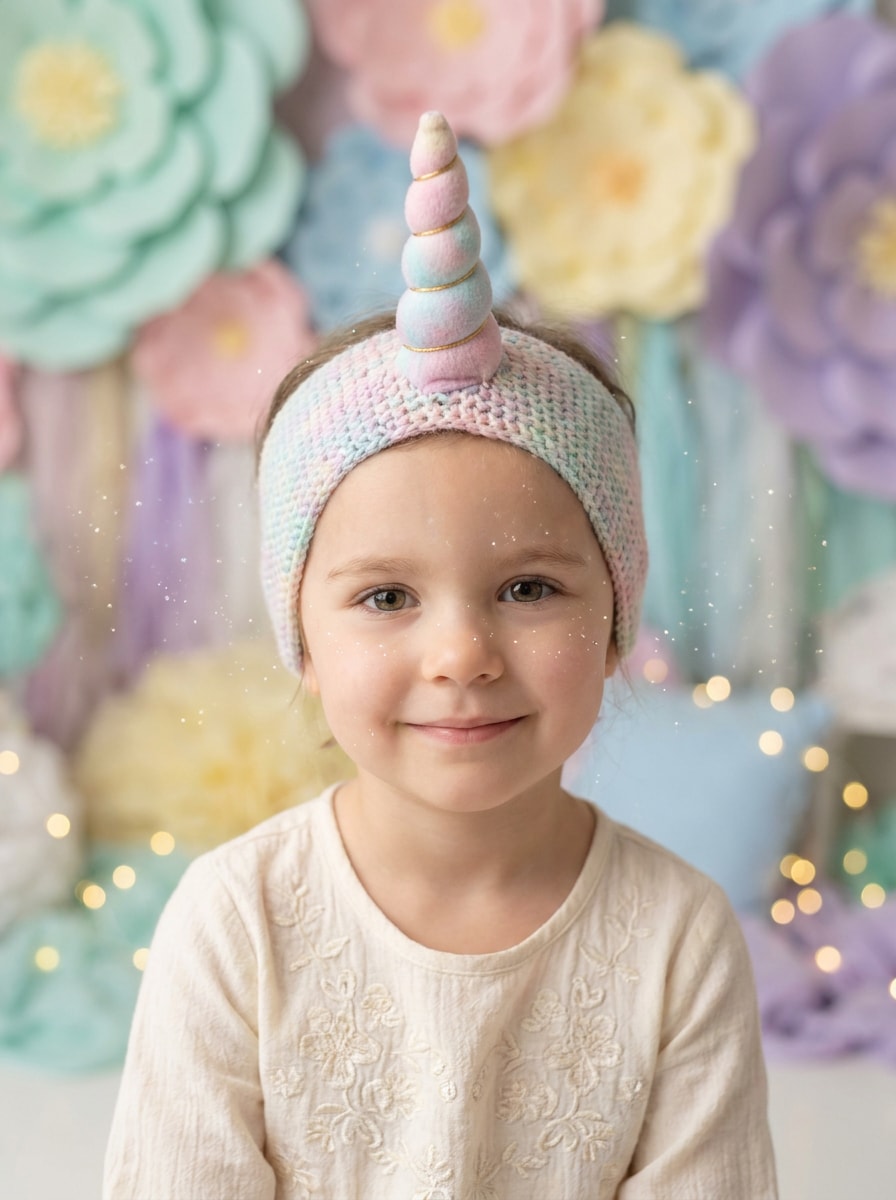
Storybook Unicorn Child Portrait
Use the uploaded child portrait as the base and add a soft unicorn horn with gentle sparkles and a cotton-candy pastel palette. Keep the expression natural, preserve facial features, add a whimsical storybook mood, and create a family-friendly fantasy edit with a delicate soft-focus background.
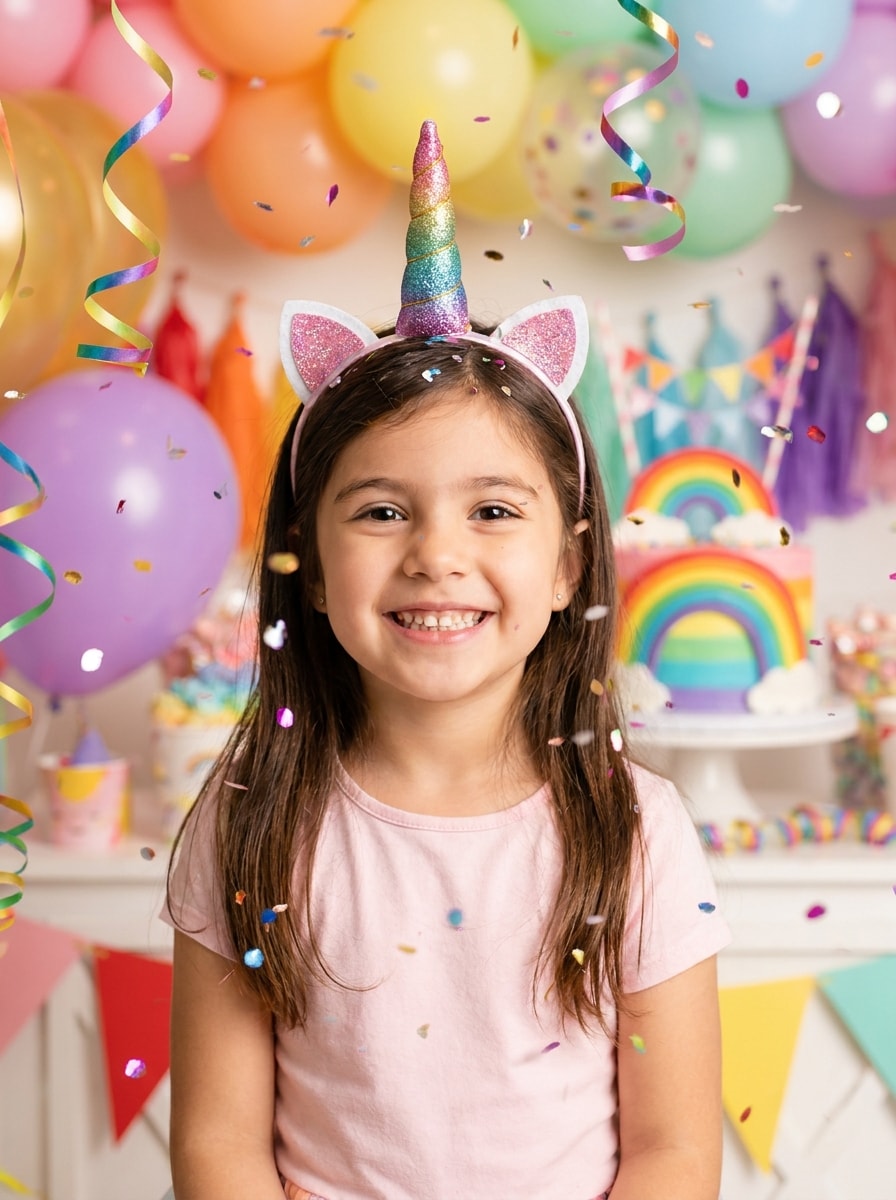
Birthday Party Unicorn Theme
Use the uploaded photo as the subject and add a festive unicorn horn with confetti sparkles, rainbow party accents, soft glow, and bright joyful color treatment. Keep the face recognizable and create a fun celebration edit perfect for invitations, party posts, or birthday keepsakes.
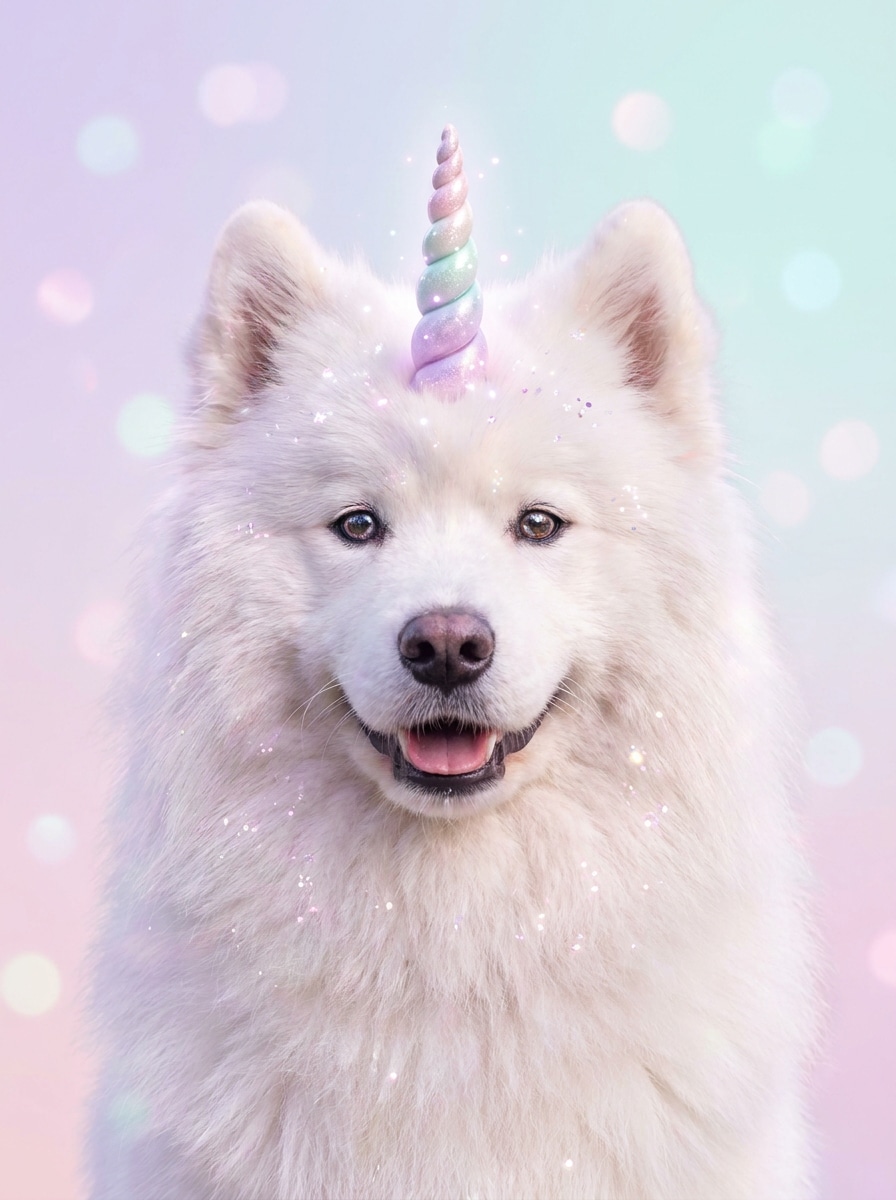
Pet Unicorn Makeover
Use the uploaded pet photo as the subject and turn it into a cute fantasy portrait with a charming unicorn horn. Preserve fur texture and natural expression, then add soft glitter, dreamy pastel tones, gentle glow, and whimsical styling for an adorable shareable result.
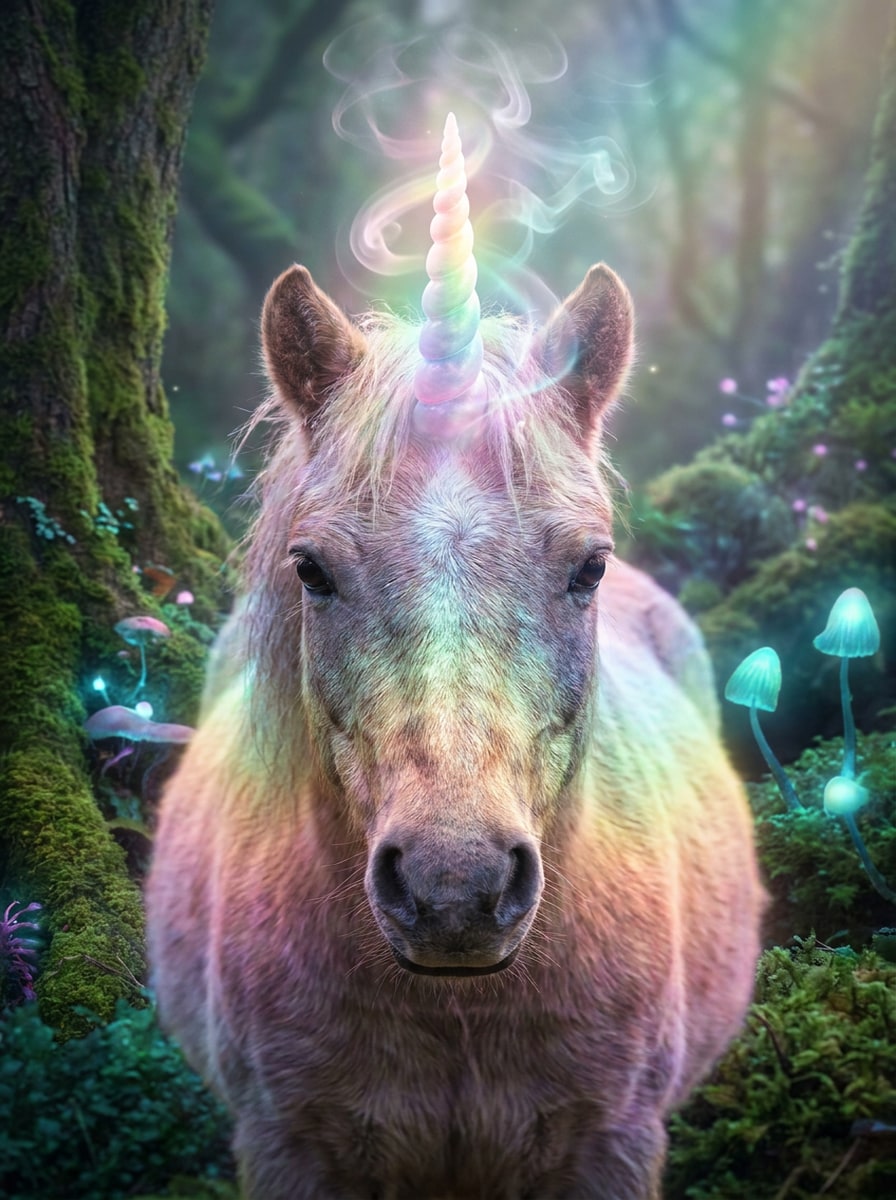
Pony Fantasy Glow
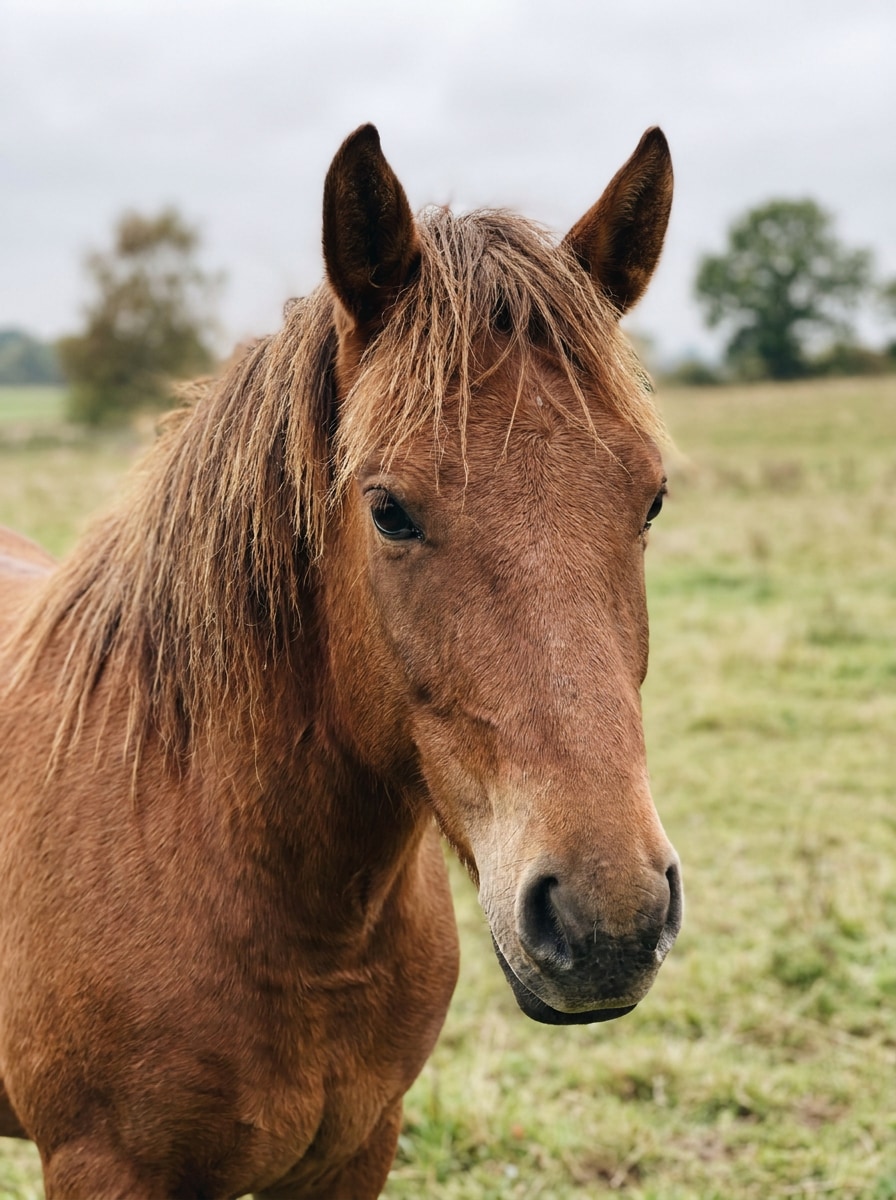
Use the uploaded animal photo as the base and create a magical portrait with a glowing spiral horn, ethereal mist, soft rainbow lighting, and a dreamy background atmosphere. Keep the animal recognizable, retain texture detail, and give the edit a polished fantasy finish.
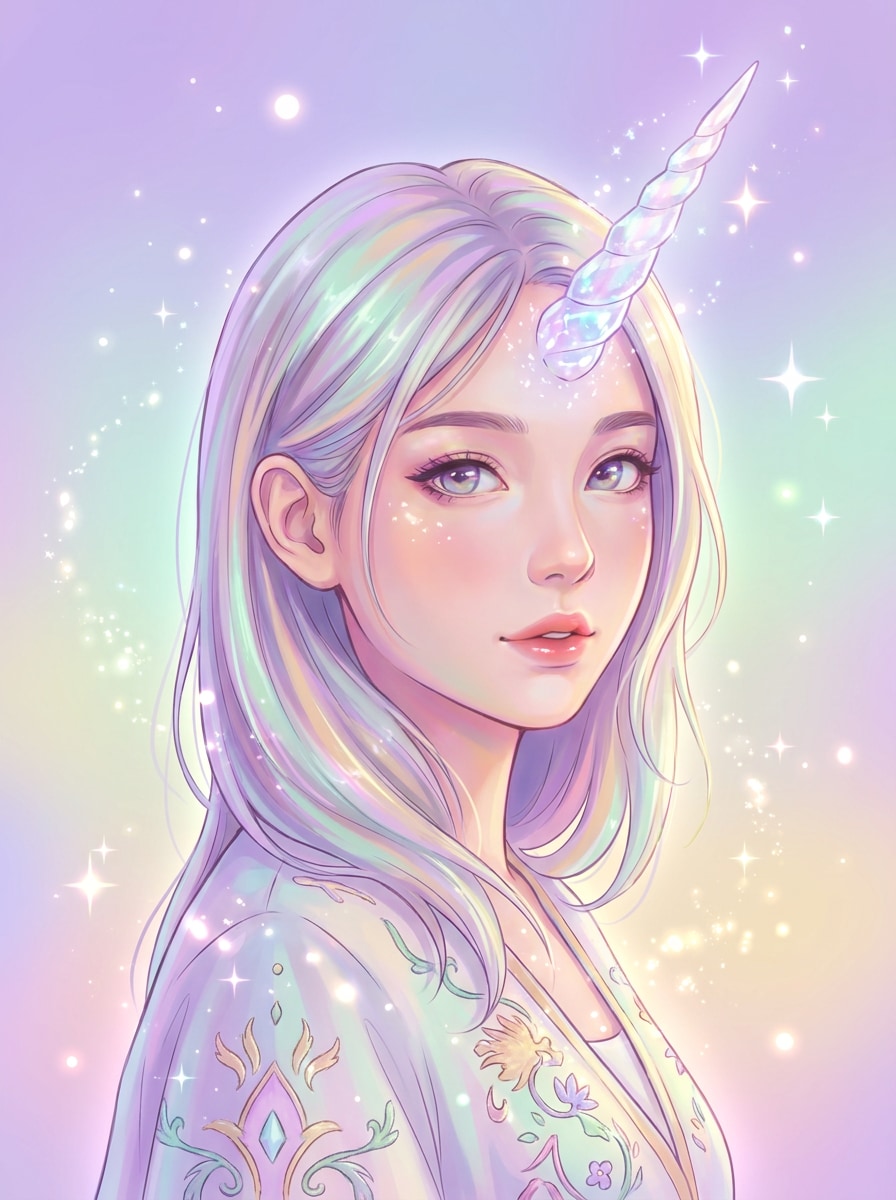
Anime Unicorn Cosplay
Use the uploaded portrait as the subject and give it an anime-inspired unicorn makeover. Add a glossy horn, pastel glow, magical sparkles, expressive color styling, and a bold fantasy mood while keeping the face recognizable and the composition ideal for a social avatar or profile image.
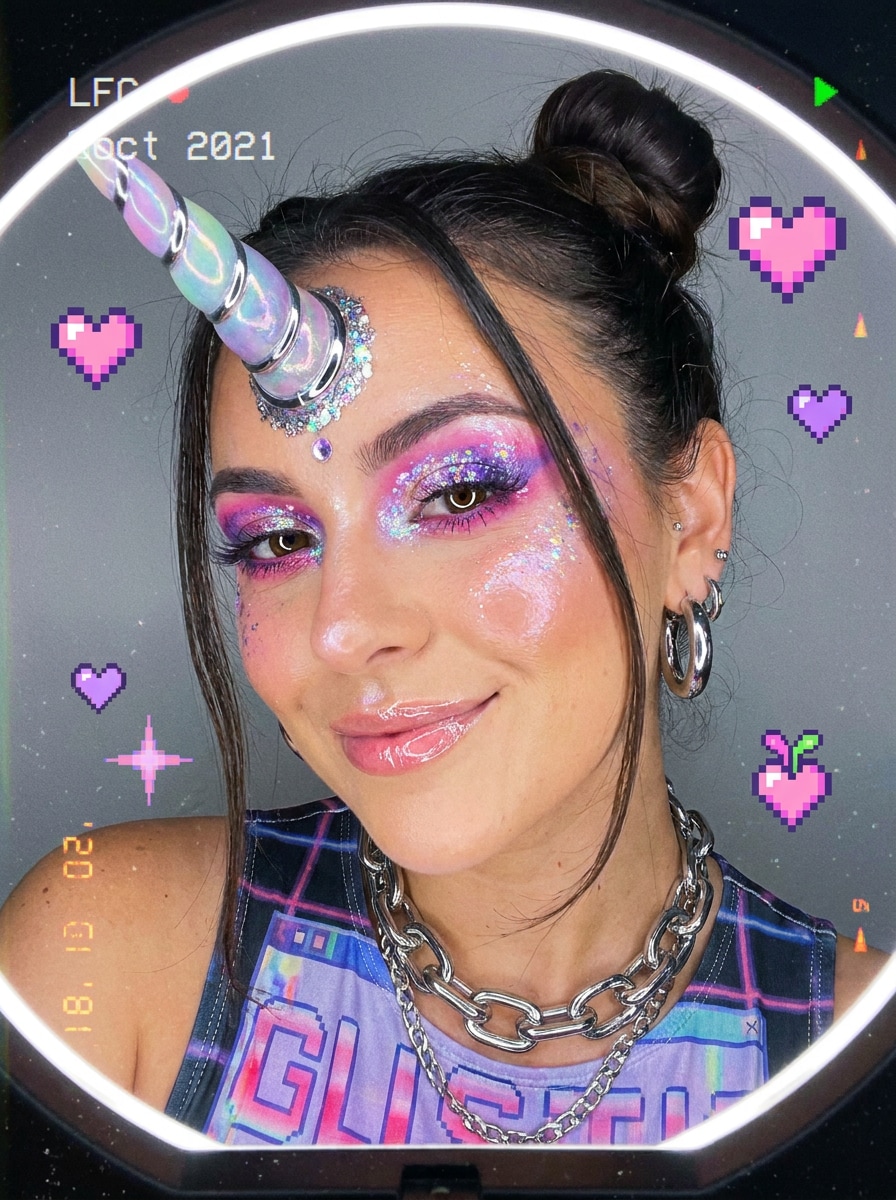
Y2K Glitter Unicorn
Use the uploaded image as the subject and add a shiny unicorn horn with chrome-glitter accents, pink-purple Y2K tones, glossy highlights, and playful retro-digital energy. Keep the edit clean and flattering, with a bright face-forward composition built for trendy social sharing.
Why Use Media.io for Unicorn Photo Edits
Fast Fantasy Makeovers for Selfies, Pets, and Kids Photos
From a playful unicorn face filter look to a polished portrait, Media.io lets you upload one image, describe the style you want, and generate magical variations quickly for social posts, party pictures, or family keepsakes.
Natural Horn Placement That Still Looks Like You
A single idea often needs more than one look. Media.io helps reinterpret the same add unicorn horn to photo across different styles so each version can better match the project brief.
Keep Final Visuals Sharp for Real Projects
When a add unicorn horn to photo is headed for real publishing use, Media.io gives you sharper output up to 4K, which helps the image stay clear across presentations, backgrounds, and reused assets.
Easy Editing on Phone or Desktop
If you want a snapchat unicorn filter or instagram unicorn filter vibe without installing another app, Media.io runs in your browser so you can edit from iPhone, Android, Mac, or Windows wherever inspiration strikes.
How to Add a Unicorn Horn to a Photo Online
Turn your words into stunning visuals in three simple steps, then continue refining the result if you want to take it further.
Step 1
Upload Your Reference Image
Upload a clear selfie, portrait, pet photo, or kids' picture in JPG, PNG, or JPEG. Front-facing images with clean lighting work best when you want to add a horn, sparkles, or other fantasy accessories naturally.
Step 2
Describe the Change and Set Options
Tell the AI what kind of unicorn edit you want, such as realistic, glittery, pastel, or social-filter inspired. Then choose your model and adjust aspect ratio, resolution, and the number of image variations to generate.
Step 3
Generate, Download, and Keep Improving
Generate your unicorn versions, compare the results, and download your favorite. If you want a different glow, horn style, or color mood, edit the prompt and create improved variations in just a few more clicks.
See how creators use this Add Unicorn Horn To Photo for content, marketing, and personal projects, then adapt each idea to fit the brief.
Turn Everyday Selfies Into Fantasy Social Posts
Create bright, face-forward edits with pastel glow, sparkles, and horn placement that feels more polished than a quick app overlay. It is a fun way to get the playful energy of a unicorn filter instagram trend while keeping your portrait stylish and recognizable.
Make Birthday, Party, and Kids Photos More Magical
Add a whimsical storybook touch to celebration shots, invitations, thank-you cards, or memory albums. A soft fantasy makeover can turn a simple portrait into a themed keepsake that feels special without needing complex manual editing.
Create Cute Pet Avatars and Profile Pictures
Give dog, pony, or cat photos an imaginative makeover for profile images, social content, or novelty prints. This makes Media.io a handy unicorn photo editor when you want charming pet portraits with clean details and share-ready polish.
What Users Say About This Unicorn Edit Tool
Alyssa M.
Lifestyle Creator
"Way better than basic sticker apps" I wanted something cuter than a normal unicorn sticker but more realistic than a filter. Media.io blended the horn into my selfie surprisingly well, and the sparkles looked polished enough for Instagram.
Jordan P.
Pet Content Owner
"My dog photo turned out adorable" I uploaded a front-facing photo of my dog and got several magical versions in minutes. The fur texture stayed clear, and the unicorn horn effect looked playful without covering my pet's expression.
Sofia R.
Parent & Party Planner
"Perfect for birthday photos" I used it to make a unicorn-themed birthday portrait for my daughter. The result looked bright, sweet, and family-friendly, and it was much faster than trying to layer decorations by hand in a photo app.
Megan T.
Mobile Creator
"Easy on iPhone, no extra app needed" I liked that I could do the whole edit in my browser on iPhone. It gave me that fun social-filter vibe, but with more control over the final image size and style.
1. How can I add a unicorn horn to a photo online?
Upload your image to Media.io, enter a prompt describing the unicorn style you want, and generate the edited result. Because it is an image-to-image workflow, the AI uses your original photo as a reference so the horn, sparkles, and fantasy details can follow the subject more naturally.
2. Can I turn a selfie into a realistic unicorn edit with AI?
Media.io can turn a selfie into a more realistic fantasy portrait by using your uploaded image as the base and applying AI-guided edits that better match facial angle, lighting, and composition. For the most natural result, start with a clear front-facing photo and describe details like subtle horn shape, glow, and color mood.
3. Is there a free tool to add a unicorn horn to pictures?
Free users can try Media.io with free credits, which is helpful if you want to test an add unicorn horn to photo workflow before subscribing. Depending on your plan, exports may include a watermark, while paid plans unlock watermark-free high-resolution downloads. You can compare options on the pricing page. Free users can use free credits. For more usage, users can subscribe to a plan on the pricing page. Upgrade to a paid plan on the pricing page for more credits and watermark-free high-resolution downloads.
4. How do I add accessories or special effects to a photo on iPhone?
Open Media.io in your iPhone browser, upload your photo, and describe the accessory or effect you want to add, such as a horn, glitter, rainbow glow, or fantasy styling. Since the tool is web-based, you do not need a separate app to create edits with a playful unicorn filter or unicorn filter instagram feel.
5. Will the edited image keep its original quality and resolution?
Media.io supports multiple output settings, including 1K, 2K, and 4K resolution options, so you can generate sharper results for sharing or printing. The final quality depends on your source image and chosen settings, but the tool is built to preserve visual detail while applying the unicorn effect. Free users may have watermarks.
6. Can I add a unicorn horn to pet photos or kids' pictures?
Media.io works with selfies, portraits, pet photos, and kids' pictures, so you can create playful family-friendly fantasy edits from many types of images. Upload a clear photo, keep the prompt simple and specific, and the AI can generate cute variations for pets, birthday shots, or storybook-style portraits.
Beyond AI-Powered Online Add Unicorn Horn To Photo