Click or drag to upload, or choose from My HistoryClick To UploadMy History
No ideas? Generate an image first >
Upload jpg, jpeg, png images up to 50 MB, with a minimum width/height of 300 px.
Lofi Dusk Filter: Give an Outdoor Photo a Faded Evening Mood
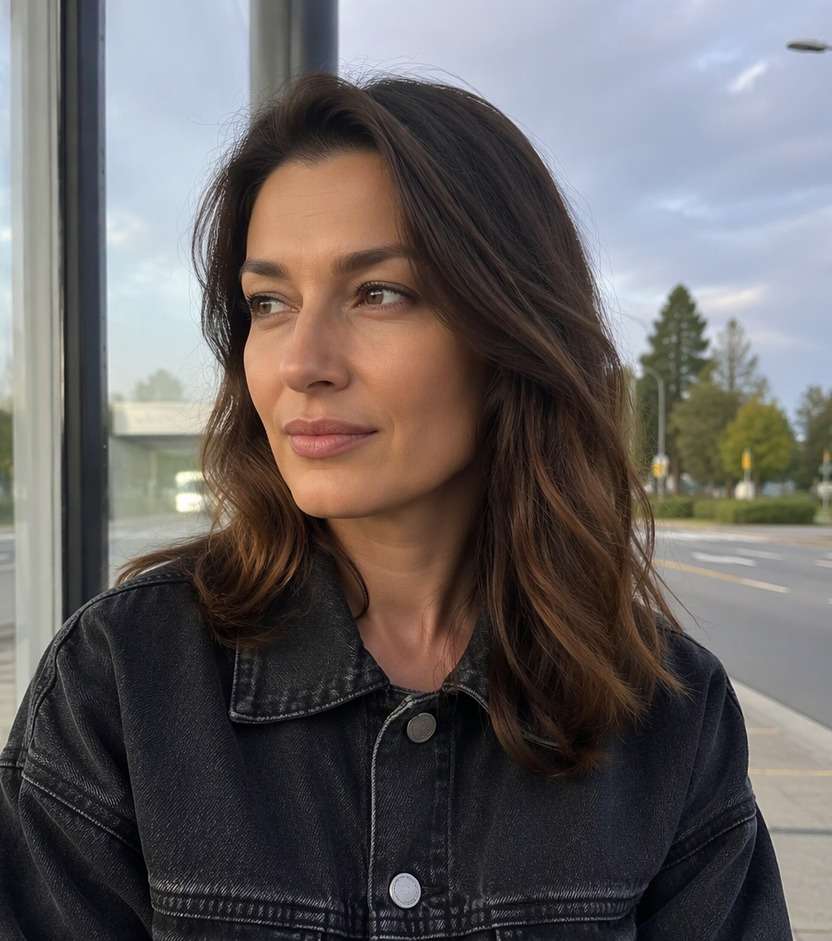
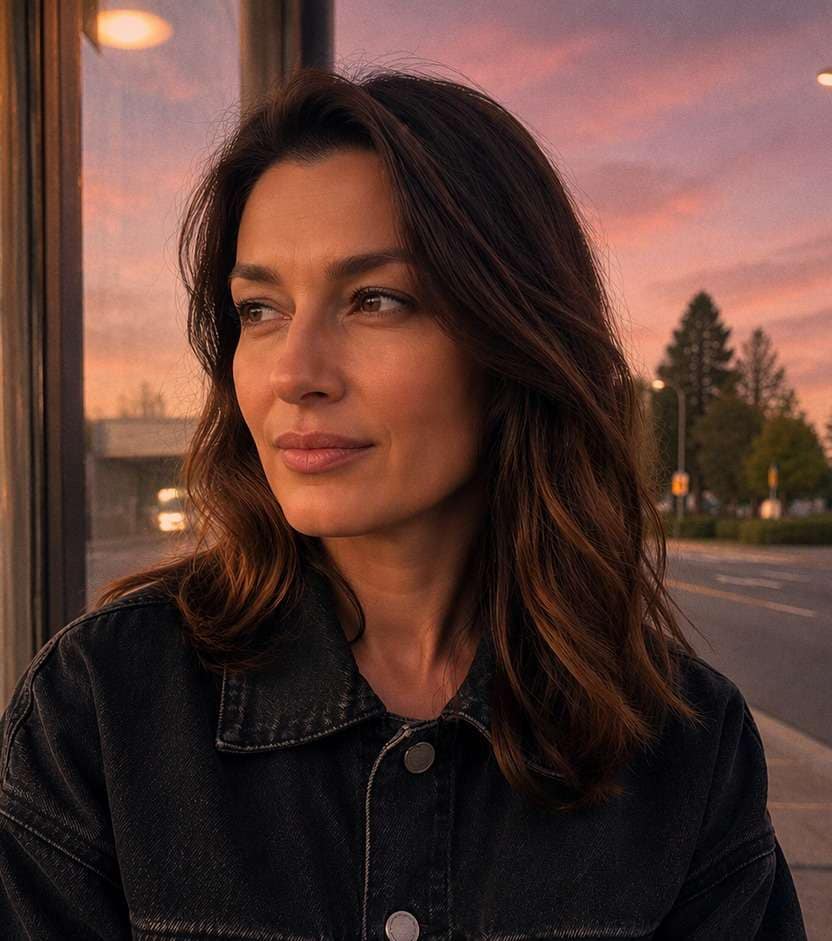
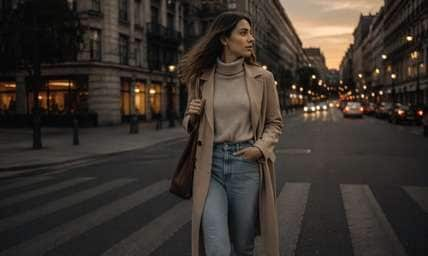
The street portrait has a great pose, but the light still looks like an ordinary afternoon. A lofi dusk filter can give it a peach-to-lavender horizon, faded midtones and the gentle haze of a late-evening memory. Keep the same jacket, storefronts and people; experiment with color and film-like texture instead of turning the entire picture blue or black. It works especially well for city walks, outfit posts and mellow music-cover images.
Start with an outdoor photo that shows a little sky or a street horizon; ask for faded peach light instead of blacked-out shadows.
Lofi Dusk Photo Prompts for Street, Rooftop and Outfit Shots
Pick the atmosphere already suggested by your image. A bus stop benefits from cooler lavender shade, while a rooftop can use peach light on the horizon; neither needs a fake new skyline.
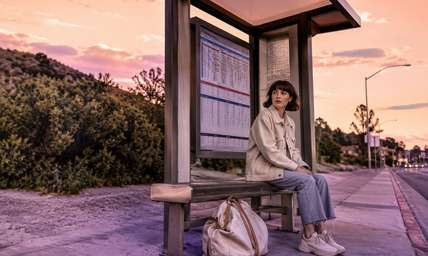
Bus Stop at Blue-Peach Dusk
Edit my uploaded reference photo: Keep the bus timetable legible; paint peach sky behind the shelter and muted lavender into the concrete shadows while the traveler stays naturally lit. Keep the original person, identity, expression, hairstyle, clothes, scene geometry and camera angle unless the named era style specifically calls for clothing or setting changes. Maintain realistic physical proportions and credible photographic detail. Do not add captions, logos, extra people, collages or unrelated props.
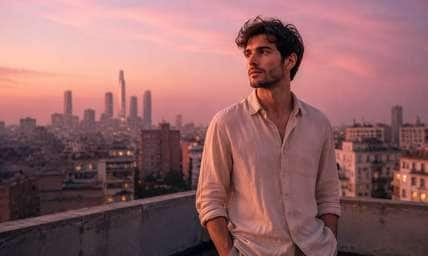
Rooftop Vinyl Mood
Edit my uploaded reference photo: Turn a hazy city rooftop into a dusty-pink dusk, with soft warm light on a linen shirt and distant buildings left in the same positions. Keep the original person, identity, expression, hairstyle, clothes, scene geometry and camera angle unless the named era style specifically calls for clothing or setting changes. Maintain realistic physical proportions and credible photographic detail. Do not add captions, logos, extra people, collages or unrelated props.
Corner Store Afterglow
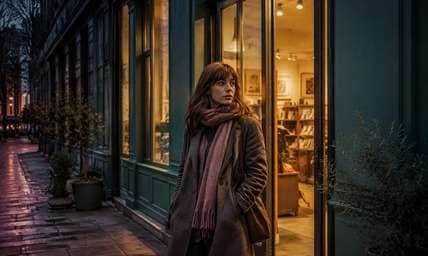
Edit my uploaded reference photo: Let the shop's existing doorway glow warm against mauve pavement and muted teal signage; add only slight sensor-like texture. Keep the original person, identity, expression, hairstyle, clothes, scene geometry and camera angle unless the named era style specifically calls for clothing or setting changes. Maintain realistic physical proportions and credible photographic detail. Do not add captions, logos, extra people, collages or unrelated props.
Skatepark Cloud Fade
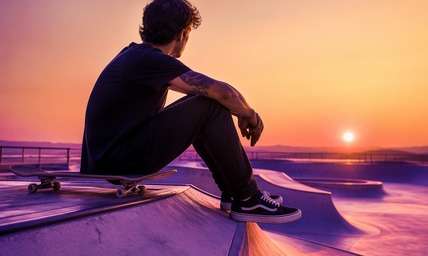
Edit my uploaded reference photo: Give an open skatepark a apricot horizon and violet-shadowed ramps; keep the board and sneakers clear, with no new tricks or people. Keep the original person, identity, expression, hairstyle, clothes, scene geometry and camera angle unless the named era style specifically calls for clothing or setting changes. Maintain realistic physical proportions and credible photographic detail. Do not add captions, logos, extra people, collages or unrelated props.
Apartment Balcony Quiet
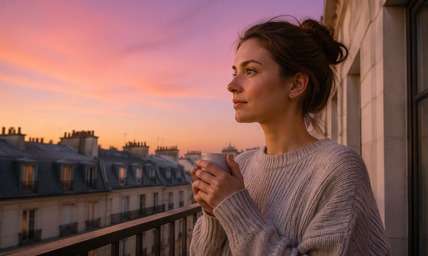
Edit my uploaded reference photo: Add a peach-lilac gradient to the visible sky and faint warmth on the subject's cheek, leaving the balcony rail and neighboring windows unchanged. Keep the original person, identity, expression, hairstyle, clothes, scene geometry and camera angle unless the named era style specifically calls for clothing or setting changes. Maintain realistic physical proportions and credible photographic detail. Do not add captions, logos, extra people, collages or unrelated props.
Light-Rain Walk Home
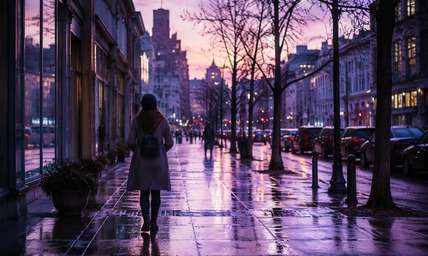
Edit my uploaded reference photo: Shift wet sidewalks toward lavender reflected light, with gentle sunset residue in the upper sky and no invented headlights. Keep the original person, identity, expression, hairstyle, clothes, scene geometry and camera angle unless the named era style specifically calls for clothing or setting changes. Maintain realistic physical proportions and credible photographic detail. Do not add captions, logos, extra people, collages or unrelated props.
Crosswalk Album Cover
Edit my uploaded reference photo: Reduce saturation of the road markings, warm the far horizon and keep the pedestrian sharply readable under a film-like dusk grade. Keep the original person, identity, expression, hairstyle, clothes, scene geometry and camera angle unless the named era style specifically calls for clothing or setting changes. Maintain realistic physical proportions and credible photographic detail. Do not add captions, logos, extra people, collages or unrelated props.
Cafe Terrace Evening
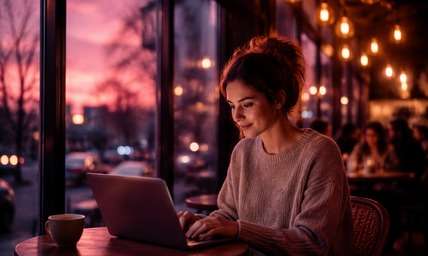
Edit my uploaded reference photo: Preserve existing amber cafe bulbs and soften the surrounding daylight into pink-violet evening ambience with believable direction. Keep the original person, identity, expression, hairstyle, clothes, scene geometry and camera angle unless the named era style specifically calls for clothing or setting changes. Maintain realistic physical proportions and credible photographic detail. Do not add captions, logos, extra people, collages or unrelated props.
Parking Garage Pastels
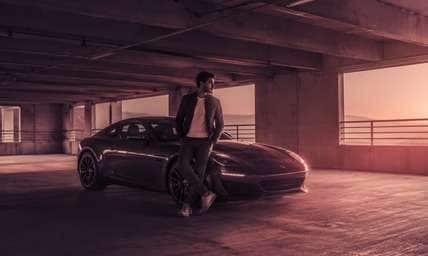
Edit my uploaded reference photo: Keep concrete structure and car shapes intact; introduce dusty mauve shade and a narrow peach exit glow without losing subject detail. Keep the original person, identity, expression, hairstyle, clothes, scene geometry and camera angle unless the named era style specifically calls for clothing or setting changes. Maintain realistic physical proportions and credible photographic detail. Do not add captions, logos, extra people, collages or unrelated props.
Quiet Suburban Twilight
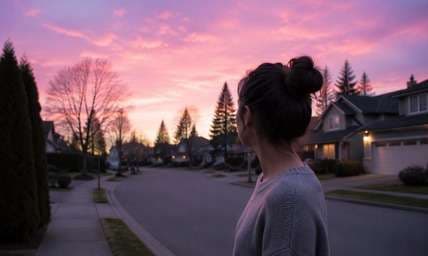
Edit my uploaded reference photo: Restyle the sky above houses as pale pink and lavender, keep tree silhouettes natural, and add fine grain only in the midtones. Keep the original person, identity, expression, hairstyle, clothes, scene geometry and camera angle unless the named era style specifically calls for clothing or setting changes. Maintain realistic physical proportions and credible photographic detail. Do not add captions, logos, extra people, collages or unrelated props.
Make Dusk Feel Like a Memory, Not a Dark Overlay
Peach Above, Lavender Below
A lofi dusk edit often keeps a warm peach glow near the horizon while street-level shadows turn dusty violet. This separation creates a recognizable twilight feeling; one uniform purple tint loses the depth that makes outdoor pictures appealing.
Grain That Supports the Scene
Small, fine texture can make a digital photo feel like a relaxed analog snapshot. Keep skin and outfit seams legible; heavy VHS scratches or giant light leaks can distract from the photograph you actually wanted to share.
Soft Light with a Visible Subject
If your subject wears black or navy, ask for mild edge light rather than lowering exposure everywhere. A readable profile and visible fabric make the moody treatment usable for an outfit carousel, not just a silhouette.
An Evening Mood without Invented Scenery
The strongest edits keep the actual staircase, bus stop or cafe terrace. Ask the tool to adjust light and color in place; replacing the entire background makes an ordinary city memory feel unrelated to the original.
How to Add a Lofi Dusk Filter to a Photo Online
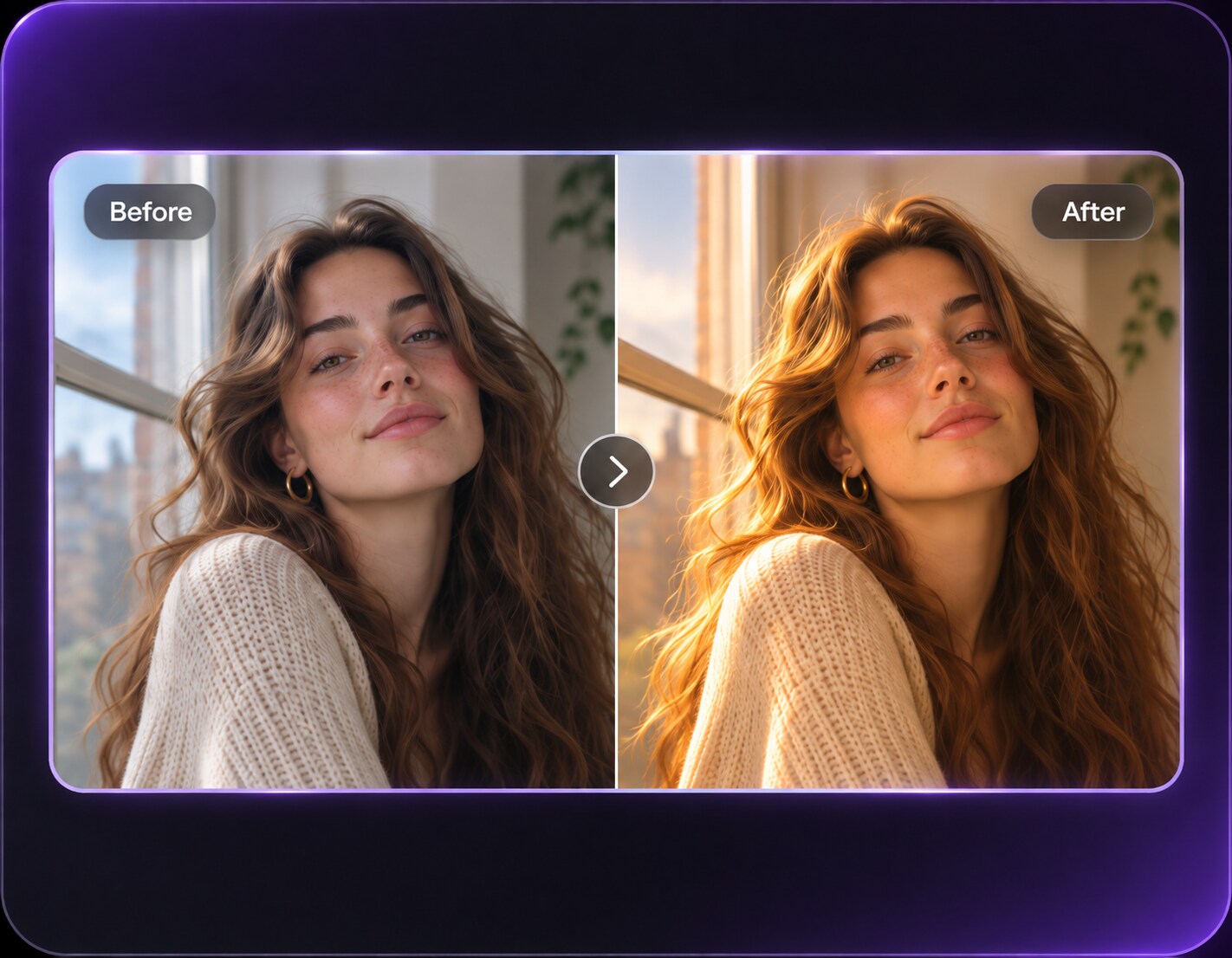
Turn a daylight street portrait into a faded dusk scene in Media.io AI Face Editor by describing the sky gradient, shadow color and amount of texture. No dedicated one-tap Lofi Dusk preset is assumed.
Step 1
Upload a Street or Rooftop Photo
Open Media.io AI Face Editor and upload a clear portrait with visible background context. Include a street corner, rooftop or park path so the transition into dusk has somewhere to appear.
Step 2
Describe Peach Skies and Lavender Shade
Enter a prompt for soft peach sunset color, dusty lavender shadows, restrained fine grain and a mellow lofi finish. Keep the same expression, outfit, camera angle and recognizable location.
Step 3
Generate and Check Shadow Detail
Click Generate, then review the face and clothing against the original. If the shadows become muddy, request a gentler dusk grade and slightly brighter midtones.
Choose this look when you want nostalgic evening color, not a technically accurate night photograph. The right amount of warmth depends on the location.
After-Class Street Portraits
A photo taken outside a corner shop at 4 PM can pick up peach horizon light and lavender pavement shadows. It gives the casual outfit a more reflective mood while keeping store signs and street geometry intact.
Rooftop Music-Cover Images
A terrace, distant skyline and relaxed pose already suggest a quiet playlist mood. A low-contrast peach sky with gentle grain makes the shot feel like an album cover without adding artificial neon objects.
Skatepark and Neighborhood Posts
Concrete, fences and a wide evening sky can carry a subtle magenta haze. Keep sneakers and board details readable; the setting should still tell your story when the filter is removed.
Lofi Dusk Edit Review Checklist
Horizon Gradient
Photo preview checklist
"Does peach fade into lavender instead of filling every object?" Check the horizon separately from the subject's skin; equal tint everywhere feels synthetic.
Shadow Readability
Photo preview checklist
"Can you still recognize the jacket and face?" Raise midtones in your next prompt if dark clothing becomes a black patch.
Texture Scale
Photo preview checklist
"Is the grain subtle at normal phone size?" A little texture suggests memory; large compression artifacts merely look damaged.
Place Continuity
Photo preview checklist
"Are street signs, doors and railings still where they were?" Background continuity keeps the edit connected to the uploaded memory.
1. What makes Lofi Dusk different from a blue hour filter?
Lofi Dusk leans into faded peach, pink and lavender nostalgia with mild grain. Blue hour usually emphasizes cooler, more believable post-sunset ambient light and warm practical lamps.
2. Will the filter add a new sunset to an indoor selfie?
It can request colored window light, but a strong outdoor dusk sky may look out of place indoors. For a believable room portrait, ask for lavender window fill and warm lamp highlights instead.
3. Can I keep the original background of my street photo?
Yes, ask specifically to retain the street, storefronts, people, camera perspective and crop. Review the generated image because detailed signage can still shift.
4. How do I keep a dark outfit visible?
Mention readable black fabric, lifted shadow detail and a narrow edge highlight on the person. Avoid instructions that make the whole photo nearly black.
5. Does a lofi dusk edit need heavy film scratches?
No. The effect is primarily atmospheric color. Gentle grain can help, but scratches and VHS defects are optional, not defining features.
6. Which photos make the strongest lofi dusk posts?
Outdoor portraits with some sky, street depth or practical lights are easiest to grade convincingly. Clear silhouettes and ordinary everyday settings support the nostalgic mood.