Mosaic Crochet Pattern Generator for Fast, Readable Chart Concepts
Create crochet-inspired chart visuals, swatch mockups, and pattern concepts with this mosaic crochet pattern generator. Use text prompts to explore silhouettes, borders, florals, and printable-style layouts fast, or try a free mosaic crochet pattern generator workflow with free credits in Media.io.
Review these example directions, then tailor the prompt details to get stronger results with this Mosaic Crochet Pattern Generator.
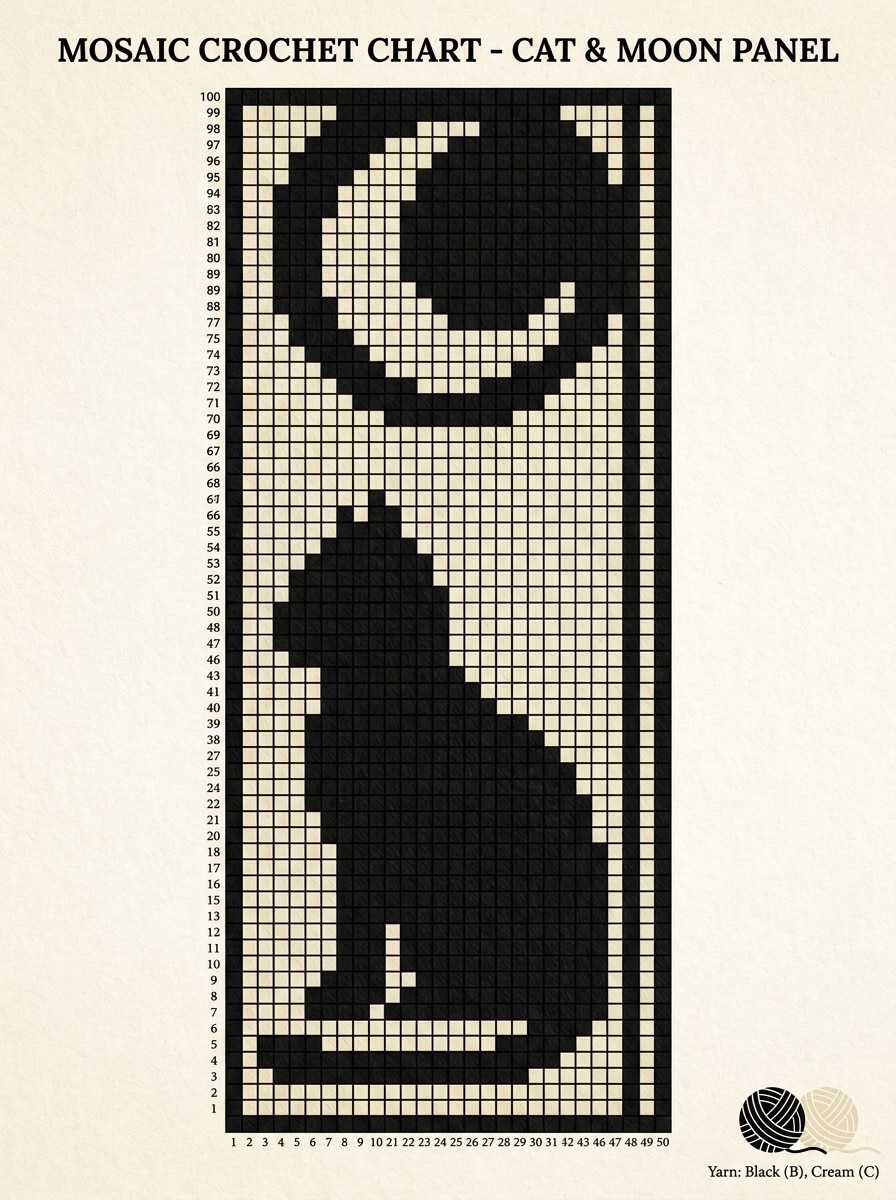
Cat Silhouette Blanket Panel
Create a clean mosaic crochet chart concept for a sitting cat silhouette with a crescent moon above, centered vertical blanket panel composition, high-contrast black and cream palette, readable square grid, clear row markers, subtle yarn texture preview, cozy handmade mood, printable craft layout, crisp edges, balanced negative space, high detail.
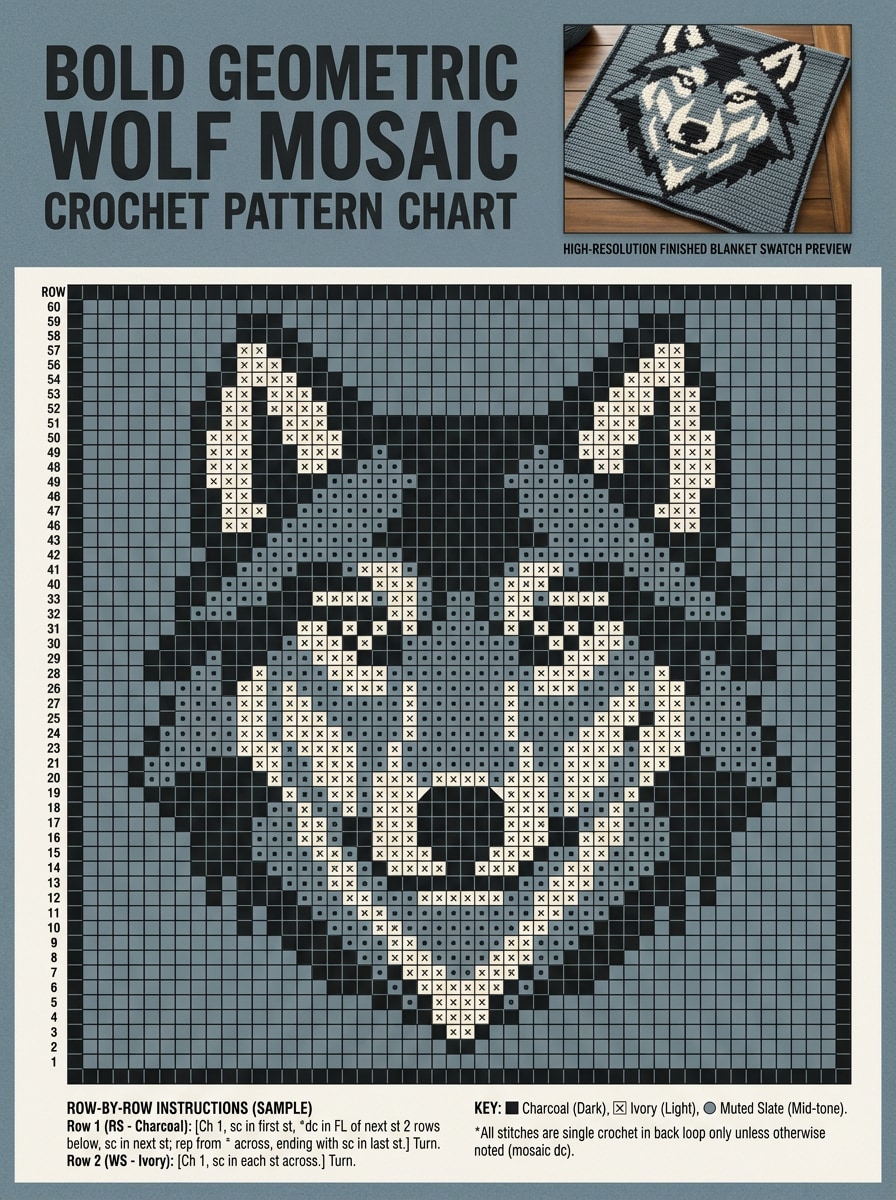
Wolf Portrait Geometric Panel
Generate a bold mosaic crochet pattern chart featuring a stylized wolf portrait built from angular geometric shapes, poster-like symmetry, charcoal, ivory, and muted slate palette, sharp contrast, easy-to-read stitch grid, row-by-row chart structure, finished blanket swatch preview, dramatic but polished craft presentation, high-resolution detail.
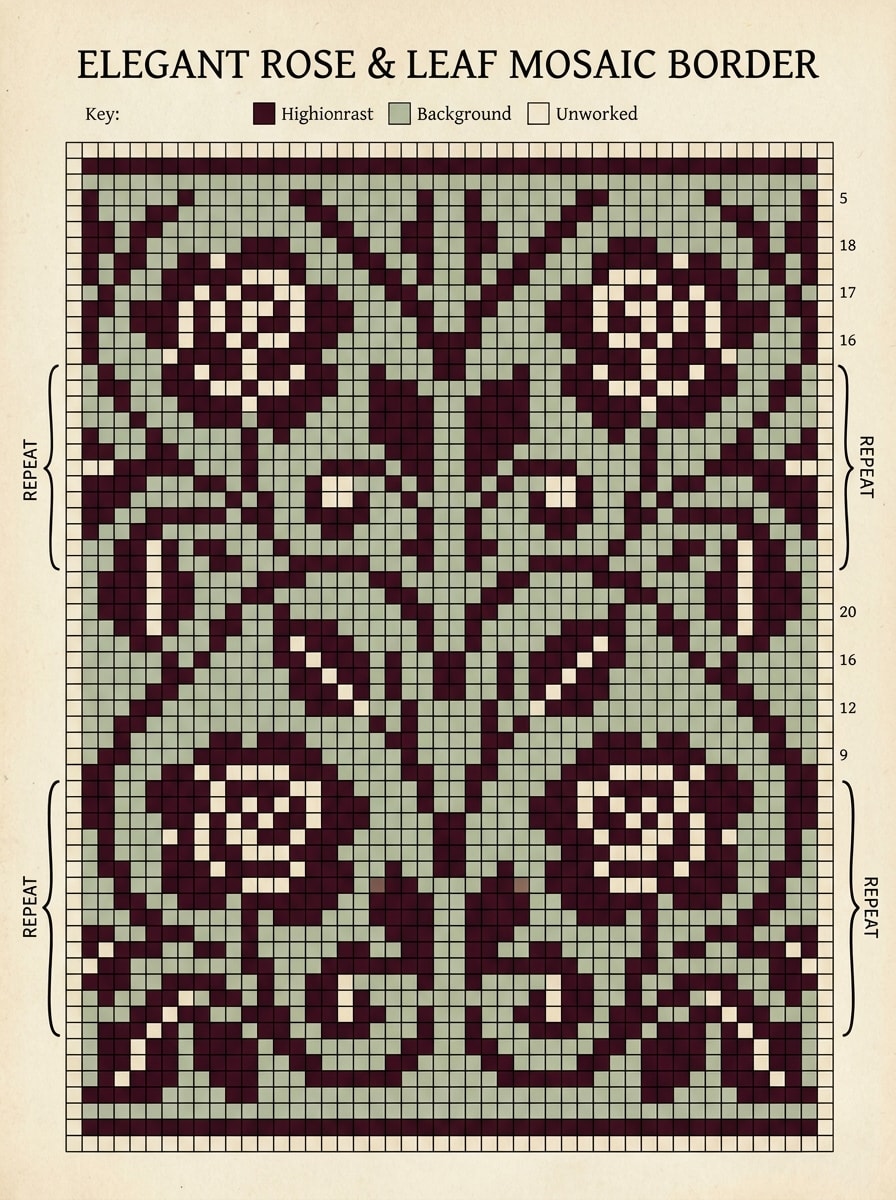
Rose Border Mosaic
Design a repeatable mosaic crochet border chart with roses and leaves, elegant symmetrical edging layout for a blanket, limited burgundy, sage, and cream palette translated into high-contrast chart blocks, neat row guides, printable pattern styling, refined botanical curves, soft handcrafted mood, clean margins, crisp chart readability.
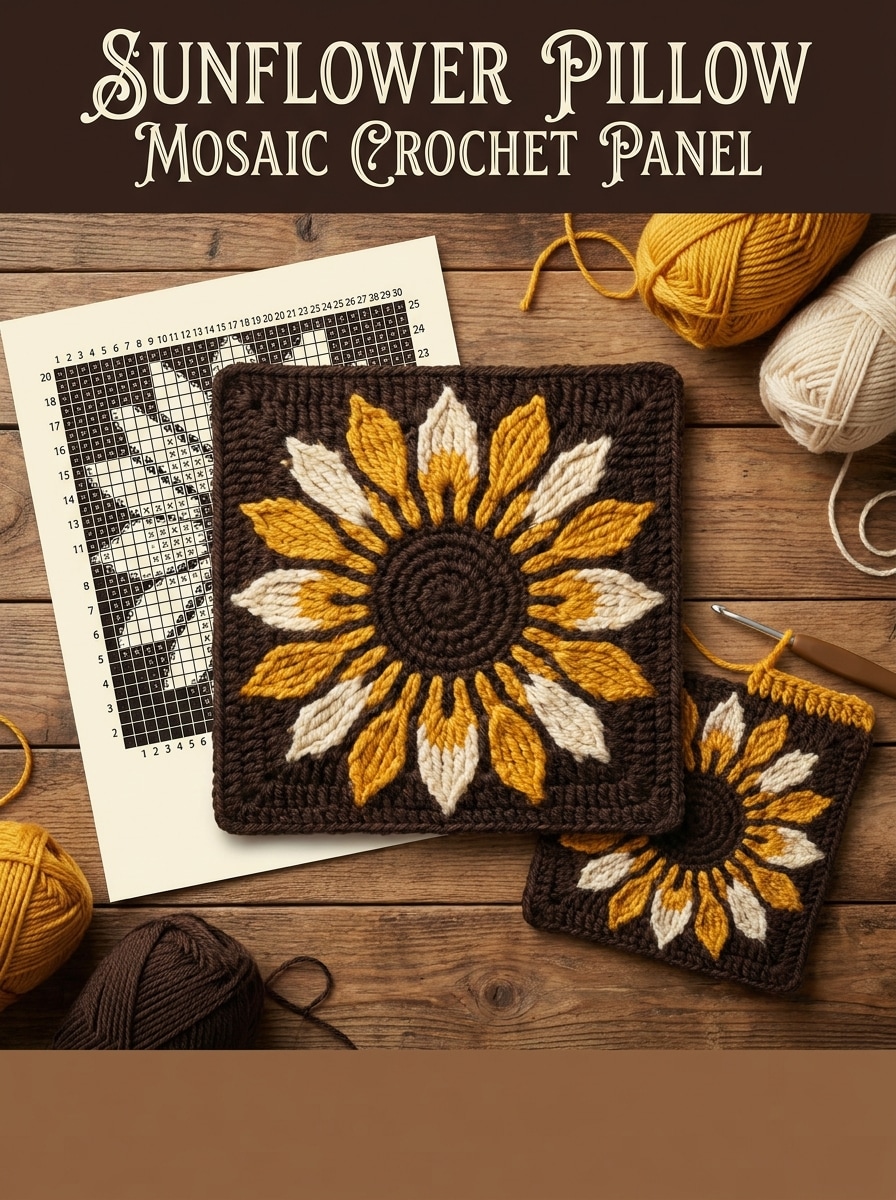
Sunflower Pillow Panel
Create a mosaic crochet panel concept for a sunflower pillow cover, single large sunflower centered in a square composition, bold petal shapes, dark background with golden yellow and cream contrast, readable grid chart, sample swatch beside chart, warm rustic mood, visible yarn-like texture, organized row structure, polished printable layout.
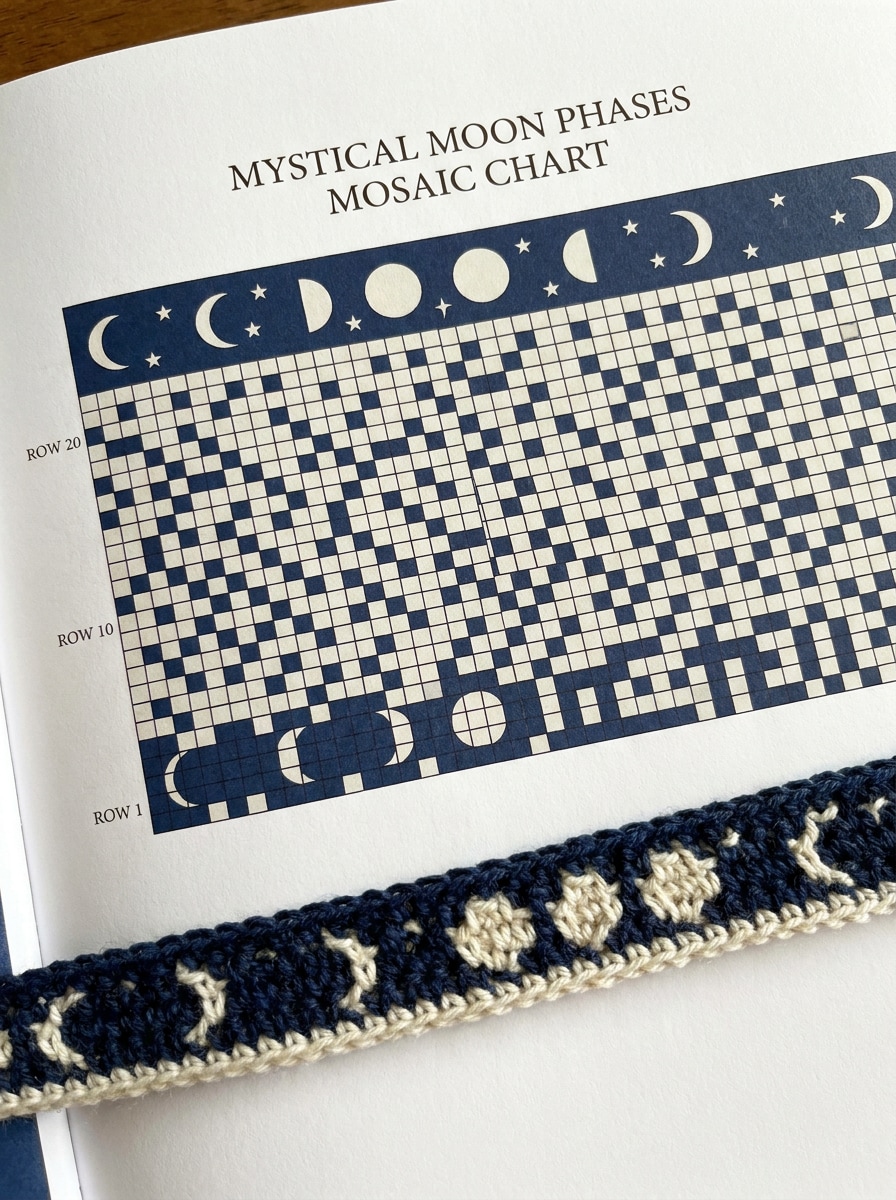
Moon Phases Tapestry
Generate a horizontal mosaic crochet chart featuring moon phases and scattered stars, tapestry-style layout with evenly spaced celestial icons, deep navy and ivory high-contrast palette, clean square grid, precise row markers, subtle finished crochet sample strip, mystical but minimalist mood, printable chart presentation, crisp spacing, premium craft-book quality.
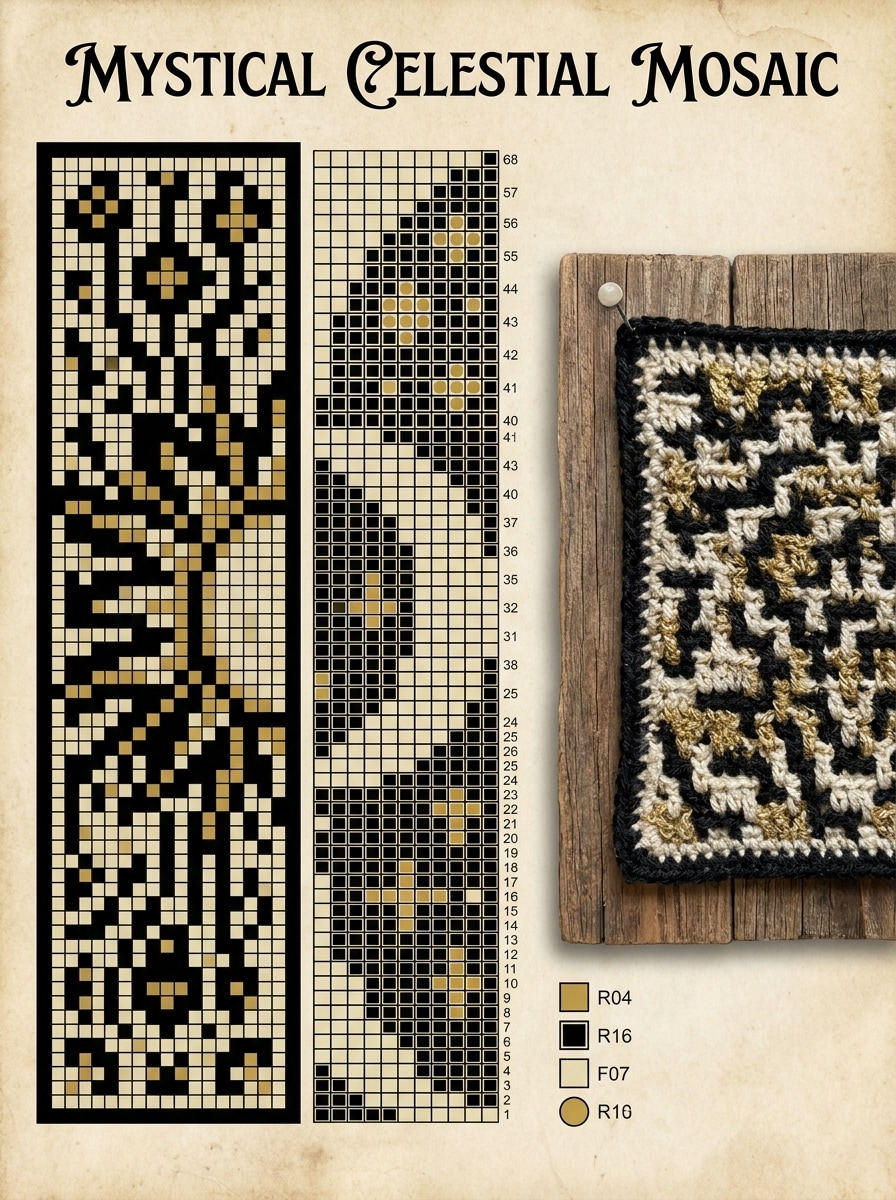
Sun and Moon Panel
Design a dramatic mosaic crochet pattern with a split sun and moon composition, symmetrical vertical panel, limited gold, black, and cream tones simplified into crochet-friendly blocks, strong contrast, readable chart grid, row-count feel, realistic swatch preview, mystical artisan mood, sharp line work, clean printable layout, high clarity.
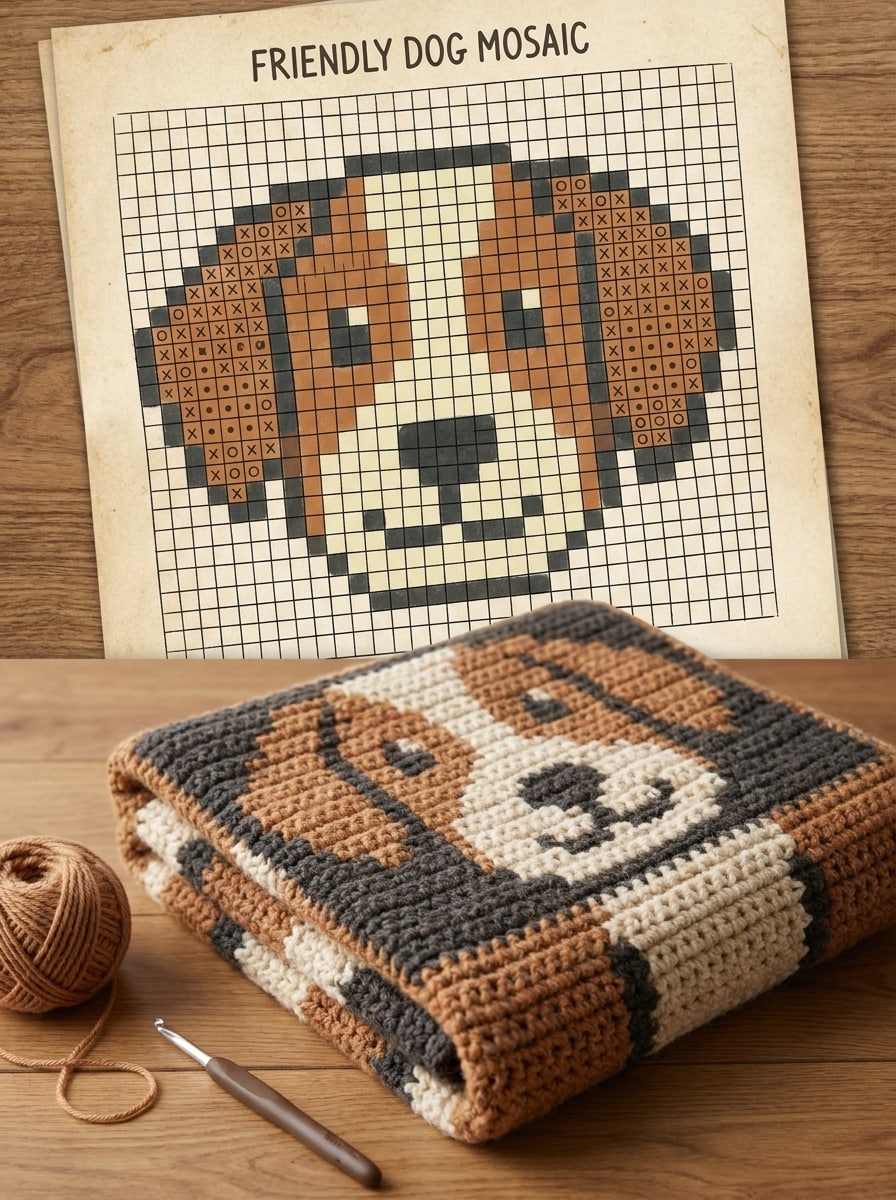
Pet Portrait Mosaic
Create a crochet-ready mosaic chart concept inspired by a friendly dog portrait, simplified recognizable face, front-facing composition, two- or three-color palette with warm brown, cream, and charcoal, readable stitch-like grid, finished blanket panel mockup, softened detail for craft usability, balanced lighting, inviting handmade mood, printable pattern aesthetic.
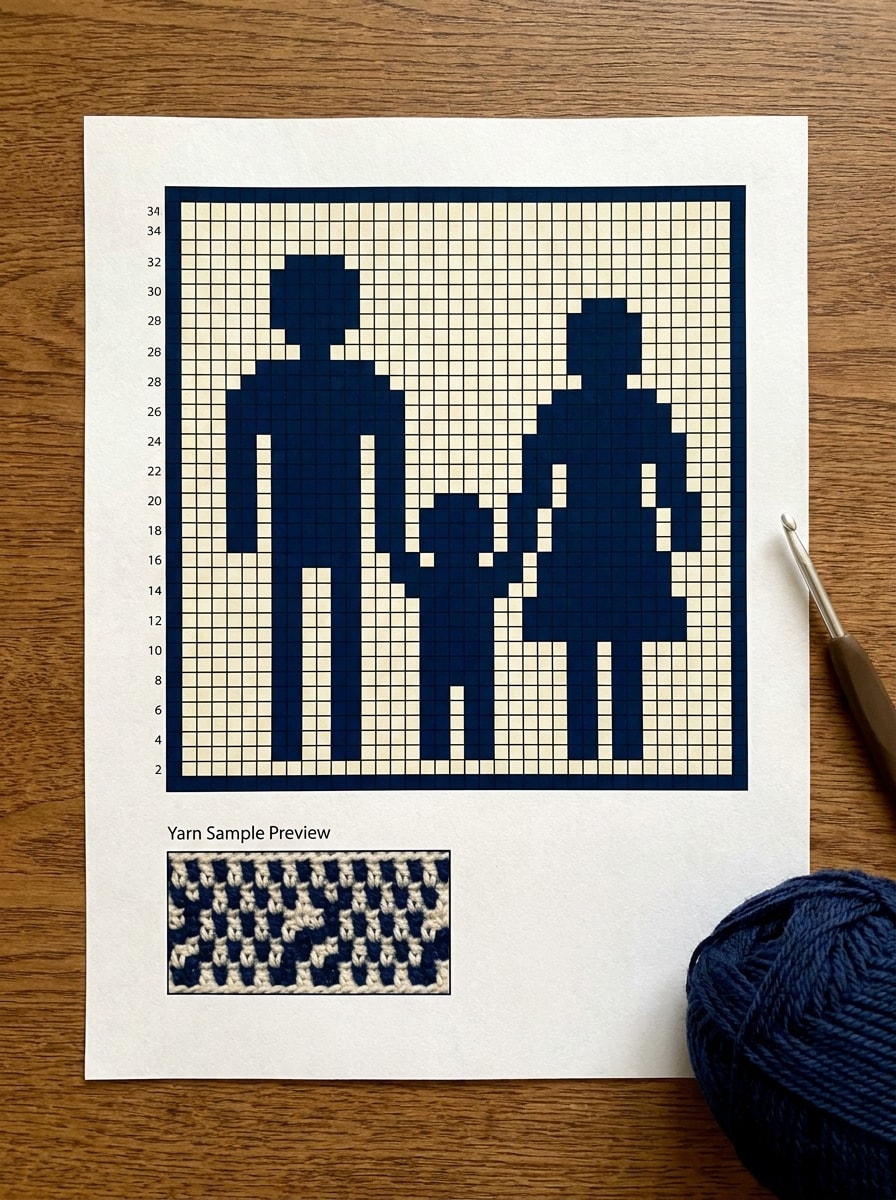
Family Silhouette Keepsake
Generate a mosaic crochet keepsake chart based on a family silhouette scene, simplified outlines of two adults and one child, centered blanket panel composition, high-contrast navy and cream palette, clear grid structure, row-guided printable layout, soft sentimental mood, subtle yarn sample preview, smooth edge simplification, elegant handmade presentation.
Christmas Tree Repeat
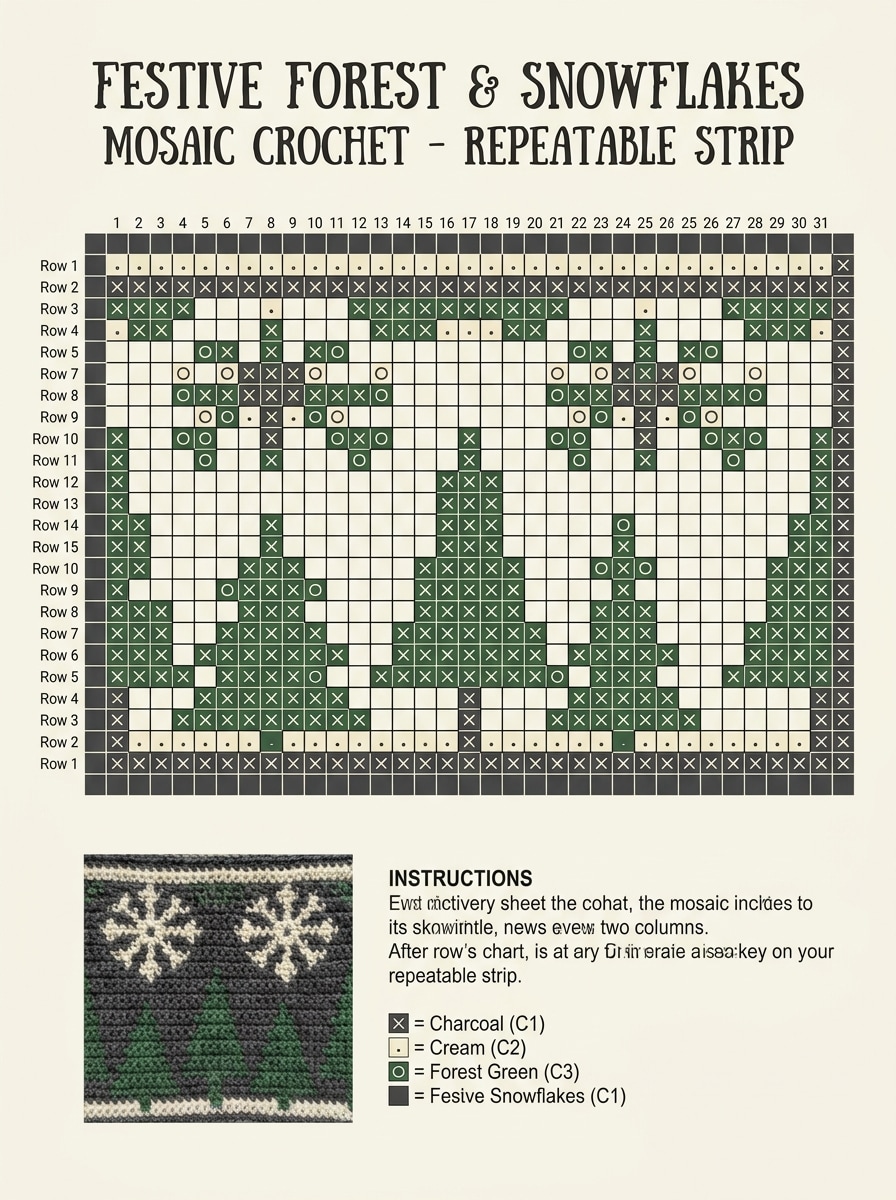
Create a repeatable mosaic crochet chart for a festive blanket strip with Christmas trees and snowflakes, orderly horizontal repeat composition, forest green, cream, and charcoal translated into limited chart contrast, crisp stitch grid, neat row markers, cheerful seasonal mood, printable pattern-sheet styling, small swatch preview, clean spacing and edges.
Halloween Pumpkin Panel
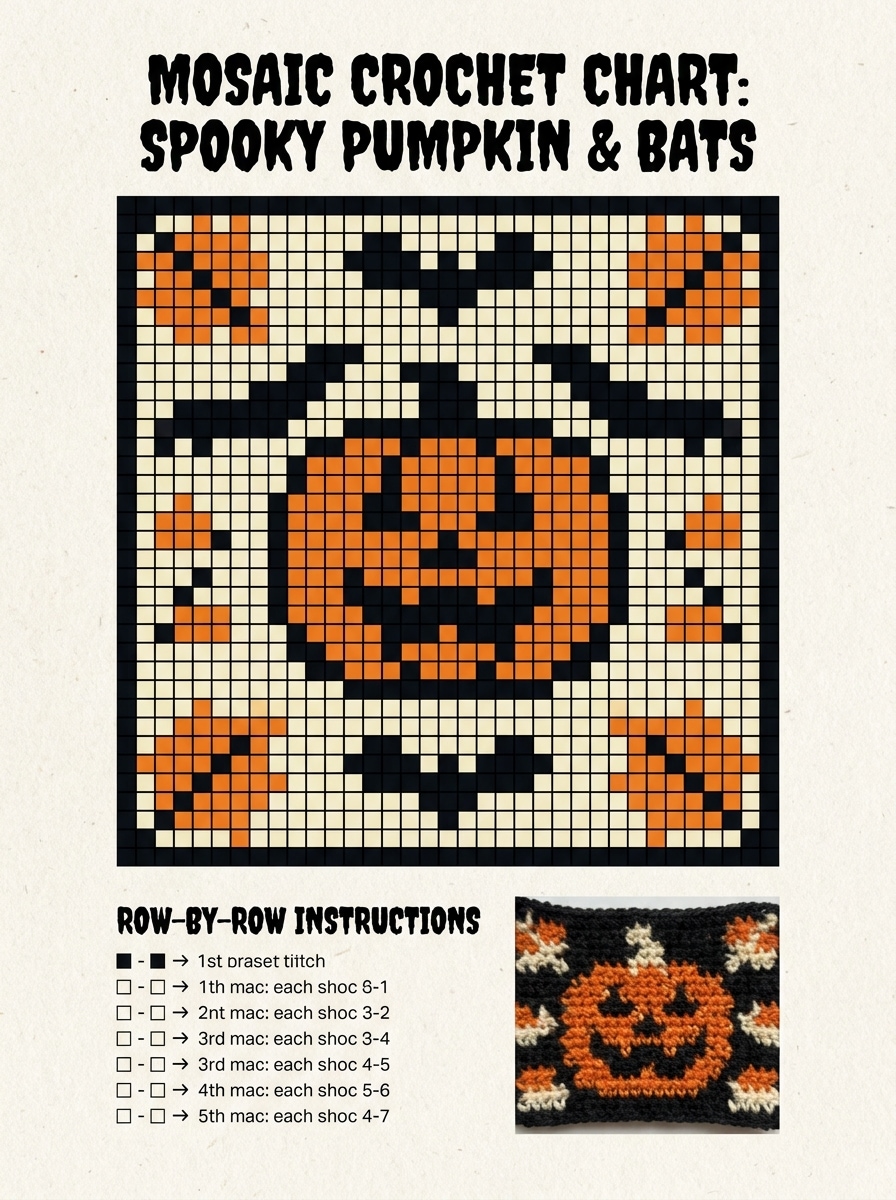
Design a high-contrast mosaic crochet chart with a central pumpkin and small bat motifs, spooky seasonal panel for wall hanging or blanket block, black and orange with cream highlights, readable square grid, row-by-row chart feel, textured yarn sample preview, playful autumn mood, sharp silhouettes, polished printable craft layout.
Why Use Media.io for Mosaic Crochet Pattern Concepts
Turn Crochet Ideas Into Clear Visual Concepts Fast
Short prompts do not need to stay rough ideas. Media.io helps turn them into finished mosaic crochet pattern visuals, which makes early concepts easier to review, refine, and adapt for thumbnails, mood boards, or quick pitches.
Explore Multiple Crochet Styles From One Prompt
Whether you want a cat silhouette, rose border, or celestial wall hanging, Media.io lets you describe different motif directions in natural English. You get flexible concept art that makes it easier to compare pattern looks and choose a craft-ready direction.
Create High-Resolution Images for Real Use
If the final mosaic crochet pattern visual will be reused beyond a small preview, Media.io helps deliver sharper results up to 4K so the image stays more reliable in practical design and presentation work.
Create Anywhere During Your Craft Workflow
From checking ideas on your phone in a yarn shop to refining prompts on a laptop at home, Media.io runs in the browser on the devices you already use.
How to Use the Mosaic Crochet Pattern Generator
1
2
3
1
Open Media.io AI Image Generator
Go to AI Text to Image Generator and open the AI Image Generator under AI -> Image Generator. This online tool runs in your browser, so you can create mosaic crochet chart concepts without installing software.
2
Enter a Prompt or Upload
Type a detailed prompt, such as “Create a high-contrast mosaic crochet chart of moon phases with a printable grid layout and finished swatch preview.” Adjust style, aspect ratio, and image settings to match the pattern look you want.
3
Generate, Refine & Download
Click Generate. Tweak the prompt if needed to simplify shapes, improve contrast, or test a new motif. Then download the high-resolution image and use it as a visual reference for your crochet design workflow.
Unlock the Potential of Free Mosaic Crochet Pattern Generator
See how creators use this Mosaic Crochet Pattern Generator for content, marketing, and personal projects, then adapt each idea to fit the brief.
Plan Blanket Panels Before You Start Stitching
Test bold silhouettes, floral borders, or geometric layouts visually before committing yarn and time. A quick concept image helps you compare motif balance, contrast, and overall panel impact for blankets, throws, and wall hangings.
Create Shareable Craft Previews for Social and Shops
Use chart-style visuals and swatch mockups to present new design ideas on Pinterest, Etsy listings, blog posts, or crochet communities. Clean previews make your concept easier to understand and more appealing to save, click, or discuss.
Prototype Photo-Inspired Keepsake Designs
Explore pet portraits or family silhouette concepts as simplified chart visuals before translating them into a handmade project. This is especially useful when you want a more recognizable composition for gifts, memorial pieces, or custom home decor.
What Users Say
Lena P.
Crochet Pattern Seller
"Great for fast motif exploration" I use it to test blanket panel ideas before I chart them manually. The visual direction is much faster than sketching from scratch, especially for animal silhouettes and seasonal themes.
Marissa T.
DIY Craft Blogger
"Helpful for content mockups" The generated crochet-style charts and swatch previews are useful for blog thumbnails and Pinterest images. It helps me communicate an idea clearly before I build the actual project.
Jordan R.
Gift Maker
"Good starting point for keepsake projects" I tried a pet portrait concept and it gave me a much clearer layout to work from. I still refine the final pattern myself, but it saves a lot of design guesswork.
Becca N.
Crochet Hobbyist
"Easy to use on mobile" I like being able to experiment with crochet pattern concepts on my phone when inspiration hits. It is simple to prompt, regenerate, and save ideas for later.
A mosaic crochet pattern generator is a tool that helps you create visual crochet pattern concepts from text prompts or images. With Media.io, you can generate chart-style artwork, swatch mockups, and motif layouts that help you plan crochet-ready designs for blankets, borders, and decorative panels.
2. Can I turn a photo into a mosaic crochet pattern?
Media.io can help you turn a photo into a crochet-inspired visual concept by generating simplified, high-contrast imagery from your prompt or source idea. It is especially useful for exploring photo-based subjects like pets or silhouettes before refining them into a manual crochet chart or finished pattern.
3. Is there a free mosaic crochet pattern generator online?
Media.io offers free credits, so you can try a free mosaic crochet pattern generator workflow online before upgrading. Free users may see watermarks, while paid plans support watermark-free high-resolution downloads. You can compare options on the pricing page. Free users can use free credits. For more usage, users can subscribe to a plan on the pricing page. Upgrade to a paid plan on the pricing page for more credits and watermark-free high-resolution downloads.
4. How accurate are AI-generated mosaic crochet charts?
AI-generated crochet visuals are best used as concept references rather than guaranteed stitch-perfect patterns. Media.io can help you explore composition, contrast, and motif simplification quickly, but most serious crochet projects still benefit from manual review and pattern refinement before stitching.
5. Can I customize the size, colors, and repeat of the pattern?
Media.io lets you guide the result through your prompt and image settings, so you can describe color limits, motif scale, repeat layouts, or a printable chart look. You can also adjust aspect ratios to shape the concept for a strip, square panel, or tall blanket block.
6. Will the generator give me a printable chart or row-by-row instructions?
Media.io generates image outputs, so it is well suited for creating printable-style chart visuals and crochet concept layouts. If you want row-by-row written instructions, you may still need to interpret the generated design and convert it into a finalized pattern yourself.