Image to Image
Nano Banana Pro
Upload Image
0 / 9
Click or drag to upload, or choose from My History
No ideas? Generate an image first >
Support upload format: jpg, png, jpeg.
Prompt
0/2000
1K
Auto
1
Unlimited Banana Pro
Public Visibility
All
Image
Video
Audio
Generate List
The generated results will be kept for 7 days. Please save them in time.
ai_video_generatorUnlock your creative potential and experience the magic of Media AI right away!

Online Mosaic Maker for Fast, High-Resolution Photo Mosaic Art

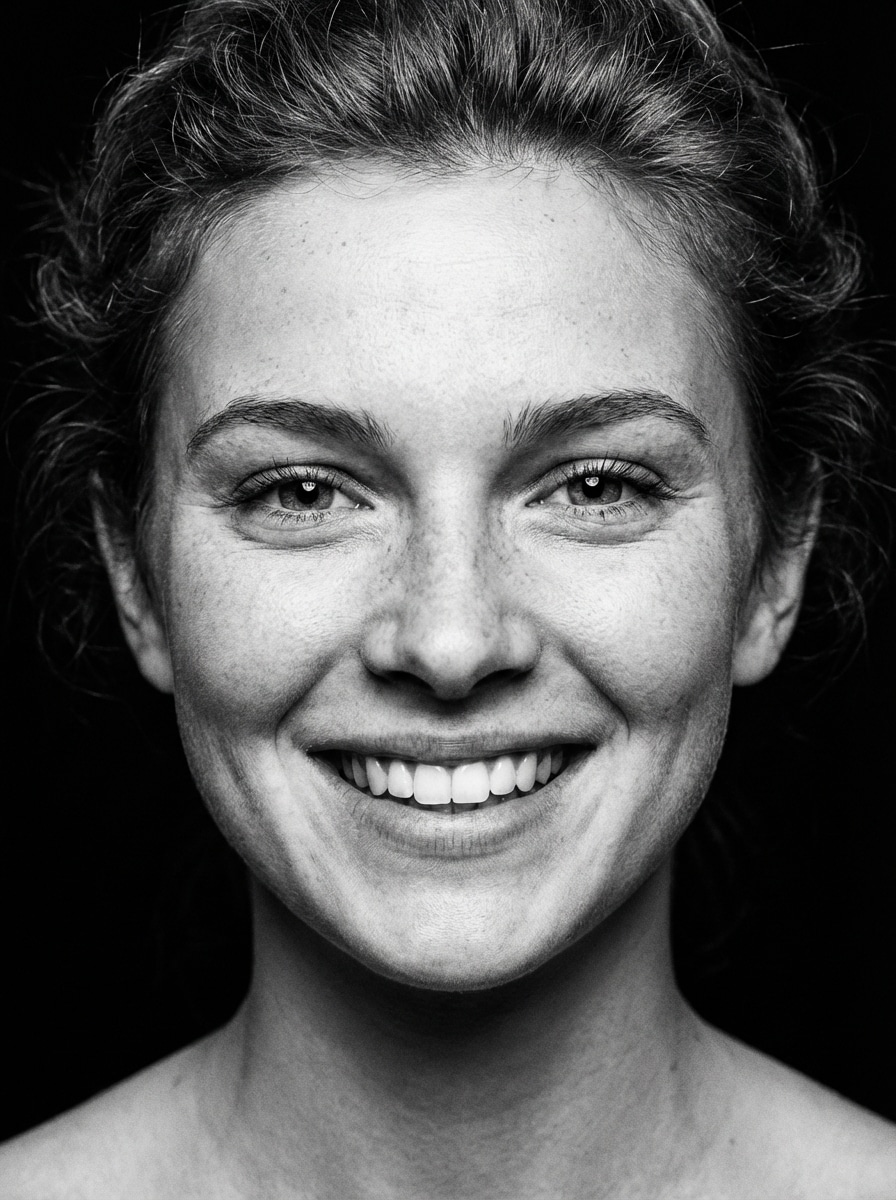
Mosaic Maker Before
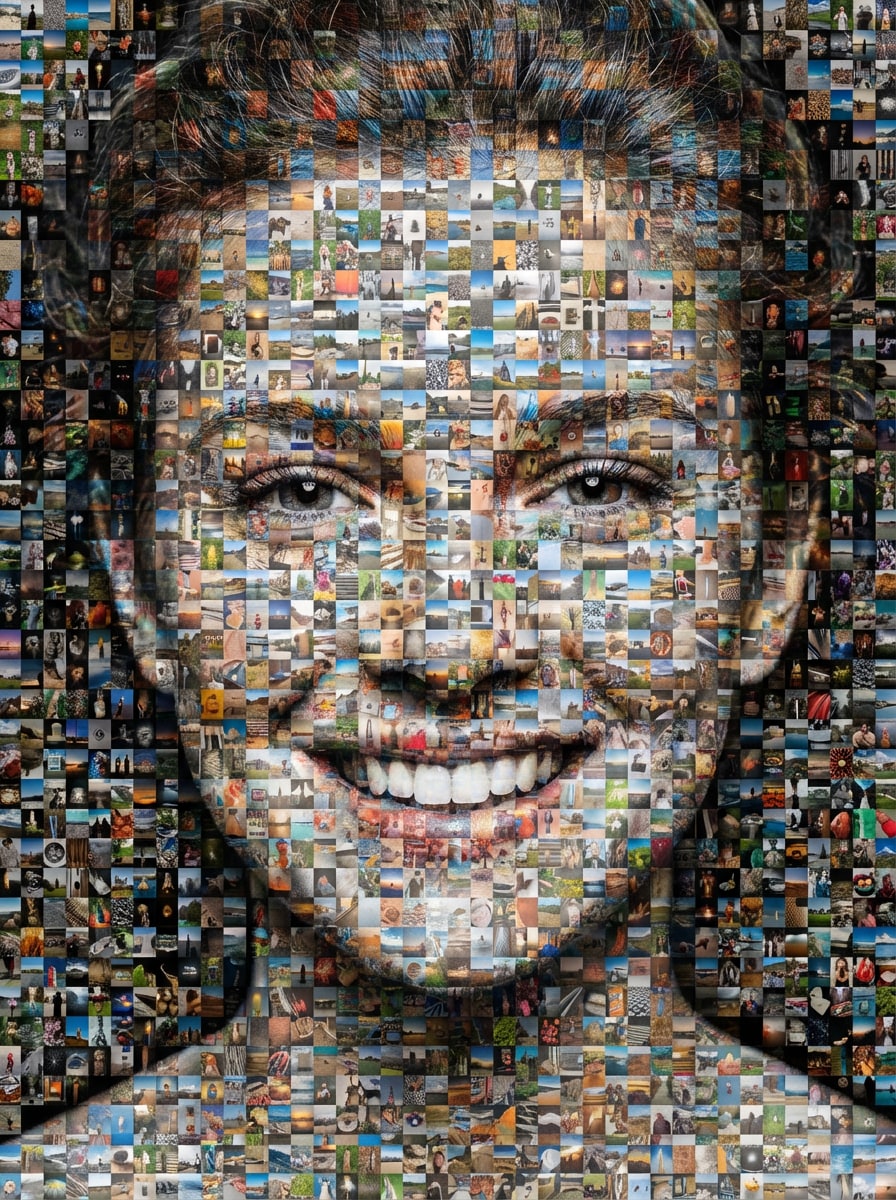
Mosaic Maker After

Turn a single picture into a polished photo mosaic in minutes with Media.io. Upload your image, transform it into stylish tile-based mosaic art, adjust layout and resolution, and download a print-ready result right from your browser.

Create My Photo Mosaic

Type your idea -> AI designs it. Free to try.

Explore our curated collection of mosaic maker styles.

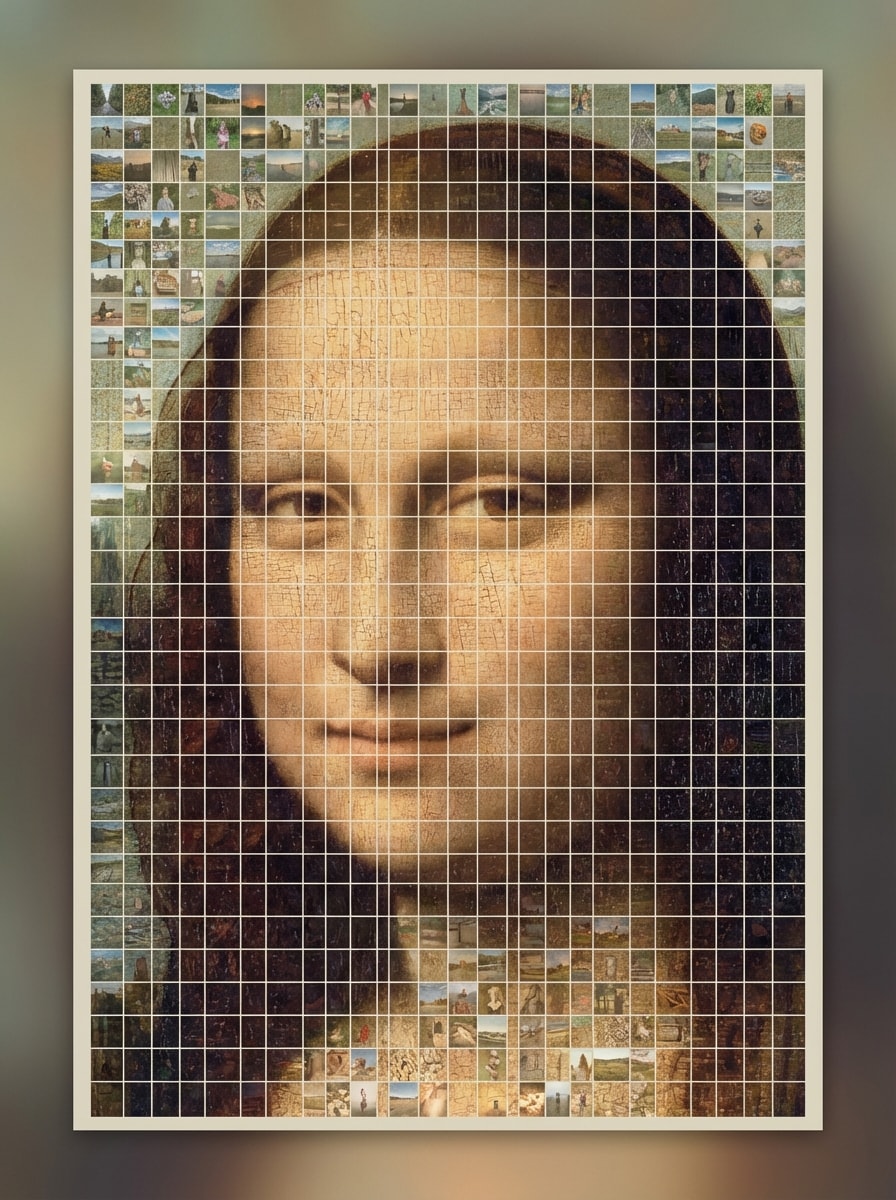
Square Tile Portrait Mosaic

Square Tile Portrait Mosaic

Use the uploaded image as the main subject and transform it into a classic photo mosaic portrait made from hundreds of tiny square image tiles. Preserve clear facial recognition from a distance, use balanced color matching, a clean grid layout, soft contrast, poster-style composition, and crisp high-resolution detail.
Wedding Mosaic Poster

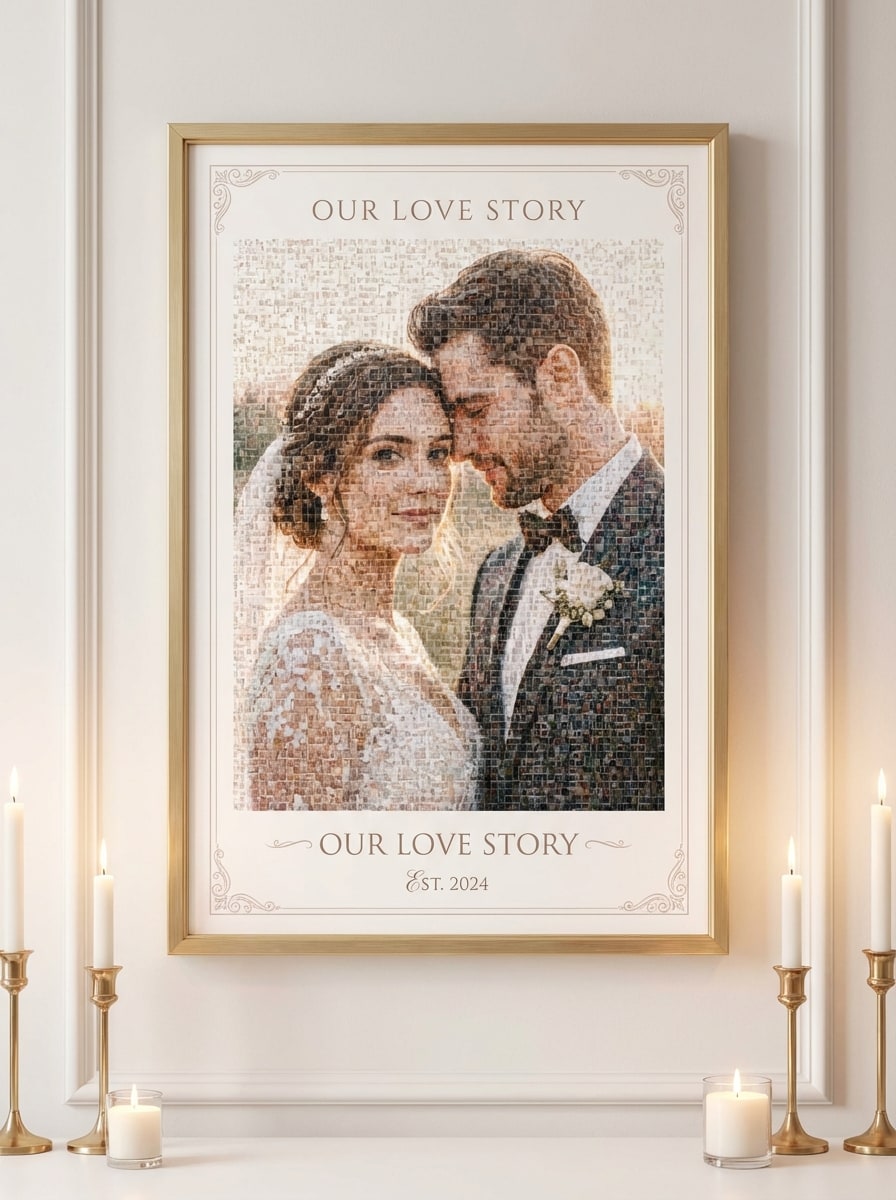
Wedding Mosaic Poster

Use the uploaded image as the subject and convert it into an elegant wedding-style mosaic poster built from many tiny photo tiles. Keep the couple or portrait recognizable, add soft romantic lighting, refined ivory and blush tones, smooth tonal blending, premium wall-art composition, and polished print-ready texture.

Pet Mosaic Art

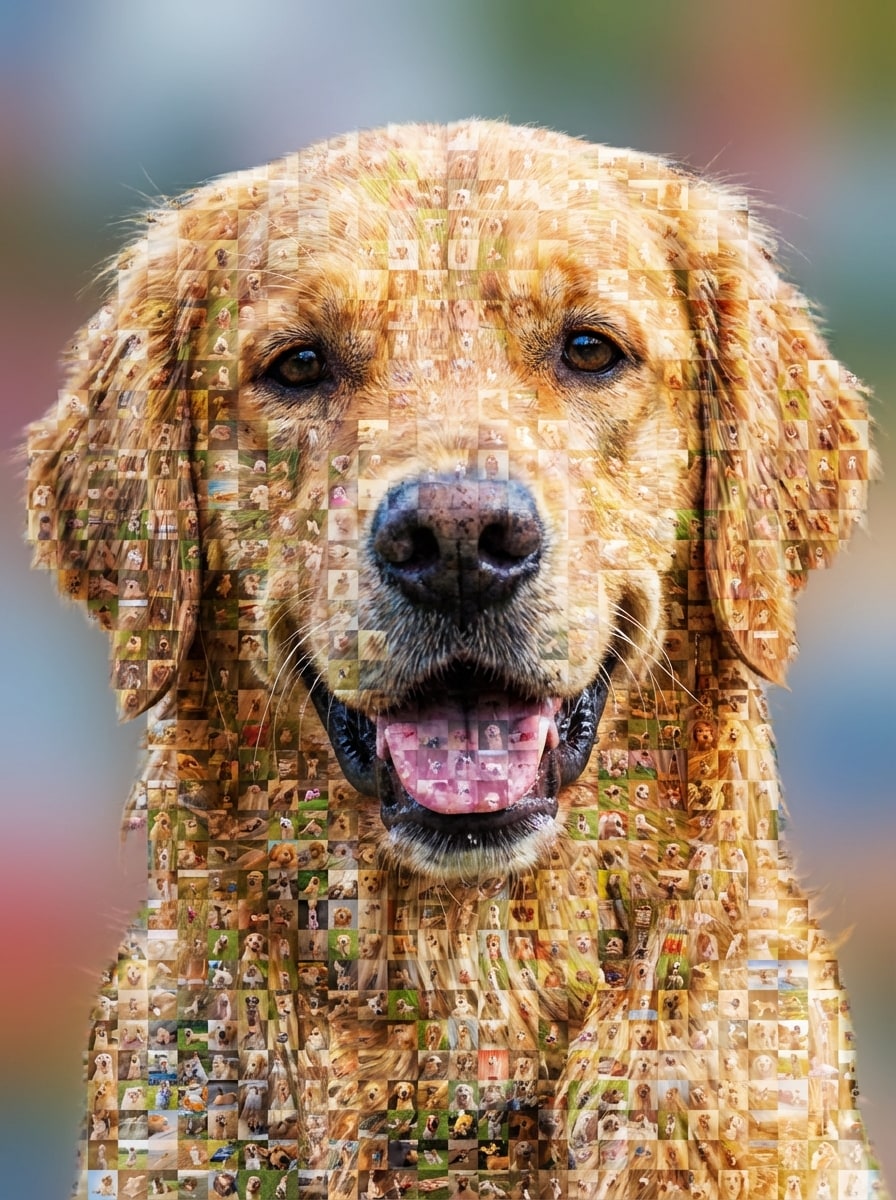
Pet Mosaic Art

Use the uploaded image as the main subject and transform it into playful pet mosaic art made from many tiny image tiles. Preserve the pet's face clearly, emphasize crisp fur texture, cheerful color grading, clean tile arrangement, bright friendly mood, and a gift-ready portrait layout with sharp detail.

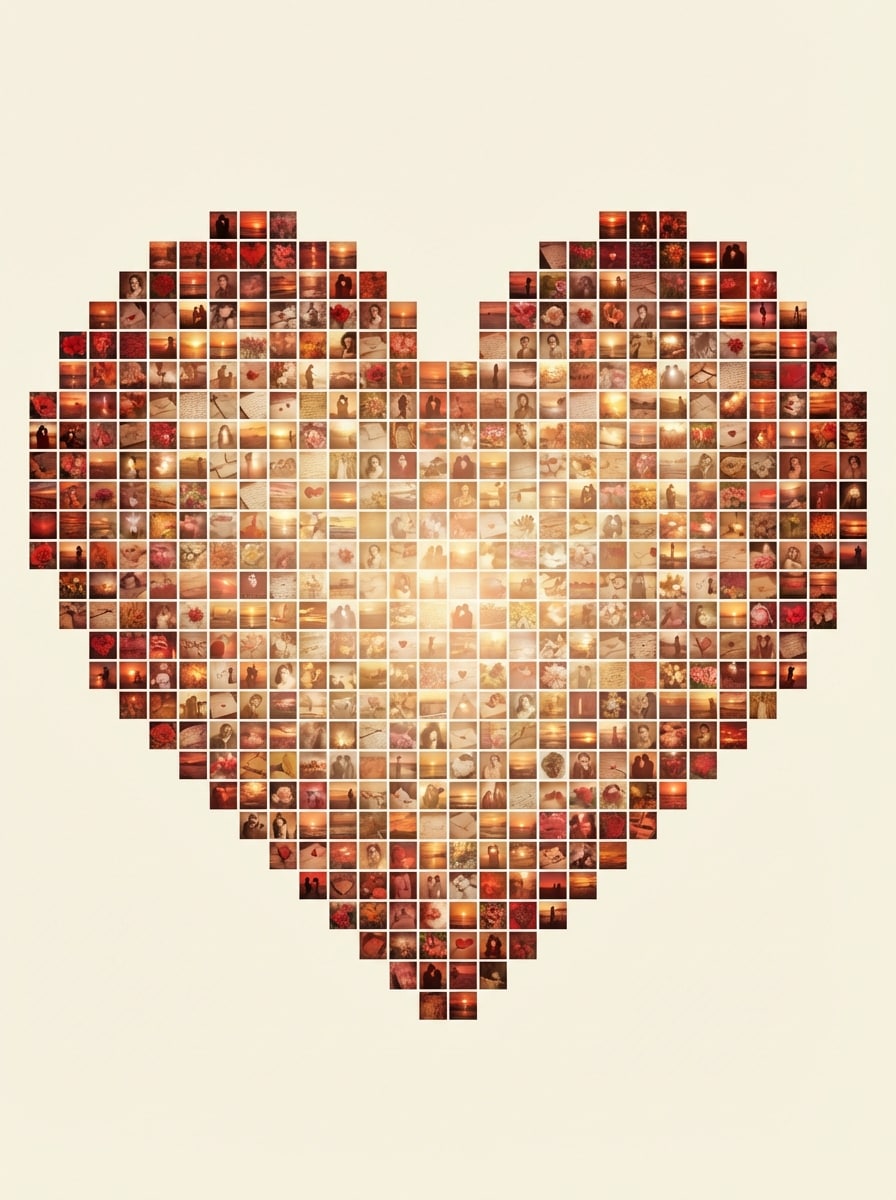
Heart-Shaped Photo Mosaic

Heart-Shaped Photo Mosaic

Use the uploaded image as the source subject and reimagine it as a heart-shaped photo mosaic composed of many small image tiles. Keep a strong heart silhouette, romantic warm tones, balanced spacing, soft highlights, clean edges, and an emotional gift-style design suitable for anniversaries or special occasions.

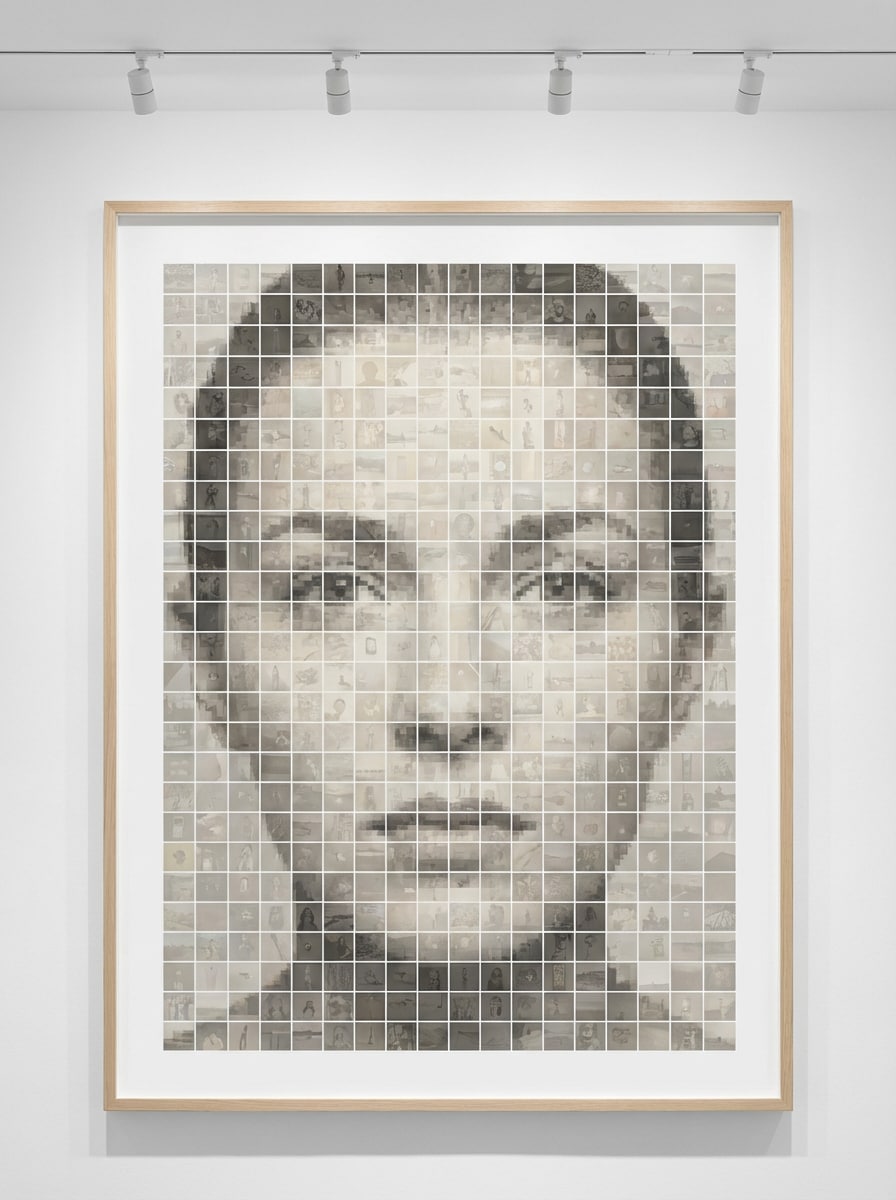
Minimalist Poster Mosaic

Minimalist Poster Mosaic

Use the uploaded image as the subject and convert it into a modern minimalist mosaic poster with refined tile arrangement. Maintain strong subject recognition, apply a neutral color palette, clean negative space, subtle contrast, gallery-style composition, smooth tonal control, and premium high-resolution poster detail.

Why Use Media.io for an Online Mosaic Maker

Upload a Photo and Transform It Instantly

Media.io makes image-to-image creation simple. Upload a JPG, PNG, or JPEG, then turn your picture into a stylish photo mosaic without complicated editing steps or design experience.

High-Resolution Mosaic Downloads

Create mosaic art in 1K, 2K, or 4K output, making Media.io a strong choice for social posts, digital gifts, and high resolution photo mosaic prints.

Flexible Layouts, Ratios, and Batch Output

Choose from multiple aspect ratios like 1:1, 3:4, 4:3, 9:16, and more. You can also generate 1 to 4 images at once to compare mosaic looks faster.

Works on Any Device With Privacy Protection

This browser-based mosaic maker works on Windows, Mac, iOS, and Android. Uploaded images are automatically deleted from Media.io servers after 7 days for added privacy.

How to Use the Media.io Mosaic Maker

1
2
3
1
Step 1: Open Media.io Mosaic Maker

Go to AI Image to Image Generator and open the Mosaic Maker under AI -> Image to Image. This online tool runs in your browser, so you can create a photo mosaic on desktop or mobile without installing software.

2
Step 2: Enter a Prompt or Upload

Upload a reference photo in JPG, PNG, or JPEG format and describe the look you want, such as "Turn this portrait into a clean square-tile photo mosaic poster with balanced colors and sharp detail." Adjust aspect ratio, resolution, and other settings as needed.

3
Step 3: Generate, Refine & Download

Click Generate. Tweak the prompt or settings if needed, then download your mosaic image in high resolution for sharing online, gifting, or printing.

Step 1
Step 2
Step 3

Unlock the Potential of Mosaic Maker

Discover how creators and professionals are using our AI-powered Mosaic Maker to transform their creative workflows and bring unique ideas to life.

Create Personalized Gift Posters

Turn favorite portraits, wedding photos, or pet pictures into meaningful mosaic wall art. A polished online photo mosaic maker is ideal for anniversaries, birthdays, graduations, and memorable keepsakes.

Build Social-Ready Before-and-After Reveals

Use a mosaic generator to create visuals that look detailed up close and recognizable from far away. This works especially well for TikTok, Instagram, and Pinterest content that benefits from a striking reveal effect.

Design Print-Ready Memory Collages Fast

When you want to make a photo mosaic for home decor, events, or tribute boards, Media.io helps you transform one image into a high-resolution mosaic quickly without advanced design software.

What Users Say About This Mosaic Maker

user
Hannah R.

Event Designer

star star star star star

"Great for gift-style mosaic posters" I used this mosaic maker to create a wedding poster from a portrait upload, and the result looked polished enough to print. The workflow was simple, and I liked being able to refine the prompt instead of starting over.

user
Marcus T.

Content Creator

star star star star star

"Fast and mobile-friendly" I wanted an online mosaic maker I could use on my phone for social content. Media.io was easy to open in my browser, and the generated mosaic had a clean, modern look that worked well for Instagram.

user
Priya S.

Small Business Owner

star star star star star

"Useful high-resolution output" What stood out to me was the resolution control. I needed a sharper export for print marketing, and this picture mosaic maker gave me a much better final file than basic collage apps.

user
Daniel K.

Pet Parent

star star star star star

"Fun pet mosaic results" I uploaded a photo of my dog and generated a mosaic-style portrait as a gift. The subject stayed recognizable, and the final image had enough detail to feel special rather than gimmicky.

Mosaic Maker FAQs

1. Can I make a photo mosaic myself online?

Yes. With Media.io, you can make a photo mosaic yourself online by uploading a reference image in your browser and generating a mosaic-style result without installing software. It works across desktop and mobile devices, so the workflow is simple for beginners. This helps you create mosaic maker results more consistently.

Media.io offers free credits for new and casual users, so you can try the mosaic maker without an upfront payment. For more generations or extra usage, you can choose a paid plan on the pricing page. Free exports may include a watermark, while paid plans support watermark-free high-resolution downloads. Free users can use free credits. For more usage, users can subscribe to a plan on the pricing page.

Open Media.io's image-to-image tool, upload your JPG, PNG, or JPEG photo, then enter a prompt describing the mosaic style you want. After that, choose settings like aspect ratio or resolution, generate the result, refine if needed, and download your finished photo mosaic. This helps you create mosaic maker results more consistently.

Media.io supports uploading your own reference image to guide the mosaic-style transformation. The tool is designed for image-to-image generation from your uploaded photo, helping you create a personalized mosaic look based on your source image. This helps you create mosaic maker results more consistently.

Yes. Media.io supports 1K, 2K, and 4K resolution options, which is helpful when you need a high resolution photo mosaic for printing, posters, or wall art. Free users may have watermarks. This helps you create mosaic maker results more consistently.

Yes. Media.io is web-based and works on any device with a browser, including Windows, Mac, iPhone, iPad, and Android phones or tablets. That makes it easy to create a photo mosaic online whether you're at a desk or editing on the go. Media.io is a web-based tool that works on any device with a browser (Windows, Mac, iOS, Android).

Media.io Online AI Tools Quality Rating:
vote 4.7 (162,357 Votes)