Crochet Graph Generator for Fast, Clean Custom Chart Concepts
Create custom crochet chart concepts for graphgans, tapestry projects, C2C blankets, and filet-style layouts in minutes. Media.io helps turn simple ideas into polished visuals, whether you need a crochet chart generator, a free crochet graph generator, or a quick draft for personalized pattern planning. Creators often use it for crochet diagram maker.
Review these sample directions, then tailor the details to get stronger results from Media.io’s crochet graph generator and crochet chart generator workflow. This workflow is especially useful for crochet alpha pattern maker.
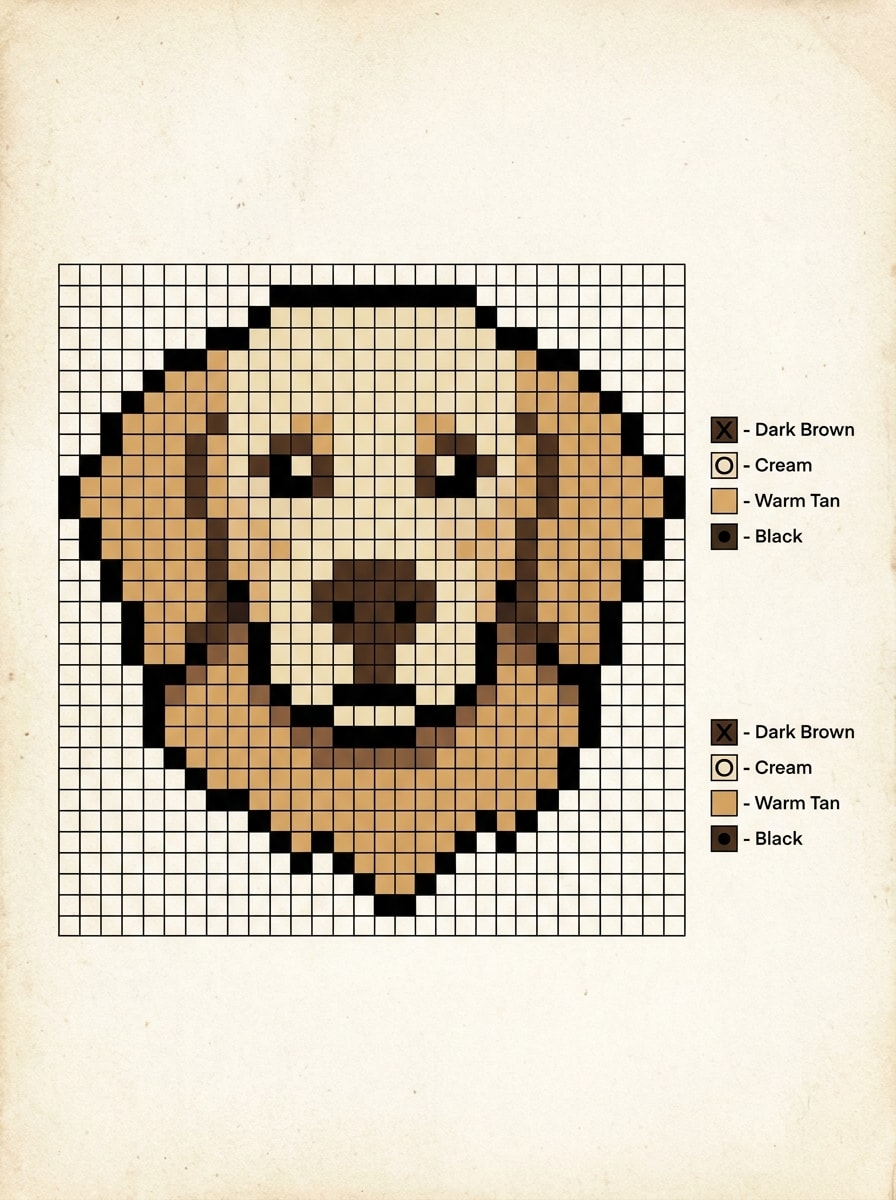
Pet Portrait Pixel Crochet
Create a crochet graph pattern concept from a fluffy golden retriever portrait, simplified into bold pixel-style color blocks with a clear square grid, neat symbol legend, warm tan cream and brown palette, centered composition, high contrast edges, printable chart look, cozy handmade mood, crisp and easy to follow.
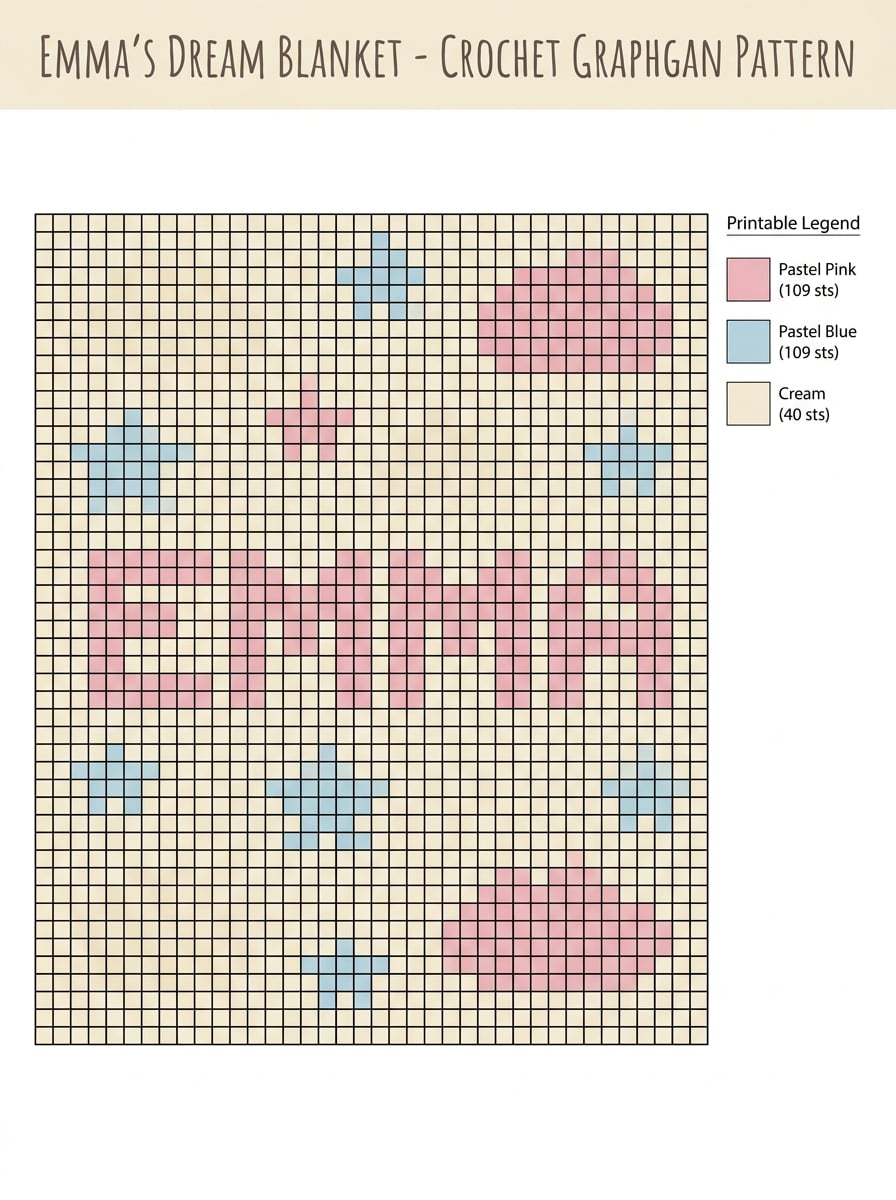
Baby Name Blanket Chart
Design a personalized crochet graphgan chart featuring the name Emma in readable block letters, surrounded by small stars and soft cloud accents, pastel pink blue and cream palette, centered blanket layout, clean square stitch grid, printable legend, gentle nursery feel, balanced spacing, polished craft-pattern presentation.
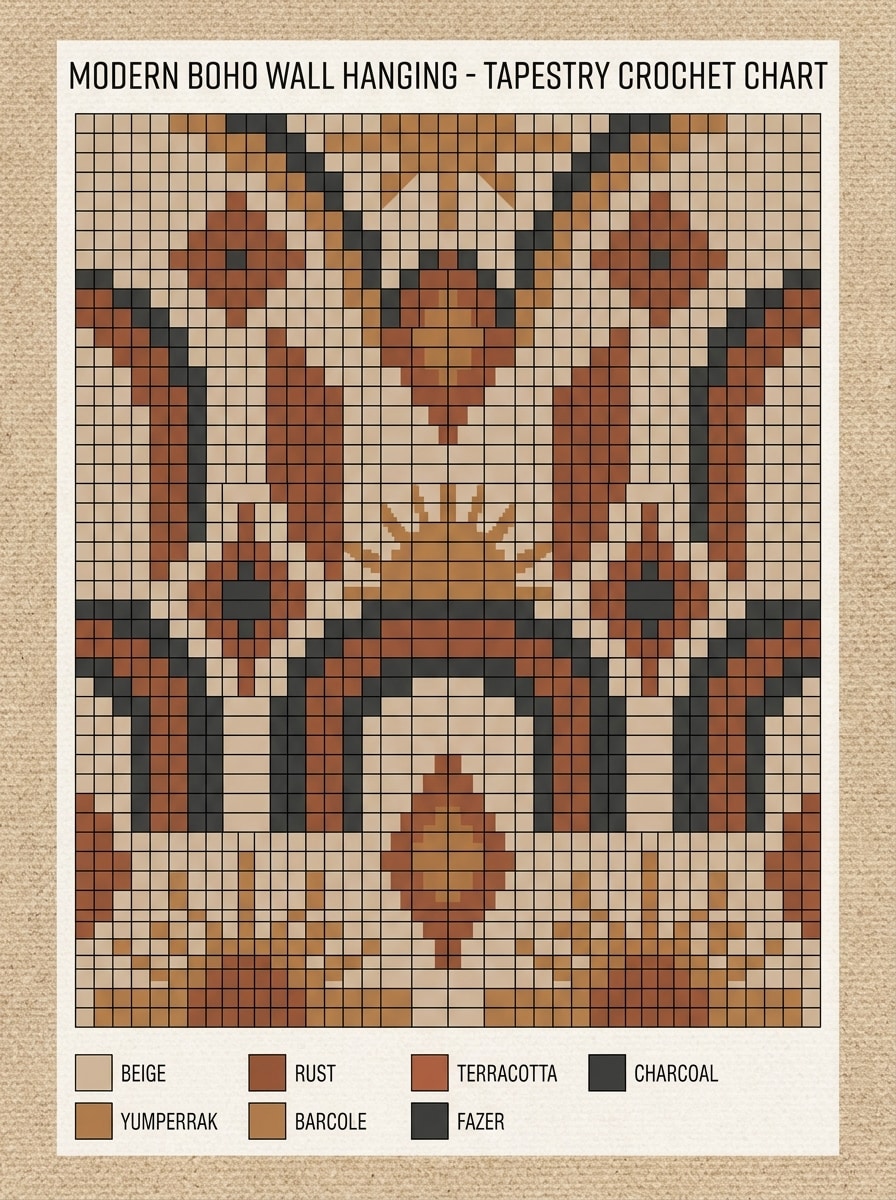
Minimal Boho Wall Hanging
Generate a tapestry crochet chart for a modern boho wall hanging with arches, diamonds, and sun motifs, earthy beige rust terracotta and charcoal palette, crisp square grid, symmetrical composition, woven-textile mood, matte printable finish, color legend included, refined geometric balance, stylish handmade home decor aesthetic.
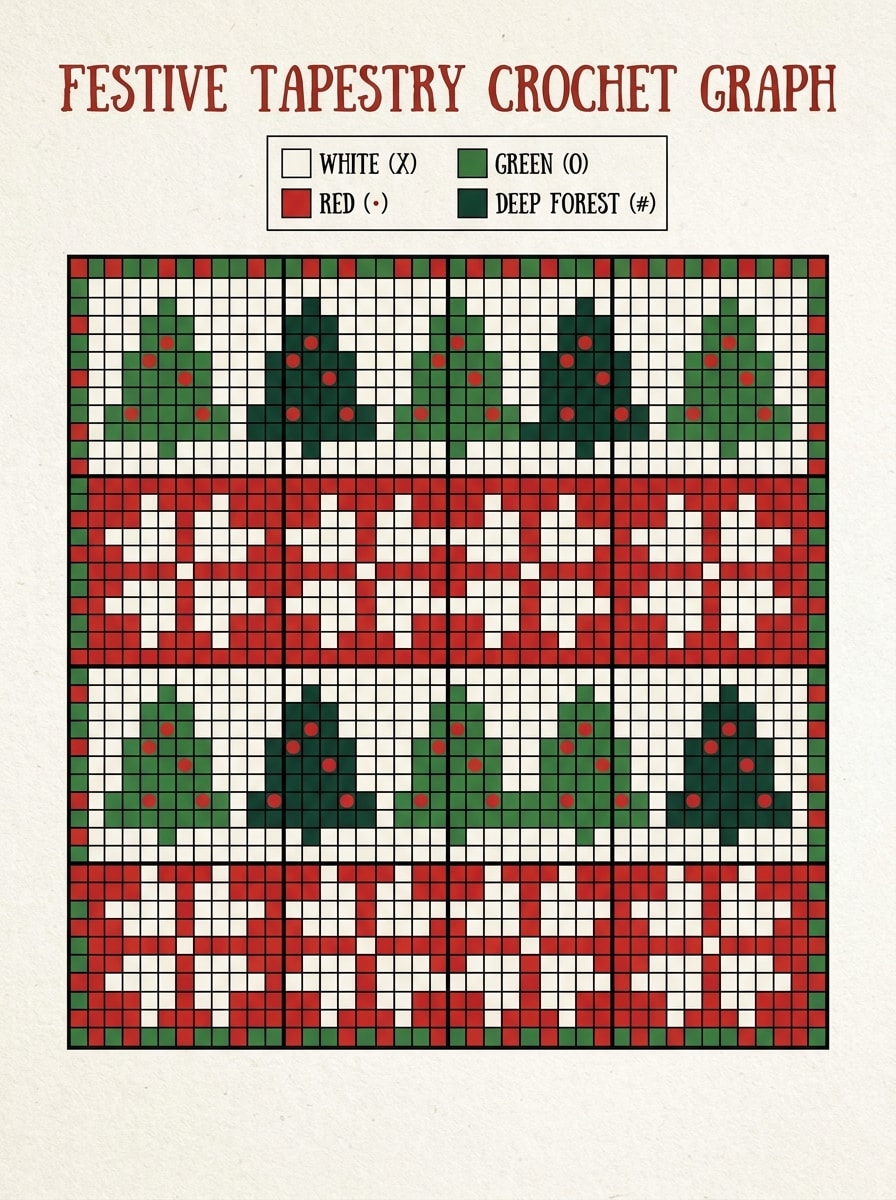
Seasonal Holiday Tapestry
Create a festive tapestry crochet graph with Christmas trees, snowflakes, and a simple border, bold red green white and deep forest tones, clear square chart layout, beginner-friendly motif separation, strong contrast, cozy holiday mood, printable pattern style, organized legend, clean rows designed for easy stitching.
Bold Pixel Character C2C
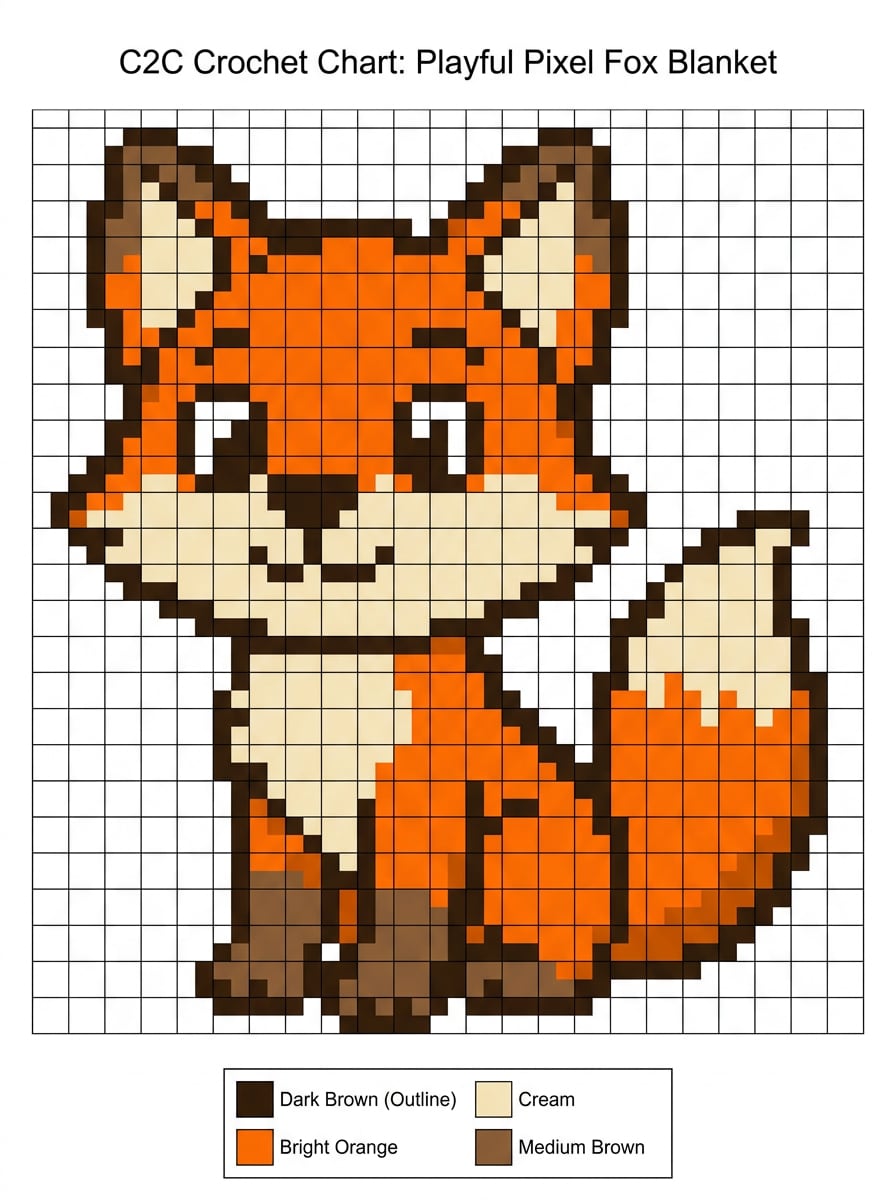
Create a C2C crochet chart featuring a cute pixel fox character, simplified diagonal-friendly block layout, strong dark outline, bright orange cream and brown color regions, centered composition, playful mood, printable graph with color key, crisp edges, child-friendly design, optimized for corner-to-corner blanket planning.
Monogram C2C Blanket
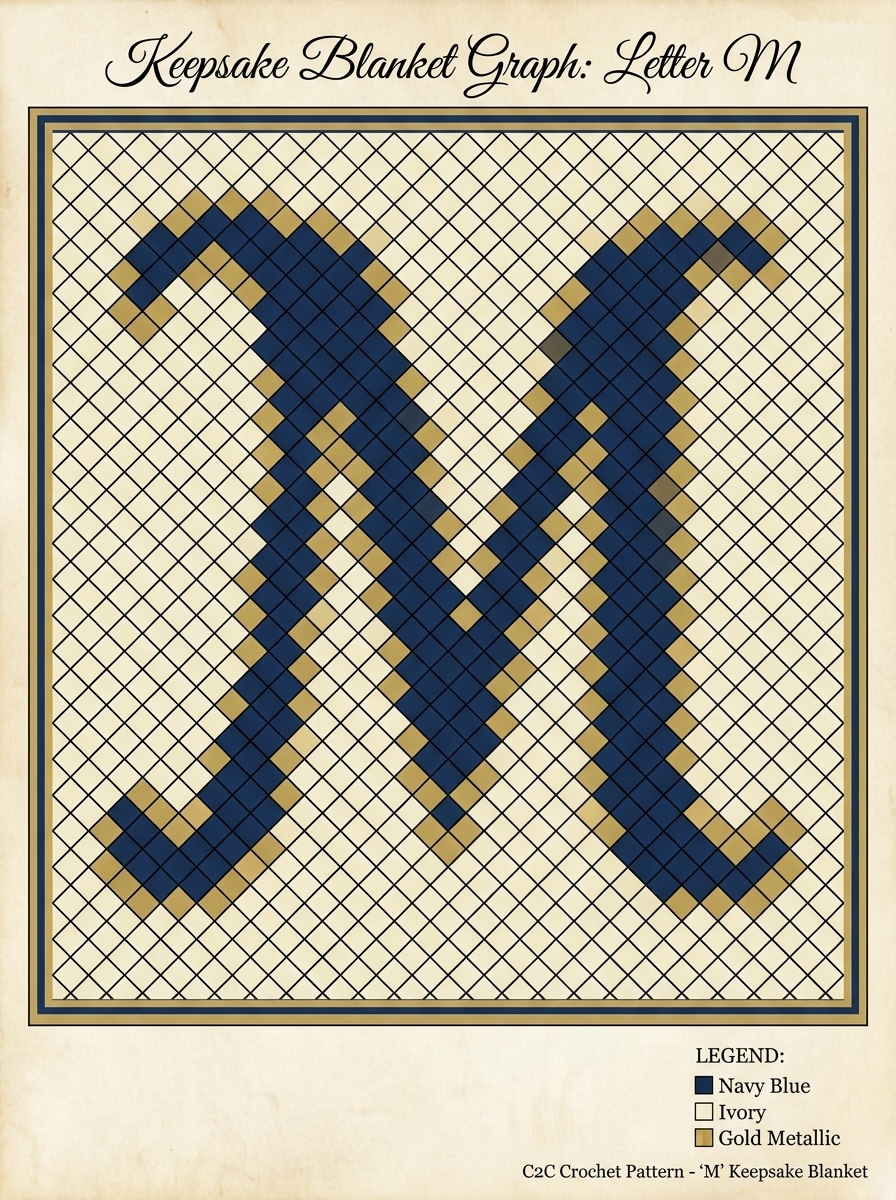
Design a corner-to-corner crochet graph with a large decorative letter M, centered on a blanket layout with a subtle border, navy ivory and gold palette, clean diagonal block mapping, elegant but readable shape, balanced negative space, printable chart style, polished legend, keepsake gift aesthetic.
Floral Filet Panel
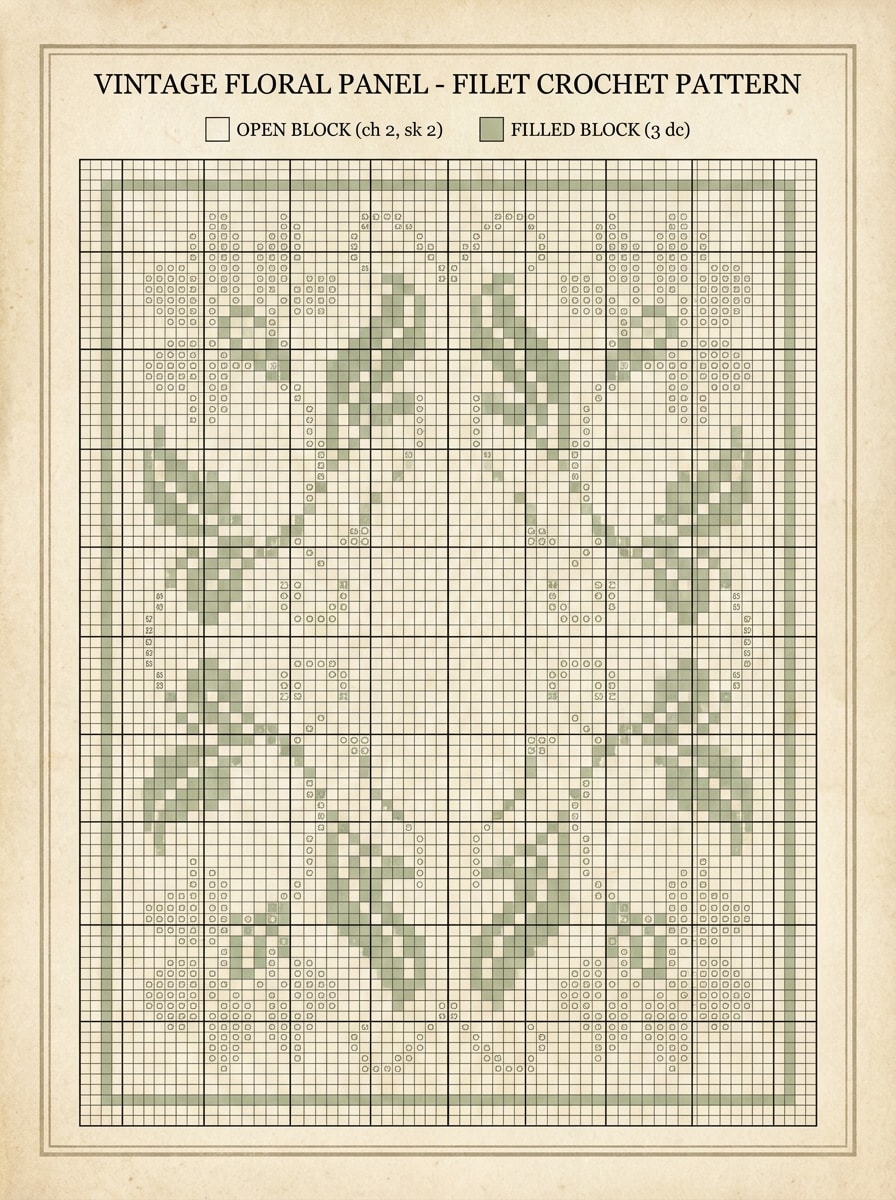
Generate a filet crochet chart with an elegant floral panel motif, lace-inspired open and filled blocks, rectangular composition, soft ivory and sage preview tones, refined vintage mood, clean stitch grid, graceful symmetry, printable pattern presentation, delicate petal shapes, and a clear structure suitable for decorative panels.
Name and Date Filet Keepsake
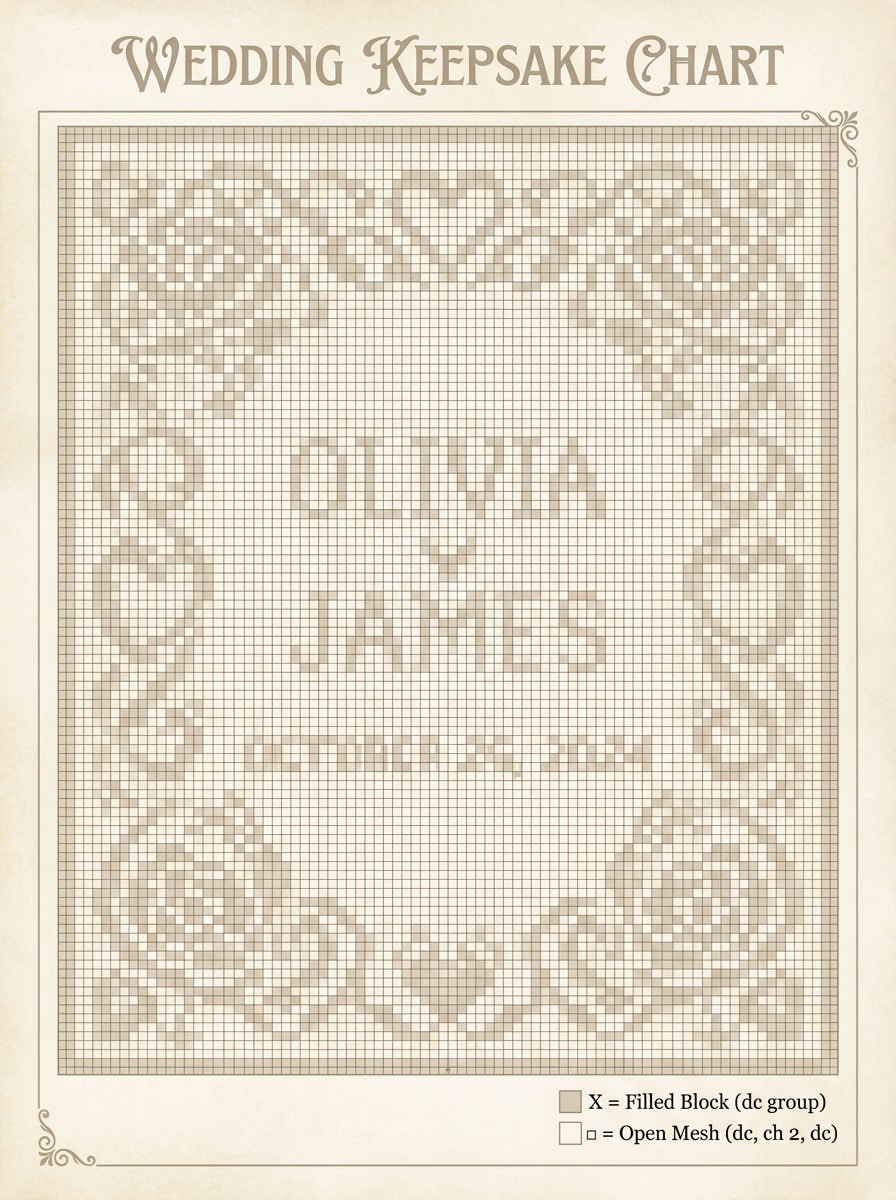
Design a filet crochet keepsake chart featuring the names Olivia and James with a wedding date, framed by an ornamental border, balanced negative space, clear lettering, classic open and filled block mapping, elegant heirloom feel, printable chart styling, soft neutral preview colors, and a polished rectangular layout.
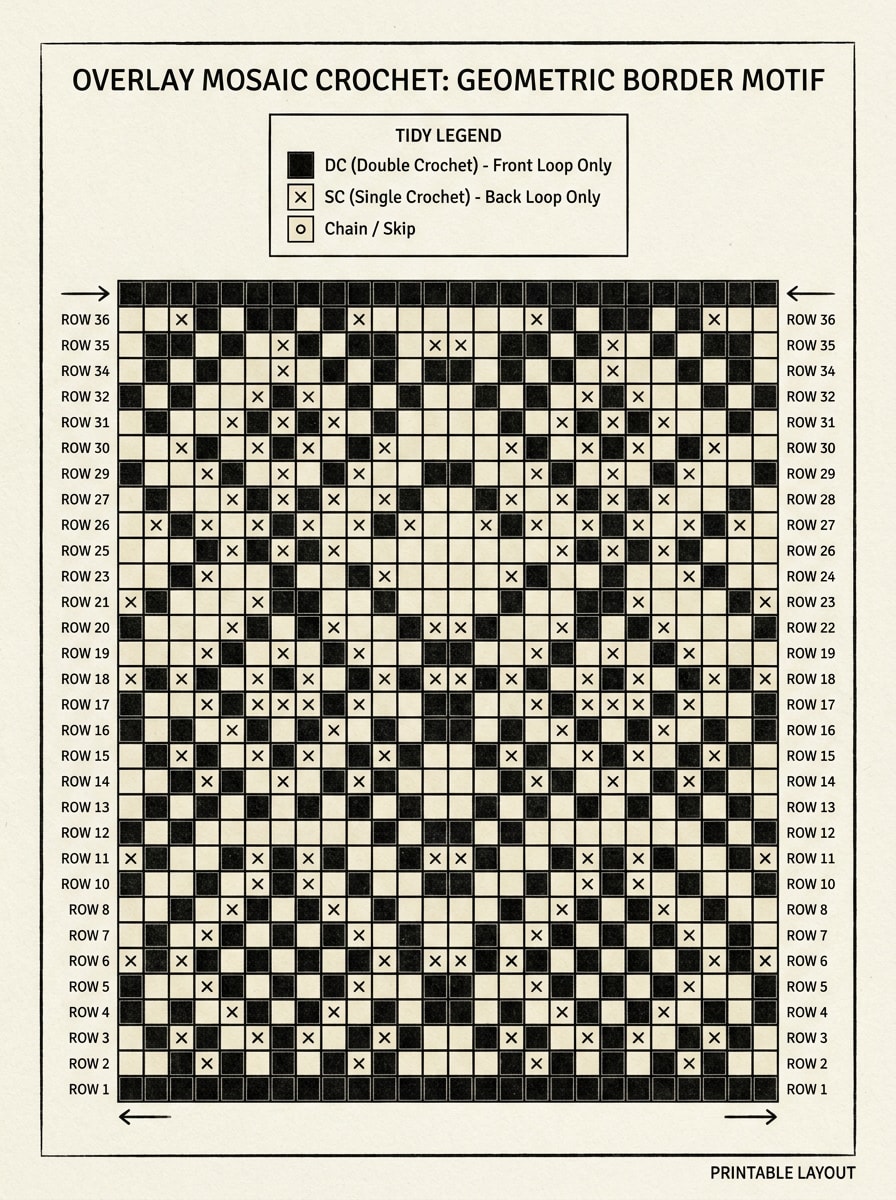
Overlay Mosaic Border
Create an overlay mosaic crochet chart with repeating geometric border motifs, high-contrast two-color design in black and cream, row-by-row clarity, sharp decorative rhythm, clean stitch blocks, printable layout, modern handcrafted mood, tidy legend, symmetrical repeat structure, and a professional chart look for blankets or runners.
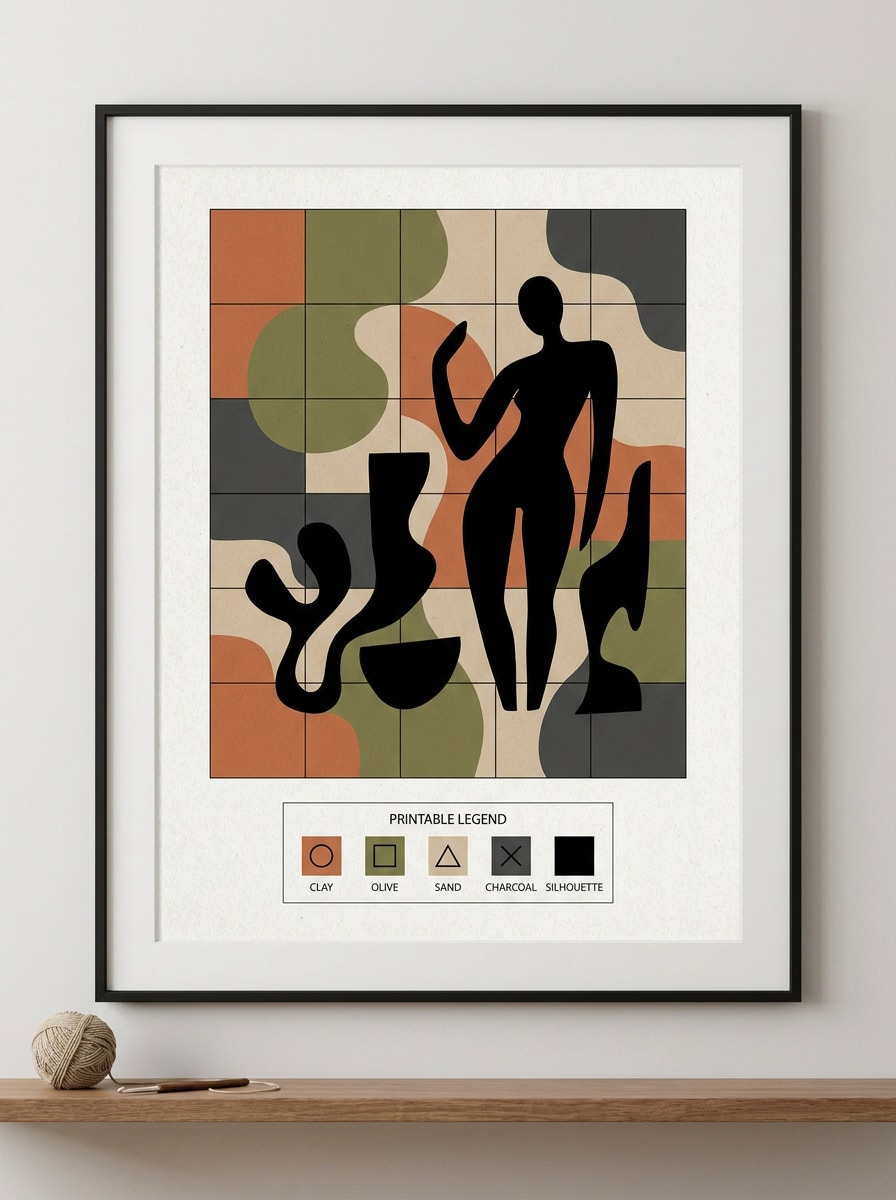
Abstract Home Decor Panel
Generate a crochet wall panel chart with abstract modern art shapes, organic curves and layered blocks in muted clay olive sand and charcoal, tapestry-friendly square grid, bold silhouette areas, balanced composition, gallery-inspired mood, printable legend, crisp contrast, and a contemporary handmade decor presentation.
Why Use Media.io for Crochet Chart Planning
Build Visual Concepts with Less Restarting
Fast concept work needs something more useful than a placeholder sketch. Media.io turns simple prompts into developed crochet graph visuals, so you have something practical to test and improve sooner.
Test Different Aesthetics More Easily
A single idea often needs more than one look. Media.io helps reinterpret the same crochet graph visual across different styles so each version can better match the project brief.
High-resolution visuals make pattern details easier to inspect
Some results need to do more than look good in a preview. Media.io helps generate cleaner crochet graph visuals with output up to 4K so the final image holds up in wallpapers, decks, and mockups.
Work from any device while ideas are still fresh
Switching devices should not slow production. Media.io lets you build, adjust, and download crochet graph visuals in the browser, which makes it easier to keep momentum when you move between screens.
How to Use This crochet graph generator
1
2
3
1
Open Media.io AI Image Generator
Go to AI Text to Image Generator and open the AI Image Generator under AI -> Text to Image. This online tool runs in your browser, so you can start building chart-style crochet visuals on desktop, tablet, or mobile without installing extra software.
2
Enter a Prompt or Upload Your Idea
Type a detailed prompt like "create a pastel baby-name crochet graphgan chart with stars, clean square grid, readable letters, printable legend". If you are comparing layouts for a crochet diagram maker or testing a crochet alpha pattern maker concept, refine colors, composition, and ratio for the project format you want.
3
Generate, Refine & Download
Click Generate to create your draft chart visual. Tweak the wording for C2C, tapestry, graphgan, or filet looks, then download a high-resolution image to review, print, or use as a planning reference for your crochet project.
See how creators use Media.io for crochet chart concepts in content, marketing, and personal projects, then adapt each idea to fit the brief.
Plan personalized blanket designs before you stitch
Draft pet portraits, baby names, monograms, and gift motifs in a clean grid style before committing yarn and time. It is a practical way to test layout, color blocking, and readability when you want a more visual free crochet graph maker workflow.
Explore multiple crochet styles from one starting idea
Use one concept to mock up graphgan, tapestry, C2C, or filet directions and compare what reads best. This helps makers who want a flexible crochet chart maker free experience instead of jumping between unrelated design tools.
Create polished visuals for pattern previews and shop listings
Generate neat chart concepts to share in pattern listings, social posts, or client drafts. If you have been looking for a free graph maker for crochet or a cleaner crochet chart generator free option for previews, Media.io gives you fast, presentable results.
What Makers Say
Rachel M.
Tapestry Crochet Designer
"Helpful for visualizing motifs fast" I use Media.io to test tapestry ideas before I chart them manually. The generated visuals give me a fast way to judge contrast, spacing, and whether a motif will read well in crochet.
Dana L.
Etsy Pattern Seller
"Great for personalized blanket concepts" I tried it for baby-name blanket mockups and was surprised by how quickly I could create neat graph-style previews. It saves me time when I need to show customers a concept before doing full pattern cleanup.
Melissa T.
Crochet Hobbyist
"Easy to use on tablet" I often crochet from the couch, so being able to open this in my browser on a tablet is a big plus. It is convenient for experimenting with C2C and graphgan ideas without installing anything.
Jordan P.
Fiber Arts Content Creator
"Useful for image-to-chart storytelling" What I like most is how quickly I can create visuals for 'idea to chart' content. It works well for social posts where I want to show the concept stage before the finished crochet piece.
1. What is a crochet graph generator and how does it work?
A crochet graph generator helps turn an idea into a chart-style visual for planning graphgans, tapestry crochet, C2C layouts, or filet-inspired designs. With Media.io, you enter a prompt describing the motif, lettering, layout, colors, and mood, then generate a polished image concept that can guide pattern drafting and refinement.
2. Can I turn a photo into a crochet graph or graphgan pattern?
Many makers use Media.io to turn a photo idea into a simplified visual reference for a graphgan or pixel-style blanket concept. You can describe the subject in detail and generate a cleaner chart-like image with reduced colors, stronger outlines, and a more crochet-friendly layout before converting it into a final pattern.
3. Is there a free crochet graph generator I can use online?
Media.io offers free credits, so you can try it as a free crochet graph generator online before upgrading. Free users may see watermarks, while paid plans unlock more usage and watermark-free high-resolution downloads. You can compare options on the pricing page.
4. Can I make C2C, tapestry crochet, and filet crochet charts with the same tool?
Media.io can generate visual concepts for multiple crochet chart styles from one place, including C2C blanket layouts, tapestry motifs, graphgan-style pixel art, and filet-inspired compositions. That makes it useful when you want to compare different chart directions without starting from scratch in a separate tool each time.
5. How do I match the crochet graph to my gauge and finished blanket size?
A practical workflow is to generate the chart concept first, then use your own stitch gauge and target dimensions to adjust the final stitch and row counts during pattern setup. Media.io helps you visualize composition, spacing, motif scale, and contrast early, so it is easier to refine the chart to fit your finished blanket size afterward.
6. Can I download or print my crochet chart as a PDF or image?
Media.io lets you download generated results as image files, which makes them easy to print or place into your own worksheet, notes, or PDF workflow. If you need sharper planning references for close inspection or printing, you can export in high resolution for cleaner chart previews.