Tus creaciones solo se guardan durante 7 días. Los recursos creados después de actualizar a Membresía se almacenarán de forma permanente.
¡Desbloquea tu potencial creativo y experimenta la magia de Media AI ahora mismo!
Creador de Tarjetas de Estudio con IA para una Revisión de Exámenes Más Rápida
Crea tarjetas de estudio a partir de notas, textos de libros y materiales de revisión en segundos con Media.io. Este generador de tarjetas con IA creador de tarjetas de estudio transforma tus ideas en imágenes visuales de tarjetas para contenidos de estudio, resúmenes de conceptos y motivación para preparar exámenes, todo mediante un flujo de trabajo rápido en el navegador.
Explora nuestra colección de estilos de generador de tarjetas de estudio para inspirar nuevas ideas en tus próximas visuales de estudio.
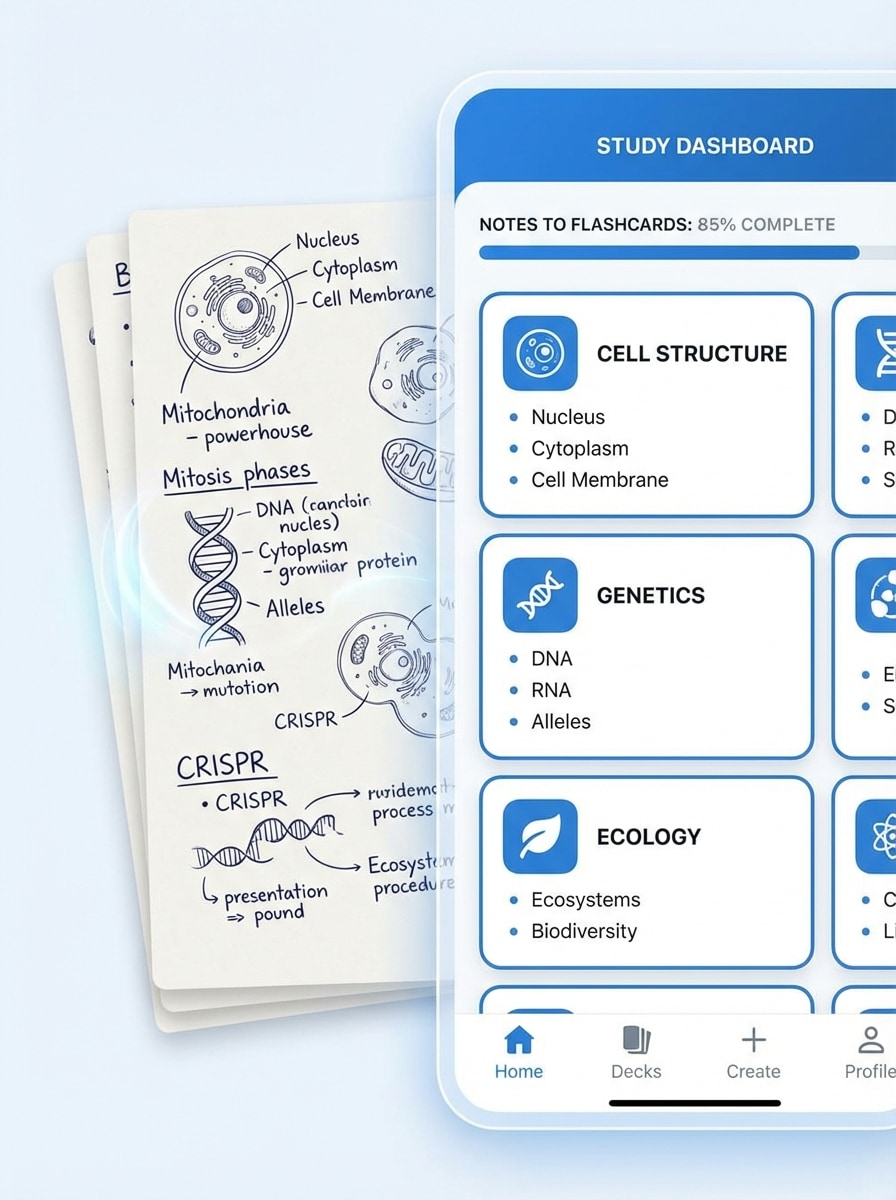
Notas a Tarjetas
Crea una escena de aplicación limpia donde notas de biología escritas a mano y digitales se convierten en tarjetas de estudio organizadas en un moderno panel de estudio. Usa paleta azul y blanca, tipografía clara, sombras suaves, paneles de interfaz minimalistas, iluminación académica brillante y una composición pulida adaptable para móvil con alta claridad.
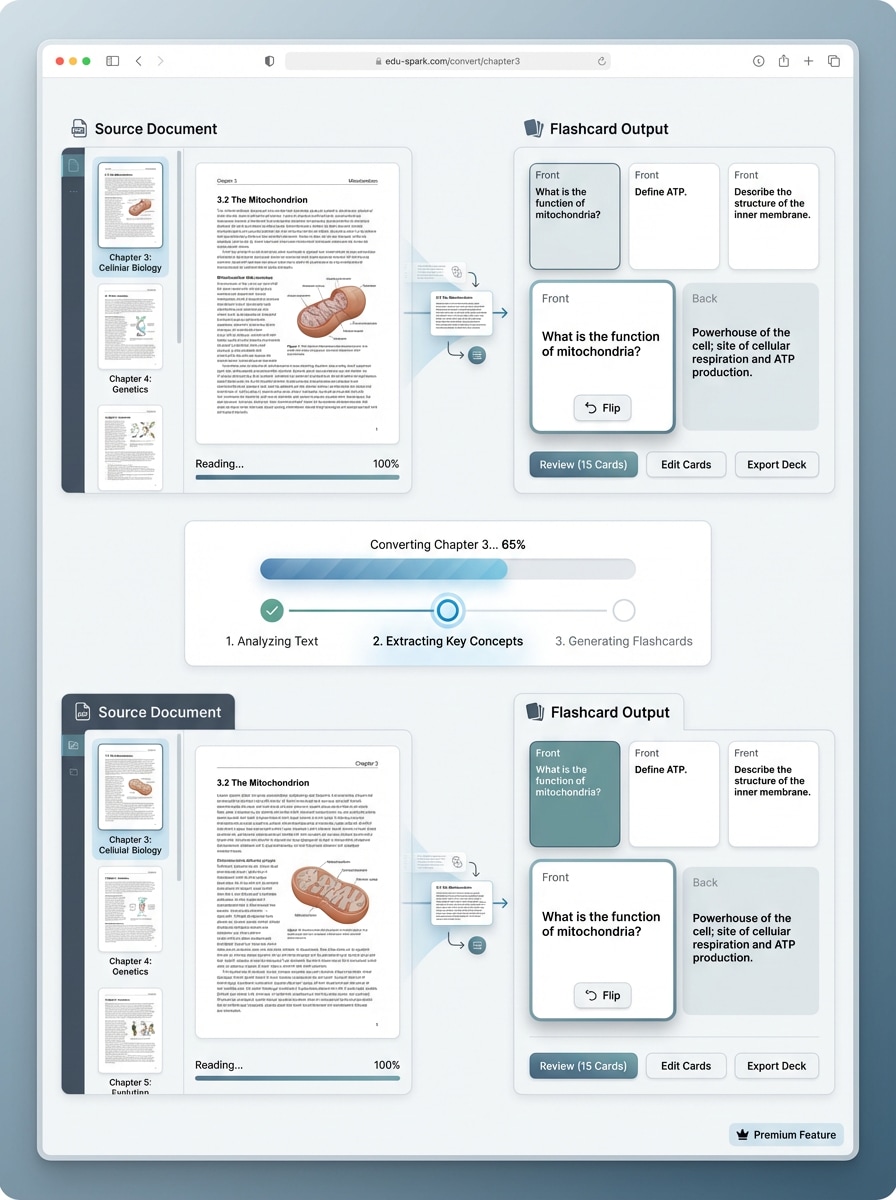
PDF a Tarjetas
Diseña un mockup educativo moderno de SaaS mostrando un capítulo de libro en PDF convirtiéndose en tarjetas ordenadas paso a paso. Incluye miniaturas de documentos, vistas previas de tarjetas, indicadores simples de progreso, tonos neutros, espaciado balanceado, degradados sutiles y un diseño productivo limpio con detalles premium.
Escritorio de Estudio Pastel
Genera un escritorio de estudio estudiantil tonos pastel con tarjetas de estudio impresas y digitales arregladas para revisión de exámenes. Agrega luz suave natural de ventana, toques rosados, crema y salvia, texturas de cuadernos y papelería, ambiente académico acogedor y una composición muy compartible con calidad de imagen refinada.
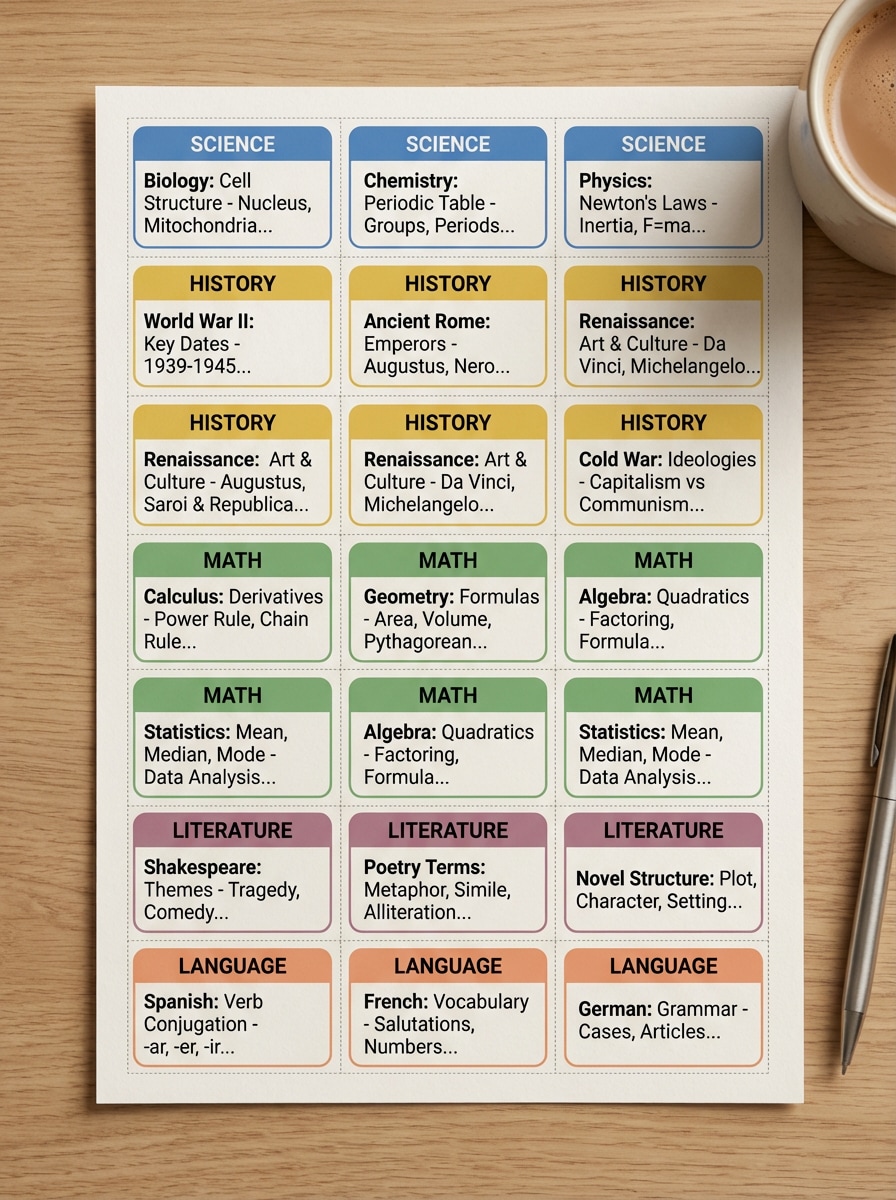
Tarjetas de Revisión por Color
Crea un set imprimible de tarjetas de revisión codificadas por color en una cuadrícula ordenada. Usa colores distintivos por materia, tipografía sans-serif clara, textura de papel, luz superior suave, márgenes equilibrados y una composición vertical amigable para Pinterest, organizada y visualmente satisfactoria para la planificación de estudio.
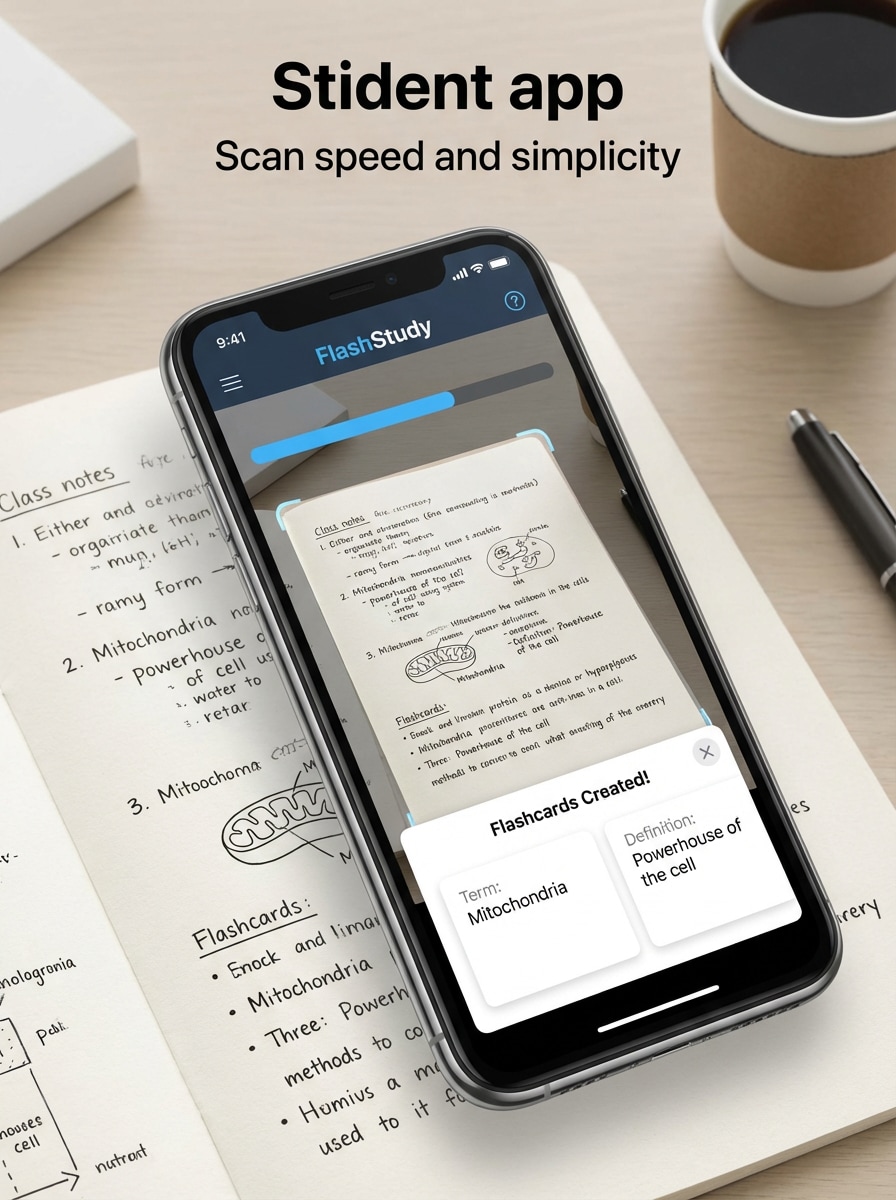
Escanear Notas a Mano
Muestra un smartphone escaneando notas de clase escritas a mano y convirtiéndolas instantáneamente en tarjetas de estudio digitales. Presenta interfaz de app estudiantil moderna, texturas de notas claras, brillo de pantalla, fondo neutro de escritorio, señales de flujo eficiente y composición contemporánea elegante que resalta velocidad y simplicidad.
Estudio en Movimiento
Crea un mockup de estilo de vida de estudio de tarjetas móviles durante viajes o caminatas en campus. Muestra interfaz compacta con tarjetas rápidas, colores modernos, luz natural, fondo urbano desenfocado, ambiente estudiantil energético y una composición lista para redes sociales, práctica y motivadora.
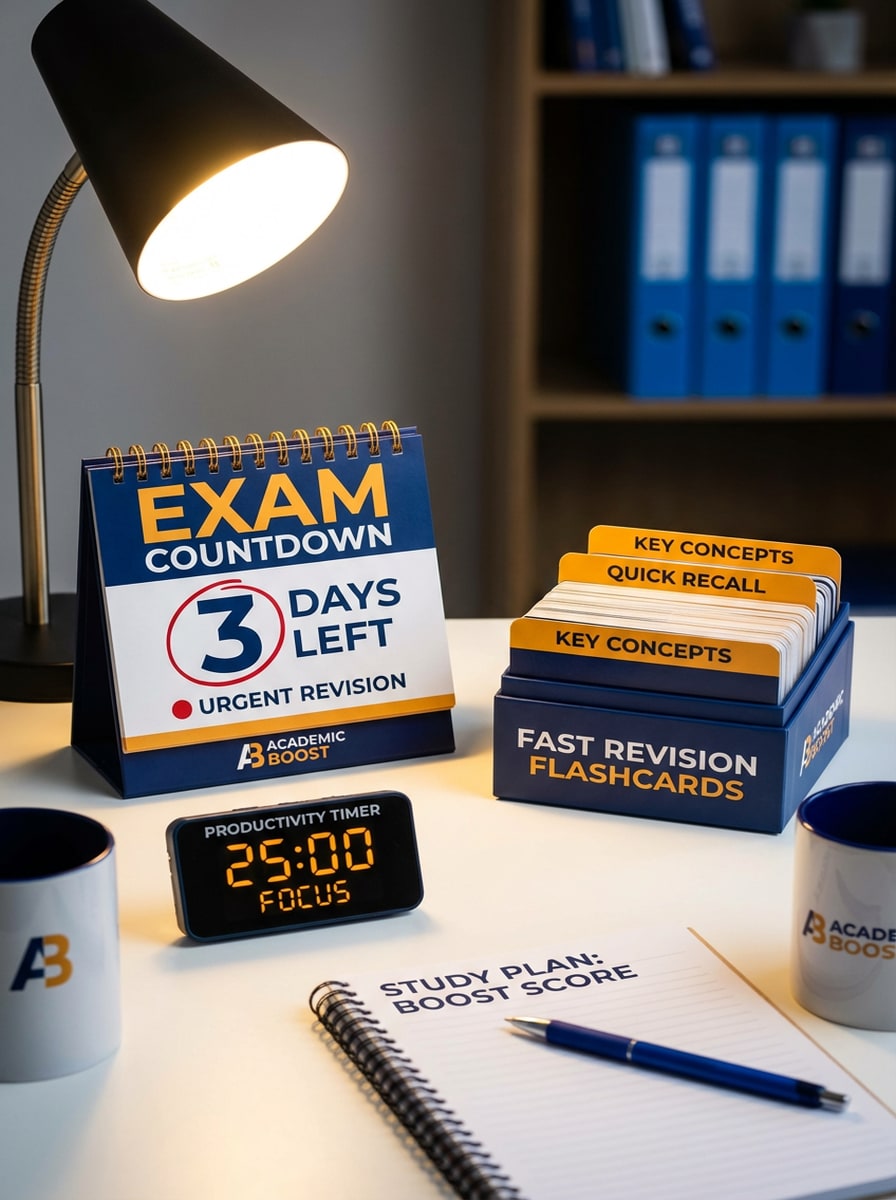
Preparando Cuenta Atrás para el Examen
Genera una visual enfocada en preparación de exámenes con calendario de cuenta atrás, tarjetas estructuradas y elementos de productividad en un espacio de estudio. Usa branding académico audaz y limpio, señales sutiles de urgencia, acentos azul intenso y ámbar, iluminación direccional y composición de alto impacto para revisión rápida.
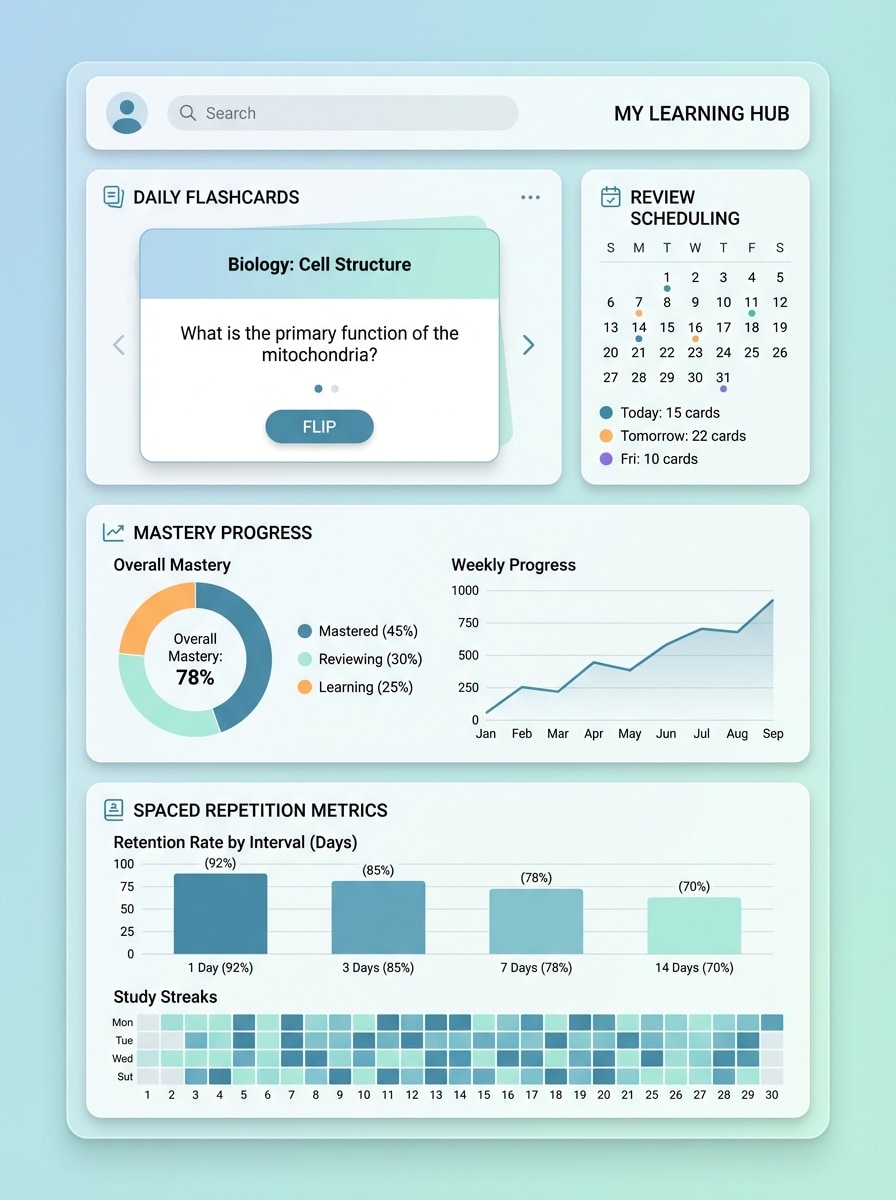
Progreso por Repetición Espaciada
Diseña un panel edtech pulido mostrando tarjetas, programación de revisión, progreso de dominio y métricas de repetición espaciada. Usa gráficos claros, tarjetas de interfaz por capas, tonos azul-verde fríos, sombras suaves, visualización profesional y una estética tecnológica moderna con excelente legibilidad y profundidad.
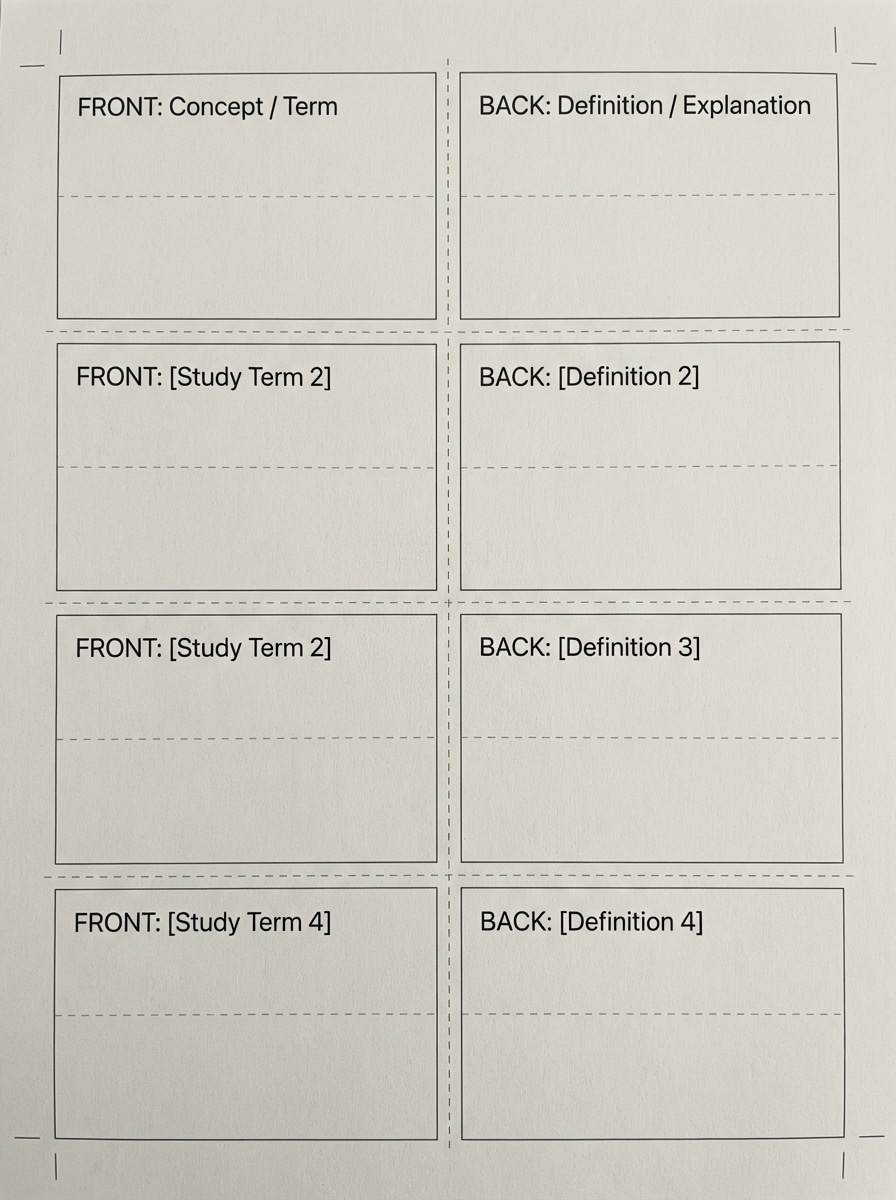
Hojas de Tarjetas Imprimibles
Crea una hoja imprimible de tarjetas con guías de alineación para ambas caras, tipografía limpia y espacio amigable para estudio. Incluye bloques de tarjetas, líneas de corte sutiles, textura de papel blanco, iluminación suave y neutra y una disposición práctica tipo hoja de trabajo lista para imprimir y revisar exámenes en casa.
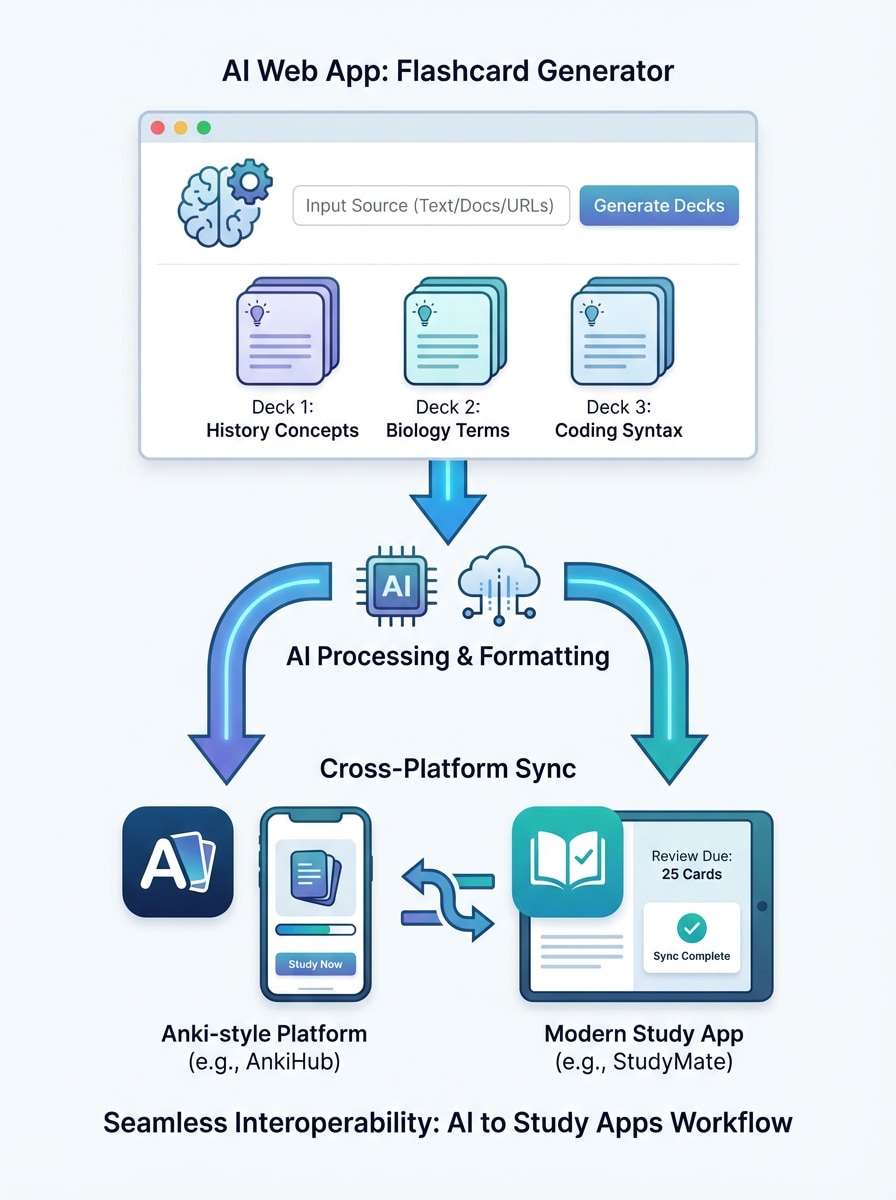
Exportar a Apps de Estudio
Muestra un flujo moderno donde tarjetas generadas por IA pasan de una app web limpia a aplicaciones como plataformas tipo Anki. Usa interfaz basada en íconos, flechas conectadas, vistas claras del mazo, espacios blancos equilibrados, colores productivos frescos y concepto pulido de interoperabilidad con diseño SaaS premium.
Por qué Usar Media.io para Visuales de Tarjetas de Estudio
Salida de Imagen de Alta Calidad
Genera visuales de estudio pulidos en resolución 1K, 2K o 4K, ideales para gráficos de revisión, diseños imprimibles y contenido educativo listo para presentaciones que parecen tarjetas modernas.
Estilos Flexibles para Cualquier Tema de Estudio
Desde mockups SaaS limpios hasta estética de escritorio pastel, Media.io permite estilos visuales diversos para crear conceptos de tarjetas que se adapten a tu materia, público o contenido social con el flujo cómodo de estudio online.
Modelos de IA Potentes en Una Herramienta
Utiliza modelos avanzados como Nano Banana Pro, Nano Banana 2, Seedream 5.0 Lite e Imagen 4 para crear visuales educativos detallados con gran respuesta a la promt, perfectos para resúmenes en estilo tarjeta y diagramas de conceptos.
Funciona en Dispositivos y Proporciones Variadas
Crea en Windows, Mac, iPhone, iPad o Android en el navegador, luego elige proporciones como 1:1, 9:16, 16:9, 4:3 o 3:4 para posts de estudio, historias y material imprimible que parece sets organizados de tarjetas.
Cómo Usar el Creador de Tarjetas de Estudio
1
2
3
1
Abre Media.io Creador de Tarjetas de Estudio
Ve a Generador de Imagen desde Texto con IA y abre el creador bajo IA -> Texto a Imagen. Esta herramienta online funciona en tu navegador, así podrás crear visuales de tarjetas de estudio sin instalar software.
2
Escribe una Promt
Escribe una promt detallada, por ejemplo: "Crea una visual limpia estilo app de notas de biología transformándose en tarjetas digitales, interfaz azul y blanca, tipografía clara, maquetación adaptable al móvil." Ajusta modelo, proporción y estilo según tu contenido de estudio.
3
Genera, Refina y Descarga
Haz clic en Generar. Ajusta tu promt o cambia de modelo si lo necesitas, después descarga tu imagen final en alta resolución para paneles de revisión, materiales imprimibles o posts educativos en redes.
Descubre el Potencial del Creador de Tarjetas de Estudio
Descubre cómo creadores y profesionales están usando Media.io con IA para transformar sus flujos creativos y dar vida a ideas de aprendizaje únicas.
Visualiza Notas para una Revisión Más Rápida
Convierte conceptos densos en gráficos limpios en formato tarjeta que hacen la revisión más fácil de escanear y memorización. El flujo de creador de tarjetas de estudio es útil para resumir biología, historia, vocabulario y definiciones de examen en visuales de estudio más digeribles.
Crea Contenido de Estudio Estético para Redes Sociales
Estudiantes, tutores y creadores pueden diseñar imágenes de tarjetas pulidas para TikTok, Instagram o Pinterest. Usa Media.io para crear transformaciones de notas antes/después, escenas pastel de escritorio y layouts imprimibles atractivos y fáciles de compartir.
Construye Recursos de Estudio Imprimibles y para Presentación
Genera layouts que parecen tarjetas de estudio, vistas previas de mazos o tarjetas tipo hoja de trabajo para entregas en clase, tutorías y guías de estudio. Es una forma práctica de crear tarjetas imprimibles y materiales de aprendizaje visual rápidamente, incluso si solo empiezas con un flujo simple online.
Lo Que les Gusta a los Usuarios
Emily R.
Estudiante Universitaria
"Genial para visuales de revisión" Lo usé para crear visuales de estudio que parecen tarjetas digitales a partir de mis notas de clase. Los layouts eran limpios y me ayudaron a convertir temas aburridos de revisión en visuales que realmente quería repasar.
Daniel M.
Tutor
"Útil para materiales de clase" Hago ayudas personalizadas para estudiantes y Media.io me permite generar imágenes tipo tarjeta rápido. Funciona bien en el navegador y las proporciones son útiles para hojas de trabajo y diapositivas.
Sofía L.
Creadora de Contenido de Estudio
"Bueno para contenido de estudio móvil" Quería contenido estético para Instagram y Pinterest, y me facilitó crear mockups estilo app de notas a tarjetas. Los prompts son flexibles y los resultados modernos y compartibles.
Marcus T.
Coach de Preparación de Exámenes
"Rápido y fácil de afinar" Útil cuando necesito visuales conceptuales rápidos de tarjetas para recursos de preparación. Puedo ajustar el prompt, regenerar y descargar versión mejorada sin perder tiempo en diseño desde cero.
Explora los efectos de video e imagen con IA más populares
Preguntas Frecuentes de Creador de Tarjetas de Estudio
1. ¿Cómo funciona el creador de tarjetas de estudio con IA?
Media.io usa modelos IA de texto a imagen para convertir tu promt escrita en visuales tipo tarjeta de estudio. Describe el layout, materia, colores y ambiente que deseas y la herramienta genera una imagen representando tarjetas de revisión, paneles de estudio, hojas imprimibles o mockups educativos, como diseñarías en una herramienta especializada.
2. ¿Puedo hacer tarjetas desde mis notas o textos?
Puedes pegar ideas de notas o libros en la promt y usarlas para guiar el resultado visual. Por ejemplo, puedes describir definiciones de biología, vocabulario o resúmenes de capítulo y generar una imagen tipo tarjeta inspirada en ese contenido.
3. ¿Este creador es gratuito?
Sí, los usuarios gratuitos pueden probar Media.io con créditos gratis. Si necesitas más, consulta la página de precios para opciones de suscripción. Las descargas gratuitas pueden incluir marcas de agua, mientras los planes pagados ofrecen descargas en alta resolución sin marca de agua. Los usuarios gratuitos tienen créditos gratis. Para más uso, puedes suscribirte a un plan en la página de precios. Mejora a un plan pago en la página de precios para más créditos y descargas sin marca de agua en alta resolución.
4. ¿Qué tan rápido puedo generar un set de tarjetas de estudio?
La generación está diseñada para ser rápida y Media.io ofrece modelos como Nano Banana 2 para flujos creativos ágiles. La velocidad depende de tu promt, modelo escogido y ajustes de salida, pero normalmente puedes crear visuales de tarjetas de estudio en una breve sesión en el navegador. Nano Banana 2 está optimizado para generación e iteración rápida.
5. ¿Puedo editar las tarjetas después de crear?
Puedes afinar tu resultado editando el promt y generando de nuevo con diferentes ajustes de estilo, composición o proporción. Así mejoras el aspecto de la imagen estilo tarjeta, aunque el flujo se centra en generar y afinar imágenes más que editar bases de datos de tarjetas tradicionales.
6. ¿Funciona en móvil, tablet y escritorio?
Media.io es una herramienta web que funciona en cualquier dispositivo con navegador, incluyendo Windows, Mac, iOS y Android. Así podrás crear o revisar tus imágenes de tarjetas de estudio en escritorio, tablet o móvil. Media.io es una herramienta web compatible con cualquier navegador (Windows, Mac, iOS, Android).
Más allá del Creador Online de Tarjetas de Estudio con IA