Creations are stored for only 7 days. Assets created after upgrading to a Membership plan will be stored permanently.
Unlock your creative potential and experience the magic of Media AI right away!
AI App Icon Generator for Polished iOS, Android, and Web Icons
Create custom app icons from text prompts in minutes with Media.io. This AI-powered app icon generator online helps you design clean, launch-ready visuals for startups, games, finance, productivity, and more, with flexible styles, high-resolution output, and a fast browser-based workflow for iOS, Android, and web projects.
Explore our curated collection of app icon generator styles, perfect for anyone who wants to create app icons quickly and consistently in a browser.
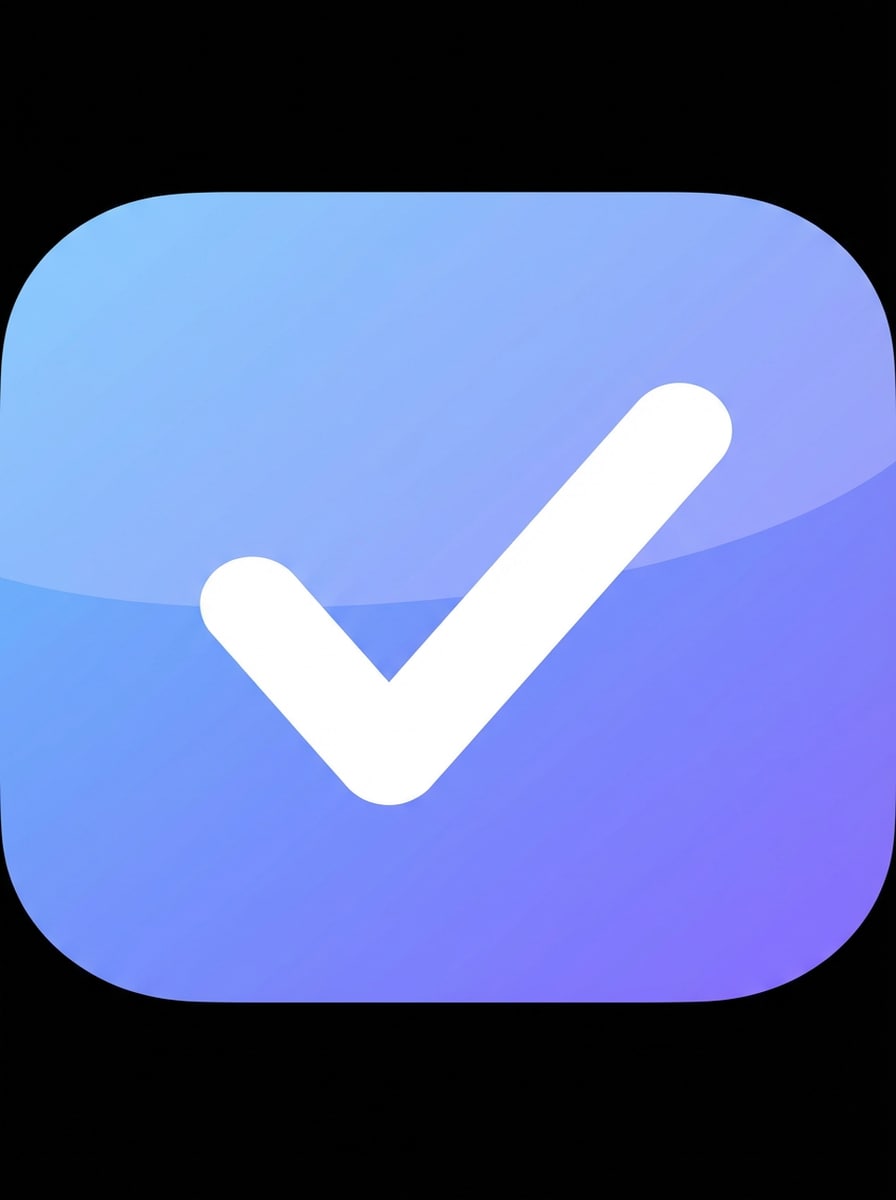
Soft Gradient Minimal
Design a premium productivity app icon with a centered checkmark symbol inside a rounded square, soft blue-to-purple gradient background, subtle glossy highlight, clean vector edges, balanced negative space, modern SaaS branding, high contrast, readable at small sizes, polished App Store-ready look, no text.
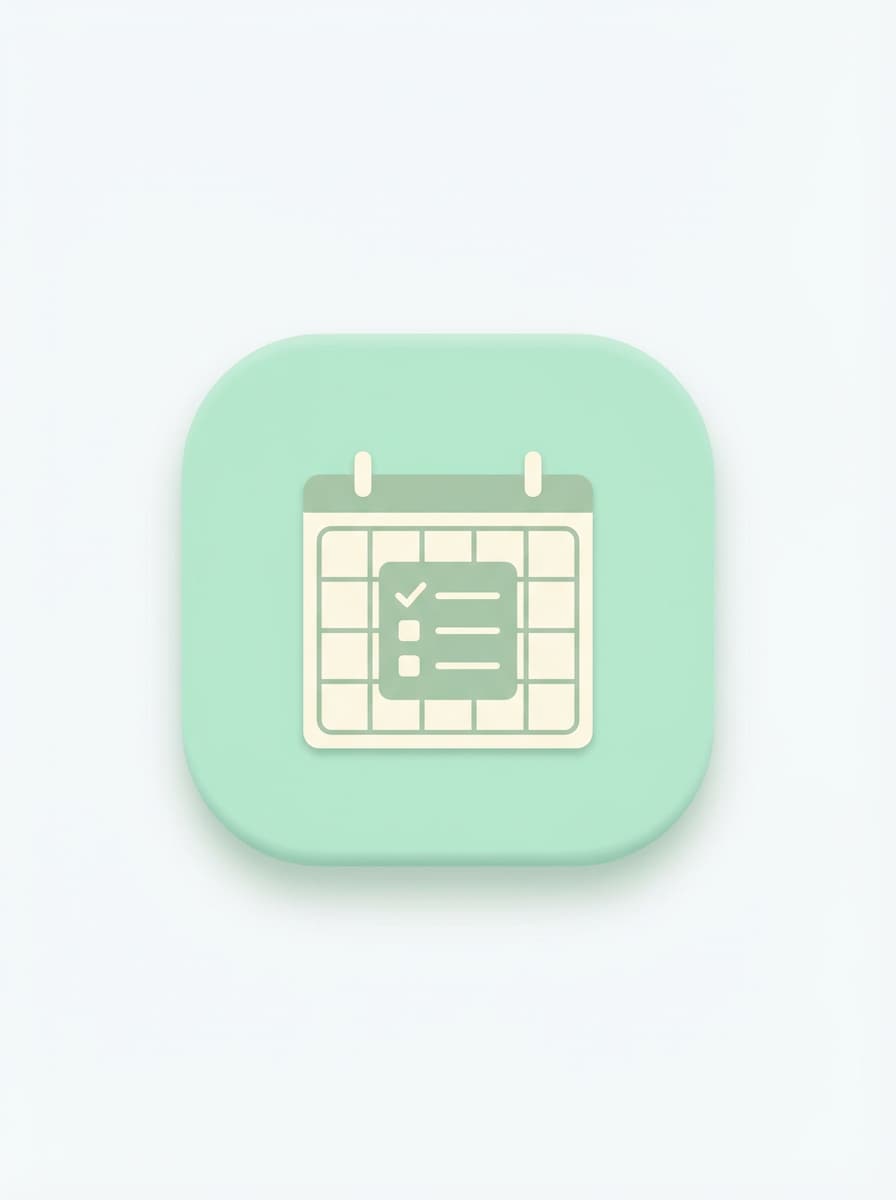
Pastel Productivity
Create a clean pastel app icon for a task manager with a centered calendar-checklist symbol, mint, cream, and light sage palette, rounded square composition, flat vector style, soft shadow, gentle lighting, crisp silhouette, minimalist mood, simple geometry, and clear readability for mobile launcher and store previews.
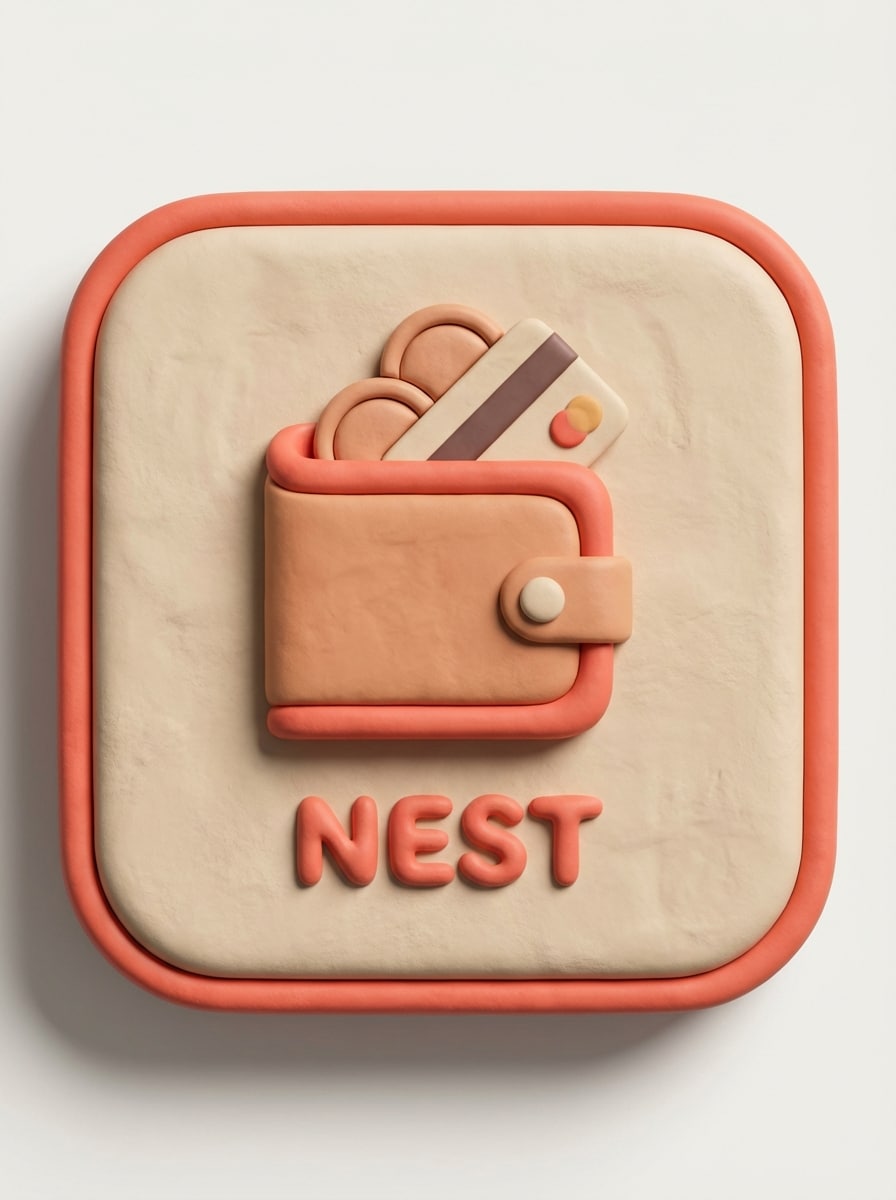
Clay 3D
Generate a 3D clay-style finance app icon with a centered wallet symbol, warm coral and beige palette, rounded square shape, tactile soft material texture, studio lighting, subtle depth, premium startup aesthetic, smooth shadows, clean edges, strong visual hierarchy, and excellent legibility at small icon sizes.
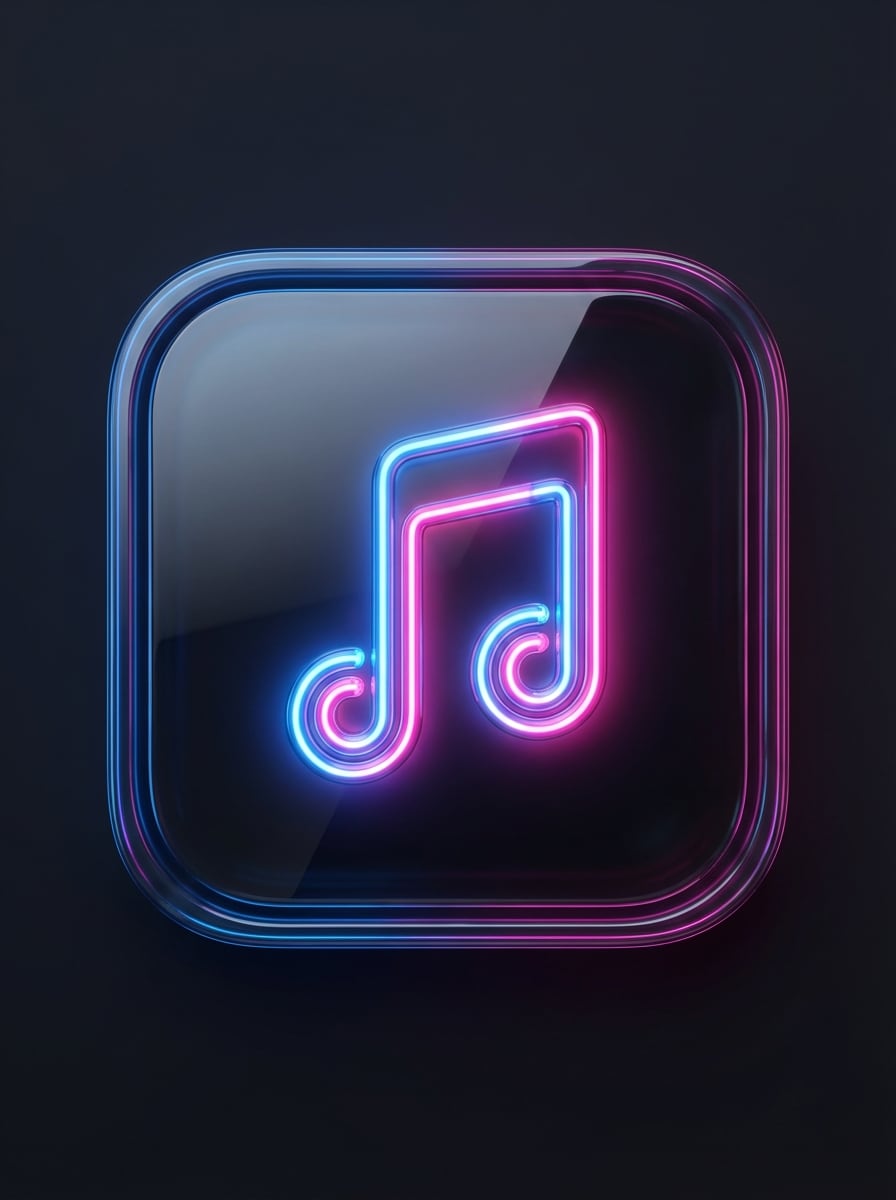
Glossy 3D
Design a glossy 3D music app icon featuring a centered neon note symbol, deep charcoal background, pink and electric blue glow accents, rounded square format, polished reflections, smooth glassy surface, dramatic contrast, modern premium mood, refined lighting, and a bold silhouette that stays clear on mobile screens.
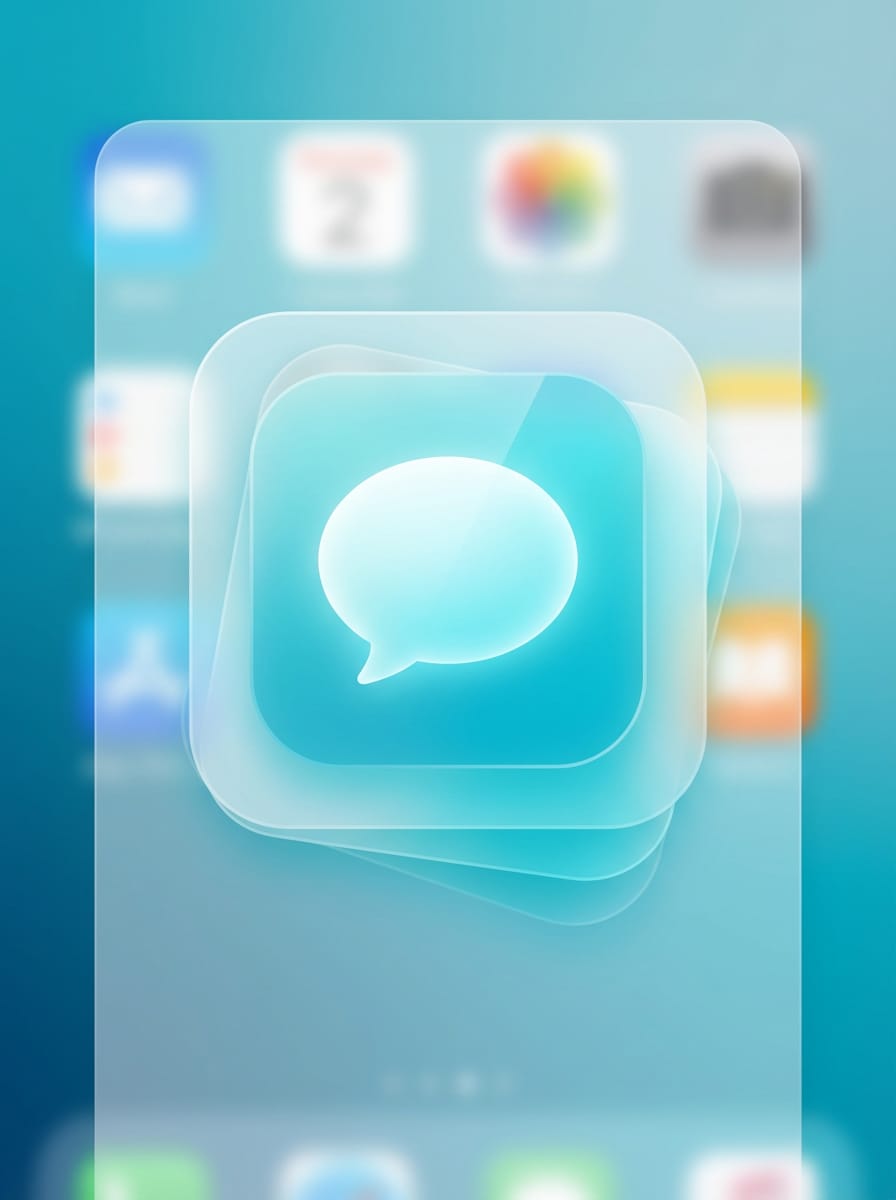
Glassmorphism
Create a glassmorphism messaging app icon with a centered chat bubble symbol, translucent layered glass effect, cyan and white palette, soft blur, rounded square frame, floating depth, clean UI aesthetic, subtle reflections, cool modern mood, high readability, and a sleek app-store presentation without any text.
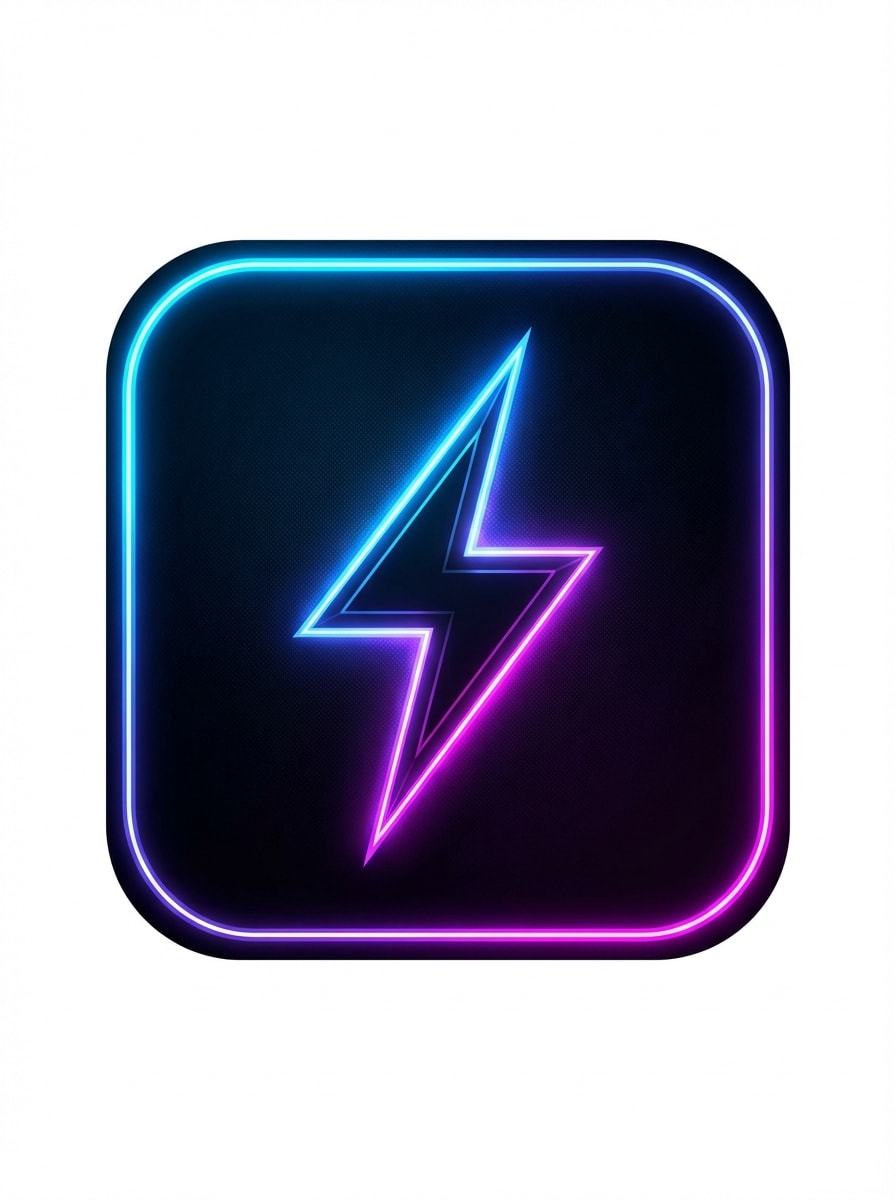
Neon Cyber
Generate a futuristic gaming app icon with a centered lightning bolt symbol, dark background, electric blue and magenta neon glow, rounded square app icon format, sleek cyber styling, sharp contrast, luminous edge lighting, energetic mood, minimal detail, and a strong silhouette optimized for launcher visibility.
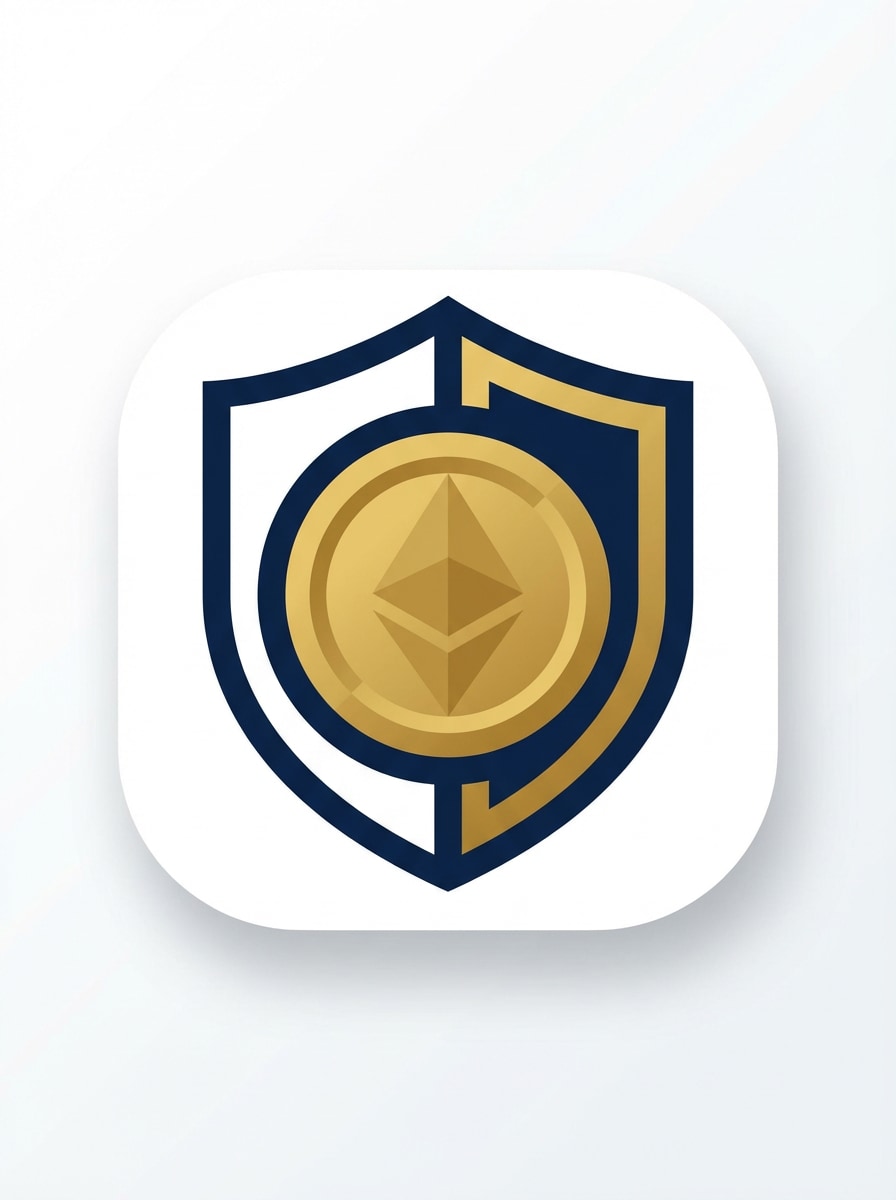
Bold Geometric
Design a clean geometric fintech app icon with a centered shield-and-coin symbol, navy and gold palette, flat vector style, rounded square composition, balanced negative space, crisp linework, professional branding mood, subtle shadow, strong contrast, and reliable readability at 48px and larger app store sizes.
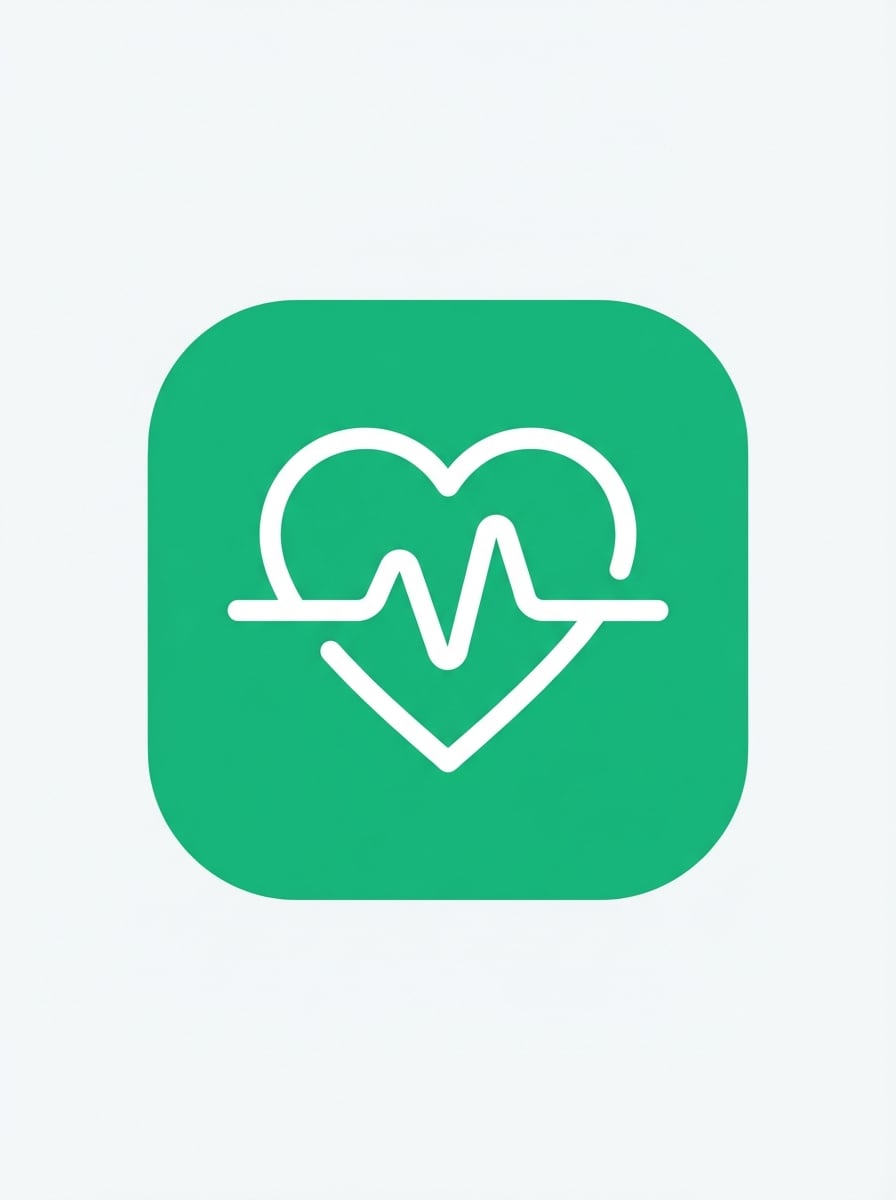
Monoline Symbol
Create a modern monoline health app icon with a centered heart pulse symbol, white line art on a vibrant green rounded square background, minimal vector branding, crisp edges, flat finish, clean spacing, calm trustworthy mood, scalable silhouette, and a polished look that remains clear across mobile interfaces.
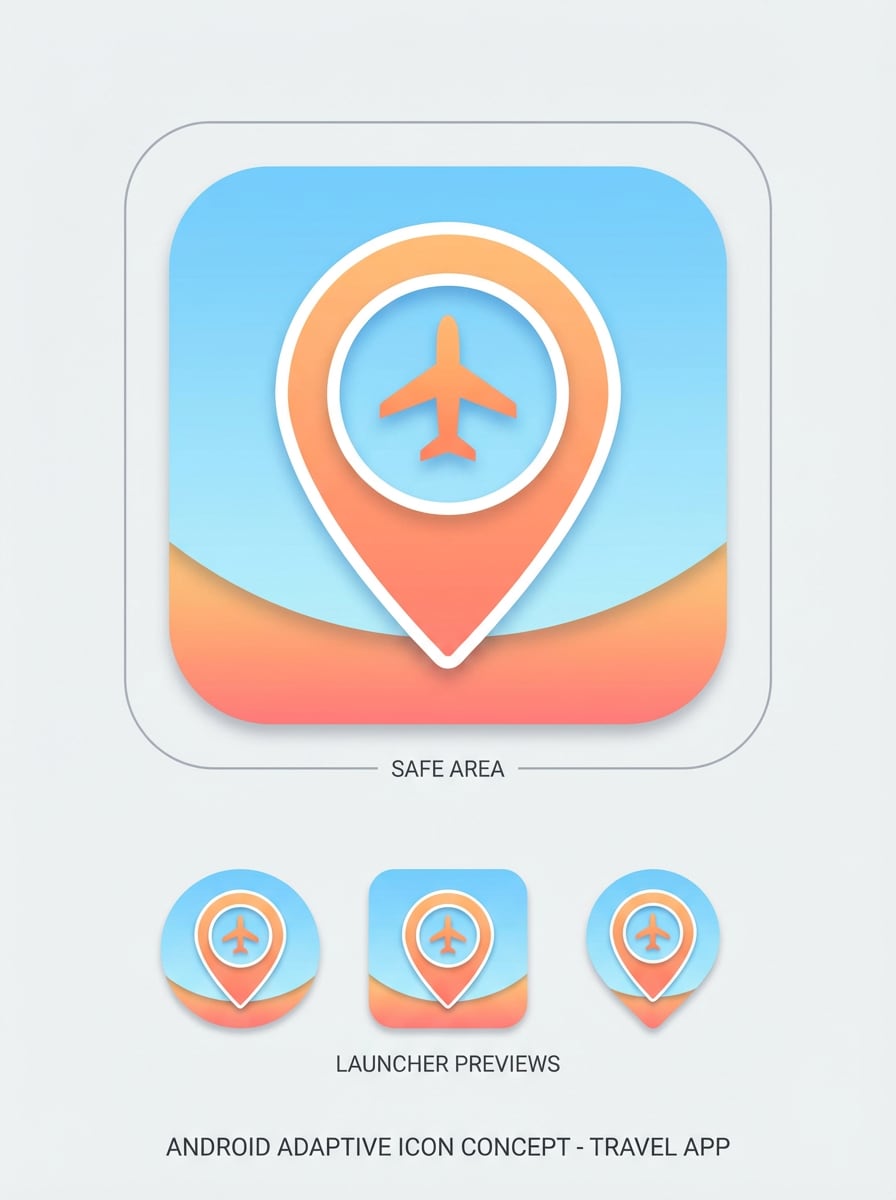
Android Adaptive Layered
Generate an Android adaptive icon concept for a travel app with a centered location pin and plane symbol, separated foreground emphasis, sky blue and sunset orange palette, rounded square safe area, clean vector styling, soft depth, bright optimistic mood, and strong readability for launcher masks and mobile previews.
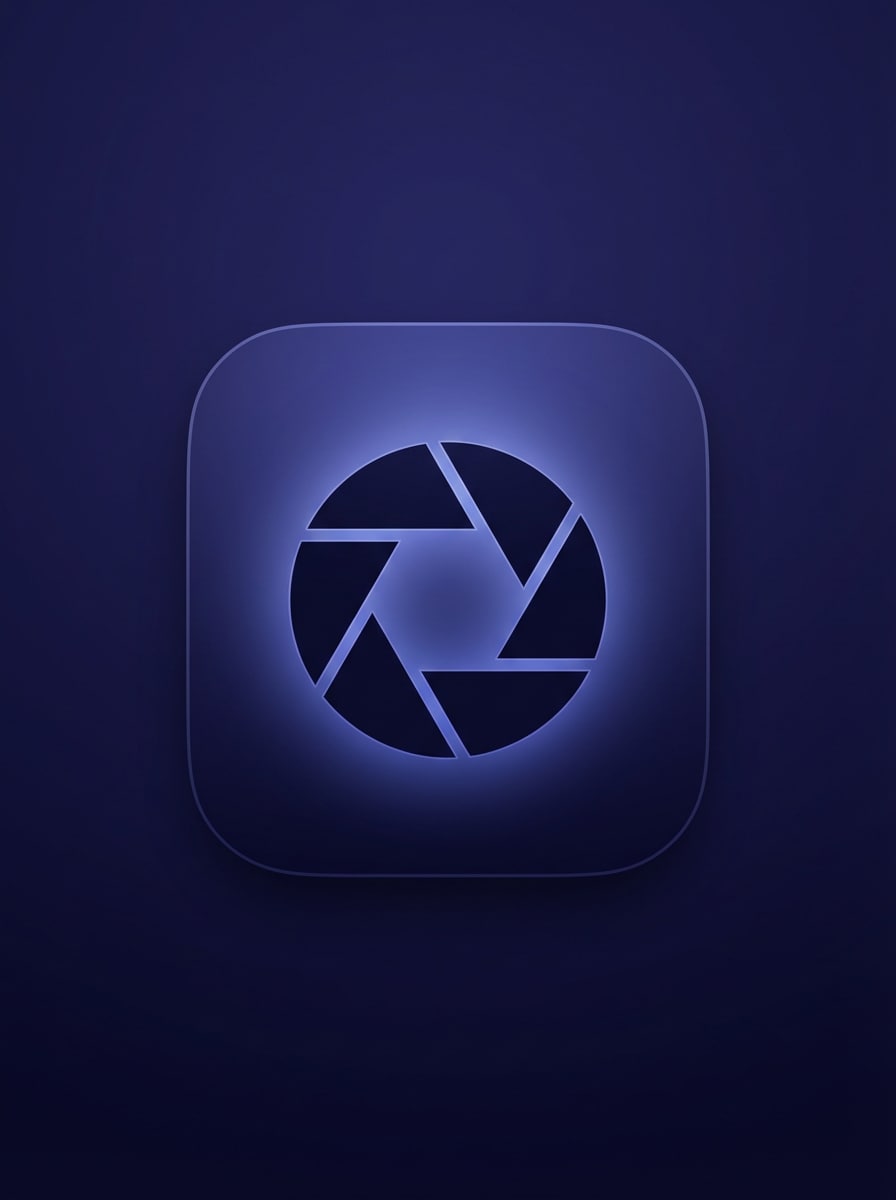
iOS Premium Rounded
Design an iOS-style premium photo app icon with a centered camera aperture symbol, dark indigo gradient background, subtle inner glow, rounded square composition, elegant depth, crisp silhouette, refined lighting, upscale creative mood, minimal detail, and a launch-ready visual suitable for App Store branding.
Why Use Media.io for app icon generator Designs
Create Icons from Text Prompts
Turn a simple idea into a polished icon using text prompts in Media.io’s app icon maker, tailored for startup, finance, game, productivity, and social app branding.
Flexible Styles for Different Brands
Choose from minimalist, 3D render, glossy, glassmorphism, cyberpunk, and other styles in this flexible app icon builder to match your product personality and app store positioning.
High-Resolution Output
Generate icon concepts in 1K, 2K, or 4K resolution with this application icon generator, making it easier to refine details and preserve sharp edges for production-ready assets.
Works Anywhere in Your Browser
Media.io is web-based, so you can use the mobile app icon generator to create and refine concepts on Windows, Mac, iPhone, Android, or any device with a browser, without installing extra software.
How to Use the AI App Icon Generator
1
2
3
1
Open Media.io App Icon Generator
Go to AI Text to Image Generator and open the App Icon Generator under AI -> Text to Image. This online tool runs in your browser, so you can start designing icon concepts without installing software.
2
Enter a Prompt
Type a detailed prompt, such as “Create a modern finance app icon with a gold shield and coin symbol, navy background, rounded square, clean vector style.” Adjust the style, model, aspect ratio, and look to match your brand direction.
3
Generate, Refine & Download
Click Generate. Tweak the prompt if needed to improve readability, color, or mood. Then download your high-resolution icon concept and use it in your branding or app design workflow.
Discover how creators and professionals are using the Media.io AI-powered app icon generator to transform their creative workflows and bring unique ideas to life.
Launch Faster with Brand-Ready Startup Icons
Founders and indie developers can use this AI app icon generator to quickly create polished concepts for MVP launches, pitch decks, landing pages, and app store submissions, using an app icon generator free trial before committing to a full design cycle.
Explore Multiple Visual Directions for Product Teams
Designers and product teams can create app icons in multiple directions—minimalist, glossy, 3D, or vector—side by side, making it easier to compare branding routes before finalizing an icon system for iOS, Android, and web.
Create Niche Icons for Games, Finance, and Productivity Apps
If you need an app logo or icon workflow for specific app categories, Media.io works like an online app icon maker to generate category-fit visuals with stronger symbols, cleaner silhouettes, and better store readability from simple text prompts.
What Users Say About Media.io
Noah Bennett
Indie App Founder
"Fast way to explore icon directions" I used Media.io to generate several app icon concepts for a productivity startup. The prompts gave me a surprisingly strong range of clean, launch-ready looks in just a few minutes.
Priya Shah
Product Designer
"Helpful for early-stage branding" The biggest win was speed. I could test glossy, vector, and glassmorphism styles without opening multiple design tools first. It made early concepting much easier for our mobile team.
Marcus Lee
Android Developer
"Good for readable mobile icon concepts" I wanted icon ideas that stayed clear at smaller sizes, and the generated results had solid contrast and simple silhouettes. It saved time when brainstorming Android launcher icon directions.
Elena Rossi
Creative Strategist
"Easy browser-based workflow" I like that everything runs in the browser. For quick concept boards and client presentations, Media.io is a practical tool for generating polished app icon visuals without a complicated setup.
1. How does an AI app icon generator work from a text prompt?
An AI app icon generator turns your written description into an image concept. In Media.io, you enter a prompt describing the symbol, colors, mood, and style you want, then the model generates icon ideas based on that input. English prompts are generally optimized for better results, especially when you create app icon online for clean, brandable mobile concepts. Media.io is a web-based tool that works on any device with a browser (Windows, Mac, iOS, Android).
2. Can I generate app icons for both iOS and Android?
You can use Media.io to create icon concepts for both iOS and Android by describing the visual direction you want, such as rounded-square iOS looks or adaptive-style Android concepts. The tool is useful for generating ideas for cross-platform branding, app store visuals, and web app icon design, making it easy to app icon generate from one place.
3. What size and format should an app icon be for the App Store and Google Play?
Media.io works in modern browsers on desktop and mobile, so you can create and revise designs without installing heavy software, using it as a convenient app icon builder wherever you work.
4. Is there a free app icon generator option to try first?
Media.io offers free credits so you can try the tool before upgrading. This app icon maker free access lets you test the workflow and quality. For additional usage, you can choose a paid plan on the pricing page. Free users may see watermarks, while paid subscribers can download watermark-free high-resolution images. Free users can use free credits. For more usage, users can subscribe to a plan on the pricing page. Upgrade to a paid plan on the pricing page for more credits and watermark-free high-resolution downloads.
5. Can I customize the icon style, colors, and background after generation?
You can guide the output by changing your prompt and selecting different visual directions such as 3D render, realistic, cyberpunk, anime-inspired, or cleaner vector-like looks. You can also specify colors, background mood, symbol shape, and composition details in the prompt to refine the final app icon style created with the application icon generator.
6. Will the generated icon stay sharp at small sizes and high resolution?
Media.io supports 1K, 2K, and 4K image generation, which helps preserve clarity when you refine or resize your icon concept. For the best small-size readability, use prompts that ask for strong contrast, simple geometry, centered symbols, and minimal fine detail—especially for mobile launcher and app store use. Free users may have watermarks when using the app icon generator free credits.