Apply a Polaroid Filter Online for Instant Retro Photo Style
Turn any uploaded image into an instant-photo look with a realistic white frame, soft film grain, and vintage color grading. Media.io helps you create a polaroid filter, a subtle polaroid effect, or an instant camera filter in seconds on mobile or desktop. It is also a practical option for polaroid photo effect.
Review these example directions, then tailor the prompt details to get stronger results with this Polaroid Filter and a more convincing instant-photo style.
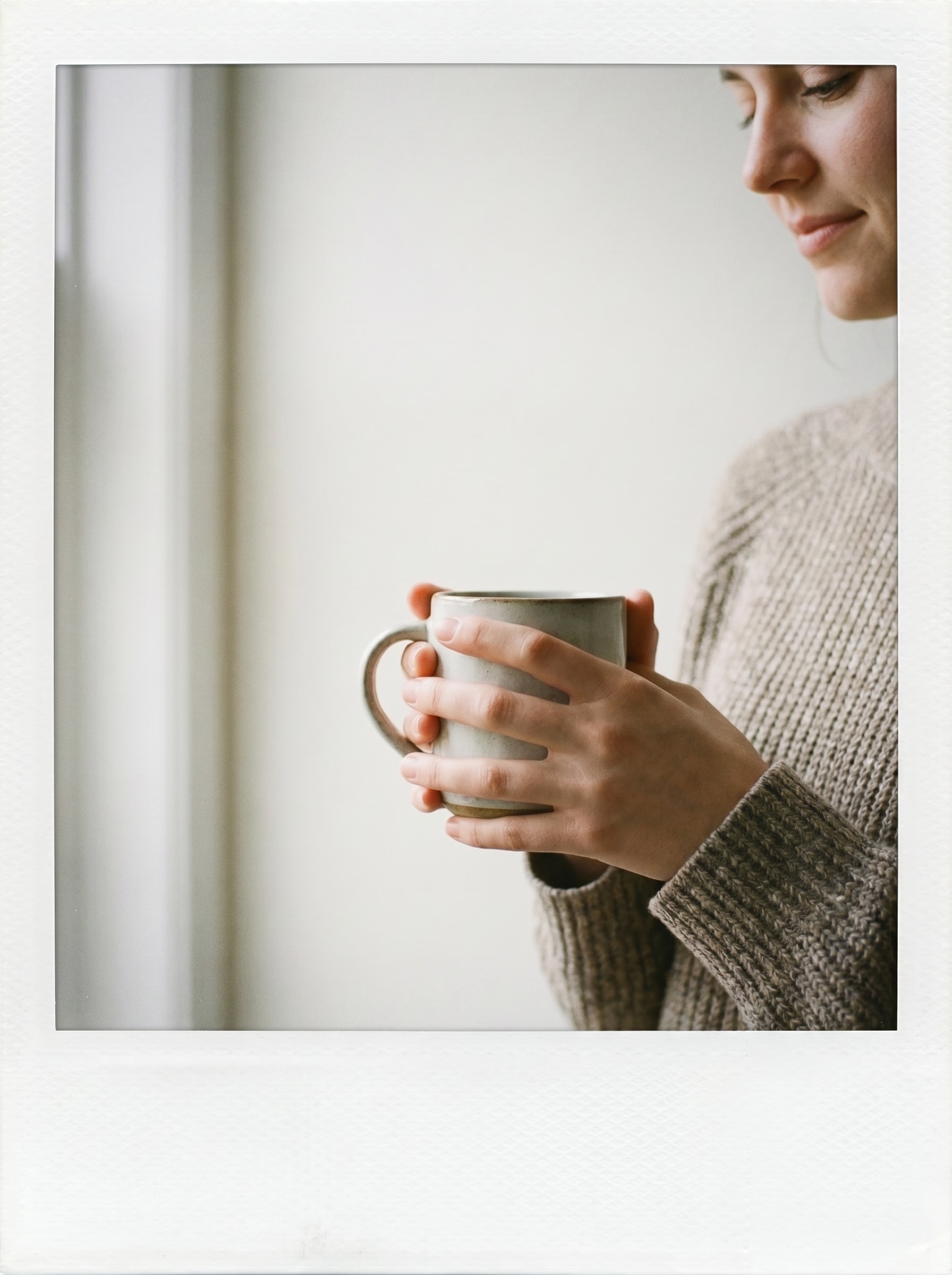
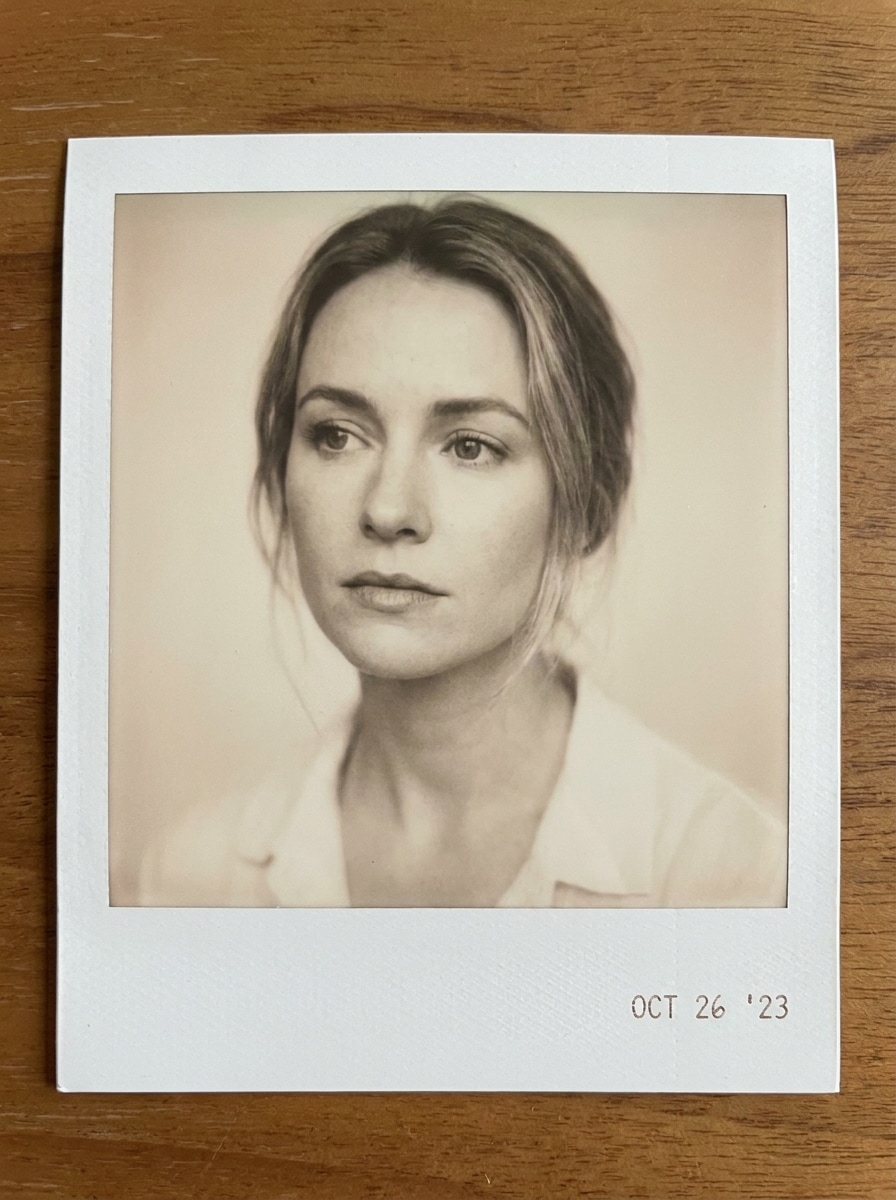
Clean White Polaroid Frame
Use the uploaded image as the subject and transform it into a clean instant-film print with a realistic white polaroid border, thicker bottom margin, soft neutral lighting, subtle film grain, gentle desaturation, smooth photo-paper texture, and a crisp nostalgic mood with balanced contrast.
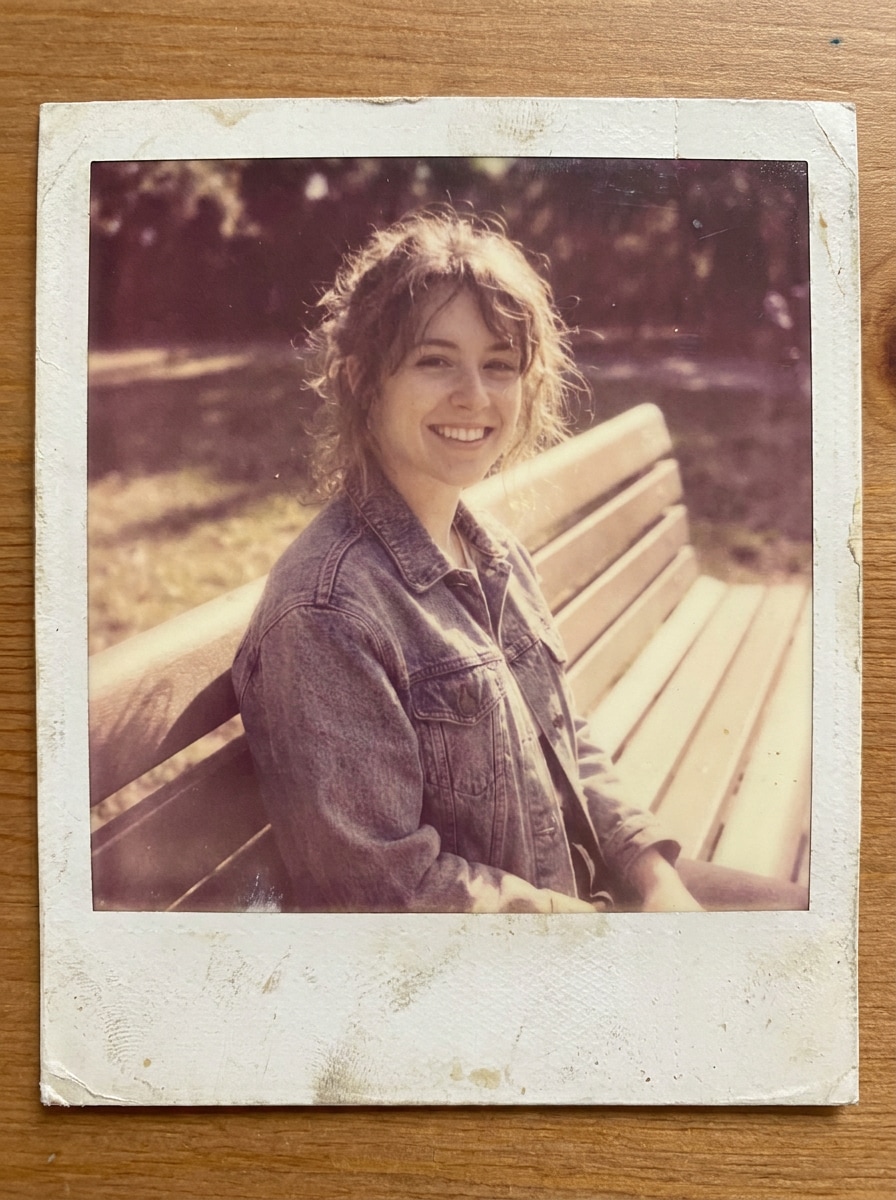
Vintage Faded Instant Photo
Use the uploaded image as the subject and apply an aged instant-film makeover with a white border, faded warm tones, lifted blacks, soft blur, analog grain, lightly worn paper texture, gentle flash softness, and a sentimental memory-book mood that feels naturally retro.
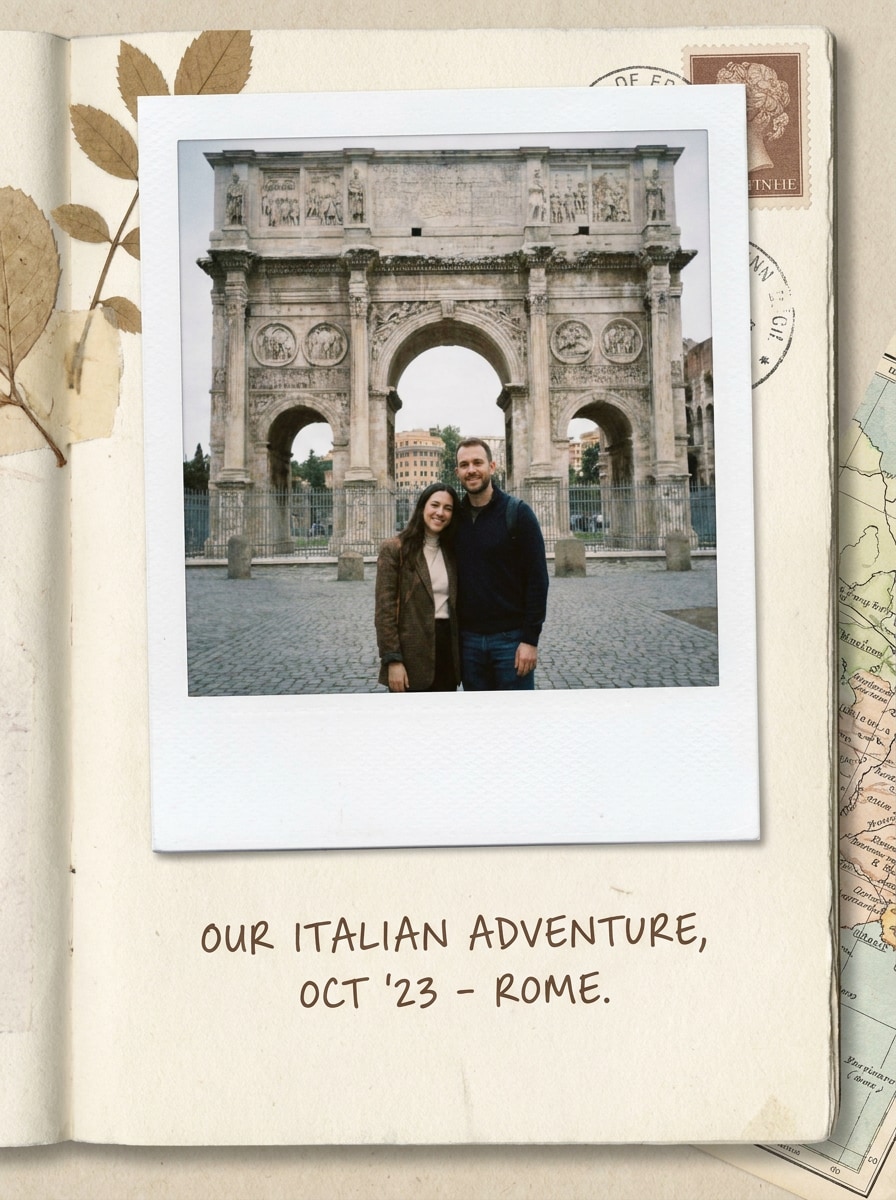
Scrapbook Polaroid Note
Use the uploaded image as the subject and place it inside a scrapbook-style instant print with a realistic white border, extra bottom caption space, soft beige vintage grading, paper grain texture, gentle drop shadow, cozy memory-keeping mood, and a neat handcrafted journal aesthetic.
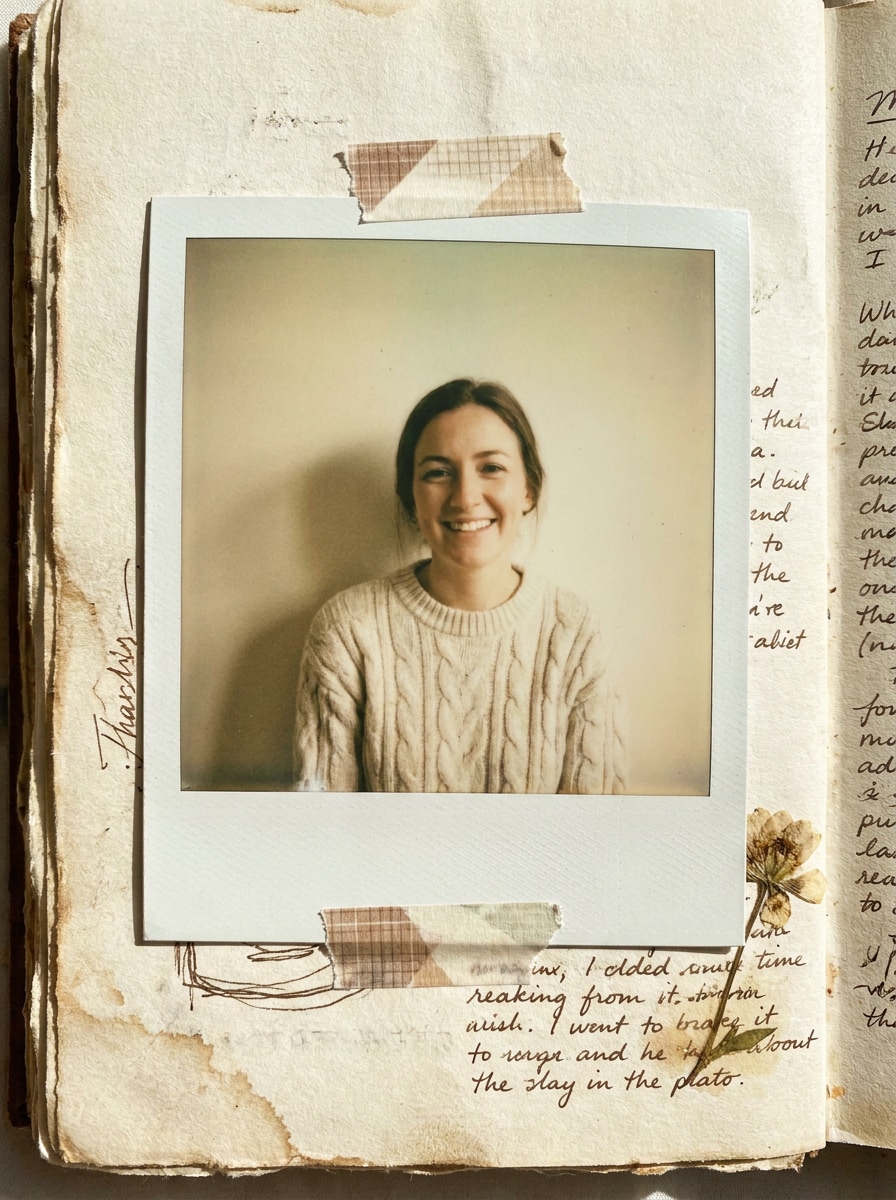
Tape-on Journal Aesthetic
Use the uploaded image as the subject and transform it into a taped journal-style instant print with a white border, soft matte finish, slightly yellowed paper tones, realistic grain, layered scrapbook shadow, and a nostalgic handmade layout that feels personal and tactile.
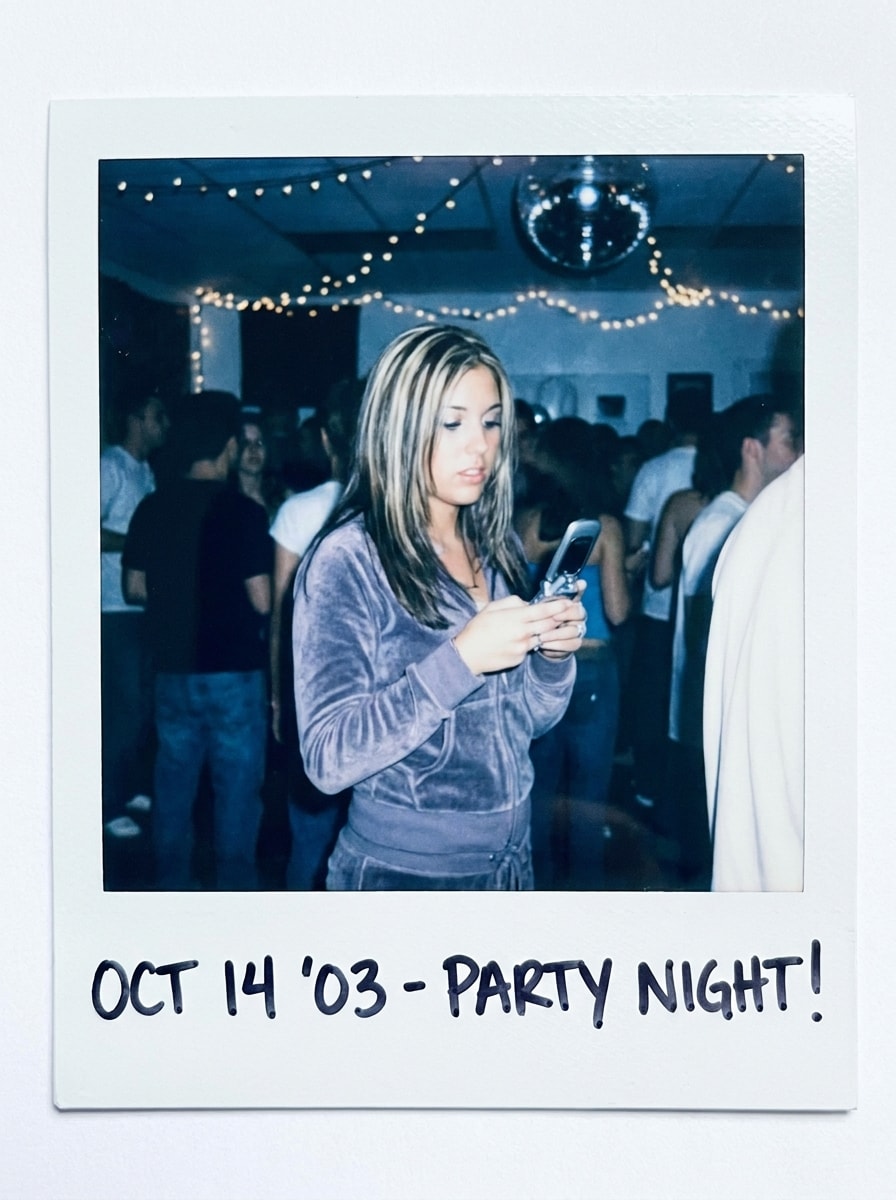
Y2K Flash Polaroid
Use the uploaded image as the subject and restyle it into a glossy Y2K instant print with bright direct-flash highlights, crisp white border, cool-toned color shift, slight motion softness, shiny film feel, and a playful nightlife mood with strong retro energy.
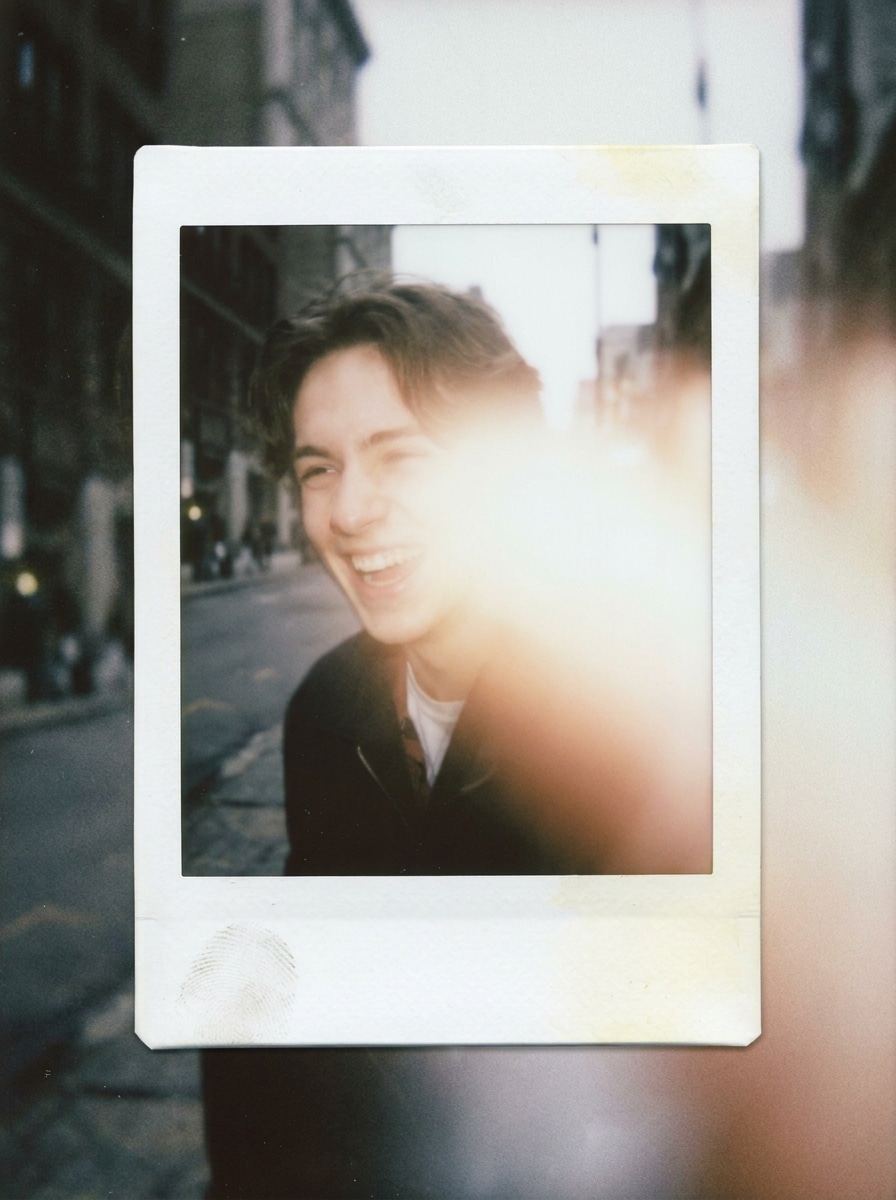
Disposable Camera Polaroid Mix
Use the uploaded image as the subject and blend a disposable-camera vibe with an instant-film frame, adding flash bloom, muted retro colors, slight focus softness, noticeable grain, realistic white border, and a candid off-duty mood that feels spontaneous and nostalgic.
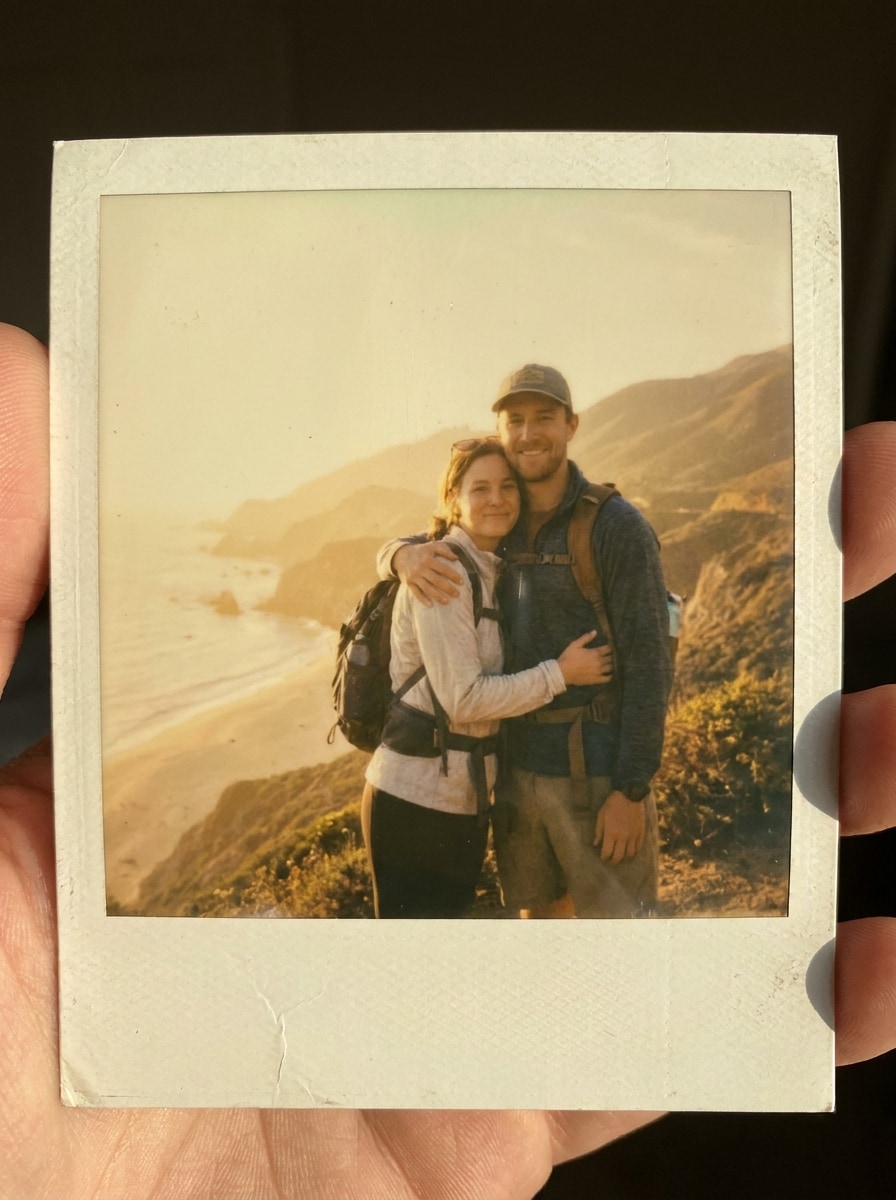
Travel Memory Polaroid
Use the uploaded image as the subject and create a sentimental travel instant print with a realistic white frame, gentle sun-faded warmth, soft grain, airy highlights, preserved vacation-memory mood, and a timeless analog snapshot finish with clean natural composition.
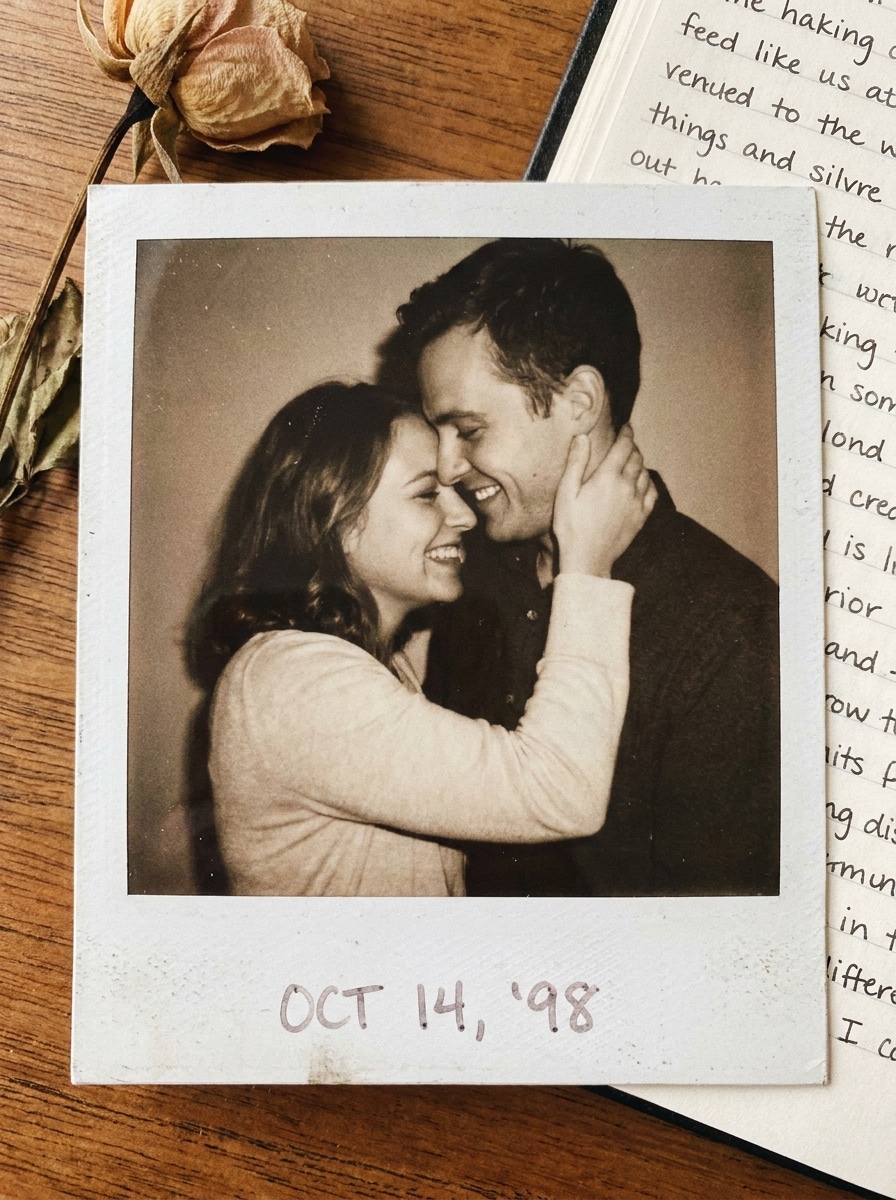
Couple Photo Polaroid
Use the uploaded image as the subject and turn it into a romantic instant-film print with a realistic white border, soft warm tones, flattering skin colors, dreamy contrast, subtle grain, smooth paper texture, and a heartfelt keepsake mood suited for memory sharing.
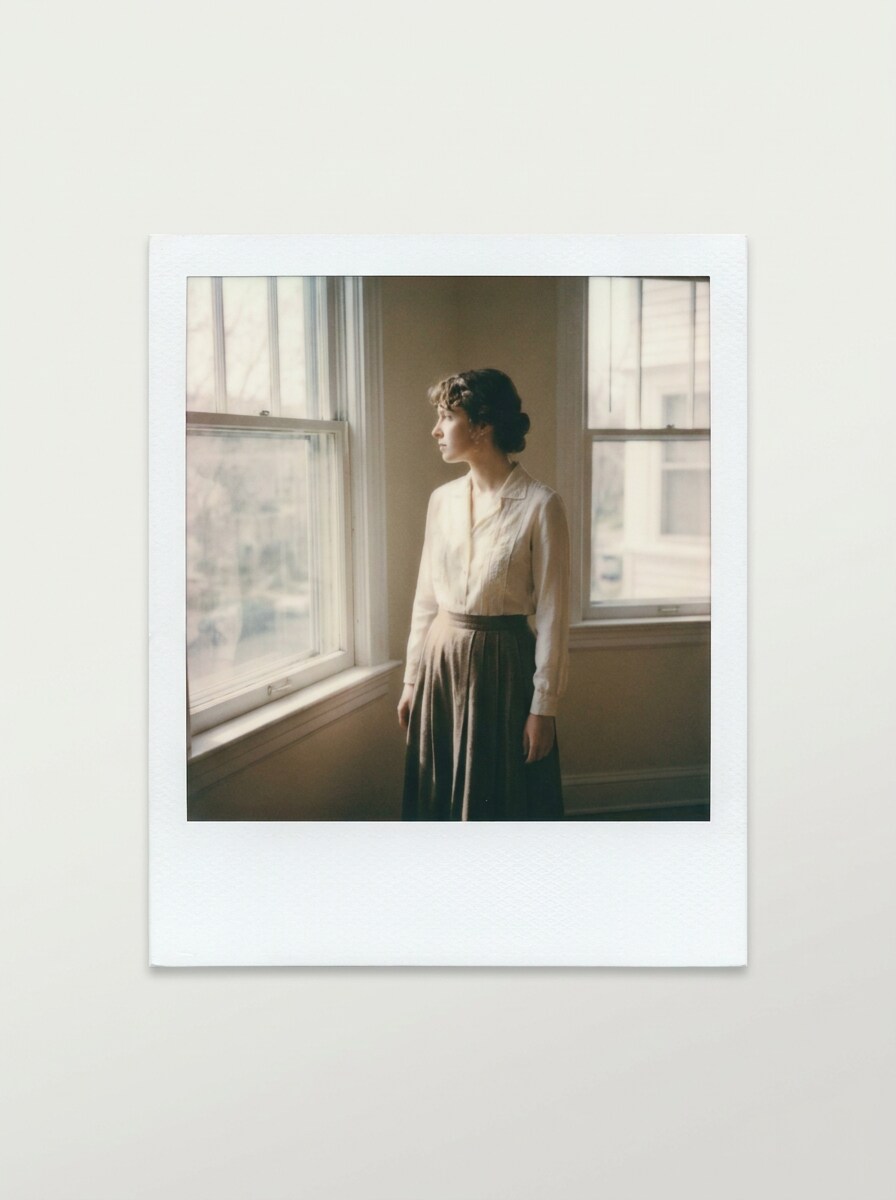
Neutral Beige Polaroid
Use the uploaded image as the subject and apply a minimal modern retro treatment with a white polaroid frame, neutral beige grading, understated grain, soft matte paper finish, clean editorial composition, and a calm refined mood with subtle vintage character.
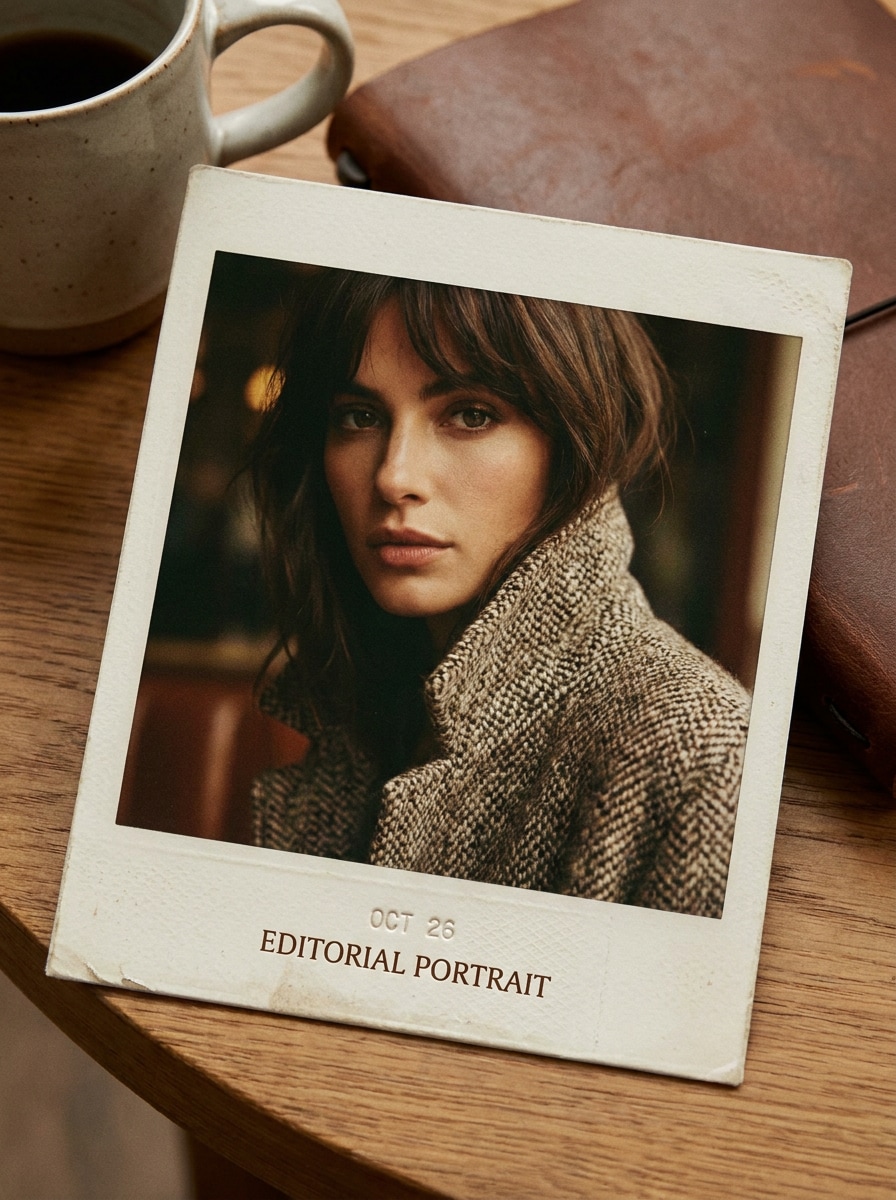
High-Contrast Editorial Polaroid
Use the uploaded image as the subject and transform it into an editorial instant print with sharp subject clarity, realistic white border, controlled high contrast, fine film grain, premium analog texture, confident fashion mood, and a clean magazine-inspired retro finish.
Why Use Media.io for a Polaroid Photo Effect
Turn Any Upload Into an Instant-Photo Look
For upload-based edits, Media.io helps keep the reference subject visually consistent while you reshape the image with a new polaroid filter effect. That makes personalized results easier to trust for portraits, lifestyle shots, and branded creative work.
Match the Right Style for Every Version
If your polaroid-style image needs to do more than sit in a small preview, Media.io helps produce sharper results up to 4K so the framed vintage look stays dependable for presentations, social assets, and design mockups.
Generate Cleaner Output Up to 4K
Some results need to do more than look good in a preview. Media.io helps generate cleaner polaroid filter visuals with output up to 4K so the final image holds up in wallpapers, decks, and mockups.
Edit on Phone or Desktop Without Extra Software
When a polaroid filter visual idea starts away from your main setup, Media.io lets you create and refine it in the browser so moving between mobile and desktop feels seamless instead of disruptive.
How to Create a Polaroid Camera Effect Online
Turn your words into stunning visuals in three simple steps, then continue refining the result if you want to take it further.
Step 1
Upload Your Reference Image
Start with a clear JPG, PNG, or JPEG photo that you want to restyle. Portraits, couple shots, travel images, and candid snapshots work especially well when you want a white instant-film border and nostalgic analog mood.
Step 2
Describe the Change and Set Options
Enter a prompt describing your ideal polaroid camera effect, such as faded colors, extra caption space, scrapbook tape styling, or direct-flash Y2K vibes. Then choose your model and adjust aspect ratio, quality, and the number of image variations.
Step 3
Generate, Download, and Keep Improving
Create multiple versions, compare the look of each polaroid picture effect, and download your favorite result. If needed, refine the prompt, generate again, or continue editing for social posts, prints, covers, or memory-board designs.
See how creators use this Polaroid Filter for content, marketing, and personal projects, then adapt each idea to fit the brief.
Create Memory-Book Photos for Social Posts
Give everyday portraits, travel shots, and weekend moments a white instant-film border, soft grain, and faded color treatment that feels more personal than a generic vintage preset. This polaroid photo filter look is an easy way to build scrapbook-style carousels, mood boards, and story content.
Style Couple, Family, and Event Pictures as Keepsakes
A nostalgic instant-print style works beautifully for relationship photos, birthday memories, and celebration galleries. With adjustable framing and tone, you can create a warm retro finish that feels like a printed souvenir, whether you want a subtle polaroid camera effect or a more obvious polaroid frame filter.
Design Retro Assets for Cards, Covers, and Mockups
Use the look for invitation art, poster concepts, collage layouts, or branded social visuals that need an analog snapshot aesthetic. The framed treatment adds structure and personality, while Media.io helps you turn the concept into a polished polaroid picture effect or even a richer polaroid vintage filter for publishing.
What Users Say About This Polaroid Filter
Ava Martinez
Lifestyle Content Creator
"Perfect for scrapbook-style posts" I wanted a realistic white instant-film border without using layered templates. This tool gave my travel photos a natural polaroid photo effect in minutes, and the results looked great in my Instagram carousel.
Jordan Lee
Freelance Designer
"Fast retro edits with clean exports" I used it to build mood-board visuals and cover mockups. The polaroid frame filter looked convincing, and I liked being able to generate different variations before downloading the final image.
Mia Robinson
Student Creator
"Easy on phone and laptop" I tried it on my iPhone first and then on my laptop later. The browser workflow was simple, and the polaroid vintage filter gave my couple photos that soft nostalgic look I wanted.
Ethan Clark
Social Media Manager
"Useful for branded retro campaigns" We needed a quick instant-camera look for a seasonal promo. Media.io helped us turn regular product and lifestyle shots into cohesive retro visuals without a long editing process.
A polaroid filter is an image style that makes a digital photo look more like an instant-film print. It usually combines a white border, softer contrast, subtle grain, and vintage color grading to create a retro snapshot feel. Compared with a general vintage preset, a polaroid effect filter is more focused on the framed instant-photo aesthetic.
2. How can I add a polaroid frame to a photo online?
Upload your image to Media.io, describe the look you want, and generate a styled version with an instant-photo border and retro grading. You can guide the result with prompts such as a clean white frame, faded film tones, scrapbook caption space, or a soft polaroid camera effect.
3. Is this polaroid photo filter free to use?
Free users can try Media.io with free credits, which is useful for testing a polaroid photo filter or instant-film look before upgrading. Depending on your plan, free exports may include watermarks, while paid subscribers can download watermark-free high-resolution results. You can compare options on the pricing page.
4. Can I customize the border, colors, or caption area?
Media.io supports prompt-guided image editing, so you can describe the kind of white border, color fade, grain level, or extra bottom space you want. That makes it practical for everything from a subtle polaroid filter online edit to a more obvious polaroid frame filter with scrapbook-style caption room.
5. Will the polaroid effect reduce my image quality?
The retro styling changes the look of the image, but Media.io also offers high-resolution output options to help preserve a strong final result. If you want a crisp polaroid picture effect for posting or printing, choose the resolution and aspect ratio that best fit your project. Free users may have watermarks.
6. Does the polaroid filter work on iPhone, Android, and desktop?
Media.io is web-based, so you can use the polaroid filter on phones, tablets, and desktop computers through a browser. That includes iPhone, Android, Windows, and Mac workflows, which makes it easy to create a polaroid camera filter look at home or on the go.