Apply a Kodak Film Filter for Warm Vintage Photo Looks
Turn any uploaded photo into a nostalgic analog image with a kodak film filter. Media.io helps you create Portra-style warmth, Gold-style glow, grain, fade, and flash-driven retro edits fast in your browser, whether you want a classic kodak photo effect or a playful beauty remix like a red lip photo edit.
Review these example directions, then tailor the prompt details to get stronger results with this Kodak Film Filter.
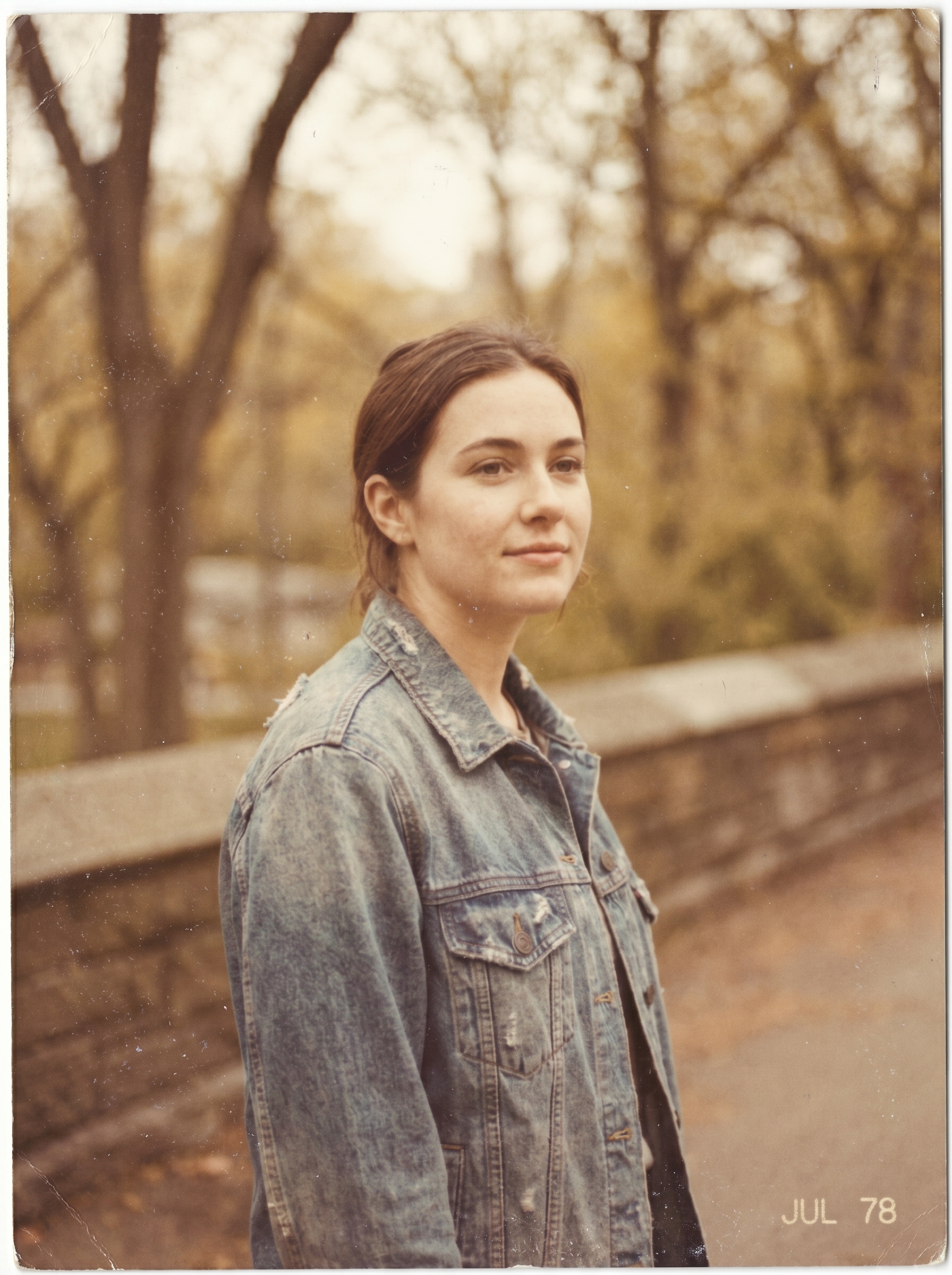
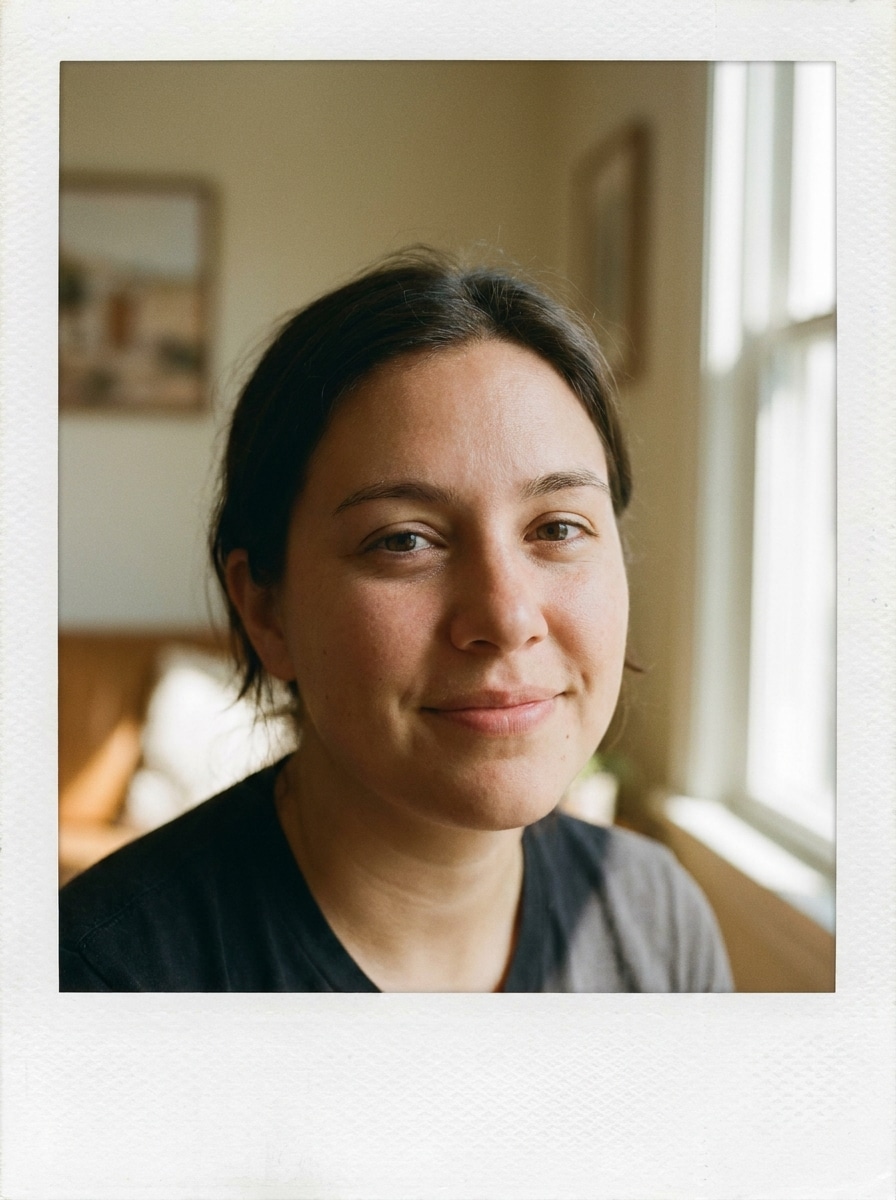
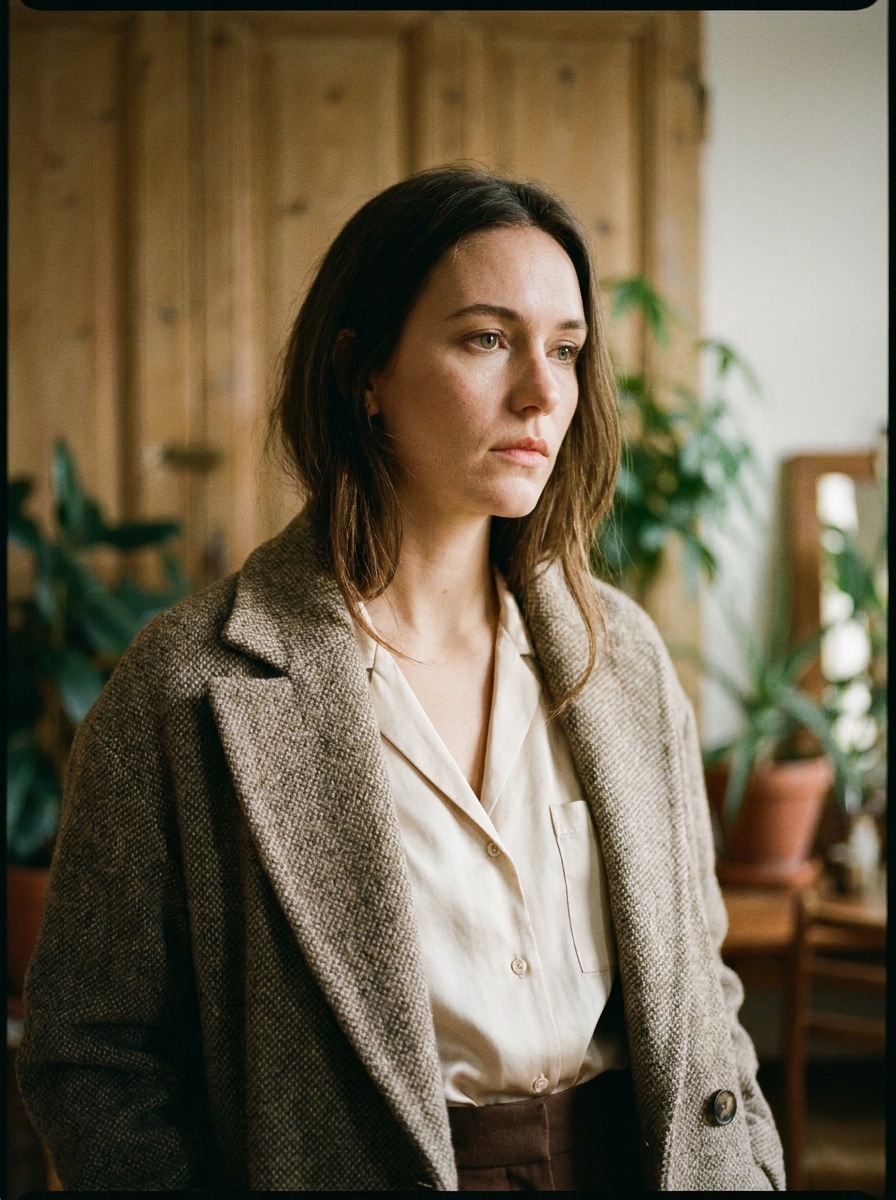
Kodak Portra Warm Portrait
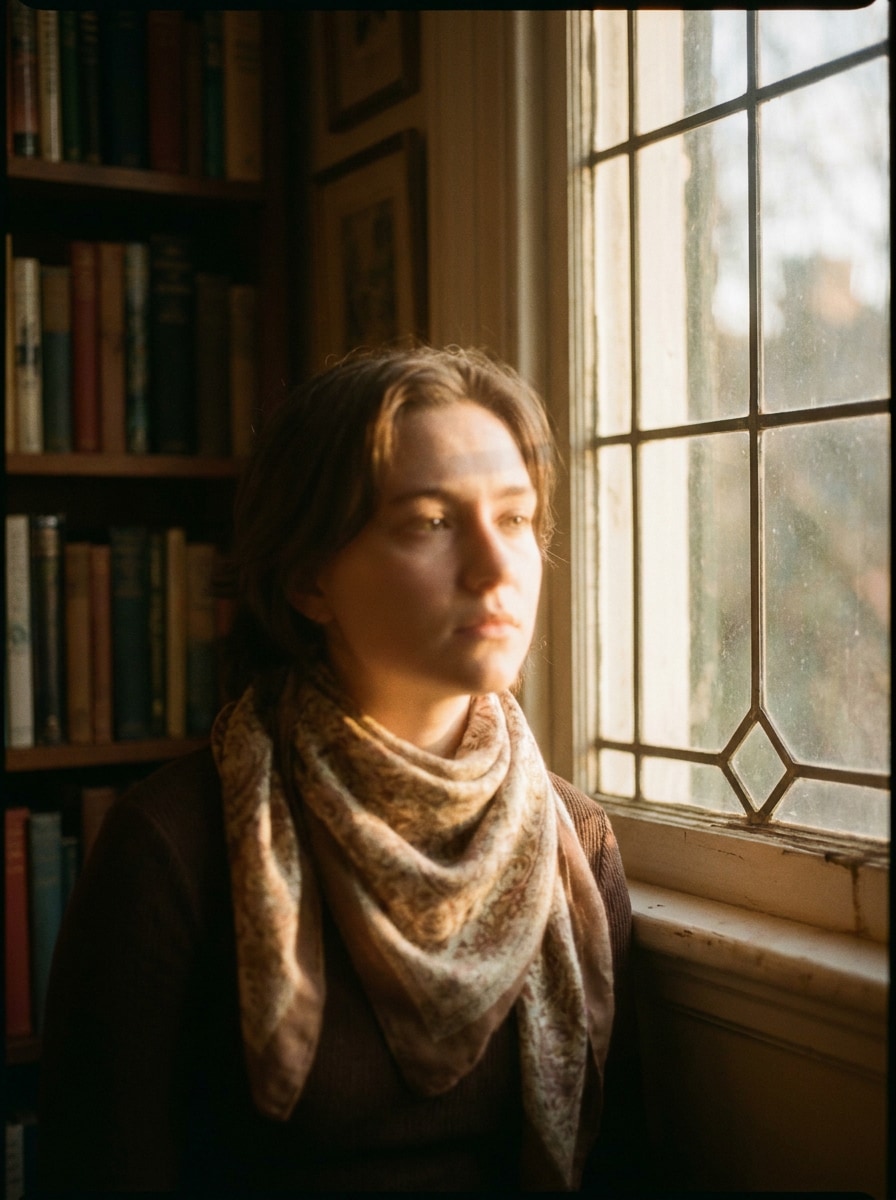
Use the uploaded image as the subject and transform it into a Kodak Portra-inspired portrait with warm natural skin tones, soft contrast, fine 35mm grain, gently faded blacks, subtle halation around highlights, creamy color roll-off, and an elegant editorial mood with clean analog texture.
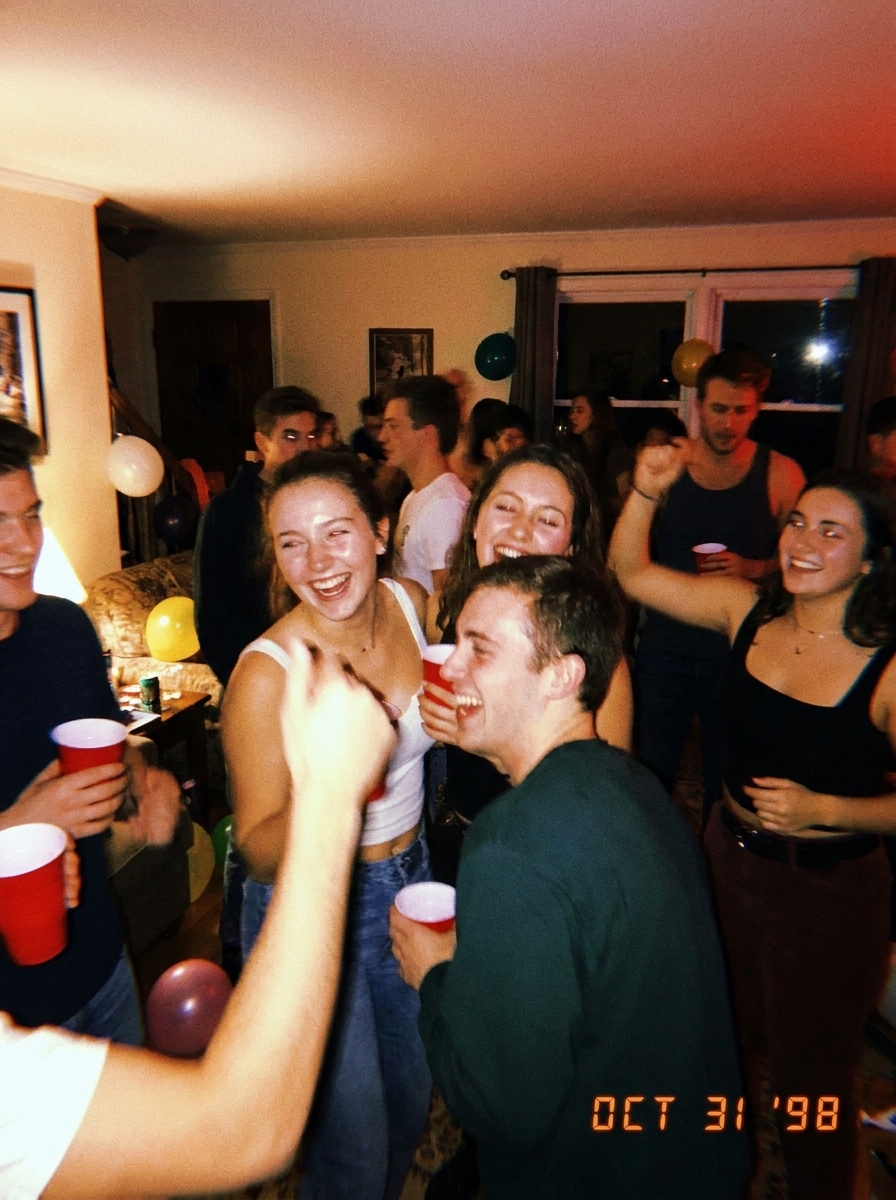
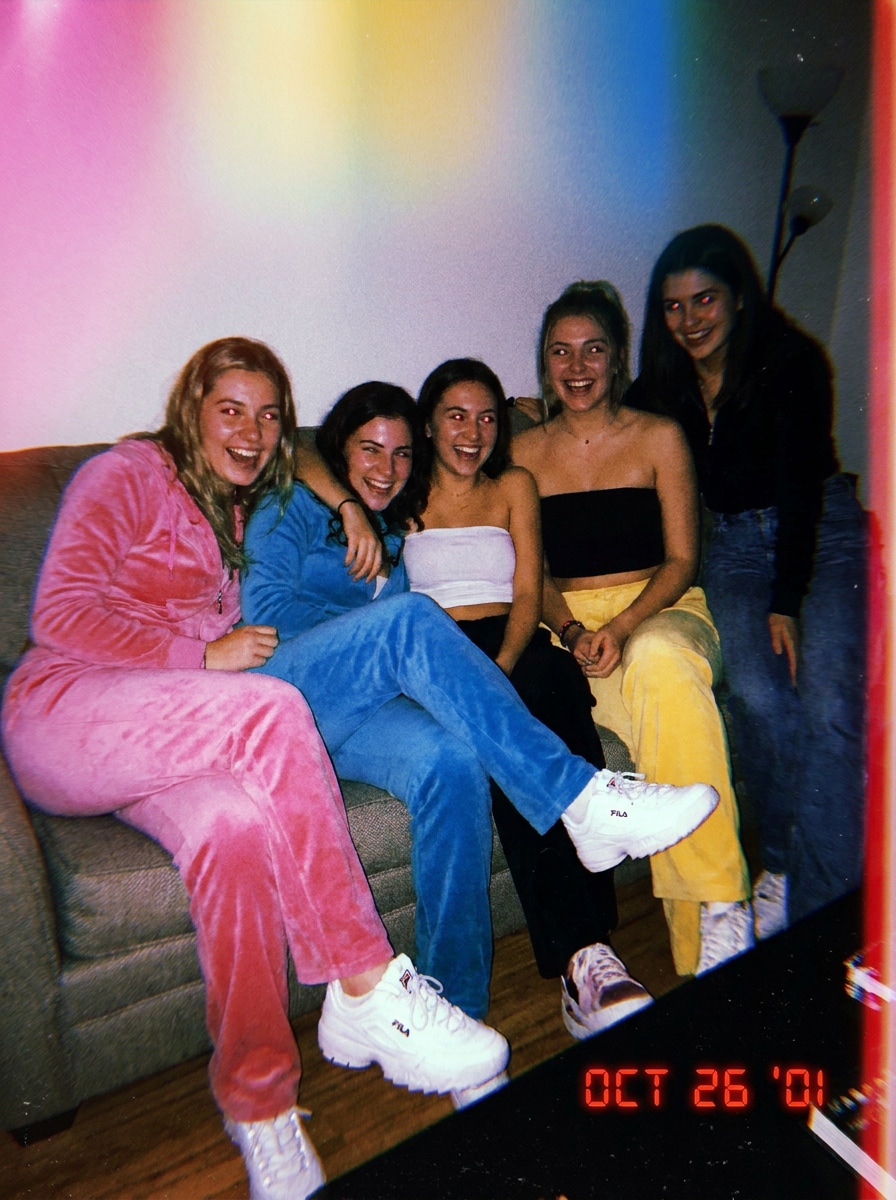
Disposable Flash Party
Use the uploaded image as the subject and restyle it into a disposable camera party snapshot with strong direct flash, bright reflective highlights, warm yellow-red cast, visible grain, slight motion blur, timestamp nostalgia, casual candid framing, and energetic early-2000s Kodak nightlife vibes.
Kodak Gold Summer
Use the uploaded image as the subject and give it a Kodak Gold summer look with sunny warmth, nostalgic yellows, gentle contrast, medium grain, slightly faded saturation, soft sunlit highlights, cheerful vacation mood, and a relaxed 35mm travel snapshot finish.
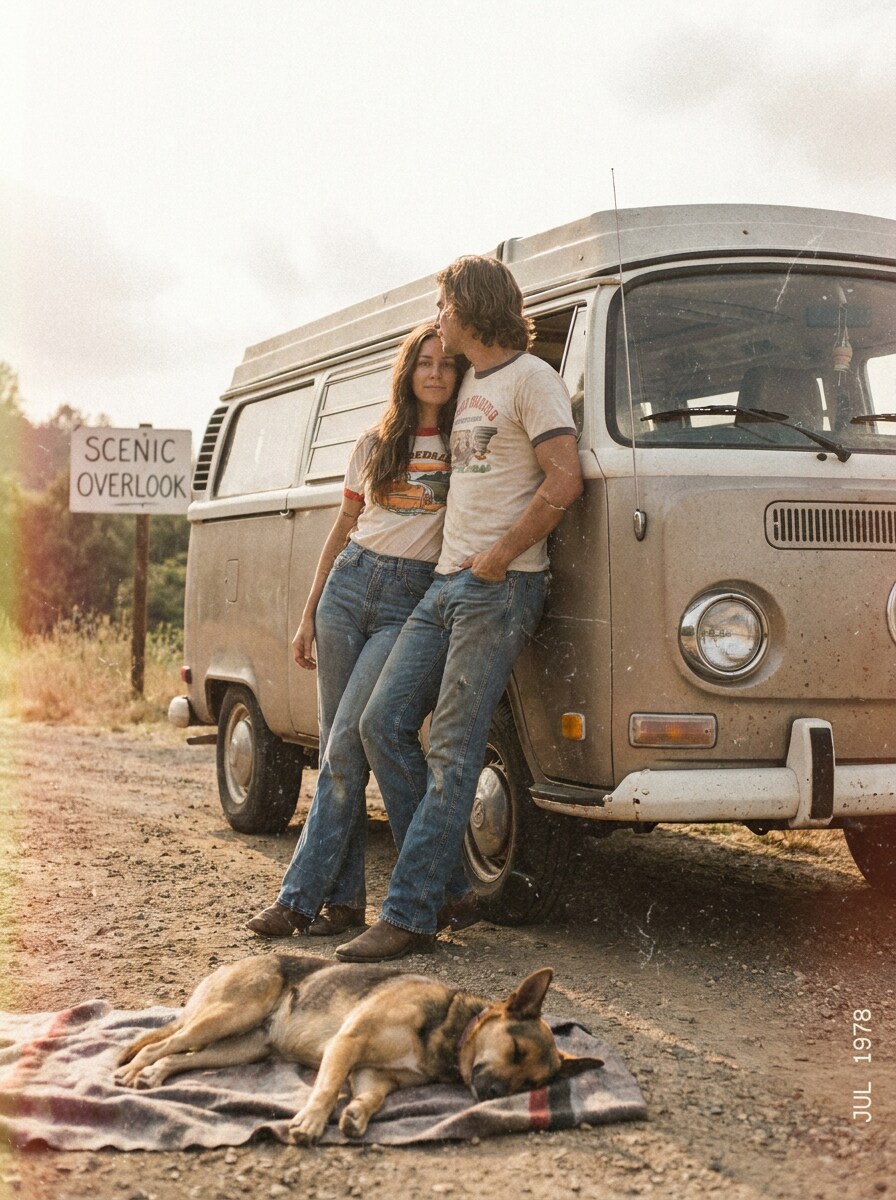
Retro Road Trip Snapshot
Use the uploaded image as the subject and convert it into a retro road trip photo with muted highlights, dusty grain, warm vintage tones, soft focus, subtle color fading, candid snapshot composition, and the laid-back analog charm of a printed Kodak vacation memory.
35mm Grain Editorial
Use the uploaded image as the subject and add a realistic 35mm editorial film finish with refined Kodak-style grain, tonal softness, slight color inconsistency, subtle vignette, softened digital sharpness, and a polished magazine-like analog texture that still feels natural and modern.
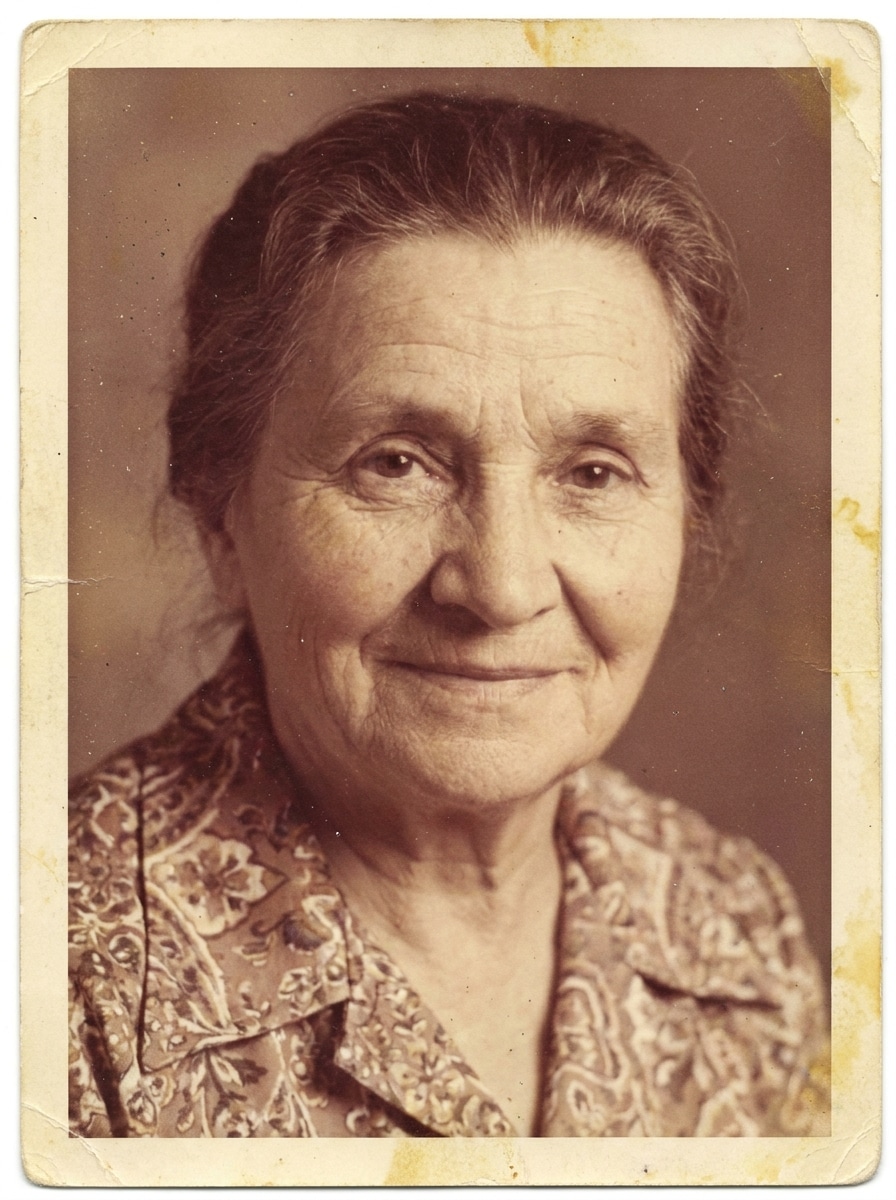
Dust and Fade Vintage
Use the uploaded image as the subject and apply a vintage faded print treatment with warm Kodak-like color shifts, fine dust particles, authentic grain, soft shadows, reduced contrast, aged paper mood, and gentle wear that makes the image feel like a discovered old photograph.
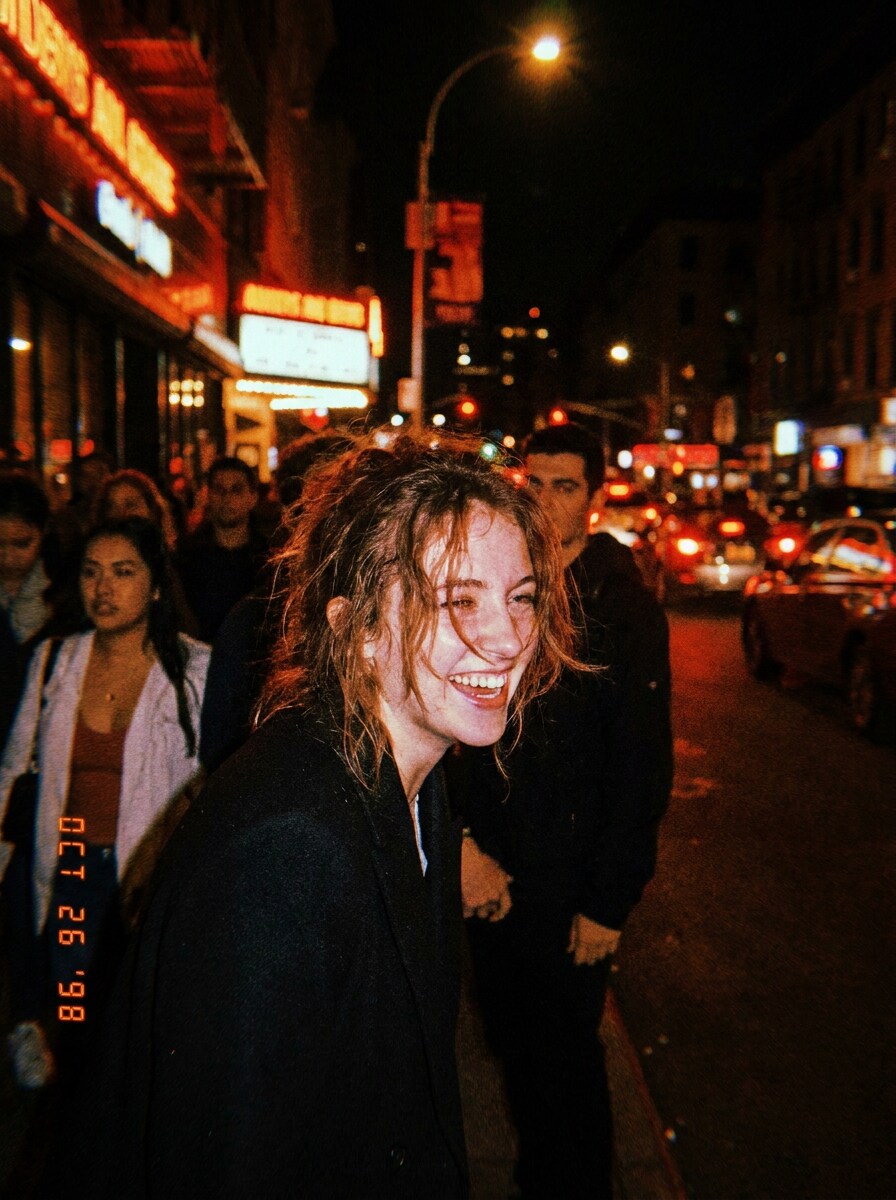
Night Flash Film
Use the uploaded image as the subject and transform it into a night flash film shot with strong direct flash, dark ambient background, rich grain, warm highlights, slight red-orange cast, bold contrast, and nostalgic after-dark Kodak energy that feels spontaneous and cinematic.
Y2K Candid Film
Use the uploaded image as the subject and give it a Y2K candid film makeover with disposable camera flash, playful color shifts, soft blur, heavy grain, casual off-guard composition, timestamp nostalgia, and fun early-digital-meets-Kodak styling for social-ready retro energy.
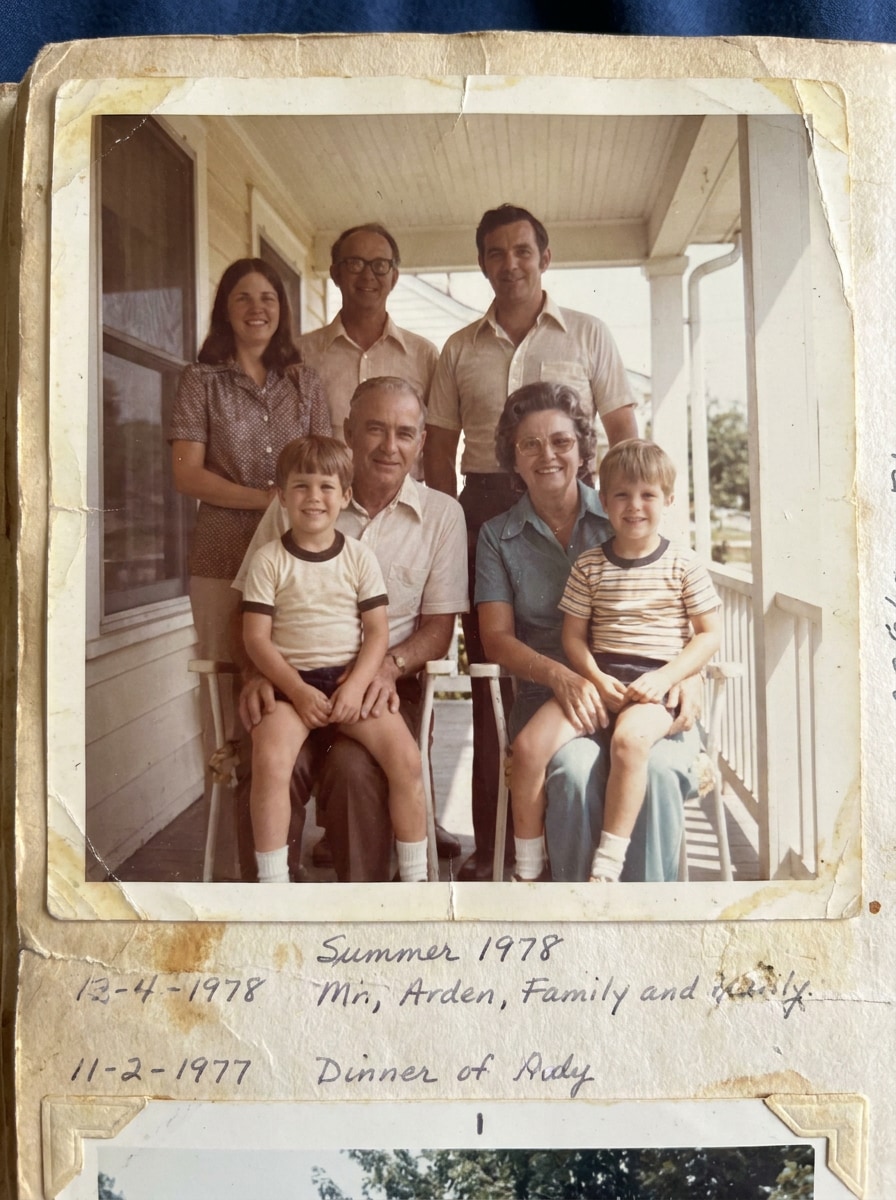
Faded Family Album
Use the uploaded image as the subject and restyle it like an old family album print with faded tones, low contrast, soft warmth, subtle paper aging, light grain, gentle color wear, and a sentimental memory-book mood that feels personal and timeless.
Cinematic Analog Romance
Use the uploaded image as the subject and create a cinematic analog scene with warm highlights, soft grain, gentle halation, reduced digital sharpness, nuanced color roll-off, emotional vintage depth, and a romantic Kodak-inspired atmosphere with polished storytelling mood.
Why Use Media.io for Kodak-Style Film Edits
Personalize Results Around a Reference Subject
From a kodak portra filter portrait to a kodak gold filter summer shot, Media.io lets you guide the transformation with your own photo and prompt, so the final image keeps your subject while landing on a more believable vintage mood.
Match the Right Style for Every Version
Different outputs call for different aesthetics. Media.io helps you explore varied treatments of the same kodak film filter visual concept so the final visual lands in the right tone faster.
Keep Final Visuals Sharp for Real Projects
For projects that need more than draft quality, Media.io helps produce kodak film filter visuals with up to 4K output so details stay cleaner when you present, crop, or repurpose the final file.
Use It Anywhere Without Installing an Editing App
Whether you are exploring kodak film filter visuals on a laptop or checking drafts from your phone, Media.io keeps everything browser-based so you can pick up the same workflow across devices more easily.
How to Create a Kodak-Style Filter Look Online
Turn your words into stunning visuals in three simple steps, then continue refining the result if you want to take it further.
Step 1
Upload Your Reference Image
Start with a clear JPG, PNG, or JPEG portrait, travel shot, night photo, or lifestyle image. A clean upload gives the AI better detail to preserve while applying your chosen film mood, from soft analog warmth to flash-heavy disposable aesthetics.
Step 2
Describe the Change and Set Options
Enter the look you want, such as warm Portra tones, Gold-style nostalgia, grain, fade, dust, blur, or direct flash. Then choose your model and adjust aspect ratio, resolution, and the number of image variations to match your project.
Step 3
Generate, Download, and Keep Improving
Create several versions, compare the film texture and color response, and download the one that fits best. If needed, edit the prompt to increase warmth, soften contrast, refine grain, or push the image toward a stronger retro camera finish.
See how creators use this Kodak Film Filter for content, marketing, and personal projects, then adapt each idea to fit the brief.
Make Portraits Feel Softer and More Editorial
Portrait creators can use Media.io to add flattering warmth, smoother tonal roll-off, and believable grain that feels closer to scanned film than a basic preset. It works especially well when you want a polished portrait with subtle analog character instead of a harsh digital finish.
Turn Travel Photos into Summer Memory Shots
Vacation pictures often look more emotional with sun-washed highlights, mellow contrast, and a nostalgic color cast. A Kodak-style treatment helps creators reshape everyday digital captures into scrapbook-ready travel images with a more personal, lived-in story.
Mix Vintage Film with Beauty and Social Trends
If you are experimenting with beauty-led content, you can pair a nostalgic film grade with a red lipstick filter, try on red lipstick ideas, or an AI red lipstick filter concept to build stylized portraits that feel both retro and trend-aware.
What Users Say
Maya Chen
Content Creator
"Easy way to get a film look fast" I wanted my portraits to feel warmer and less digital, and this gave me that vintage feel without making the image look fake. The grain and faded contrast came out surprisingly natural.
Jordan Alvarez
Social Media Manager
"Great for campaign mood shifts" We used it to turn clean product lifestyle photos into nostalgic summer visuals for social posts. Being able to test different aspect ratios in the same workflow saved a lot of time.
Rina Patel
Lifestyle Blogger
"Perfect for travel and flash edits" The Kodak-style flash effect worked really well on my night photos. I liked that I could push the look toward disposable camera energy or pull it back for something softer.
Ethan Brooks
Freelance Photographer
"Useful starting point for analog-inspired looks" I tested several uploaded portraits and got consistent vintage tones with good detail retention. For quick concepting or social deliverables, it is a very practical browser-based tool.
A Kodak-style filter changes the color and texture of a digital image to feel more like analog film. In practice, that usually means warmer tones, softer contrast, visible grain, slightly faded blacks, and a more nostalgic finish. With Media.io, you can upload a photo and guide that look through prompts instead of relying on a single fixed preset.
2. Can I apply a Kodak-style filter online for free?
Media.io offers free credits, so you can try a Kodak-style transformation online before upgrading. If you need more usage or want higher-end export benefits, you can check the pricing page for available plans. Free users can use free credits. For more usage, users can subscribe to a plan on the pricing page. Upgrade to a paid plan on the pricing page for more credits and watermark-free high-resolution downloads.
3. How can I make a digital image look like real Kodak film?
Upload a clear source image, then describe the analog traits you want, such as Portra-like warmth, Gold-style nostalgia, 35mm grain, faded contrast, dust, or disposable flash. Media.io uses your uploaded reference image to guide the transformation, so the result stays closer to your original subject while adding a more authentic film-inspired mood.
4. Does this Kodak photo filter work better for portraits or landscapes?
It can work well for both. Portraits often benefit from warm skin tones and softer contrast, while landscapes and travel images can look stronger with golden highlights, nostalgic color shifts, and textured grain. Media.io is flexible enough to handle either direction because the uploaded photo and prompt define the final style.
5. Can I control the grain, fade, and warm tones in the effect?
Media.io lets you shape the result with your prompt and image settings, so you can ask for more or less grain, stronger warmth, softer blacks, faded contrast, dust, blur, or flash energy. That makes it useful whether you want a subtle film polish or a bold red lip photo filter portrait with retro color styling.
6. Will the edited image keep high resolution for download or sharing?
Media.io supports 1K, 2K, and 4K resolution options for image-to-image creation, which helps when you need edited visuals for social sharing, covers, or print-ready uses. Free users may have watermarks.