Seleziona / @ carattere, descrivi la scena che desideri generare.
0/2000
9:16
1K
1
Unlimited Banana Pro
Creations
Ideas Hub
How It Works
All
Popular features
View All
Sfida creativa di Halloween
View All
Storia di Frutta con IA
View All
Video Storia con AI
View All
Video virali oggi
View All
Video di prodotti IA
View All
Personaggio AI
View All
Tendenze di Danza
View All
GPT Image 2
View All
Seedance 2.0
View All
Match Celebrità con AI
View All
Suggerimenti per Pose di Coppia
View All
Prompt di Pose per Ragazze AI Estetiche
View All
Prompt di Pose per Ragazzo AI Elegante
View All
Generate List
Creations are stored for only 7 days. Assets created after upgrading to a Membership plan will be stored permanently.
Unlock your creative potential and experience the magic of Media AI right away!
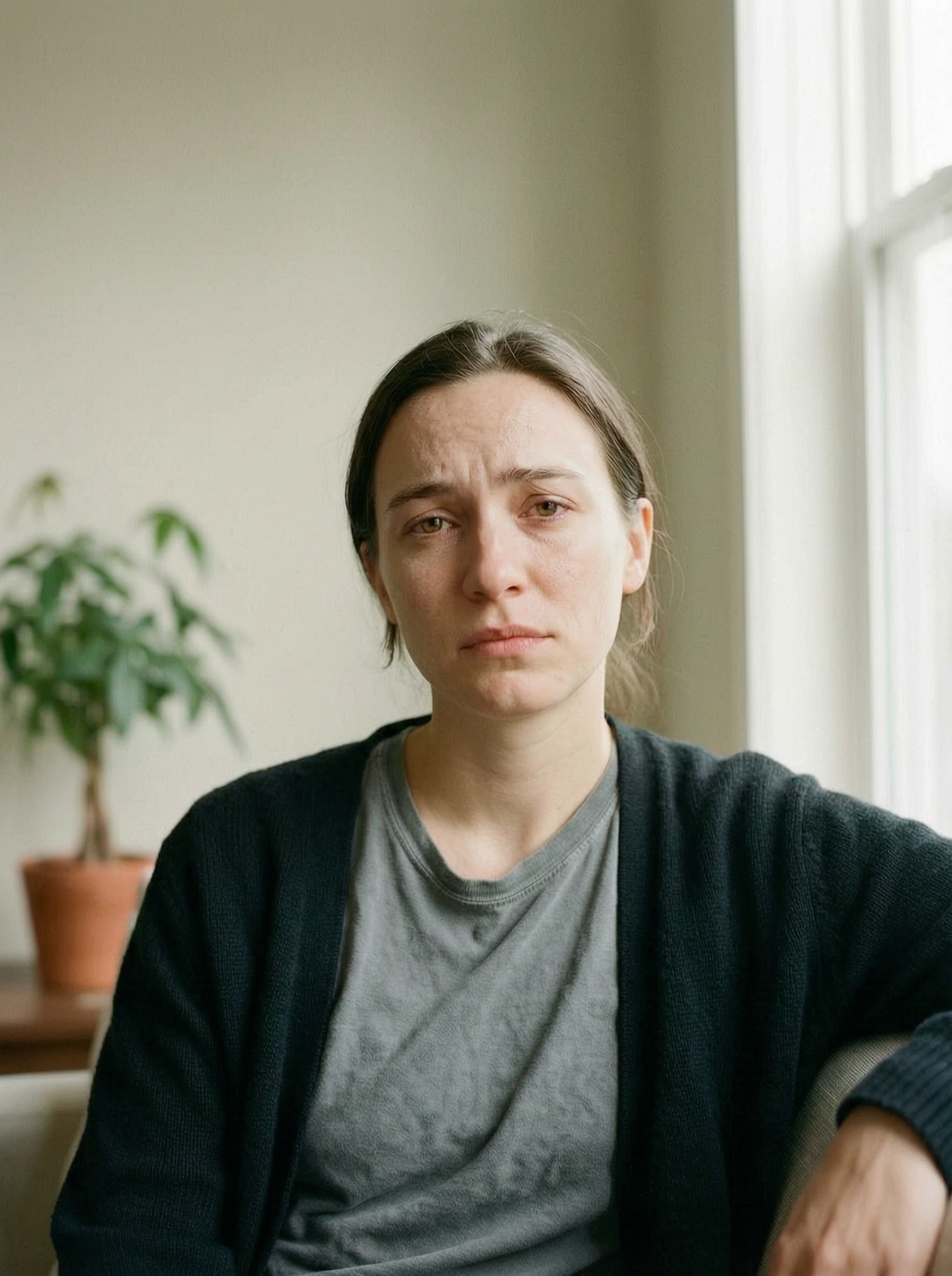
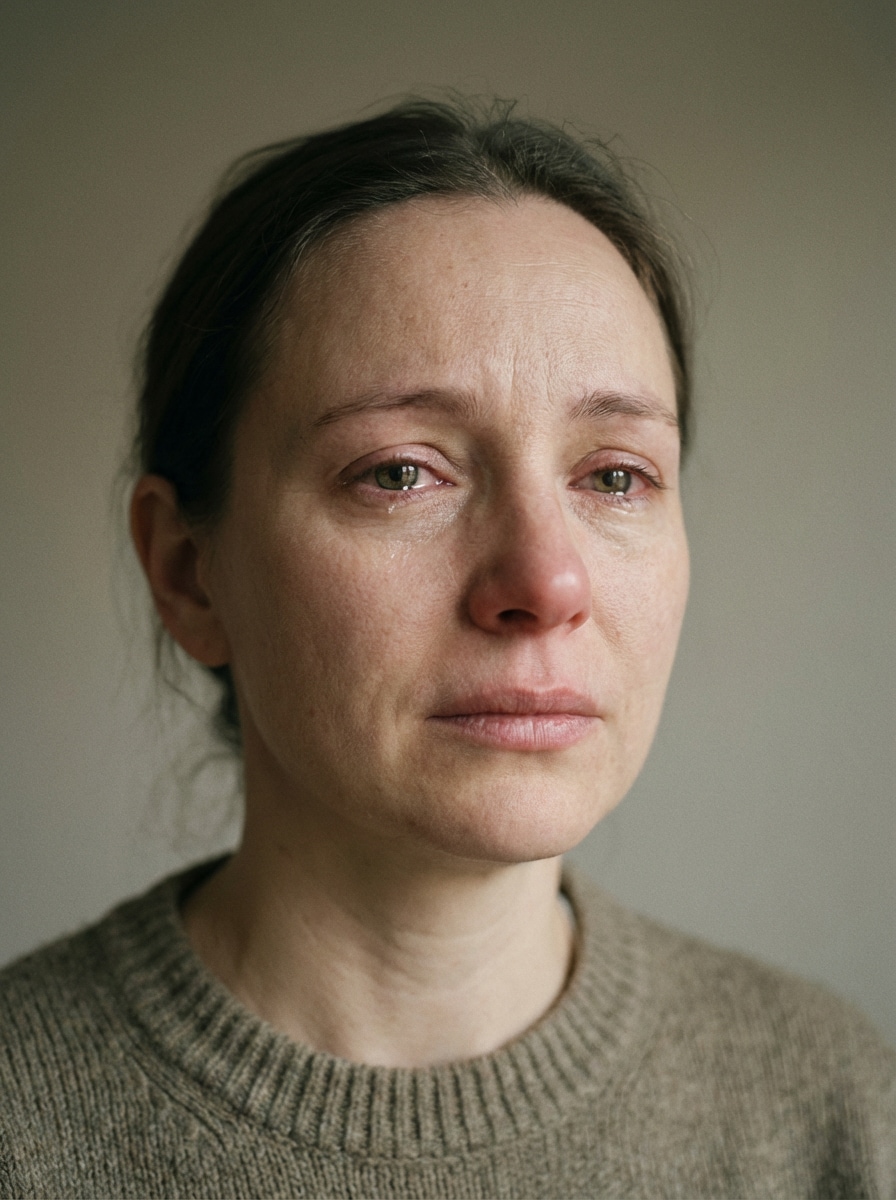
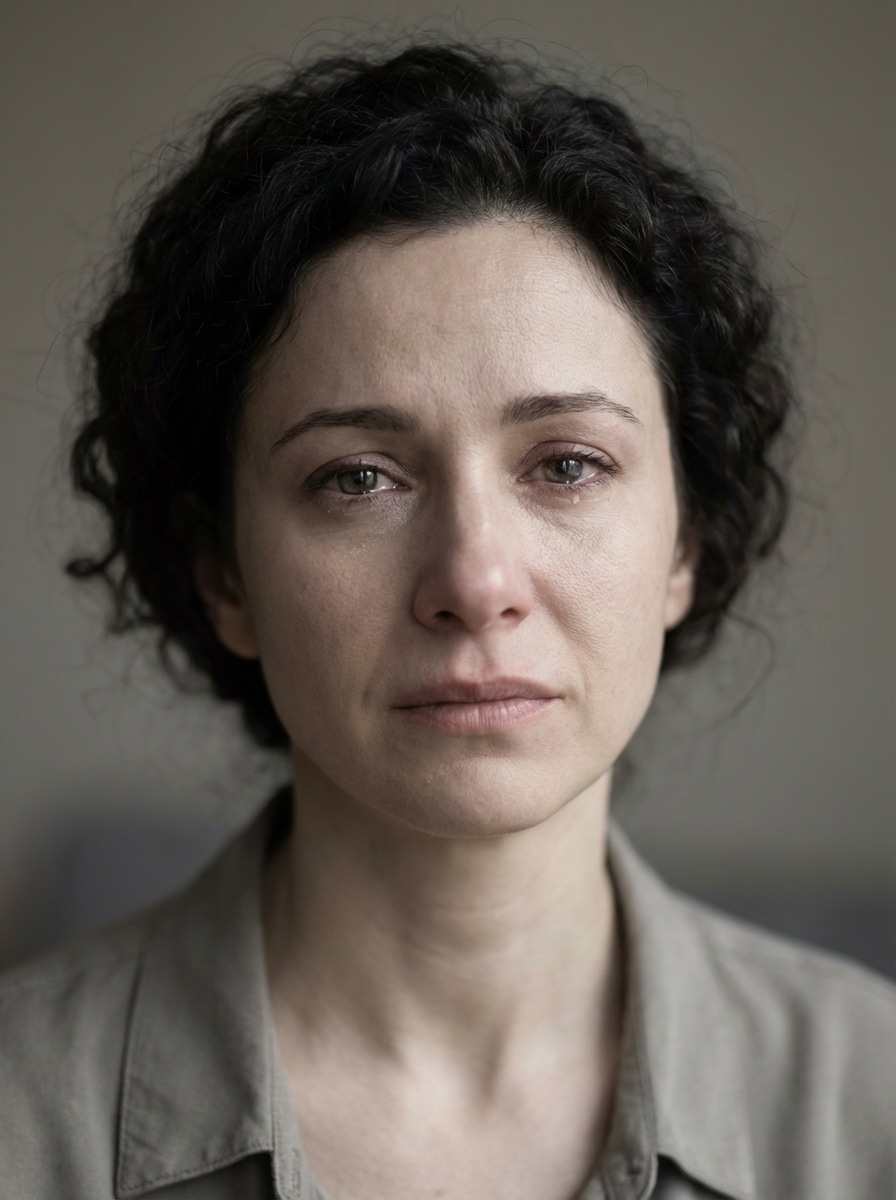
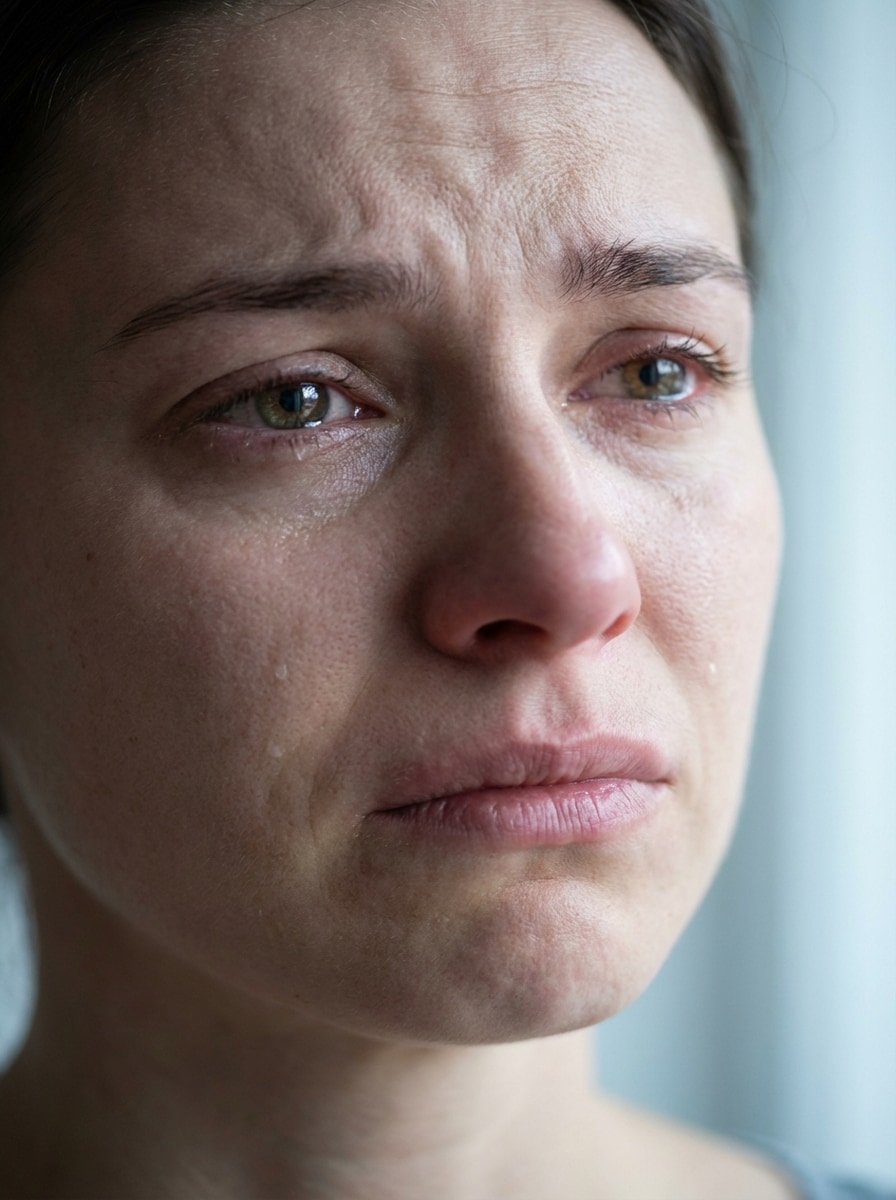
AI Sad Filter che trasforma i ritratti in modifiche emotive realistiche
Crea un realisticofiltro tristeEffetto da qualsiasi ritratto online con Media.io. Carica un selfie e trasformarlo in un sottile sguardo malinconico, un'immagine di reazione con gli occhi pieni di lacrime o una triste foto condivisibile con intelligenza artificiale in pochi passaggi, con editing mobile-friendly e output di alta qualità.
Digita la tua idea-> AI la progetta. Libero di provare.
Esaminare queste istruzioni di esempio, quindi personalizzare i dettagli del prompt per ottenere risultati più forti con questo filtro sad oFiltro tristezza.
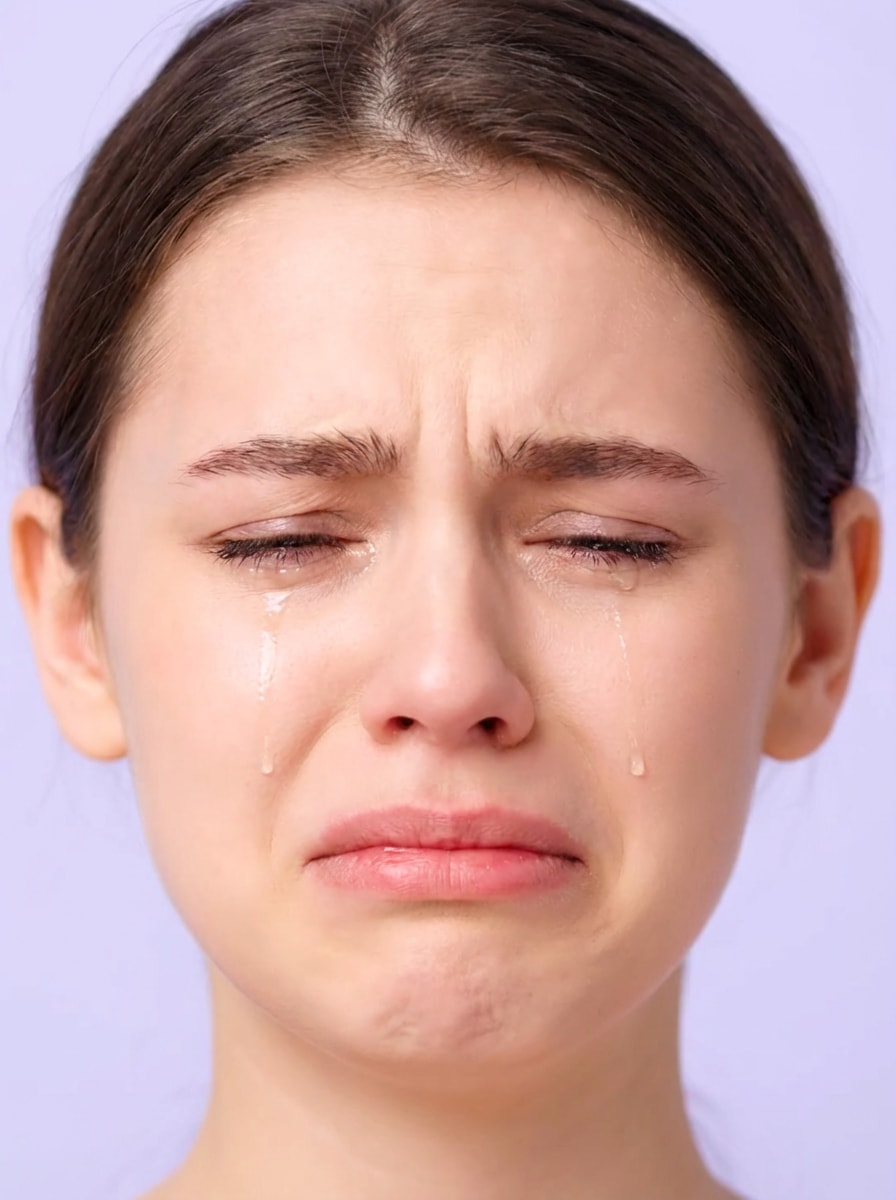
Volto piangente naturale
Usa l'immagine caricata come soggetto e trasforma il ritratto in un'espressione triste realistica con occhi lacrimati lucidi, labbra leggermente abbassate, sopracciglia ammorbidite, texture naturale della pelle, illuminazione morbida equilibrata, colori neutri attenuati, umore emotivo ma credibile, dettagli facciali nitidi e identità preservata.
sottile ritratto malinconico
Usa la foto caricata come soggetto e crea una morbida modifica malinconica con dolce tristezza negli occhi, debole umidità sotto le palpebre inferiori, angoli della bocca leggermente abbassati, proporzioni naturali, illuminazione morbida in stile luce diurna, toni desaturati, umore calmo e riflessivo e preservazione realistica del viso.
Occhi lacrimogeni Primo piano
Utilizza l'immagine caricata e applica un effetto di pianto ravvicinato con occhi riflessivi acquosi, sottili lacrime sulle guance, tensione emotiva delle sopracciglia, tensione delicata della bocca, dettagli della pelle fresca, illuminazione morbida e fresca, cornice intima, texture realistiche pulite e un umore sentito mantenendo la stessa identità.
Meme virale pianto faccia
Usa il selfie caricato come soggetto e trasformarlo in uno stile drammatico e virale con un viso piangente con lacrime visibili, labbra tremanti, sopracciglia interne sollevate, occhi lucidi, illuminazione brillante e pulita, cornice social-ready, dettagli facciali espressivi, energia giocosa con contenuto di reazione e un viso riconoscibile preservato durante l'editing.
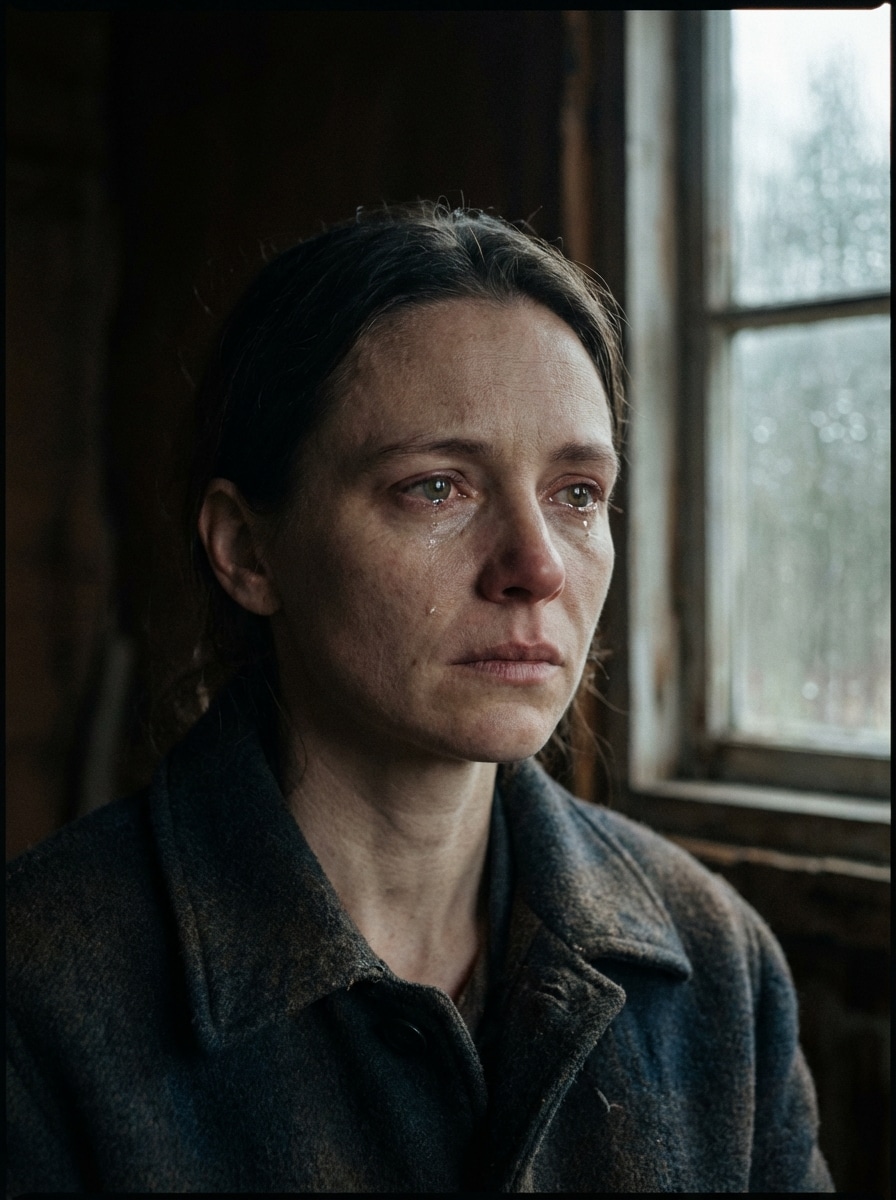
Mood triste cinematografico
Usa il ritratto caricato e trasformarlo in una triste scena cinematografica con una graduazione di colori blu-grigio attenuata, ombre morbide, occhi lacrimati riflettenti, un'espressione lontana di dolore, contrasti cinematografici, realismo strutturato, atmosfera lunatica e identità facciale preservata per un risultato emotivo in stile editoriale.
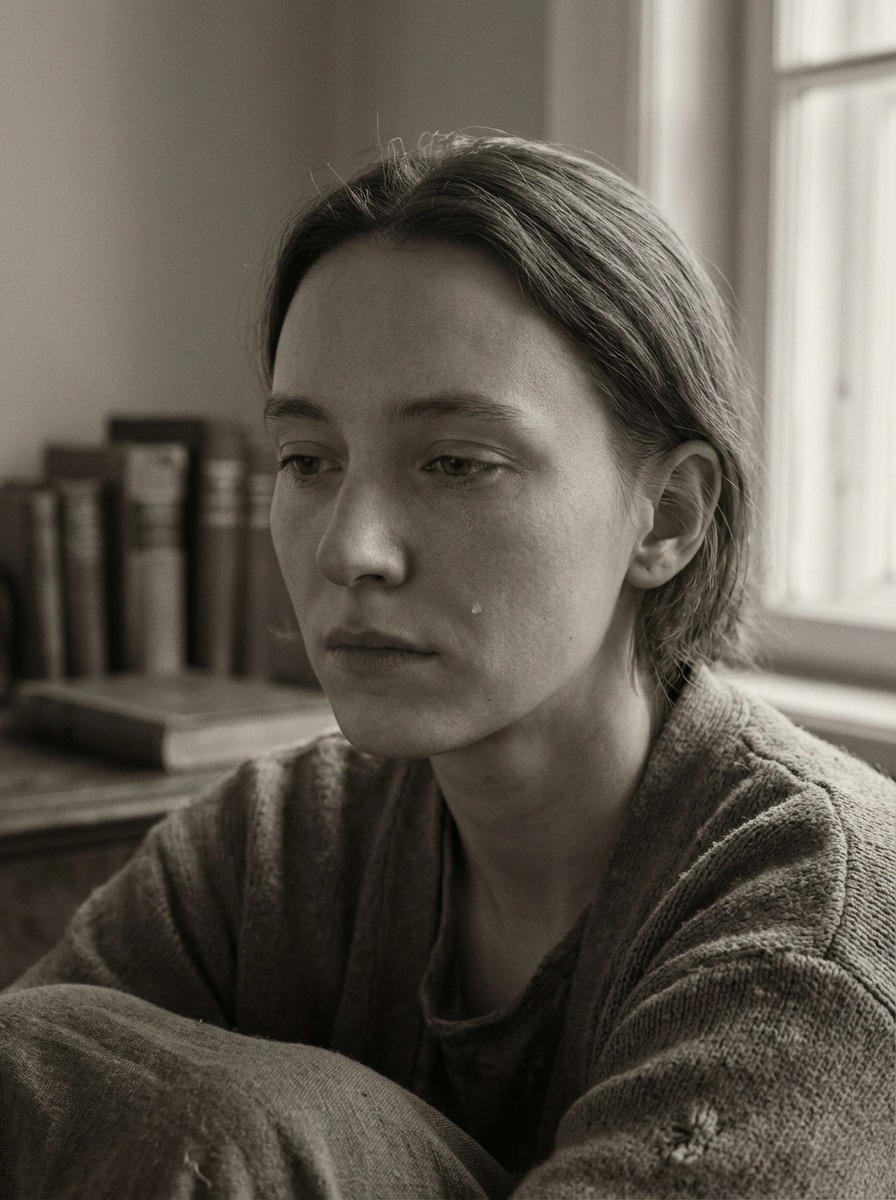
Ritratto emotivo desaturato
Utilizza l'immagine caricata come base e crea un ritratto desaturato umoroso con toni opachi, contrasto morbido, deboli dettagli di lacrime, uno sguardo triste sottile, struttura della pelle pulita, struttura naturale del viso, delicato declino della luce e un umore silenzioso e riflettente che sembra ancora realistico e condivisibile.
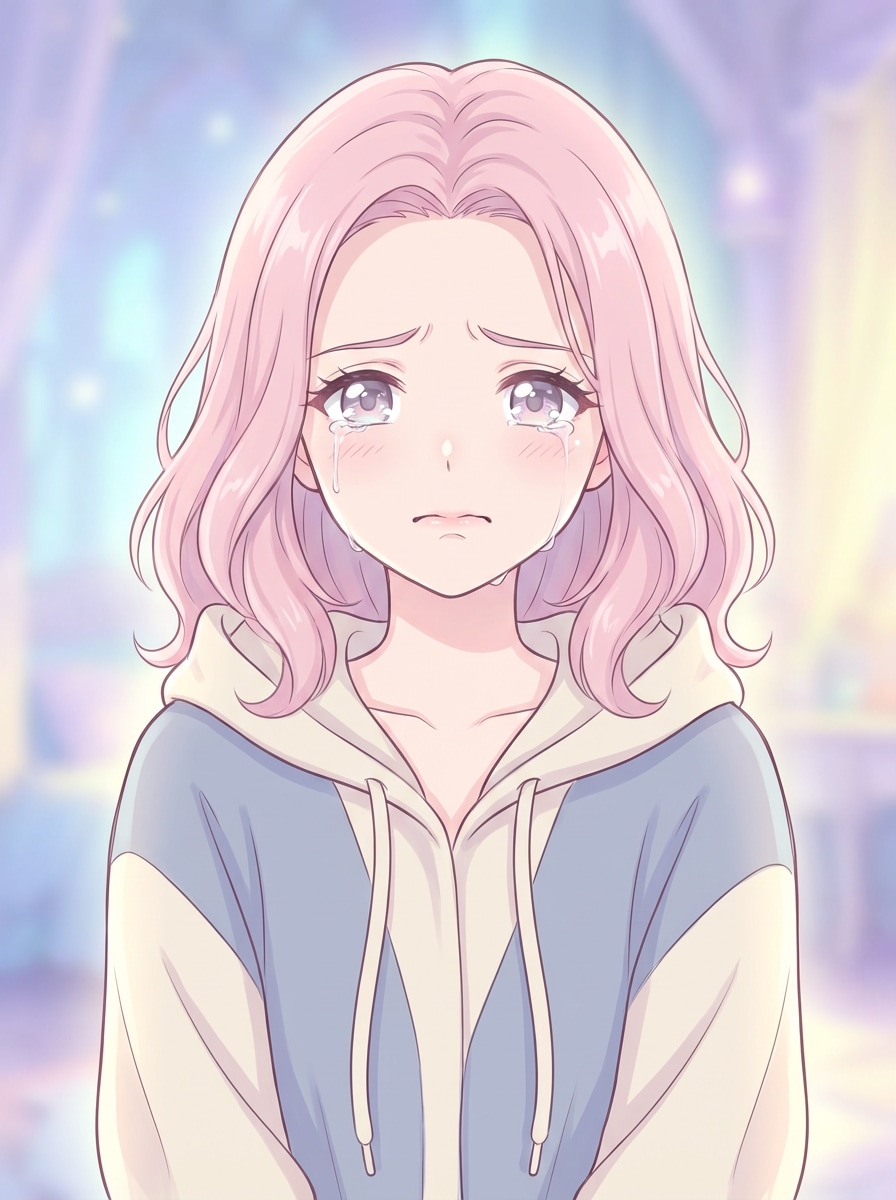
Anime faccia triste
Usa il ritratto caricato come riferimento del personaggio e trasformarlo in un volto triste in stile anime con grandi occhi emotivi, lacrime morbide, linee delicate, ombreggiatura pastello, sopracciglia e bocca espressive, illuminazione delicata, colori sognanti e posa e indizi di identità conservati dalla foto originale.
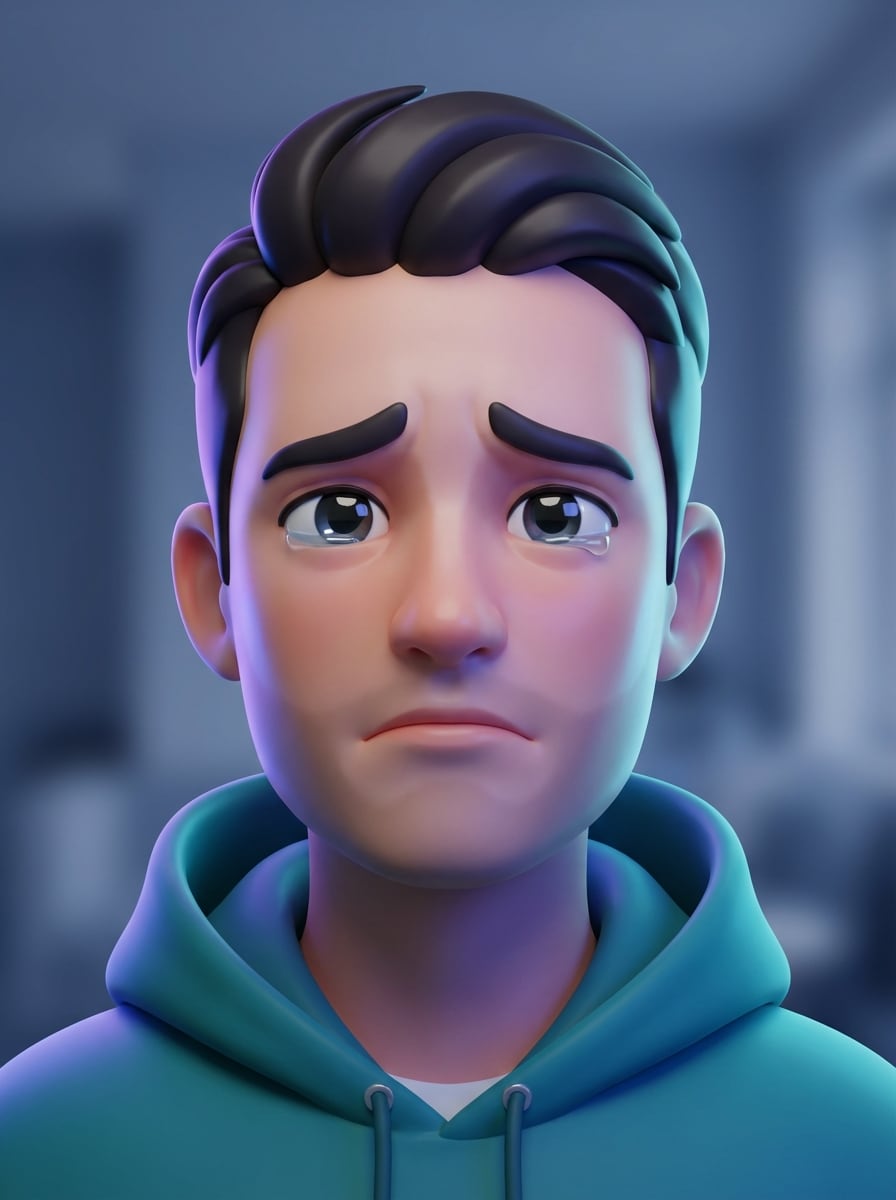
Avatar emotivo 3D
Utilizzare l'immagine caricata e convertirla in un avatar 3D lucido con un'espressione chiaramente triste, occhi acquiosi, contorni del viso lisci, morbidi riflessi in studio, uno stile moderno pronto per i social media, trame lucide, delicati accenti di colore fresco e forte somiglianza con il soggetto originale.
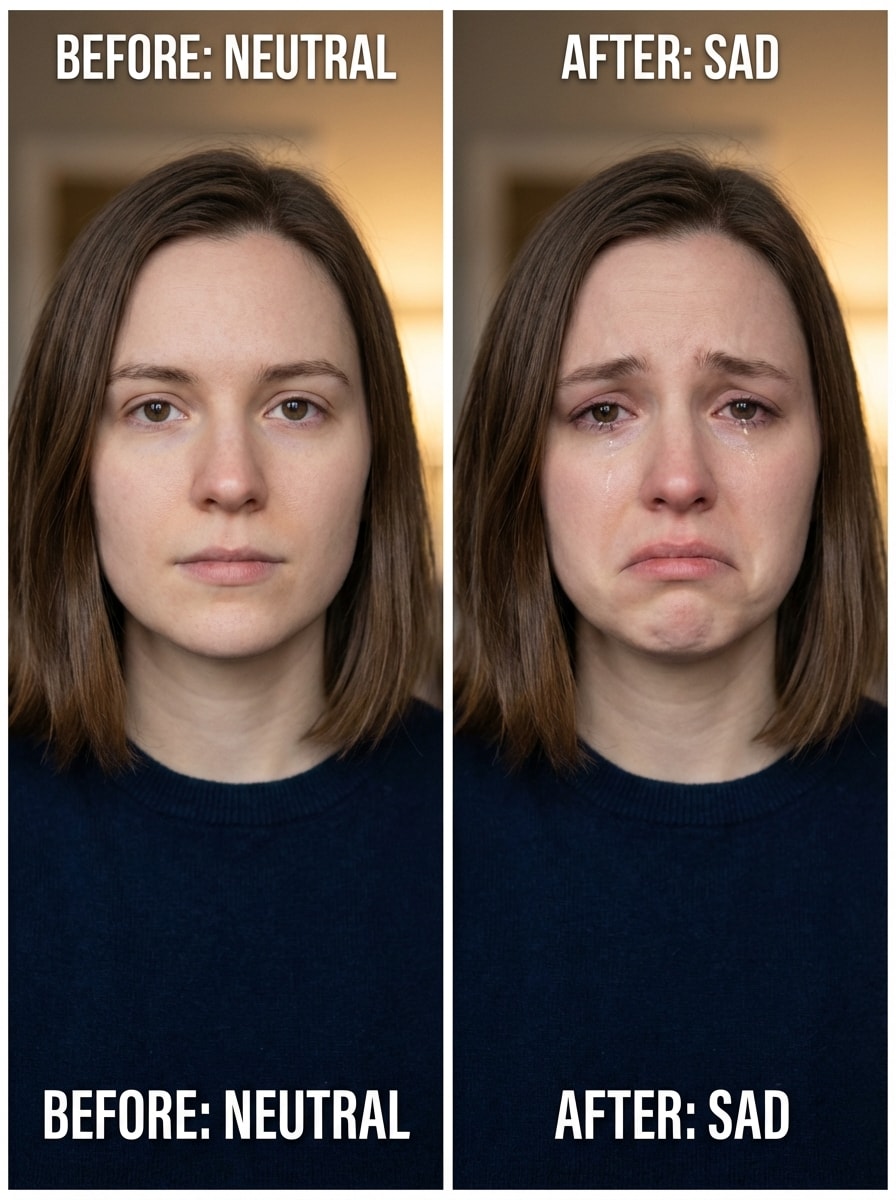
Scambio di espressione prima e dopo
Utilizza il ritratto caricato e cambia solo l'espressione facciale da neutro a triste preservando identità, acconciatura, posa e sfondo, aggiungendo opzionali lacrime leggere, tensione naturale della bocca, sopracciglia ammorbidite, continuità di illuminazione realistica e qualità demo pulita prima e dopo.
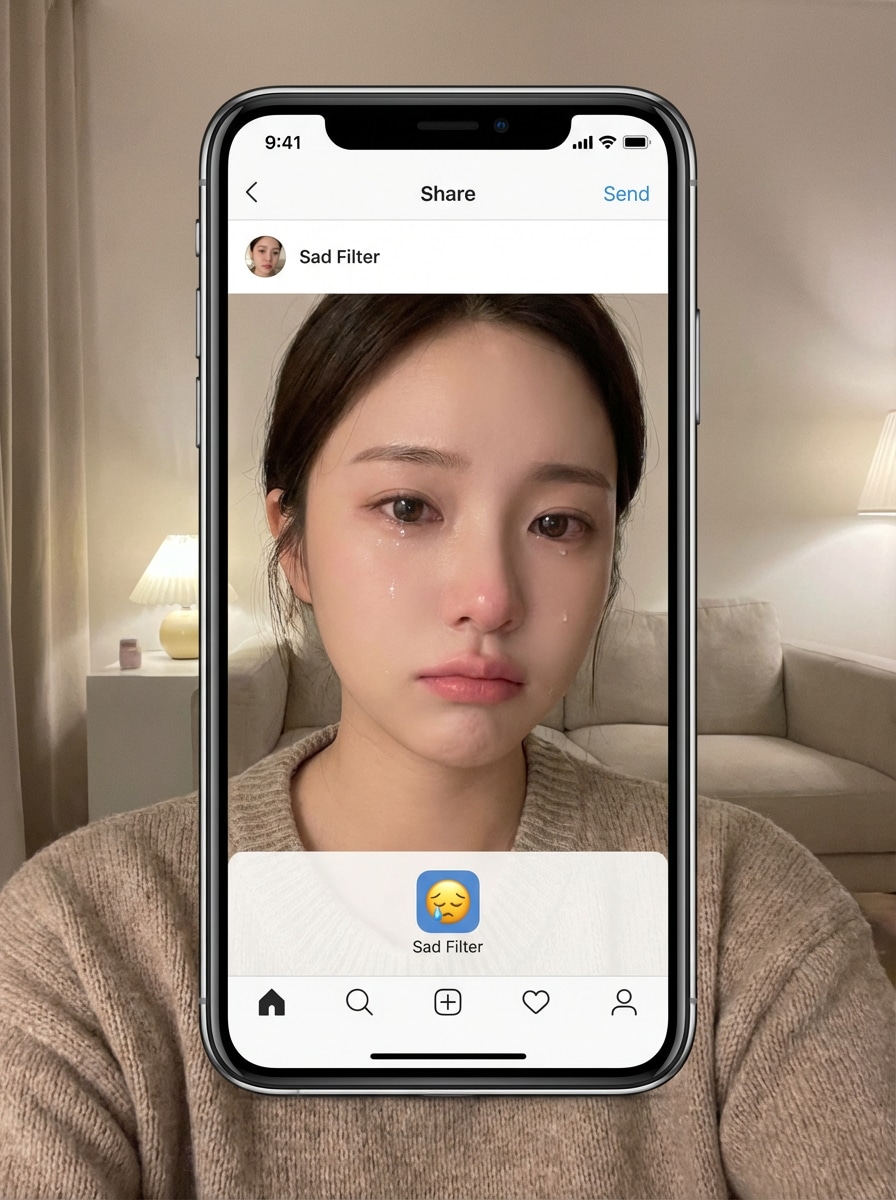
Selfie triste Filtro
Utilizza il selfie caricato e applica un effetto selfie triste naturale e condivisibile con lacrime morbide, labbra abbassate, sottile lucentezza sotto gli occhi, lusinghiera miglioramento del ritratto, struttura liscia della pelle, illuminazione bilanciata per dispositivi mobili, segnali emotivi realistici e dettagli nitidi adatti per post o rulli.
Perché utilizzare Media.io per un filtro di viso triste
Modifiche Precise dell'espressione dal tuo caricamento
Carica una foto JPG, PNG o JPEG e trasforma un volto neutro in un'espressione triste realistica mantenendo la stessa identità, posa e aspetto generale.
Risultati ad alta risoluzione per la condivisione Social
Scegli l'uscita 1K, 2K o 4K e più rapporti di aspetto per creare unFiltro viso tristeRisultato per selfie, post di reazione e modifiche di ritratti.
Modelli AI avanzati per una migliore coerenza del viso
Media.io utilizza Nano Banana Pro, Nano Banana 2 e altri modelli specializzati per mantenere i dettagli facciali coerenti durante il trasferimento di espressioni e le modifiche in stile personaggio.
Funziona su Browser, Desktop e cellulare
Crea una modifica di stile filtro ig triste su Windows, Mac, iPhone o Android senza installare software. Lo strumento viene eseguito direttamente nel browser per un flusso di lavoro di caricamento-esportazione rapido.
Come creare un effetto filtro tristezza Online
1
2
3
1
Apri Media.io Sad Filter Tool
Vai aImmagine AI per generatore di immaginiE aprire lo strumento di filtro Sad sotto AI-> Immagine a Immagine. Questo strumento online viene eseguito nel tuo browser, in modo da poter modificare i ritratti sul desktop o sul cellulare senza installare nulla.
2
Carica una foto e descrivi il Look
Carica un ritratto chiaro, quindi inserisci un prompt dettagliato come: "Usa l'immagine caricata come soggetto e aggiungi realistici occhi lacrimati, sopracciglia ammorbidite, labbra leggermente abbassate e un umore triste cinematografico". Regola il rapporto d'aspetto, la risoluzione o la forza dello stile secondo necessità.
3
Generare, perfezionare e scaricare
Fare clic su Genera per visualizzare in anteprima la modifica dell'espressione triste. Modifica il prompt per un più morbidoFiltro tristezzaGuarda o un effetto pianto più forte, quindi scarica l'immagine finale in alta risoluzione per la condivisione o la pubblicazione.
Scopri come i creatori utilizzano questo filtro sad per contenuti, marketing e progetti personali, quindi adatta ogni idea per adattarla al brief.
Rendi i meme di reazione e i contenuti brevi più veloci
Trasforma i normali selfie in immagini di reazione espressive per TikTok, reel e post. un realisticoFiltro faccia tristeOppure dramatic crying edit aiuta i creatori a produrre contenuti prima e dopo accattivanti senza ritocchi manuali.
Crea ritratti Moody per il Personal Branding
Progetta immagini di profilo emotivo, copertina o ritratti di narrazione con un sottile look di filtro di viso triste. Questo funziona bene per feed estetici, promozioni musicali e contenuti sociali in stile editoriale che necessitano di un tono emotivo più morbido.
Prova diversi stili sociali prima di pubblicare
Confronta una modifica malinconica naturale, un filtro di fronte a fronte stilizzato o un filtro triste lucido ig prima di pubblicare. Questo è utile per gli influencer, i marketer e gli utenti occasionali che desiderano più controllo sulla presentazione emotiva.
Cosa dicono gli utenti su questo triste filtro
Maya R.
Creatore di contenuti
"Lacrime realistiche senza rovinare il viso"Avevo bisogno di un effetto di pianto credibile per un post di reazione e questo strumento ha mantenuto il mio viso riconoscibile. Le lacrime e i dettagli degli occhi sembravano naturali invece che esagerati.
Giordano T.
Gestore dei Social Media
"Facile sul cellulare e veloce da testare"L'ho usato sul mio telefono per creare più variazioni di ritratto emotivo per una campagna. Il flusso di lavoro era semplice e i risultati erano abbastanza puliti per il social publishing.
Elena V.
Ritratto hobby
"Ottimo per modifiche tristi sottili"La maggior parte degli strumenti rende l'espressione troppo drammatica, ma questo mi ha permesso di creare un look più morbido e malinconico. Ha funzionato bene per ritratti lunatici e foto di profilo estetiche.
Chris L.
Proprietario della pagina Meme
"Buono per i contenuti virali del grido"Ho provato alcuni filtri per il viso triste prima di questo e Media.io mi ha dato il miglior mix di velocità e dettaglio. La versione drammatica è perfetta per i contenuti meme condivisibili.
Esplora i più popolari effetti video e immagini AI
Un filtro triste AI è un effetto immagine-immagine che cambia l'espressione facciale in un ritratto caricato per sembrare triste, malinconico o pieno di lacrime mantenendo la persona riconoscibile. Su Media.io, carici una foto JPG, PNG o JPEG e l'intelligenza artificiale utilizza modelli avanzati per applicare il cambiamento di espressione e generare una nuova immagine modificata.
2. Posso usare questo filtro per il viso triste gratuitamente?
Gli utenti gratuiti possono provare questoFiltri per il viso tristeFlusso di lavoro con crediti gratuiti. Se hai bisogno di più generazioni o desideri download ad alta risoluzione senza filigrana, puoi controllare ilPagina dei prezziPer i piani disponibili e più crediti.
3. Il filtro sad funziona sui dispositivi mobili?
Media.io è basato sul web e funziona in un browser su Windows, Mac, iOS e Android. Ciò significa che puoi creare una modifica di selfie triste, un effetto filtro viso triste o un risultato in stile filtro ig triste pronto per i social direttamente dal tuo telefono.
4. Il filtro di pianto ridurrà la qualità dell'immagine o la risoluzione?
Media.io supporta le opzioni di output 1K, 2K e 4K, in modo da poter mantenere la qualità dell'immagine forte quando si crea un effetto ritratto piangente o triste. Puoi anche scegliere diversi rapporti di aspetto per corrispondere alla tua piattaforma o al tuo formato di pubblicazione. Gli utenti gratuiti possono avere filigrane.
5. Quanto tempo ci vuole per trasformare una foto in un'espressione triste?
Il processo è progettato per essere veloce: carica il tuo ritratto, inserisci il tuo prompt e genera il risultato in pochi passaggi. Il tempo esatto può variare a seconda delle impostazioni e del carico di generazione, ma il flusso di lavoro di Media.io è progettato per un'anteprima e un'esportazione rapide.
6. Quali tipi di foto funzionano meglio con un filtro AI sad face?
I ritratti chiari con un volto visibile, un'illuminazione equilibrata e un'espressione iniziale per lo più neutra di solito funzionano meglio. I selfie frontali, gli scatti della testa e le foto di sfondo semplice rendono più facile per l'intelligenza artificiale applicare un'espressione triste naturale preservando l'identità.
Al di là del filtro Sad Online basato sull'intelligenza artificiale