Family Guy Maker for Fast Photo-to-Cartoon Character Transformations
Turn selfies, couple shots, and family photos into a playful adult-cartoon parody look in just a few clicks. Upload an image, choose a style, and create share-ready avatars, posters, and portraits online with Media.io’s easy image-to-image workflow.
Explore our curated collection of family guy maker styles.
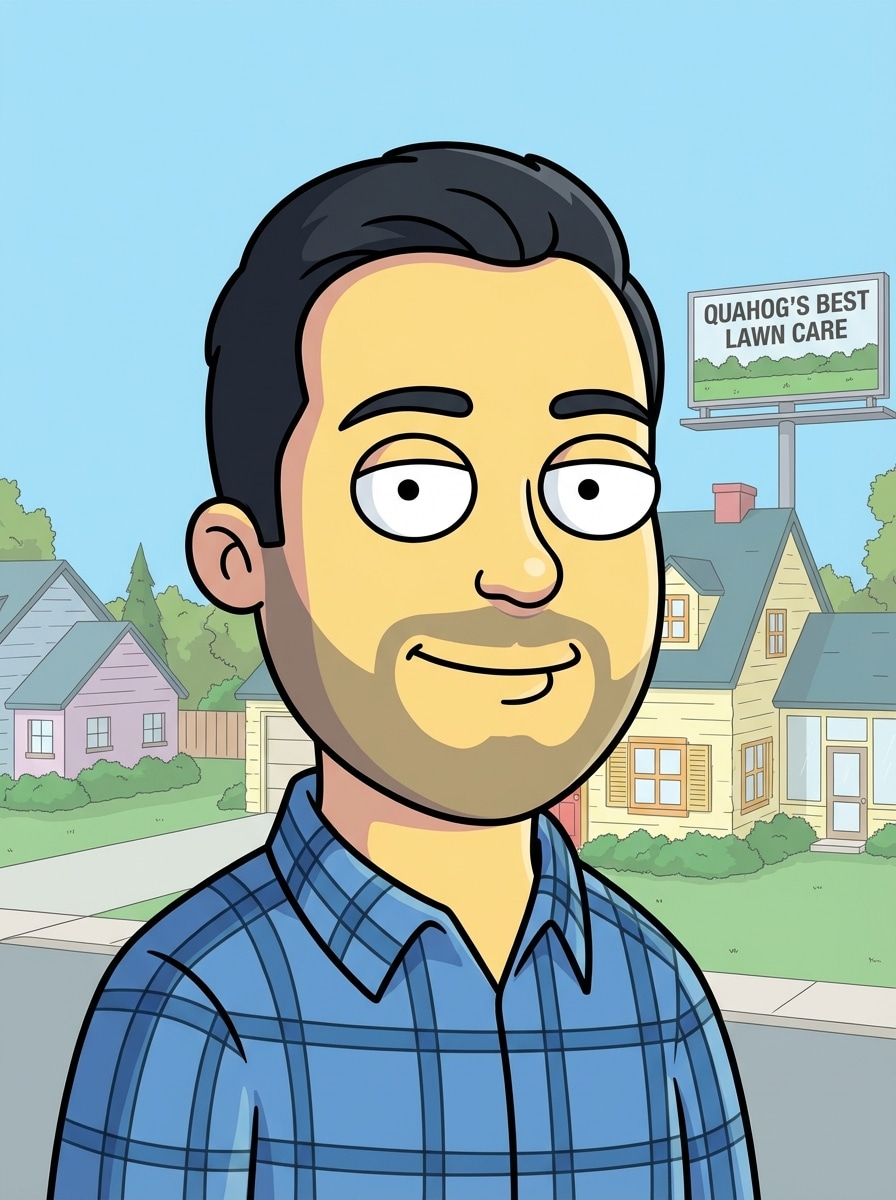
Family Guy-Inspired Avatar
Use the uploaded image as the subject and transform it into a Family Guy-inspired cartoon avatar with a rounded head shape, large oval eyes, a small simple nose, clean mouth lines, thick black outlines, flat cel shading, a pastel background, balanced front-facing composition, cheerful suburban TV parody mood, and crisp polished detail.
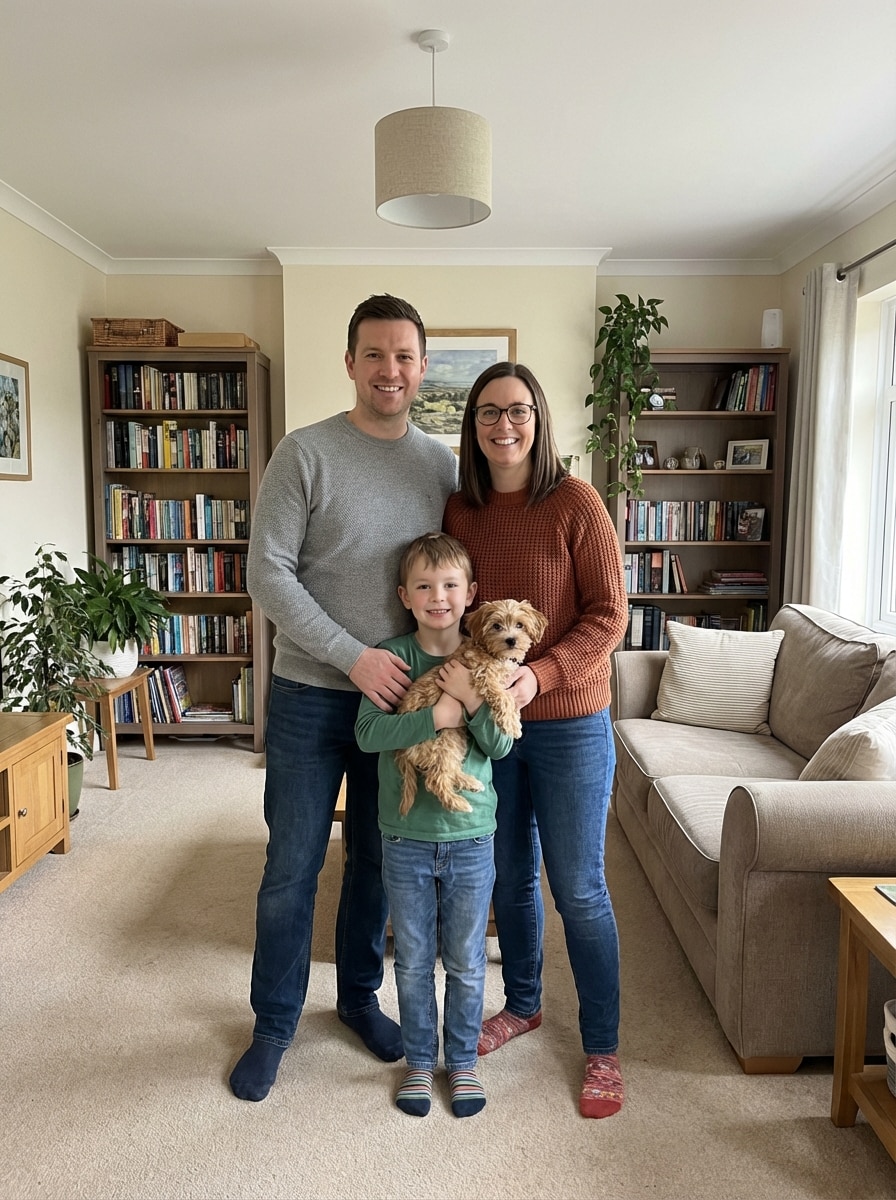
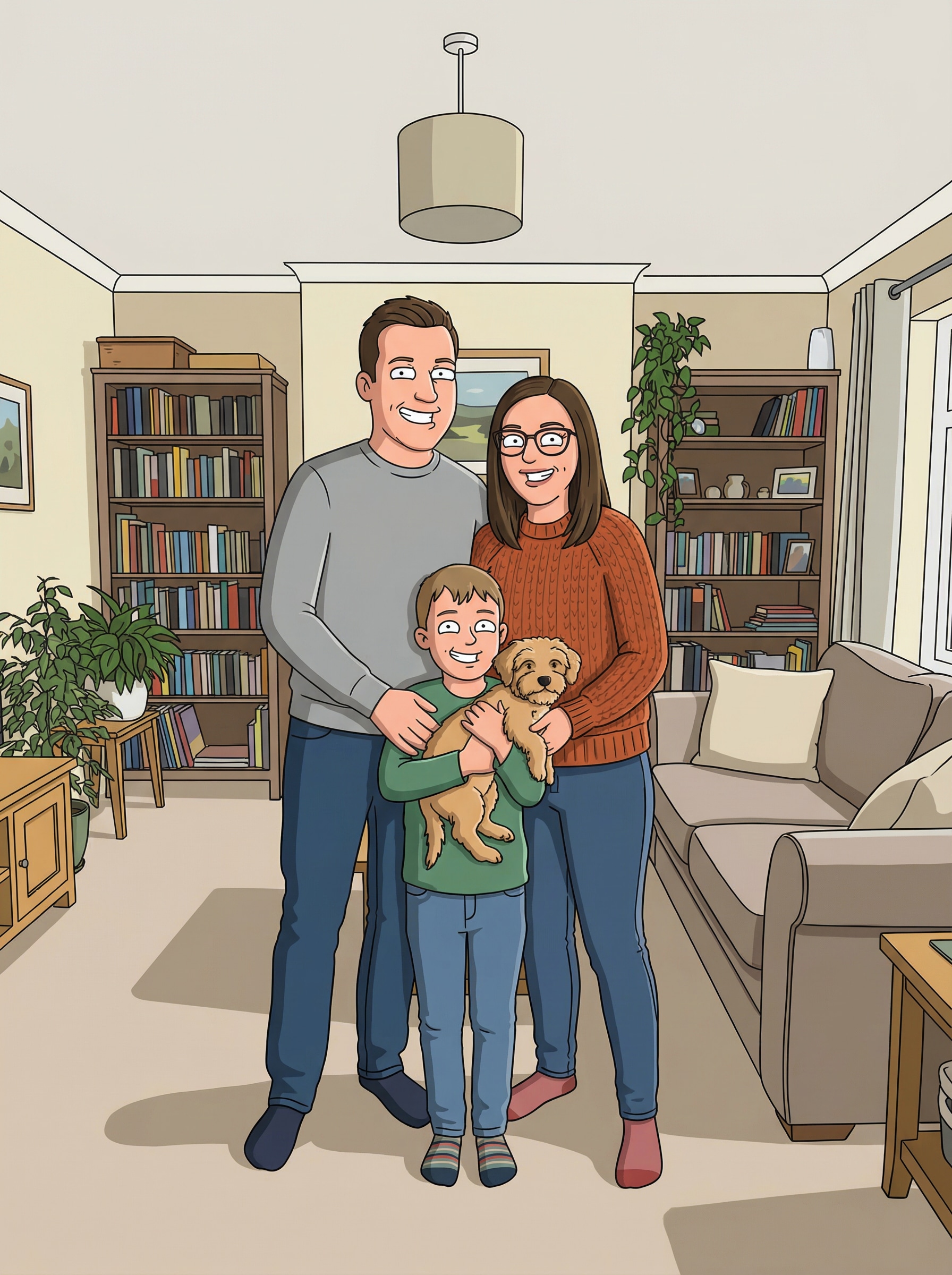
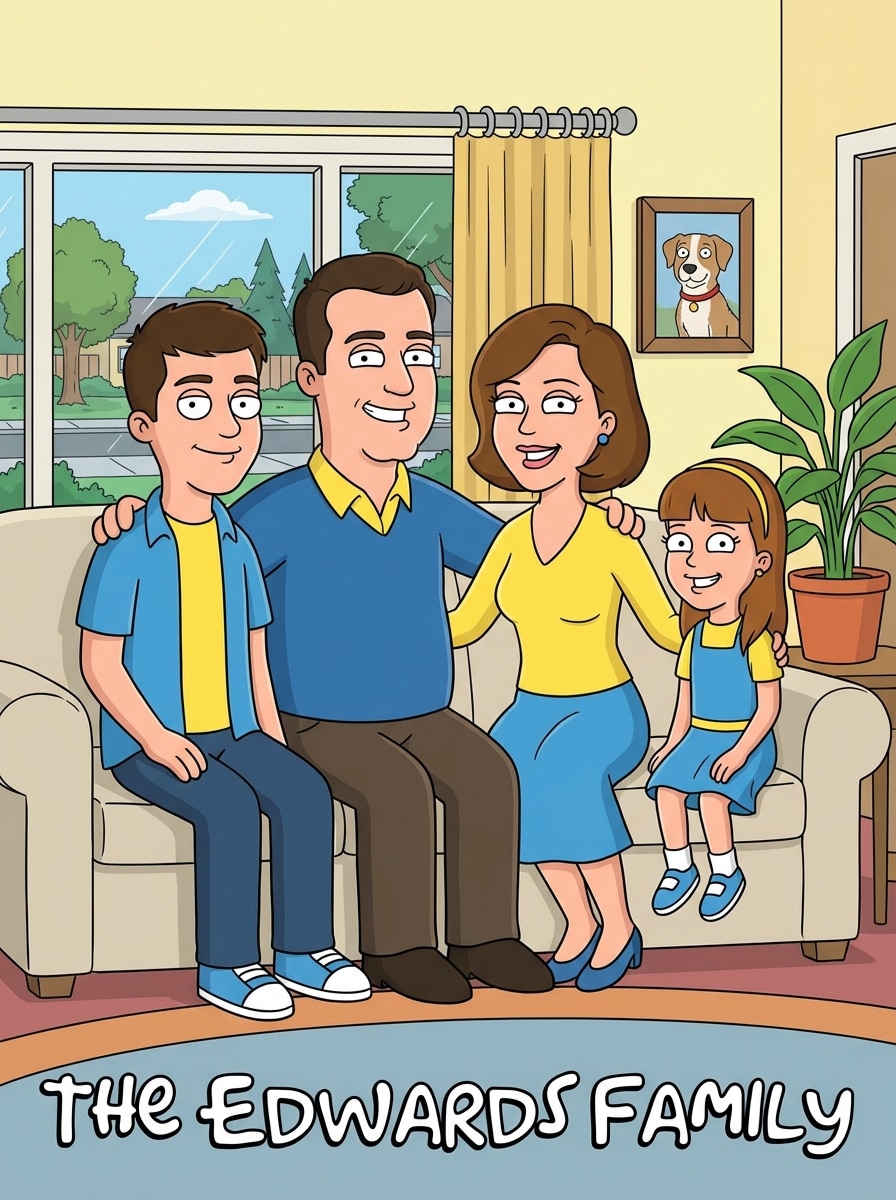
Family Portrait Cartoon
Use the uploaded family photo as the subject and convert everyone into a Family Guy-inspired cartoon portrait with simplified facial features, bold black outlines, flat color fills, coordinated outfits, a cozy living room or suburban home background, even spacing, warm playful mood, and a polished animated sitcom group composition.
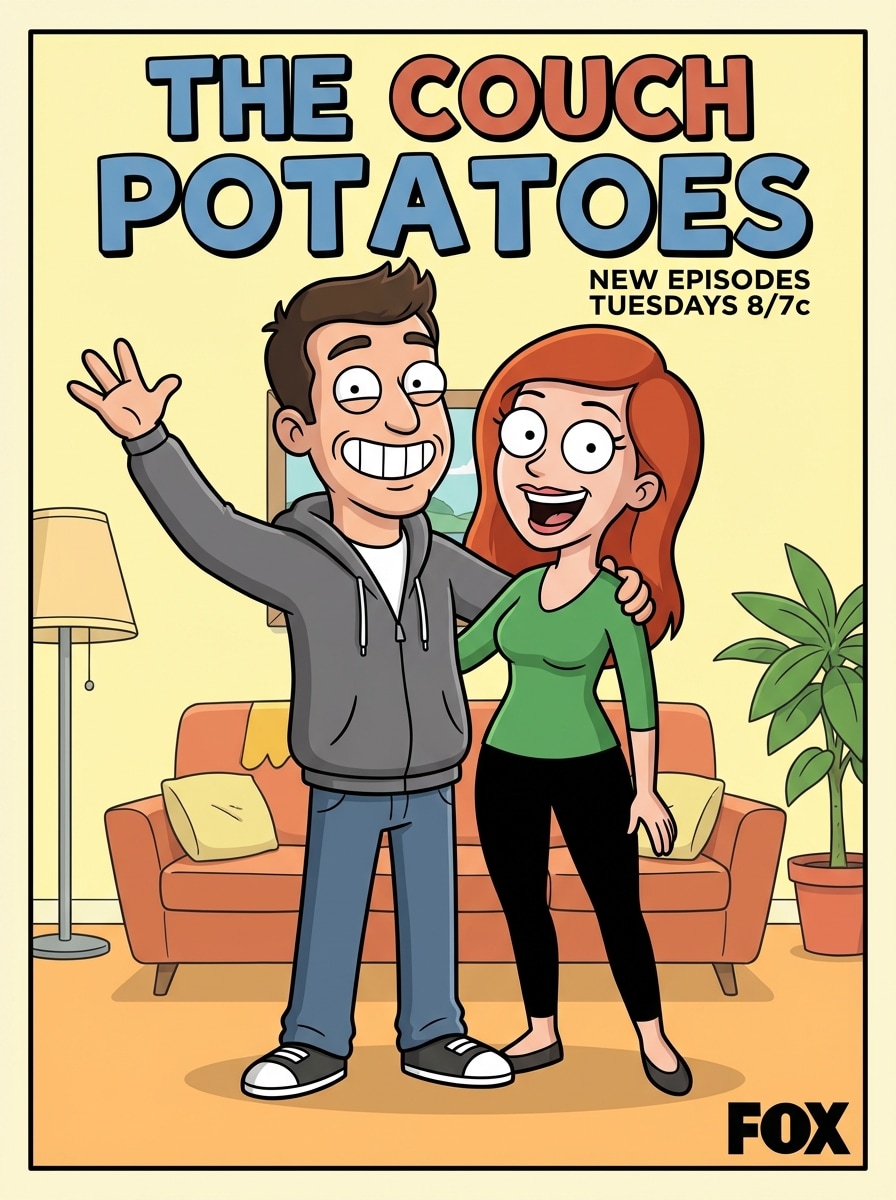
Couple Sitcom Poster
Use the uploaded couple photo as the subject and turn it into a funny Family Guy-inspired cartoon poster with expressive faces, thick black outlines, flat cel shading, bright color blocking, simple interior background, poster-style composition, clean silhouettes, playful romantic energy, and sharp polished sitcom-parody detail.
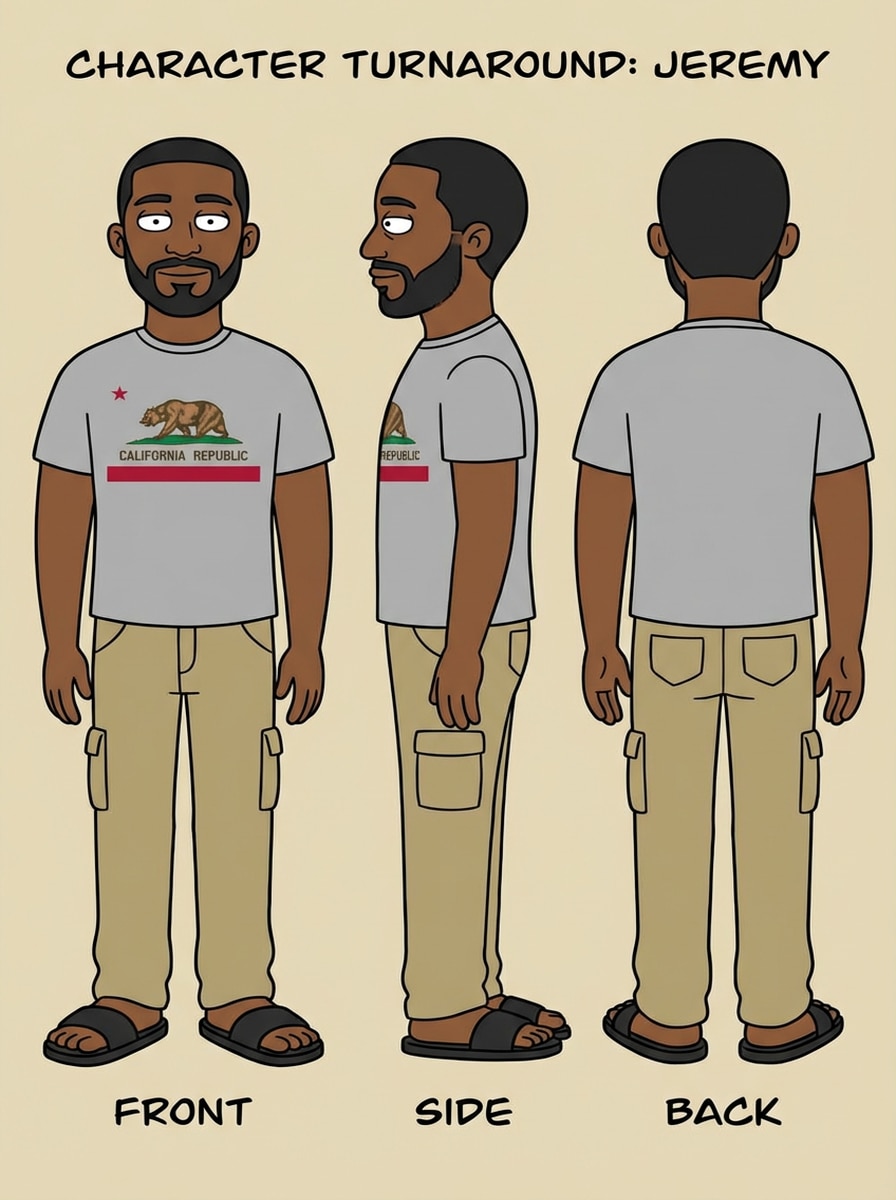
Character Sheet Maker
Use the uploaded image as the subject and create a Family Guy-inspired character sheet showing front and side views, simplified sitcom-style anatomy, bold outlines, flat colors, clean clothing shapes, neutral light background, reference-sheet layout, consistent proportions, and neat professional cartoon design detail.
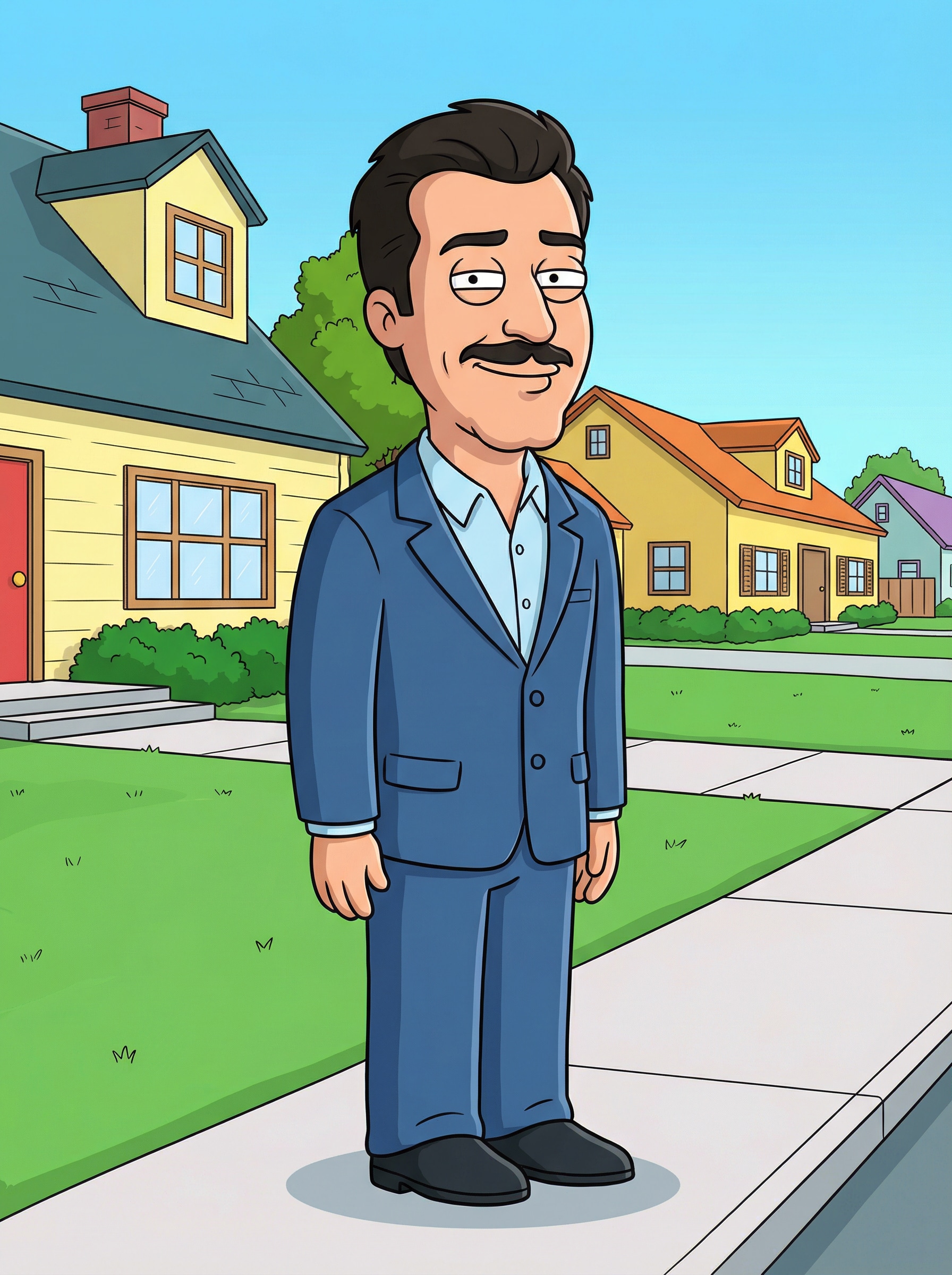
Suburban Cartoon Scene
Use the uploaded image as the subject and place the person into a Family Guy-inspired suburban cartoon scene with simplified houses, bright flat colors, thick outlines, clean sidewalks, soft cel-shaded shadows, playful neighborhood atmosphere, readable full-body pose, and a polished adult-animation parody look.
Why Use Media.io for a Family Guy Maker Alternative
Upload a Photo and Transform It Fast
Media.io supports JPG, PNG, and JPEG uploads, making it easy to turn a selfie, couple shot, or family photo into a cartoon-style result without starting from scratch.
Pro Models for Consistent Cartoon Looks
Powered by Nano Banana Pro, Nano Banana 2, and specialized models like Media 2.0, Media.io helps keep character details and clothing more consistent during style transformation.
Choose Resolution and Aspect Ratio
Create cartoon avatars, posters, and portraits in 1K, 2K, or 4K, with flexible aspect ratios including 1:1, 9:16, 16:9, 4:3, and 3:4 for social posts or downloads.
Works on Phone, Tablet, and Desktop
Because Media.io runs in the browser, you can make a Family Guy-style cartoon on Windows, Mac, iPhone, or Android without installing extra software.
How to Use the Family Guy Maker Online
1
2
3
1
Open Media.io Family Guy Maker
Go to AI Image to Image Generator and open the Family Guy Maker under AI -> Image to Image. This online tool runs in your browser, so you can start on desktop or mobile without installing anything.
2
Upload a Photo or Enter a Prompt
Upload a selfie, couple photo, or family picture in JPG, PNG, or JPEG format. You can also add a detailed prompt like "turn this portrait into a bold outlined adult-cartoon parody avatar with flat colors and a pastel background" and adjust aspect ratio or resolution.
3
Generate, Refine & Download
Click Generate to create your cartoon result. Tweak the prompt or settings if needed, then download your final image in high resolution for sharing, profile pictures, posters, or fun keepsakes.
Discover how creators and professionals are using our AI-powered Family Guy Maker to transform their creative workflows and bring unique ideas to life.
Create a Funny Profile Picture
Turn a regular selfie into a recognizable cartoon avatar for TikTok, Instagram, Discord, or YouTube. A Family Guy maker style works especially well for bold profile images that feel playful, nostalgic, and instantly shareable.
Make Giftable Couple or Family Portraits
Transform couple shots and family photos into charming parody-style artwork for birthdays, inside jokes, holiday cards, or framed prints. It’s an easy way to create personalized cartoon keepsakes from pictures you already have.
Design Meme Posts and Reaction Art
Use expressive cartoon transformations for reaction memes, cast posters, or short-form content reveals. Creators can quickly turn photos into sitcom-inspired visuals that fit social trends and stand out in crowded feeds.
What Users Say About This Family Guy Maker
Jordan M.
Content Creator
"Perfect for cartoon reveal posts" I wanted a Family Guy maker alternative for a Reel, and this was surprisingly easy. I uploaded my selfie, picked the look I wanted, and got a clean cartoon result that was ready to post.
Alicia R.
Social Media Manager
"Fast and beginner-friendly" What I liked most was that I didn’t need to overthink the prompt. The upload workflow is simple, and the final images had the bold outline, flat-color style I was going for.
Kevin T.
Graphic Hobbyist
"Great for couple and group photos" I tested it on a couple photo and then on a family picture. Both came out with a fun animated parody vibe, and the download quality was good enough for sharing and printing.
Monica L.
Casual User
"Works well on mobile" I used it on my phone without installing anything. For anyone searching for a family guy yourself alternative, this is a quick way to turn a photo into a cartoon online.
1. How do I turn a photo into a Family Guy-style cartoon?
Open Media.io’s image-to-image tool, upload your photo in JPG, PNG, or JPEG format, and add a style prompt if you want more control. Then generate your result and refine it as needed. This workflow is ideal if you want to turn a photo into a Family Guy style look quickly online. This helps you create family guy maker results more consistently.
2. Is there a free Family Guy maker online?
Yes. Free users can try Media.io with free credits. If you need more generations or want watermark-free high-resolution downloads, you can check the pricing page for plan options. Free users can use free credits. For more usage, users can subscribe to a plan on the pricing page.
3. Can I use Media.io on iPhone, Android, or desktop?
Yes. Media.io is web-based, so it works on any device with a browser, including Windows, Mac, iPhone, and Android. You can create a Family Guy-inspired cartoon from mobile or desktop without installing software. Media.io is a web-based tool that works on any device with a browser (Windows, Mac, iOS, Android). This helps you create family guy maker results more consistently.
4. How long does it take to generate a Family Guy-inspired image?
Generation is designed to be fast, with a simple upload-and-generate workflow for quick previews and refinements. The exact time can vary by settings and image complexity, but Media.io is built for a streamlined, beginner-friendly experience. This helps you create family guy maker results more consistently.
5. Will my cartoon image be high resolution enough to download and share?
Yes. Media.io supports 1K, 2K, and 4K output options, so you can create downloads suitable for sharing on social media, using as profile pictures, or saving for higher-quality personal use. Free users may have watermarks. This helps you create family guy maker results more consistently.
6. Can I transform group or family photos into this cartoon style?
Yes. You can upload group shots, couple photos, or family portraits and use Media.io to transform them into a cohesive cartoon-style result. This makes it useful for family portrait ideas, cast-poster layouts, and shareable parody-style artwork. This helps you create family guy maker results more consistently.