Image to Image
Nano Banana Pro
Upload Image
0 / 9
Click or drag to upload, or choose from My History
No ideas? Generate an image first >
Support upload format: jpg, png, jpeg.
Prompt
0/2000
Aspect Ratio
Auto
9:16
16:9
1:1
4:3
3:4
3:2
2:3
21:9
Resolution
1K
2K
4K
Unlimited Banana Pro
Number of Images
1
2
3
4
Public Visibility
All
Image
Video
Audio
Generate List
The generated results will be kept for 7 days. Please save them in time.
ai_video_generatorUnlock your creative potential and experience the magic of Media AI right away!

AI Family Photos Generator for Realistic Portraits From Separate Pictures

Create a believable family portrait from individual photos in minutes. Media.io helps you merge separate pictures, refine style, and generate realistic or artistic family images for sharing, framing, holiday cards, and keepsake projects right in your browser.

Create My Family Portrait

Type your idea -> AI designs it. Free to try.

Explore our curated collection of ai family photos generator styles.

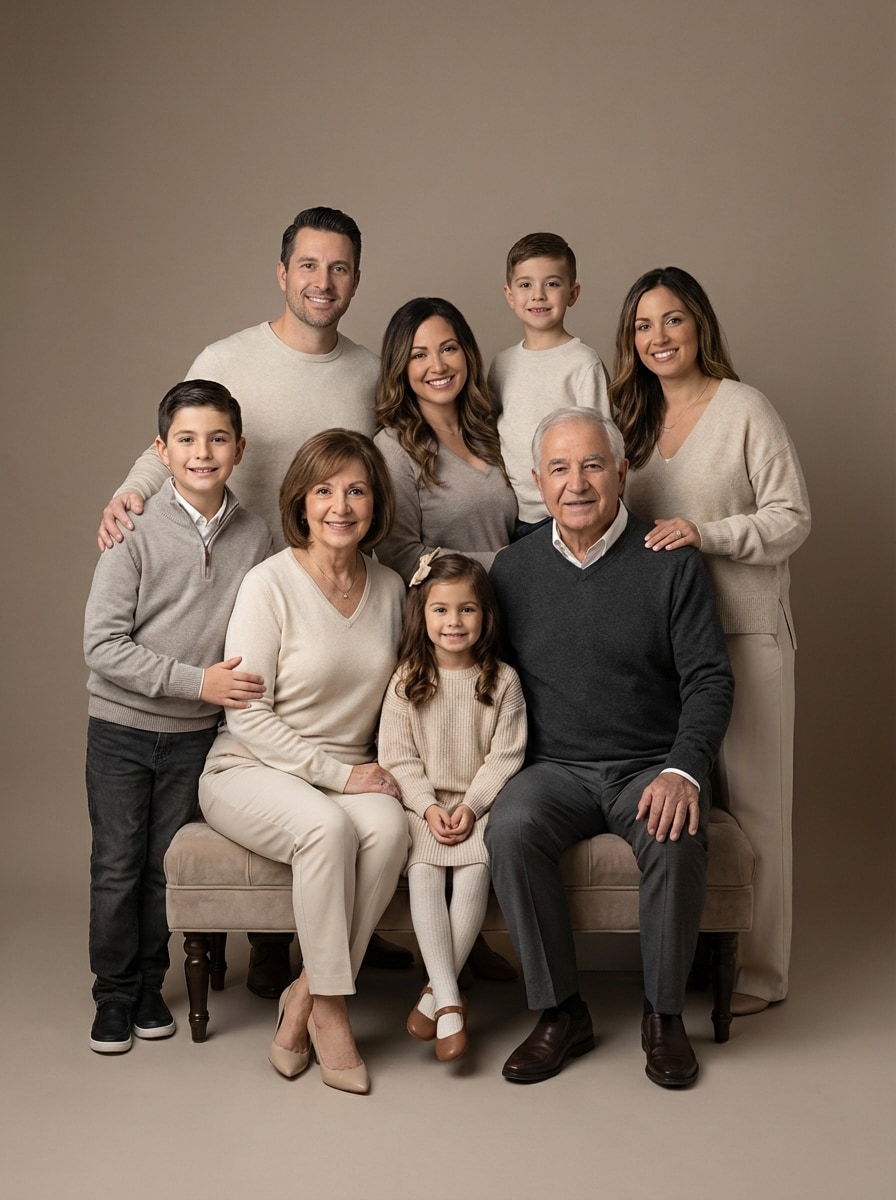
Studio Family Portrait

Studio Family Portrait

Use the uploaded family photos as the subjects and merge everyone into one realistic studio family portrait. Preserve natural facial likeness, arrange the group in a balanced pose, add coordinated neutral outfits, soft professional key lighting, a clean light-gray backdrop, refined skin texture, warm expressions, and crisp high-resolution detail.
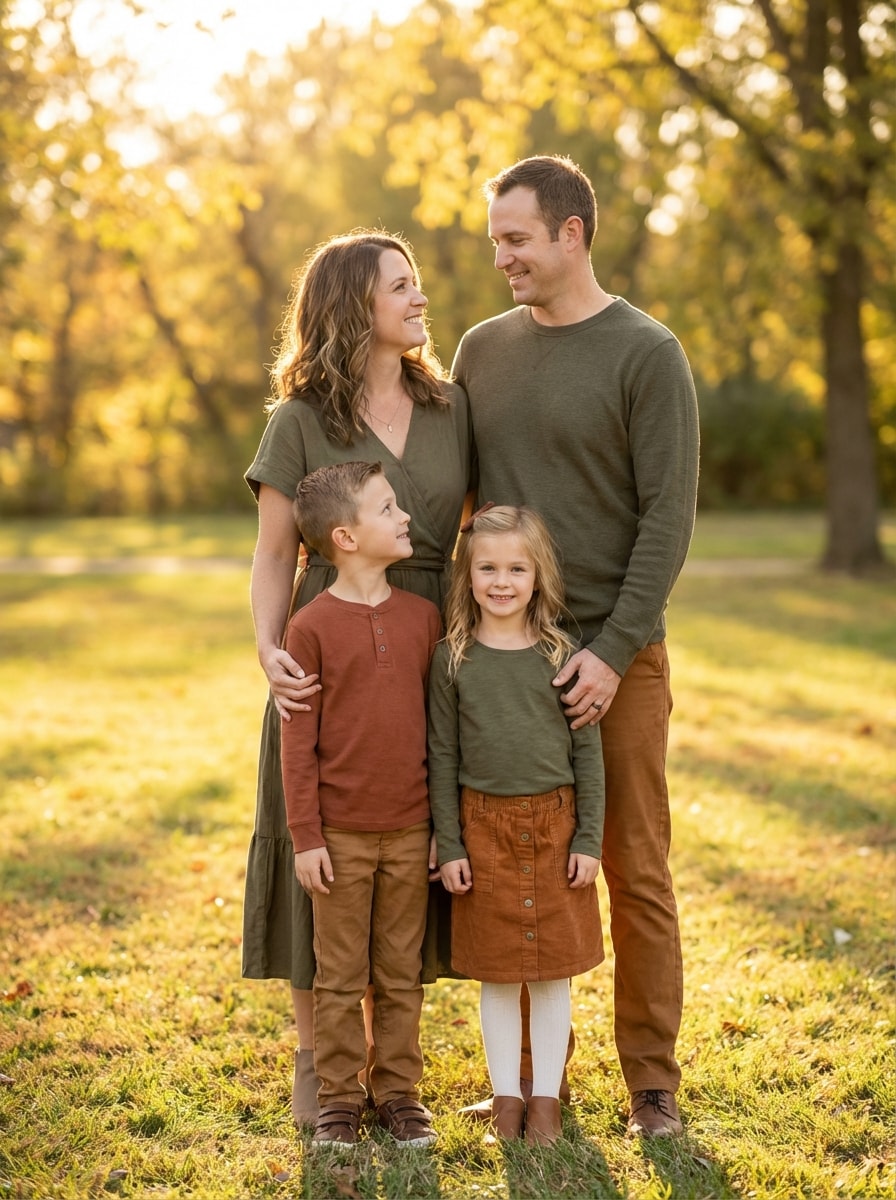
Outdoor Golden Hour Family

Outdoor Golden Hour Family

Use the uploaded images as the family members and transform them into a warm outdoor family portrait at sunset. Keep facial resemblance accurate, place everyone naturally together in a park setting, add coordinated earth-tone outfits, soft golden-hour backlight, gentle lens blur, candid smiles, and a polished yet authentic lifestyle feel.

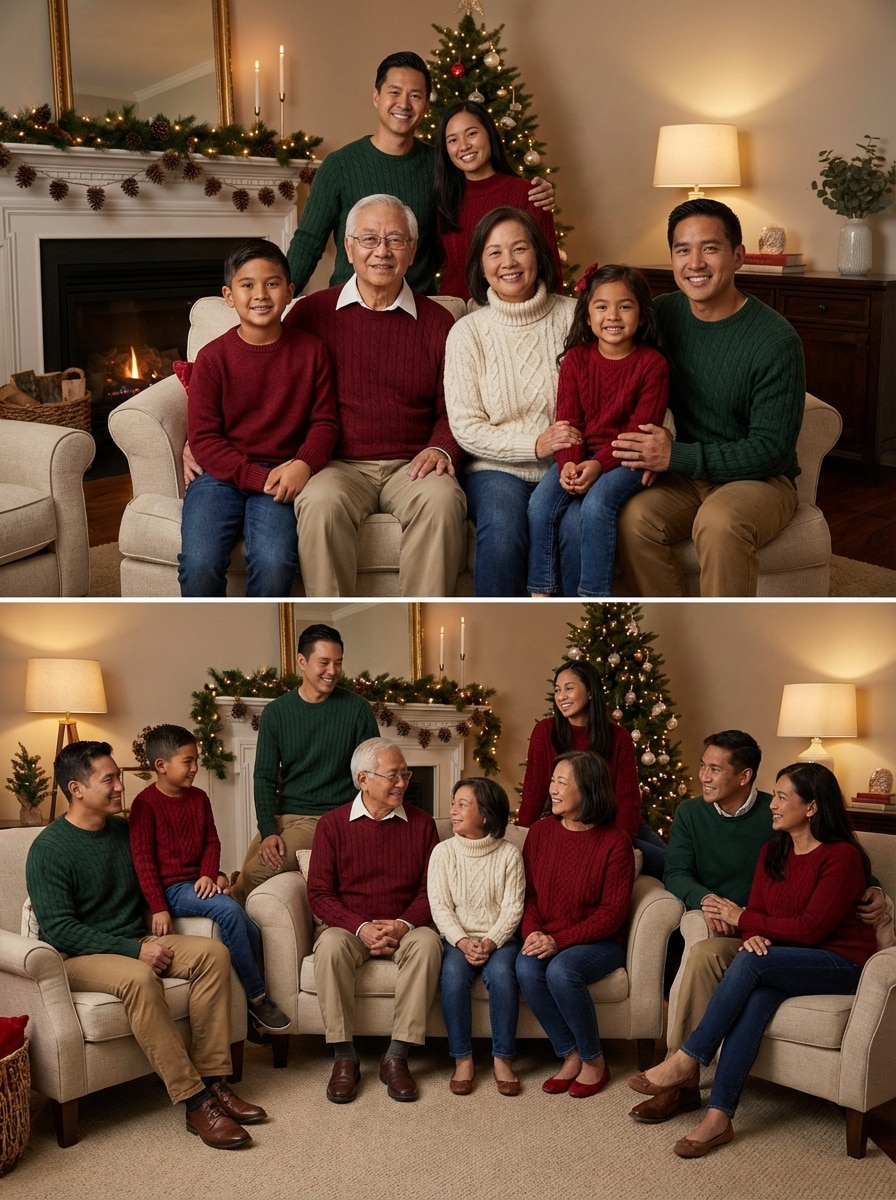
Holiday Card Portrait

Holiday Card Portrait

Use the uploaded family photos as the subjects and combine them into a festive holiday card portrait. Preserve faces faithfully, add cozy winter outfits, subtle Christmas décor, warm indoor lighting, natural smiles, balanced composition with card-friendly framing, soft seasonal colors, and realistic details suitable for sharing or printing.

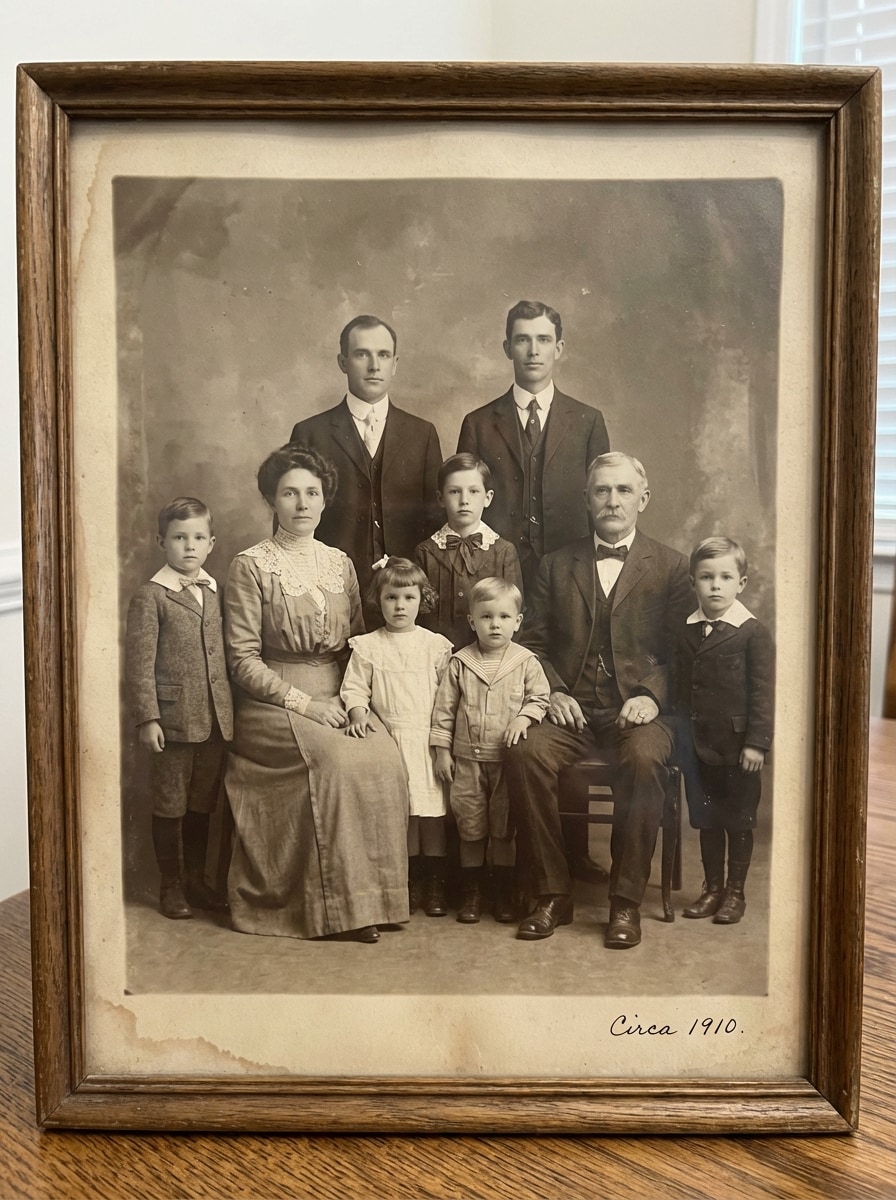
Vintage Family Portrait

Vintage Family Portrait

Use the uploaded family photos as the subjects and restyle them into a timeless vintage family portrait. Keep recognizable facial features, arrange a classic pose, add elegant old-fashioned wardrobe styling, muted sepia-toned palette, soft film grain, gentle contrast, and an heirloom-photo mood with realistic preservation of identity.

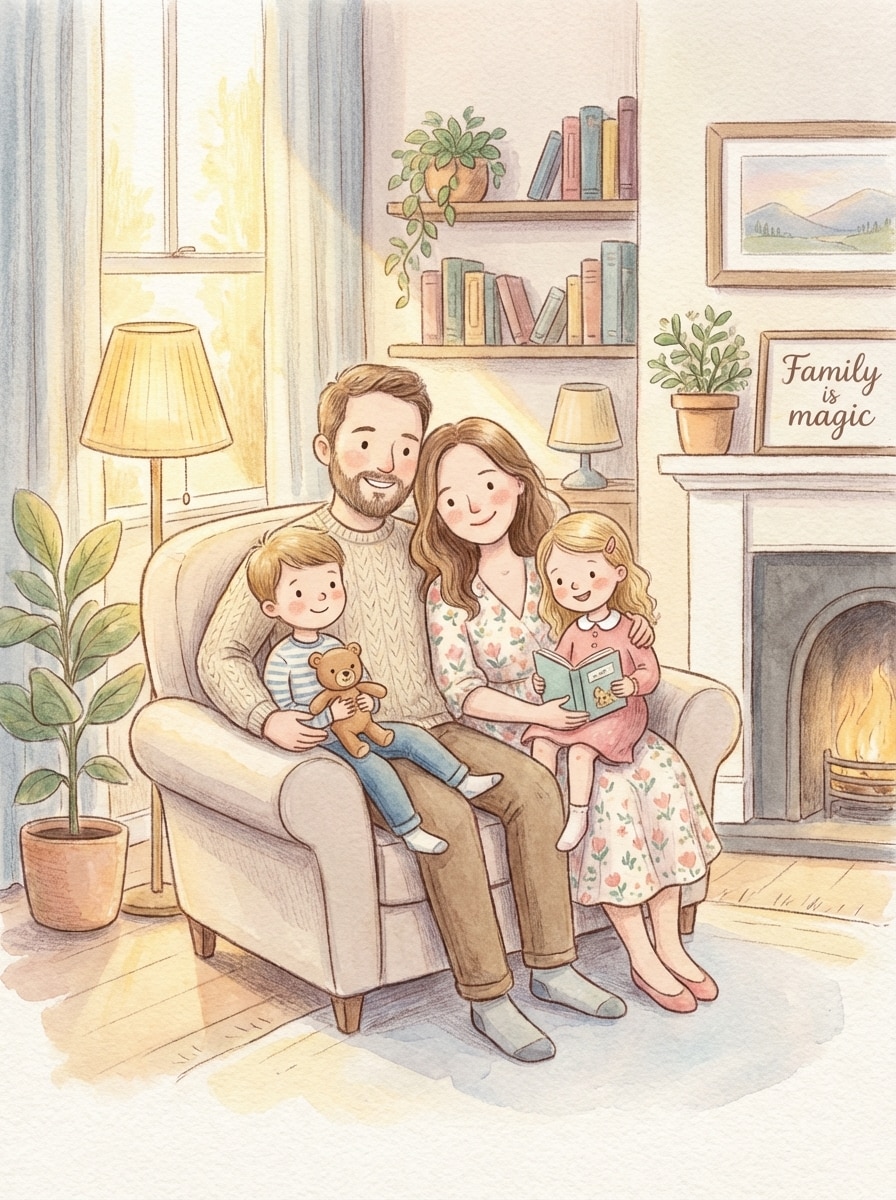
Storybook Family Illustration

Storybook Family Illustration

Use the uploaded family photos as the subjects and transform them into a charming storybook family illustration. Preserve each person’s facial resemblance, create a cozy grouped composition, add soft hand-painted textures, gentle pastel colors, warm light, playful details, and a wholesome child-friendly mood with polished illustration quality.

Why Use Media.io for AI Family Photos

Built for Photo-to-Photo Family Edits

Upload JPG, PNG, or JPEG images and use them as references to create an AI family photos generator workflow that feels simple, fast, and beginner-friendly.

More Control Over Faces, Style, and Detail

Powered by Nano Banana Pro, Nano Banana 2, and specialized models including Media 2.0, Media.io helps you keep character consistency and guide clothing, mood, and portrait styling more precisely.

High-Resolution Family Portrait Downloads

Choose 1K, 2K, or 4K output and multiple aspect ratios for framed portraits, social posts, or holiday card family photos with clean, share-ready results.

Works Anywhere in Your Browser

Create a family photo from separate pictures on Windows, Mac, iPhone, iPad, or Android. No software installation is needed—just open Media.io and start editing online.

How to Use the AI Family Photos Generator

1
2
3
1
Open Media.io AI Family Photos Generator

Go to AI Image to Image Generator and open the AI Family Photos Generator under AI -> Image to Image. This online tool runs in your browser, so you can create realistic family portraits without installing extra software.

2
Upload Photos and Enter Your Prompt

Upload your family pictures in JPG, PNG, or JPEG format. Then type a detailed prompt such as: “Merge our separate photos into one realistic studio family portrait with soft lighting, coordinated outfits, and a clean backdrop.” Adjust aspect ratio, resolution, or style settings as needed.

3
Generate, Refine & Download

Click Generate to create your AI family picture. If needed, refine the prompt or try another style like vintage, holiday, or storybook. When you’re happy with the result, download your high-resolution image for sharing, printing, or framing.

Step 1
Step 2
Step 3

Unlock the Potential of AI Family Photos Generator

Discover how creators and professionals are using our AI-powered Family Photos Generator to transform their creative workflows and bring unique ideas to life.

Merge Separate Family Photos Into One Portrait

Bring relatives together in a single polished image even if the original pictures were taken at different times or locations. This is ideal for long-distance families, reunion keepsakes, and anyone who wants to merge family photos with AI without complex manual editing.

Create Holiday Cards and Gift-Ready Portraits

Turn everyday snapshots into festive Christmas cards, framed wall art, or thoughtful gifts. With realistic and artistic styles, you can create a family portrait that feels personal, coordinated, and ready for both digital sharing and print use.

Restore Memories and Add Missing Loved Ones

Use an AI family portrait generator to refresh older family pictures or create new compositions that include someone missing from the original shot. It’s a practical option for multi-generation portraits, memorial projects, and preserving meaningful family moments.

What Users Say About Media.io

user
Rachel M.

Family Blogger

star star star star star

"Great for combining separate photos" I needed an AI family photos generator that could pull people from different pictures into one believable portrait. Media.io made the process much easier than expected, and the final result looked warm, natural, and card-ready.

user
Daniel P.

Graphic Designer

star star star star star

"Helpful style control and clean output" I used it to create a formal multi-generation portrait from mixed source images. The style options were useful, and the higher-resolution downloads made the final image suitable for print without a lot of extra cleanup.

user
Alicia T.

Small Business Owner

star star star star star

"Easy to use on mobile" I tried it from my phone while planning a holiday card. Uploading photos, switching styles, and generating different family looks all worked smoothly in the browser. It saved me a lot of time.

user
Marcus L.

Content Creator

star star star star star

"Good for sentimental family projects" What stood out to me was how quickly I could test realistic, vintage, and illustrated family portrait ideas from the same photos. It’s a practical tool for personal memory projects and social content alike.

AI Family Photos Generator FAQs

1. How does an AI family photos generator work with separate pictures?

An AI family photos generator uses your uploaded reference images to guide the final composition and style. In Media.io, you can upload JPG, PNG, or JPEG photos, then describe the look you want—such as a realistic studio portrait, holiday card, or vintage family image. The image-to-image workflow helps combine separate pictures into one unified family portrait.

Yes. Free users get 3 credits per day to try the tool. If you need more generations, higher usage, or watermark-free downloads, you can upgrade on the pricing page. Free users get 3 credits per day. For more, users can subscribe to a plan on the pricing page.

Media.io is designed for image-to-image creation, so your uploaded photos help preserve facial identity better than a text-only workflow. Results can vary depending on source image quality and prompt clarity, but advanced models such as Nano Banana Pro, Nano Banana 2, and Media 2.0 are built to support stronger consistency and more controlled portrait styling. Free users may have watermarks. Paid subscribers can download watermark-free high-resolution images. This helps you create ai family photos generator results more consistently. Upgrade to a paid plan on the pricing page for more credits and watermark-free high-resolution downloads.

Yes, that’s one of the most practical uses for this tool. You can upload separate reference photos and prompt Media.io to place everyone together in one scene, which is useful when you want to create a family photo from separate pictures or include someone who wasn’t present in the original shot. This helps you create ai family photos generator results more consistently.

Generation is typically fast because Media.io works directly in your browser with a streamlined image-to-image workflow. The exact time can vary based on your prompt, selected settings, and the number of images you generate in a batch, but most users can create and refine a family portrait in just a few minutes. Media.io is a web-based tool that works on any device with a browser (Windows, Mac, iOS, Android). This helps you create ai family photos generator results more consistently.

Yes. Media.io is a web-based tool that works on devices with a browser, including Windows, Mac, iPhone, iPad, and Android. That means you can make an AI family portrait on desktop or mobile without installing extra software. Media.io is a web-based tool that works on any device with a browser (Windows, Mac, iOS, Android). This helps you create ai family photos generator results more consistently.

Media.io Online AI Tools Quality Rating:
vote 4.7 (162,357 Votes)