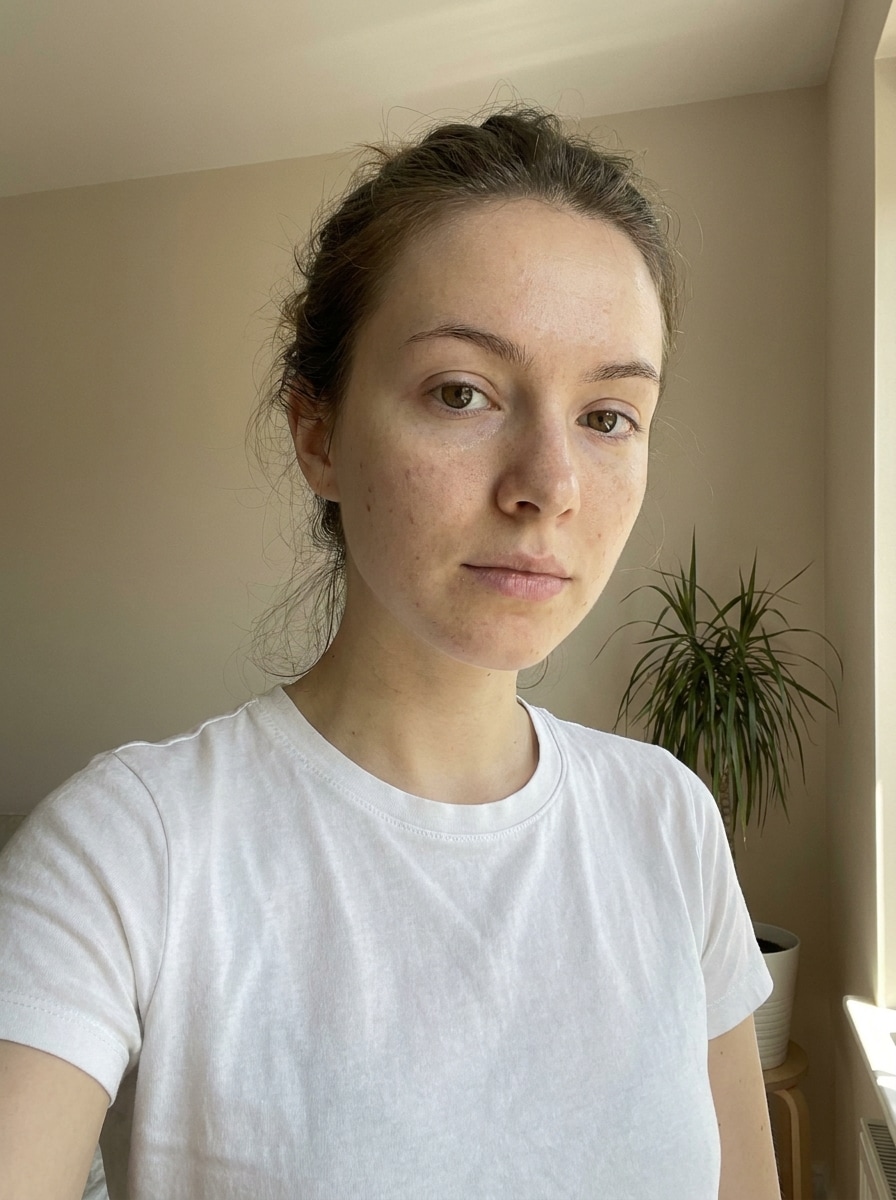
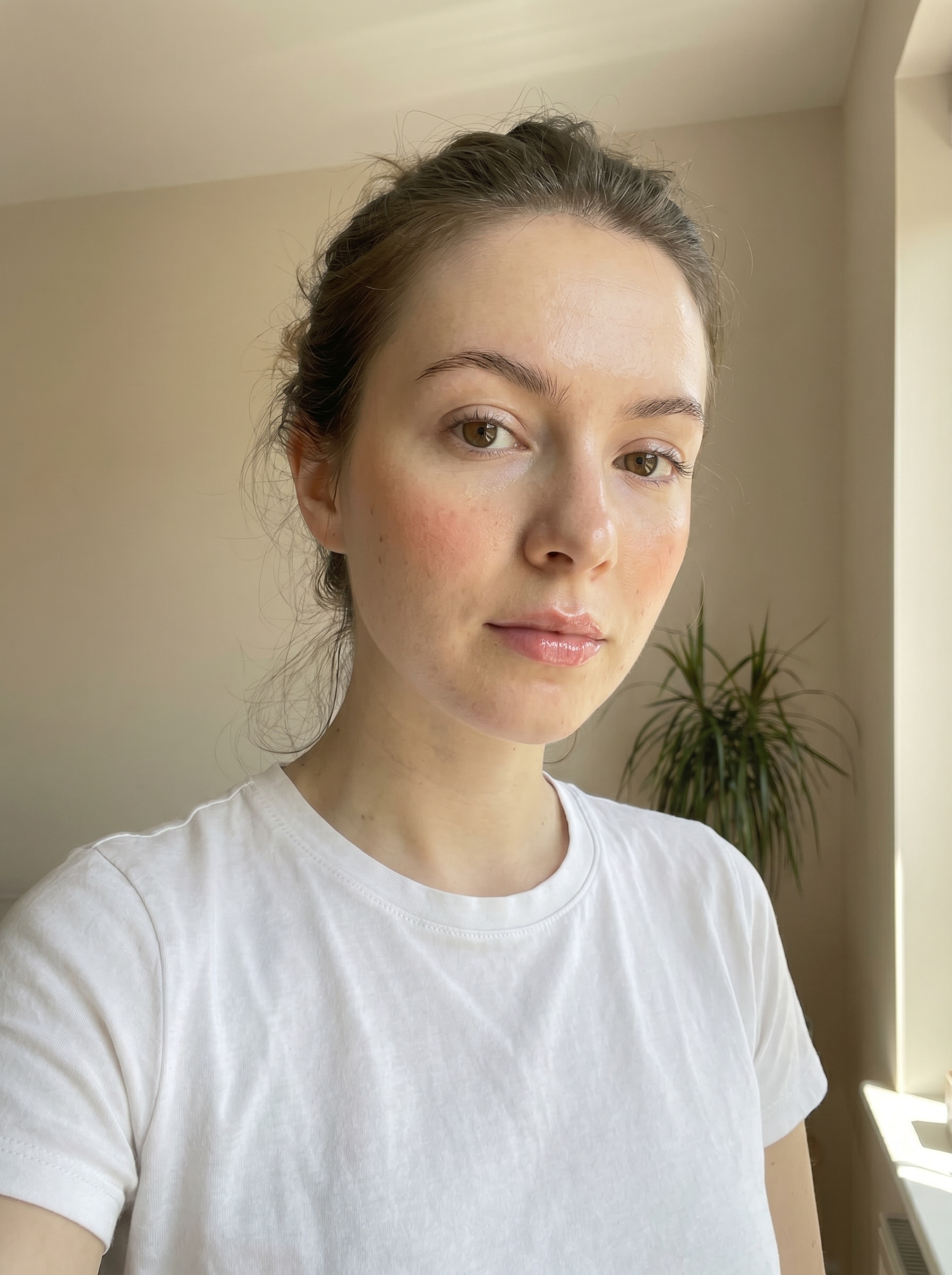
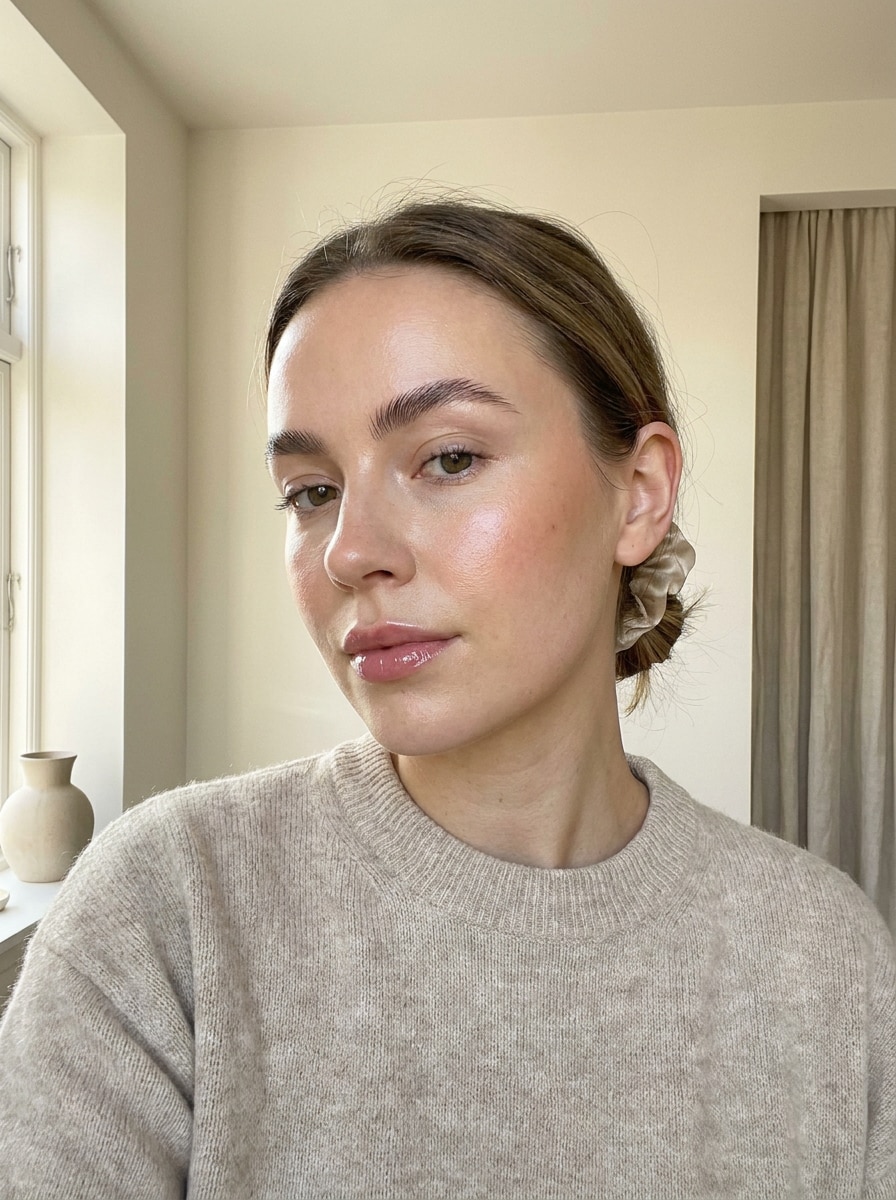
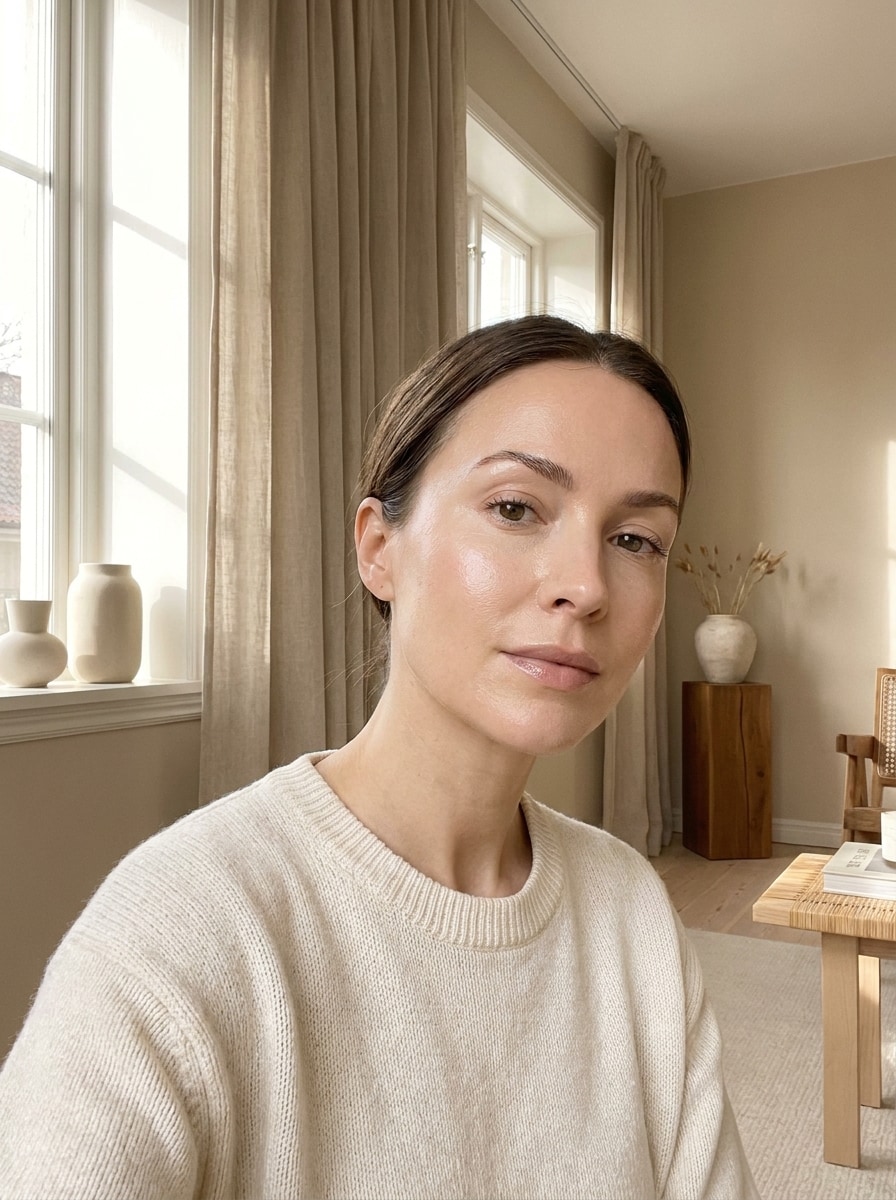
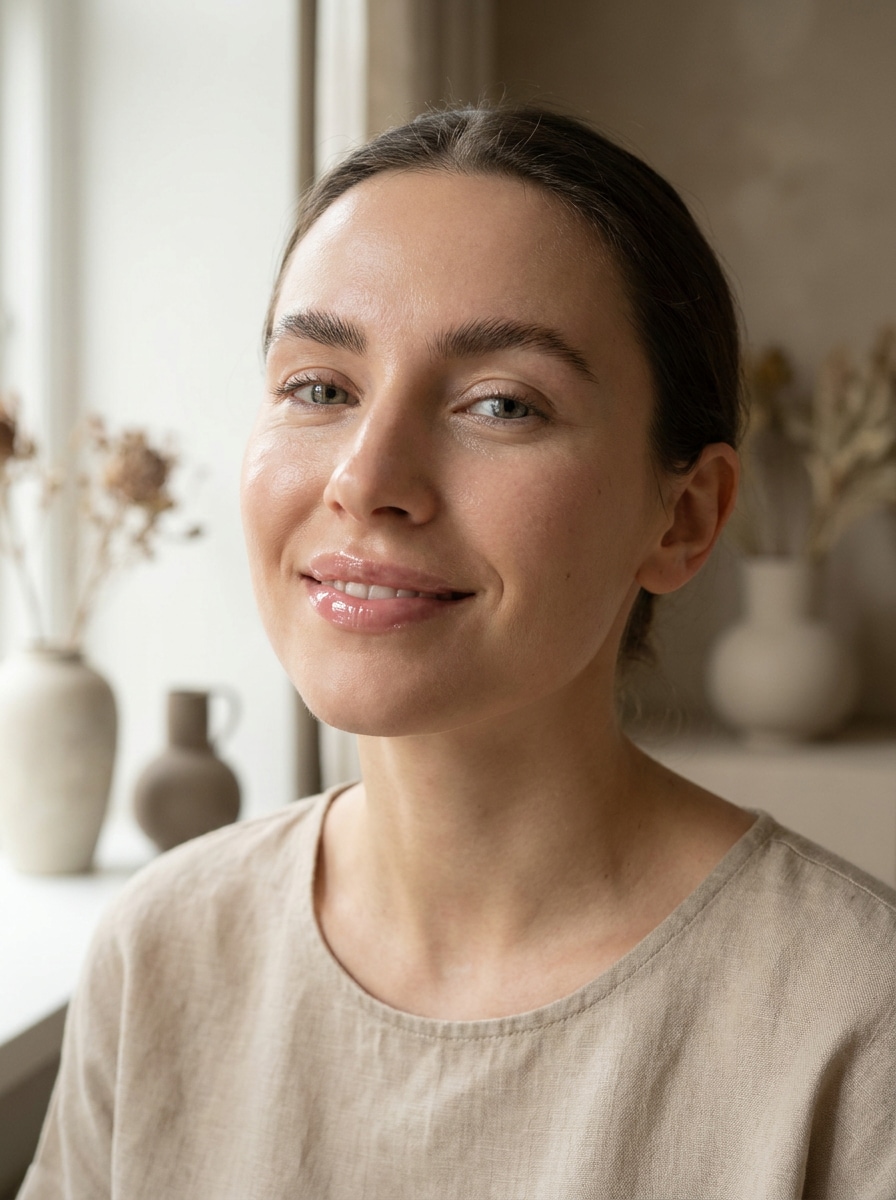
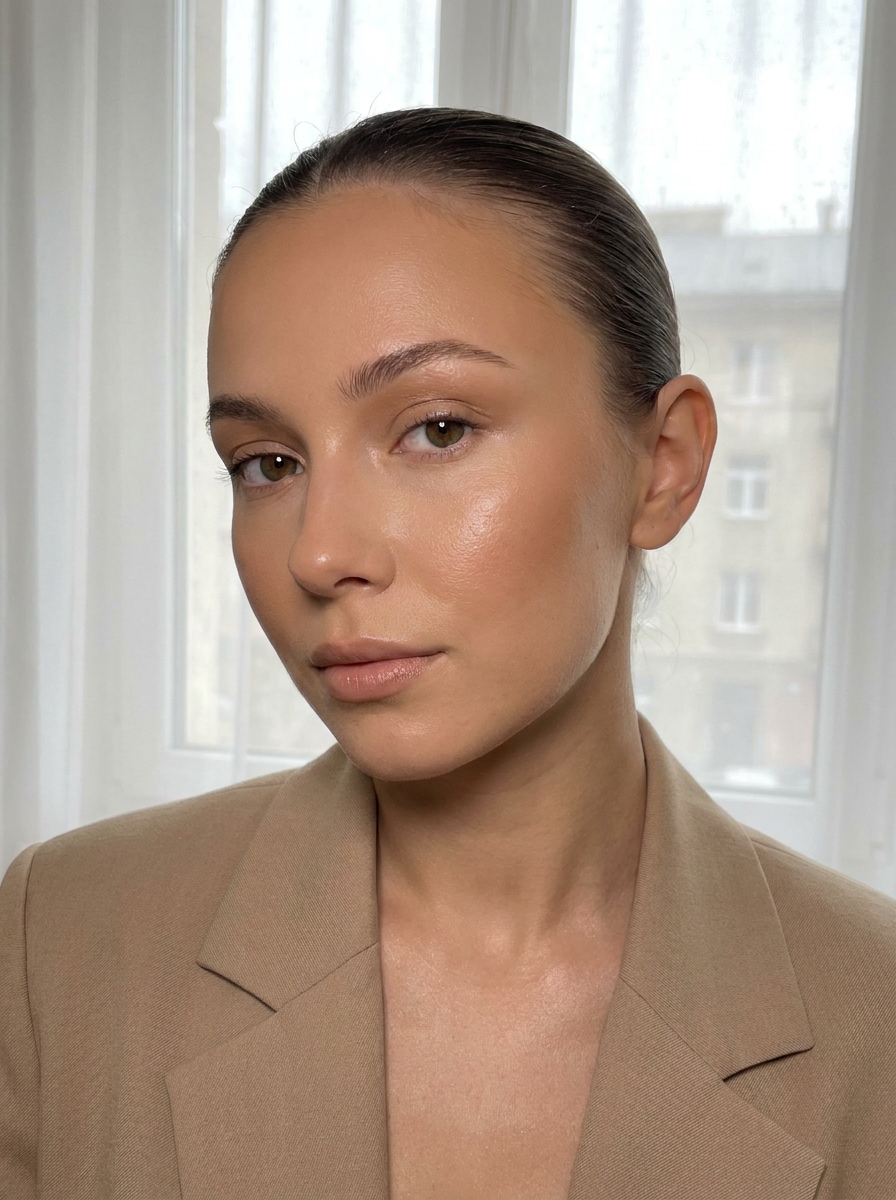
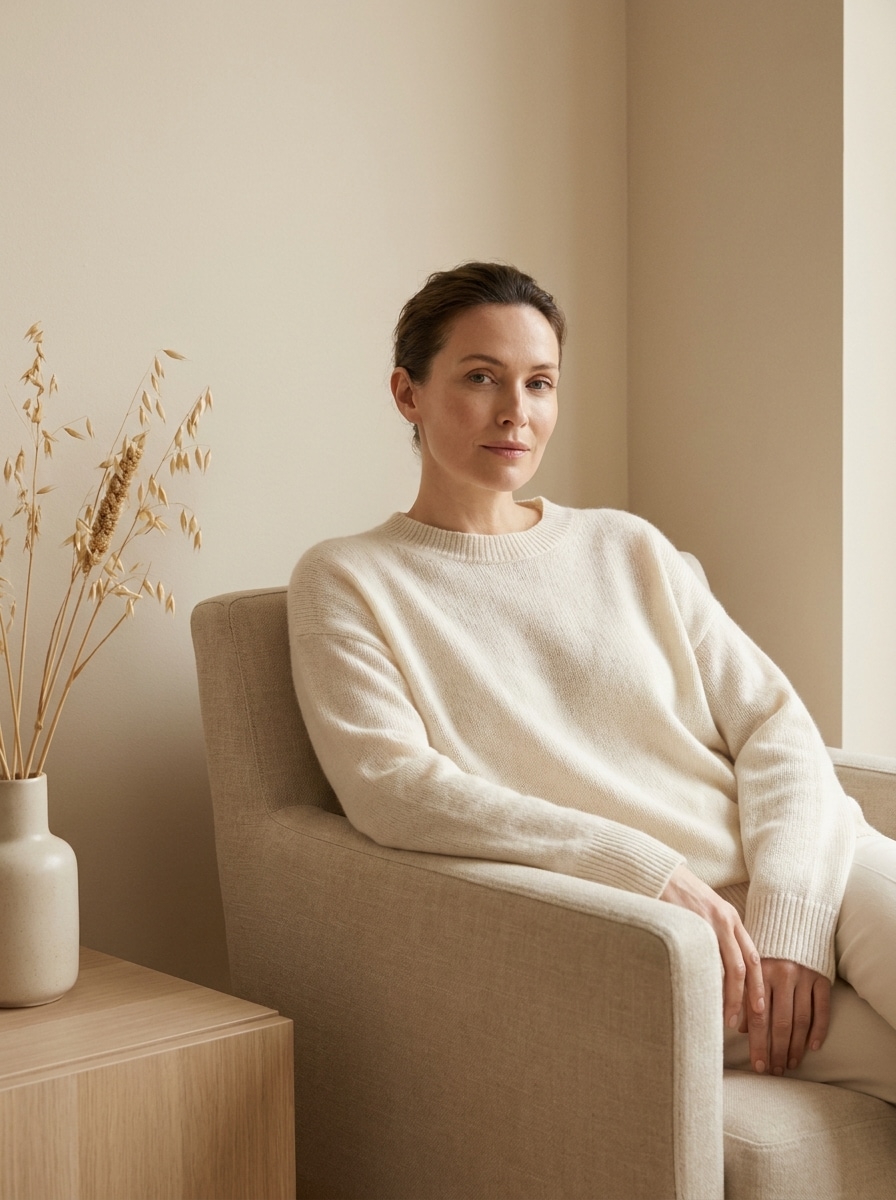
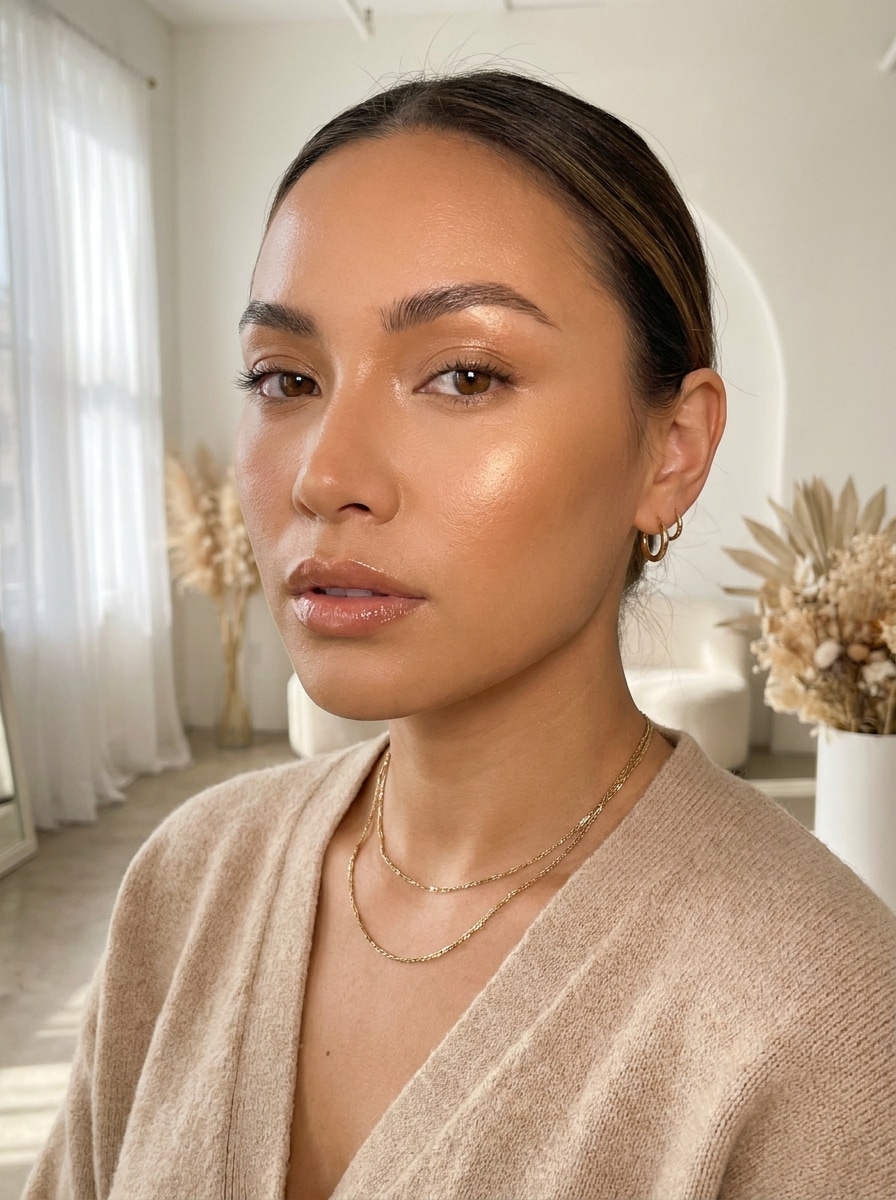
Create a Natural Clean Girl Filter Look from Any Photo
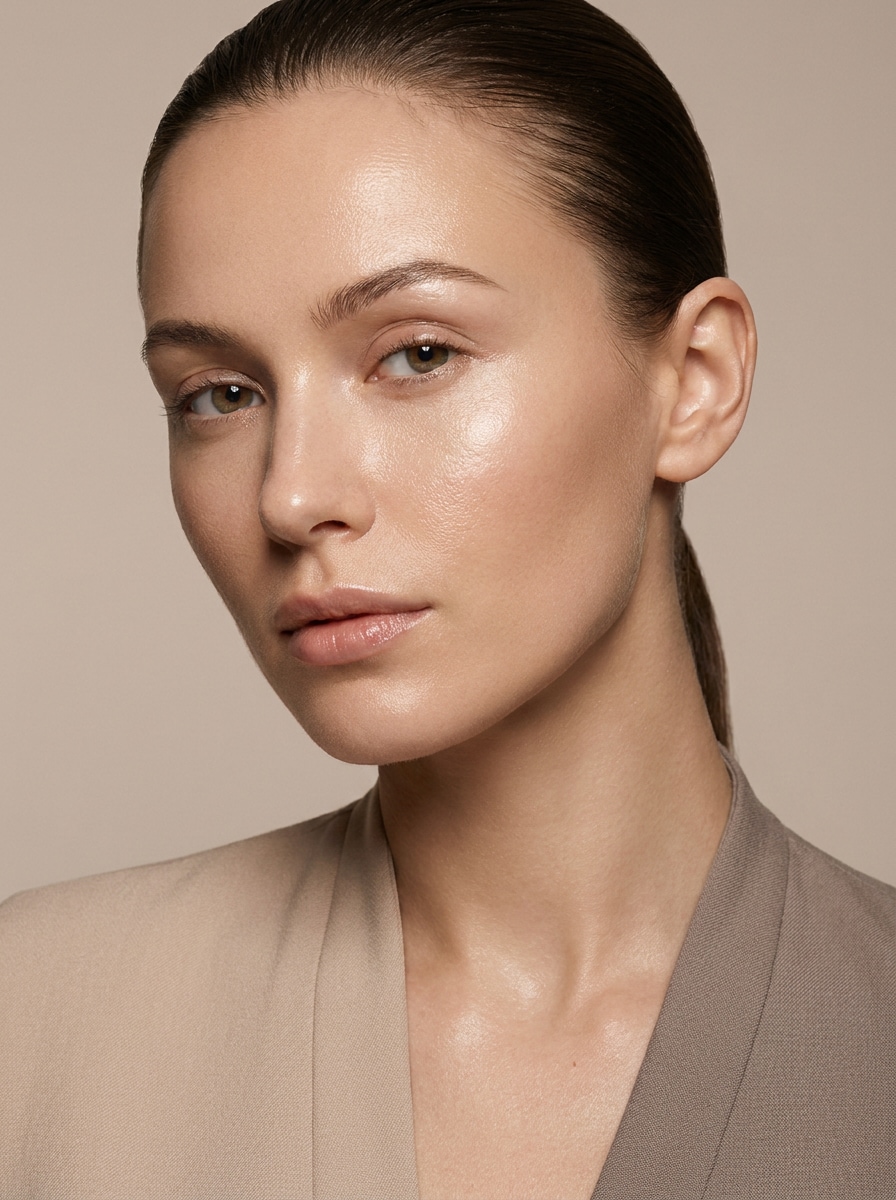
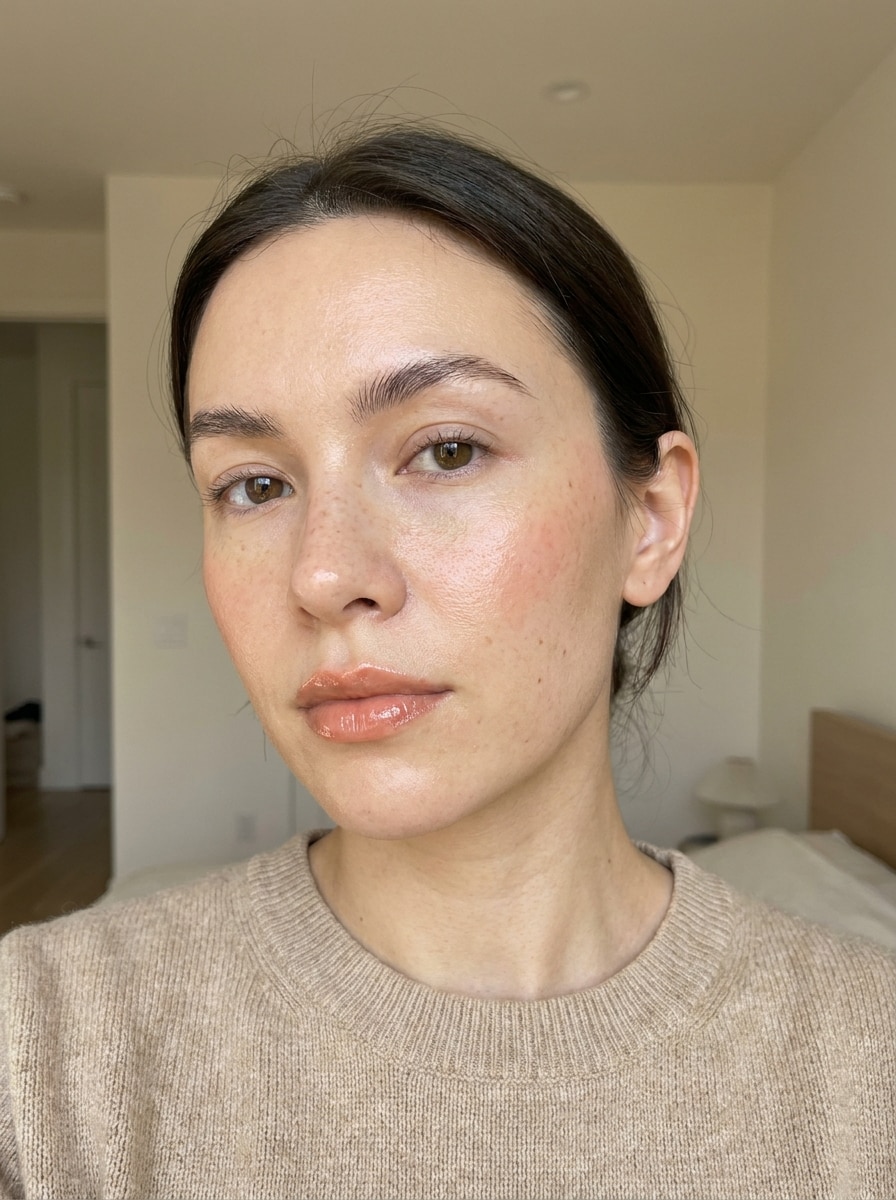
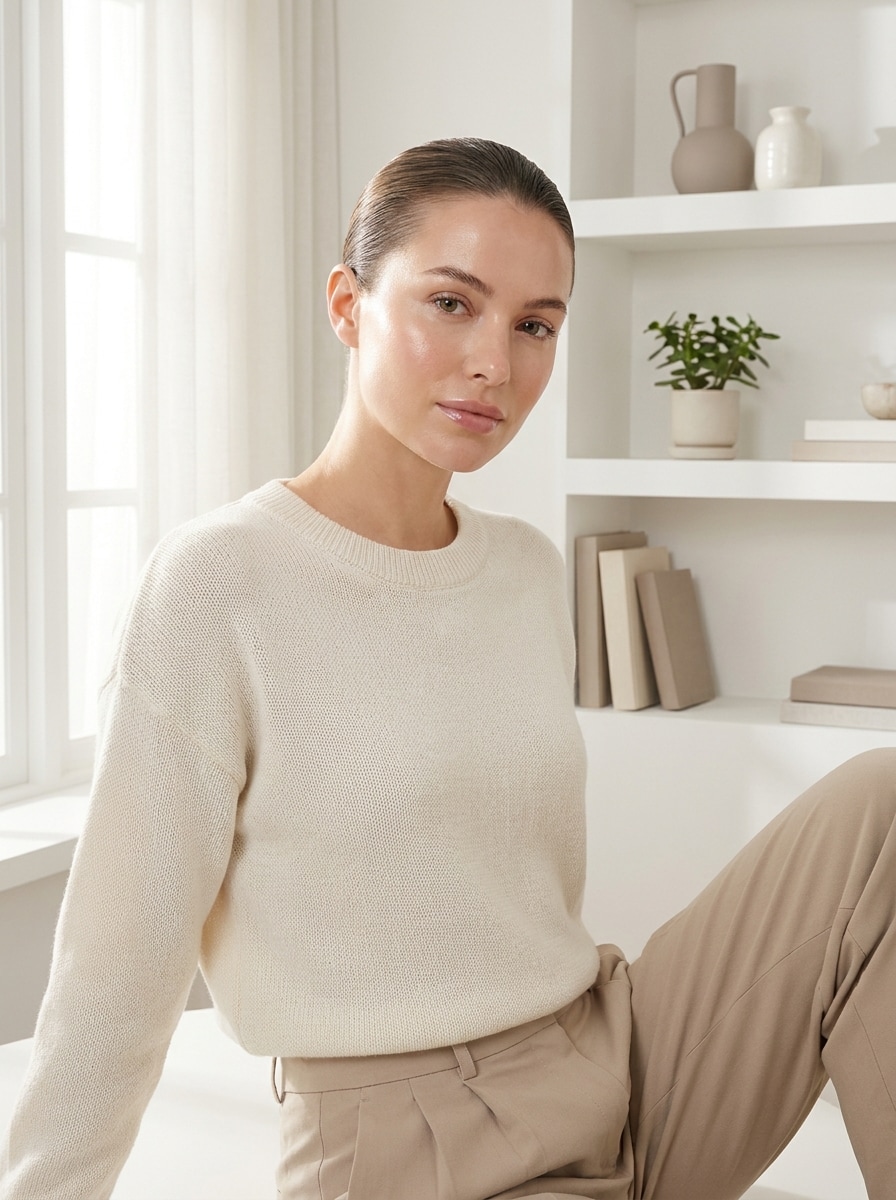
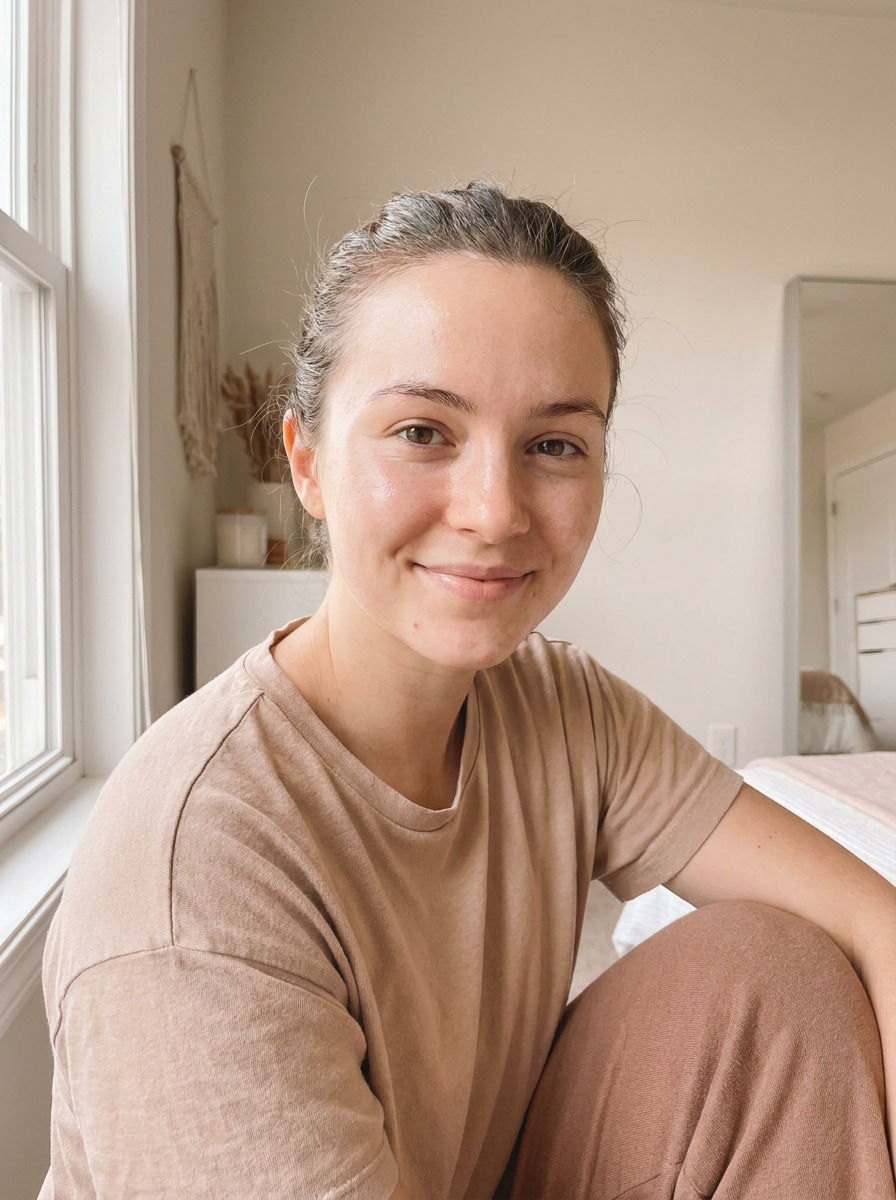
Turn selfies and portraits into a polished clean girl filter edit with dewy skin, soft light, and neutral tones. Media.io helps you create a clean girl aesthetic filter effect that looks fresh, modern, and believable on mobile or desktop.
Review these example directions, then tailor the prompt details to get stronger results with this clean girl filter or a softer glam variation in Media.io.
Dewy Minimalist Selfie
Use the uploaded image as the subject and transform it into a dewy minimalist clean girl portrait. Keep facial identity recognizable, add luminous skin, subtle blush, glossy lips, feathered brows, bright airy lighting, creamy beige tones, a tidy background, and a polished but realistic beauty finish.
Soft Morning Glow
Use the uploaded image as the subject and restyle it with soft morning sunlight and a fresh clean girl mood. Add gentle highlights, luminous skin, creamy whites, warm beige color grading, a calm uncluttered background, and natural facial detail for an elegant lifestyle portrait.
Instagram Clean Beauty
Use the uploaded image as the subject and create an Instagram-ready clean beauty edit. Brighten exposure, smooth shadows lightly, keep realistic skin texture, add glossy lips and soft brow definition, apply a neutral beige palette, and maintain a crisp yet soft social-friendly finish.
TikTok Viral Clean Edit
Use the uploaded image as the subject and apply a viral TikTok-inspired clean edit. Add polished skin, dewy highlights, light contour, soft warm tones, smooth flattering light, minimal makeup energy, and a trendy but believable result that still preserves identity and natural detail.
Beige Luxury Minimalism
Use the uploaded image as the subject and transform the whole scene into beige luxury minimalism. Refine skin gently, reduce visual clutter, shift colors toward ivory, oat, and warm beige, add soft premium lighting, and create an expensive, understated clean girl lifestyle mood.
Gold Jewelry Glow
Use the uploaded image as the subject and enhance it with a radiant clean beauty glow and soft gold accents. Emphasize luminous skin, warm highlights, glossy natural makeup, delicate jewelry details, airy background tones, and a chic minimalist portrait that feels refined but effortless.
Glass Skin Editorial
Use the uploaded image as the subject and create a glass skin editorial version of the clean girl look. Increase natural luminosity, refine pores without plastic smoothing, use muted neutrals, soft studio-style lighting, and keep the result premium, elegant, and believable.
No-Makeup Makeup Look
Use the uploaded image as the subject and apply a no-makeup makeup clean edit. Keep the face fresh and recognizable, add subtle concealing, soft brow enhancement, natural lip gloss, light blush, balanced brightness, and a simple polished finish that never feels overdone.
Clean Girl Background Refresh
Use the uploaded image as the subject and refresh the entire photo with a cleaner, more aesthetic setting. Brighten the background, reduce visual noise, apply neutral color harmony, soften highlights, gently enhance skin, and create a cohesive minimalist lifestyle image.
Natural Filter for Everyday Photos
Use the uploaded image as the subject and apply a subtle natural filter for everyday photos. Preserve realistic texture, lift exposure slightly, add fresh luminous skin, warm neutral tones, soft flattering light, and a believable polished result without looking heavily edited.
Why Use Media.io for a Soft, Polished Beauty Edit
Keep Your Identity While Refining the Look
For selfies and portraits, Media.io uses your uploaded photo as the reference, so you can create a believable clean girl photo filter result while keeping recognizable facial features and a personal, natural-looking finish.
Explore Different Looks Without Losing Direction
If the art direction is still evolving, Media.io makes it easy to test multiple looks around the same clean girl filter idea, including a subtle soft glam filter direction, so you can compare styles without starting over.
Fine-Tune Glow, Framing, and Output Quality
When a clean girl filter visual is headed for real publishing use, Media.io gives you sharper output up to 4K, which helps the image stay clear across presentations, backgrounds, and reused assets.
Works Smoothly on Mobile and Desktop
Creative work often moves between devices, and Media.io keeps the clean girl filter workflow in your browser so you can begin on a phone and finish on a desktop without installing extra software.
How to Apply a Clean Girl Edit Online
Turn your words into stunning visuals in three simple steps, then continue refining the result if you want to take it further.
Step 1
Upload Your Reference Image
Start with a clear selfie, portrait, or lifestyle photo in JPG, PNG, or JPEG. A well-lit image with visible facial detail makes it easier to achieve dewy skin, soft lighting, and a tidy minimalist finish.
Step 2
Describe the Change and Set Options
Enter the look you want, such as glowy skin, neutral beige tones, glossy lips, or a cleaner background. Then choose your AI model and adjust aspect ratio, resolution, and the number of variations if needed.
Step 3
Generate, Download, and Keep Improving
Create the edit, compare the results, and download your favorite version. If you want a softer or more polished effect, refine the prompt, generate new variations, or continue improving the image with extra edits.
Unlock the Potential of Clean Girl Aesthetic Filter
See how creators use this clean girl filter for content, marketing, and personal projects, then adapt each idea to fit the brief.
Upgrade Everyday Selfies for Social Posts
Turn casual camera-roll shots into bright, polished portraits with dewy skin, neutral tones, and a cleaner composition. This look is ideal for creators who want an effortless beauty style for Instagram, TikTok, or profile updates without heavy retouching.
Create Consistent Beauty Content for Personal Branding
For fashion, skincare, or lifestyle content, a clean girl aesthetic filter can make your images feel cohesive and elevated. Use one visual direction across thumbnails, stories, and covers so your feed keeps a refined, minimalist identity.
Refresh Portraits Without Losing a Natural Feel
A subtle clean girl photo filter works well when you want brighter light, smoother tone balance, and a more polished mood while still looking like yourself. It is especially useful for before-and-after beauty content and quick aesthetic upgrades.
What Users Say
Maya R.
Lifestyle Creator
"Looks polished without being fake" I wanted that fresh, glossy social look without making my face look overly filtered. This gave me a believable clean beauty result and kept my features recognizable.
Tiana L.
Beauty Micro-Influencer
"Great for quick before-and-after edits" I use it to turn simple selfies into brighter, softer portraits for reels covers and posts. The glow and neutral tones feel modern, and I can test several variations fast.
Erin C.
Student Creator
"Easy on phone and laptop" I edited photos from my phone first and later fine-tuned them on my laptop. The workflow was simple, and the results felt much more natural than many one-tap beauty apps.
Jasmine P.
Social Media Manager
"Useful for clean, consistent branding" We used it for polished portraits and story assets with a soft neutral look. It helped keep our visuals consistent across social content without needing complicated editing tools.
A clean girl filter is a photo editing style that gives portraits a polished, minimal, and fresh beauty look. It usually focuses on dewy skin, soft lighting, neutral tones, subtle makeup-style enhancement, and a tidy overall composition rather than dramatic transformation.
2. How can I turn a selfie into a clean girl aesthetic photo?
Upload your selfie to Media.io, then describe the look you want, such as luminous skin, soft morning light, glossy lips, feathered brows, and beige neutral tones. Media.io uses your photo as a reference, so you can create a refined clean girl aesthetic filter effect while keeping your face recognizable.
3. Is there a free clean girl filter online?
Media.io offers free credits, so you can try a clean girl filter online before upgrading. Free exports may include a watermark, while paid plans support watermark-free high-resolution downloads. For more usage details, visit the pricing page.
4. Will the clean girl filter keep my photo looking natural?
It can, especially when you use a clear source photo and describe a subtle edit. Media.io supports reference-based image editing, which helps preserve your original features while adding softer light, cleaner tones, and a polished look instead of an over-smoothed or artificial result.
5. Can I use this clean girl photo editor on iPhone and Android?
Media.io is web-based, so you can use this editor on iPhone, Android, Windows, or Mac as long as you have a browser. That makes it easy to edit selfies on mobile and continue the same project on a desktop later.
6. How long does an image-to-image clean girl edit take?
The editing process is designed to be fast: upload your image, enter the style prompt, choose settings, and generate results in a quick online workflow. If you want to compare different levels of glow or softness, Media.io lets you create multiple variations in the same session.