Image to Image
Nano Banana Pro
Upload Image
0 / 9
Click or drag to upload, or choose from My History
No ideas? Generate an image first >
Support upload format: jpg, png, jpeg.
Prompt
0/2000
1K
Auto
1
Unlimited Banana Pro
Public Visibility
All
Image
Video
Audio
Generate List
The generated results will be kept for 7 days. Please save them in time.
ai_video_generatorUnlock your creative potential and experience the magic of Media AI right away!

Powerpuff Girl Maker for Cute Photo-to-Cartoon Avatar Transformations

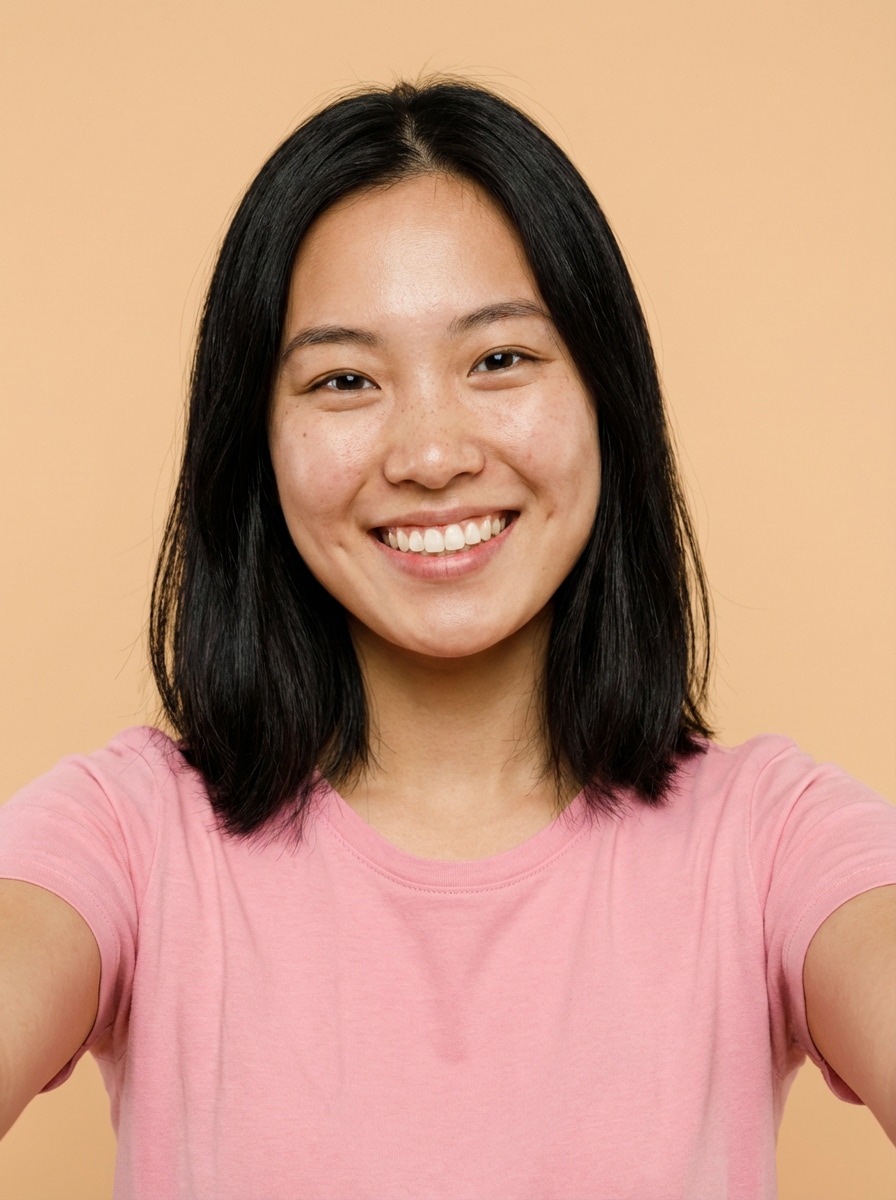
Powerpuff Girl Maker Before
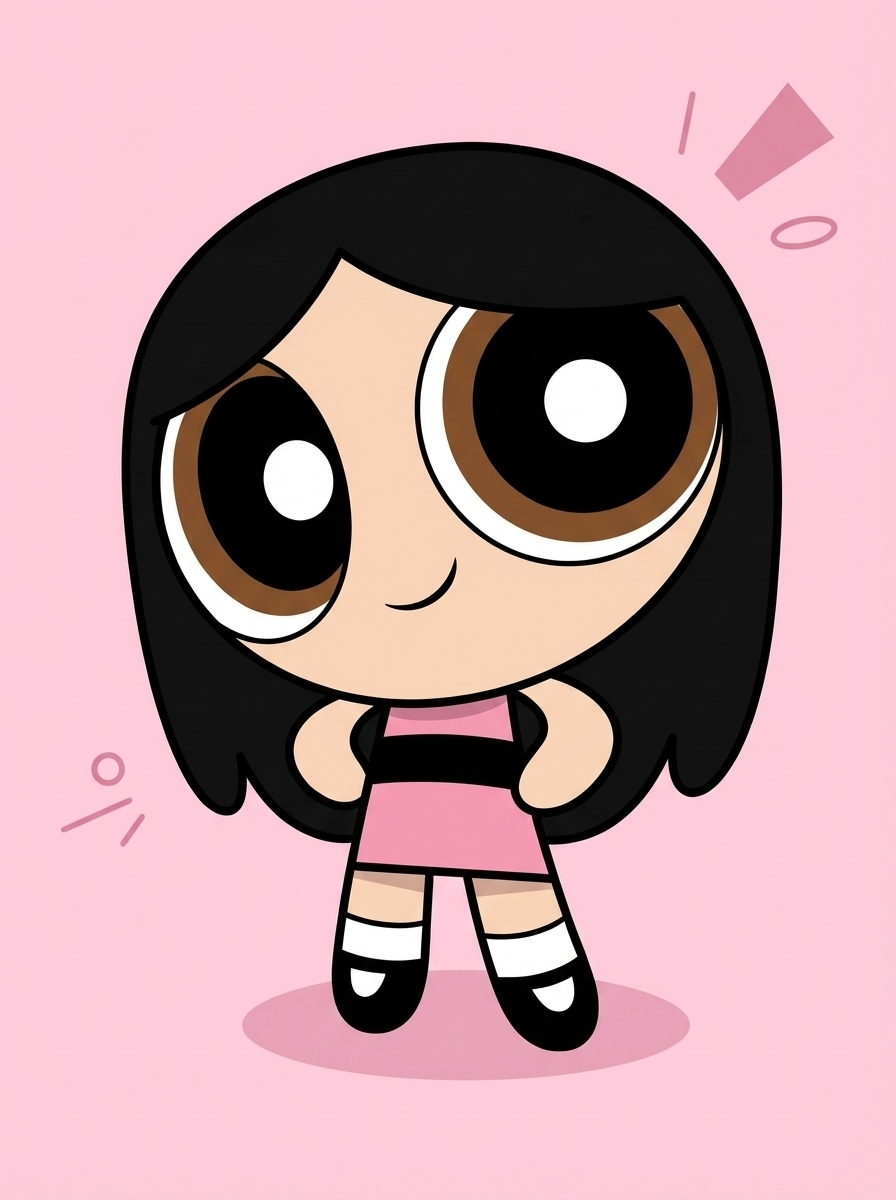
Powerpuff Girl Maker After

Upload a selfie and use Media.io’s AI powerpuff girl maker to create a nostalgic big-eye cartoon portrait in seconds. Turn photos into pastel, chibi-inspired avatars for profile pictures, stickers, social posts, and playful character art with fast online image-to-image generation.

Make My Cartoon Avatar

Type your idea -> AI designs it. Free to try.

Explore our curated collection of powerpuff girl maker styles.

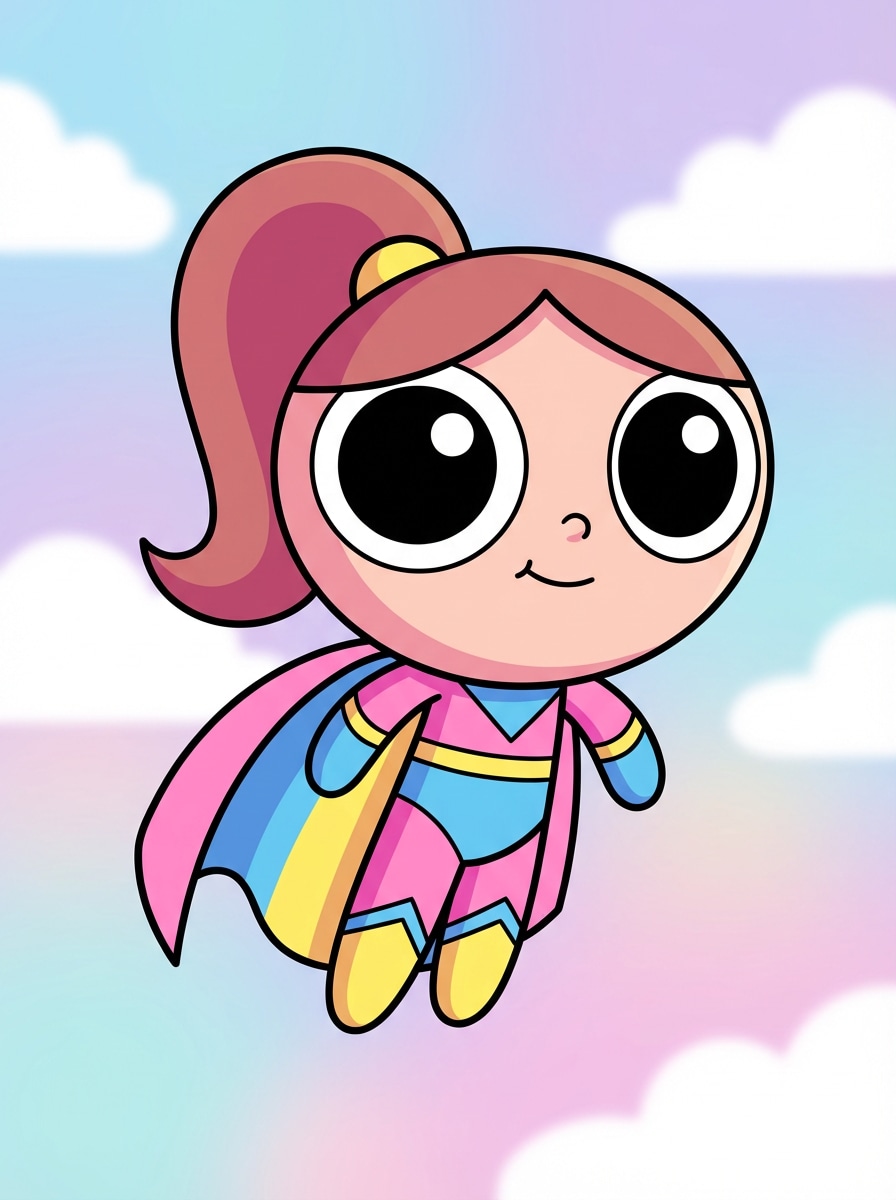
Classic Big-Eye Hero

Classic Big-Eye Hero

Use the uploaded image as the subject and transform it into a Powerpuff-inspired cartoon avatar with a rounded head, huge circular eyes, tiny nose, simple smile, bold black outlines, flat cel shading, pastel sky background, cheerful superhero mood, clean composition, and crisp high-detail vector-like finish.
Color-Coded Superhero Girl

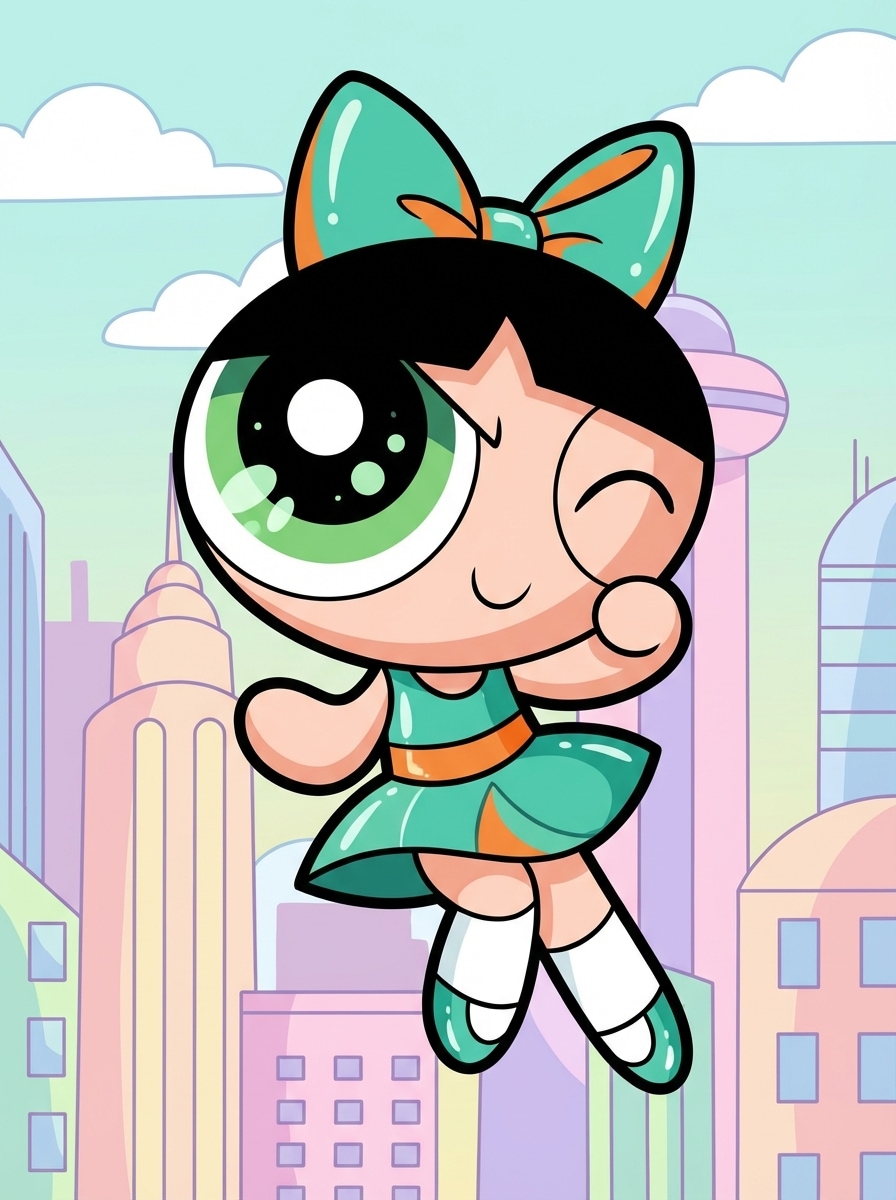
Color-Coded Superhero Girl

Use the uploaded image as the subject and restyle it into a cute cartoon superhero portrait with oversized eyes, simplified facial features, a color-themed dress, bold retro linework, pastel city background, energetic pose, glossy flat colors, playful confidence, and a clean polished chibi animation look.

Mega Chibi Avatar

Mega Chibi Avatar

Use the uploaded image as the subject and convert it into a mega chibi cartoon with a very large head, tiny body, giant sparkling eyes, rounded cheeks, simple mouth, toy-like proportions, bright cheerful palette, smooth cel shading, minimal background, and adorable social-media-ready detail.

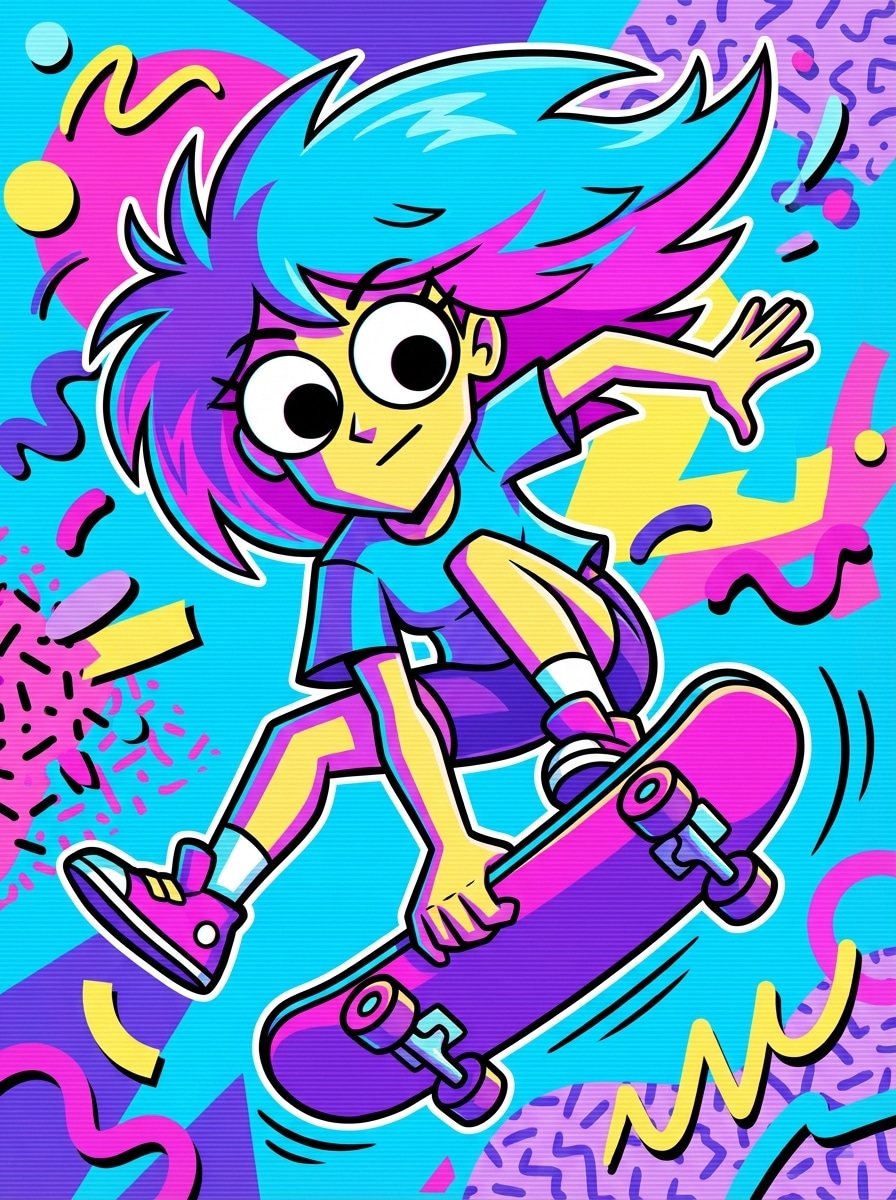
90s Cartoon Intro Style

90s Cartoon Intro Style

Use the uploaded image as the subject and transform it into a retro 90s cartoon intro portrait with thick black outlines, oversized round eyes, simplified geometry, cel-shaded colors, playful action pose, colorful abstract background, nostalgic TV-animation vibe, and bold high-contrast composition.

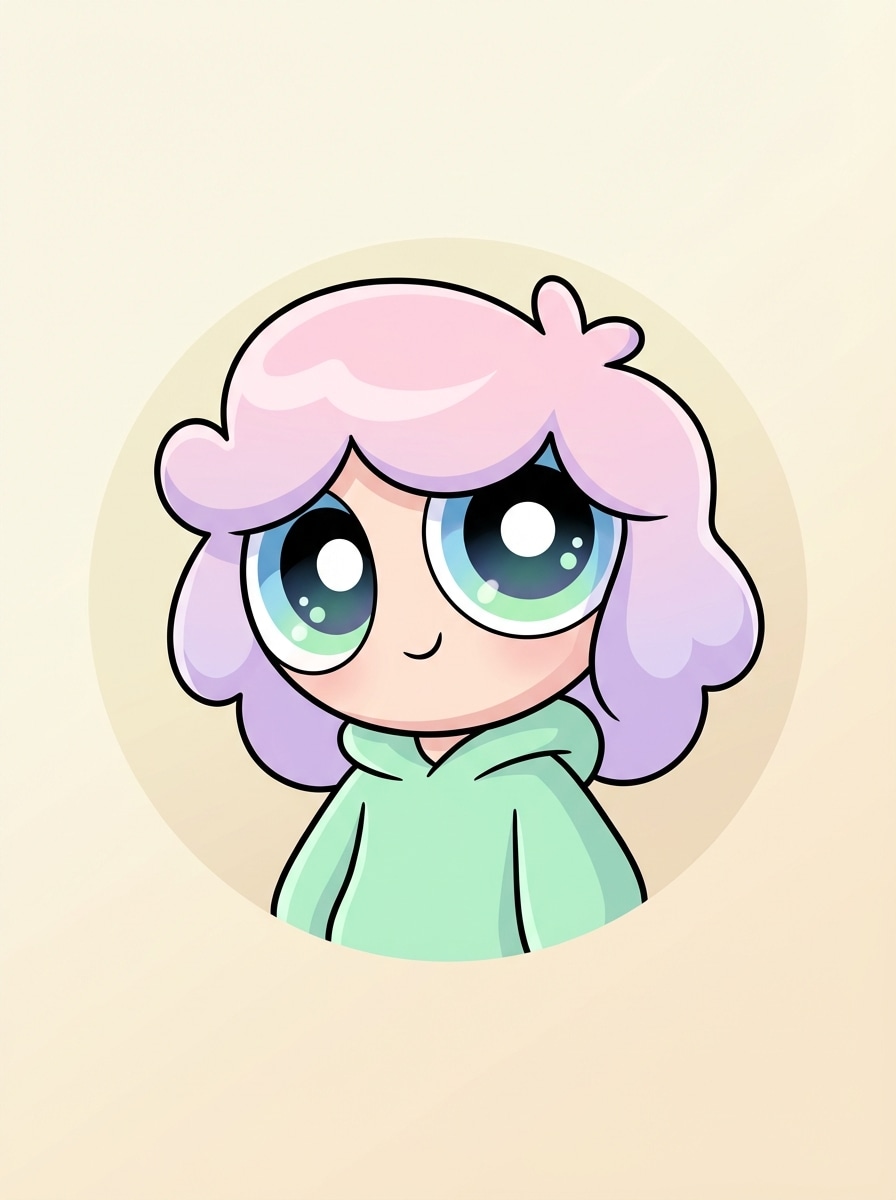
Pastel PFP Avatar

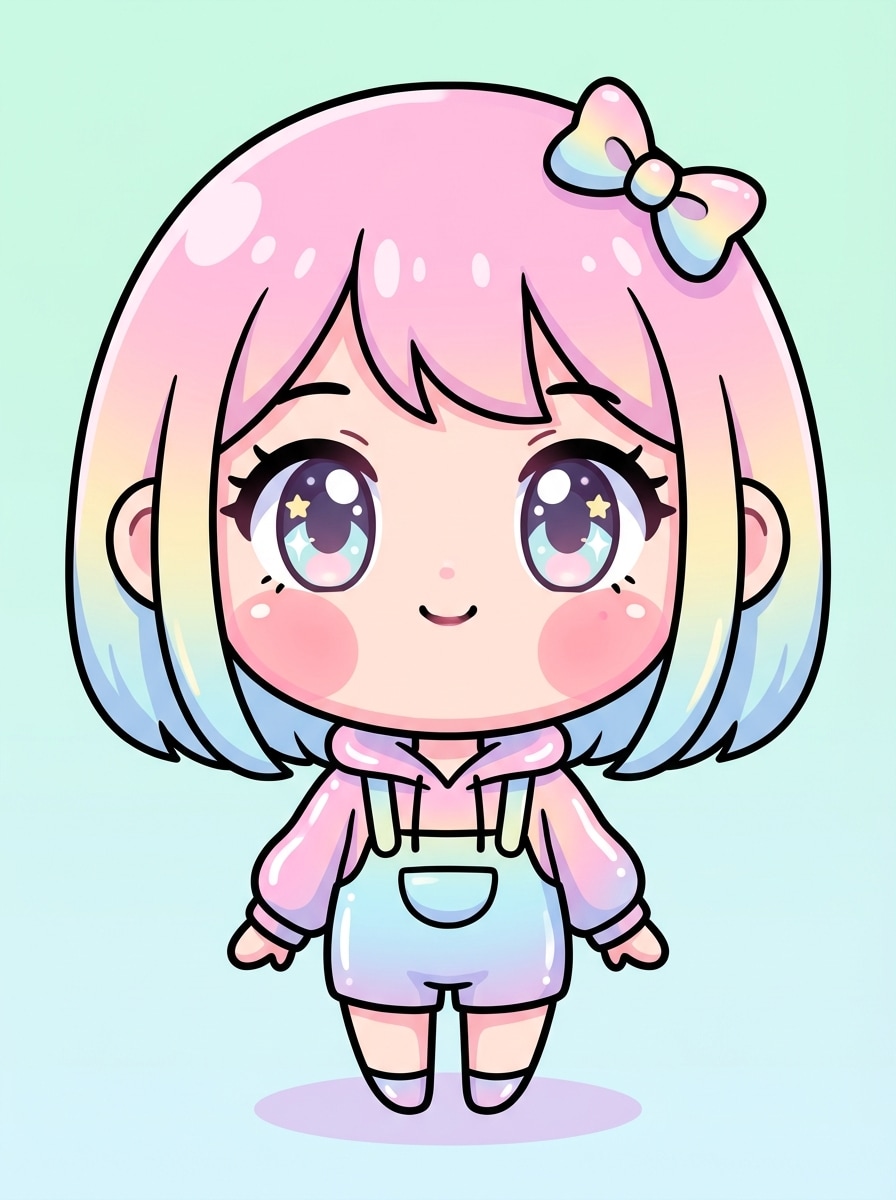
Pastel PFP Avatar

Use the uploaded image as the subject and create a centered pastel profile picture with a rounded face, very large eyes, minimal cartoon features, soft monochrome background, clean outlines, gentle cel shading, cute expression, balanced framing, and a polished Powerpuff-inspired social avatar finish.

Why Use Media.io for a Powerpuff-Inspired Avatar Makeover

Photo-to-Cartoon Transformation from Your Upload

Upload a JPG, PNG, or JPEG selfie and turn it into a cute Powerpuff-inspired avatar without building a character manually. The image-to-image workflow keeps your face, pose, and overall identity while restyling it into a nostalgic cartoon look.

Advanced Models for Consistent Character Styling

Media.io is powered by Nano Banana Pro, Nano Banana 2, and specialized options like Media 2.0 for pro-grade character consistency and clothing control. That makes it easier to create a clean cartoon avatar maker result with stable facial styling and outfit direction.

Flexible Resolution, Aspect Ratio, and Batch Output

Generate up to 1K, 2K, or 4K outputs, choose aspect ratios like 1:1, 9:16, 16:9, 4:3, or 3:4, and create 1 to 4 images at once. It’s ideal for profile photos, story posts, stickers, and printable cartoon portraits.

Works on Phone, Tablet, or Desktop

This web-based tool runs directly in your browser on Windows, Mac, iOS, and Android. Whether you want to turn me into a powerpuff girl from a phone selfie or edit on desktop, the workflow stays quick and accessible.

How to Use the Powerpuff Girl Maker Online

1
2
3
1
Open Media.io Powerpuff Girl Maker

Go to AI Image to Image Generator and open the Powerpuff Girl Maker under AI -> Image to Image. This online tool runs in your browser, so you can create a Powerpuff-inspired cartoon makeover without installing extra software.

2
Upload Your Photo and Enter a Style Prompt

Upload a clear selfie or portrait, then type a detailed prompt such as “Turn my photo into a cute Powerpuff-inspired avatar with giant round eyes, pastel background, bold outlines, and retro chibi superhero style.” Adjust the model, aspect ratio, resolution, or image count if needed.

3
Generate, Refine & Download

Click Generate. Tweak the prompt, colors, background, or outfit direction if needed, then create more variations. Download your high-resolution cartoon avatar for profile pictures, stickers, social posts, or printing.

Step 1
Step 2
Step 3

Unlock the Potential of Powerpuff Girl Maker

Discover how creators and professionals are using our AI-powered Powerpuff Girl Maker to transform their creative workflows and bring unique ideas to life.

Create a Nostalgic Profile Picture Fast

Turn an everyday selfie into a bright, big-eye cartoon portrait for TikTok, Instagram, Discord, or YouTube. A Powerpuff-inspired avatar stands out instantly and gives your profile a playful retro look without spending time in a manual dress-up app.

Make Shareable Before-and-After Social Posts

Use the powerpuff style photo editor workflow to create eye-catching before-and-after transformations. This is perfect for Reels, Shorts, and Pinterest pins where viewers love quick cartoon makeover reveals with strong nostalgia appeal.

Design Cute Stickers and Personal Character Art

Generate multiple cartoon versions of yourself for sticker packs, fan-style art, digital gifts, or themed party graphics. With different prompts, backgrounds, and outfit directions, one upload can become several polished chibi superhero variations.

What Users Say

user
Mia R.

Content Creator

star star star star star

"Perfect for nostalgic cartoon profile pics" I wanted a powerpuff girl maker that worked from my actual photo, not a drag-and-drop avatar builder. Media.io gave me a cute big-eye cartoon version of myself in a few tries, and the results looked great for Instagram and TikTok.

user
Jasmine T.

College Student

star star star star star

"Easy on mobile and surprisingly polished" I used it on my phone to turn a selfie into a Powerpuff-inspired avatar. The prompts were easy to customize, and I liked being able to change the background and color vibe until it felt like me.

user
Olivia P.

Etsy Seller

star star star star star

"Great for stickers and cute branding" I tested it for sticker-style portraits and got clean, colorful results that worked well for product mockups. The image-to-image setup is much faster than drawing from scratch or using a manual character creator.

user
Nadia S.

Social Media Manager

star star star star star

"Helpful for viral before-and-after content" We used this cartoon avatar maker to create before-and-after transformation posts for a campaign. The bright chibi style was super clickable, and generating multiple versions from one uploaded portrait saved us a lot of time.

Powerpuff Girl Maker FAQs

1. Can I turn my photo into a Powerpuff-inspired avatar online?

Yes. Media.io lets you upload a reference photo and use image-to-image AI to turn it into a cute Powerpuff-inspired avatar online. You can guide the result with a prompt describing big eyes, pastel colors, cartoon outlines, outfit ideas, and background style. This helps you create powerpuff girl maker results more consistently.

Yes. Free users can try the tool with free credits. If you want more generations or watermark-free high-resolution downloads, you can check Media.io’s pricing page for available plans. Free users can use free credits. For more usage, users can subscribe to a plan on the pricing page.

Open the Image to Image tool, upload a JPG, PNG, or JPEG portrait, then enter a detailed cartoon prompt. You can choose from advanced models such as Nano Banana Pro, Nano Banana 2, or Media 2.0, and adjust resolution, aspect ratio, and batch output before generating. This helps you create powerpuff girl maker results more consistently.

Yes. Media.io supports 1K, 2K, and 4K resolution options, so you can create images suitable for profile pictures, social graphics, and many print-friendly use cases. You can also choose aspect ratios like 1:1 for profile photos or 3:4 for portrait-style artwork. This helps you create powerpuff girl maker results more consistently.

Yes. Media.io is web-based and works on any device with a browser, including iPhone, Android, tablets, Windows PCs, and Macs. That means you can upload a selfie and create a Powerpuff-style character directly from your phone without installing desktop software. This helps you create powerpuff girl maker results more consistently.

Generation is designed to be fast, so you can create a Powerpuff-inspired image in a short workflow after uploading your photo and entering your prompt. The exact time can vary based on your settings, selected model, and how many variations you generate at once. This helps you create powerpuff girl maker results more consistently.

Media.io Online AI Tools Quality Rating:
vote 4.7 (162,357 Votes)