AI Ice Cream Filter for Sweet, Shareable Portrait Transformations
Create dessert-inspired portraits from your selfies with AI Ice Cream Filter. Upload one photo and generate a dreamy ice cream portrait effect in realistic, kawaii, cartoon, or glossy 3D styles, complete with creamy textures, pastel colors, and a charming ice cream photo effect ready to share in minutes.
Review these example directions, then tailor the prompt details to get stronger results with this ice cream character filter and shape the final look more precisely.
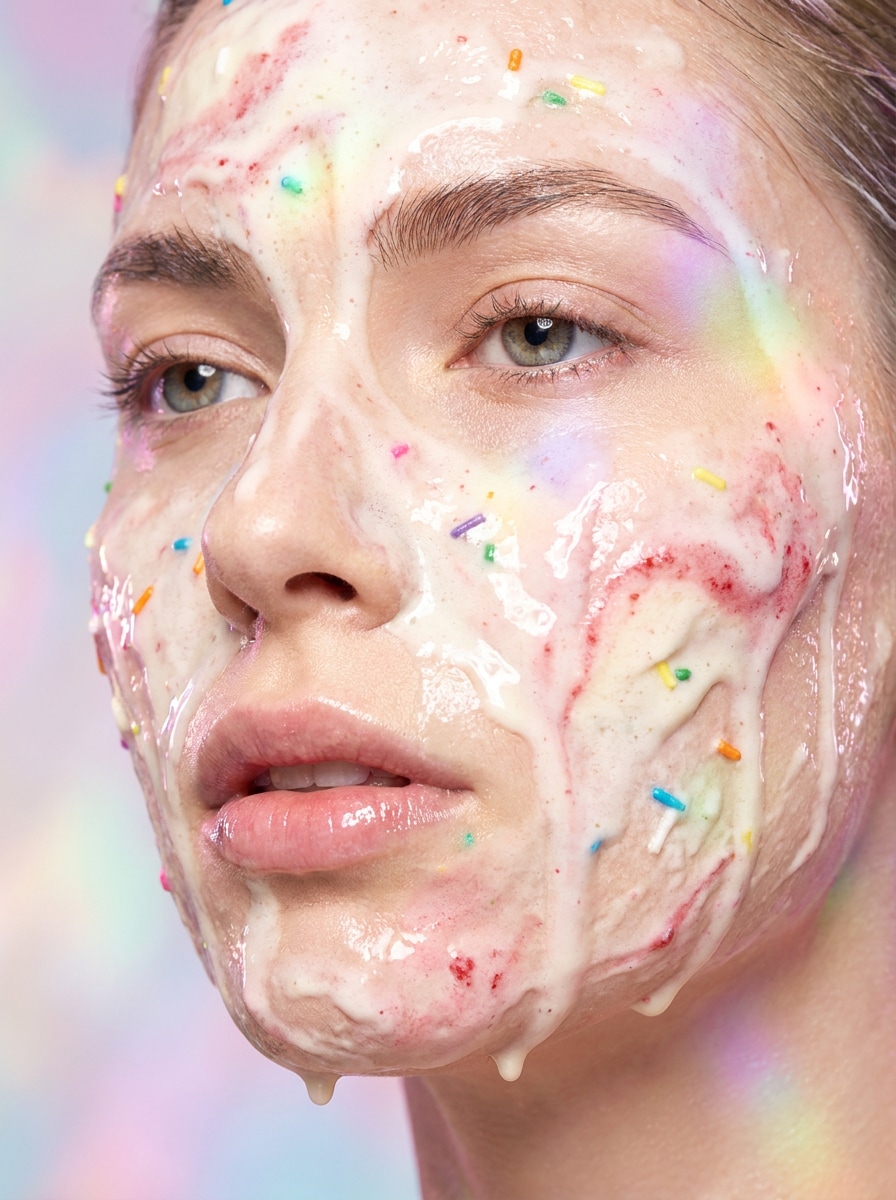
Melting Ice Cream Face
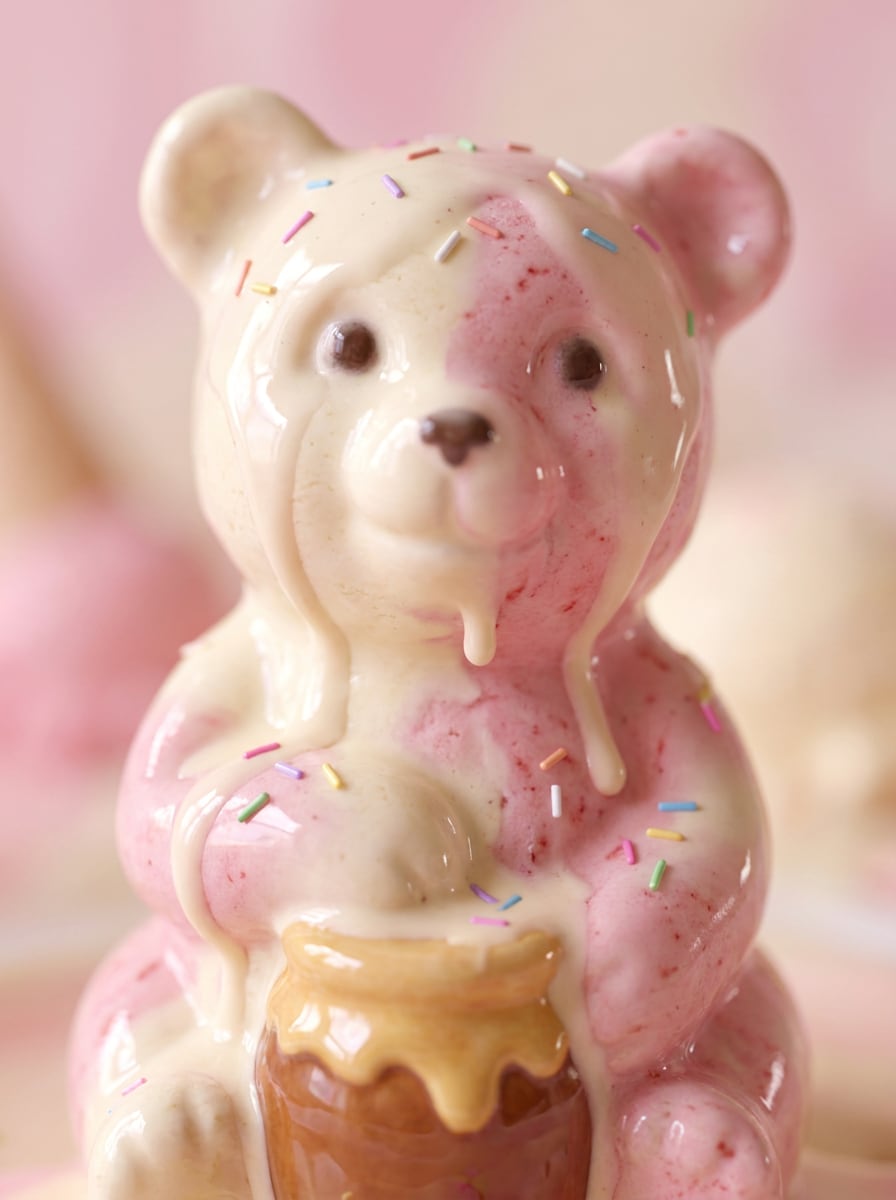
Use the uploaded image as the subject and transform the portrait into a photoreal dessert close-up with smooth vanilla and strawberry ice cream textures blending into the face, glossy melting drips, soft pastel pink lighting, delicate rainbow sprinkles, creamy highlights, shallow depth of field, and a dreamy high-detail beauty portrait mood.
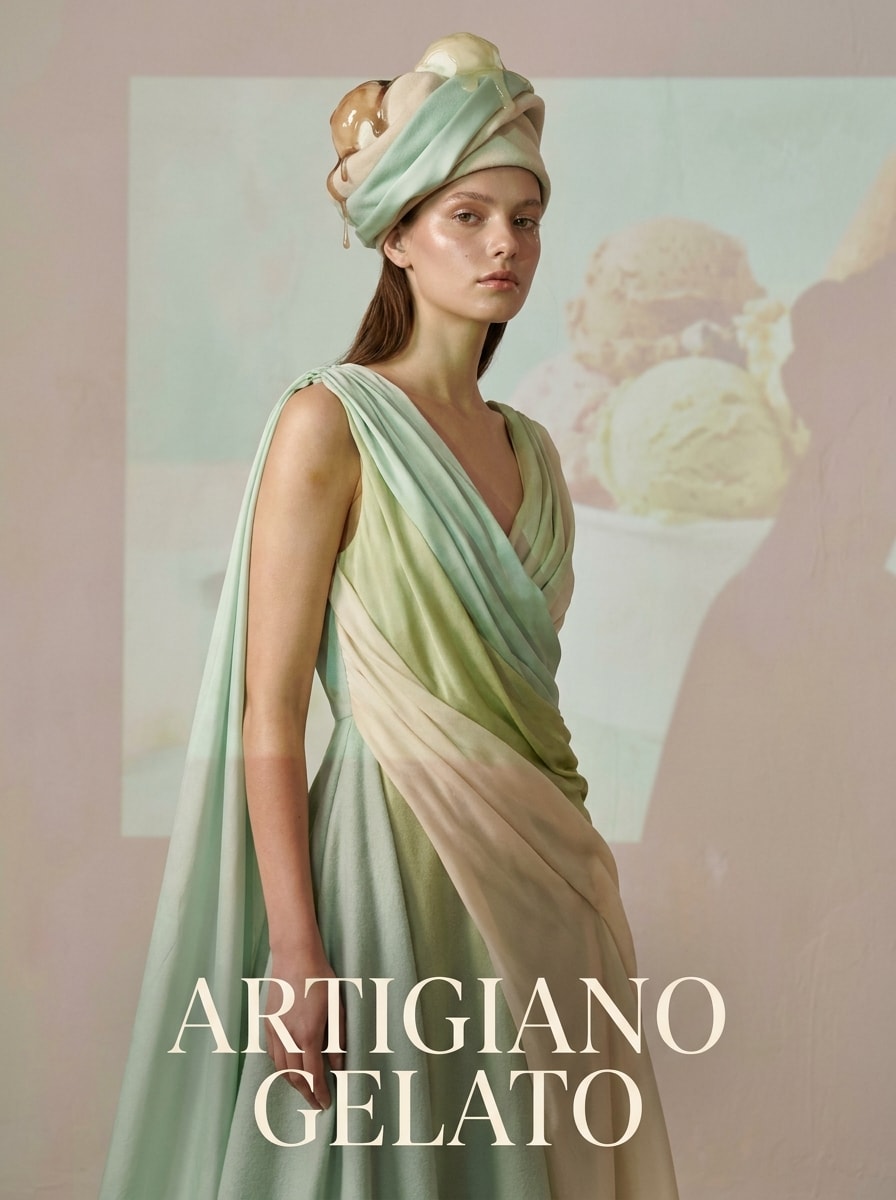
Gelato Editorial Portrait
Use the uploaded image as the subject and restyle it into a luxury gelato fashion portrait with artisan pistachio and mint cream textures, elegant melting details, premium studio lighting, refined composition, soft shadows, muted pastel palette, smooth skin finish, and a polished magazine-cover atmosphere with crisp high-end detail.
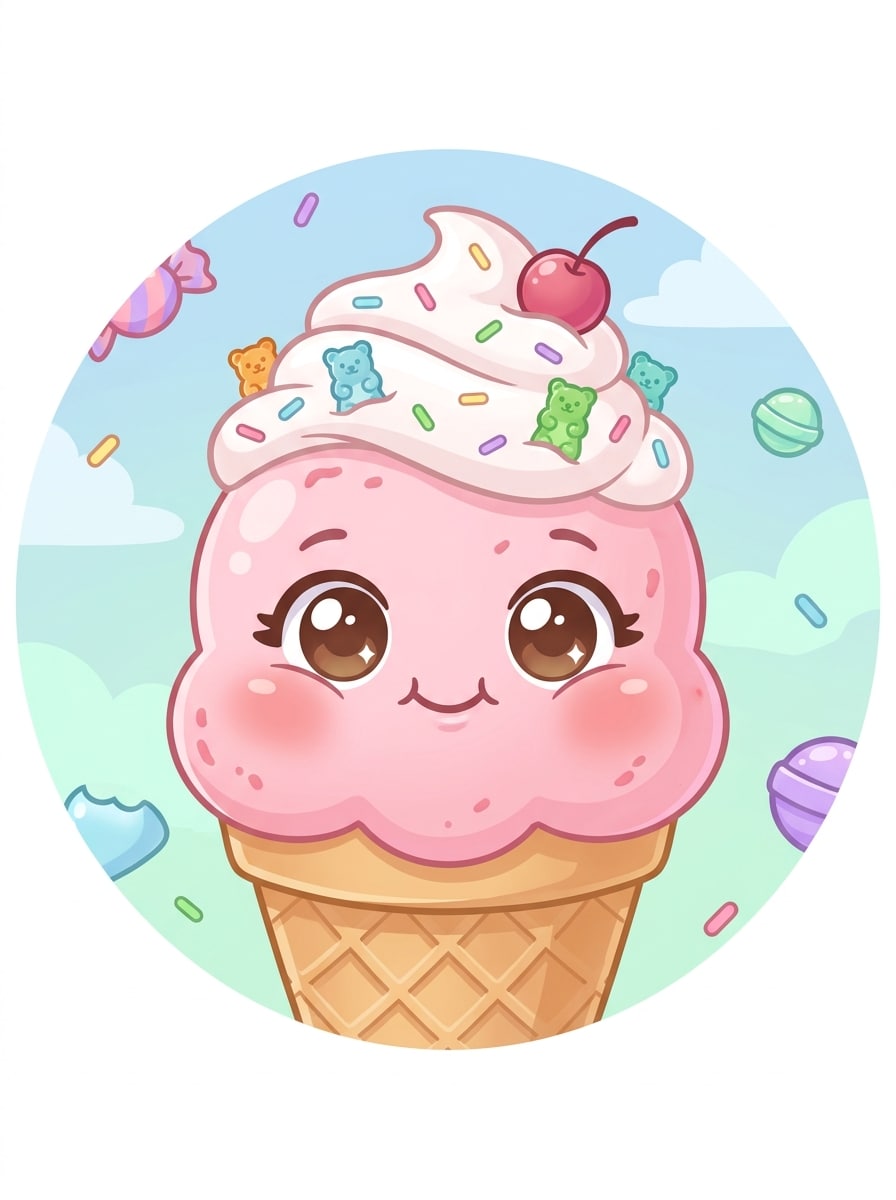
Kawaii Ice Cream Character
Use the uploaded image as the subject and turn it into a cute pastel dessert avatar with rounded facial features, whipped cream hair, strawberry and vanilla swirls, candy toppings, tiny sparkles, soft shading, cheerful expression, bright clean background, and a playful sticker-like finish designed for profile pictures and social sharing.
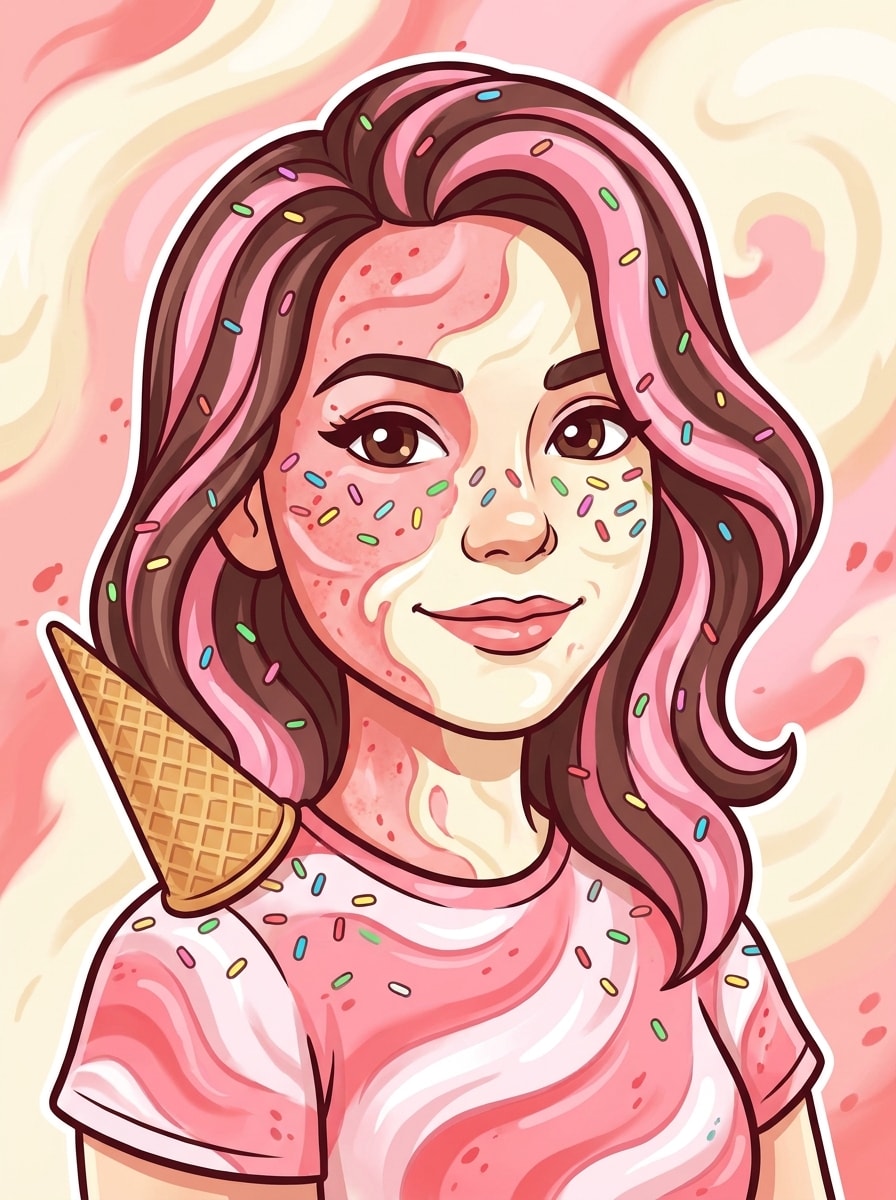
Cartoon Sprinkle Portrait
Use the uploaded image as the subject and create a colorful cartoon dessert portrait with strawberry and vanilla swirls, rainbow sprinkles, a waffle cone hair accessory, smooth outlines, vibrant candy tones, soft cel shading, upbeat expression, and a fun social-media-ready composition that feels bright, cute, and instantly recognizable.
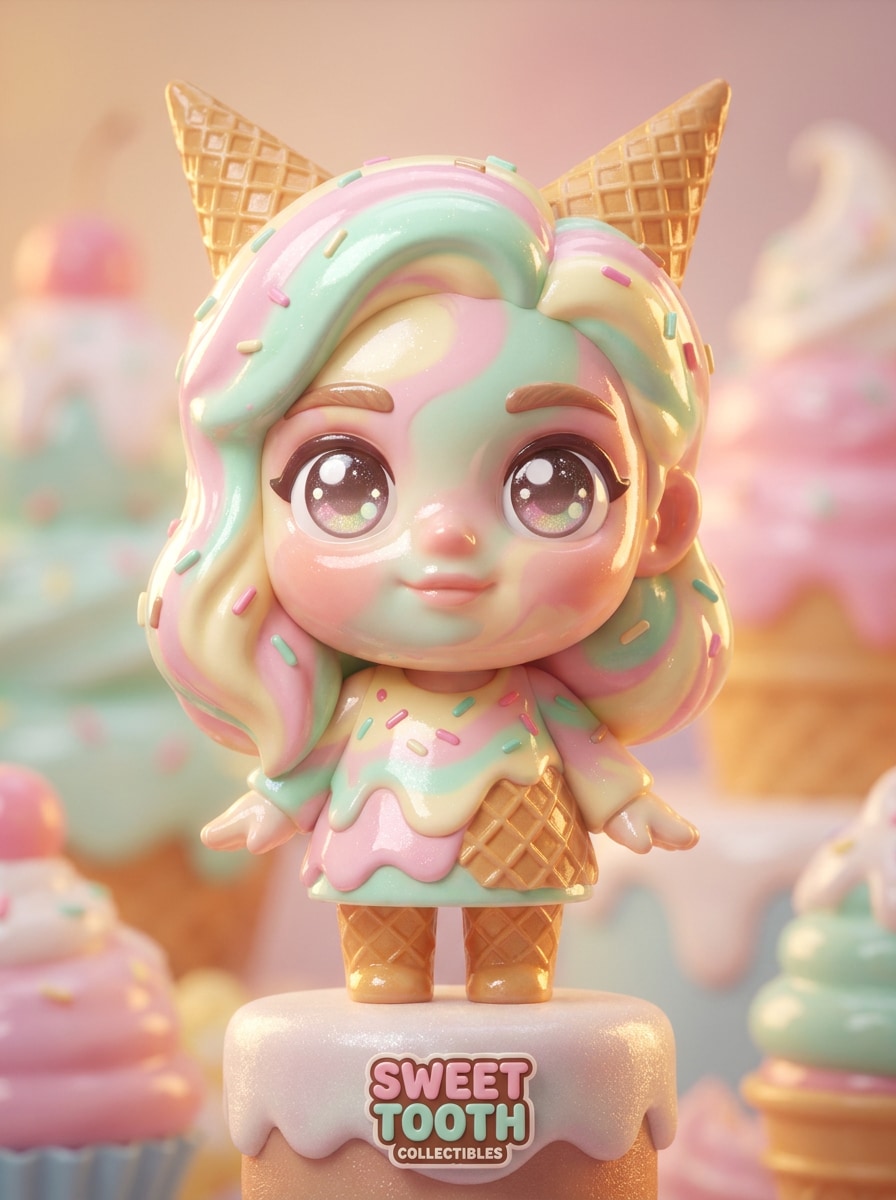
Glossy 3D Ice Cream Doll
Use the uploaded image as the subject and transform it into a glossy 3D collectible-style character with creamy facial swirls, shiny dessert surfaces, oversized expressive eyes, smooth plastic-like highlights, cinematic rim lighting, pastel candy colors, and a premium toy-display composition with rich depth and polished textures.
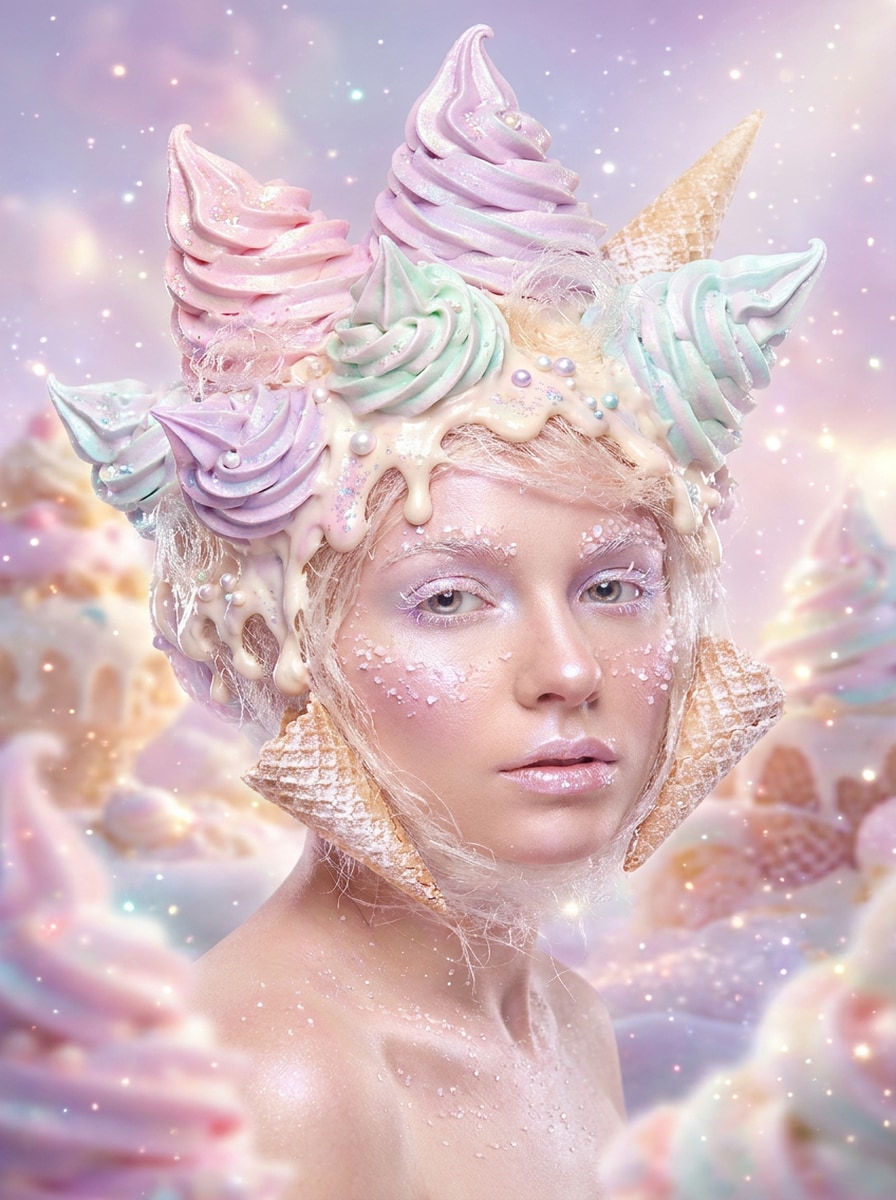
Soft Serve Fantasy Portrait
Use the uploaded image as the subject and reimagine it as a whimsical soft serve fantasy portrait with swirling ice cream hair, dripping creamy textures, iridescent pastel colors, subtle sparkles, glowing dreamy background light, soft focus edges, and an airy magical mood that still keeps the face recognizable.
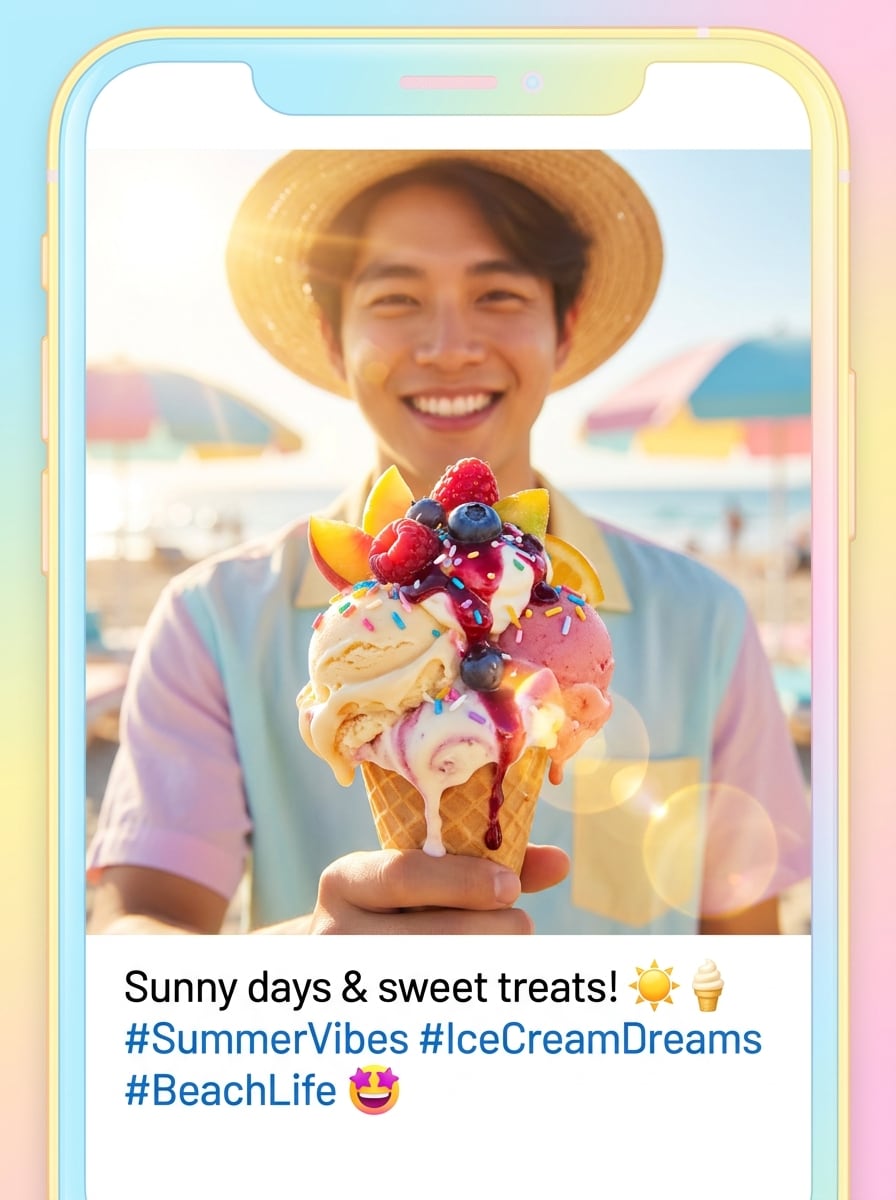
Summer Ice Cream Selfie
Use the uploaded image as the subject and create a sunny dessert-themed selfie with creamy ice cream textures, fruit toppings, glowing summer highlights, pastel beach-inspired colors, glossy drips, fresh cheerful energy, and a bright mobile-friendly composition that looks perfect for seasonal posts and short-form thumbnails.
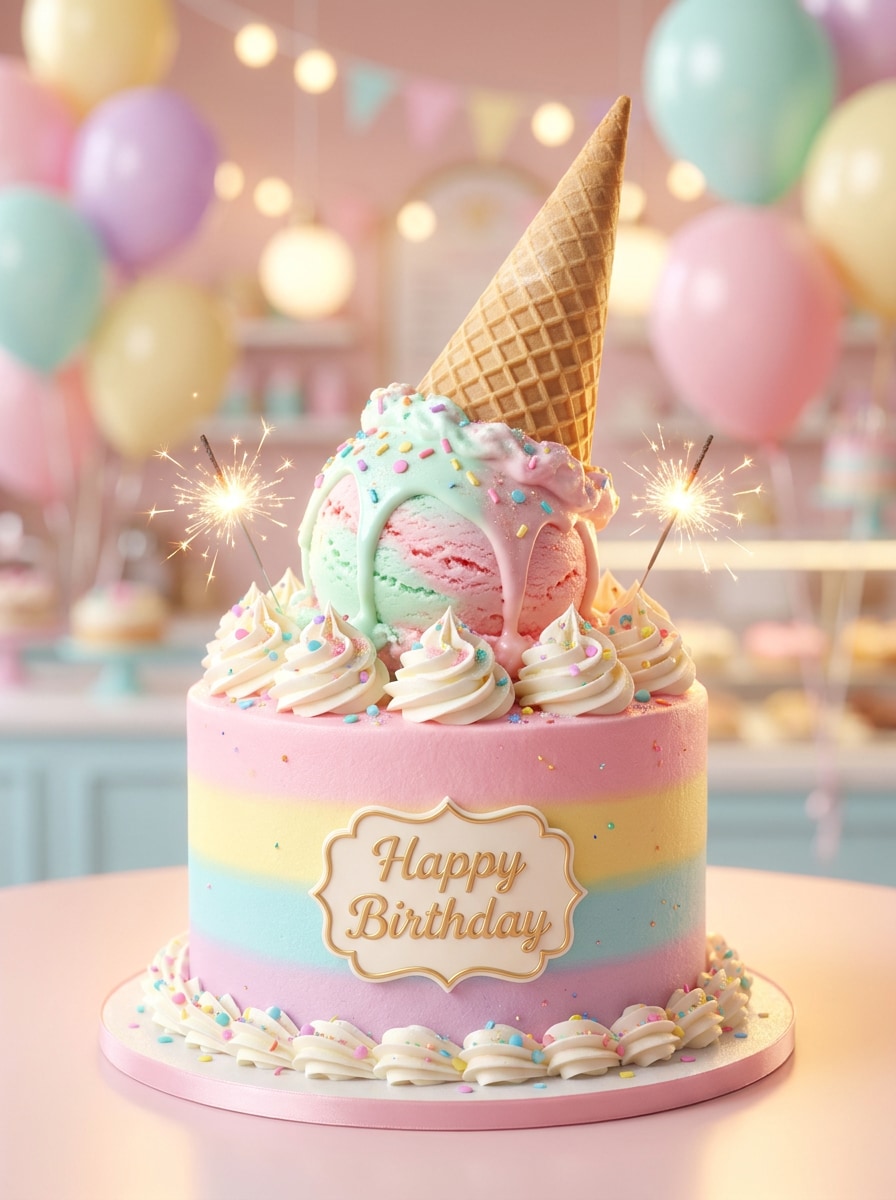
Birthday Dessert Glow-Up
Use the uploaded image as the subject and transform it into a festive dessert portrait with birthday-cake and ice cream fusion details, whipped cream accents, confetti sprinkles, glowing soft light, pastel celebration colors, elegant facial framing, and a premium party-ready finish that feels joyful, polished, and highly shareable.
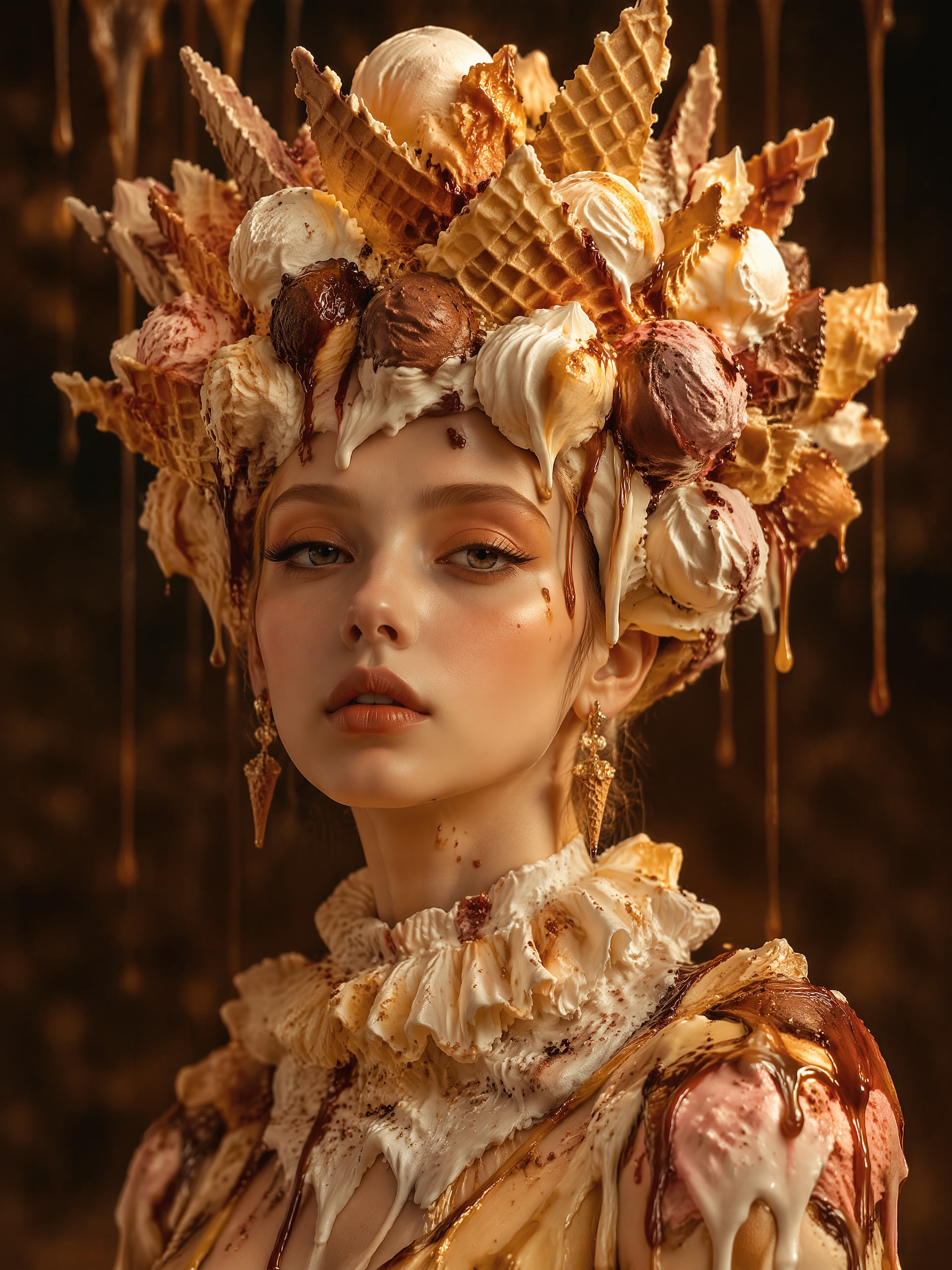
Waffle Cone Crown Portrait
Use the uploaded image as the subject and turn it into surreal dessert art with a sculpted waffle cone crown, layered scoops, syrup drips, rich texture contrast, elegant portrait composition, warm golden highlights, soft shadow depth, and a refined imaginative mood that blends fashion portraiture with fantasy sweets.
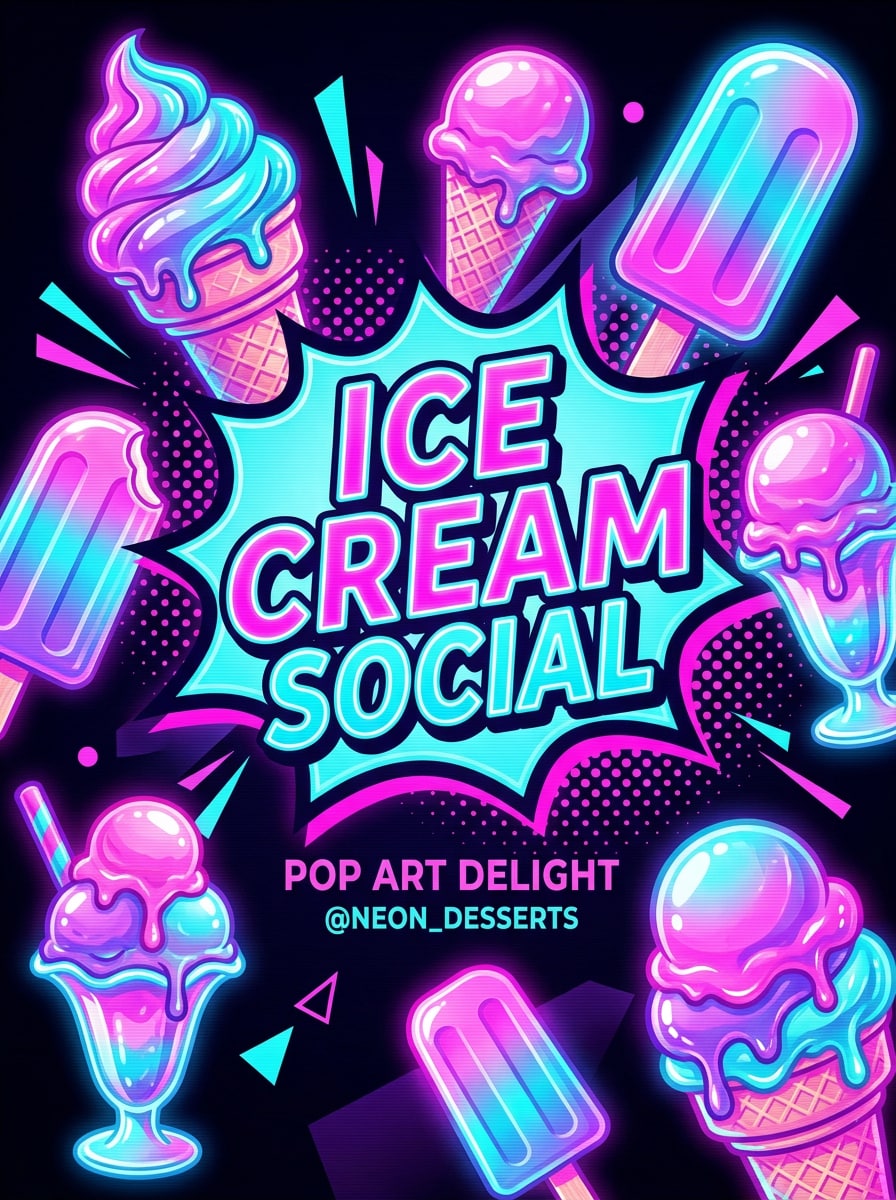
Neon Dessert Pop Art
Use the uploaded image as the subject and restyle it into a bold neon dessert pop art portrait with electric pink and aqua tones, graphic ice cream shapes, glossy melting textures, strong contrast, poster-like framing, smooth stylized edges, and a high-energy social thumbnail look built for instant visual impact.
Why Use Media.io for Ice Cream Portrait Transformations
Fine-Tune Framing for Social Posts and Portrait Layouts
Reference-based work needs more than a loose style shift. Media.io helps keep key identity details recognizable while reworking the Ice Cream Filter visual look, so the result feels personal instead of generic.
Keep Your Face Recognizable While Changing the Style
Different outputs call for different aesthetics. Media.io helps you explore varied treatments of the same Ice Cream Filter visual concept so the final visual lands in the right tone faster.
Create High-Resolution Images for Real Use
Projects that move beyond a small preview need cleaner output. Media.io helps create sharper AI Ice Cream Filter results, with support up to 4K, so the final image stays more dependable for design mockups, presentations, or polished content use.
Edit and Regenerate Easily on Any Device
Some Ice Cream Filter visual concepts get drafted on the go and finished later at a desk. Media.io keeps that process online, so you can return to the same workflow without extra installs or setup.
How to Use the AI Ice Cream Filter
Turn your words into stunning visuals in three simple steps, then continue refining the result if you want to take it further.
Step 1
Upload Your Reference Image
Start with a clear selfie or portrait in JPG, PNG, or JPEG format. Front-facing photos with good lighting and a simple background usually work best for dessert-style face transformations and cleaner details.
Step 2
Describe the Change and Set Options
Enter the style you want, such as realistic gelato, kawaii avatar, glossy 3D, or a bold ice cream photo effect. Then choose your model and adjust aspect ratio, image quality, and the number of variations.
Step 3
Generate, Download, and Keep Improving
Create multiple versions, compare the results, and download your favorite image. If you want a stronger melting look, more sprinkles, or a softer pastel finish, edit the prompt and regenerate again.
Unlock the Potential of Ice Cream Character Filter
See how creators use this AI Ice Cream Filter for content, marketing, and personal projects, then adapt each idea to fit the brief.
Make Trend-Ready Profile Photos
Turn an ordinary selfie into a dessert-themed avatar that stands out on social apps. This playful way to turn photo into ice cream works well for profile pictures, story covers, and creator branding when you want something fun but still recognizable.
Create Shareable Birthday and Party Posts
Add whipped cream textures, pastel colors, confetti sprinkles, and dreamy lighting to celebration photos. This ice cream photo effect gives festive images a more original look for invitations, party recaps, or cute short-form content thumbnails.
Explore Cute Character Makeovers
For a softer, more animated result, try a kawaii or cartoon dessert transformation. An ice cream character filter style is a strong fit for fandom edits, stickers, digital avatars, and repostable content with high visual appeal.
What Users Say About This Filter
Mia R.
Lifestyle Creator
"Perfect for cute social posts" I uploaded a simple selfie and got a glossy dessert portrait in minutes. The face still looked like me, but the creamy textures and pastel styling made it feel instantly trend-ready for Reels and profile updates.
Jordan T.
Digital Artist
"Great mix of realism and fantasy" What I liked most was being able to switch between photoreal and cartoon looks from the same reference photo. It made testing different concepts fast, and the results were much more polished than I expected.
Elena P.
Student Creator
"Easy to use on my phone" I tried the tool on mobile for a birthday post and the workflow was super simple. Upload, describe the look, generate, and download. The ice cream styling looked bright, soft, and really fun to share.
Noah C.
Social Media Manager
"Useful for fast visual experiments" We used it to mock up seasonal portrait concepts for a campaign. The different aspect ratios and quick regeneration made it easy to test several dessert-themed variations without needing a full design process.
An AI ice cream filter is an image-to-image effect that transforms an uploaded selfie or portrait into dessert-inspired artwork. With Media.io, you can create realistic, cartoon, kawaii, or glossy 3D results using prompts and reference-based styling for a custom ice-cream-themed portrait.
2. How do I turn a photo into an ice cream portrait with AI?
Upload a clear JPG, PNG, or JPEG photo to Media.io, then describe the style you want, such as melting vanilla textures, pastel sprinkles, or a cute cartoon dessert look. Choose your settings, generate the image, and refine the prompt if you want a different ice cream portrait effect or stronger dessert details.
3. Is this AI ice cream filter free to use?
Yes, free users can try Media.io with free credits. If you need more generations or want watermark-free high-resolution downloads, you can check the pricing page for available plans.
4. Can I use the ice cream face filter on iPhone and Android?
Media.io is web-based, so you can use this AI Ice Cream Filter on iPhone, Android, Mac, or Windows as long as you have a browser. That makes it easy to upload a selfie, generate variations, and download results from mobile or desktop.
5. Will my AI ice cream image look realistic or cartoon-style?
It can look either realistic or stylized depending on the prompt and settings you choose. Media.io supports multiple image styles, so you can create a photoreal dessert portrait, a glossy 3D toy-like character, or a playful cartoon result from the same source image.
6. What photo works best for an image to image ice cream effect?
A clear portrait with balanced lighting, visible facial features, and a simple background usually gives the best result. For a stronger turn photo into ice cream transformation, use a front-facing image with minimal blur so Media.io can preserve your face while applying creamy textures and decorative toppings.