From Jacket Model Photos Source Images To A Clearer Product Story
Media.io uses the jacket listing and owned images to identify collar, closure, lining, pockets, fabric, back length, and layering. Turn those inputs into editable outerwear-demo video drafts for outerwear launches and seasonal merchandising, without rebuilding the brief for every version.















Explore How A Single Jacket Listing Can Change With The Format
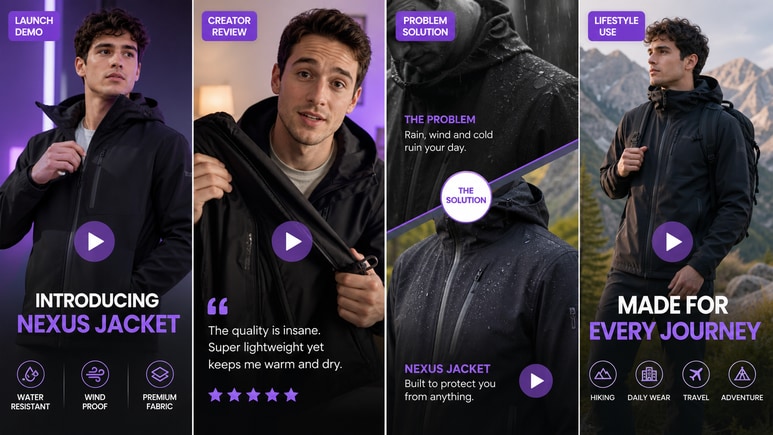
The carousel demonstrates how one product source can support tutorial, review, UGC, lifestyle, unboxing, and motion-led formats. Apply that range to jacket model photos while keeping the actual product information at the center.

Portable Blender
shopify.com/products/blender

Red Shoulder Bag
shopify.com/products/red-shoulder-bag

World Cup Potato Chips
tiktokshop.com/products/world-cup-potato-chips

Glow Serum
tiktokshop.com/products/serum

Matcha Latte App
appstore.com/app/matcha-latte

Luxury Chronograph Watch
ebay.com/itm/luxury-chronograph-watch
Extend Jacket Model Photos Into A Complete Outerwear Demo
A jacket listing contains more usable material than one front pose: collar, closure, pockets, lining, back length, fabric, and weather context. Media.io can turn those details into a guided video story without requiring another full shoot.
Open Up The Construction Details
Build close-up scenes for zippers, snaps, cuffs, vents, lining, and interior pockets using the product gallery and extracted selling points.
Show The Layering Decision
Create lifestyle or try-on directions that position the jacket over knitwear, tailoring, hoodies, or lighter basics instead of repeating the same styled look.
Match The Video To The Season
Choose the video style, character mode, aspect ratio, and duration to suit lightweight shells, denim jackets, padded outerwear, leather, or wool while keeping the SKU recognizable.
Keep Performance Claims Review-Friendly
Edit warmth, waterproofing, wind resistance, and durability language before rendering unless the product page provides clear support.
Build An Outerwear Demo From Jacket Model Photos
Turn collar, closure, lining, pockets, back length, fabric, and layering information into a fuller jacket video.
Open The Product Page Beyond The Hero Pose
Media.io reads construction details, product copy, variants, and model photos to create the outerwear brief.
✓Bring zippers and closures into close-up
✓Include lining and interior pockets
✓Preserve the correct jacket length
Build A Story Around Layering And Season
Generate open-and-closed styling, cold-weather layering, travel, product review, demo, or comparison directions.
✓Show the jacket over realistic layers
✓Vary scenes by weather and occasion
✓Use movement to explain structure and weight
Set The Production Around The Jacket Type
Choose character mode, style, ratio, duration, resolution, and quality for shells, denim, leather, padded, or wool outerwear.
✓Use product-only detail for construction
✓Choose a role for layering context
✓Match pacing to technical or fashion positioning
Keep Weather And Performance Claims Supportable
Review warmth, waterproofing, wind resistance, durability, and care language before rendering.
✓Use only documented performance claims
✓Distinguish water-resistant from waterproof
✓Check generated garment details carefully
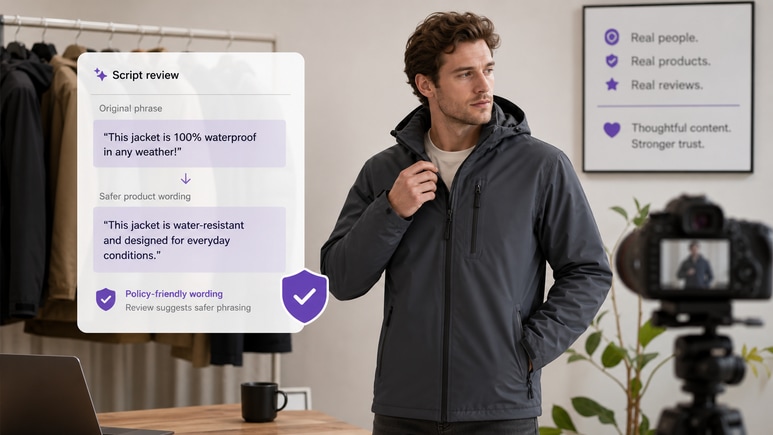
Move From Jacket Model Photos Product Details To A Finished Ad
Start with collar, closure, lining, pockets, fabric, back length, and layering; decide how the outerwear-demo story should look; then review the script before Media.io renders the video.
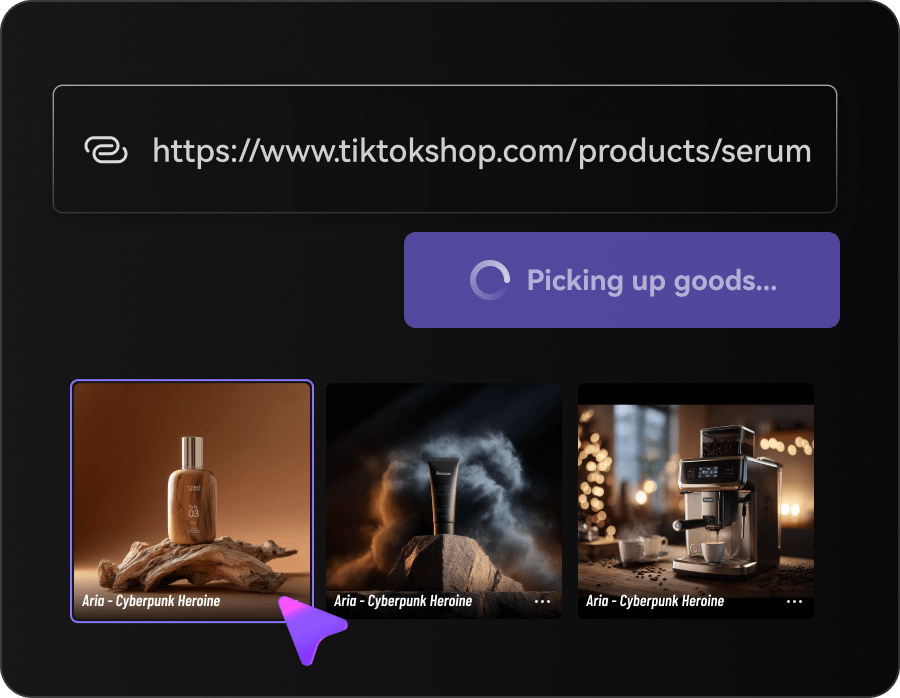
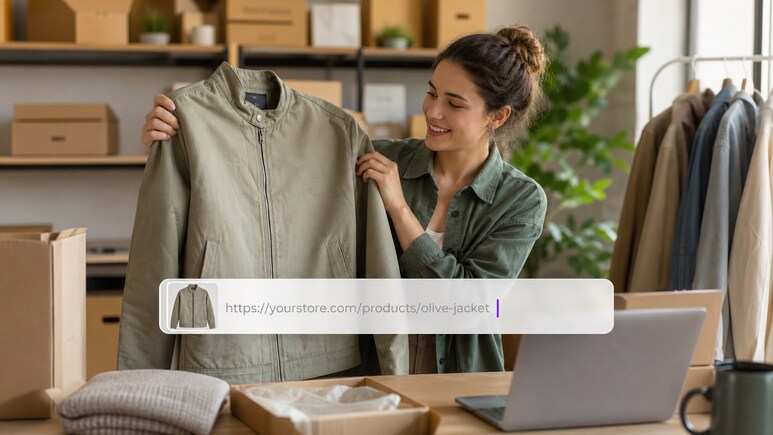
Bring In The Jacket Listing And Selling Points
Paste the product URL or upload owned images. Media.io reads the page and gallery for collar, closure, lining, pockets, fabric, back length, and layering, creating a source-grounded brief for this jacket model photos project.
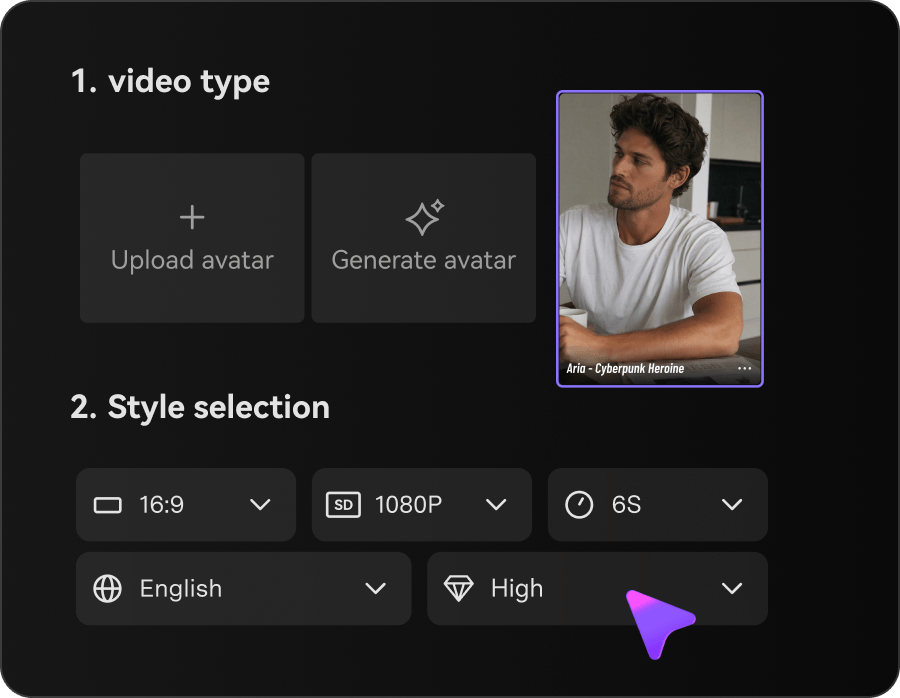
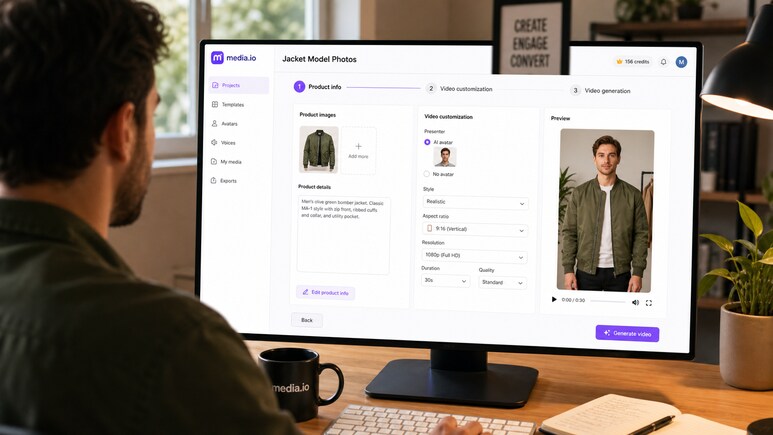
Set The Jacket Model Photos Creative Direction
Choose character or no-character mode, select a suitable style, and set aspect ratio, resolution, duration, and quality around outerwear launches and seasonal merchandising.
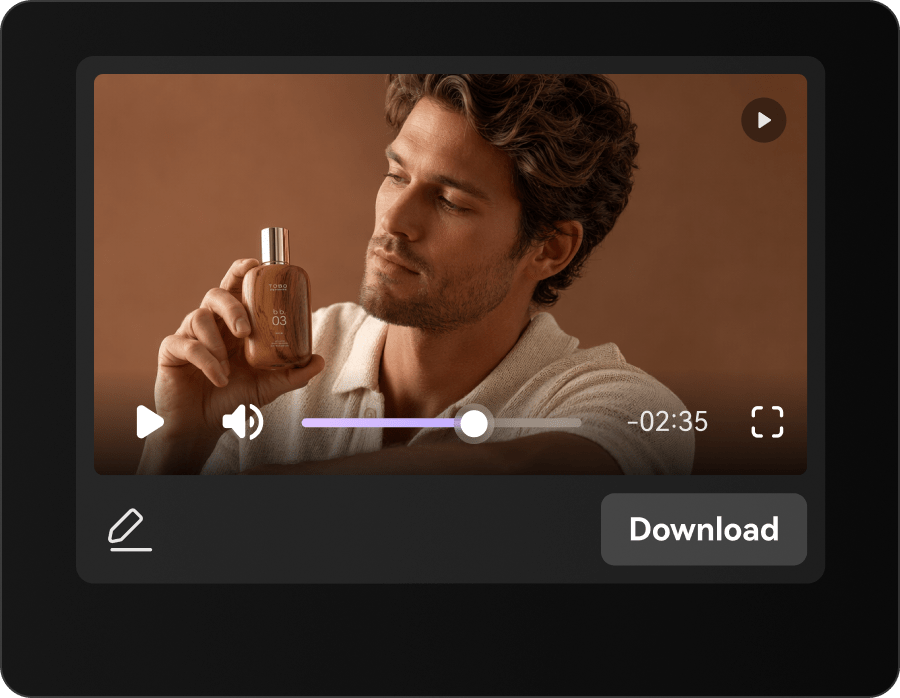
Review The Jacket Model Photos Script And Generate The Video
Check the sequence, product details, tone, and warmth, waterproofing, wind resistance, and durability claims. Make edits, generate the video, and review the result before publishing.
Built For The People Producing Jacket Model Photos Content
The workflow supports teams responsible for outerwear launches and seasonal merchandising. Each role can reuse the same approved jacket listing while changing the message, format, or channel goal.
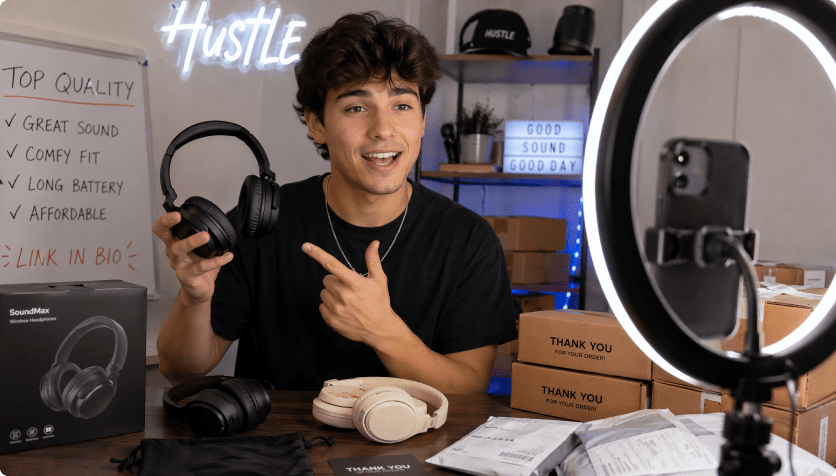
Outerwear Brands
Launch jacket model photos creative using the real jacket listing, with emphasis on collar and the needs of outerwear brands.
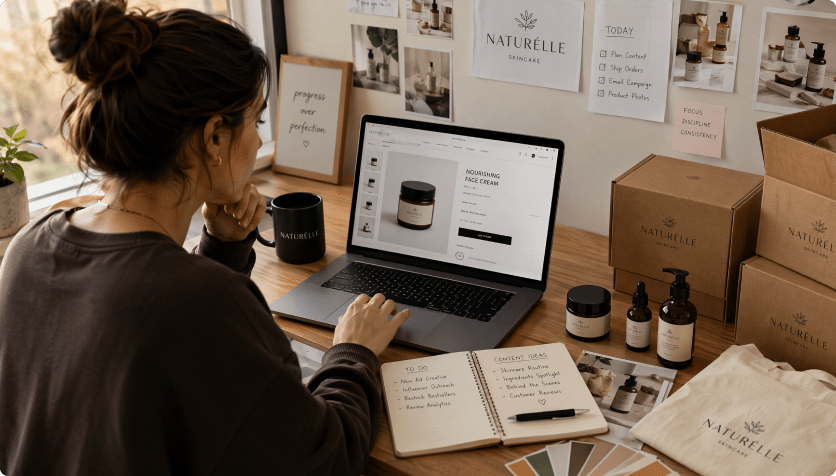
Fashion Retailers
Merchandise jacket model photos creative using the real jacket listing, with emphasis on closure and the needs of fashion retailers.
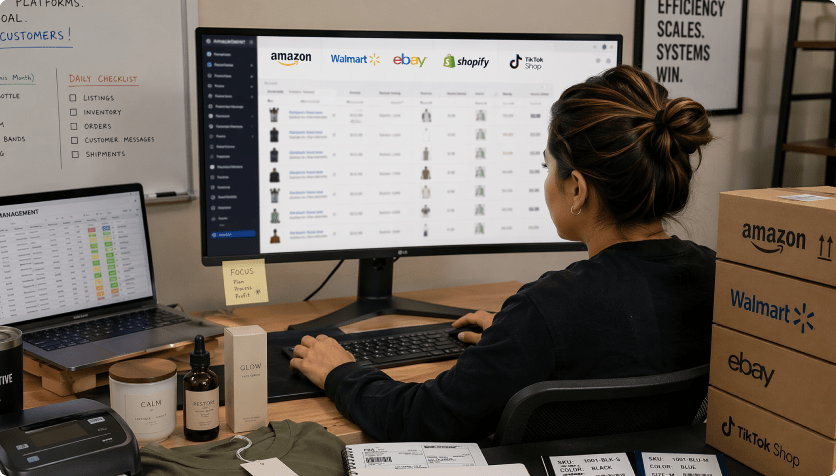
Technical Apparel Sellers
Explain jacket model photos creative using the real jacket listing, with emphasis on lining and the needs of technical apparel sellers.
Manual Jacket Model Photos Production Vs. A Source-Driven AI Ad Workflow
The Manual Jacket Model Photos Content Route

- Re-enter collar, closure, lining, pockets, fabric, back length, and layering for every new brief
- Plan outerwear-demo scenes without a reusable product source
- Coordinate separate image, script, and video handoffs
- Resize and rewrite the same jacket listing for each channel
- Discover warmth, waterproofing, wind resistance, and durability claims late in production
- Produce too few versions for outerwear launches and seasonal merchandising
Media.io URL To Ads For Jacket Model PhotosMedia.io URL To Ads
- Import the jacket listing and owned images once
- Carry collar, closure, lining, pockets, fabric, back length, and layering into the script automatically
- Choose a video style and controllable settings
- Review the theme-specific script before rendering
- Create alternate formats from the same source
- Inspect product accuracy before publishing
Why Teams Extend Jacket Model Photos Assets Into Video
These examples reflect the practical value of connecting collar, closure, lining, pockets, fabric, back length, and layering to scripts and video settings instead of treating every jacket model photos request as a new production job.

We already had the jacket listing; the useful change was turning collar, closure, lining, pockets, fabric, back length, and layering into a sequence our campaign team could review.

The outerwear-demo version felt specific to outerwear launches and seasonal merchandising, not like another generic product montage.

For jacket model photos, changing the style and output format let us reuse one approved source across several campaign needs.

Our merchandising review happened at the script stage, where corrections to warmth, waterproofing, wind resistance, and durability claims were still easy to make.

We used the same approved jacket model photos source for a detailed product-page version and a faster social cut.

The result still needed a final accuracy check, but the starting point was much closer to the actual jacket listing.
Jacket Model Photos Video Creation: Questions Before You Generate
How Does Media.io Create A Jacket Model Photos Video?
Media.io reads the jacket listing and gallery for collar, closure, lining, pockets, fabric, back length, and layering, lets you choose the creative setup, drafts a script, and then generates the video for review.
Can I Use Jacket Listing Images Without A Product Url?
Yes. Upload owned images when the URL is unavailable or when selected images provide the clearest source for collar, closure, lining, pockets, fabric, back length, and layering.
What Should I Check In AI-Generated Jacket Model Photos Visuals?
Review product identity, text, colors, proportions, scene logic, and warmth, waterproofing, wind resistance, and durability claims. AI-generated details can vary from the source.
Which Product Links Work For This Jacket Model Photos Workflow?
Common ecommerce and marketplace links are supported when the page is accessible and contains clear product information and images. Image upload is available as an alternative.
Which Video Styles Suit Jacket Model Photos?
Useful directions may include tutorial, review, UGC, lifestyle, unboxing, comparison, problem-solution, close-up demo, or motion-led styles, depending on outerwear launches and seasonal merchandising.
Do I Need Editing Experience To Create Jacket Model Photos Video?
No specialist editing timeline is required. Use the guided character, style, ratio, resolution, duration, quality, and script-review controls.
Where Can I Use A Jacket Model Photos Video?
Adapt the output for product pages, marketplace promotion, paid social, organic short video, landing pages, or outerwear launches and seasonal merchandising.
Can I Edit The Jacket Model Photos Script Before Rendering?
Yes. Revise product details, scene order, tone, selling points, and warmth, waterproofing, wind resistance, and durability claims before generating the final video.
Does Review-Friendly Scripting Guarantee Ad Approval?
No. Review-friendly scripting can reduce common wording risks, but no tool can guarantee approval. You remain responsible for rights, accuracy, and platform compliance.
More Media.io Tools For Jacket Model Photos Production

 4.7 (162,357 Votes)