
Authentic 8-Bit & 16-Bit Aesthetics
Unlike simple blur filters, Media.io reconstructs your video with authentic retro game palettes and distinct pixel textures for a true arcade look.
Transform your videos into authentic 8-bit and 16-bit pixel animation. Experience smooth, arcade-style motion—not just static filters—perfect for gaming edits, viral social trends, and nostalgic storytelling.
Free credits on signup.
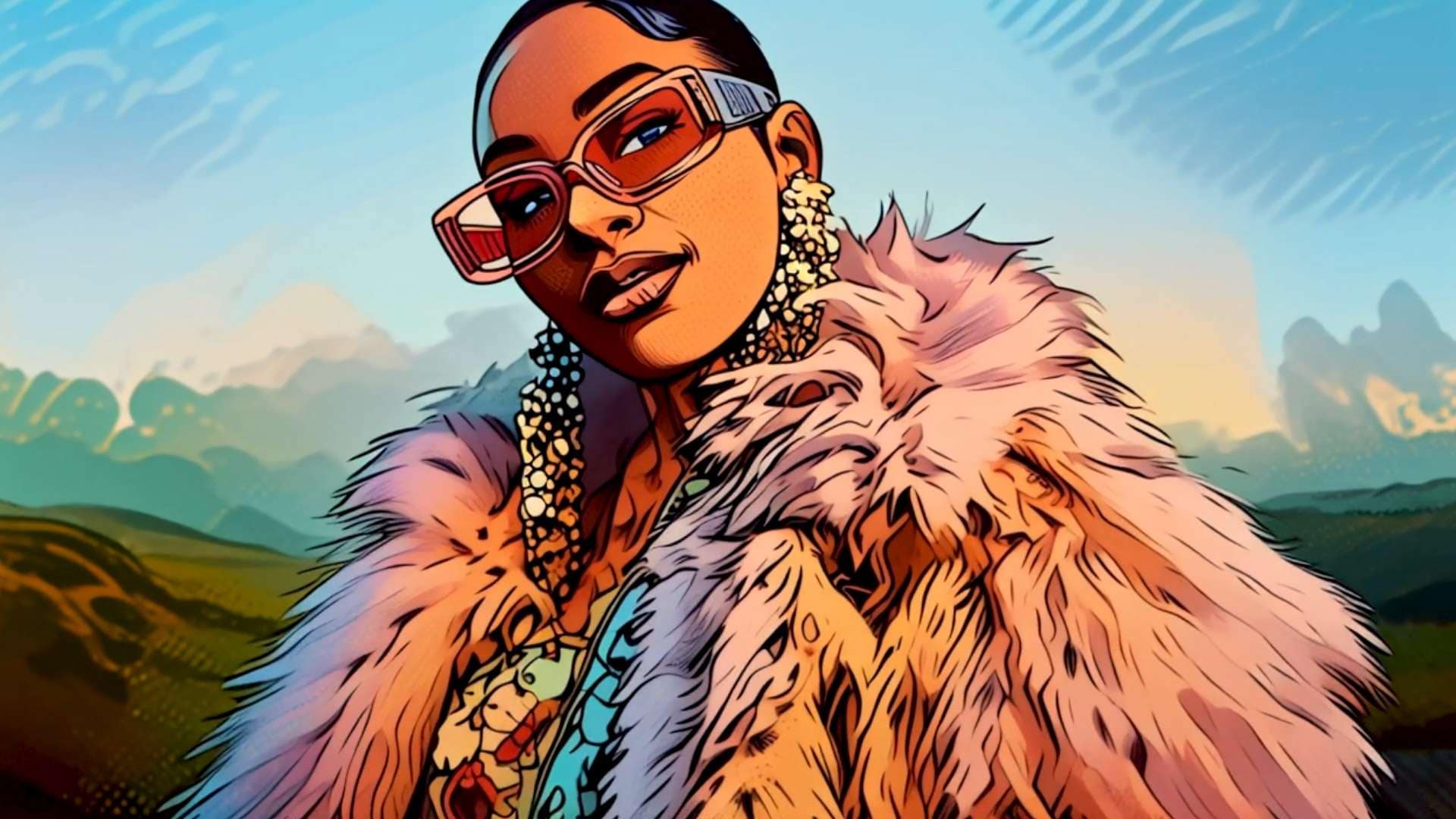
Unlike simple blur filters, Media.io reconstructs your video with authentic retro game palettes and distinct pixel textures for a true arcade look.
Don't lose the action. Our AI ensures fluid movement and frame consistency, making your dance clips and action shots look like a playable video game.
Whether it's a selfie or a pet, the AI detects the subject to preserve key features while applying the blocky, low-res charm of the 90s.
No complex software needed. Turn video into pixel art directly in your browser. Fast processing, easy downloads, and free credits to start.
Import the clip you want to "gamify." Works best with clear subjects like people, dance clips, or pets.
Select the AI Pixel Art animation style. Choose between chunky 8-bit retro or detailed 16-bit arcade looks.
Preview the retro transformation in seconds. Download your pixel art animation watermark-free for sharing.

Gaming Streamer

“Legit SNES vibes.” I used this for my Twitch intro. It looks like a cutscene from an old RPG, and the motion is surprisingly smooth—not just a cheap filter.

TikTok Creator
“My Reel went viral immediately.” The pixel art effect is perfect for the pixel dance trend. It turned my dance clip into a gaming avatar instantly!

Music Producer
“Best tool for music visuals.” I made a full lo-fi music video with this. The 16-bit aesthetic is pure nostalgia and fits my sound perfectly.

Game Developer
“Great for rapid prototyping.” I used it to mock up game concepts from real footage. It saves hours of manual pixelating and keeps the animation clean.
Simply upload your video to Media.io, select the "Pixel Art" style, and the AI will automatically convert your footage into an 8-bit or 16-bit animation while preserving the original motion.
It is a full animation. Unlike basic overlay filters, our AI processes frame-by-frame to create smooth, playable-game motion that looks like an authentic sprite animation.
Yes! The pixel art generator is perfect for achieving that blocky, voxel-like aesthetic similar to Minecraft or Roblox characters using your own real-life footage.
Videos with clear subjects, distinct movements (like dancing or walking), and good lighting work best. The AI can easily translate these into clear 8-bit sprites.
Yes, Media.io offers free credits upon signup, allowing you to generate and preview your retro pixel art animations online without downloading software.
 4.7 (162,357 Votes)



