İlk abonelik en fazla%50 İNDİRİM!
Şimdi Satın Al
AI Bikini Swap
Upload Character
Click or drag to upload, or choose from My HistoryClick To UploadMy History
No ideas? Generate an image first >
Tip: Please add a clear photo of the person whose outfit you want to change. PNG, JPG, and JPEG formats are supported.
Upload Bikini
Click or drag to upload, or choose from My HistoryClick To UploadMy History
No ideas? Generate an image first >
Tip: Use a standalone product shot of the bikini, without a model.
Examples:
Aspect Ratio

Swap Your Outfit for a Bikini in Your Own Photo

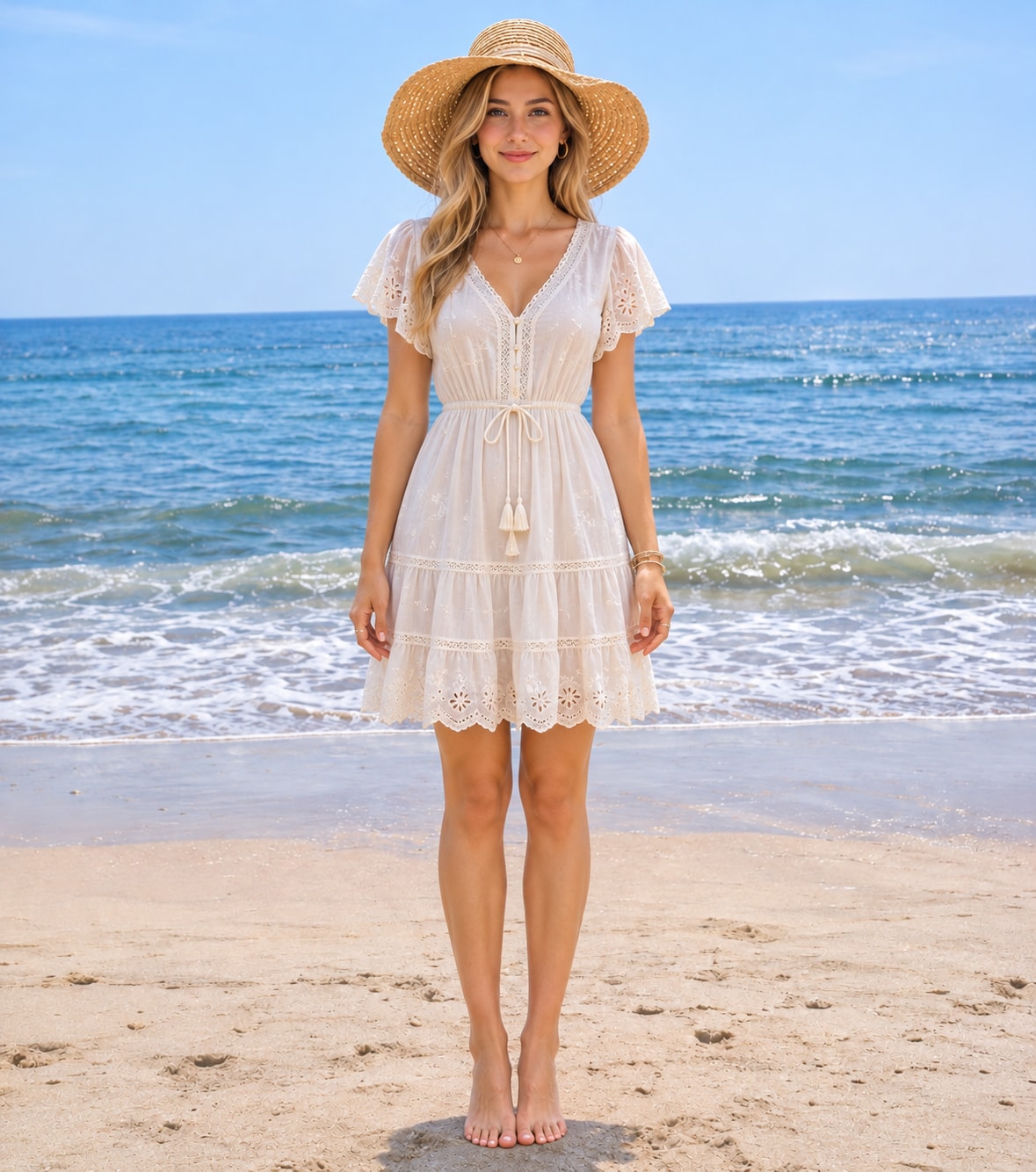
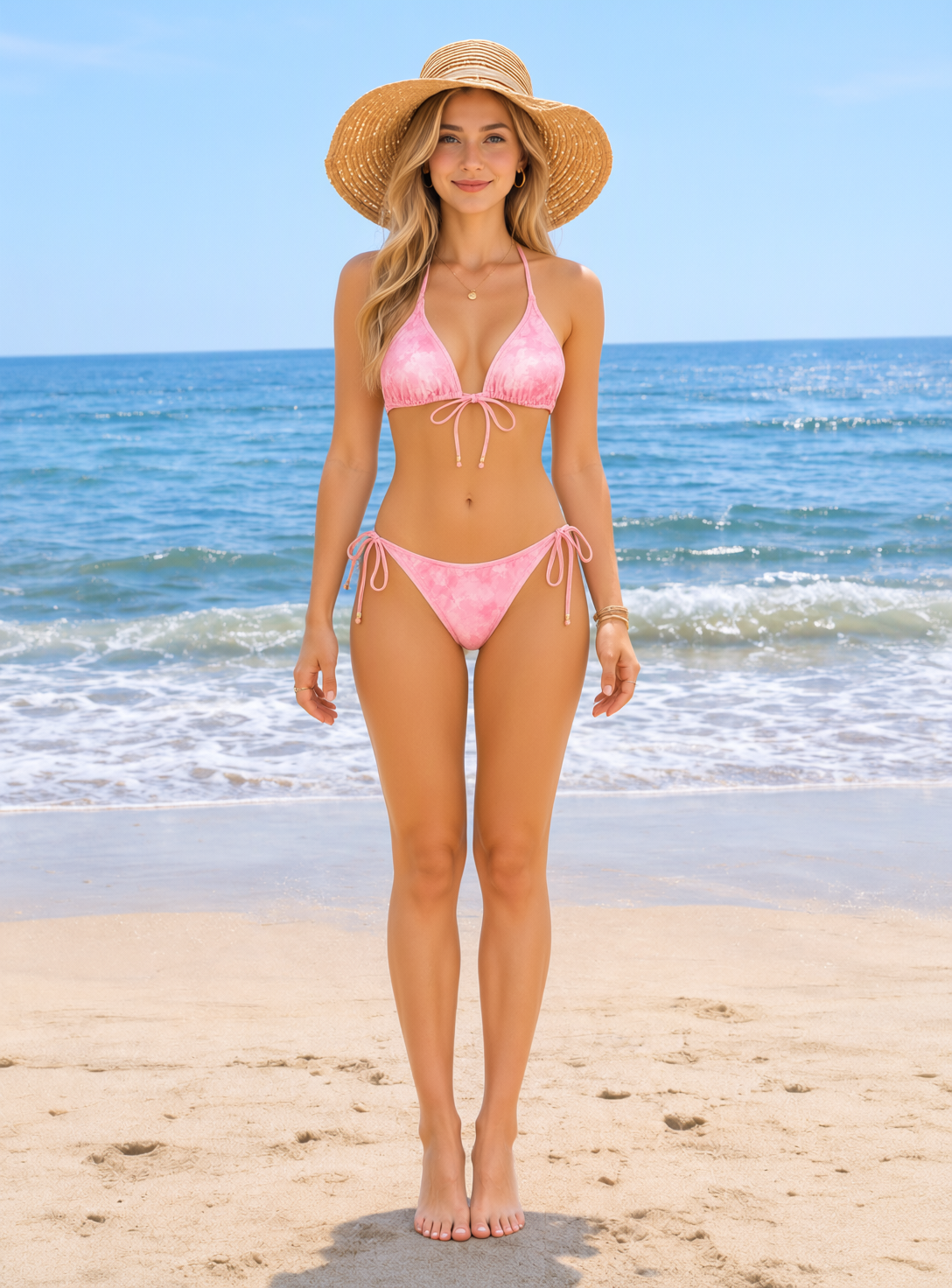
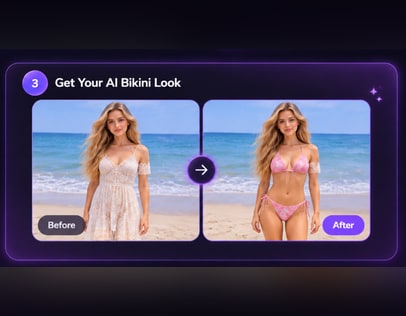
You already have a beach photo you like, but the swimsuit is not the one you want to see. With an AI beach bikini photo generator from Media.io, upload that photo, pick a preset bikini style or upload your own reference, and change only the outfit while the background, pose and light stay exactly as they were.

Everyday portrait before beach edit
Beach swimsuit preview result
Swap the Outfit in Your Photo

Use a clear photo where the outfit area is visible and the background is one you want to keep.

Why Swap the Outfit Instead of Reshooting

Try a swimsuit on your own photo

You already have a photo you like, so the hardest part is judging the outfit rather than arranging a shoot. The tool replaces the clothing in that photo, which means the light, framing and background stay the same and you can compare swimsuit shapes on a picture that already looks like you.

Compare cuts without changing the scene

One-piece, high-waist, triangle and athletic cuts read differently on the same body. Because the background does not move between versions, the comparison focuses on neckline, coverage and proportion instead of being distracted by a new beach, pose or time of day.

Use a preset or your own reference

Start with a preset swimsuit sample when you want a quick direction, or upload a photo of the exact bikini you are considering. Bringing your own reference is useful when you have already shortlisted a cut online and want to see that shape on your own frame.

Check coverage before you buy

A product photo on a model tells you little about strap width and seat coverage on your frame. Seeing the same cut on your own photo, with your usual posture and lighting, gives you a more practical reference for shopping, packing or planning a beach day.

How to Swap Your Outfit to a Bikini

Three steps: upload the photo you want to keep, choose a bikini style or upload your own reference, then generate the outfit swap.

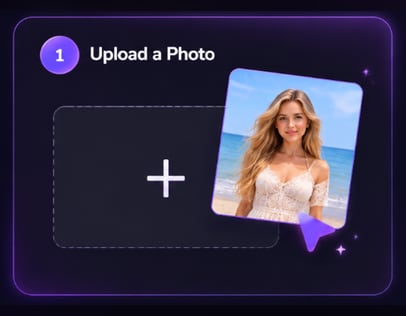
Upload photo for bikini swap
Step 1

Upload Your Photo

Upload a clear photo of yourself where the outfit you want to replace is fully visible. Choose one with even light and a background you want to keep, because the result changes only the clothing and leaves the rest of the picture untouched.

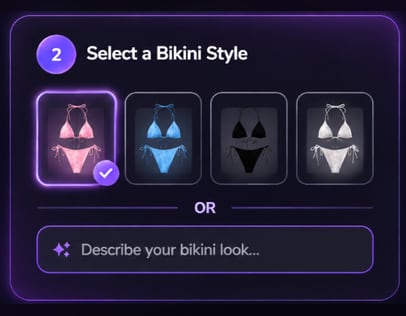
Choose bikini preset or upload style
Step 2

Choose a Bikini Style or Upload Your Own

Pick one of the preset bikini style samples, or upload your own reference photo of the bikini you want to try. Nothing needs to be typed or described; the style you choose controls the outfit while your face, body, pose and background stay the same.

Generate bikini outfit swap
Step 3

Click Generate

Click Generate to swap the outfit in your photo. Review the neckline, straps and coverage, and compare a second style if you want a different cut. Check the edges around the garment and the original background before saving.

Where an Outfit Swap Fits

Use the swap when the photo and setting already work and only the swimsuit needs to change.

Plan a vacation wardrobe

Before buying swimwear for a trip, test a few cuts on a photo you already have from a beach or pool. Because the setting stays the same, you can judge which neckline and coverage feel right for swimming, sunbathing or a shaded cafe without imagining a different scene.

Update an existing beach photo

If you already like a vacation photo but want a different swimsuit in it, an outfit swap keeps the original framing, light and background. Review the straps and edges closely so the result still looks like the moment you photographed.

Brief a stylist or shop with a reference

A swapped photo gives a stylist or a swimwear seller a concrete reference for cut and coverage on a real body. Sharing two or three versions is often faster than describing a neckline in words, and it keeps the conversation focused on details you can see.


What Users Say About Media.io

Selected public user feedback about Media.io’s broader multimedia tools. These comments are not specific to the AI Bikini feature.

AP
Anika Patel

March 5, 2025

I appreciate the simplicity of the platform. It's perfect for someone like me who doesn’t have a lot of technical skills.

A positive comment on how approachable the platform feels for users without technical experience.

View original review on AITools.xyz

IH
Ingrid Hansen

February 28, 2025

She describes having conversion and compression tools together as convenient for work, while noting that the interface could be more beginner-friendly.

A balanced view of the all-in-one workflow and the learning curve.

View original review on AITools.xyz

JZ
Jin Zhang

February 28, 2025

He highlights the platform’s simple, efficient workflow and quick file conversion, while mentioning that occasional ads can be distracting.

Positive feedback on ease of use, with a small usability caveat.

View original review on AITools.xyz

HK
Haruto Kawasaki

January 23, 2025

He finds the interface intuitive for converting and editing audio and video, but says larger high-resolution files can take longer to process.

A practical note about usability and processing time.

View original review on AITools.xyz

Reviews are attributed to their public AITools.xyz listing. Excerpts and summaries retain the reviewers’ original meaning; no individual star ratings are displayed because the source does not show ratings for each review.

Bikini Outfit Swap Questions

1. What kind of photo should I upload for a bikini swap?

Use a clear, well-lit photo of yourself where the outfit area is fully visible and the background is one you want to keep. Avoid heavy shadows, cropped waists and busy patterns near the garment. The tool changes only the clothing, so the original pose and setting will still be there in the result.

No. The workflow is designed to replace the clothing in your uploaded photo while keeping the scene, pose, framing and lighting unchanged. That is why the source photo matters: whatever background you upload is the background you keep.

Both options are available. Pick a preset bikini style sample for a quick direction, or upload a reference photo of the bikini cut you already have in mind. There is no prompt field, so the style image or preset does the work of describing the outfit.

The swap keeps your face, body, pose and background from the uploaded photo, so the result should stay recognizably you. Small differences can appear around straps, edges and fabric folds, so check those areas before using the image. Treat it as an illustrative preview, not a promise of fit.

It is useful for judging neckline, coverage, color and overall proportion on your frame. It is not a sizing tool and cannot promise how a specific garment will fit or feel. Compare it with the seller's measurements and product photos before you buy.

Check Media.io's current privacy policy and the account settings available in the interface before uploading something sensitive. This page does not make a storage or deletion promise, so confirm the current terms yourself and use a photo you are comfortable processing online.

Media.io Online AI Tools Quality Rating:
vote 4.7 (162,357 Votes)