Creations are stored for only 7 days. Assets created after upgrading to a Membership plan will be stored permanently.
Unlock your creative potential and experience the magic of Media AI right away!
Flutter Icon Generator for Clean, Modern App Icon Concepts
Create polished Flutter app icon concepts online with AI. This flutter icon generator helps you turn simple text prompts into launcher-ready visuals for Android and iOS, explore modern icon styles, and quickly refine brandable designs in your browser. It also works as an easy icon generator flutter creators can access from any region.
Explore our curated collection of flutter icon generator styles to inspire launcher icons for apps used worldwide.
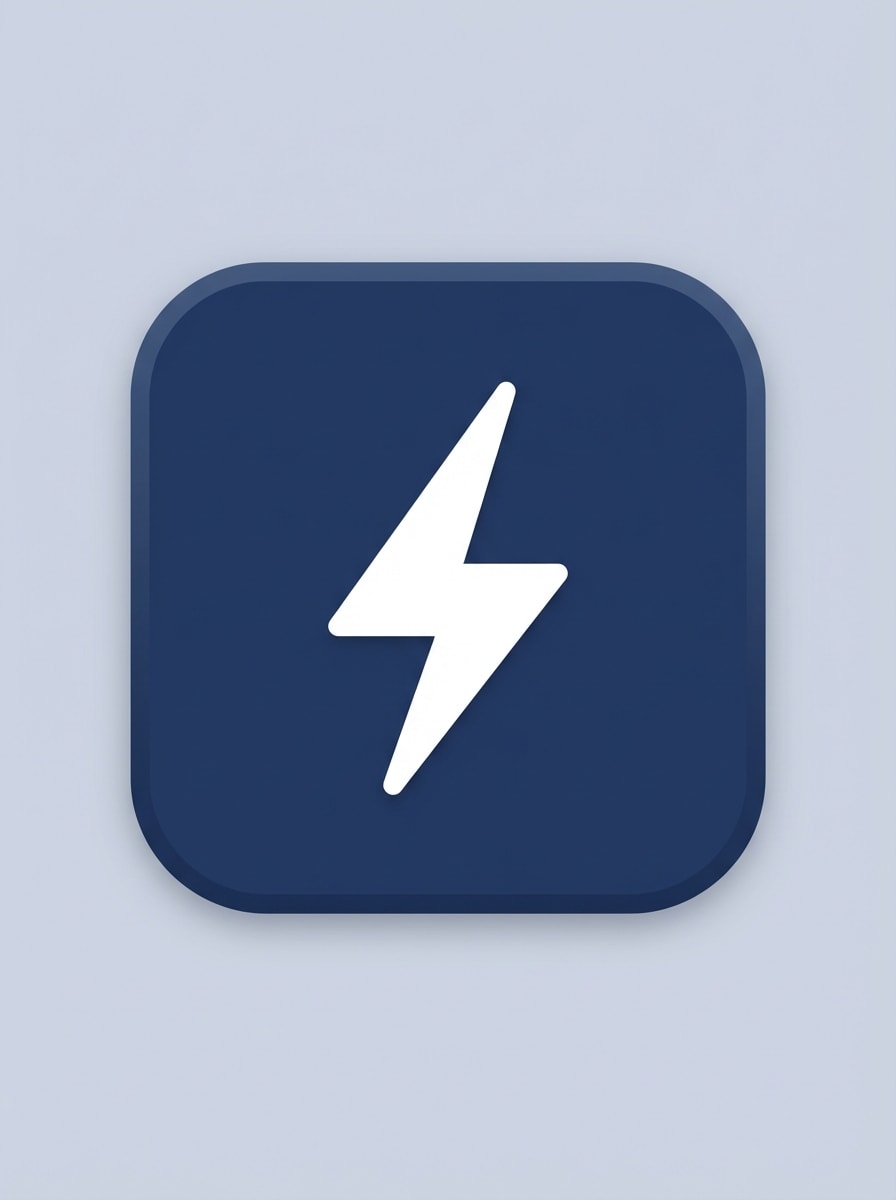
Flat Minimal Glyph
Create a clean flutter app icon for a productivity app with a centered lightning bolt symbol, rounded-square background, crisp vector-like edges, soft matte finish, balanced negative space, high contrast navy and white palette, subtle depth, minimal shadow, modern startup mood, polished and readable at small launcher icon sizes.
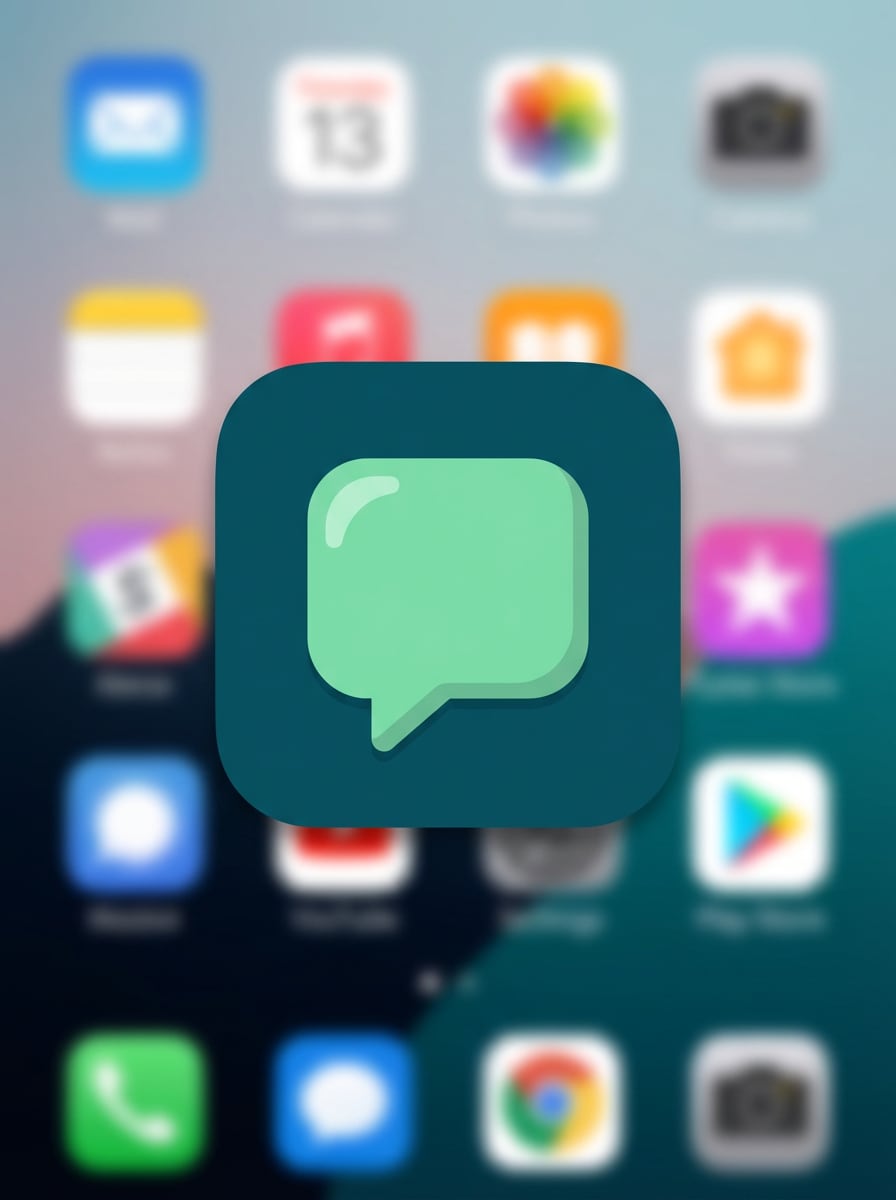
Duotone Rounded Icon
Design a duotone Flutter launcher icon with a rounded square container and a centered chat bubble symbol, using a deep teal and warm mint palette, smooth flat surfaces, gentle corner highlights, precise geometry, clean negative space, minimal shadow, friendly communication-app feel, and sharp readability for Android and iOS home screens.
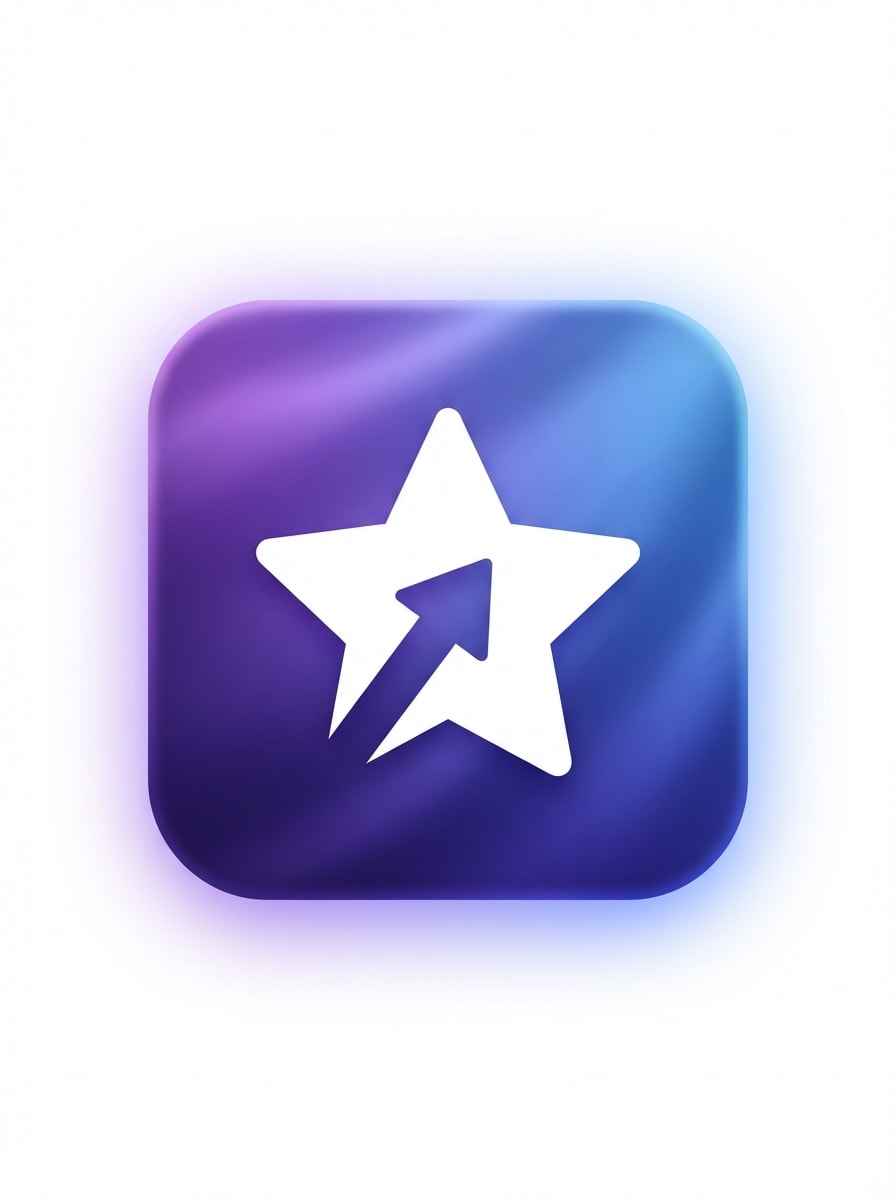
Soft Gradient Glow
Generate a modern Flutter app icon with a soft purple-to-blue gradient, centered star symbol, rounded-square frame, subtle ambient glow, silky surface texture, high contrast silhouette, smooth edge lighting, premium startup branding mood, clean composition, and a refined finish that stays clear at small launcher icon sizes.
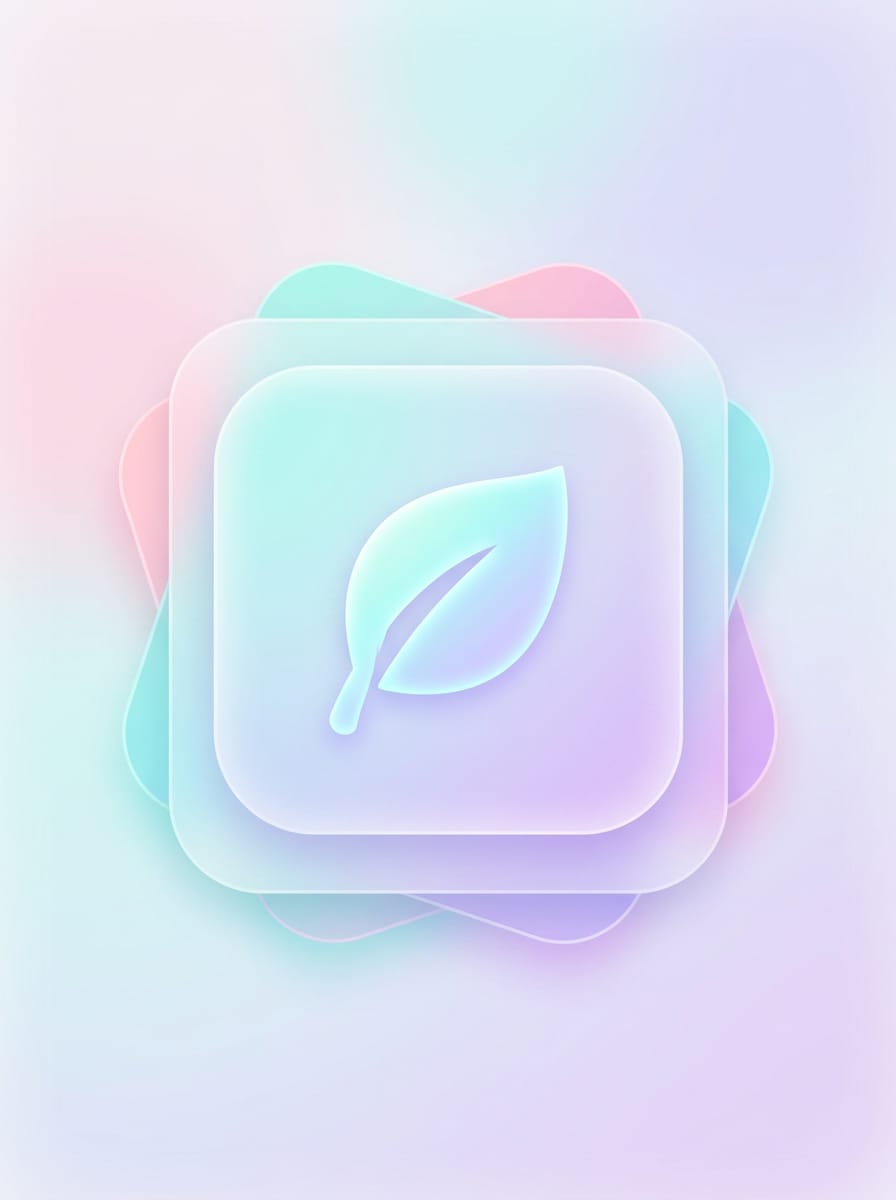
Pastel Gradient Glass
Create a pastel glassmorphism icon for a Flutter wellness app, featuring layered translucent rounded squares, a simple leaf symbol in the center, soft pink, aqua, and lavender tones, inner highlights, frosted glass texture, airy calming mood, elegant depth, and a premium mobile UI look without text.
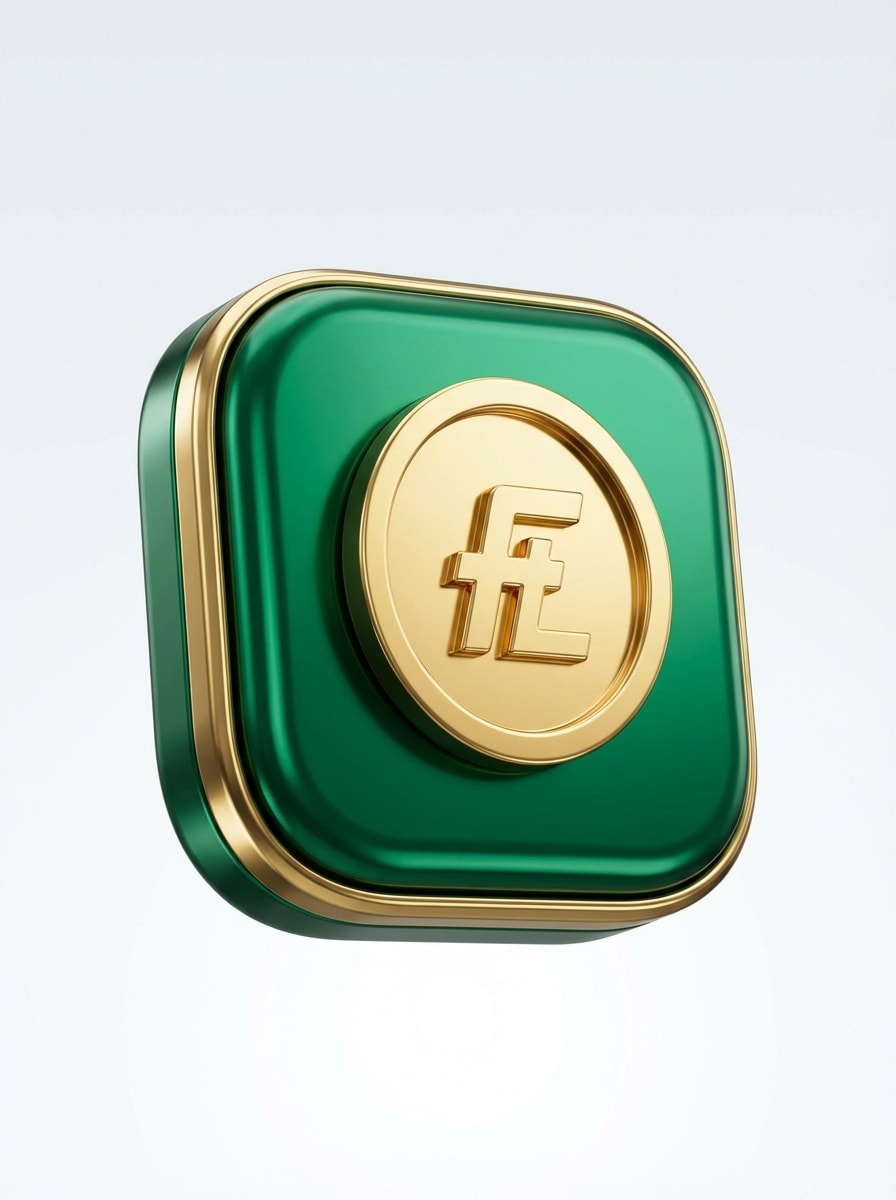
Glossy 3D App Badge
Design a glossy 3D mobile app icon for Flutter with a centered coin symbol, rounded-square badge, metallic reflections, rich emerald and gold palette, studio-style lighting, smooth beveled edges, premium finance app mood, clean background, strong central silhouette, and a polished finish suitable for launcher icon concepts.
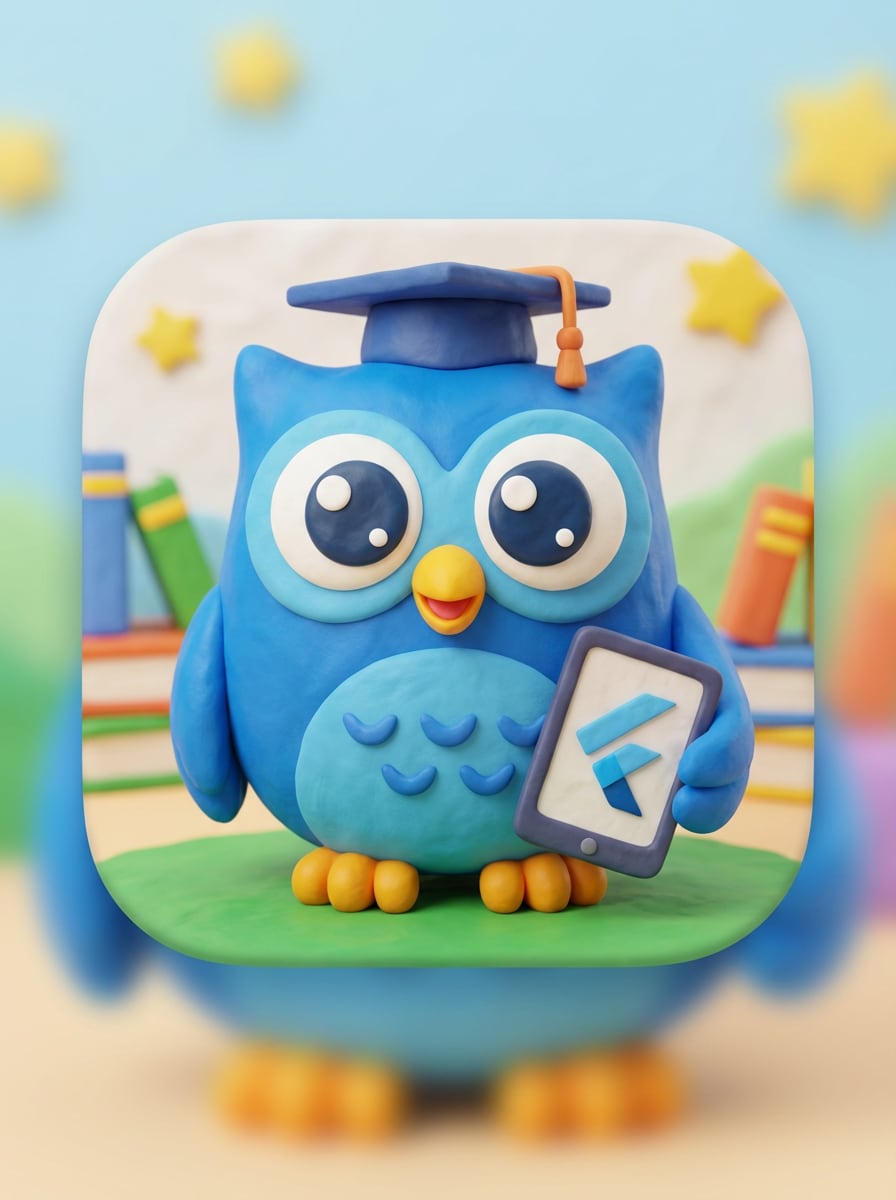
Clay 3D Mascot
Create a clay-style 3D app icon for a Flutter kids learning app with a cute owl mascot, rounded-square composition, bright friendly colors, smooth soft lighting, tactile clay texture, oversized expressive eyes, simple readable silhouette, playful educational mood, and a cheerful design that remains recognizable at small sizes.
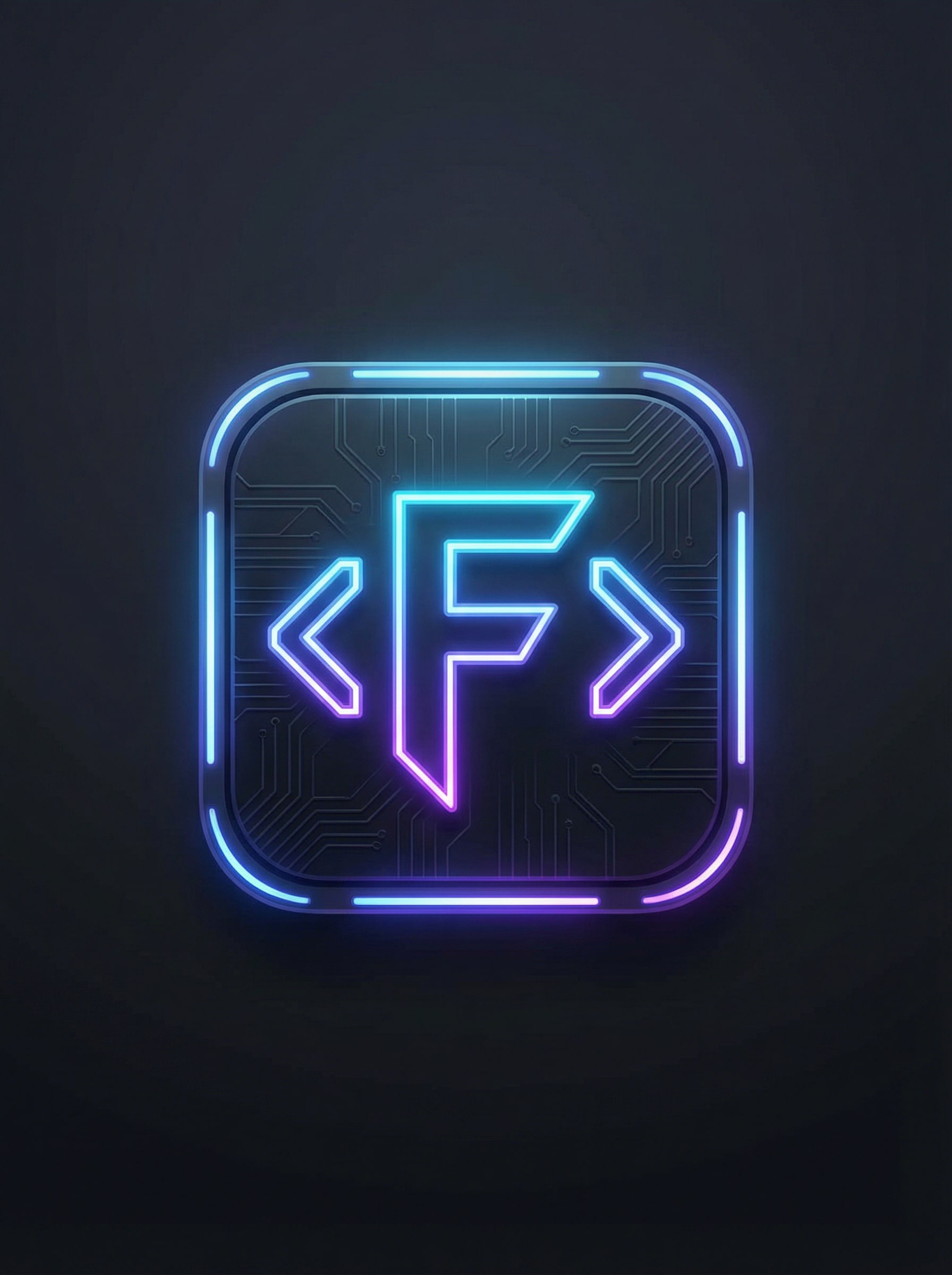
Neon Cyber Icon
Generate a neon cyber-style Flutter app icon for a developer tool, using a dark graphite background, glowing brackets symbol, electric blue and violet accents, luminous edge highlights, sleek futuristic texture, compact centered composition, high contrast, gaming-tech atmosphere, and a bold silhouette built for launcher icon readability.
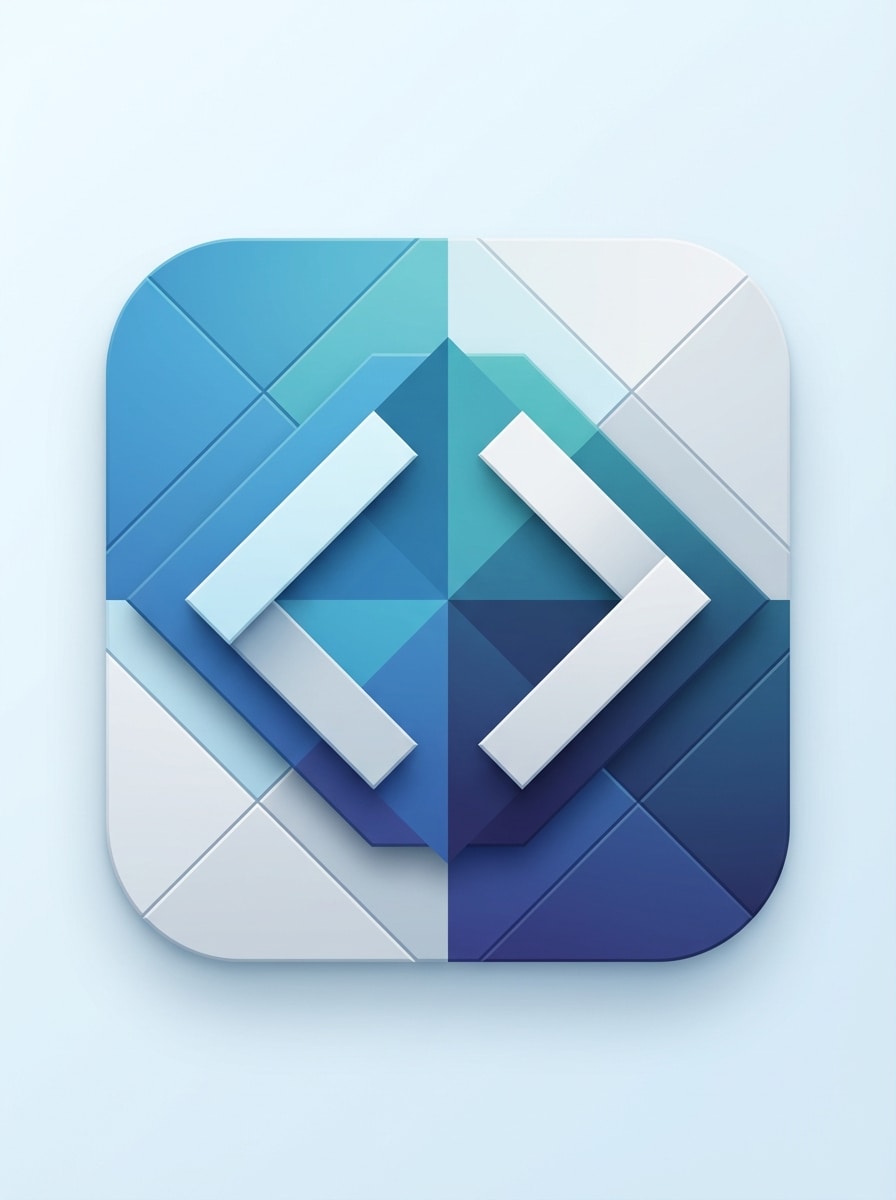
Code-Inspired Geometric
Create a geometric app icon for Flutter with abstract code brackets, balanced angular shapes inside a rounded-square boundary, cool blue tech palette, matte surfaces, subtle depth, precise symmetry, minimal professional branding feel, crisp edges, no text, and a scalable composition ideal for developer-focused app identities.
Abstract Monogram Icon
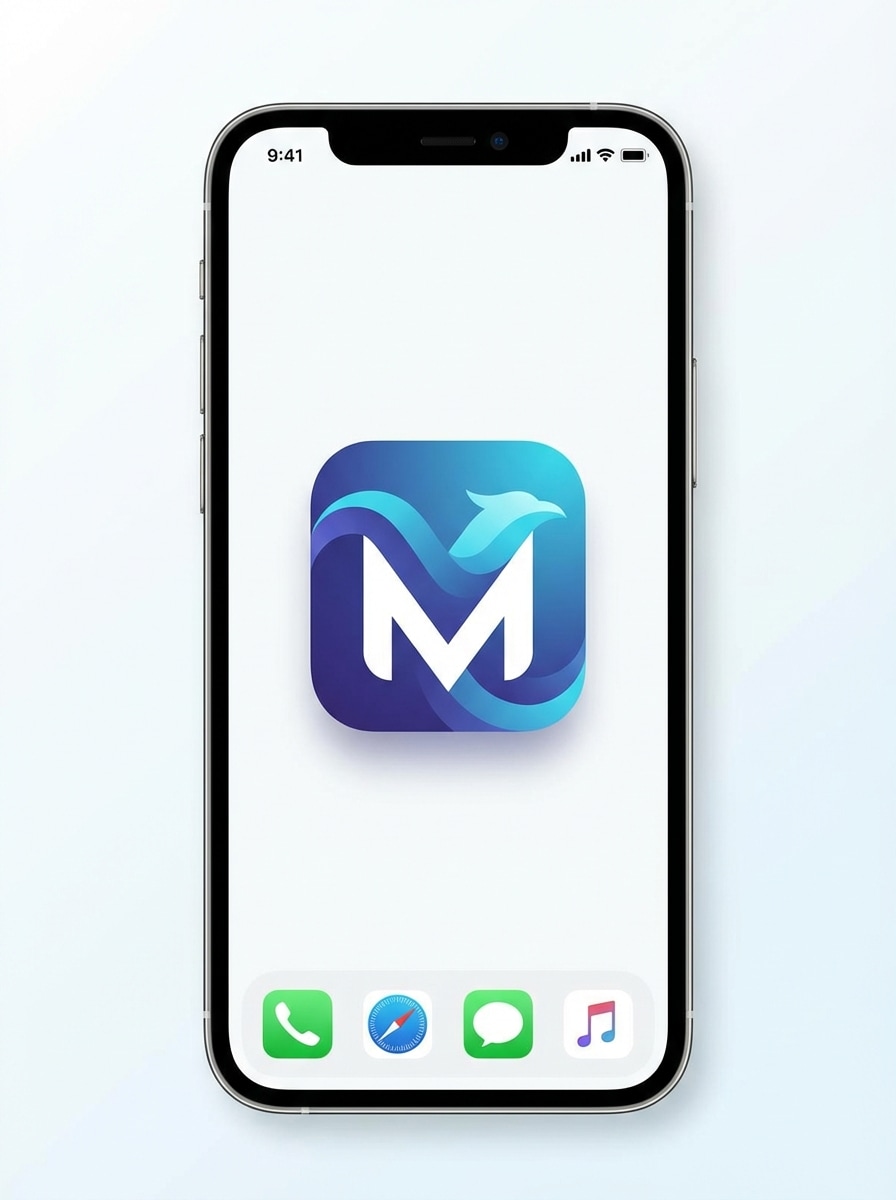
Design a brandable abstract monogram app icon for Flutter using the letter M, with clean negative space, premium SaaS styling, rounded-square format, balanced geometry, smooth gradients in indigo and cyan, subtle shadow, sleek modern mood, and a memorable symbol-first layout that works well as a launcher icon.
Symbol-First AI Logo Icon
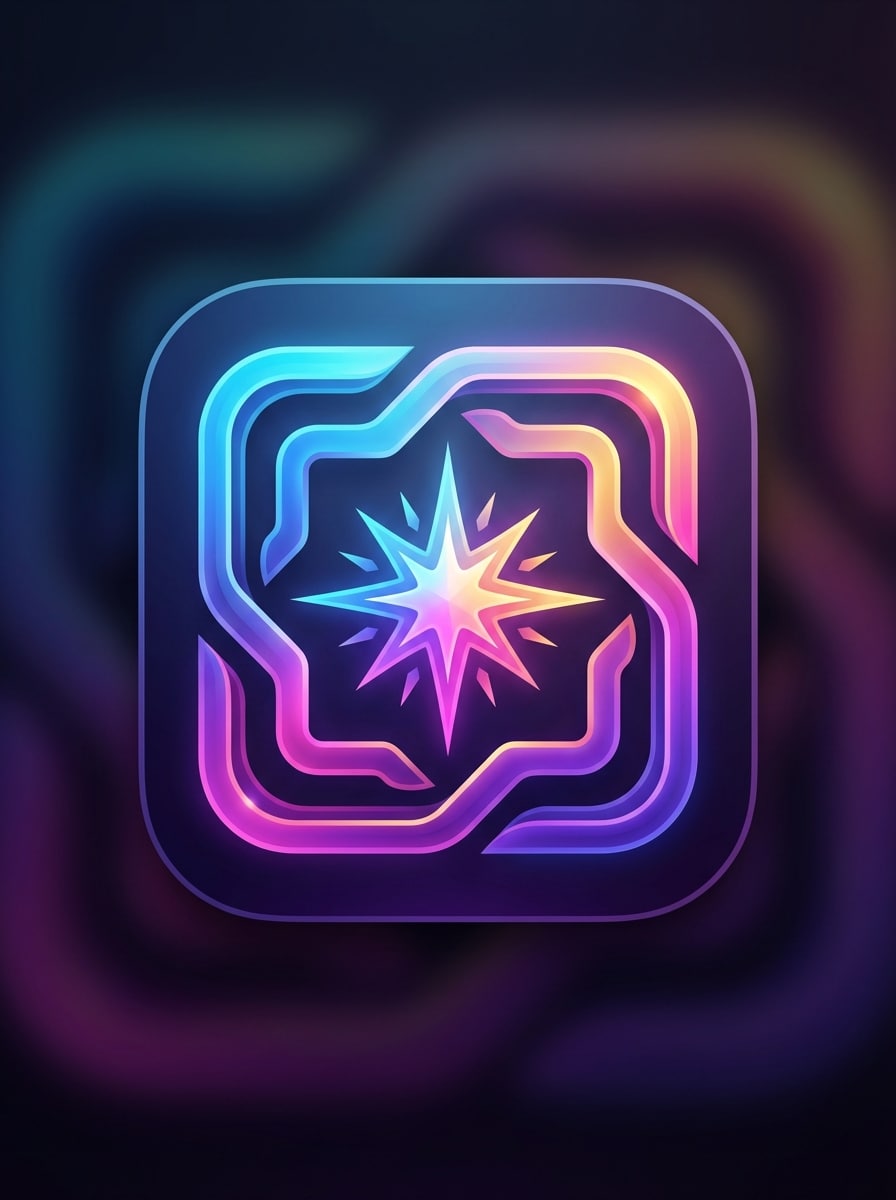
Generate a symbol-first app icon for a Flutter AI image app, featuring an abstract spark and frame symbol, rounded-square layout, vivid gradient palette, crisp edges, subtle glow, smooth layered depth, futuristic creative-tool mood, clean composition, no text, and a distinctive silhouette optimized for app marketplace visibility.
Why Use Media.io for Flutter App Icon Creation
Create Icon Concepts from Text Fast
Turn a simple idea into a polished Flutter app icon concept in minutes. Media.io works as a flexible flutter app icon generator, helping you explore styles, symbols, colors, and moods without starting from a blank canvas.
Multiple AI Models for Different Styles
Use powerful text-to-image models including Nano Banana Pro, Nano Banana 2, Seedream 5.0 Lite, and Imagen 4 to generate minimal, gradient, 3D, or tech-style icon ideas for cross-platform mobile apps.
High-Resolution Output with Flexible Ratios
Generate icon artwork in 1K, 2K, or 4K quality and choose from aspect ratios like 1:1, 3:4, or Auto. That makes it easier to create sharp source assets for launcher icon generator workflows in both local and global projects.
Works Online on Any Device
Media.io is browser-based, so you can generate Flutter icon concepts on Windows, Mac, iPhone, iPad, or Android without installing design software, making it practical for distributed teams in any location.
How to Make a Flutter Icon Online
1
2
3
1
Open Media.io Flutter Icon Generator
Go to AI Text to Image Generator and open the Flutter Icon Generator under AI -> Text to Image. This online tool runs in your browser, so you can create icon concepts quickly without installing extra software.
2
Enter a Prompt
Type a detailed prompt, such as “Create a modern rounded-square Flutter app icon with a blue gradient and centered lightning bolt symbol, clean edges, minimal shadow, startup style.” Adjust the model, style, resolution, and aspect ratio as needed.
3
Generate, Refine & Download
Click Generate. Tweak your prompt if needed to improve readability, color contrast, or symbol clarity. Download the high-resolution image and prepare it for your Flutter launcher icon workflow.
Discover how creators and professionals are using our AI-powered Flutter Icon Generator to transform their creative workflows and bring unique ideas to life for apps released in different countries and app stores.
Launch a New Flutter App with a Strong First Impression
Create distinctive icon concepts before development wraps up. Founders, indie makers, and product teams can test different visual directions for productivity, fintech, wellness, or AI apps without waiting on a full branding cycle, using Media.io as an online flutter icon generator from any region.
Prototype Multiple Styles for Android and iOS
Use AI to compare flat, gradient, glass, or 3D looks side by side. This makes it easier to explore flutter launcher icon generator ideas that remain readable across home screens, app listings, and internal design reviews for international users.
Build a Brandable Icon System for Developer Tools
If you are designing a coding utility, SaaS tool, or startup app, Media.io helps you generate symbol-first concepts with clean geometry and strong silhouettes. It is a practical way to ideate a memorable flutter app icon generator style in your browser, or even pair those concepts with a react native icon generator workflow when you build for multiple frameworks.
What Users Say
Ethan Brooks
Indie App Developer
"Great for fast icon ideation" I used Media.io to explore several launcher icon directions for my Flutter app before handing the final choice to my designer. It was much faster than sketching from scratch, and the outputs were clear enough to evaluate at small sizes.
Maya Chen
Product Designer
"Helpful for style exploration" What I liked most was the variety. I could test minimal, gradient, and glossy icon concepts in one place. For early-stage branding and app store mockups, this tool saved a lot of time.
Noah Ramirez
Startup Founder
"Simple browser workflow" I needed an online Flutter icon maker without downloading extra software. Media.io let me generate a few polished concepts directly in my browser, which made it easy to move from idea to a usable starting point.
Ava Patel
Mobile UI Freelancer
"Useful high-res outputs" The high-resolution export options were useful because I could generate a clean source image first and then adapt it for the Flutter launcher icon setup. It fits nicely into an existing design workflow.
1. What is the best Flutter icon generator for app icons?
The best Flutter icon generator depends on whether you want technical resizing only or visual creation plus design exploration. Media.io is useful if you want to generate original app icon concepts from text in your browser, try different styles quickly, and download high-resolution images for your Flutter workflow. Because it is online, Media.io can support projects in many regions as both a flutter icon generator and a simple react native app icon generator. Media.io is a web-based tool that works on any device with a browser (Windows, Mac, iOS, Android).
2. Can I create a Flutter launcher icon from text only?
Media.io supports text-to-image generation, so you can describe the icon you want in English and create a Flutter launcher icon concept from text only. For example, you can specify the symbol, color palette, mood, and rounded-square style to generate a usable starting design for your app listing.
3. Does a Flutter icon generator export the right sizes for Android and iOS?
Media.io generates high-resolution source images in 1K, 2K, and 4K, which gives you a strong base asset for Android and iOS icon preparation. You may still need to package or resize that source image inside your Flutter launcher icon workflow, depending on how your project handles platform-specific icon sizes and density buckets.
4. Can I use AI-generated icons in a commercial Flutter app?
Media.io works in modern browsers on desktop and mobile, so you can create and revise designs without installing heavy software, whether you are working from a local office or collaborating remotely.
5. Is there a free Flutter icon generator I can try online?
Media.io offers free credits so you can try the tool online before upgrading. Free usage may include watermarks, while paid plans support watermark-free high-resolution downloads. You can compare options on the pricing page. Free users can use free credits. For more usage, users can subscribe to a plan on the pricing page. Upgrade to a paid plan on the pricing page for more credits and watermark-free high-resolution downloads.
6. What file format works best for Flutter app icons?
A high-quality image format with sharp edges works best as your starting point for Flutter app icons. Many creators begin with a clean square source image, then adapt it for their Android and iOS launcher icon process. The key is using a crisp, high-resolution asset with a simple, readable symbol that still looks clear on global app stores and a wide range of devices.