Creations are stored for only 7 days. Assets created after upgrading to a Membership plan will be stored permanently.
Unlock your creative potential and experience the magic of Media AI right away!
Android Icon Generator for Fast, Stylish App Branding Online
Create custom Android app icons from text in minutes. This browser-based android icon generator and android app icon maker helps you design clean, modern, Play Store-friendly icon concepts in popular styles, with no advanced design skills required. It is also a practical option for android launcher icon generator.
Explore our curated collection of styles and prompts to create android app icons with Media.io’s AI-powered android icon generator. It also supports android adaptive icon generator.
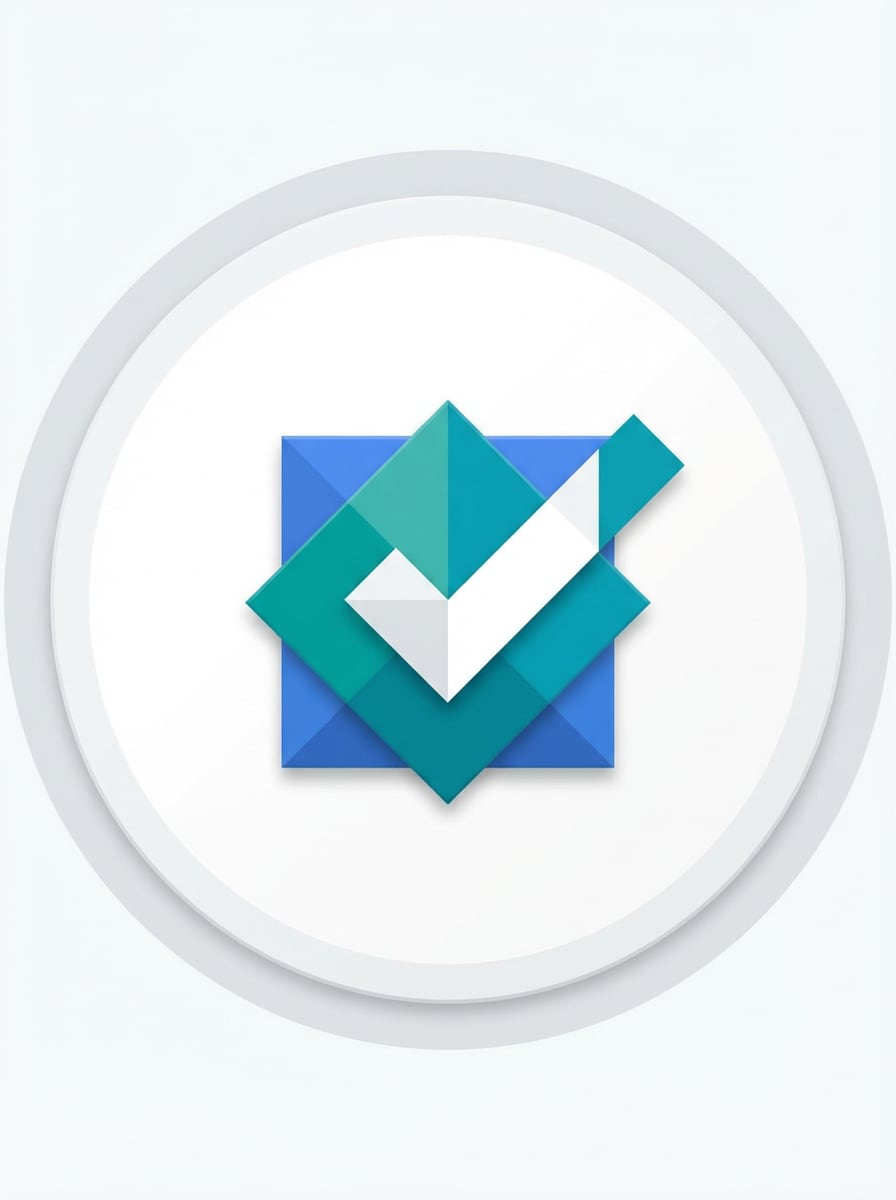
Flat Material Minimal
Design a flat Android app icon for a productivity app, featuring a centered geometric checkmark and layered square motif. Use material design principles, crisp edges, subtle shadow depth, balanced spacing, and a clean white or soft gray background. Keep the palette blue, teal, and white, polished, minimal, and mobile-ready.
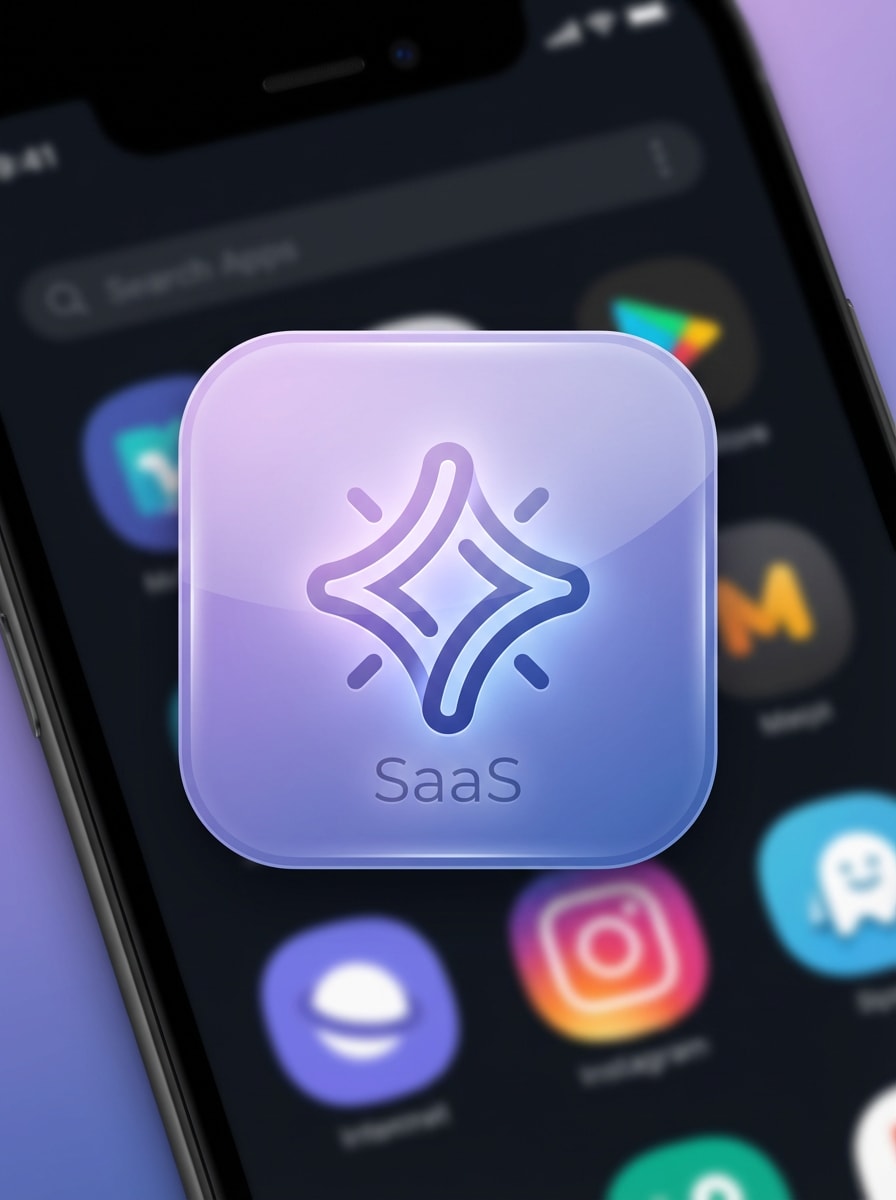
Gradient Startup Icon
Create a premium Android app icon for a startup productivity platform with a smooth abstract spark symbol in the center. Use rounded-square composition, soft purple-to-blue gradients, glossy highlights, clean negative space, and refined SaaS branding. The mood should feel innovative, modern, elegant, and highly clickable in an app store grid.
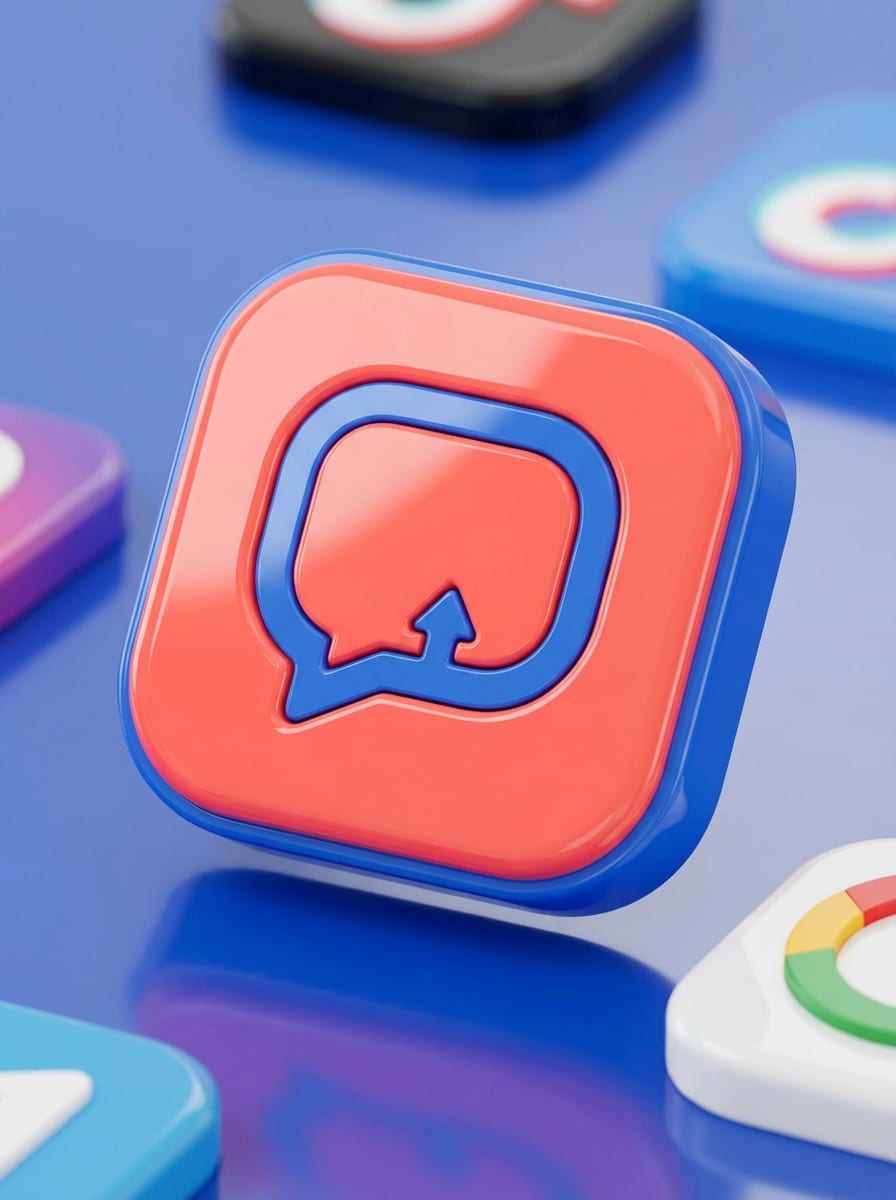
3D Gloss App Badge
Generate a glossy 3D Android app icon for a social or creator app, using a rounded square badge and a bold central chat bubble symbol. Add reflective lighting, soft shadows, premium plastic texture, vivid coral and blue tones, and a polished app-store presentation. Keep the design simple enough to remain legible at small sizes.
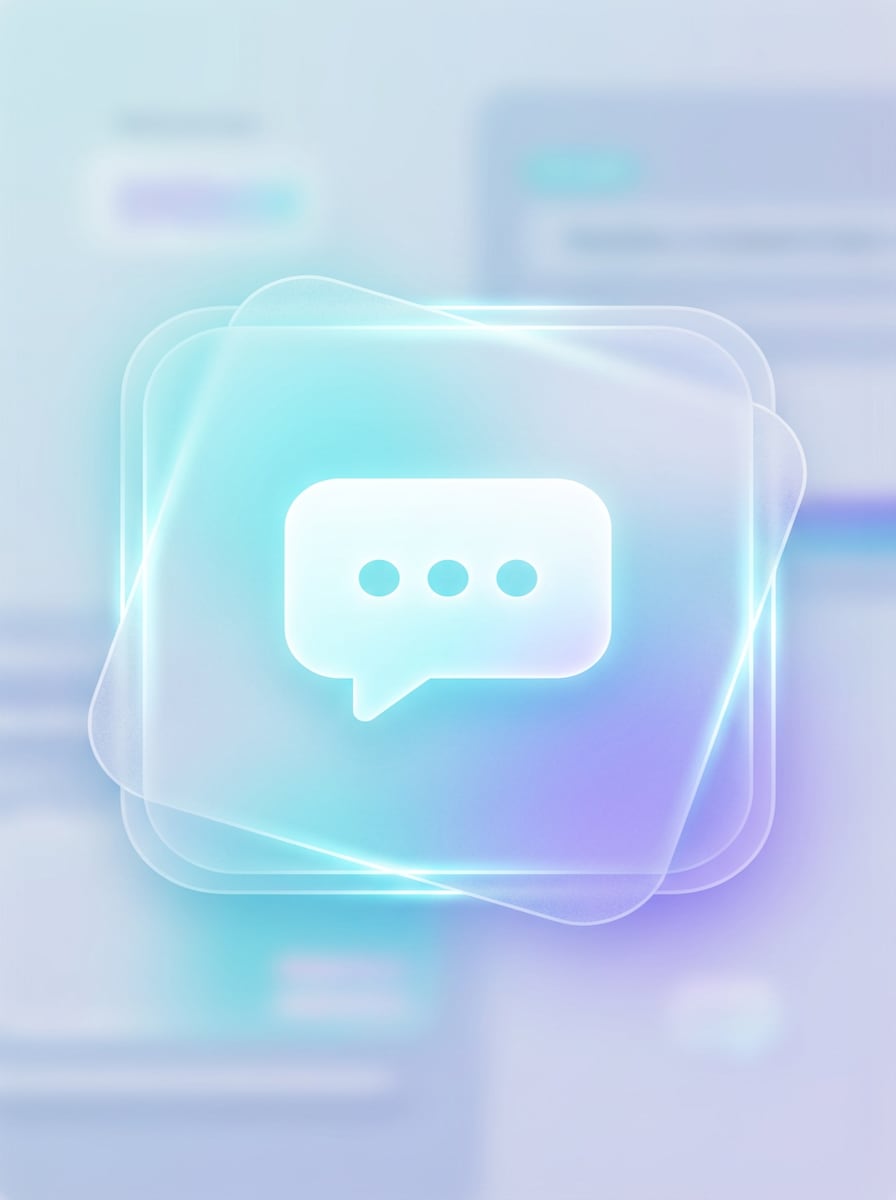
Glassmorphism Icon
Design an Android app icon in glassmorphism style for a messaging app, with translucent layered panels and a clean centered message symbol. Use frosted glass texture, subtle blur, soft cyan and violet gradients, luminous edge highlights, and a futuristic UI mood. Keep the composition balanced, elegant, and suitable for modern mobile branding.
Esports Mascot Icon
Create a gaming-style Android app icon with a fierce mascot emblem, sharp lines, and a dynamic centered composition. Use dramatic rim lighting, bold red and black color contrast, metallic accents, and a polished badge layout. The icon should feel energetic, competitive, and memorable while staying clean enough for app icon readability.
Cyberpunk Neon Symbol
Generate a futuristic Android icon with a glowing neon circuit symbol at the center, designed for a tech or AI app. Use a dark base, electric blue and magenta lighting, sleek symmetry, subtle chrome texture, and vivid glow effects. Keep the shape compact, sharp, and striking for a high-impact mobile app icon.
Cute Mascot Logo
Design a cute Android app icon for a pet care app with a friendly mascot face and rounded shapes. Use a warm pastel palette, soft cream and peach tones, clean vector-like edges, gentle highlights, and a cheerful approachable mood. Make the badge polished, simple, and highly recognizable on small mobile screens.
Pastel Lifestyle Icon
Create a soft pastel Android app icon for a wellness or habit tracker app, with a centered leaf or loop symbol. Use blush pink, mint, and lavender tones, smooth rounded-square framing, subtle depth, and a calm minimalist composition. The overall look should feel soothing, modern, refined, and ideal for lifestyle app branding.
Fintech Shield Icon
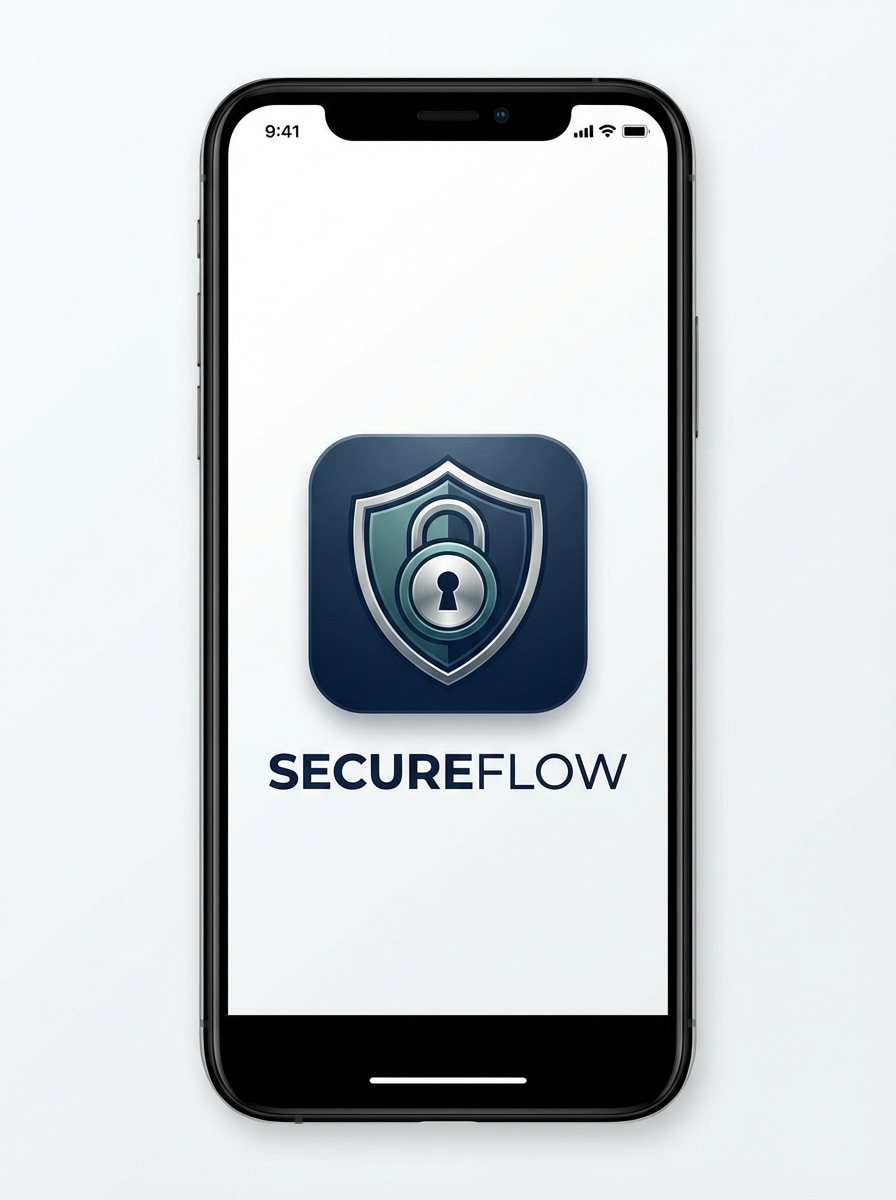
Generate a professional Android app icon for a finance or security app, centered on a shield-lock symbol with strong visual balance. Use deep navy, teal, and silver tones, clean contours, restrained gloss, and trustworthy modern branding. The icon should feel secure, premium, and simple enough for practical app store visibility.
AI Productivity Symbol
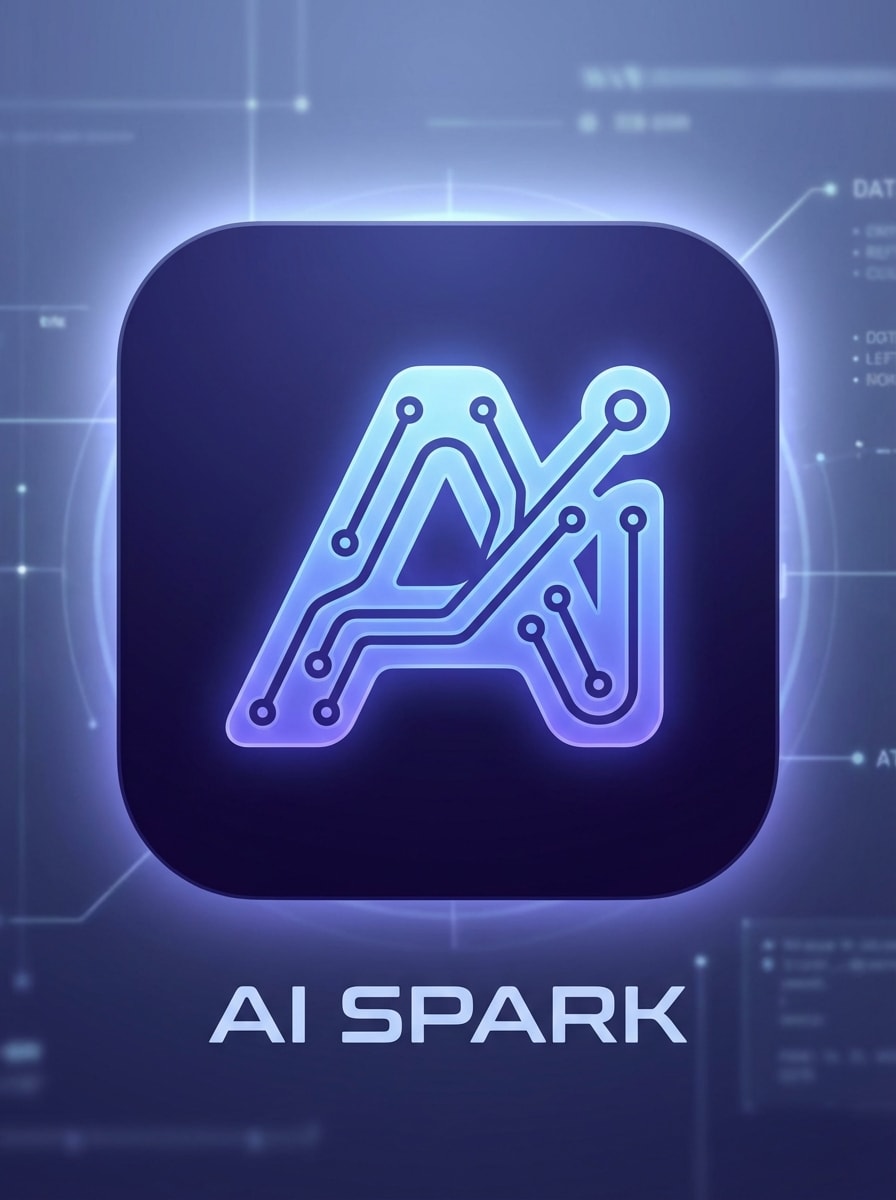
Design an Android app icon for an AI productivity tool with a sleek abstract spark and circuit-inspired symbol. Use blue-violet gradients, a polished rounded-square badge, subtle glow, clean negative space, and a futuristic yet minimal mood. Prioritize clarity, premium finish, and strong recognition for a modern android app icon maker concept.
Why Use Media.io for Android App Icons
Generate Icon Concepts from Text Fast
Turn a short idea into polished Android icon concepts in seconds with advanced AI image models. Media.io works as an intuitive android app icon generator and android app icon creator, making it a practical choice for creators who want fast visual exploration without starting from a blank canvas.
Choose Styles That Fit Your App
Media.io supports diverse looks such as 3D Render, Cyberpunk, Realistic, Anime, and more. That makes it easier to test minimal, glossy, futuristic, or mascot-based icon directions for different app categories using an online android application icon generator.
High-Resolution Output for Cleaner Assets
Create images in 1K, 2K, or 4K resolution for sharper icon mockups, presentations, and design refinement. High-resolution outputs help when you need crisp visuals before exporting assets for Android workflows, whether you are preparing launcher icons or adaptive icon concepts.
Works Online on Mobile and Desktop
This android icon generator online runs directly in your browser on Windows, Mac, iOS, and Android. You can create icon ideas from a laptop, tablet, or phone without installing design software, using Media.io as an icon generator android online for fast experiments.
How to Use the Android Icon Generator
1
2
3
1
Open Media.io Android Icon Generator
Go to AI Text to Image Generator and open the Android Icon Generator under AI -> Text to Image. This online tool runs in your browser, so you can start designing icon concepts quickly without installing any software.
2
Enter a Prompt
Type a detailed prompt, such as “modern Android app icon for a finance app, blue gradient shield, rounded square badge, clean minimal style, no text.” Adjust style, aspect ratio, and resolution to match your app branding goals.
3
Generate, Refine & Download
Click Generate. Review the results, refine the wording if needed, and create improved variations. Once you get a clean concept, download the high-resolution image and use it as a base for your Android app icon workflow.
Discover how creators and professionals are using our AI-powered Android Icon Generator to transform their creative workflows and bring unique ideas to life.
Launch Faster with App Store-Ready Concepts
Founders and indie developers can use Media.io to create fast icon directions before handing final assets to a designer or preparing Android launch materials. It speeds up early branding and helps teams compare multiple looks without long revision cycles.
Explore Styles for Different App Niches
From fintech and productivity to gaming and wellness, this tool helps you test visual styles that match your category. Try flat material icons, glossy 3D badges, or futuristic symbols to discover what fits your audience best.
Create Visual References for Design Handoffs
If you need a strong starting point for a design team, an AI-generated icon concept can communicate shape, color palette, and mood clearly. It is especially useful for creators seeking a quick ai app icon generator workflow before final packaging.
What Users Say
Jordan K.
Indie App Developer
"Great for rapid icon ideation" I used it to brainstorm several Android icon directions for a side project. The prompts were easy to refine, and the results gave me solid concepts to polish for launch.
Melissa R.
Startup Product Designer
"Useful for style exploration" We tested minimal, gradient, and 3D icon styles in one sitting. It saved time during early branding and helped our team align on the visual direction much faster.
David L.
Freelance Developer
"Easy to use in the browser" I wanted a quick free android icon generator style workflow without downloading anything. Media.io worked smoothly in my browser and was simple enough to use on both desktop and phone.
Priya S.
Mobile App Consultant
"Helpful for client mockups" For client pitches, I often need polished visual samples fast. This tool helped me generate clean icon concepts that looked professional and were easy to present in app mockups.
1. Can I generate an Android app icon from text online?
Media.io lets you create Android app icon concepts from a text prompt directly in your browser. Just describe the style, symbol, colors, and mood you want, then generate visual ideas online without installing software. Media.io is a web-based android app icon creator that works on any device with a browser (Windows, Mac, iOS, Android).
2. Is there a free Android icon generator for app projects?
Free users can try Media.io with free credits. If you need more generations or extra usage, you can check the pricing page. Free exports may include watermarks, while paid plans support watermark-free high-resolution downloads. Free users can use free credits. For more usage, users can subscribe to a plan on the pricing page. Upgrade to a paid plan on the pricing page for more credits and watermark-free high-resolution downloads.
3. What size and format should an Android app icon be?
Android icon requirements can vary by use case, but PNG is a common format for app icon assets. Media.io helps you create high-resolution icon concepts in 1K, 2K, and 4K, which is useful when preparing clean source visuals for resizing and packaging into Android-ready assets, whether you are building launcher icons or adaptive icons.
4. Can an AI icon generator create Play Store-ready Android icons?
Media.io can generate polished Android icon concepts that are useful for Play Store-style branding, mockups, and design exploration. For final deployment, many teams still refine and export the AI-generated concept into the exact Android asset sizes and packaging required by their development workflow or by tools such as an android studio icon generator.
5. How do I turn a text prompt into a clean app icon design?
Start with a short but specific prompt that names the app type, central symbol, color palette, and visual style. For example: “minimal Android icon for a habit tracker, rounded square badge, soft green gradient, clean leaf symbol, no text.” English prompts are typically optimized for better results in Media.io, making it easier to create android app icons that match your brand.
6. Will the icon generator work on mobile and desktop browsers?
Media.io is web-based and works on devices with a browser, including Windows, Mac, iOS, and Android. That means you can generate Android icon ideas on desktop or create quick concepts from your phone or tablet using this online android icon generator.