Creations are stored for only 7 days. Assets created after upgrading to a Membership plan will be stored permanently.
Unlock your creative potential and experience the magic of Media AI right away!
iOS App Icon Generator for Fast, Polished Apple-Style Icons
Create custom iPhone and iPad app icon concepts from a text prompt in minutes. Media.io works as an AI-powered ios app icon generator so you can quickly create app icon iOS designs in Apple-inspired styles, refine the look for your brand, and build high-quality icon artwork online without design software.
Explore our curated collection of ios app icon generator styles, perfect for anyone who wants to create app icon iOS designs or use an icon generator for iOS directly in the browser.
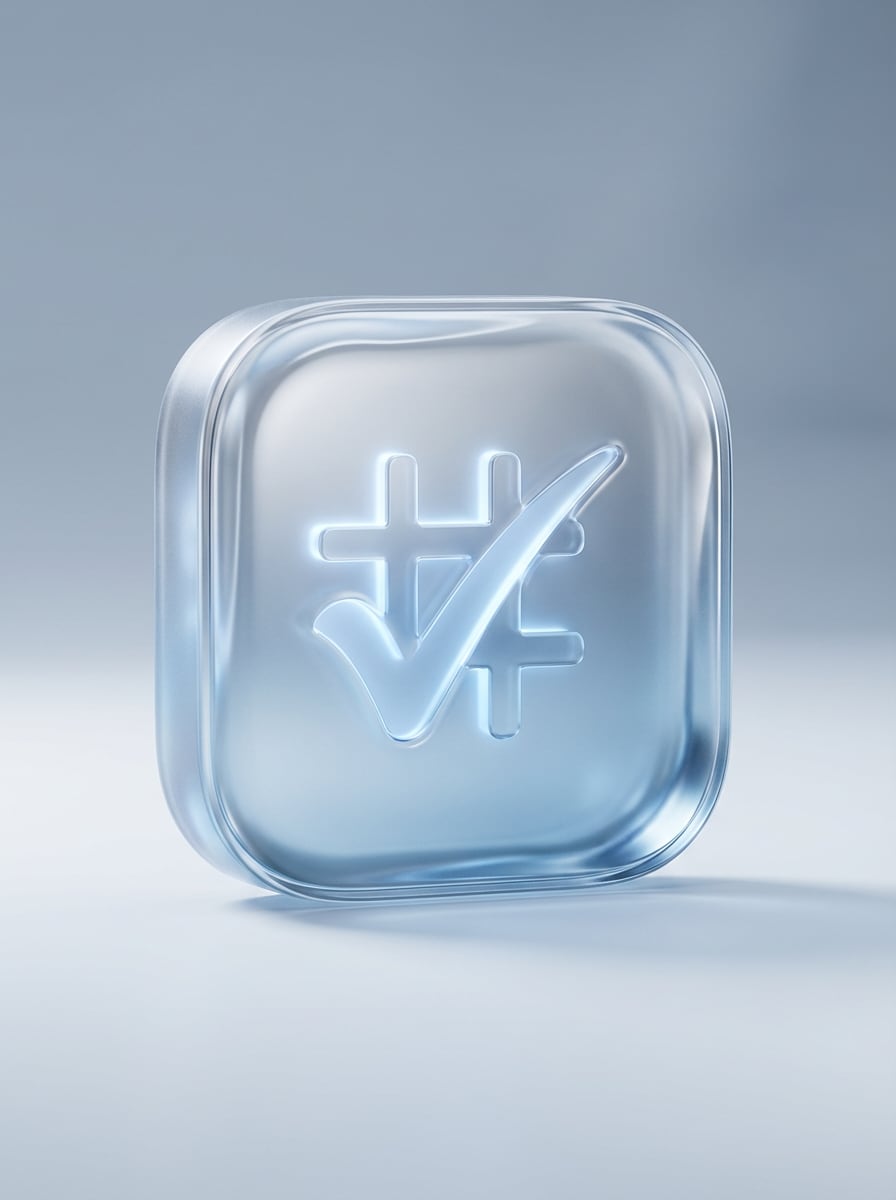
Liquid Glass Minimal
Design a premium iOS app icon for a productivity app, featuring a centered checkmark-grid symbol inside a rounded square. Use translucent liquid glass material, soft specular highlights, gentle inner glow, cool silver and icy blue palette, minimal background, subtle depth, clean Apple-inspired composition, crisp edges, app-store-ready finish.
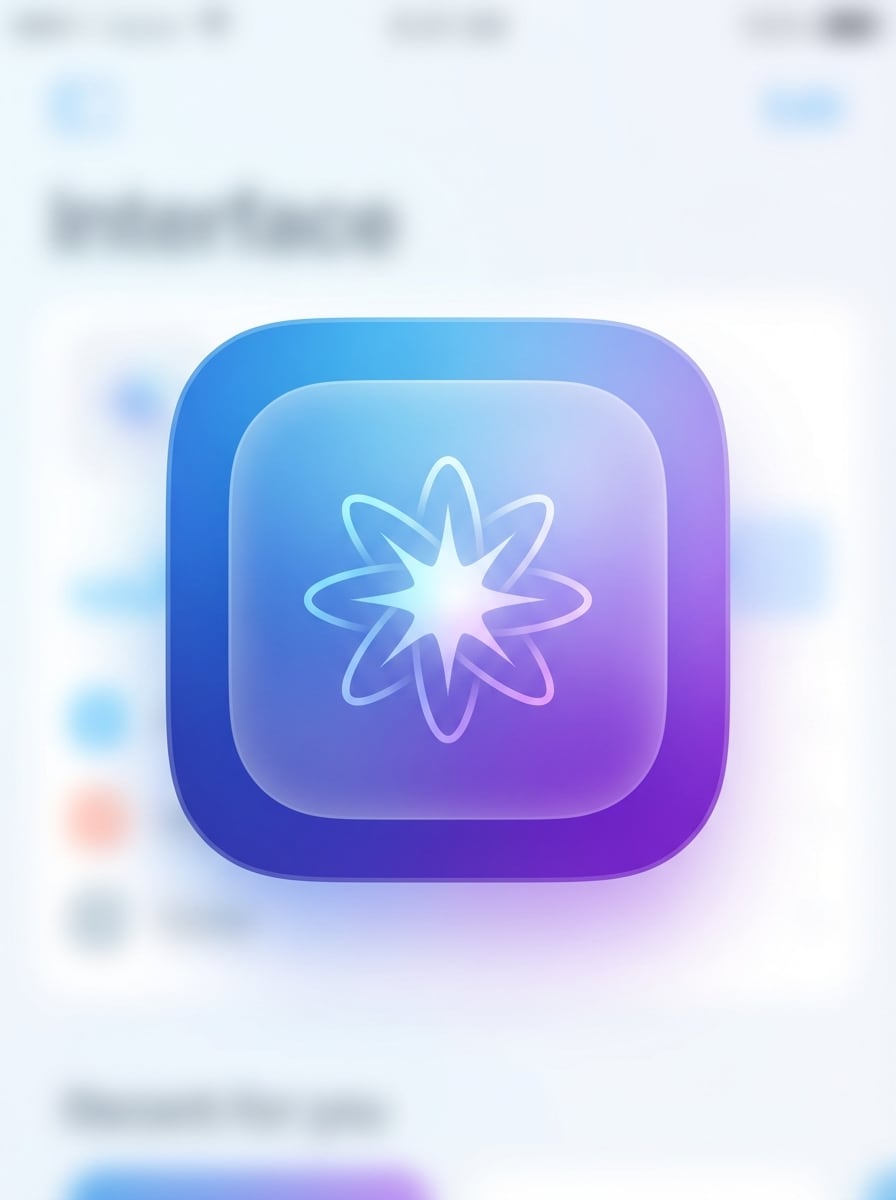
Frosted Glass Gradient
Generate a modern iPhone app icon with a frosted glass effect and a centered abstract spark symbol. Use a blue-to-purple gradient, soft blur layers, diffused lighting, rounded square framing, elegant transparency, smooth surface texture, balanced negative space, and a polished interface-branding look with high clarity.
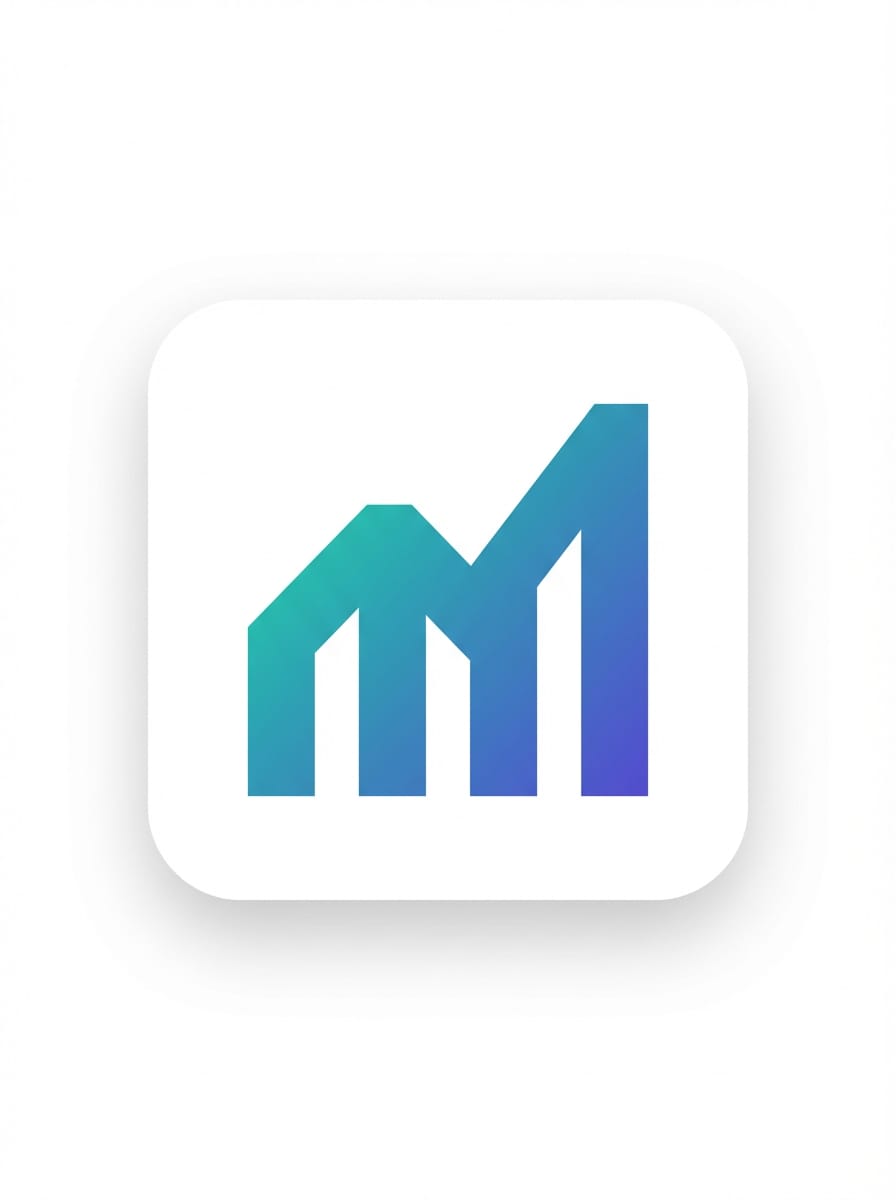
Flat Gradient Symbol
Create a minimal iOS app icon for a finance app with a bold upward bar-chart symbol in the center. Use a smooth teal-to-indigo gradient, flat vector styling, rounded square composition, clean negative space, subtle soft shadow, precise geometry, modern SaaS branding mood, and sharp high-resolution presentation.
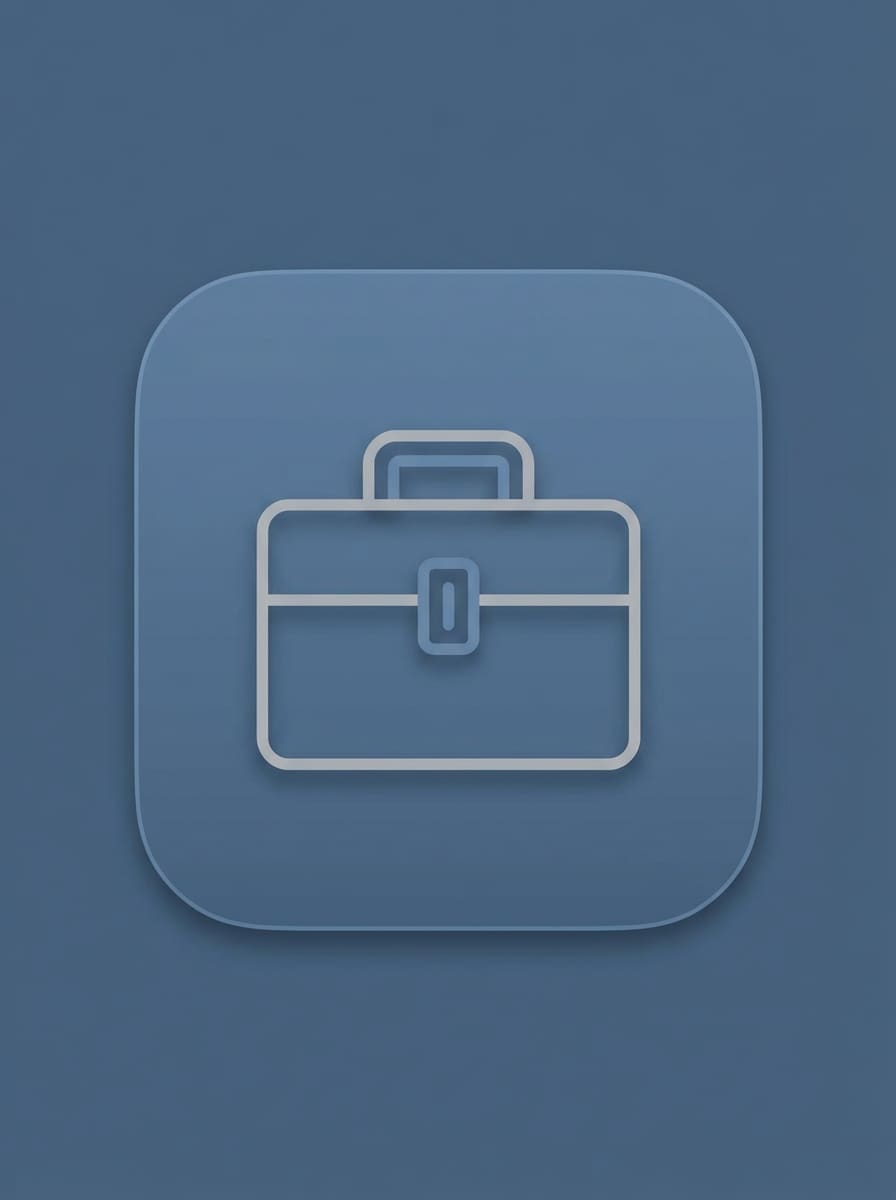
Monoline Utility Icon
Make a clean utility app icon for iPhone with a centered monoline toolbox symbol. Use thin geometric linework, soft neutral gray and muted blue tones, subtle shadow, smooth matte background, rounded square silhouette, restrained professional mood, clear contrast, and crisp edges that feel practical, modern, and App Store friendly.
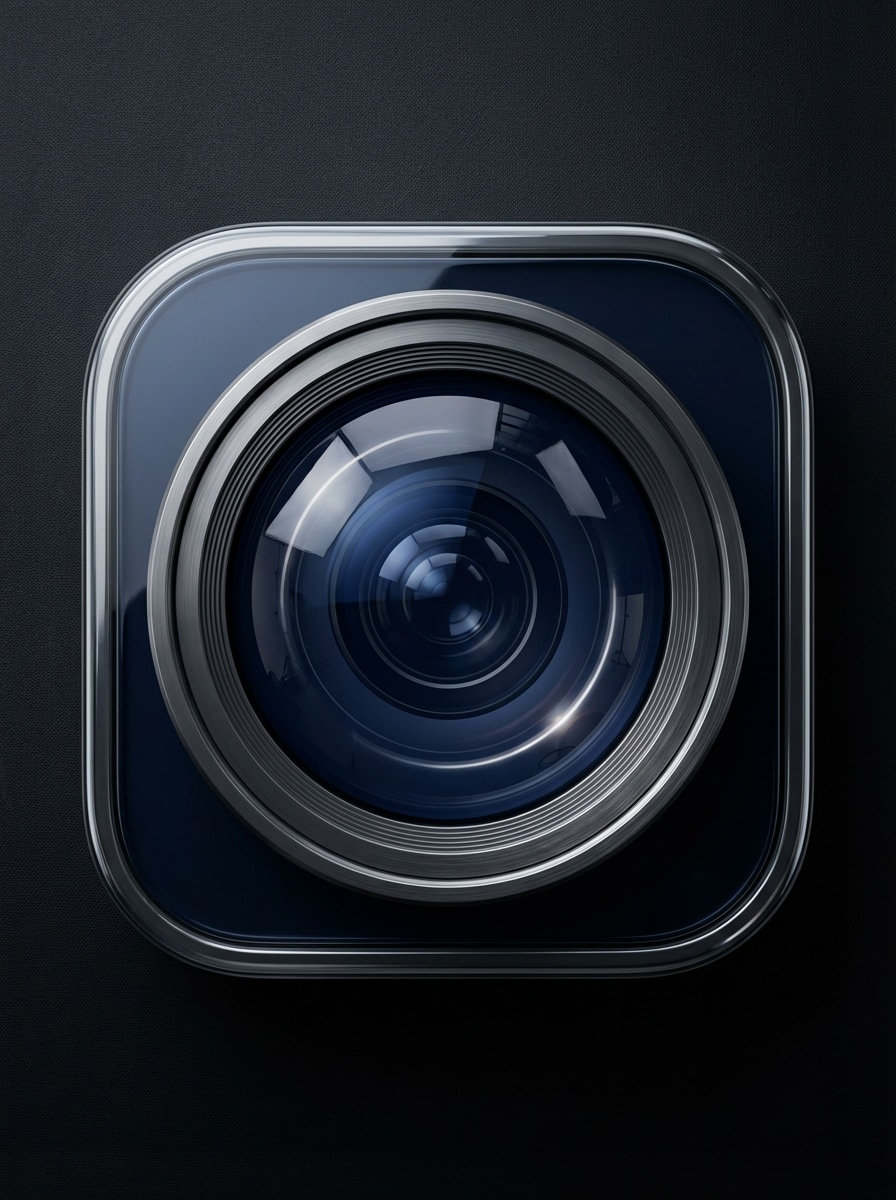
3D Object Icon
Generate a premium 3D iOS app icon for a photo editor app featuring a realistic camera lens object centered in a rounded square. Use glossy glass and brushed metal materials, cinematic studio lighting, deep navy and graphite palette, dimensional reflections, soft shadow, luxury tech mood, and ultra-detailed high-quality rendering.
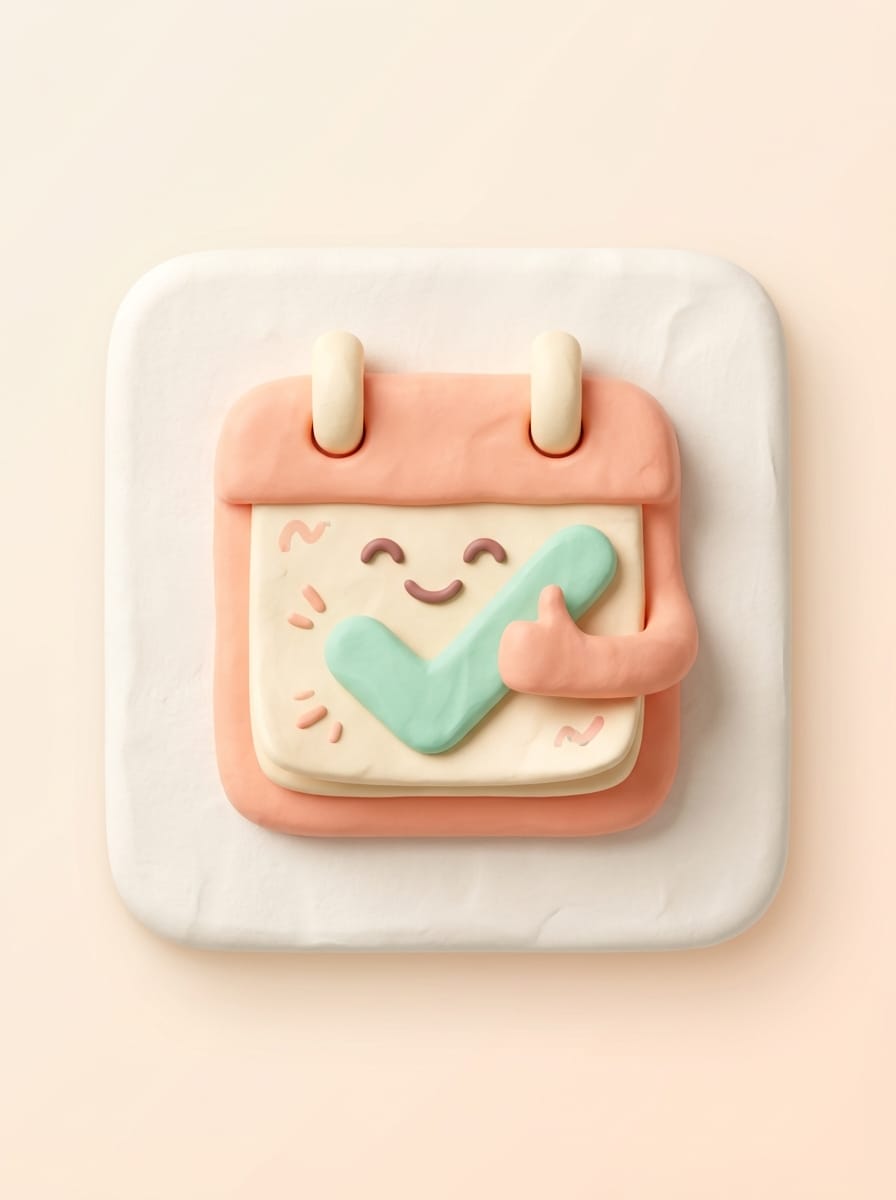
Soft Clay 3D
Create a cute soft-clay style iOS app icon for a habit tracker with a smiling calendar and checkmark symbol. Use rounded forms, tactile clay texture, pastel peach, mint, and cream colors, gentle ambient lighting, clean centered composition, rounded square frame, playful friendly mood, and polished 3D detail.
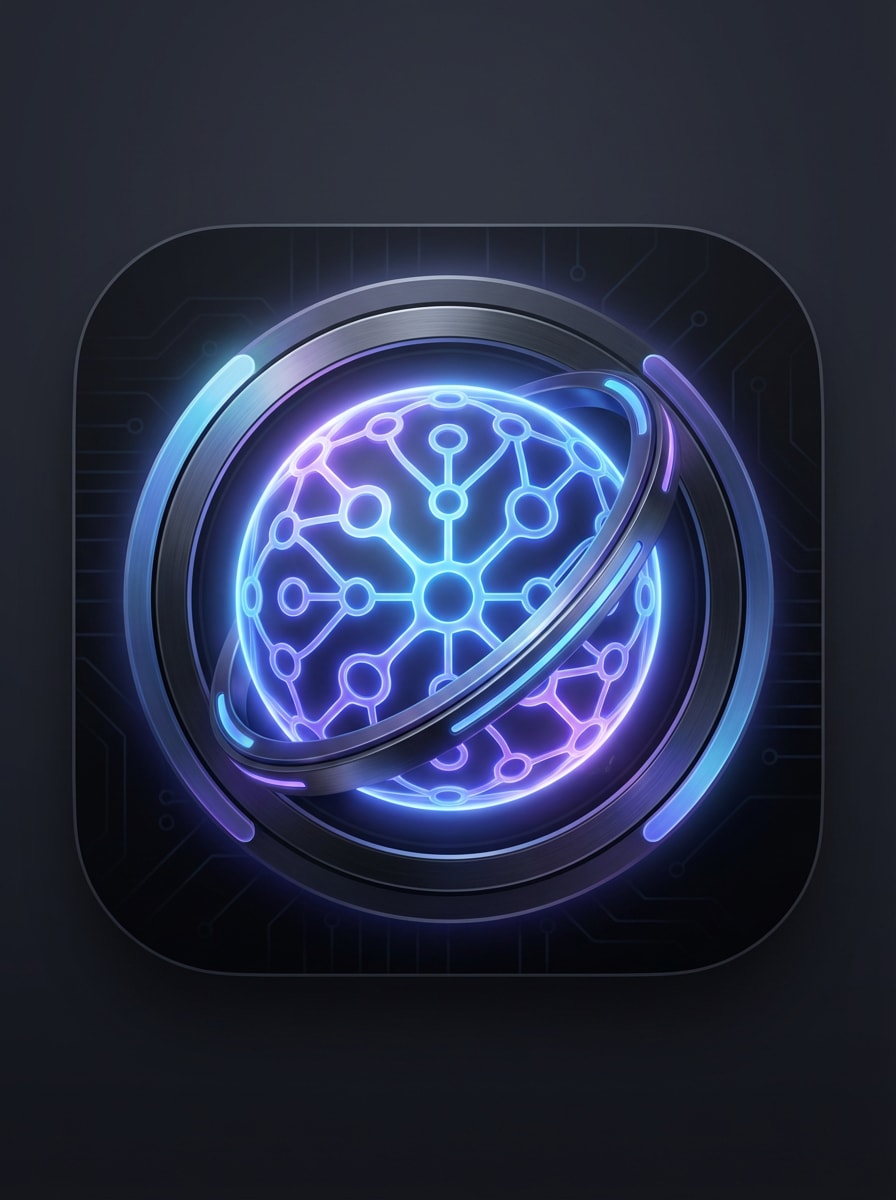
Neon Glow Tech
Design a futuristic iOS app icon for an AI assistant with a centered neural-orb symbol. Use a dark background, electric blue and violet neon glow, sleek metallic accents, soft bloom lighting, high contrast, rounded square layout, premium cyber-tech branding mood, smooth gradients, and precise luminous detail.
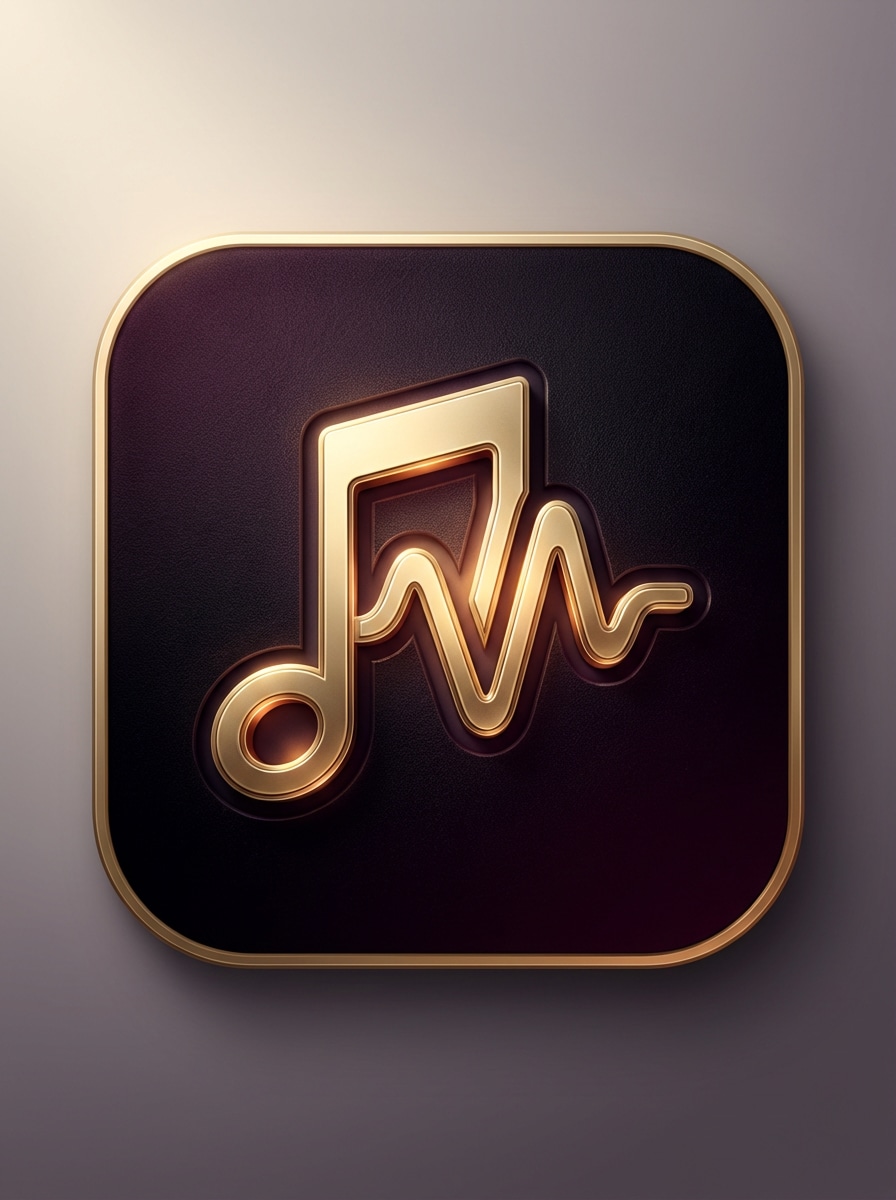
Dark Luxury Gradient
Generate a dark premium app icon for a music app with a bold note-wave emblem centered inside a rounded square. Use rich black, plum, and gold gradients, elegant lighting, metallic highlights, velvety texture, dramatic depth, refined luxury mood, balanced composition, and a sophisticated high-end branding finish.
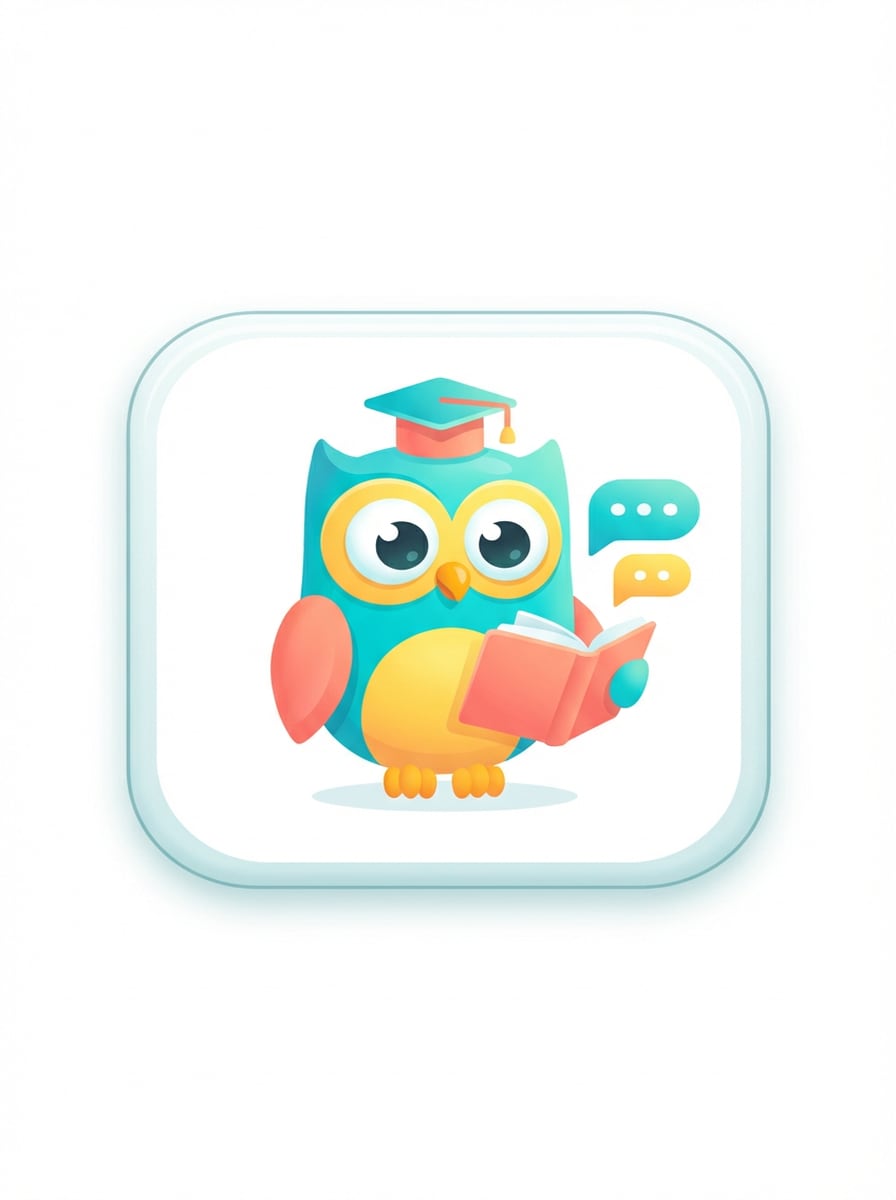
Cute Mascot Icon
Make a playful iPhone app icon for a language learning app with a friendly owl mascot in the center. Use bright turquoise, yellow, and coral colors, soft premium shading, expressive eyes, rounded square framing, clean background, cheerful startup-brand mood, simple composition, and polished illustration detail.
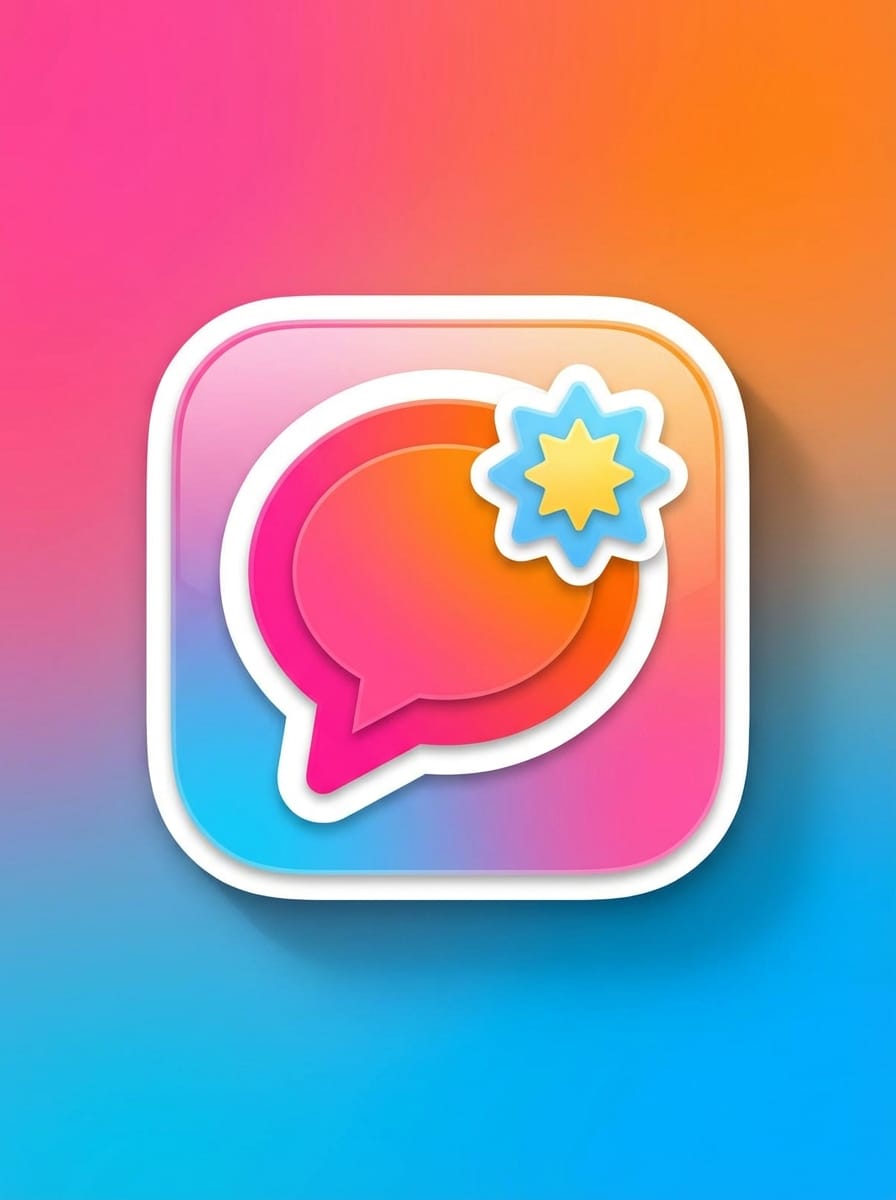
Sticker Pop Illustration
Create a fun sticker-style iOS app icon for a social app with a bold chat bubble and spark badge. Use vibrant pink, orange, and sky-blue colors, thick outline, layered paper-cut pop effect, smooth shadowing, rounded square composition, upbeat youthful mood, strong central focus, and clean high-resolution finish.
Why Use Media.io for iOS App Icon Design
Advanced AI Models for Icon Concepts
Generate distinctive ios app icon generator concepts with flagship models including Nano Banana Pro and Nano Banana 2, plus additional image models for different visual directions and branding needs when you generate app icons for iOS apps.
High-Resolution Output for Clean Branding
Create icon artwork in 1K, 2K, or 4K resolution, ideal for presenting crisp concepts, testing mockups, and refining visuals before you generate app icon for iOS and prepare your final App Store assets.
Flexible Styles for Apple-Inspired Looks
Explore minimal, 3D render, realistic, cyberpunk, and other styles to create glassmorphism icons, dark-mode concepts, playful mascots, or clean startup-ready symbols in one browser workflow using this flexible app icon generator for iOS and Apple devices.
Works Online on Any Device
Media.io runs in your browser on Windows, Mac, iOS, and Android, so founders, developers, and designers can use this app icon creator ios solution to create icon concepts quickly without installing desktop design software.
How to Use the iOS App Icon Generator
1
2
3
1
Open Media.io iOS App Icon Generator
Go to AI Text to Image Generator and open the iOS App Icon Generator under AI -> Text to Image. This online tool runs in your browser, so you can create icon concepts on desktop or mobile without installing extra software.
2
Enter a Prompt
Type a detailed prompt, such as “Create a glossy glassmorphism iPhone app icon with a centered task-check symbol, blue gradient, rounded square, Apple-style minimalism.” Adjust style or image settings to match your brand direction.
3
Generate, Refine & Download
Click Generate. Tweak the prompt if needed to improve color, symbol clarity, or depth. Then download the high-resolution image and use it as your base artwork for an App Store-ready icon set.
Discover how creators and professionals are using our AI-powered ios app icon generator and ios app icon maker tools to transform their creative workflows and bring unique ideas to life across Apple platforms.
Launch Faster With Brand-Ready App Concepts
Founders and indie developers can turn rough ideas into polished icon directions quickly, making it easier to create app icons for iOS, test branding, pitch an app, or prepare visuals before a product launch.
Explore Multiple Apple-Style Directions
Designers can rapidly compare glass, minimal, 3D, neon, and mascot-based looks for the same product concept, helping teams choose an icon style that fits iPhone, iPad, and Mac branding expectations while relying on an iphone icon generator experience.
Create Visuals for Mockups and Store Prep
Use generated icon artwork in app screenshots, landing pages, investor decks, and product mockups while refining your final app store icon generator workflow for production-ready packaging, whether you need an iOS app store icon generator or an apple app icon maker approach.
What Users Say
Maya Chen
Indie App Founder
"Fast way to visualize icon ideas" I used it to explore several directions for an iPhone productivity app. The glass and minimal prompts gave me strong concepts in minutes, which was much faster than sketching everything from scratch.
Jordan Patel
Product Designer
"Helpful for early branding exploration" The quality was strong enough for mockups and internal reviews. I liked being able to test clean SaaS icons, 3D looks, and darker premium styles without switching tools.
Elena Brooks
Startup Marketer
"Great for launch assets" We used Media.io to create concept icons for landing pages and teaser graphics before our final design pass. It helped the team align on style much earlier in the launch process.
Victor Ramos
Mobile Developer
"Simple browser workflow" I needed quick icon concepts without opening heavy design software. The browser-based workflow was easy, and the prompts were detailed enough to get clean results for app branding tests.
1. Can I generate an iOS app icon from a text prompt?
Media.io lets you create app icon concepts from text prompts using AI image models such as Nano Banana Pro and Nano Banana 2. You can describe the symbol, color palette, lighting, and style you want, then use this ios app icon maker to generate polished visuals for iPhone app branding online. Media.io is a web-based tool that works on any device with a browser (Windows, Mac, iOS, Android).
2. What size should an iPhone app icon be for the App Store?
For the App Store, developers commonly prepare a large master icon and then export the required Apple sizes from that source. Media.io can generate high-resolution icon artwork in 1K, 2K, and 4K, which is useful as a strong base image before packaging your final iOS icon set with an apple app icon generator workflow.
3. Does an iOS app icon generator export all required Apple icon sizes?
Media.io works in modern browsers on desktop and mobile, so you can create and revise designs without installing heavy software, whether you treat it as an iphone app icon creator or a general apple icon generator for multiple devices.
4. Can I create icons for iPhone, iPad, Mac, and Apple Watch at once?
You can create a high-resolution master icon concept in Media.io and use it as the visual base for multiple Apple platforms. Because the tool is web-based, you can generate and refine your design from any browser, then adapt that artwork for iPhone, iPad, Mac, and Apple Watch requirements using an iphone app icon generator style pipeline.
5. Is there a free iOS app icon generator I can use online?
Media.io offers free credits for new and free users, so you can try the tool online before upgrading. For more usage, you can compare plans on the pricing page. Free outputs may include watermarks, while paid plans support watermark-free high-resolution downloads. Free users can use free credits. For more usage, users can subscribe to a plan on the pricing page. Upgrade to a paid plan on the pricing page for more credits and watermark-free high-resolution downloads when you use Media.io as an apple app icon creator.
6. How do I turn AI-generated art into an App Store-ready icon set?
A practical workflow is to generate a clean, high-resolution rounded-square icon concept in Media.io first, refine the symbol and contrast, and download the final artwork. Then use that master image as the base for your production packaging process and required App Store icon sizes. Media.io is a web-based tool that works on any device with a browser (Windows, Mac, iOS, Android), making it a convenient iphone app icon generator and apple app icon generator option for your design pipeline.