Conseils: Utilisez les conseils en anglais pour obtenir de meilleurs résultats.
1K
9:16
1
Mode Illimité Banana Pro
Créations
Centre d’idées
Comment ça marche
Tout
Fonctionnalités populaires
Voir tout
Histoire de Fruits Drama IA
Voir tout
Vidéo d'Histoire par IA
Voir tout
Vidéos virales aujourd'hui
Voir tout
Vidéos de produits IA
Voir tout
Personnage IA
Voir tout
Tendances de Danse
Voir tout
GPT Image 2
Voir tout
Seedance 2.0
Voir tout
Correspondance de Célébrités IA
Voir tout
Suggestions de Poses pour Couples
Voir tout
Prompts de Poses de Fille IA Esthétique
Voir tout
Invites de Poses Élégantes pour Garçon IA
Voir tout
Générer une liste
Vos créations sont conservées pendant seulement 7 jours. Les éléments créés après la mise à niveau de l'Abonnement seront stockés de façon permanente.
Libérez votre potentiel créatif et découvrez la magie de l'IA médiatique dès mIAntenant!
Générateur de dessin AI CAO pour plans, schémas et Concept Art technique
Transformez les invites texte en visuels de style CAO en quelques secondes avec Media.io. Créez des plans d'étage inspirés de plans, des croquis d'ingénierie, des diagrammes explosés et des fiches de concepts techniques en ligne-idéal pour des présentations, des tableaux d'humeur et des idées de conception rapides sans logiciels CAO complexes.
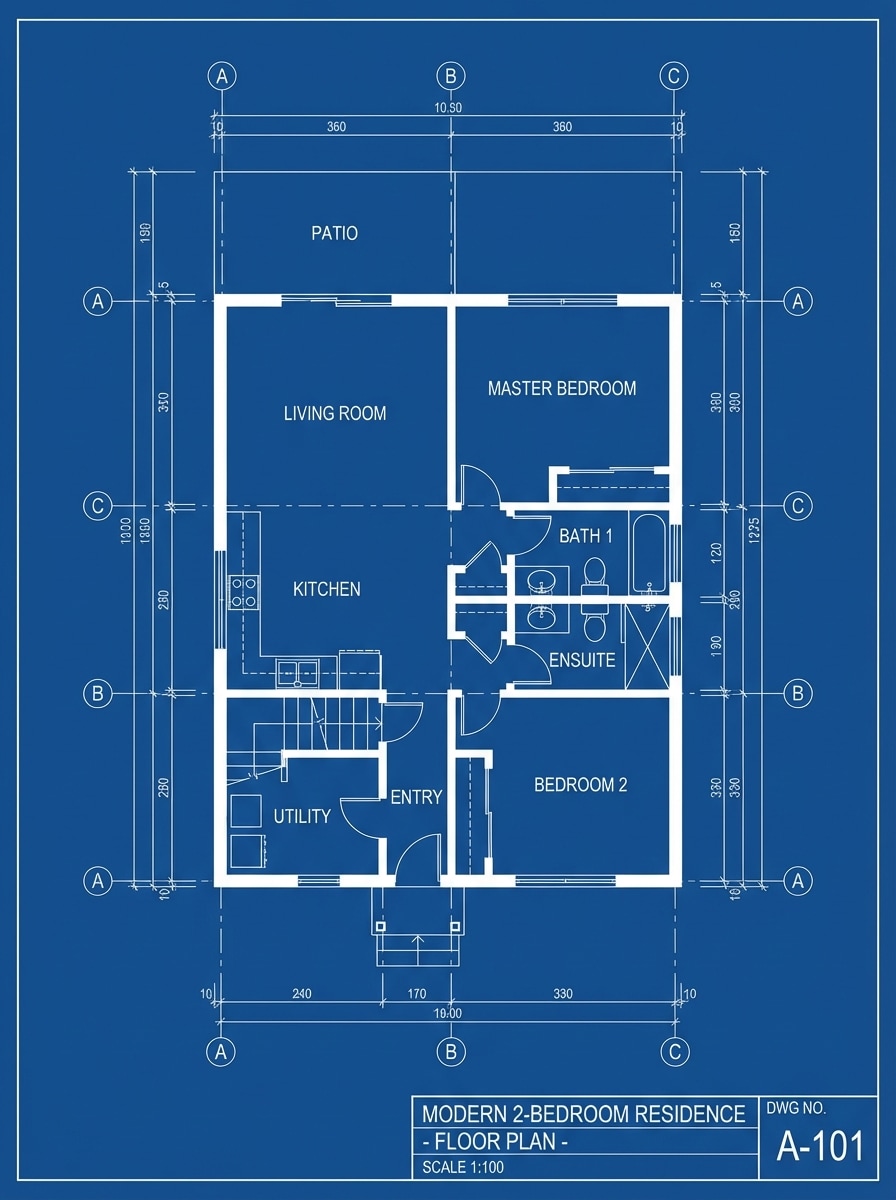
Dessin de plan Architectural d'une maison moderne à deux étages, présenté comme une feuille conceptuelle polie avec des lignes techniques blanches sur un fond de dessin bleu foncé, des pièces étiquetées, des marques de dimension, des escaliers, des fenêtres et des contours de meubles, une composition équilibrée de haut en bas, des lignes de précision nettes, un encombrement minimal, esthétique de plan professionnel, hautement détaillé.
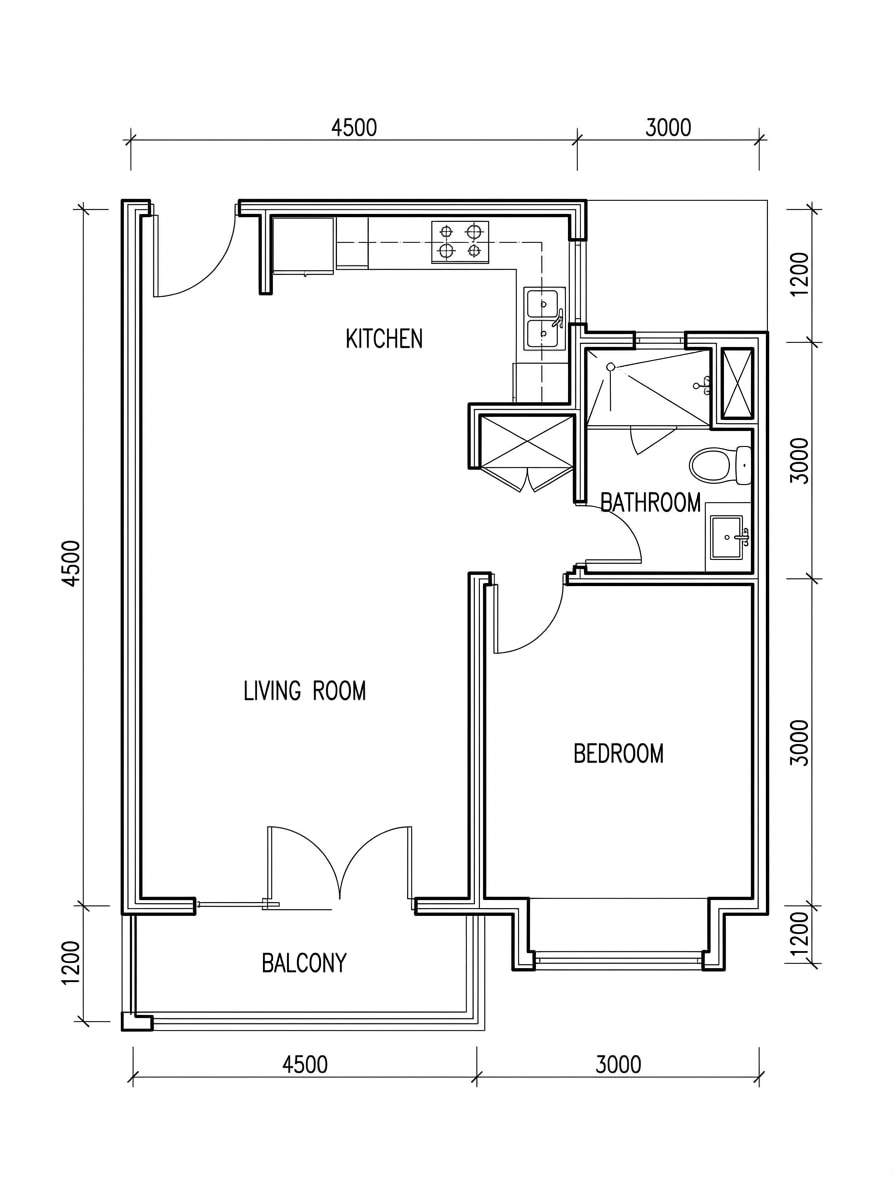
Plan d'étage noir et blanc
plan d'étage de l'appartement de haut en bas dans le style de dessin CAO monochrome, ligne d'encre noire sur un fond blanc propre, murs précis, portes, fenêtres, accessoires de cuisine et de salle de bain, étiquettes de chambre, notes de mesure subtiles, espace négatif soigné, mise en page technique éditoriale, contraste net, présentation de dessin minimale et professionnelle.
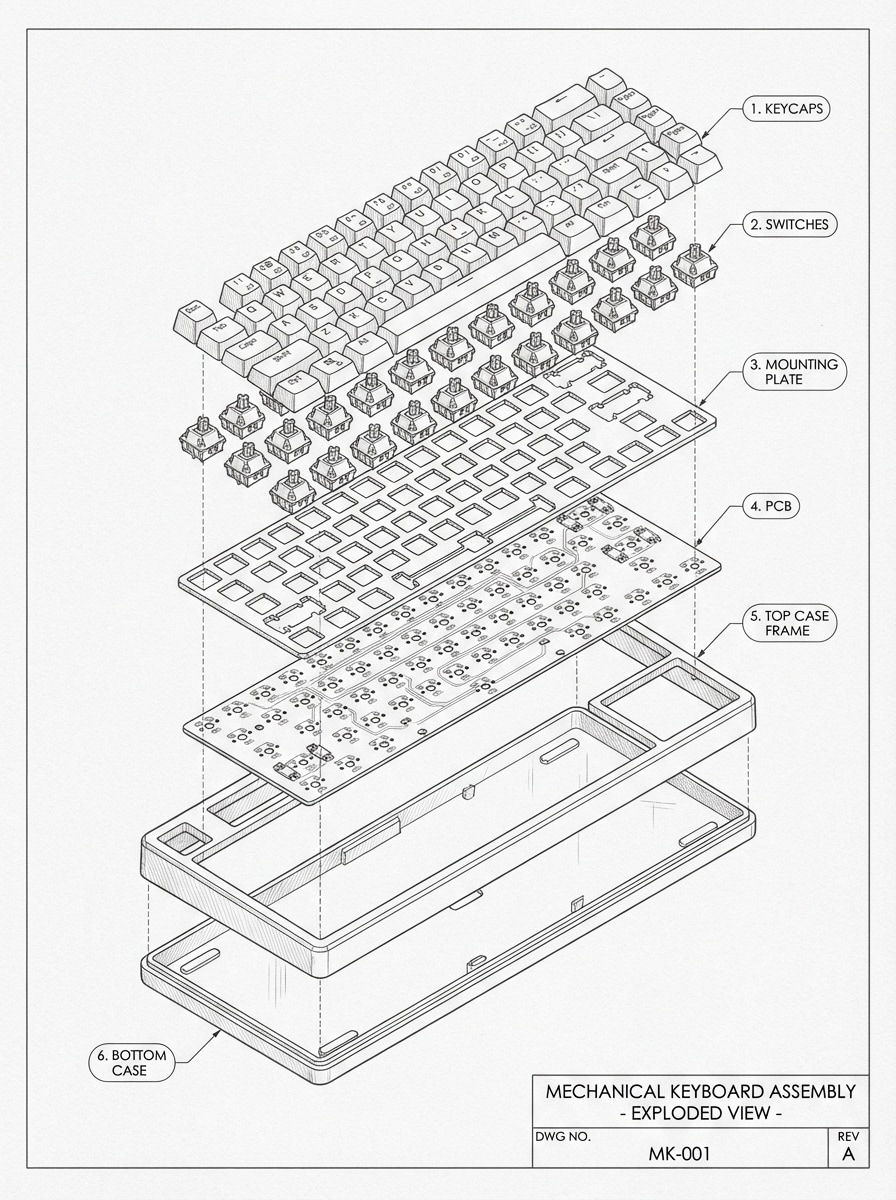
Dessin de produit explosé
illustration technique explosée de style CAO d'un clavier mécanique en perspective isométrique, composants séparés uniformément avec des annotations, ligne monochrome fine, fond de papier d'ingénierie gris doux, interrupteurs visibles, capuchons de touches, plaques, PCB et couches de boîtier, espacement propre, clarté de l'instruction, esthétique précise de la feuille de conception industrielle, ultra-détaillée.
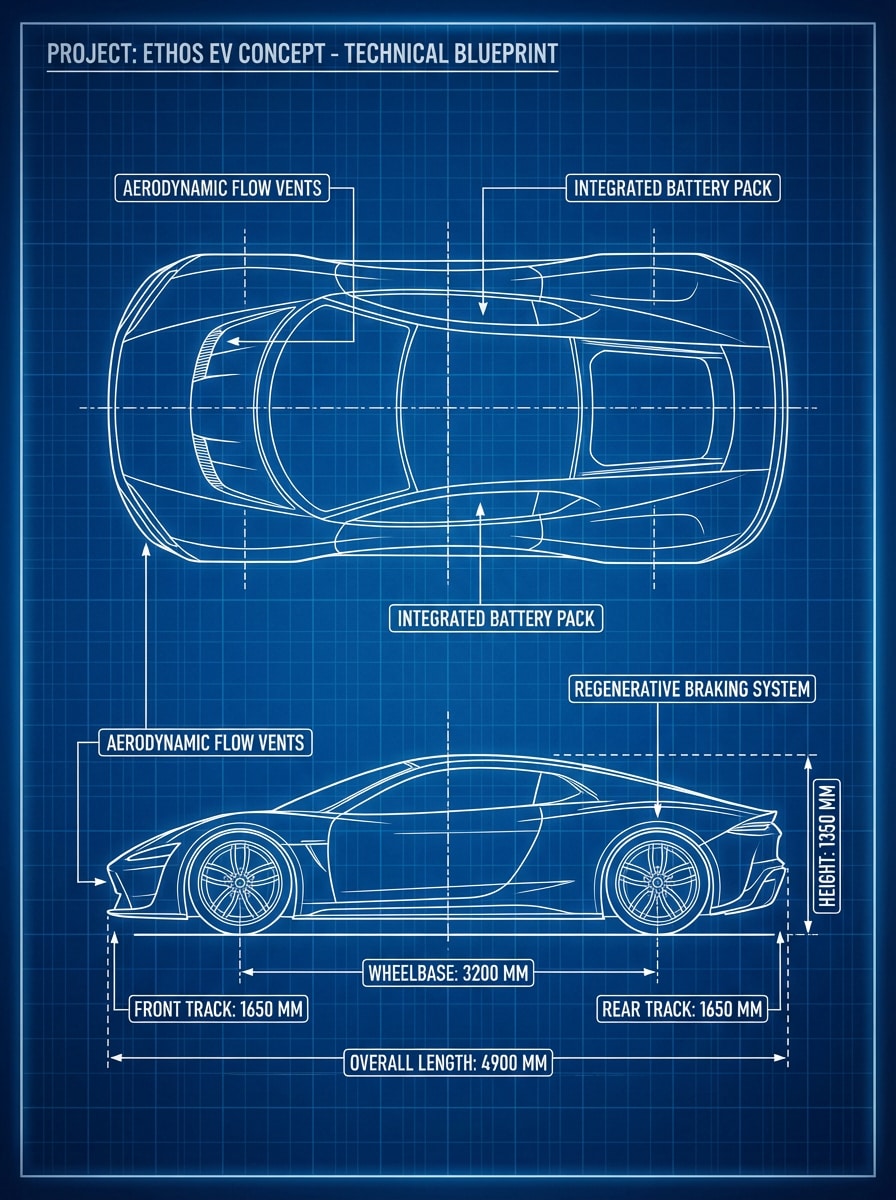
Modèle de véhicule futuriste
Voiture électrique futuriste rendu comme un plan technique concept board, vue latérale et vue de dessus disposées symétriquement, lignes de dessin blanches sur un fond bleu riche, annotations de design, mesures des roues, contours aérodynamiques de la carrosserie, ambiance industrielle élégante, composition de feuille concept premium, haute précision, détails nets, qualité de présentation cinématographique.
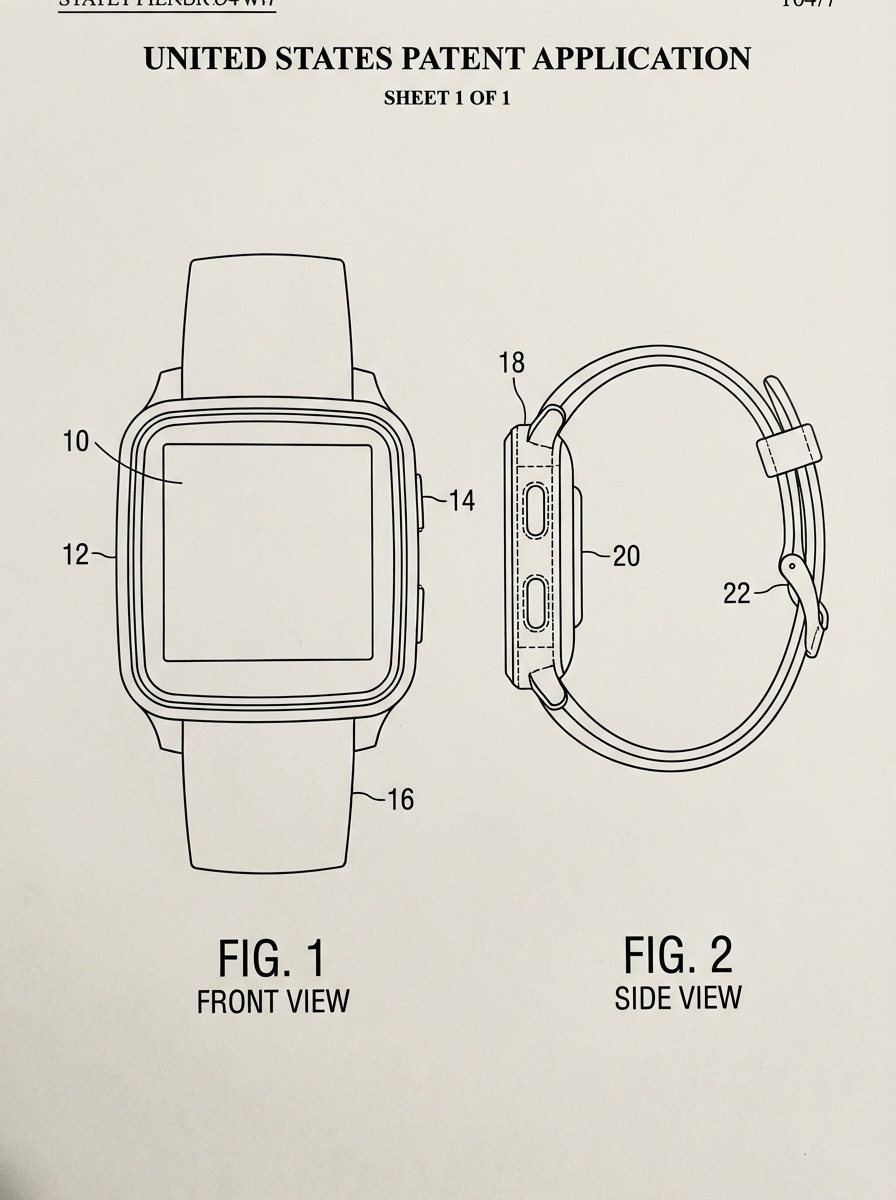
Style d'Illustration de brevet
Dessin de type brevet d'un appareil portable, illustration de lignes noires et blanches sur fond de papier propre, numérotation de figures, contours techniques ciblés sur le contour, vues de face et de côté, ombres subtiles supprimées pour la clarté de la documentation, espacement structuré, esthétique officielle du dépôt, étiquetage soigné, composition minimaliste, détails nets et très lisible.
Pourquoi utiliser Media.io pour la création de dessins de Style AI CAO
Concepts de rédaction rapide de texte en Image
Transformez des descriptions textuelles simples en images de style plan, plans d'étage, schémas et tableaux de concepts techniques en quelques secondes-idéal pour les idées précoces, les présentations et l'exploration visuelle.
Haute résolution jusqu'à 4K
Générez des images techniques nettes en résolution 1K, 2K ou 4K, rendant vos images de style CAO adaptées aux diapositives, aux affiches, aux fiches conceptuelles et aux références de conception détaillées.
Rapports d'Aspect flexibles pour n'importe quelle mise en page
Choisissez parmi Auto, 1:1, 16:9, 9:16, 4:3, 3:4, 3:2 et 2:3 pour s'adapter aux publications sociales, aux tableaux de présentation, aux feuilles de concept de portrait ou aux maquettes techniques grand écran.
Plusieurs modèles d'IA pour différents Looks
Utilisez des modèles avancés tels que Nano Banana Pro, Nano Banana 2, Seedream 5.0 Lite, Seedream 4.0, Nano Banana, Imagen 4, et d'autres pour créer une esthétique de dessin propre ou des images techniques plus stylisées.
Comment utiliser le générateur de dessin AI CAO
1
2
3
1
Étape 1: Ouvrir Media.io Text to Image
aller àGénérateur de texte en Image AIEt ouvrez l'outil Texte à Image sous AI-> Générateur d'Image. Cet outil en ligne s'exécute dans votre navigateur, vous pouvez donc créer des visuels de style CAO sur ordinateur de bureau ou mobile sans installer un logiciel de conception.
2
Étape 2: Entrez une invite ou téléchargez
Tapez une invite détaillée, comme "Dessin de plan architectural d'une maison moderne à deux étages, lignes blanches sur fond bleu, pièces et dimensions étiquetées." Ajustez vos paramètres de modèle, de rapport d'aspect et de résolution pour le style visuel que vous souhaitez.
3
Étape 3: Générer, Affiner & Télécharger
Cliquez sur Générer. Modifiez l'invite si nécessaire pour obtenir un travail de ligne plus propre, de meilleures étiquettes ou un look de dessin technique plus solide. Ensuite, téléchargez votre image haute résolution de style CAO pour des présentations, des moodboards ou le développement de concepts.
Débloquez le potentiel du générateur de dessin AI CAO
Découvrez comment les créateurs et les professionnels utilisent notre générateur de dessin CAO alimenté par l'IA pour transformer leurs flux de travail créatifs et donner vie à des idées uniques.
Visualisez les idées architecturales plus rapidement
Créez des plans d'étage inspirés de plans, des plans de pièces et des tableaux conceptuels à partir du texte lorsque vous avez besoin d'une direction visuelle rapide pour les ponts de clients, les tableaux d'humeur ou les histoires architecturales à un stade précoce.
Construire des fiches conceptuelles d'ingénierie et de produit
Utilisez le générateur de dessins AI CAO pour simuler des vues explosées, des diagrammes de style schématique et des illustrations techniques de produits pour des revues de conception industrielle, des visuels marketing et un brainstorming interne.
Oeuvre d'art technique partageable
Générez des images de dessin monochrome polies, des illustrations de style brevet et des affiches futuristes pour des contenus sociaux, des pièces de portfolio, des graphiques éducatifs ou des campagnes créatives de marque.
Ce que disent les utilisateurs
Ethan Cole
Étudiant Design industriel
"Idéal pour des fiches conceptuelles rapides"Je l'ai utilisé pour transformer les idées de produits en visuels techniques explosés pour les présentations. Il ne remplace pas le vrai logiciel CAO, mais pour un concept art rapide et une inspiration de mise en page, il est étonnamment utile.
Maya Bennett
Architecture Créateur de contenu
"Propriétés esthétiques"Les sorties de style plan et plan d'étage semblent polies et me gagnent beaucoup de temps lorsque j'ai besoin de visuels pour les articles et les tableaux d'humeur des clients. J'aime que je puisse tester plusieurs idées promptes rapidement.
Jordan Ramirez
Responsable Marketing produit
"Utiles pour l'art marketing à l'aspect technique"Nous avons utilisé Media.io pour créer des feuilles de produits de style CAO pour des maquettes internes. Les résultats ont été nets et les différents rapports d'aspect ont facilité le formatage des actifs pour les diapositives et les médias sociaux.
Priya Shah
Designer visuel indépendant
"Flux de travail Simple, résultats solides"Je voulais un moyen facile de générer une esthétique de croquis d'ingénierie sans apprendre un flux de travail de dessin complexe. L'outil est simple, basé sur un navigateur et bon pour l'idée et l'exploration visuelle.
Découvrez Les Effets Vidéo et d'Image IA Les Plus Populaires
Questions fréquentes sur le générateur de dessin AI CAD
1. Qu'est-ce qu'un générateur de dessin AI CAO?
An Générateur de dessin ai CAOest un outil d'intelligence artificielle conçu pour transformer des descriptions textuelles ou des croquis approximatifs en dessins techniques structurés. Si vous avez besoin d'unGénérateur de modèles ai CAOPour les concepts 3D ou les plans d'étage 2D, Media.io vous permet de visualiser instantanément des idées d'ingénierie ou d'architecture complexes grâce à des modèles d'IA haute performance.
2. Puis-je utiliser Media.io comme alternative à AutoCAD ai generator?
Oui! Alors que les logiciels professionnels nécessitent une rédaction manuelle, Media.io fonctionne comme unGénérateur d'IA autocadalternative pour la prototypage rapide et la conception conceptuelle. en utilisantGénérateur ai CAOGrâce à la technologie, vous pouvez générer des visuels de style plan et des illustrations techniques à partir de simples invites, accélérant considérablement les premiers stades du flux de travail de conception.
3. Y a-t-il un générateur de dessin ai CAO gratuit à utiliser?
Oui, Media.io offre unGénérateur de dessin ai cad gratuitExpérience à travers des crédits quotidiens. Vous pouvez tester diversGénérateur CAOstyles et invites techniques sans aucun coût initial. Pour des téléchargements sans filigrane et en haute résolution adaptés aux présentations professionnelles, vous pouvez explorer nos forfaits premium.
4. Comment Media.io se compare-t-il à openart ai cad drawing generator?
Media.io fournit une interface simplifiée et conviviale comme leMeilleur générateur ai cadPour le travail basé sur le navigateur. Contrairement auGénérateur de dessin openart ai CAO, Media.io est intégré à une suite plus large d'outils multimédia, vous permettant non seulement de générerai CAOvisuels, mais également améliorer, améliorer et les modifier dans un environnement transparent.
5. Quels types de fichiers puis-je exporter à partir du générateur ai CAO?
LeGénérateur de dessin ai CAOPrend actuellement en charge les exportations d'images haute résolution (JPG, PNG) jusqu'à 4K. Alors que l'IA se concentre sur la génération de concepts visuels, ces rendus hautement détaillés peuvent être utilisés comme références claires pour la rédaction finale dans des logiciels comme AutoCAD ou SolidWorks. Pour les besoins basés sur des vecteurs, nous vous recommandons d'utiliser nos outils de conversion AI SVGGénérateur ai CAO.
Au-delà du générateur de dessin CAO en ligne alimenté par l'IA