Turn Blouses Model Photos Into Styling Videos
Give shoppers a closer look at collars, cuffs, fabric movement, and outfit versatility. Media.io turns a product URL or owned blouse images into an editable ad script and a ready-to-review product video.















Why Blouses Model Photos Need More Product Detail
Try a close-up product edit, an outfit-led story, a comparison, or a quick social hook while keeping blouse construction and styling details tied to the source.

Portable Blender
shopify.com/products/blender

Red Shoulder Bag
shopify.com/products/red-shoulder-bag

World Cup Potato Chips
tiktokshop.com/products/world-cup-potato-chips

Glow Serum
tiktokshop.com/products/serum

Matcha Latte App
appstore.com/app/matcha-latte

Luxury Chronograph Watch
ebay.com/itm/luxury-chronograph-watch
Build Blouse Ads From the Details Shoppers Notice
A blouse often sells through small details that disappear in a static grid. Build a short visual story around neckline, sleeve shape, fabric flow, opacity, and tuck options without arranging another model shoot.
Static Blouse Photos Hide Key Details
Collars, buttons, cuffs, and stitching rarely get enough screen space in standard product photos.
One Look Feels Limiting
A single outfit cannot show how the same blouse moves from office layers to weekend styling.
Fabric Needs Motion
Sheerness, drape, and sleeve movement are easier to understand when the garment is shown in sequence.
Catalogs Move Fast
New colors and seasonal edits need fresh creative before the merchandising window closes.
Four Ways Media.io Shapes the Blouse Story
Media.io combines source analysis, flexible video settings, editable scripting, and AI video generation in one guided workflow for fashion marketers.
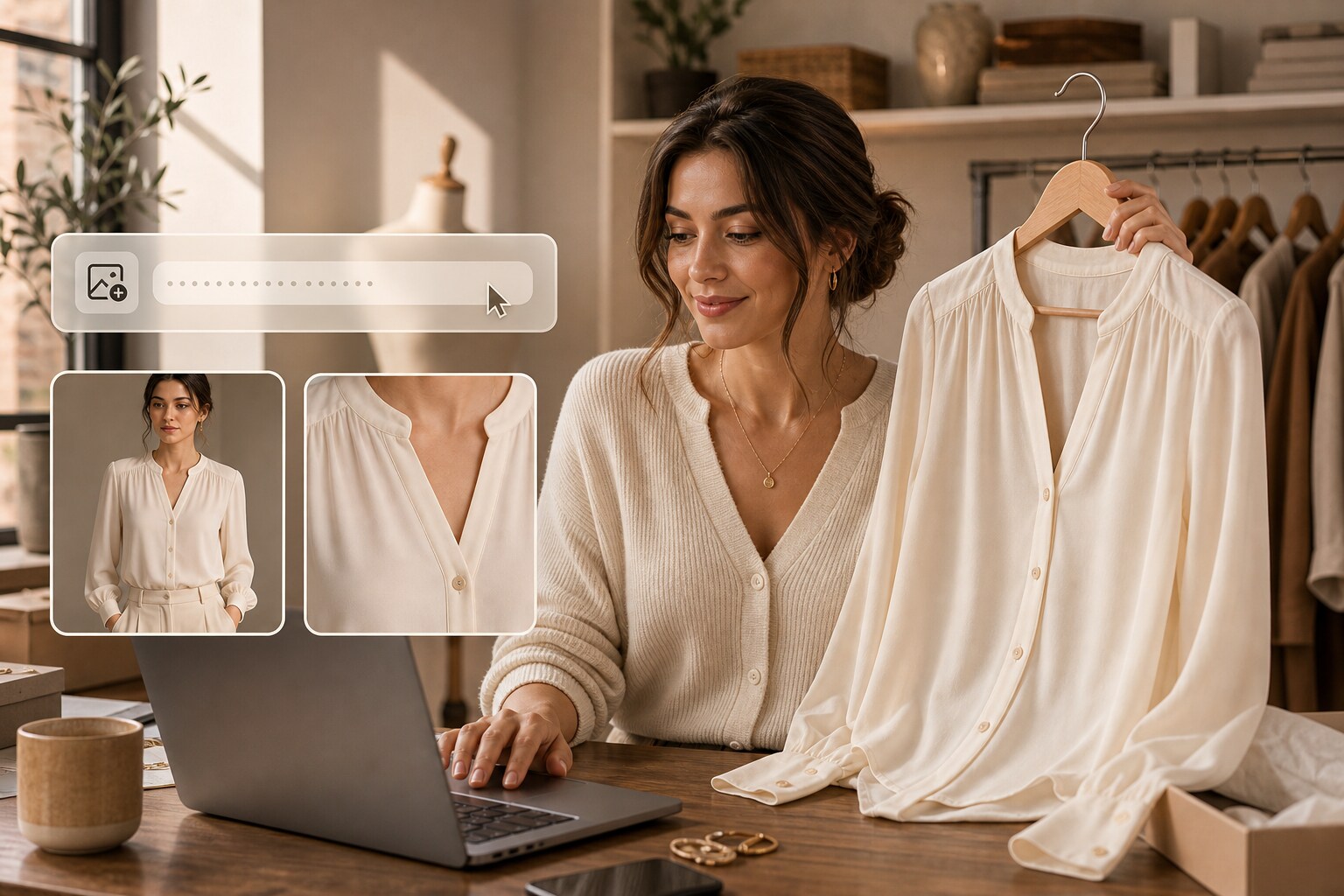
Shape the Story Around the Blouse
Media.io reads the product page or uploaded images, then organizes the strongest visual cues into a focused brief instead of treating the blouse like a generic apparel item.
✓Lead with the neckline to establish the blouse silhouette.
✓Bring buttons and cuffs closer so construction details stay visible.
✓Keep fabric behavior and fit connected to the product source.
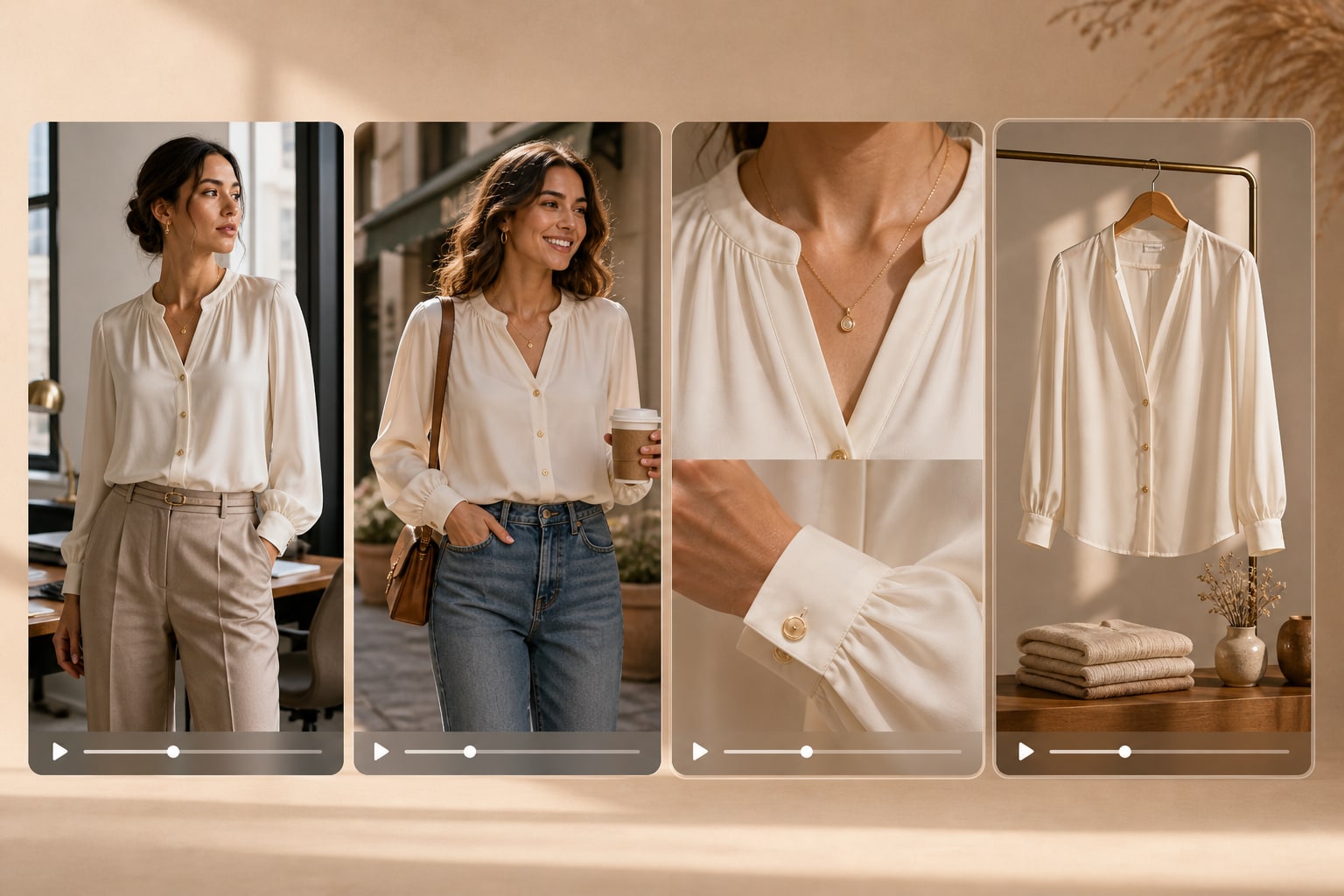
Create Cuts for Different Styling Moments
Build a polished detail edit for the product page, a work-to-weekend story for social, or a faster hook for retargeting from the same approved source.
✓Show office-ready styling to position the blouse for workwear.
✓Shift into relaxed layers to suggest weekend outfit options.
✓Create a faster social hook for short-form campaign placements.
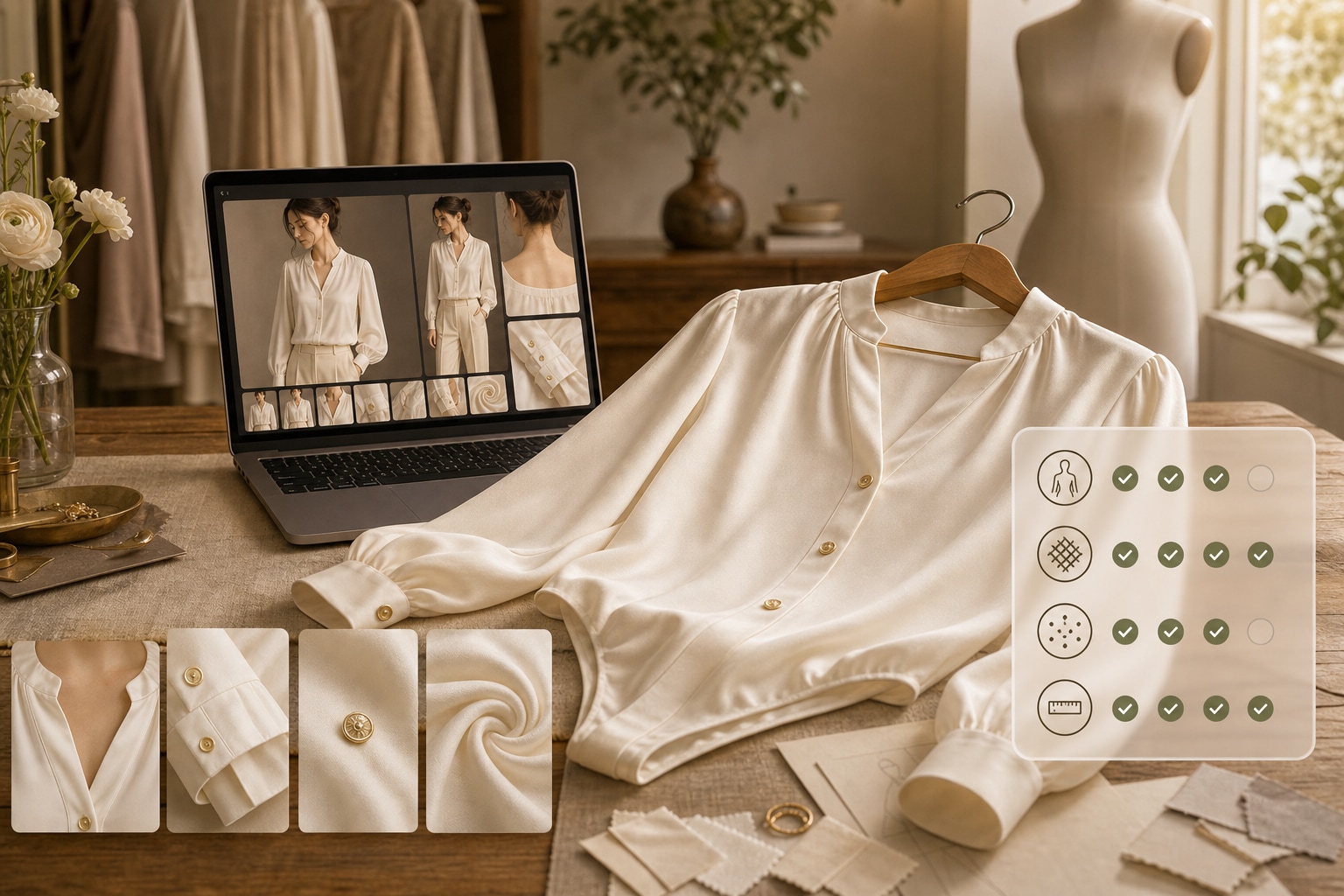
Choose the Look Before You Generate
Set the visual style, character approach, aspect ratio, duration, resolution, and quality so the result fits the placement before rendering begins.
✓Choose a character-led or product-only presentation for the campaign.
✓Frame each scene for the product page, feed, or story.
✓Set the pacing and output quality before the video renders.

Keep Product Claims Grounded
Review the script and final scenes before publishing. This makes it easier to catch unsupported statements about opacity, sizing, fabric composition, or fit.
✓Verify opacity language against the approved product information.
✓Check every sizing reference before the claim reaches shoppers.
✓Review fabric and fit statements for accuracy before publishing.
From Blouse URL to Video in Three Steps
Move from product source to finished creative without rebuilding the brief in separate writing, editing, and video tools.
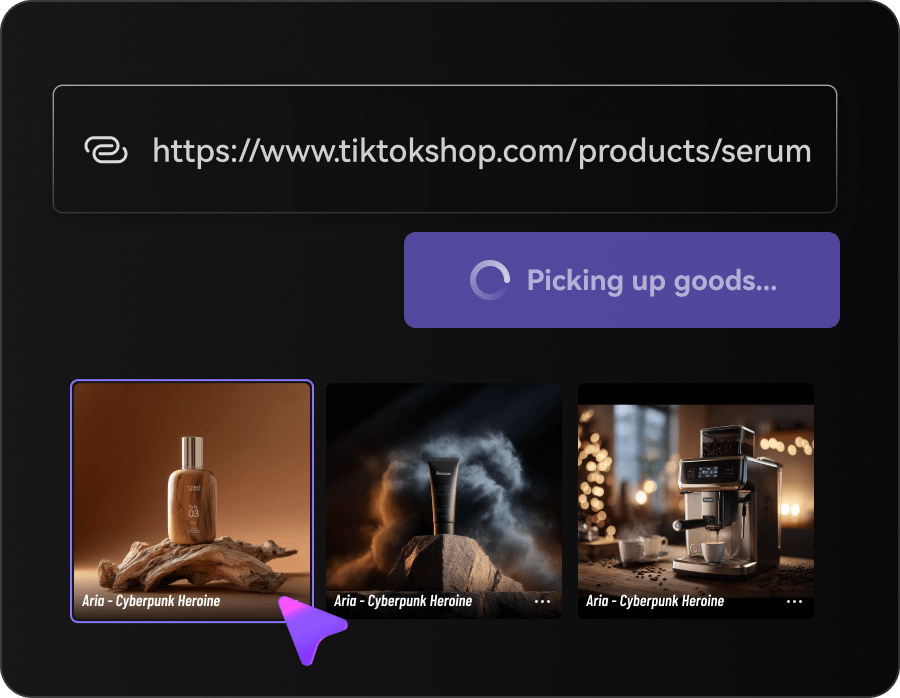
Add the Blouse Source
Paste a product URL or upload approved images. Media.io pulls the blouse details and selling points into a usable creative brief.
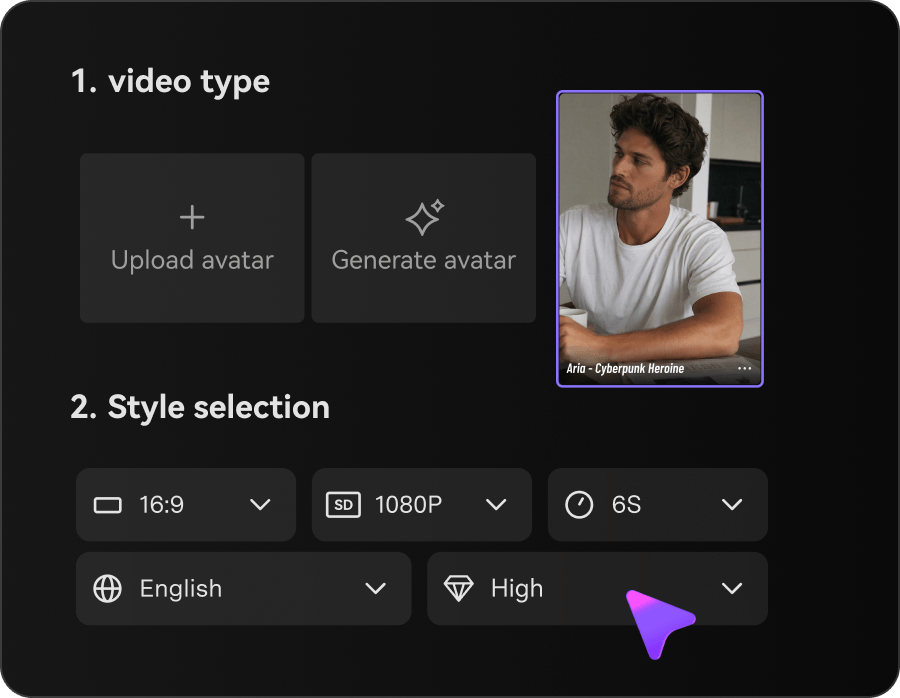
Set the Styling Direction
Choose the format, character approach, ratio, duration, resolution, and visual style for the campaign.
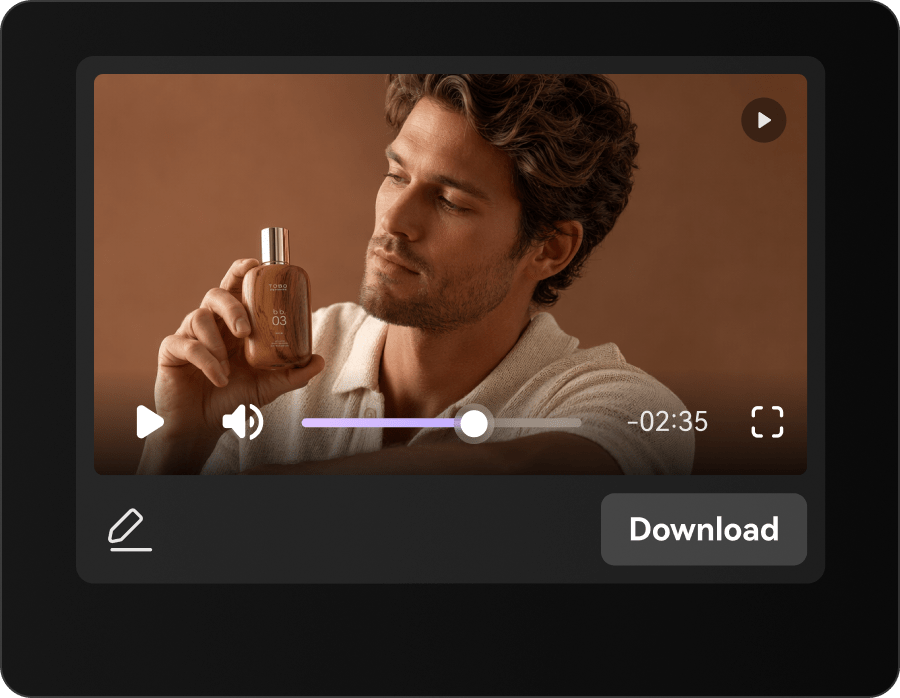
Polish the Script and Generate
Edit the scene flow and product language, generate the video, then inspect the final details before publishing.
Blouse Video Creative for Every Fashion Team
Use one reliable product source to answer different merchandising, campaign, and channel needs.
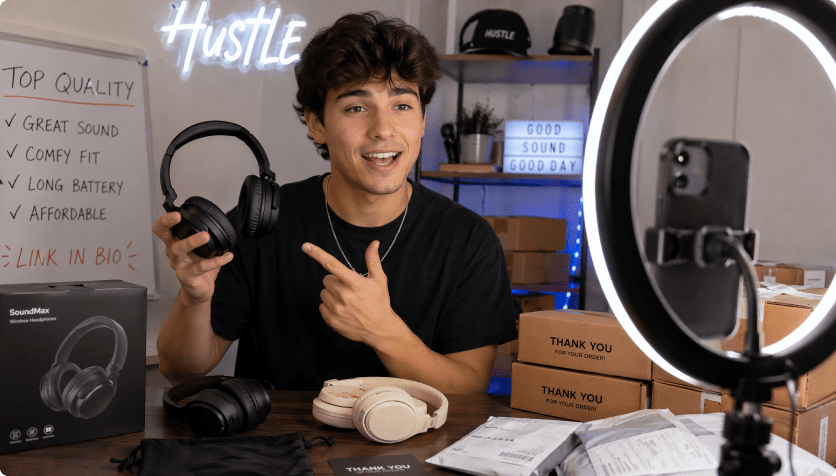
Workwear Brands
Turn tailoring details into concise office-to-evening product stories.
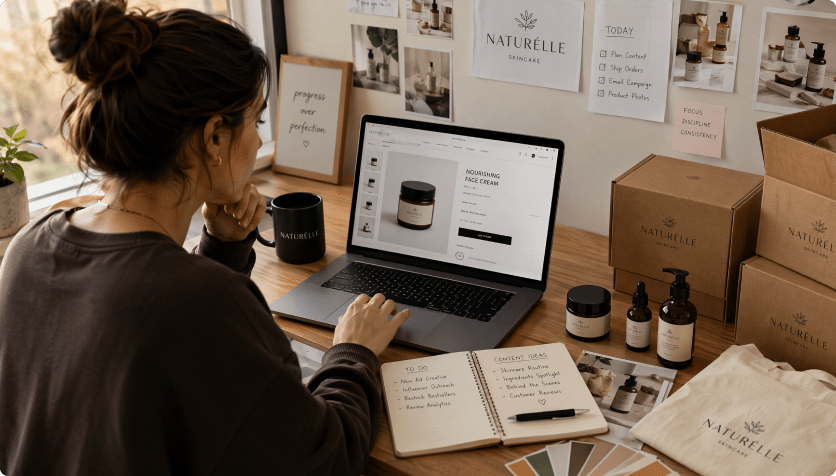
Fashion Boutiques
Give new arrivals more personality with styled, product-led video cuts.
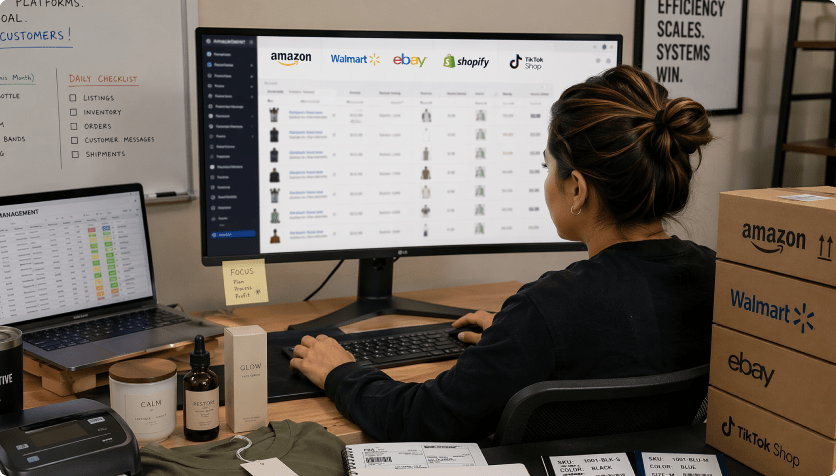
Marketplace Sellers
Explain fit and construction quickly in listing-friendly formats.
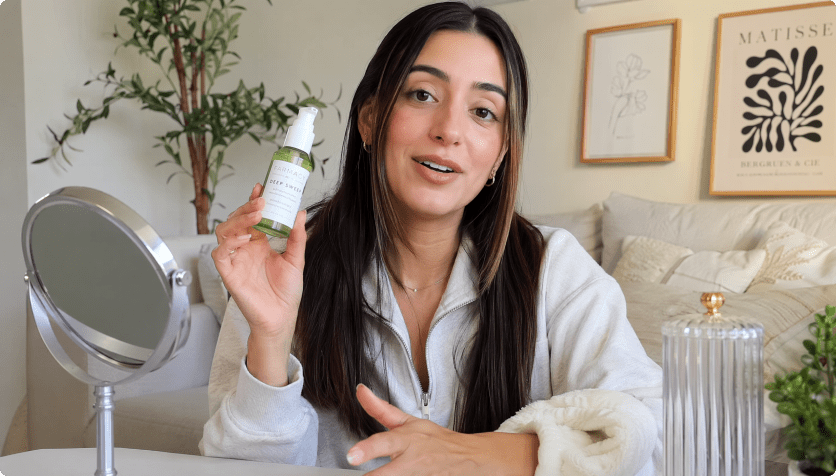
A Faster Route From Blouse Assets to Ads
The Repeated Blouse Content Route

- Re-enter neckline, collar, buttons, cuffs, fabric flow, opacity, fit, and tuck options in every brief
- Plan every scene and format manually
- Coordinate separate image, copy, and video handoffs
- Resize the same source for every channel
- Catch opacity, sizing, fabric, and fit claims late in production
- Produce too few versions for work-to-weekend styling and catalog refreshes
Media.io AI Ads For Blouses Model PhotosMedia.io AI Ad Generator
- Import the blouse listing once
- Carry neckline, collar, buttons, cuffs, fabric flow, opacity, fit, and tuck options into the script
- Choose styles and controllable video settings
- Review the script before rendering
- Create several formats from one source
- Inspect accuracy before publishing
How Fashion Teams Put Blouse Assets to Work
Traditional production repeats the brief, shoot, and edit for each new angle. Media.io keeps the product source connected to script choices, format settings, and video generation.

The close-up sequence finally gave our collar and cuff details room to sell the piece.

We made a polished product cut and a more relaxed styling edit from the same listing.

Changing the ratio before generation saved us from rebuilding the campaign for stories.

The editable script made it easy to remove an opacity claim we could not support.

Our launch video felt connected to the blouse, not dropped into a generic fashion template.

We still reviewed every scene, but the first draft started much closer to our product page.
Blouses Model Photos Video FAQs
How Does Media.io Turn Blouse Photos Into Video?
Media.io analyzes the product URL or uploaded images, drafts a product-focused script, applies your format settings, and generates an editable video for review.
Can I Upload My Own Blouse Images?
Yes. Use approved product and model images when a public URL is unavailable or when you want tighter control over the source visuals.
Which Blouse Details Should I Review?
Check collar shape, buttons, cuffs, color, proportions, opacity, fabric behavior, and any fit statements before publishing.
What Kind of Product URL Works Best?
Use an accessible page with clear product images, accurate specifications, and concise selling points. You can upload images instead when needed.
Which Video Styles Suit Blouse Marketing?
Product close-ups, styling demos, reviews, comparisons, lifestyle edits, and short social hooks all work well depending on the placement.
Do I Need Video Editing Experience?
No. The guided workflow covers style, character, ratio, duration, quality, script review, and generation.
Where Can I Publish the Blouse Video?
Adapt the result for product pages, marketplace listings, paid social, organic posts, landing pages, and seasonal campaigns.
Can I Edit the Script First?
Yes. Refine the tone, scene order, product details, and claims before generating the final video.
Does Media.io Guarantee Ad Approval?
No. The workflow can help reduce common claim and formatting risks, but you remain responsible for accuracy, rights, and platform compliance.
More AI Tools for Fashion Content

 4.7 (162,357 Votes)