Select / @ character, describe the scene you want to generate.
0/2000
9:16
1K
1
Unlimited Banana Pro
Creations
Ideas Hub
How It Works
All
Popular features
View All
Halloween Creative Challenge
View All
AI Fruit Story
View All
AI Story Video
View All
Viral Videos Today
View All
AI Product Videos
View All
AI Character
View All
Dance Trends
View All
GPT Image 2
View All
Seedance 2.0
View All
AI Celebrity Match
View All
Couple Pose Prompts
View All
Aesthetic Girl Pose Prompts
View All
Stylish Boy Pose Prompts
View All
Generate List
Creations are stored for only 7 days. Assets created after upgrading to a Membership plan will be stored permanently.
Unlock your creative potential and experience the magic of Media AI right away!
Create a Realistic Post Card Mockup From Any Uploaded Design
Turn your artwork into a polished post card mockup with realistic lighting, paper texture, and print-ready scenes. Upload a design, choose a style, and generate front-and-back previews, hand-held shots, or studio layouts fast. Ideal for anyone seeking a postcard mockup free workflow online or trying a free postcard mockup before upgrading.
Review these example directions, then tailor the prompt details to get stronger results with this Post Card Mockup in Media.io.
Minimal Flat Lay
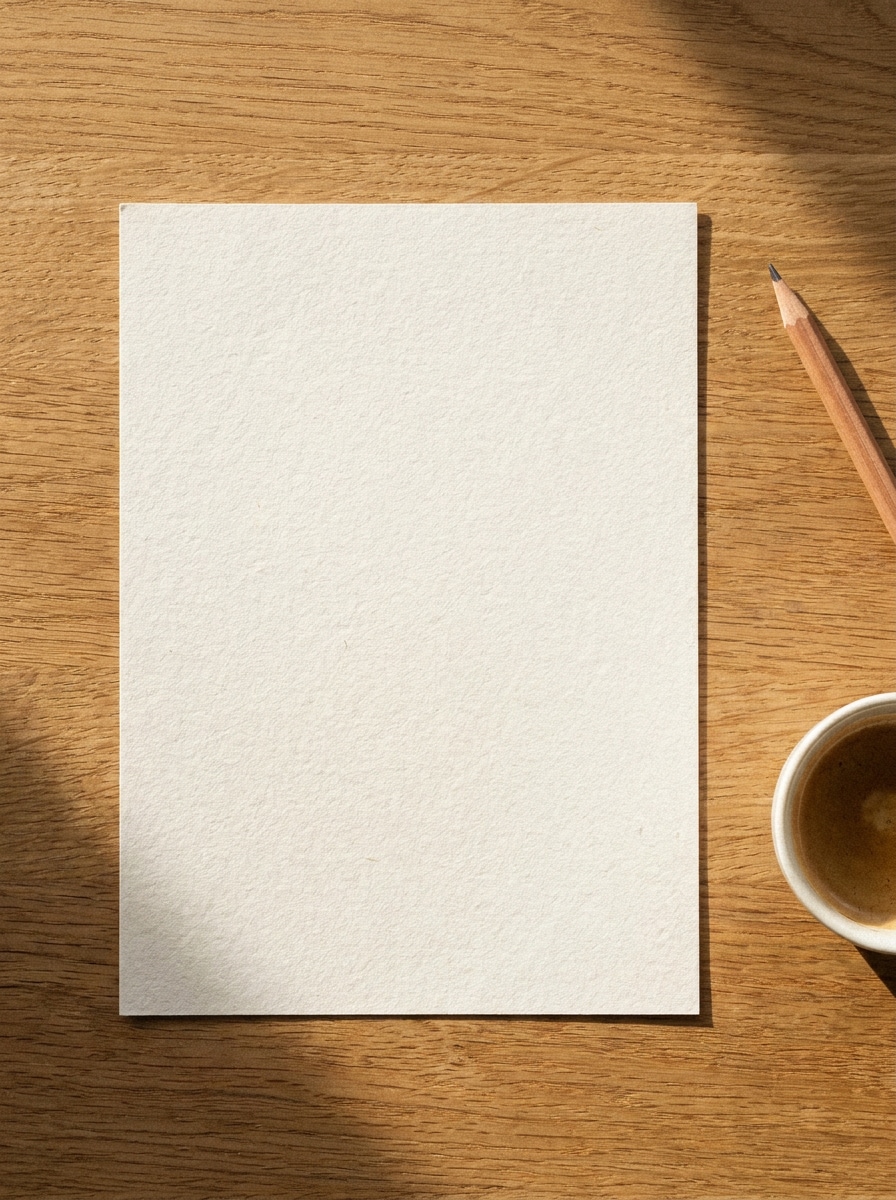
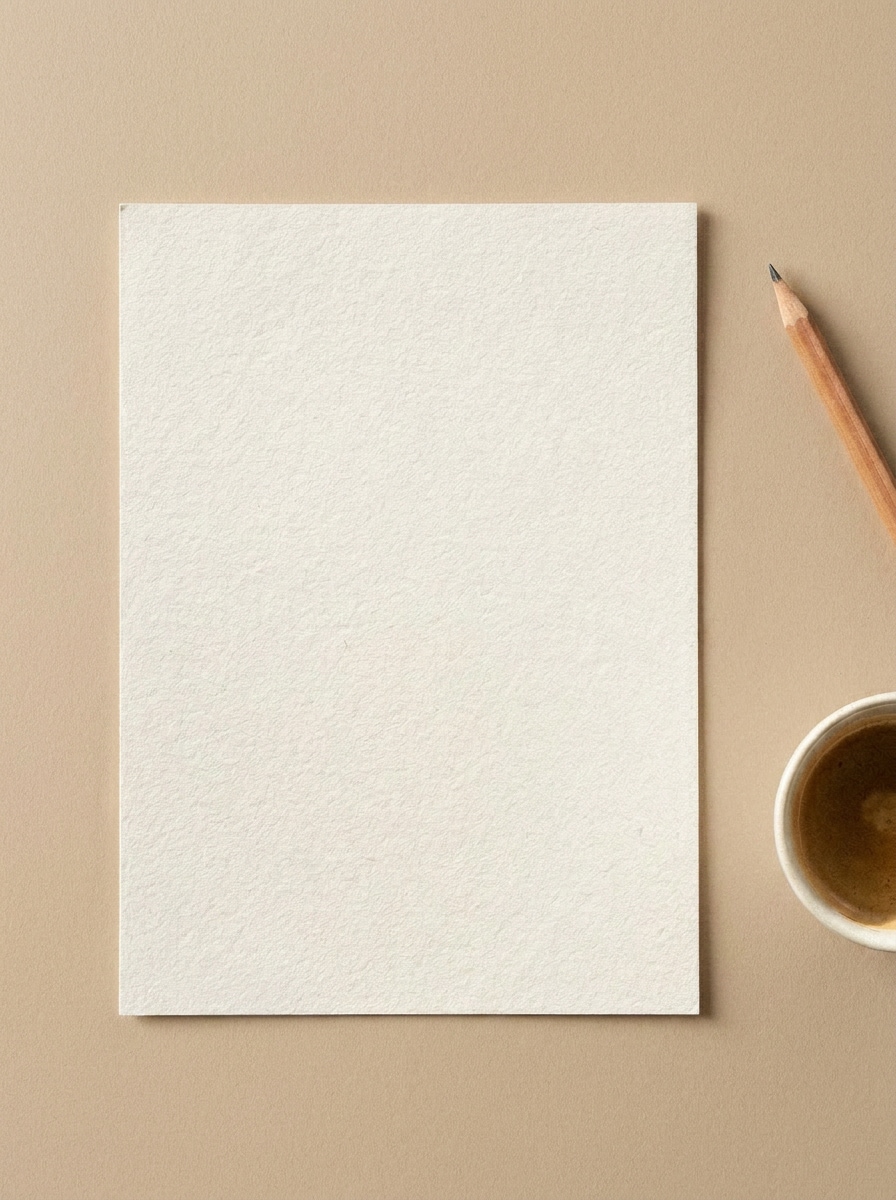
Use the uploaded image as the postcard design and transform it into a realistic minimal flat lay mockup on a warm beige desk. Center the card with clean margins, soft natural shadows, subtle paper grain, balanced daylight, calm editorial styling, and crisp high-detail print realism.
Soft Shadow Desk Scene
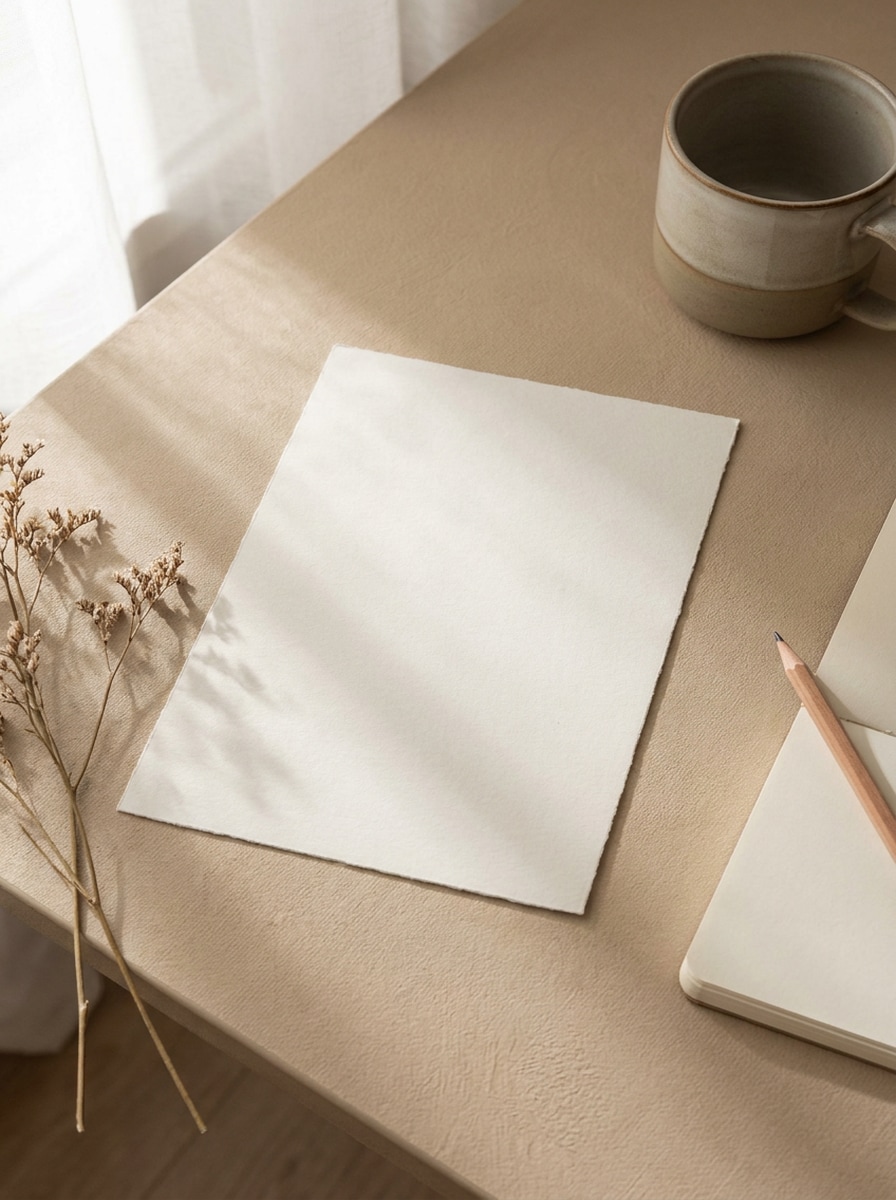
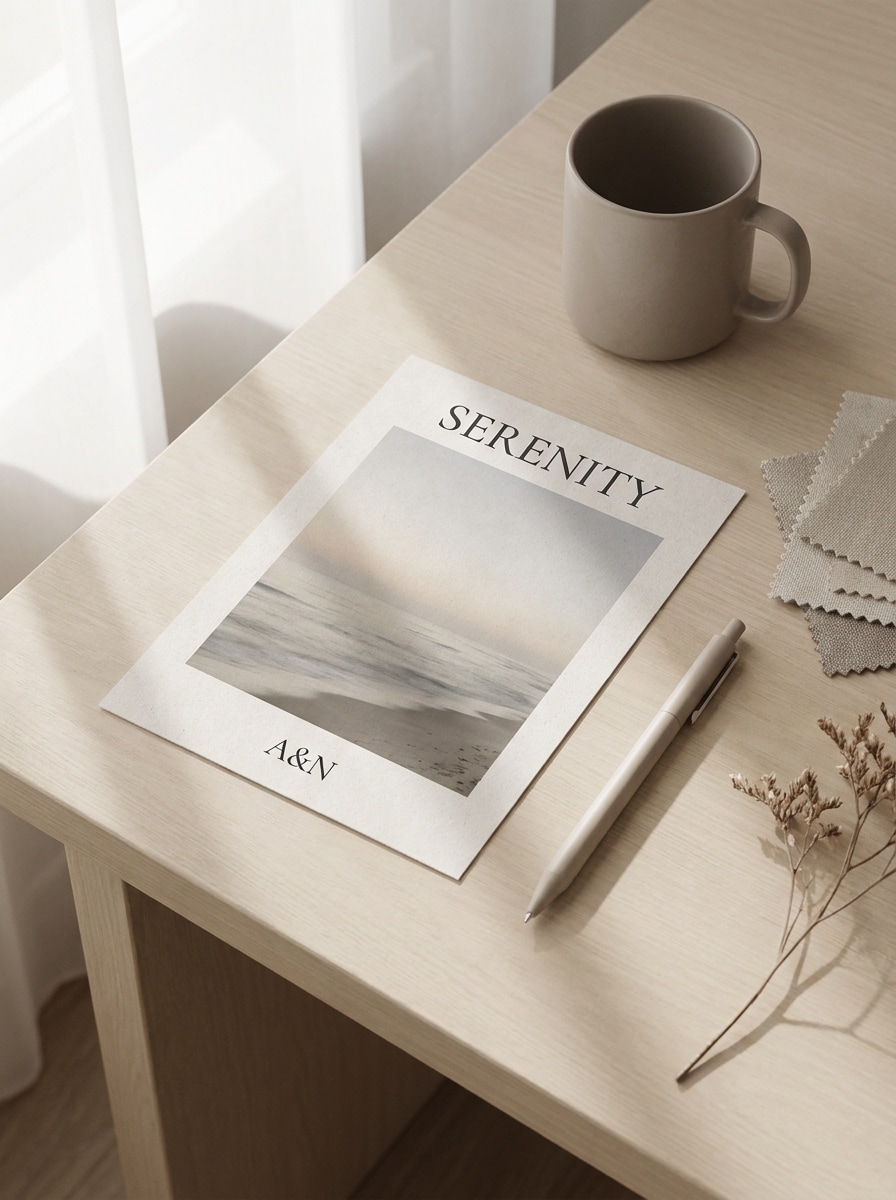
Use the uploaded image as the postcard artwork and place it in a modern desk scene with soft window shadows. Add subtle paper texture, tidy composition, neutral stationery surroundings, gentle editorial lighting, muted beige and gray tones, and a realistic premium print finish.
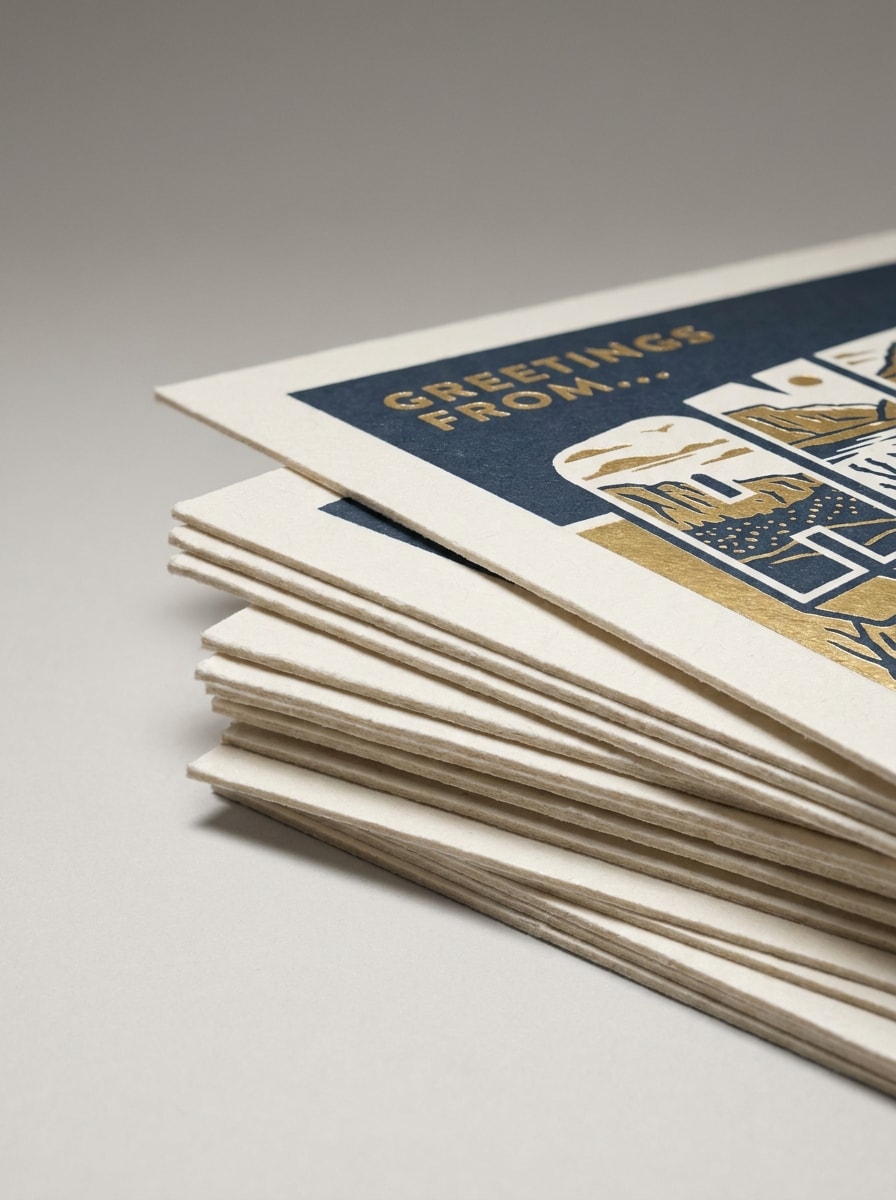
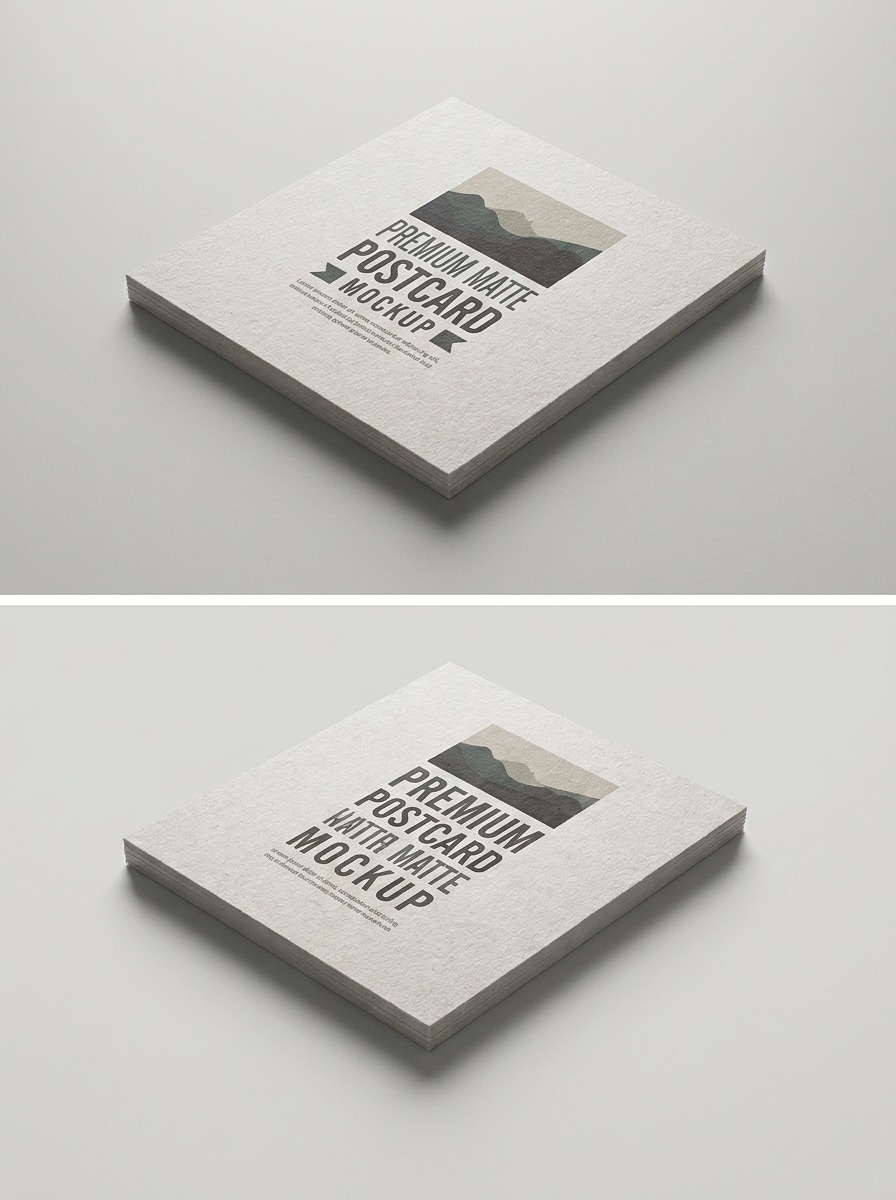
Stacked Postcards
Use the uploaded image as the featured top card and transform it into a stacked postcard branding mockup. Show several neatly layered cards with visible cardstock thickness, subtle depth, clean studio background, soft directional light, realistic shadows, and a polished professional presentation.
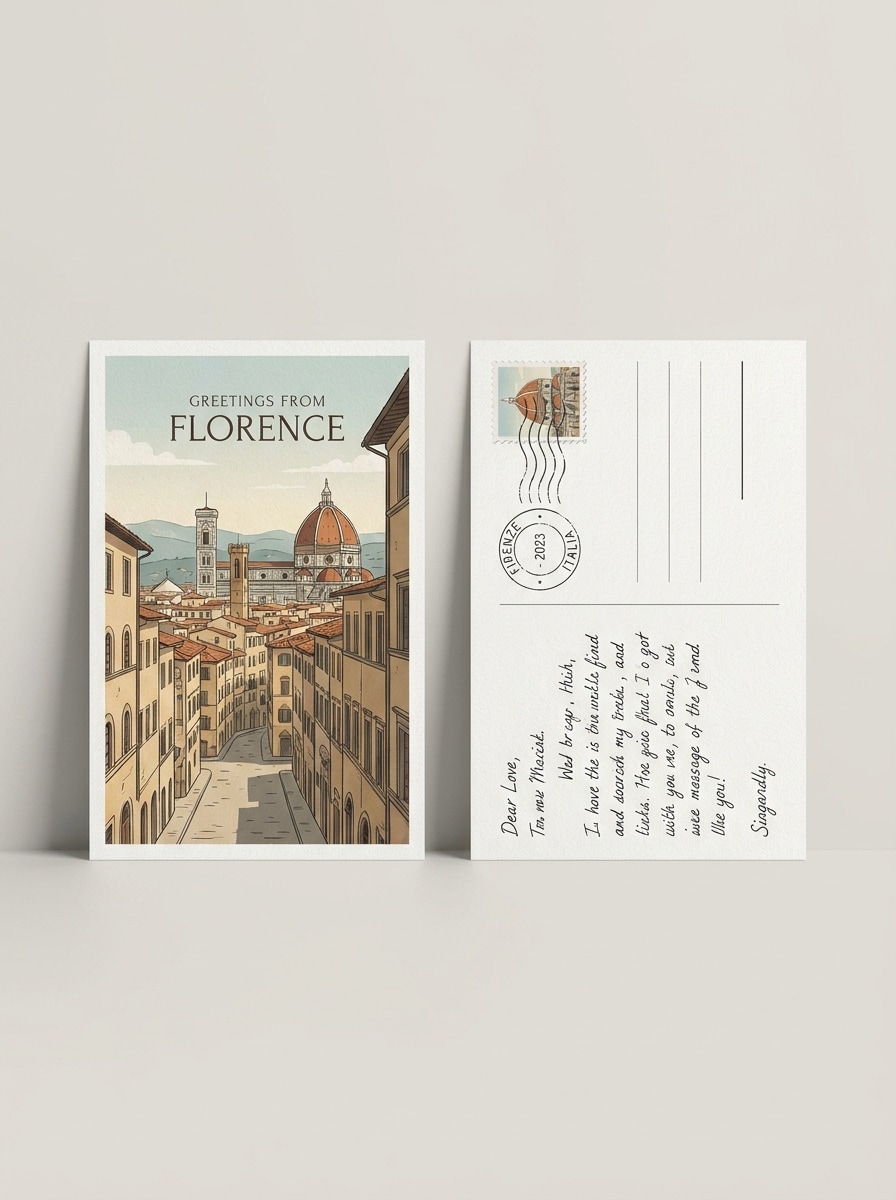
Front and Back Set
Use the uploaded design to create a realistic postcard mockup showing both front and back views side by side. Keep proportions accurate, use a clean neutral background, elegant spacing, soft studio lighting, visible paper texture, and a print-preview look suitable for client presentations.
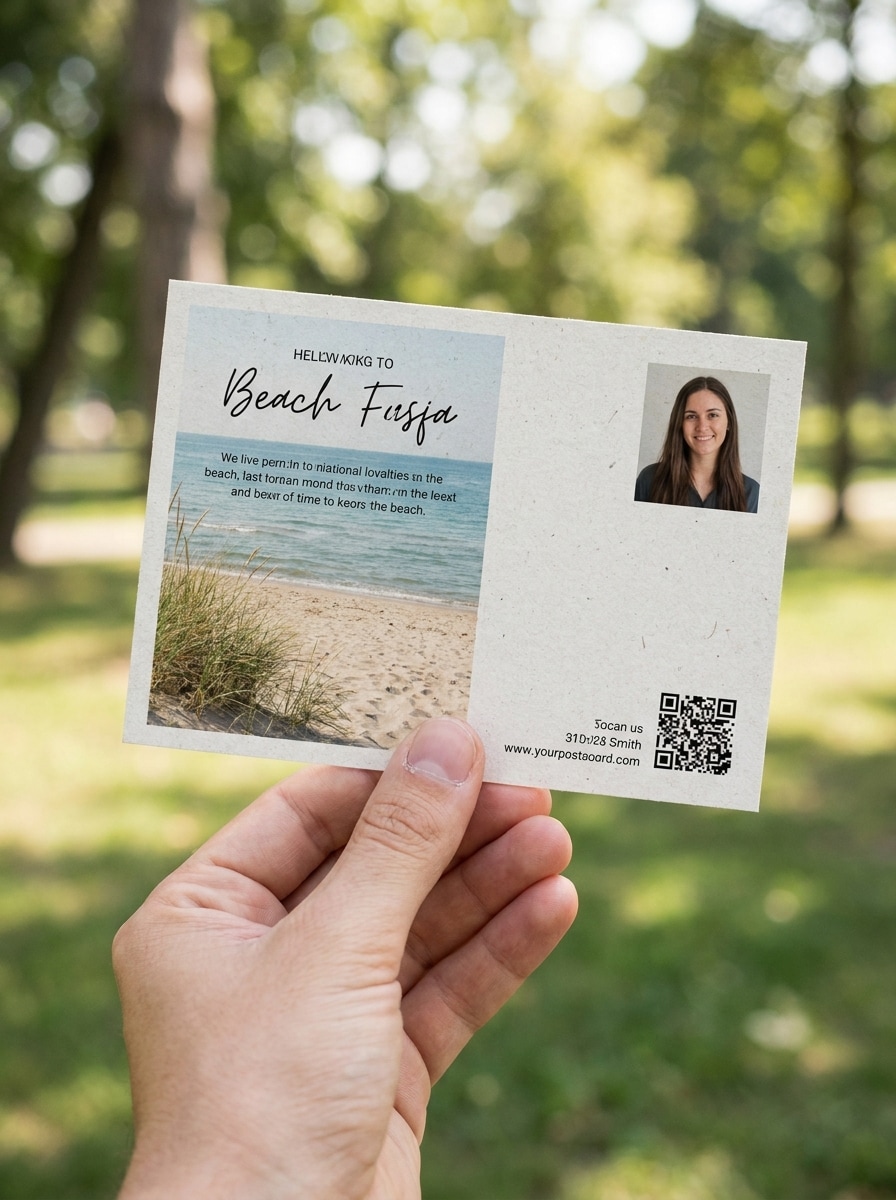
Hand-Held Postcard
Use the uploaded image as the postcard design and place it in a realistic hand-held lifestyle scene. Keep sharp focus on the card, add natural skin tones, shallow depth of field, soft daylight, authentic casual mood, and crisp print detail that makes the design feel tangible.
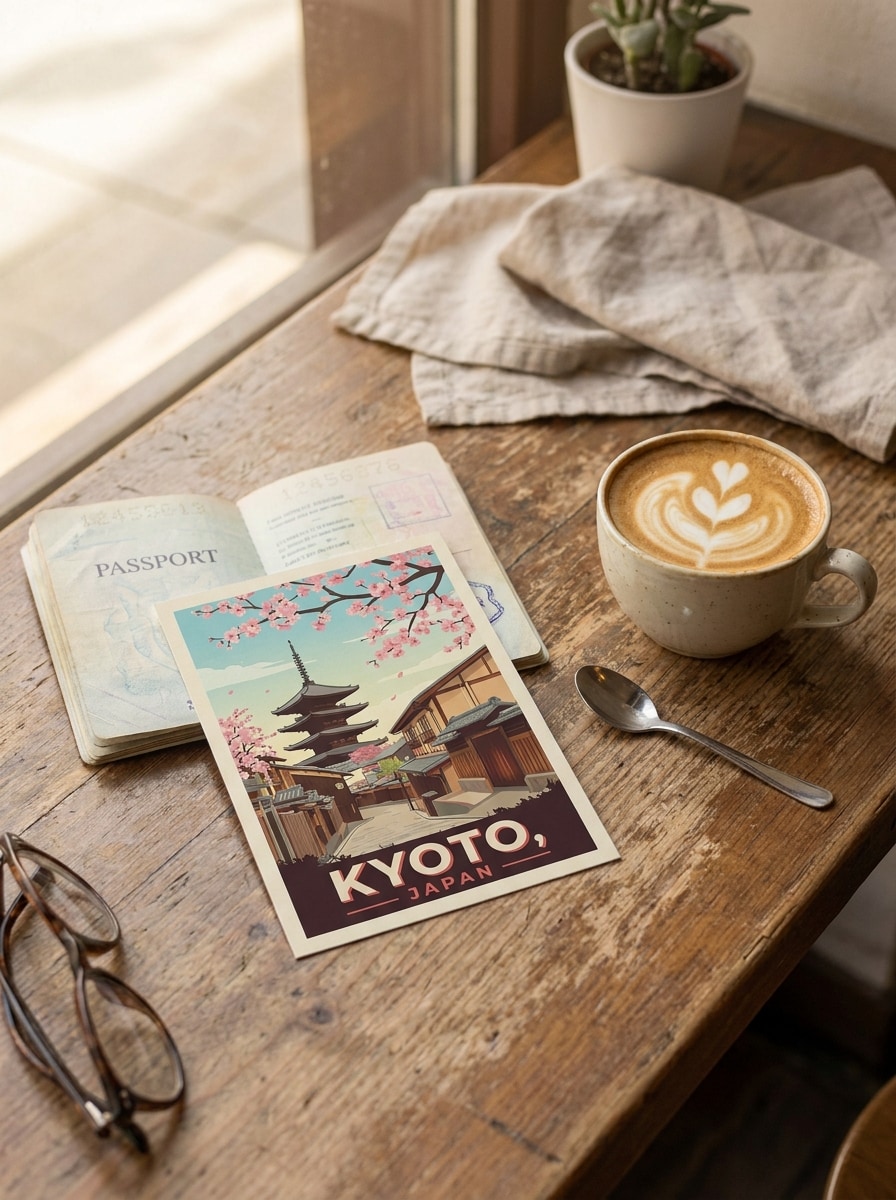
Travel Café Scene
Use the uploaded artwork as the postcard design and transform it into a travel-inspired café mockup. Place the card on a table with a coffee cup and passport, warm daylight, inviting editorial composition, gentle shadows, tactile paper texture, and a nostalgic yet polished mood.
Matte Print Finish
Use the uploaded image as the postcard artwork and render it as a matte-finish print mockup. Emphasize accurate paper texture, soft non-gloss reflections, clean studio background, realistic cardstock thickness, close-up detail, and a premium production preview with calm neutral tones.
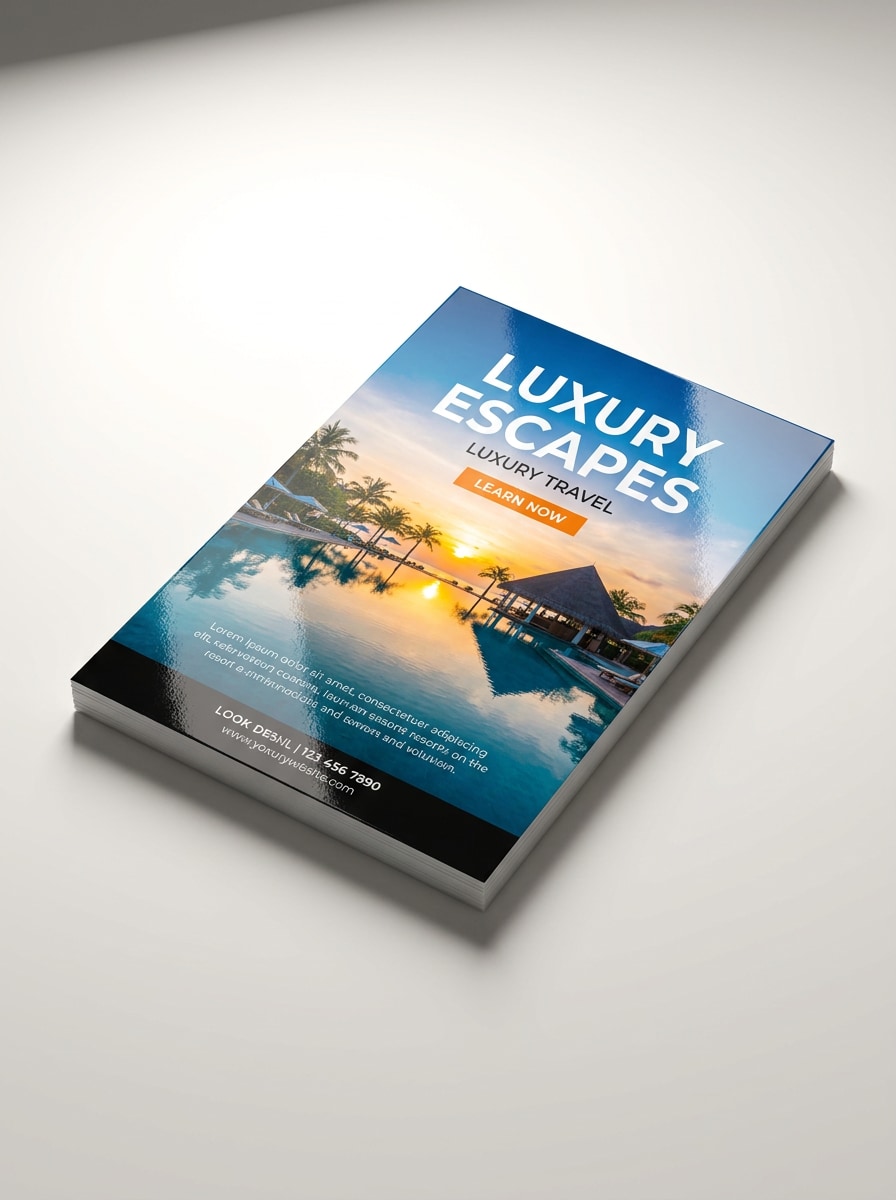
Glossy Promotional Card
Use the uploaded design and transform it into a glossy promotional postcard mockup. Add realistic reflective coating, brighter contrast, clean product-shot lighting, visible card edges, smooth premium surface, and a bold commercial presentation that still keeps the artwork legible and refined.
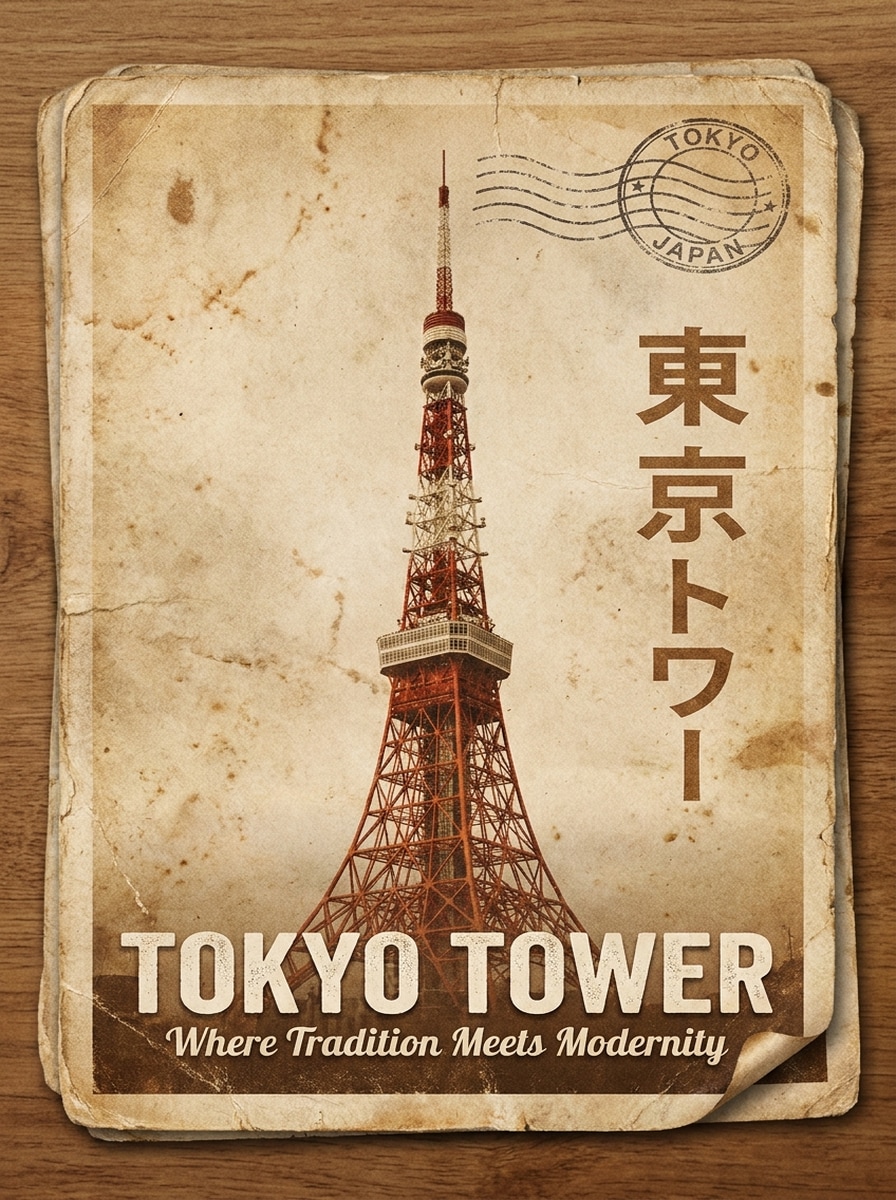
Vintage Travel Postcard
Use the uploaded image as the main artwork and turn it into a vintage travel postcard mockup. Add retro paper aging, warm faded tones, lightly worn edges, subtle postal stamp elements, nostalgic composition, and realistic printed texture while keeping the design clearly visible.
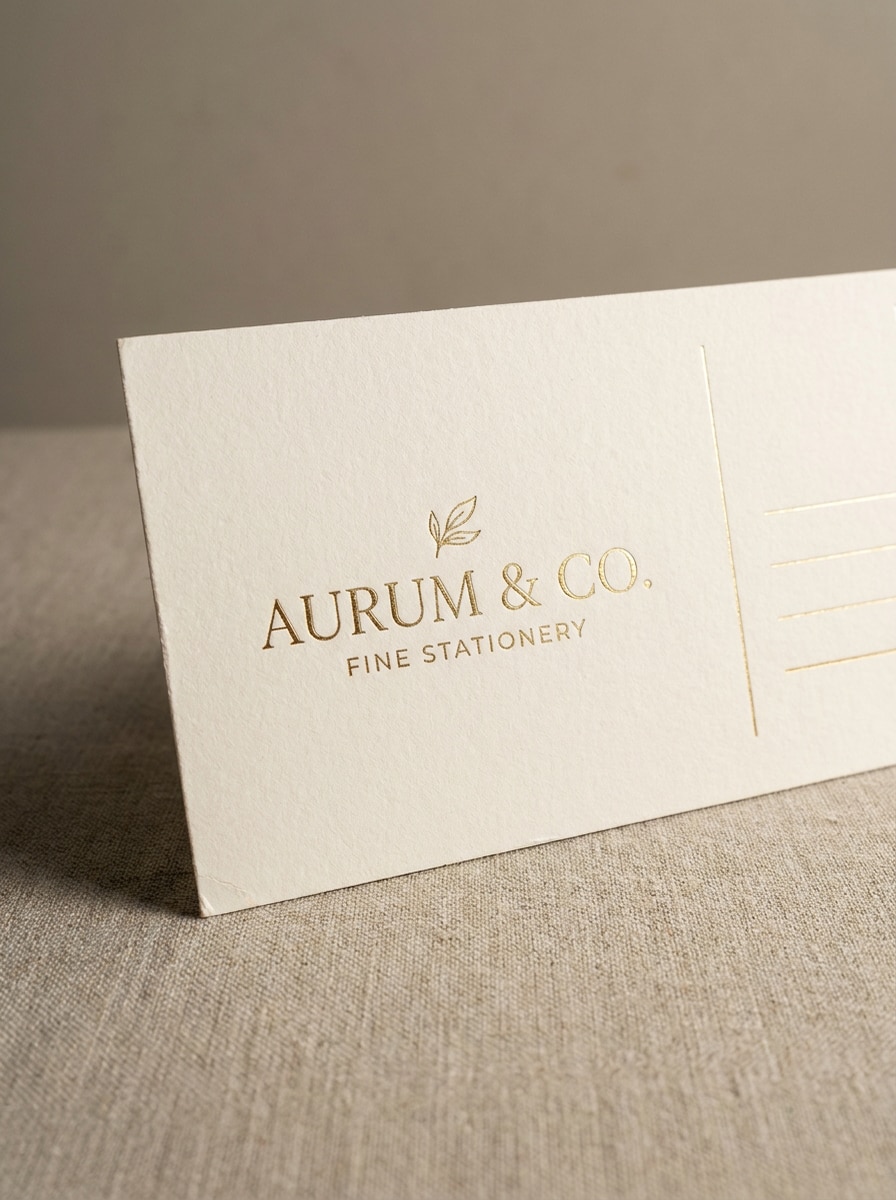
Foil Stamp Premium Card
Use the uploaded design as the postcard artwork and transform it into a premium mockup with subtle foil stamp accents. Show luxury paper stock, close-up detail, elegant studio lighting, refined shadows, upscale branding mood, and realistic metallic highlights without overpowering the design.
Why Use Media.io for Postcard Mockup Creation
Preserve Identity While Changing the Look
For branding, social content, or presentation visuals, Media.io helps keep the original subject recognizable while adapting the overall post card mockup style, so the final image stays on-brief and still feels polished.
Turn Any Design Into a Realistic Print Preview
When the art direction is still open, Media.io lets you test multiple looks around the same post card mockup idea, making it easier to find the right style without rebuilding from zero.
Match the Scene to Your Presentation Style
Across social posts, pitch decks, and promotional assets, Media.io helps adapt one post card mockup for different placements, so you can reuse the core idea efficiently while keeping each version presentation-ready.
Create High-Resolution Images for Real Use
For client reviews, portfolio pieces, or publishing visuals, Media.io delivers sharper post card mockup output up to 4K, helping your design stay clear and professional across reused assets and larger displays.
How to Make a Realistic Postcard Mockup Online
Turn your words into stunning visuals in three simple steps, then continue refining the result if you want to take it further.
Step 1
Upload Your Reference Image
Upload a clear JPG, PNG, or JPEG of your postcard artwork, brand design, print layout, or draft visual. A clean source image helps the tool preserve important details while turning it into a realistic presentation scene.
Step 2
Describe the Change and Set Options
Enter a prompt describing the mockup style you want, such as flat lay, hand-held, glossy print, or front-and-back display. Then choose the model and adjust aspect ratio, resolution, and the number of variations to match your workflow.
Step 3
Generate, Download, and Keep Improving
Generate multiple mockup versions, compare the scenes, and download your favorite result. If needed, refine the prompt, switch the layout, or create more variations until the postcard preview fits your client, portfolio, or marketing use.
See how creators use this Post Card Mockup for content, marketing, and personal projects, then adapt each idea to fit the brief with Media.io.
Present Client Concepts With More Realism
Show branding or campaign artwork in believable desk scenes, stacked card views, or close-up print previews instead of flat files. A polished post card mockup helps clients understand scale, paper feel, and presentation quality before anything goes to print.
Build Portfolio Shots Without Complex PSD Work
Designers can turn finished layouts into clean editorial visuals for Behance, case studies, and social posts. This is especially useful when you want a custom postcard mockup fast instead of searching endlessly for a template that almost fits.
Preview Front, Back, and Lifestyle Versions Fast
Marketing teams and print sellers can generate multiple scenes from one uploaded design, including café setups, hand-held views, and dual-side layouts. That makes reviews faster and gives you more assets for product pages, listings, or promotional content with a consistent mockup style.
What Users Say
Ava Coleman
Brand Designer
"Fast way to pitch postcard concepts" I used Media.io to turn a flat design into a realistic postcard presentation for a client deck. The stacked and front-back scenes looked polished, and I did not need to build a complicated PSD mockup from scratch.
Marcus Reed
Print Shop Owner
"Helpful for previewing print ideas" The matte and glossy mockup styles made it easier to show customers how their artwork could look as a finished printed card. It is a practical workflow when someone wants to review options quickly before ordering.
Lina Park
Freelance Illustrator
"Good from tablet and laptop" I often work between devices, so I like that I can upload a design and generate postcard visuals in the browser. The hand-held and café scenes gave my portfolio pieces a more professional, market-ready look.
Noah Bennett
E-commerce Seller
"Useful alternative to static template libraries" Instead of digging through template packs, I could create scenes based on my own artwork and adjust the output style. That saved time and gave me more customized images for listings and promotional graphics.
A postcard mockup generator is a tool that turns your uploaded design into a realistic postcard preview. With Media.io, you can place artwork into different scenes and layouts, such as desk setups, hand-held views, or front-and-back presentations, so the design looks closer to a real printed piece.
2. Can I create a post card mockup online for free?
Media.io offers free credits, so you can try a postcard mockup free workflow online without advanced design software. Free usage may include watermarks, while paid plans unlock watermark-free high-resolution downloads. You can compare options on the pricing page.
3. How do I turn my design into a realistic postcard mockup?
Upload your postcard artwork as a JPG, PNG, or JPEG, then enter a prompt describing the scene you want, such as a minimal desk flat lay, stacked cards, or a glossy print preview. Media.io uses your reference image to guide the result, helping you generate a more realistic postcard presentation from your own design.
4. Can I make both front and back postcard mockups?
Media.io can generate layouts that show both front and back views in one presentation, which is useful for brand reviews, print proofs, and client approvals. You can also explore different aspect ratios and scene variations to make the two-sided preview fit your intended output.
5. What file types can I upload for a postcard mockup?
Media.io supports JPG, PNG, and JPEG uploads for this workflow. For the cleanest result, use a clear source image with readable artwork and solid detail so the mockup scene preserves the look of your original design more accurately.
6. Will my postcard mockup download in high resolution?
Media.io supports resolution options including 1K, 2K, and 4K, which is helpful for portfolio visuals, client presentations, and marketing assets. Free users may have watermarks.