Image to Image
Nano Banana Pro
Upload Image
0 / 9
Click or drag to upload, or choose from My History
No ideas? Generate an image first >
Support upload format: jpg, png, jpeg.
Prompt
0/2000
1K
Auto
1
Unlimited Banana Pro
Public Visibility
All
Image
Video
Audio
Generate List
The generated results will be kept for 7 days. Please save them in time.
ai_video_generatorUnlock your creative potential and experience the magic of Media AI right away!

Free Cutout Generator for Fast, Clean AI Image Isolation

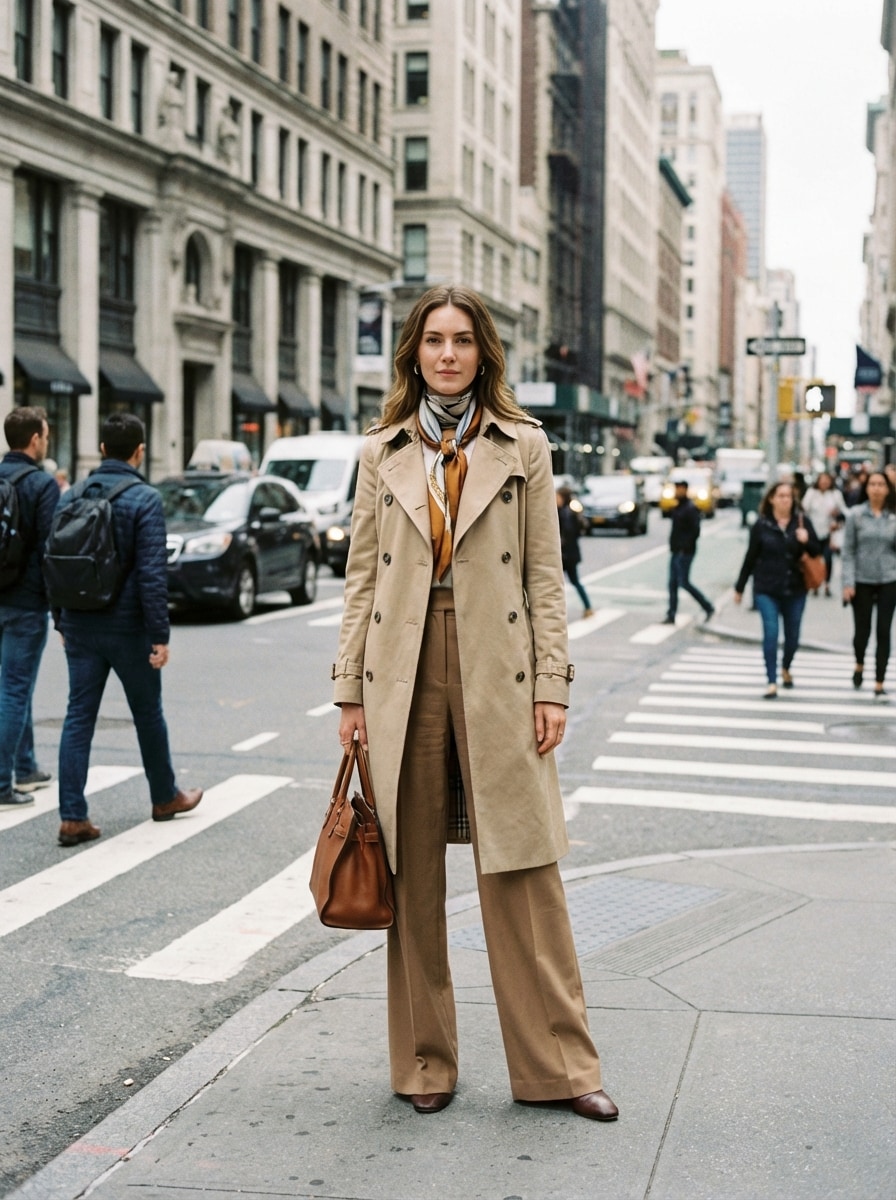
Cutout Generator Free Before
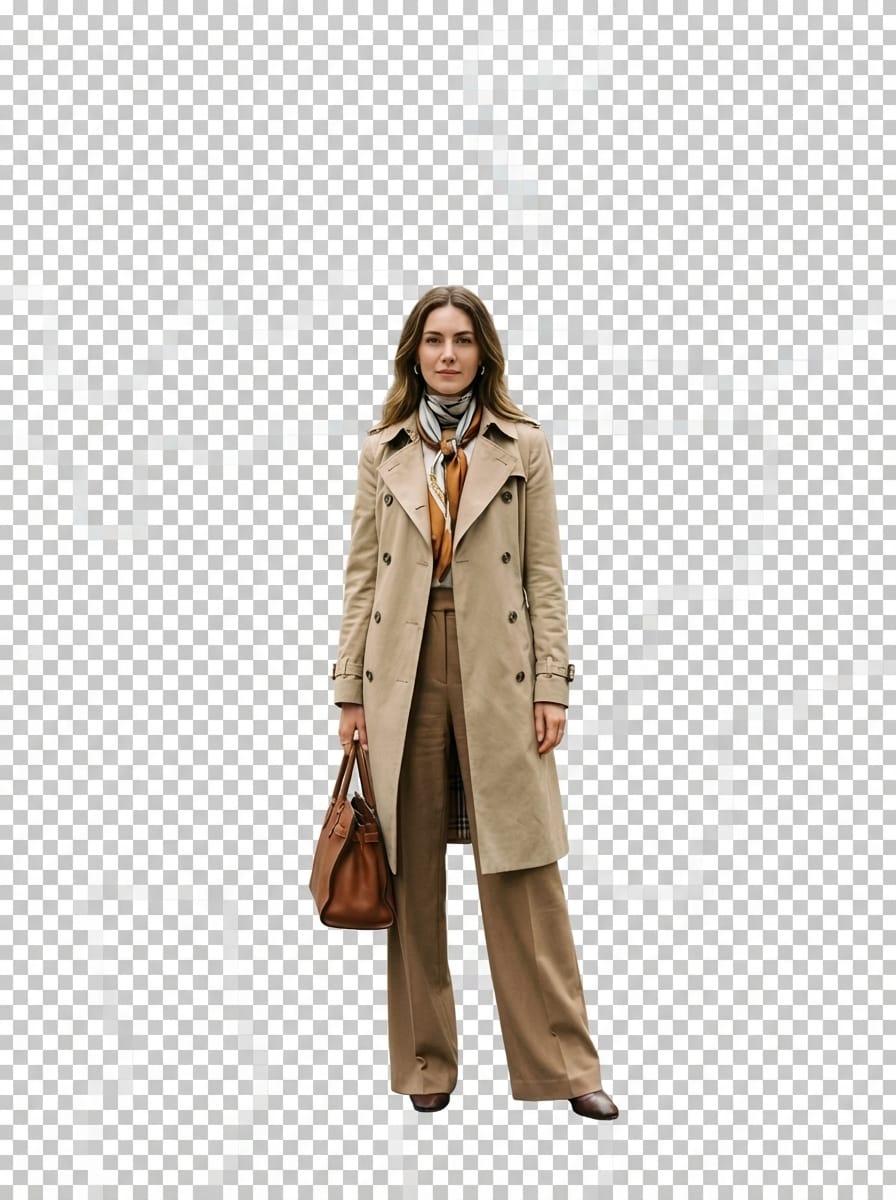
Cutout Generator Free After

Use Media.io’s free cutout generator to isolate people, products, pets, and accessories in seconds. Upload a photo, let AI detect the subject, refine tricky edges like hair or fur, and create polished cutouts for transparent PNG workflows right in your browser.

Create My AI Cutout

Type your idea -> AI designs it. Free to try.

Explore our curated collection of cutout generator free styles.

Transparent Png Cutout

Transparent Png Cutout

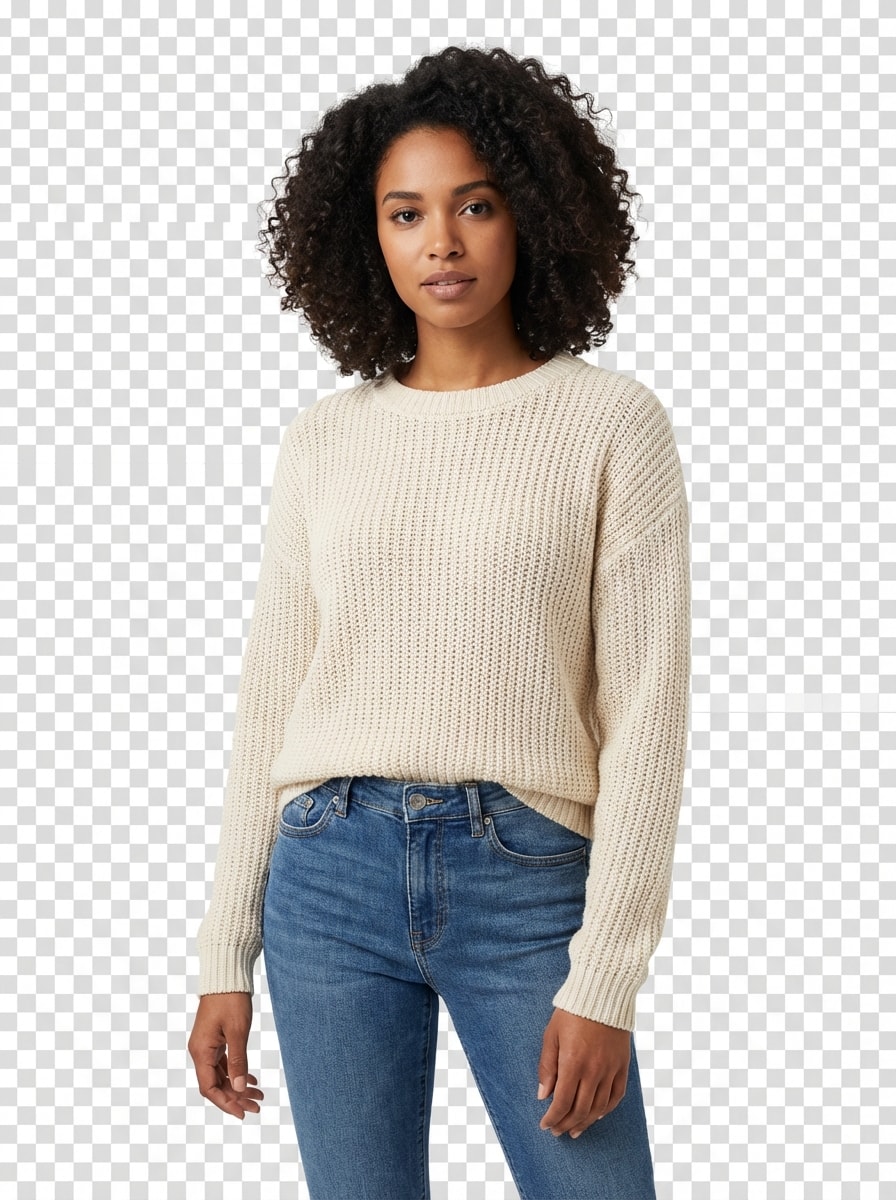
Use the uploaded image as the source. Create a high-precision transparent PNG cutout of the main subject with no background, preserving hair details, fabric texture, soft contours, realistic color, and natural shape. Maintain crisp but smooth edges, balanced contrast, studio-clean clarity, and a professional isolated look suitable for design overlays and ecommerce use.
White Studio Product Cutout

White Studio Product Cutout

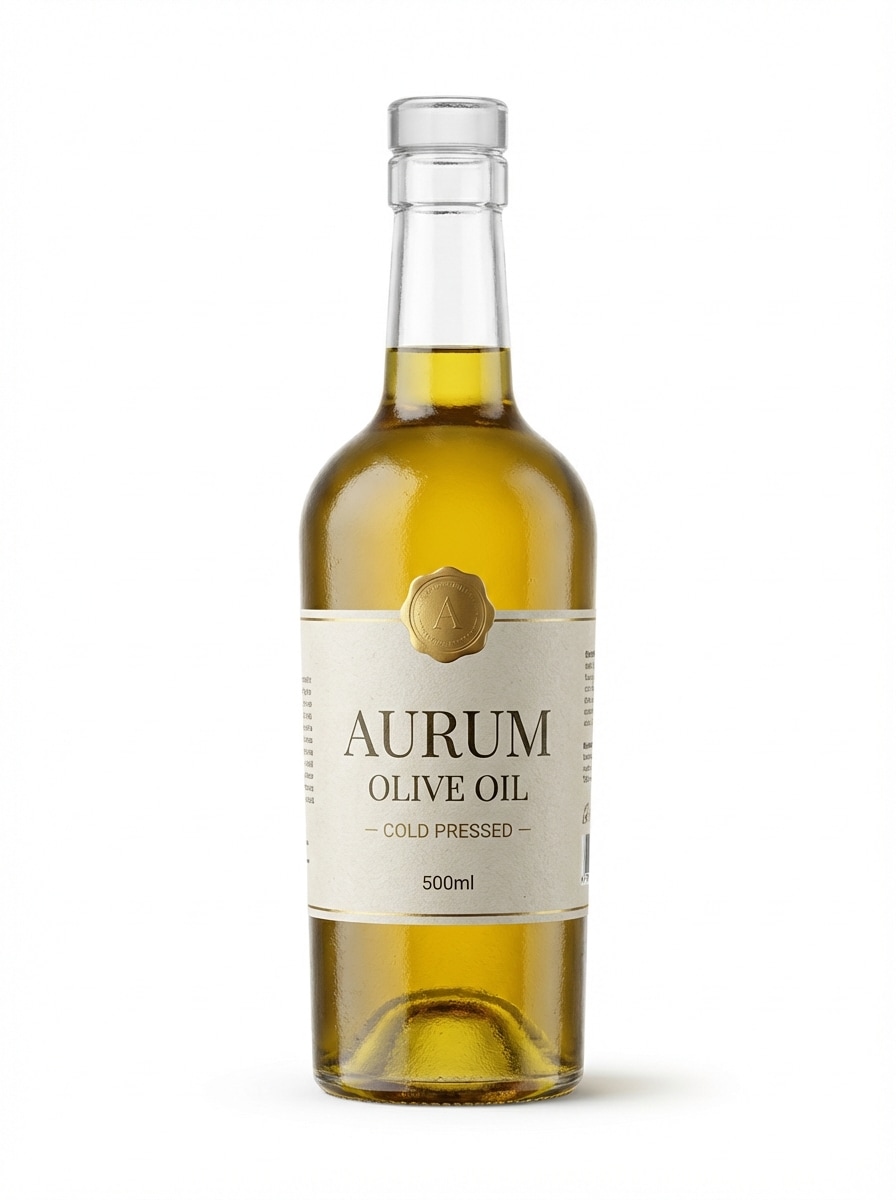
Use the uploaded image as the source. Isolate the main product with commercial-grade precision and place it on a seamless pure white studio background. Preserve realistic texture, reflections, labels, and contours, with subtle controlled shadowing, clean lighting, crisp edges, and a premium ecommerce-ready presentation that looks polished and professional.

Sticker Outline Cutout

Sticker Outline Cutout

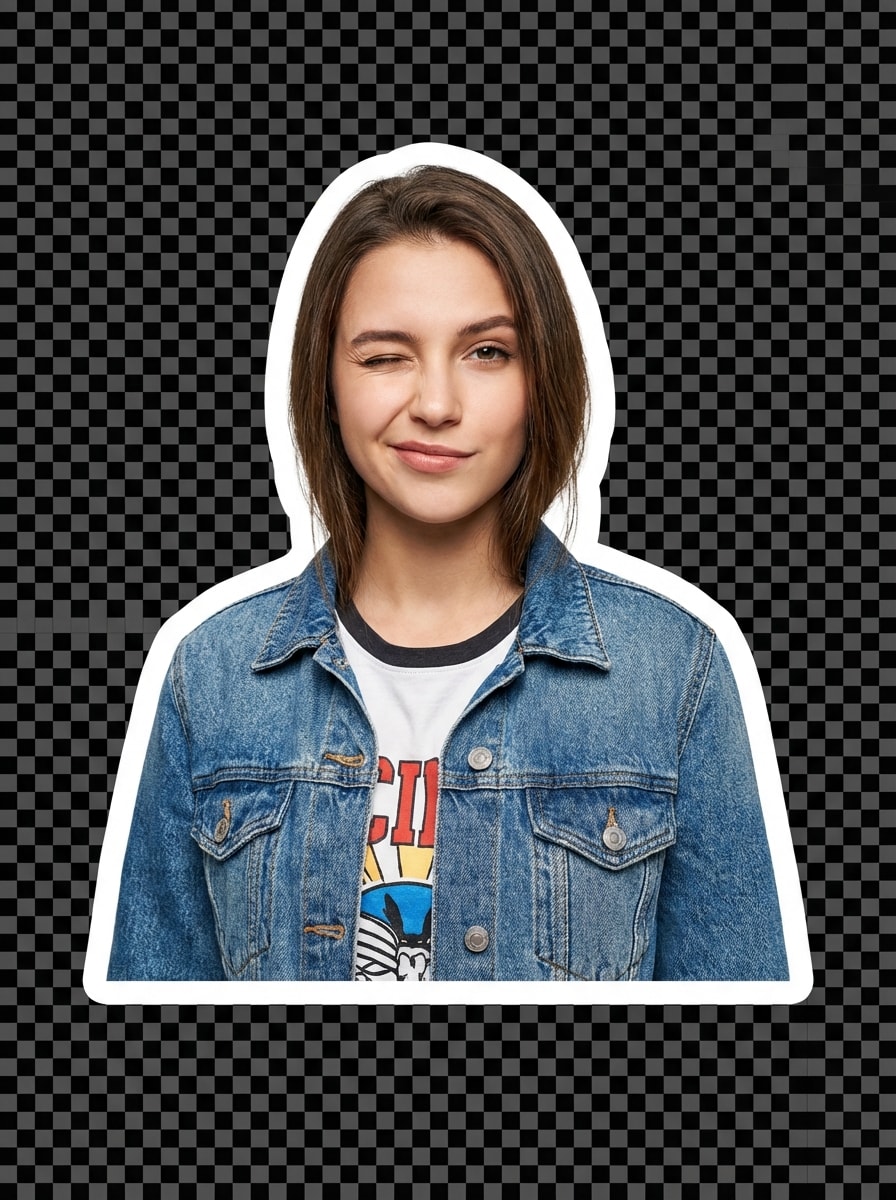
Use the uploaded image as the source. Extract the subject cleanly from the photo, remove the background, and add a thick smooth white sticker outline around the silhouette. Preserve expression, outfit texture, and natural proportions, with crisp detail, vivid color, balanced lighting, and a playful high-quality finish optimized for social content and digital stickers.

Hair Detail Portrait Cutout

Hair Detail Portrait Cutout

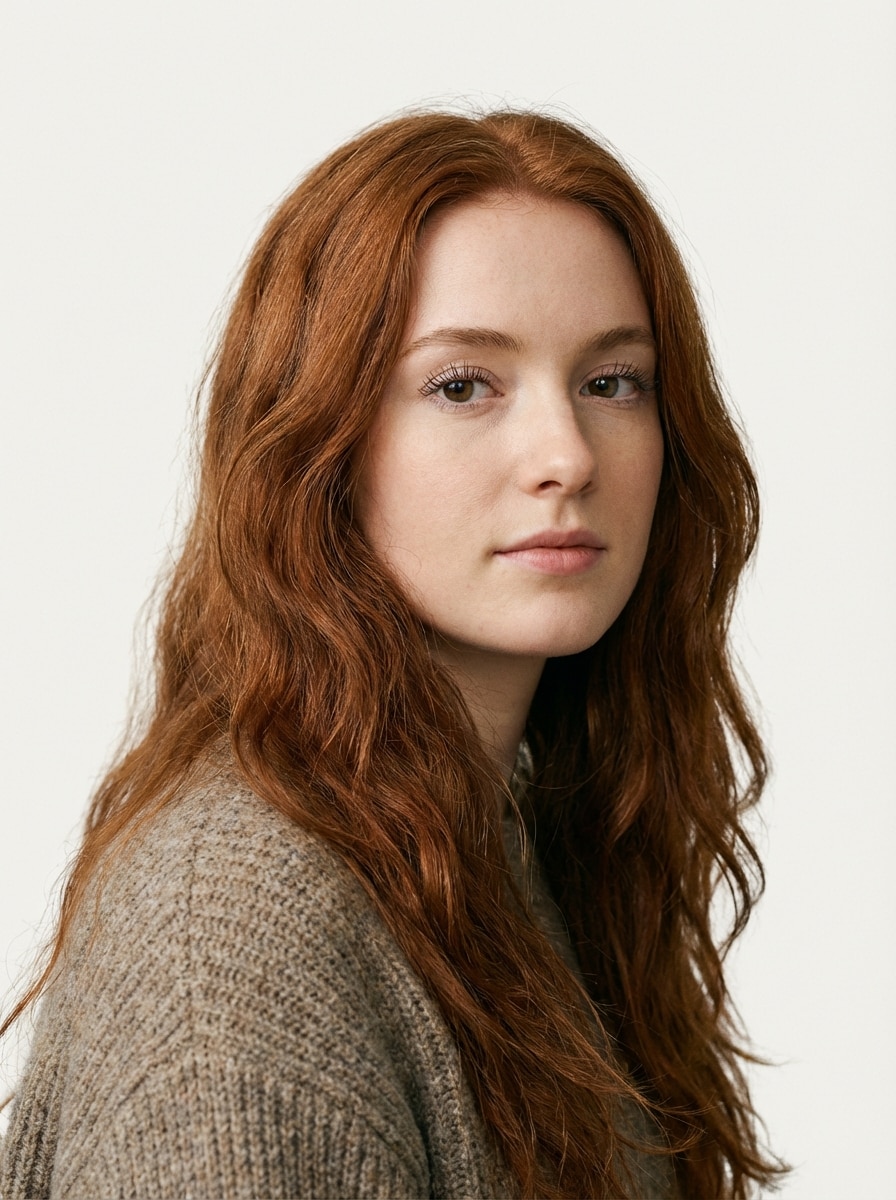
Use the uploaded image as the source. Generate a portrait cutout with realistic hair strand separation, soft edge blending, and no rough halos. Preserve eyelashes, loose hair, skin texture, and clothing details with balanced lighting, natural color fidelity, and a clean isolated composition designed to showcase precision on difficult portrait edges.

Aesthetic Background Swap

Aesthetic Background Swap

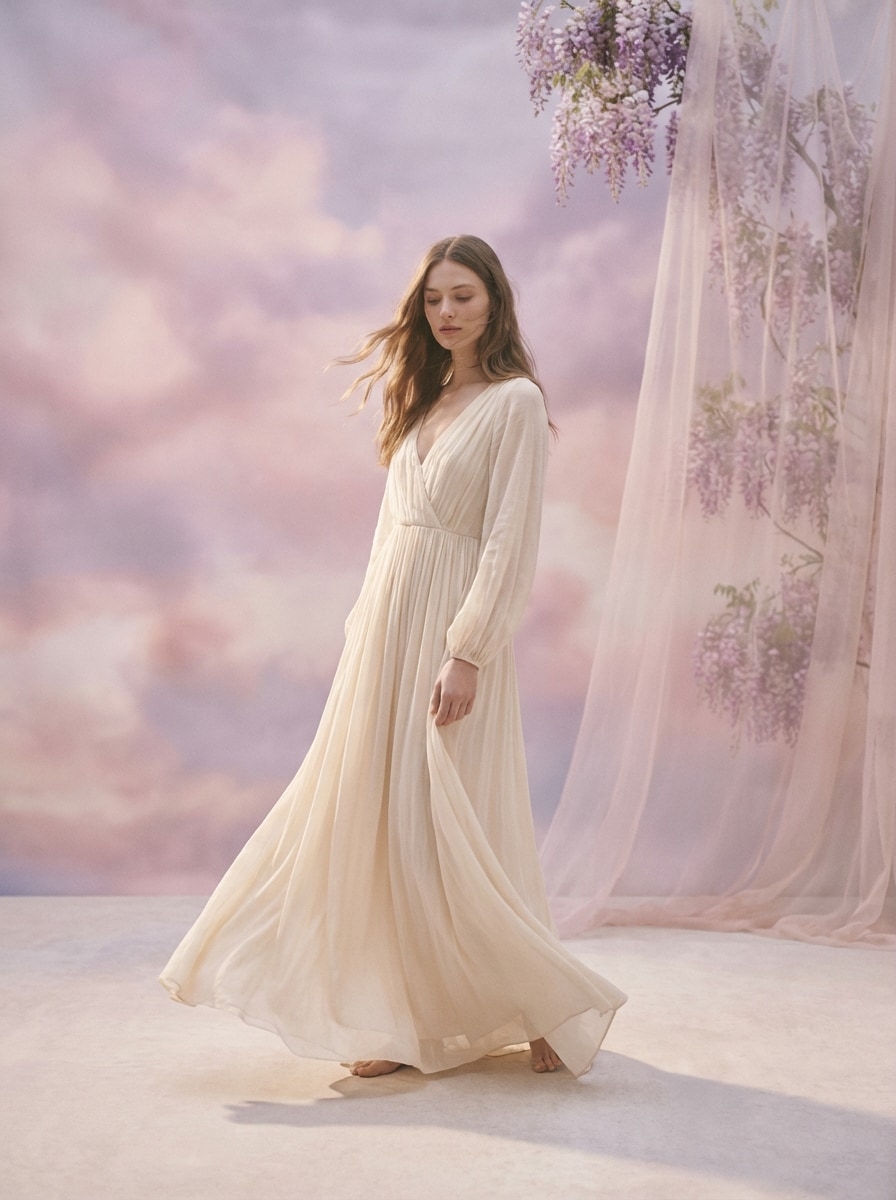
Use the uploaded image as the source. Extract the subject with clean precise edges and composite it into a pastel aesthetic environment with soft pink and lavender tones, diffused lighting, subtle depth, natural shadow placement, and a dreamy editorial mood. Preserve original subject detail while creating a polished, harmonious background swap for creative posts.

Why Use Media.io for Free AI Cutout Generation

Upload a Reference Photo Easily

Start your cutout workflow by uploading JPG, PNG, or JPEG images. Media.io uses your source photo as the reference, making it simple to create clean subject isolation from portraits, product shots, pet photos, and more.

Precise Results for Fine Edges

Create polished cutouts with strong edge accuracy on challenging details like hair, fur, accessories, and soft contours. This makes Media.io especially useful when you need cleaner separation for professional-looking transparent PNG assets.

Flexible Output Settings

Adjust output for different projects with 1K, 2K, and 4K resolution options, multiple aspect ratios, and batch generation for up to 4 images. It’s a practical setup for store images, presentations, social media, and design workflows.

Works Online on Any Device

Media.io runs in your browser, so you can make cutouts without installing software. It works across Windows, Mac, iPhone, iPad, and Android devices, giving you a convenient image-to-image editing workflow wherever you are.

How to Use the Free Cutout Generator Online

1
2
3
1
Open Media.io AI Image Generator

Go to AI Image to Image Generator and open the AI Image Generator under AI -> AI Image Generator. This online tool runs in your browser, so you can create a free cutout generator workflow on desktop or mobile without installing extra software.

2
Enter a Prompt or Upload

Upload a reference photo in JPG, PNG, or JPEG format, then describe the result you want. For example: "Use the uploaded image as the subject and remove the background cleanly, preserving hair strands and natural edges for a transparent PNG." Adjust aspect ratio, resolution, or other settings if needed.

3
Generate, Refine & Download

Click Generate. Tweak the result if needed, especially for product edges, pet fur, or portrait details. Then download your high-resolution cutout for ecommerce, social media, presentations, or creative design projects.

Step 1
Step 2
Step 3

Unlock the Potential of Cutout Generator Free

Discover how creators and professionals are using our AI-powered Cutout Generator Free to transform their creative workflows and bring unique ideas to life.

Create Cleaner Product Listings

Use AI cutouts to isolate products for ecommerce pages, marketplace listings, and ad creatives. A transparent or clean-background result helps shoppers focus on the item itself while giving your catalog a more consistent, professional visual style.

Build Social Graphics Faster

Cut out portraits, pets, or objects for thumbnails, stories, collages, and promotional posts. A fast browser-based cutout generator free workflow makes it easier to produce layered visuals without spending extra time on manual background cleanup.

Prepare Presentation-Ready Assets

Turn everyday photos into polished isolated elements for slides, marketing decks, posters, and branded layouts. Clean subject extraction is especially helpful when you need reusable transparent PNG assets for business content, educational materials, or client mockups.

What Users Say About Media.io Cutout Workflows

user
Alyssa M.

Ecommerce Store Owner

star star star star star

"Fast product cutouts for listings" I needed a free cutout generator for quick product photos, and Media.io made the process simple. The edges looked clean, the workflow was easy to follow, and it saved me a lot of time when preparing store images.

user
Jordan P.

Content Creator

star star star star star

"Helpful for creator graphics" I use it to isolate portraits and objects for thumbnails and short-form content. What stood out most was how well it handled hair details compared with other browser tools I tried.

user
Nina R.

Freelance Designer

star star star star star

"Great for transparent PNG assets" Media.io fits nicely into my design workflow when I need fast transparent cutouts for slides and client comps. It works online, so I can use it on different devices without installing anything.

user
Marcus T.

Pet Accessories Seller

star star star star star

"Good detail on fur and small edges" I tested it with pet photos and small accessories, and the results were surprisingly polished. It’s especially useful when I need quick isolated images for social posts and product promotions.

Free Cutout Generator FAQs

1. What is the best free cutout generator online?

A good free cutout generator online should be easy to use, work in your browser, and support clear subject isolation from uploaded photos. Media.io is a practical option because it supports image uploads, works across devices, and lets free users get started with available free credits. If you need more usage, you can check the pricing page. Free users can use free credits. For more usage, users can subscribe to a plan on the pricing page.

With Media.io, you upload a reference image in JPG, PNG, or JPEG format and use AI image-to-image generation to guide the result. This helps you turn a portrait, product shot, pet image, or accessory photo into a cleaner cut-out style asset with editable output and flexible resolution settings. This helps you create cutout generator free results more consistently.

Media.io supports uploaded PNG files and is designed for flexible image editing workflows, making it useful for creating cutout-style assets for transparent-background use. For plan details, visit the. This helps you create cutout generator free results more consistently.

Yes. Media.io is a web-based tool that works on devices with a browser, including Windows, Mac, iPhone, iPad, and Android. That means you can run your cutout workflow online without needing to install desktop software or a separate mobile app. Media.io is a web-based tool that works on any device with a browser (Windows, Mac, iOS, Android). This helps you create cutout generator free results more consistently.

A good free cutout generator online should be easy to use, work in your browser, and support clear subject isolation from uploaded photos. If you need more usage, you can check the. This helps you create cutout generator free results more consistently.

A good free cutout generator online should be easy to use, work in your browser, and support clear subject isolation from uploaded photos. If you need more usage, you can check the. Uploaded images are automatically deleted from our servers after 7 days to ensure user privacy. This helps you create cutout generator free results more consistently.

Media.io Online AI Tools Quality Rating:
vote 4.7 (162,357 Votes)