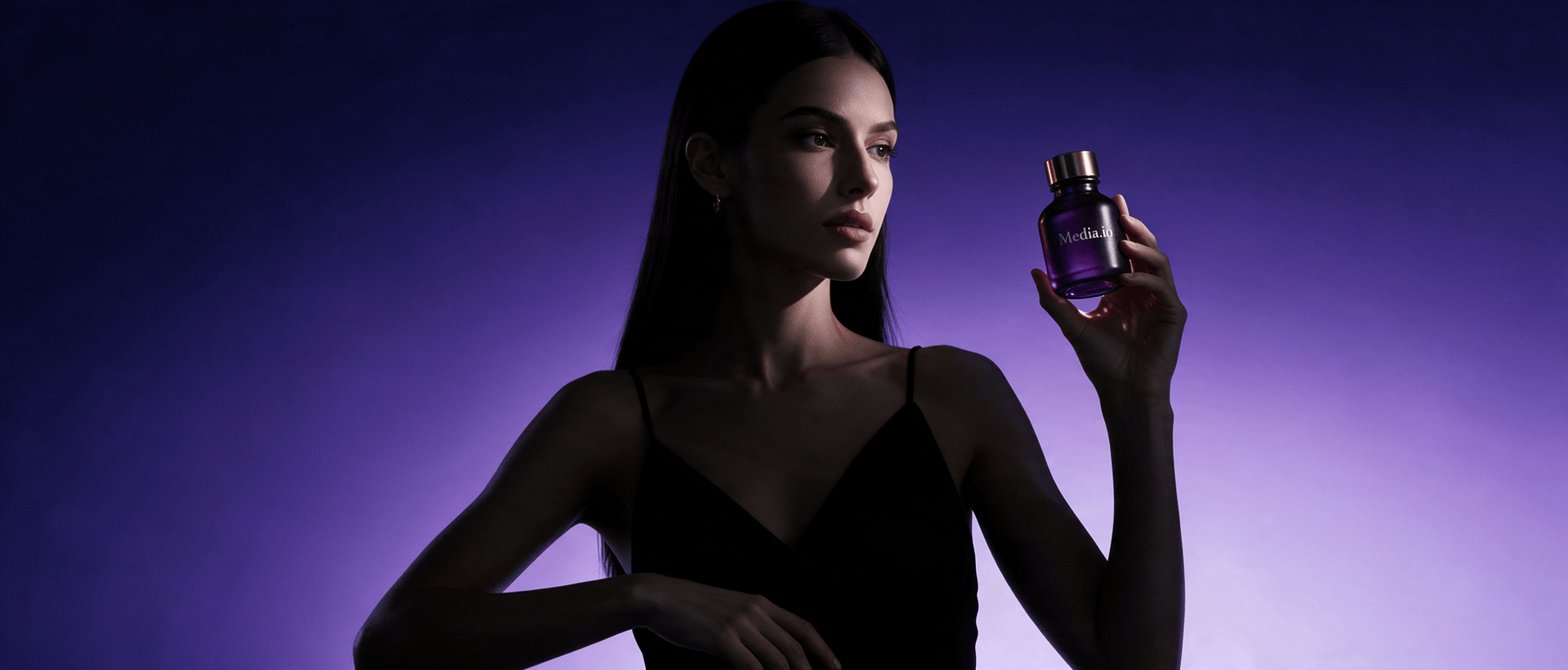
Animate a Barbie-Style Selfie Reveal
Turn an original pink doll-box-inspired selfie or poster into a playful motion reveal. Media.io helps you plan the sequence, edit the script, choose the format, and generate a social-ready video.















Why a Barbie Selfie Generator Image Needs a Reveal
Plan an invitation reveal, creator intro, party opener, beauty teaser, or short social transformation around your original artwork and message.

Portable Blender
shopify.com/products/blender

Red Shoulder Bag
shopify.com/products/red-shoulder-bag

World Cup Potato Chips
tiktokshop.com/products/world-cup-potato-chips

Glow Serum
tiktokshop.com/products/serum

Matcha Latte App
appstore.com/app/matcha-latte

Luxury Chronograph Watch
ebay.com/itm/luxury-chronograph-watch
Turn an Original Poster Into a Shareable Reveal
A single image captures the finished look. Video can introduce the portrait, animate the frame, time the name or message, and end on a shareable reveal while keeping the concept clearly original.
Static Barbie Posters End Too Soon
A static poster shows the result but cannot build anticipation around the character-card moment.
Brand Boundaries Matter
Unofficial creative should avoid copied layouts, official claims, and language that suggests endorsement.
Animation Takes Time
Frames, sparkles, cutouts, text timing, and transitions usually require hands-on editing.
Every Format Crops Differently
Stories, feeds, invitations, and short-video channels each need a different pace and composition.
Four Ways Media.io Shapes the Poster Story
Use Media.io to shape the source into a timed concept with editable scripting, flexible video settings, and AI-generated motion.
Build the Reveal Around Your Original Image
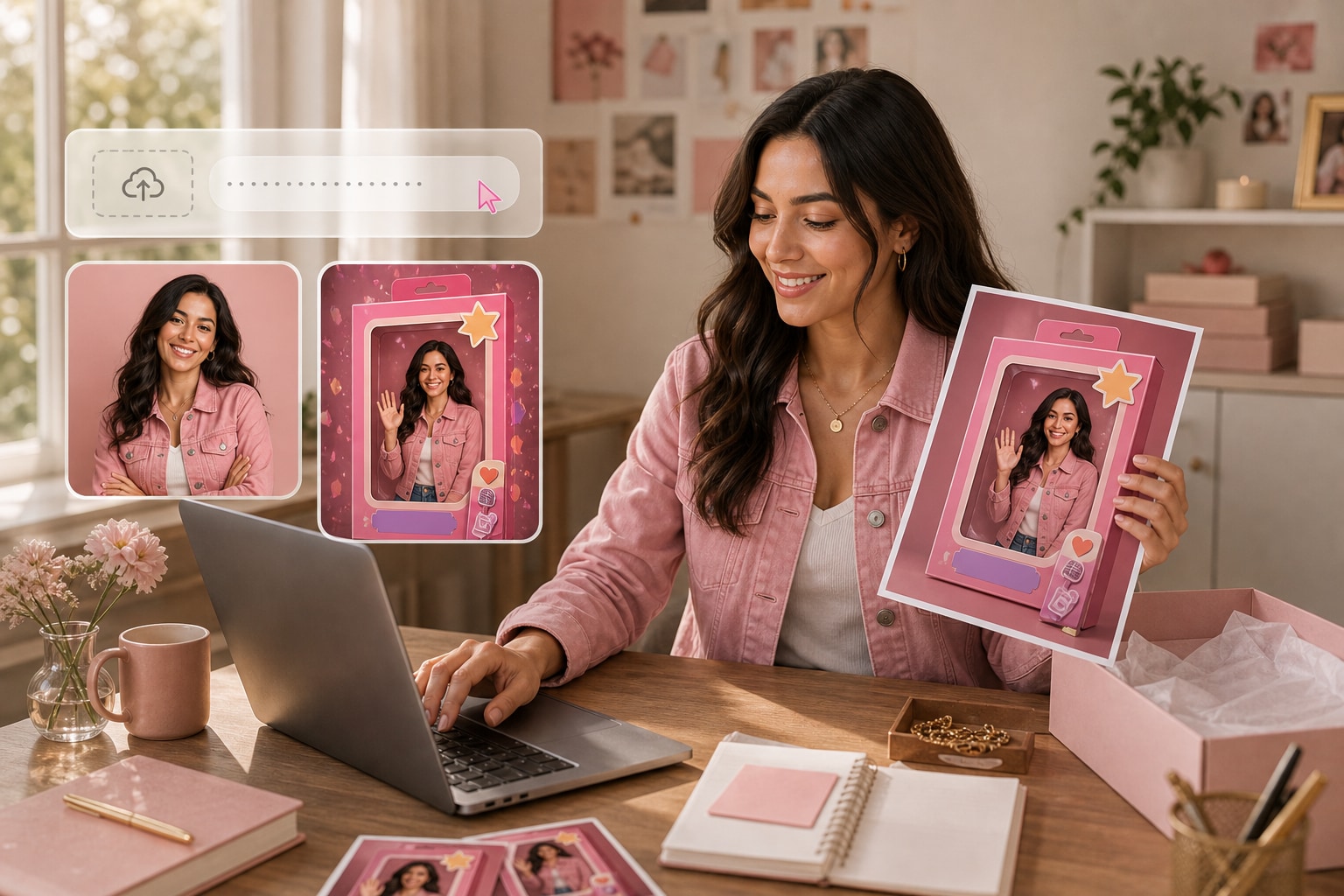
Start with artwork or a selfie you own. Media.io uses the portrait, frame, colors, event details, and message to organize a clear reveal sequence.
✓Introduce the portrait first to establish the original character concept.
✓Animate the frame and title to build toward the reveal.
✓Land on the final message with clear, readable timing.
Create a Version for Every Moment
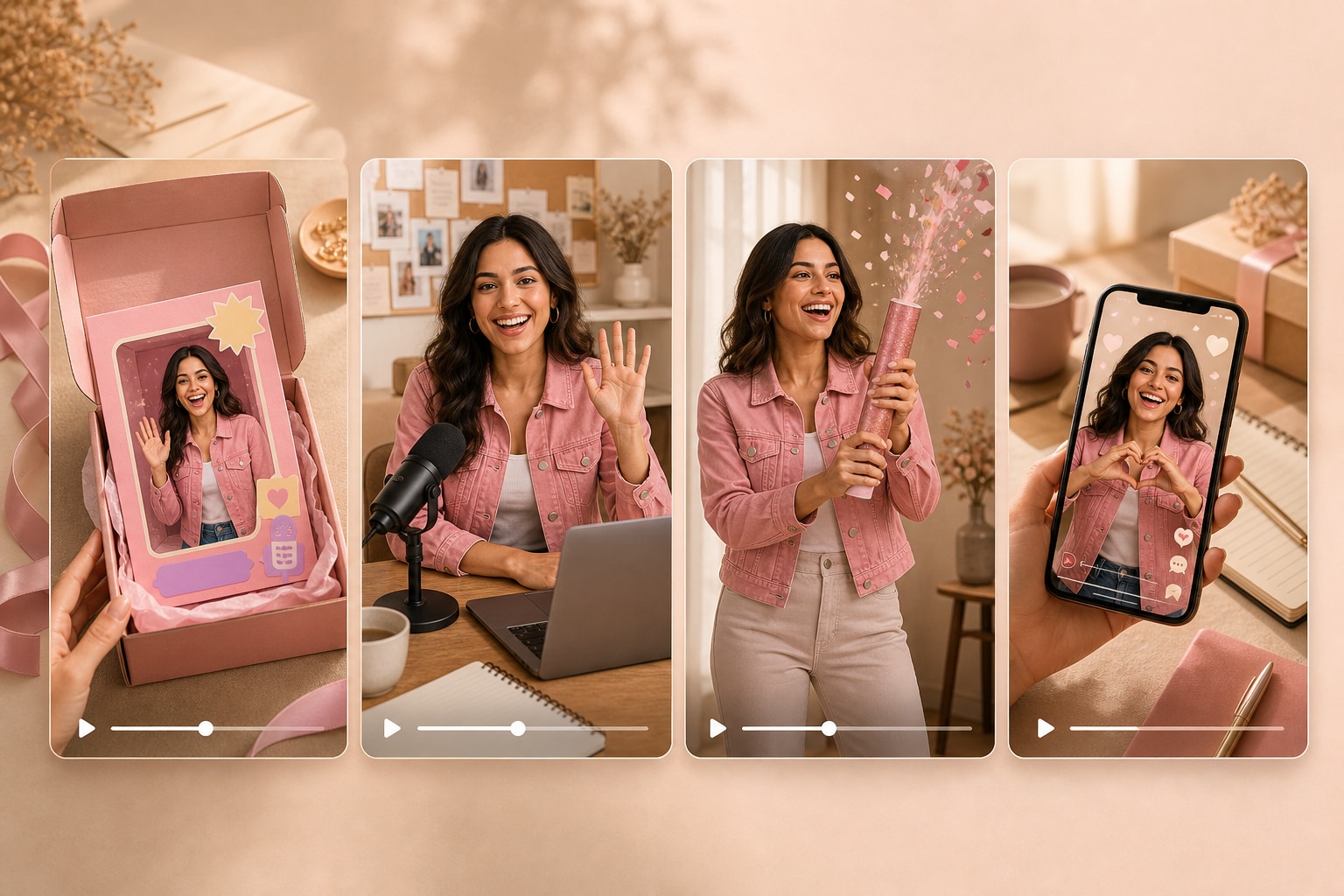
Turn the same source into an invitation reveal, creator intro, party recap opener, beauty campaign teaser, or quick social post.
✓Build an invitation reveal around the approved event details.
✓Create a creator intro that keeps the portrait recognizable.
✓Cut a faster social version for feeds and short-video channels.
Choose the Mood and Format
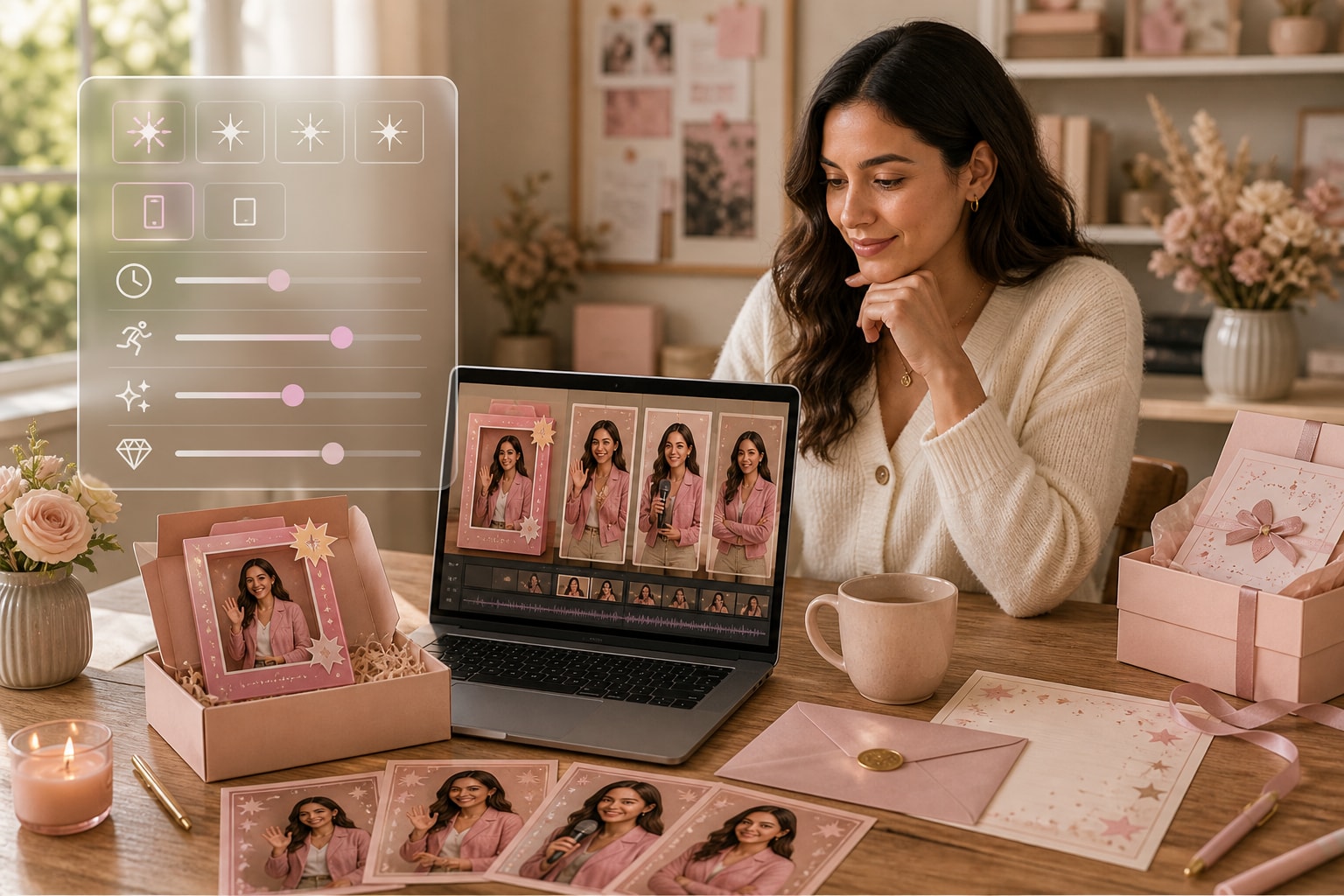
Set the character approach, visual style, aspect ratio, duration, resolution, and quality so the motion fits the intended channel.
✓Pick a reveal style that complements the original artwork.
✓Frame the composition correctly for feed or story placements.
✓Set the timing and quality before generating the animation.
Review Originality Before Publishing
Edit names, slogans, event details, and affiliation language, then inspect the final visuals to avoid misleading or copied brand presentation.
✓Confirm that you own or can use every source image.
✓Remove official-sounding claims that could imply brand affiliation.
✓Check slogans and trademarks before sharing the final video.
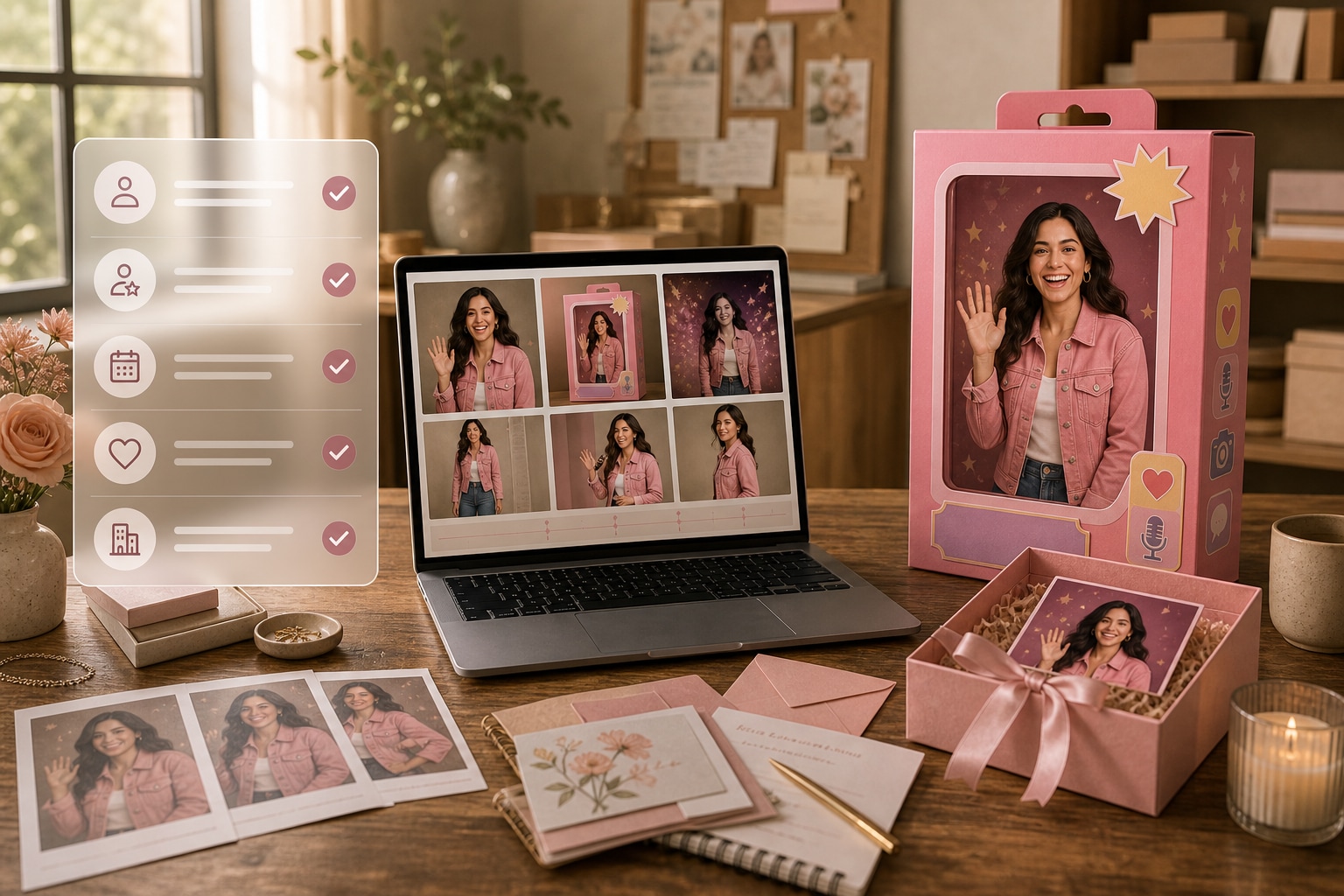
Animate Your Poster in Three Steps
Move from original artwork to a polished reveal without manually keyframing every element.
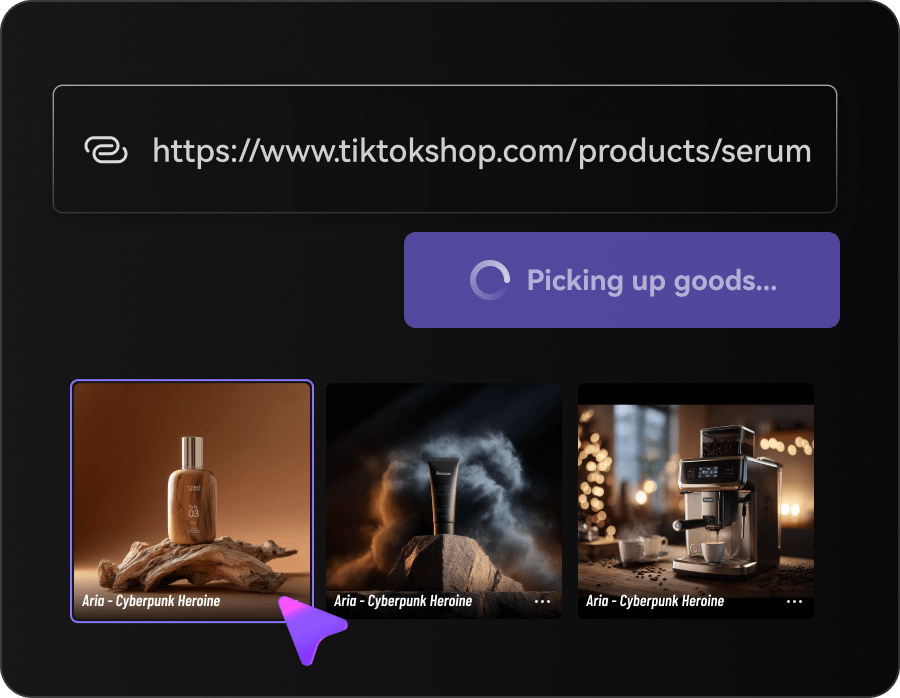
Upload the Original Source
Add your owned selfie, poster, or campaign image along with the message or event details you want to feature.
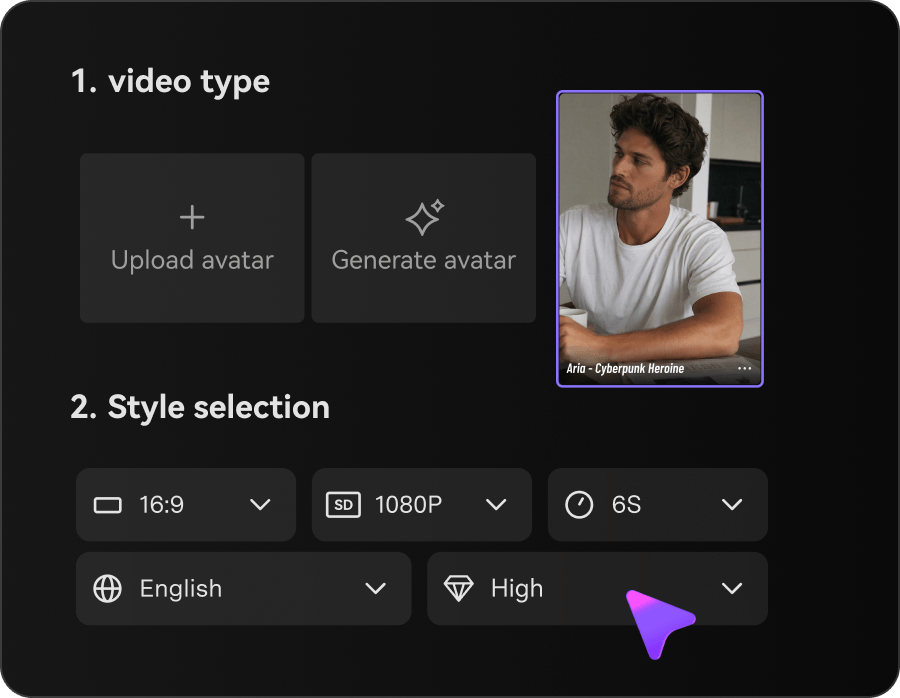
Plan the Reveal
Choose the visual mood, presentation, aspect ratio, duration, resolution, and quality for the destination.
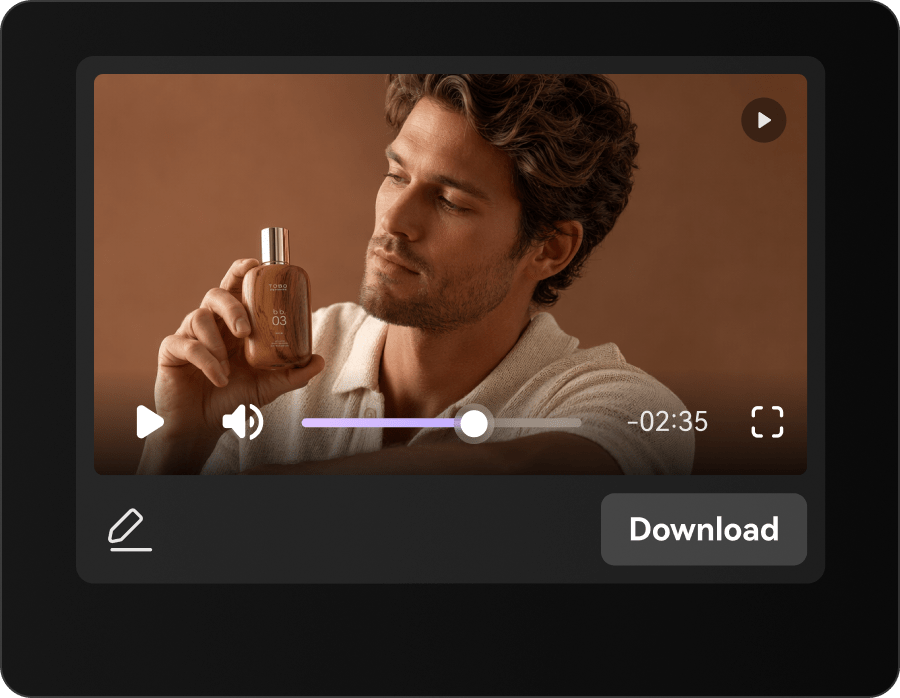
Edit and Generate
Refine the text and sequence, generate the motion, and check ownership, wording, and final visuals before sharing.
Poster Reveal Videos for Social and Events
Use one original design as the starting point for invitations, intros, teasers, recaps, and community content.
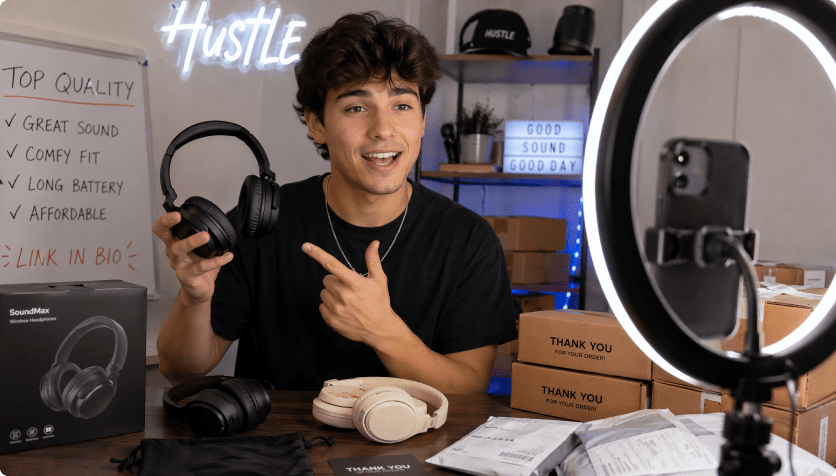
Social Creators
Turn a character-card portrait into a timed intro followers can share.
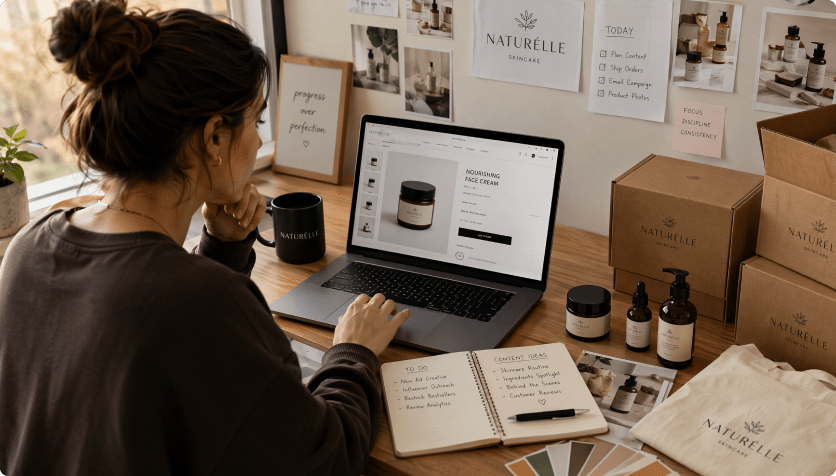
Event Marketers
Animate names, dates, themes, and calls to action for event promotion.
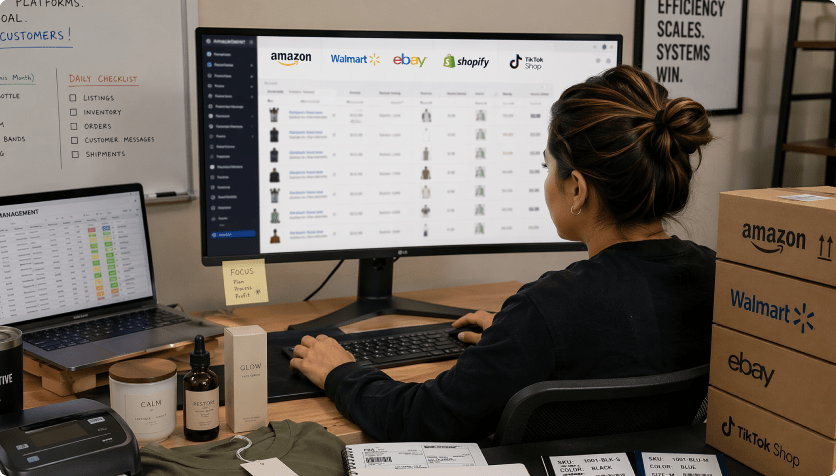
Party Planners
Create playful invitation reveals and recap openers from approved artwork.
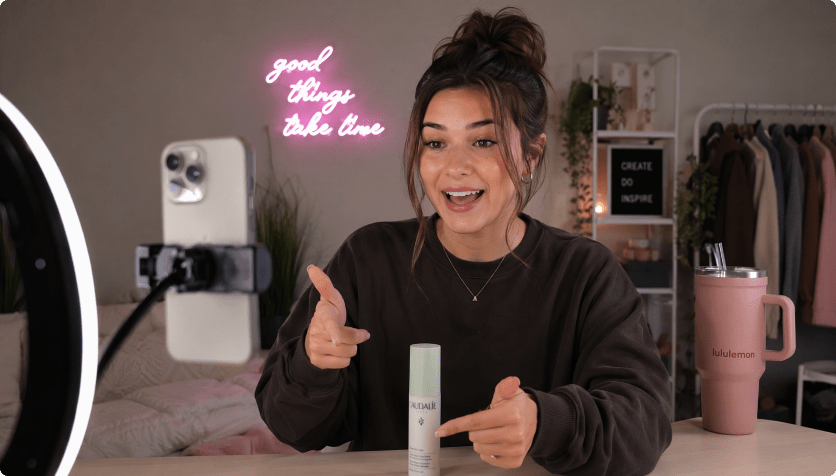
Animate the Concept Without Manual Keyframing
The Repeated Poster Content Route

- Re-enter original portrait, character-card layout, event details, colors, reveal timing, and campaign context in every brief
- Plan every scene and format manually
- Coordinate separate image, copy, and video handoffs
- Resize the same source for every channel
- Catch ownership, affiliation, copied slogans, and trademark language late in production
- Produce too few versions for social reveals, invitations, and original themed campaigns
Media.io AI Ads For Barbie Selfie GeneratorMedia.io AI Ad Generator
- Import the owned selfie or original poster once
- Carry original portrait, character-card layout, event details, colors, reveal timing, and campaign context into the script
- Choose styles and controllable video settings
- Review the script before rendering
- Create several formats from one source
- Inspect accuracy before publishing
How Creators Add Motion to Original Posters
A traditional edit requires separate work on cutouts, titles, timing, transitions, and exports. Media.io brings those creative decisions into one guided generation flow.


The staged reveal gave our event poster a reason to be watched instead of only viewed.

We made an invitation cut and a creator intro from the same original design.

Choosing the story ratio first kept the portrait and title inside the safe area.

The script review helped us remove wording that sounded officially affiliated.

The video stayed playful while clearly reflecting our own artwork and event details.

One poster now supports feed, story, invite, and recap content.
Barbie Selfie Generator Video FAQs
Is This an Official Barbie Selfie Generator?
No. This independent workflow animates owned, original pink doll-box-inspired images and does not imply affiliation with or endorsement by Mattel or the Barbie brand.
Can I Upload My Own Selfie or Poster?
Yes. Use images and artwork you own or are authorized to animate, especially when they contain personal portraits or event details.
What Should I Review in the Final Reveal?
Check names, spelling, portrait consistency, colors, framing, event information, slogans, ownership, and any language that could imply affiliation.
Can I Start From a Public URL?
Use only accessible source pages and visuals you have the right to use. Uploading the approved original file usually provides clearer control.
Which Poster Video Styles Work Best?
Invitation reveals, creator intros, beauty teasers, party openers, event announcements, and quick social transformations are strong options.
Do I Need Animation Experience?
No. Media.io guides the style, format, timing, script review, and video generation process.
Where Can I Share the Poster Video?
Adapt it for stories, feeds, invitations, event pages, community posts, short-video channels, and campaign teasers.
Can I Edit the Names and Message?
Yes. Update names, event details, tone, slogans, scene order, and the final call to action before generating.
Does Media.io Clear Trademark Rights?
No. You are responsible for image rights, trademark use, originality, accuracy, and platform compliance before sharing the result.
More AI Tools for Creative Reveals

 4.7 (162,357 Votes)