Vos créations sont conservées pendant seulement 7 jours. Les éléments créés après la mise à niveau de l'Abonnement seront stockés de façon permanente.
Libérez votre potentiel créatif et découvrez la magie de l'IA médiatique dès mIAntenant!
Créez un Art de géante AI avec une échelle cinématographique et des détails fantastiques
Design dramatiqueGéante aiDes scènes de texte en quelques secondes. Media.io vous aide à générer de l'art à l'échelle cinématographique, anime, surréaliste et science-fiction avec des styles flexibles, des rapports d'aspect et des exportations de haute qualité.Générateur ai giantessFlux de travail rapide et facile sur ordinateur de bureau ou mobile.
Tapez votre idée-> AI la conçoit. Libre à essayer.
Examinez ces exemples d'instructions, puis adaptez les détails de l'invite pour obtenir de meilleurs résultats avec cette géante.
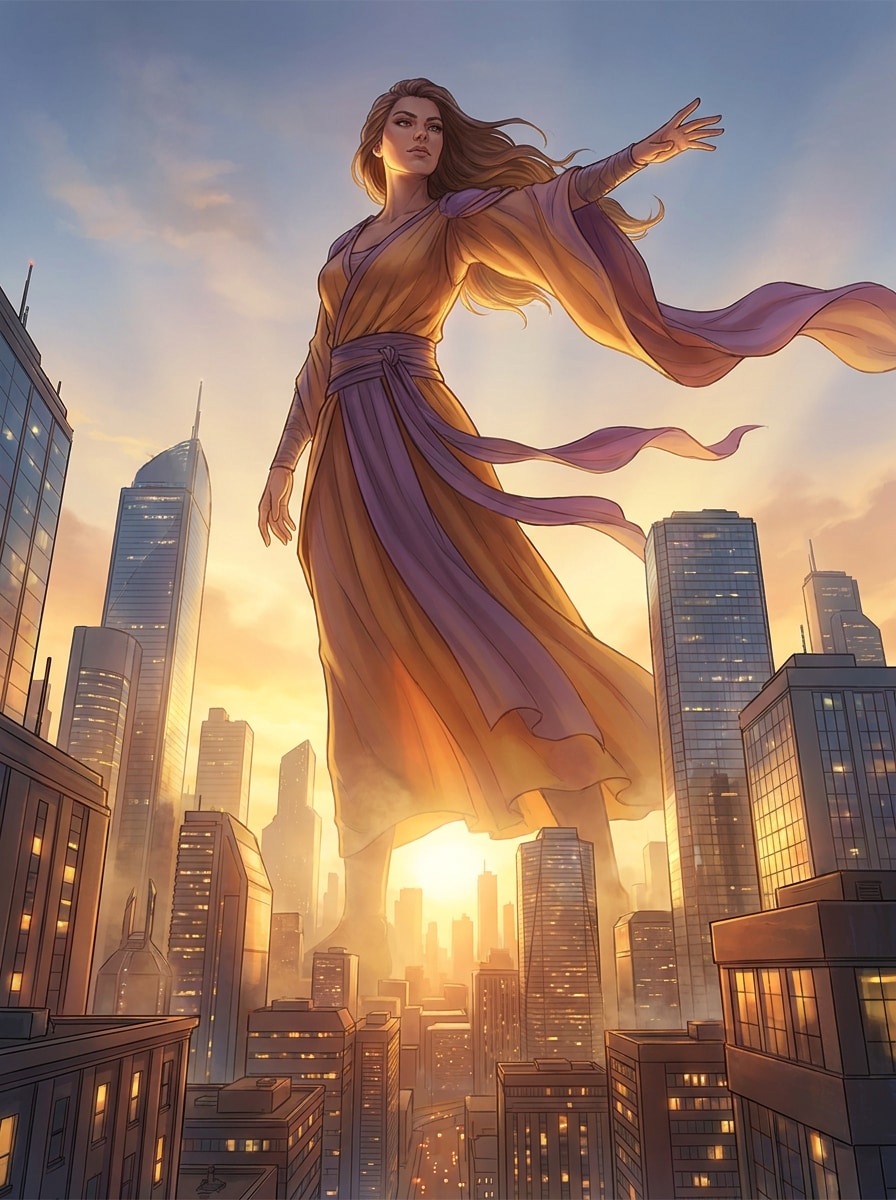
Fantasy épique à l'échelle de la ville
Créez une illustration fantastique cinématographique d'une géante imposante au-dessus de l'horizon d'une ville moderne au coucher du soleil, affichée à partir d'une large vue basse angle. Utilisez une lumière dorée spectaculaire, une brume volumétrique, des bâtiments en verre réfléchissant, un tissu fluide, une posture héroïque confiante, des tons chauds d'ambre et de violet, des détails architecturaux nets et une qualité d'art concept poli.
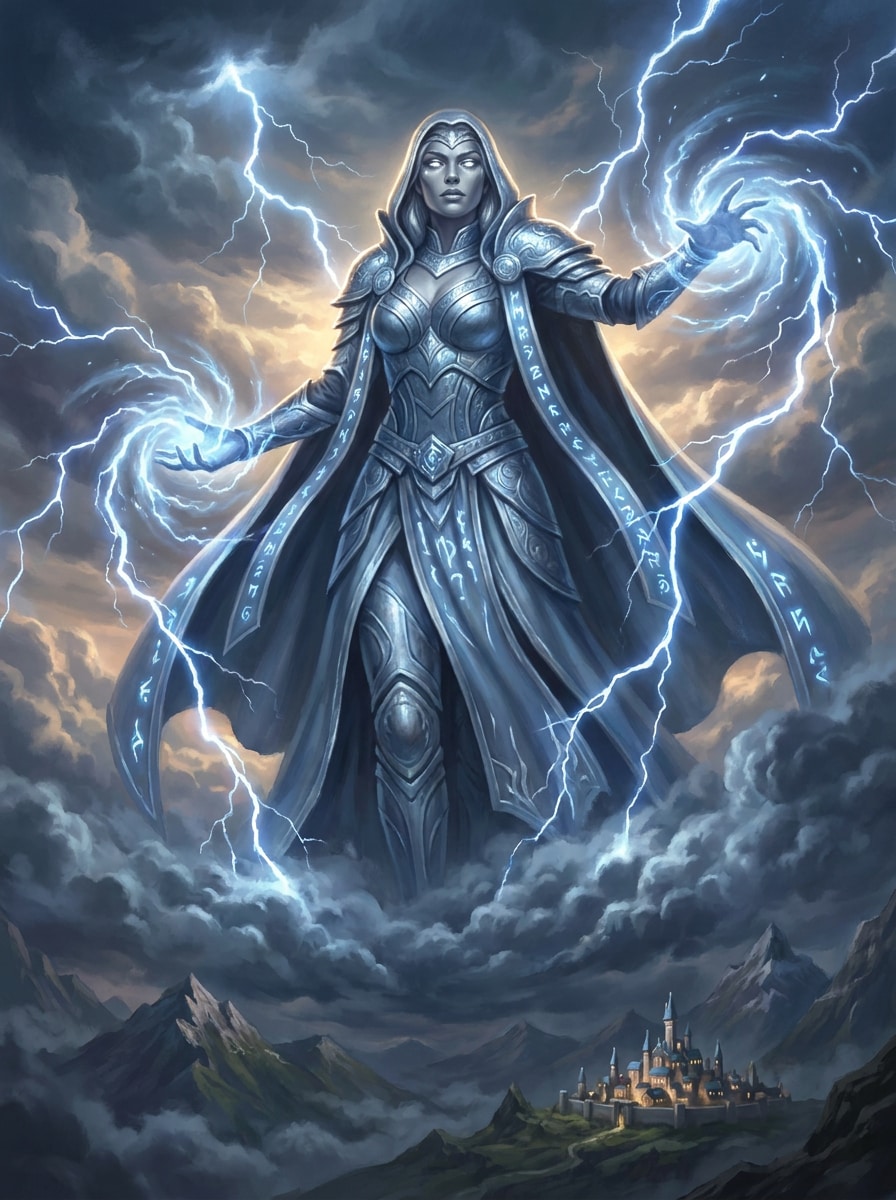
Déesse de la tempête
Générez une majestueuse déesse de la tempête géante qui s'élève au-dessus des nuages, encadrée par des éclairs tourbillonnants et l'énergie de la tempête roulante. Ajoutez des détails ornés de costumes fantastiques, des reflets bleu argentés, une expression calme puissante, des textures nuageuses en couches, une atmosphère céleste, un éclairage dramatique des jantes et un réalisme peintre avec un contraste à échelle épique.
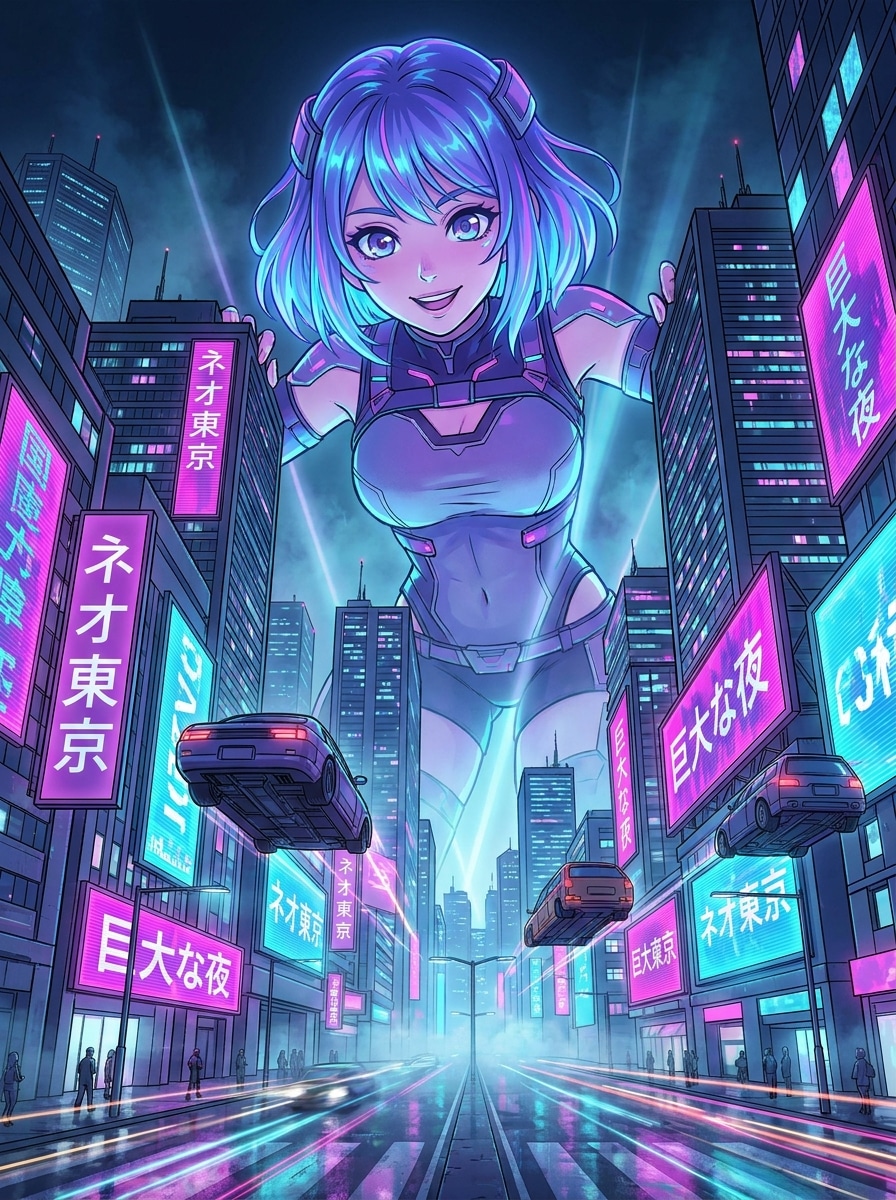
Anime Skyline Giantess
Créez une géante de style anime qui domine une ville futuriste au néon la nuit, en utilisant une perspective dynamique à bas angle. Incluez un éclairage magenta et cyan vif, des lignes nettes, des yeux expressifs, des panneaux d'affichage brillants, une profondeur atmosphérique, des rues réfléchissantes et une silhouette hautement détaillée pour une composition d'anime audacieuse comme une affiche.
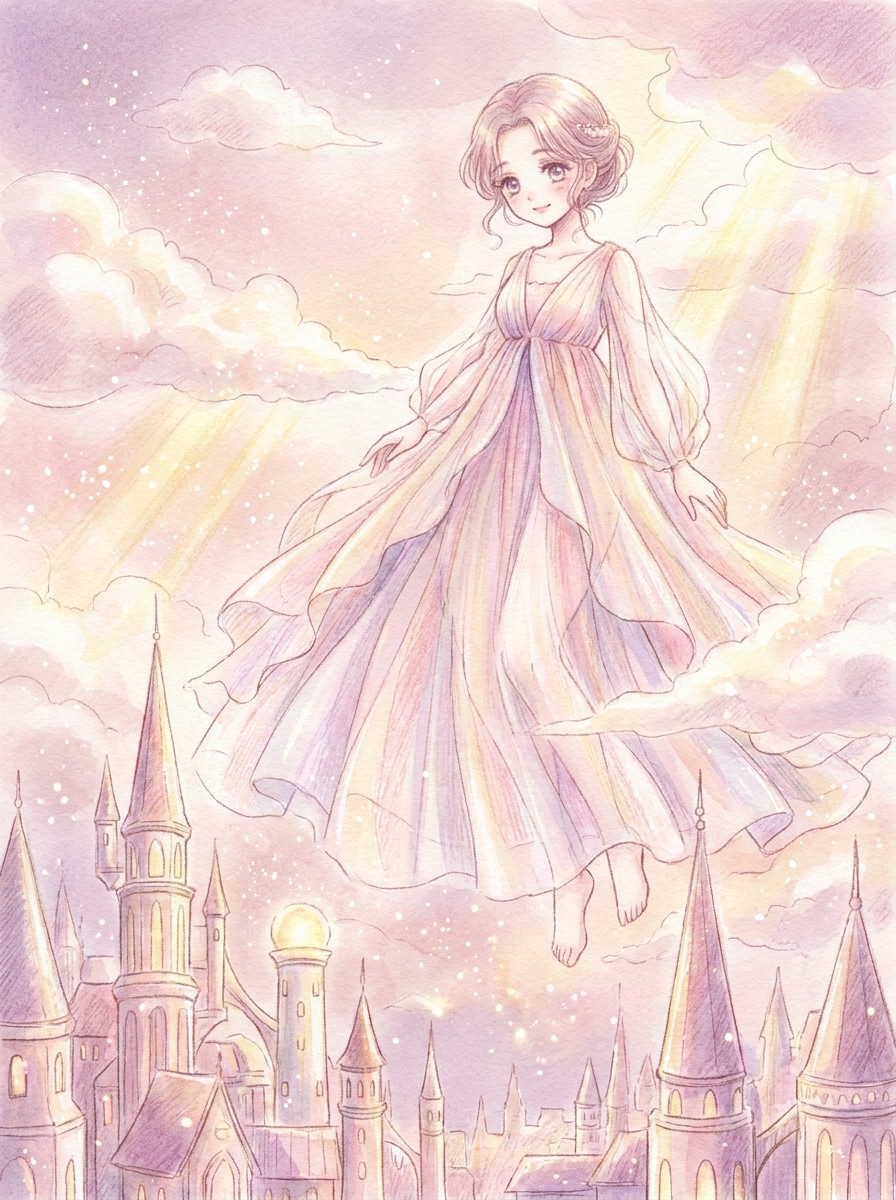
Doux Shoujo Fantasy
Générez une géante rêveuse inspirée de shoujo flottant au-dessus d'une ville magique, avec des nuages pastel doux et des particules brillantes autour d'elle. Utilisez des traits du visage délicats, une robe élégante et fluide, une composition aérée, des tons rose blush et lavande, une lumière douce du soleil, une ambiance fantaisiste et des détails d'illustration d'anime raffinés.
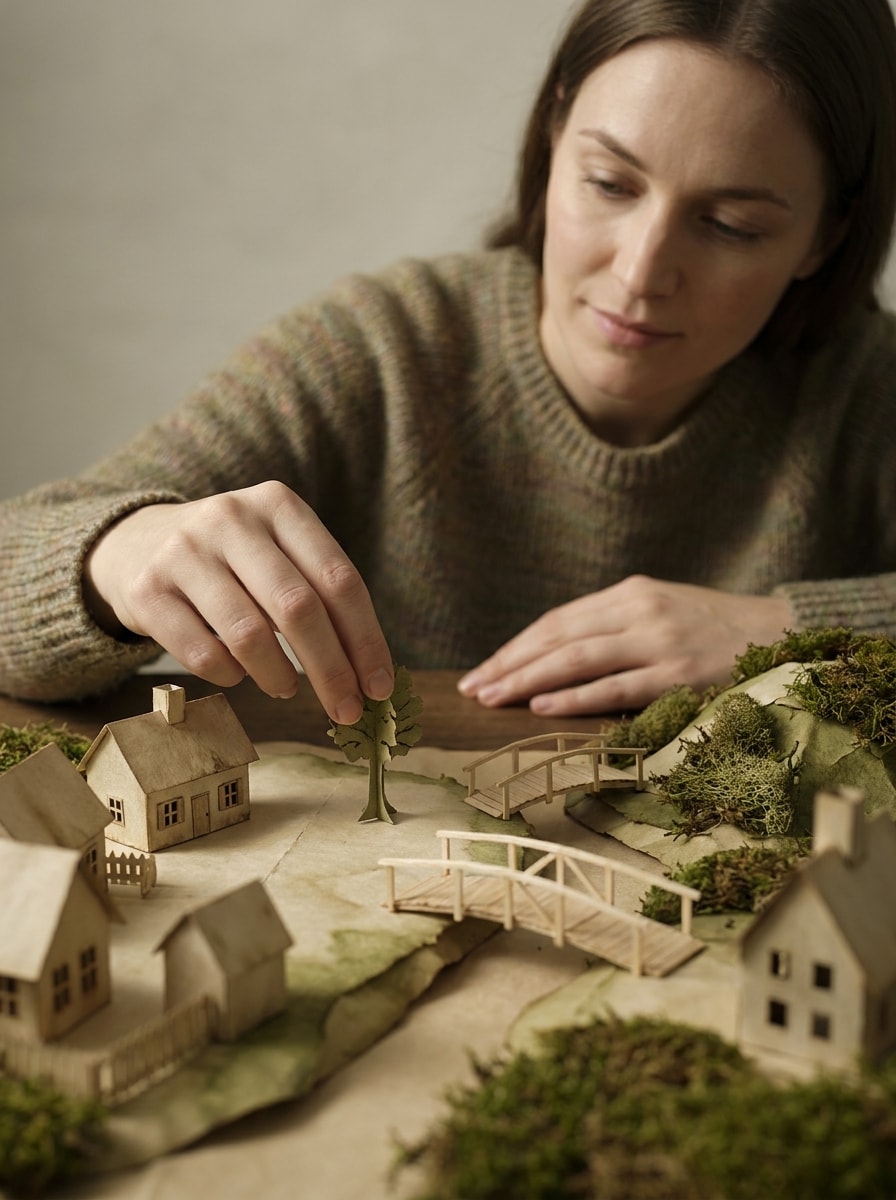
Contraste mondial Miniature
Créez une scène surréaliste de géante où une énorme femme interagit doucement avec un petit monde artisanal sur un paysage de table. Mettez l'accent sur la profondeur inclinable-décalée, les textures papier-bois, l'éclairage studio doux, la narration imaginative, les couleurs terrestres atténuées, le placement délicat de la main et l'esthétique photographique surréaliste éditoriale.
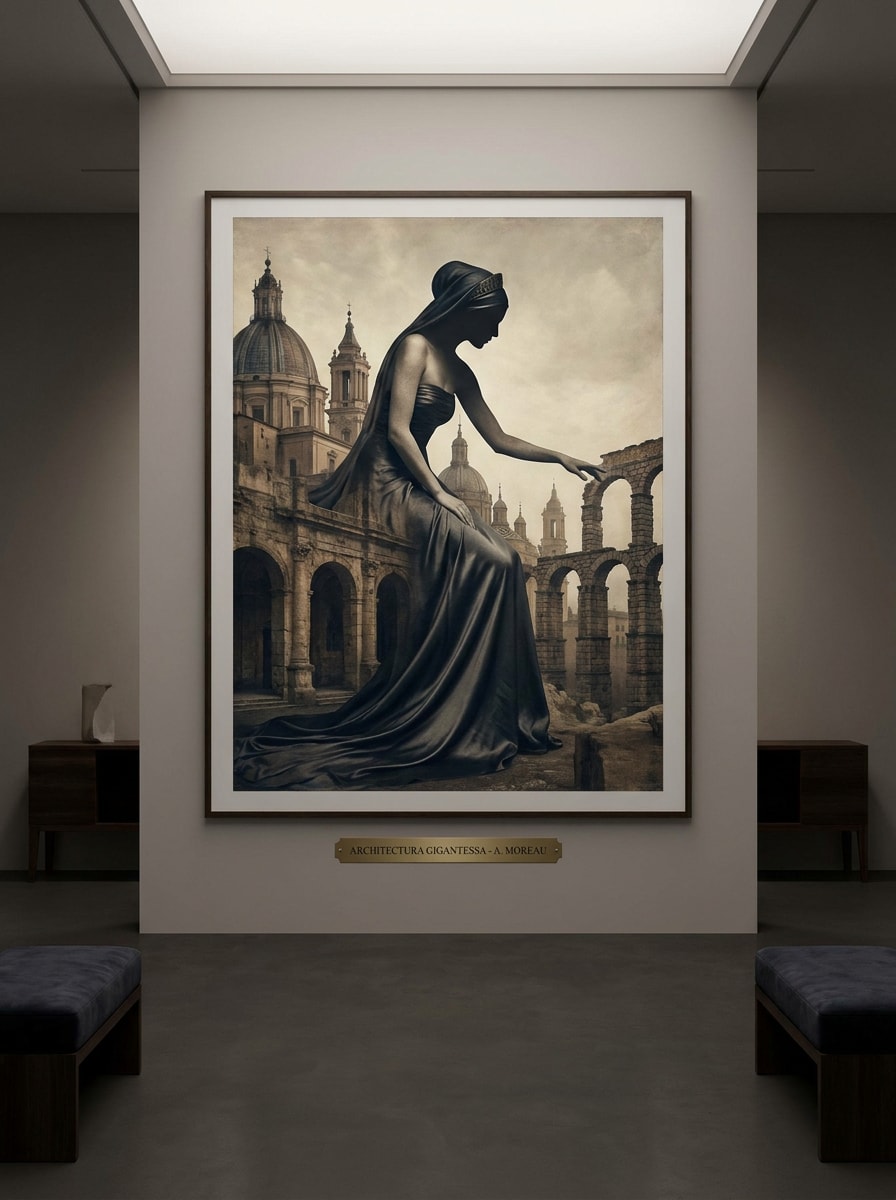
Portrait surréaliste de qualité musée
Générez un portrait surréaliste de beaux-arts d'une géante dont la silhouette s'intègre dans une architecture monumentale. Utilisez une pose élégante, une palette de luxe silencieuse, des textures de pierre et de soie, des ombres douces, une composition raffinée, un éclairage de style galerie et une ambiance calme et sophistiquée qui ressemble à un art fantastique éditorial haut de gamme.
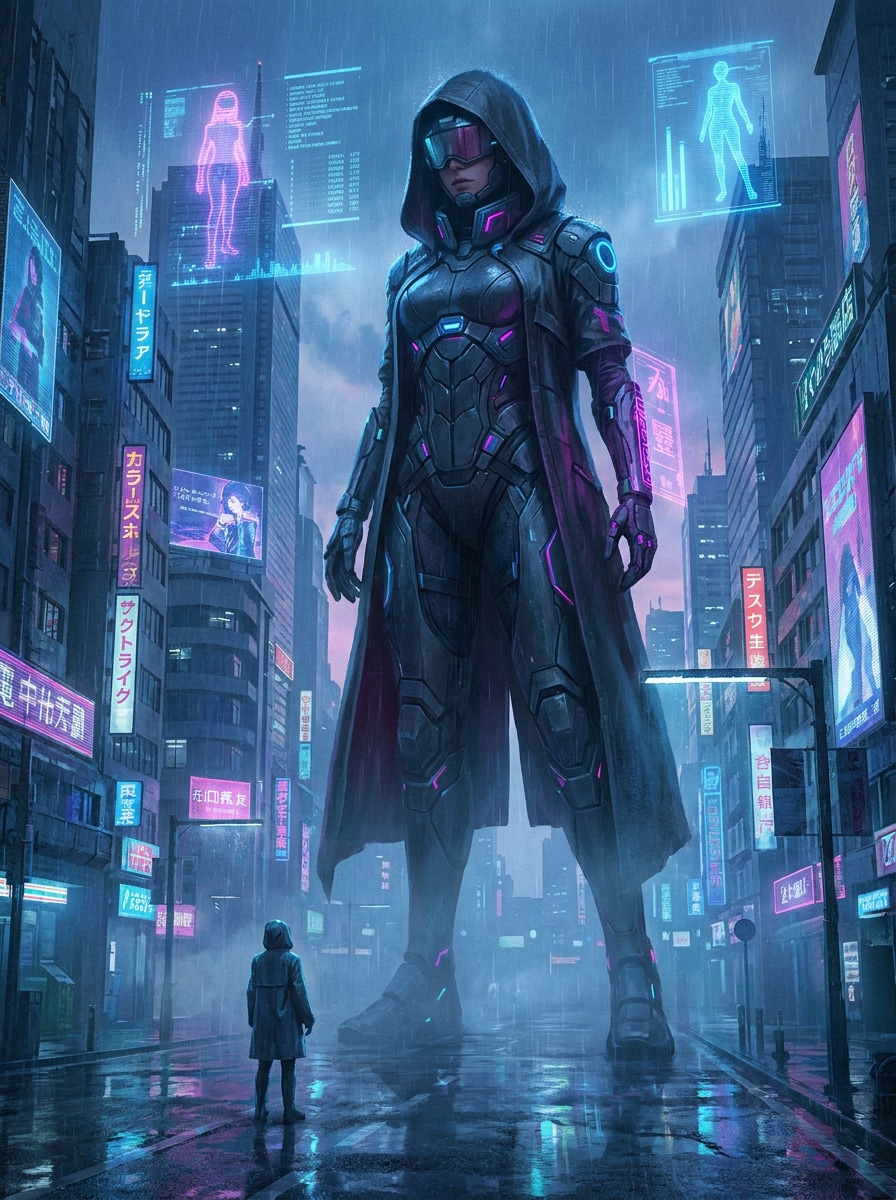
Cyberpunk Colossus
Créez une géante cyberpunk surmontant une mégacité futuriste sous la pluie, vue du niveau de la rue pour une échelle intense. Ajoutez des hologrammes au néon, des trottoirs réfléchissants, des panneaux lumineux, une tenue élégante inspirée du techwear, une palette bleu et magenta humoreux, une brume cinématographique et un rendu art concept de science-fiction ultra-détaillé.
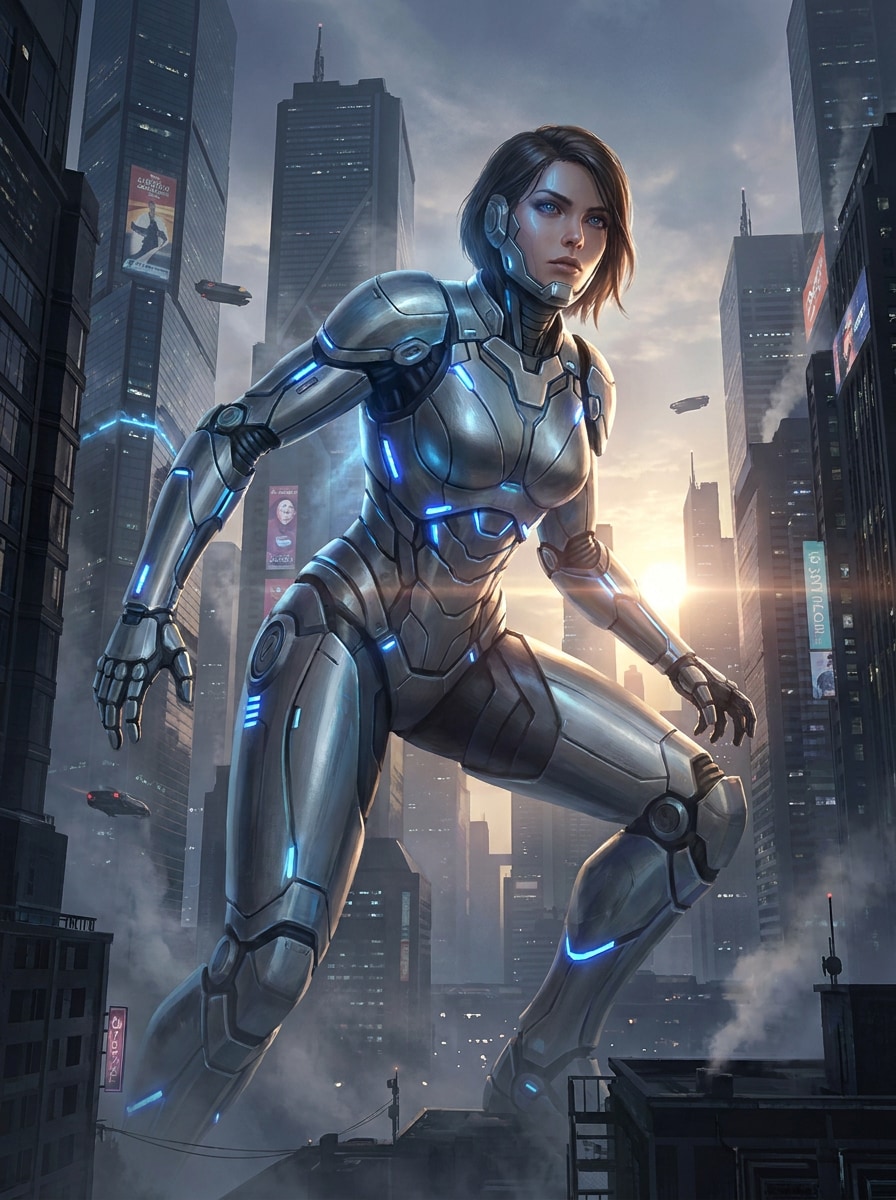
Mecha Queen
Générez une géante blindée futuriste dans une ville de science-fiction dense, avec une armure élégante d'inspiration mech avec des surfaces métalliques et des accents d'énergie bleue. Utilisez un rétroéclairage cinématographique, des structures urbaines imposantes, une posture puissante, des détails mécaniques propres, une palette d'acier fraîche, une brume atmosphérique et une finition concept art haut de gamme.
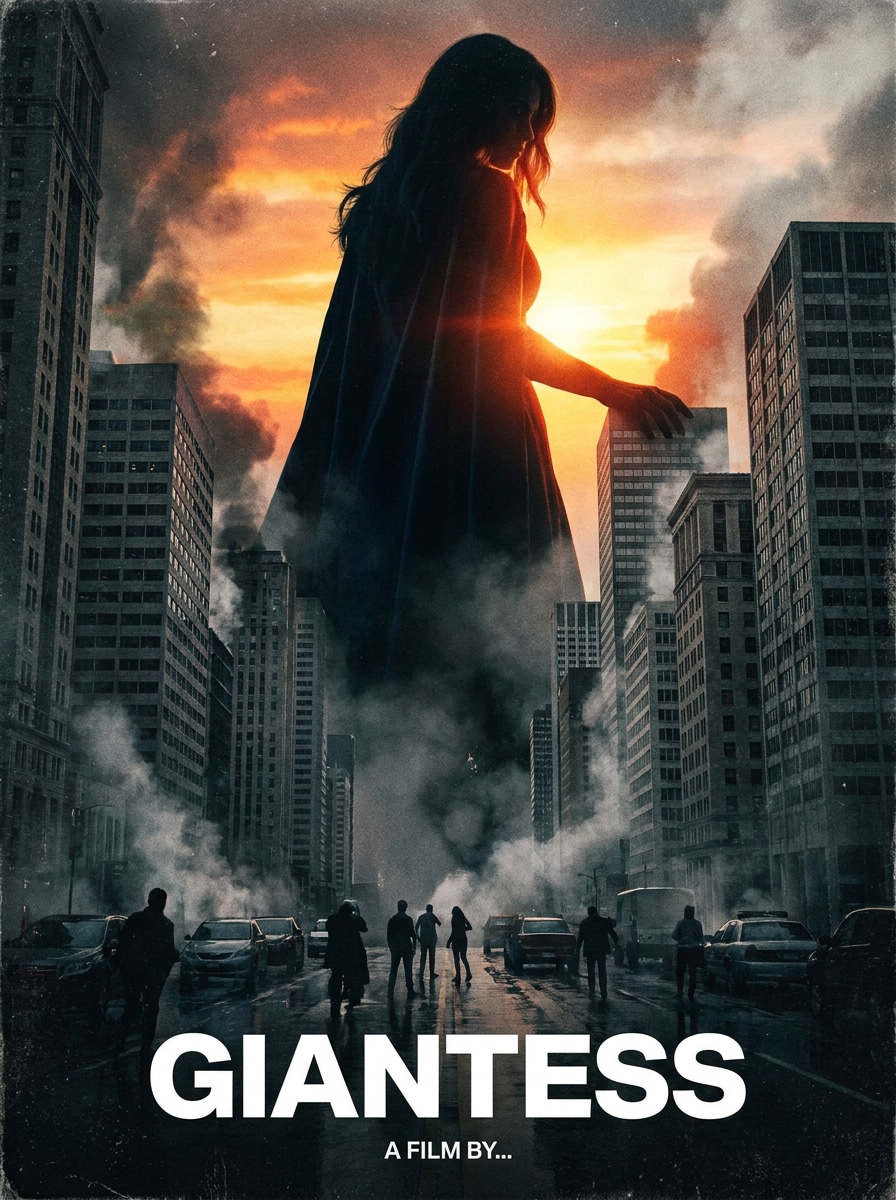
Blockbuster affiche Look
Créez une affiche cinématographique photoréaliste d'une géante dominant un horizon urbain, avec un éclairage dramatique intense et une échelle environnementale réaliste. Incluez de la fumée atmosphérique, des textures détaillées de verre et de béton, une forte composition centrale, des éléments de foule subtils, un contraste riche et une finition d'affiche de cinéma haut de gamme.
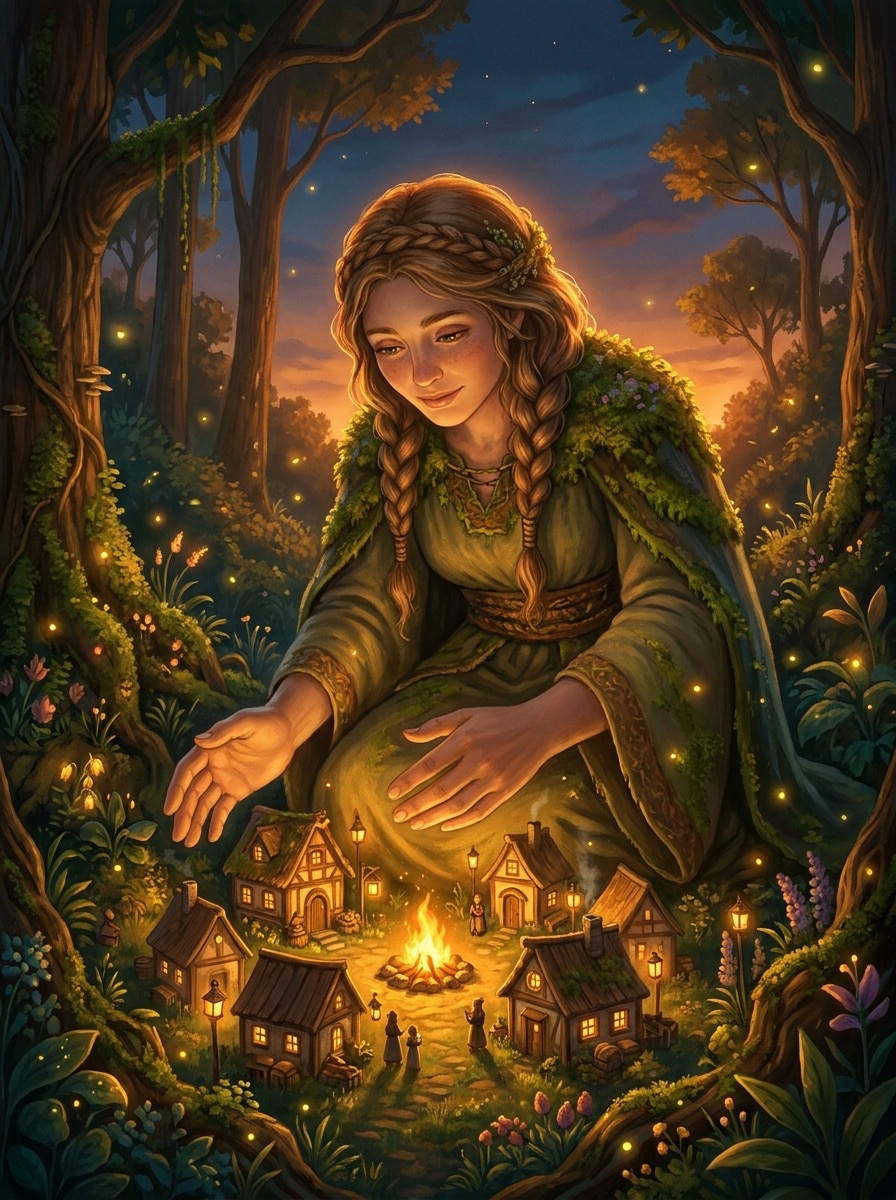
Fantasy Protector
Générez une scène fantastique réconfortante d'une géante protégeant un petit village dans une forêt magique au crépuscule. Ajoutez des lanternes brillantes, une lumière de feu chaude, une expression douce, une verdure luxuriante, une atmosphère de livre de contes, des détails environnementaux riches, des reflets dorés doux et une illustration cinématographique fantastique avec une profondeur émotionnelle.
Pourquoi utiliser Media.io pour l'AI Giantess Art
Modèles flexibles pour des scènes à échelle créatives
Créez des œuvres d'art à l'échelle fantastique avec des modèles avancés de texte en image, notamment Nano Banana Pro, Nano Banana 2, GPT Image 2, Seedream 5.0 Lite, Soul Character, Seedream 4.0 et Imagen 4. Cela vous donne de solides options pour les concepts de géantes cinématographiques, anime, réalistes et surréalistes.
Haute résolution avec des rapports d'Aspect utiles
Générez des images de géantes en résolution 1K, 2K ou 4K et choisissez parmi des mises en page pratiques comme 1:1, 9:16, 16:9, 4:3 et 3:4. Il est facile de créer des publications sociales verticales, des fonds d'écran large écran ou des affiches polies.
Styles conçus pour la Fantasy, l'Anime et la science-fiction
Basculez entre Anime, réaliste, rendu 3D, peinture à l'huile, Cyberpunk, et plus encore pour façonner votre scène plus rapidement. Cela rend plus facile de tester des directions rapides pour des concepts fantastiques à l'échelle de la ville, des affiches stylisées ou des concepts futuristes de géantes sans tout reconstruire à partir de zéro.
Fonctionne sur le navigateur sur tous les appareils
Media.io fonctionne dans votre navigateur sur Windows, Mac, iOS et Android, vous pouvez donc créer de l'art fantastique n'importe où. L'outil est optimisé pour les invites en anglais, ce qui aide à écrire des descriptions de scène plus détaillées pour l'échelle, l'humeur, l'éclairage et la composition.
Comment créer des Images AI Giantess en ligne
1
2
3
1
Générateur d'Image Open Media.io AI
aller àGénérateur de texte en Image AIEt ouvrez le générateur d'images AI sous AI-> Image. Cet outil en ligne s'exécute dans votre navigateur, de sorte que vous pouvez commencer à créer l'art fantastique de giantess sur votre ordinateur de bureau, tablette ou téléphone sans installer de logiciels supplémentaires.
2
Entrez une invite
Tapez une invite détaillée telle que "une géante cinématographique au-dessus de l'horizon brillant de la ville au coucher du soleil, vue grand angle, lumière dorée dramatique, concept art fantastique ultra-détaillé." Choisissez un style, un modèle, un rapport d'aspect et d'autres paramètres pour correspondre à votre scène.
3
Générer, affiner et télécharger
Cliquez sur Générer. Examinez les résultats, affinez votre formulation pour une meilleure composition ou une meilleure humeur et créez plus de versions si nécessaire. Lorsque vous êtes satisfait de l'image, téléchargez un fichier haute résolution pour le partage, la conception ou le travail conceptuel.
Découvrez comment les créateurs utilisent cette géante pour le contenu, le marketing et les projets personnels, puis adaptez chaque idée pour s'adapter au brief.
Créer des affiches cinématographiques fantastiques rapidement
Transformez une seule idée en art dramatique de style affiche pour des projets personnels, des tableaux d'humeur ou du contenu social. Media.io vous aide à façonner rapidement l'échelle de l'horizon, l'éclairage, la conception de costumes et l'atmosphère, ce qui le rend utile pour quiconque explore les visuels fantastiques de giantess avec une finition polie.
Prototype d'Anime et construction de monde stylisée
Utilisez les invites texte pour tester des directions anime, pastel, cyberpunk ou surréalistes avant de vous engager dans un concept final. Si vous souhaitez des résultats variés pour les histoires, les personnages ou l'inspiration visuelle, le changement de style et l'itération rapide rendent le processus plus fluide.
Créer un Concept Art partageable pour les médias sociaux
Concevoir des images verticales, carrées ou grand écran pour des articles, des couvertures de rouleaux, des fonds d'écran et des communautés créatives. Grâce à un contrôle rapide solide et à des rapports d'aspect flexibles, vous pouvez produire un art de géante propre qui semble adapté à chaque plate-forme au lieu de recadrer comme une réflexion ultérieure.
Ce que disent les utilisateurs
Maya L.
Illustrateur fantastique
"Idéal pour l'art à l'échelle cinématographique"Je l'ai utilisé pour tester les idées d'affiches fantastiques de giantess, et l'échelle de la scène est bien meilleure que ce à quoi je m'attendais. Les options de style m'ont aidé à passer de la fantaisie peintre à des looks cinématographiques plus polis sans tout réécrire.
Jordan P.
Créateur de contenu
"Facile sur mobile et desktop"J'ai commencé sur mon téléphone et j'ai fini sur mon ordinateur portable. Le flux de travail du navigateur est simple, et la modification des rapports d'aspect a facilité la création de graphiques sociaux verticaux et d'images de style fond d'écran plus larges.
Elena R.
passionné d'Art Anime
"Utilisable pour les tests prompts d'anime"J'aime expérimenter avec les invites neon city et pastel fantasy, et Media.io m'a donné des variations rapides à comparer. Cela me semble particulièrement utile lorsque je veux affiner l'humeur, la palette de couleurs et la composition à partir du même concept de base.
Chris T.
concepteur conceptuel
"iterations rapides avec des détails forts"La plus grande victoire pour moi, c'est la vitesse. Je peux essayer plusieurs concepts de géantes en une courte session, puis améliorer le meilleur. Pour l'exploration conceptuelle précoce, cela permet d'économiser beaucoup de temps.
Découvrez Les Effets Vidéo et d'Image IA Les Plus Populaires
Questions fréquentes sur le générateur AI Giantess
1. Qu'est-ce qu'un générateur AI giantess?
Un générateur de géantes d'IA est un outil de conversion de texte en image qui transforme les invites écrites en œuvres d'art à échelle fantastique mettant en vedette un personnage féminin surdimensionné ou une figure ressemblant à une déesse. Media.io vous permet de créer ce type de scène en ligne avec plusieurs modèles d'image, choix de style, rapports d'aspect et options d'exportation.
2. Comment écrire une bonne invite AI giantess?
Commencez par le sujet, puis ajoutez l'environnement, l'angle de la caméra, l'éclairage, le style et l'ambiance. Par exemple: "Géante imposante au-dessus d'une ville moderne, vue d'angle bas, éclairage au coucher du soleil, fantaisie cinématographique, horizon détaillé, brume volumétrique, concept art poli." Les invites en anglais clairs produisent généralement une meilleure structure et des détails visuels plus cohérents.
3. Quels sont quelques exemples d'invites pour giantess AI art?
Vous pouvez essayer des invites comme: "Géante d'anime sur une ville de néon, perspective dynamique, magenta vibrant et éclairage bleu" ou "Géante surréaliste interagissant avec un petit monde artisanal, look inclinable-décalage, éclairage studio doux." Pour obtenir des résultats plus riches, incluez la composition, la palette de couleurs, les textures et le style visuel exact que vous souhaitez.
4. Comment puis-je obtenir de meilleurs résultats grâce à un générateur AI giantess?
Utilisez des invites spécifiques, choisissez un style qui correspond à la scène et sélectionnez le bon rapport d'image avant de générer. Si l'image semble plate, affinez l'invite avec des détails sur le contraste de l'échelle, l'éclairage, l'environnement et la perspective de l'appareil photo. Vous pouvez également tester différents modèles et exporter des versions à plus haute résolution pour une sortie finale plus propre.
5. Puis-je créer des images d'AI giantess gratuitement?
Les utilisateurs peuvent créer des images avec des crédits gratuits disponibles. Si vous avez besoin de plus de générations ou si vous souhaitez des avantages supplémentaires, vous pouvez consulter la page des prix. Les exportations gratuites peuvent inclure un filigrane, tandis que les forfaits payants prennent en charge les téléchargements haute résolution sans filigrane. Les utilisateurs gratuits peuvent utiliser des crédits gratuits. Pour plus d'utilisation, les utilisateurs peuvent s'abonner à un forfait sur la page Prix. Passez à un plan payant sur lepage de tarificationPour plus de crédits et filigrane-téléchargements haute résolution gratuits.
6. Quelle qualité d'image et résolution puis-je exporter?
Media.io prend en charge la sortie d'images 1K, 2K et 4K, en fonction de votre flux de travail et de vos paramètres. Vous pouvez également choisir parmi plusieurs rapports d'aspect tels que 1:1, 9:16, 16:9, 4:3 et 3:4, ce qui est utile lors de la création d'affiches, de fonds d'écran ou d'images sociales verticales pour ai giantess art. Les utilisateurs gratuits peuvent avoir des filigranes.