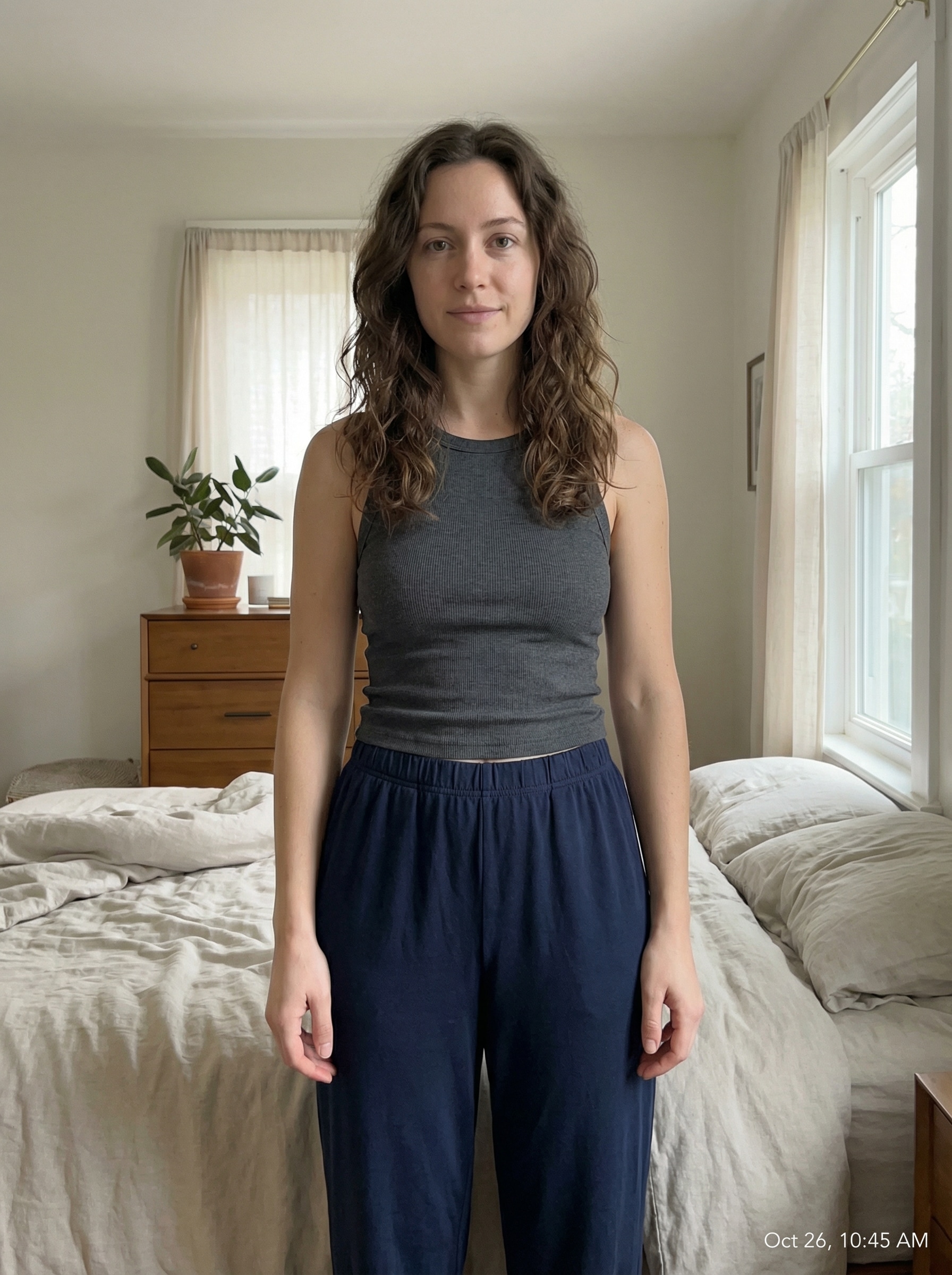
Sélectionnez / @ caractère, décrivez la scène que vous souhaitez générer.
0/2000
9:16
1K
1
Mode Illimité Banana Pro
Créations
Centre d’idées
Comment ça marche
Tout
Fonctionnalités populaires
Voir tout
Défi créatif d’Halloween
Voir tout
Histoire de Fruits Drama IA
Voir tout
Vidéo d'Histoire par IA
Voir tout
Vidéos virales aujourd'hui
Voir tout
Vidéos de produits IA
Voir tout
Personnage IA
Voir tout
Tendances de Danse
Voir tout
GPT Image 2
Voir tout
Seedance 2.0
Voir tout
Correspondance de Célébrités IA
Voir tout
Suggestions de Poses pour Couples
Voir tout
Prompts de Poses de Fille IA Esthétique
Voir tout
Invites de Poses Élégantes pour Garçon IA
Voir tout
Générer une liste
Vos créations sont conservées pendant seulement 7 jours. Les éléments créés après la mise à niveau de l'Abonnement seront stockés de façon permanente.
Libérez votre potentiel créatif et découvrez la magie de l'IA médiatique dès mIAntenant!
Créez des Portraits de Boudoir d'IA élégants à partir d'une Photo téléchargée
Transformez un selfie en un selfie de goût, poliai boudoirportraits avec un éclairage élégant, un style réaliste et une édition rapide basée sur le navigateur. ceciGénérateur de boudoir d'IAVous aide à créer des looks glamour élégants, des scènes inspirées de la mariée, et même des scènes vintageimages des modèles pin upEsthétique sans tournage en studio.
Tapez votre idée-> AI la conçoit. Libre à essayer.
Examinez ces exemples d'instructions, puis adaptez les détails de l'invite pour obtenir de meilleurs résultats avec ce générateur de Portraits de Boudoir IA.
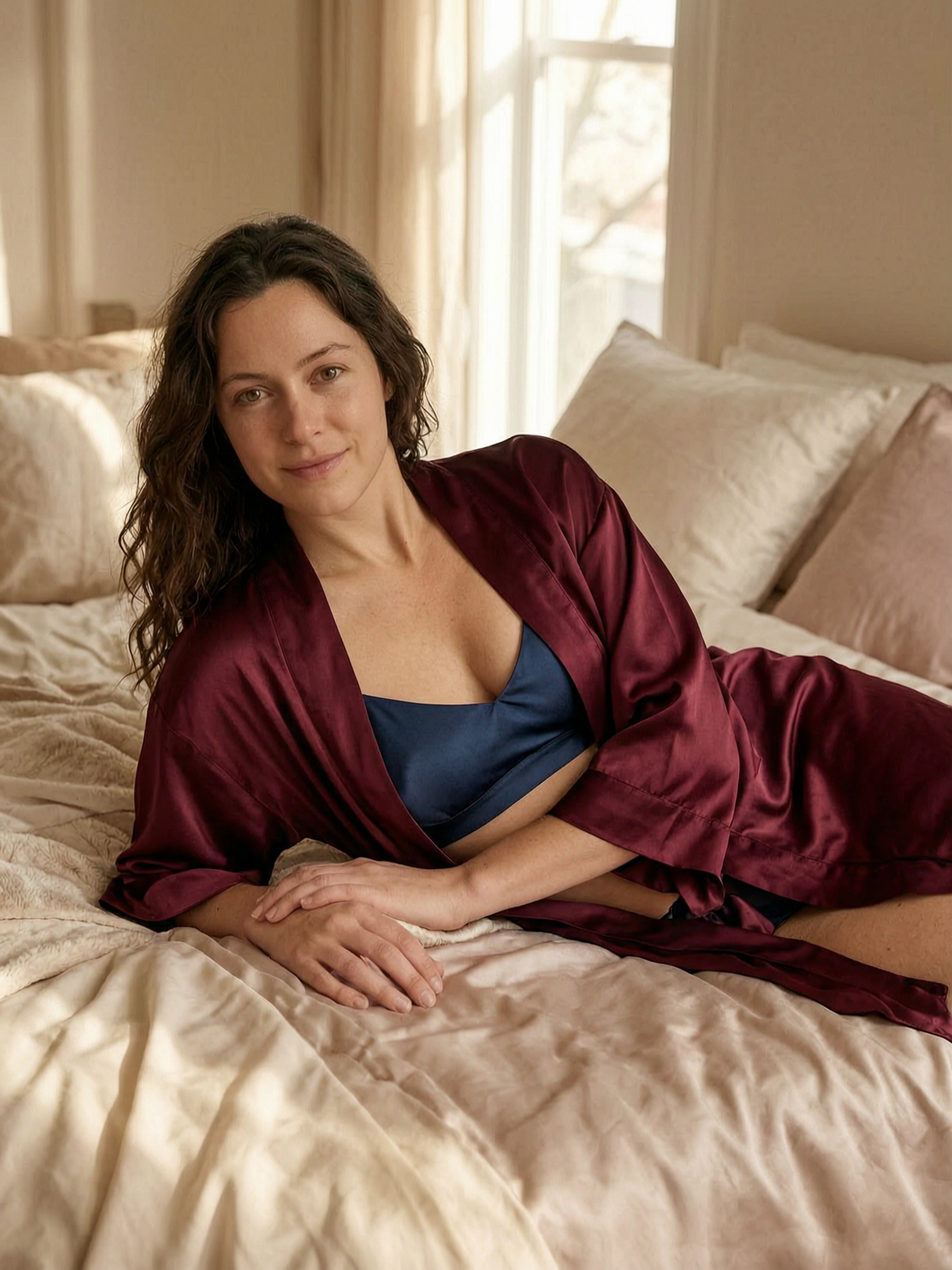
Portrait de chambre de luxe doux
Utilisez l'image téléchargée comme sujet et transformez-la en un portrait de boudoir de bon goût dans une chambre de luxe. Ajoutez un éclairage doux des fenêtres, une literie satinée, des tons neutres chauds, des détails de peau raffinés, une pose assise élégante, un retouchage éditorial subtil, une profondeur de champ peu profonde et une ambiance polie, intime mais élégante.
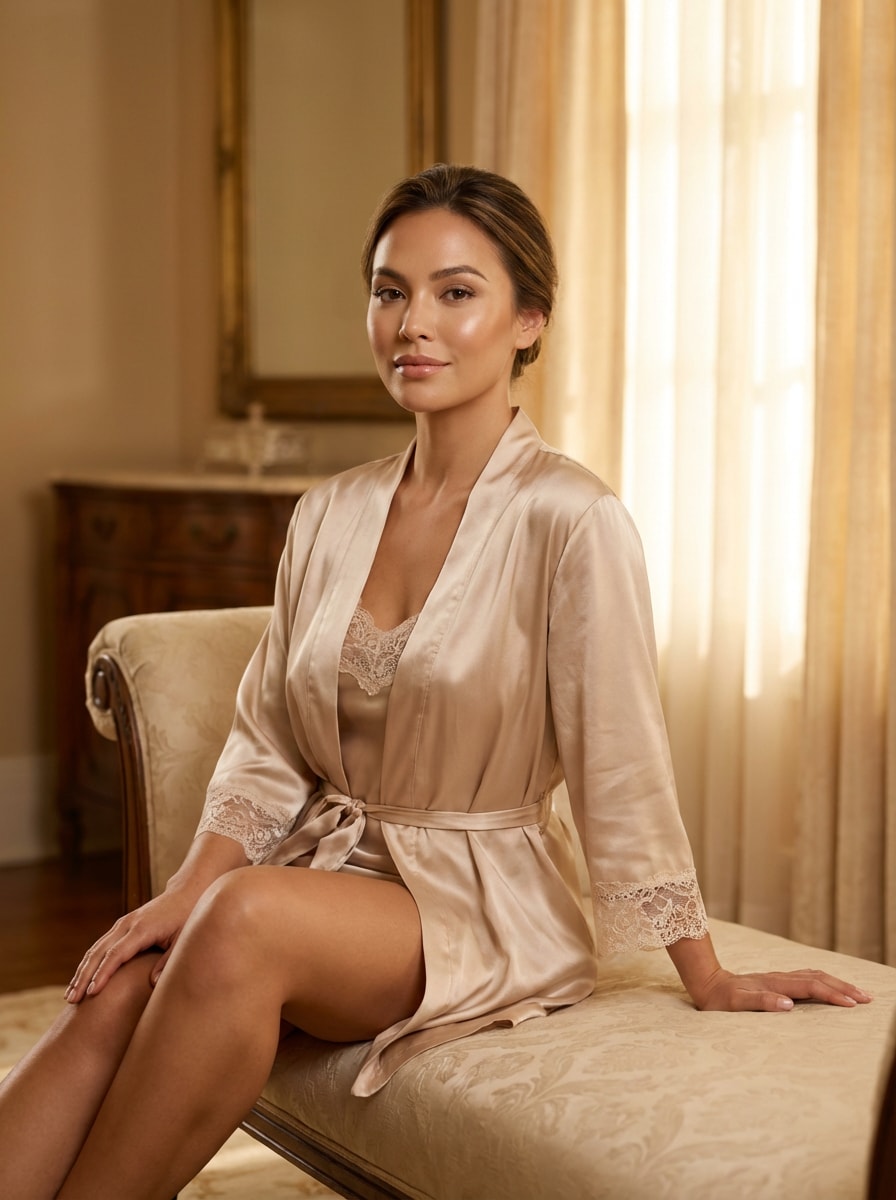
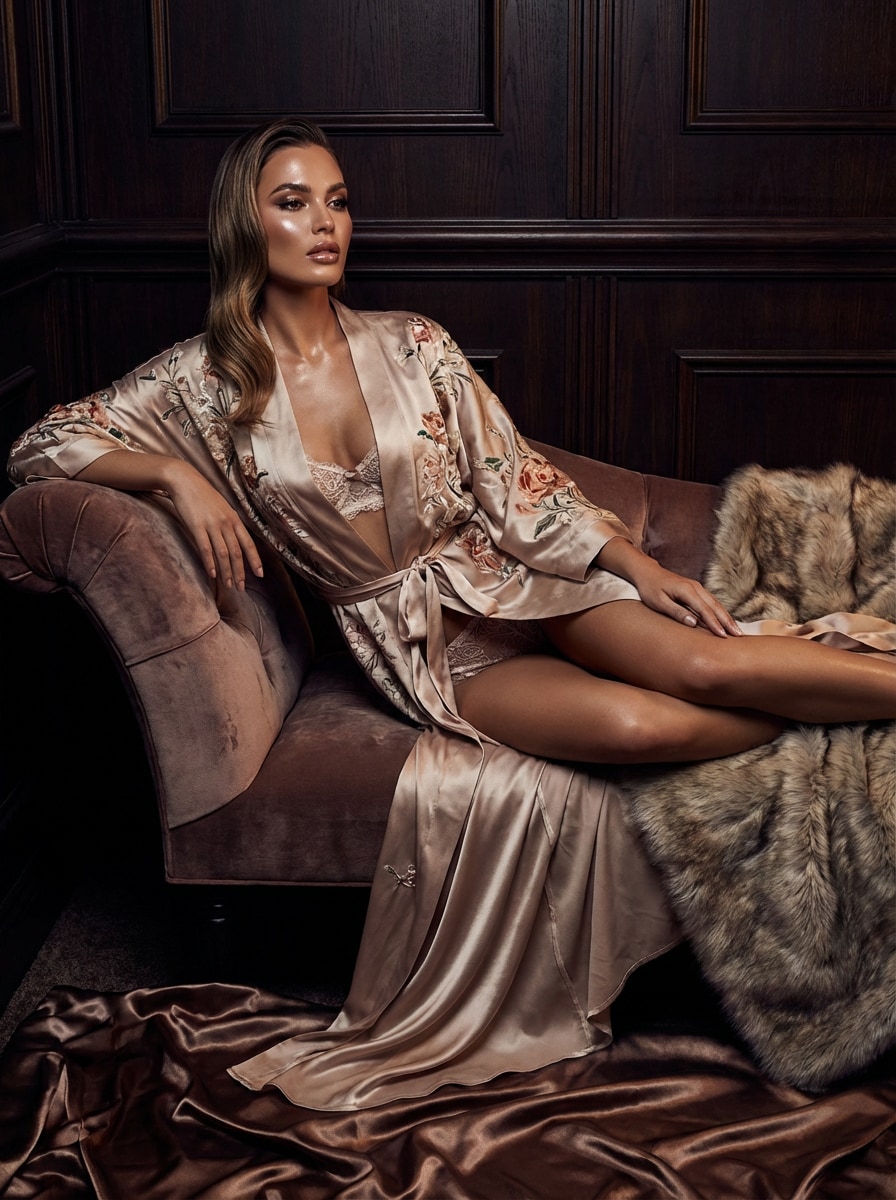
Champagne Glow Editorial
Utilisez l'image téléchargée comme sujet et restylez-la en une photo de boudoir éditorial élégante avec un éclairage de champagne chaud. Mettez l'accent sur la peau éclatante, le maquillage poli, les textures en satin et en soie, une pose confiante, une composition propre, des reflets doux, un réalisme de qualité magazine et une atmosphère luxueuse et romantique.
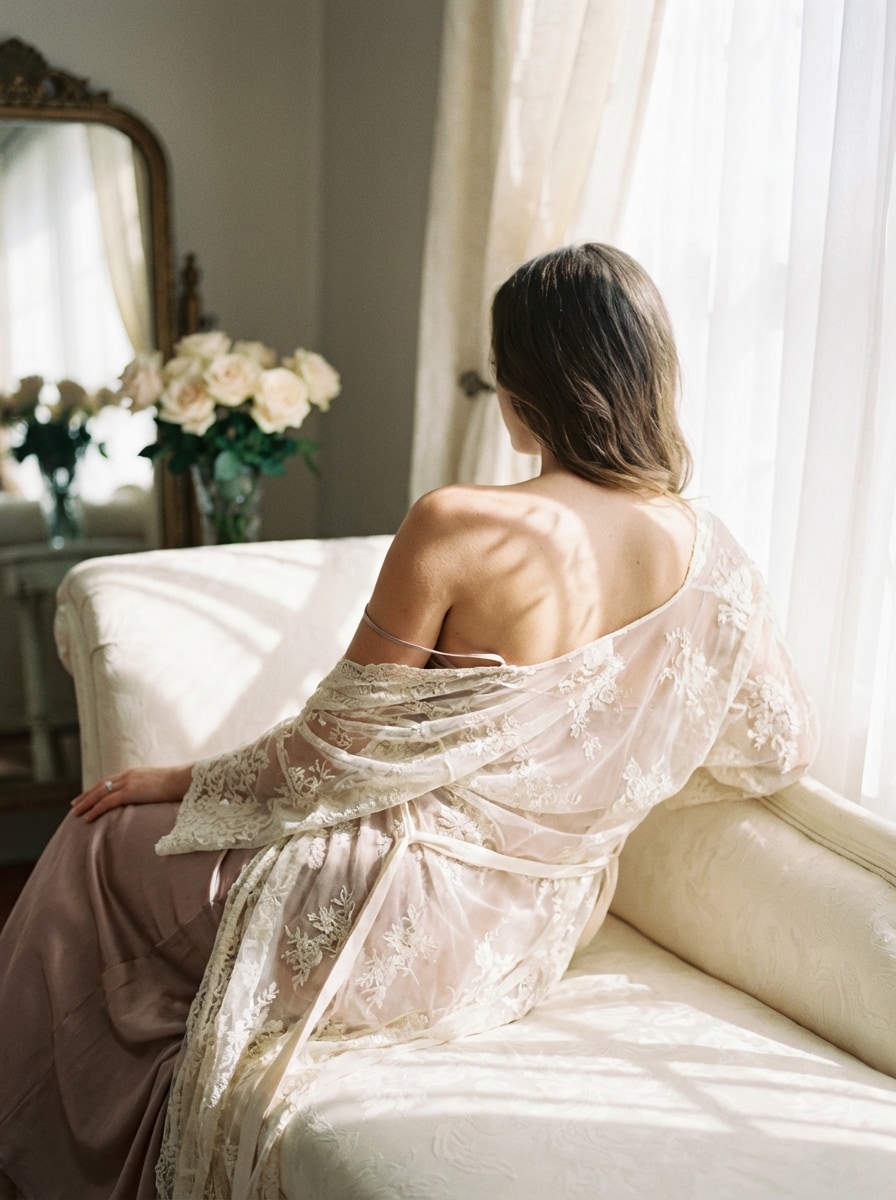
Dentelle et ombres douces
Utilisez l'image téléchargée comme sujet et créez un portrait de boudoir romantique avec un style de dentelle délicat et des ombres douces. Gardez l'ambiance féminine et de bon goût avec des tons de blush et d'ivoire, une lumière directionnelle douce, des angles du corps élégants, une texture réaliste et une finition photographique de beaux-arts de rêve.
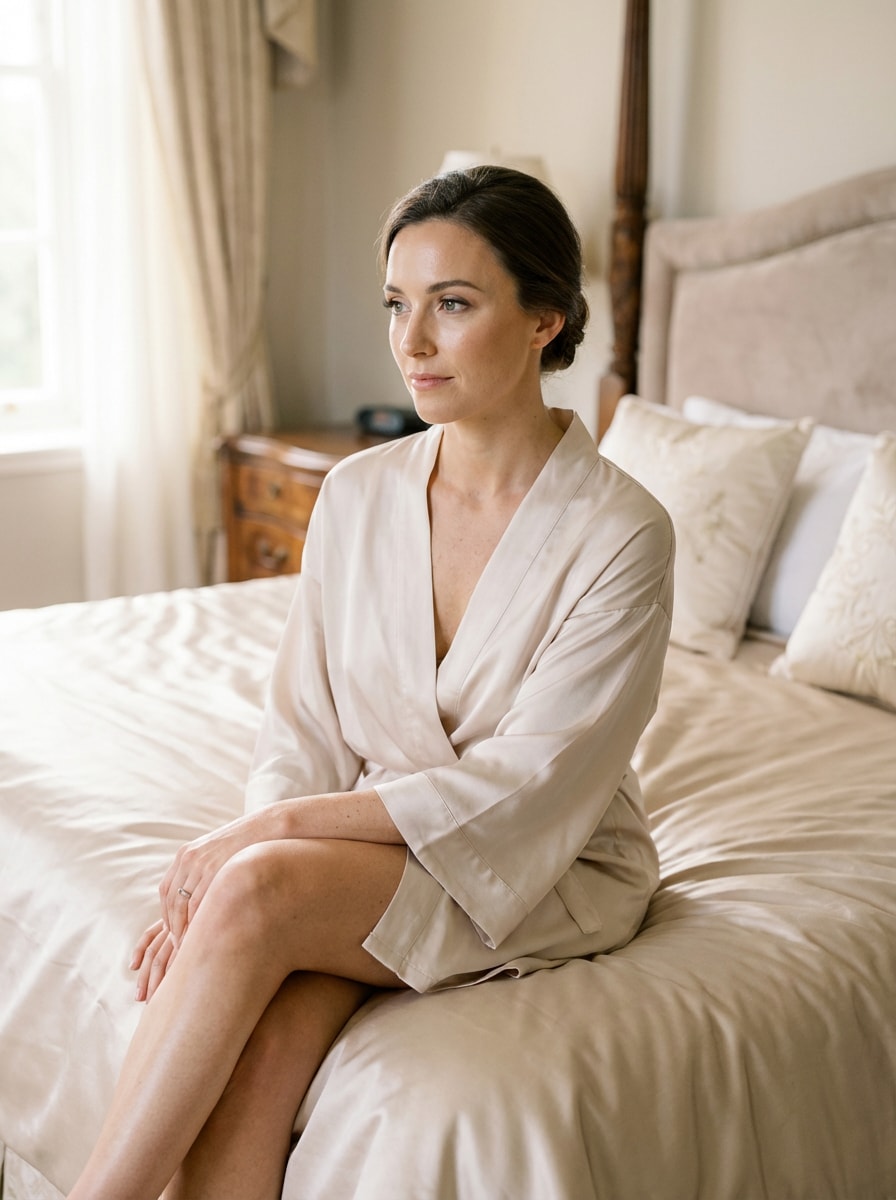
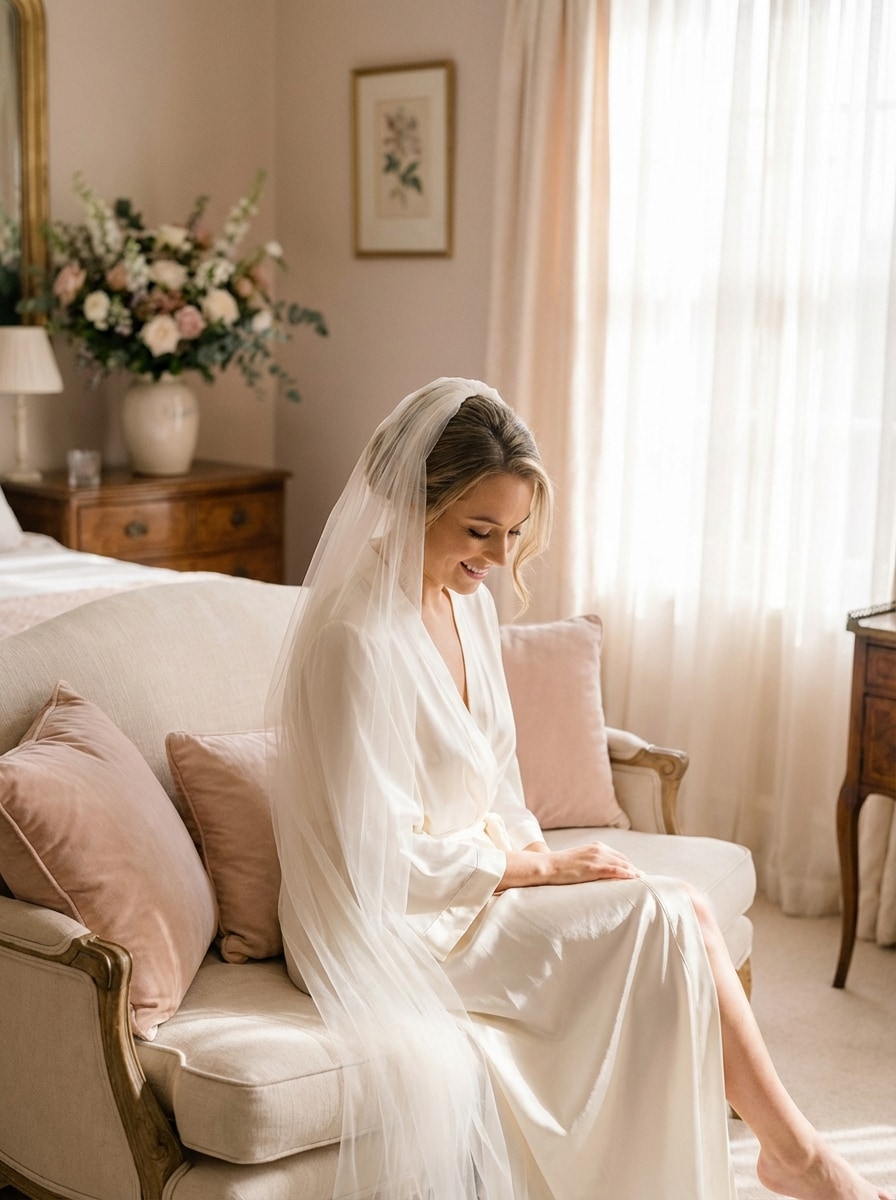
Boudoir de mariée
Utilisez l'image téléchargée comme sujet et transformez-la en un portrait de boudoir de mariée avec un voile doux, une robe en satin et une lumière aérée du matin. Ajoutez des blancs crêmes, des reflets de blush, des poses élégantes, des textures de tissu délicates et une qualité éditoriale réaliste pour une scène romantique inspirée d'un mariage.
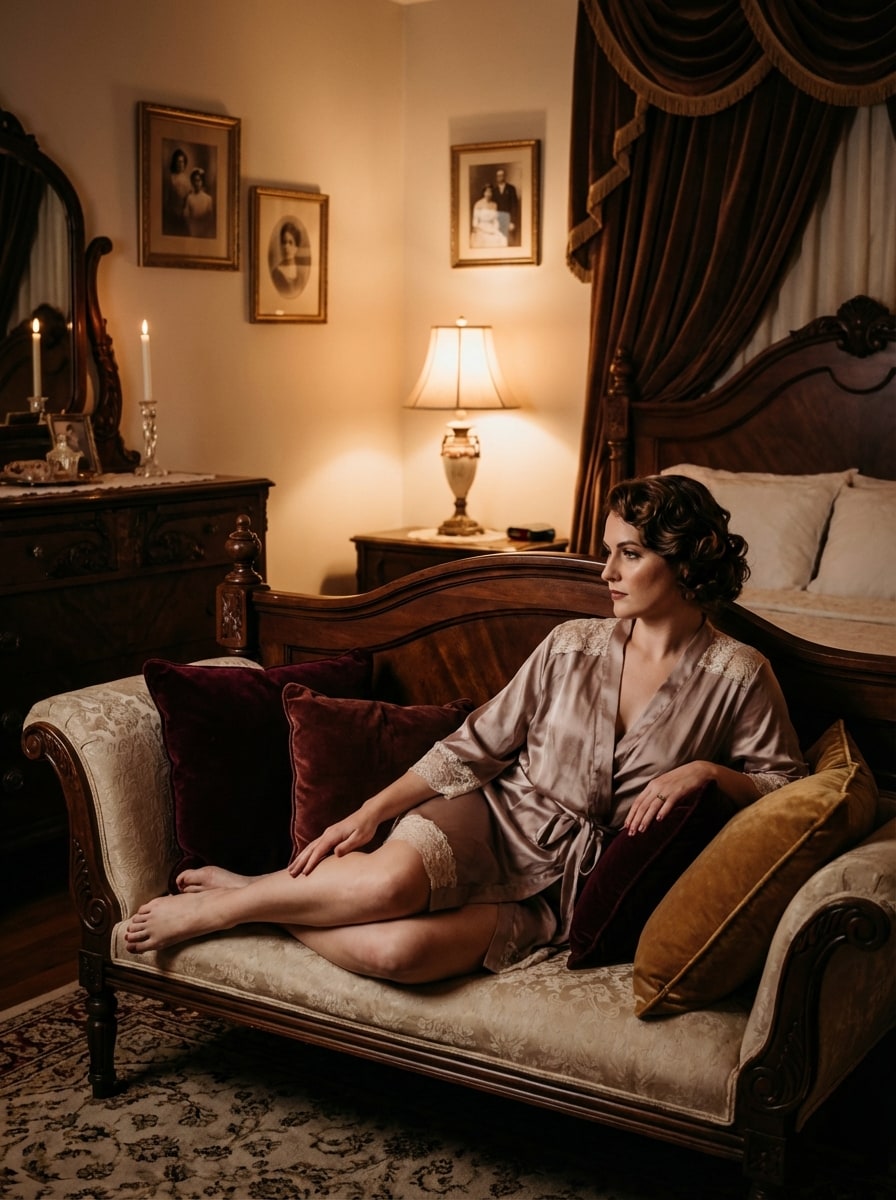
Vintage Chambre à coucher Glamour
Utilisez l'image téléchargée comme sujet et restylez-la en un portrait de boudoir glamour vintage dans une élégante chambre à coucher à l'ancienne. Ajoutez un décor antique, des textures de velours et de dentelle, un éclairage chaud et humoureux, des tons riches de bordeaux et d'or, des poses intemporelles et un réalisme cinématographique avec une sophistication de goût.
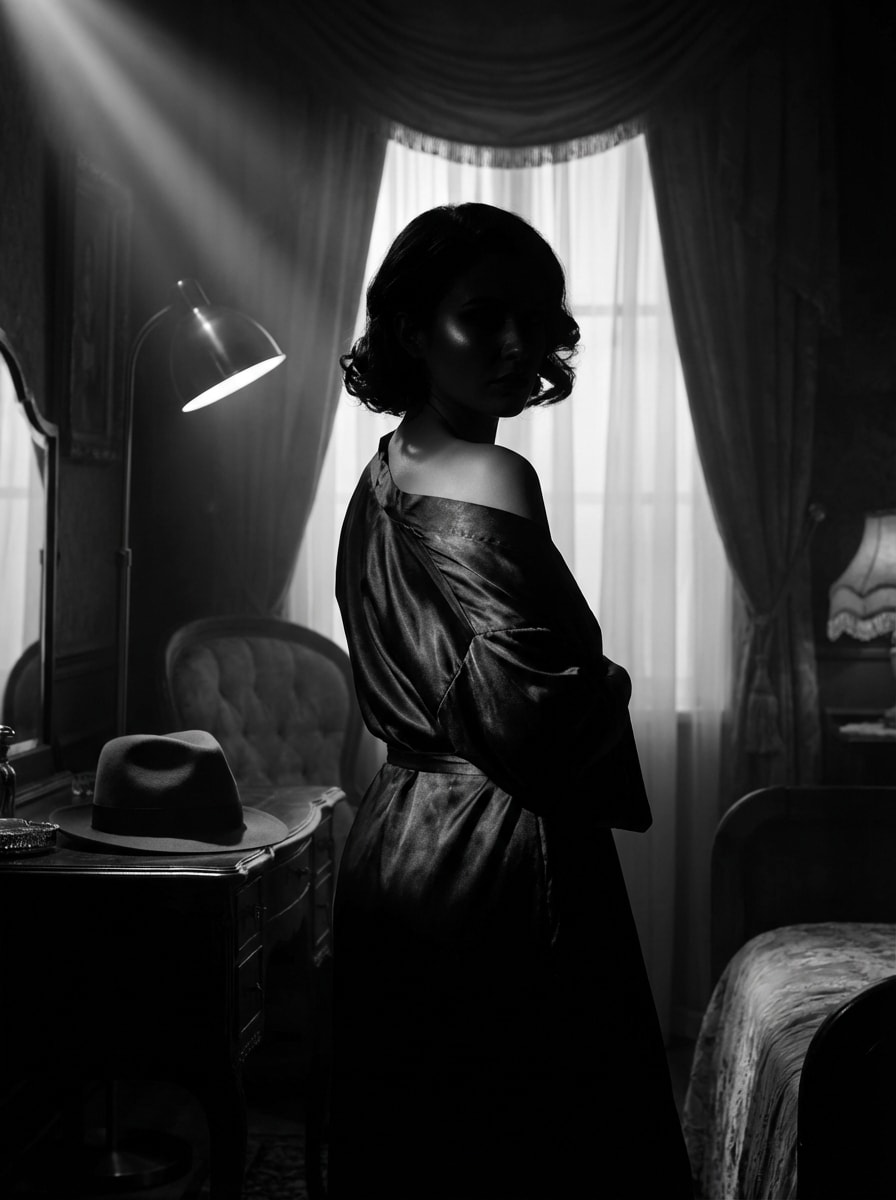
Boudoir de Film Noir
Utilisez l'image téléchargée comme sujet et créez un portrait de boudoir en noir et blanc avec un éclairage cinématographique noir. Concentrez-vous sur la silhouette élégante, le contraste spectaculaire, les ombres brillantes, le glamour classique, la composition artistique et les détails photoréalistes tout en gardant le résultat raffiné et de bon goût.
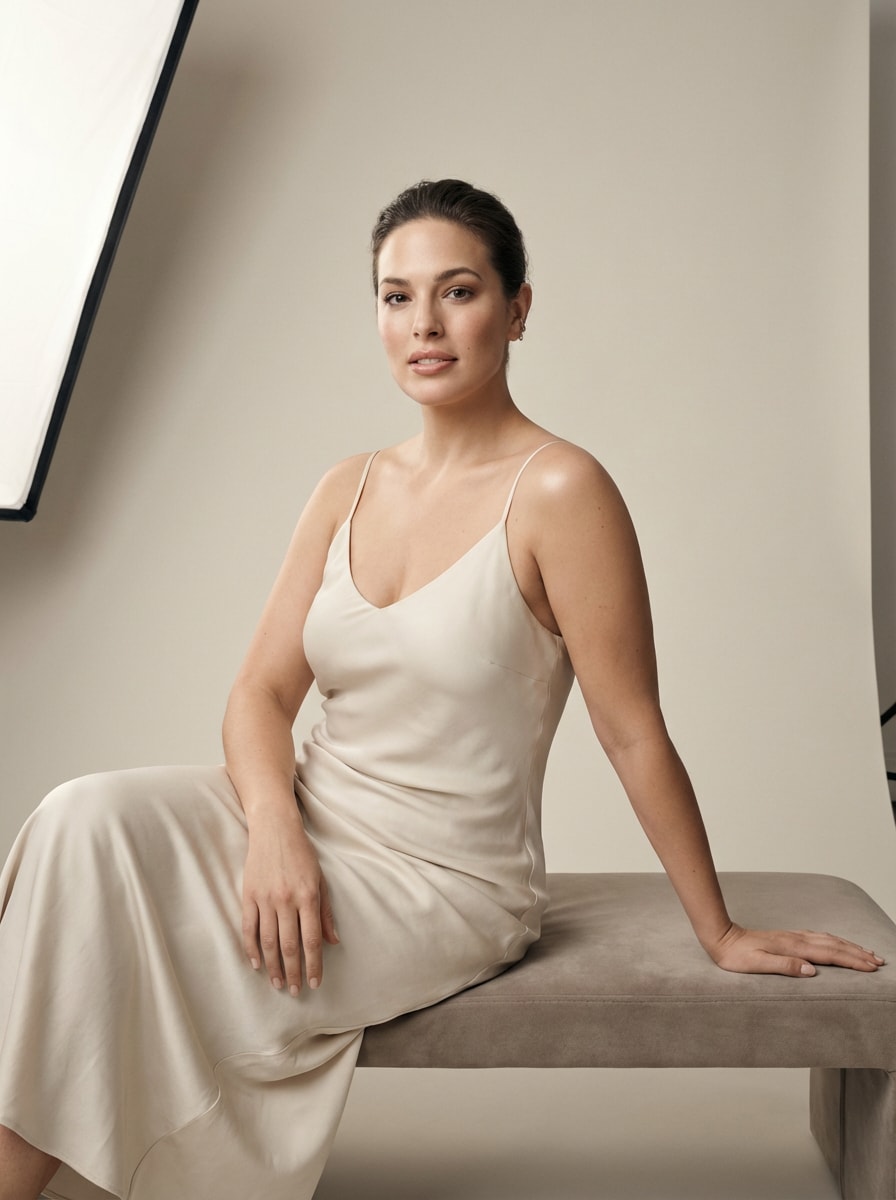
Boudoir Studio Minimal
Utilisez l'image téléchargée comme sujet et transformez-la en une séance de studio moderne avec un fond propre et une lumière douce. Gardez le look minimal, poli et contemporain avec des couleurs neutres, des retouches subtiles, des poses confiantes, des ombres lisses et un réalisme éditorial de beauté premium.
Boudoir Glam haute mode
Utilisez l'image téléchargée comme sujet et restylez-la en un portrait de boudoir haute mode avec un maquillage poli et un look de magazine. Ajoutez des poses spectaculaires mais de bon goût, des textures luxueuses, des reflets brillants, un éclairage de studio contrôlé, des détails nets et une finition éditoriale audacieuse.
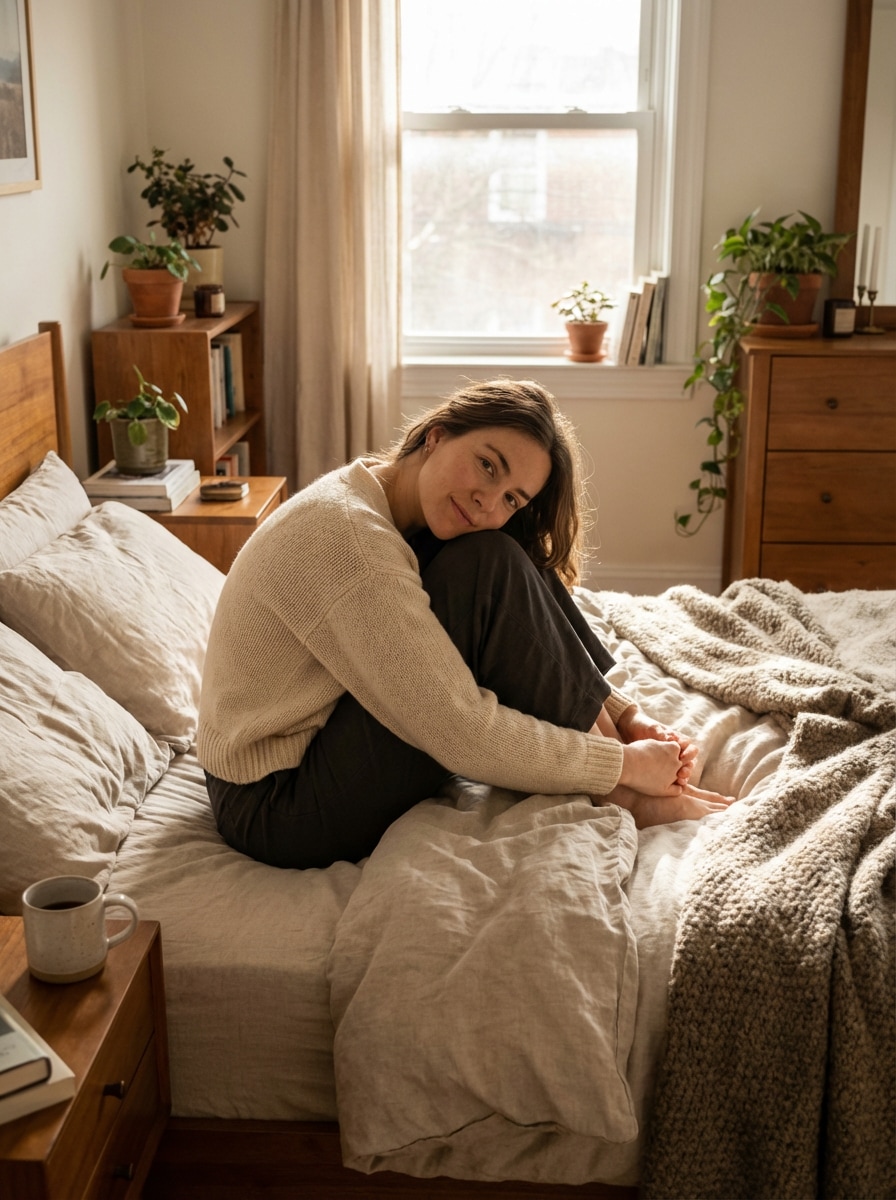
Confiance matinale confortable
Utilisez l'image téléchargée comme sujet et créez un portrait de boudoir confortable et confiant avec une lumière naturelle du matin et une ambiance détendue. Incluez une literie douce, des neutres chauds, des reflets doux, une pose franche, une texture de peau réaliste et une ambiance de style de vie renforçante et accessible.
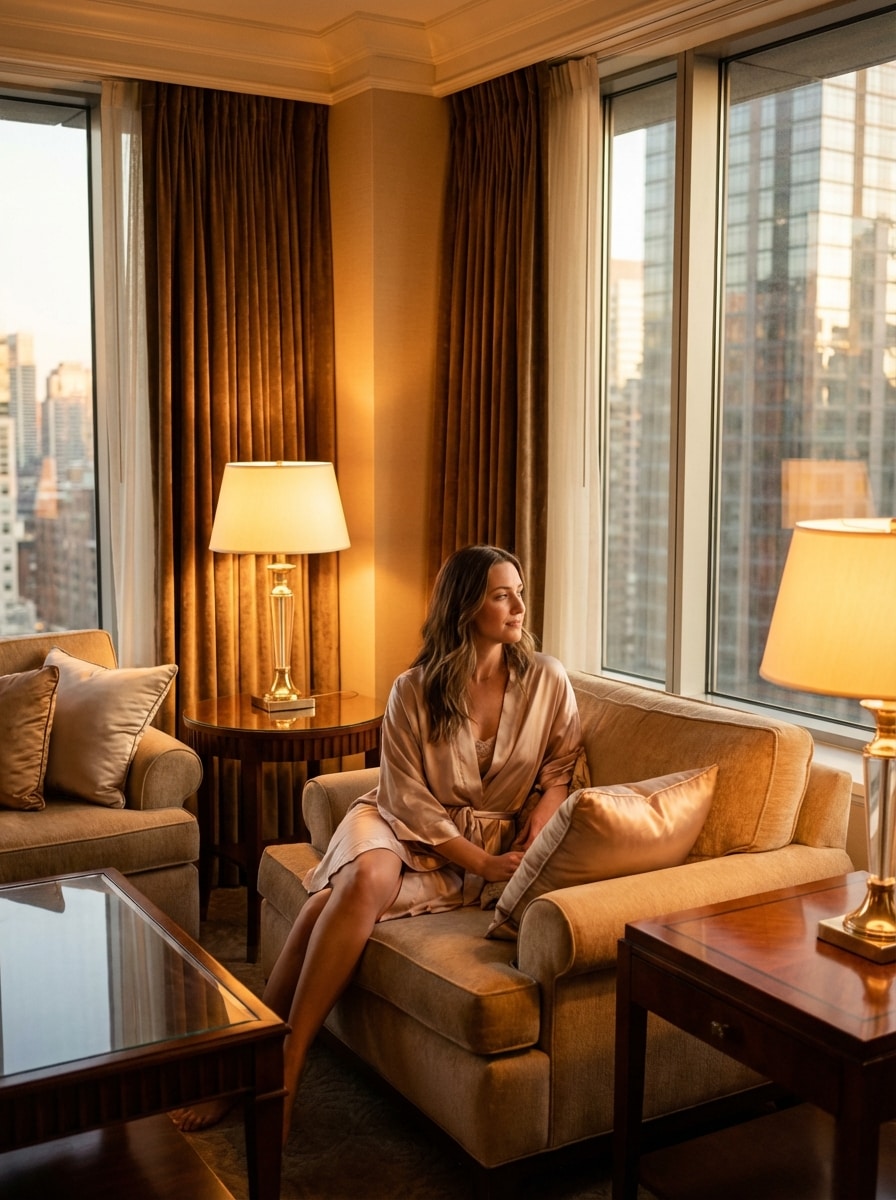
Suite d'hôtel de luxe Portrait
Utilisez l'image téléchargée comme sujet et transformez-la en un boudoir d'hôtel de luxe avec un style élégant et un éclairage cinématographique. Ajoutez des textures de soie et de satin, des détails intérieurs haut de gamme, une expression calme, une lueur ambiante chaleureuse, une composition haut de gamme et un polissage éditorial réaliste.
Pourquoi utiliser Media.io pour les Transformations de Boudoir d'IA
Télécharger une Photo et la restyler
Créez des portraits élégants inspirés du boudoir à partir d'un seul téléchargement JPG, PNG ou JPEG. Media.io utilise votre image de référence pour guider le transfert de style et garder le résultat aligné sur vos traits du visage et votre look général.
Modèles avancés pour des détails réalistes
Propulsé par Nano Banana Pro, Nano Banana 2 et des options spécialisées telles que Media 2.0, l'outil est conçu pour des éditions image à image polies, des textures réalistes et une plus forte cohérence entre la pose, les vêtements et le style de portrait.
Contrôle de la résolution et du cadrage
Affinez votre sortie avec une résolution 1K, 2K ou 4K, choisissez des rapports d'aspect tels que 3:4 ou 4:3 et générez 1 à 4 images en lots. Il est idéal pour les portraits, les publications sociales, les tableaux d'humeur et les portraits polis.images de pinupsconcepts.
Flux de travail du navigateur axé sur la confidentialité
Media.io fonctionne sur le web et les images téléchargées sont automatiquement supprimées des serveurs après 7 jours. Cela donne aux utilisateurs un flux de travail plus conscient de la vie privée lorsqu'ils créent des transformations de portraits personnels de bon goût en ligne.
Comment faire des Portraits de Boudoir IA en ligne
1
2
3
1
Étape 1: Ouvrez Media.io AI Image Generator
aller àGénérateur d'Image à Image IAEt ouvrez le générateur d'Image AI sous AI-> Générateur d'Image. Cet outil en ligne s'exécute dans votre navigateur, vous pouvez donc commencer à créer des portraits de style boudoir de bon goût sur ordinateur de bureau ou mobile sans installer de logiciel.
2
Étape 2: Entrez une invite ou téléchargez
Téléchargez une photo de référence, puis ajoutez une invite détaillée comme "Utilisez ma photo téléchargée comme sujet et créez un élégant portrait de boudoir de chambre de luxe avec une lumière douce de fenêtre, des textures satinées et des tons éditoriaux chauds." Ajustez les paramètres de style, de rapport d'aspect, de modèle et de résolution si nécessaire.
3
Étape 3: Générer, Affiner & Télécharger
Cliquez sur Générer. Examinez les résultats, affinez votre invite ou vos paramètres si nécessaire, puis téléchargez votre image préférée en haute résolution. Vous pouvez créer plusieurs variantes pour comparer l'éclairage, l'ambiance et la composition.
Découvrez comment les créateurs utilisent ce Boudoir pour le contenu, le marketing et les projets personnels, puis adaptez chaque idée pour s'adapter au brief.
Créez un ensemble de portraits personnels qui améliore votre confiance
Transformez un selfie décontracté en portraits polis inspirés de boudoir pour des souvenirs privés, des cadeaux d'anniversaire ou des tableaux d'humeur personnels. Media.io permet de tester facilement des looks élégants, un éclairage doux et un style luxueux avant d'investir dans une séance photo complète.
Aperçu Concepts de mariée et de Glam avant un shooting
Les mariées, les clients de portraits et les photographes peuvent utiliser les aperçus d'IA pour explorer le style de voile, les robes satinées, les cadres de chambre et les tons éditoriaux chaleureux. C'est un moyen rapide de visualiser un concept de boudoir de bon goût et de s'aligner sur la direction créative finale.
Design Vintage Glam et Pin-Up inspiré de Looks
Expérimentez un style rétro romantique, un éclairage noir élégant et une esthétique glamour polie inspirée d'images de modèles pin up. Si vous souhaitez des références artistiques ou un concept art pour une planification de portrait de bon goût, ce flux de travail peut vous aider à générer des variations élégantes de style studio à partir d'un seul téléchargement.
Ce que disent les utilisateurs
Alyssa R.
Créateur de style de vie
"Résultats élégants d'un seul selfie"J'ai téléchargé un simple portrait et j'ai obtenu des images élégantes et douces de style boudoir qui semblaient polies plutôt que exagérées. Le flux de travail était facile, et la chambre à coucher et les préréglages éditoriaux semblaient étonnamment réalistes.
Megan T.
Planificateur de contenu de mariée
"Idéal pour les aperçus de concept de mariée"Je l'ai utilisé pour tester des idées de boudoir de mariée avant un vrai shooting. Les styles satiné, voile et lumière du matin m'ont aidé à visualiser l'ambiance rapidement, et avoir des options de rapport d'aspect a été utile pour les maquettes sociales.
Danielle C.
Photographe de Portrait
"Utiles pour les panneaux d'inspiration des clients"Il s'agit d'un outil pratique pour montrer aux clients différentes directions de portrait élégantes. J'aime que je puisse télécharger une image de référence, affiner l'invite et générer plusieurs looks avec un sujet cohérent.
Jenna L.
Designer de petites entreprises
"Rapide, privé et mobile-friendly"Je voulais quelque chose basé sur un navigateur que je pouvais utiliser sur mon téléphone. Il a été rapide à télécharger, générer et télécharger, et les informations de confidentialité m'a rendu plus à l'aise à utiliser des photos personnelles.
Découvrez Les Effets Vidéo et d'Image IA Les Plus Populaires
Un générateur de boudoir d'IA est un outil image-image qui transforme une photo téléchargée en portraits élégants inspirés du boudoir à l'aide de modèles d'IA et d'invites texte. Dans Media.io, vous pouvez télécharger une image de référence JPG, PNG ou JPEG, choisir votre direction de style et générer des variations de portrait raffinées en ligne.
2. Puis-je créer des photos de boudoir à partir d'un seul selfie?
Media.io prend en charge la création image à image à partir d'une seule photo de référence, de sorte qu'un selfie clair peut suffire pour guider la transformation. Pour de meilleurs résultats, utilisez une image bien éclairée avec un visage visible et un arrière-plan simple, puis décrivez le style, l'éclairage et le paramètre que vous souhaitez.
3. Quelle est la réalité des images de boudoir AI?
Le réalisme dépend de votre photo source, de la qualité rapide et du modèle sélectionné. Media.io propose des modèles avancés, dont Nano Banana Pro, Nano Banana 2 et Media 2.0, qui sont conçus pour la génération d'images détaillées, une plus grande consistance et des résultats de portrait polis. Vous pouvez également exporter en 1K, 2K ou 4K pour une sortie plus nette.
4. Existe-t-il un générateur de photos AI boudoir gratuit?
Les utilisateurs gratuits peuvent essayer Media.io avec des crédits gratuits. Selon votre forfait, les exportations gratuites peuvent inclure un filigrane, tandis que les abonnés payants peuvent télécharger des résultats haute résolution sans filigrane. Pour plus de détails sur l'utilisation, consultez la page Prix. Les utilisateurs gratuits peuvent utiliser des crédits gratuits. Pour plus d'utilisation, les utilisateurs peuvent s'abonner à un forfait sur la page Prix. Passez à un plan payant sur lepage de tarificationPour plus de crédits et filigrane-téléchargements haute résolution gratuits.
5. Combien de temps faut-il pour générer des portraits de boudoir d'IA?
La génération est conçue pour être rapide et basée sur le navigateur, de sorte que vous pouvez télécharger une photo, saisir votre invite et créer des variations de portrait en un flux de travail court. L'heure exacte peut varier en fonction des paramètres tels que la résolution, le choix du modèle et si vous générez une image ou un petit lot.
6. Mes photos téléchargées resteront-elles privées?
Media.io est conçu avec la vie privée à l'esprit. Les images téléchargées sont automatiquement supprimées de nos serveurs après 7 jours. Cela en fait une option plus consciente de la vie privée pour les utilisateurs qui créent des modifications de portraits personnels ou testent les looks élégants du générateur de boudoir d'IA à partir de leurs propres photos.