Vos créations sont conservées pendant seulement 7 jours. Les éléments créés après la mise à niveau de l'Abonnement seront stockés de façon permanente.
Libérez votre potentiel créatif et découvrez la magie de l'IA médiatique dès mIAntenant!
Générateur Family Guy pour une transformation rapide de photo en personnage cartoon
Transformez selfies, photos de couple et portraits de famille en une version parodique cartoon adulte en quelques clics. Téléchargez une image, choisissez un style, et créez des avatars, posters et portraits prêts à partager avec le workflow image-à-image facile de Media.io.
Tapez votre idée -> L’IA la réalise. Essai gratuit.
Explorez notre collection sélectionnée de générateur Family Guy styles.
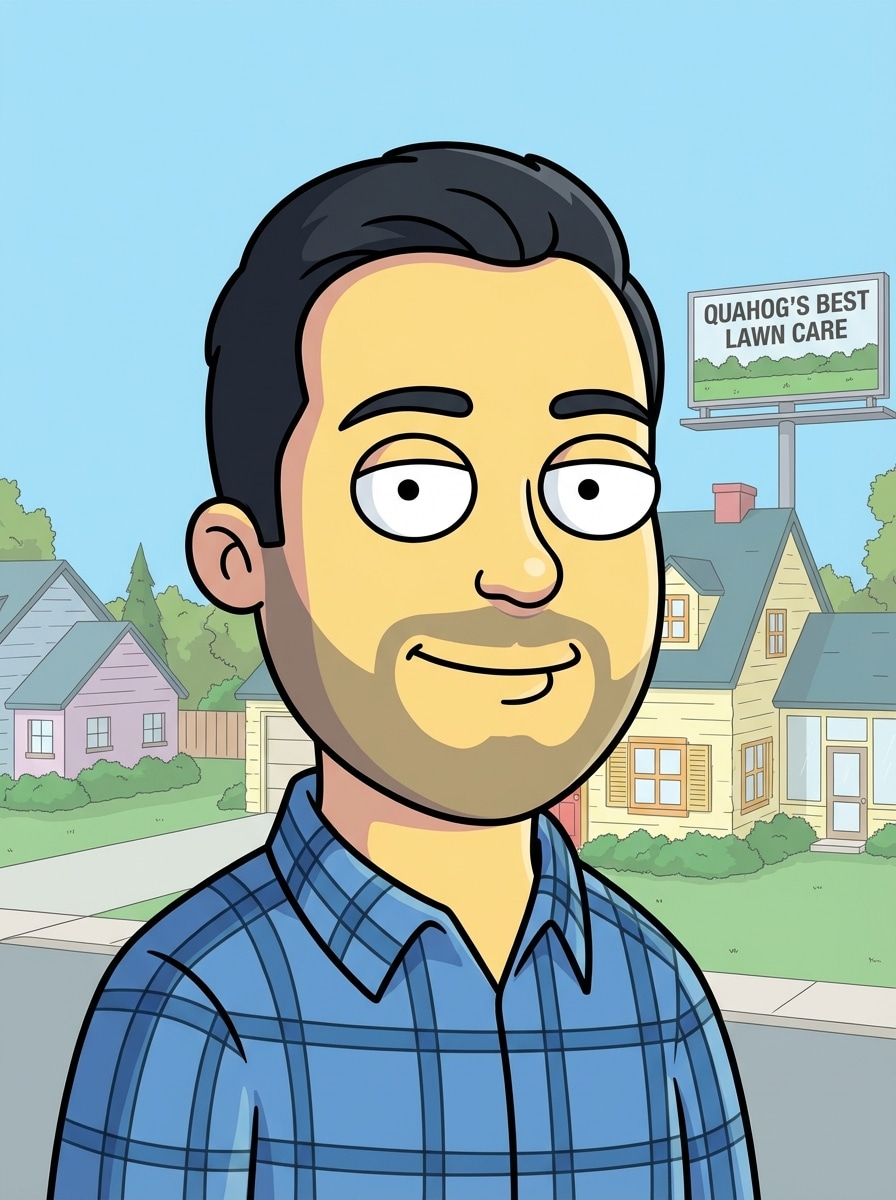
Avatar inspiré de Family Guy
Utilisez l’image téléchargée comme sujet et transformez-la en avatar cartoon inspiré de Family Guy avec une tête ronde, de grands yeux ovales, un petit nez simple, des lignes de bouche nettes, un contour épais noir, un ombrage plat, fond pastel, composition frontale équilibrée, ambiance parodique télé suburbain joyeuse, et détails soignés.
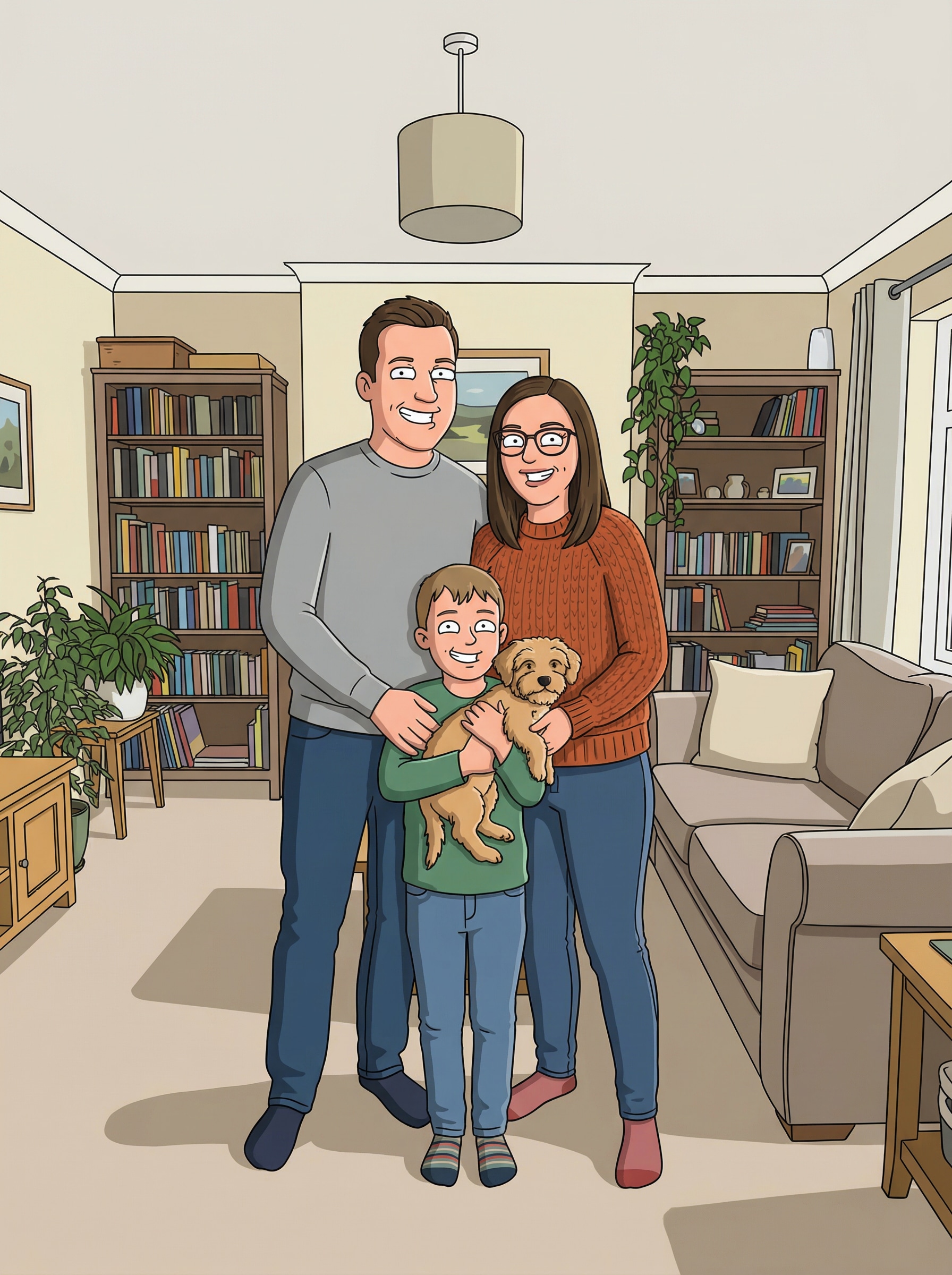
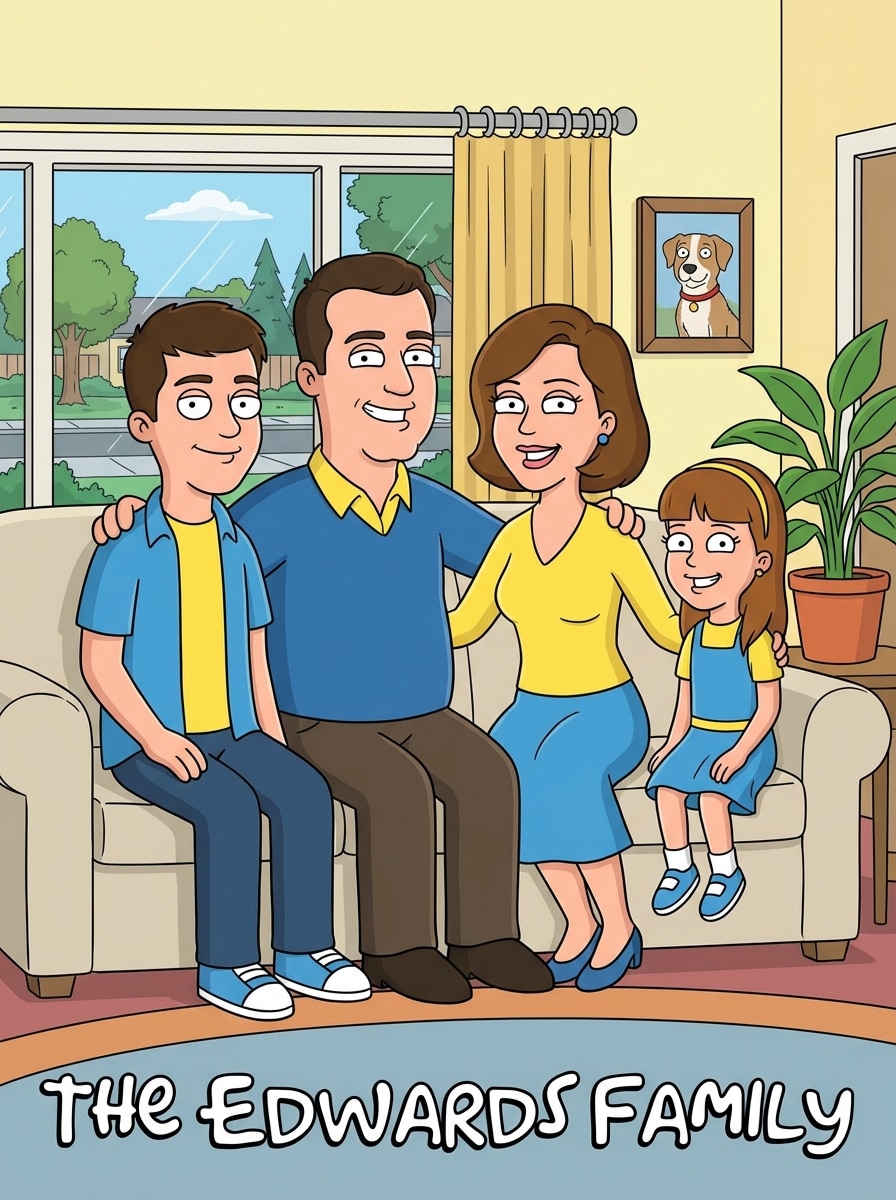
Portrait de famille cartoon
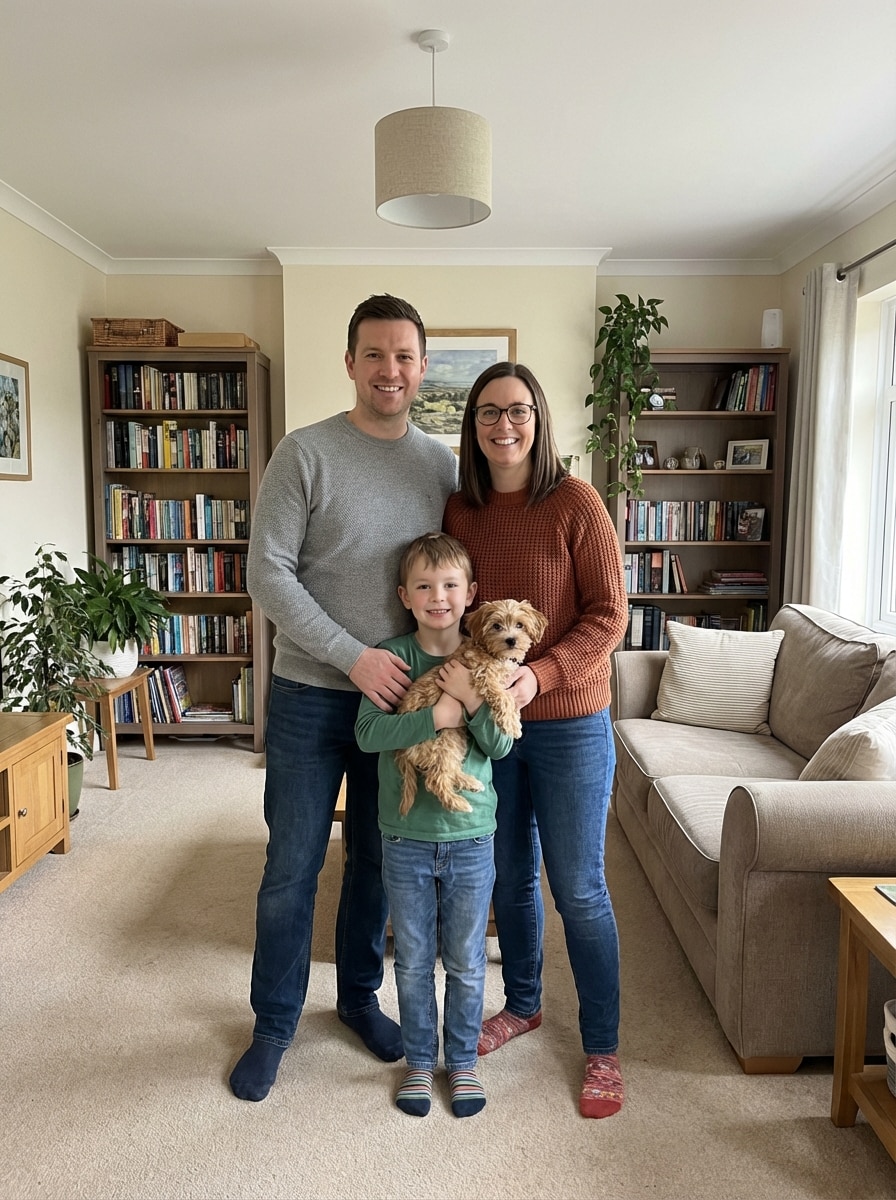
Utilisez la photo de famille téléchargée comme sujet et convertissez chacun en portrait cartoon inspiré de Family Guy avec traits du visage simplifiés, contours noirs audacieux, couleurs plates, tenues coordonnées, fond salon cosy ou maison suburbaine, espaces réguliers, ambiance chaleureuse et amusante, et composition animée de groupe soignée.
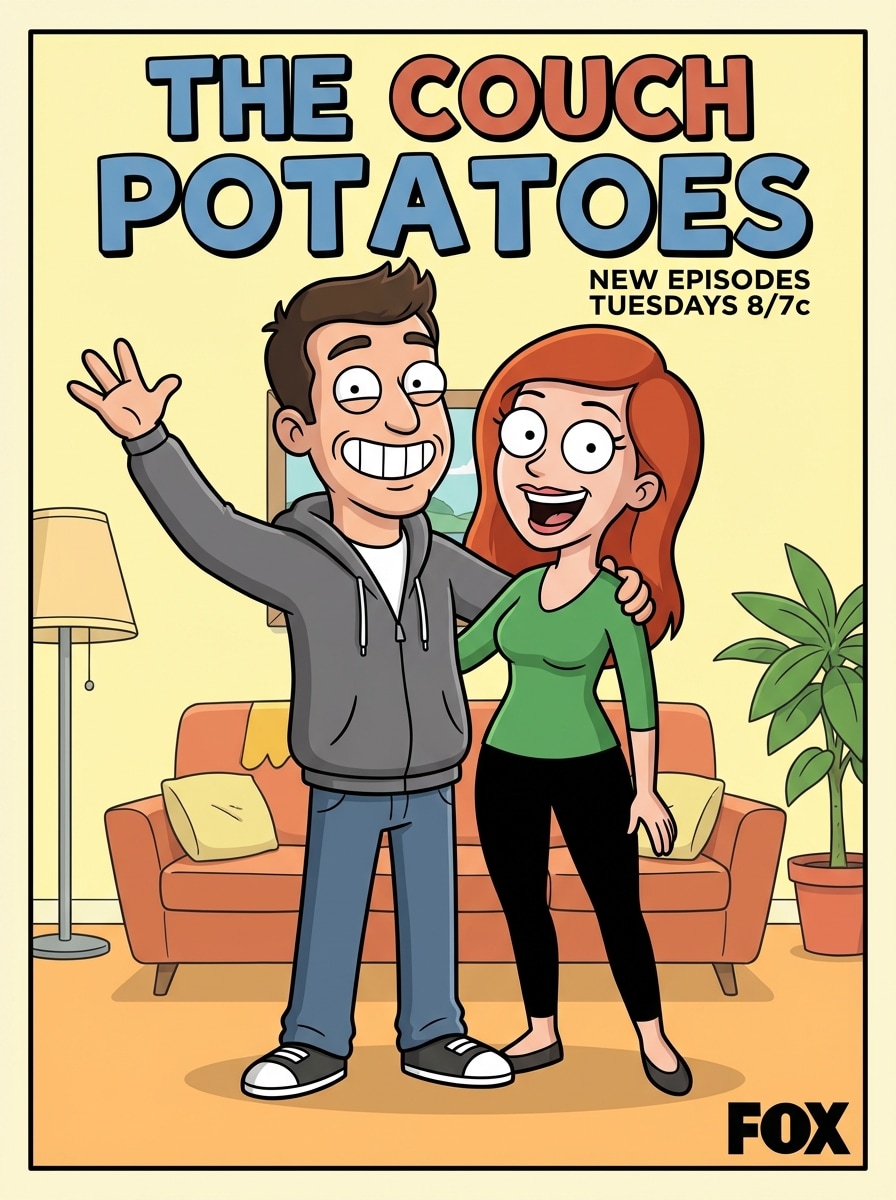
Poster couple sitcom
Utilisez la photo de couple téléchargée comme sujet et transformez-la en poster cartoon drôle inspiré de Family Guy avec visages expressifs, contours noirs épais, ombrage plat, blocs de couleurs vives, fond intérieur simple, composition style poster, silhouettes propres, énergie romantique et ludique, et détails parodie sitcom nets.
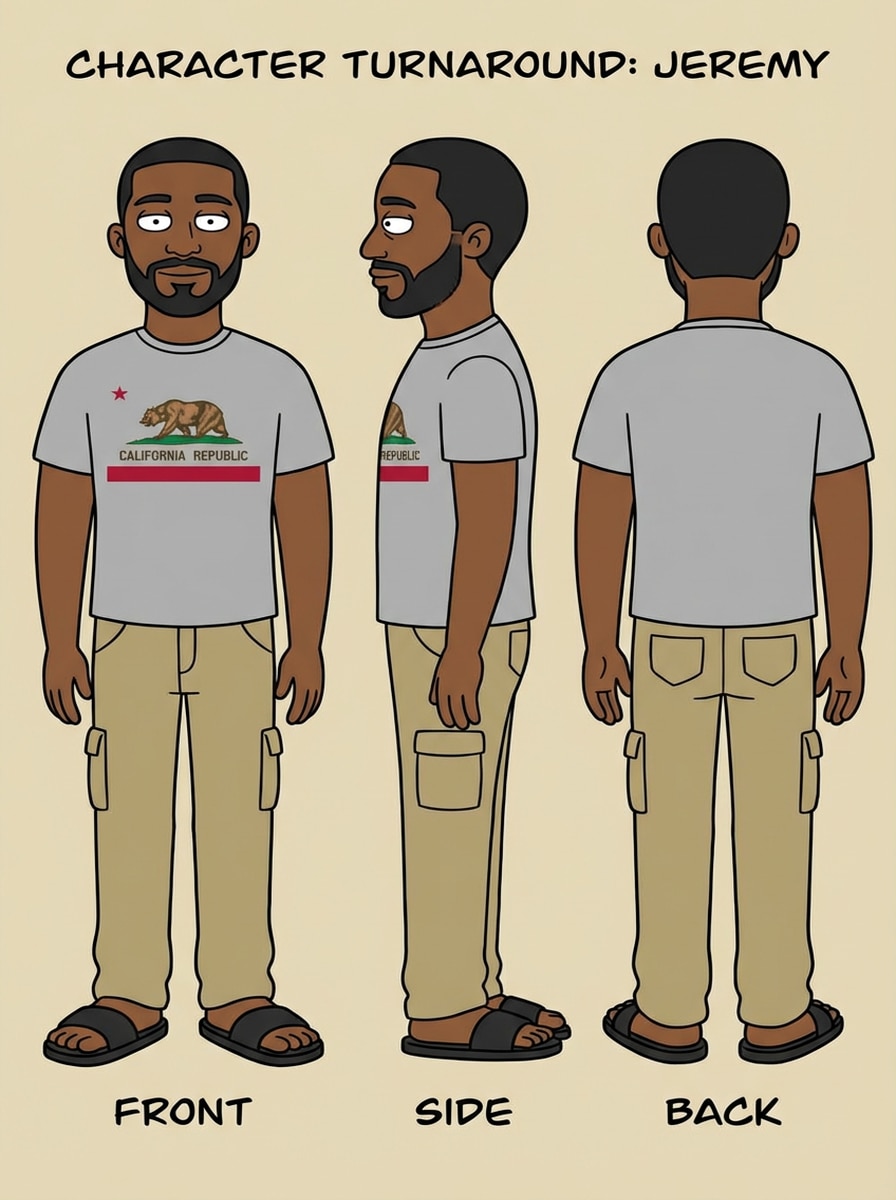
Créateur de fiche personnage
Utilisez l’image téléchargée comme sujet et créez une fiche personnage inspirée de Family Guy montrant vue de face et profil, anatomie simplifiée style sitcom, contours audacieux, couleurs plates, vêtements nets, fond clair neutre, mise en page de fiche de référence, proportions cohérentes, et détails cartoon professionnels soignés.
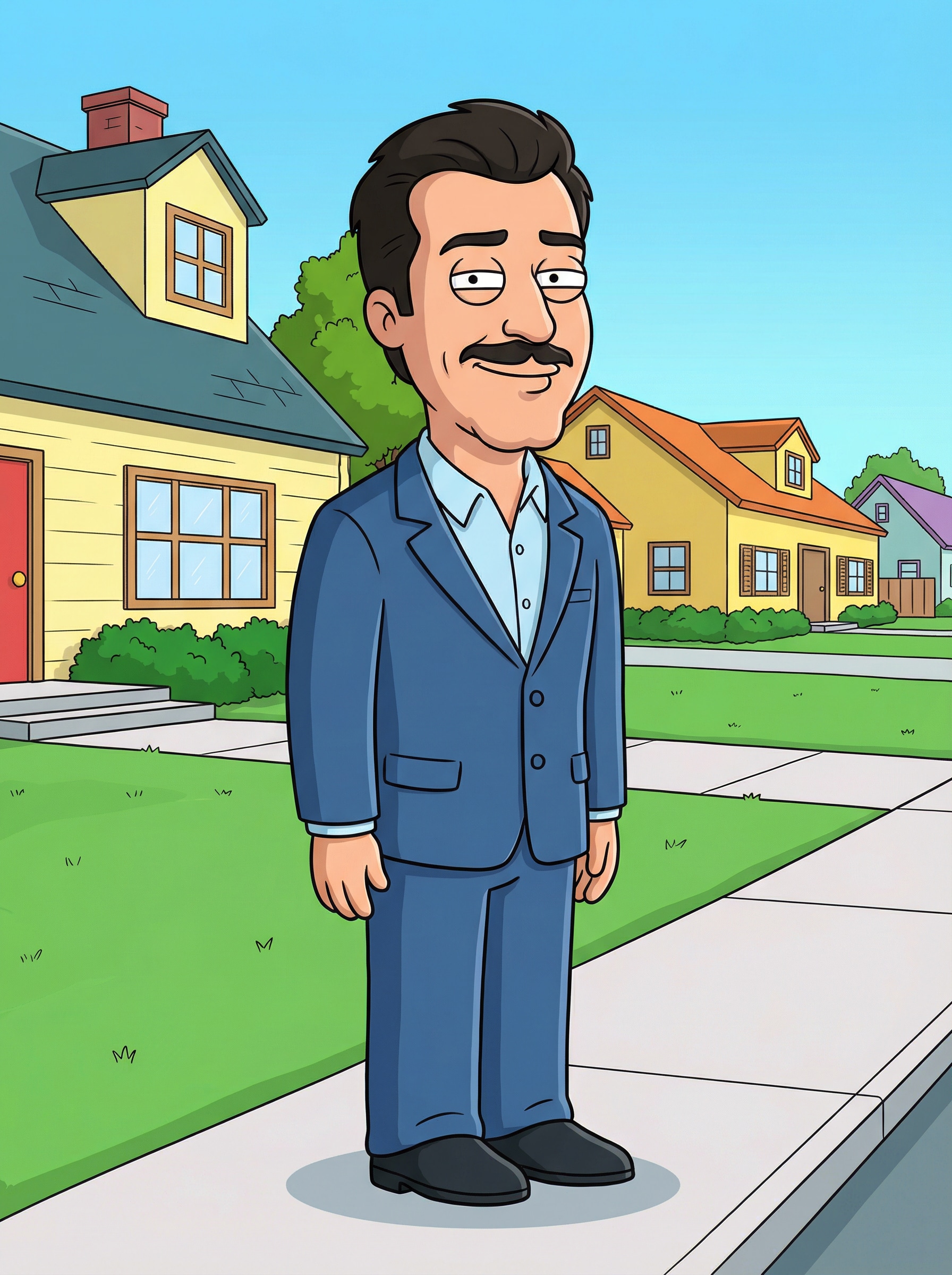
Scène cartoon suburbaine
Utilisez l’image téléchargée comme sujet et placez la personne dans une scène cartoon suburbaine inspirée de Family Guy avec maisons simplifiées, couleurs plates vives, contours épais, trottoirs propres, ombres douces en cel shading, ambiance de quartier ludique, pose lisible de tout le corps, et un look parodique d’animation adulte soigné.
Pourquoi utiliser Media.io comme alternative au générateur Family Guy
Téléchargez une photo et transformez-la rapidement
Media.io supporte les formats JPG, PNG, et JPEG, facilitant la transformation selfie, photo de couple, ou portrait de famille en résultat cartoon sans repartir de zéro.
Modèles Pro pour un rendu cartoon cohérent
Propulsé par Nano Banana Pro, Nano Banana 2, et modèles spécialisés comme Media 2.0, Media.io aide à garder détails des personnages et vêtements cohérents lors de la transformation de style.
Choisissez résolution et format
Créez avatars cartoon, posters et portraits en 1K, 2K, ou 4K, avec des formats flexibles incluant 1:1, 9:16, 16:9, 4:3 et 3:4 pour publications sociales ou téléchargements.
Fonctionne sur smartphone, tablette et ordinateur
Comme Media.io fonctionne dans le navigateur, vous pouvez créer un cartoon style Family Guy sur Windows, Mac, iPhone ou Android sans installer de logiciel supplémentaire.
Comment utiliser le générateur Family Guy en ligne
1
2
3
1
Ouvrir le générateur Family Guy Media.io
Aller à Générateur d’image par IA et ouvrez Family Guy Maker sous IA -> Image à image. Cet outil en ligne fonctionne dans votre navigateur, donc commencez sur PC ou mobile sans rien installer.
2
Téléchargez une photo ou saisissez un prompt
Téléchargez un selfie, photo de couple ou famille en JPG, PNG ou JPEG. Vous pouvez aussi ajouter un prompt détaillé comme "transformer ce portrait en avatar cartoon adulte à contour audacieux, couleurs plates et fond pastel", et ajuster la taille ou la résolution.
3
Générez, affinez et téléchargez
Cliquez sur Générer pour créer votre cartoon. Modifiez le prompt ou les réglages si besoin, puis téléchargez l’image finale en haute résolution pour partage, photos de profil, posters ou souvenirs amusants.
Découvrez comment créateurs et pros utilisent notre générateur Family Guy propulsé par IA pour transformer leur processus créatif et donner vie à leurs idées uniques.
Créez une photo de profil drôle
Transformez un selfie classique en avatar cartoon reconnaissable pour TikTok, Instagram, Discord ou YouTube. Le style Family Guy Maker fonctionne bien pour des images de profil audacieuses, ludiques et nostalgiques, faciles à partager.
Faites des portraits de couple ou de famille à offrir
Transformez photos de couple et famille en œuvres parodiques charmantes pour anniversaires, blagues internes, cartes de fête ou cadres. Une façon simple de créer des souvenirs cartoon personnalisés à partir de vos photos.
Créez des posts memes et réactions
Utilisez des transformations cartoon expressives pour memes de réaction, posters de casting ou révélations de contenus courts. Les créateurs peuvent transformer des photos en visuels inspirés sitcom qui suivent les tendances et se démarquent dans les fils saturés.
Avis des utilisateurs sur Family Guy Maker
Jordan M.
Créateur de contenu
"Parfait pour les posts reveal cartoon" Je voulais une alternative Family Guy Maker pour un Reel, et c'était étonnamment facile. J'ai téléchargé mon selfie, choisi le look souhaité, et j'ai obtenu un cartoon propre prêt à publier.
Alicia R.
Responsable réseaux sociaux
"Rapide et adapté aux débutants" Ce que j'ai le plus aimé : pas besoin de trop réfléchir au prompt. Le workflow upload est simple, et les images finales avaient le contour audacieux, le style couleurs plates recherché.
Kevin T.
Graphiste amateur
"Super pour photos de couple et de groupe" Je l'ai testé sur une photo de couple puis sur une photo de famille. Les deux avaient une vibe parodie animée fun, et la qualité de téléchargement était assez bonne pour partage et impression.
Monica L.
Utilisateur occasionnel
"Fonctionne bien sur mobile" Je l'ai utilisé sur mon téléphone sans rien installer. Pour tout ceux qui cherchent une alternative Family Guy Yourself, c’est un moyen rapide de transformer une photo en cartoon en ligne.
Découvrez Les Effets Vidéo et d'Image IA Les Plus Populaires
1. Comment transformer une photo en cartoon style Family Guy ?
Ouvrez l’outil image-à-image de Media.io, téléchargez votre photo en JPG, PNG ou JPEG, ajoutez un prompt de style si vous voulez plus de contrôle. Générez votre résultat et affinez-le au besoin. Ce workflow est idéal pour transformer une photo en style Family Guy rapidement en ligne. Cela permet de créer des résultats Family Guy Maker plus cohérents.
2. Existe-t-il un Family Guy Maker gratuit en ligne ?
Oui. Les utilisateurs gratuits peuvent essayer Media.io avec des crédits gratuits. Pour plus de générations ou des téléchargements HD sans filigrane, consultez la page de tarifs pour les options. Les utilisateurs gratuits peuvent utiliser des crédits gratuits. Pour une utilisation élargie, l’utilisateur peut s’abonner à un plan sur la page de tarifs.
3. Puis-je utiliser Media.io sur iPhone, Android ou PC ?
Oui. Media.io est basé sur le web, il fonctionne sur tout appareil avec navigateur, y compris Windows, Mac, iPhone et Android. Vous pouvez créer un cartoon inspiré de Family Guy depuis mobile ou ordinateur sans installer de logiciel. Media.io est un outil web qui fonctionne sur tous les appareils avec navigateur (Windows, Mac, iOS, Android). Cela permet de créer des résultats Family Guy Maker plus cohérents.
4. Combien de temps faut-il pour générer une image Family Guy ?
La génération est conçue pour être rapide, avec un workflow simple upload-génération pour des aperçus et ajustements rapides. Le temps exact dépend des réglages et de la complexité de l’image, mais Media.io vise une expérience fluide et débutant-friendly. Cela permet de créer des résultats Family Guy Maker plus cohérents.
5. Mon image cartoon sera-t-elle en haute résolution pour téléchargement et partage ?
Oui. Media.io propose des sorties en 1K, 2K et 4K, idéale pour partage sur réseaux, photos de profil ou sauvegarde haute qualité. Les utilisateurs gratuits peuvent avoir des filigranes. Cela permet de créer des résultats Family Guy Maker plus cohérents.
6. Puis-je transformer photos de groupe ou famille dans ce style cartoon ?
Oui. Vous pouvez télécharger des photos de groupe, couple ou portraits de famille et utiliser Media.io pour les transformer en résultat cartoon cohérent. Utile pour idées de portrait de famille, mise en page cast-poster et œuvres parodiques partageables. Cela permet de créer des résultats Family Guy Maker plus cohérents.