Sélectionnez / @ caractère, décrivez la scène que vous souhaitez générer.
0/2000
9:16
1K
1
Mode Illimité Banana Pro
Créations
Centre d’idées
Comment ça marche
Tout
Fonctionnalités populaires
Voir tout
Défi créatif d’Halloween
Voir tout
Histoire de Fruits Drama IA
Voir tout
Vidéo d'Histoire par IA
Voir tout
Vidéos virales aujourd'hui
Voir tout
Vidéos de produits IA
Voir tout
Personnage IA
Voir tout
Tendances de Danse
Voir tout
GPT Image 2
Voir tout
Seedance 2.0
Voir tout
Correspondance de Célébrités IA
Voir tout
Suggestions de Poses pour Couples
Voir tout
Prompts de Poses de Fille IA Esthétique
Voir tout
Invites de Poses Élégantes pour Garçon IA
Voir tout
Générer une liste
Vos créations sont conservées pendant seulement 7 jours. Les éléments créés après la mise à niveau de l'Abonnement seront stockés de façon permanente.
Libérez votre potentiel créatif et découvrez la magie de l'IA médiatique dès mIAntenant!
Générateur de portraits d'animaux de compagnie AI
Transformez la photo de votre animal de compagnie en un charmant art AI en quelques secondes avec Media.io, unGénérateur de portraits d'animaux de compagnie aiPour créer des peintures royales, des personnages de dessins animés, des souvenirs d'aquarelle, des portraits fantastiques, et plus encore. Profitez d'un flux de travail simple basé sur un navigateur, d'une grande variété de styles et de téléchargements haute résolution pour le partage, les cadeaux ou l'impression. Il prend également en charge le générateur de portraits d'animaux de compagnie ai.
Tapez votre idée-> AI la conçoit. Libre à essayer.
Explorez notre collection de styles avec Media.io, d'un look générateur de portraits d'animaux de compagnie royaux aux dessins animés ludiques et aux dessins fantastiques.
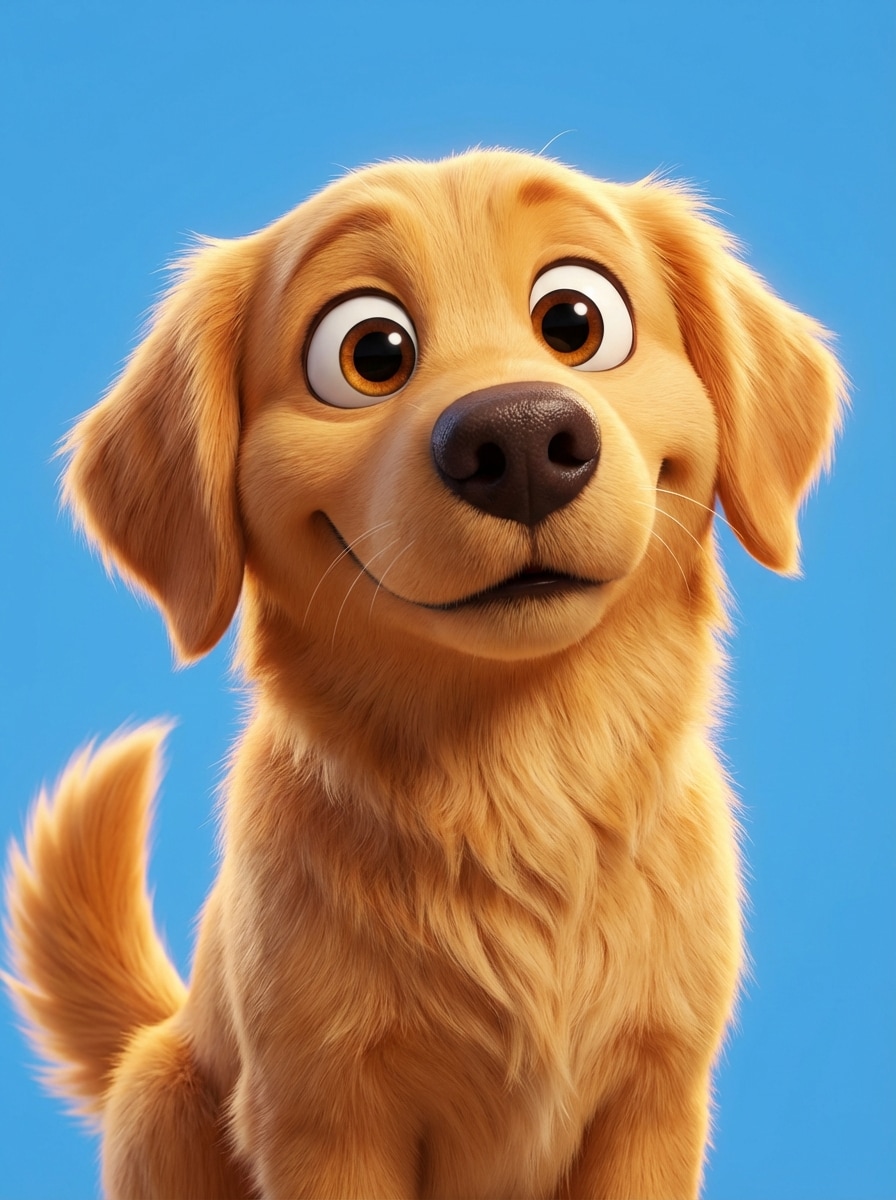
3D inspiré de Pixar
Utilisez la photo d'animal de compagnie téléchargée comme sujet principal et transformez-la en un adorable personnage de film d'animation 3D. Gardez le visage et l'expression reconnaissables de l'animal, ajoutez une fourrure douce et détaillée, de grands yeux expressifs, un éclairage cinématographique de film familial, des couleurs vives, une séparation de fond claire et une composition de portrait polie et haut détail.
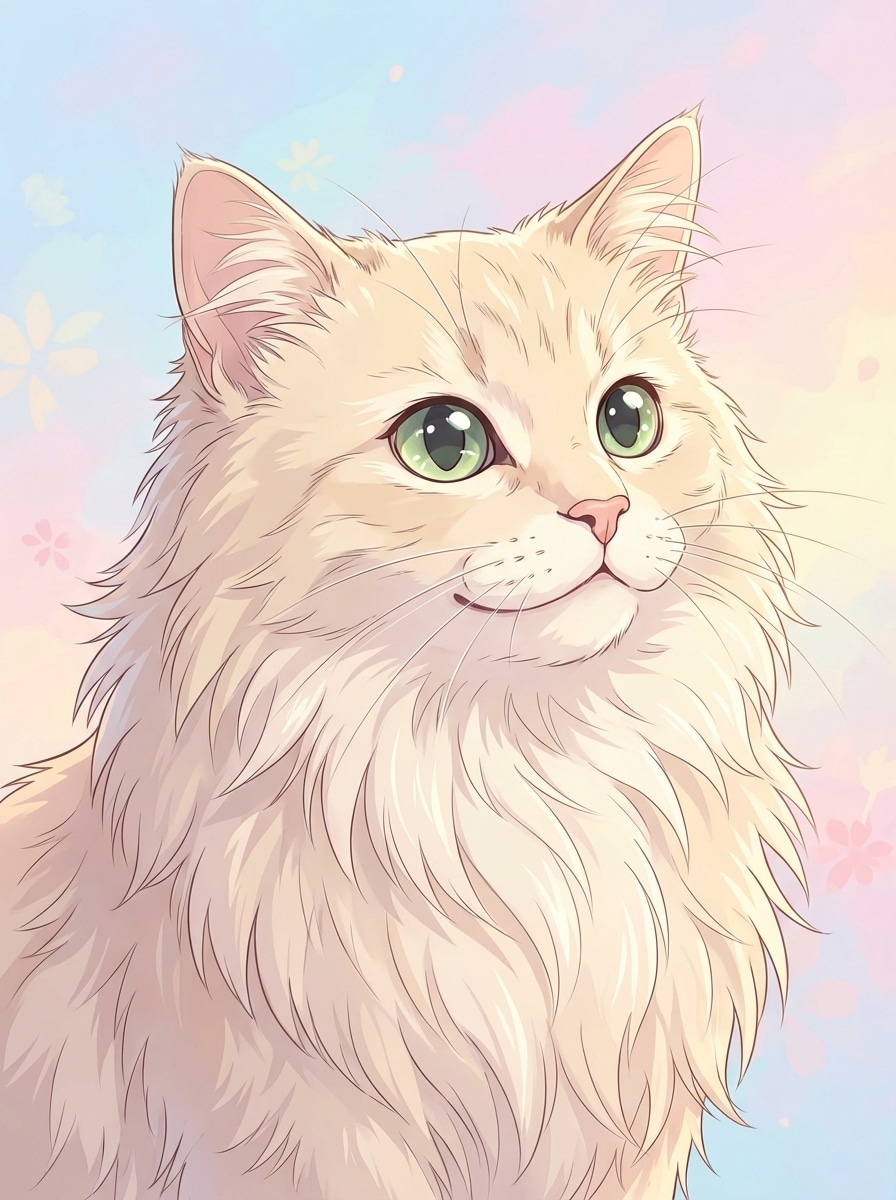
Portrait d'animal de compagnie Anime
Utilisez l'image d'animal de compagnie téléchargée comme sujet et transformez-la en un portrait de style anime premium. Préservez le motif de fourrure et la personnalité de l'animal, ajoutez de grands yeux expressifs, une lignée nette, une ombrage douce, un fond pastel, un éclairage doux, une émotion charmante et une composition de gros plan soignée avec des détails nets.
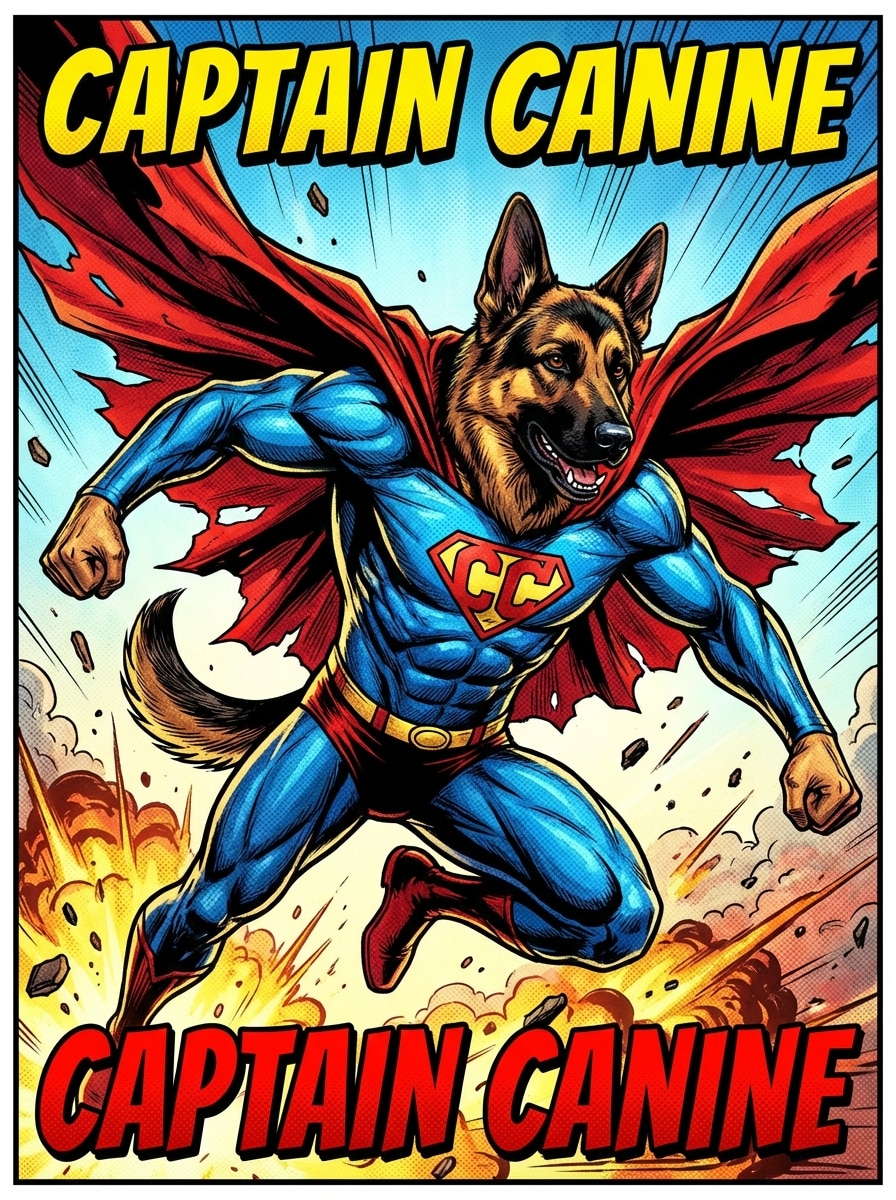
Bande dessinée Super Pet
Utilisez la photo d'animal de compagnie téléchargée comme héros et transformez-la en un portrait de super-héros de bande dessinée. Gardez le visage de l'animal reconnaissable, ajoutez une pose dynamique, une cape fluide, des contours d'encre audacieux, une texture semi-tonale, un éclairage d'action dramatique, des accents rouges et bleus énergiques et une finition graphique à haut contraste.
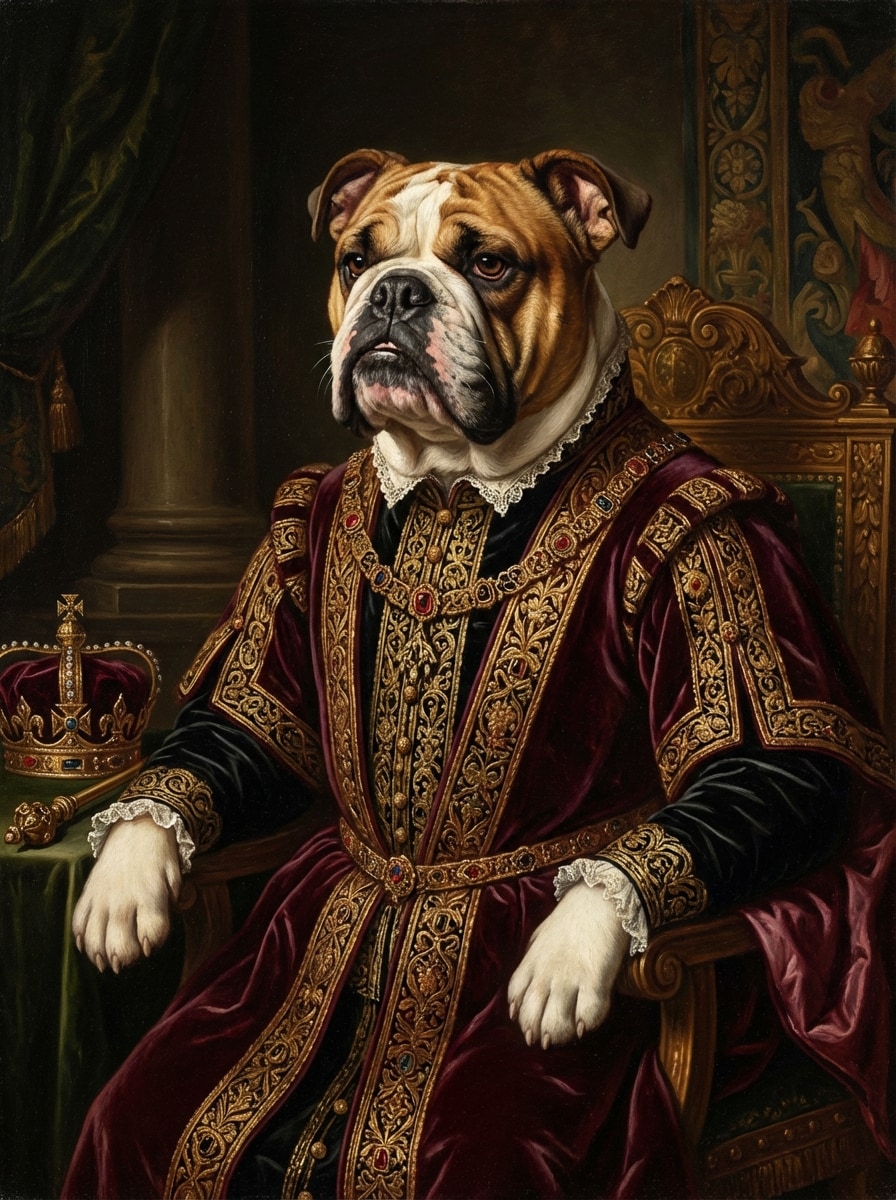
Portrait Royal de la Renaissance
Utilisez l'image de l'animal de compagnie téléchargée comme sujet et restylez-la comme une peinture de la renaissance royale. Préservez les caractéristiques distinctives de l'animal tout en ajoutant des vêtements brodés ornés, une posture royale, une riche texture de pinceau à l'huile, un fond sombre de style musée, un éclairage clair-clair spectaculaire, des tons bordeaux et dorés profonds et une composition de portrait raffinée.
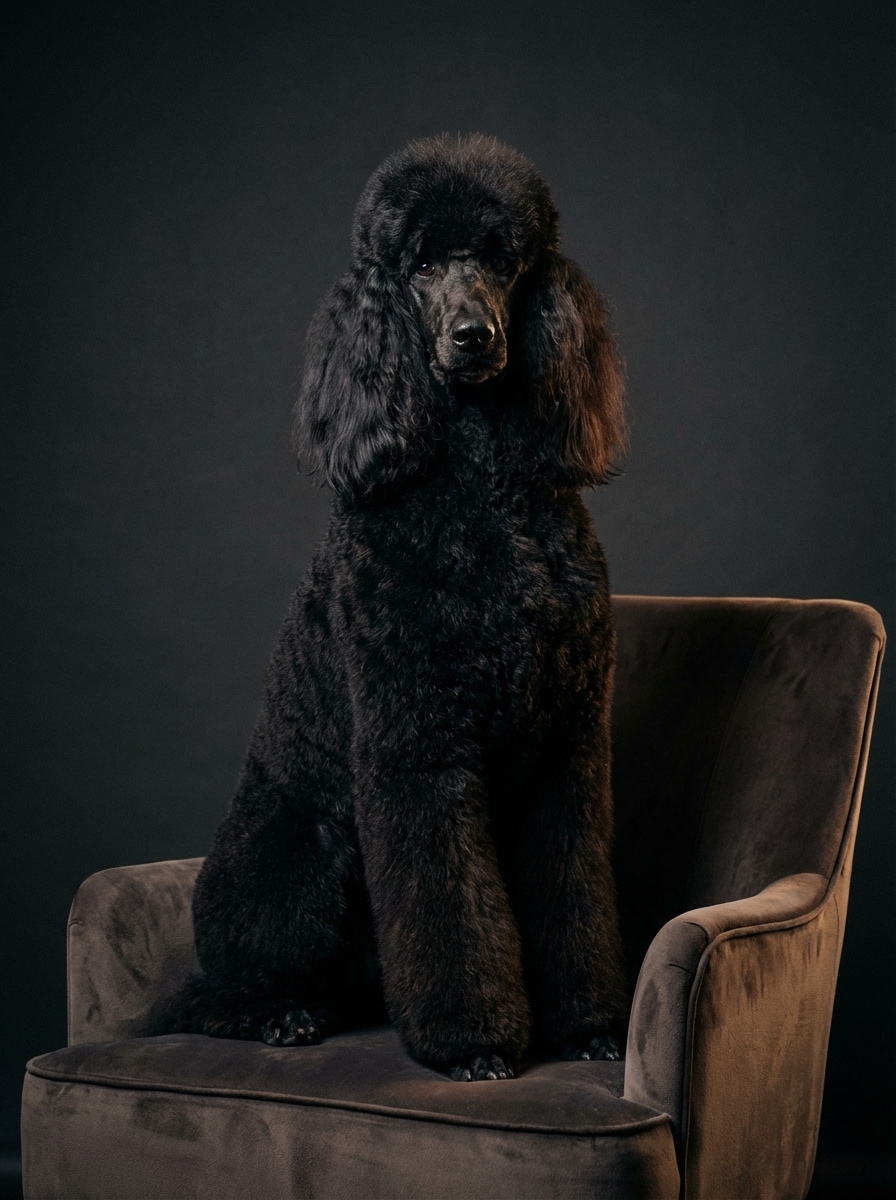
Portrait de Studio de luxe
Utilisez la photo d'animal de compagnie téléchargée comme sujet et créez un portrait de studio premium. Gardez les caractéristiques naturelles de l'animal de compagnie nettes, ajoutez un éclairage softbox, des détails de fourrure brillante, un fond sombre transparent, un cadre éditorial élégant, un déclin d'ombre subtil, un classement de couleurs poli et un look de photographie haut de gamme ultra-propre.
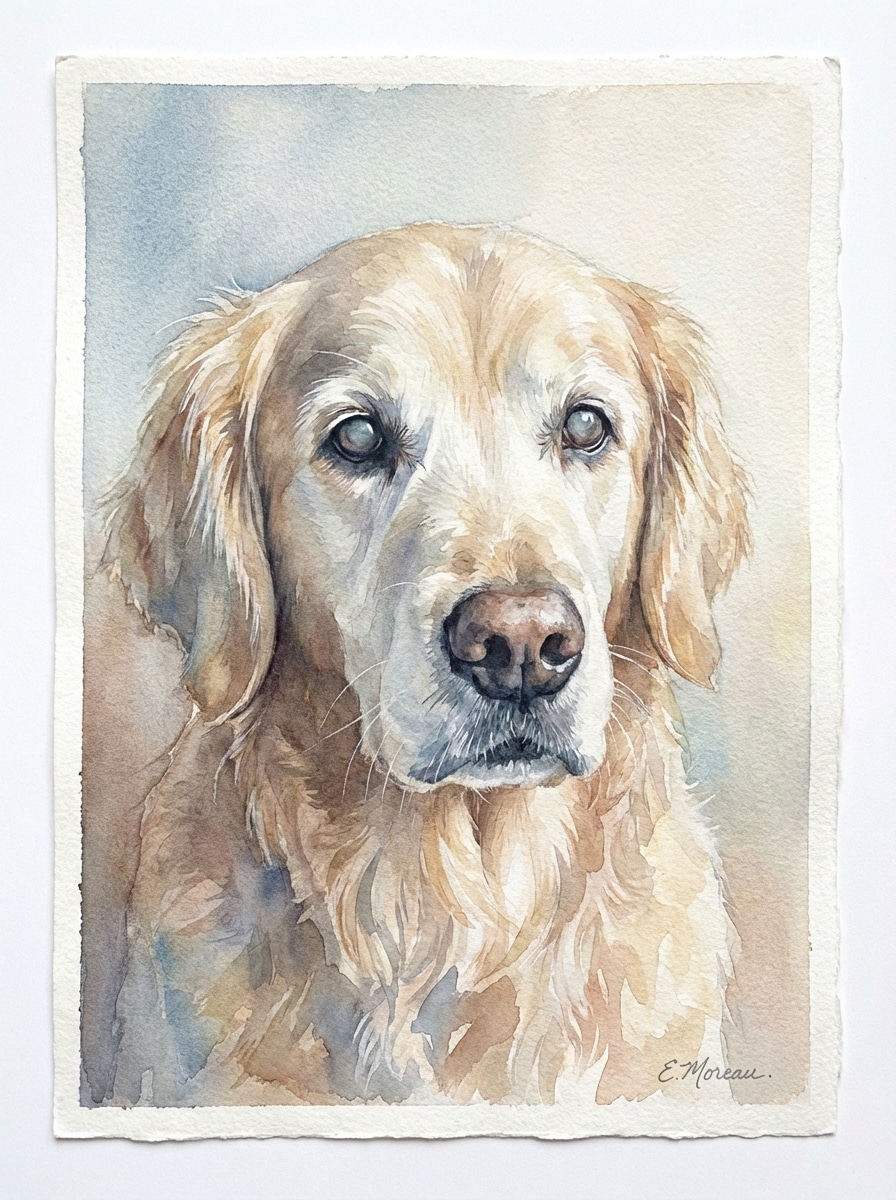
Art commémoratif aquarelle
Utilisez l'image d'animal de compagnie téléchargée comme sujet et transformez-la en un portrait de souvenir en aquarelle douce. Préservez l'expression douce de l'animal, ajoutez des lavages de pinceaux délicats, des grains de papier texturés, une palette pastel chaude, un espace négatif aéré, un éclairage naturel doux et une finition fine-art émotionnelle adaptée à l'impression ou aux cadeaux.
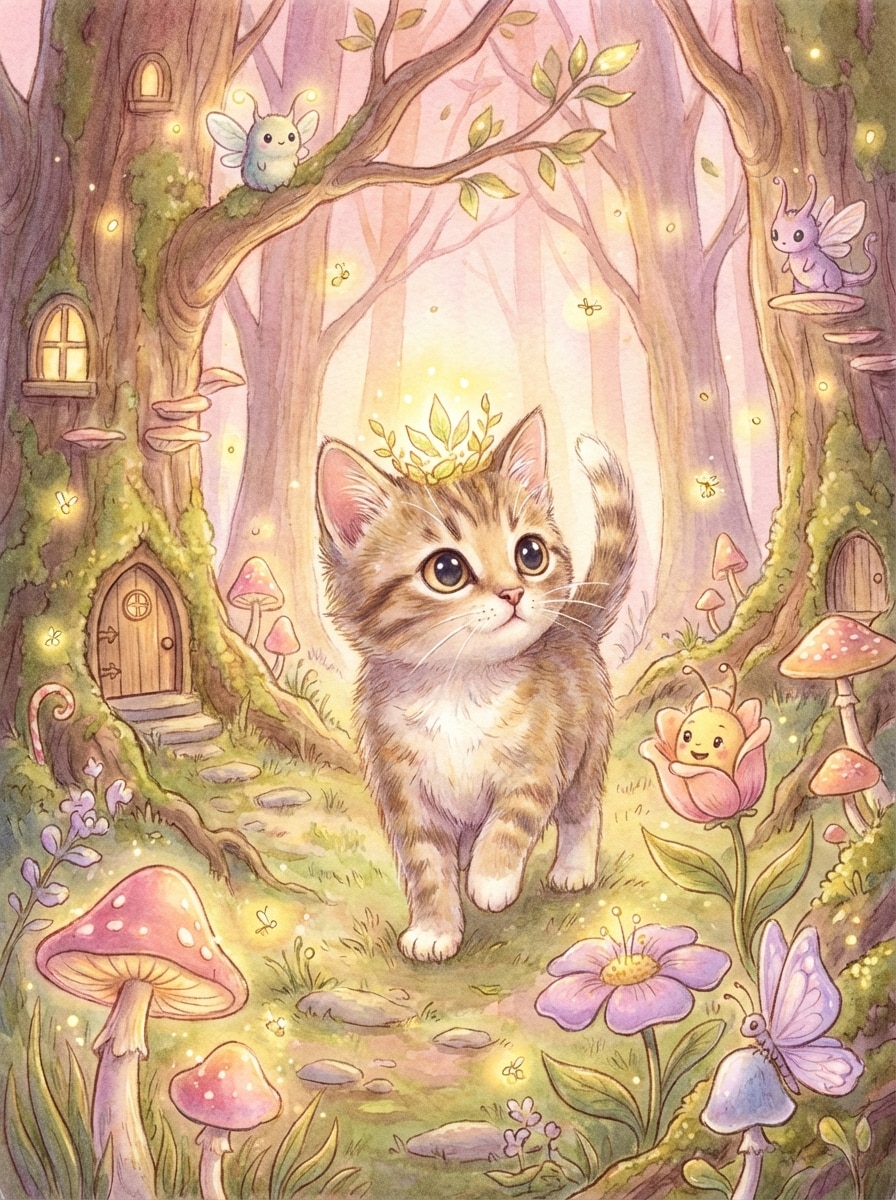
Livre de contes de fées
Utilisez la photo d'animal de compagnie téléchargée comme personnage principal et transformez-la en un portrait de livre de contes fantaisiste. Gardez l'animal de compagnie reconnaissable, placez-le dans une scène de forêt enchantée, ajoutez des textures peintes, une lumière magique brillante, des couleurs pastel chaudes, de petits détails fantastiques et une charmante composition illustrée avec une riche profondeur.
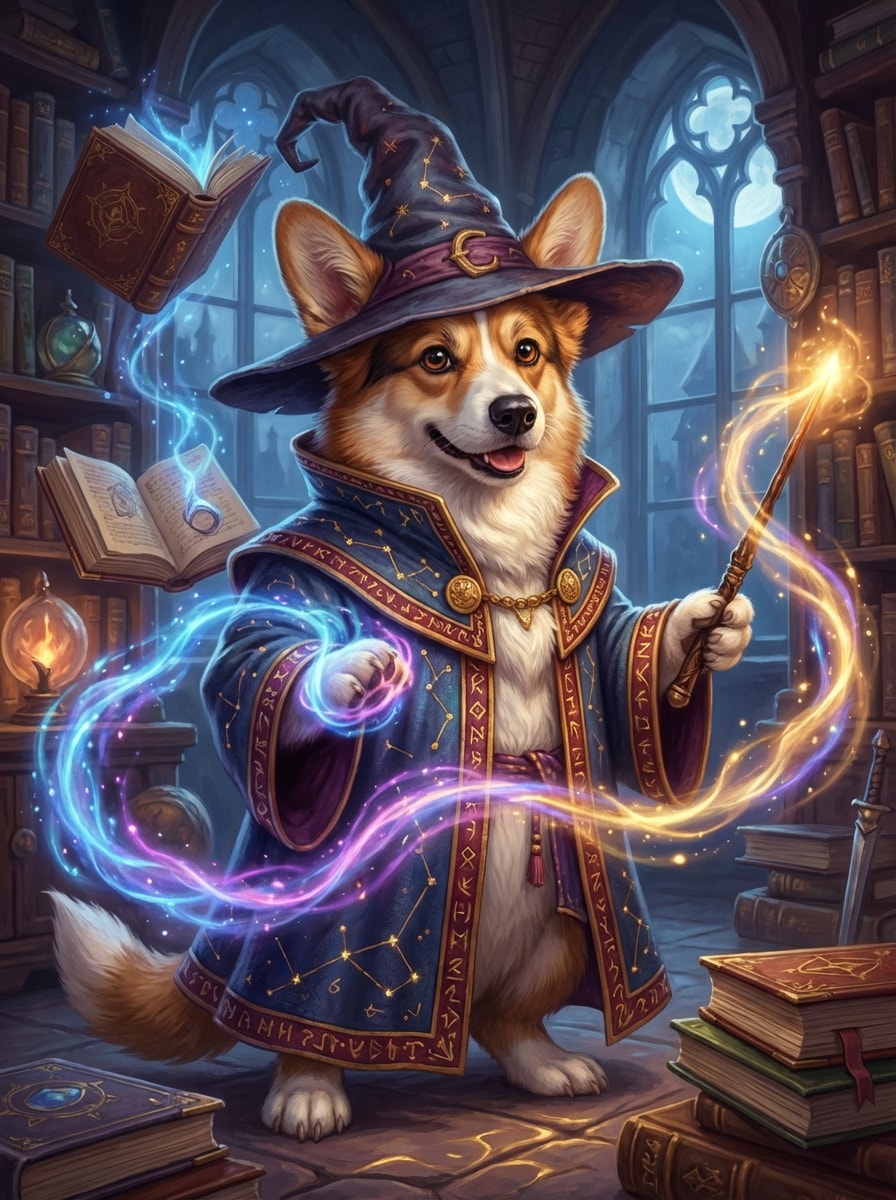
Animal de compagnie sorcier magique
Utilisez l'image d'animal de compagnie téléchargée comme sujet et transformez-la en un portrait de sorcier magique. Préservez le visage et la personnalité de l'animal, ajoutez une robe et un chapeau détaillés, des effets de sorts brillants, un fond de bibliothèque mystique, un éclairage fantastique cinématographique, des tons de bijoux riches, une fourrure et un tissu texturés et une ambiance héroïque ludique.
Animaux de compagnie comme humain
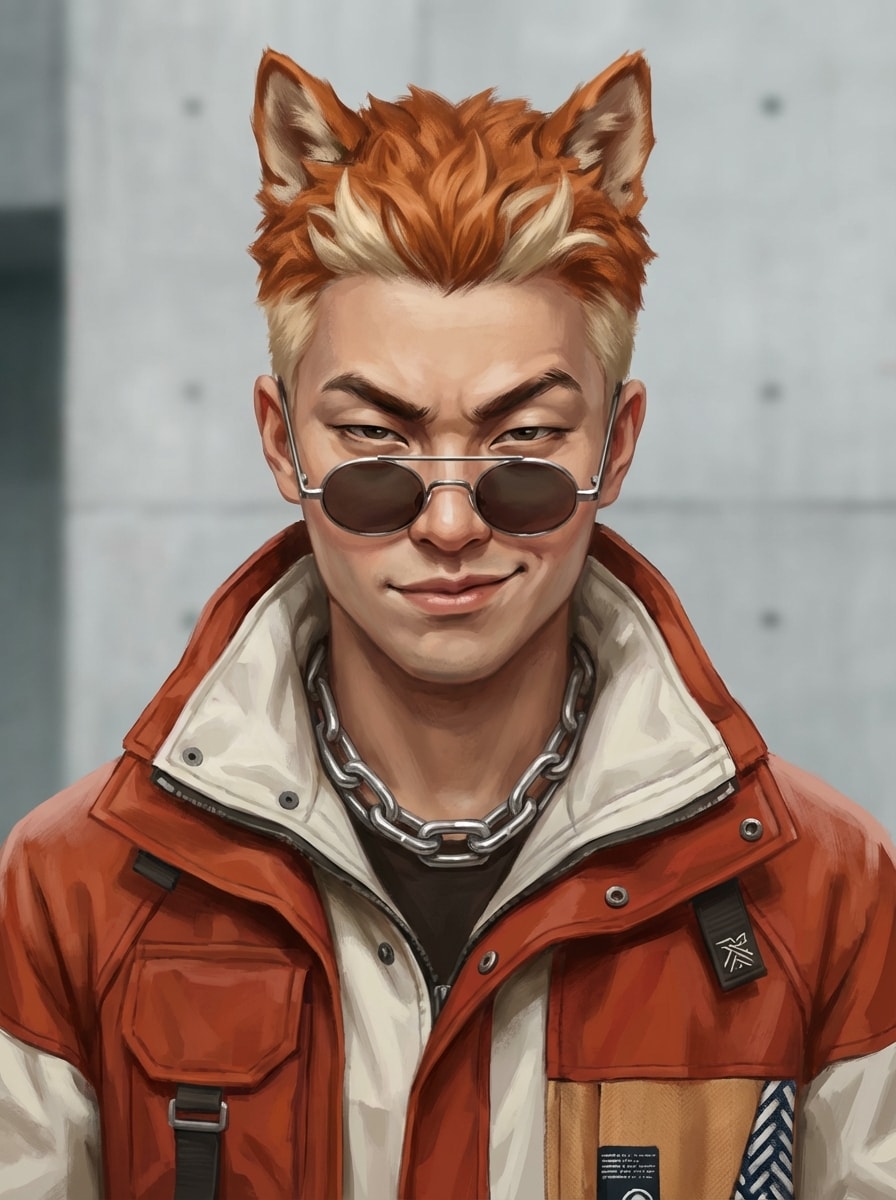
Utilisez la photo d'animal de compagnie téléchargée comme inspiration et réimaginez l'animal de compagnie comme un portrait humain élégant. Gardez son expression signature, son attitude et ses indices de personnalité, ajoutez un style de mode moderne, des textures de peau et de cheveux réalistes, un éclairage de studio équilibré, un cadre de portrait propre et une esthétique crédible mais ludique de conception de personnages.
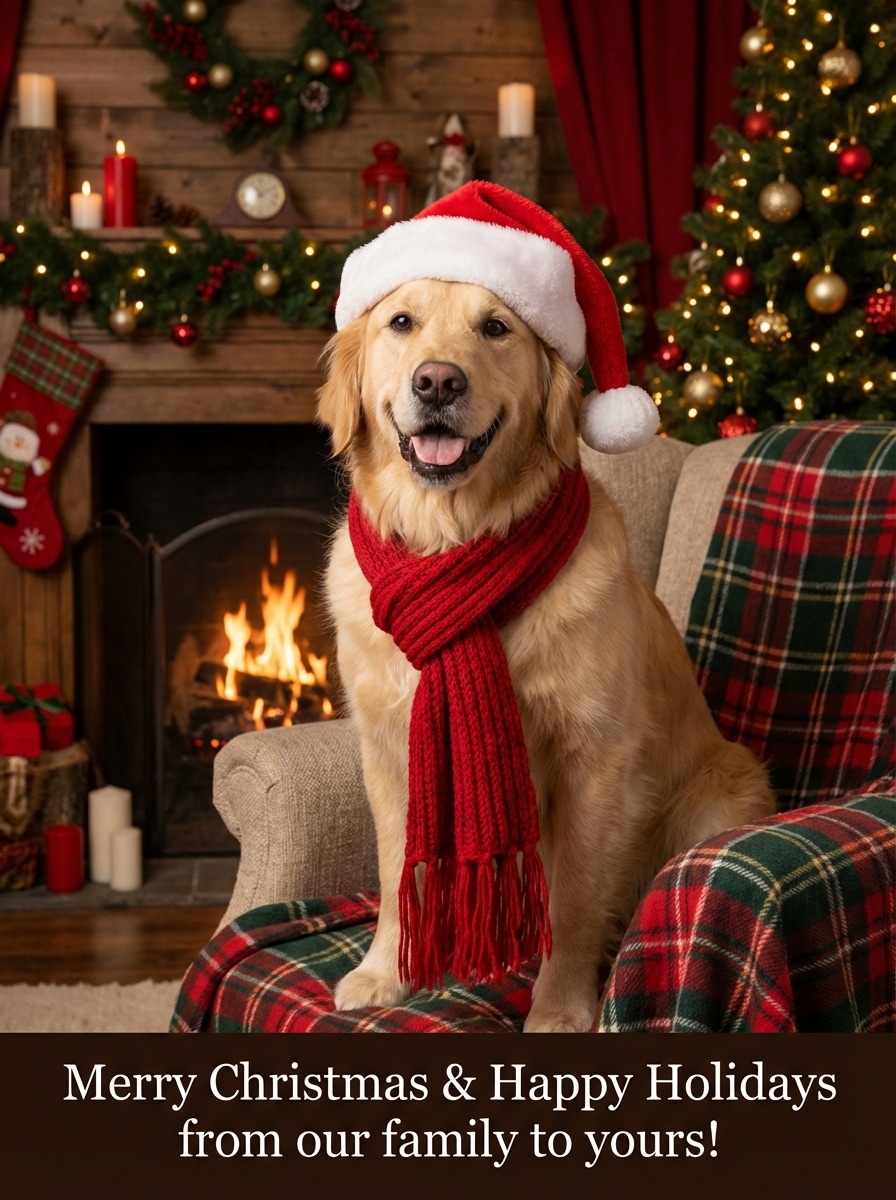
Vacances Noël Portrait
Utilisez l'image d'animal de compagnie téléchargée comme sujet et créez un portrait de Noël festif pour une carte de vacances. Gardez l'animal reconnaissable, ajoutez des lumières de fée chaudes, des décorations de saison confortables, des détails en fourrure douce, des accents rouges et verts, une humeur joyeuse, une douce lueur cinématographique et une qualité de carte de vœux polie.
Pourquoi utiliser Media.io pour les Portraits d'animaux de compagnie
Créateur de portraits d'animaux de compagnie facile basé sur un navigateur
Créez des œuvres d'art personnalisées pour animaux de compagnie en ligne sans installer un logiciel. Media.io fonctionne sur Windows, Mac, iPhone, Android et d'autres appareils via votre navigateur, ce qui rend ce générateur de portraits d'animaux de compagnie ai gratuit simple à utiliser n'importe où.
Variété de Style pour chaque animal de compagnie personnalité
Explorez plusieurs looks pour la même image d'animal de compagnie, des dessins animés et des anime à la peinture à l'huile, des styles réalistes, fantastiques et de portrait de studio. Cela rend Media.io idéal pour les cadeaux, l'art commémoratif, les cartes de vacances et les publications sociales virales, surtout si vous voulez un générateur de portraits d'animaux d'IA gratuit à essayer.
Téléchargements haute résolution disponibles
Générez des portraits d'animaux de compagnie en qualité 1K, 2K ou 4K avec des rapports d'aspect flexibles tels que 1:1, 9:16, 16:9, 4:3, etc. Cela vous aide à créer des images adaptées aux médias sociaux, aux imprimés encadrés, aux fonds d'écran ou aux cartes avec unGénérateur de portrait d'animal gratuitexpérience dans votre navigateur.
Privé et Flexible pour démarrer
Les utilisateurs gratuits obtiennent 3 crédits par jour pour essayer des idées de portrait d'animaux de compagnie. Les images téléchargées sont automatiquement supprimées des serveurs Media.io après 7 jours pour la confidentialité, et les forfaits payants prennent en charge les téléchargements haute résolution sans filigrane, ce qui facilite le début avec unai pet portrait generator Gratuitoption.
Comment utiliser le générateur de portraits d'animaux de compagnie AI
1
2
3
1
Open Media.io AI Générateur de portraits d'animaux de compagnie
Accédez à media.io/ai et ouvrez le générateur de portraits d'animaux de compagnie AI sous AI-> Générateur d'images. Cet outil en ligne fonctionne dans votre navigateur, vous pouvez donc créer des portraits d'animaux de compagnie sur ordinateur de bureau ou mobile sans rien installer.
2
Téléchargez votre Photo d'animal de compagnie et ajoutez une invite de Style
Téléchargez une image claire d'un animal de compagnie, puis entrez une invite détaillée telle que: "Utilisez ma photo de chien téléchargée et transformez-la en une peinture à l'huile de la renaissance royale avec un costume orné, un éclairage de musée dramatique, une texture de pinceau riche et un fond élégant sombre." Ajustez les paramètres de style ou de sortie si nécessaire.
3
Générer, affiner et télécharger
Cliquez sur Générer pour créer votre portrait d'animal de compagnie. Si nécessaire, affinez l'invite et essayez un autre style comme dessin animé, aquarelle ou portrait de studio. Ensuite, téléchargez votre image finale en haute résolution pour le partage, le cadeau ou l'impression.
Ce que les utilisateurs disent de Media.io Pet Portraits
Alyssa M.
Maman de chien & vendeur Etsy
"Parfait pour l'art pour animaux de compagnie prêt à cadeau"J'ai téléchargé une photo de mon corgi et j'ai essayé trois styles différents. Les versions peinture royale et aquarelle étaient toutes deux incroyables et étaient faciles à transformer en cadeaux imprimables.
Daniel R.
Propriétaire de chat
"Rapide et convivial pour les débutants"Je voulais un portrait drôle de mon chat en tant que médecin, et Media.io a rendu le processus simple. Les exemples rapides ont beaucoup aidé, et je n'avais pas besoin d'expérience de conception.
Priya S.
Créateur de médias sociaux
"Grande variété de styles"Ce que j'ai le plus aimé, c'était de pouvoir essayer des looks mignons, premium et fantastiques à partir de la même photo d'animal de compagnie. Les résultats de style anime et Pixar ont été les plus partageables pour mon public.
Marcus T.
Pet Parent
"Facile sur téléphone et bureau"J'ai fait un portrait de Noël de mon chien sur mon téléphone, puis je l'ai téléchargé plus tard sur mon ordinateur portable. Le flux de travail du navigateur était fluide et l'image finie fonctionnait bien pour une carte de vacances.
Découvrez Les Effets Vidéo et d'Image IA Les Plus Populaires
1. Comment puis-je transformer mon animal de compagnie en art AI?
Avec Media.io, vous pouvez télécharger une photo d'animal de compagnie et décrire le style que vous souhaitez, comme dessin animé, peinture à l'huile, anime, réaliste ou fantastique. Ce générateur de portraits d'animaux de compagnie ai fonctionne en ligne dans votre navigateur et vous permet de générer des portraits d'animaux de compagnie dans différents looks sans installer un logiciel.
2. L'IA peut-elle générer une image de mon animal de compagnie?
Oui. Media.io prend en charge un flux de travail basé sur le téléchargement afin que vous puissiez utiliser la photo de votre animal de compagnie comme référence et générer un nouveau style de portrait à partir d'elle. Vous pouvez également personnaliser les résultats avec des invites et choisir les paramètres de sortie qui correspondent à vos besoins.
3. Puis-je créer un portrait d'animal de compagnie personnalisé dans différents styles d'art?
Oui. Media.io prend en charge une large gamme de styles visuels, y compris l'Anime, le réaliste, le rendu 3D, la peinture à l'huile, le Cyberpunk, et bien plus encore. Cela le rend utile pour les portraits de chiens personnalisés, les portraits de chats, l'art fantastique d'animaux de compagnie et les illustrations prêtes à cadeaux, y compris les concepts de style royal souvent associés à un générateur de portraits d'animaux de compagnie royaux.
4. Les générateurs de portraits d'animaux de compagnie AI sont-ils gratuits à utiliser?
Media.io offre une utilisation gratuite avec 3 crédits par jour. Si vous avez besoin de plus de générations, vous pouvez vous abonner à un forfait payant sur la page Tarifs. Les utilisateurs gratuits peuvent voir des filigranes, tandis que les abonnés payants peuvent télécharger des images haute résolution sans filigrane, ce qui en fait un générateur de portraits d'animaux d'IA pratique gratuit à essayer.
5. Puis-je télécharger mon portrait d'animal de compagnie en haute qualité?
Oui. Media.io prend en charge la génération d'images dans les résolutions 1K, 2K et 4K. Il offre également de multiples rapports d'aspect, y compris 1:1, 9:16, 16:9, 4:3, 3:4, 3:2 et 2:3, ce qui est utile pour les publications sociales, les impressions et les cartes.
6. Est-ce que ma photo d'animal de compagnie téléchargée est conservée privée?
Media.io supprime automatiquement les images téléchargées de ses serveurs après 7 jours pour aider à protéger la vie privée des utilisateurs. Comme il est basé sur le web, vous pouvez l'utiliser à partir de n'importe quel appareil avec un navigateur, y compris Windows, Mac, iOS et Android, que vous souhaitiez une expérience gratuite rapide de pet portrait generator ou des téléchargements à haute résolution avec un forfait payant.
Au-delà du générateur de portraits d'animaux de compagnie en ligne alimenté par l'IA