Cliquez ou faites glisser pour télécharger, ou choisissez parmi Mon HistoriqueCliquez pour téléchargerMon Historique
Pas d'idées ? Générer une image d'abord. >
Importez des images jpg, jpeg, png jusqu'à 50 Mo, avec une largeur/hauteur minimale de 300 px.
Old iPhone Camera Filter: Bring Back the 5, 6 and 6s Photo Feel
Your newest phone captures every pore and lifts every shadow, but the old camera roll had a less polished charm. An old iPhone camera filter can help a modern photo feel closer to the iPhone 5, 6 or 6s years through simpler contrast, gentler detail and everyday flash color. Choose an iPhone 5-inspired casual snapshot, an iPhone 6-era travel photo or a cleaner iPhone 6s-style memory, depending on the original scene. This is an unofficial style recreation, not an Apple filter or an exact simulation of phone hardware.
Casual room, travel and dinner photos suit the old camera-roll mood more than heavily retouched studio headshots.
Old iPhone Camera Filter Prompts for 5, 6 and 6s Looks
Choose the era of the memory: an early-2010s indoor snapshot can feel rougher, while a later 6s-era outdoor image may look cleaner. The aim is normal everyday phone photography, not heavy 35mm film grain.
iPhone 5-Style Bedroom Photo
Edit my uploaded reference photo: Give a casual bedroom portrait early-2010s smartphone contrast, slightly softer detail and a natural indoor color cast, without film dust. Keep the original person, identity, expression, hairstyle, clothes, scene geometry and camera angle unless the named era style specifically calls for clothing or setting changes. Maintain realistic physical proportions and credible photographic detail. Do not add captions, logos, extra people, collages or unrelated props.
iPhone 6-Style Street Walk
Edit my uploaded reference photo: Restyle an outdoor walking portrait with familiar 2014-style smartphone color, simple HDR and moderate natural sharpness. Keep the original person, identity, expression, hairstyle, clothes, scene geometry and camera angle unless the named era style specifically calls for clothing or setting changes. Maintain realistic physical proportions and credible photographic detail. Do not add captions, logos, extra people, collages or unrelated props.
iPhone 6s-Style Vacation Frame
Edit my uploaded reference photo: Keep a travel landmark and subject fixed while using a slightly cleaner mid-2010s phone-rendering mood with understated contrast. Keep the original person, identity, expression, hairstyle, clothes, scene geometry and camera angle unless the named era style specifically calls for clothing or setting changes. Maintain realistic physical proportions and credible photographic detail. Do not add captions, logos, extra people, collages or unrelated props.
Classic 2013 Dinner Snapshot
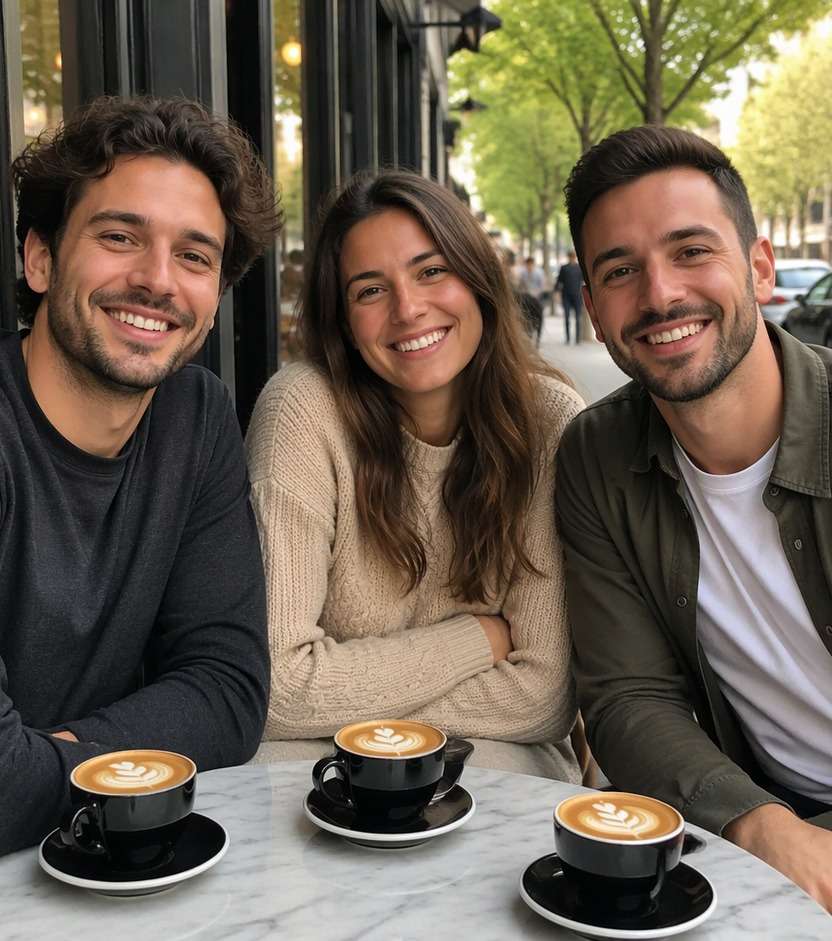
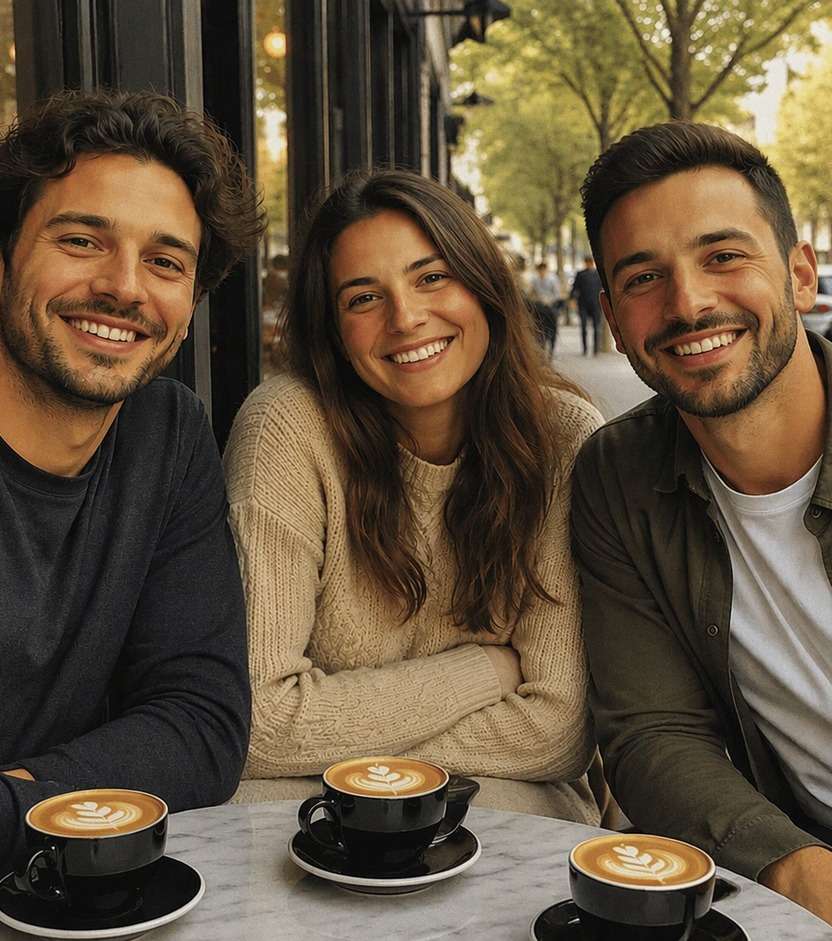
Edit my uploaded reference photo: Use mild indoor noise, simple flash color and soft dynamic range around friends at an existing restaurant table. Keep the original person, identity, expression, hairstyle, clothes, scene geometry and camera angle unless the named era style specifically calls for clothing or setting changes. Maintain realistic physical proportions and credible photographic detail. Do not add captions, logos, extra people, collages or unrelated props.
Mid-2010s Campus Memory
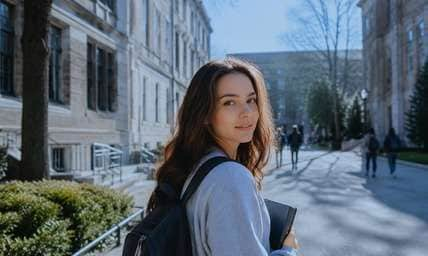
Edit my uploaded reference photo: Give a daylight university walkway photo modest smartphone detail and neutral-blue outdoor shadows, preserving the buildings. Keep the original person, identity, expression, hairstyle, clothes, scene geometry and camera angle unless the named era style specifically calls for clothing or setting changes. Maintain realistic physical proportions and credible photographic detail. Do not add captions, logos, extra people, collages or unrelated props.
Old iPhone Front-Camera Mood
Edit my uploaded reference photo: Mimic an early casual front-camera portrait with gentler fine detail and natural indoor warmth, without adding a visible phone prop. Keep the original person, identity, expression, hairstyle, clothes, scene geometry and camera angle unless the named era style specifically calls for clothing or setting changes. Maintain realistic physical proportions and credible photographic detail. Do not add captions, logos, extra people, collages or unrelated props.
Early Camera-Roll Night Photo
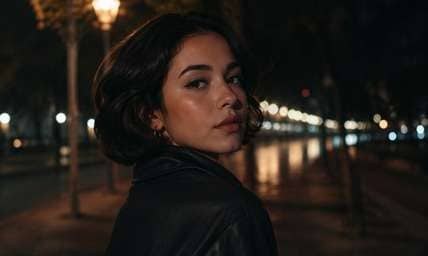
Edit my uploaded reference photo: Recreate a less computationally bright night portrait, with deep shadows, practical street lights and the same person. Keep the original person, identity, expression, hairstyle, clothes, scene geometry and camera angle unless the named era style specifically calls for clothing or setting changes. Maintain realistic physical proportions and credible photographic detail. Do not add captions, logos, extra people, collages or unrelated props.
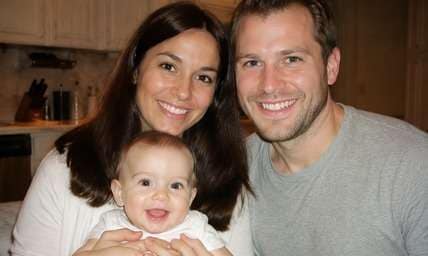
2015 Family Kitchen Frame
Edit my uploaded reference photo: Apply mid-2010s phone color and simple flash exposure to a family snapshot while retaining faces, counters and clothing. Keep the original person, identity, expression, hairstyle, clothes, scene geometry and camera angle unless the named era style specifically calls for clothing or setting changes. Maintain realistic physical proportions and credible photographic detail. Do not add captions, logos, extra people, collages or unrelated props.
Old iPhone Beach Day
Edit my uploaded reference photo: Shift a crisp modern beach photo toward less HDR-like highlight recovery and warm-cool casual colors while keeping the coastline fixed. Keep the original person, identity, expression, hairstyle, clothes, scene geometry and camera angle unless the named era style specifically calls for clothing or setting changes. Maintain realistic physical proportions and credible photographic detail. Do not add captions, logos, extra people, collages or unrelated props.
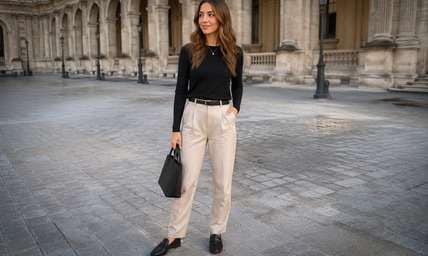
Throwback Mirror-Free Outfit Pic
Edit my uploaded reference photo: Give a straightforward full-body outfit photo the modest contrast and texture of a 2014 smartphone snapshot without adding mirrors, phones or retro props. Keep the original person, identity, expression, hairstyle, clothes, scene geometry and camera angle unless the named era style specifically calls for clothing or setting changes. Maintain realistic physical proportions and credible photographic detail. Do not add captions, logos, extra people, collages or unrelated props.
Make Modern Photos Feel Like an Older Camera Roll
Pick the Era that Matches Your Memory
Compare softer early-2010s room portraits, mid-2010s daylight pictures and slightly cleaner 6s-style snapshots. Choose the handling of light and detail that fits the memory you want to recreate.
Remember Simple Smartphone Processing
Older phone photos can suggest less aggressive HDR, softer fine detail and flatter shadow handling. Avoid full 90s film scratches or orange date stamps that belong to other cameras.
Let Everyday Moments Lead
Bus rides, bedroom portraits, lunch tables and outdoor snapshots make the nostalgia recognizable. A perfectly lit studio campaign is a poor way to show an early phone-camera feel.
Stay Clear about What Is Unofficial
This creative result uses Media.io image editing to evoke a period. It is not an Apple feature, an official iOS photographic style, or proof of which phone actually captured the image.
How to Add an Old iPhone Camera Filter to a Photo Online
Upload a casual picture, name the older-iPhone era you like and compare how color, fine detail and contrast changed. No actual iPhone hardware or official Apple preset is required.
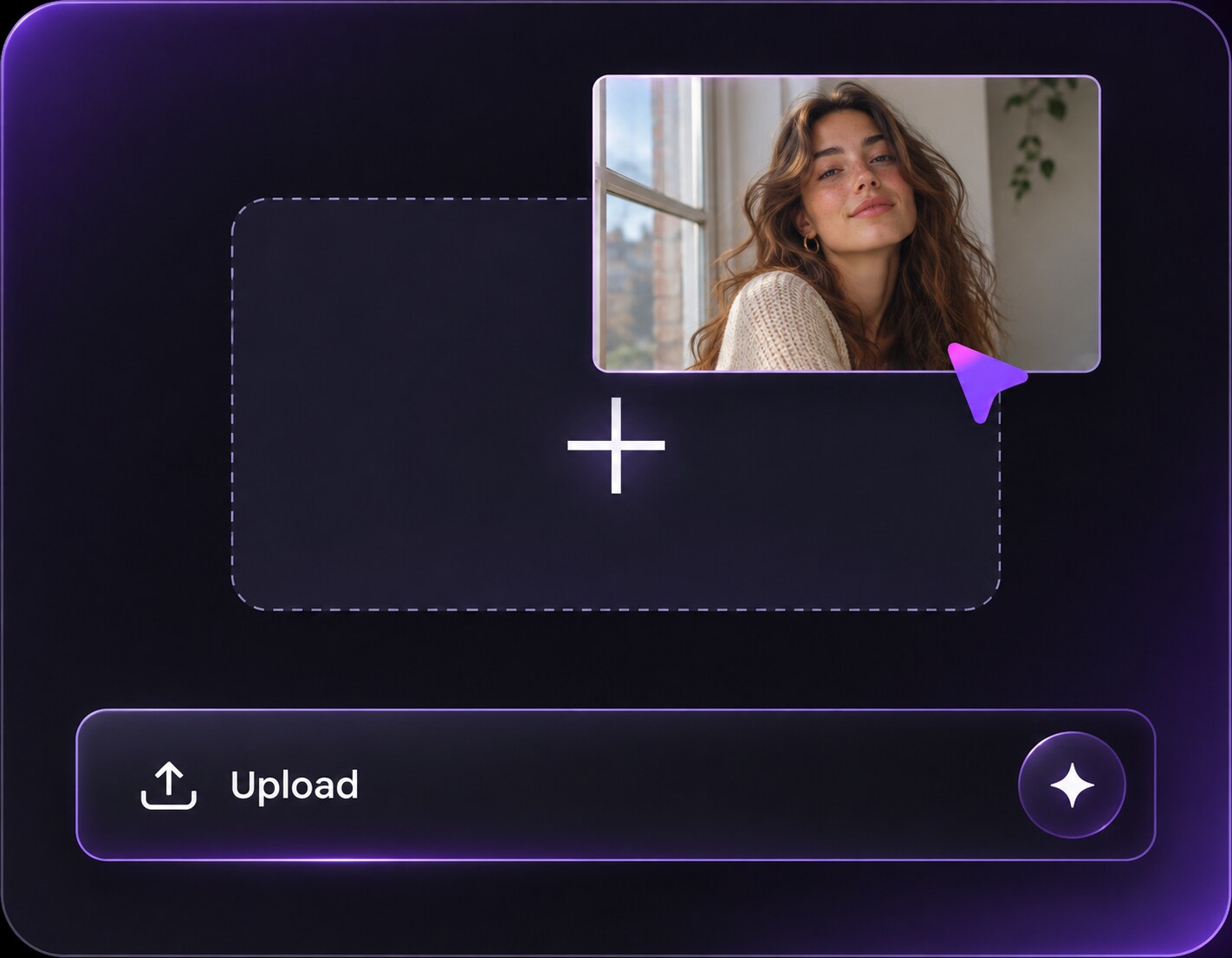
Step 1
Upload an Everyday Snapshot
Open Media.io AI Face Editor and upload a portrait, dinner photo or travel memory. Casual framing and natural light suit the older phone-camera look better than a studio setup.
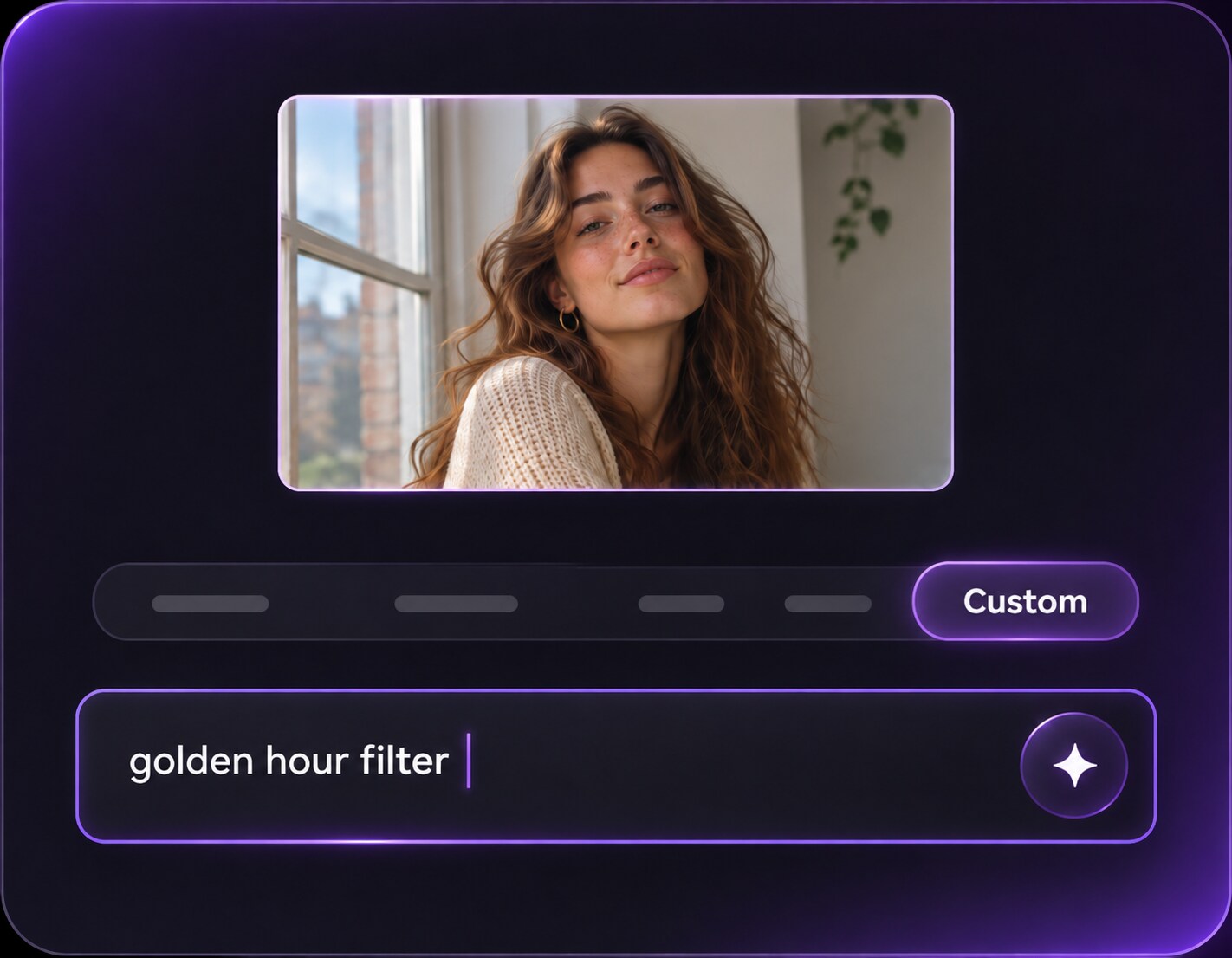
Step 2
Choose iPhone 5, 6 or 6s-Inspired Styling
Describe the era, slightly simpler dynamic range, modest sharpness and natural smartphone color. Ask to keep the same people, room, clothing and crop.
Step 3
Generate and Judge the Camera-Roll Feel
Click Generate and compare with the original. If the edit looks like damaged film or a compact CCD camera, ask for cleaner smartphone nostalgia instead.
Choose a look by the memory you are editing: an iPhone 5-inspired room snapshot can feel softer, while an iPhone 6s-style vacation frame can keep more fine detail.
iPhone 5-Style Everyday Throwbacks
Choose a 2012-2013 feeling for a room portrait or sidewalk photo with relatively simple tonal range and a little softness. Keep the result casual rather than adding dramatic digital damage.
iPhone 6-Style Outdoor Memories
A 2014-style travel snapshot can use familiar mid-2010s smartphone contrast and slightly warm daylight. Preserve storefronts and colors as a normal phone camera would see them. A lightly clipped bright sky is more convincing here than artificial film scratches or an orange timestamp added over modern architecture.
iPhone 6s-Style Camera-Roll Posts
For a later mid-2010s look, ask for a clearer but still less heavily processed image than a modern phone. Friend gatherings, lunch tables and vacation shots are natural matches.
Old iPhone Camera-Look Checklist
Smartphone Not Film
Photo preview checklist
"Is the result an older phone snap rather than a film print?" Avoid oversized dust, borders and date stamps unless a specific social edit calls for them.
Natural Faces
Photo preview checklist
"Are portraits recognizable with casual texture?" Mild softness is believable; plastic smoothing or severe blur is not.
Era Tone
Photo preview checklist
"Does the edit fit the intended 5, 6 or 6s mood?" Choose one era as a guide rather than mixing random old-camera flaws.
Unchanged Memory
Photo preview checklist
"Are people, background and crop still the same?" The photo should feel like your original moment taken with another phone.
1. Can I use one old iPhone filter for iPhone 5, 6 and 6s looks?
Yes. Choose an iPhone 5, 6 or 6s-inspired prompt to steer color, contrast and fine-detail handling toward the camera-roll feeling you remember. These are creative interpretations, not exact sensor emulations.
2. Is this an official Apple or iOS camera filter?
No. It is an unofficial AI recreation of older smartphone photo aesthetics, not an Apple product, preset or exact sensor simulation.
3. How is an old iPhone look different from a CCD filter?
Older-iPhone edits tend to resemble casual smartphone color and processing. CCD filters often emphasize dedicated compact-camera flash, brighter blown highlights and small-sensor noise.
4. What photo works best for iPhone 6s nostalgia?
A simple outdoor snapshot, lunch photo or casual headshot suits the later mid-2010s phone-camera feel better than a polished studio image.
5. Should the image be very blurry or low resolution?
Usually not. A slight reduction in modern crispness can evoke the era, but extreme blur or compression makes the picture harder to use.
6. Can I preserve the same friends and location?
Ask for the same faces, clothes and background, changing only the camera-era feel. Review generated details, especially small text and accessories.
More Old Iphone Camera Filter and Related Photo Tools