Give Dress Model Photos More Movement
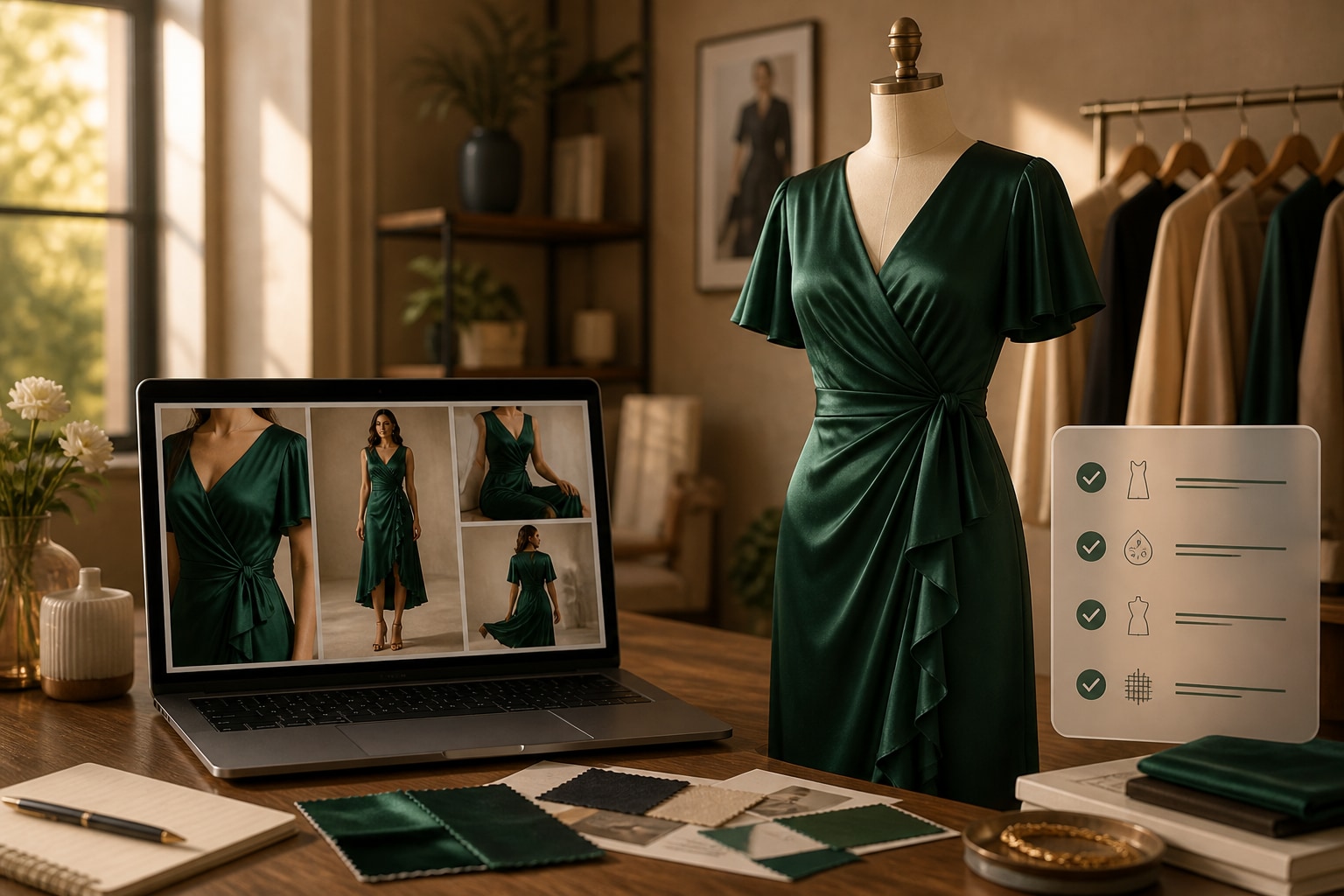
Turn a dress listing or approved model images into a flowing product story. Media.io helps shape the script, visual direction, format, and final AI video around silhouette, length, fabric, and occasion.















Why Dress Model Photos Need Motion and Context
Choose an occasion reveal, silhouette study, lifestyle cut, review, or launch teaser that keeps the dress movement and product facts in focus.

Portable Blender
shopify.com/products/blender

Red Shoulder Bag
shopify.com/products/red-shoulder-bag

World Cup Potato Chips
tiktokshop.com/products/world-cup-potato-chips

Glow Serum
tiktokshop.com/products/serum

Matcha Latte App
appstore.com/app/matcha-latte

Luxury Chronograph Watch
ebay.com/itm/luxury-chronograph-watch
Turn Silhouette and Occasion Into a Stronger Dress Ad
A still frame can show the print, but not the sweep of a skirt, the movement of a sleeve, or the mood of an occasion. Use video to connect those cues into a more complete shopping story.
Dress Photos Can Flatten Fabric Movement
Skirt movement, sleeve flow, and fabric weight are difficult to read from a single pose.
Occasion Is Unclear
Shoppers may like the dress but still wonder where and how they would wear it.
Variants Multiply
Lengths, prints, and colors create more creative requests around one core design.
Launches Cannot Wait
Campaign assets often need to go live while the collection is still new.
Four Ways Media.io Shapes the Dress Story
Use Media.io to move from source material to a scripted, configurable video that keeps the garment—not the template—at the center.
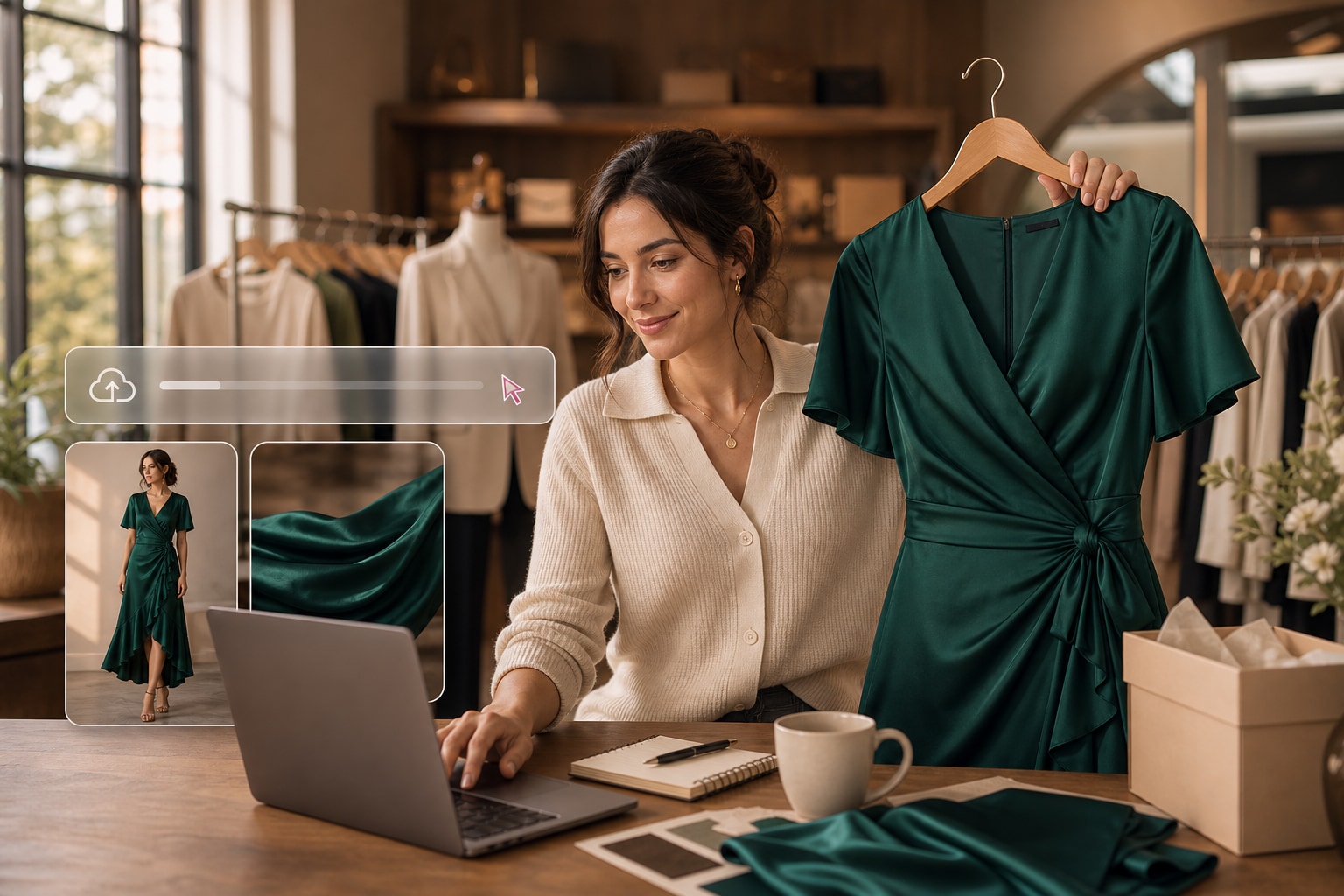
Find the Dress Story in the Source
The workflow identifies visual signals such as silhouette, neckline, sleeves, length, color, and movement, then uses them to guide the opening scenes.
✓Open on the silhouette so shoppers understand the dress shape.
✓Reveal the length and neckline in clear, focused scenes.
✓Use fabric movement to communicate drape and visual mood.
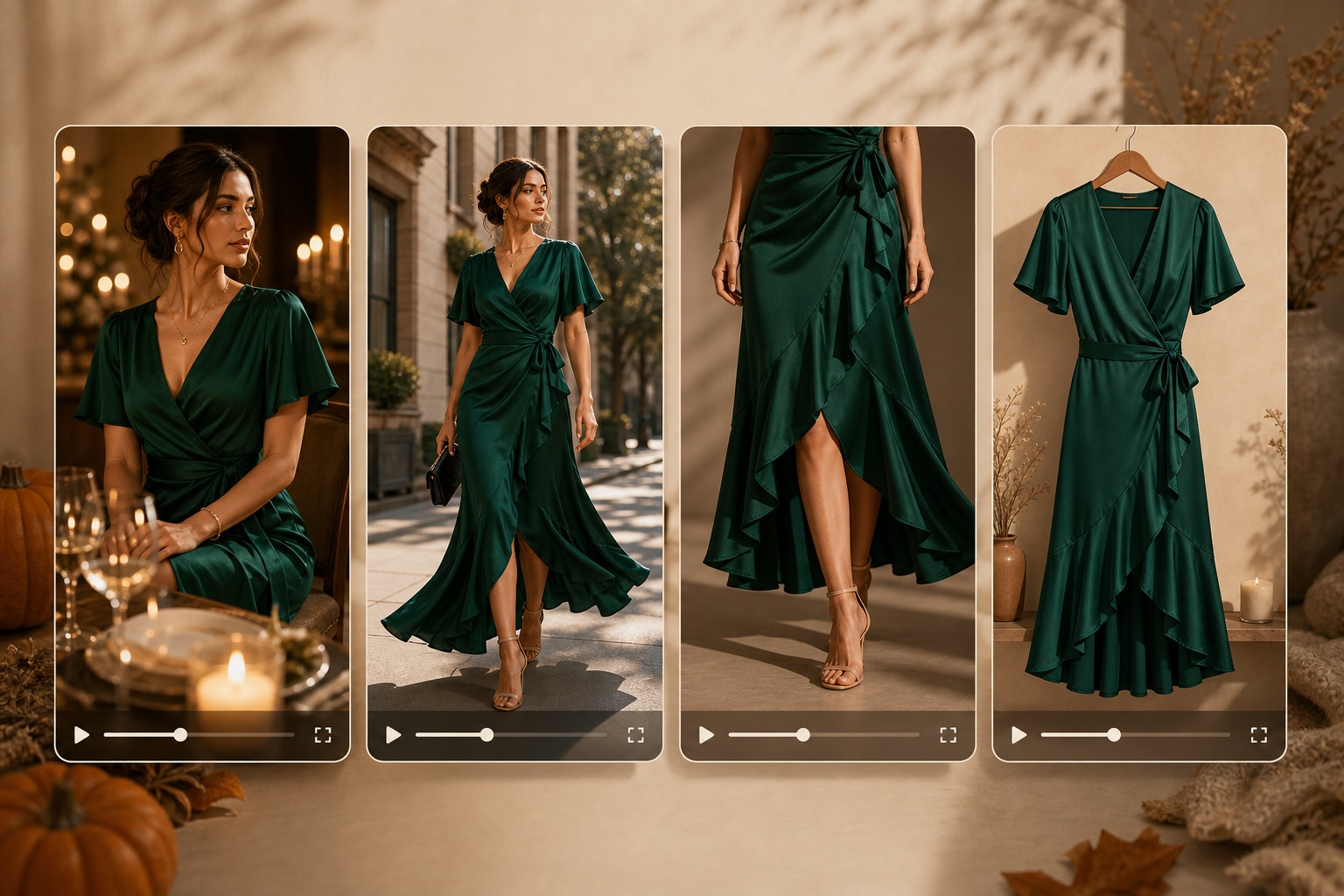
Match the Edit to the Occasion
Create a romantic reveal, a new-arrival spotlight, a fit-focused product cut, or a fast social teaser without commissioning separate concepts.
✓Frame the occasion so the styling feels purposeful and relevant.
✓Build a product-first cut that keeps dress details prominent.
✓Create a faster launch teaser for social discovery placements.
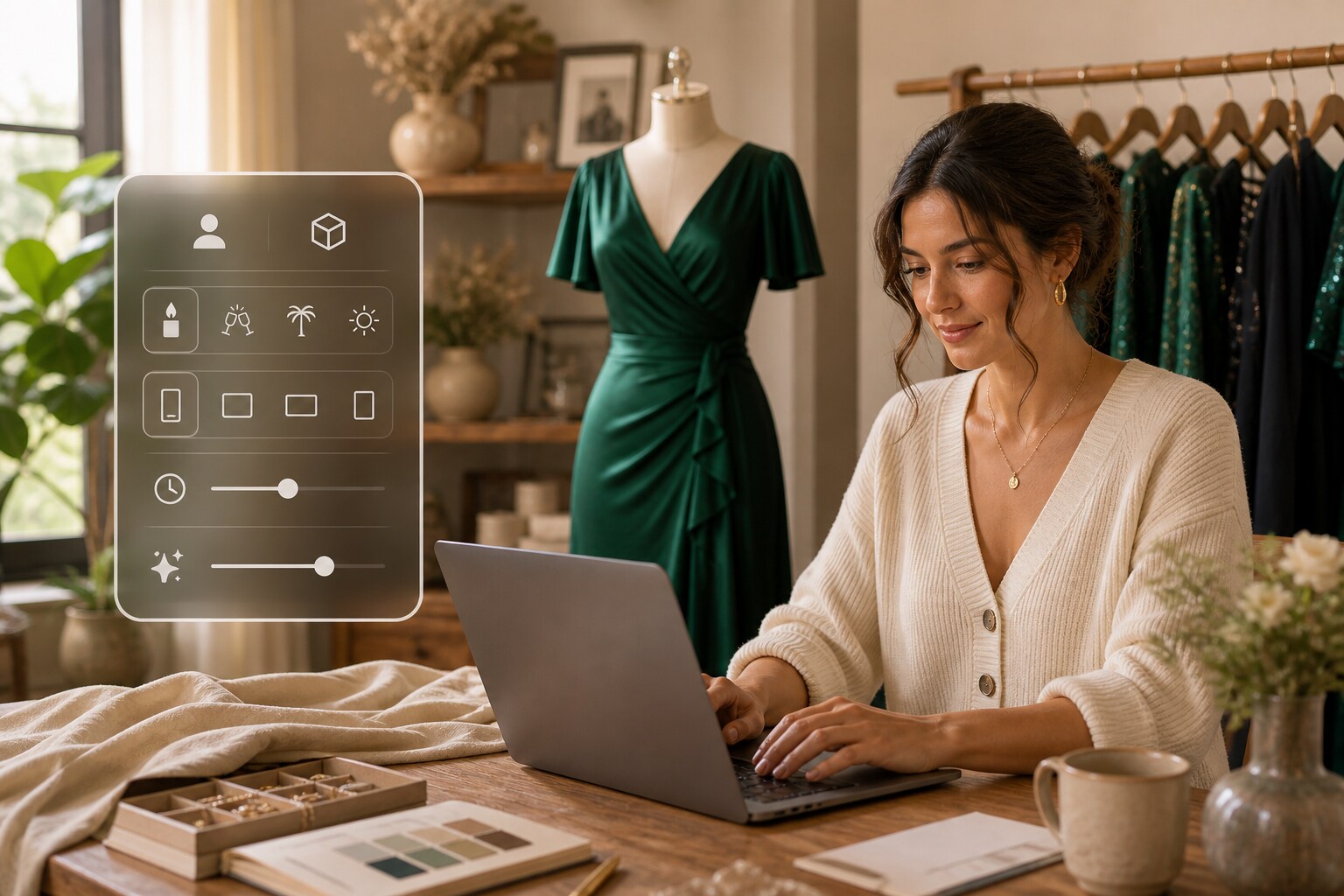
Direct the Format Up Front
Choose character or no-character presentation, visual style, aspect ratio, duration, resolution, and quality before the dress video is rendered.
✓Choose the presentation style that best supports the dress story.
✓Size the video correctly for the intended campaign placement.
✓Control the timing and quality before generating the final scenes.
Review Fit and Fabric Language
Edit the script and inspect generated scenes so statements about length, fit, color, occasion, or material stay faithful to the approved source.
✓Confirm every length reference against the approved dress details.
✓Check color and fit language before the video goes live.
✓Remove fabric claims that are not supported by the source.
Create a Dress Video in Three Steps
Build campaign-ready motion from existing dress assets with one connected workflow.
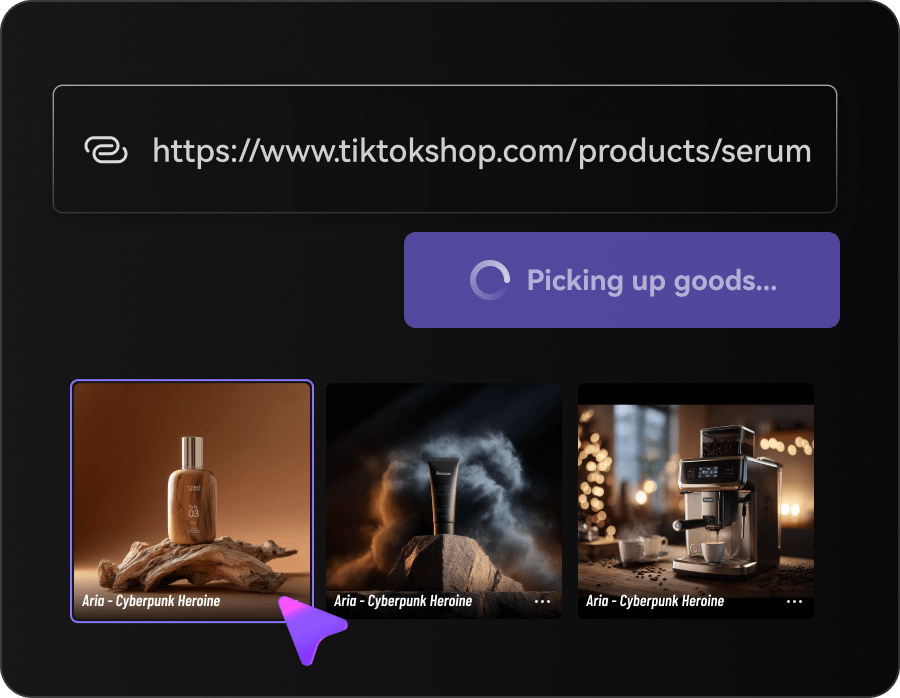
Import the Dress Details
Add the product URL or upload selected dress images so Media.io can organize the key visual and selling points.
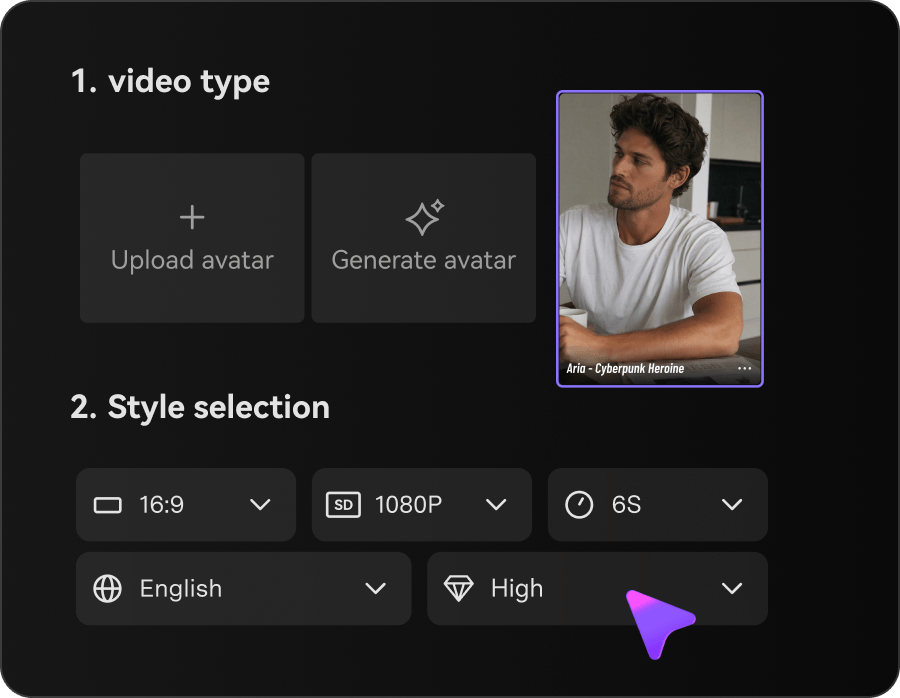
Choose the Campaign Mood
Set the style, character option, ratio, duration, resolution, and quality for the intended placement.
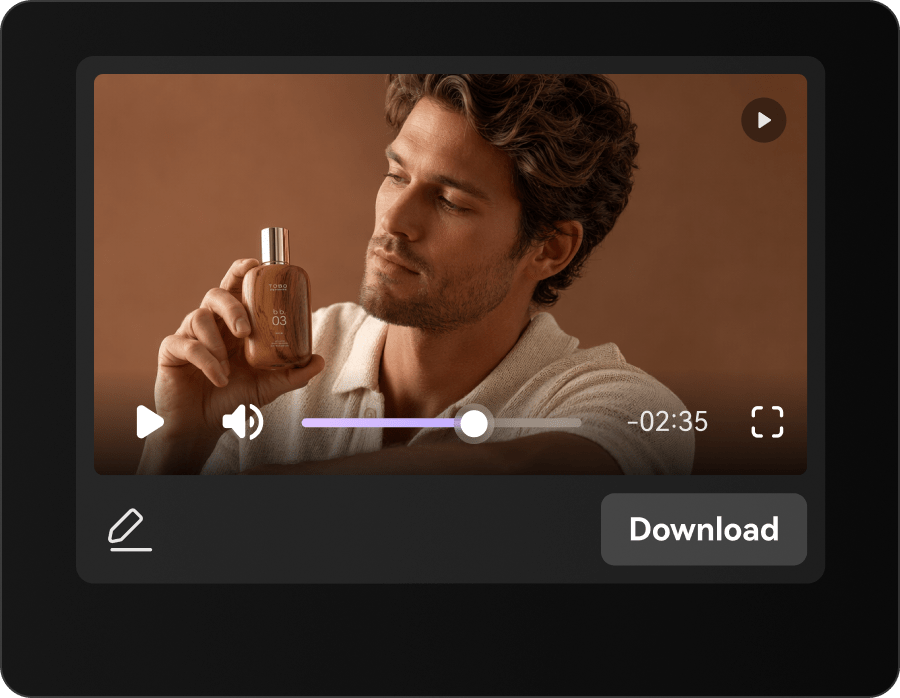
Refine and Render
Adjust the script and scene order, generate the video, and review garment details before use.
Dress Video Ideas for Fashion Sellers and Creators
Shape the same source into creative for launch, discovery, product education, and retargeting.
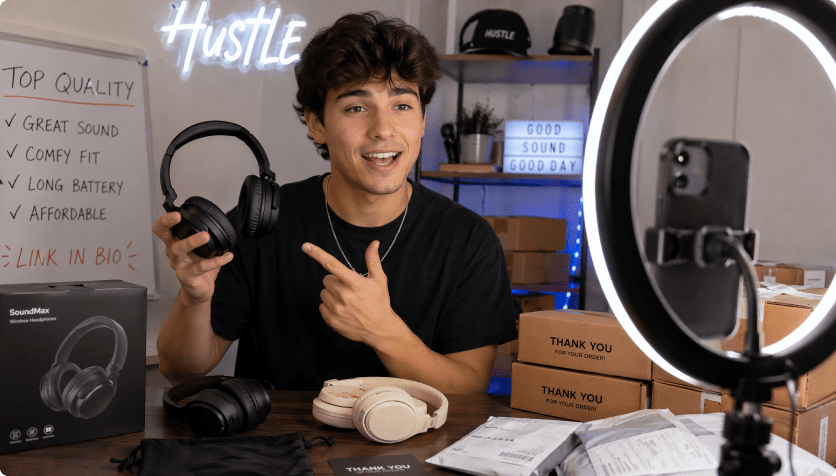
Dress Boutiques
Introduce new arrivals with motion that feels curated rather than mass-produced.
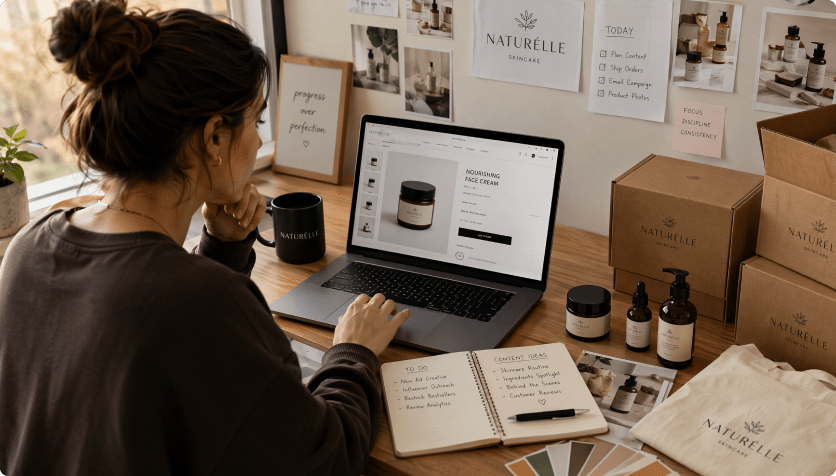
Occasionwear Brands
Connect silhouette and fabric movement to weddings, parties, dinners, and events.
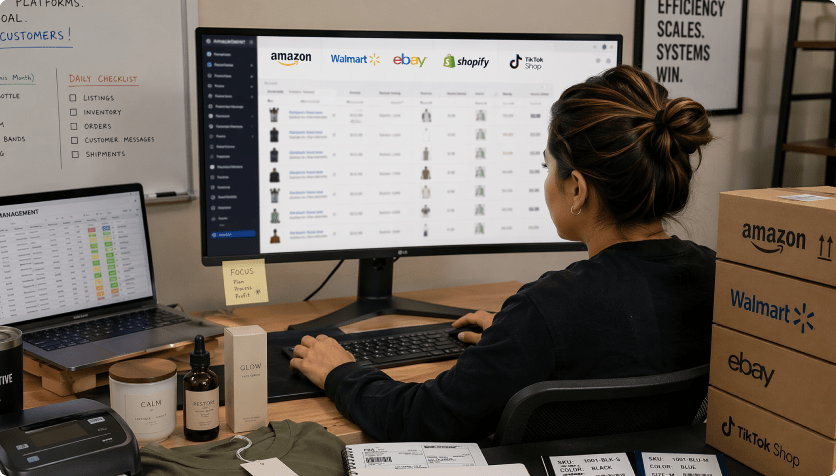
Marketplace Sellers
Turn key fit and length details into quick listing support.
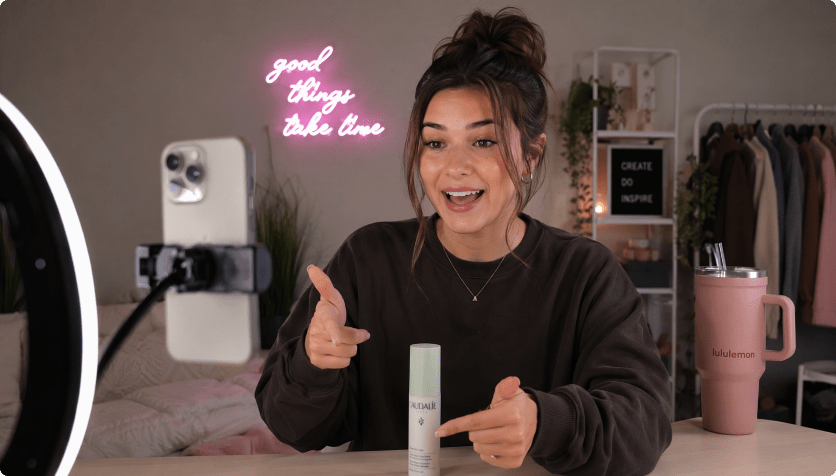
Make More Dress Creative From Every Shoot
The Repeated Dress Content Route

- Re-enter drape, length, neckline, sleeves, color, occasion, and movement in every brief
- Plan every scene and format manually
- Coordinate separate image, copy, and video handoffs
- Resize the same source for every channel
- Catch fit, length, color, occasion, and fabric claims late in production
- Produce too few versions for occasion campaigns and new-arrival launches
Media.io AI Ads For Dress Model PhotosMedia.io AI Ad Generator
- Import the dress listing once
- Carry drape, length, neckline, sleeves, color, occasion, and movement into the script
- Choose styles and controllable video settings
- Review the script before rendering
- Create several formats from one source
- Inspect accuracy before publishing
How Teams Extend Dress Photography Into Video
Instead of reopening production for every crop and concept, use the approved listing or image set as the foundation for several configurable video directions.

The motion-led opening communicated the skirt better than another row of stills.

We created an event edit and a product-detail version without splitting the brief.
Our social cut felt faster, while the product-page version kept more fit context.
Reviewing the script helped us fix a length description before rendering.
The generated concept reflected the dress mood instead of forcing a generic trend.
We used the same approved imagery across launch, retargeting, and landing-page placements.
Dress Model Photos Video FAQs
How Are Dress Model Photos Turned Into Video?
Media.io reads the source visuals and product information, drafts a dress-focused script, applies your creative settings, and generates a video for review.
Can I Use Existing Dress Campaign Images?
Yes. Upload images you own or are authorized to use when they better represent the intended styling and collection.
What Should I Check in the Dress Video?
Review silhouette, neckline, sleeves, hem length, color, proportions, movement, text, and any fit or fabric claims.
Which Product Pages Work Best?
Clear, accessible pages with strong imagery and accurate specifications provide the most useful source. Image upload is also available.
What Video Styles Work for Dresses?
Try occasion reveals, lifestyle edits, fit explainers, product close-ups, reviews, comparisons, and short launch teasers.
Is Editing Experience Required?
No. You can choose the creative settings and revise the generated script through a guided workflow.
Where Can Dress Videos Be Used?
Use them across product pages, social ads, marketplace listings, email campaigns, landing pages, and organic content.
Can the Generated Script Be Changed?
Yes. Update the tone, event context, selling points, sequence, and product language before video generation.
Is Platform Approval Guaranteed?
No. Always review rights, accuracy, claims, and platform requirements before publishing or promoting the video.
More AI Tools for Dress Campaigns

 4.7 (162,357 Votes)