Consejos: Utilice consejos en inglés para obtener mejores resultados.
1K
9:16
1
Modo Ilimitado Banana Pro
Creaciones
Centro de Ideas
Cómo funciona
Todo
Funciones populares
Ver todo
Historia de Frutas con IA
Ver todo
Video de Historia de IA
Ver todo
Videos Virales Hoy
Ver todo
Videos de Productos de IA
Ver todo
Personaje de IA
Ver todo
Tendencias de Baile
Ver todo
GPT Image 2
Ver todo
Seedance 2.0
Ver todo
Emparejamiento de Celebridades con IA
Ver todo
Indicaciones de Poses para Parejas
Ver todo
Prompts de Poses de Chica AI Estética
Ver todo
Sugerencias de Pose Elegante para Chicos AI
Ver todo
Lista de generación
Tus creaciones solo se guardan durante 7 días. Los recursos creados después de actualizar a Membresía se almacenarán de forma permanente.
¡Desbloquea tu potencial creativo y experimenta la magia de Media AI ahora mismo!
Generador de Dibujo CAD con IA para Planos, Esquemáticos y Arte Conceptual Técnico
Convierte indicaciones de texto en visuales limpias estilo CAD en segundos con Media.io. Crea planos de planta inspirados en planos, bocetos de ingeniería, diagramas explotados y hojas conceptuales técnicas en línea—ideal para presentaciones, moodboards y rápida generación de ideas de diseño sin software CAD complejo.
Escribe tu idea -> La IA lo diseña. Prueba gratuita.
Explora nuestra colección seleccionada de ai dibujos CAD generador estilos.
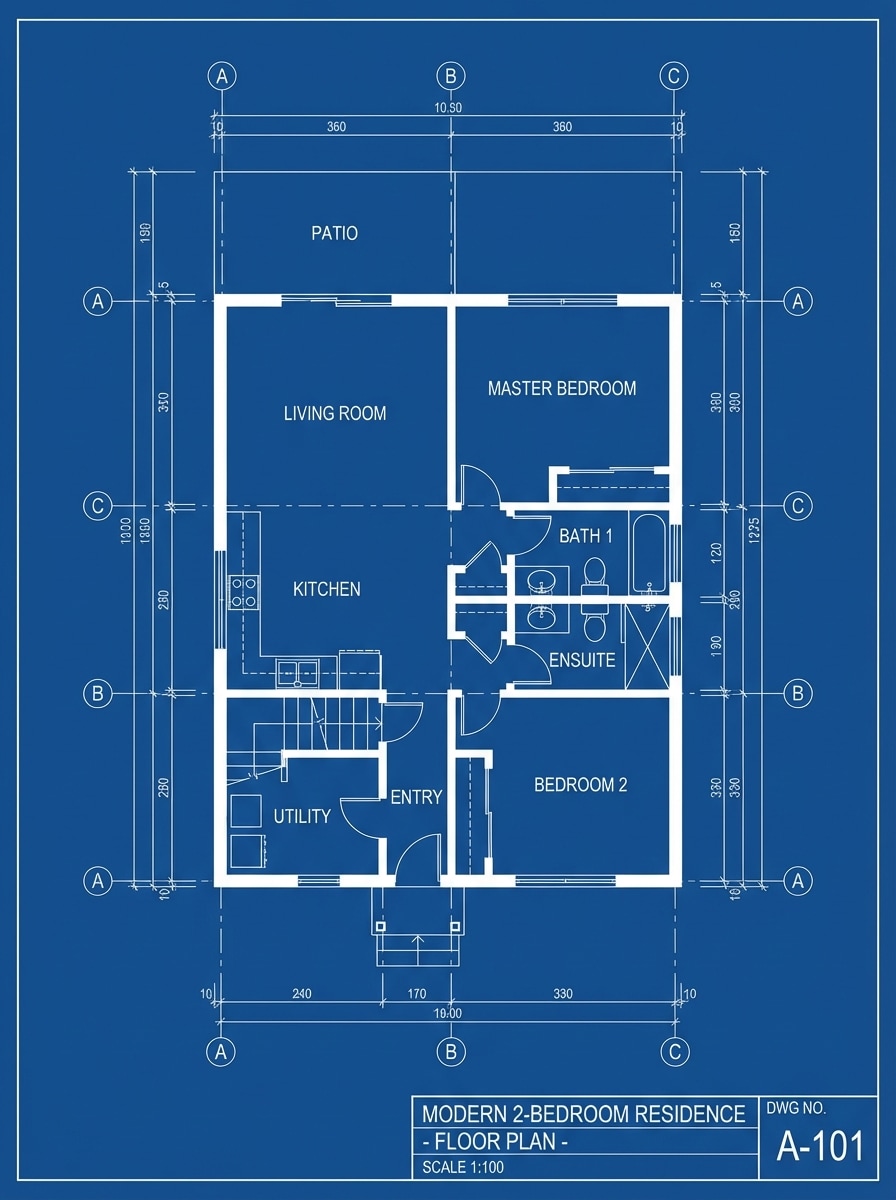
Plano Azul Clásico
Dibujo de plano arquitectónico de una casa moderna de dos pisos, mostrado como una hoja conceptual pulida con líneas técnicas blancas sobre un fondo azul profundo de dibujo, habitaciones etiquetadas, marcadores de dimensión, escaleras, ventanas y contornos de muebles, composición equilibrada desde arriba, líneas precisas y nítidas, mínimo desorden, estética profesional de plano, altamente detallado.
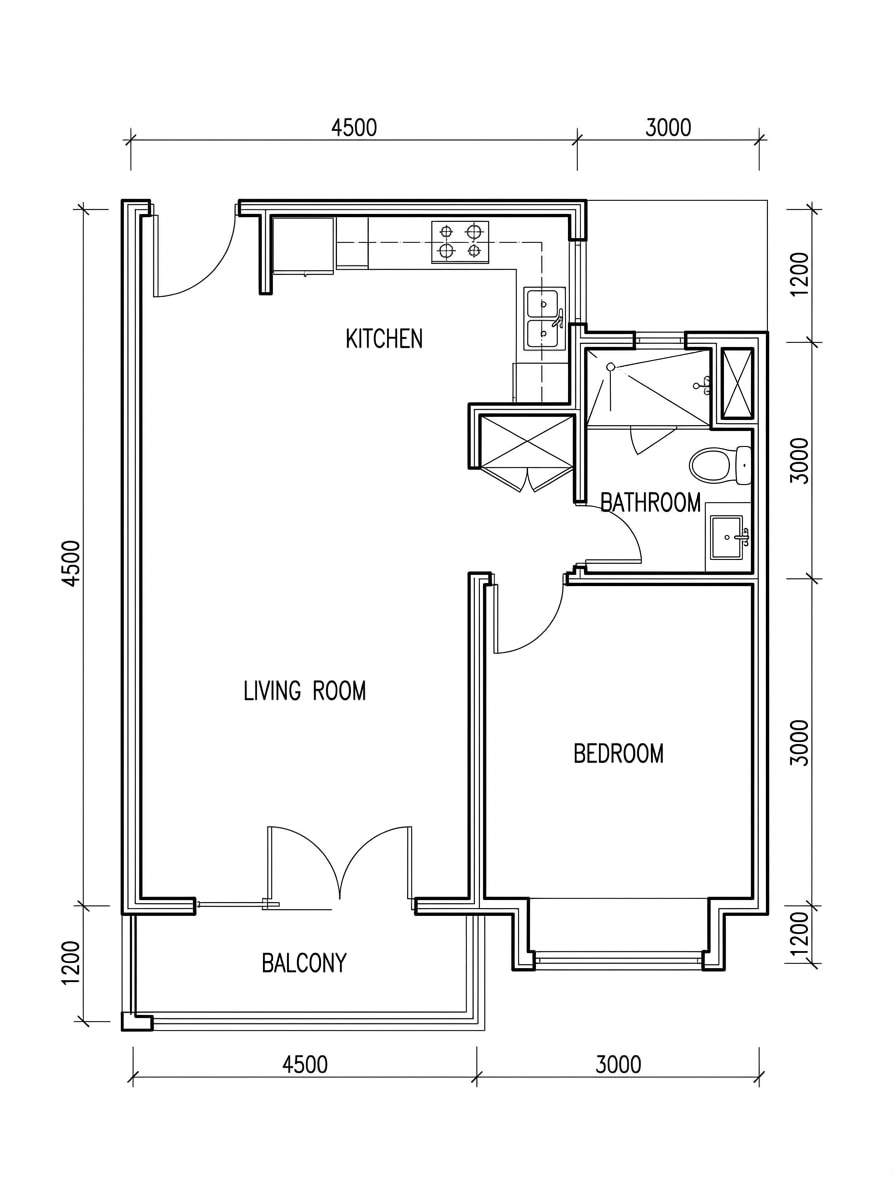
Plano de Planta en Blanco y Negro
Plano de apartamento visto desde arriba en estilo CAD monocromático, líneas de tinta negra sobre fondo blanco limpio, paredes, puertas, ventanas, accesorios de cocina y baño precisos, etiquetas de habitaciones, notas de medición sutiles, espacio negativo ordenado, diseño técnico editorial, contraste nítido, presentación de dibujo profesional y minimalista.
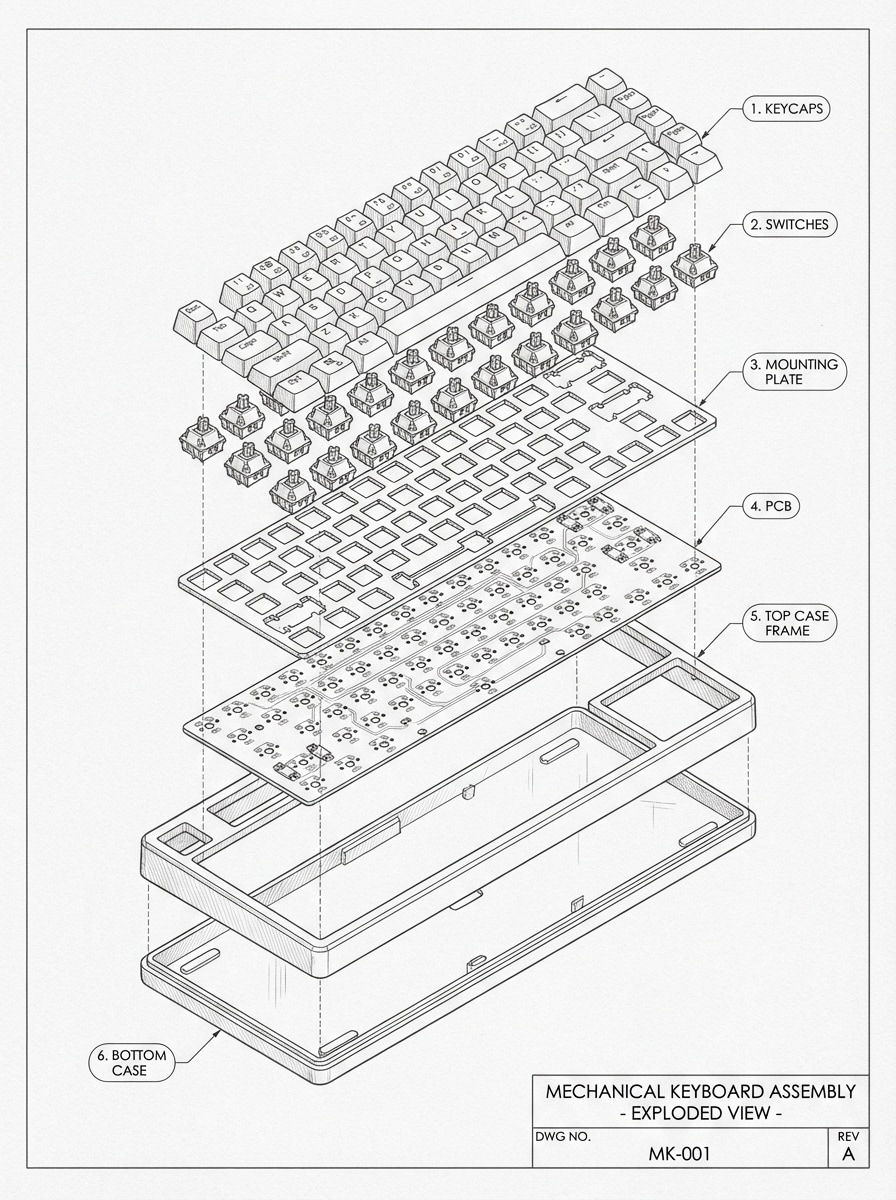
Dibujo Explotado de Producto
Ilustración técnica estilo CAD explotada de un teclado mecánico en perspectiva isométrica, componentes separados uniformemente con notas explicativas, líneas finas monocromáticas, fondo de papel gris suave de ingeniería, interruptores, teclas, placa, PCB y capas de carcasa visibles, espaciamiento limpio, claridad instructiva, estética precisa de hoja de diseño industrial, ultra detallado.
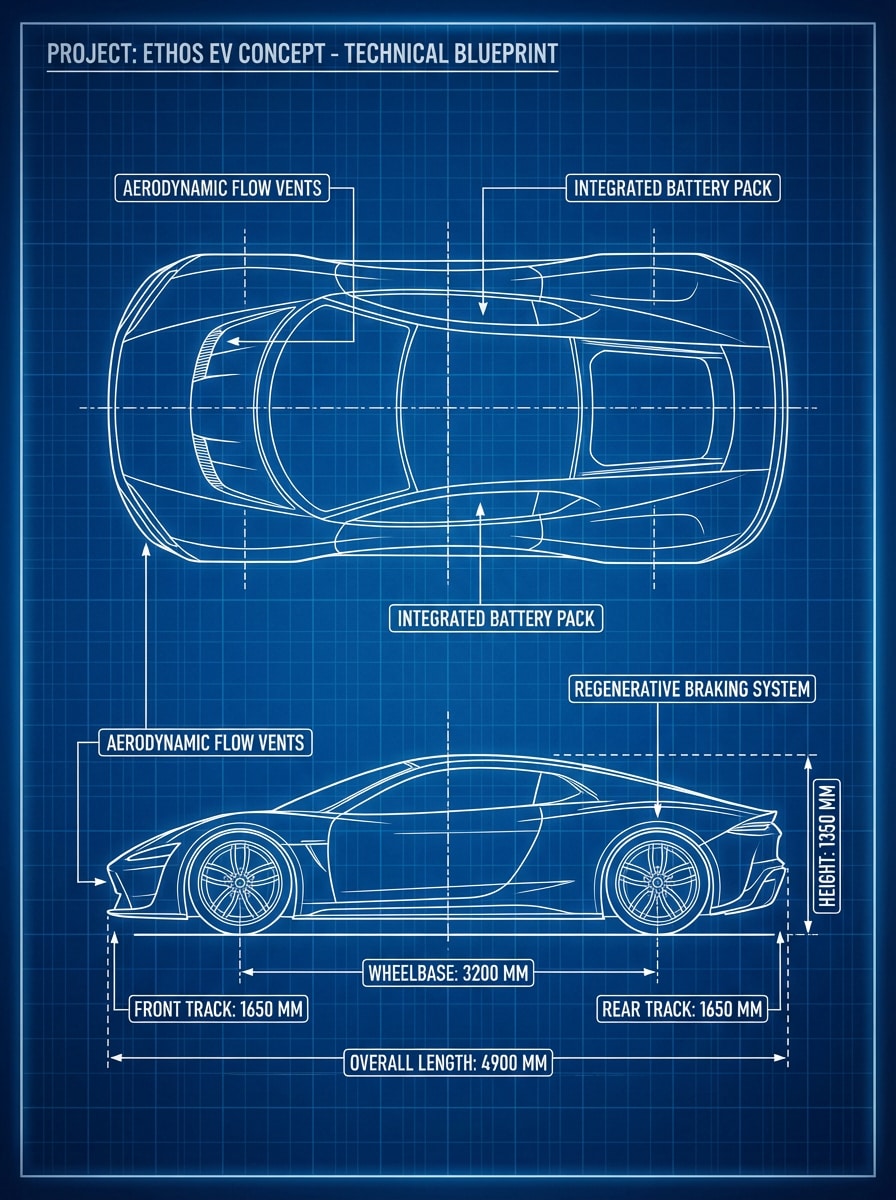
Plano de Vehículo Futurista
Coche eléctrico futurista representado como tablero conceptual técnico de plano, vista lateral y vista superior dispuestas simétricamente, líneas de dibujo blancas sobre fondo azul intenso, anotaciones de diseño, medidas de ruedas, contornos aerodinámicos de carrocería, ambiente industrial elegante, composición premium de hoja conceptual, alta precisión, detalles nítidos, calidad de presentación cinematográfica.
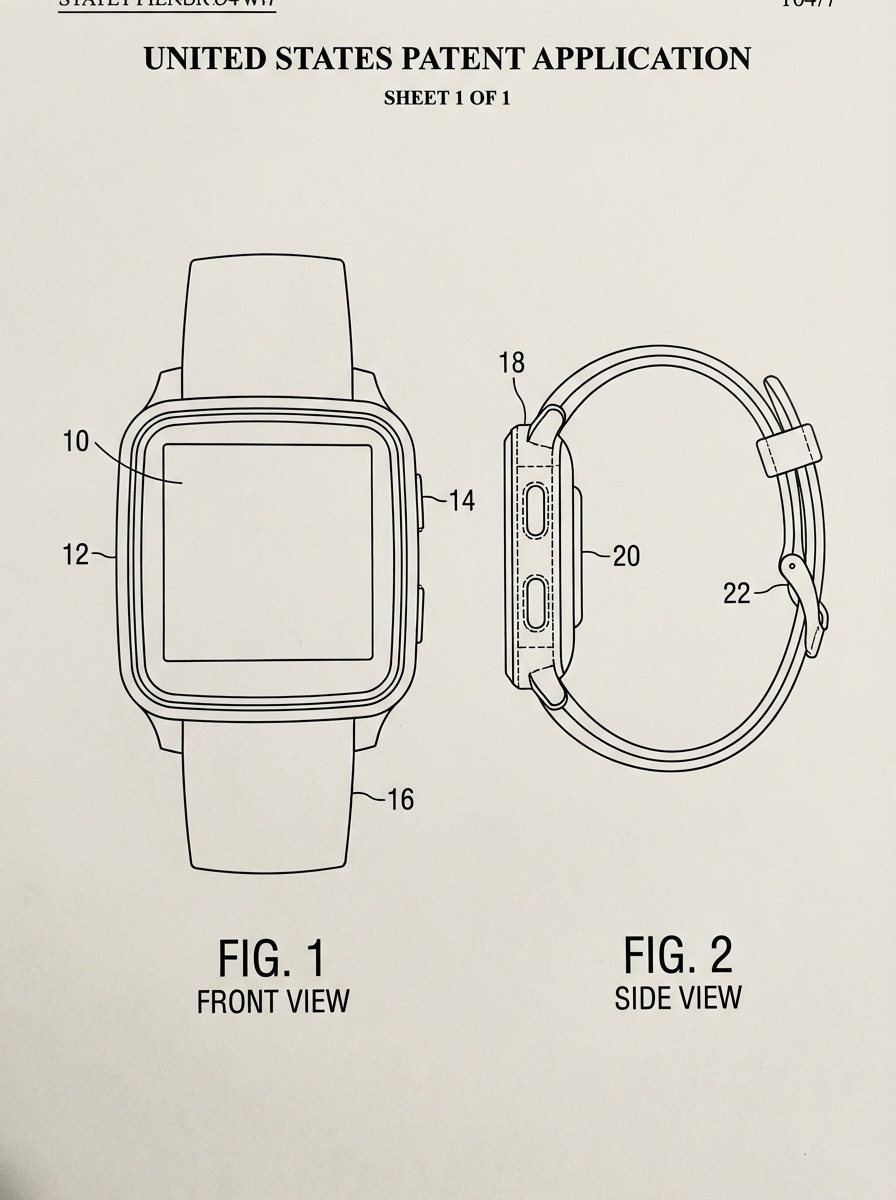
Estilo de Ilustración de Patente
Dibujo estilo patente de un dispositivo wearable, ilustración en blanco y negro sobre fondo de papel limpio, figuras numeradas, contornos técnicos enfocados en la forma, vistas frontal y lateral, sombras sutiles eliminadas para claridad documental, espaciamiento estructurado, estética oficial de archivo, etiquetas ordenadas, composición minimalista, detalles nítidos y altamente legibles.
Por qué usar Media.io para Crear Dibujos CAD con IA
Conceptos Rápidos de Borradores de Texto a Imagen
Convierte descripciones de texto simples en imágenes estilo plano, planos de planta, esquemáticos y tableros conceptuales técnicos en segundos—ideal para ideación temprana, presentaciones y exploración visual.
Alta Resolución hasta 4K
Genera visuales técnicos nítidos en resolución 1K, 2K o 4K, haciendo tus imágenes estilo CAD aptas para diapositivas, carteles, hojas conceptuales y referencias de diseño detalladas.
Relaciones de Aspecto Flexibles para Cualquier Diseño
Elige entre Auto, 1:1, 16:9, 9:16, 4:3, 3:4, 3:2 y 2:3 para adaptarlo a publicaciones sociales, tableros de presentación, hojas conceptuales verticales o maquetas técnicas panorámicas.
Múltiples Modelos de IA para Diferentes Apariencias
Usa modelos avanzados como Nano Banana Pro, Nano Banana 2, Seedream 5.0 Lite, Seedream 4.0, Nano Banana, Imagen 4 y más para crear una estética de dibujo limpia o imágenes técnicas más estilizadas.
Cómo Usar el Generador de Dibujo CAD con IA
1
2
3
1
Paso 1: Abre Media.io Texto a Imagen
Ve a Generador de Texto a Imagen con IA y abre la herramienta Texto a Imagen bajo IA -> Generador de Imágenes. Esta herramienta en línea se ejecuta en tu navegador, así que puedes crear visuales estilo CAD en tu escritorio o móvil sin instalar software de diseño.
2
Paso 2: Introduce un Prompt o Sube
Escribe un prompt detallado, como "dibujo de plano arquitectónico de una casa moderna de dos pisos, líneas blancas sobre fondo azul, habitaciones y dimensiones etiquetadas." Ajusta el modelo, relación de aspecto y configuración de resolución según el estilo visual que buscas.
3
Paso 3: Genera, Refina y Descarga
Haz clic en Generar. Ajusta el prompt si es necesario para obtener líneas más limpias, mejores etiquetas o una apariencia de dibujo técnico más fuerte. Luego descarga la imagen de estilo CAD en alta resolución para presentaciones, moodboards o desarrollo de conceptos.
Desbloquea el Potencial del Generador de Dibujo CAD con IA
Descubre cómo creadores y profesionales están usando nuestro Generador de Dibujos CAD con IA para transformar sus flujos creativos y llevar ideas únicas a la vida.
Visualiza Ideas Arquitectónicas Más Rápido
Crea planos inspirados en planos, distribuciones de habitaciones y tableros conceptuales a partir de texto cuando necesites dirección visual rápida para presentaciones a clientes, moodboards o historias arquitectónicas en etapa temprana.
Crea Hojas Conceptuales de Ingeniería y Producto
Utiliza el generador de dibujos CAD con IA para diseñar vistas explotadas, diagramas estilo esquemático e ilustraciones técnicas de productos para revisiones de diseño industrial, visuales de marketing y lluvia de ideas internas.
Diseña Arte Técnico Para Compartir
Genera imágenes monocromáticas pulidas, ilustraciones estilo patente y carteles de planos futuristas para contenido social, piezas de portafolio, gráficos educativos o campañas creativas de marca.
Qué Dicen los Usuarios
Ethan Cole
Estudiante de Diseño Industrial
"Genial para hojas conceptuales rápidas" Lo usé para convertir ideas de productos en visuales técnicos explotados para presentaciones. No reemplaza software CAD real, pero para arte conceptual rápido e inspiración de diseño, es sorprendentemente útil.
Maya Bennett
Creadora de Contenido Arquitectónico
"Estética de plano limpia" Los resultados estilo plano y planos de planta se ven pulidos y me ahorran mucho tiempo cuando necesito visuales para publicaciones y moodboards de clientes. Me gusta poder probar múltiples prompts rápidamente.
Jordan Ramirez
Gerente de Marketing de Producto
"Útil para arte de marketing con apariencia técnica" Usamos Media.io para crear hojas de producto estilo CAD para maquetas internas. Los resultados fueron nítidos, y los diferentes aspectos facilitaron el formato de recursos para diapositivas y redes sociales.
Priya Shah
Diseñadora Visual Freelance
"Flujo de trabajo sencillo, resultados sólidos" Quería una manera fácil de generar estética de bocetos de ingeniería sin aprender un flujo de trabajo complejo de dibujo. La herramienta es directa, basada en navegador y buena para ideación y exploración visual.
Explora los efectos de video e imagen con IA más populares
Preguntas Frecuentes del Generador de Dibujo CAD con IA
1. ¿Qué es un generador de dibujo CAD con IA?
An generador de dibujo CAD con IA es una herramienta de inteligencia artificial diseñada para transformar descripciones de texto o bocetos en dibujos técnicos estructurados. Ya sea que necesites un generador de modelo CAD con IA para conceptos 3D o planos 2D, Media.io te permite visualizar ideas de ingeniería o arquitectura complejas al instante a través de modelos IA de alto rendimiento.
2. ¿Puedo usar Media.io como alternativa a un generador AI de AutoCAD?
¡Sí! Mientras el software profesional requiere dibujo manual, Media.io funciona como una alternativa de generador AI de AutoCAD para prototipado rápido y diseño conceptual. Usando tecnología de generador CAD con IA puedes crear visuales estilo plano y ilustraciones técnicas desde indicaciones simples, acelerando significativamente las etapas iniciales del flujo de diseño.
3. ¿Existe un generador de dibujo CAD con IA gratis?
Sí, Media.io ofrece una experiencia gratuita de generador de dibujo CAD con IA mediante créditos diarios. Puedes probar diversos estilos de generador CAD y prompts técnicos sin coste inicial. Para descargas en alta resolución sin marcas de agua y adecuadas para presentaciones profesionales, puedes explorar nuestros planes premium.
4. ¿Cómo se compara Media.io con openart generador de dibujo CAD con IA?
Media.io proporciona una interfaz optimizada y fácil de usar como el mejor generador CAD con IA para trabajo en navegador. A diferencia del generador de dibujo CAD con IA openart, Media.io está integrado con una amplia suite de herramientas multimedia, lo que te permite no solo generar visuales CAD con IA sino también mejorar, escalar y editarlos en un entorno fluido.
5. ¿Qué tipos de archivos puedo exportar desde el generador CAD con IA?
El generador de dibujo CAD con IA actualmente soporta exportaciones de imágenes en alta resolución (JPG, PNG) hasta 4K. Mientras la IA se enfoca en generar conceptos visuales, estos renders de alto detalle pueden ser usados como referencias claras para dibujo final en software como AutoCAD o SolidWorks. Para necesidades vectoriales, recomendamos usar nuestras herramientas de conversión AI SVG junto con el generador CAD con IA.
Más allá del Generador Online de Dibujos CAD Potenciado por IA