

GPT Image 2 - Crea Imágenes Ultra-Realistas de IA en Media.io
Transforma fotos en retratos cinematográficos, anuncios de productos, maquetas de interfaces, visuales de anime y creativos virales para redes sociales con mayor precisión de instrucciones y detalles más ricos.
Sin configuración necesaria · Créditos gratis al registrarte
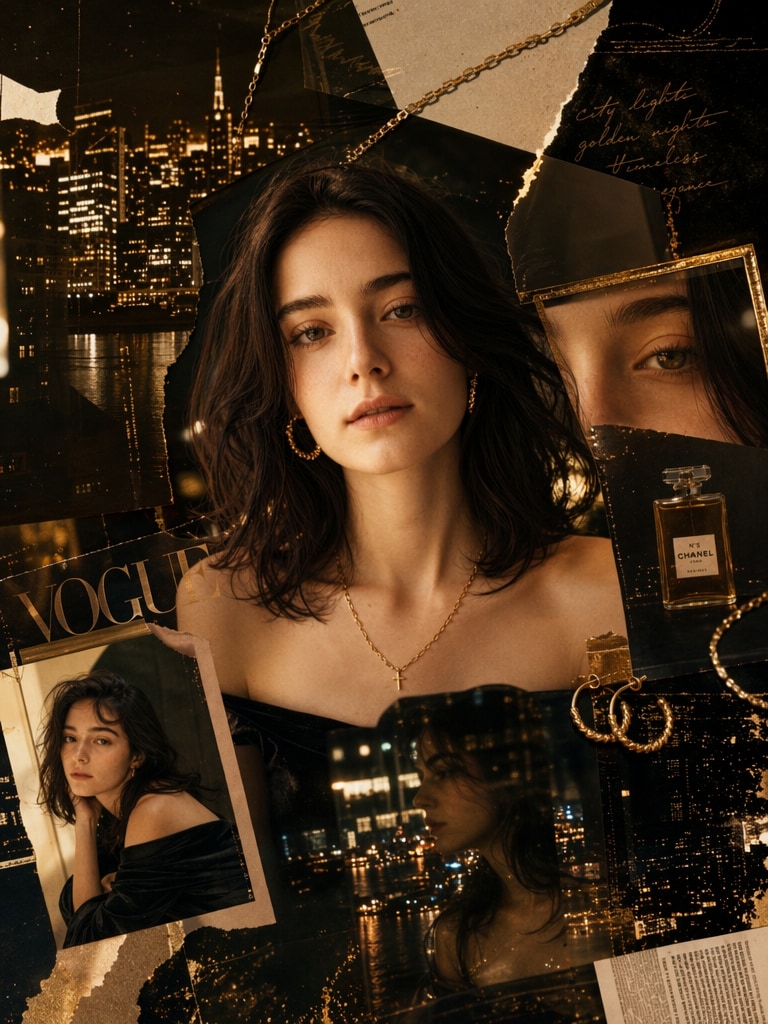
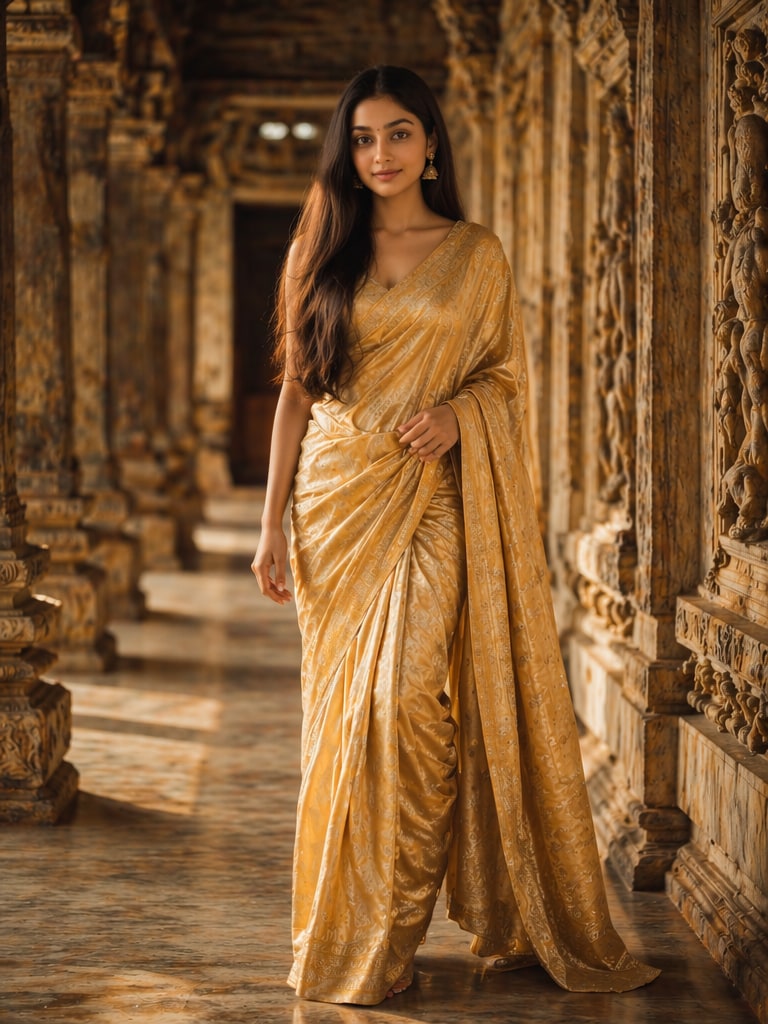
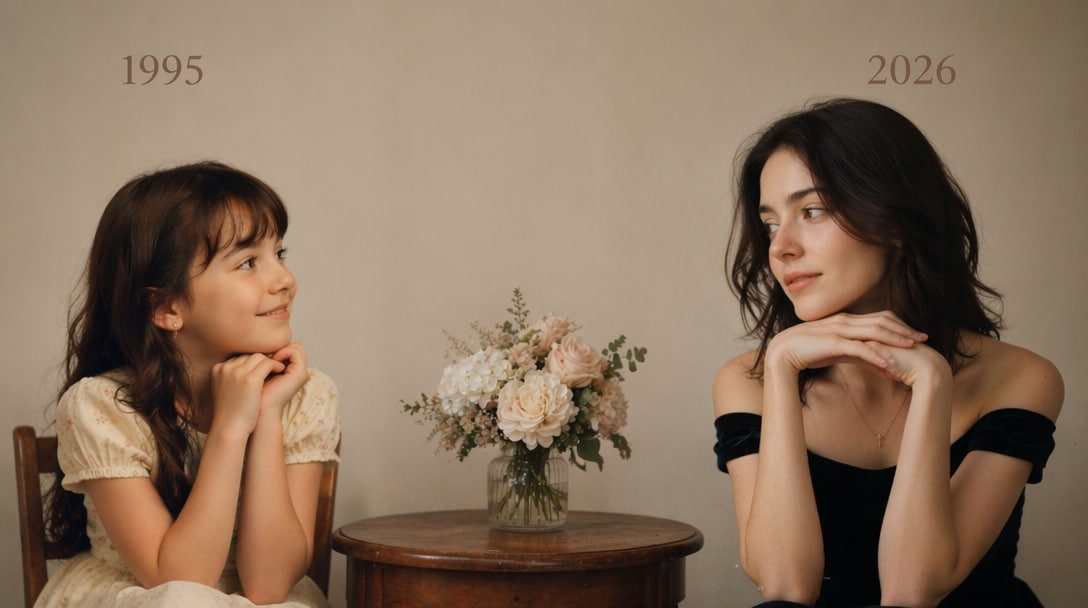
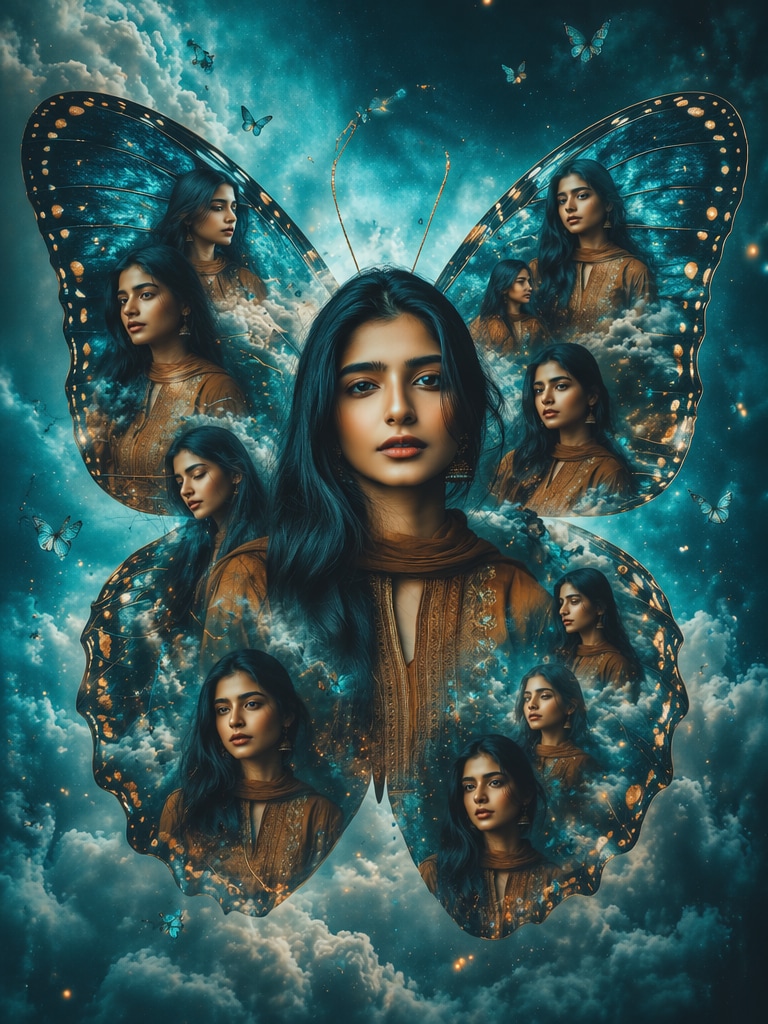
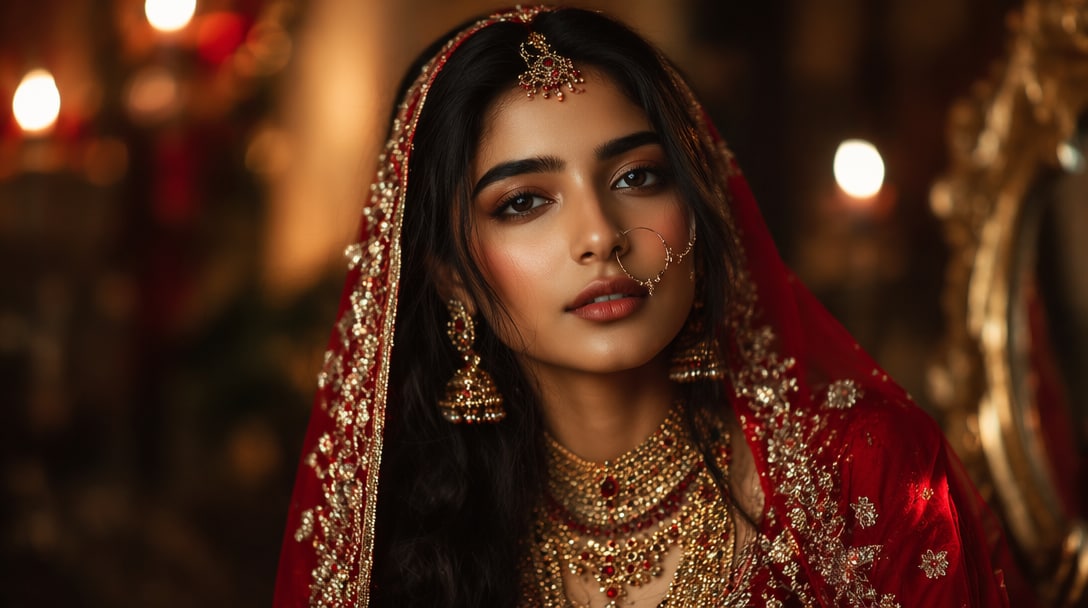

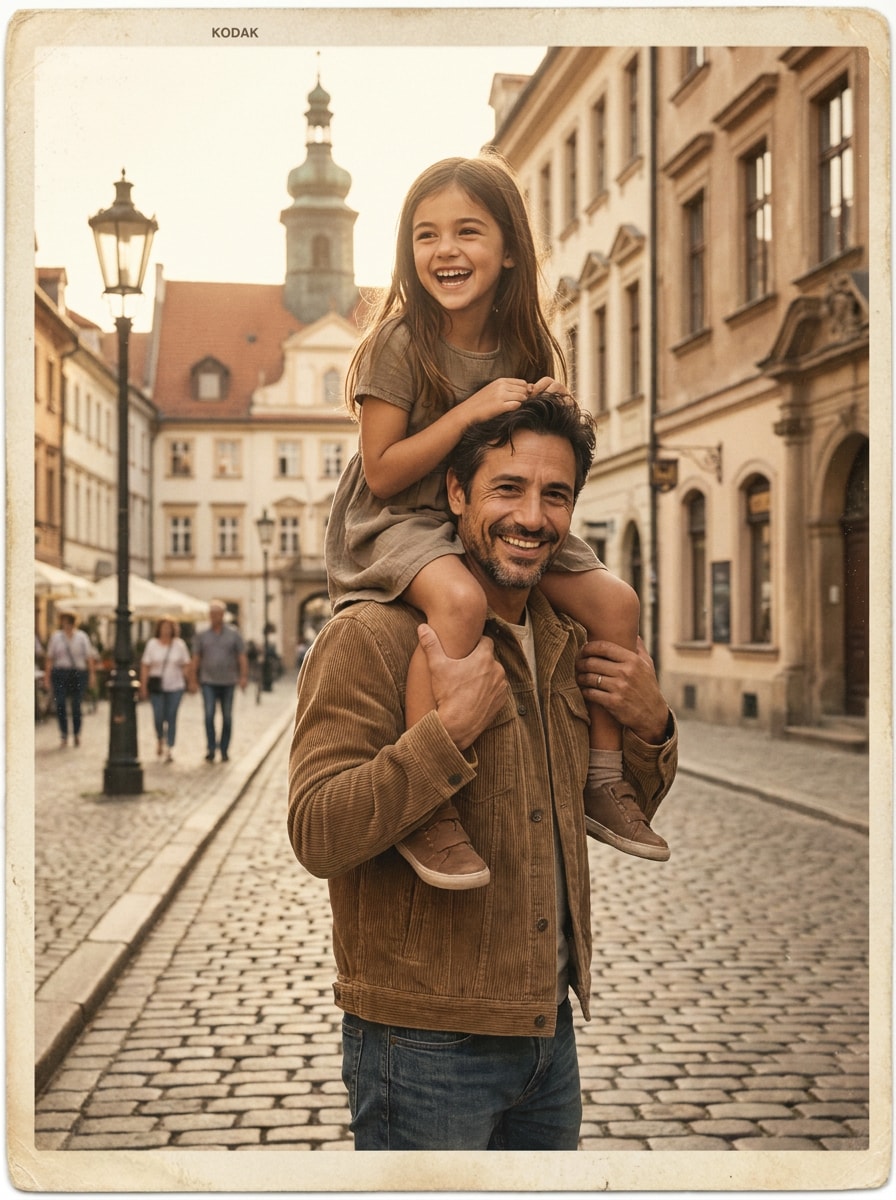
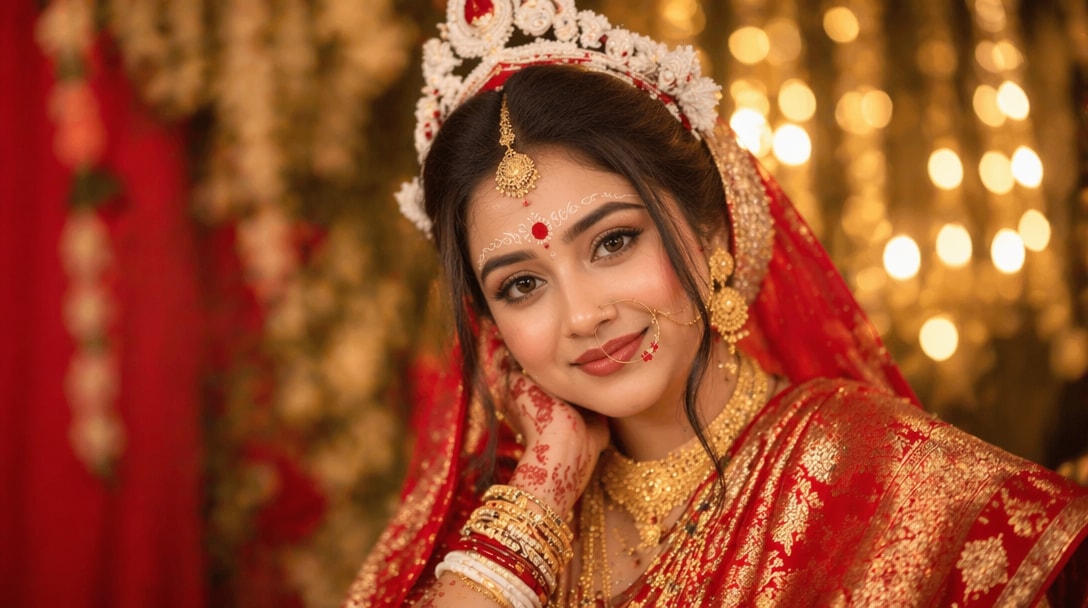
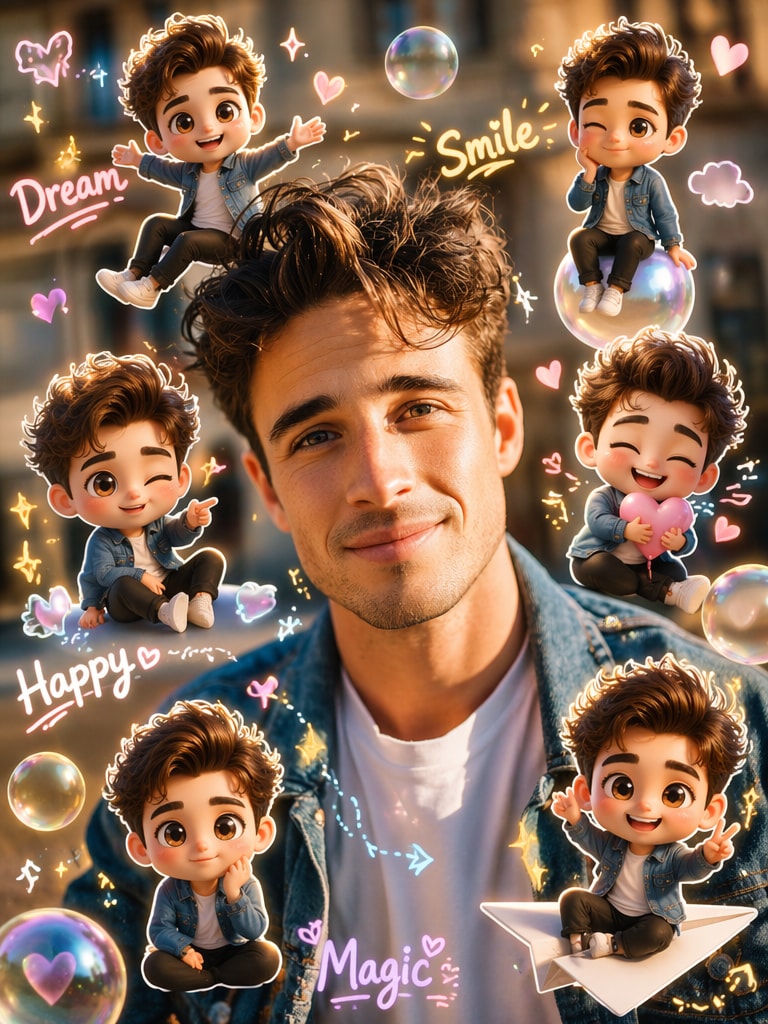
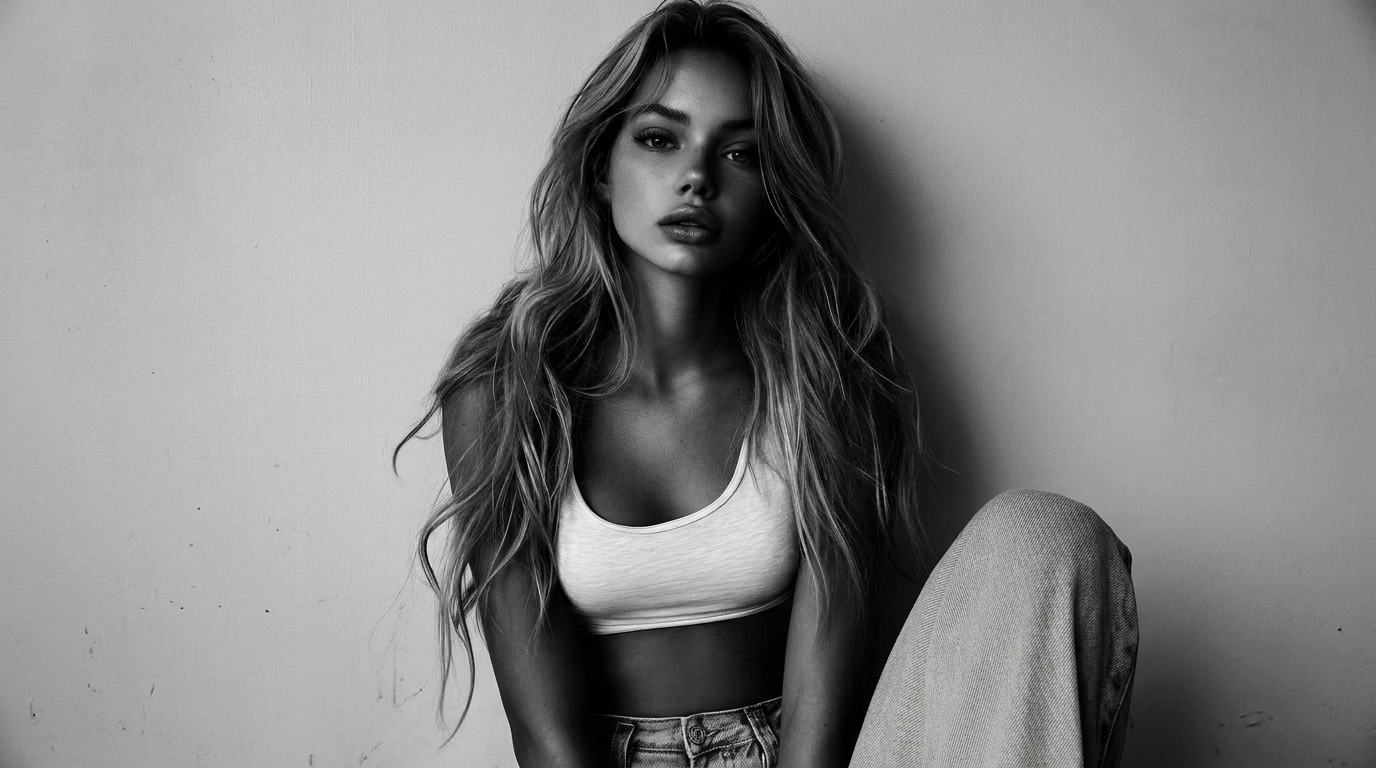

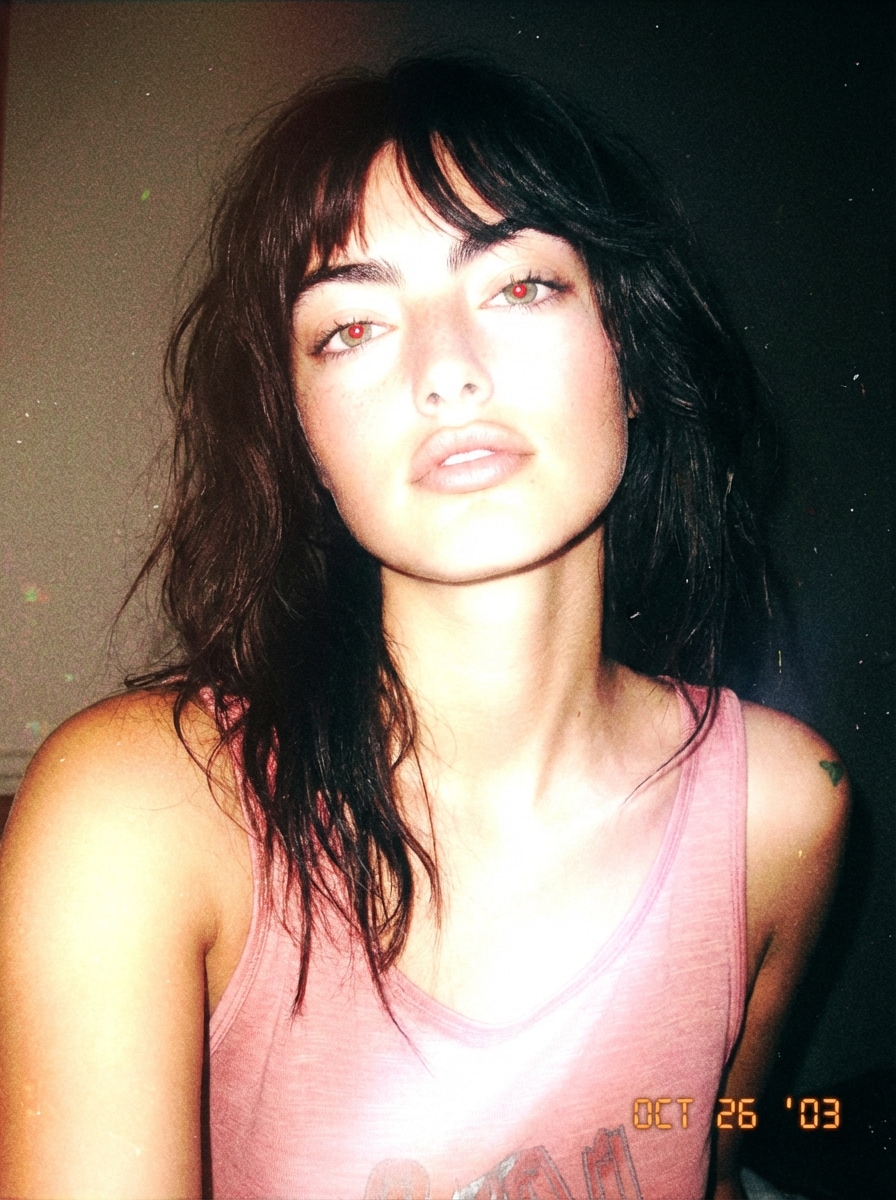
Por qué GPT Image 2 es Importante para Ti
Mejor Comprensión de Indicaciones
GPT Image 2 maneja instrucciones detalladas con mayor conciencia del escenario, facilitando la creación de visuales complejos, diseños de marca e imágenes realistas con menos repeticiones.
Realismo Visual de Alta Gama
Desde anuncios de productos hasta retratos, GPT Image 2 produce iluminación más limpia, texturas más nítidas y mayor calidad visual para creadores, mercadólogos y casos de uso comercial.
Listo para API en Producción
Si estás explorando la api de gpt image 2 , el modelo es especialmente relevante para desarrolladores que integran generación de imágenes, edición o automatización creativa en productos y flujos de trabajo.
Edición de Imágenes Más Potente y Variaciones
GPT Image 2 es útil no solo para nuevas creaciones, sino también para ediciones, cambios de estilo, refinamiento de escenas y rápida iteración en marketing, diseño y contenido.
Flexible para Equipos Creativos y Comerciales
Ya sea que busques visuales para campañas, imágenes de productos, recursos para redes sociales o maquetas de conceptos, GPT Image 2 ofrece una mezcla equilibrada de calidad, control y rapidez para equipos reales.
Resultados Realistas · Mejor Precisión de Indicaciones · Flujo de Trabajo Compatible con API
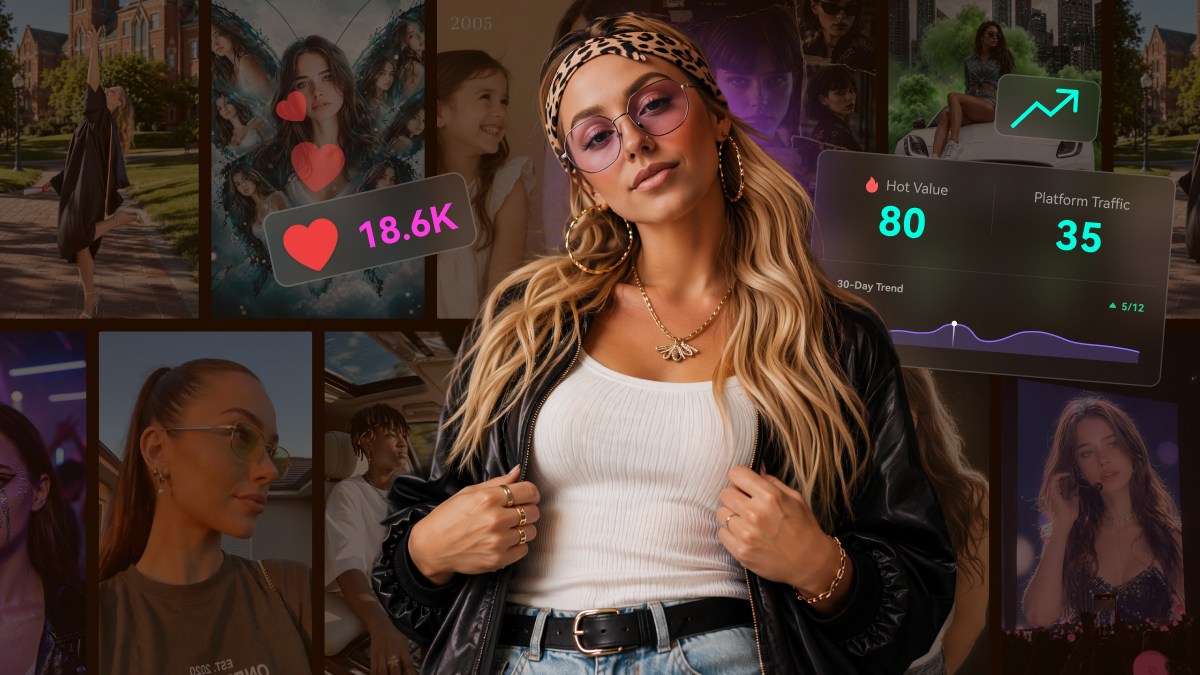
Crea Visuales de Alta Calidad con los Flujos de Trabajo de GPT Image 2
GPT Image 2 ayuda a los equipos a pasar de instrucciones a creatividad pulida más rápido, ya estén diseñando anuncios, visuales para redes, imágenes de productos o recursos listos para presentaciones.
Creativos de Campaña con Mejores Resultados en el Primer Intento
GPT Image 2 es ideal para conceptos de anuncios, promociones de productos, visuales de lanzamiento y publicidad en redes. Mejor comprensión de indicaciones significa menos tiempo reescribiendo instrucciones y más tiempo lanzando creatividad.
Try GPT Image 2 Free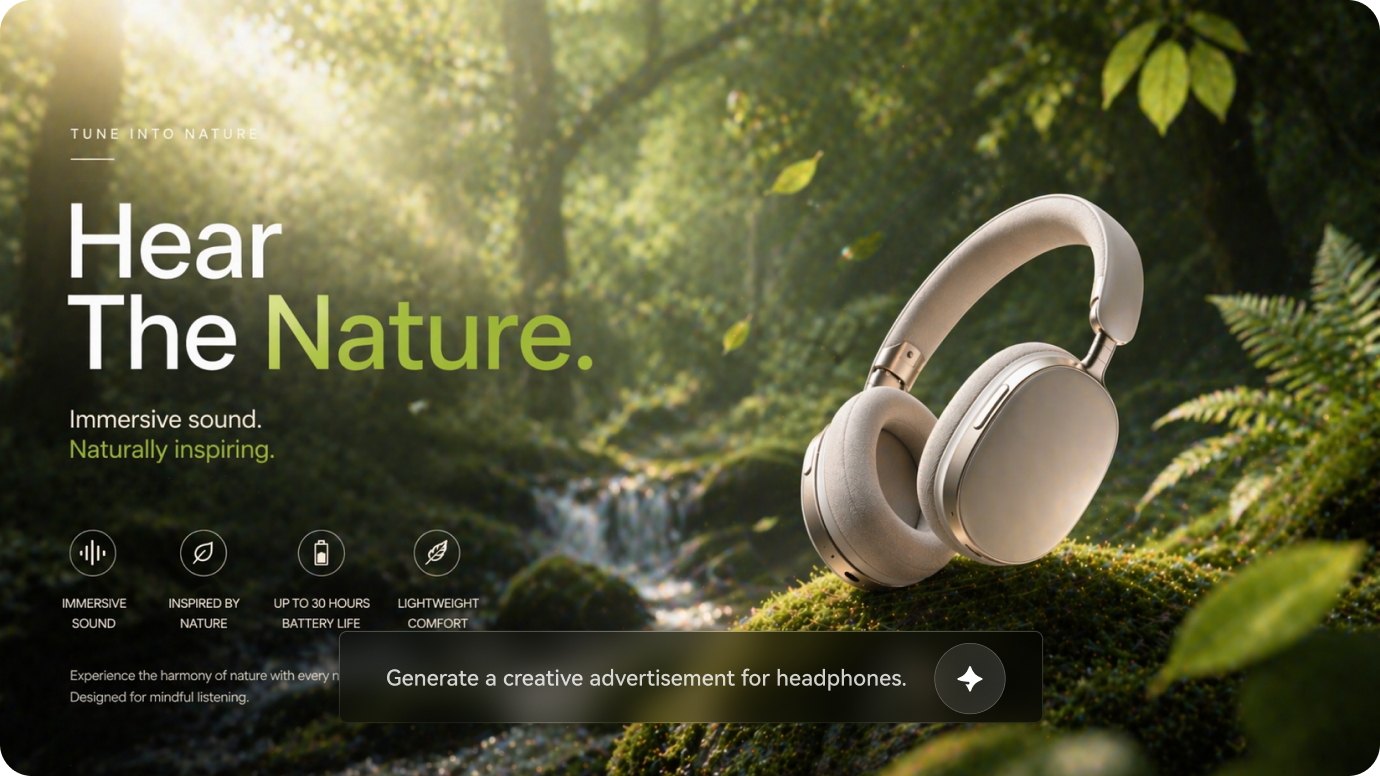
Visual de campaña generado por IA, creado con Media.io, impulsado por GPT Image 2.
Imágenes de Productos, Variaciones y Visuales para Listados
Usa GPT Image 2 para generar escenas pulidas de productos, conceptos de embalaje, imágenes principales y visuales de marca que se ven más limpios y premium para páginas de tiendas y anuncios.
Genera Visuales para E-commerce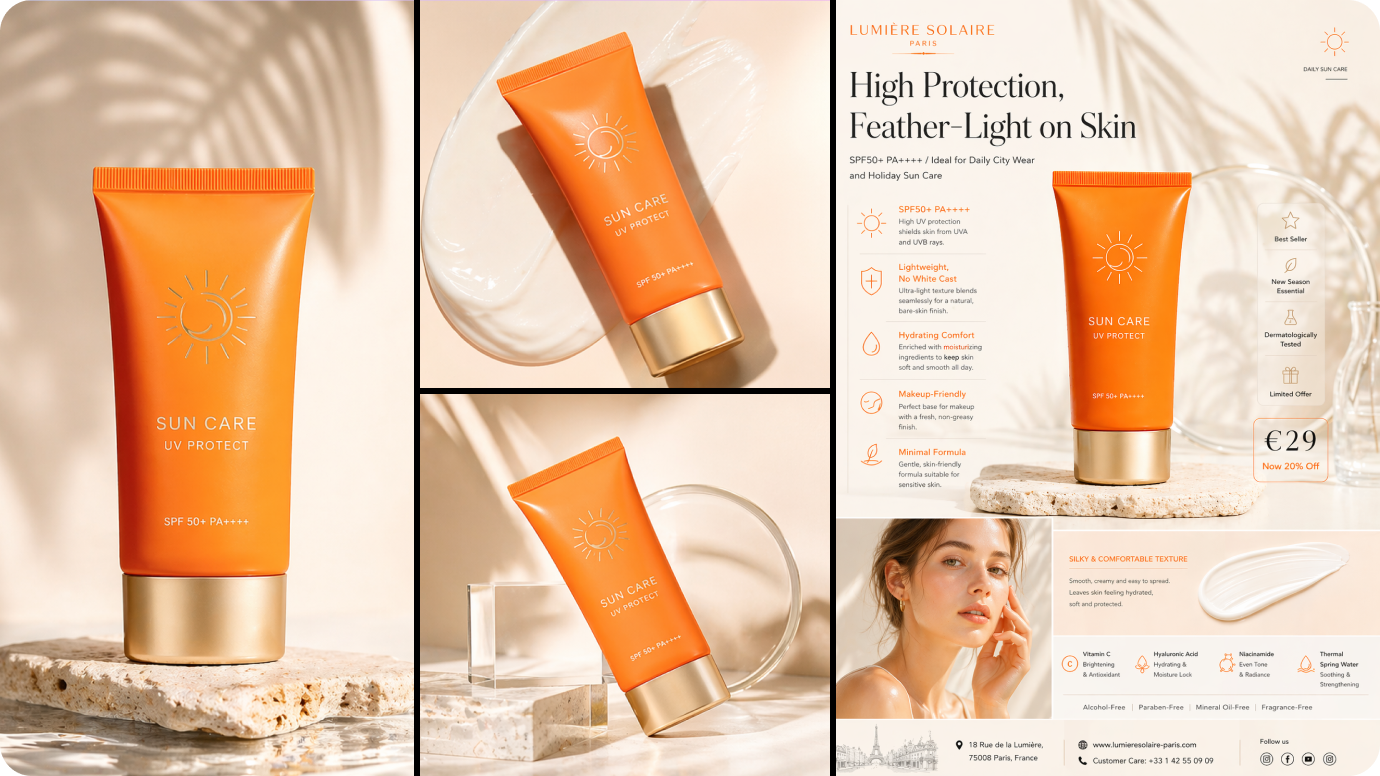
Visual estilo e-commerce generado por IA, creado con Media.io, impulsado por GPT Image 2.
Maquetas Más Rápidas, Conceptos y Prototipos Visuales
Desde conceptos de paneles hasta pósters, presentaciones y diseños editoriales, GPT Image 2 puede ayudar a los equipos a visualizar ideas rápidamente antes de entrar en flujos completos de producción.
Comienza a Crear Ahora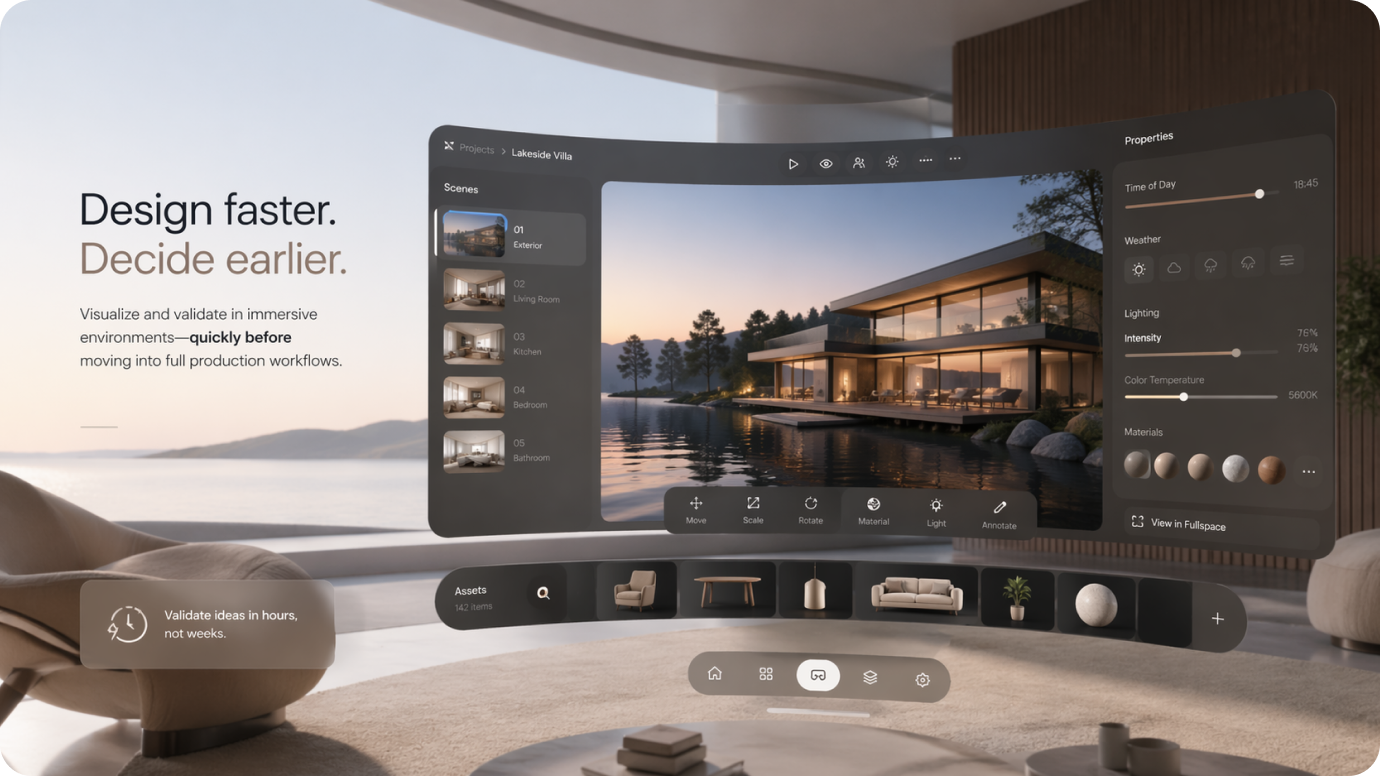
Visual conceptual generado por IA, creado con Media.io, impulsado por GPT Image 2.
GPT Image 2 vs Nano Banana 2
Una comparación práctica para creadores, mercadólogos y equipos que eligen entre calidad de imagen, rapidez de flujo de trabajo y accesibilidad.
| Característica | GPT Image 2 | Nano Banana 2 |
|---|---|---|
| Comprensión de Indicaciones | Más avanzado para instrucciones detalladas | Fuerte, pero generalmente más ligero |
| Realismo Visual | Salida pulida de alta gama | Buena calidad con proceso rápido |
| Capacidad de Edición | Mejor para ediciones refinadas y variaciones de imágenes | Útil para generación rápida e iteración |
| Rapidez de Flujo | Moderado | Más rápido para creación rápida |
| Casos de Uso de API | Gran atractivo para desarrolladores e integración en apps | Menos enfocado en flujos de trabajo de desarrolladores |
| Accesibilidad Gratis | A menudo más limitado directamente | Frecuentemente percibido como más fácil para experimentación ligera |
Si quieres mayor control creativo e inteligencia más robusta en instrucciones, GPT Image 2 destaca. Si priorizas rapidez y generación diaria más rápida, Nano Banana 2 sigue siendo una opción práctica.
Cómo Usar ChatGPT Image 2
Paso 1: Ingresa una Indicación Detallada
Describe el sujeto, estilo, fondo, iluminación, ambiente, ángulo de cámara y composición. GPT Image 2 funciona mejor cuando se le da una dirección visual clara.
Paso 2: Genera o Edita la Imagen
Usa GPT Image 2 para crear imágenes nuevas o refinar un visual existente. Esta es una razón por la cual el modelo está ganando popularidad entre creadores y desarrolladores.
Paso 3: Refina para Mejores Resultados
Ajusta las palabras, la dirección de estilo o las notas de composición para mejorar la imagen final. La iteración es clave si quieres los mejores resultados de GPT Image 2 para producción.
Qué Dicen los Usuarios de Reddit sobre GPT Image 2

Usuario de Reddit · r/aiArt

“El realismo es, honestamente, bastante increíble.” He probado muchos modelos de imagen, y GPT Image 2 se siente especialmente bueno cuando quieres visuales pulidos para clientes, con iluminación creíble, textura y un acabado más premium.

Usuario de Reddit · r/ChatGPT
“Muy fuerte para contenido social.” Los resultados parecen más listos para campaña que muchas herramientas rápidas de imágenes IA. Para retratos, pósters y visuales de marca creadora, te da algo que ya parece un recurso terminado.

Usuario de Reddit · r/OpenAI
“El ángulo de la API es lo que lo hace interesante.” No se trata solo de crear imágenes geniales por diversión. Si estás construyendo flujos de trabajo para edición, anuncios o maquetas de producto, GPT Image 2 parece algo que los equipos realmente pueden integrar en herramientas.
Explora Más Herramientas de Creación de Imágenes y Videos IA



Preguntas Frecuentes sobre GPT Image 2
Encuentra respuestas sobre GPT Image 2, incluyendo acceso gratuito, flujos de trabajo con API, consejos para escribir prompts, casos de uso para edición de imágenes y cómo obtener mejores resultados.
1. ¿Qué es GPT Image 2?
GPT Image 2 es un modelo avanzado de imágenes con IA diseñado tanto para generación como edición de imágenes. Los usuarios lo utilizan para crear visuales a partir de indicaciones de texto, transformar fotos existentes y producir resultados más refinados para proyectos creativos y comerciales.
Es especialmente popular por sus imágenes realistas, gran comprensión de las indicaciones y flujos de trabajo flexibles en diseño, marketing, comercio electrónico y creación de contenido.
2. ¿Es gratuito GPT Image 2?
El acceso gratuito a GPT Image 2 depende de la plataforma, tipo de cuenta y límites de uso. Algunos servicios pueden ofrecer pruebas limitadas o créditos gratuitos, mientras que otros pueden requerir un plan de pago para mayor generación, edición de imágenes o exportaciones.
Por eso muchos usuarios también exploran herramientas alternativas cuando desean una forma más rápida o simple de probar la generación de imágenes por IA y la edición de imagen a imagen.
3. ¿Cómo se usa GPT Image 2?
El flujo de trabajo habitual es simple: escribe una indicación clara, genera una imagen y luego refina el resultado con instrucciones más específicas o imágenes de referencia.
Para mejores resultados, incluye detalles como:
- sujeto principal
- fondo o escenario
- estilo o estado de ánimo
- iluminación y ángulo de cámara
- composición y encuadre
- indicaciones de calidad como cinematográfico, realista, editorial o comercial
Cuanto más clara sea tu indicación, más probable será que GPT Image 2 proporcione un primer borrador útil.
4. ¿Para qué se utiliza la API de GPT Image 2?
La API de GPT Image 2 es principalmente útil para desarrolladores, startups y equipos de producto que desean integrar generación o edición de imágenes con IA en sus propias aplicaciones y flujos de trabajo.
Los casos de uso comunes incluyen:
- Generación de imágenes con IA dentro de productos SaaS
- producción creativa de marketing automatizada
- flujos de trabajo para creación y edición de imágenes de productos
- asistencia de diseño en herramientas internas
- funciones personalizadas de imagen en plataformas de contenido
En resumen, la API es relevante cuando quieres capacidades de imágenes con IA dentro de tu propio producto y no solo en una interfaz de chat.
5. ¿Para qué se puede usar GPT Image 2?
GPT Image 2 es suficientemente flexible tanto para tareas creativas como comerciales con imágenes.
Los casos de uso populares incluyen:
- creatividades para anuncios de marketing
- visuales para redes sociales
- imágenes principales de productos
- gráficos para listados de comercio electrónico
- retratos editoriales
- banners destacados para sitios web
- maquetas de diseño y arte conceptual
- edición de imágenes y transferencia de estilo
Es especialmente útil cuando necesitas imágenes que se vean pulidas, premium y listas para presentaciones.
6. ¿Es GPT Image 2 bueno para principiantes?
Sí. Los principiantes suelen obtener los mejores resultados comenzando con indicaciones simples y estructuradas en vez de complicar las instrucciones.
No necesitas ingeniería avanzada de prompts para comenzar, pero agregar detalles claros sobre el sujeto, estilo, iluminación y fondo mejorará significativamente el resultado.
7. ¿Qué debo escribir en una indicación para GPT Image 2 para mejores resultados?
Una buena indicación para GPT Image 2 generalmente incluye:
- sujeto principal
- fondo o escenario
- dirección de estilo
- iluminación o estado de ánimo
- ángulo o encuadre de cámara
- términos de calidad como cinematográfico, realista, editorial, comercial o minimalista
Por ejemplo, en lugar de escribir “hacer una foto de producto”, prueba: “Un frasco de suero premium para el cuidado de la piel sobre una superficie reflectante, iluminación suave de estudio, sombras elegantes, estilo de anuncio de belleza de lujo, textura de vidrio realista, fondo minimalista”.
8. ¿Es mejor GPT Image 2 para generación de imágenes o edición de imágenes?
Una de las razones por las que GPT Image 2 destaca es porque es útil tanto para la generación como para la edición de imágenes. Los usuarios suelen querer no solo crear imágenes desde cero, sino también hacer variaciones, cambiar estilos, refinar escenas y mejorar visuales existentes.
En la práctica, puede ser fuerte para ambas tareas, especialmente cuando el flujo de trabajo depende de la iteración y el refinamiento en lugar de solo generación de un solo paso.