Bring Sweater Images to Life With Texture
Move beyond a flat catalog view. Media.io turns a sweater URL or owned images into an editable video story built around knit detail, neckline, layering, color, and seasonal mood.















Why Sweater Images Need Texture and Motion
Create texture close-ups, layering stories, gift edits, color reveals, or seasonal hooks grounded in the sweater listing and approved imagery.

Portable Blender
shopify.com/products/blender

Red Shoulder Bag
shopify.com/products/red-shoulder-bag

World Cup Potato Chips
tiktokshop.com/products/world-cup-potato-chips

Glow Serum
tiktokshop.com/products/serum

Matcha Latte App
appstore.com/app/matcha-latte

Luxury Chronograph Watch
ebay.com/itm/luxury-chronograph-watch
Build Sweater Ads Around Texture and Layering
Texture and softness often disappear online. A close, paced sequence can make cables, ribbing, cuffs, hems, and layered styling easier to notice before colder-weather demand peaks.
Static Sweater Photos Lose Knit Texture
Fine knits, brushed surfaces, and stitch patterns lose impact in distant catalog views.
Colors Need Fresh Hooks
Each new shade needs a reason to feel current without repeating the entire campaign.
The Season Moves Quickly
Fall and winter creative has a short window to match search and shopping demand.
Layering Stays Static
A folded or front-facing image cannot show drape, sleeve volume, or outfit depth.
Four Ways Media.io Shapes the Sweater Story
Media.io turns existing product information into a configurable video brief, editable script, and generated campaign asset.
Lead With the Knit Details
The workflow reads the source for texture, neckline, cuffs, hem, color, silhouette, and layering cues, then uses those details to shape the visual sequence.
✓Move closer to the knit so its texture remains visible.
✓Frame the neckline and cuffs to show construction details.
✓Show the silhouette and drape through a paced visual sequence.
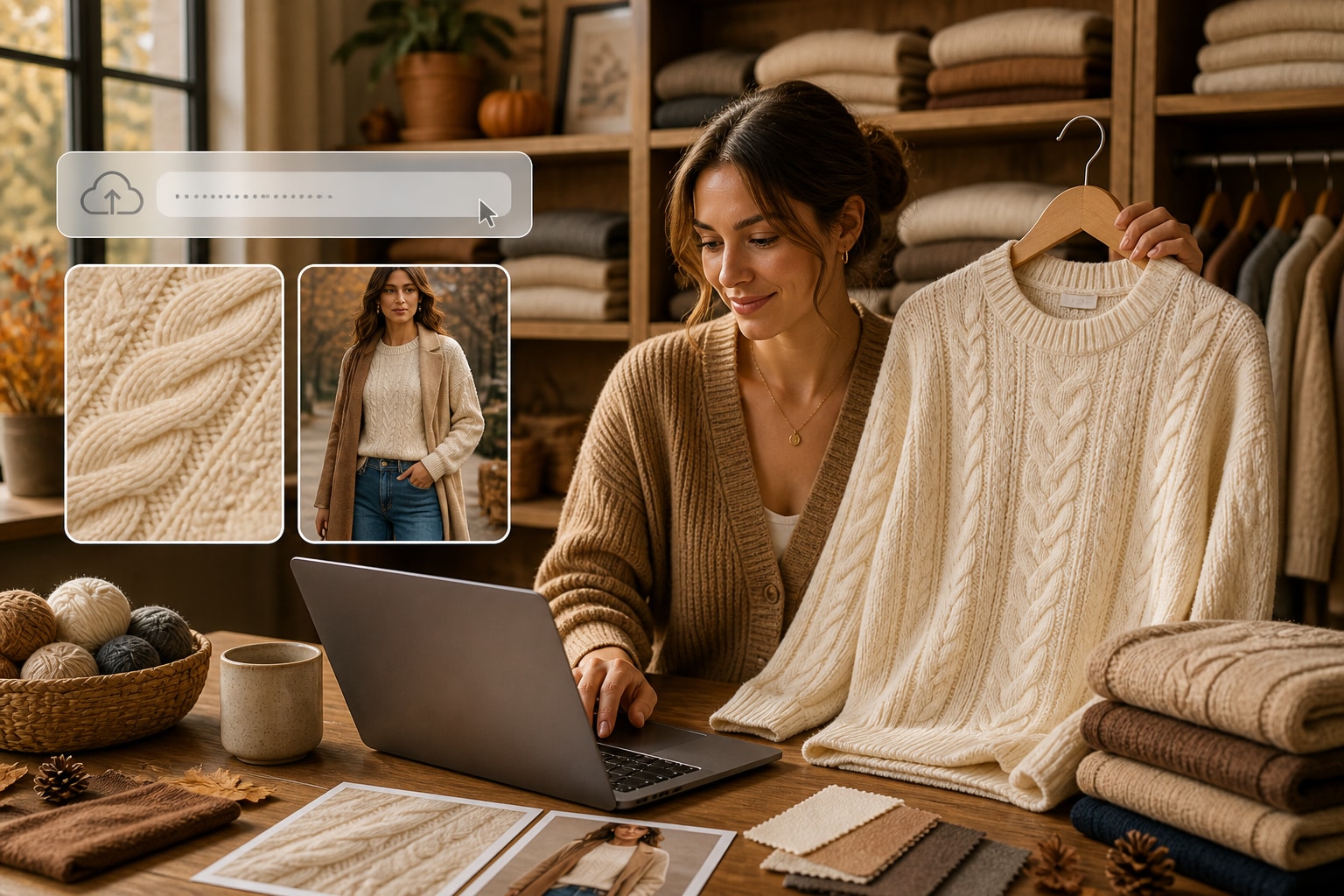
Create Seasonal Angles From One Source
Build a texture close-up, layering story, color-drop reveal, gift edit, or cold-weather social hook without another production day.
✓Create a layering story that helps shoppers picture complete outfits.
✓Reveal a new color with enough time to notice the finish.
✓Add a seasonal hook that connects the sweater to demand.
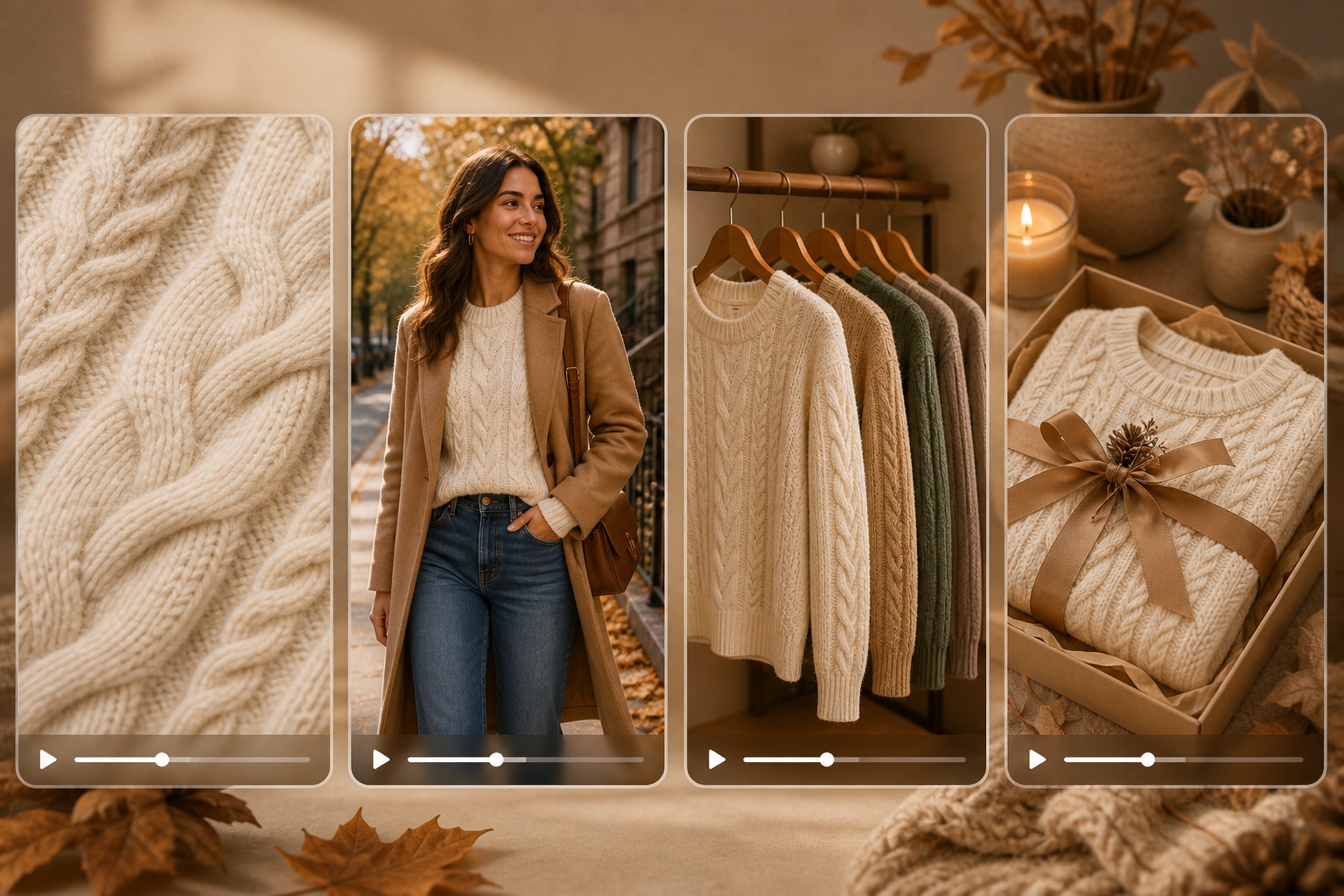
Tune the Video for the Placement
Choose character or no-character mode, visual style, aspect ratio, duration, resolution, and quality before the first render.
✓Choose how the sweater appears before generating the first scene.
✓Frame each version for the product page or social channel.
✓Set the timing and quality to match the campaign placement.
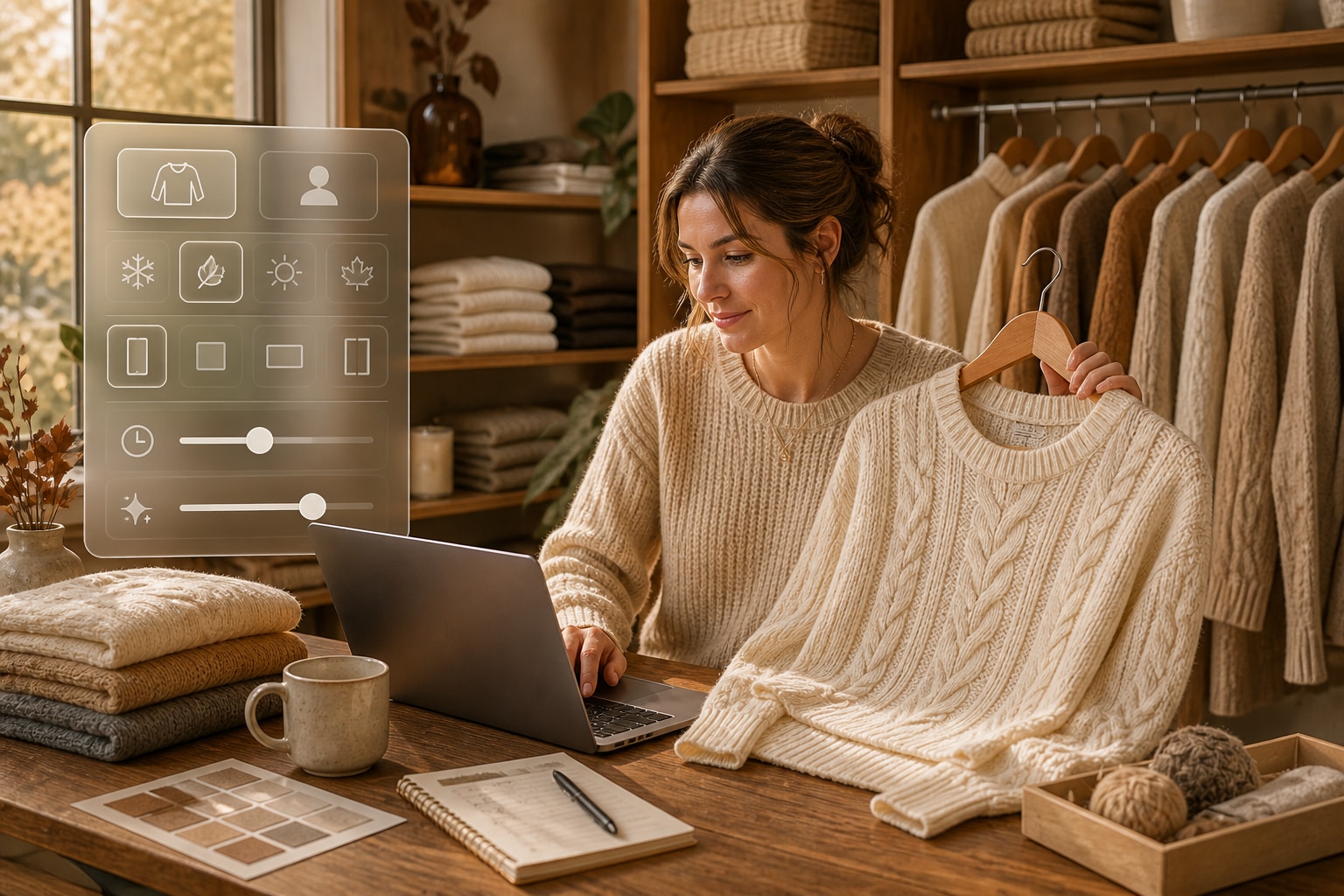
Keep Warmth and Fiber Claims Accurate
Review the script and generated visuals so language around warmth, composition, care, comfort, and fit remains supported by the listing.
✓Verify fiber content against the approved material specifications.
✓Check warmth wording to avoid unsupported performance claims.
✓Review care and fit details before publishing the final video.
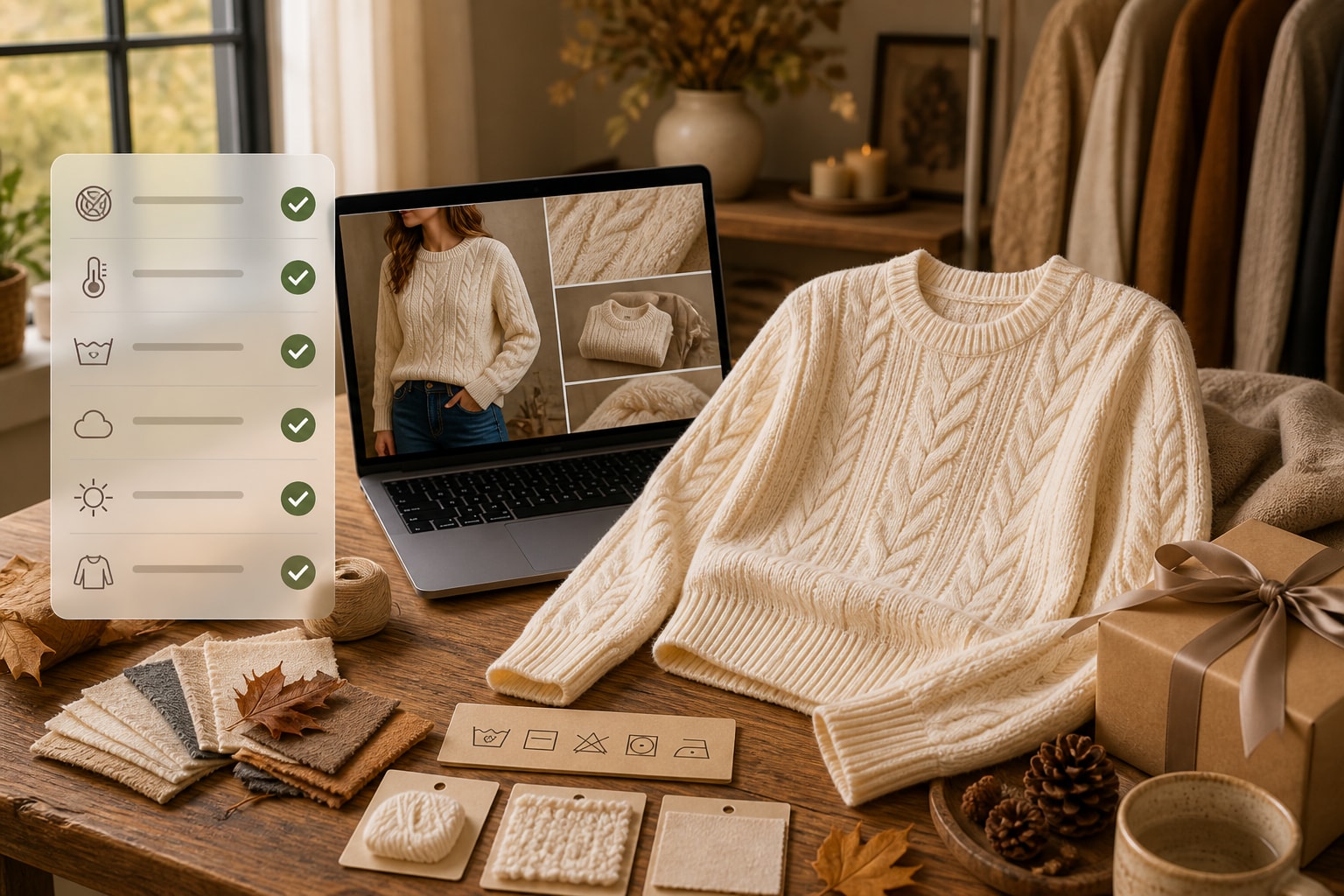
Turn a Sweater Listing Into Video
Move quickly from approved product assets to seasonal creative while keeping important knit details in view.
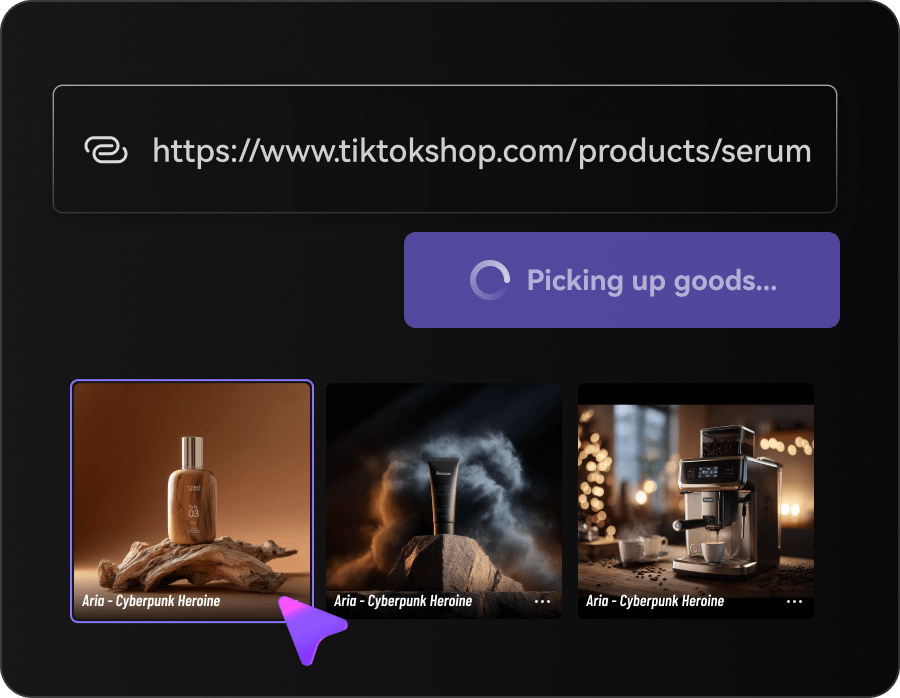
Import the Sweater Source
Paste the product URL or upload selected sweater images with clear texture, color, and construction details.
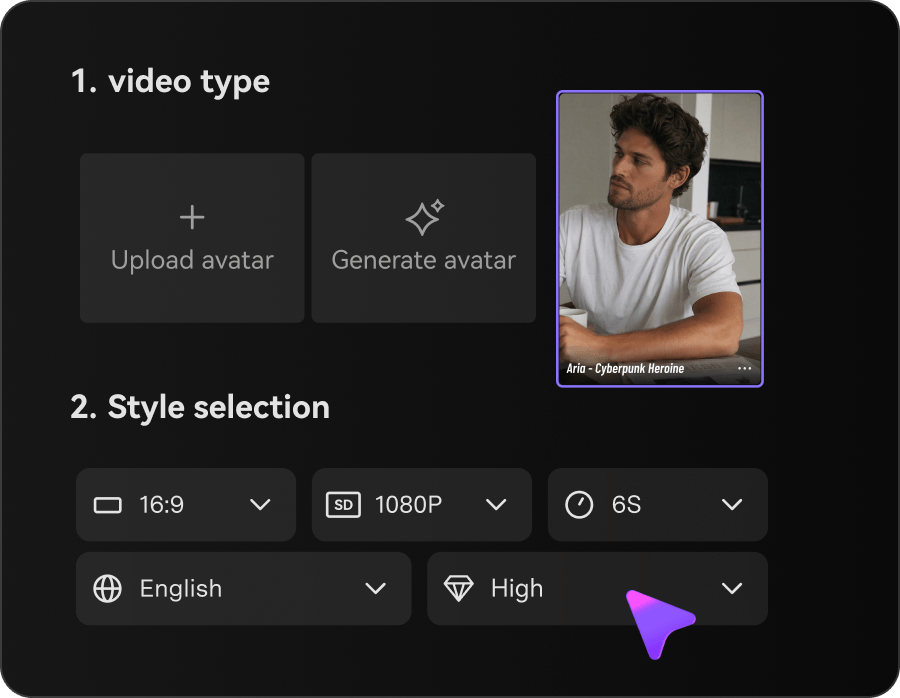
Set the Seasonal Direction
Choose the presentation, visual style, format, duration, resolution, and quality for the campaign.
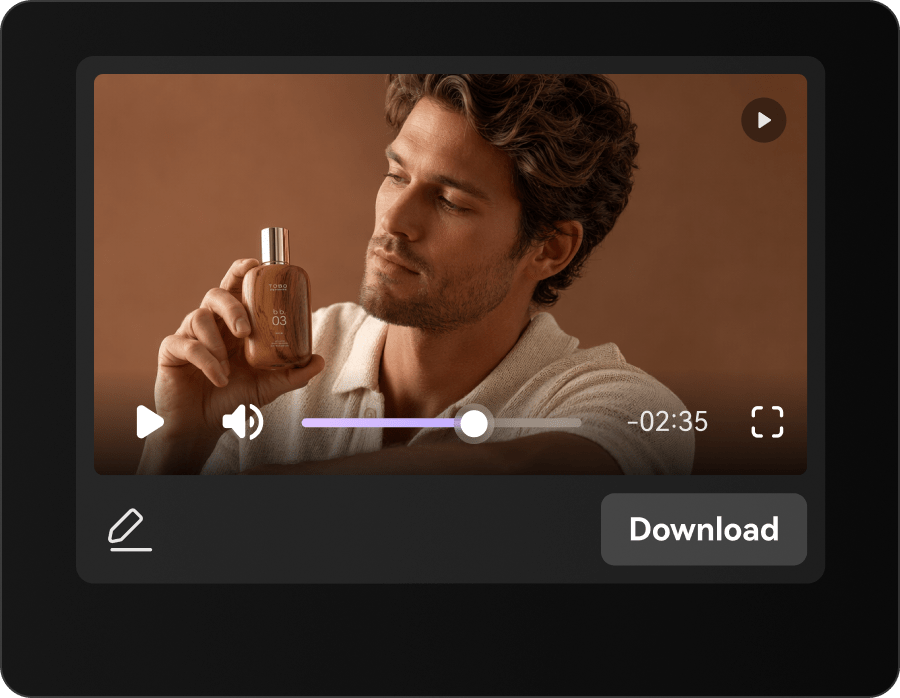
Edit and Generate
Polish the script, generate the video, and review knit, color, fit, and product claims before publishing.
Sweater Video Creative for Seasonal Selling
Turn one product source into content for discovery, gifting, product education, and cold-weather retargeting.
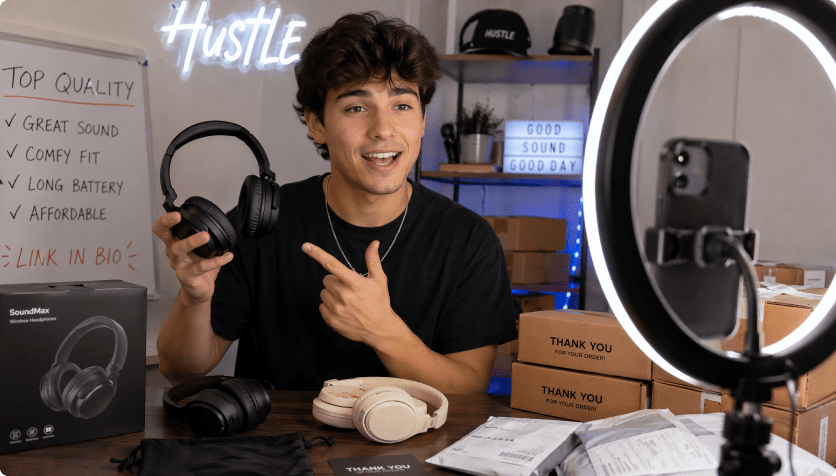
Knitwear Brands
Make signature stitches, yarn stories, and construction details part of the campaign.
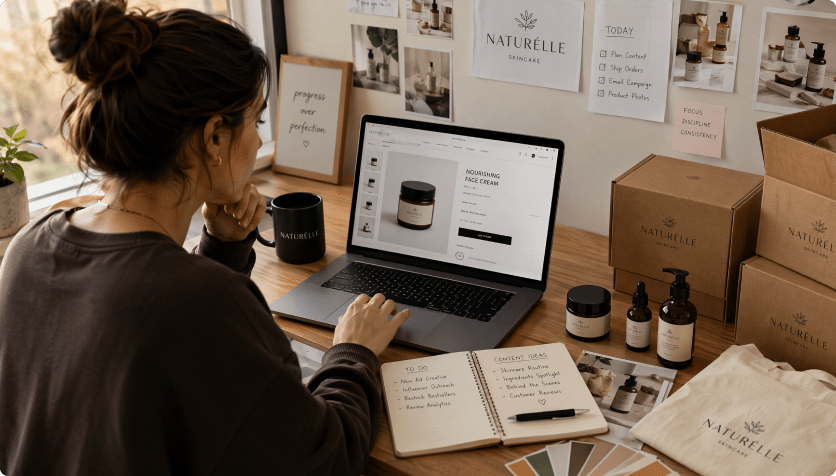
Fashion Boutiques
Give seasonal arrivals a warmer, more styled introduction.
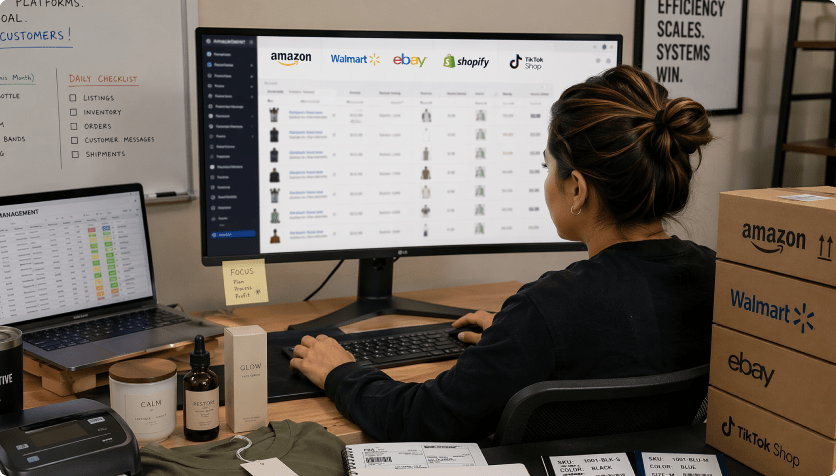
Marketplace Sellers
Bring texture, neckline, and care details closer to the listing experience.

Stretch Every Sweater Shoot Further
The Repeated Sweater Content Route

- Re-enter knit texture, neckline, warmth cues, color, layering, and fit in every brief
- Plan every scene and format manually
- Coordinate separate image, copy, and video handoffs
- Resize the same source for every channel
- Catch warmth, fiber, care, fit, and comfort claims late in production
- Produce too few versions for fall launches and cold-weather retargeting
Media.io AI Ads For Sweater ImagesMedia.io AI Ad Generator
- Import the sweater listing once
- Carry knit texture, neckline, warmth cues, color, layering, and fit into the script
- Choose styles and controllable video settings
- Review the script before rendering
- Create several formats from one source
- Inspect accuracy before publishing
How Teams Turn Sweater Stills Into Seasonal Video
Traditional seasonal production can age before the weather changes. Media.io helps teams create new product, color, layering, and gifting cuts from approved sources.


The tighter pacing made our cable knit the first thing shoppers noticed.

We built a layering edit and a color-drop teaser without reopening the shoot.

Choosing vertical format early gave us a cleaner story placement.

The script review stopped us from overstating warmth and fiber content.

The final cut carried a seasonal mood without hiding the actual sweater.

One set of approved images now works across product, social, and gifting pages.
Sweater Images Video FAQs
How Does Media.io Create Video From Sweater Images?
It analyzes the product URL or uploaded images, drafts a sweater-focused script, applies your creative settings, and generates a video for review.
Can I Use My Existing Sweater Photography?
Yes. Upload owned product or model images when they best show the knit, construction, color, and intended styling.
Which Sweater Details Should I Check?
Inspect knit texture, neckline, cuffs, hem, color, proportions, care text, and any claims about fiber, warmth, comfort, or fit.
What Kind of URL Works Best?
Use an accessible product page with clear imagery and accurate material, care, and sizing information, or upload images directly.
Which Video Styles Fit Sweater Marketing?
Texture close-ups, layering demos, color reveals, gift edits, lifestyle stories, reviews, and short seasonal hooks are useful choices.
Do I Need Editing Skills?
No. The workflow guides you through presentation, style, ratio, duration, quality, script editing, and generation.
Where Can Sweater Videos Be Used?
Use them on product pages, marketplaces, seasonal landing pages, paid social, organic posts, and gifting campaigns.
Can I Change the Generated Script?
Yes. Revise the product facts, seasonal tone, selling points, claims, and sequence before video generation.
Does Media.io Guarantee Ad Acceptance?
No. Review the final video for rights, product accuracy, claims, and the current requirements of each platform.
More AI Tools for Seasonal Content

 4.7 (162,357 Votes)