Deine Werke werden nur 7 Tage lang gespeichert. Assets, die nach dem Upgrade auf einen Mitgliedschaftstarif erstellt werden, werden dauerhaft gespeichert.
Entfalten Sie Ihr kreatives Potenzial und erleben Sie jetzt die Magie der Media-KI!
Create a Free Invitation Mockup From Your Own Design Fast
Turn your uploaded invitation artwork into realistic stationery previews in seconds. Media.io helps you make an invitation mockup free with elegant wedding, birthday, and event scenes, so you can showcase an invitation card mockup clearly for clients, shops, or social posts.
Review these example directions, then tailor the prompt details to get stronger results with this Invitation Mockup Free.
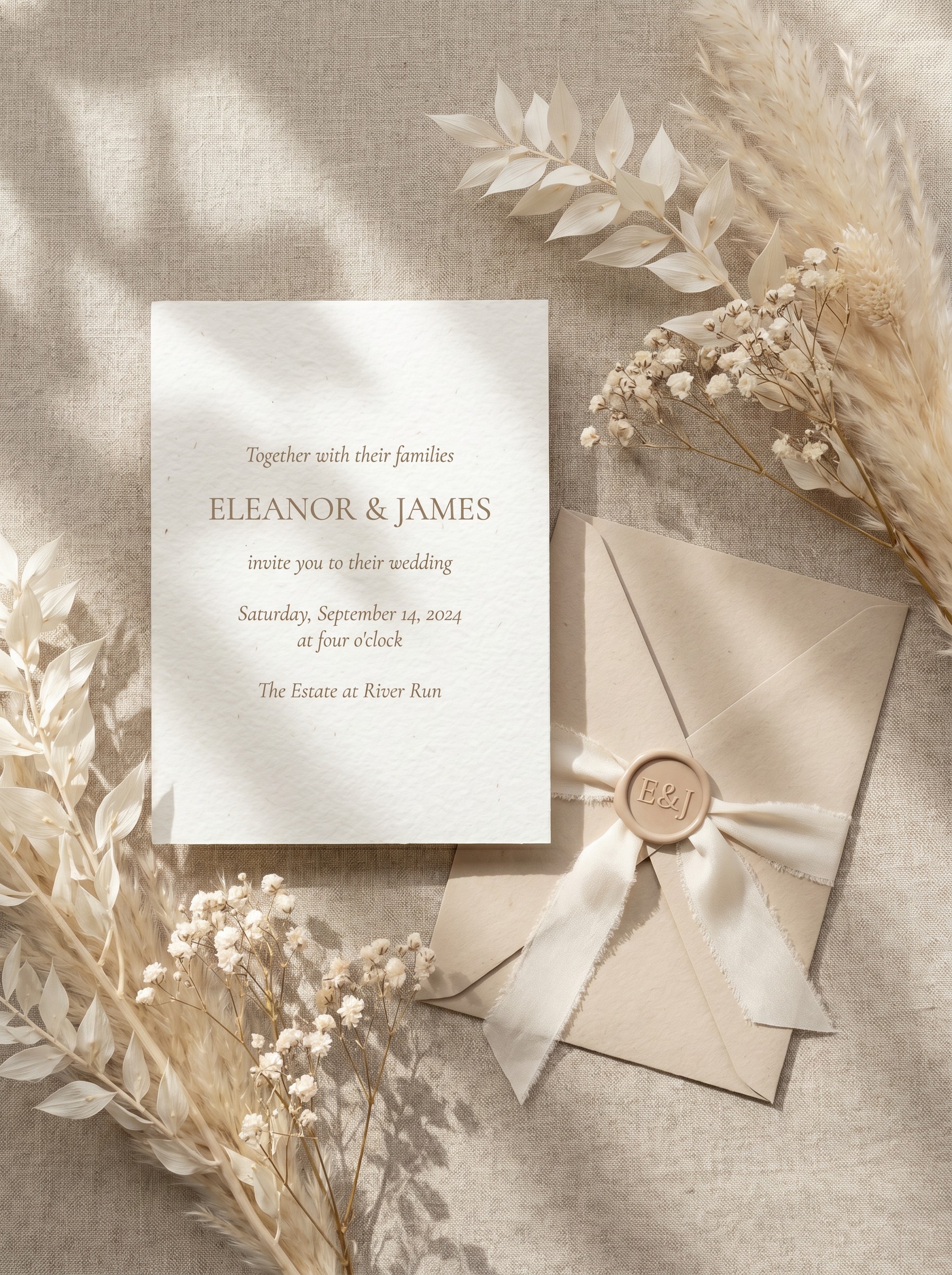
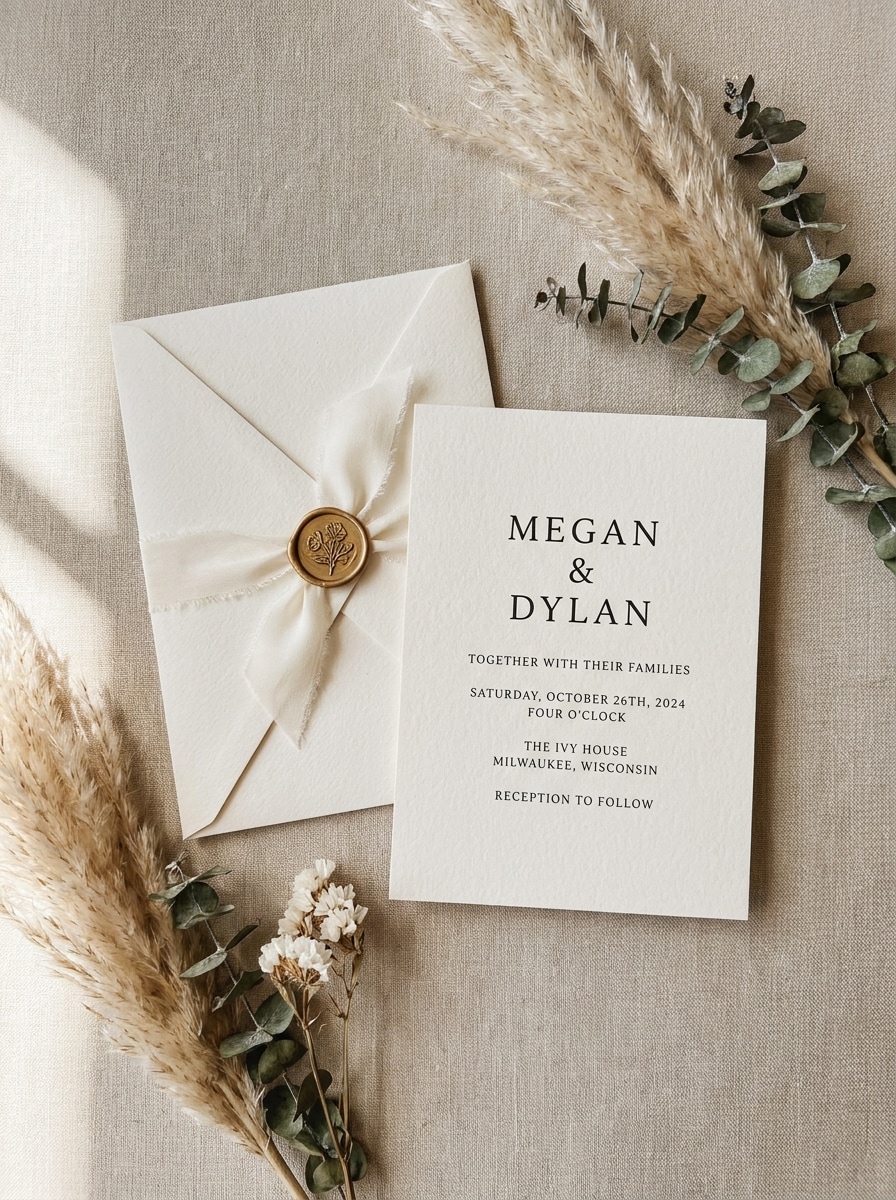
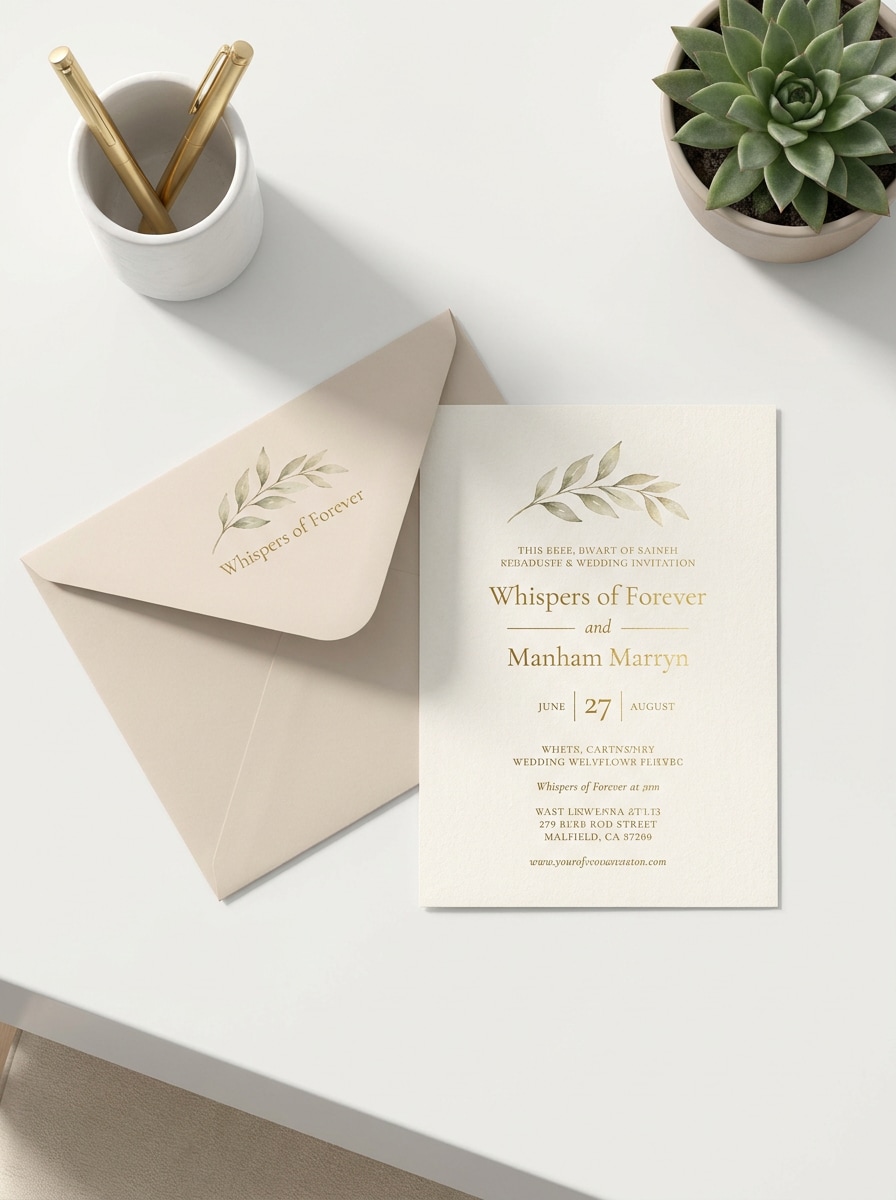
Luxury Beige Flat Lay
Use the uploaded image as the invitation design and transform it into a luxury beige wedding flat-lay mockup with a matching envelope, silk ribbon, wax seal, and dried florals. Keep the card design readable, use soft natural shadows, handmade paper texture, neutral cream tones, and a refined editorial top-down composition.
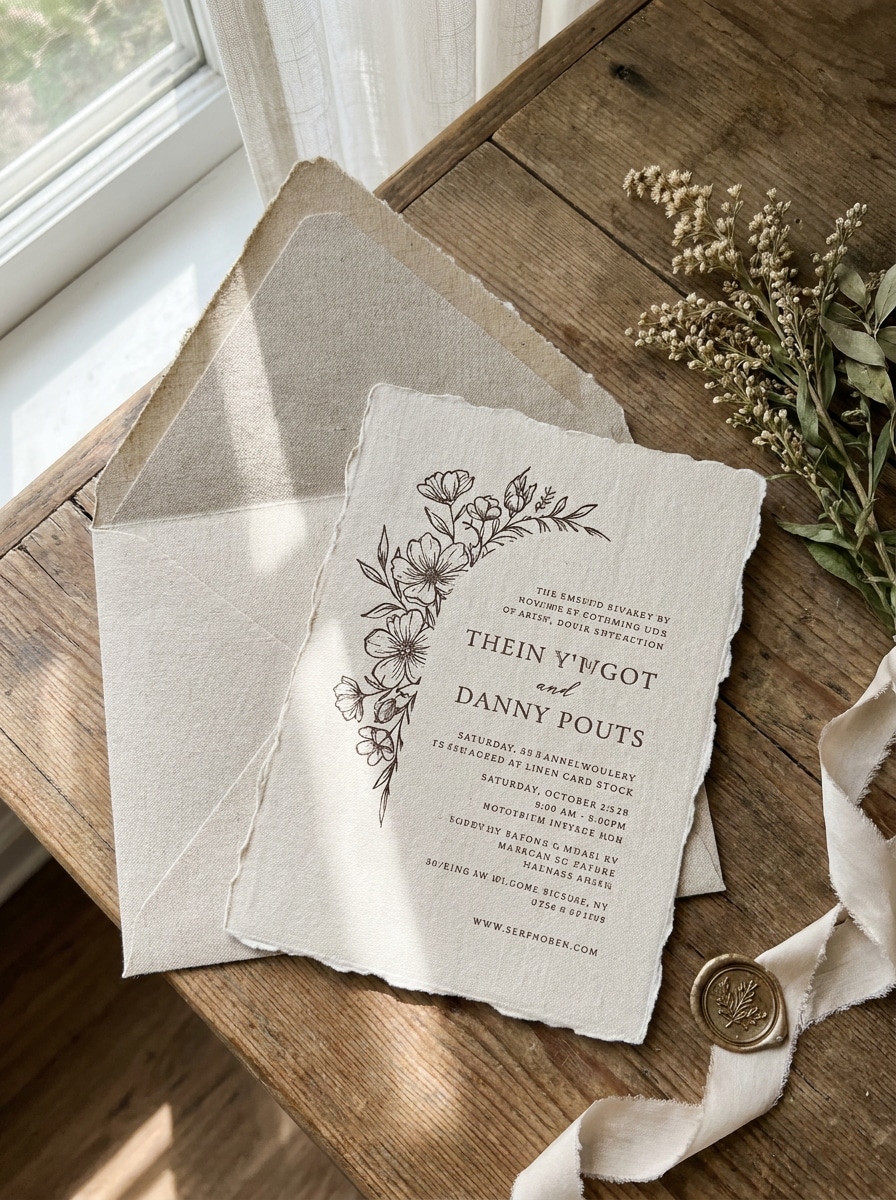
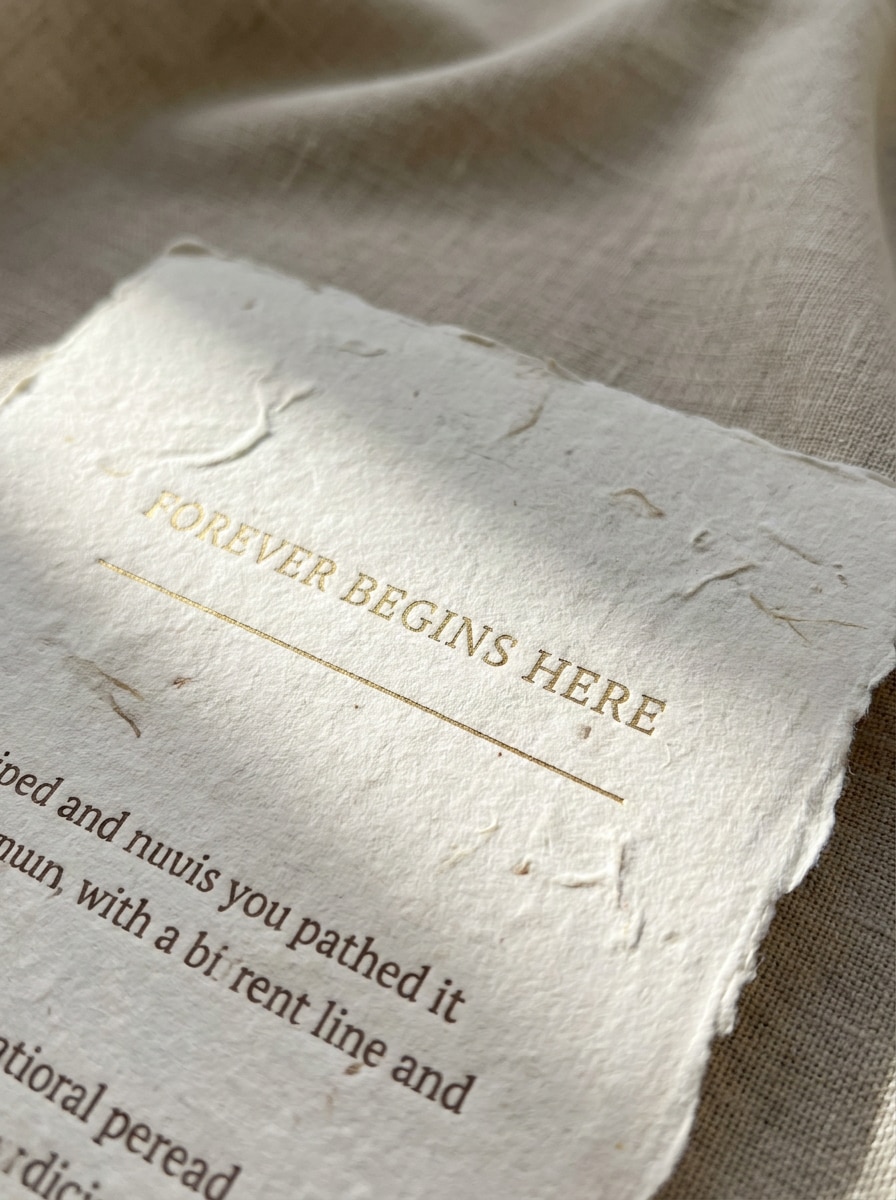
Deckled Edge Editorial
Use the uploaded image as the subject and restyle it into a fine art wedding stationery mockup with deckled-edge paper, soft linen background, and elegant envelope styling. Maintain clear typography and layout, add gentle window light, shallow depth of field, soft shadows, and a premium editorial mood in warm neutral tones.
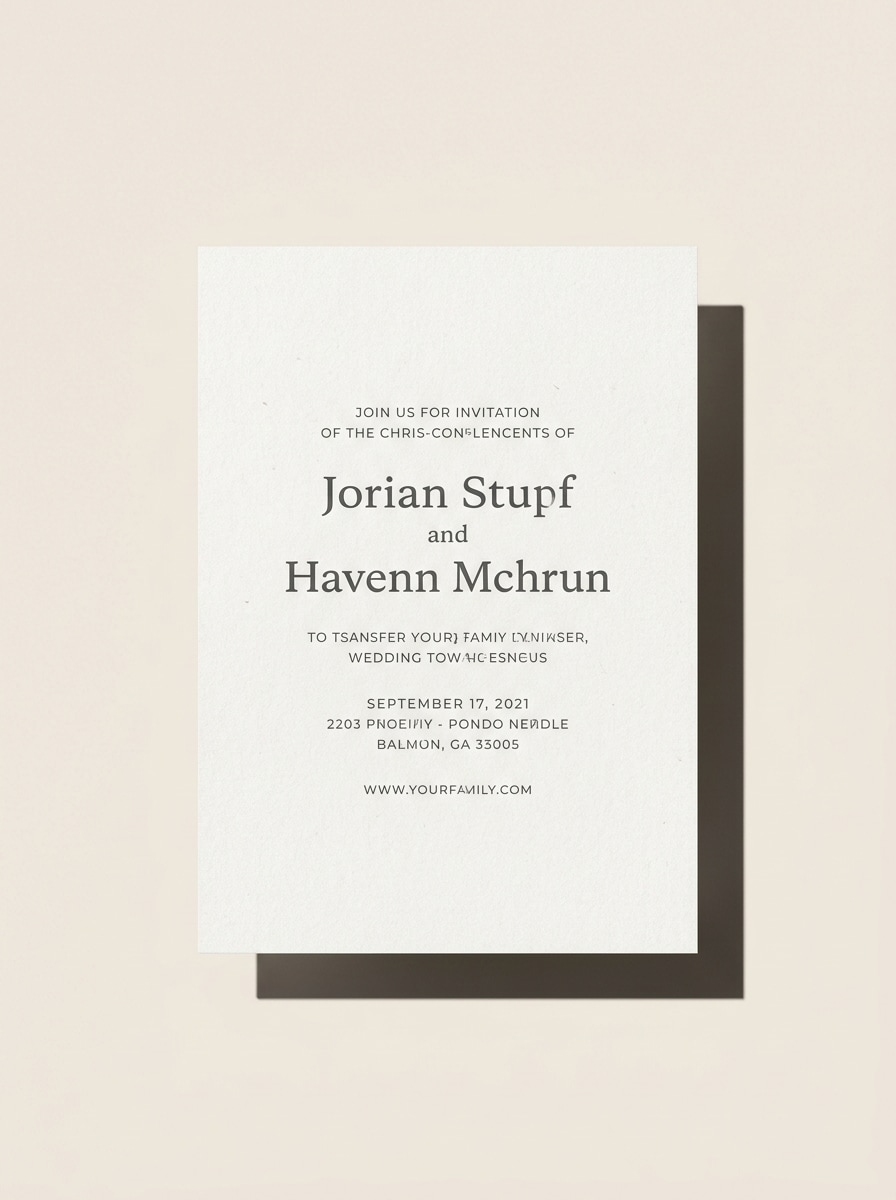
Clean Studio Card Mockup
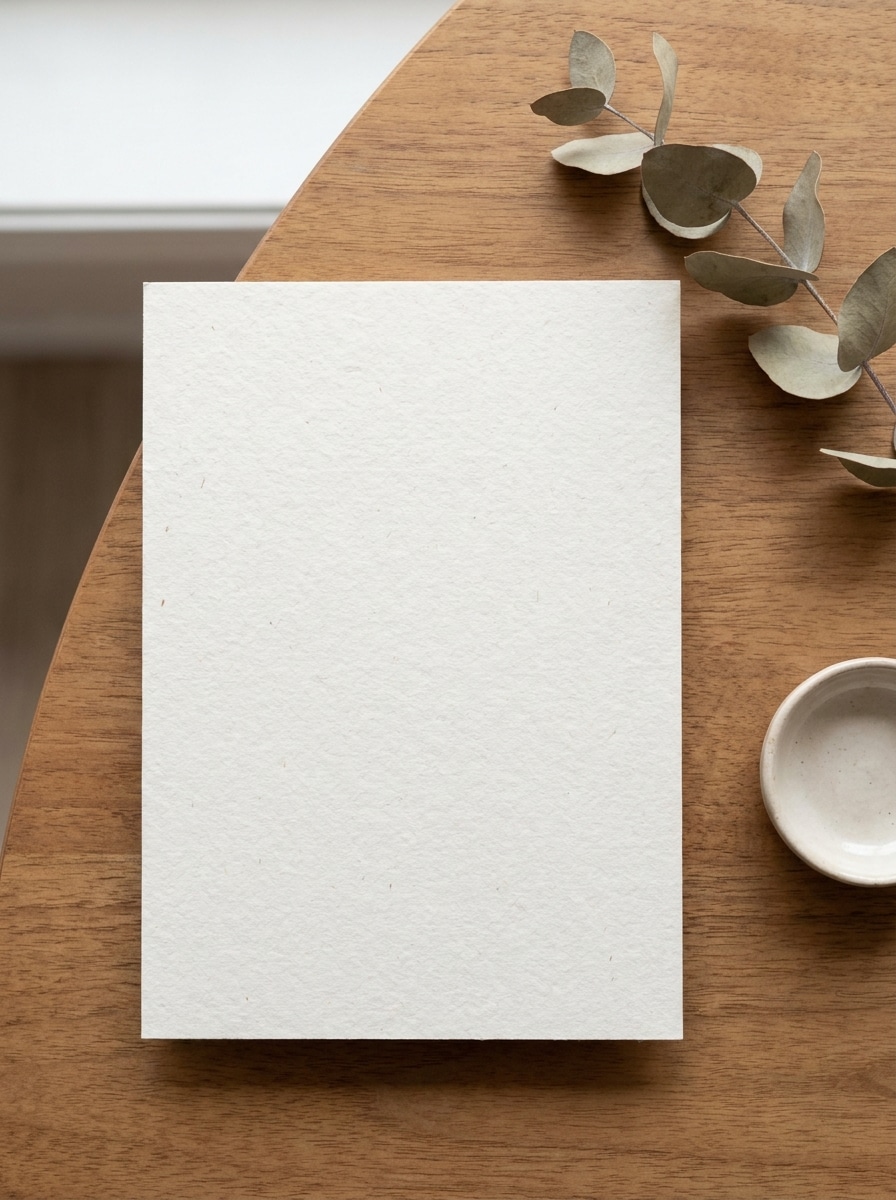
Use the uploaded invitation design and place it into a clean modern studio mockup with a centered 5x7 card on a light background. Preserve the artwork sharply, add a crisp realistic shadow, smooth paper texture, balanced lighting, minimal composition, and a polished commercial presentation suitable for portfolios or client review.
White Desk Scene
Use the uploaded artwork and show it in a realistic white desk scene with subtle stationery props like a pen, envelope, and paper clip. Keep the invitation design accurate and easy to read, use bright daylight, soft shadows, tidy composition, and a modern branding aesthetic with clean white and light beige tones.
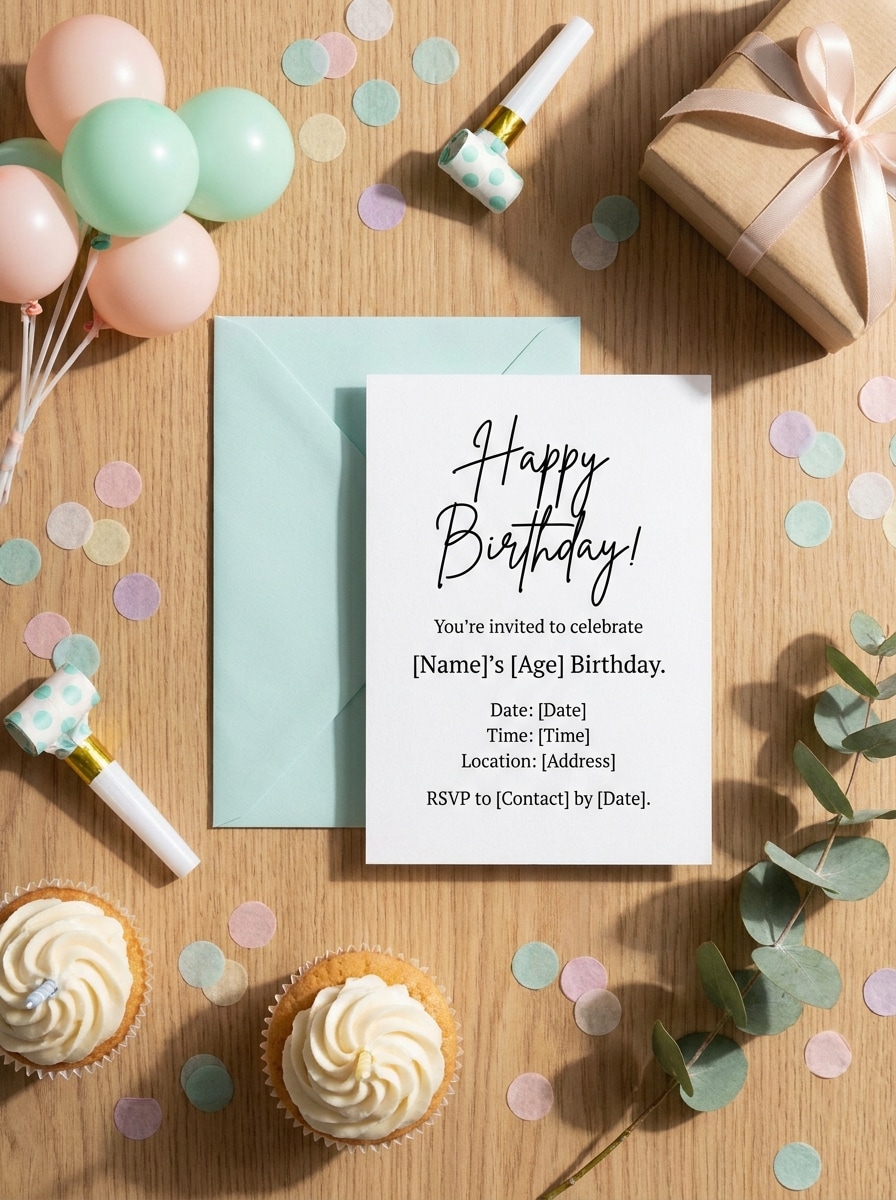
Birthday Celebration Scene
Use the uploaded card design and transform it into a festive birthday invitation mockup with tasteful confetti, a matching envelope, and colorful tabletop props. Keep the original design visible and crisp, with bright cheerful lighting, soft shadows, realistic paper texture, and a social-share-ready composition in playful pastel colors.
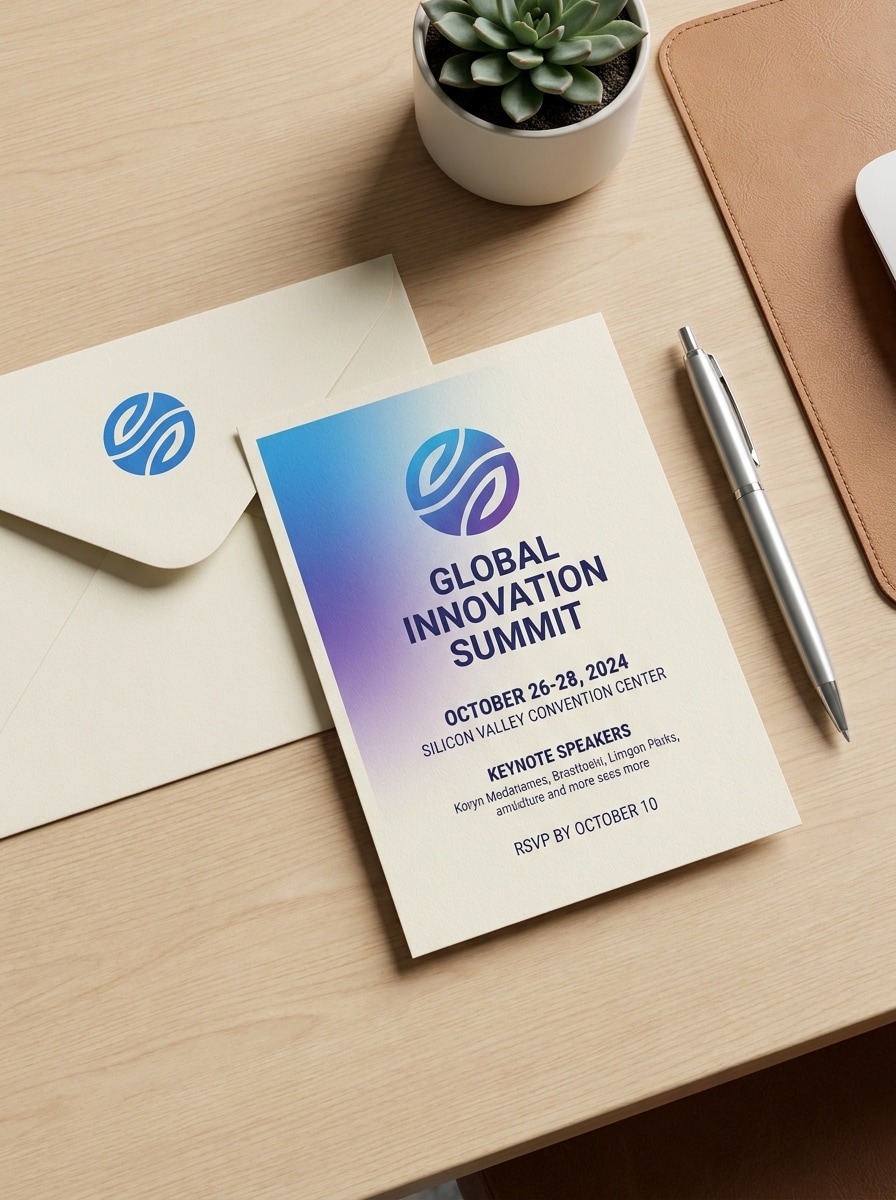
Corporate Event Invite
Use the uploaded invitation and convert it into a professional event mockup with premium paper, a neat envelope, and a simple desk environment. Keep branding and text sharp, use balanced neutral lighting, subtle shadows, clean composition, and a polished business look in white, charcoal, and muted gray tones.
Handmade Paper Texture
Use the uploaded image as the invitation design and render it on realistic handmade paper with visible fibers and refined print detail. Keep the original design clear, use soft directional lighting, elegant neutral colors, close-up composition, and premium stationery realism that highlights texture, craftsmanship, and tactile quality.
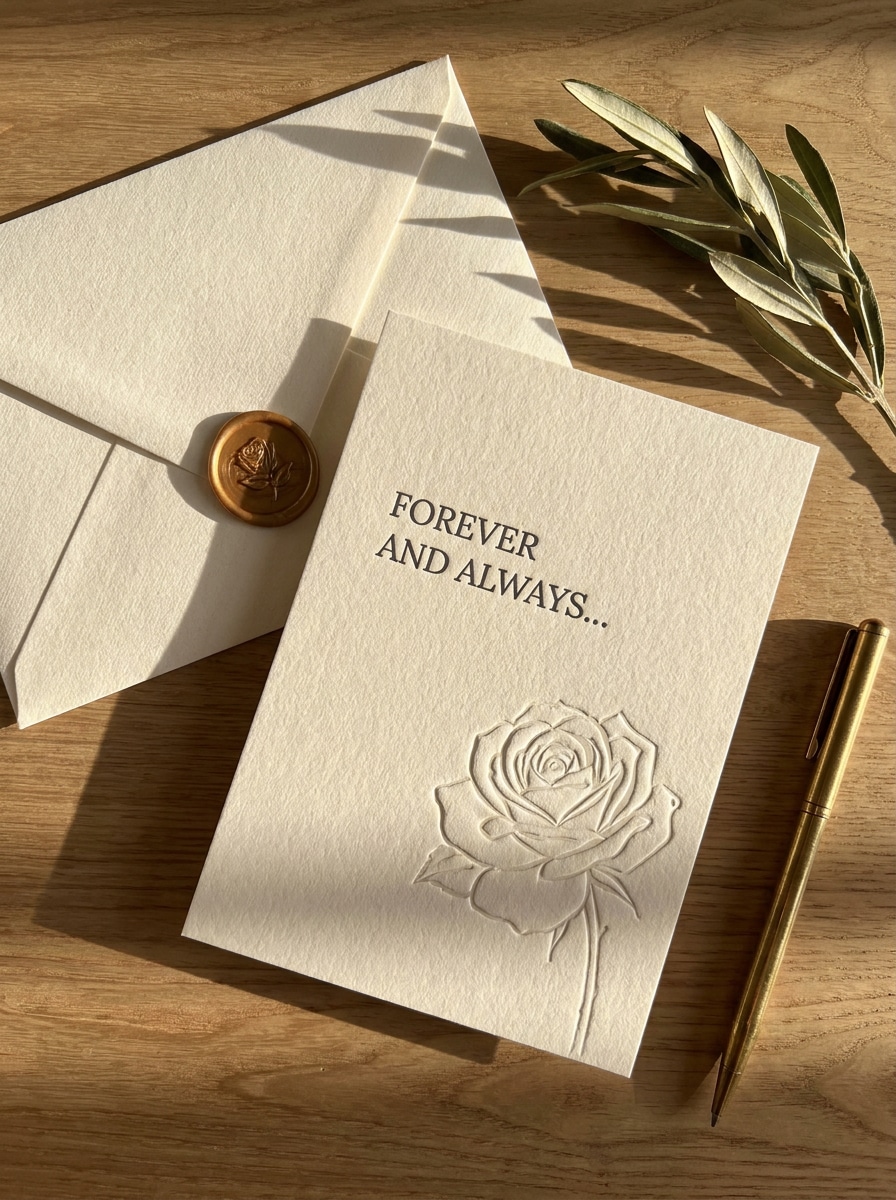
Letterpress Style Preview
Use the uploaded invitation as the base and preview it like a premium letterpress card on thick cotton paper. Preserve the original wording and hierarchy, add subtle embossed impression, fine shadows, elegant envelope styling, warm soft light, and a luxury stationery mood with cream, ivory, and muted taupe tones.
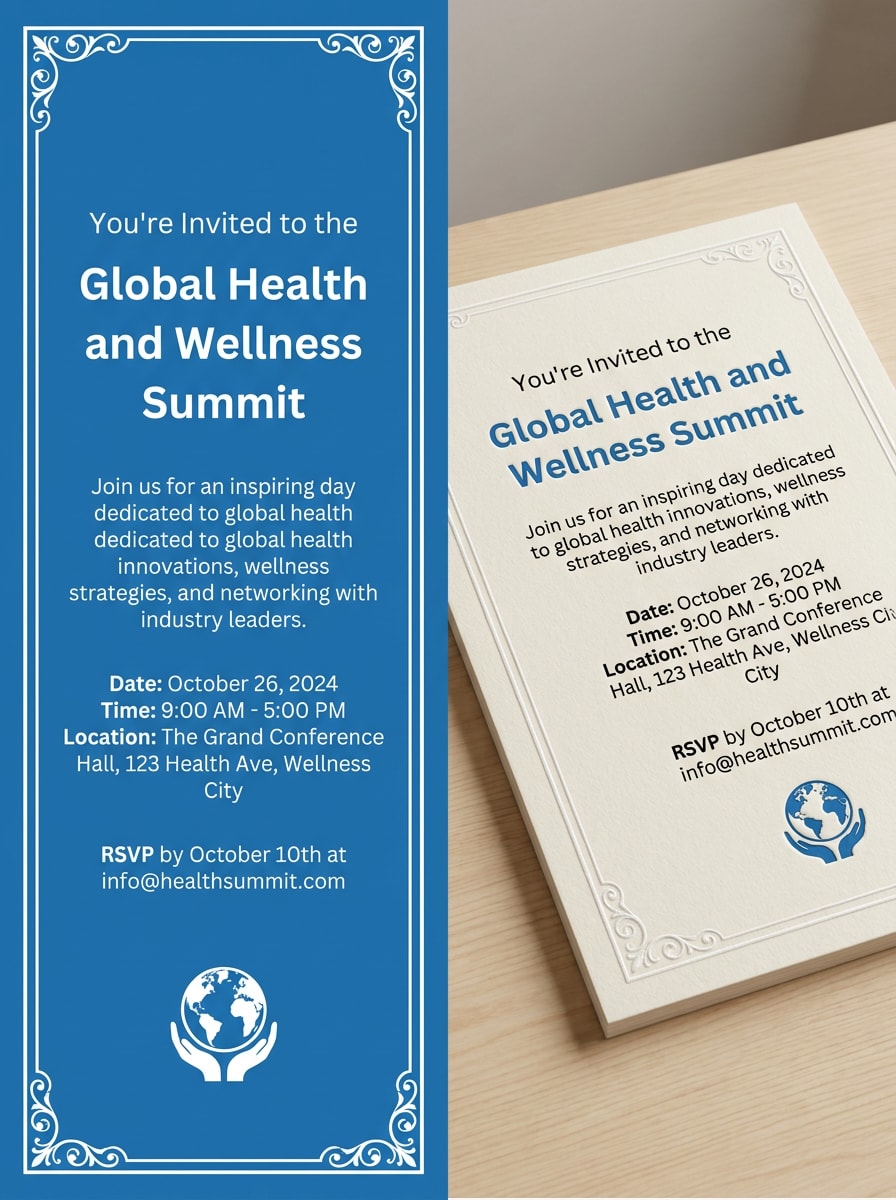
Before-and-After Transformation
Use the uploaded design and create a side-by-side transformation image showing the plain flat invitation on one side and a fully styled realistic mockup on the other. Keep the card artwork consistent, use clear composition, balanced lighting, subtle paper texture, and a polished reveal suitable for social content or client presentations.
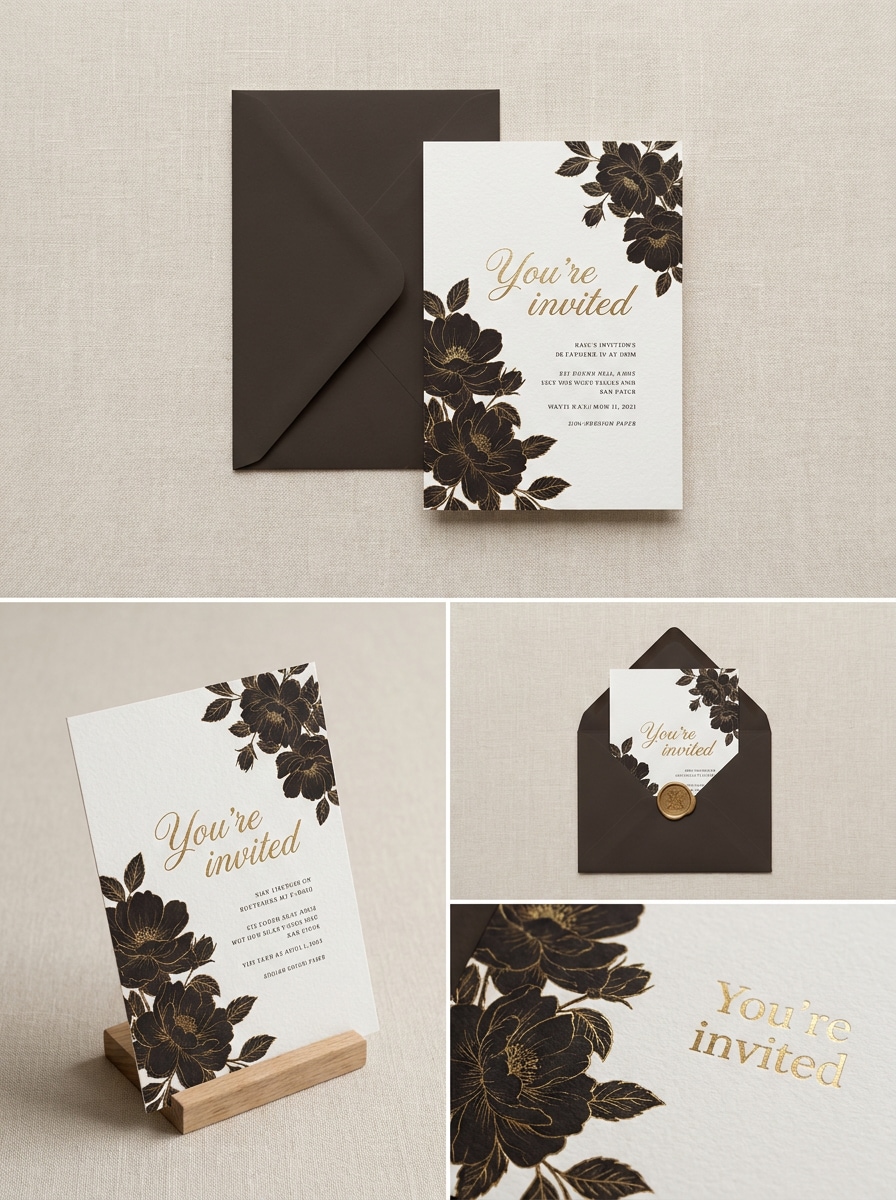
Multiple Angle Mockup Set
Use the uploaded invitation design and generate a cohesive mockup set with a top-down flat lay, angled card view, envelope pairing, and close-up detail shot. Keep the design recognizable across every frame, use consistent soft lighting, premium paper textures, elegant neutral colors, and realistic stationery styling for a marketplace-ready presentation.
Why Use Media.io for Invitation Mockups
Preserve Identity While Changing the Look
For wedding suites, birthday cards, or event stationery, Media.io lets you upload your artwork and transform it into polished mockup scenes that still feel true to the original design, helping you preview and present ideas with far less manual editing.
Match the Right Style for Every Version
A single idea often needs more than one look. Media.io helps reinterpret the same invitation mockup across different styles so each version can better match the target placement. That helps creative direction feel broader without adding as much rework.
Adapt one invite for many publishing formats
Instead of rebuilding the same design for every channel, Media.io helps you reshape invitation visuals for cards, mockups, covers, and social assets with flexible aspect ratios, making it easier to create consistent previews for marketplaces, reels, and client decks.
Keep Final Visuals Sharp for Real Projects
Some results need to do more than look good in a preview. Media.io helps generate cleaner invitation mockup with output up to 4K so the final image holds up in wallpapers, decks, and mockups.
How to Make an Invitation Mockup Online
Turn your words into stunning visuals in three simple steps, then continue refining the result if you want to take it further.
Step 1
Upload Your Reference Image
Upload a clear JPG, PNG, or JPEG of your invitation design. A clean front-facing image works best for wedding stationery, birthday invites, event cards, or a 5x7 layout you want to preview in a realistic scene.
Step 2
Describe the Change and Set Options
Enter a detailed prompt describing the mockup style you want, such as beige flat lay, envelope scene, textured paper, or clean studio view. Then choose your model and adjust aspect ratio, quality, and image count for the preview you need.
Step 3
Generate, Download, and Keep Improving
Create multiple variations, compare the results, and download the version that best fits your portfolio, store, or client proof. If needed, refine the prompt and regenerate to improve props, lighting, texture, or overall presentation.
See how creators use this Invitation Mockup Free for content, marketing, and personal projects, then adapt each idea to fit the brief.
Preview wedding stationery before sending to clients
Show couples how a suite will look in a styled flat lay with envelopes, ribbon, and textured paper before you commit to printing. This is especially useful for premium wedding branding, approval rounds, and building a more convincing portfolio.
Create polished shop images for digital products
If you sell editable templates or printable invites, realistic product visuals help listings look more professional and trustworthy. You can turn a flat design into a display-ready scene that fits marketplaces, social promotions, and seasonal campaign posts.
Test birthday and event concepts quickly
Designers and small businesses can upload one card and explore different moods, props, and surfaces without rebuilding the artwork from scratch. It is a fast way to compare playful party styling, minimal business event previews, or neutral tabletop looks.
What Users Say
Sophie M.
Wedding Stationery Designer
"Excellent for elegant client previews" I uploaded a simple card layout and got a polished wedding stationery preview in minutes. The flat-lay scenes made my concept look much more premium without needing a full PSD mockup workflow.
Daniel R.
Etsy Template Seller
"Fast way to make listing visuals" This helped me create product images for my invitation templates much faster. I liked being able to test clean studio looks and textured paper styles from the same uploaded design.
Alicia T.
Freelance Graphic Designer
"Good for quick concept rounds" I use it when clients want to see how their event invite might look in a real scene. It saves time during revisions and gives me several presentation options without complex manual compositing.
Marcus L.
Brand & Event Consultant
"Useful on both desktop and mobile" I often review assets on the go, so having a browser-based mockup generator is practical. The results are clean, and it is easy to generate a professional-looking invite preview from a basic source image.
Media.io lets free users generate invitation mockups using free credits, so you can test the workflow before upgrading. If you need more usage or watermark-free high-resolution downloads, you can compare plans on the pricing page. Free users can use free credits. For more usage, users can subscribe to a plan on the pricing page. Upgrade to a paid plan on the pricing page for more credits and watermark-free high-resolution downloads.
2. How do I turn my invitation design into a realistic mockup?
Upload your invitation image, then describe the scene you want, such as a wedding flat lay, envelope setup, or clean desk presentation. Media.io uses image-to-image AI to transform your design into a realistic mockup while letting you adjust style, aspect ratio, quality, and the number of generated images.
3. Can I make a wedding invitation mockup from my own image?
You can upload your own invitation artwork and use it as the reference image for a wedding stationery scene. Media.io supports image-to-image creation, which makes it useful for turning an existing design into a styled mockup with paper texture, envelopes, or editorial flat-lay presentation.
4. What file types can I upload for an invitation card mockup?
Media.io supports JPG, PNG, and JPEG uploads for this workflow. That makes it easy to start from a saved design proof, exported card artwork, or another image file you want to convert into a realistic mockup.
5. Will the mockup keep my original design and text clear?
Media.io is built to use your uploaded image as the reference, so the goal is to keep the main design recognizable while applying a new presentation style. For better clarity, upload a sharp source file and use the available resolution options, including higher-quality outputs when you need cleaner previews.
6. Can I use this invitation mockup generator on mobile or desktop?
Media.io is web-based, so you can use it in a browser on desktop or mobile devices. That means you can create and review invitation mockups on Windows, Mac, iPhone, iPad, or Android without installing separate software. Media.io is a web-based tool that works on any device with a browser (Windows, Mac, iOS, Android).