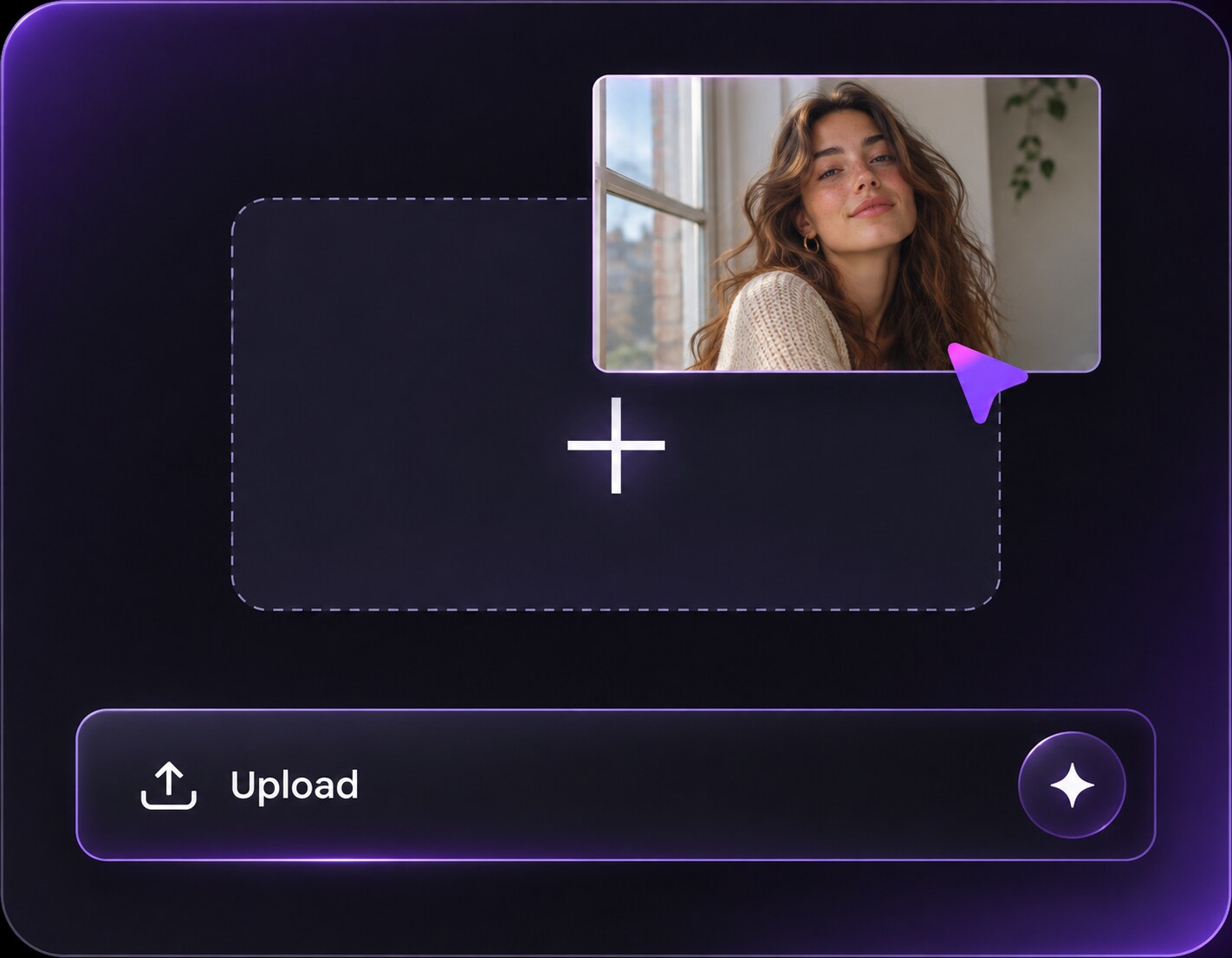
Clique ou arraste para enviar, ou escolha de Meu HistóricoClique para carregarMeu Histórico
Sem ideias? Gere uma imagem primeiro >
Faça upload de imagens jpg, jpeg ou png de até 50 MB, com largura/altura mínima de 300 px.
AI Time Machine Filter: Imagine Your Photo in Another Era
What would your favorite portrait look like in a 1920s photo studio or a 1970s family album? An AI time machine filter-style edit lets you explore that idea by changing period clothing, photographic color and background cues while asking the model to keep your recognizable face. This is a creative Media.io photo-editing alternative, not MyHeritage AI Time Machine: the original branded service was discontinued in January 2026. Choose an era because its visual language appeals to you, then judge the result as an imaginative portrait rather than historical evidence.
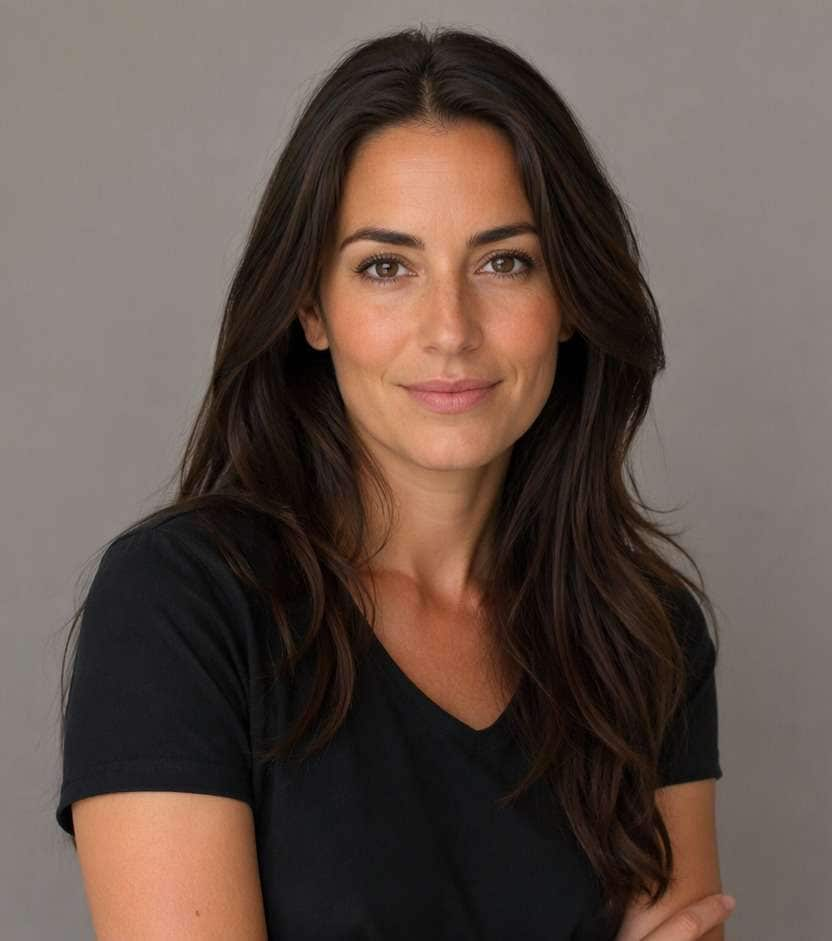
A clear front-facing portrait makes it easier to judge whether the period costume and lighting still resemble the original person.
AI Time Machine Filter Prompts for 10 Historical Eras
The most convincing time-travel images combine period-appropriate clothing, lighting and photographic texture. Start from a clear adult portrait and specify one era rather than mixing unrelated decades.
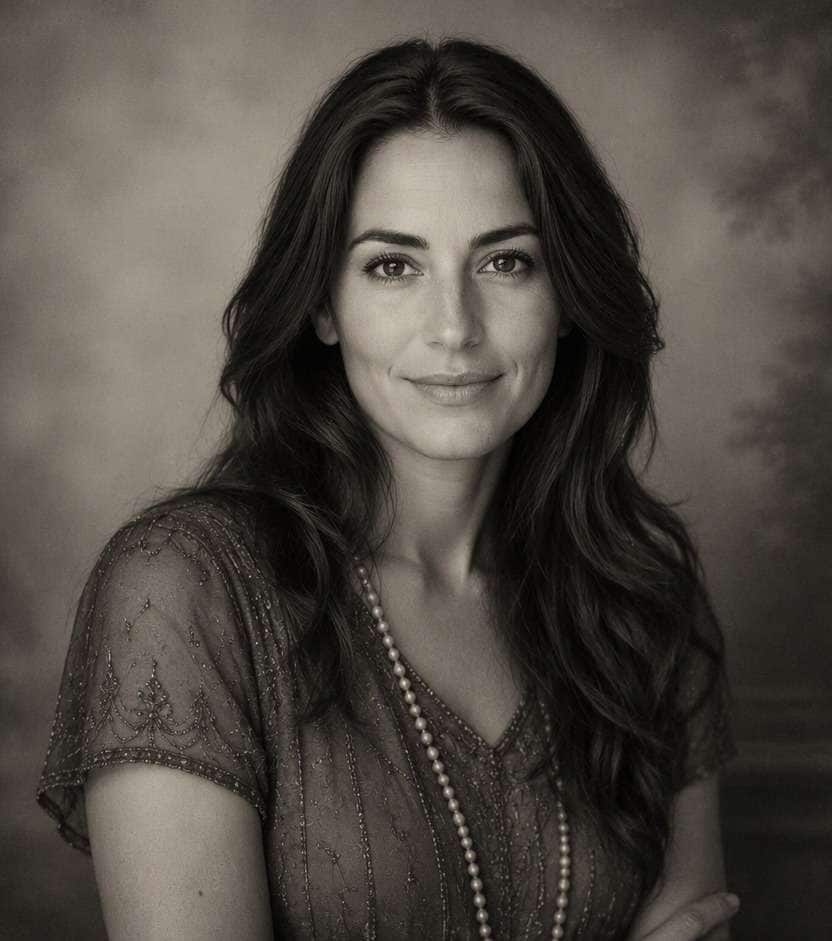
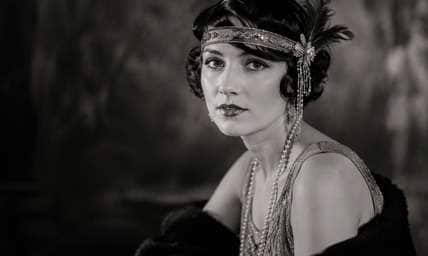
1920s Silver-Gelatin Headshot
Edit my uploaded reference photo: Reimagine the uploaded adult in 1920s formal studio attire with soft silver-gelatin tonal range, period hair accessories and coherent dark backdrop. Keep the adult subject recognizable and the facial expression consistent while changing only the period styling specified above. Maintain realistic physical proportions and credible photographic detail. Do not add captions, logos, extra people, collages or unrelated props.
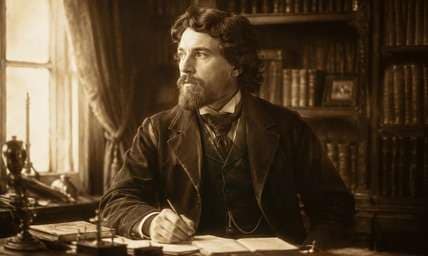
Victorian Library Portrait
Edit my uploaded reference photo: Dress the same adult in late-Victorian clothing before period-appropriate bookshelves, using window-lit sepia portrait treatment and no modern electronics. Keep the adult subject recognizable and the facial expression consistent while changing only the period styling specified above. Maintain realistic physical proportions and credible photographic detail. Do not add captions, logos, extra people, collages or unrelated props.
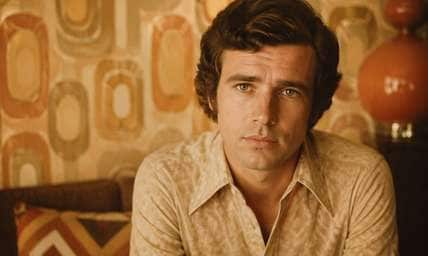
1970s Family Album
Edit my uploaded reference photo: Create a warm 1970s indoor portrait with era-correct collars, wallpaper and gentle color fading, retaining recognizable facial features. Keep the adult subject recognizable and the facial expression consistent while changing only the period styling specified above. Maintain realistic physical proportions and credible photographic detail. Do not add captions, logos, extra people, collages or unrelated props.
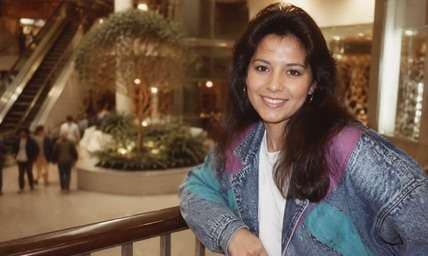
1980s Mall Studio
Edit my uploaded reference photo: Use an 1980s shopping-mall portrait backdrop, era-specific jacket and slightly soft flash with the same adult face and cheerful pose. Keep the adult subject recognizable and the facial expression consistent while changing only the period styling specified above. Maintain realistic physical proportions and credible photographic detail. Do not add captions, logos, extra people, collages or unrelated props.
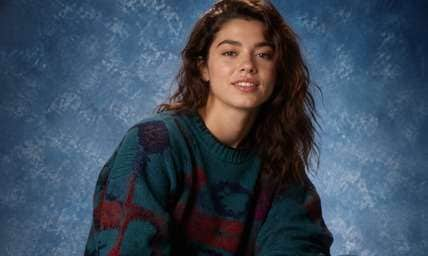
1990s School Photo
Edit my uploaded reference photo: Recreate a classic 1990s portrait backdrop, casual sweater styling and simple studio flash while maintaining the current-age identity. Keep the adult subject recognizable and the facial expression consistent while changing only the period styling specified above. Maintain realistic physical proportions and credible photographic detail. Do not add captions, logos, extra people, collages or unrelated props.
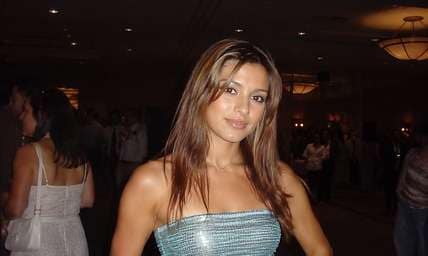
Early-2000s Party Look
Edit my uploaded reference photo: Apply period-appropriate Y2K clothing and compact-camera flash in a realistic event room, without modern phones or current logos. Keep the adult subject recognizable and the facial expression consistent while changing only the period styling specified above. Maintain realistic physical proportions and credible photographic detail. Do not add captions, logos, extra people, collages or unrelated props.
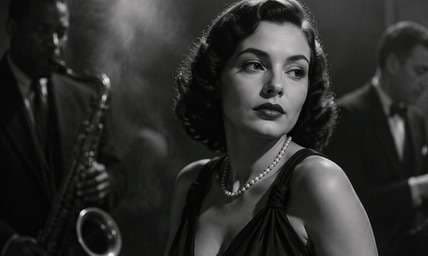
Old Hollywood Glamour
Edit my uploaded reference photo: Stage a 1940s-style black-and-white portrait with period wardrobe, controlled key light and classic photographic grain, without implying a real celebrity. Keep the adult subject recognizable and the facial expression consistent while changing only the period styling specified above. Maintain realistic physical proportions and credible photographic detail. Do not add captions, logos, extra people, collages or unrelated props.
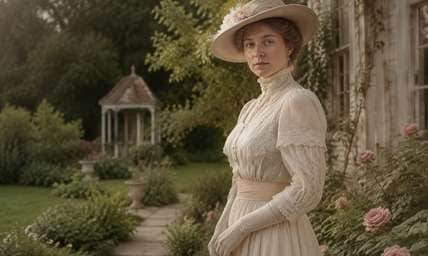
Edwardian Garden Photo
Edit my uploaded reference photo: Create a modest Edwardian outdoor portrait with era-appropriate clothing, pale natural-light chemistry and existing face geometry. Keep the adult subject recognizable and the facial expression consistent while changing only the period styling specified above. Maintain realistic physical proportions and credible photographic detail. Do not add captions, logos, extra people, collages or unrelated props.
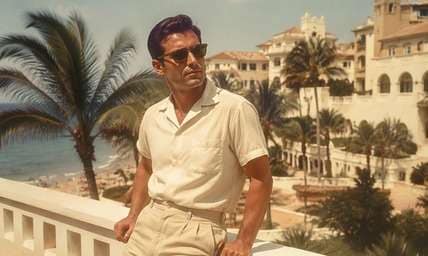
Mid-Century Travel Postcard
Edit my uploaded reference photo: Restyle an adult traveler into a 1950s resort portrait with era-specific casual clothing and faded chromogenic color, not a newly invented landmark. Keep the adult subject recognizable and the facial expression consistent while changing only the period styling specified above. Maintain realistic physical proportions and credible photographic detail. Do not add captions, logos, extra people, collages or unrelated props.
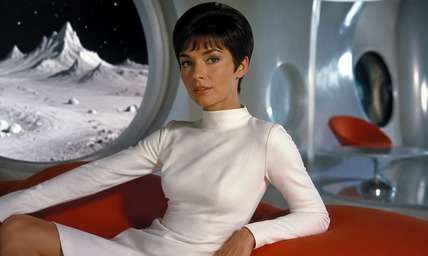
Retro-Future 1960s Concept
Edit my uploaded reference photo: Imagine a stylized 1960s space-age editorial portrait with period modernist clothing, practical geometric set and recognizable face. Keep the adult subject recognizable and the facial expression consistent while changing only the period styling specified above. Maintain realistic physical proportions and credible photographic detail. Do not add captions, logos, extra people, collages or unrelated props.
Choose a Whole Era, Not Just a Vintage Color Cast
Wardrobe and Setting Tell the Era
A 1920s studio portrait needs different clothes, props and lighting than a 1990s school photo. Period cues should agree instead of mixing flapper headwear with modern street signs.
Keep the Person, Change the Visual Story
The aim is a recognizable interpretation of the uploaded person in a different era. Ask for stable facial features, expression and face angle, then let clothing and background shift where needed.
Understand the Difference from Aging
A time-machine portrait is not necessarily an older version of your face. Many people want the same current-age person imagined in Victorian, disco, Y2K or space-age photography.
Treat It as Creative Fiction
AI-generated costumes and surroundings are not authentic archival records. Use the look for social challenges, family fun or profile images and avoid presenting the output as evidence of a real historical event.
How to Create an AI Time Machine-Style Photo Online
Media.io AI Face Editor can be prompted for era-inspired creative portraits. It does not provide access to the discontinued MyHeritage AI Time Machine product or its historical-model workflow.
Step 1
Upload a Clear Adult Portrait
Open Media.io AI Face Editor and upload a well-lit photo showing one person's face clearly. A simple original background leaves room for convincing era styling.
Step 2
Describe the Era and Keep Your Identity
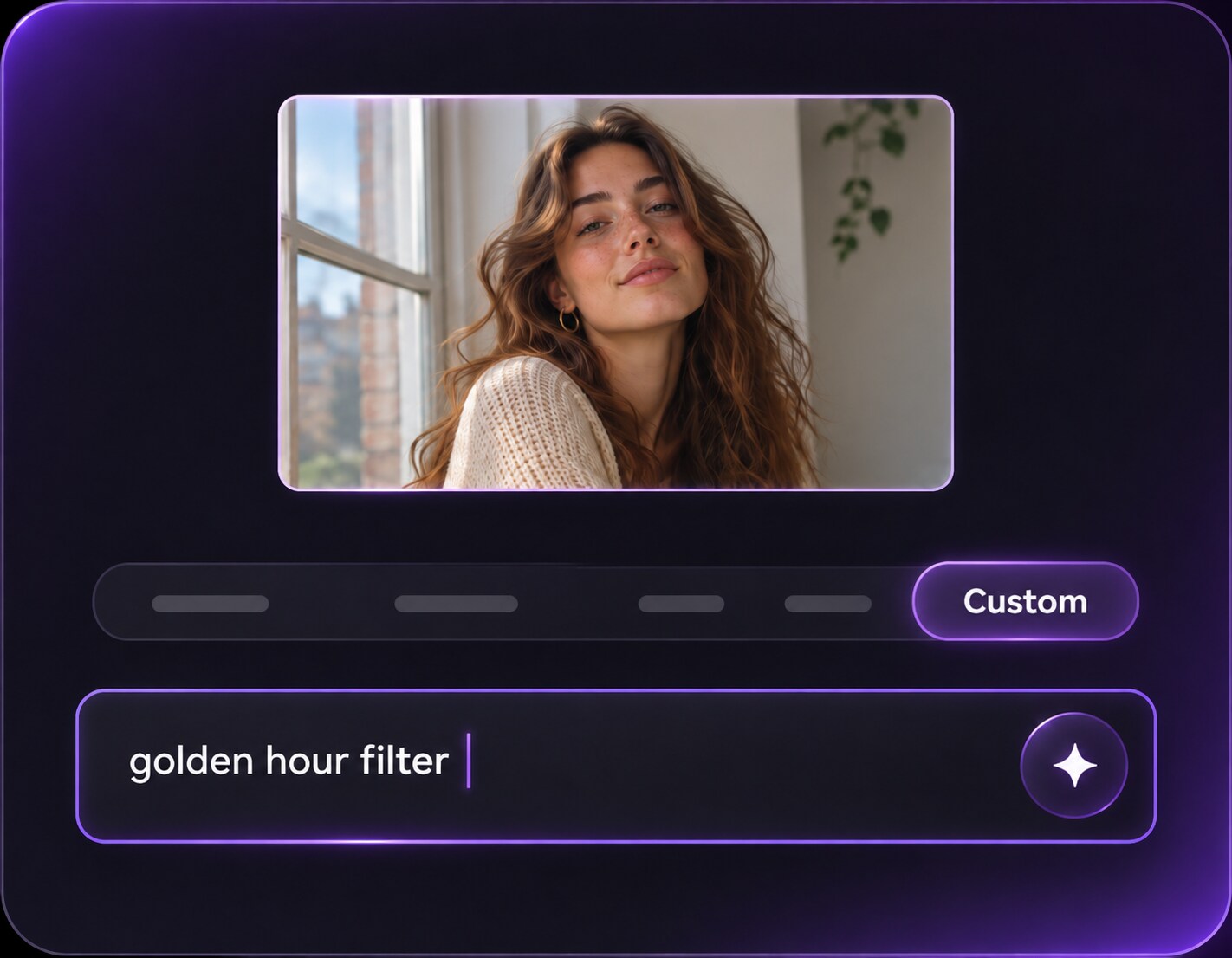
Prompt for a specific decade or historical setting, including coherent wardrobe, background and camera treatment. Ask to preserve recognizable facial features and pose while changing era elements.
Step 3
Generate and Review Period Details
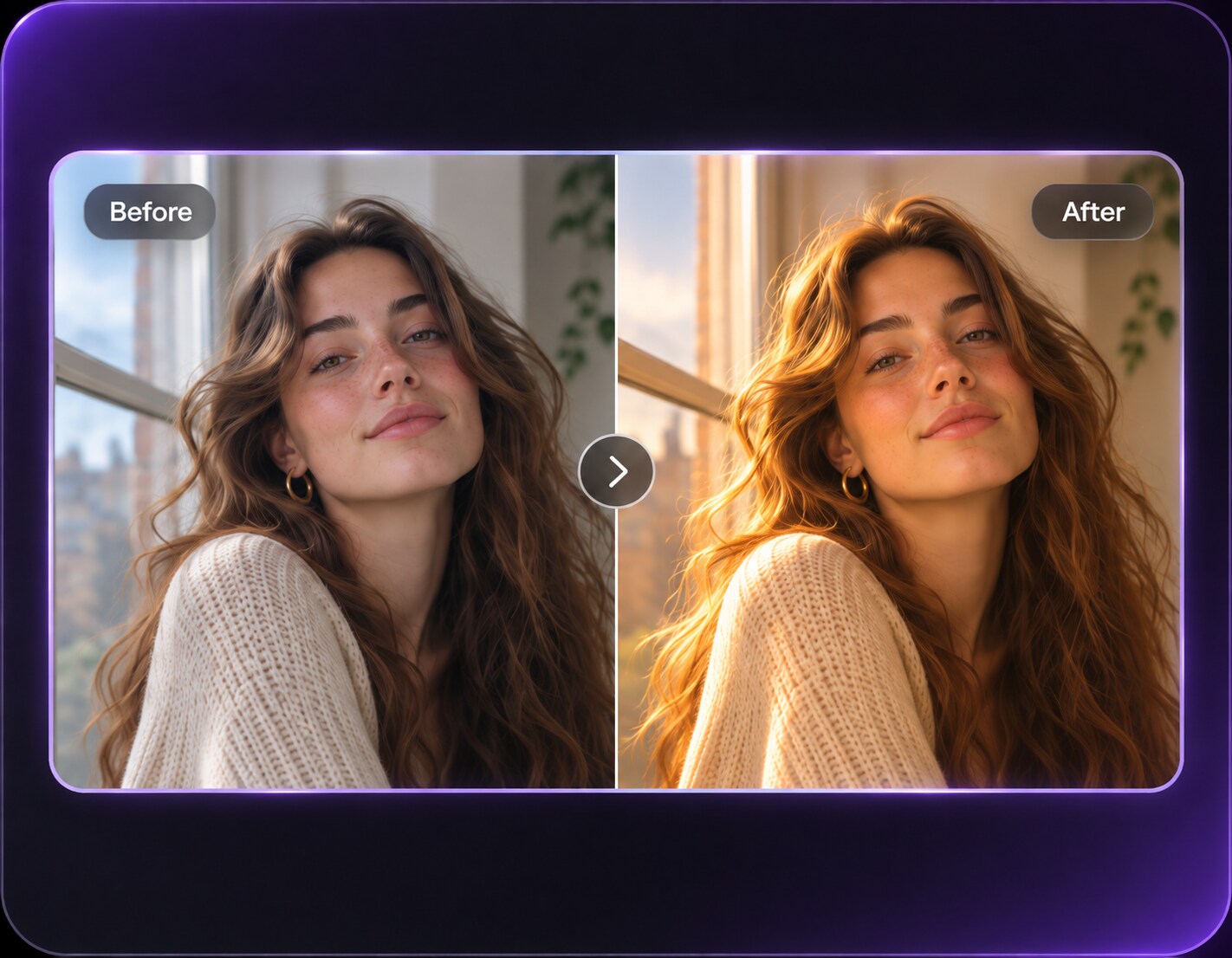
Click Generate and inspect clothing fasteners, objects, background architecture and facial similarity. Refine any modern objects or mixed-period details that break the concept.
Choose a look for the feeling or story you want to share. The more specific the era, the less likely the edit will become a random costume collage.
Decade-Throwback Social Challenges
Place yourself in a 1980s mall studio or 1990s school-photo setup with the right colors and camera treatment. Side-by-side images can be fun without suggesting they were really taken decades ago.
Family Album-Themed Portraits
Recreate the visual tone of an old family album by choosing era-specific clothing and studio backdrops, while keeping the person recognizable and labeling the result as AI-created. Keep the image labeled as an imaginative homage, not a real family artifact from that decade or evidence of an ancestor.
Historical-Style Profile Pictures
A Victorian library portrait or 1920s silver-gelatin headshot can make an expressive avatar. Consistent clothing and props matter more than adding random antique scratches. If Victorian clothing appears beside a modern smartphone, revise the prompt to keep the era and props visually consistent.
Era-Style Portrait Review Checklist
Era Coherence
Photo preview checklist
"Do wardrobe, architecture and photo texture agree on one period?" Mixed decades make the portrait look like generic costume fantasy.
Recognizable Face
Photo preview checklist
"Does the new image still resemble the uploaded adult?" Preserve face structure and expression even when clothing changes.
Artifact Quality
Photo preview checklist
"Are hands, jewelry and historical props plausible?" Check details where AI may invent impossible fasteners or objects.
Clear Context
Photo preview checklist
"Is the output obviously a creative interpretation?" Do not use it as an authentic historical photograph or imply an official service connection.
1. Is this the MyHeritage AI Time Machine product?
No. MyHeritage's branded AI Time Machine service was discontinued in January 2026. Media.io provides a separate approach to era-inspired creative photo editing, not the original branded service.
2. Can a single portrait become a 1920s or Victorian-style image?
You can request that style, but facial likeness and clothing detail depend on the source and output. Check the generated result for consistency.
3. Does a time machine filter make my face older?
It does not have to. You can request a historical era while keeping the person's present-day apparent age, or separately ask for an age change.
4. Which source photo is best for an era portrait?
A clear adult face with minimal occlusion and simple lighting gives the model a useful reference. Group scenes are harder to keep consistent.
5. How do I avoid mixed historical details?
Specify the decade, region, wardrobe, background architecture and photographic process. Avoid asking for several unrelated eras in one prompt.
6. Can I present the image as a real historical portrait?
It is an AI-generated creative image, not an archival record. Label it clearly when the context could otherwise mislead others.
More Ai Time Machine Filter and Related Photo Tools