Turn a Denim Photoshoot Into Fit-Led Video
Reuse approved denim imagery to explain wash, rise, cut, stitching, pockets, and movement. Media.io turns the source into an editable script and configurable AI ad video for launches, fit guides, and retargeting.















Where a Denim Model Photoshoot Falls Short Online
Build a fit guide, wash comparison, drop announcement, styling sequence, or retargeting hook from the denim assets your team already approved.

Portable Blender
shopify.com/products/blender

Red Shoulder Bag
shopify.com/products/red-shoulder-bag

World Cup Potato Chips
tiktokshop.com/products/world-cup-potato-chips

Glow Serum
tiktokshop.com/products/serum

Matcha Latte App
appstore.com/app/matcha-latte

Luxury Chronograph Watch
ebay.com/itm/luxury-chronograph-watch
Build Denim Ads Around Wash, Cut, and Fit
Denim shoppers scan for practical differences. A focused video can move from wash and hardware to rise, leg shape, stretch, and styling without sending the team back to set.
Denim Photos Can Blur Wash Details
Subtle fading, whiskering, and texture can disappear in compressed marketplace images.
Fit Terms Need Proof
Labels such as straight, relaxed, or wide leg need visual context to mean something.
Movement Is Missing
A rigid pose cannot show how denim bends, stacks, or moves through the day.
Campaign Cuts Pile Up
Every drop needs product detail, social, retargeting, and marketplace variations.
Four Ways Media.io Shapes the Denim Story
Media.io keeps the jeans details connected from source analysis through scripting, creative settings, and final video generation.
Read the Denim Before Writing the Hook
Start from the listing or owned photos so the video brief reflects the actual wash, rise, leg shape, stitching, pockets, and hardware.
✓Call out the wash so shoppers can see its finish clearly.
✓Frame the rise and leg shape to explain the fit.
✓Bring stitching and hardware closer to highlight construction quality.
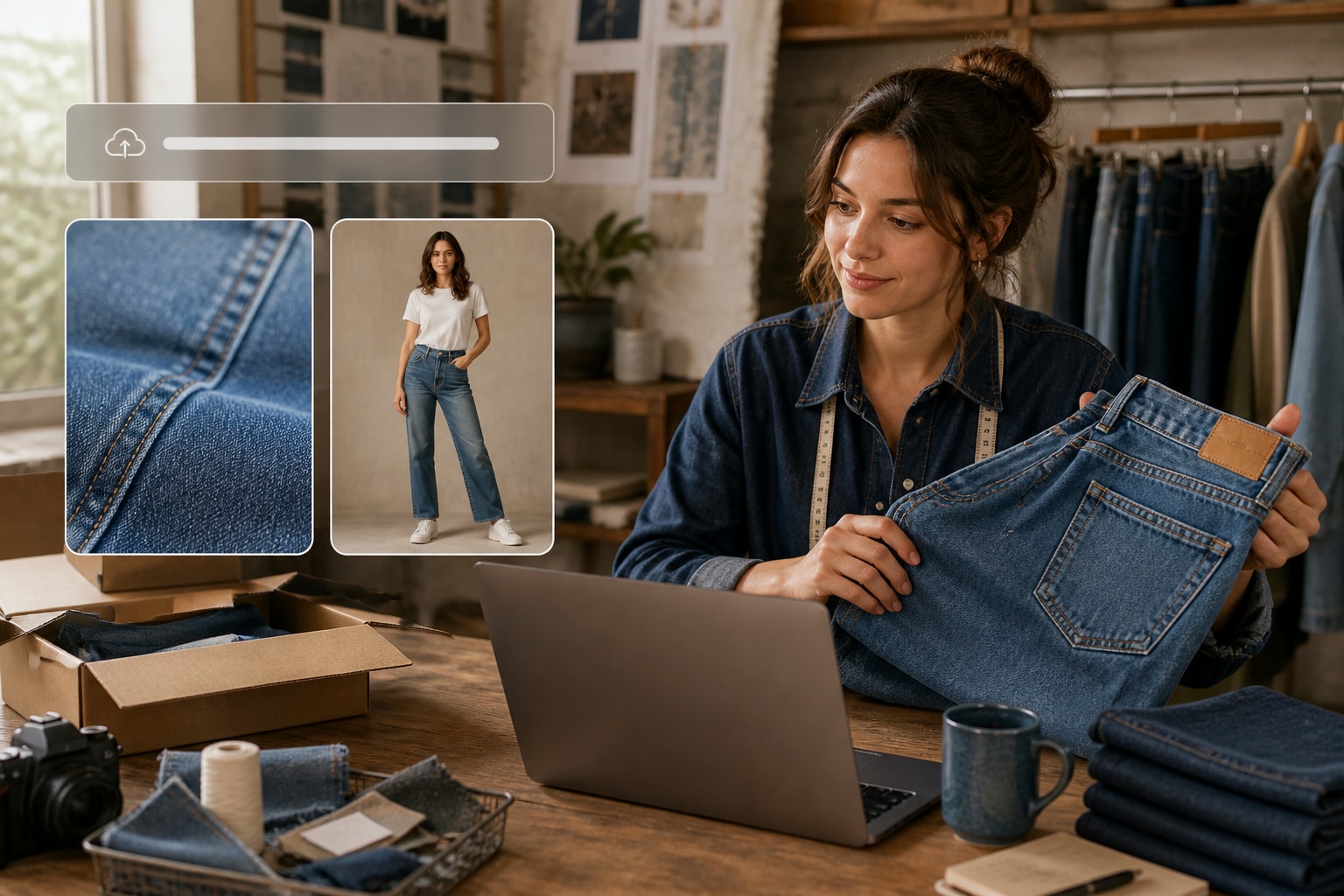
Create a Cut for Each Shopping Question
Use one source for a fit explainer, wash comparison, drop announcement, styling edit, or retargeting hook rather than forcing every audience into one montage.
✓Explain the fit quickly with a clear visual comparison.
✓Compare the wash and finish without hiding product details.
✓Build a drop-ready hook that creates interest in seconds.
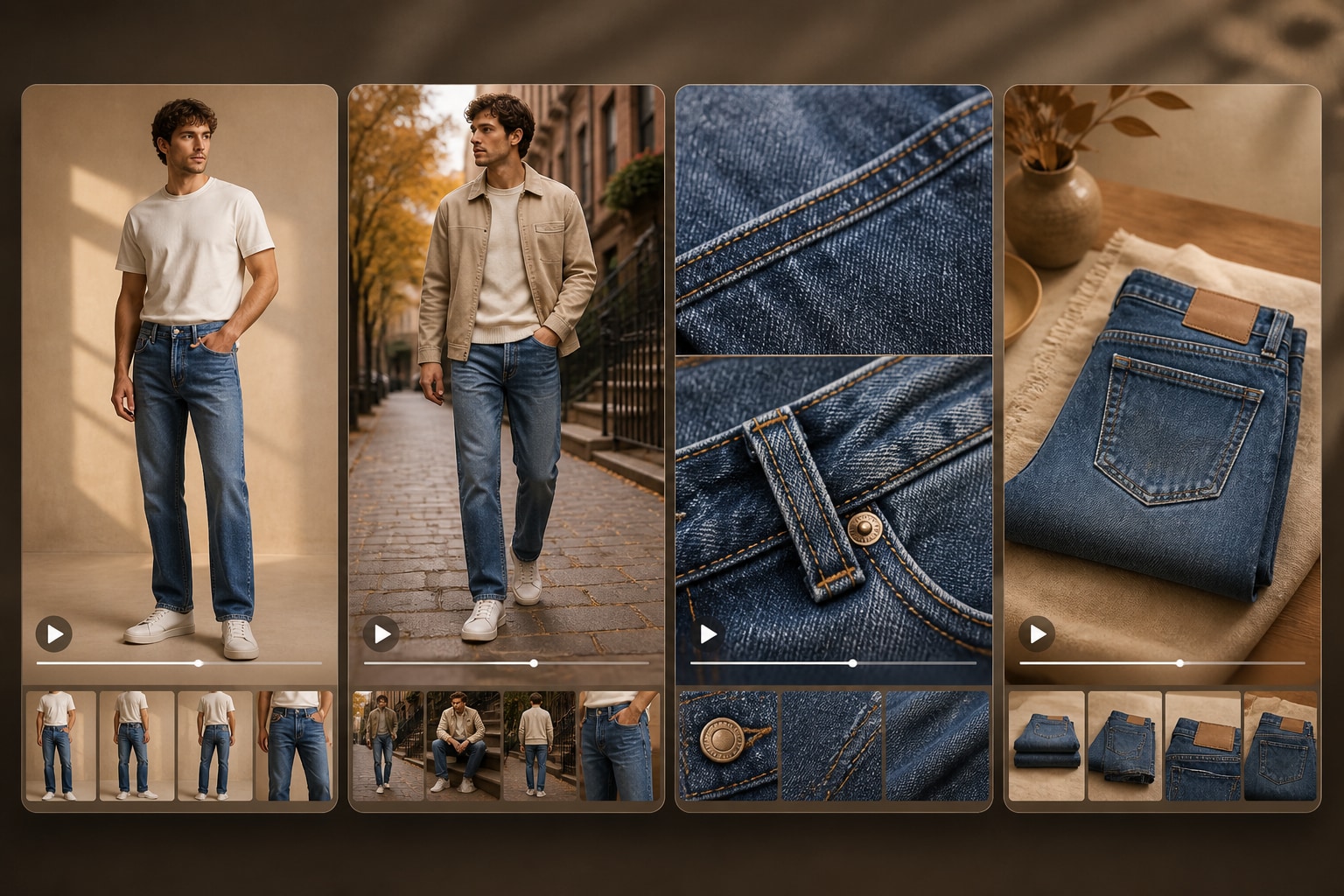
Set the Channel Before Rendering
Choose whether a character appears, select the visual style, then define ratio, duration, resolution, and quality for the destination.
✓Choose a model-led or product-led format for the campaign goal.
✓Use feed or vertical framing to match the destination.
✓Tune the pace and resolution before the denim video renders.

Review the Claims That Matter
Edit wording around stretch, sizing, comfort, durability, and fit, then inspect the generated scenes against the approved source.
✓Check stretch language against the official product specifications.
✓Verify sizing and fit statements before shoppers see them.
✓Avoid durability claims that the denim listing cannot support.
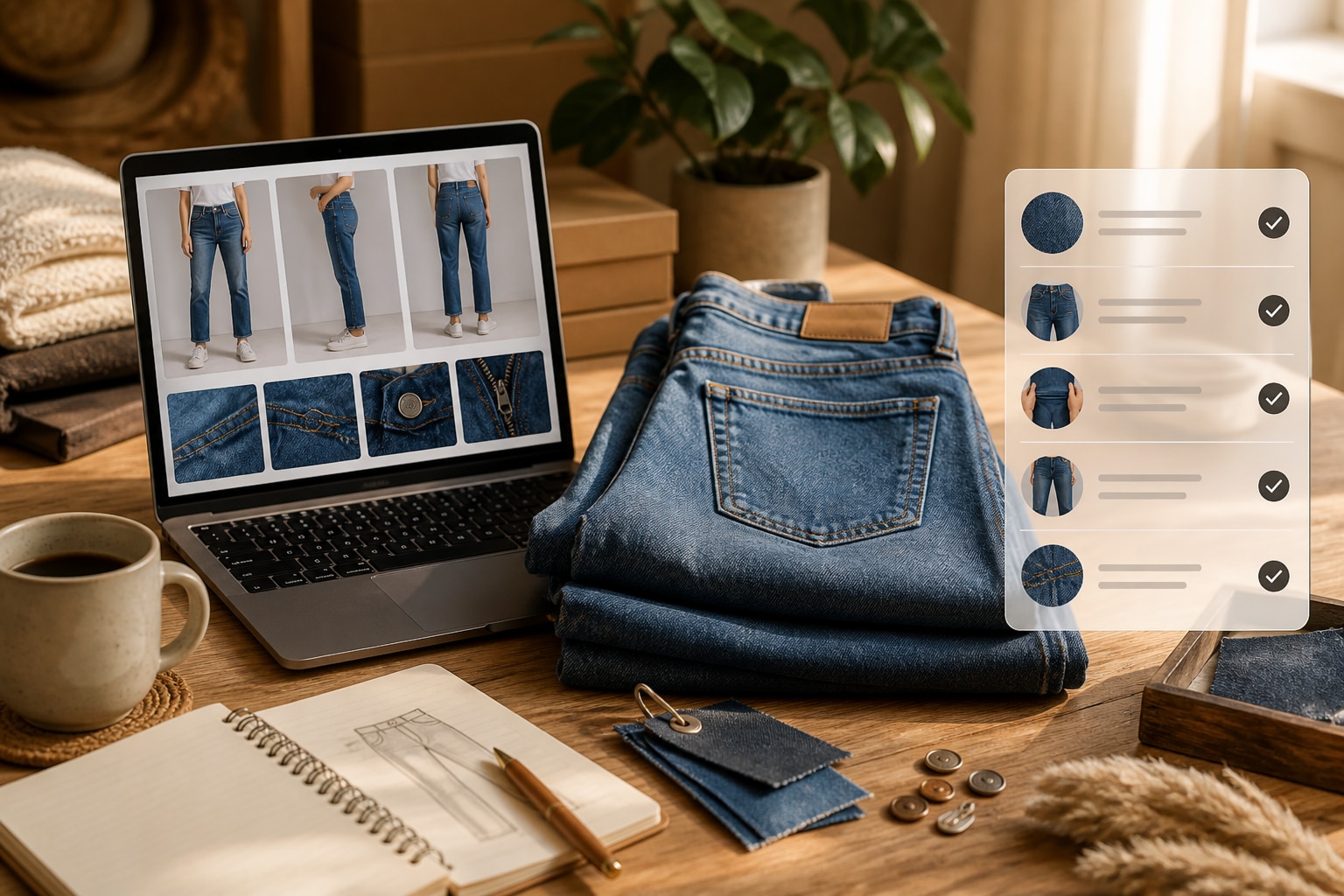
Move From Denim Listing to Video
Create a fit-led ad without separating product analysis, scripting, and video production into different briefs.
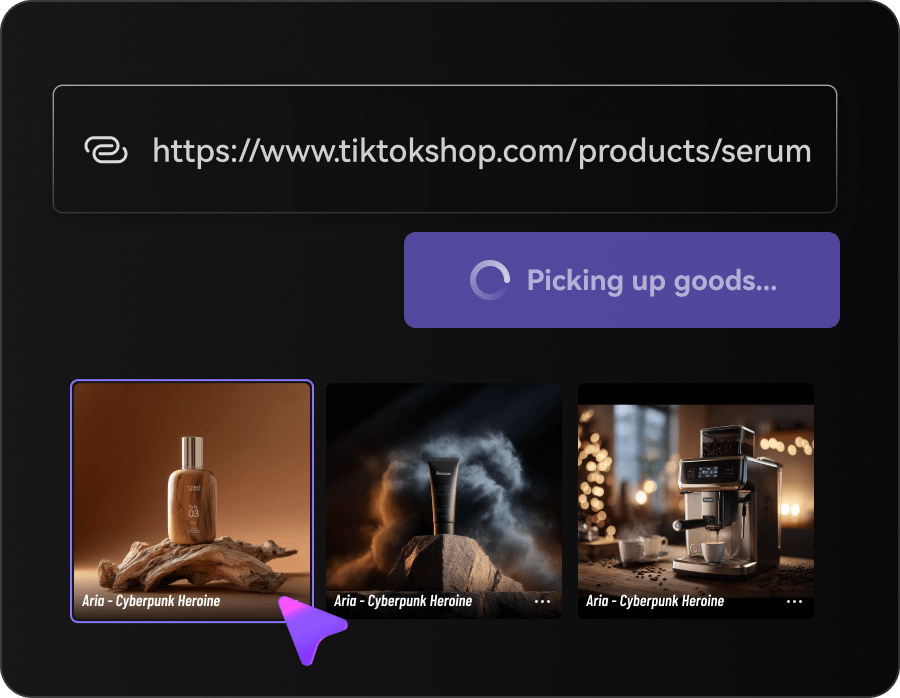
Bring In the Denim Source
Paste the jeans URL or upload your approved photos so the workflow can identify the product details.
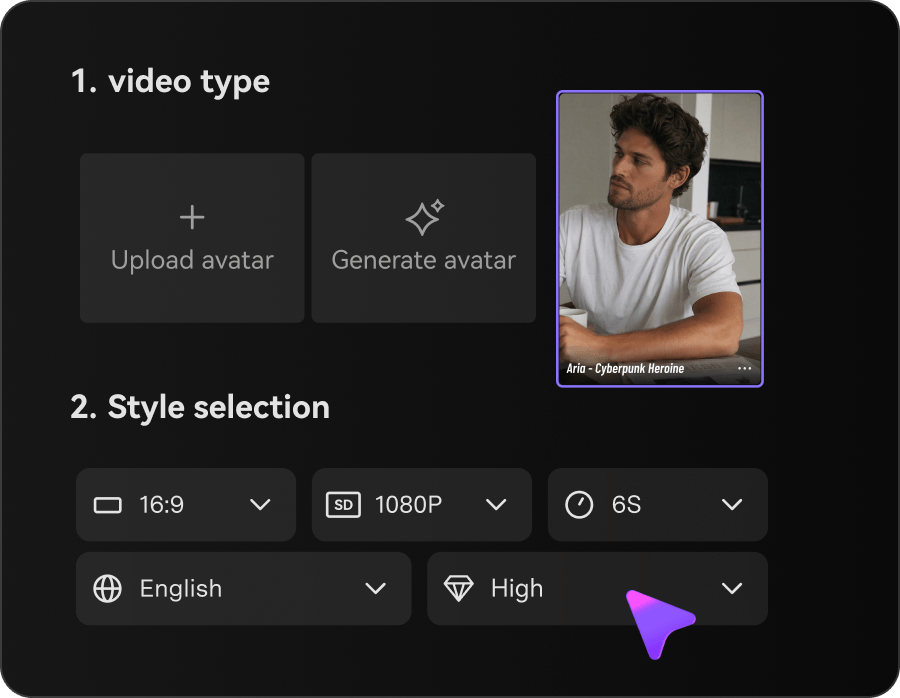
Choose the Fit Story
Select the style, presentation, aspect ratio, duration, resolution, and output quality for the campaign.
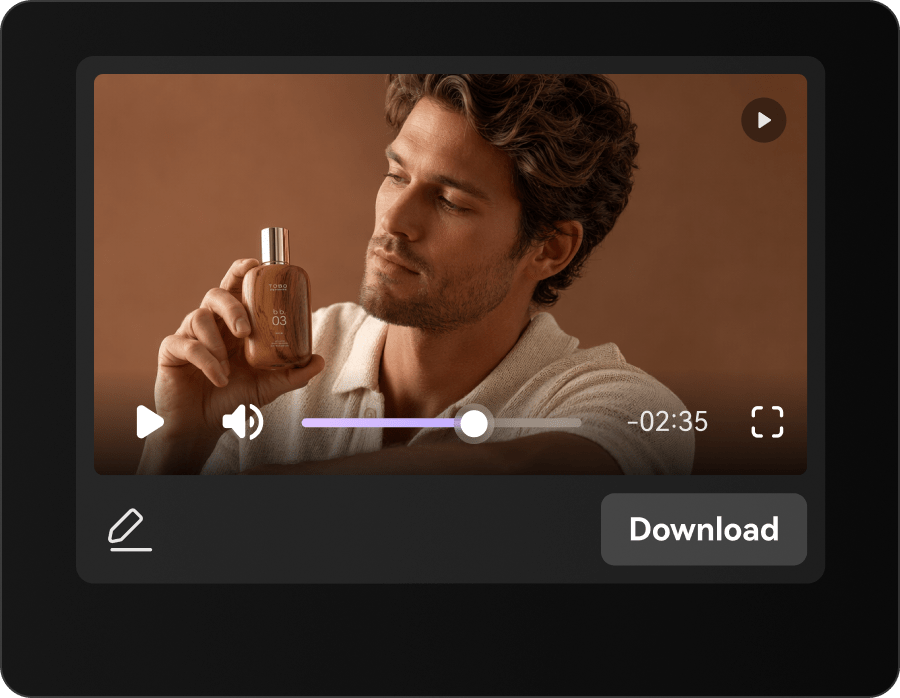
Edit, Generate, and Check
Refine the script, generate the scenes, and confirm wash, hardware, proportions, and claims before publishing.
Denim Video Creative Across the Sales Funnel
Use the same shoot to answer fit questions, announce drops, refresh listings, and build retargeting creative.
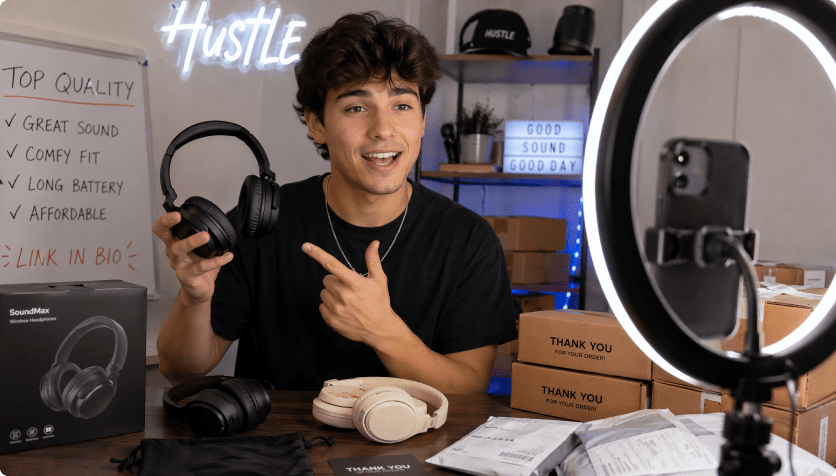
Denim Labels
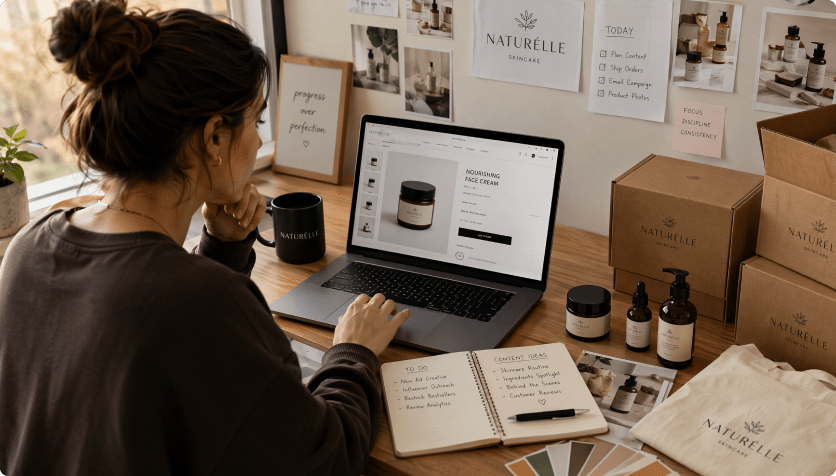
Give signature washes and construction details a recognizable launch story.
Jeans Retailers
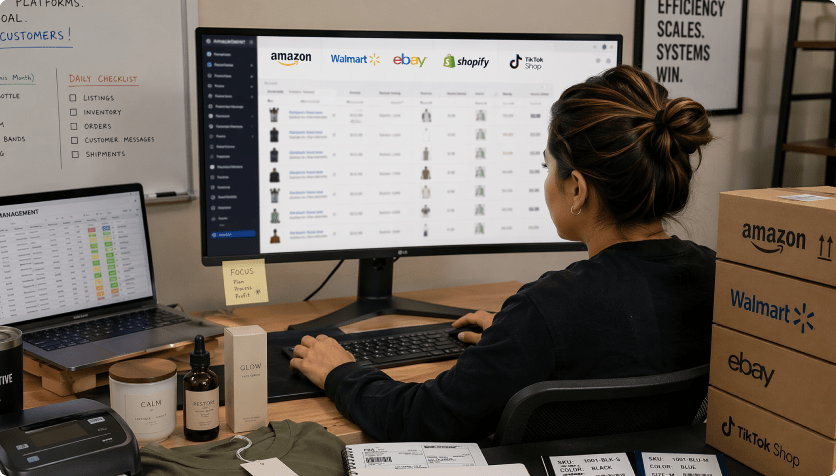
Help shoppers compare rise, cut, and finish without reading a wall of copy.
Marketplace Teams
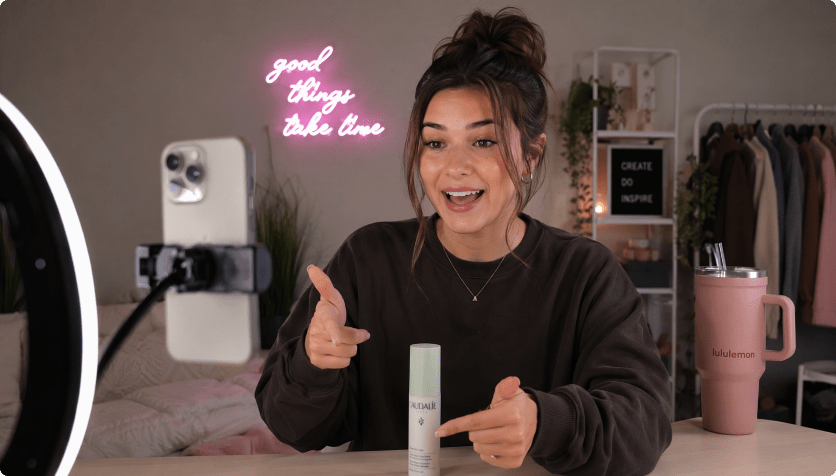
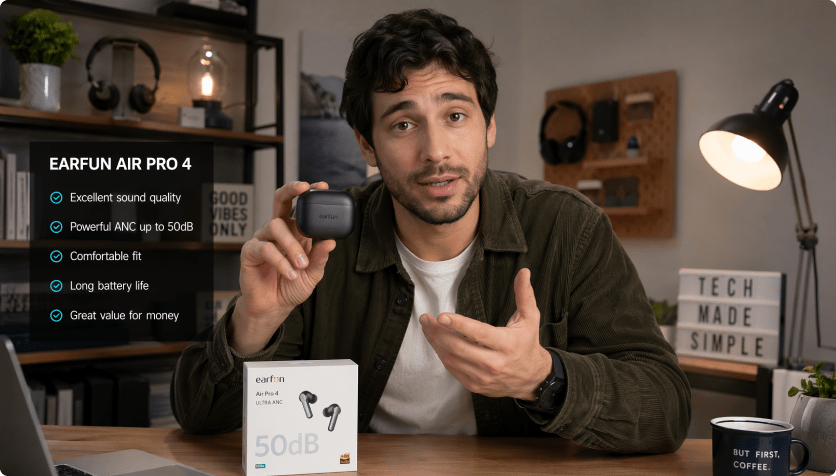
Add fast visual context to crowded jeans listings.

Get More Campaign Value From the Denim Shoot
The Repeated Denim Content Route

- Re-enter wash, rise, cut, stitching, pockets, fit, and movement in every brief
- Plan every scene and format manually
- Coordinate separate image, copy, and video handoffs
- Resize the same source for every channel
- Catch wash, fit, stretch, size, and durability claims late in production
- Produce too few versions for denim drops, fit guides, and retargeting
Media.io AI Ads For Denim Model PhotoshootMedia.io AI Ad Generator
- Import the denim listing once
- Carry wash, rise, cut, stitching, pockets, fit, and movement into the script
- Choose styles and controllable video settings
- Review the script before rendering
- Create several formats from one source
- Inspect accuracy before publishing
How Denim Teams Rework Shoot Assets
A traditional workflow treats every format as a new production request. Media.io lets teams reshape the same approved source into fit, wash, launch, and retargeting cuts.


Our wash details stayed visible instead of disappearing behind fast transitions.

The fit-guide cut answered a different question than the launch teaser, using the same photos.

We adjusted the vertical framing before generation and avoided a separate mobile edit.

The script review caught a stretch claim that was not in the product specifications.

The result felt like a denim campaign, not a generic apparel slideshow.

One approved shoot now supports our listing, social, and retargeting creative.
Denim Model Photoshoot Video FAQs
How Does Media.io Animate a Denim Photoshoot?
It analyzes the listing or uploaded shoot images, drafts a product-led script, applies your settings, and generates a denim video for review.
Can I Upload Finished Denim Campaign Photos?
Yes. Use images you own or have permission to use, especially when the campaign styling matters to the final video.
Which Denim Details Need Review?
Inspect wash, rise, leg shape, seams, pockets, hardware, color, proportions, and claims about stretch, fit, or durability.
What Source URL Should I Use?
Choose an accessible product or campaign page with clear jeans imagery and accurate specifications, or upload approved files directly.
Which Denim Video Formats Work Well?
Fit guides, wash comparisons, launch reveals, styling edits, reviews, close-ups, and short retargeting hooks are useful options.
Do I Need Professional Editing Skills?
No. The guided controls handle presentation, style, ratio, duration, resolution, quality, script editing, and generation.
Where Can I Use Denim Videos?
Publish them on product pages, marketplaces, paid social, organic channels, landing pages, and seasonal campaign hubs.
Can I Correct the Script Before Rendering?
Yes. Revise product facts, fit language, tone, scene order, and selling points before generating the video.
Will the Video Automatically Meet Ad Policies?
No. Review the final creative for rights, accuracy, claims, and each platform's current advertising requirements.
More AI Tools for Denim Creative

 4.7 (162,357 Votes)