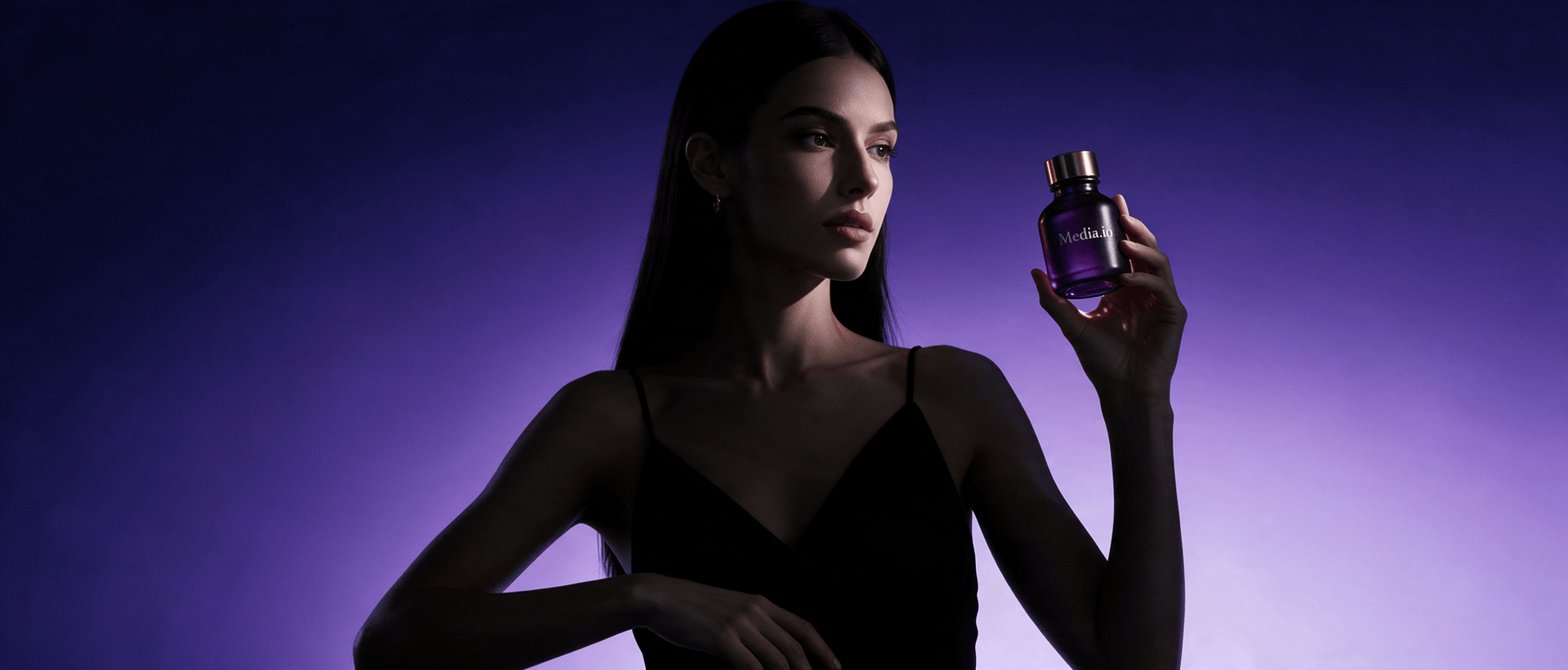
Turn Bodysuit Images Into Clearer Product Stories
Show how the silhouette, neckline, closures, fabric, and layering potential come together. Media.io turns a bodysuit URL or owned images into a guided script and editable AI ad video.















Why Bodysuit Images Need More Fit Context
Shape the creative as a construction explainer, layering demo, color reveal, review, or social cut without losing the garment context.

Portable Blender
shopify.com/products/blender

Red Shoulder Bag
shopify.com/products/red-shoulder-bag
World Cup Potato Chips
tiktokshop.com/products/world-cup-potato-chips

Glow Serum
tiktokshop.com/products/serum

Matcha Latte App
appstore.com/app/matcha-latte

Luxury Chronograph Watch
ebay.com/itm/luxury-chronograph-watch
Build Bodysuit Ads Around Fit and Layering
Bodysuits are simple at first glance but highly specific in fit. Build video around coverage, shaping, fastening, stretch, and outfit pairing so shoppers can understand more before they click.
Static Bodysuit Photos Lack Fit Context
A front-facing image may not communicate shaping, rise, or the intended line under clothing.
Closures Stay Hidden
Snap, hook, zip, or pull-on construction often receives little visual explanation.
Layering Is Hard to Picture
Shoppers need to see whether the bodysuit works under denim, tailoring, skirts, or jackets.
Fit Copy Feels Abstract
Words such as sculpting, smoothing, or supportive require careful, source-based presentation.
Four Ways Media.io Shapes the Bodysuit Story
Use Media.io to translate garment construction into a concise visual sequence with editable scripts and placement-ready settings.
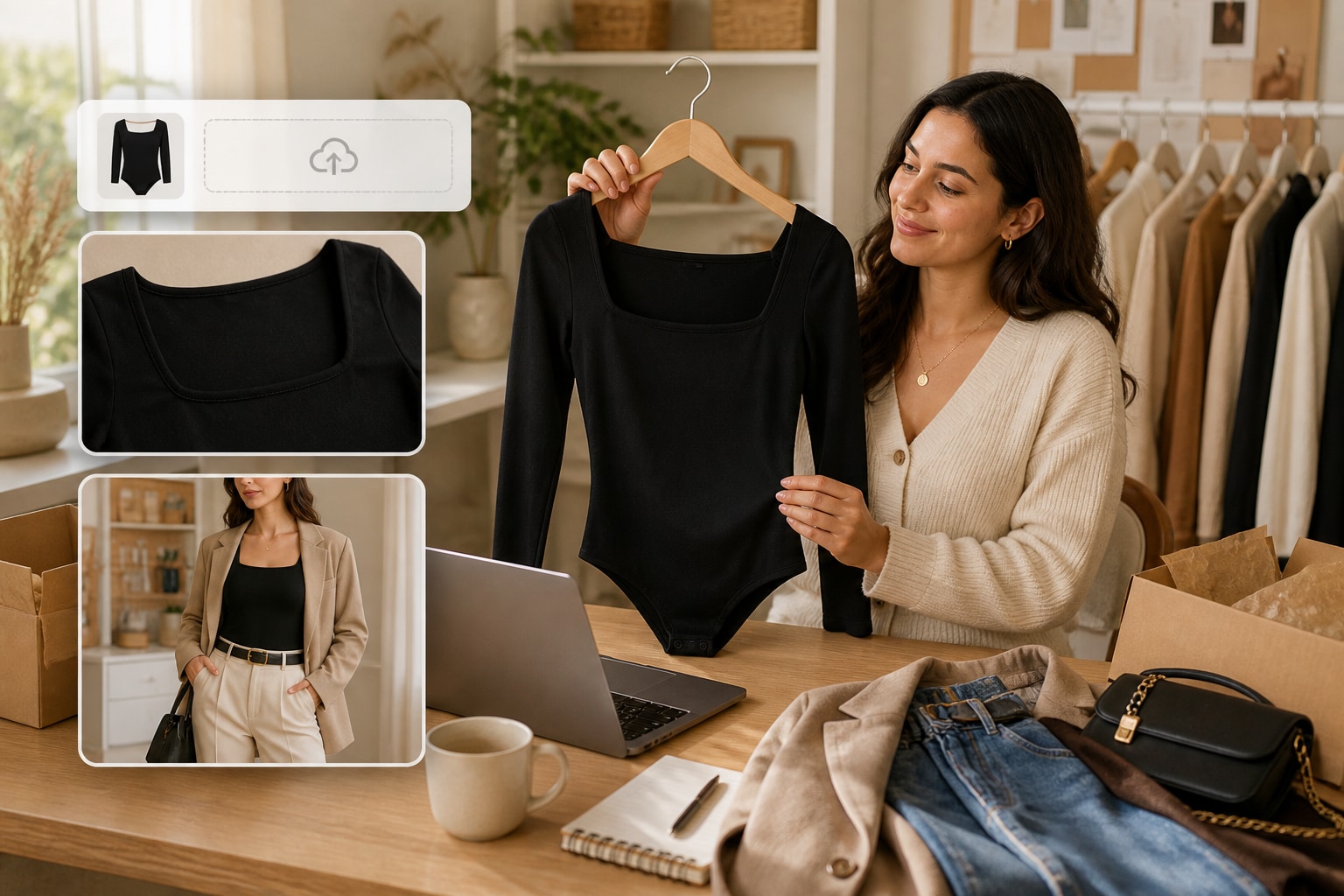
Start With the Actual Garment Details
Media.io reviews the URL or uploaded images for silhouette, neckline, fabric, closures, coverage, and color before shaping the first scene.
✓Define the silhouette so the intended shape is immediately clear.
✓Show the neckline and closures to explain garment construction.
✓Keep coverage details visible and grounded in the source images.
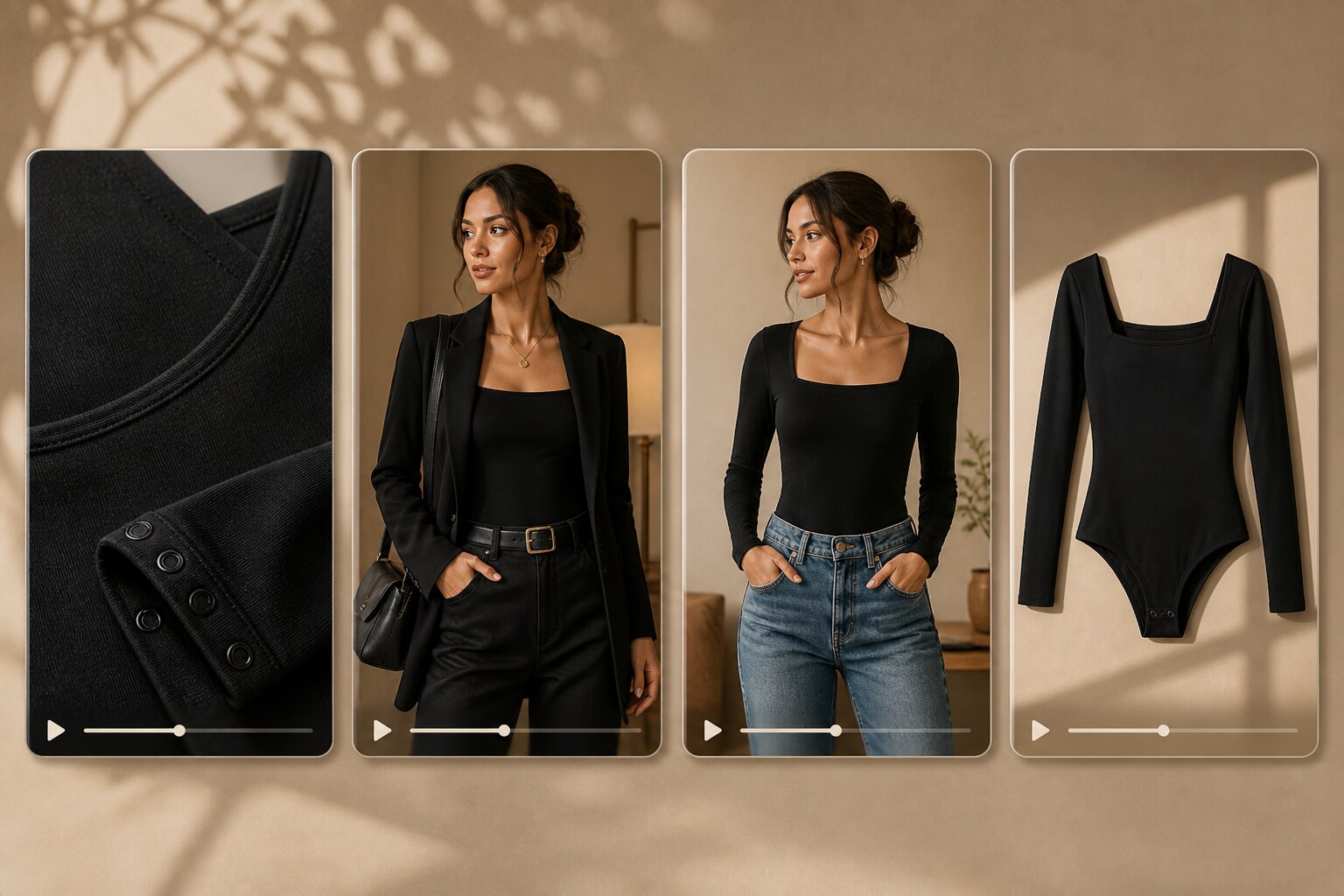
Move From Product Proof to Outfit Ideas
Create a construction-led product cut, a layering story, a new-color reveal, or a short social edit from one approved source.
✓Explain how the bodysuit fastens in a clear product sequence.
✓Pair it with key layers to demonstrate outfit versatility.
✓Create a quick color reveal for launch and social placements.
Control How the Product Appears
Choose character or product-only presentation, visual style, ratio, resolution, duration, and quality before generation.
✓Select the presentation mode that keeps the garment easy to inspect.
✓Frame the bodysuit clearly without cropping important construction details.
✓Match the pacing to the product page or social channel.
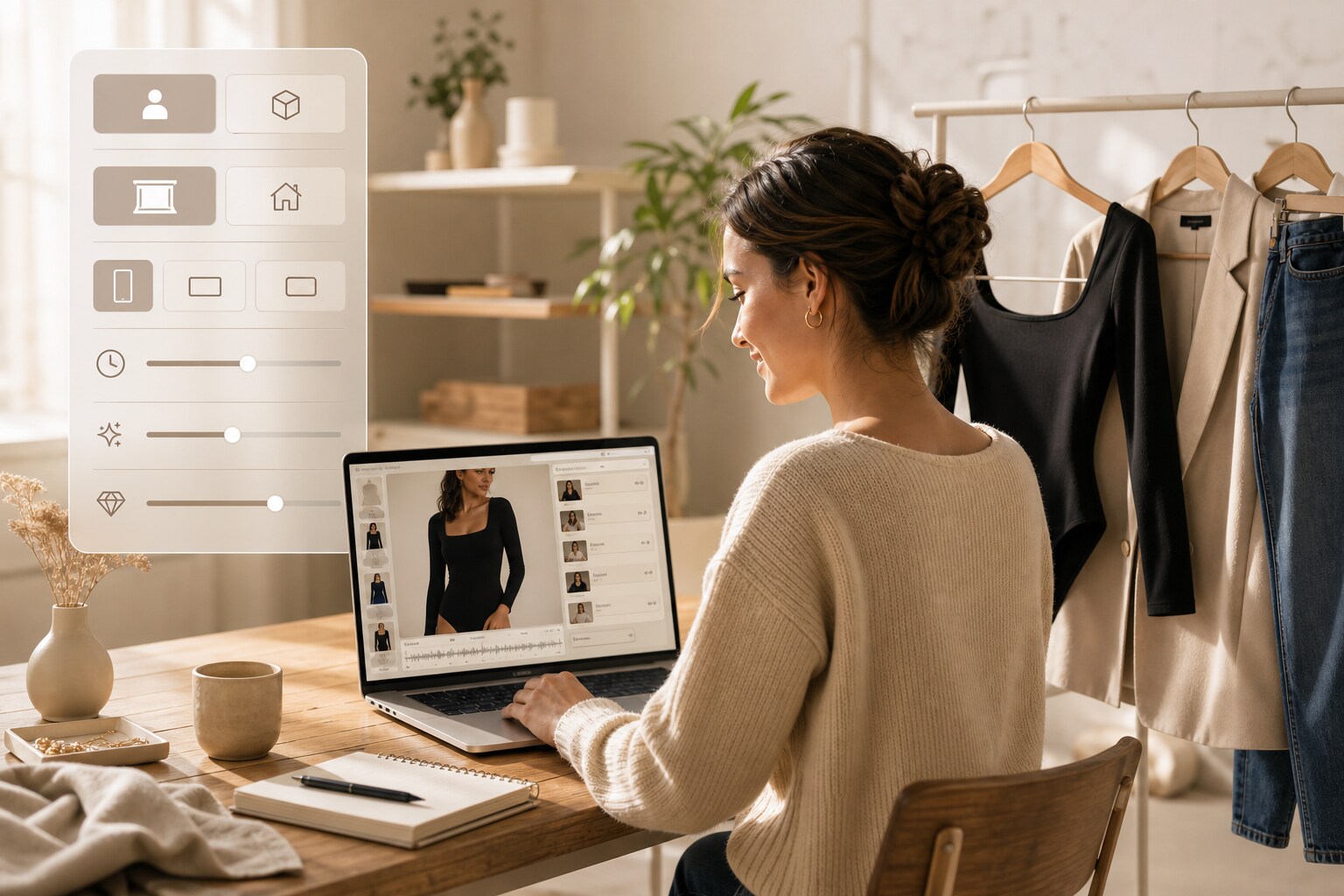
Review Sensitive Fit Language
Edit the script and check the scenes so wording around shaping, support, coverage, comfort, fabric, and fit does not go beyond the source.
✓Check shaping claims before they appear in the generated script.
✓Confirm that coverage language matches the approved product information.
✓Review comfort and fit statements for accuracy before publishing.
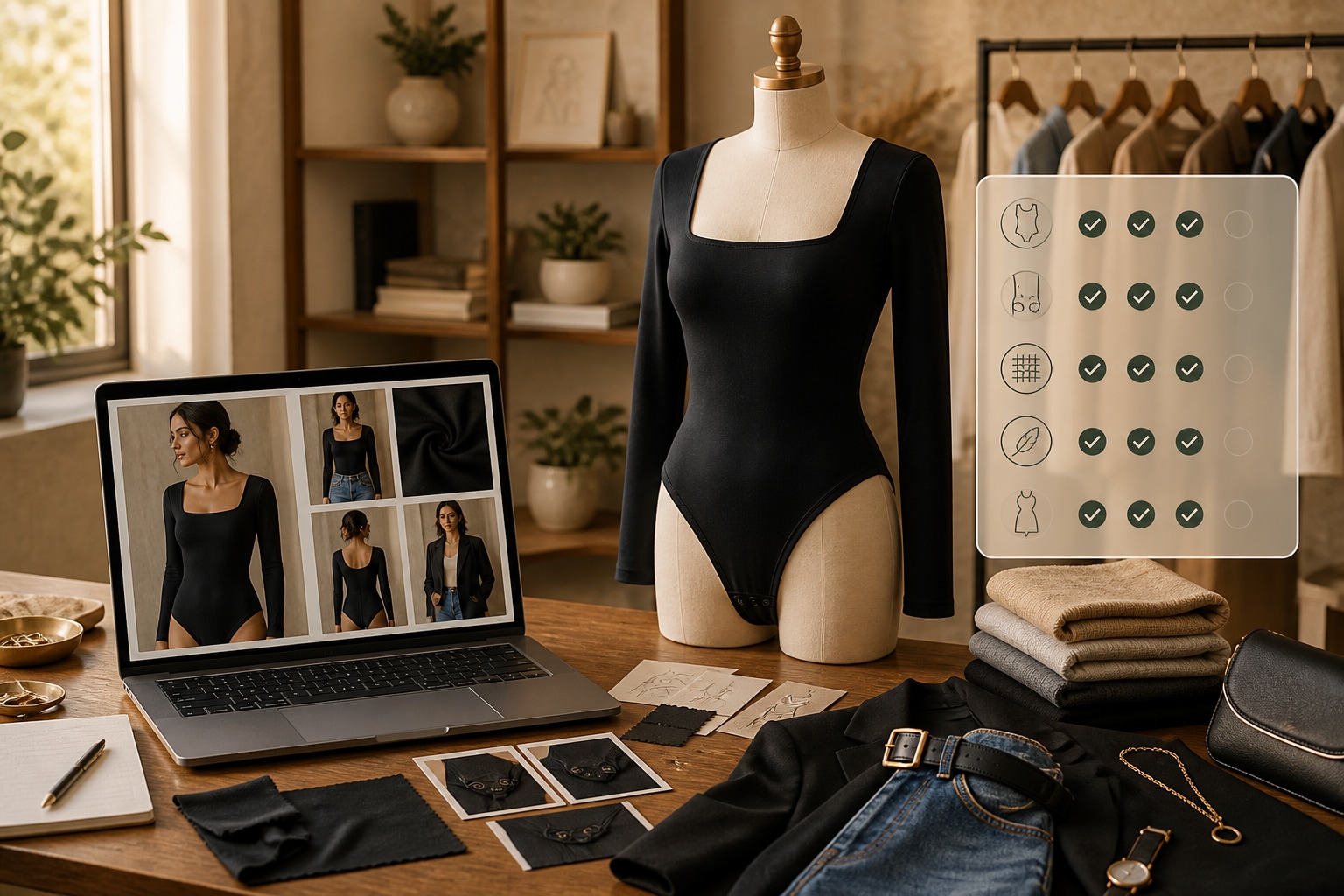
Create a Bodysuit Video Without a Reshoot
Bring product facts, outfit direction, script editing, and AI video generation into one practical flow.
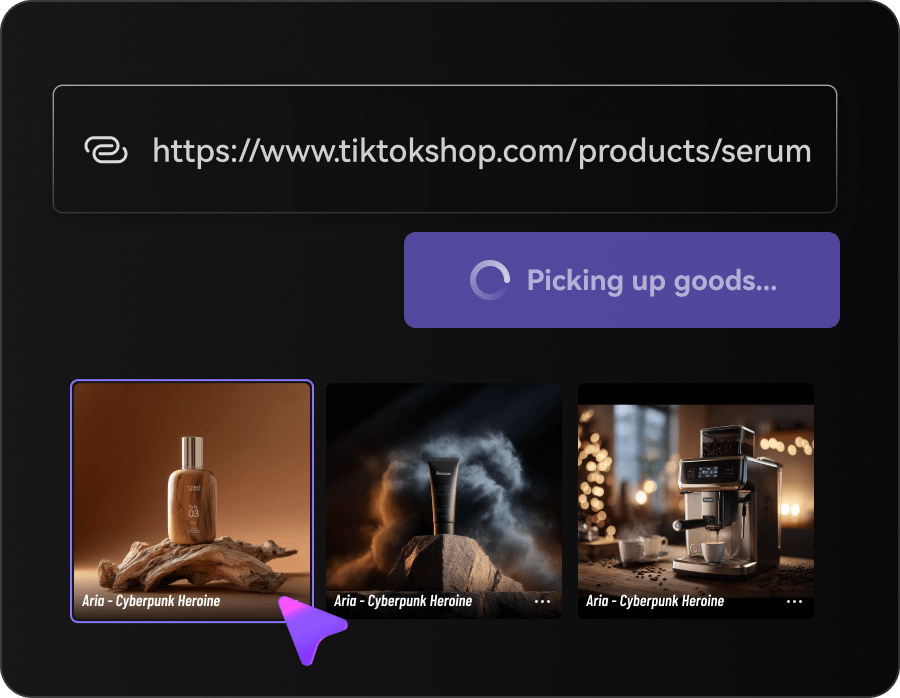
Add Your Bodysuit Source
Paste the listing URL or upload owned images with a clear view of the garment and construction.
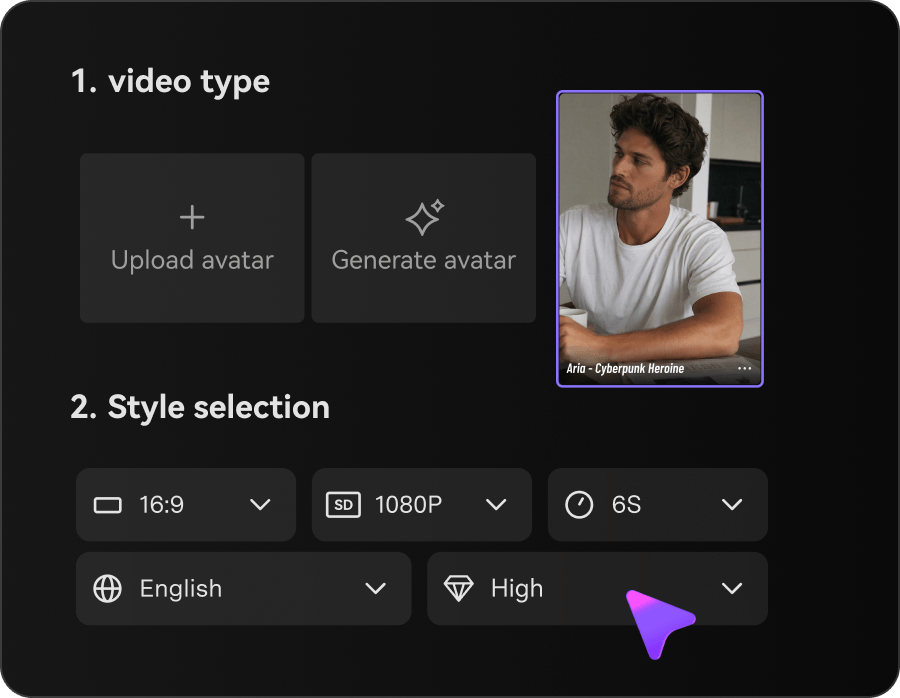
Plan the Product Story
Choose the presentation style, ratio, duration, resolution, quality, and whether a character appears.
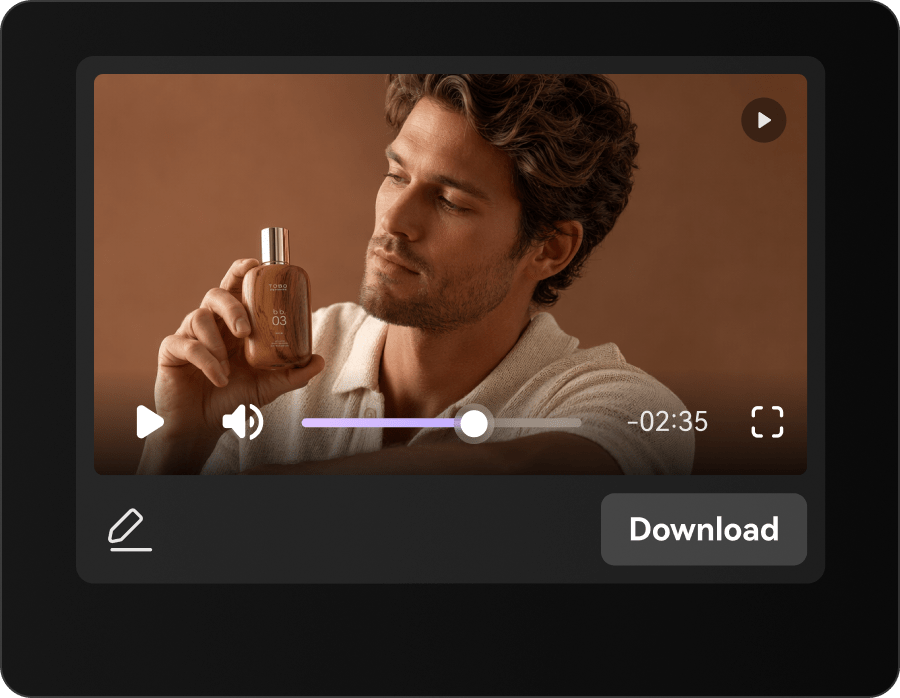
Generate and Review
Refine the script, generate the video, and inspect fit, coverage, color, closures, and claims before use.
Bodysuit Video Content for Modern Fashion Teams
Use focused product video to support education, styling, launch creative, and marketplace conversion.
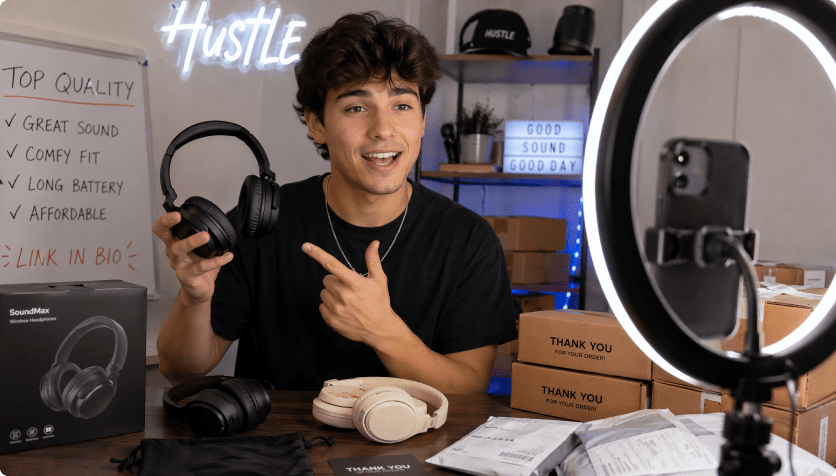
Intimates Brands
Explain construction and coverage with clear, careful product storytelling.
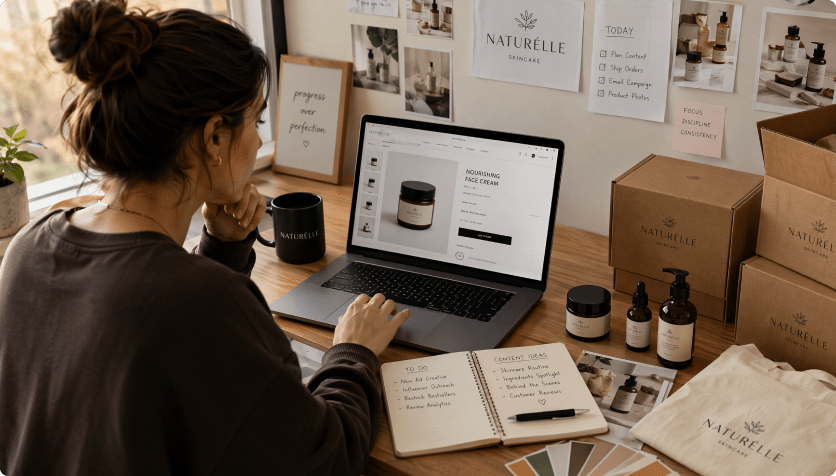
Fashion Boutiques
Show how one bodysuit anchors several outfits and occasions.
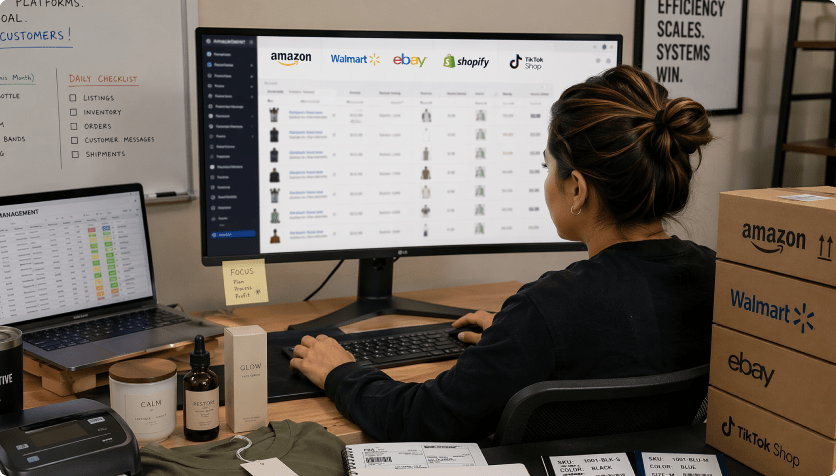
Marketplace Sellers
Bring closures, neckline, and fit information closer to the shopper.
Make Bodysuit Creative Without Rebuilding Production
The Repeated Bodysuit Content Route

- Re-enter silhouette, neckline, fabric, closures, layering, color, and fit in every brief
- Plan every scene and format manually
- Coordinate separate image, copy, and video handoffs
- Resize the same source for every channel
- Catch fit, shaping, coverage, fabric, and comfort claims late in production
- Produce too few versions for new-SKU launches and outfit education
Media.io AI Ads For Bodysuit ImagesMedia.io AI Ad Generator
- Import the bodysuit listing once
- Carry silhouette, neckline, fabric, closures, layering, color, and fit into the script
- Choose styles and controllable video settings
- Review the script before rendering
- Create several formats from one source
- Inspect accuracy before publishing
How Teams Add Context to Bodysuit Images
Instead of reshooting every styling and format variation, keep the approved garment source connected to new scripts, settings, and video concepts.

The closure detail finally appeared early enough to answer a common shopper question.

We built a clean product explainer and a layering edit from the same source.

The product-only option gave us a useful alternative to another model-led cut.

Script editing helped us soften a shaping claim before the video was generated.

The sequence made the bodysuit easier to understand without overloading the page.

We reused the approved listing across marketplace, social, and landing-page placements.
Bodysuit Images Video FAQs
How Are Bodysuit Images Turned Into Video?
Media.io analyzes the product source, creates a focused script, applies your visual settings, and generates a bodysuit video for review.
Can I Upload My Own Bodysuit Photos?
Yes. Upload approved product or model images when they show the construction, coverage, or styling more clearly than a public page.
What Should I Inspect Before Publishing?
Review silhouette, neckline, closures, coverage, color, proportions, text, and any statements about shaping, support, comfort, or fit.
Which URLs Produce the Best Source?
Use accessible product pages with clear imagery, accurate specifications, and useful selling points, or upload images directly.
Which Bodysuit Video Styles Can I Create?
Try product explainers, layering demos, new-color reveals, lifestyle edits, reviews, comparisons, and short social hooks.
Is Video Editing Experience Necessary?
No. Media.io provides guided controls for style, presentation, format, script review, and video generation.
Where Can the Video Be Published?
Use it on ecommerce pages, marketplaces, paid social, organic posts, landing pages, and seasonal fashion campaigns.
Can I Adjust Fit Language in the Script?
Yes. Edit garment facts, fit wording, tone, selling points, and scene order before you generate the final video.
Does Media.io Guarantee Platform Approval?
No. You are responsible for reviewing product accuracy, usage rights, claims, and platform compliance before publishing.
More AI Tools for Apparel Content

 4.7 (162,357 Votes)