Waterfall AI Generator for Realistic, Fantasy, and Anime Scenes
Create stunning waterfall AI images from text in seconds with Media.io. This page is built for AI-generated waterfall art, not geology definitions, so you can make realistic landscapes, dreamy fantasy scenes, anime backgrounds, and wallpaper-ready visuals fast.
Review these example directions, then tailor the prompt details to get stronger results with this Waterfall AI.
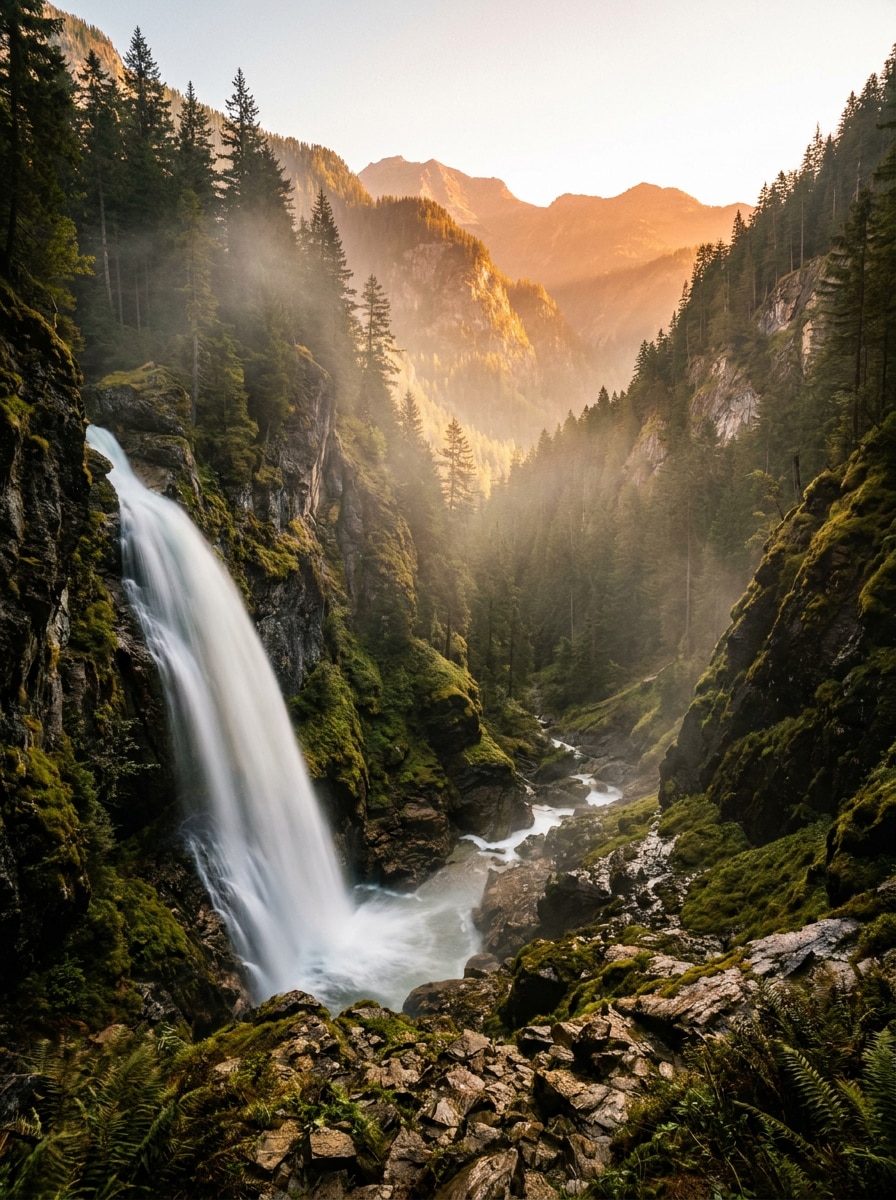
Cinematic Mountain Waterfall
A cinematic ultra-realistic waterfall plunging through a vast mountain valley at sunrise, framed by rugged cliffs and pine forests, glowing golden light through soft mist, crisp rock textures, flowing white water, dramatic depth, natural color grading, long-exposure photography feel, ultra-detailed landscape composition.
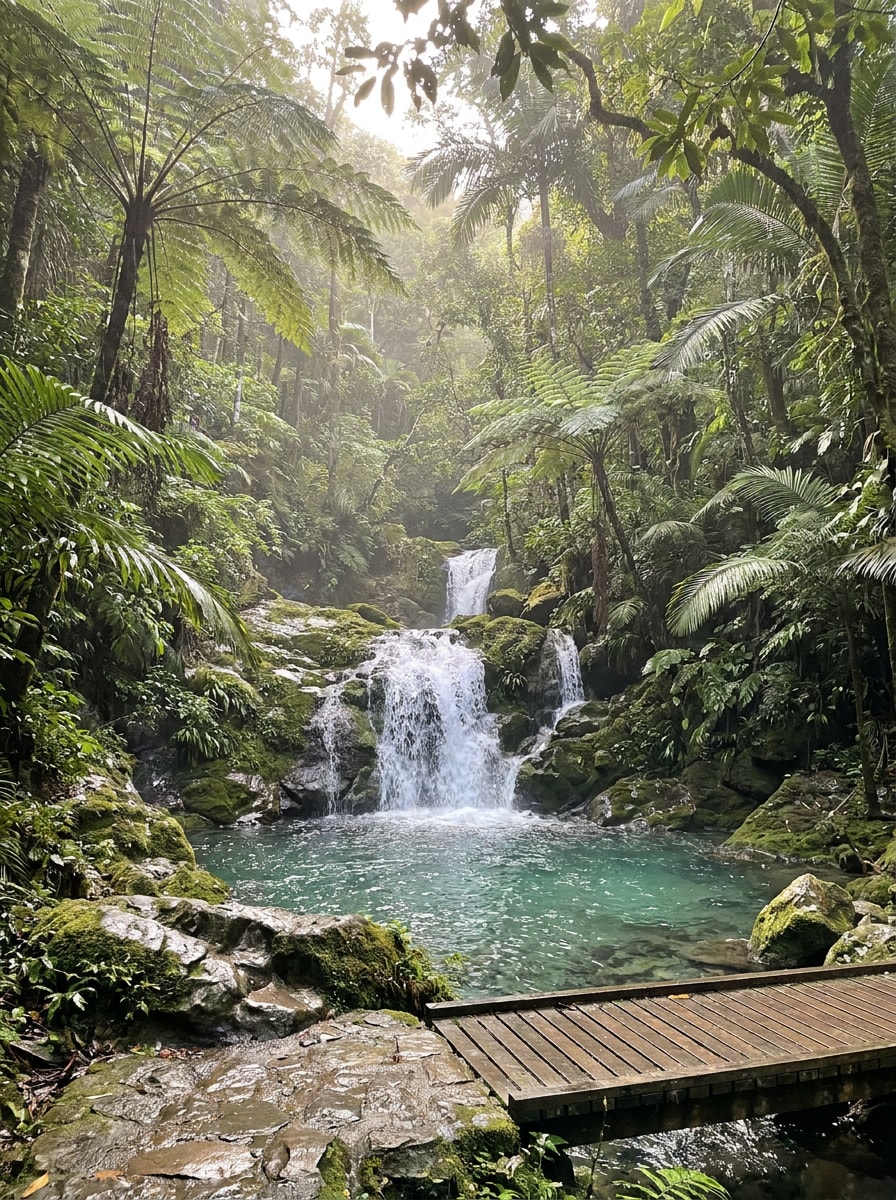
Travel Photography Waterfall
A photorealistic tropical waterfall hidden in a lush rainforest, pouring into a crystal-clear turquoise pool, layered green foliage, wet stone surfaces, soft natural sunlight filtering through leaves, fresh and serene mood, balanced travel photography composition, realistic textures, vibrant yet natural colors, high-detail destination imagery.
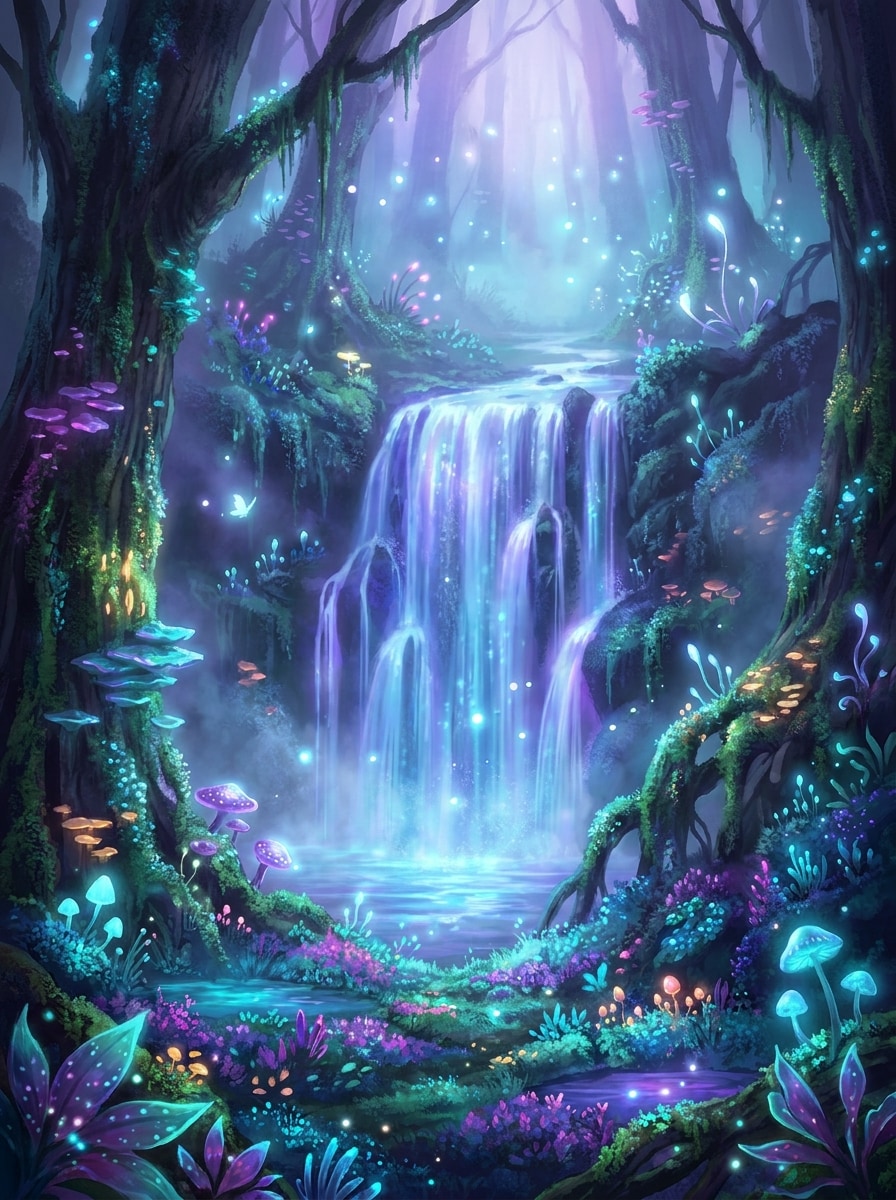
Glowing Fantasy Falls
An enchanted fantasy waterfall glowing with blue and violet light in a mystical forest, surrounded by bioluminescent plants, floating particles, dreamy mist, luminous water reflections, magical atmosphere, rich jewel-tone palette, detailed fantasy concept art, elegant composition, immersive depth, soft radiant lighting.
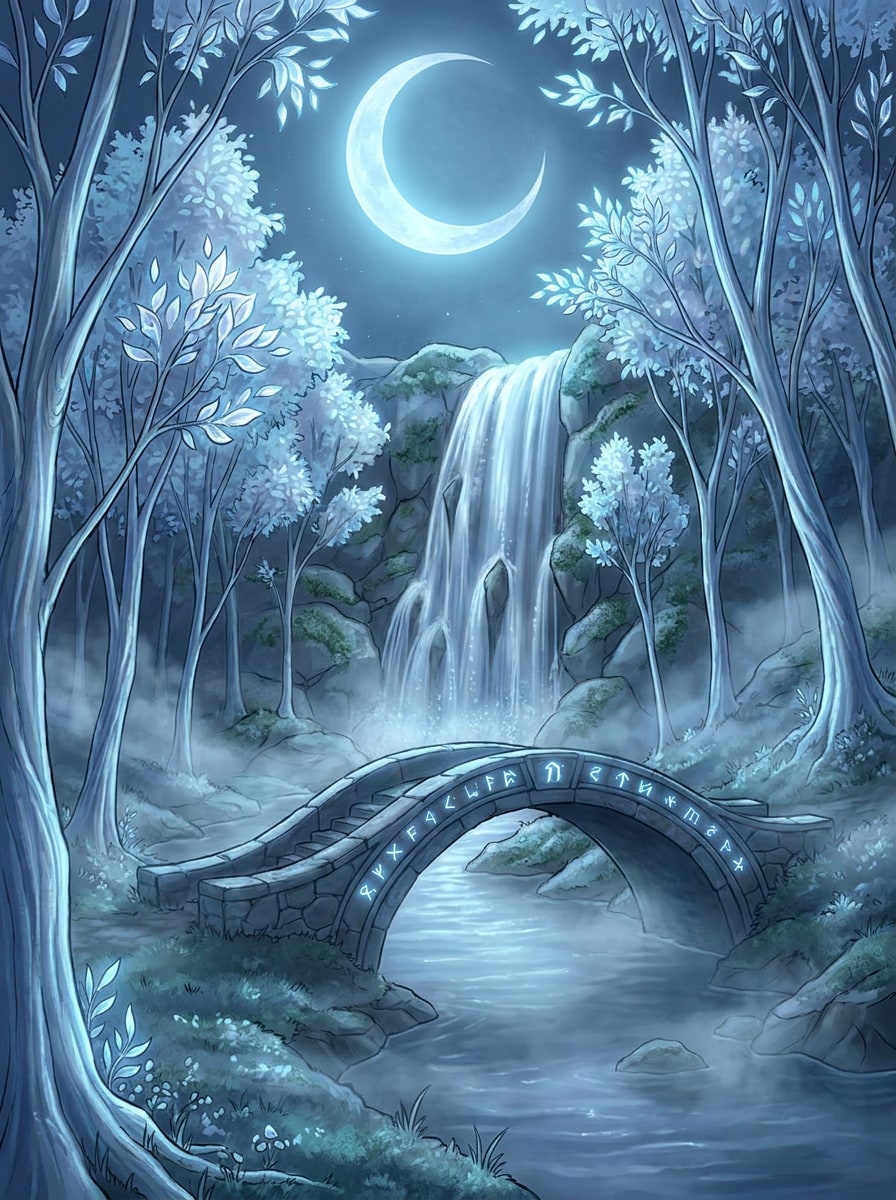
Moonlit Elven Waterfall
A moonlit waterfall in an elven forest, silver water cascading beside an ancient stone bridge, graceful luminous trees, soft fog drifting across mossy rocks, calm mystical mood, cool blue and silver palette, refined fantasy illustration style, highly detailed environment art, storybook elegance, cinematic nighttime framing.
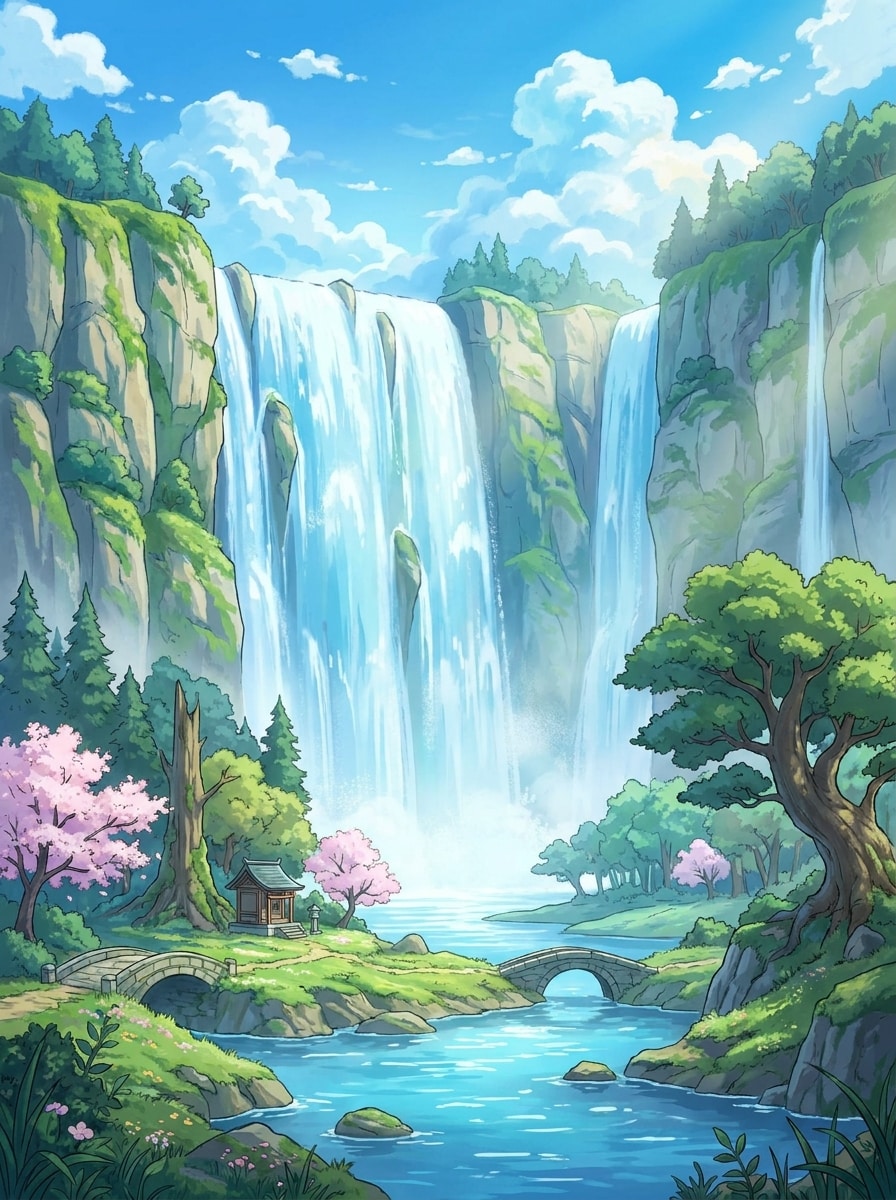
Anime Waterfall Background
A beautiful anime-style waterfall landscape with steep cliffs, vivid blue water, fluffy clouds, bright sky, lush trees, and a peaceful river below, serene emotional atmosphere, clean linework, painterly shading, vibrant colors, highly detailed background art, cinematic framing suitable for a dreamy animated scene.
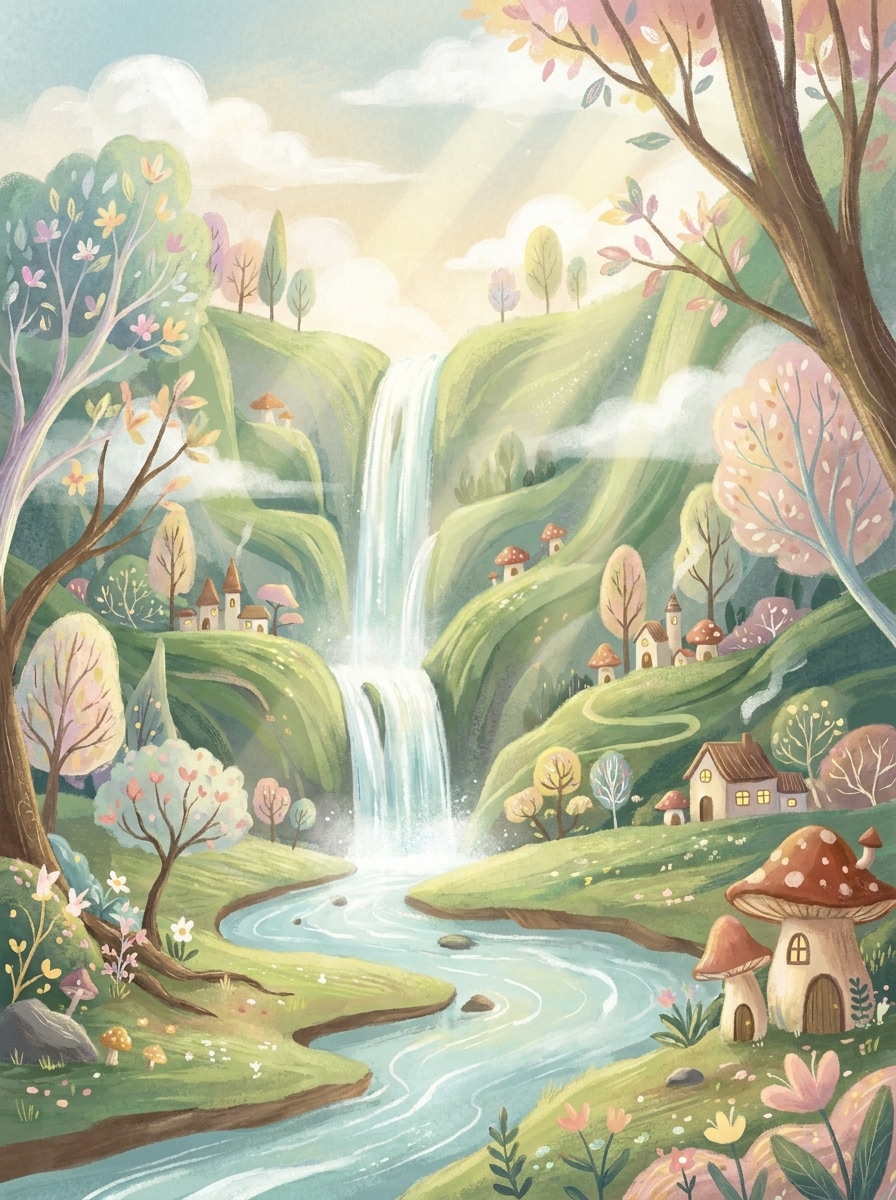
Whimsical Painted Waterfall
A whimsical animated waterfall landscape with hand-painted textures, soft storybook lighting, a gentle river winding through green hills, delicate trees, charming fantasy mood, pastel and natural hues, layered depth, detailed illustration, warm and peaceful composition, expressive brushwork with polished environment design.
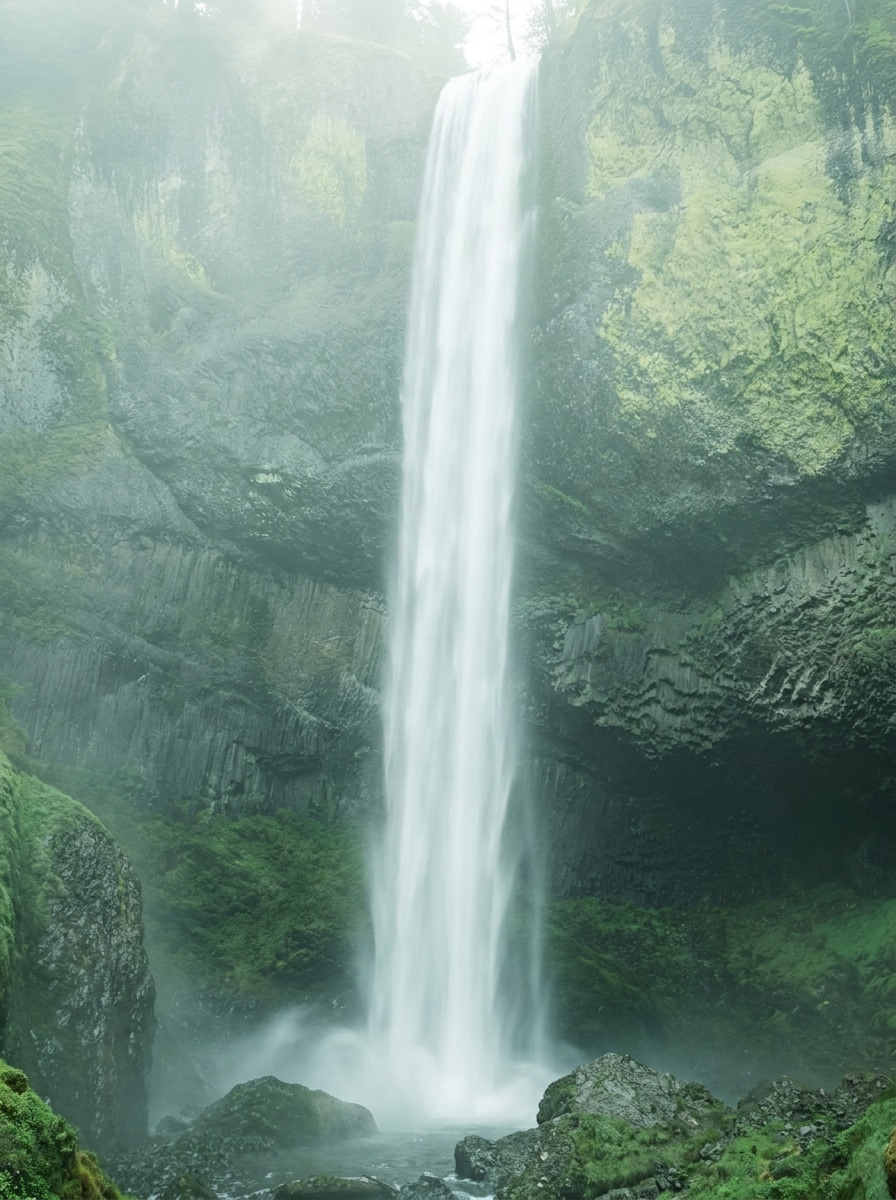
Vertical Phone Wallpaper Waterfall
A vertical waterfall wallpaper with elegant centered composition, flowing white water over misty cliffs, minimal distractions, soft natural light, refined cool-green palette, atmospheric haze, sleek modern aesthetic, crisp textures, high detail, immersive depth, designed for a premium mobile lock screen or background.
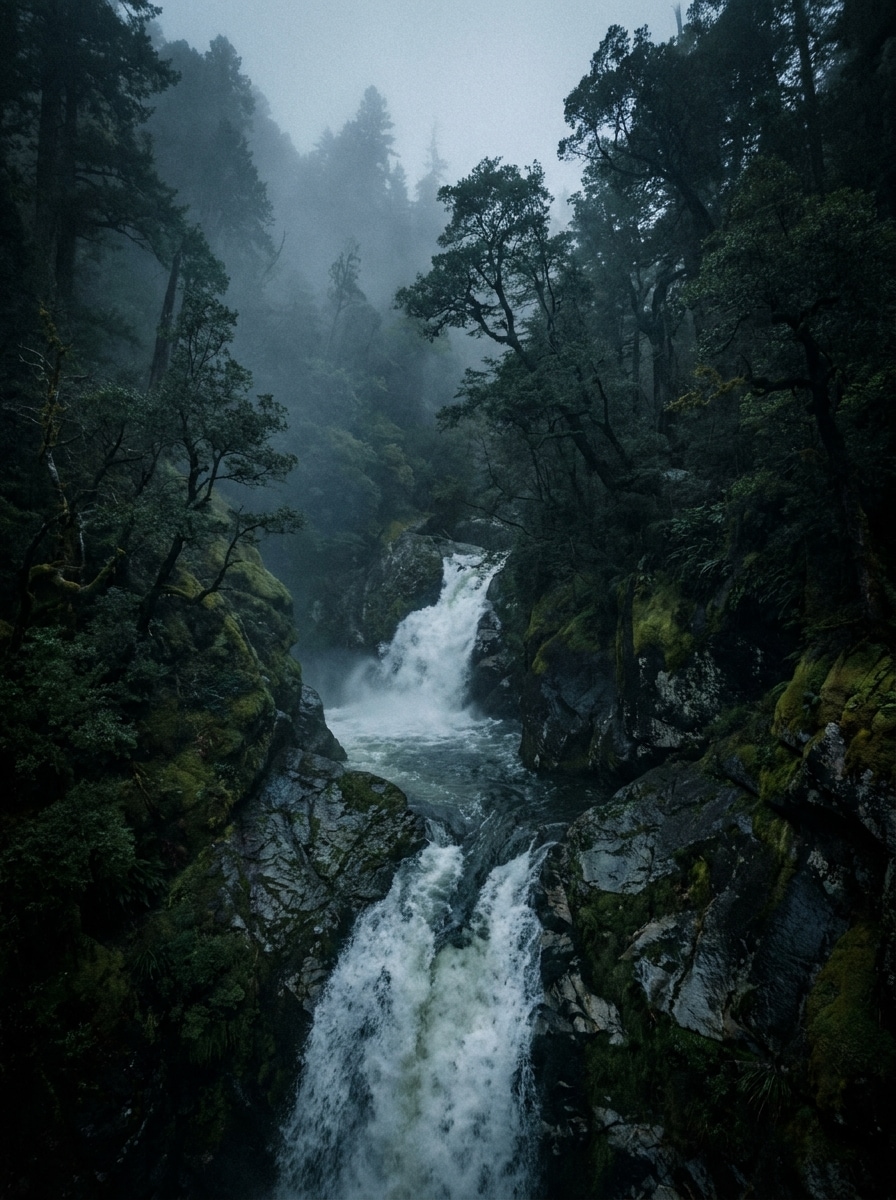
Dark Moody Waterfall
A dark moody waterfall deep in a dense forest, dramatic shadows across wet rocks, rolling fog, deep green and charcoal tones, cinematic editorial atmosphere, textured stone surfaces, powerful flowing water, low-key lighting, rich contrast, realistic detail, immersive composition with a mysterious wilderness feel.
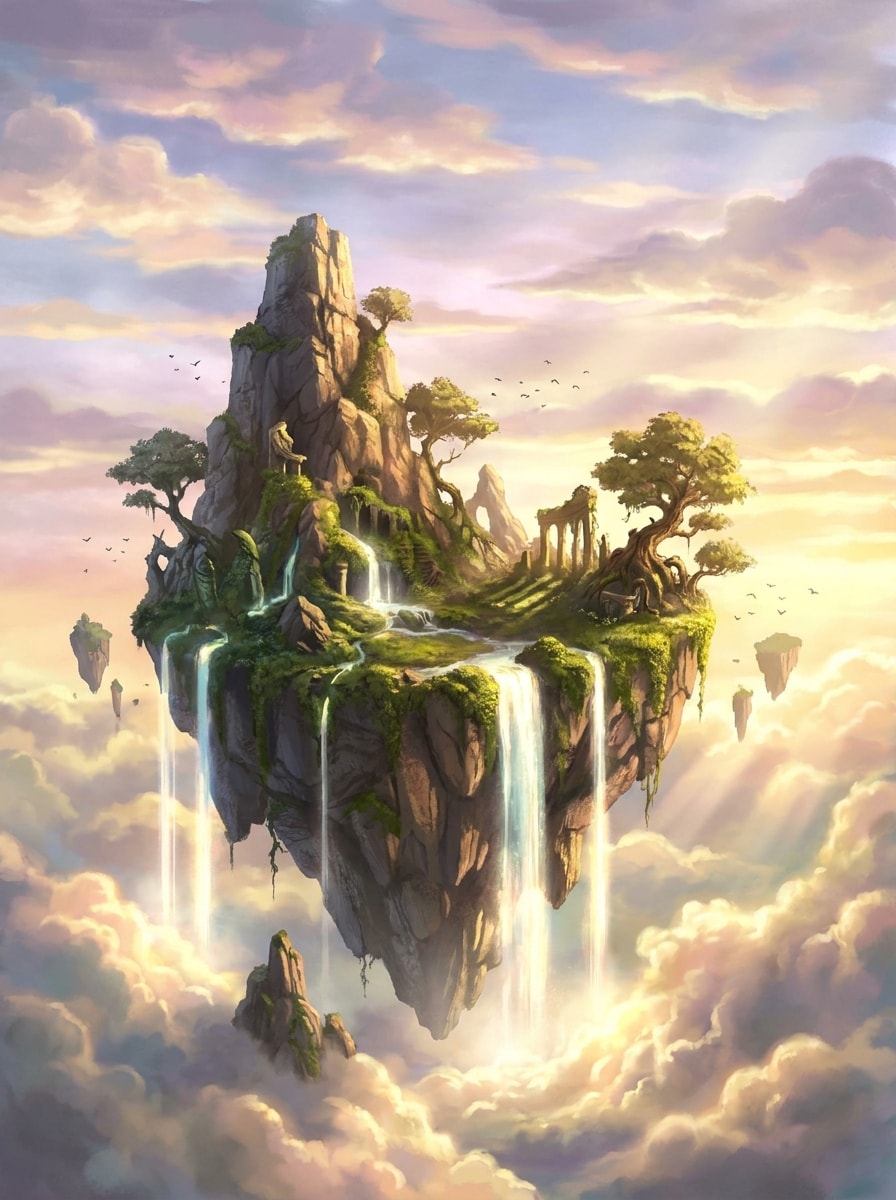
Floating Island Waterfall
A surreal floating island suspended in the sky with multiple waterfalls pouring into clouds below, epic scale, dramatic sunlight, layered atmosphere, rocky landmass covered in greenery, fantasy concept art styling, dynamic composition, high detail, majestic mood, luminous sky tones, awe-inspiring environmental storytelling.
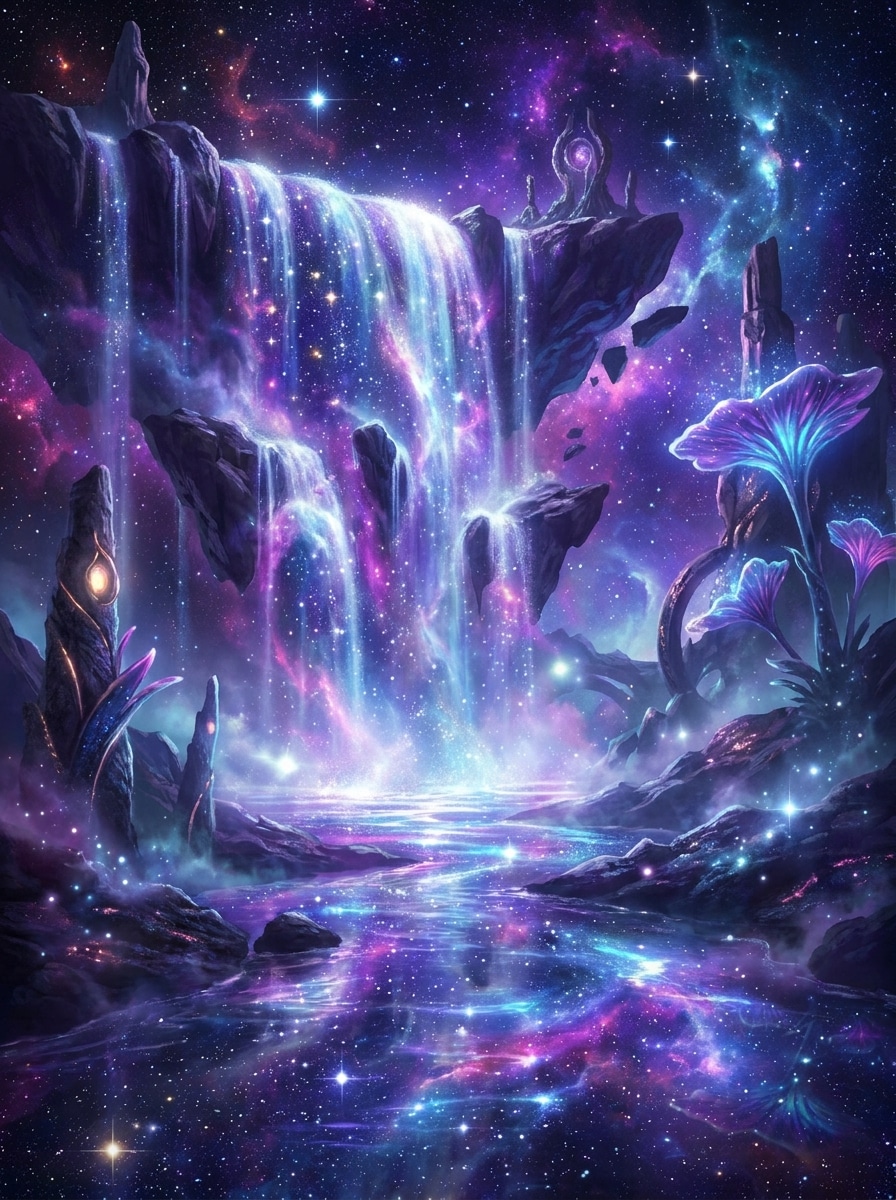
Cosmic Waterfall
A surreal cosmic waterfall flowing through a galaxy landscape, glowing stars and nebula clouds reflected in shimmering water, dreamlike purple, blue, and magenta palette, celestial mist, sci-fi fantasy atmosphere, luminous highlights, ultra-detailed concept art, grand composition, otherworldly depth, radiant and mesmerizing mood.
Why Use Media.io for AI Waterfall Images
Turn Text Prompts into Shareable Art Fast
For early-stage ideation, Media.io helps shape short text into polished waterfall scenes so the jump from rough thought to workable visual feels faster and less manual.
Switch from Real Landscapes to Fantasy Worlds Easily
Media.io helps you create everything from realistic travel-style falls to glowing fantasy scenes and anime backgrounds, so one prompt idea can turn into polished artwork that matches your mood, project, or visual storytelling goal.
Download High-Resolution Scenes for Creative Use
For projects that need more than draft quality, Media.io helps produce waterfall scenes with up to 4K output so details stay cleaner when you present, crop, or repurpose the final file.
Create in Browser Across Devices
When a waterfall scene idea starts away from your main setup, Media.io lets you create and refine it in the browser so moving between mobile and desktop feels seamless instead of disruptive.
How to Create Waterfall Images with Media.io
1
2
3
1
Open Media.io AI Image Generator
Go to AI Text to Image Generator and open the AI Image Generator under AI -> Text to Image. This online tool runs in your browser, so you can create waterfall scenes on desktop or mobile without installing extra software.
2
Enter a Prompt
Type a detailed prompt such as "a cinematic mountain waterfall at sunrise with mist, golden light, lush forest, ultra-realistic detail". Adjust the style, aspect ratio, and resolution settings to match a wallpaper, post, concept art piece, or scenic background.
3
Generate, Refine & Download
Click Generate to create your image. If needed, refine the prompt for a more realistic, fantasy, or anime look, then download the high-resolution result for sharing, design work, or personal wallpaper use.
See how creators use this Waterfall AI for content, marketing, and personal projects, then adapt each idea to fit the brief.
Design Scenic Wallpapers That Feel Premium
Create tall mobile backgrounds or wide desktop scenes with mist, cliffs, glowing water, or dramatic sky color. This is ideal when you want a polished nature image that looks more distinctive than a generic stock wallpaper.
Build Fantasy and Concept Art Environments
Use text prompts to explore magical forests, floating islands, moonlit ruins, or cosmic landscapes with waterfalls as the focal point. It is a practical way to visualize story worlds, mood boards, and environment ideas quickly.
Make Scroll-Stopping Social and Presentation Visuals
Generate eye-catching landscape art for posts, slide decks, thumbnails, or creative campaigns. A strong AI waterfall generator workflow helps you test multiple moods fast, from serene travel imagery to bold cinematic scenes.
What Users Say About Media.io
Ava Martinez
Travel Content Creator
"Great for realistic nature scenes" I used it to create dramatic waterfall backgrounds for travel mood boards, and the results looked surprisingly polished. The realistic lighting and mist effects made the images feel much closer to real destination photography than I expected.
Ethan Brooks
Concept Artist
"Fantasy prompts work really well" I wanted glowing forest waterfalls and floating island scenes for an environment pitch. Media.io gave me strong compositions fast, and it was easy to steer the style from grounded realism to full fantasy concept art.
Mia Chen
Social Media Designer
"Useful for wallpapers and posts" The aspect ratio options helped a lot. I made vertical waterfall wallpapers for stories and wider versions for carousel covers without having to rebuild the whole idea from scratch.
Noah Patel
Anime Background Hobbyist
"Easy for beginners" I am not an expert prompt writer, but the sample styles made it simple to start. I got a soft anime waterfall background in just a few tries, and the browser workflow felt very straightforward.
Waterfall AI for text to image refers to using an AI image generator to create waterfall artwork from written prompts. With Media.io, you can describe a realistic landscape, fantasy scene, anime background, or wallpaper concept and turn that text into a generated image online.
2. How do I generate a waterfall image from text?
Open Media.io's text-to-image tool, enter a detailed prompt, choose the style and aspect ratio you want, and click Generate. For better results, describe the scene clearly, such as lighting, mood, setting, composition, and whether you want a realistic or stylized waterfall AI image.
3. Can I create realistic and fantasy waterfall art with AI?
Media.io supports multiple visual styles, including Realistic, Anime, 3D Render, Oil Painting, Cyberpunk, and more, so you can create natural travel-style falls, surreal glowing environments, or imaginative concept art from the same core idea.
4. Is there a free waterfall AI image generator?
Media.io offers free credits for users who want to try generating waterfall images online. If you need more usage, you can review plans on the pricing page. Free users may see watermarks, while paid subscribers can download watermark-free high-resolution results. Free users can use free credits. For more usage, users can subscribe to a plan on the pricing page. Upgrade to a paid plan on the pricing page for more credits and watermark-free high-resolution downloads.
5. What image quality or resolution can I download?
Media.io supports 1K, 2K, and 4K image generation, depending on your workflow and selected settings. That makes it suitable for scenic wallpapers, presentation visuals, social media graphics, and detailed AI waterfall art where texture, mist, and lighting need to stay sharp. Free users may have watermarks.
6. Can I use waterfall AI on mobile and desktop?
Media.io is a web-based tool that works in your browser, so you can create images on Windows, Mac, iPhone, iPad, or Android devices. That makes it easy to start an AI waterfall concept on mobile and refine it later on desktop. Media.io is a web-based tool that works on any device with a browser (Windows, Mac, iOS, Android).