Twitch Emote Maker for Custom, Readable Emotes in Seconds
Create custom Twitch emotes from text prompts in a fast, browser-based workflow. Media.io helps streamers design chibi, anime, pixel, and mascot reactions with transparent-background styling and sharp small-size readability, whether you need a twitch emote maker, a twitch emote creator, or an emote maker for twitch to create twitch emotes online.
Review these example directions, then tailor the prompt details to get stronger results with Media.io’s Twitch Emote Maker and learn how to make twitch emotes with more consistent results.
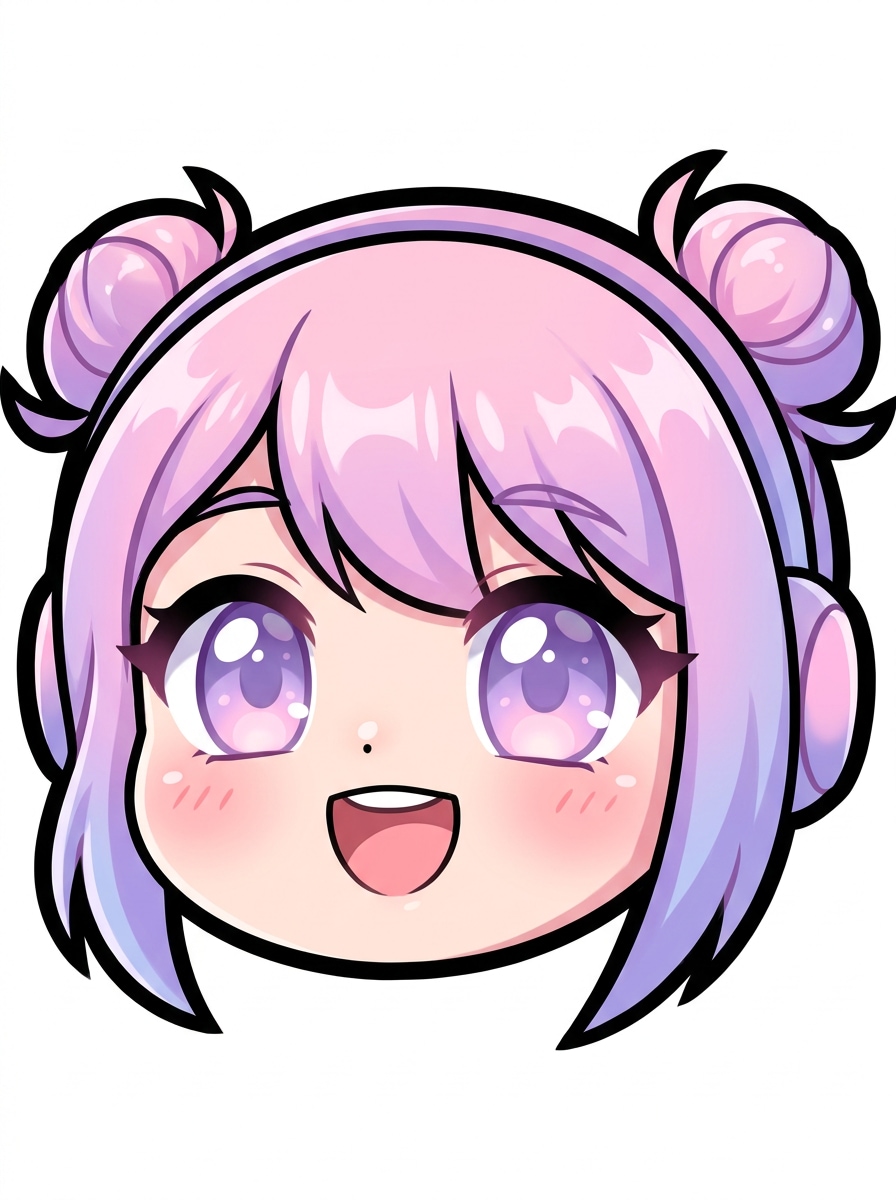
Kawaii Chibi Face
Create a Twitch emote of a cute chibi streamer face, close-up only, oversized sparkling eyes, tiny nose, joyful open smile, soft blush, pastel pink and lavender palette, crisp black outline, clean transparent background, smooth shading, high contrast, highly readable at very small icon size.
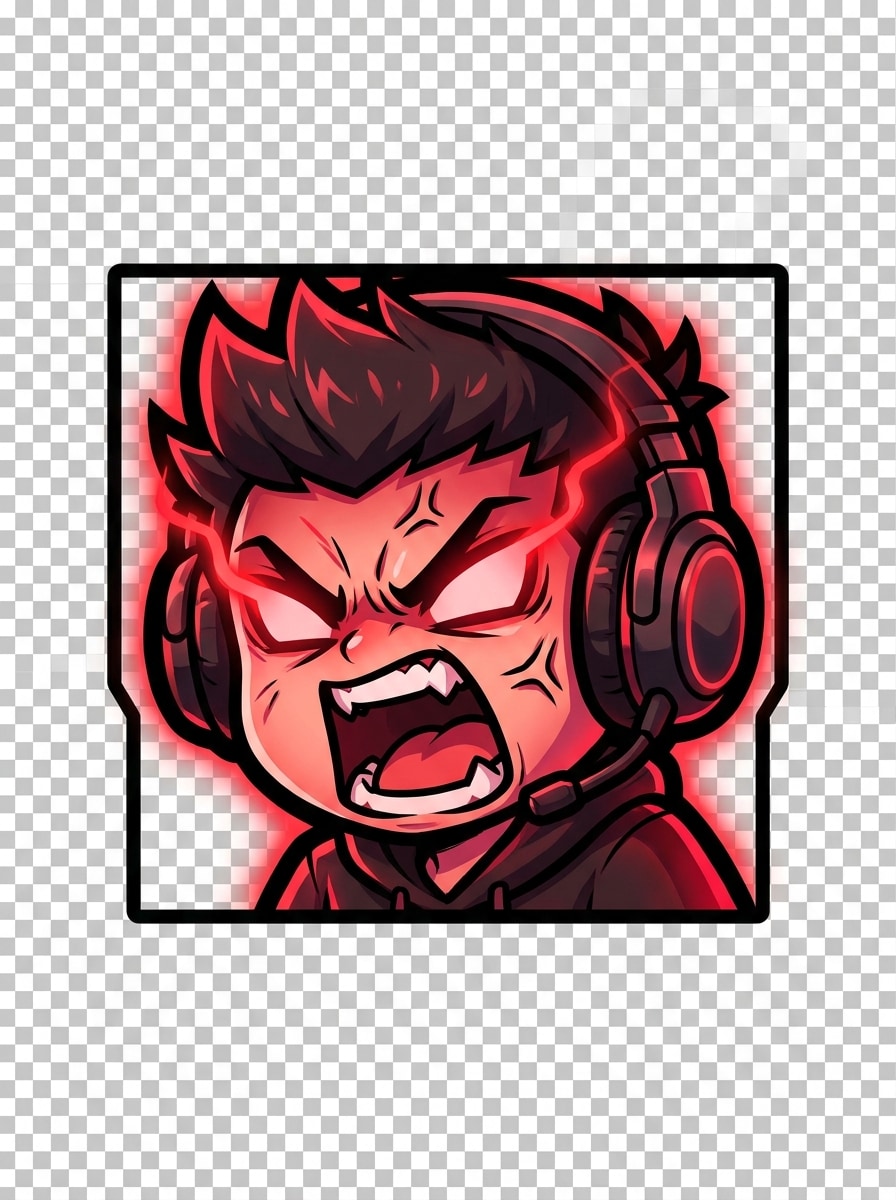
Gamer Rage Chibi
Generate a high-energy Twitch emote featuring an angry chibi gamer wearing a headset, shouting mouth, furrowed brows, red glow accents, bold expression lines, compact centered composition, thick outline, transparent background, saturated crimson and charcoal colors, dramatic contrast, optimized for tiny display clarity.
Soft Anime Reaction
Design an anime-inspired Twitch emote with a happy blushing face, bright eyes, subtle sparkles, soft cel shading, peach and sky-blue tones, precise line art, centered close-up framing, transparent background, clean silhouette, gentle glow, and strong readability at 112x112 pixels and smaller.
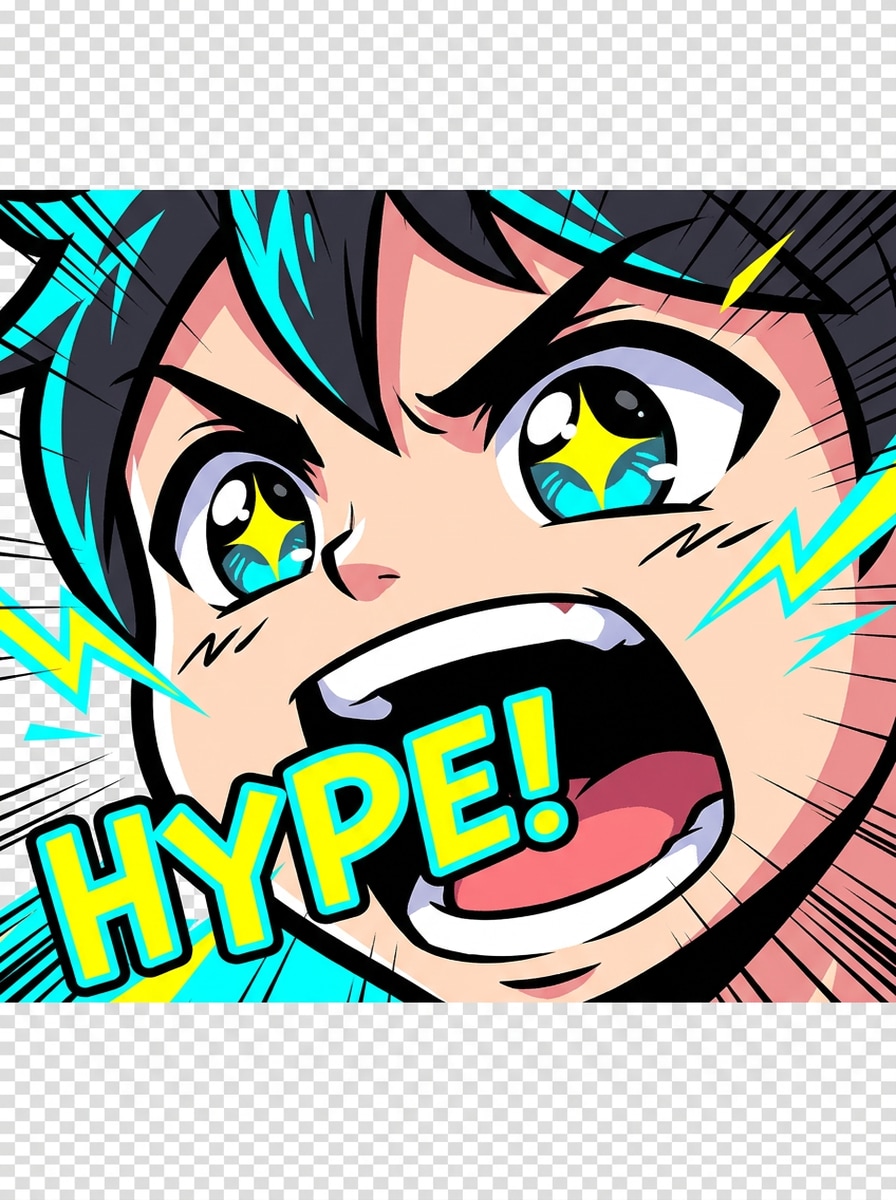
Hype Anime Shout
Create a Twitch emote showing an excited anime face yelling with hype, wide mouth, energetic eyes, motion lines, vivid cyan and yellow accents, bold contour lines, transparent background, punchy color blocking, tight close-up composition, expressive emotion, and excellent legibility at small icon size.
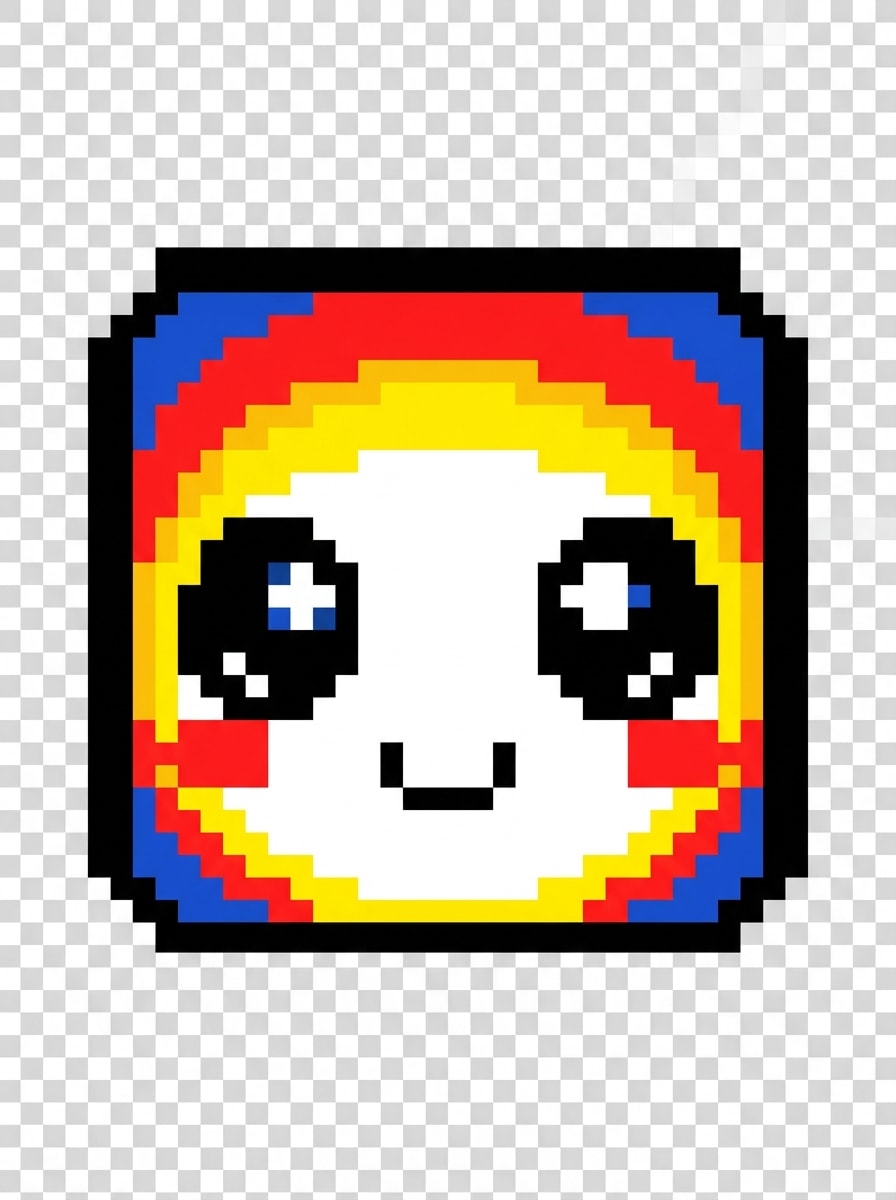
Retro Pixel Emote
Generate a retro pixel-art Twitch emote with a cheerful face, square 1:1 composition, limited 8-bit color palette, bold contrast, simplified features, tiny smile, expressive pixel eyes, transparent background, clean sprite edges, nostalgic arcade mood, and strong visibility even at miniature sizes.
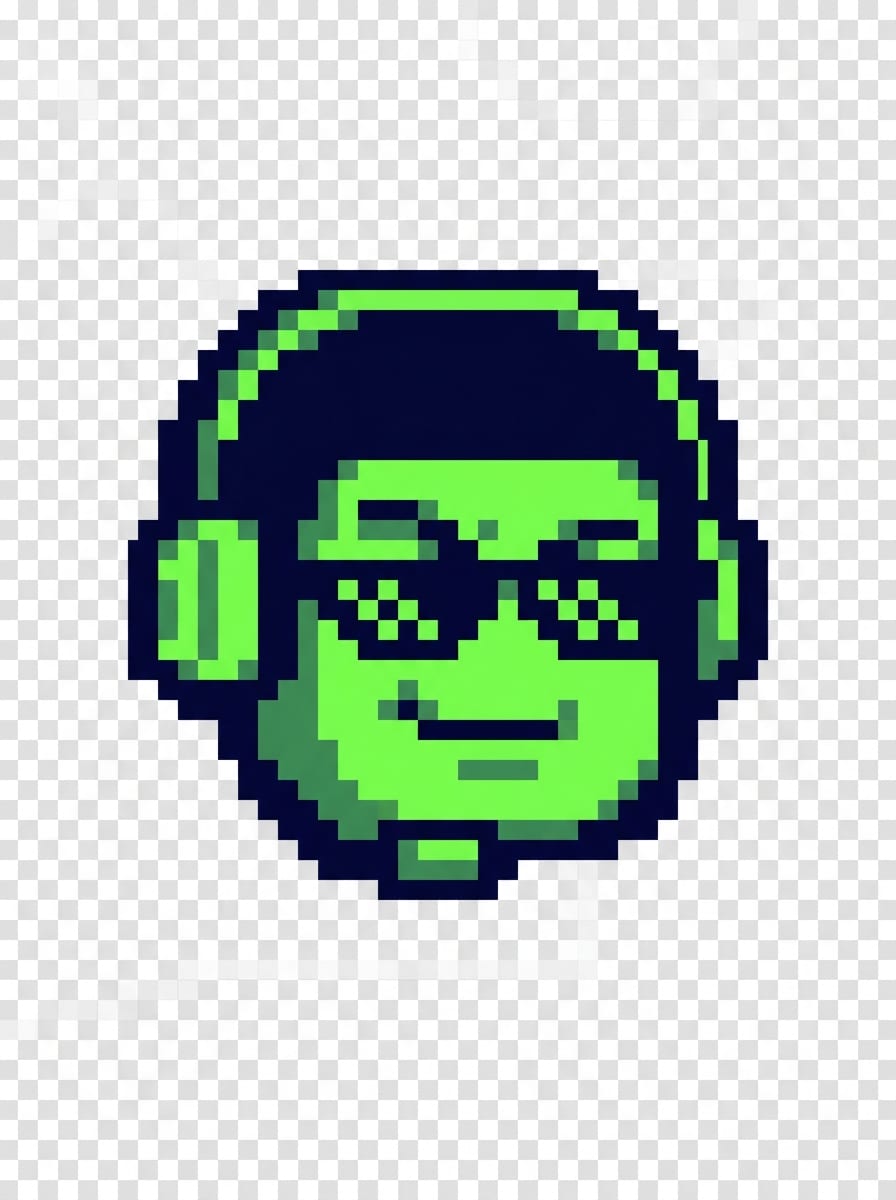
8-Bit Gamer Mascot
Create an 8-bit gamer mascot Twitch emote with sunglasses, sly grin, compact head-only framing, dark navy and neon green palette, pixel shading, strong silhouette, transparent background, playful competitive mood, minimal details, and crisp retro readability for chat reactions and badge-like use.
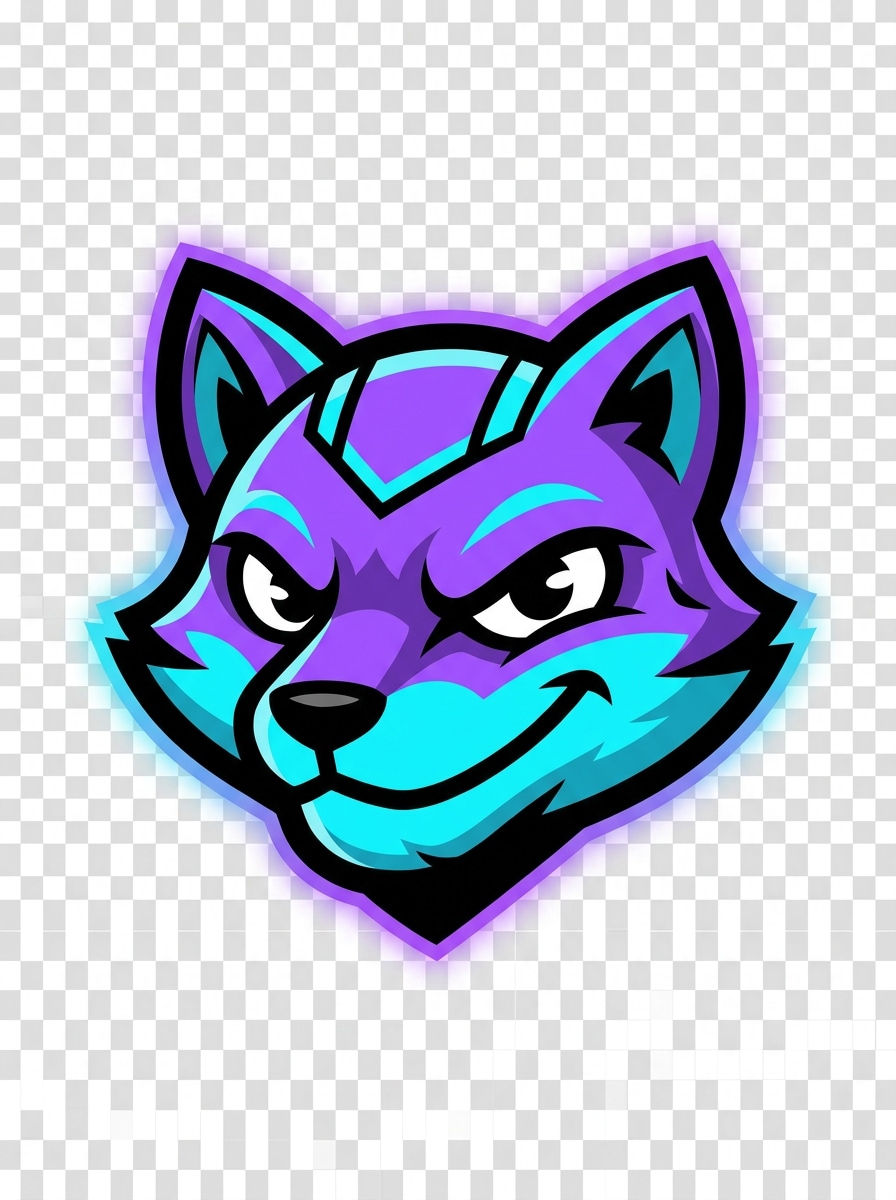
Streamer Mascot Head
Generate a branded Twitch emote mascot head using purple, cyan, and black channel colors, bold outer outline, simplified shapes, expressive confident eyes, centered close crop, transparent background, polished vector finish, subtle glow, streamer-brand mood, and high clarity for repeated chat use.
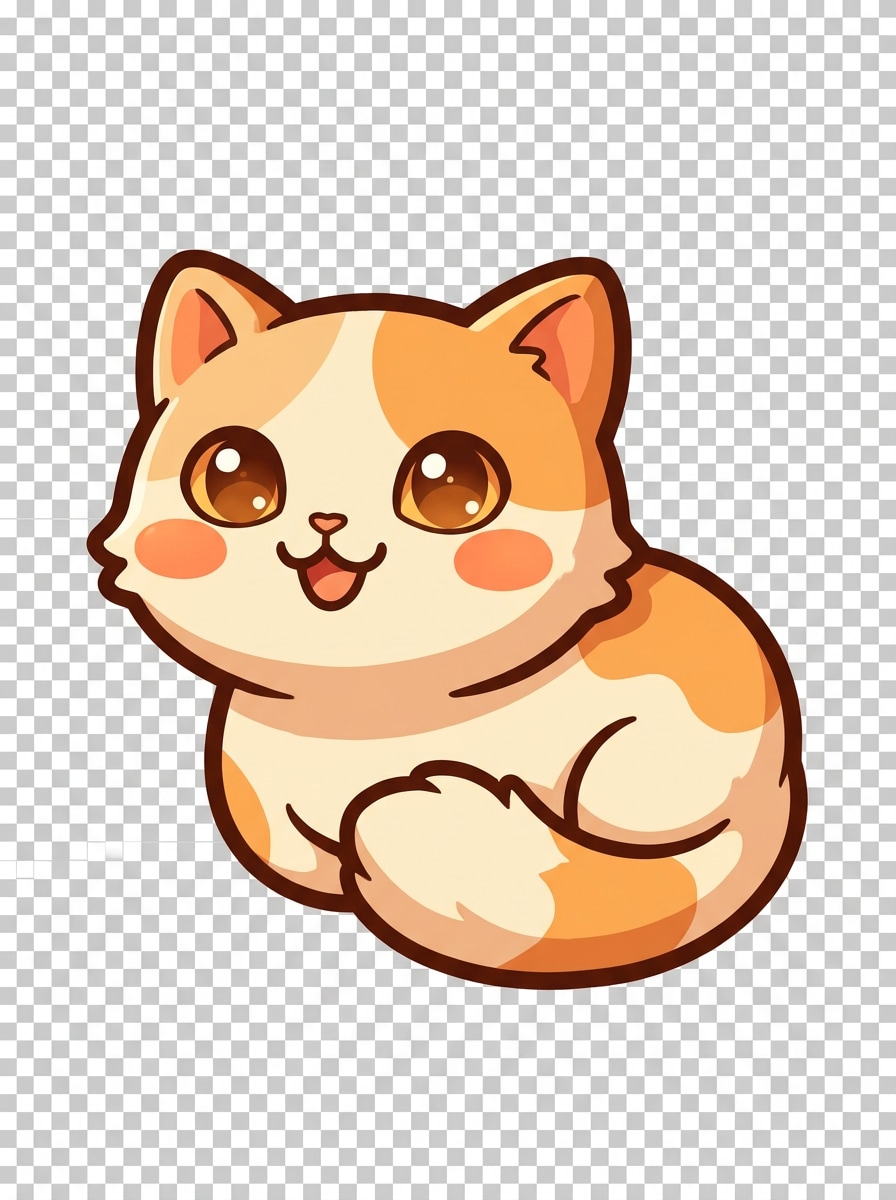
Pet Mascot Emote
Design a cute cat mascot Twitch emote with large expressive eyes, small triangular ears, rounded cheeks, playful smile, soft cream and orange tones, thick outline, simple shading, transparent background, cozy friendly mood, compact composition, and excellent recognition when scaled down for chat.
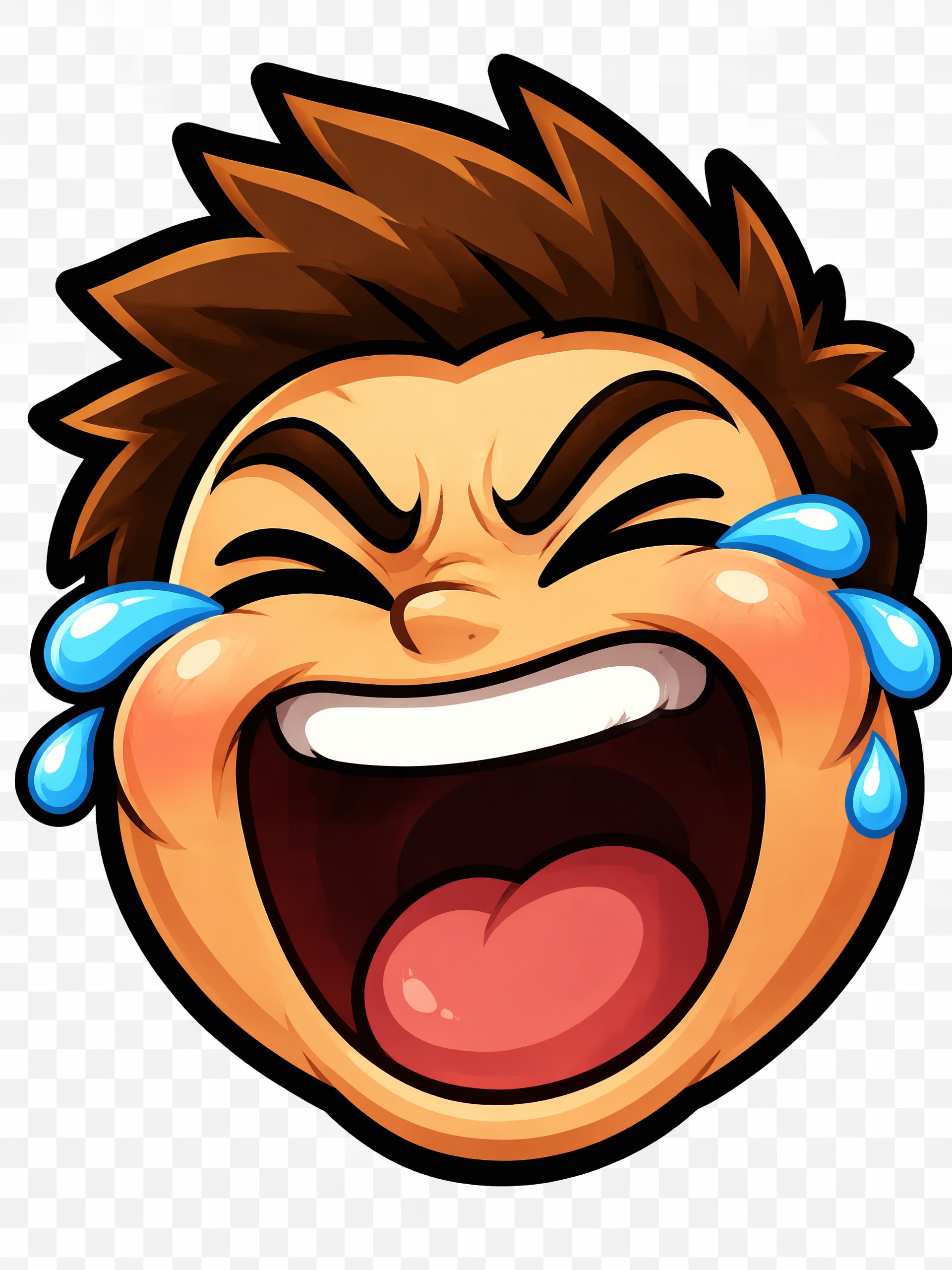
Laugh Reaction Emote
Create a funny laughing Twitch emote with tears, huge open mouth, squeezed eyes, exaggerated cheeks, bright blue teardrops, strong black outline, transparent background, high-contrast warm palette, reaction-focused close-up, energetic comedy vibe, and clear facial readability at tiny emote dimensions.
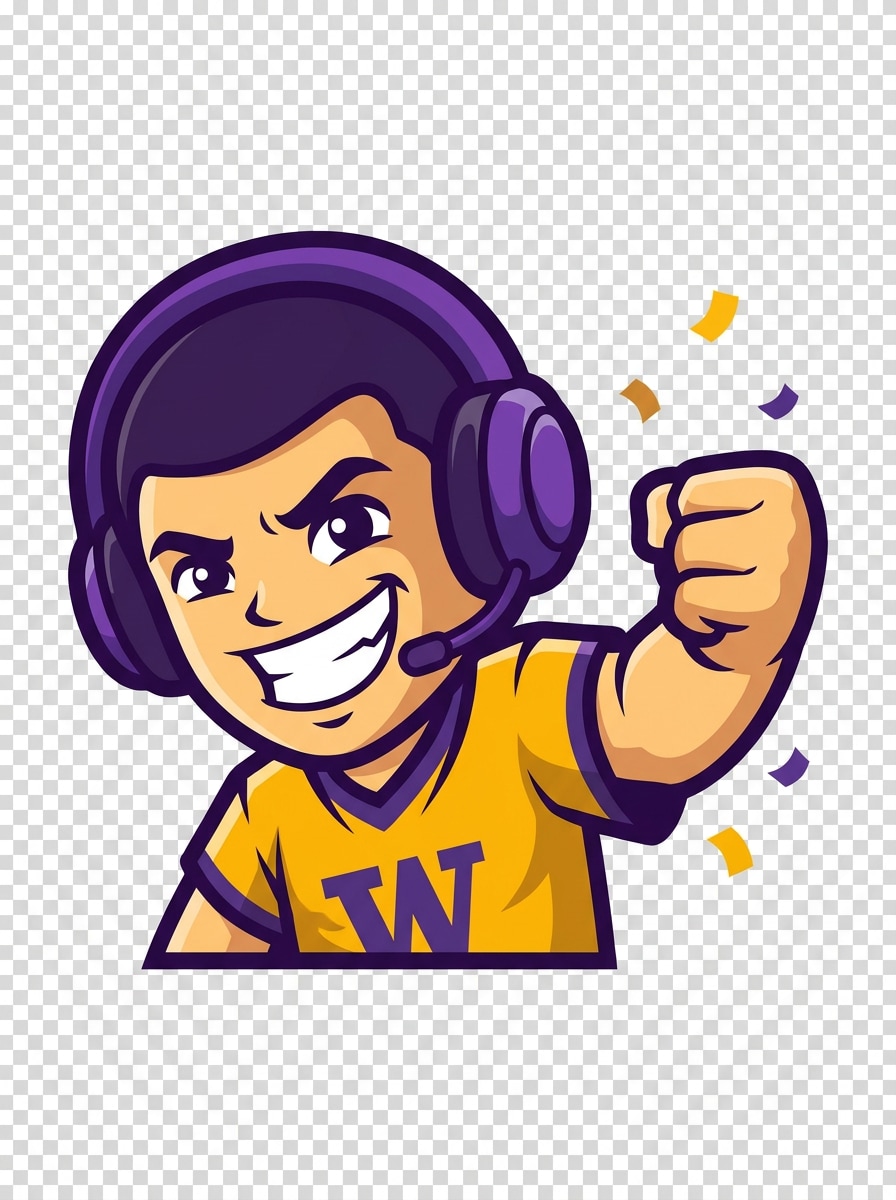
GG Victory Emote
Generate a victory-themed Twitch emote with a celebratory grin, raised fist, tiny confetti accents, clean vector style, bright gold and purple palette, transparent background, thick outline, simple dynamic pose, triumphant gaming mood, and strong icon-level clarity for win, GG, and hype reactions.
Why Use Media.io for Twitch Emotes
Build Visual Concepts with Less Restarting
Short prompts do not need to stay rough ideas. Media.io helps turn them into finished twitch emote maker visuals, which makes early concepts easier to review, refine, and adapt for thumbnails, mood boards, or quick pitches.
Match Chibi, Anime, Pixel, or Mascot Branding Fast
Creative exploration feels faster with Media.io because you can compare multiple visual directions from one idea, making this twitch emotes maker useful for choosing between anime, pixel, mascot, or chibi styles without slowing down your workflow.
Download High-Resolution Assets for Clean Finishing
Some emote artwork also gets reused in stream panels, promos, or presentations, so Media.io helps you generate sharper visuals up to 4K. That gives your twitch emote maker results more flexibility beyond a small preview while keeping the design dependable for practical use.
Generate Emote Concepts Online From Any Device
Some twitch emote maker visual concepts get drafted on the go and finished later at a desk. Media.io keeps that process online, so you can return to the same workflow without extra installs or setup.
How to Make Twitch Emotes Online
1
2
3
1
Open Media.io AI Image Generator
Go to AI Text to Image Generator and open the AI Image Generator under AI -> Text to Image. This online tool runs in your browser, making it a simple starting point if you are learning how to make twitch emotes or want a fast emote maker for twitch without installing design apps.
2
Enter a Prompt
Type a detailed prompt such as “cute chibi gamer face, joyful smile, bold outline, transparent background look, pastel purple and cyan, readable at small size.” Adjust style or aspect settings to match the kind of Twitch reaction art you want and explore different emote looks quickly.
3
Generate, Refine & Download
Click Generate. Tweak the prompt if needed to improve expression, color contrast, or mascot style, then download the high-resolution result and prepare it for Twitch upload. It is a practical workflow for anyone asking how to make a twitch emote with AI.
See how creators use Media.io’s Twitch Emote Maker for content, marketing, and personal projects, then adapt each idea to fit your brief.
Build a Full Reaction Pack for Your Channel
Create matching laugh, rage, hype, love, and GG expressions that feel consistent across your stream branding. Media.io helps new creators build a recognizable reaction set instead of relying on generic icons, giving viewers custom emotes they will want to use again and again in chat.
Turn Your Stream Persona Into a Mascot
Use prompts to shape a signature face, gamer character, or pet-inspired icon set that reflects your colors and community vibe. Media.io is especially helpful if you want custom artwork but do not have time for complex manual illustration or template editing while you create Twitch emotes for your channel.
Prototype Emote Ideas Before Final Twitch Upload
Test multiple visual directions quickly, from pixel art to anime expressions, then keep the strongest concepts for final export and upload. Media.io supports a practical workflow for creators comparing styles and figuring out how to create twitch emotes that stand out in small chat spaces.
What Creators Say
Jordan M.
Variety Streamer
"Fast way to make custom reactions" I used it as a twitch emotes maker for my channel refresh and got solid concepts in minutes. The chibi and mascot results were much more readable at small size than I expected.
Alyssa R.
VTuber Creator
"Great for anime-style packs" I wanted a quick twitch emote creator for hype, blush, and laugh reactions. Media.io made it easy to test anime prompts and get a consistent look before I finalized my pack.
Chris T.
Gaming Community Manager
"Helpful for brainstorming branded emotes" We used it to create twitch emotes around our community mascot. It saved a lot of concept time and gave us several usable directions for channel art and chat reactions.
Nina P.
Indie Streamer
"Simple on desktop and mobile" I was searching for an emote maker for Twitch that I could use without design software. The browser workflow was easy, and I could experiment from my phone before finishing on my laptop.
An AI Twitch emote maker is a tool that generates custom emote artwork from your text prompt. With Media.io, you can describe the expression, style, colors, and mood you want—such as chibi, anime, pixel, or mascot—and turn that idea into image concepts you can refine for Twitch-ready use.
2. Is this Twitch emote maker free to use?
Yes, Media.io offers free credits so you can try the tool and generate emote concepts without paying upfront. If you need more generations or want watermark-free high-resolution downloads, you can check the pricing page for available plans.
3. How do I make a Twitch emote from text?
Open Media.io’s text-to-image tool, then type a clear prompt describing the emote’s expression, style, color palette, and simple composition. If you are exploring how to make a twitch emote, try a prompt like “cute chibi gamer face, excited shout, bold outline, purple and cyan palette, readable at small size,” then generate, refine, and download the result.
4. What size and file format does Twitch require for emotes?
Twitch emotes are commonly prepared as square images, and creators usually export them in PNG so the background can stay transparent. Media.io helps you generate the artwork first; after downloading, you can resize and prepare the image to match Twitch’s latest upload requirements for dimensions and file size before publishing.
5. Can I create transparent Twitch emotes online?
Yes, you can create Twitch emote artwork online with Media.io in a browser-based workflow and design prompts that suit transparent-background styling. Many creators use it to make clean, isolated characters or faces first, then finalize transparent PNG versions for Twitch upload and channel branding.
6. Can I use this Twitch emote maker on mobile or desktop?
Media.io is web-based, so it works on devices with a browser, including Windows, Mac, iOS, and Android. That makes it easy to test ideas on mobile, then continue on desktop whether you are learning how to make Twitch emotes or refining a final set for your stream.