Tapestry Crochet Pattern Generator for Fast, Clean Crochet Chart Ideas
Create crochet-ready motif concepts with this tapestry crochet pattern generator. Turn simple text ideas into polished visual chart references for bags, wall hangings, and panels, then refine colors, layout, and style in seconds with Media.io’s browser-based AI workflow. Creators often use it for tapestry generator.
Review these example directions, then tailor the prompt details to get stronger results with this tapestry crochet pattern generator in Media.io.
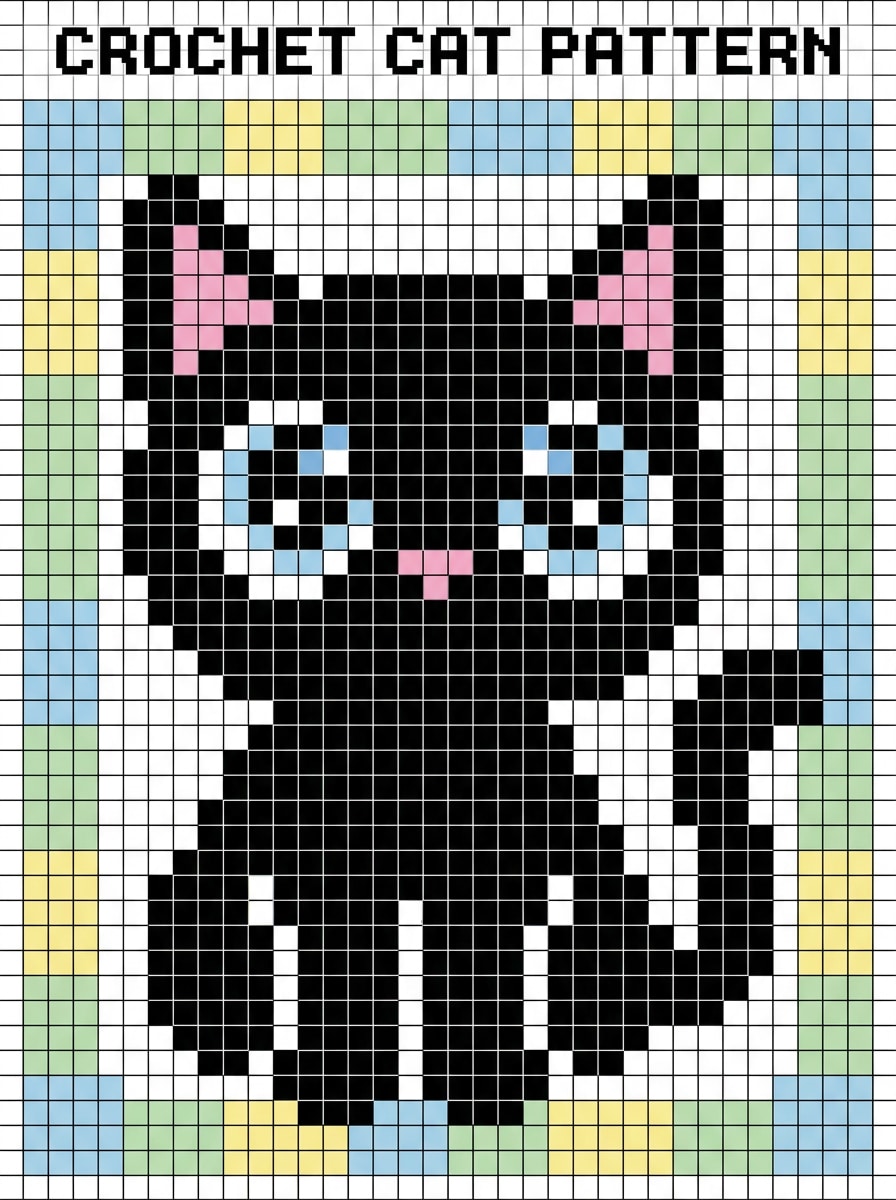
Kawaii Cat Pixel Tapestry
Create a crochet-chart style image of a cute black cat with oversized sparkling eyes, tiny pink nose, and a simple sitting pose, centered on a clean square pixel grid. Use 4 yarn-like colors, high contrast, crisp edges, soft pastel background blocks, symmetrical composition, beginner-friendly motif, printable pattern look.
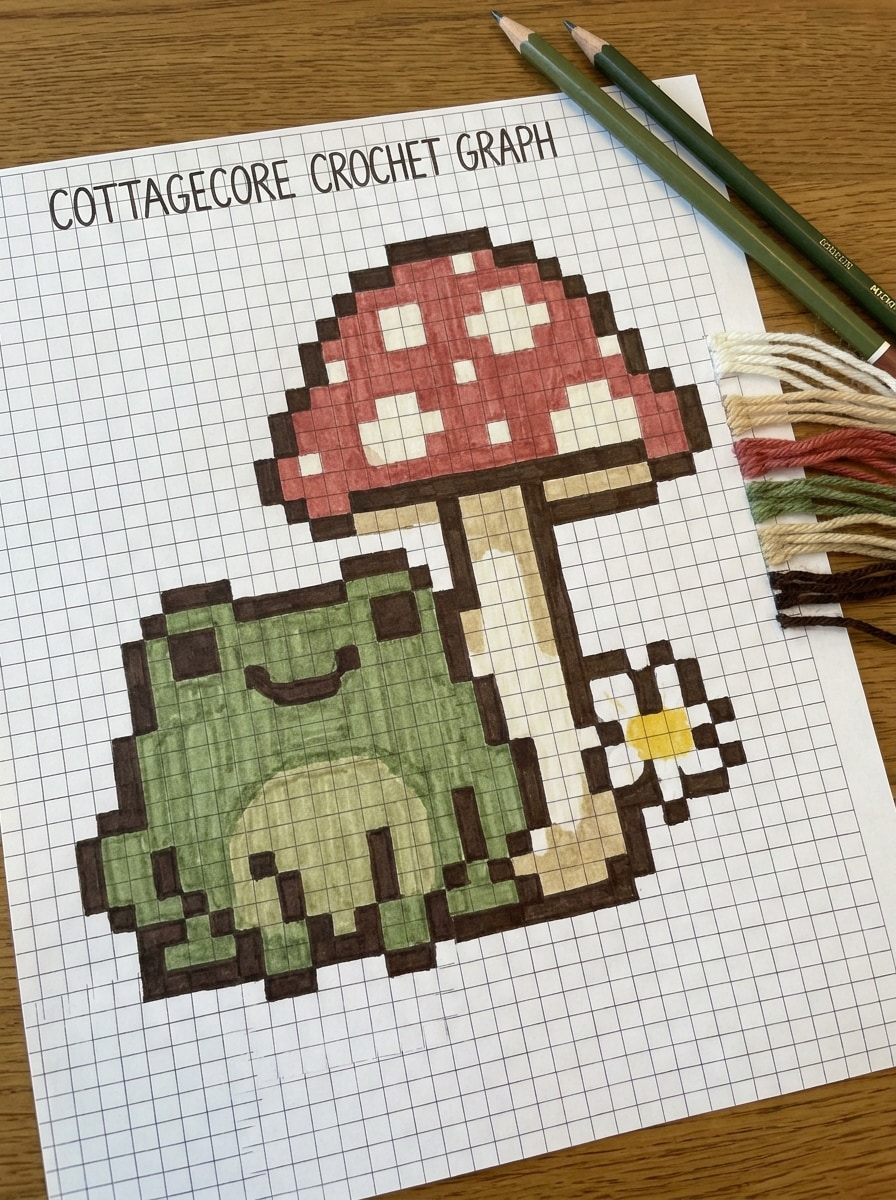
Frog Cottagecore Grid
Generate a tapestry crochet graph featuring a cheerful green frog beside a red mushroom and a tiny white flower, arranged in a balanced cottagecore scene. Use a 5-color palette, visible square grid, neat color blocking, earthy tones, soft whimsical mood, clean outlines, and chart-like clarity suited for a small panel.
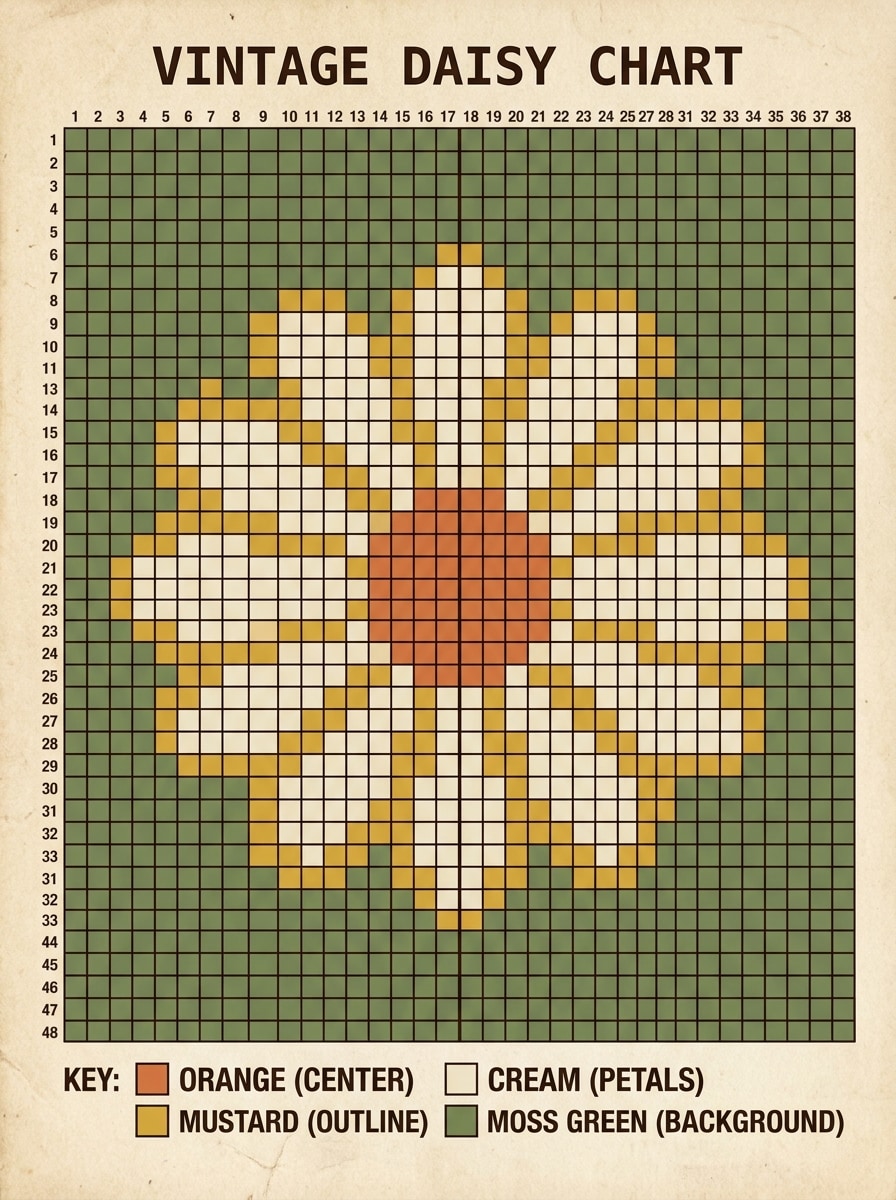
Retro Daisy Block Chart
Create a retro-inspired crochet graph with one bold daisy flower centered in the frame, thick rounded petals, warm vintage tones, and a simple contrasting background. Show a precise pixel grid, 4-color palette, even spacing, strong readability, and a polished printable chart aesthetic ideal for bags or wall hanging designs.
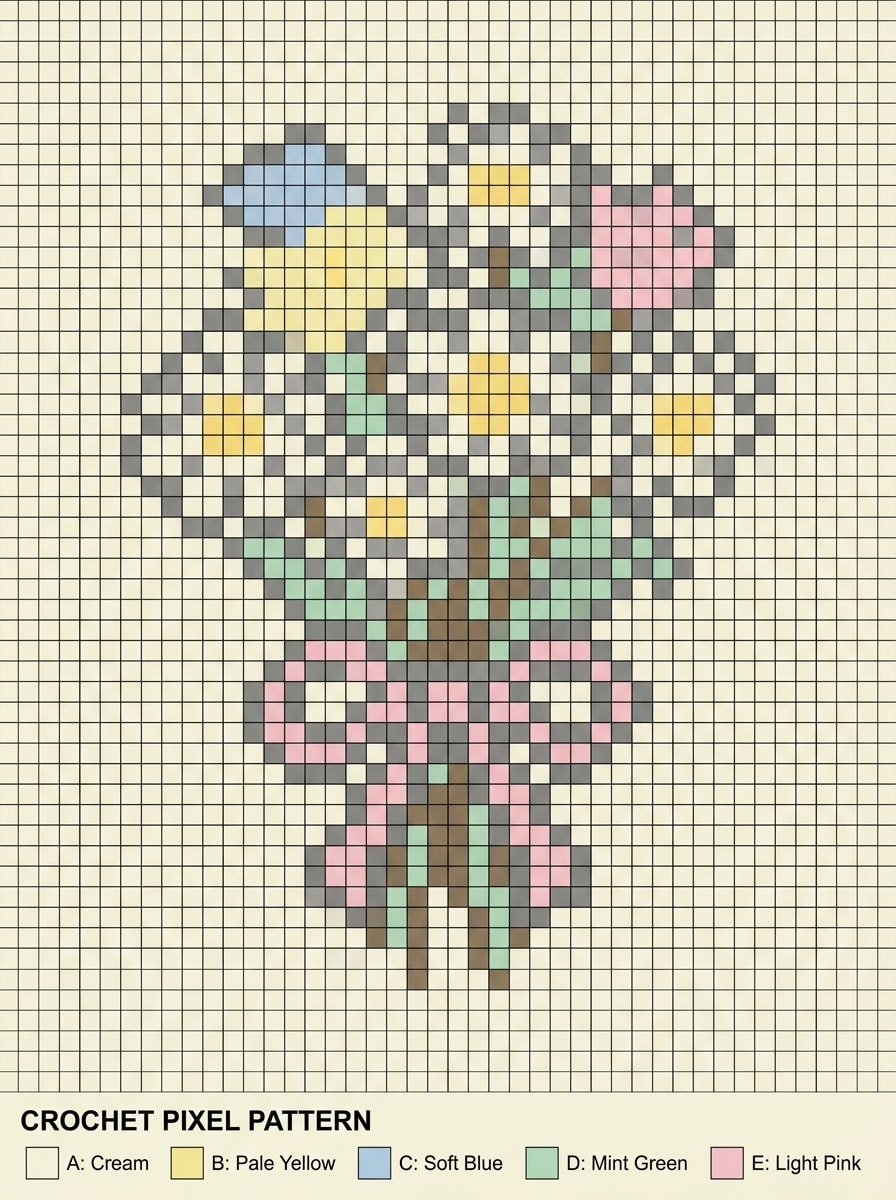
Wildflower Bouquet Pixel Pattern
Generate a crochet-ready pixel pattern of a small wildflower bouquet tied with a ribbon, featuring daisies, tiny leaves, and soft stems. Use pastel colors reduced to 5 shades, airy spacing, square grid structure, delicate but readable outlines, balanced composition, and a gentle handmade mood with clean chart presentation.
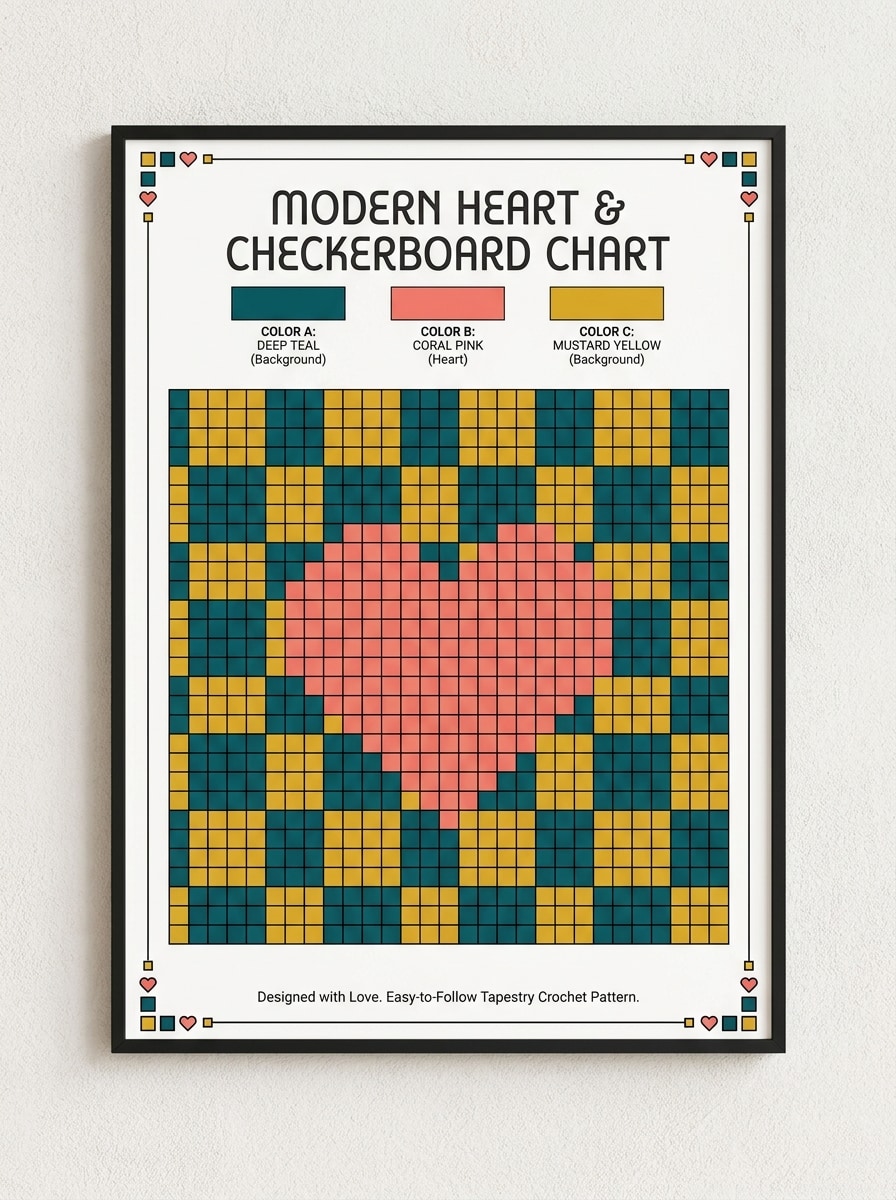
Valentine Heart Checkerboard
Design a modern tapestry crochet chart with a centered heart motif over a checkerboard background, using 3 bold contrasting colors. Keep the pixel blocks crisp, edges clean, and layout perfectly centered. Add a playful romantic mood, strong symmetry, and a polished chart format that feels easy to follow and giftable.
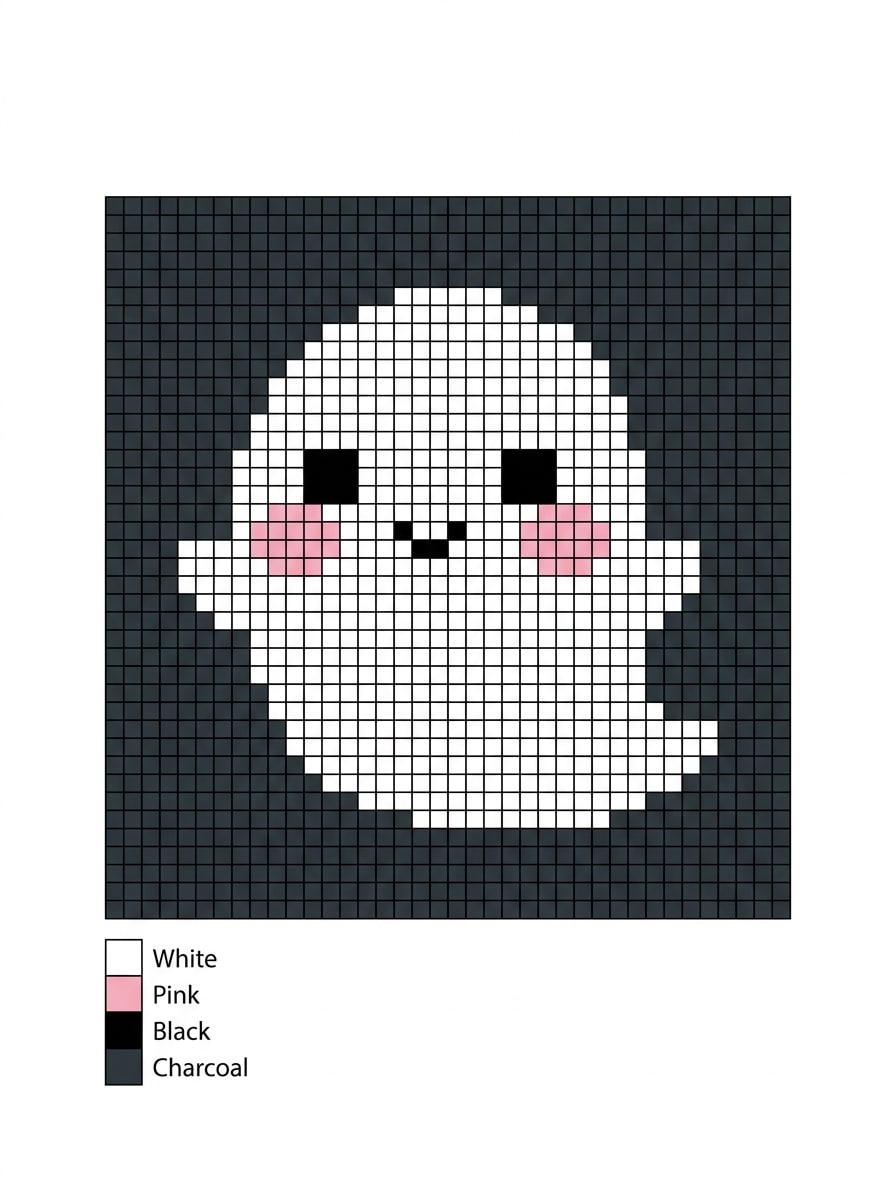
Halloween Ghost Motif
Create a simple seasonal crochet graph of a cute ghost with rounded shape, blush cheeks, and a tiny smile, floating in the center of a dark contrasting background. Use a 4-color palette, high readability, clean square grid, charming Halloween mood, and an easy pixel layout for quick tapestry projects.
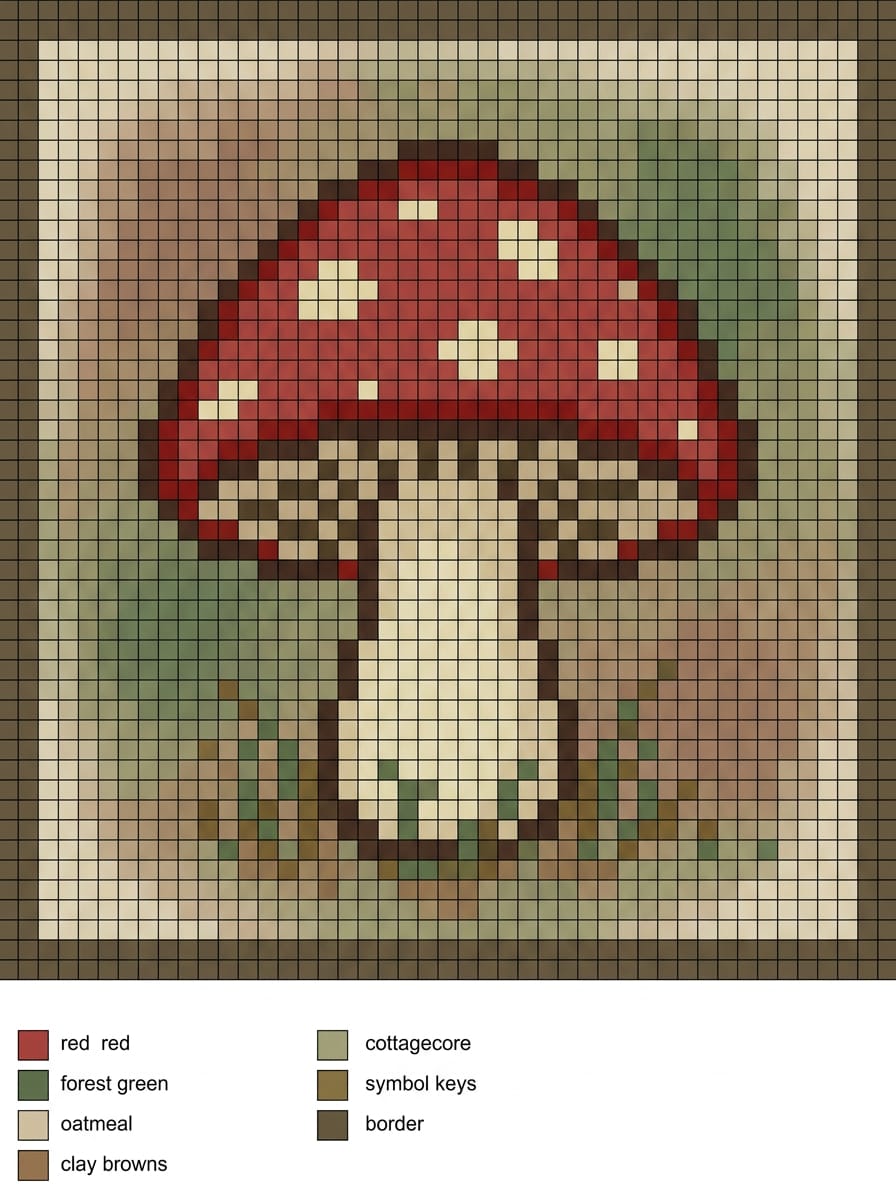
Mushroom Cottagecore Panel
Generate a decorative crochet chart featuring a red toadstool mushroom with a cream stem, tiny grass details, and a soft earthy background. Use cottagecore color tones, clear pixel blocks, square grid alignment, calm handcrafted mood, and a tidy tapestry panel composition that looks printable and crochet-friendly.
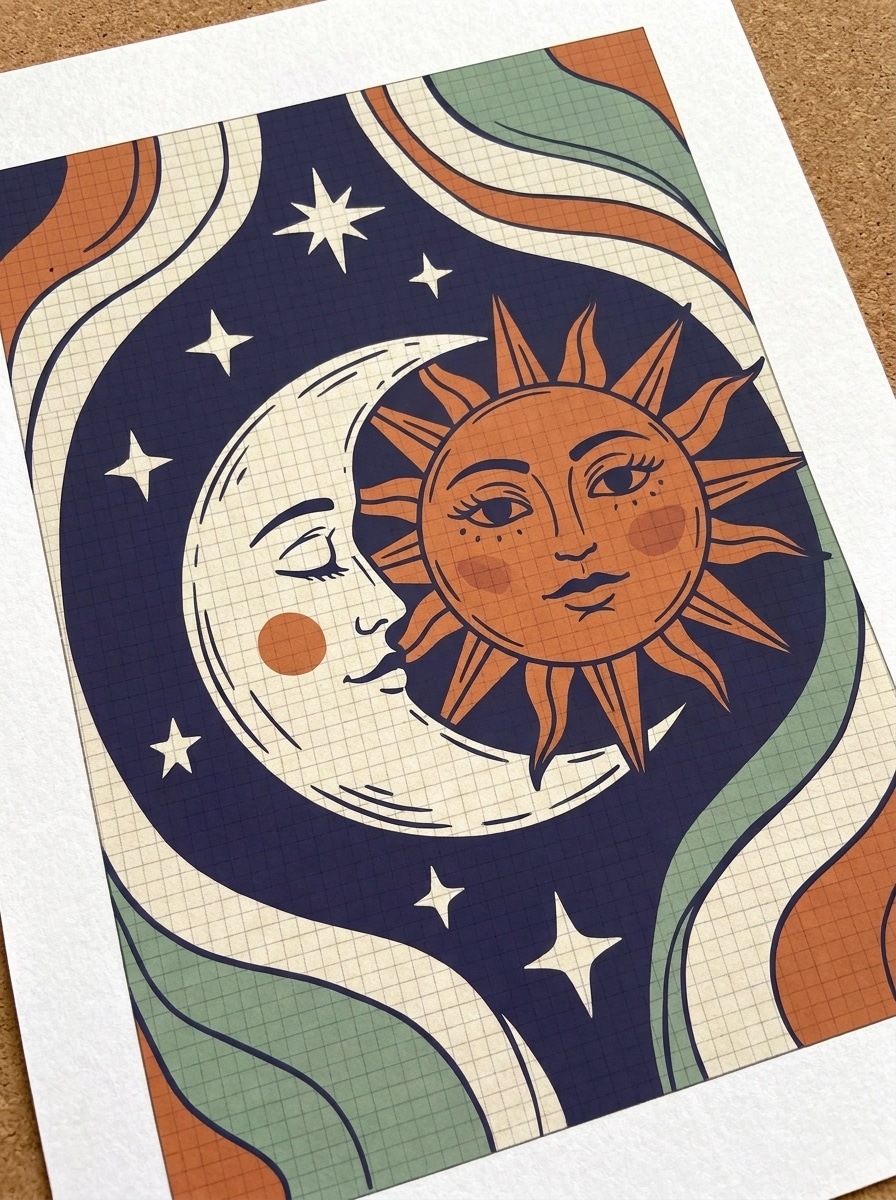
Celestial Sun and Moon Chart
Create a boho-style crochet graph with sun and moon faces in a balanced celestial composition, framed by stars and soft curved details. Use 4 harmonious colors, visible grid squares, simplified linework, dreamy mystical mood, and strong contrast so the motif stays clear as a printable tapestry chart.
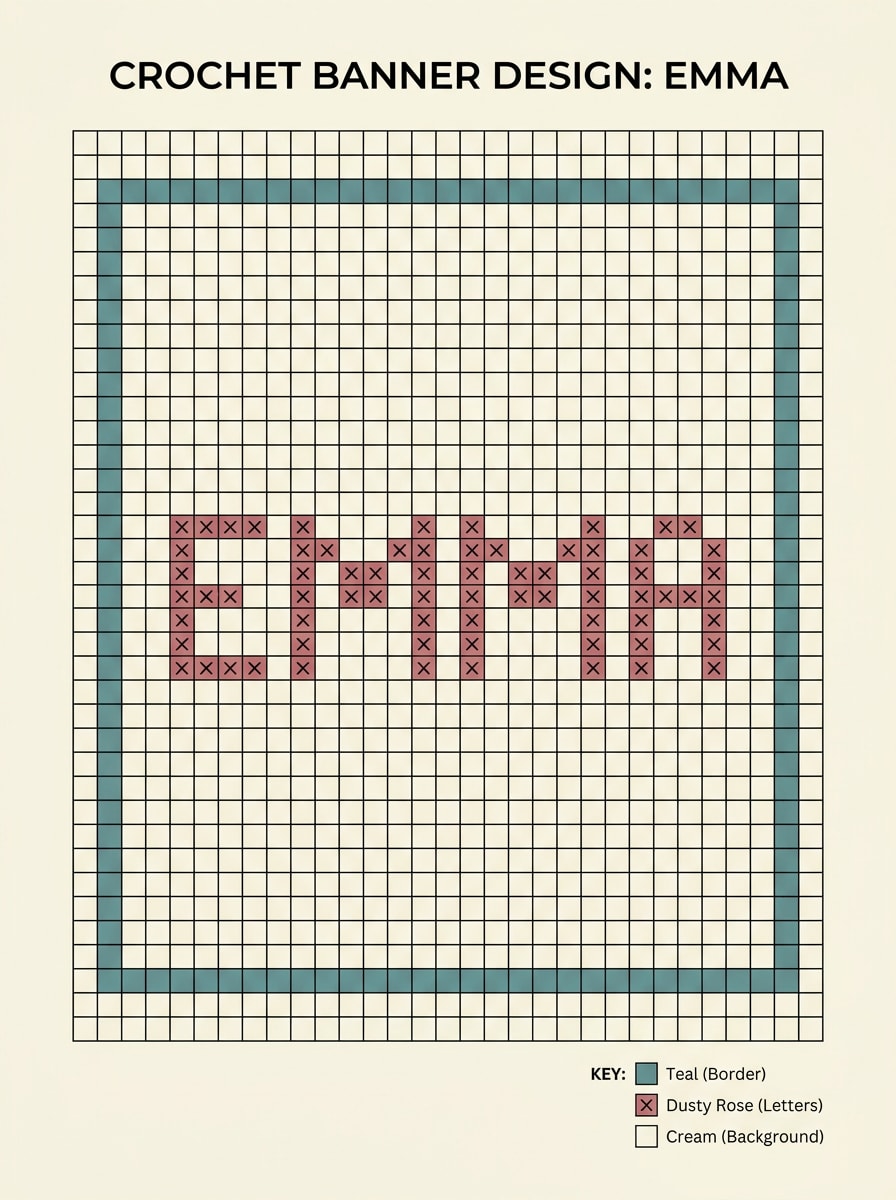
Name Banner Pixel Chart
Generate a personalized crochet banner design with the name EMMA in bold block letters, centered within a simple rectangular border. Use 3 coordinated colors, even letter spacing, clear square grid structure, tidy margins, and a clean custom-chart look suitable for gift banners, nursery decor, or wall pieces.
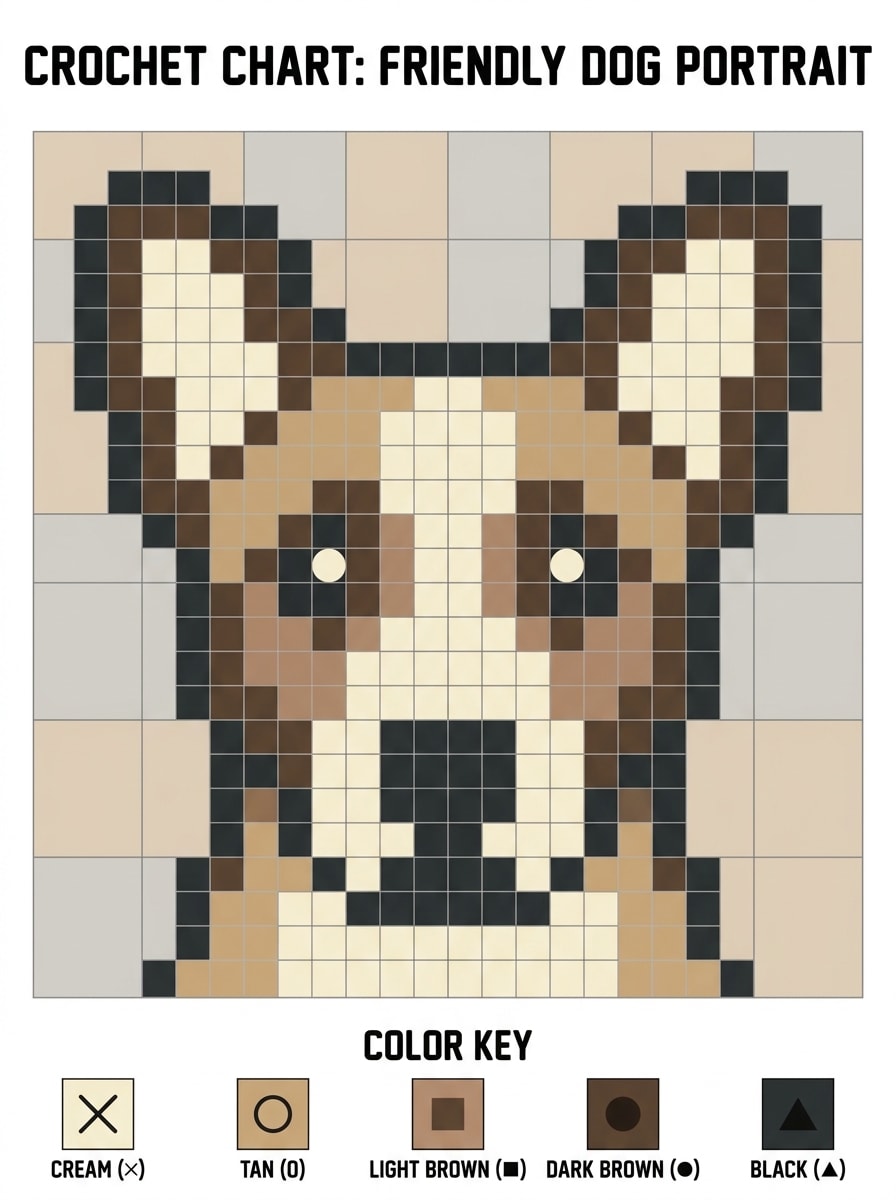
Pet Portrait Simplified Graph
Create a simplified crochet chart of a friendly dog portrait with upright ears, bright eyes, and a strong recognizable silhouette. Reduce the artwork to 5 yarn-like colors, keep the pixel grid clean, use balanced framing, soft neutral background blocks, and an intermediate-level chart style with polished readability.
Why Use Media.io for Crochet Chart Concepts
Build Visual Concepts with Less Restarting
Fast concept work needs something more useful than a placeholder sketch. Media.io turns simple prompts into developed tapestry crochet pattern visuals, so you have something practical to test and improve sooner.
Test Different Aesthetics More Easily
For crafters planning bags, wall hangings, or custom panels, Media.io turns short text prompts into polished motif visuals in seconds, helping you explore composition and style quickly before building a manual crochet graph or final pattern.
Create High-Resolution Images for Real Use
If the final tapestry crochet pattern visual will be reused beyond a small preview, Media.io helps deliver sharper results up to 4K so the image stays more reliable for practical design and presentation work.
Create from any browser without installing design software
Whether you sketch crochet ideas on a laptop at home or compare motif options on your phone in a yarn store, Media.io runs in the browser, making it easy to generate, review, and save pattern concepts across devices.
How to Use the Tapestry Crochet Pattern Generator
1
2
3
1
Step 1: Open Media.io Text to Image
Go to AI Text to Image Generator and open the Text to Image tool under AI -> Image Generator. This online tool runs in your browser, so you can start designing crochet motif concepts on desktop, tablet, or phone without installing extra software.
2
Step 2: Enter a Prompt or Upload
Type a detailed prompt, such as “cute black cat in a simple pixel-style crochet chart with 4 colors and a centered grid layout.” Adjust style and settings to create a chart-like reference image that fits your tapestry crochet idea.
3
Step 3: Generate, Refine & Download
Click Generate. Tweak the prompt if needed to simplify shapes, improve contrast, or reduce colors. Download the high-res image and use it as a visual base for your crochet graph, printable chart, or row-by-row planning workflow.
See how creators use this tapestry crochet pattern generator for content, marketing, and personal projects, then adapt each idea to fit the brief.
Plan giftable wall hangings and bag panels
Quickly visualize cute motifs, florals, names, and seasonal icons before you commit to stitches. Media.io helps makers test layout, mood, and color direction for custom pieces that feel intentional and handmade.
Prototype pixel-style motifs from text prompts
If you have an idea but no draft, generate a clean concept image first with Media.io. This is useful for turning simple descriptions into a crochet graph generator reference, especially for beginner-friendly motifs with bold shapes and limited colors.
Create shareable pattern previews for your shop or socials
Designers can build polished preview artwork for listings, Pinterest pins, or tutorial covers with Media.io. A clear concept image helps explain the finished aesthetic before you convert it into a printable chart, PDF guide, or editable stitch plan.
What Users Say
Maya R.
Crochet Pattern Seller
"Great for fast motif exploration" I use Media.io to brainstorm tapestry ideas before I chart them manually. It helps me test cute motifs and color direction much faster than sketching everything from scratch.
Jordan P.
DIY Crafter
"Helpful for beginner-friendly concepts" I wanted simple designs for small wall hangings, and this made it easy to generate clean visual references. The prompts gave me ideas I could simplify into an actual crochet grid.
Elena S.
Fiber Art Content Creator
"Useful for social previews and tutorials" I create idea-to-pattern content, and Media.io is great for mockups and concept art. It gives me polished visuals I can use in planning boards, thumbnails, and carousel posts.
Chris T.
Custom Gift Maker
"Easy to use across devices" I often check ideas on my phone while shopping for yarn, then finish on my laptop later. Being browser-based makes the workflow smooth, especially for personalized banner and pet motif concepts.
1. How does a tapestry crochet pattern generator work?
A tapestry crochet pattern generator helps you turn an idea into a visual design that can guide your chart-making process. With Media.io, you enter a text prompt to generate motif artwork, then use that result as a reference for a crochet graph, color planning, and printable pattern preparation.
2. Can I turn text into a crochet chart or pixel pattern?
Media.io can turn a written prompt into a clean visual concept, which is useful for text-to-chart planning. If you want a flower, pet, name banner, or cottagecore motif, you can describe it in detail and generate artwork to adapt into a crochet graph generator or pixel crochet pattern generator workflow.
3. How do I convert an image to a tapestry crochet pattern?
The usual workflow is to start with a clear source image, simplify the shapes, reduce the color complexity, and then map the design onto a crochet grid. Media.io can help you generate or refine image concepts first, making it easier to prepare artwork for an image to tapestry crochet pattern process.
4. Is there a free tapestry crochet pattern generator online?
Media.io offers free credits, so you can try the tool and generate pattern concept images online before deciding whether you need more usage. For extended access and higher-volume work, you can check the pricing page or upgrade for more credits and watermark-free high-resolution downloads.
5. Can I edit the grid size and number of colors before exporting?
Media.io helps you refine the visual concept by adjusting prompts, composition, and overall style before you export the image. For crochet-specific chart editing such as exact stitch grid sizing or strict palette control, many users generate the concept in Media.io first and then finalize the chart in their preferred crochet graph workflow.
6. What file formats can I download for my crochet graph?
Media.io lets you download the generated image as an exportable visual asset for your pattern-planning workflow. Many creators use the downloaded image as a chart reference, listing mockup, or base graphic before converting it into a printable crochet chart in their editing process.