Create Fisheye PFP Words for Bold Social Avatars Online
Turn text prompts into standout fisheye-style profile pictures in seconds. Media.io helps you create cute, funny, edgy, or aesthetic avatar art with strong lens distortion, clean composition, and text-led styling. It works as a fast fisheye text generator for Discord, TikTok, and Instagram-ready PFPs.
Review these example directions, then tailor the prompt details to get stronger results with this Fisheye Pfp Words.
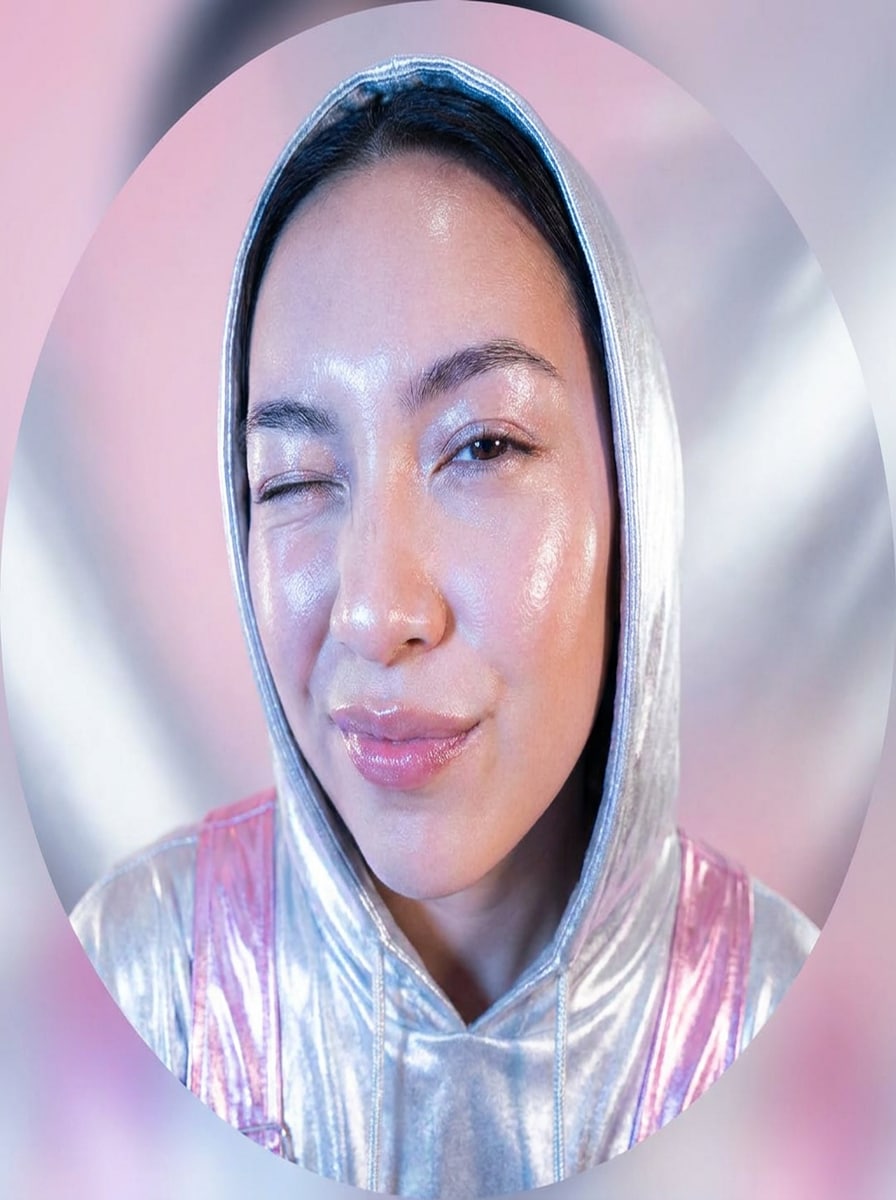
Y2K Flash Fisheye
Create a square social avatar with a dramatic fisheye selfie look, glossy skin highlights, direct flash lighting, playful expression, oversized close-up facial perspective, soft silver and pink Y2K palette, smooth clean background, crisp detail, trendy profile picture composition that stays clear in a circular crop.
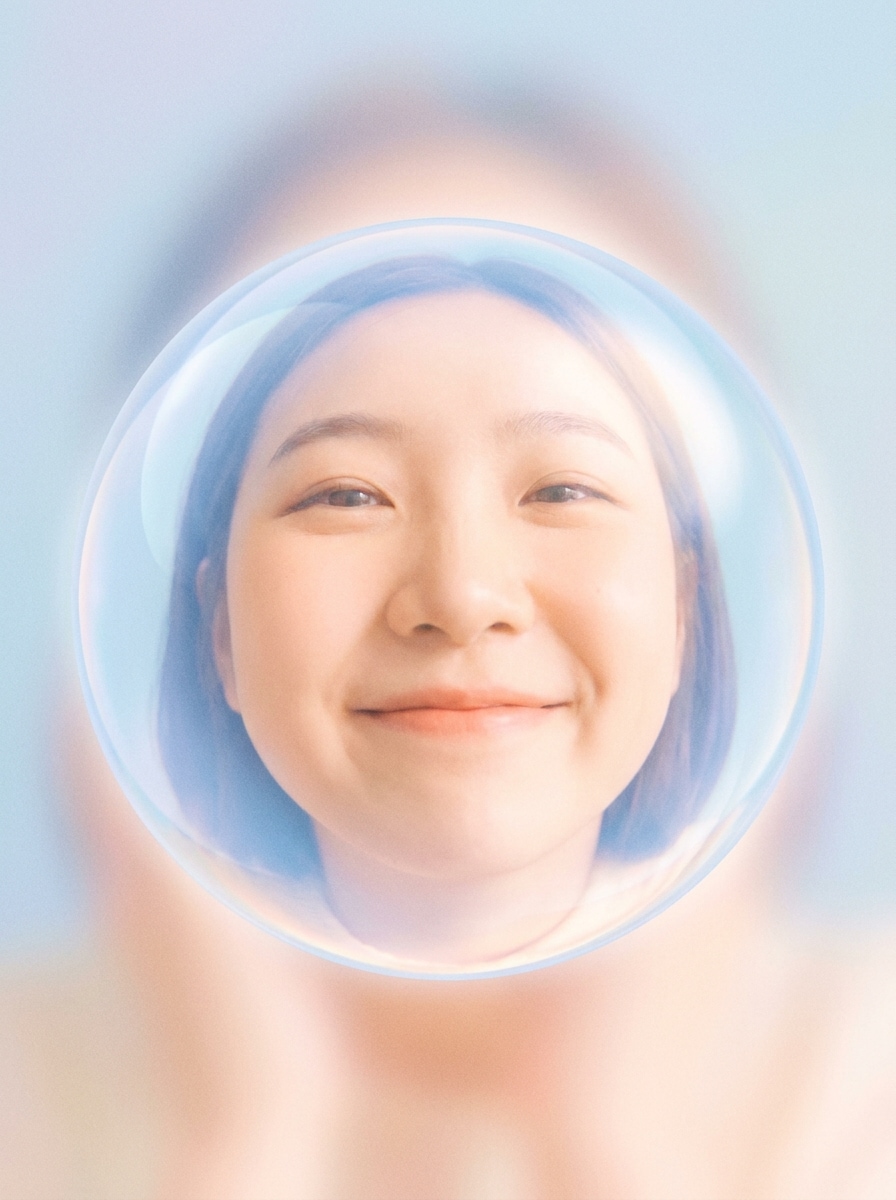
Soft Cute Bubble Lens
Generate a dreamy fisheye profile picture with a bubble-lens effect, gentle pastel blue and peach tones, soft diffused lighting, cute expression, rounded facial emphasis, creamy textures, minimal background, subtle glow, and a polished aesthetic that feels sweet, clean, and optimized for a small avatar display.
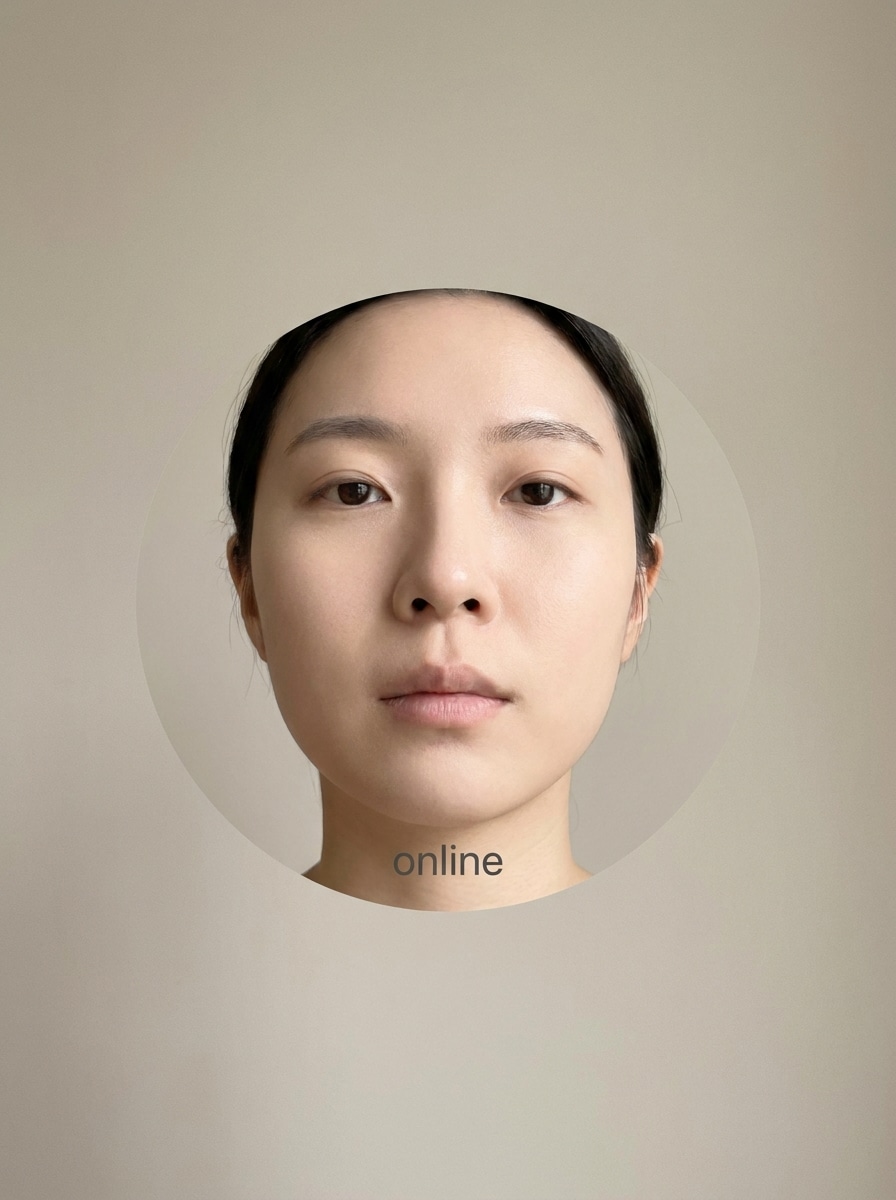
Minimal Lowercase Word PFP
Create a minimalist fisheye avatar with subtle wide-angle face distortion, neutral beige background, soft frontal lighting, clean skin texture, centered composition, and small lowercase word styling integrated near the subject. Keep the mood modern, internet-inspired, uncluttered, and highly readable for profile picture use.
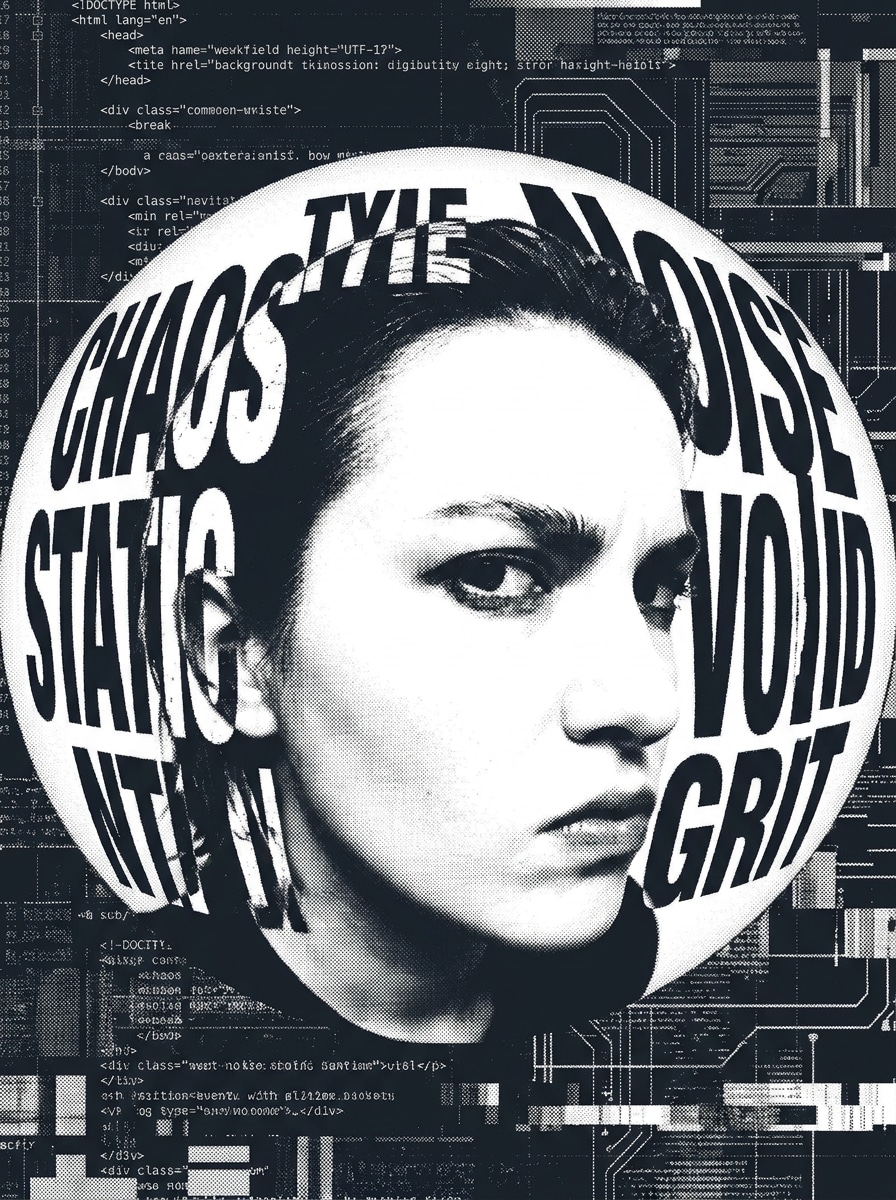
Bold Typographic Fisheye
Generate an edgy profile image with strong fisheye distortion, bold wrapped typography around the face, high-contrast flash lighting, dark charcoal and white color palette, sharp contours, gritty web aesthetic, centered close-up portrait, and a striking composition that makes both the face and words visible at small icon size.
Discord Fisheye Avatar
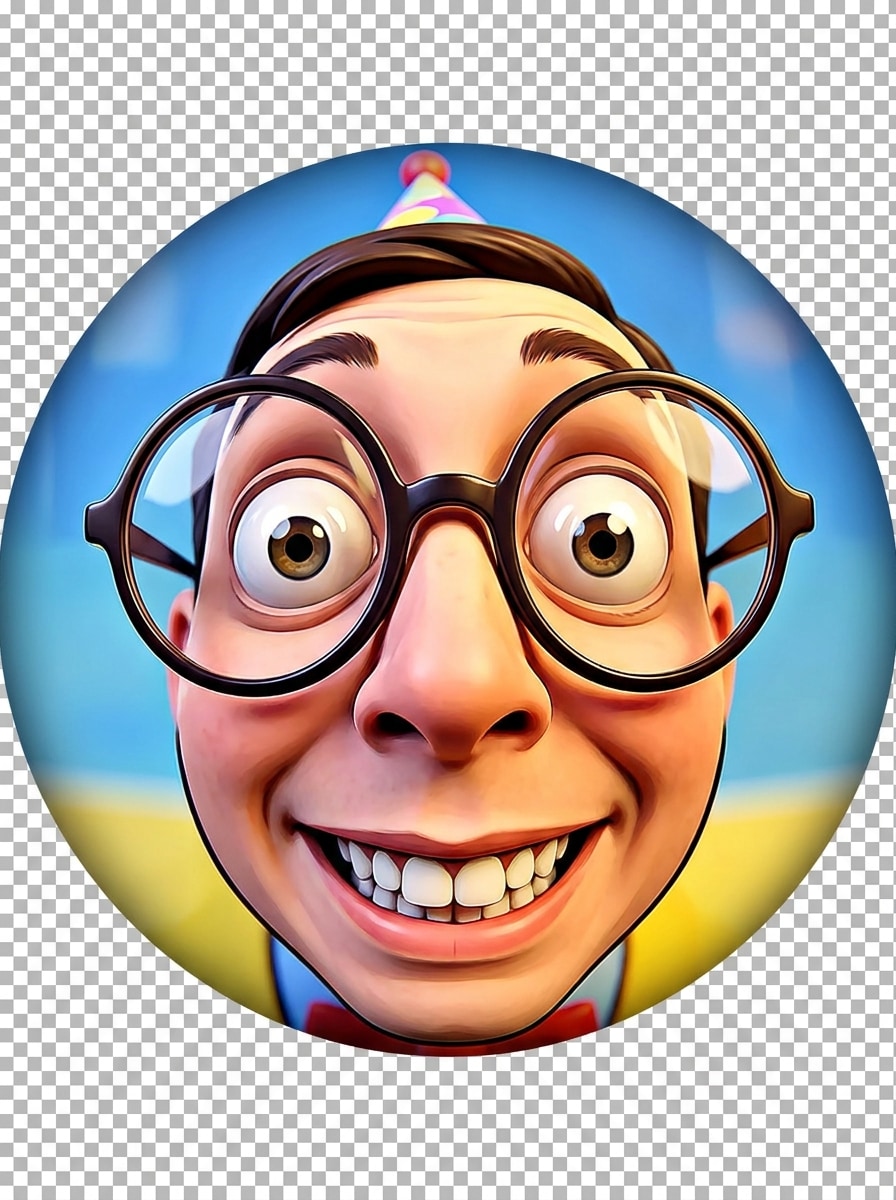
Create a funny, circle-safe fisheye avatar for chat profiles with exaggerated close-up perspective, bright clean lighting, simple background, expressive face, strong center focus, punchy contrast, and crisp edges. Design it to stay recognizable when reduced for Discord servers, DMs, and small profile badges.
TikTok Creator Fisheye PFP
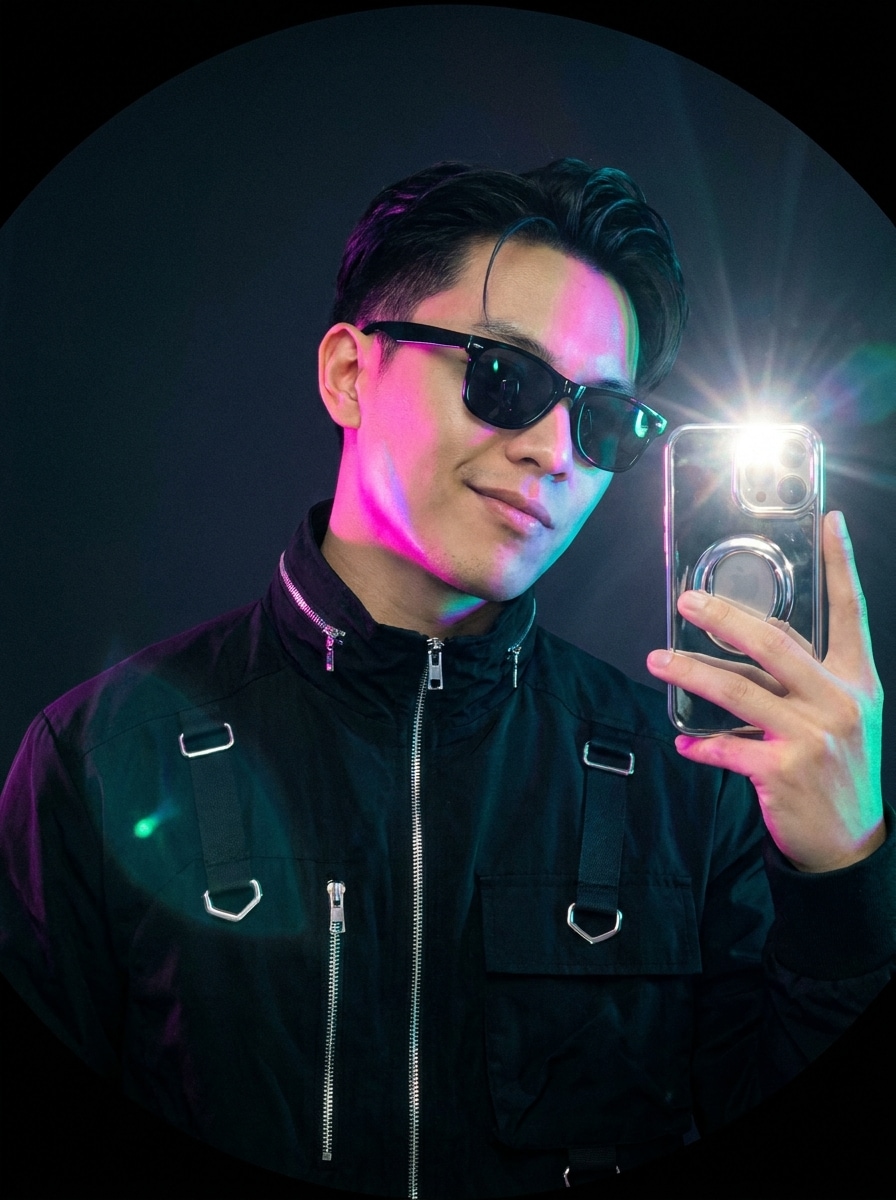
Generate a stylish creator avatar with fisheye selfie distortion, sleek flash photography, confident pose, smooth skin detail, black and chrome accents, vibrant highlights, clean negative space, and a polished social-first composition. The result should feel trendy, expressive, and strong enough for a TikTok profile image.
Kawaii Fisheye Character
Create a kawaii anime-inspired profile picture with fisheye lens distortion, oversized eyes, rounded face emphasis, pastel lavender and mint palette, soft glow lighting, smooth cel-shaded textures, cute expression, and a playful composition designed for a charming social avatar with clear focal balance.
Cyber Y2K Fisheye
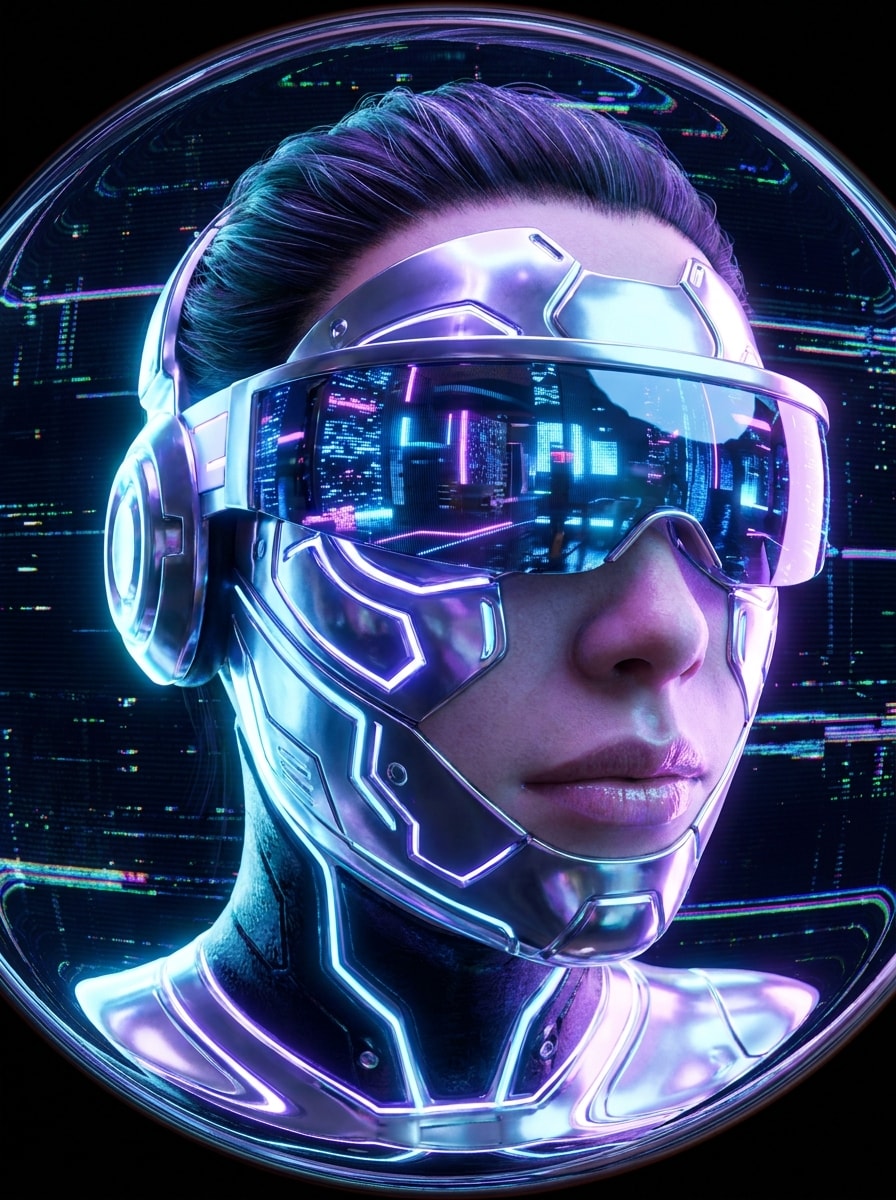
Generate a futuristic fisheye PFP with chrome accents, icy blue and violet lighting, dramatic close-up lens warp, glossy textures, cyber Y2K styling, reflective details, dark background, high-definition finish, and a bold central portrait that feels nostalgic, digital, and instantly eye-catching on social media.
Funny Extreme Fisheye Face
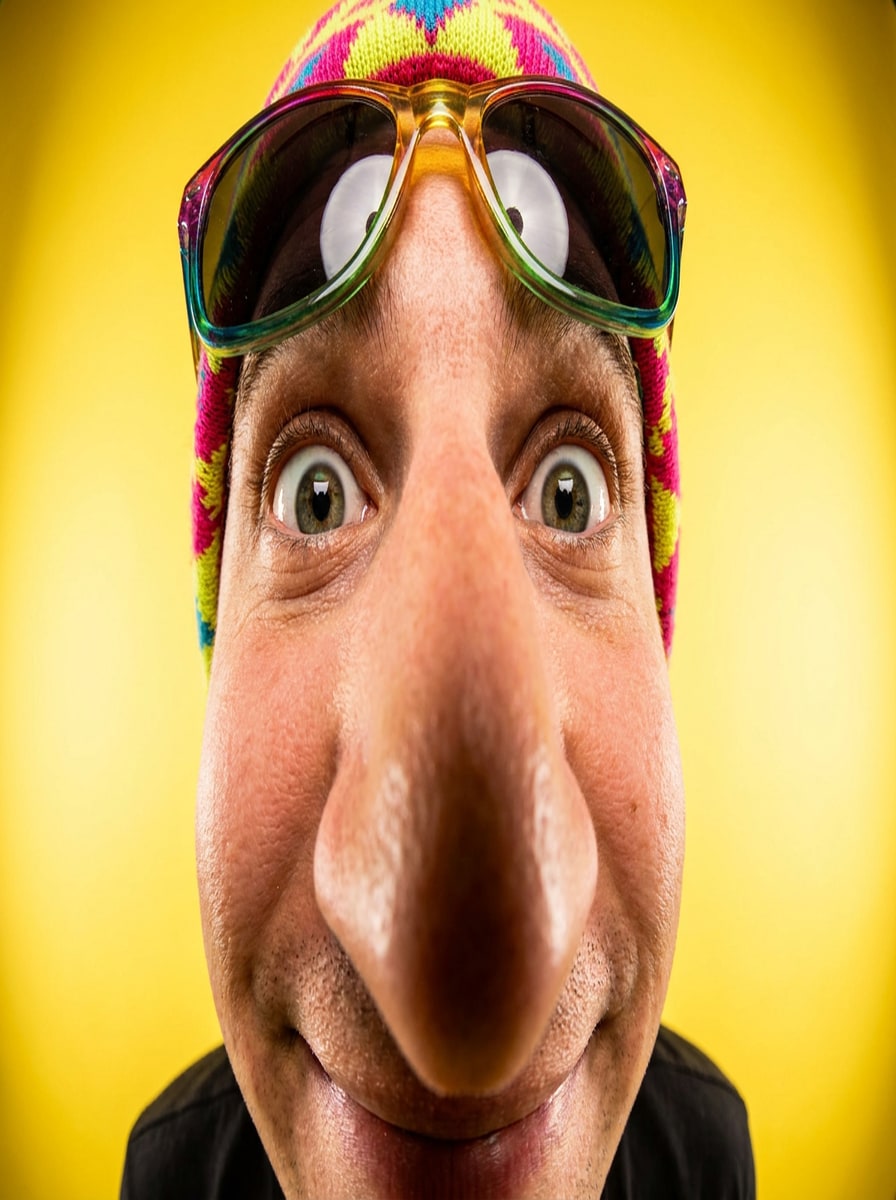
Create a meme-ready fisheye profile picture with extreme close-up facial distortion, oversized nose perspective, bright direct lighting, clean background, sharp detail, playful expression, saturated colors, and a centered composition built for maximum humor and recognizability in a tiny profile icon or comment thread.
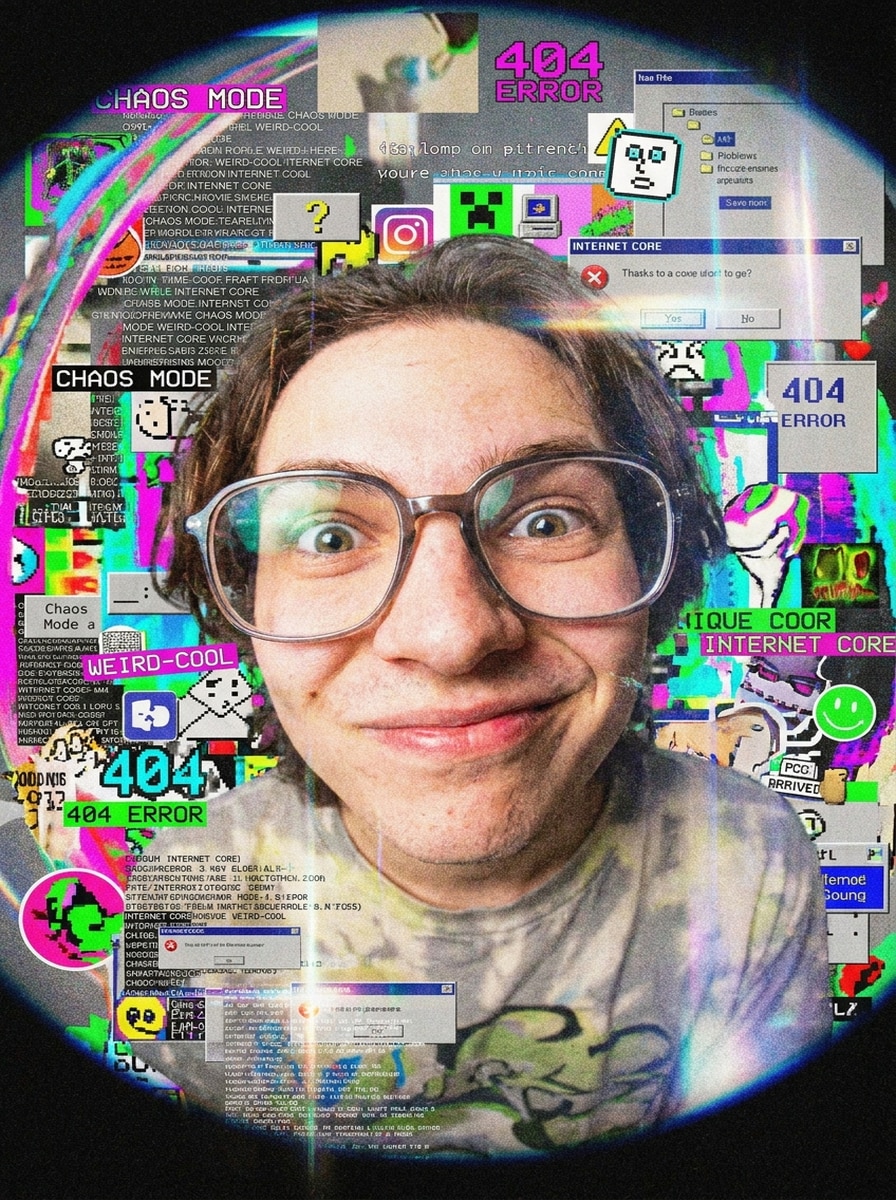
Chaotic Internet-Core Fisheye
Generate a chaotic internet-core avatar with warped fisheye perspective, layered micro text, noisy flash-camera atmosphere, mixed neon and washed-out tones, playful visual clutter, bold central face focus, grainy digital texture, and a weird-cool energy that still reads clearly as a unique profile picture.
Why Use Media.io for Fisheye Profile Picture Prompts
Build Visual Concepts with Less Restarting
When you only have a brief fisheye pfp words portrait direction, Media.io helps build it into usable fisheye pfp words portraits faster so you can move forward without a blank-canvas slowdown.
Rework One Subject Into Multiple Styles
If you want a quick fisheye pfp maker text workflow on laptop or phone, Media.io runs in the browser, making it easy to test prompts, refine styles, and download your final image without added software.
Keep Final Visuals Sharp for Real Projects
Some results need to do more than look good in a preview. Media.io helps generate cleaner fisheye pfp words portraits with output up to 4K so the final image holds up in wallpapers, decks, and mockups.
Keep the Workflow Moving Across Devices
When a fisheye pfp words portrait idea starts away from your main setup, Media.io lets you create and refine it in the browser so moving between mobile and desktop feels seamless instead of disruptive.
How to Make a Fisheye PFP from Words
1
2
3
1
Open Media.io Text to Image
Go to AI Text to Image Generator and open the Text to Image tool under AI -> Image Generator. This online tool runs in your browser, so you can create a fisheye-style profile picture on desktop or mobile without installing anything.
2
Enter a Prompt
Type a detailed prompt such as "close-up fisheye selfie, glossy flash lighting, bold lowercase text, clean background, square avatar." Adjust style and aspect ratio to match the look you want, whether aesthetic, funny, cute, or edgy.
3
Generate, Refine & Download
Click Generate. Tweak the wording if you want stronger lens distortion, cleaner text placement, or a different vibe. Then download your high-resolution image and use it as a profile photo for social apps.
See how creators use this Fisheye Pfp Words for content, marketing, and personal projects, then adapt each idea to fit the brief.
Make a creator avatar that stands out instantly
Build a profile image with exaggerated lens perspective, bold center framing, and polished lighting so your account looks more memorable on TikTok, Instagram, or creator portfolios. This is especially useful when you want a face-first identity without using a standard selfie.
Design funny or chaotic icons for Discord communities
Create playful close-up portraits, meme-style expressions, or weird internet-core concepts that still read clearly in small circular crops. A prompt-driven workflow is ideal for server admins, gamers, and alt accounts that need fast, distinctive branding.
Experiment with text-led aesthetic profile art
Use minimal lowercase words, wrapped typography, or soft label-style text to add personality to your avatar. Media.io makes it easy to explore a fisheye text generator look for moodboard-inspired profiles, fan pages, or niche aesthetic accounts.
What Users Say
Maya R.
TikTok Creator
"Great for trendy profile pics" I wanted a fisheye-style avatar with that glossy flash look I kept seeing online. Media.io made it easy to get the vibe from just a prompt, and the results looked much better than random filter apps.
Jordan L.
Discord Community Mod
"Actually readable at small size" Most profile picture tools make details messy once the image gets tiny. The square compositions here worked well for Discord, and I liked being able to steer the design with funny prompt wording.
Nina P.
Student Designer
"Fast way to test text and style ideas" I used it for a soft minimal avatar with lowercase text and fisheye distortion. It saved me time because I could explore several looks quickly without opening multiple editing apps.
Alex C.
Social Media Enthusiast
"Good mix of cute and edgy styles" I tried both a kawaii version and a bold typographic one. The tool handled both really well, so it feels useful whether you want something aesthetic, funny, or more experimental.
A fisheye profile picture is an avatar designed with a wide-angle, curved-lens look that makes the center subject appear closer and more exaggerated. It is popular for social profiles because the distortion creates a bold focal point, whether you want a funny selfie, a Y2K-style portrait, or stylized text-led profile art.
2. How do I make a fisheye PFP from words?
With Media.io, you can describe the look you want in a text prompt and let the AI generate the image for you. For example, you can enter details about close-up perspective, flash lighting, color mood, facial expression, and text placement to create a fisheye pfp words result without manual editing.
3. Can I generate a fisheye text PFP for free?
Free users can try Media.io with free credits, which is helpful for testing a fisheye pfp maker text idea before committing to more generations. Free downloads may include a watermark, while paid plans offer more usage and watermark-free high-resolution exports. You can compare options on the pricing page. Free users can use free credits. For more usage, users can subscribe to a plan on the pricing page. Upgrade to a paid plan on the pricing page for more credits and watermark-free high-resolution downloads.
4. Do I need to download any software to create a fisheye PFP?
Media.io is web-based, so you can open the tool in your browser and generate images online on Windows, Mac, iPhone, Android, or other devices with web access. That makes it convenient if you want a no-download workflow for quick avatar creation.
5. Will my fisheye profile picture work for Discord, TikTok, and Instagram?
Media.io supports flexible aspect ratios, including 1:1, so you can create profile-picture-friendly images that suit major social platforms. For best results, keep the face or main subject centered so the design remains clear after platform cropping or circular display.
6. Can I add words or text styles to a fisheye PFP?
You can prompt for minimal lowercase words, bold typography, wrapped text, or internet-style micro text as part of the image concept. This makes Media.io useful if you want a fisheye text generator feel for aesthetic avatars, edgy profile art, or text-accented social icons.