Embroidery Pattern Maker for Fast, Stitch-Friendly Custom Design Ideas
Create printable embroidery concepts from simple text prompts with Media.io’s embroidery pattern maker. This browser-based embroidery generator helps you design floral hoops, monograms, pet outlines, and keepsake layouts in seconds, making custom pattern planning faster for hobbyists, gift makers, and small craft sellers.
Review these sample directions, then customize the details to get stronger results from Media.io’s embroidery pattern maker and embroidery pattern generator workflow.
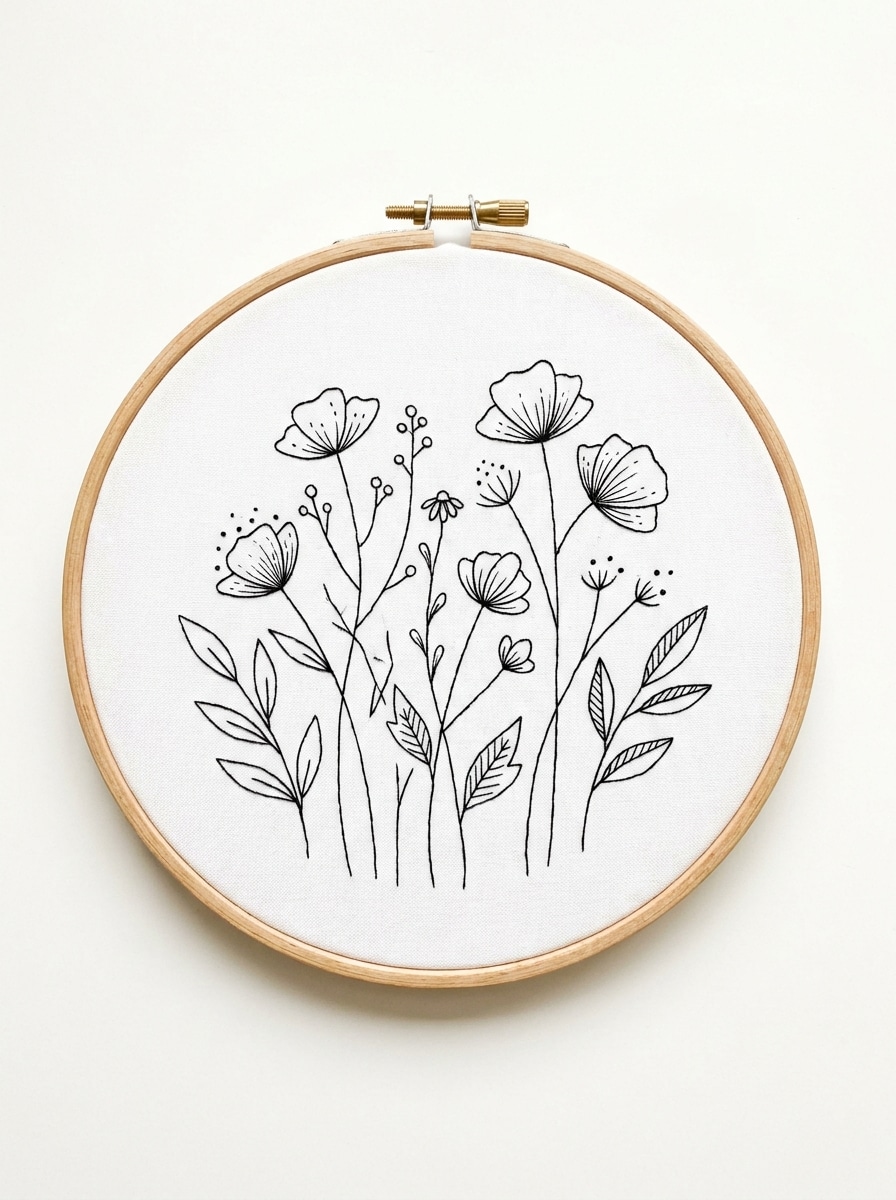
Botanical Line Art
Create a minimalist embroidery pattern featuring wildflowers, thin stems, and soft leaves in a balanced hoop composition. Use clean black line art on a white background, generous negative space, stitch-friendly contours, delicate detail, and a calm handmade mood with elegant botanical simplicity.
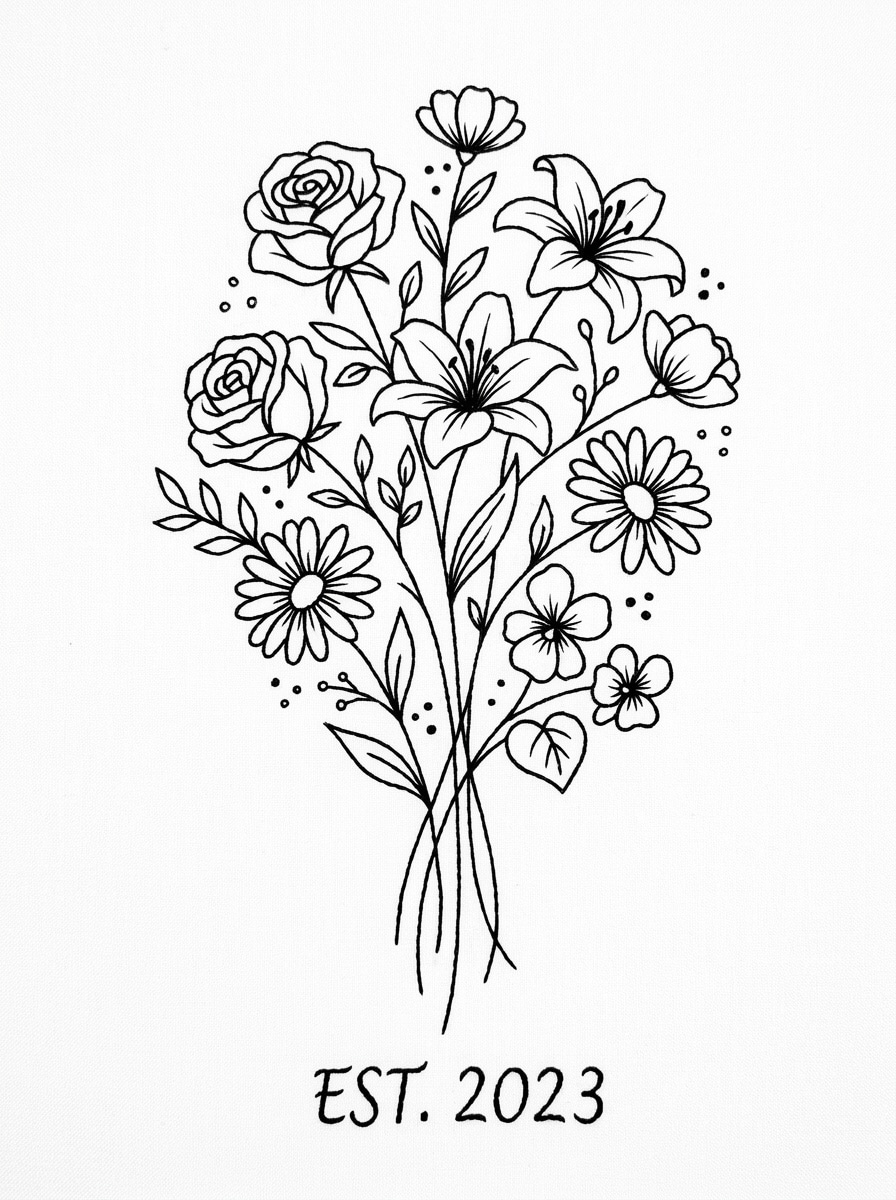
Birth Flower Embroidery
Generate a custom embroidery pattern with birth flowers arranged in an airy vertical bouquet. Include elegant stems, simplified petals, embroidery-friendly spacing, crisp black outlines, and a printable white background. Keep the composition refined, feminine, and easy to follow for a polished keepsake result.
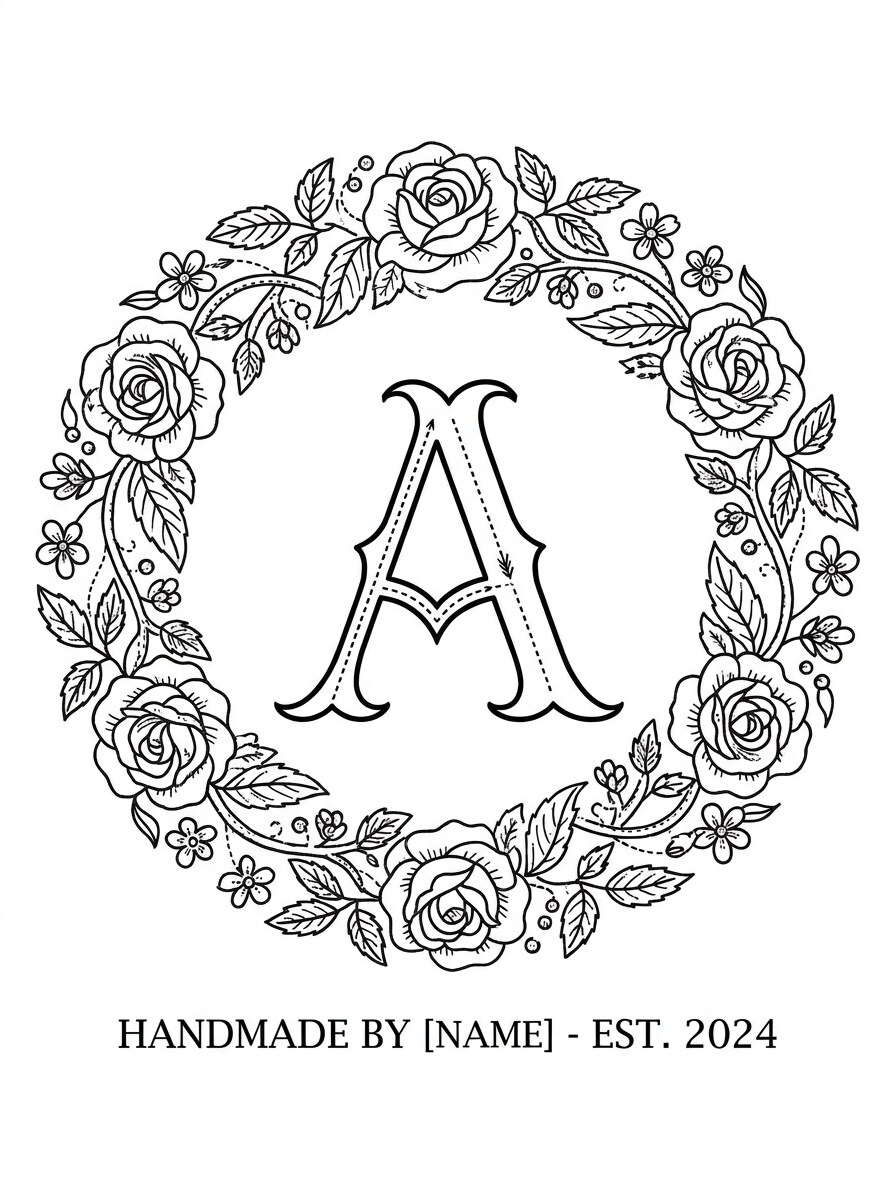
Monogram Hoop Design
Design a personalized embroidery monogram pattern with a large serif initial at the center and a soft floral border around it. Use clear stitch paths, balanced circular layout, clean black linework, white background, and a timeless handmade aesthetic that feels classic, giftable, and beginner-friendly.
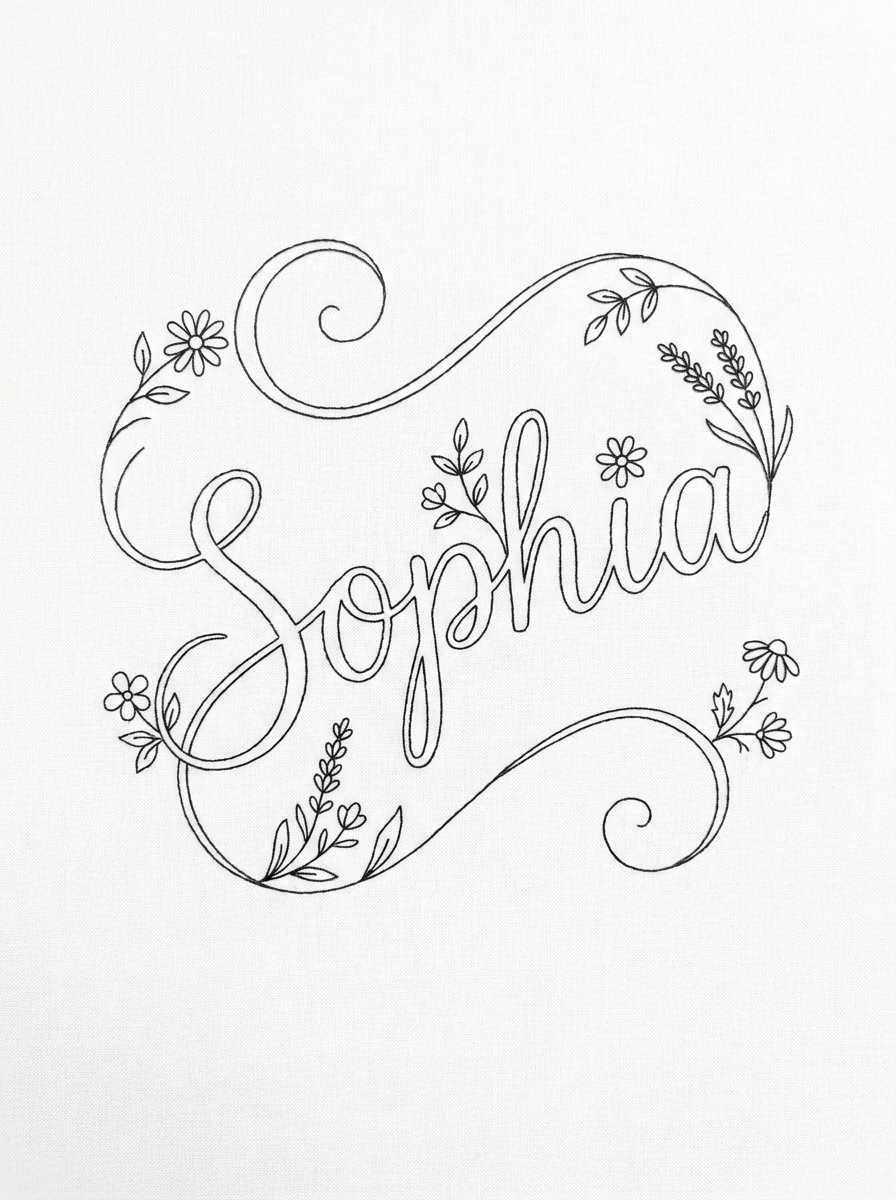
Name Script Pattern
Create a stitchable embroidery pattern with a cursive first name, tiny floral accents, and smooth decorative curves. Keep the lettering readable, the layout airy, and the outlines clean on a white background. Aim for a modern handmade look with soft elegance and easy tracing for embroidery transfer.
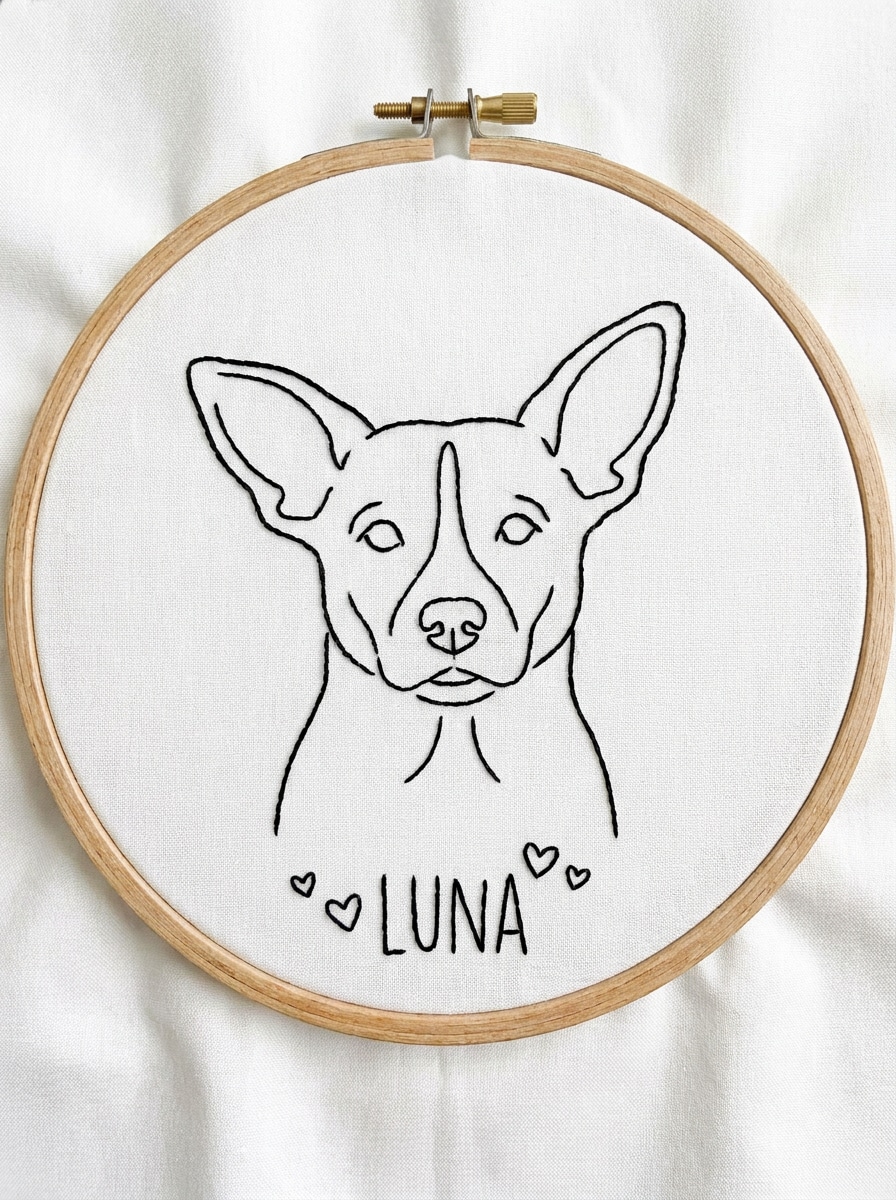
Pet Outline Embroidery
Generate a simple pet portrait embroidery pattern based on a dog silhouette with expressive ears and a gentle face shape. Use minimal contour lines, reduced detail, and crisp black outlines on white. Keep the mood sentimental and modern, with stitch-friendly simplification suitable for a personal keepsake hoop.
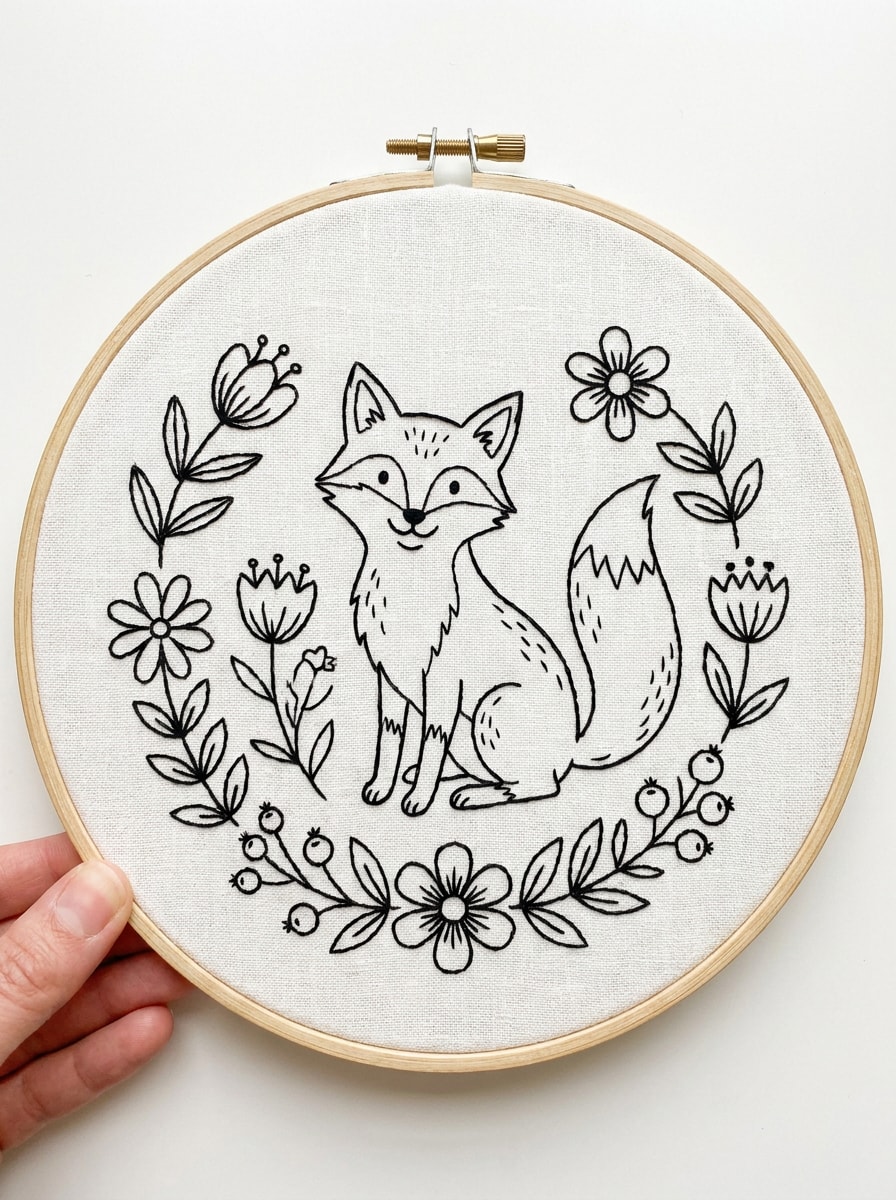
Whimsical Animal Motif
Create a whimsical embroidery pattern of a fox surrounded by simple flowers and leafy accents. Use balanced hoop composition, charming hand-drawn outlines, limited detail for easier stitching, and clean black line art on white. The mood should feel warm, playful, and cottage-inspired without becoming visually cluttered.
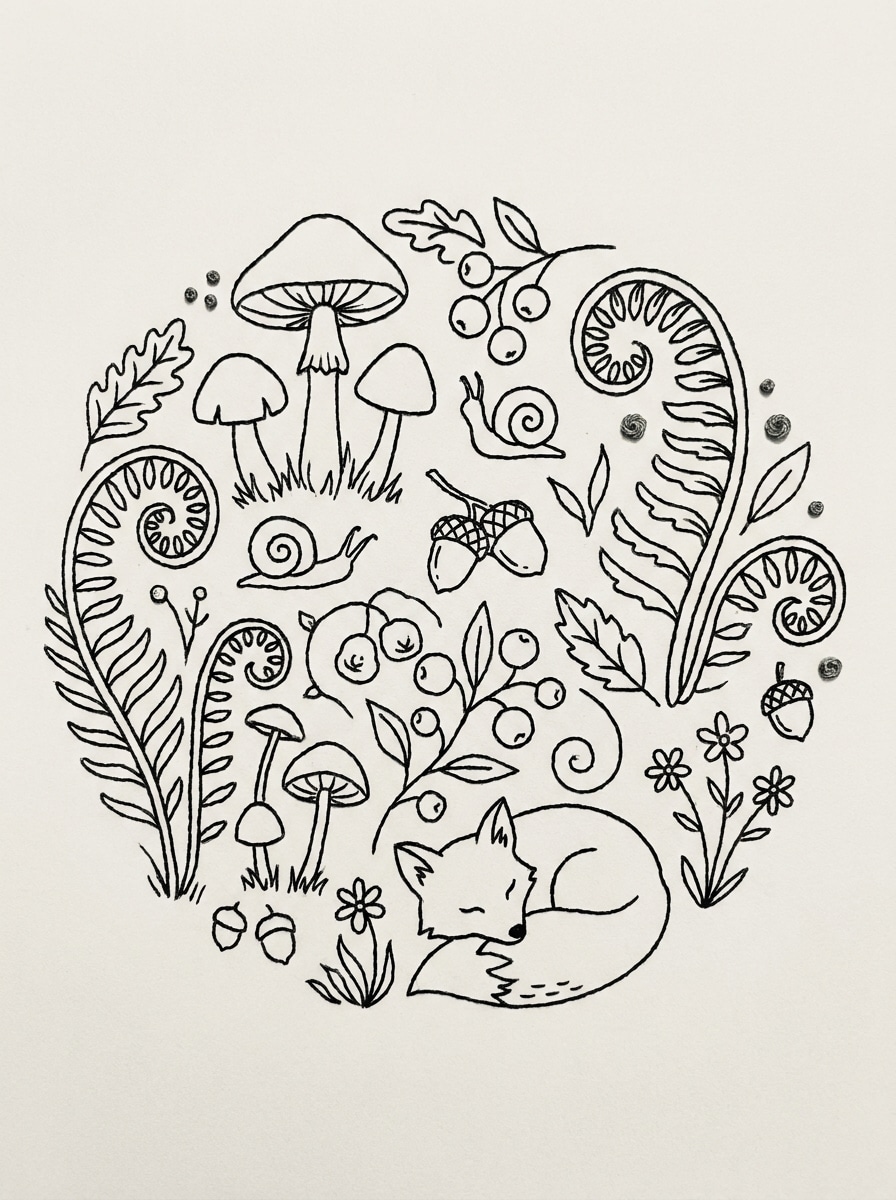
Mushroom Cottagecore Pattern
Design a cottagecore embroidery pattern with mushrooms, ferns, and tiny woodland details in a cozy circular composition. Use vintage-inspired black line art, simplified forms, soft organic rhythm, and a plain white background. Keep it stitchable, decorative, and rich in handmade charm without overwhelming fine detail.
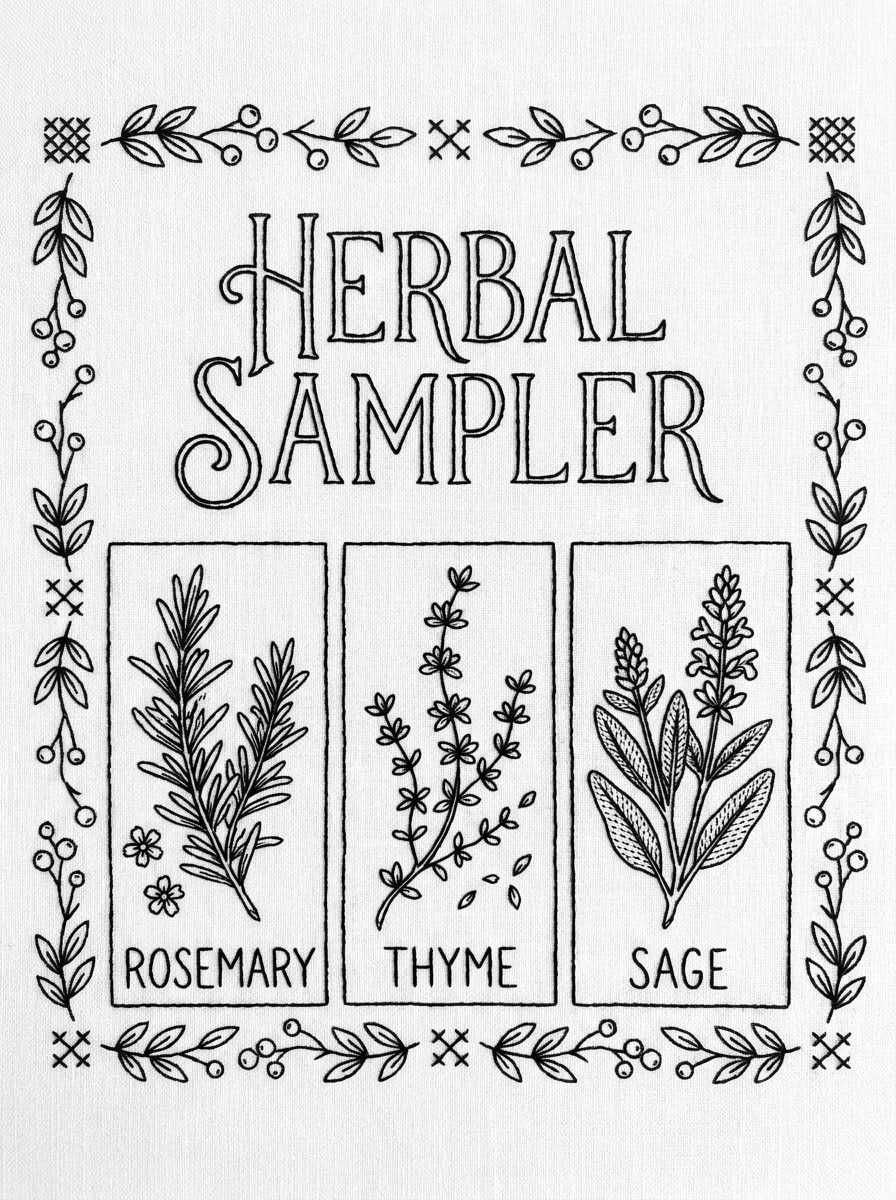
Herb Label Sampler
Create an embroidery sampler pattern featuring rosemary, thyme, and sage labels with neat hand-lettering and simple botanical stems. Arrange the elements in an organized, stitch-friendly layout with clean black outlines on white. The style should feel rustic, tidy, and practical for home decor or gift stitching.
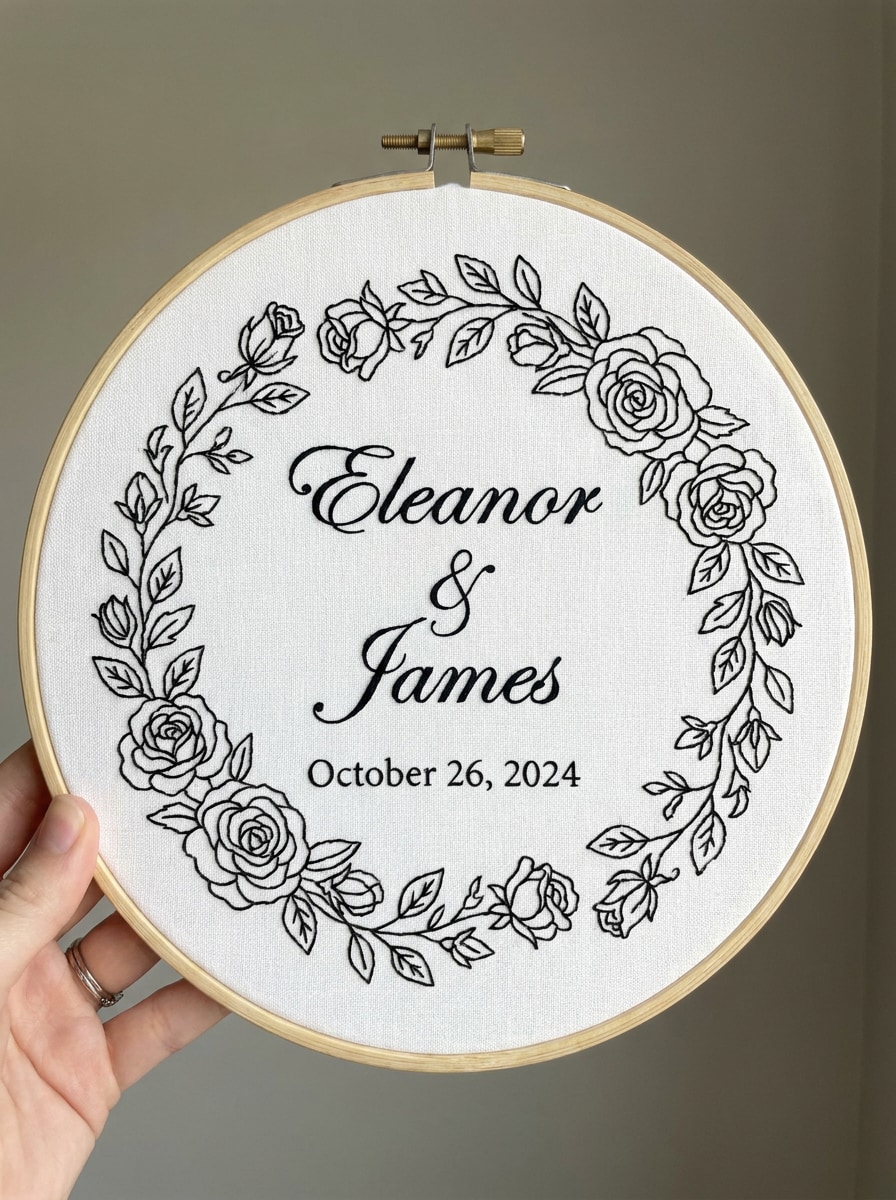
Wedding Embroidery Pattern
Generate a personalized wedding embroidery pattern with couple names, a wedding date, and an elegant floral frame. Use refined script typography, clean spacing, circular hoop balance, and black line art on a white background. Keep the result romantic, polished, and easy to adapt into a stitched keepsake gift.
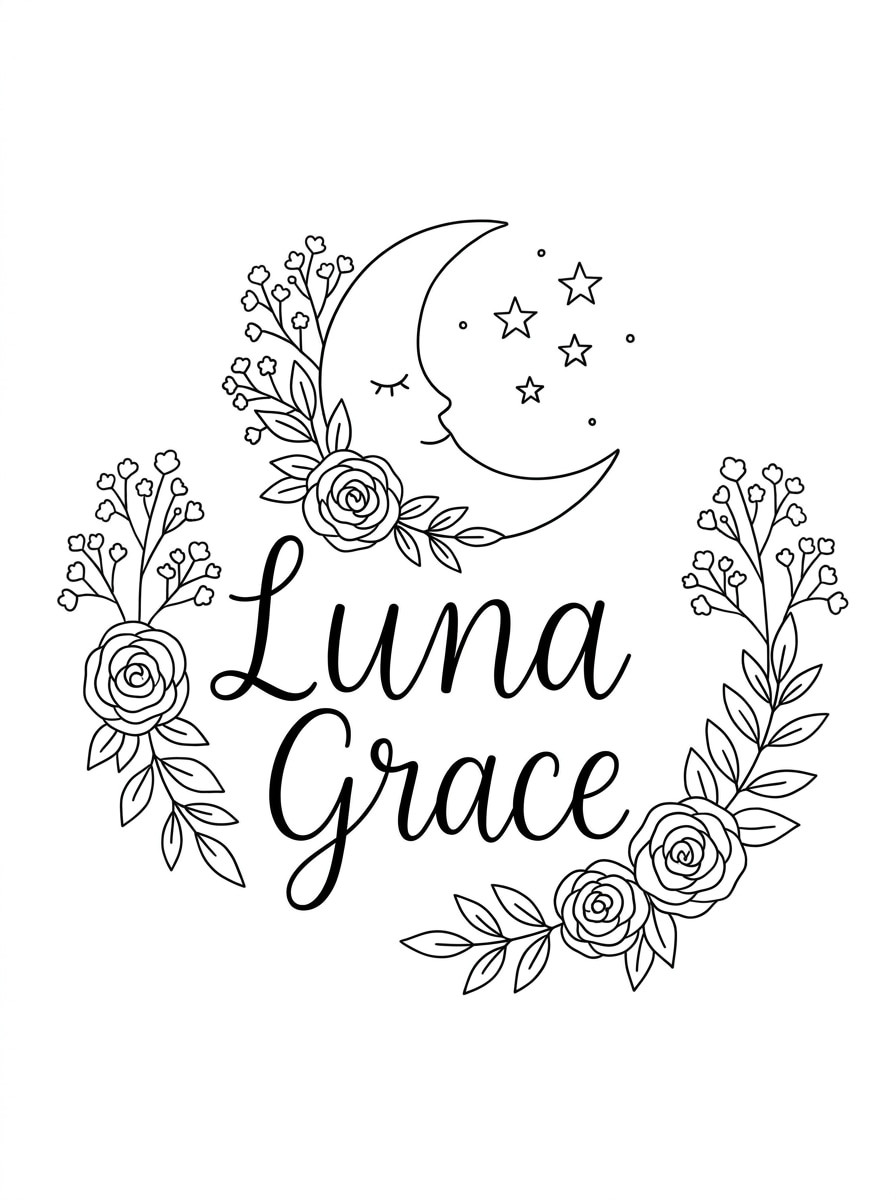
Baby Announcement Pattern
Design a baby announcement embroidery pattern with a baby name, moon, stars, and soft floral accents. Use gentle hand-drawn outlines, simple shapes, balanced spacing, and printable black line art on white. The overall mood should feel tender, dreamy, and keepsake-worthy while staying clear enough for real stitching.
Why Use Media.io for AI Embroidery Design Creation
Turn Craft Ideas Into Pattern Concepts in Seconds
Fast concept development needs more than a rough placeholder sketch. Media.io turns simple prompts into usable embroidery pattern maker visuals, helping you test ideas earlier and improve them with less back-and-forth.
Explore Multiple Styles for Personalized Embroidery
From botanical and cottagecore styles to script lettering and pet-inspired artwork, Media.io helps you explore multiple looks from one idea. That gives your AI embroidery generator process more flexibility and leads to more personal, gift-ready results.
Create on Any Device and Download High-Resolution Results
Preview images are helpful, but some projects need artwork that also presents well in real materials. Media.io creates cleaner embroidery design creator visuals with output up to 4K, so your concepts stay polished in wallpapers, decks, and mockups.
Keep the Workflow Moving Across Devices
Creative work should stay easy to manage across screens. In Media.io, you can build, refine, and download embroidery design maker concepts directly in the browser, which helps you keep moving whether you switch from laptop to tablet or back again.
How to Make Embroidery Designs Online
1
2
3
1
Step 1: Open Media.io Text to Image
Go to AI Text to Image Generator and open the Text to Image tool under AI -> Image Generator. This online tool runs in your browser, so you can start your embroidery design maker workflow on desktop or mobile without installing software.
2
Step 2: Enter a Prompt
Type a detailed prompt such as “minimal floral embroidery pattern with wildflowers and leaves, clean black line art, white background, stitch-friendly spacing.” Adjust style and image ratio to shape the layout for a printable embroidery design creator concept.
3
Step 3: Generate, Refine & Download
Click Generate. Tweak the prompt if you want cleaner outlines, simpler spacing, or a different motif style. Then download the high-resolution image and use it as a reference for printing, tracing, or developing your embroidery pattern generator idea further.
See how creators use Media.io for embroidery-inspired content, marketing, and personal projects, then adapt each idea to fit your brief.
Plan Personalized Gift Hoops Faster
Create names, initials, wedding dates, or baby keepsake layouts without drawing every detail by hand first. Media.io helps makers test elegant lettering, floral borders, and balanced compositions quickly, which is especially useful when building a custom embroidery design maker online free workflow for gifts.
Develop Sellable Craft Concepts for Small Shops
If you run an Etsy-style handmade business, Media.io helps you explore floral, cottagecore, and seasonal motif directions before committing to a final stitched sample. That makes product ideation faster and keeps visual planning more consistent across collections with an AI embroidery approach.
Create Pet, Botanical, and Home Decor Patterns
Use prompts to generate pet outlines, herb samplers, or botanical compositions that feel more organized and stitch-aware than a rough sketch. Media.io gives you a practical way to test layouts for wall hoops, nursery decor, and handmade housewarming pieces with an embroidery design maker approach.
What Users Say About Media.io
Sophie M.
Embroidery Hobbyist
"Great for floral pattern ideas" I used Media.io to generate botanical hoop concepts when I didn’t want to sketch from scratch. The layouts gave me a clear starting point for tracing and simplifying into real stitches.
Rachel T.
Handmade Gift Seller
"Helpful for personalized keepsakes" Names, monograms, and wedding-date ideas are much faster to plan with this tool. I can test different looks in minutes and choose the one that feels most giftable before I start stitching.
Daniel K.
Small Craft Business Owner
"Good for product concept exploration" I like using it to brainstorm seasonal motifs and cottagecore themes for my shop. It saves time in the design phase and helps me compare several directions before producing samples.
Emma L.
DIY Creator
"Easy to use on phone or laptop" I’ve opened it on both mobile and desktop, and the workflow is simple. For anyone experimenting with an embroidery design creator, it’s a fast way to turn ideas into printable reference art.
An AI embroidery pattern maker is a tool that turns written prompts into visual design concepts you can use as embroidery references. With Media.io, you can generate custom motifs, lettering layouts, floral arrangements, and decorative artwork online, then refine the result into a stitch-friendly pattern for printing or later digitizing.
2. Can I turn text into an embroidery pattern online?
Media.io lets you describe the design you want in text, such as floral hoops, monograms, pet outlines, or keepsake layouts, and generates an image from that prompt in your browser. That makes Media.io useful as an embroidery generator and embroidery pattern generator for fast concept creation before you trace, clean up, or adapt the artwork for stitching.
3. Is there a free embroidery pattern generator?
Yes, free users can try Media.io with free credits, which is helpful if you want to test an embroidery pattern maker idea before subscribing. Free downloads may include a watermark, while paid plans offer more usage and watermark-free high-resolution exports. You can compare options on the pricing page.
4. How detailed should a generated embroidery design be for stitching?
For most embroidery projects, simpler is usually better. Clear outlines, readable spacing, and reduced fine detail are easier to transfer and stitch than dense, highly textured artwork, and Media.io helps you generate concept images you can guide toward cleaner linework and more practical layouts before using them as a stitching reference.
5. Can I make custom embroidery patterns for names, flowers, or pets?
Media.io can help you generate custom concepts for script names, monograms, floral arrangements, pet silhouettes, and other personalized motifs. That makes it useful as an embroidery design creator when you want to explore several visual directions quickly instead of sketching every version from scratch.
6. What file formats can I export for printing or digitizing?
Media.io lets you download the generated image as an image file for printing, tracing, or moving into another editing or digitizing workflow. It works best for creating the visual pattern concept first; if you need machine-specific embroidery stitch files, you can use the exported image as source artwork for later conversion in dedicated digitizing software.