Discord Emoji Creator for Fast, Clear, Custom Server Emotes
Create custom Discord-ready emotes from a text prompt with Media.io’s discord emoji creator. This AI tool helps you design reaction faces, mascot icons, and sticker-style graphics with transparent-looking compositions, sharp small-size readability, and flexible style control for cute, meme, anime, or pixel results.
Review these example directions, then tailor the prompt details to get stronger results with this Media.io discord emoji maker.
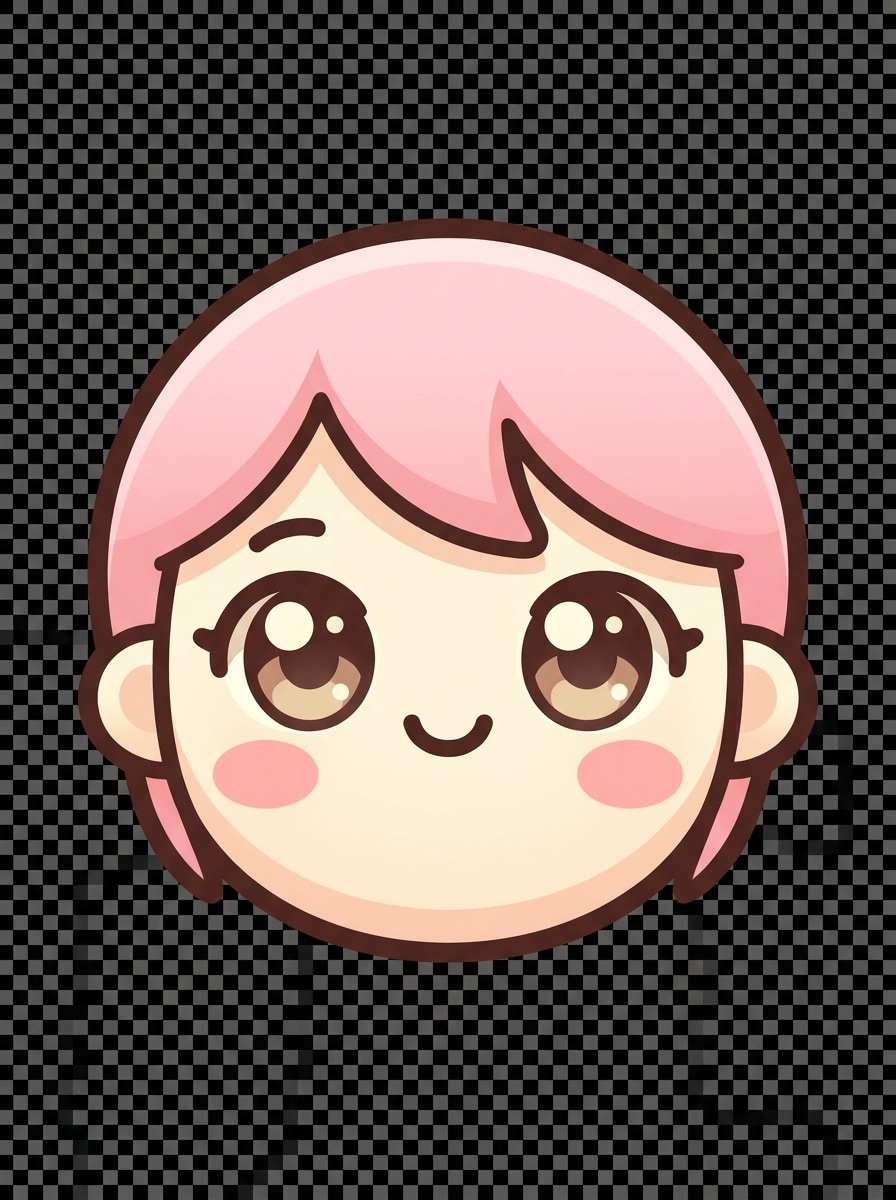
Kawaii Chibi Face
Create a cute chibi face emoji for Discord, centered close-up composition, oversized sparkling eyes, tiny smiling mouth, rosy cheeks, soft pastel pink and cream palette, thick clean outline, smooth vector-like shading, cheerful mood, transparent background, highly readable at very small emoji size, polished high-quality finish.
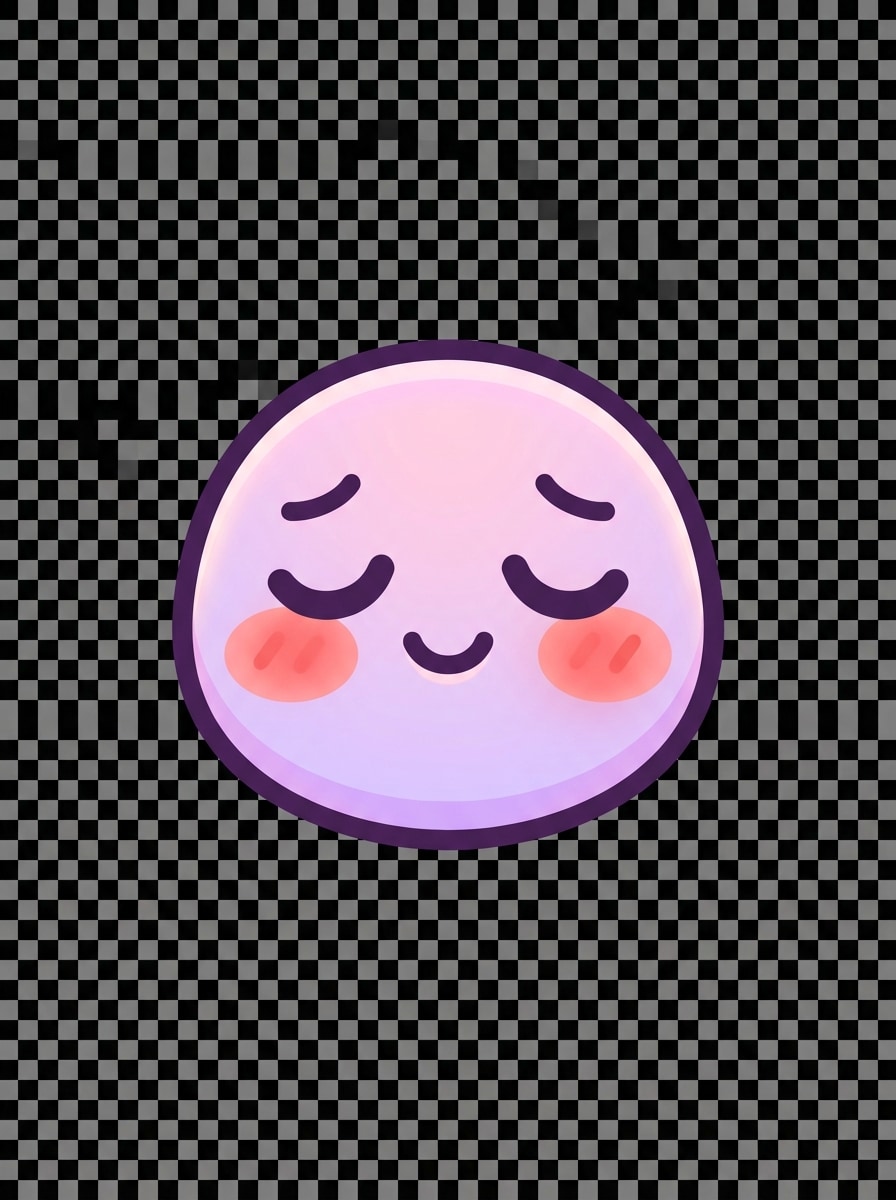
Pastel Blush Reaction
Generate a shy blushing reaction emoji for Discord with a rounded face, downcast eyes, subtle smile, warm blush marks, soft pink and lavender color palette, bold outline, minimal facial details, gentle lighting, clean transparent background, cozy kawaii mood, and crisp edges optimized for tiny server emoji display.
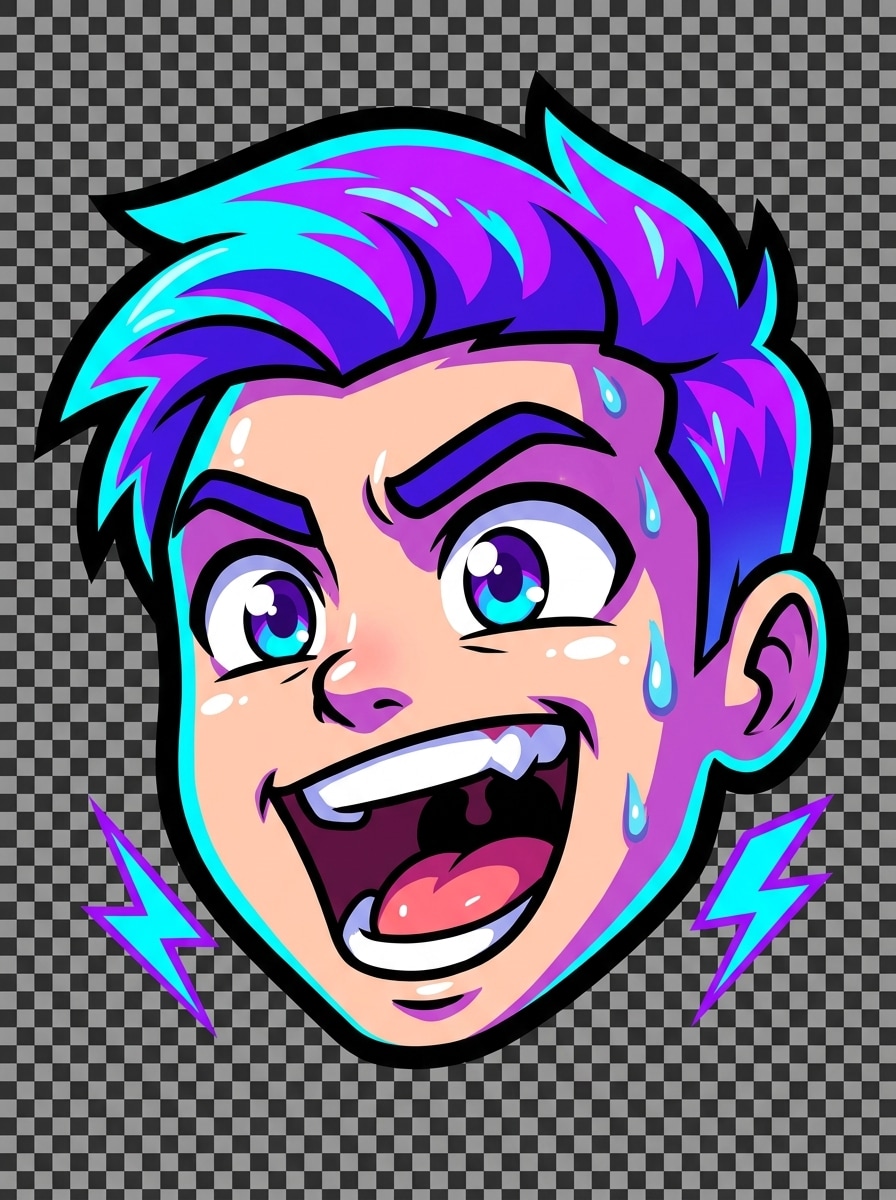
Streamer Hype Emote
Create a high-energy gamer emote for Discord, face-only composition with an excited open-mouth expression, raised eyebrows, bright neon blue and purple accents, thick black outline, glossy highlights, strong contrast, dynamic streamer vibe, transparent background, and bold simplified shapes that stay legible from 32 to 128 pixels.
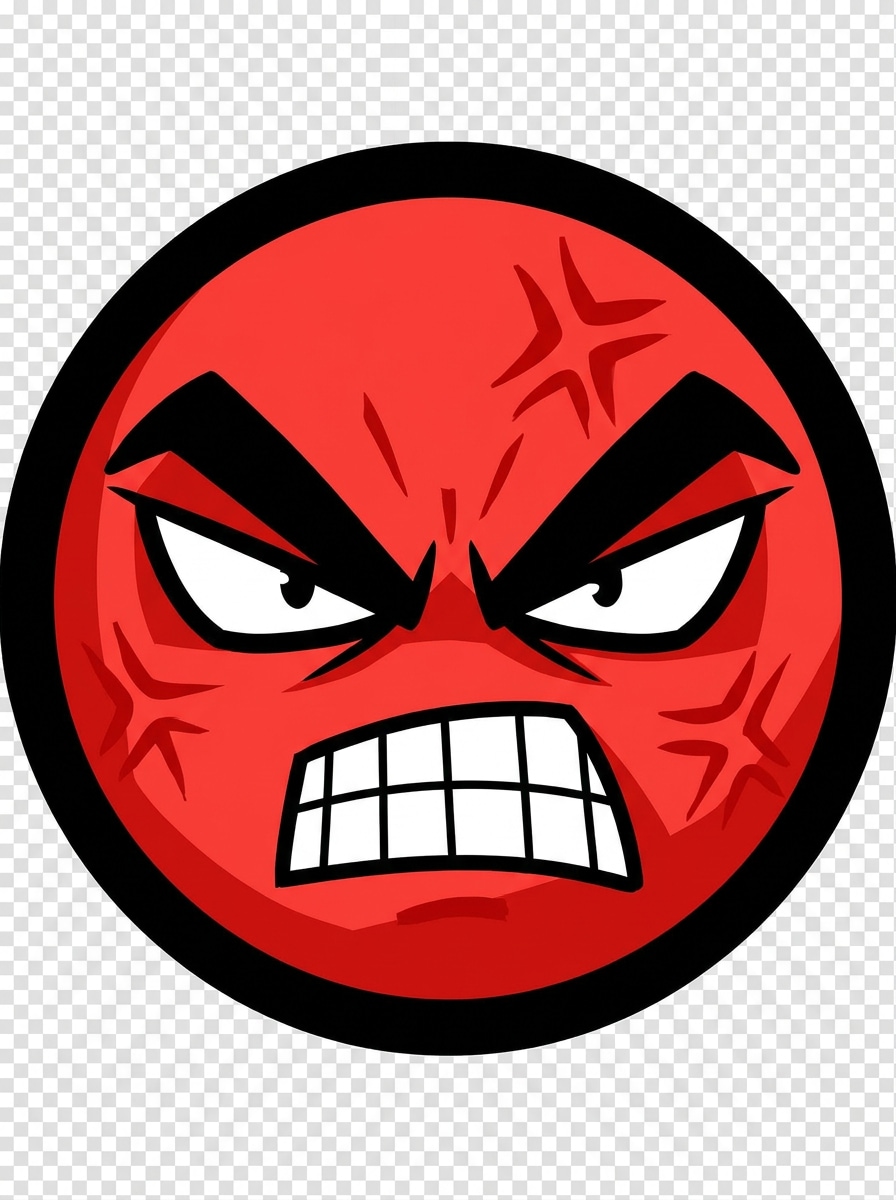
Rage Emote
Generate a rage reaction emote for Discord with exaggerated angry eyebrows, clenched teeth, sharp eyes, red accent stress lines, cartoon styling, thick border, centered crop, dramatic contrast, intense mood, transparent background, and simplified facial geometry so the expression remains instantly readable at tiny emoji scale.
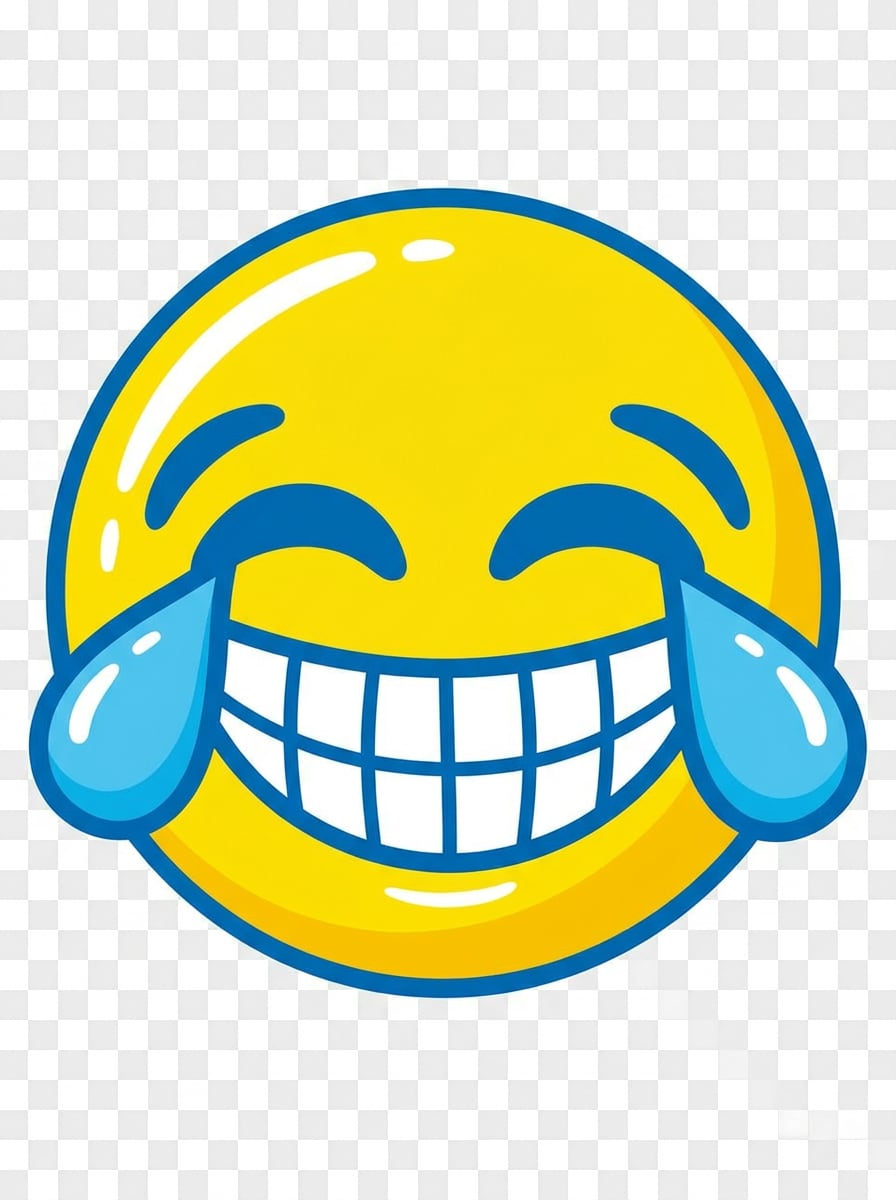
Crying Laugh Reaction
Create a meme-style laughing emoji for Discord with huge grin, closed happy eyes, large teardrops, rounded face, bold yellow and blue palette, thick clean outline, glossy highlights, playful internet humor vibe, transparent background, and a simple silhouette designed for instant recognition in fast-moving chat threads.
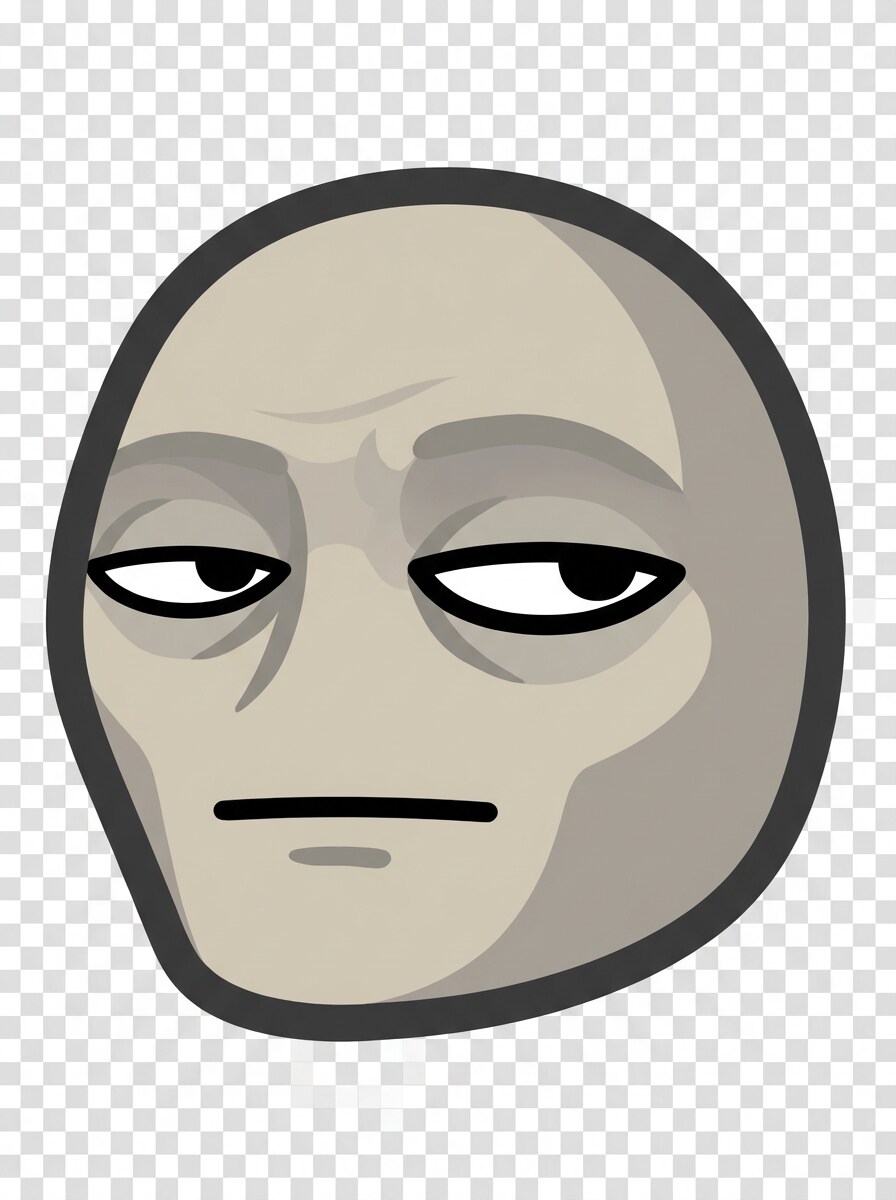
Suspicious Side Eye
Generate a skeptical side-eye reaction emoji for Discord, face angled slightly sideways, narrowed eyes, flat unimpressed mouth, muted beige and gray palette, thick outline, minimal details, subtle shadowing, dry sarcastic mood, transparent background, and strong eye shapes that remain clear even at very small emote sizes.
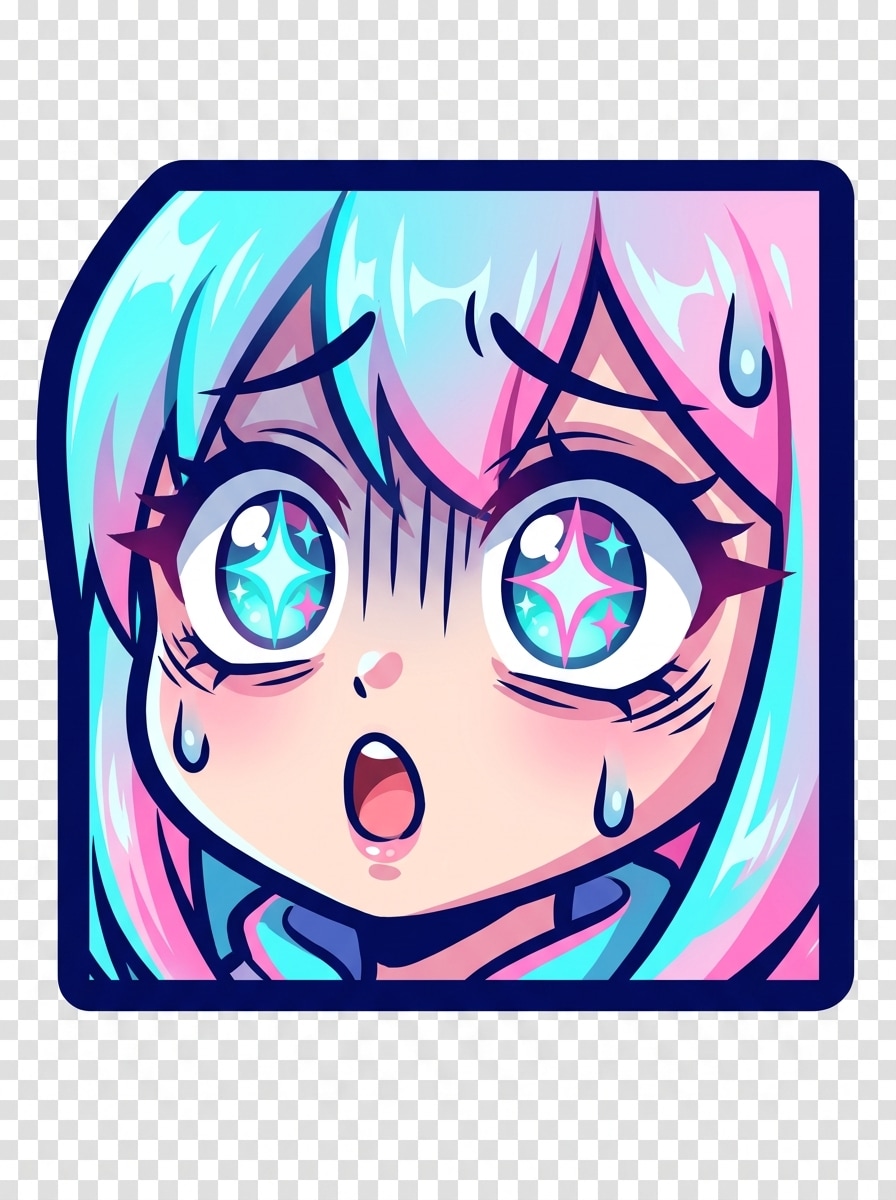
Anime Shock Emote
Create an anime-inspired shocked emoji for Discord with oversized sparkling eyes, small open mouth, dramatic expression lines, cel-shaded coloring, bright cyan and pink accents, bold border, compact centered composition, transparent background, high emotional intensity, and polished shading that still reads cleanly at small display size.
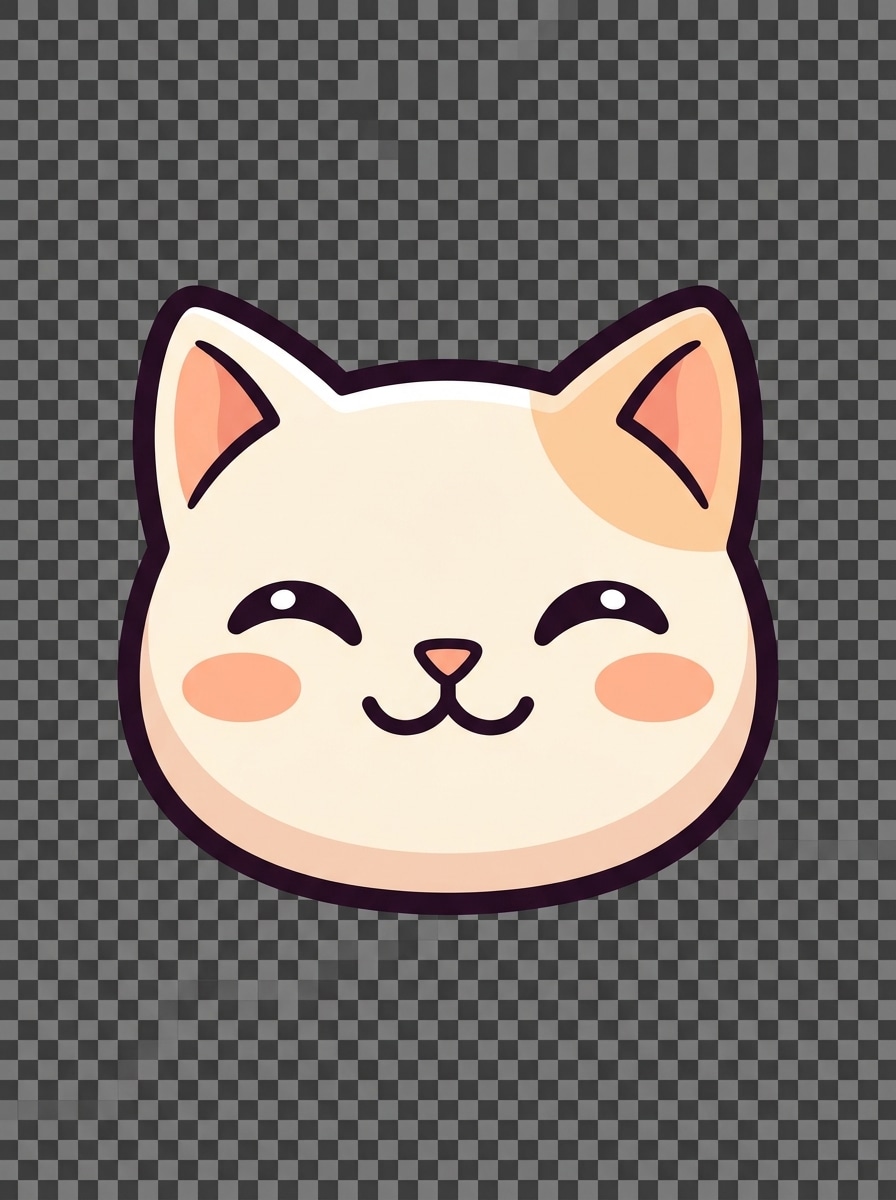
Mascot Cat Emote
Generate a cute cat mascot reaction emoji for Discord, face-only crop with rounded cheeks, expressive eyes, tiny triangle nose, soft cream fur with peach accents, clean vector-like finish, thick high-contrast outline, friendly playful mood, transparent background, and simplified features optimized for sharp emoji readability.
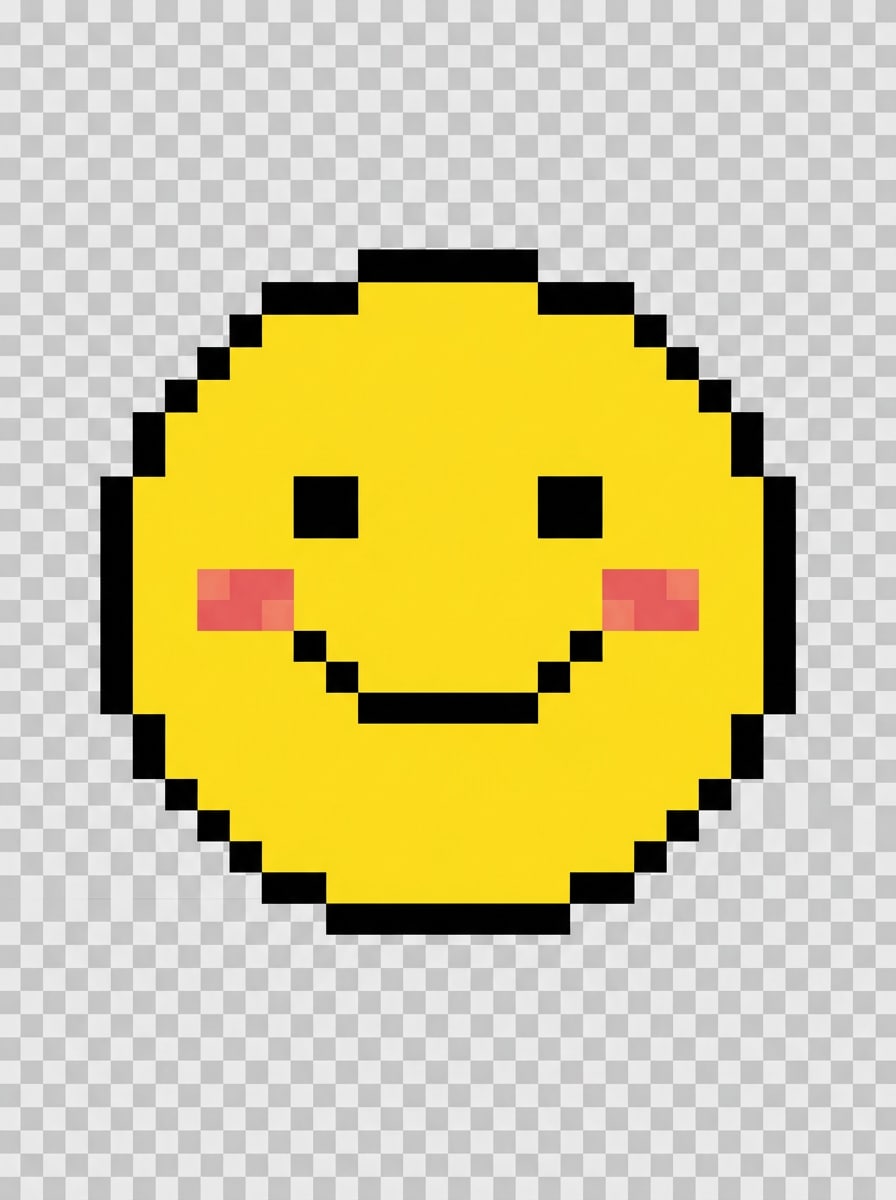
Pixel Smile Emoji
Create a pixel art smile emoji for Discord in an 8-bit retro style, centered happy face, limited yellow, black, and blush palette, crisp square edges, no anti-aliasing, transparent background, cheerful arcade mood, symmetrical composition, and carefully simplified features so the design stays clean in small PNG exports.
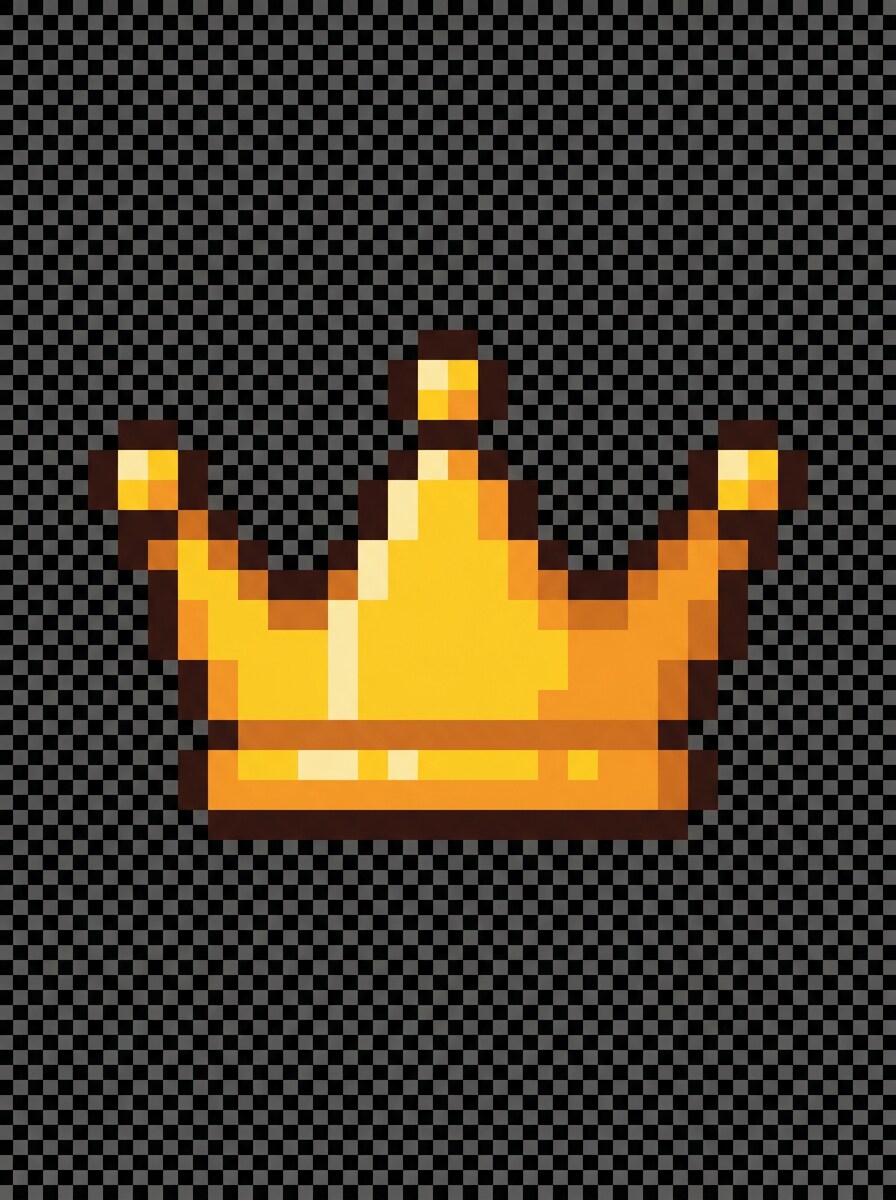
Pixel Role Icon
Generate a pixel-style crown icon for Discord role emoji use, centered symmetrical composition, gold and amber palette, dark brown outline, crisp 8-bit geometry, transparent background, subtle highlight pixels, regal but playful mood, minimal noise, and a compact icon shape that remains visible in crowded server lists.
Why Use Media.io for Discord Emoji Design
Personalize Results Around a Reference Subject
One concept often needs several variations for different channels or moods. Media.io helps reinterpret the same idea across multiple styles, making it easier to create custom Discord emojis that better match your server identity or project brief.
Match the Right Style for Every Version
Different outputs call for different aesthetics. Media.io helps you explore varied treatments of the same discord emoji creator visual concept so the final visual lands in the right tone faster.
Create High-Resolution Images for Real Use
Preview appeal is not always enough for real-world use. Media.io helps generate cleaner emoji visuals with output up to 4K, so your designs stay clear in presentations, mockups, wallpapers, and other assets beyond Discord.
Create and refine from any browser or device
From planning server art on a computer to making a quick update on your phone, Media.io works in the browser and keeps the emoji maker for discord process easy to access without installing extra software.
How to Make Discord Emotes in Minutes
1
2
3
1
Open Media.io AI Image Generator
Go to AI Text to Image Generator and open the AI Image Generator under AI -> Text to Image. This online tool runs in your browser, so you can start building Discord emoji concepts on desktop or mobile without installing design software.
2
Enter a Prompt or Adjust Your Style
Type a detailed prompt, such as “cute chibi smiling face emoji for Discord, thick outline, pastel colors, transparent background, readable at small size.” Then choose the style direction and refine wording for meme, anime, pixel, or sticker-like results.
3
Generate, Refine & Download
Click Generate. Review the result, tweak your prompt if needed, and create more variations for your server. Download the image in high resolution, then resize or export it as needed for Discord emoji use.
See how creators use this Media.io Discord Emoji Creator for content, marketing, and personal projects, then adapt each idea to fit your brief.
Build reaction packs for active servers
Create matching sets for hype, rage, laughing, side-eye, or shocked responses so conversations feel more personal and memorable. A fast emote maker workflow is especially useful for moderators, stream communities, and gaming groups that want recognizable visual shorthand.
Design mascot icons for creator branding
Turn a streamer persona, pet mascot, or community character into expressive faces that work across channels, role tags, and announcements. This also suits users who want a discord sticker maker approach, where one character can be reused in multiple moods.
Test multiple aesthetics before uploading
Compare kawaii, anime, meme, and pixel concepts from the same idea before choosing what fits your server culture best. Media.io makes it easy for anyone who wants a quick discord emojis maker experience without starting from blank canvases or rigid templates.
What Users Say
Lena P.
Discord Community Manager
"Fast way to test server emotes" I needed several reaction faces for a gaming server, and Media.io made the process much faster than drawing everything manually. The prompts were easy to refine, and the results stayed surprisingly readable once resized.
Marcus T.
Streamer
"Great for hype and meme reactions" I used it as a discord emoji maker for my community pack. The anime and meme-style outputs gave me strong starting points, and I could generate a few different expressions before picking the best ones.
Ari N.
Indie Server Owner
"Helpful even without design experience" I’m not an illustrator, so having a text-to-image workflow was a huge help. I made custom role icons and a cat mascot set that looked polished enough for our server branding.
Devon R.
Content Creator
"Easy browser-based emoji creation" What I liked most was being able to do everything online. I could brainstorm prompts on my laptop, regenerate a few versions, and download the one that fit our Discord vibe best.
1. Can I create my own custom Discord emoji with AI?
Media.io lets you create your own custom Discord emoji from a text prompt, so you can describe a mood, character, or reaction and generate a matching image in styles like cute, anime, meme, or pixel. It works well if you want a simple discord emoji creator workflow without drawing from scratch.
2. Is this Discord emoji creator free to use?
Media.io offers free credits, so you can try the tool and generate Discord emoji ideas without paying upfront. If you need more generations or want watermark-free high-resolution downloads, you can check the pricing page for available plans.
3. What size and file format should a Discord emoji be?
Discord emojis are commonly prepared as PNG files, especially when you want a clean cutout look. Media.io generates high-resolution images you can refine and resize for emoji use, which helps small graphics stay sharp after export.
4. Can I make transparent Discord emojis from text prompts?
Yes, you can prompt for a transparent background look when generating your emoji concept in Media.io. That makes it easier to create clean reaction faces, icons, and sticker-like graphics for Discord, then export and prepare them as transparent PNG-style assets for server use.
5. How do I turn a text description into a Discord emote?
Open Media.io’s AI Image Generator, type a detailed description such as the expression, art style, outline strength, and background preference, then generate the image. If the first result is close but not perfect, adjust the wording and regenerate until your discord emote maker concept fits the exact server mood you want.
6. Can I create animated-style or reaction emojis for Discord?
Media.io can generate static images with exaggerated expressions and motion-inspired styling, which is useful for animated-style looks even when the final emoji file is still a single image. That makes it a strong option for reaction packs, streamer emotes, and a flexible discord sticker maker visual workflow.