AI Jewelry Design for Custom Rings, Necklaces, and Luxury Concepts
Create polished jewelry concepts from a simple text prompt with AI jewelry design. Media.io helps you explore ring, pendant, earring, and bridal ideas fast, whether you want to design a ring online free, test gemstone styles, or build premium visuals for jewelry product design.
Review these example directions, then tailor the prompt details to get stronger results with this AI Jewelry Design Tool.
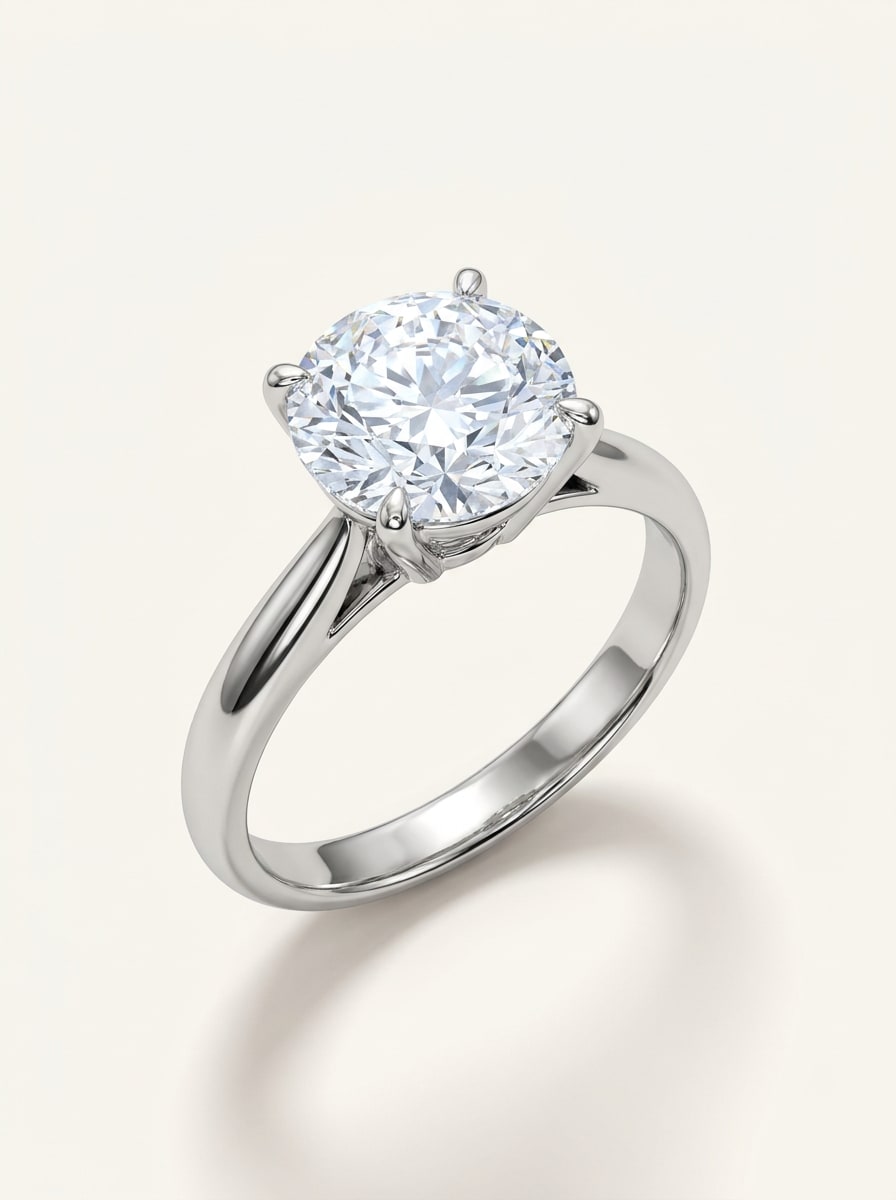
Luxury Solitaire Render
Photorealistic luxury engagement ring featuring a round brilliant diamond solitaire in a polished platinum setting, refined claw prongs, crisp macro composition, soft white studio background, elegant shadow, premium reflections, icy sparkle, clean bridal catalog mood, ultra-detailed gemstone facets and metal texture.
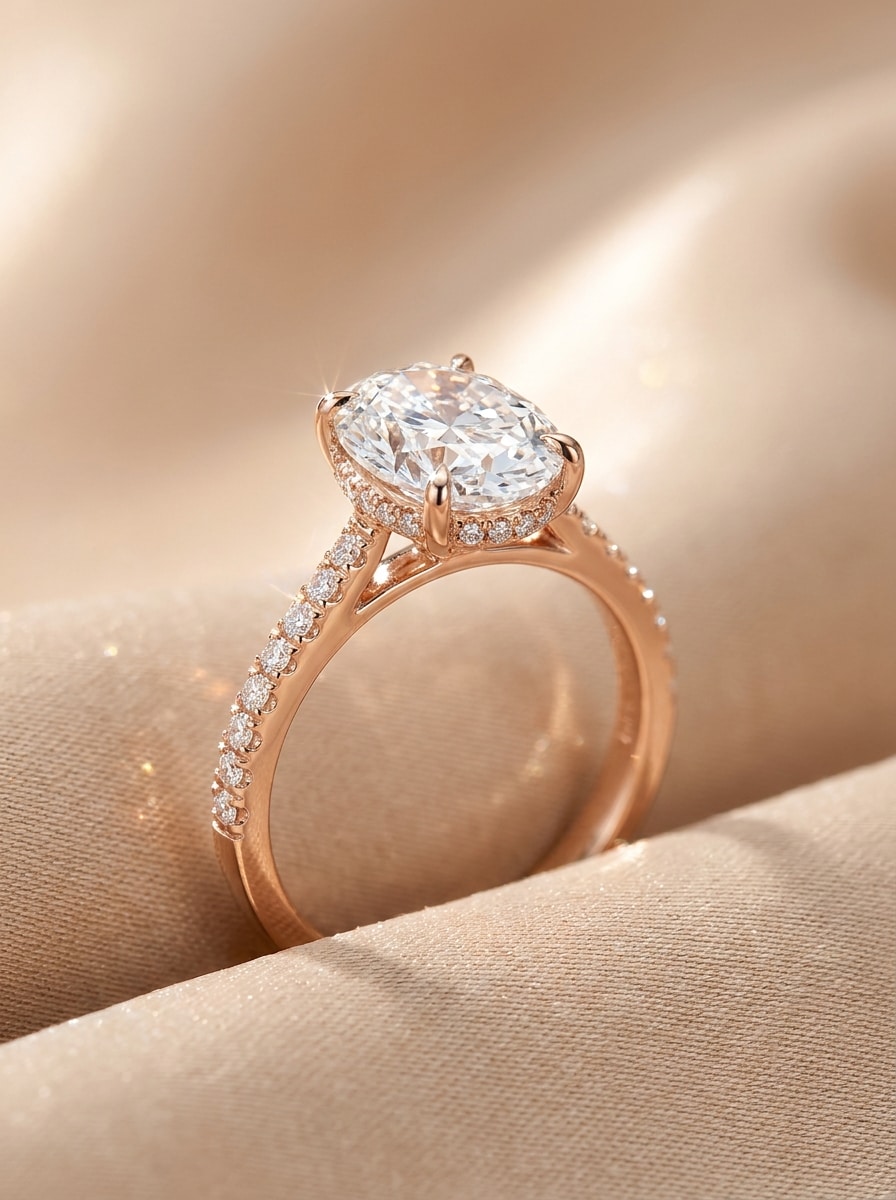
Hidden Halo Bridal Design
High-end bridal jewelry render of an oval diamond engagement ring with a hidden halo, warm rose gold band, delicate pavé accents, close-up macro framing, soft champagne-beige background, romantic lighting, realistic brilliance, refined feminine mood, premium craftsmanship details, elegant luxury advertisement styling.
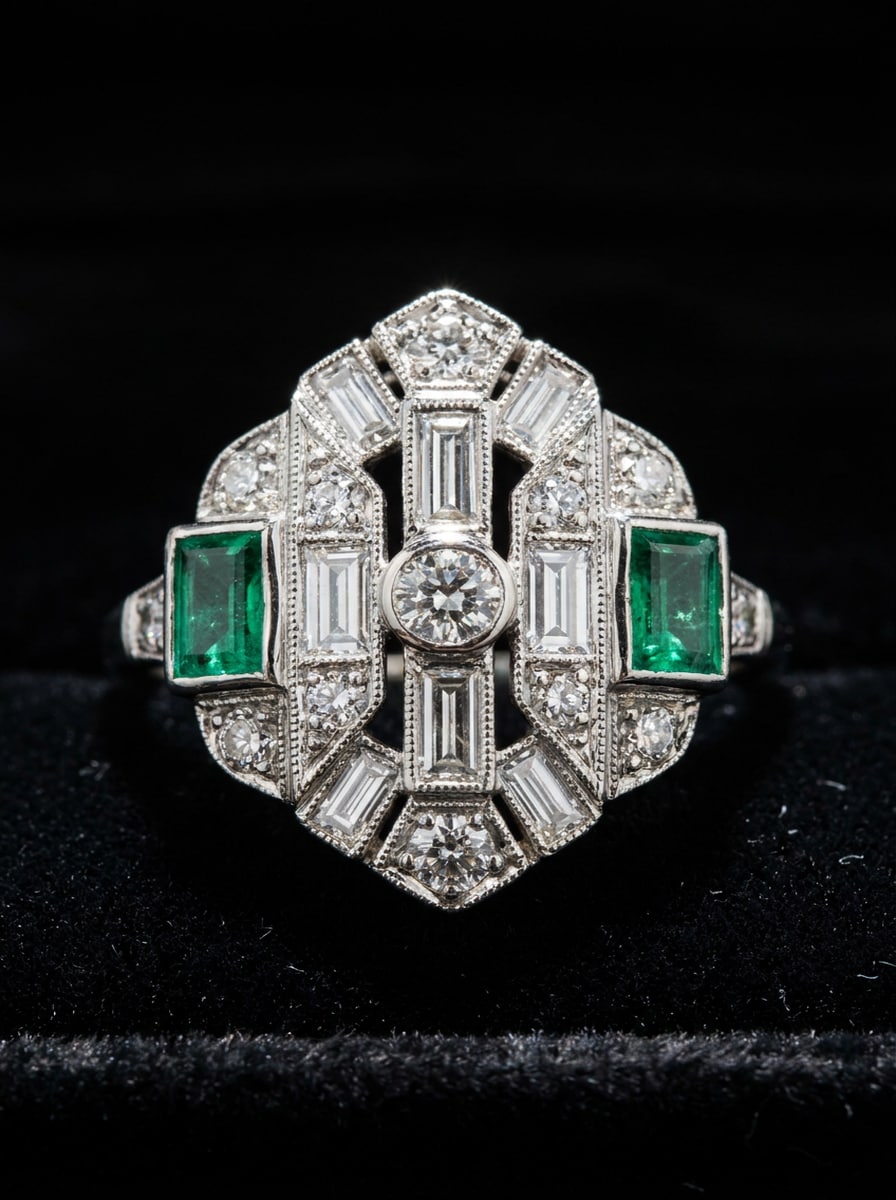
Art Deco Ring
Intricate Art Deco ring design with geometric diamond arrangement, emerald side stones, milgrain edging, white gold setting, dramatic macro product shot, black velvet surface, high-contrast editorial lighting, crisp reflections, vintage glamour mood, symmetrical composition, museum-grade detail, luxurious heirloom presentation.
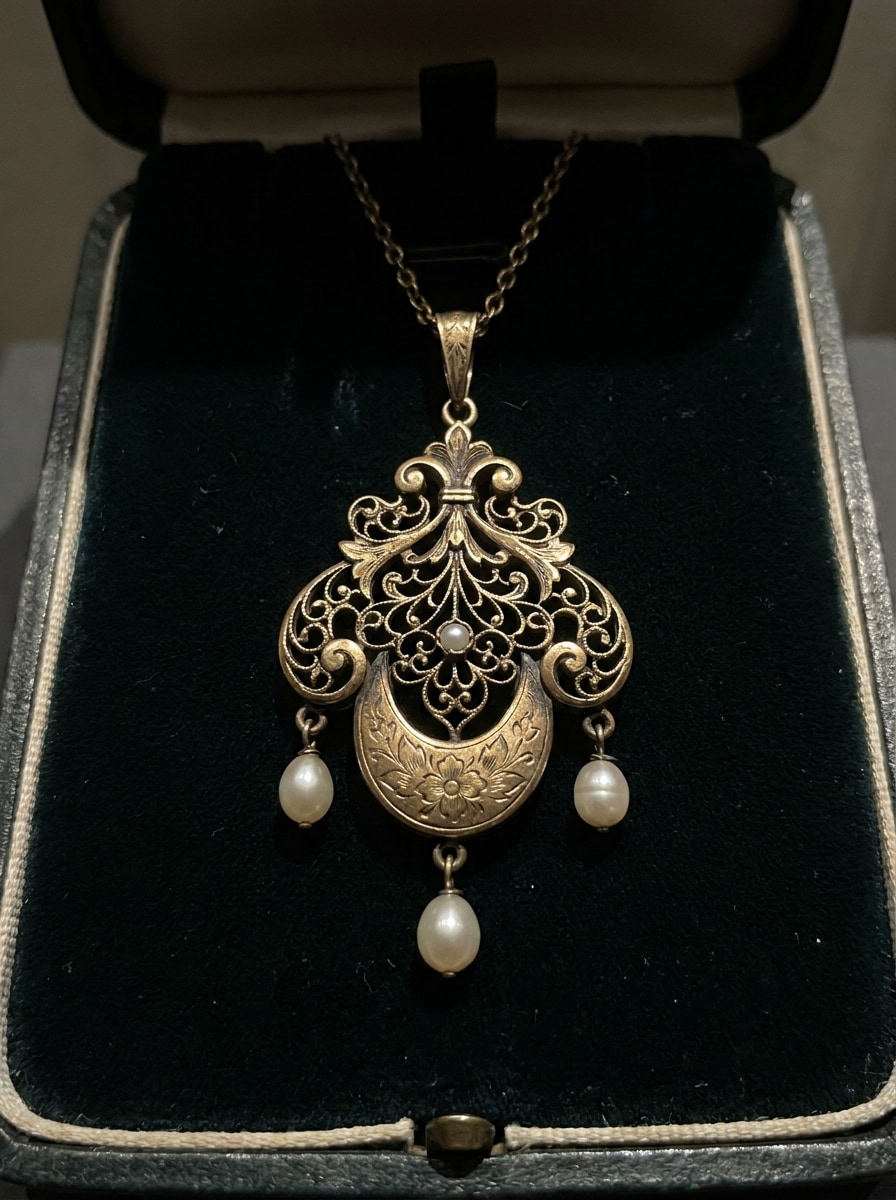
Victorian Heirloom Necklace
Elegant Victorian-inspired pendant necklace in antique gold with ornate filigree, pearl drops, engraved accents, centered close-up composition, moody editorial lighting, rich dark background, romantic old-world atmosphere, realistic metal patina, museum-style luxury photography, highly detailed textures and refined craftsmanship.
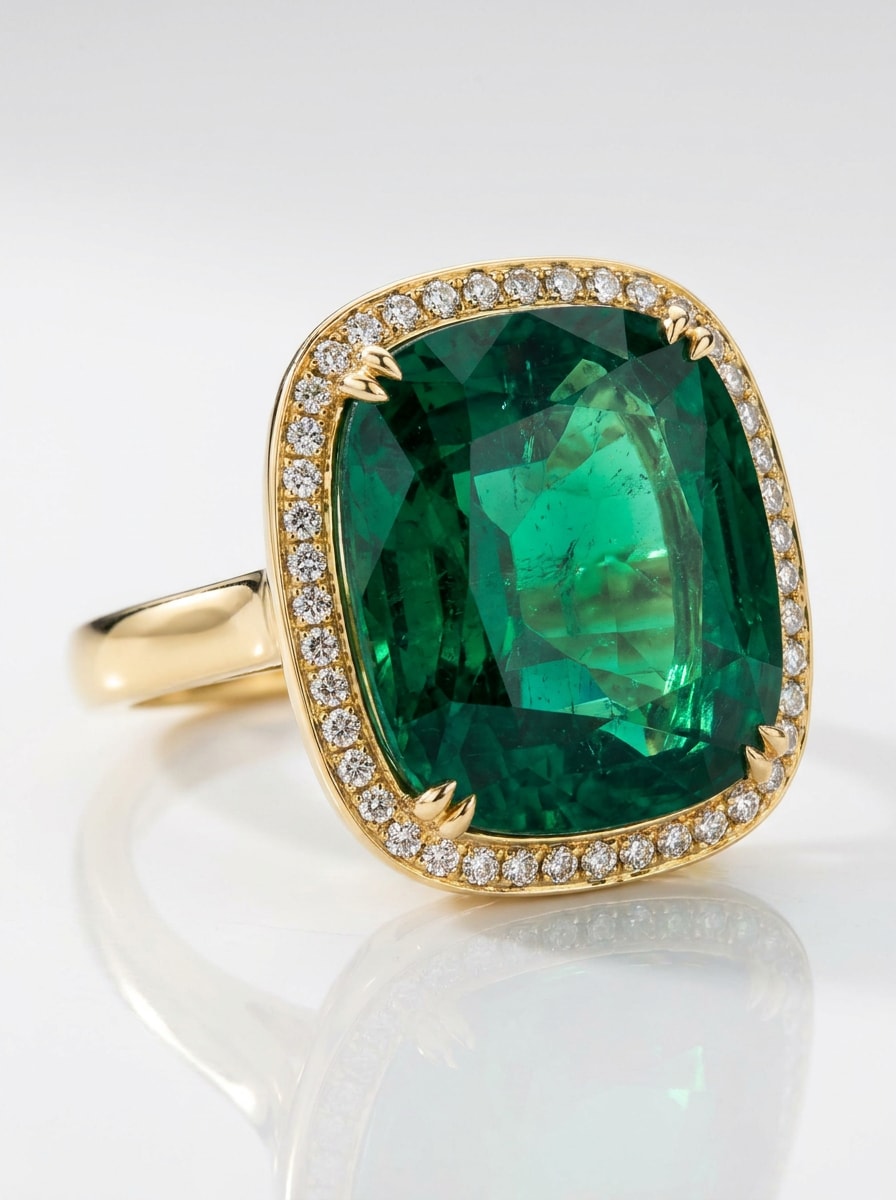
Emerald Statement Ring
Photorealistic cocktail ring with a large emerald center stone, yellow gold setting, halo of small diamonds, bold luxury composition, glossy white surface, crisp macro focus, rich green gemstone depth, luminous highlights, upscale campaign mood, clean reflections, premium fine-jewelry advertising quality.
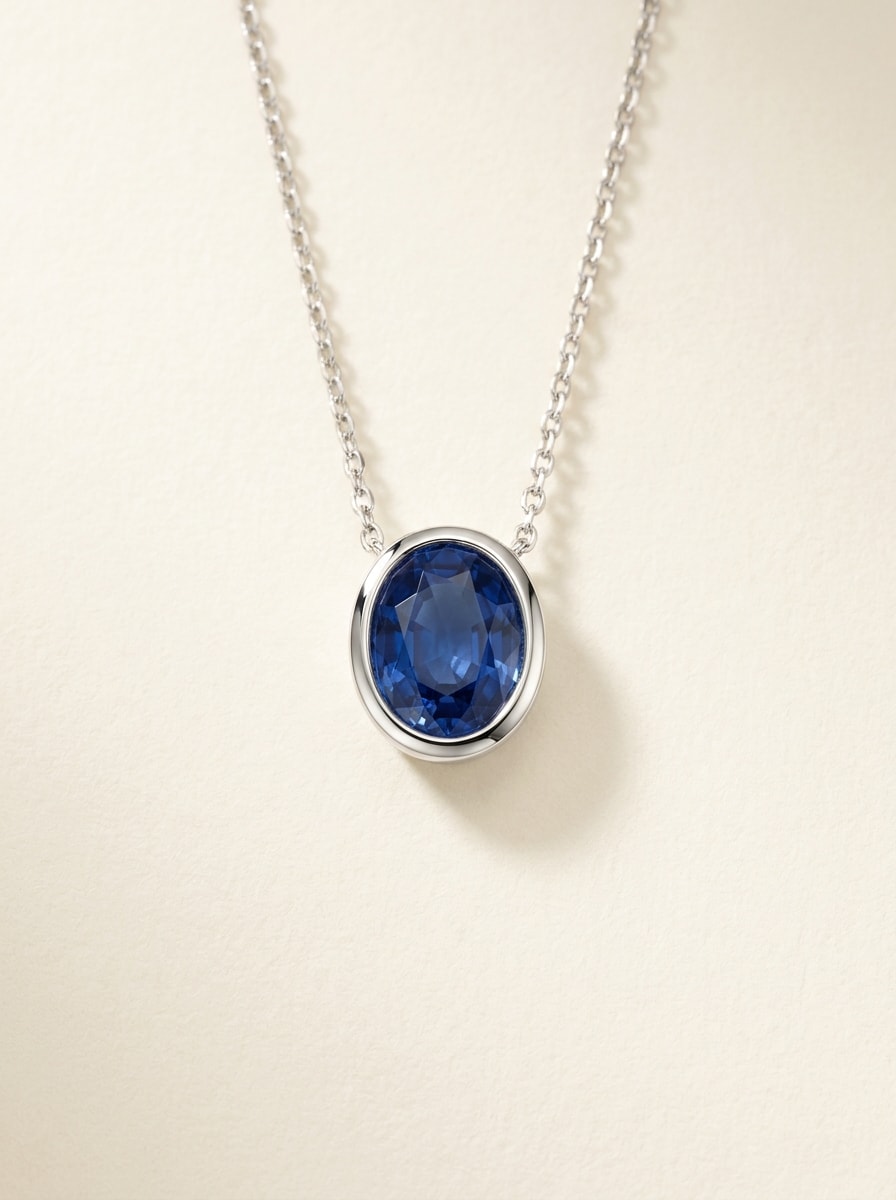
Sapphire Pendant
Modern minimalist pendant necklace with a deep blue sapphire centerpiece, slim white gold chain, balanced centered framing, soft ivory background, clean luxury lighting, subtle shadow, refined contemporary mood, realistic gemstone transparency, polished surfaces, premium catalog render with elegant restraint and sharp detail.
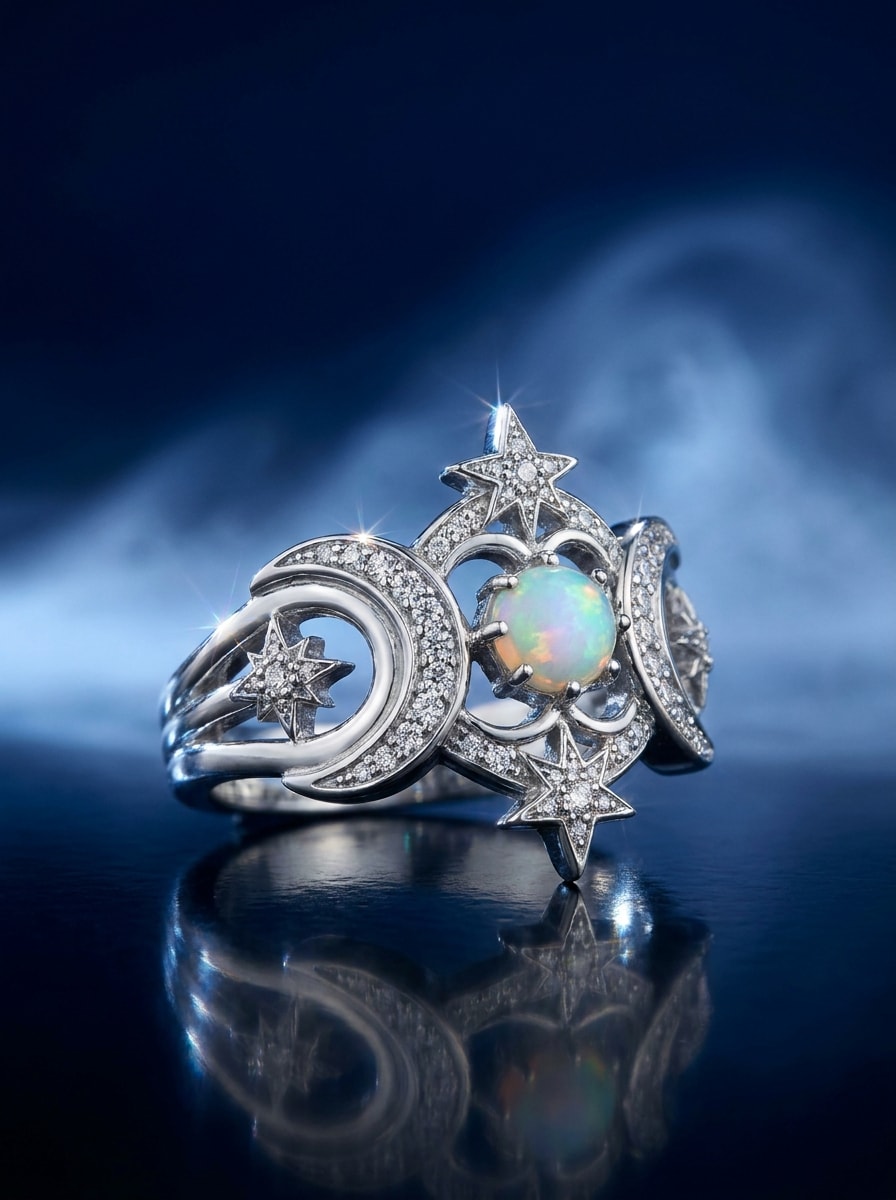
Celestial Ring Design
Fantasy fine-jewelry ring with moon and star motifs, silver metalwork, scattered diamond accents, ethereal macro composition, midnight blue gradient background, luminous glow, mystical luxury mood, sculptural details, sparkling reflections, celestial elegance, highly detailed premium render blending realism with artistic imagination.
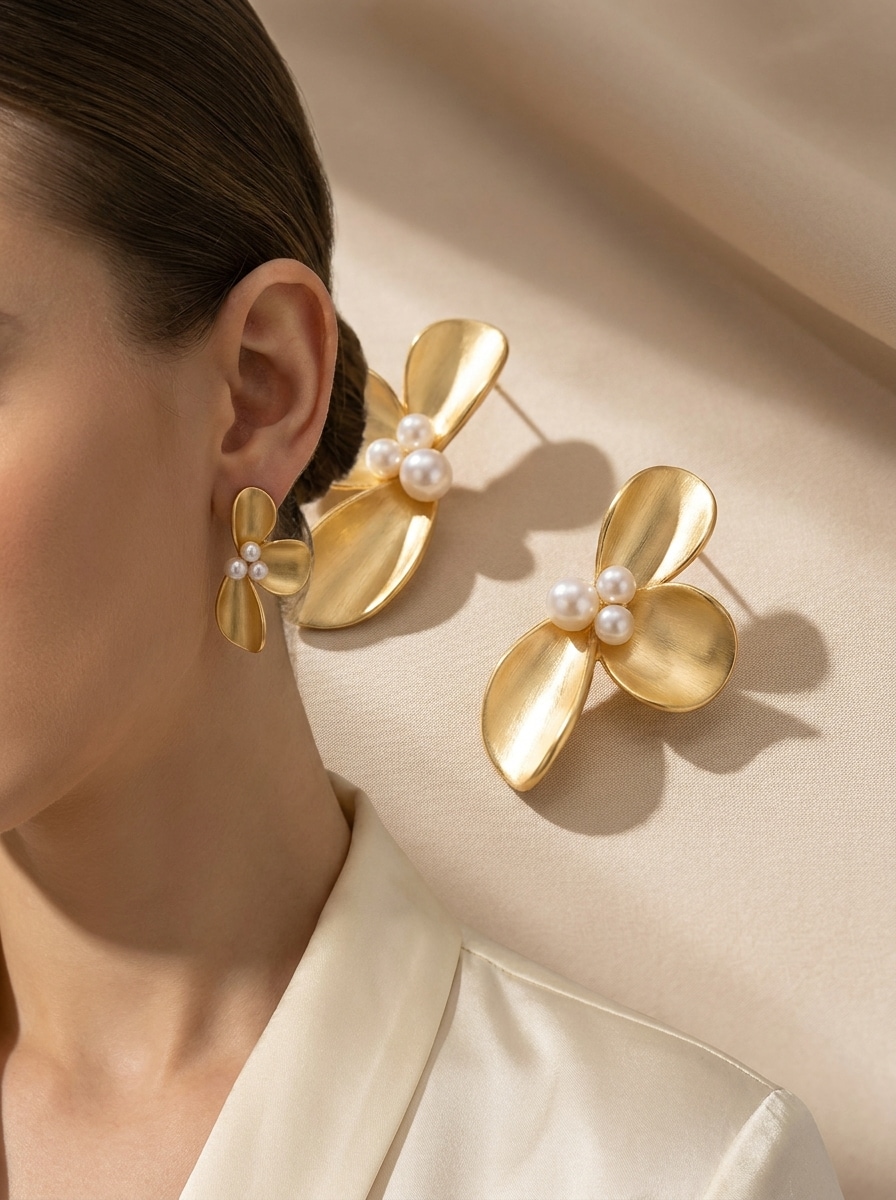
Floral Sculpture Earrings
Couture-inspired sculptural floral earrings in polished gold with pearl details, elegant curved petals, editorial close-up composition, soft neutral background, directional fashion lighting, graceful shadows, artistic luxury mood, refined surface texture, statement accessory styling, ultra-detailed jewelry photography with high-fashion sophistication.
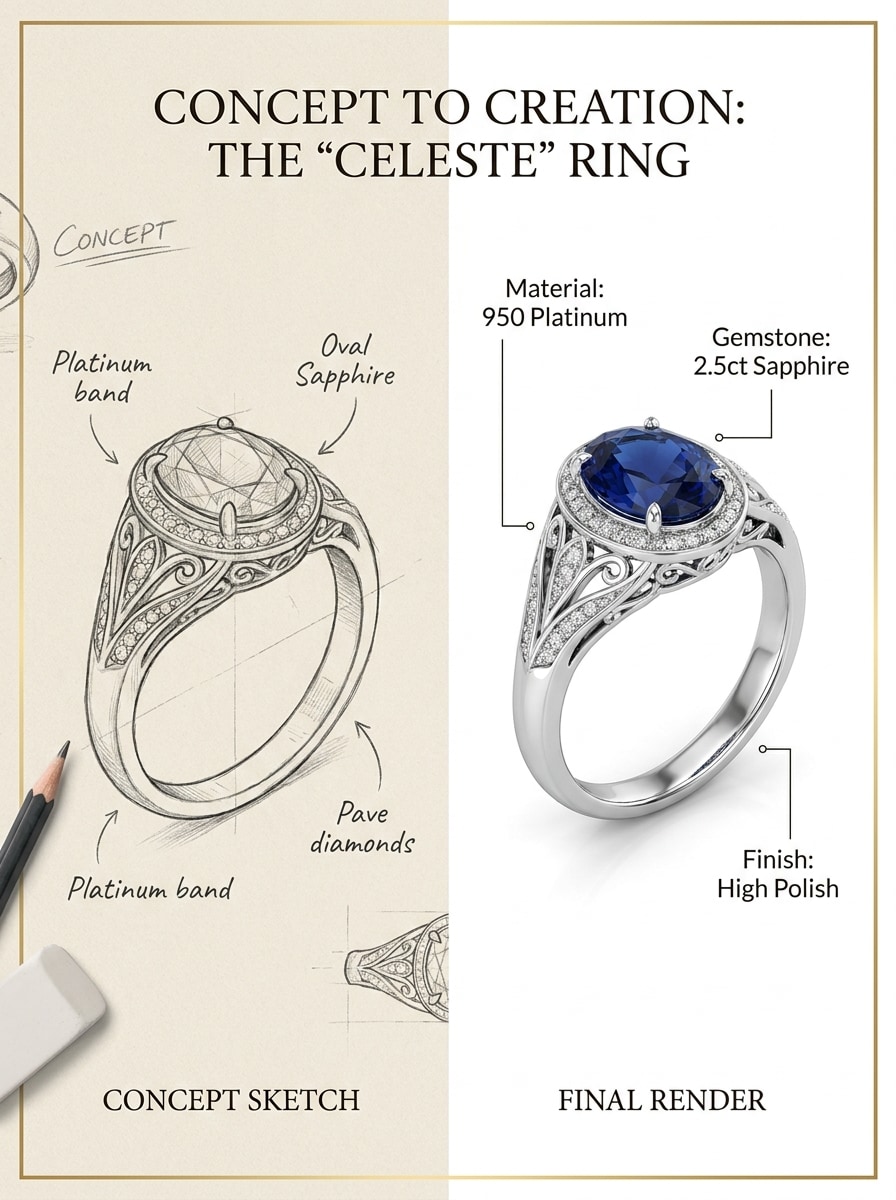
Sketch to Render Jewelry
Professional jewelry visualization showing a hand-drawn ring sketch transformed into a polished final render, split-screen composition, white and beige presentation board, refined annotations, realistic gemstone and metal rendering, clean studio lighting, premium concept-to-product workflow, elegant designer portfolio aesthetic, highly detailed finish.
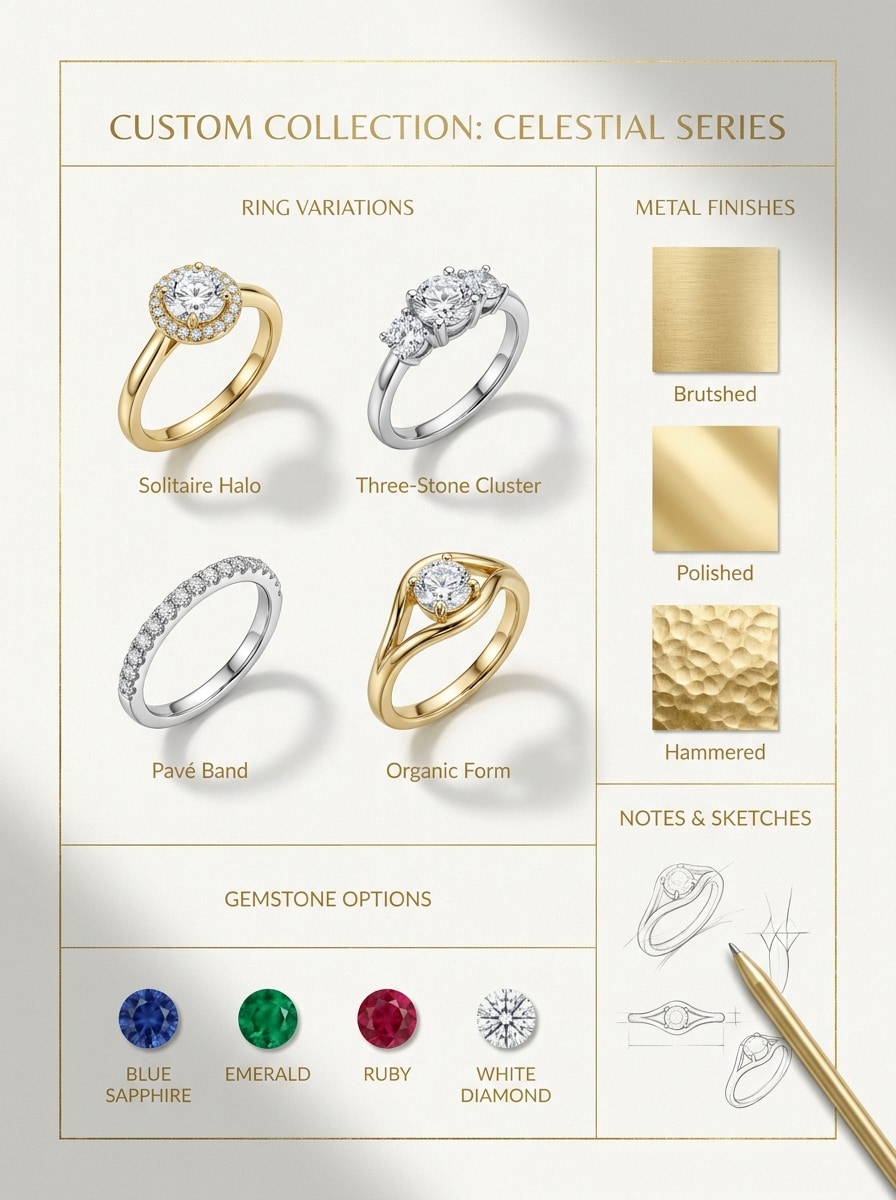
CAD-Inspired Concept Board
Professional jewelry concept board with multiple ring variations, gemstone color options, metal finish comparisons, editorial grid layout, white-and-gold branding palette, clean top-down presentation, soft shadows, luxury design-studio mood, detailed callouts, polished rendering, premium product development board for custom collections.
Why Use Media.io for Jewelry Concept Creation
Work Anywhere While Refining Design Ideas
For early-stage ideation, Media.io helps shape short text into polished jewelry design so the jump from rough thought to workable visual feels faster and less manual.
Test Different Aesthetics More Easily
Whether you are testing emerald with yellow gold or a bridal halo in platinum, Media.io helps you control style cues, lighting, and material language so each image feels closer to a usable AI ring design or polished.
Create High-Resolution Images for Real Use
For projects that need more than draft quality, Media.io helps produce jewelry design with up to 4K output so details stay cleaner when you present, crop, or repurpose the final file.
Create in Browser Across Devices
For creators who bounce between mobile and desktop, Media.io keeps jewelry design creation in the browser so the workflow stays practical wherever you happen to be working.
How to Create Jewelry Concepts with Media.io
1
2
3
1
Step 1: Open Media.io Text to Image
Go to AI Text to Image Generator and open the Text to Image tool under AI -> Image Generator. This online tool runs in your browser, so you can start building custom jewelry visuals on desktop or mobile without installing design software.
2
Step 2: Enter a Prompt or Upload
Type a detailed prompt such as "luxury oval diamond engagement ring in rose gold with hidden halo, macro studio lighting, premium white background" or upload a reference photo in a related workflow. Adjust style, aspect ratio, and quality for bridal, editorial, or catalog looks.
3
Step 3: Generate, Refine & Download
Click Generate. Tweak the prompt if needed to change gemstone shape, metal finish, mood, or composition. Then download a high-resolution image for moodboards, product planning, social sharing, or customer presentations.
See how creators use this Jewelry Design for content, marketing, and personal projects, then adapt each idea to fit the brief.
Visualize Bespoke Ring Ideas Before Production
Explore settings, center stones, and metal combinations before committing to a final direction. This is ideal if you want to design a ring online free, compare bridal concepts, or act like an AI engagement ring designer for early-stage custom consultations.
Build Collection Concepts for Jewelry Brands and Sellers
Create polished visuals for earrings, pendants, bracelets, and statement rings to support seasonal launches, Etsy listings, or internal pitches. Media.io helps with jewelry product design and fast custom product design jewelry online workflows when you need more ideas without a full 3D pipeline.
Turn Inspiration Into Client-Ready Presentation Boards
Use text prompts to generate sketch-to-render boards, gemstone variations, and luxury layouts that feel presentation-ready. It works well for people searching for the best AI for jewelry design, a top AI jewlery design tool, or a simple way to design jewellery online with clear visual direction.
What Users Say About Media.io for Jewelry Concepts
Nina Brooks
Independent Jewelry Designer
"Fast ideation for client work" I use Media.io to explore engagement ring directions before sketch refinement. It helps me test stone shapes, metal tones, and lighting styles quickly, so client conversations become much more visual and productive.
Marcus Lee
Ecommerce Brand Owner
"Useful for luxury product concepts" The renders feel polished enough for moodboards, launch planning, and social previews. I especially like how easy it is to create multiple jewelry variations from one prompt without slowing down our content workflow.
Elena Rossi
Bridal Consultant
"Great for ring inspiration" Clients often struggle to describe what they want. With Media.io, I can turn their ideas into realistic ring concepts in minutes, which makes style decisions much easier during early consultations.
David Chen
Creative Director
"Flexible across devices and formats" We use it in brainstorming sessions and on the go. Being browser-based is convenient, and the output quality is strong enough for concept boards, pitch decks, and premium visual references.
An AI jewelry design generator is a tool that turns written prompts into jewelry concept images. With Media.io, you can describe rings, necklaces, earrings, bracelets, gemstones, metals, and styling directions to generate polished visuals for ideation, presentations, or early custom design exploration.
2. Can I create ring and necklace concepts from text prompts?
Media.io supports text-to-image generation for jewelry concepts, so you can describe a solitaire ring, sapphire pendant, vintage necklace, or modern bridal piece and generate visual ideas from the prompt. This is helpful for design your own jewelry online free, free AI ring design, and early design jewelry online free workflows.
3. Is there a free AI jewelry design tool to try?
Free users can try Media.io with free credits. If you need more generations or watermark-free high-resolution downloads, you can check the pricing page for paid plans. Free users may see watermarks on exports. Free users can use free credits. For more usage, users can subscribe to a plan on the pricing page. Upgrade to a paid plan on the pricing page for more credits and watermark-free high-resolution downloads.
4. How realistic are the jewelry images and gemstone details?
Media.io can generate highly polished jewelry visuals with realistic lighting, metal reflections, and gemstone detail, especially when you write clear English prompts. You can also choose from different models and export in 1K, 2K, or 4K, which is useful for premium concept presentation and jewelry design online free experimentation.
5. Can I use AI jewelry design on my phone or browser?
Media.io is web-based, so it works on any device with a browser, including Windows, Mac, iPhone, iPad, and Android devices. That makes it practical if you want an online jewellery design tool for studio work, quick mobile edits, or client-facing idea reviews. Media.io is a web-based tool that works on any device with a browser (Windows, Mac, iOS, Android).
6. How long does it take to generate a custom jewelry concept?
It usually takes only a short time to generate a custom jewelry concept after you enter your prompt and settings. The exact speed can vary by model choice and image settings, but Media.io is built for fast ideation so you can review multiple directions in one session. Nano Banana 2 is tuned for faster generation and quicker iteration.