Create AI Giantess Art with Cinematic Scale and Fantasy Detail
Design dramatic ai giantess scenes from text in seconds. Media.io helps you generate cinematic, anime, surreal, and sci-fi scale art with flexible styles, aspect ratios, and high-quality exports, making an ai giantess generator workflow fast and easy on desktop or mobile.
Review these example directions, then tailor the prompt details to get stronger results with this Giantess.
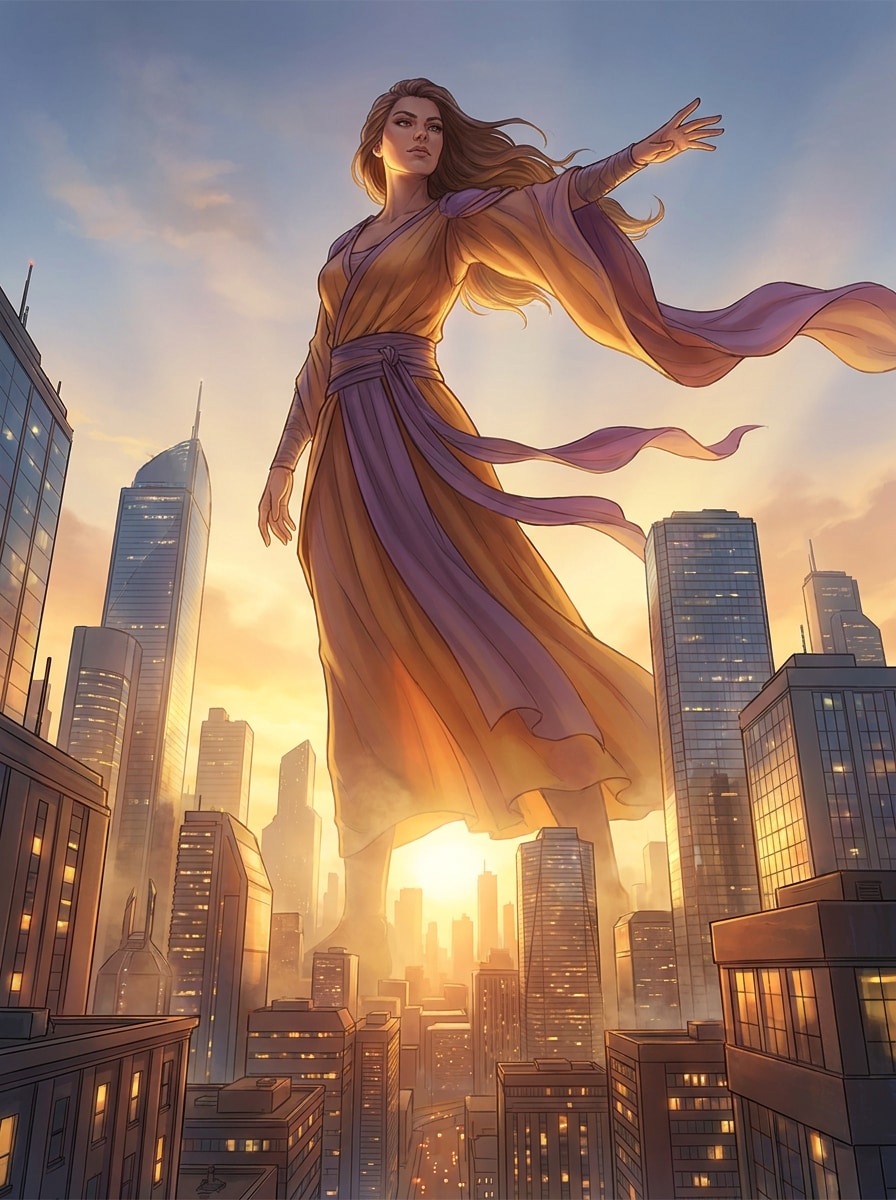
Epic City-Scale Fantasy
Create a cinematic fantasy illustration of a towering giantess above a modern city skyline at sunset, shown from a wide low-angle view. Use dramatic golden light, volumetric haze, reflective glass buildings, flowing fabric, confident heroic posture, warm amber and violet tones, crisp architectural detail, and polished concept art quality.
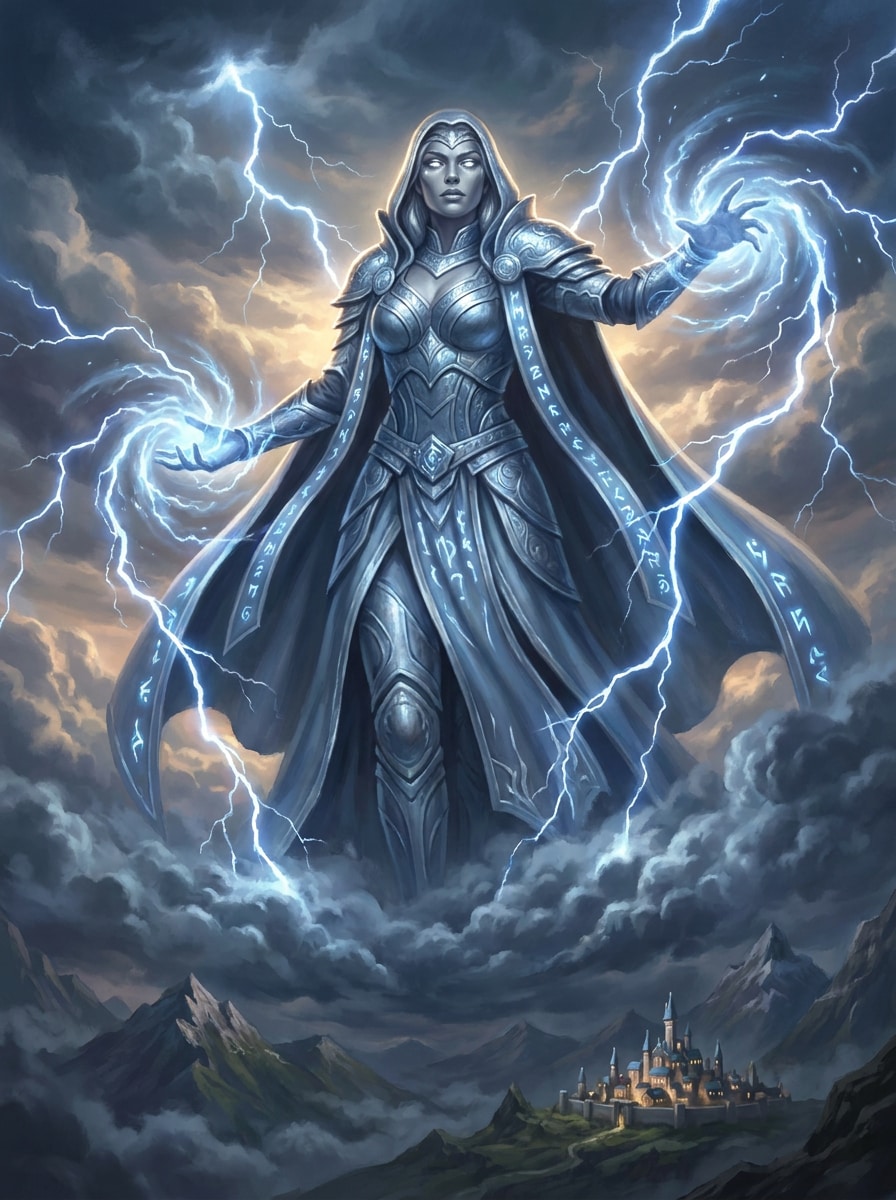
Storm Goddess
Generate a majestic storm goddess giantess rising above the clouds, framed by swirling lightning and rolling storm energy. Add ornate fantasy costume details, silver-blue highlights, a powerful calm expression, layered cloud textures, celestial atmosphere, dramatic rim lighting, and painterly realism with epic scale contrast.
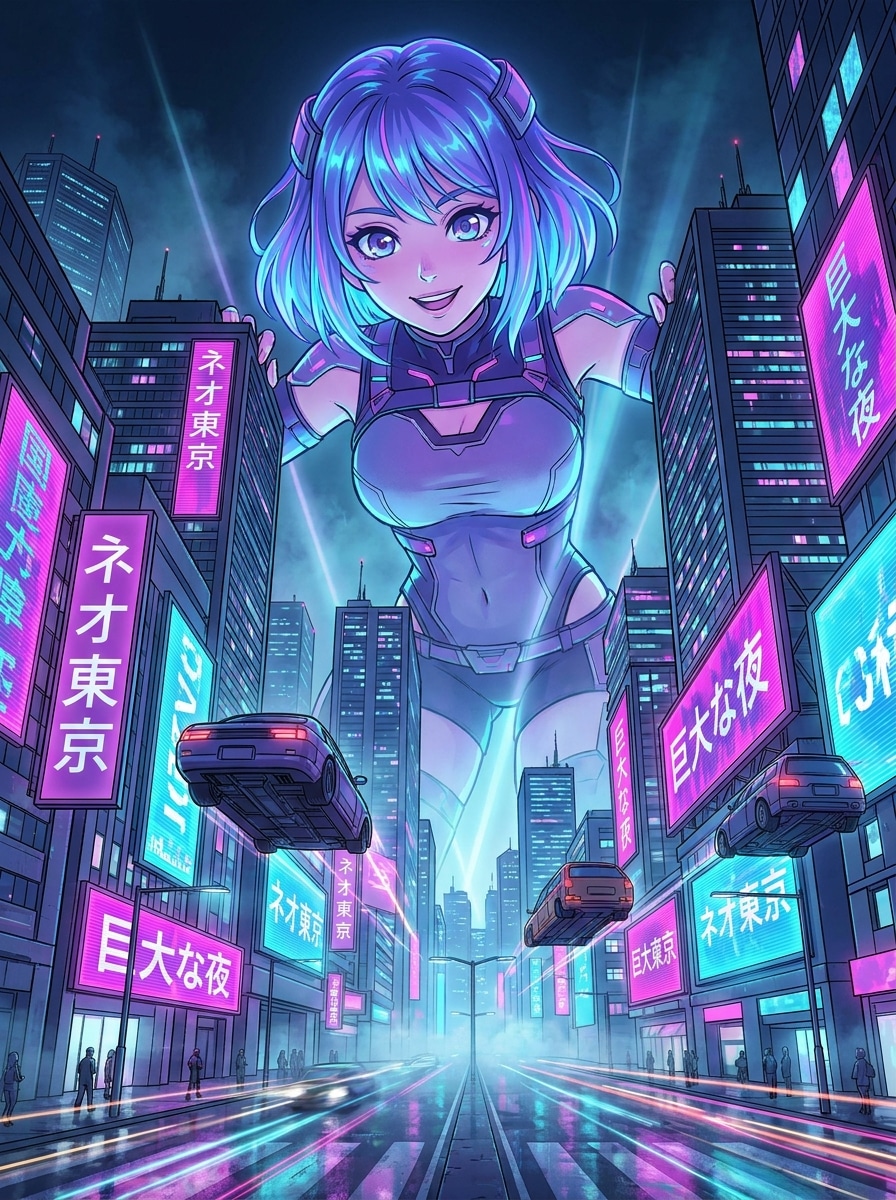
Anime Skyline Giantess
Create an anime-style giantess towering over a neon futuristic city at night, using a dynamic low-angle perspective. Include vibrant magenta and cyan lighting, crisp linework, expressive eyes, glowing billboards, atmospheric depth, reflective streets, and a highly detailed skyline for a bold poster-like anime composition.
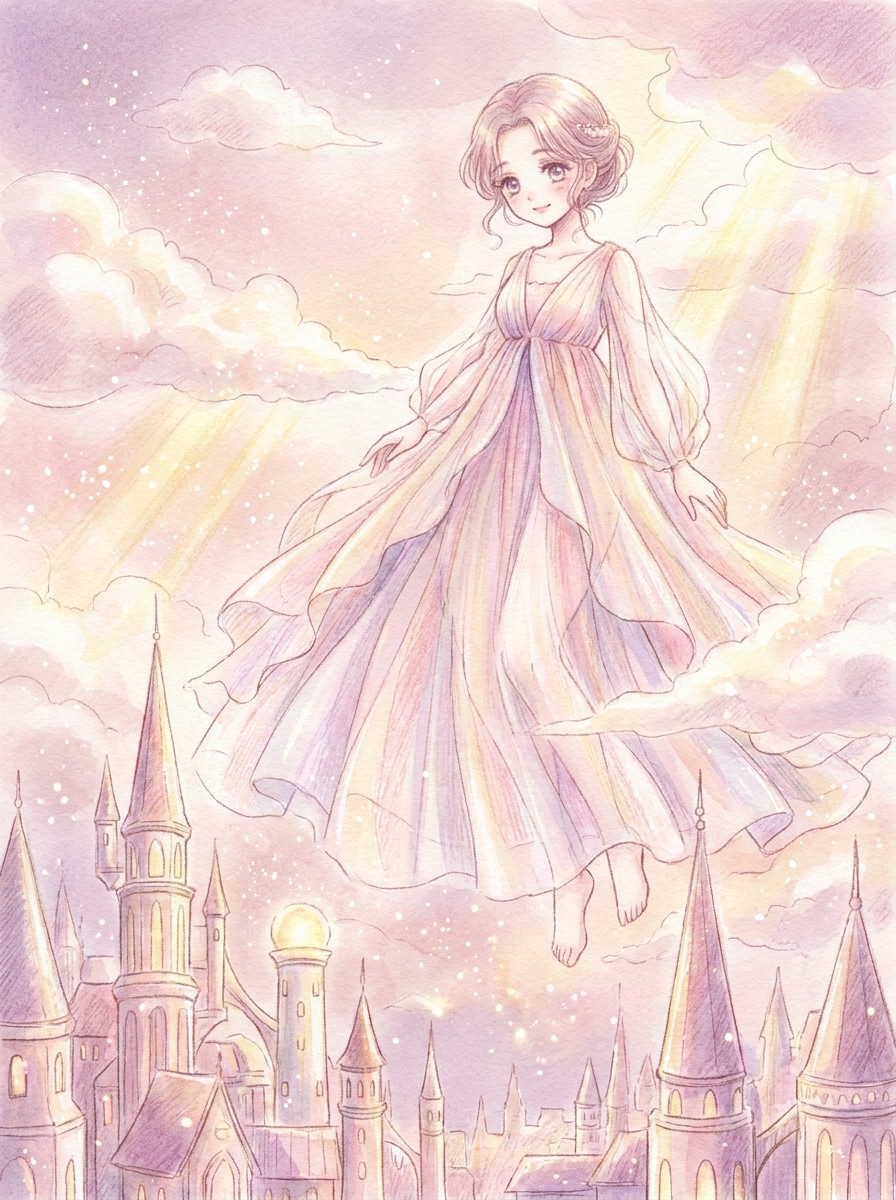
Soft Shoujo Fantasy
Generate a dreamy shoujo-inspired giantess floating above a magical city, with soft pastel clouds and glowing particles around her. Use delicate facial features, an elegant flowing dress, airy composition, blush pink and lavender tones, gentle sunlight, whimsical mood, and refined anime illustration detail.
Miniature World Contrast
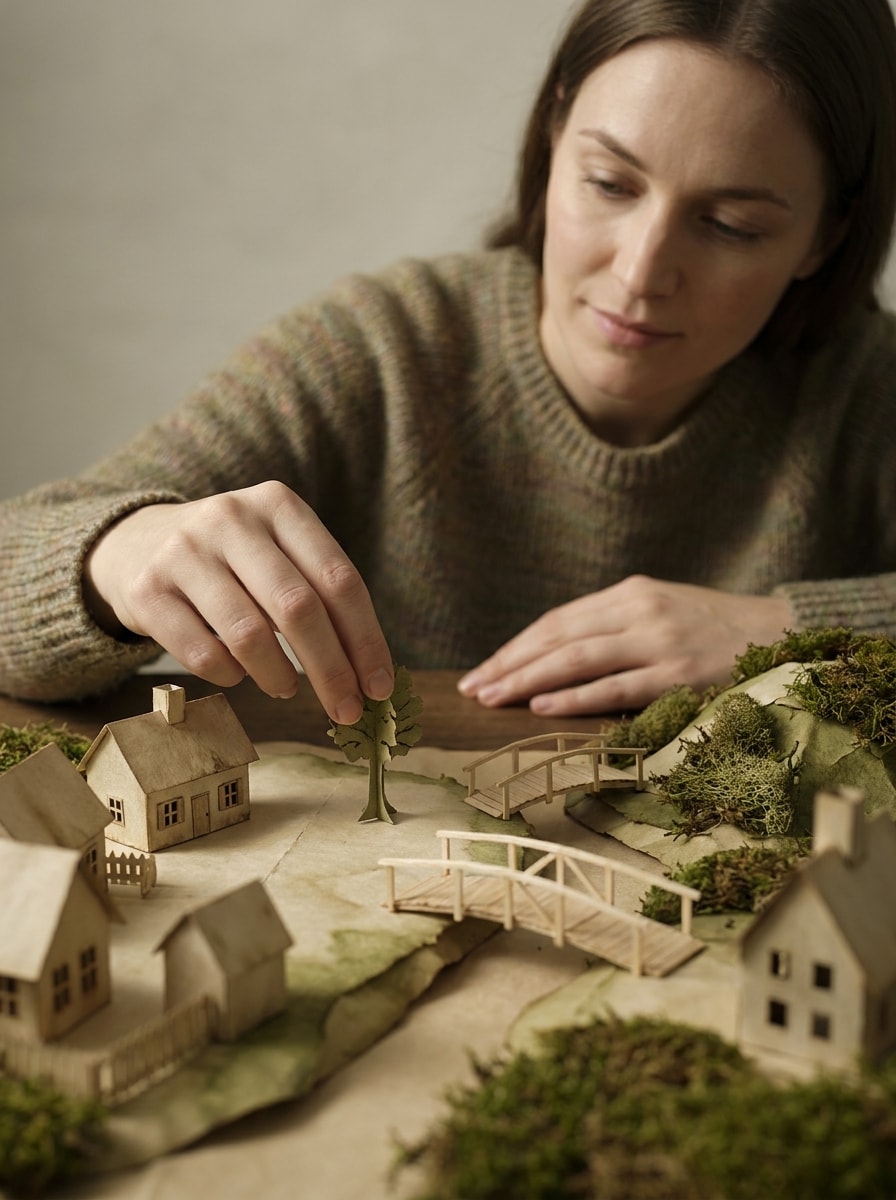
Create a surreal giantess scene where an enormous woman gently interacts with a tiny handcrafted world on a tabletop landscape. Emphasize tilt-shift depth, paper-and-wood textures, soft studio lighting, imaginative storytelling, muted earthy colors, delicate hand placement, and editorial surreal photography aesthetics.
Museum-Grade Surreal Portrait
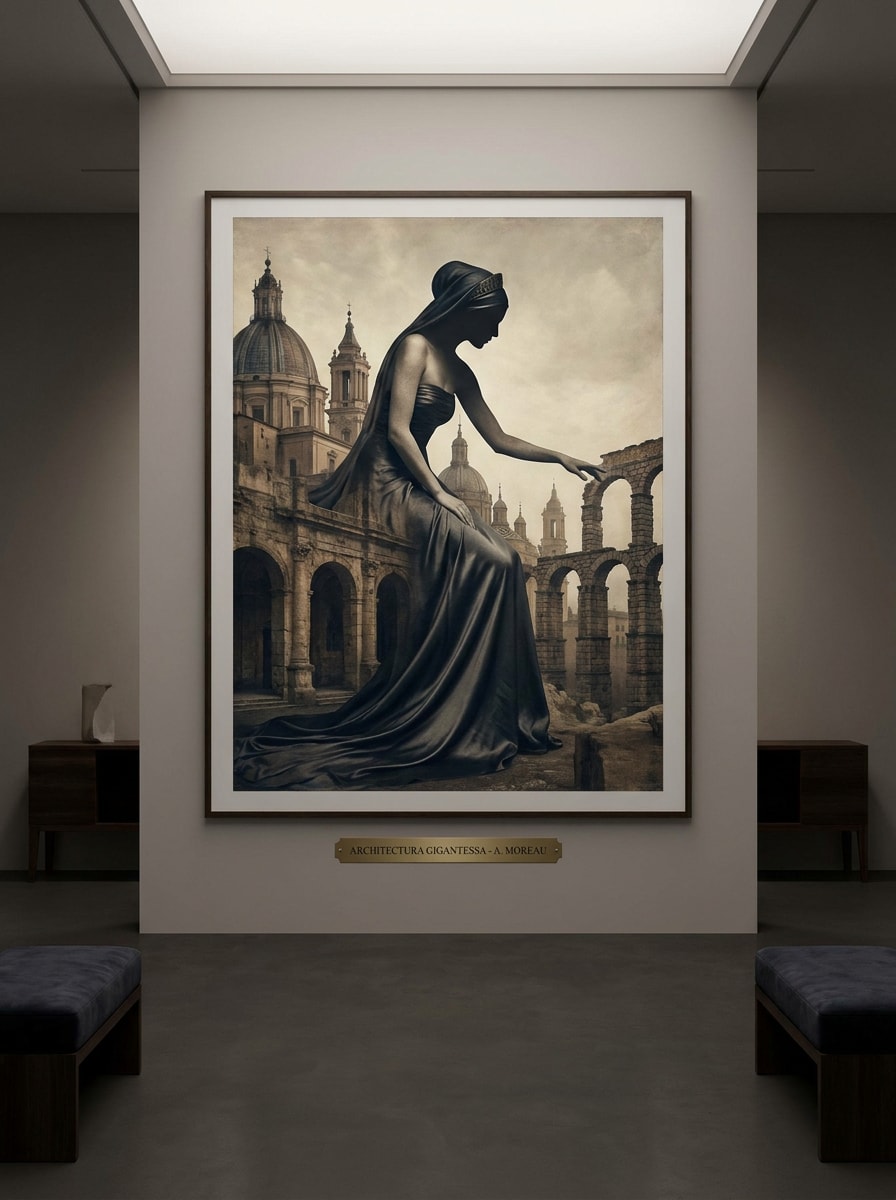
Generate a fine art surreal portrait of a giantess whose silhouette blends into monumental architecture. Use an elegant pose, muted luxury palette, stone and silk textures, soft shadows, refined composition, gallery-style lighting, and a calm sophisticated mood that feels like high-end editorial fantasy art.
Cyberpunk Colossus
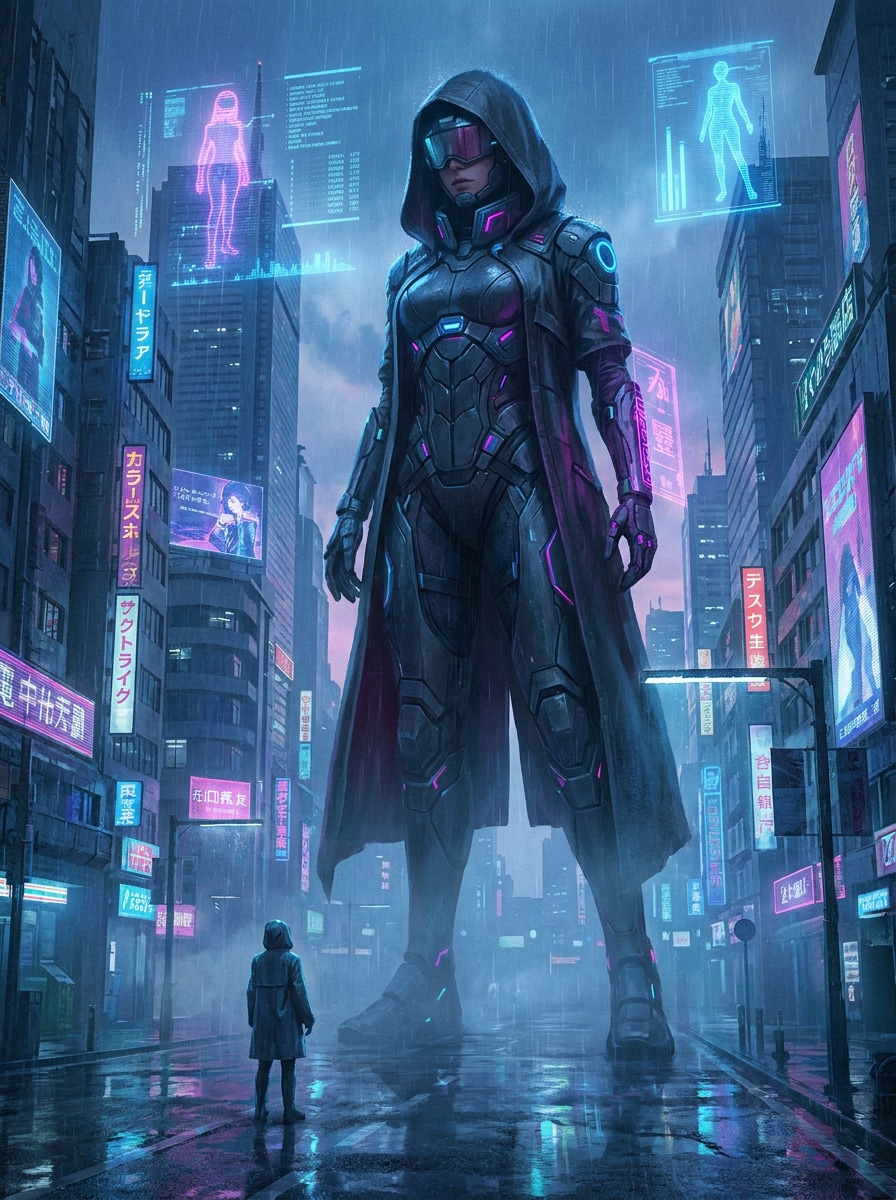
Create a cyberpunk giantess towering over a futuristic megacity in the rain, viewed from street level for intense scale. Add neon holograms, reflective pavement, glowing signage, a sleek techwear-inspired outfit, moody blue and magenta palette, cinematic mist, and ultra-detailed sci-fi concept art rendering.
Mecha Queen
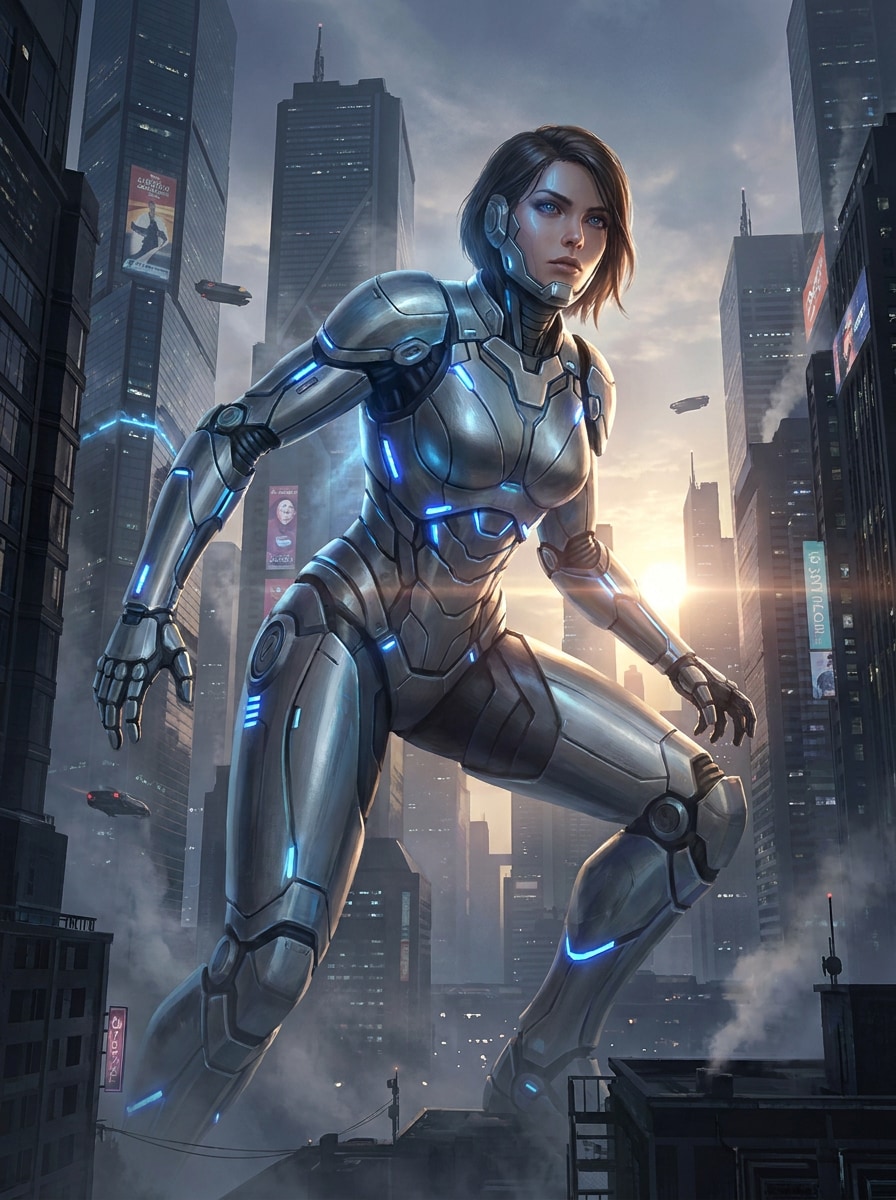
Generate a futuristic armored giantess in a dense sci-fi city, featuring sleek mech-inspired armor with metallic surfaces and blue energy accents. Use cinematic backlighting, towering urban structures, powerful stance, clean mechanical detailing, cool steel palette, atmospheric haze, and premium concept art finish.
Blockbuster Poster Look
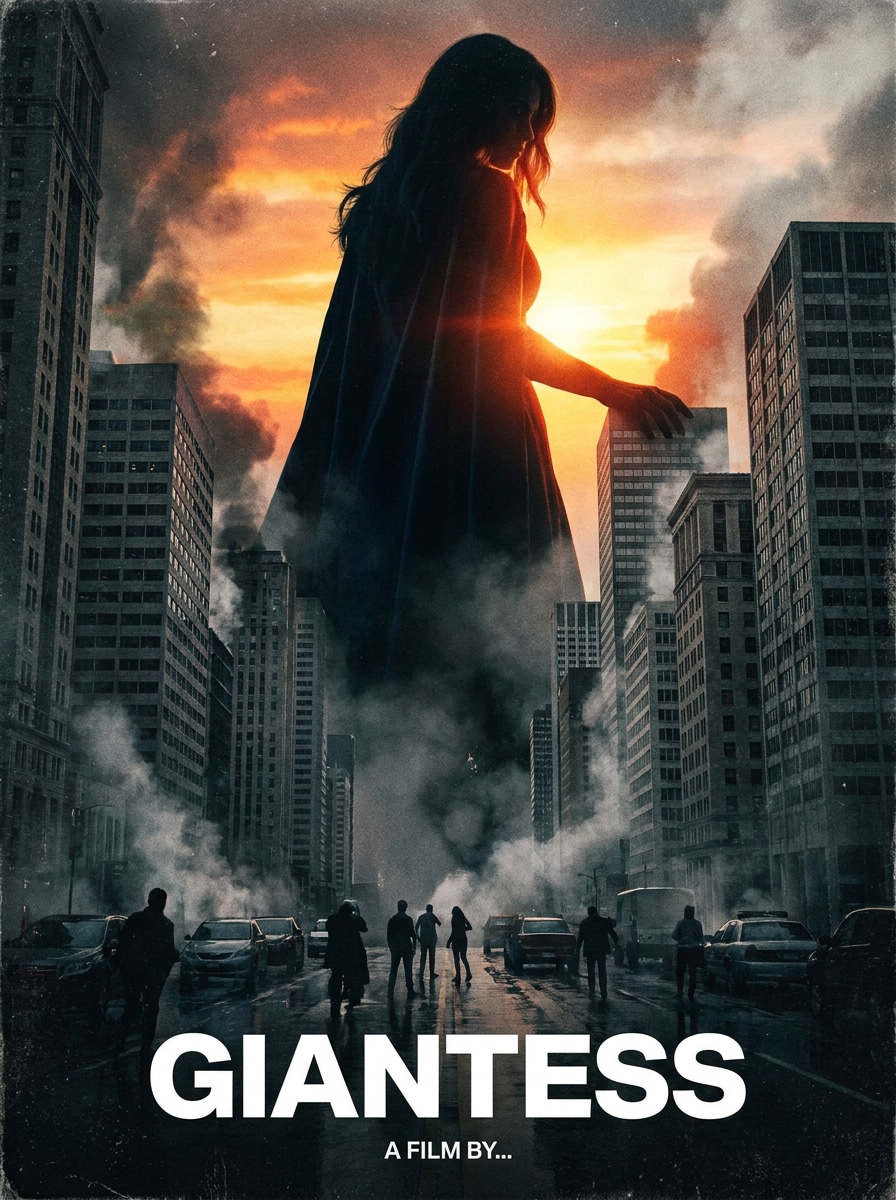
Create a photoreal cinematic poster of a giantess dominating an urban skyline, with intense dramatic lighting and realistic environmental scale. Include atmospheric smoke, detailed glass and concrete textures, strong central composition, subtle crowd elements, rich contrast, and a premium movie-poster finish.
Fantasy Protector
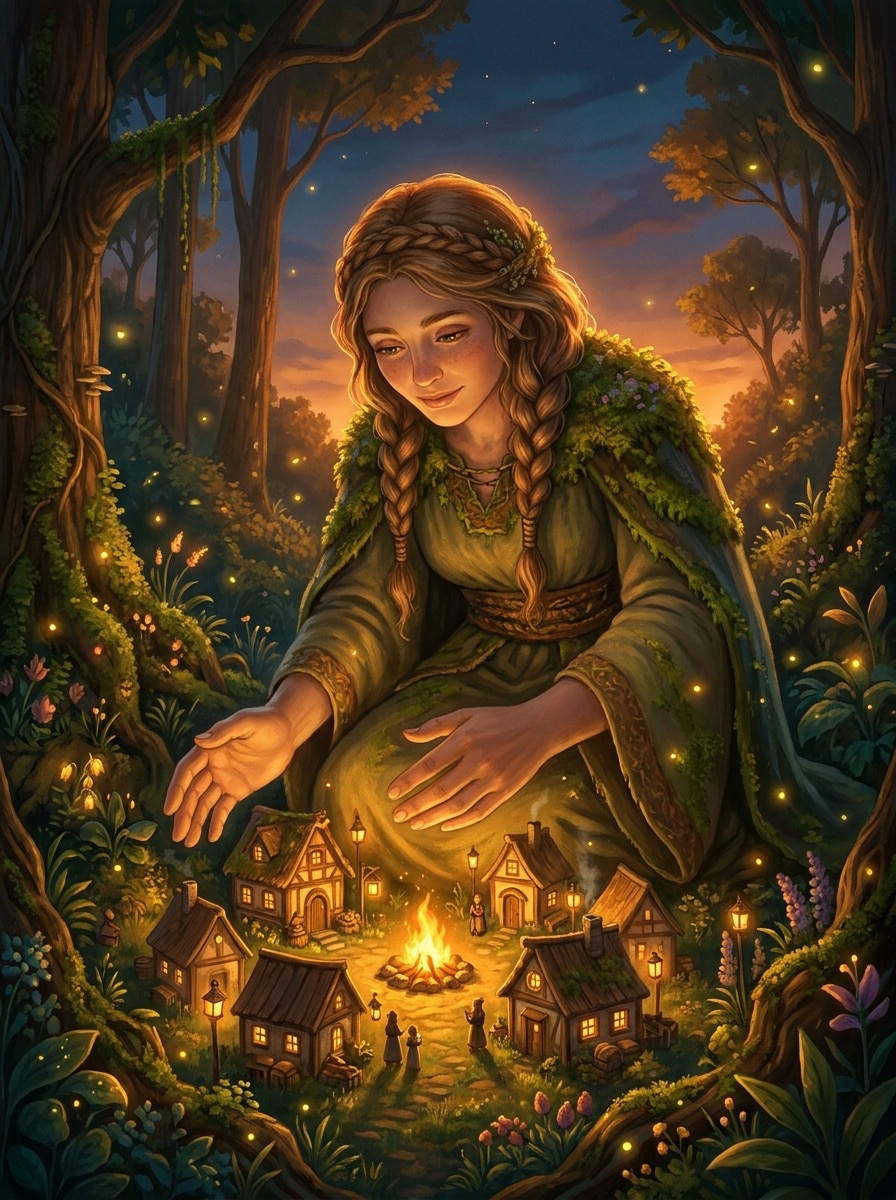
Generate a heartwarming fantasy scene of a giantess protecting a tiny village in a magical forest at dusk. Add glowing lanterns, warm firelight, gentle expression, lush greenery, storybook atmosphere, rich environmental detail, soft golden highlights, and cinematic fantasy illustration with emotional depth.
Why Use Media.io for AI Giantess Art
Flexible Models for Creative Scale Scenes
Create fantasy scale artwork with advanced text-to-image models including Nano Banana Pro, Nano Banana 2, GPT Image 2, Seedream 5.0 Lite, Soul Character, Seedream 4.0, and Imagen 4. That gives you strong options for cinematic, anime, realistic, and surreal giantess concepts.
High Resolution with Useful Aspect Ratios
Generate giantess images in 1K, 2K, or 4K resolution and choose from practical layouts like 1:1, 9:16, 16:9, 4:3, and 3:4. It is easy to create vertical social posts, widescreen wallpapers, or polished poster art.
Styles Built for Fantasy, Anime, and Sci-Fi
Switch between Anime, Realistic, 3D Render, Oil Painting, Cyberpunk, and more to shape your scene faster. This makes it easier to test prompt directions for city-scale fantasy, stylized posters, or futuristic giantess concepts without rebuilding everything from scratch.
Works on Browser Across Devices
Media.io runs in your browser on Windows, Mac, iOS, and Android, so you can create fantasy art anywhere. The tool is optimized for English prompts, which helps when writing more detailed scene descriptions for scale, mood, lighting, and composition.
How to Make AI Giantess Images Online
1
2
3
1
Open Media.io AI Image Generator
Go to AI Text to Image Generator and open the AI Image Generator under AI -> Image. This online tool runs in your browser, so you can start creating giantess fantasy art on desktop, tablet, or phone without installing extra software.
2
Enter a Prompt
Type a detailed prompt such as "A cinematic giantess above a glowing city skyline at sunset, wide-angle view, dramatic golden light, ultra-detailed fantasy concept art." Choose a style, model, aspect ratio, and other settings to match your scene.
3
Generate, Refine & Download
Click Generate. Review the results, refine your wording for better composition or mood, and create more versions if needed. When you are happy with the image, download a high-resolution file for sharing, design, or concept work.
See how creators use this Giantess for content, marketing, and personal projects, then adapt each idea to fit the brief.
Build Cinematic Fantasy Posters Fast
Turn a single idea into dramatic poster-style art for personal projects, mood boards, or social content. Media.io helps you shape skyline scale, lighting, costume design, and atmosphere quickly, making it useful for anyone exploring giantess fantasy visuals with a polished finish.
Prototype Anime and Stylized World-Building
Use text prompts to test anime, pastel, cyberpunk, or surreal directions before committing to a final concept. If you want varied ai giantess generator results for stories, characters, or visual inspiration, style switching and fast iteration make the process smoother.
Create Shareable Concept Art for Social Media
Design vertical, square, or widescreen images for posts, reels covers, wallpapers, and creative communities. With strong prompt control and flexible aspect ratios, you can produce clean giantess art that feels tailored to each platform instead of cropped as an afterthought.
What Users Say
Maya L.
Fantasy Illustrator
"Great for cinematic scale art" I used it to test giantess fantasy poster ideas, and the scene scale came through much better than I expected. The style options helped me move from painterly fantasy to more polished cinematic looks without rewriting everything.
Jordan P.
Content Creator
"Easy on mobile and desktop" I started on my phone and finished on my laptop. The browser workflow is simple, and changing aspect ratios made it easy to create both vertical social graphics and wider wallpaper-style images.
Elena R.
Anime Art Hobbyist
"Helpful for anime prompt testing" I like experimenting with neon city and pastel fantasy prompts, and Media.io gave me fast variations to compare. It feels especially useful when I want to refine mood, color palette, and composition from the same base concept.
Chris T.
Concept Designer
"Fast iterations with strong detail" The biggest win for me is speed. I can try several giantess concepts in a short session, then upscale the best one. For early concept exploration, that saves a lot of time.
An AI giantess generator is a text-to-image tool that turns written prompts into fantasy scale artwork featuring an oversized female character or goddess-like figure. Media.io lets you create this kind of scene online with multiple image models, style choices, aspect ratios, and export options.
2. How do I write a good AI giantess prompt?
Start with the subject, then add environment, camera angle, lighting, style, and mood. For example: "towering giantess above a modern city, low-angle view, sunset lighting, cinematic fantasy, detailed skyline, volumetric haze, polished concept art." Clear English prompts usually produce better structure and more consistent visual detail.
3. What are some example prompts for giantess AI art?
You can try prompts like: "anime giantess over a neon city, dynamic perspective, vibrant magenta and blue lighting" or "surreal giantess interacting with a tiny handcrafted world, tilt-shift look, soft studio lighting." For richer results, include composition, color palette, textures, and the exact visual style you want.
4. How can I get better results from an AI giantess generator?
Use specific prompts, choose a style that fits the scene, and select the right aspect ratio before generating. If the image feels flat, refine the prompt with details about scale contrast, lighting, environment, and camera perspective. You can also test different models and export higher-resolution versions for cleaner final output.
5. Can I create AI giantess images for free?
Free users can create images with available free credits. If you need more generations or want extra benefits, you can check the pricing page. Free exports may include a watermark, while paid plans support watermark-free high-resolution downloads. Free users can use free credits. For more usage, users can subscribe to a plan on the pricing page. Upgrade to a paid plan on the pricing page for more credits and watermark-free high-resolution downloads.
6. What image quality and resolution can I export?
Media.io supports 1K, 2K, and 4K image output, depending on your workflow and settings. You can also choose from multiple aspect ratios such as 1:1, 9:16, 16:9, 4:3, and 3:4, which is helpful when creating posters, wallpapers, or vertical social images for ai giantess art. Free users may have watermarks.