
Create Without Setup
Start generating Happy Horse AI videos in your browser. No installation, no command line, no model download, and no high-end hardware required.
 HappyHorse 1.0
Happy Horse AI, also known as HappyHorse AI, brings next-generation AI video creation to text-to-video and image-to-video workflows. Powered by the HappyHorse 1.0 video model, Media.io helps you turn prompts or reference images into cinematic AI videos for social content, ads, storytelling, product showcases, and creative experiments.
Create HappyHorse AI videos online - no GPU, no download, no complex setup.
HappyHorse 1.0 helps transform simple ideas into dynamic videos with natural movement, cinematic framing, realistic details, and smoother scene flow.
Create videos from written prompts or animate uploaded images. Happy Horse AI is ideal for portraits, product shots, character concepts, storyboards, and creative visuals.
Add camera movement, subject action, lighting direction, mood, visual style, and atmosphere through natural prompts to create more expressive AI video results.
Use HappyHorse AI for social videos, ad concepts, cinematic story previews, product visuals, music-inspired clips, and fast campaign ideation.
Media.io makes the Happy Horse video model easy to use online. You can generate AI videos without downloading models, configuring GPUs, or managing complex local environments.
Start generating Happy Horse AI videos in your browser. No installation, no command line, no model download, and no high-end hardware required.
Describe the scene, action, camera angle, lighting, background, and mood. Media.io turns your prompt into a polished HappyHorse AI video clip.
Upload a portrait, product image, character design, or concept art, then animate it into a short video with motion, depth, and cinematic atmosphere.
Generate videos for TikTok, Reels, YouTube Shorts, ads, moodboards, brand previews, story concepts, and other creator-ready workflows.
Happy Horse AI brings advanced video generation into everyday creative workflows. With Media.io, you can turn text prompts or reference images into cinematic AI videos for social media, advertising, storytelling, product showcases, and visual experiments.
Turn simple ideas into short-form videos for TikTok, Instagram Reels, YouTube Shorts, and creator channels. Add expressive characters, dramatic lighting, fluid camera movement, and cinematic transitions with natural prompts.
Create Social AI Videos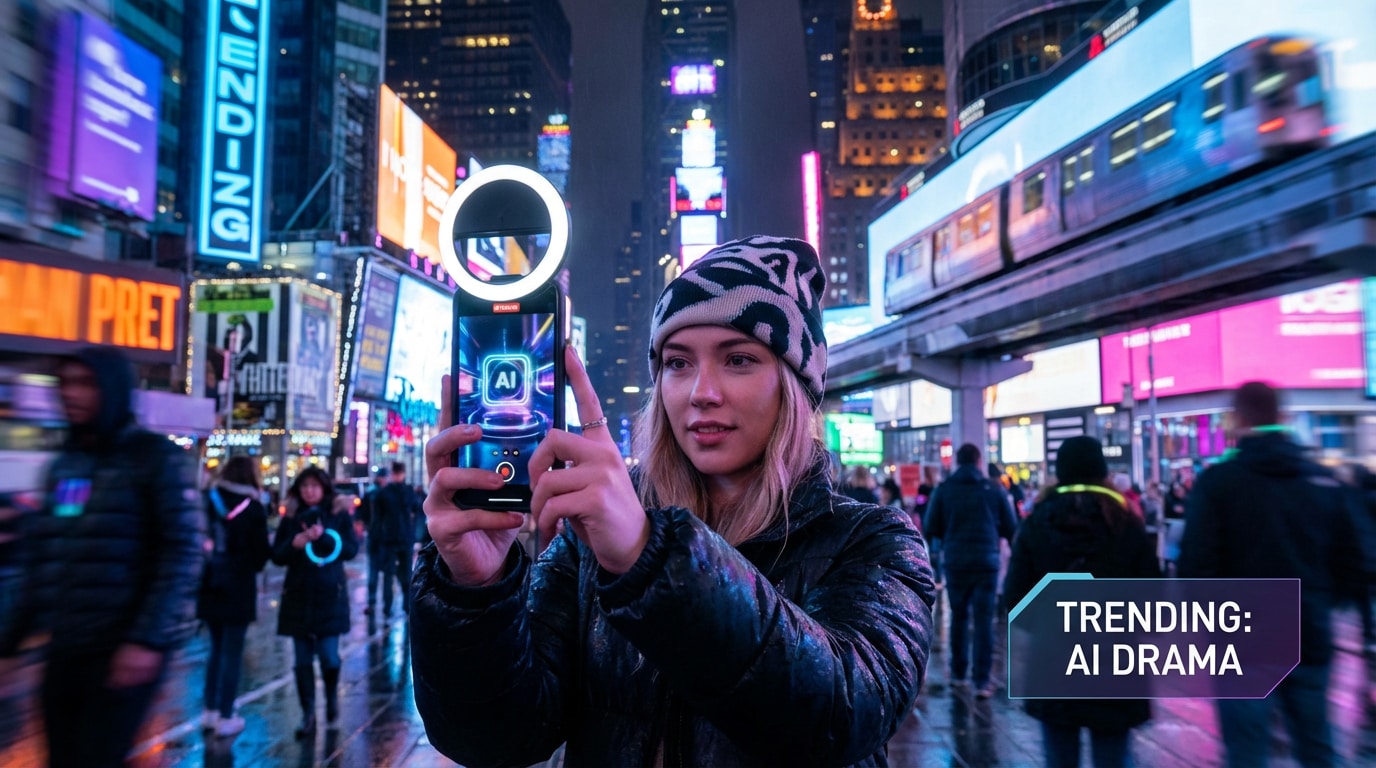
Generate scroll-stopping HappyHorse AI videos for social platforms.
Build product teasers, brand videos, launch previews, commercial concepts, and campaign visuals faster. HappyHorse AI video generation helps teams test creative directions before full production.
Generate Marketing Videos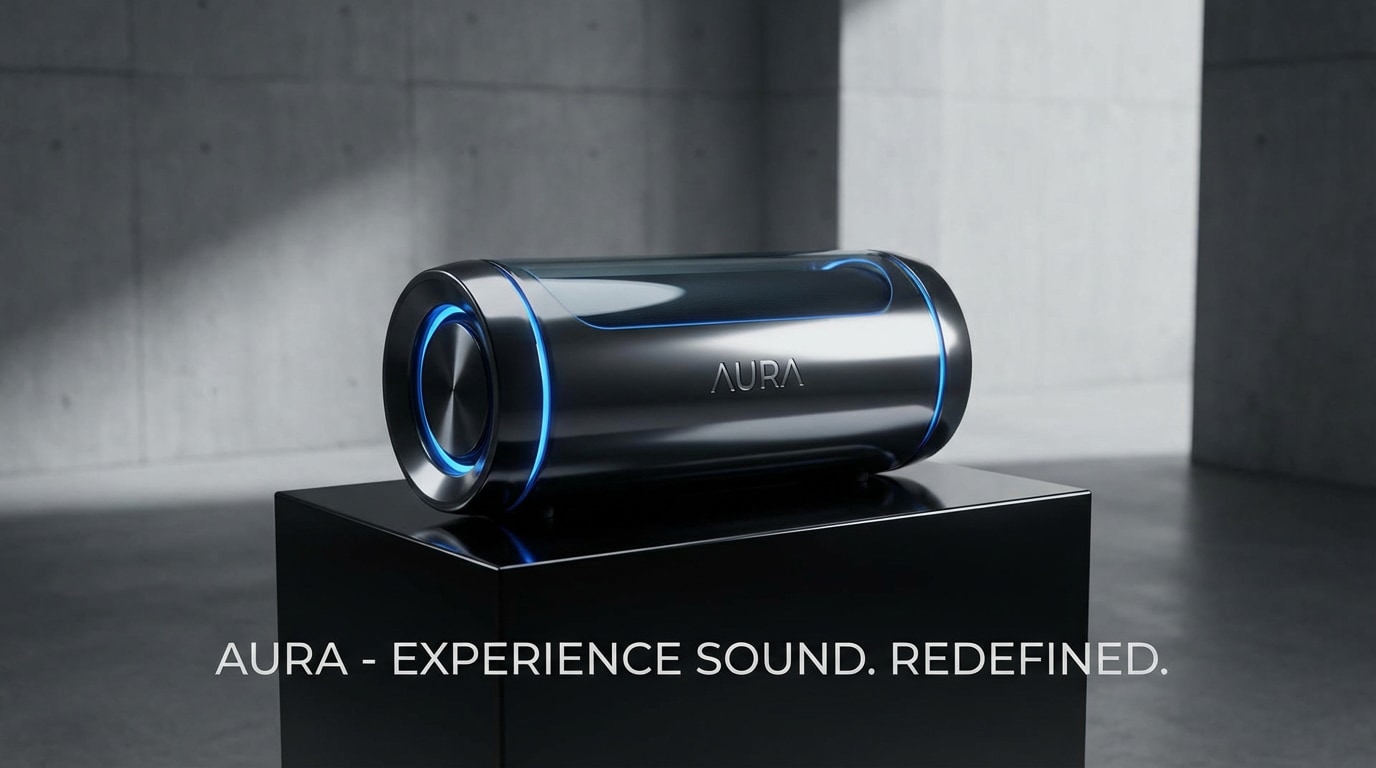
Turn campaign ideas into AI video concepts faster.
Create scene previews, concept films, music visuals, game-inspired clips, and storyboards. Happy Horse AI helps visualize motion, character behavior, visual tone, and camera language in minutes.
Start Creating Now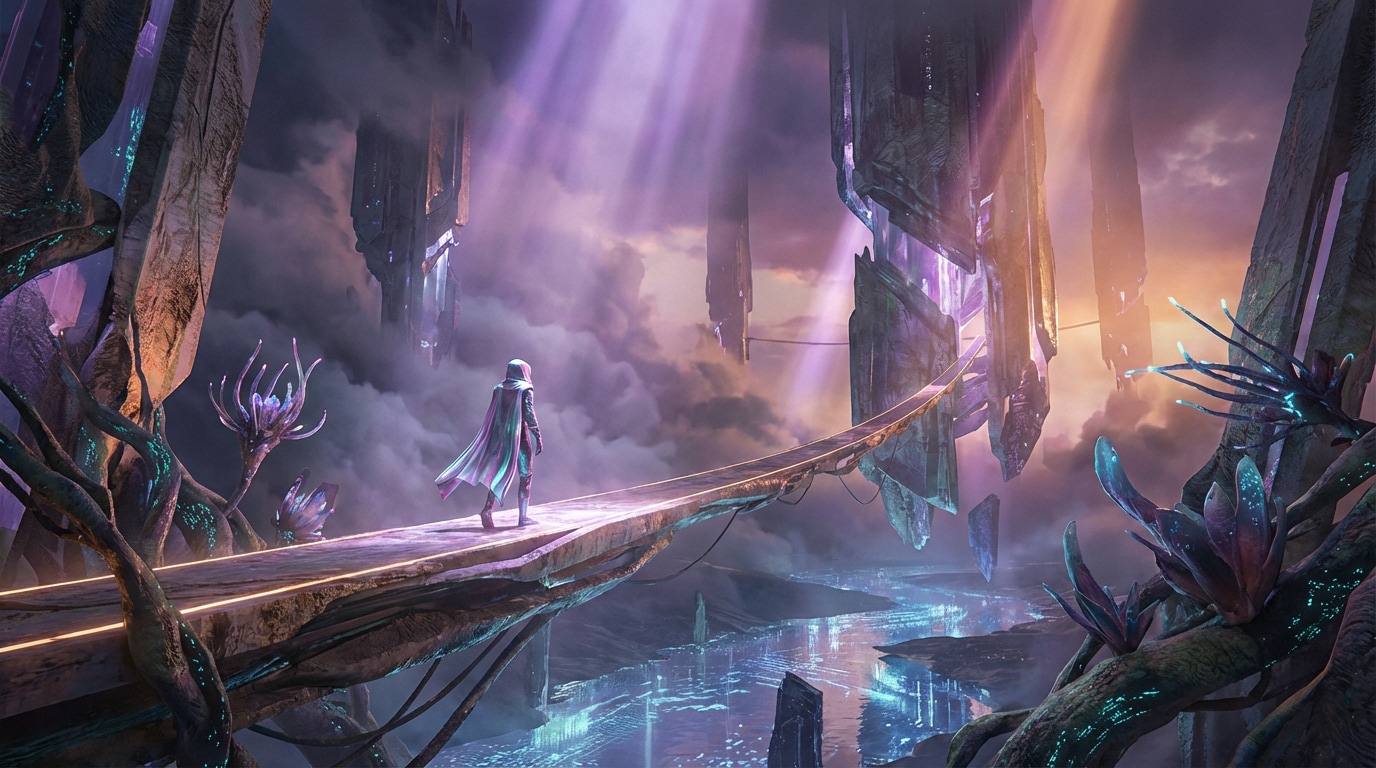
Explore cinematic storytelling with Happy Horse AI on Media.io.
| Feature | ⭐ HappyHorse 1.0 AI | How It Helps Creators |
|---|---|---|
| Text-to-video | Generates video from descriptive prompts with cinematic framing, motion, and atmosphere. | Quickly turn scripts, ideas, or campaign concepts into visual clips. |
| Image-to-video | Animates reference images while preserving the subject, visual style, and composition. | Bring portraits, products, characters, and concept art to life. |
| Audio-video generation | Supports richer video concepts with synchronized audio-video generation potential. | Create more complete visual stories with less post-production work. |
| Prompt control | Understands scene direction, subject action, camera movement, lighting, and mood. | Guide the final look with natural language instead of complex editing steps. |
| Online access | Available through Media.io’s browser-based AI video workflow. | Generate videos without downloading models or setting up technical environments. |
| Best for | Social videos, ads, cinematic scenes, product showcases, story previews, and visual tests. | Move from idea to usable video faster across creative and marketing projects. |
HappyHorse 1.0 AI is designed for creators who want cinematic video generation, stronger prompt control, and a smoother text-to-video or image-to-video experience. Media.io makes the workflow simple and accessible online.
Go to Media.io Happy Horse AI Video Generator and choose a text-to-video or image-to-video workflow.
Describe the subject, action, camera movement, lighting, style, and mood. You can also upload an image to animate a person, product, character, or concept visual.
Generate your HappyHorse AI video, preview the result, refine your prompt if needed, and export the final clip for sharing or production.
From quick social videos to polished creative concepts, Media.io makes Happy Horse AI video generation simple, fast, and accessible.

Content Creator
"Happy Horse AI makes video ideation feel much faster. I can test cinematic scenes and social video concepts without building a full production plan first."
Marketing Designer
"For campaign testing, HappyHorse AI is useful because it helps turn rough ad ideas into visual concepts quickly. Browser access makes the workflow much easier."
Prompt Creator
"The best part is prompt control. I can describe camera motion, mood, lighting, and subject action, then create a video that feels close to my original idea."
Video Editor
"Media.io makes HappyHorse-style video creation practical. I can animate images, test concepts, and export clips without dealing with technical setup."
Happy Horse AI, also written as HappyHorse AI, refers to HappyHorse 1.0, an advanced AI video model for text-to-video and image-to-video generation. It helps create cinematic clips from prompts or reference images with natural motion and strong visual detail.
Yes. Media.io integrates the Happy Horse video model, so you can create HappyHorse AI videos online through a simple browser-based workflow. You can generate videos from prompts or animate images without installing software.
Happy Horse AI is often discussed in connection with Alibaba AI video innovation and HappyHorse 1.0. On Media.io, the experience is focused on practical video creation, helping creators generate videos online with an easy-to-use interface.
Yes. Happy Horse AI is especially useful for image-to-video workflows. You can upload a portrait, product image, character design, or visual concept and turn it into a moving AI video with camera motion and cinematic style.
No. With Media.io, you do not need a HappyHorse download, GPU configuration, or technical setup. You can access the Happy Horse AI video workflow online and start creating directly in your browser.
You can create social media videos, product ads, cinematic scenes, character animations, story previews, music visuals, brand concepts, and marketing tests. HappyHorse AI is built for fast, visually rich AI video generation.
Happy Horse AI has become a popular topic in creator and AI communities, especially around demos, model access, prompt examples, and video quality. Media.io focuses on making the creation process simple, so you can generate HappyHorse-style AI videos directly online.



