Turn Photo Into Blueprint Art With Crisp AI Drafting Style
Upload any clear image to turn photo into blueprint artwork in seconds. Media.io applies a clean AI blueprint filter with white linework, blue drafting backgrounds, grid textures, and high-resolution export options for posters, concept boards, room ideas, and product visuals.
Review these example directions, then tailor the prompt details to get stronger results with this Turn Photo Into Blueprint.
Crisp White Edge Blueprint
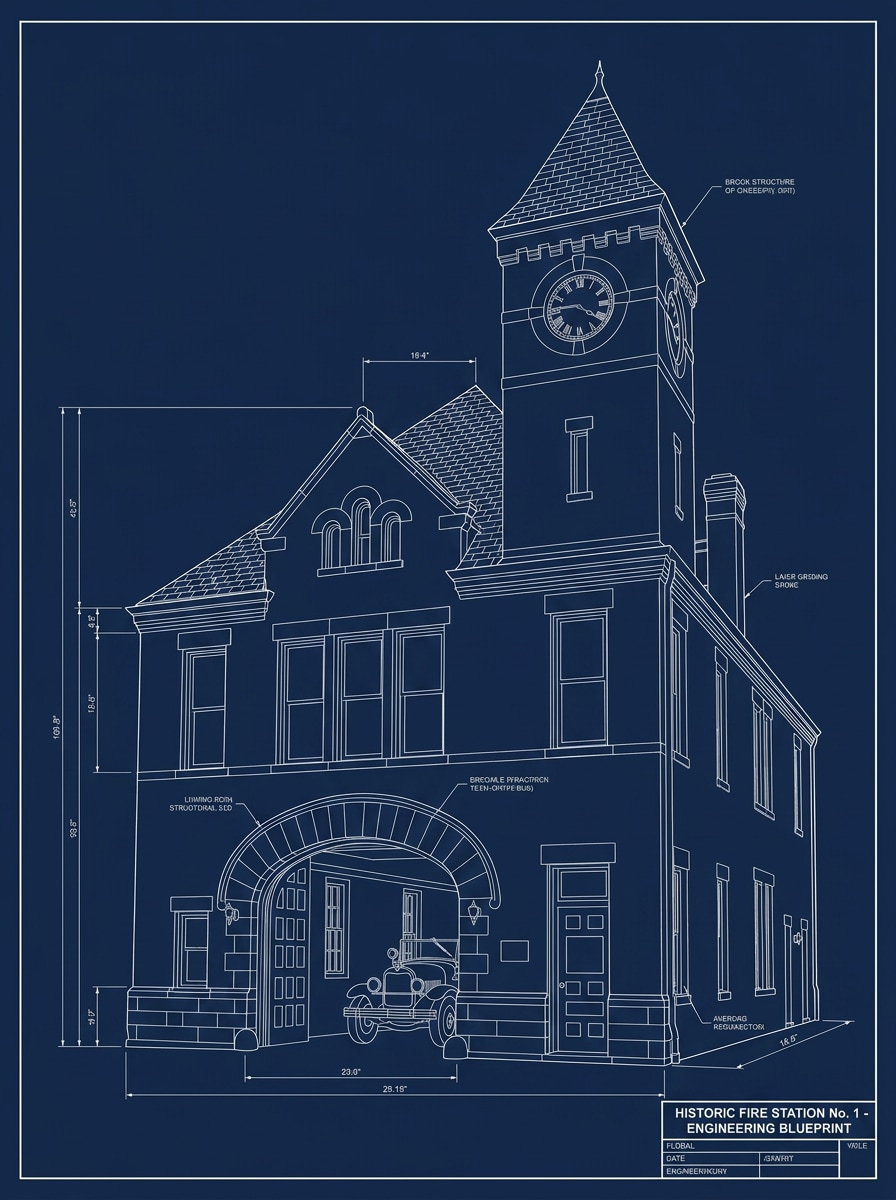
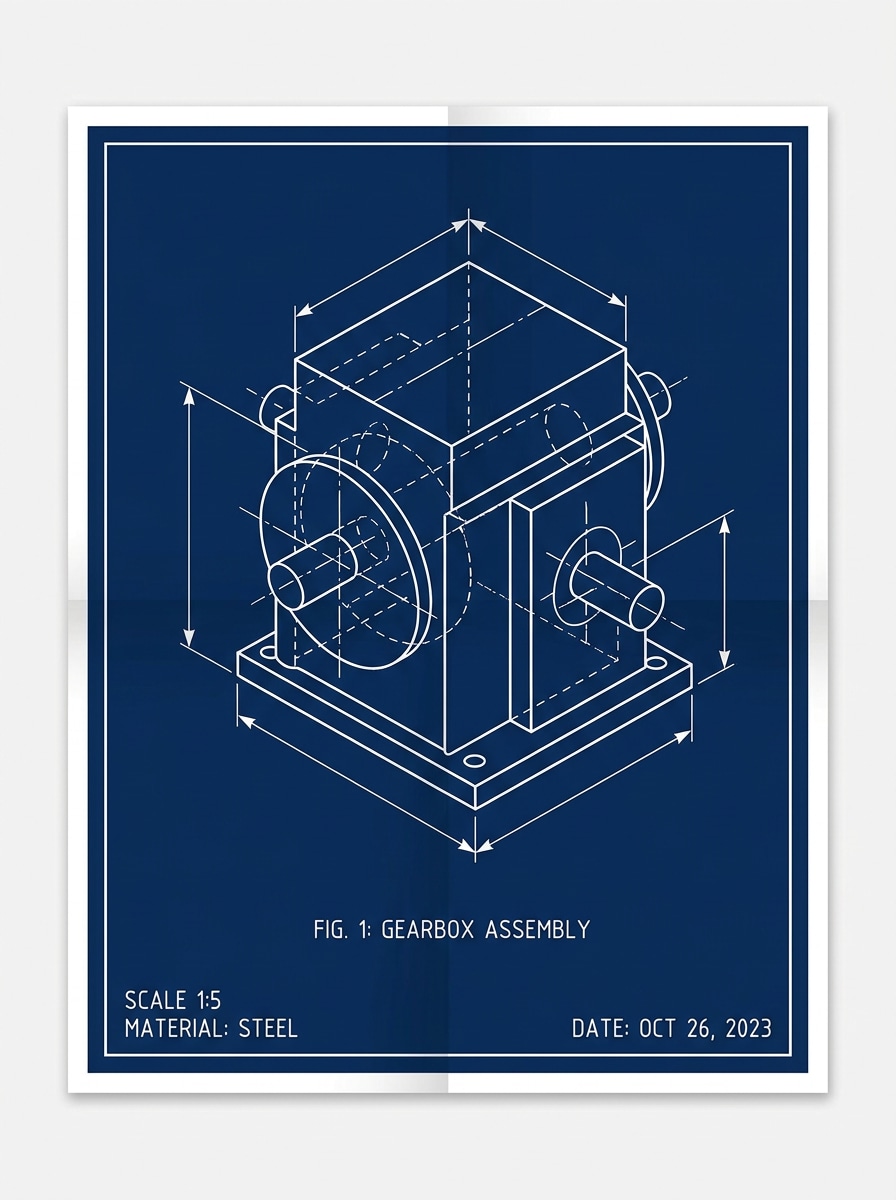
Use the uploaded image as the subject and transform it into a classic technical blueprint poster with crisp white contour lines, a deep navy drafting-paper background, simplified structural edges, minimal shading, balanced contrast, and a clean professional engineering mood with sharp detail.
Blueprint Grid Overlay
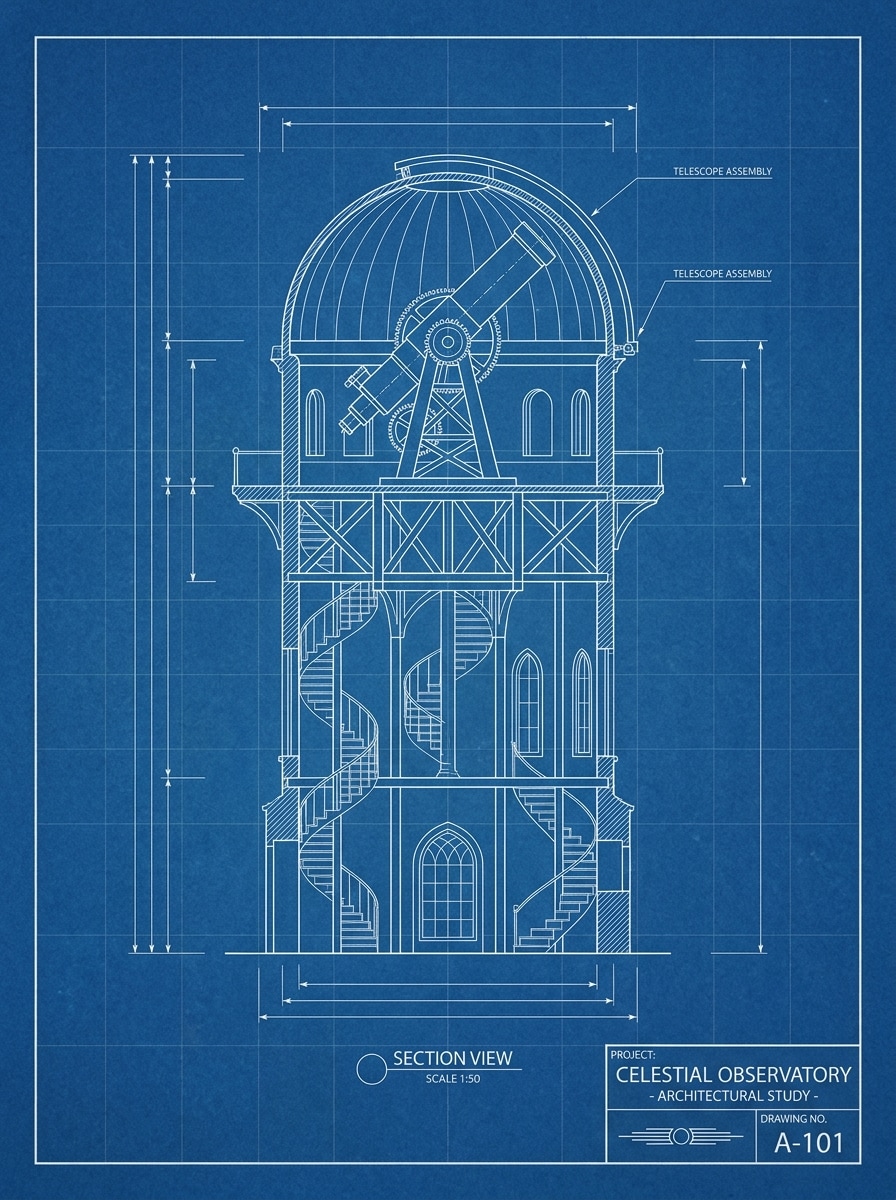
Use the uploaded photo as the base and convert it into a refined blueprint-style drawing with bright white outlines, a rich blue background, faint drafting grid lines, subtle paper texture, clear edge definition, and a minimal technical poster look with neat negative space.
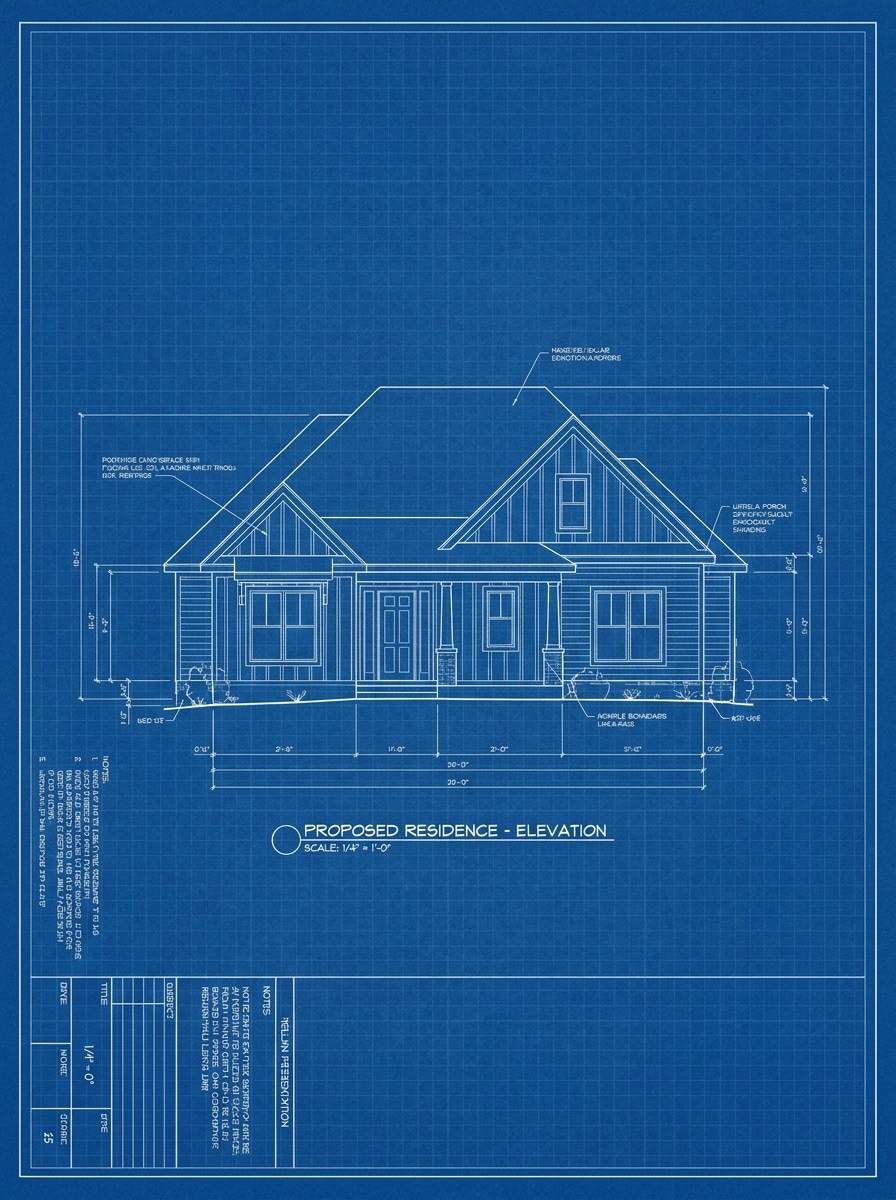
House Photo to Blueprint
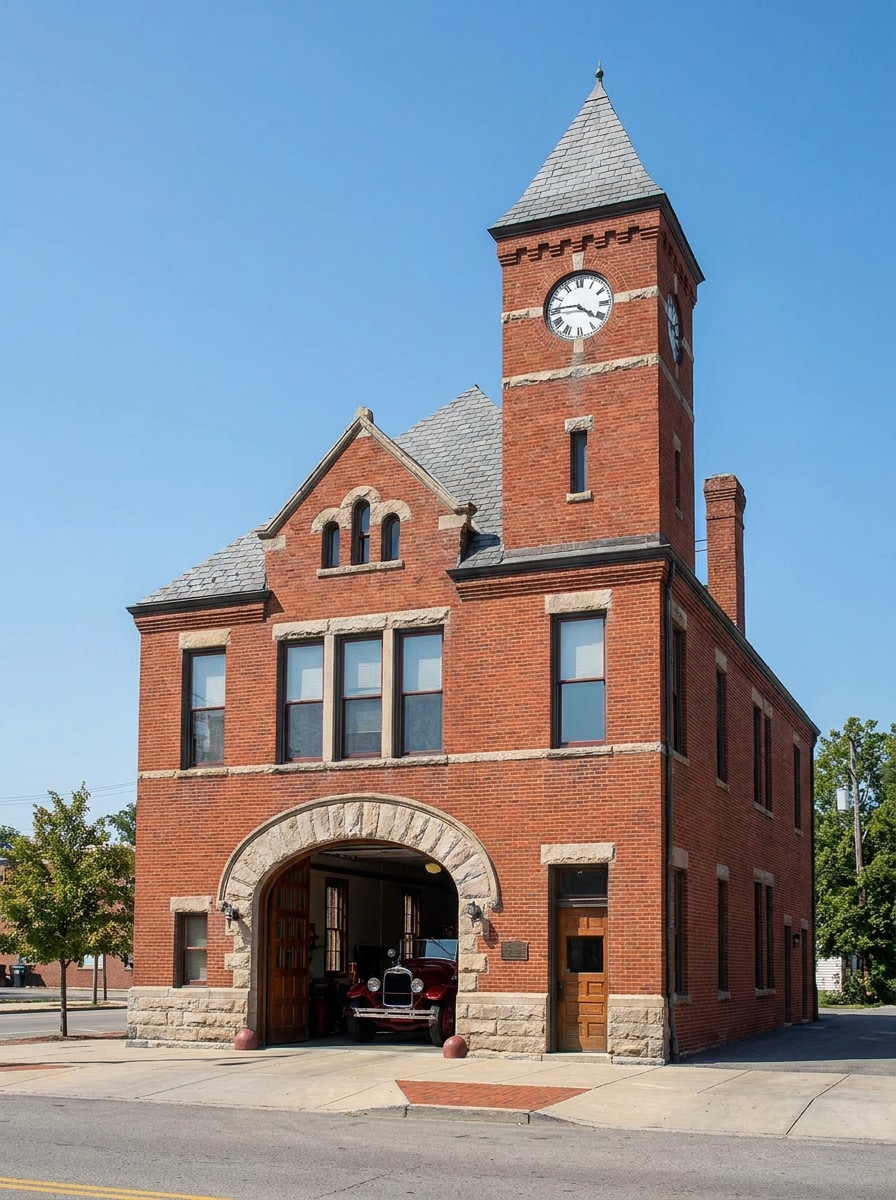
Use the uploaded house photo as the subject and turn it into an architectural concept blueprint with white structural linework, blueprint-blue background, simplified facade details, measured drafting mood, clean composition, subtle grid texture, and presentation-ready clarity for design boards.
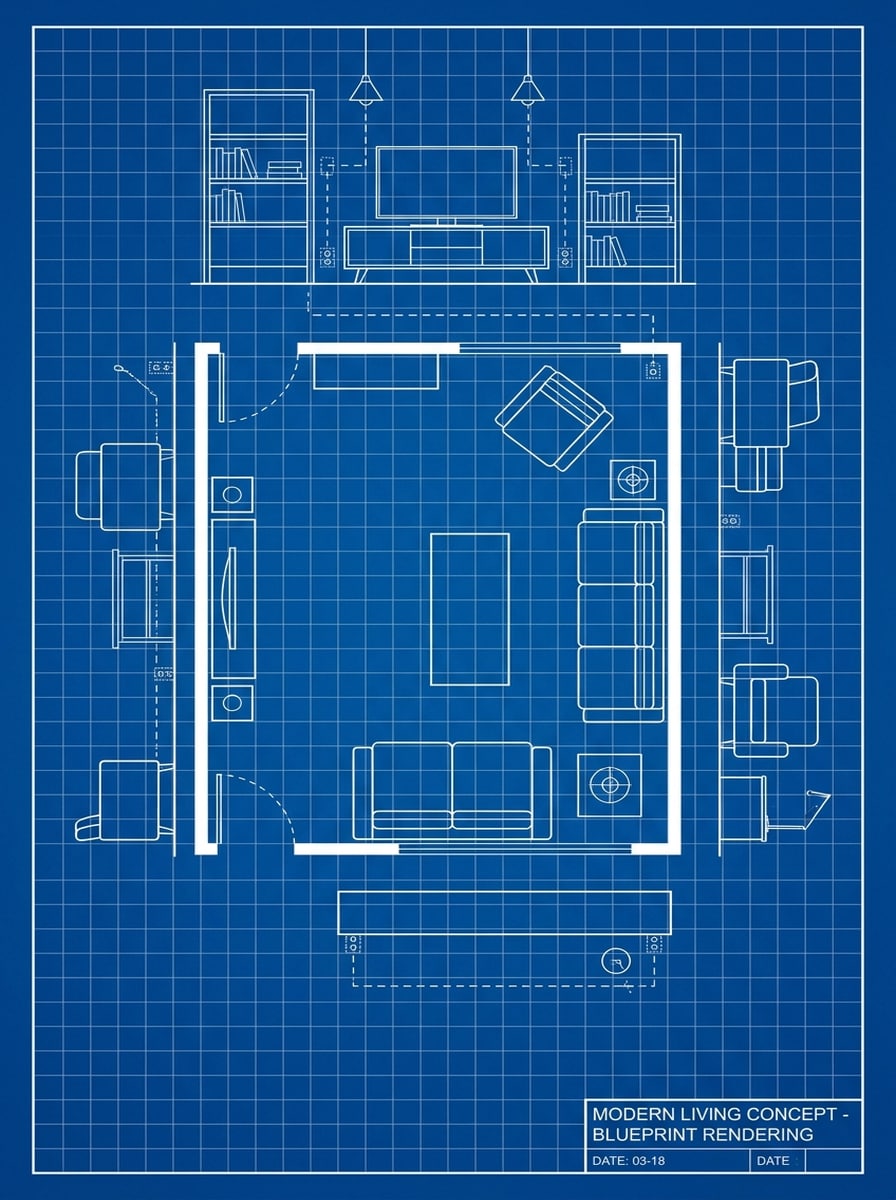
Room Concept Blueprint
Use the uploaded interior image as the reference and transform it into a modern room blueprint concept with white furniture outlines, blueprint-blue drafting background, emphasized wall and decor edges, soft grid overlay, minimal shading, and a clean spatial planning aesthetic.
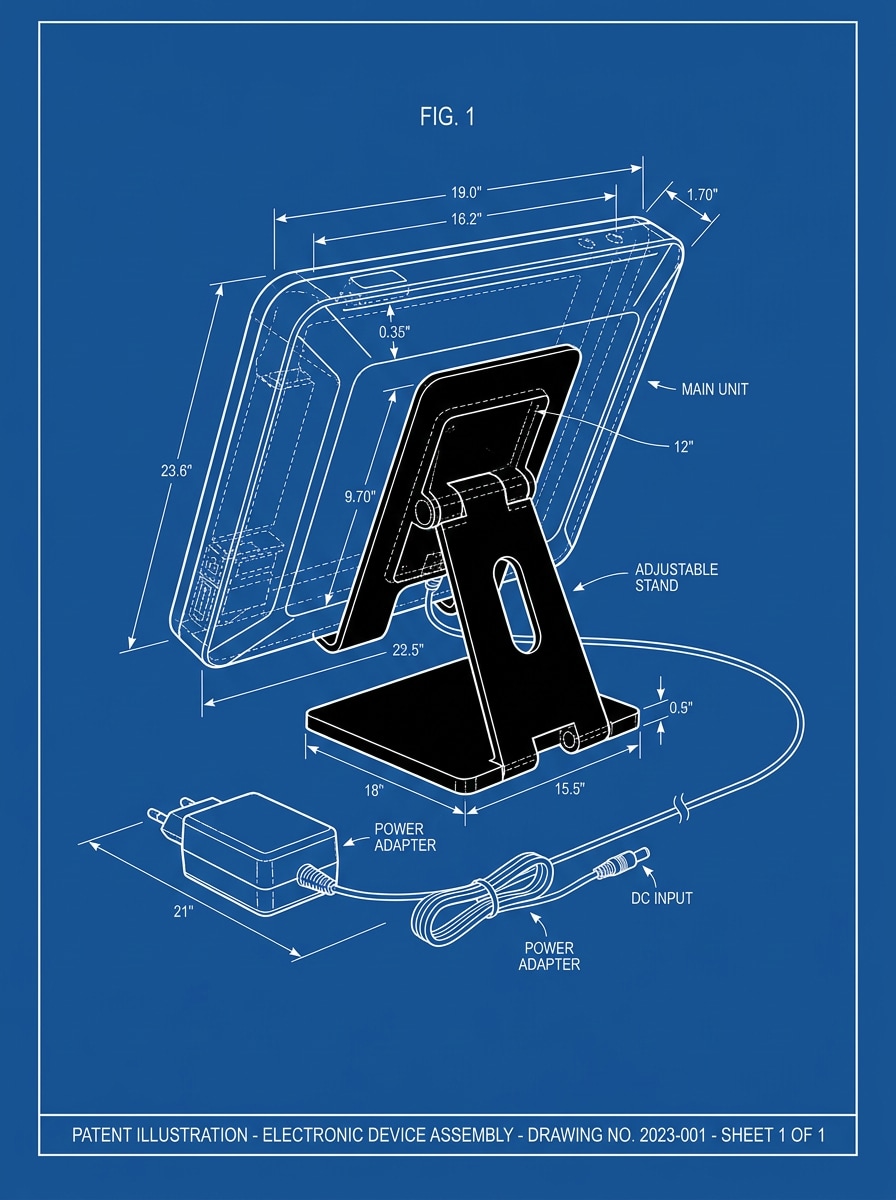
Gadget Patent Blueprint
Use the uploaded product image as the base and restyle it as a patent-inspired blueprint drawing with crisp white contour lines, deep blue technical background, centered composition, high-detail edges, subtle annotation-space feel, and a sleek industrial design presentation mood.
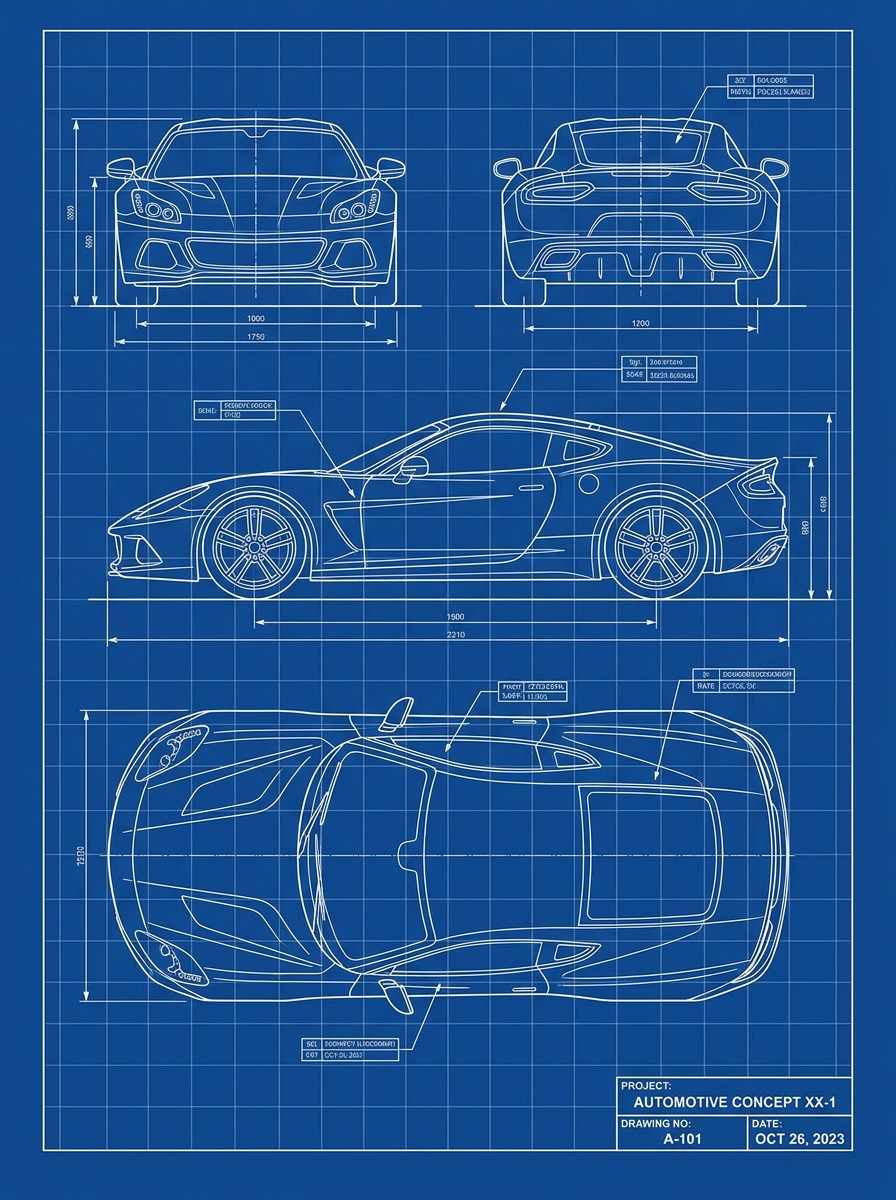
Vehicle Engineering Blueprint
Use the uploaded car photo as the subject and convert it into an engineering blueprint with precise white outlines, a blueprint-blue background, visible body contours, subtle drafting grid, sharp contrast, and a clean automotive concept rendering with technical poster appeal.
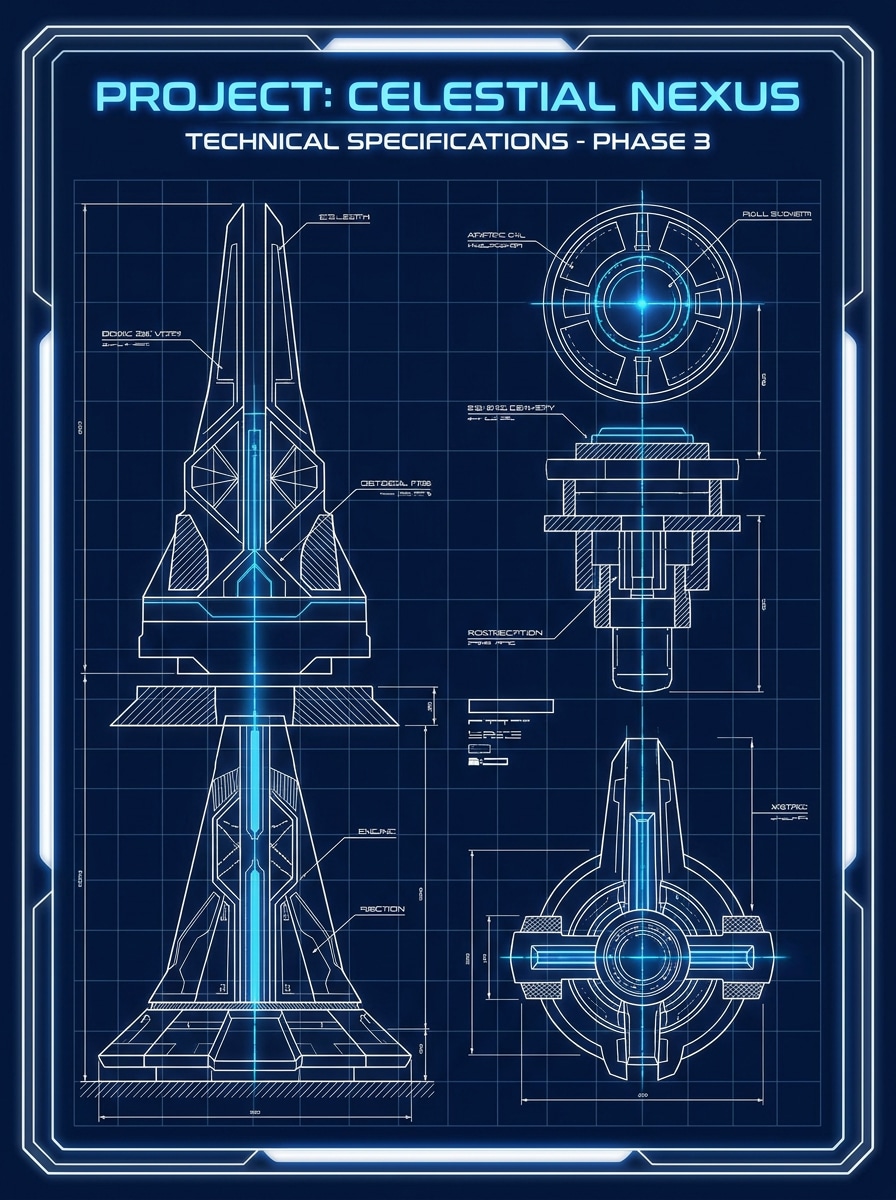
Glowing Neon Blueprint
Use the uploaded image as the subject and create a futuristic blueprint poster with luminous white line art, electric blue glow, deep navy background, sleek sci-fi drafting atmosphere, dramatic contrast, smooth highlights, and a bold high-energy visual made for social sharing.
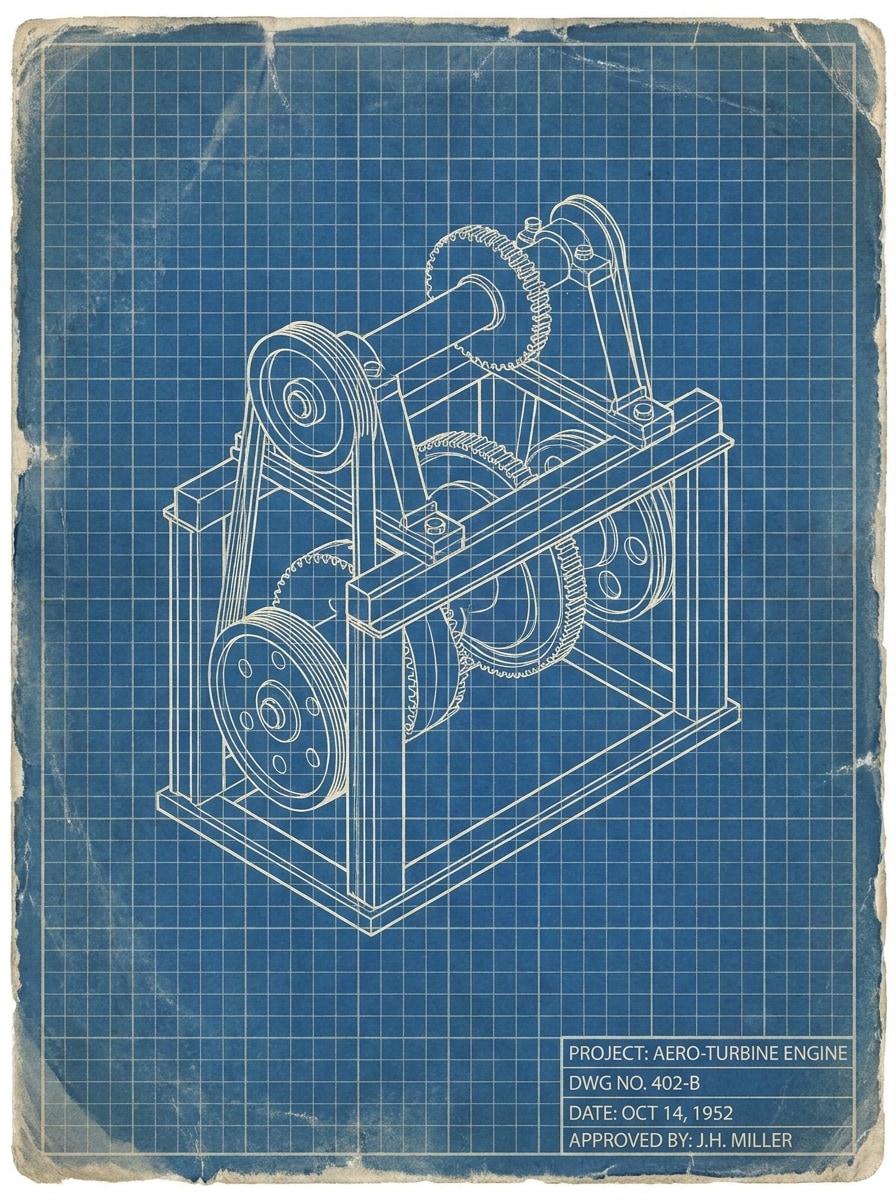
Vintage Drafting Sheet
Use the uploaded photo as the reference and convert it into an old-school drafting-sheet blueprint with faded blue paper tones, off-white technical lines, soft worn texture, a classic grid overlay, muted contrast, and a retro engineering poster mood with authentic aged character.
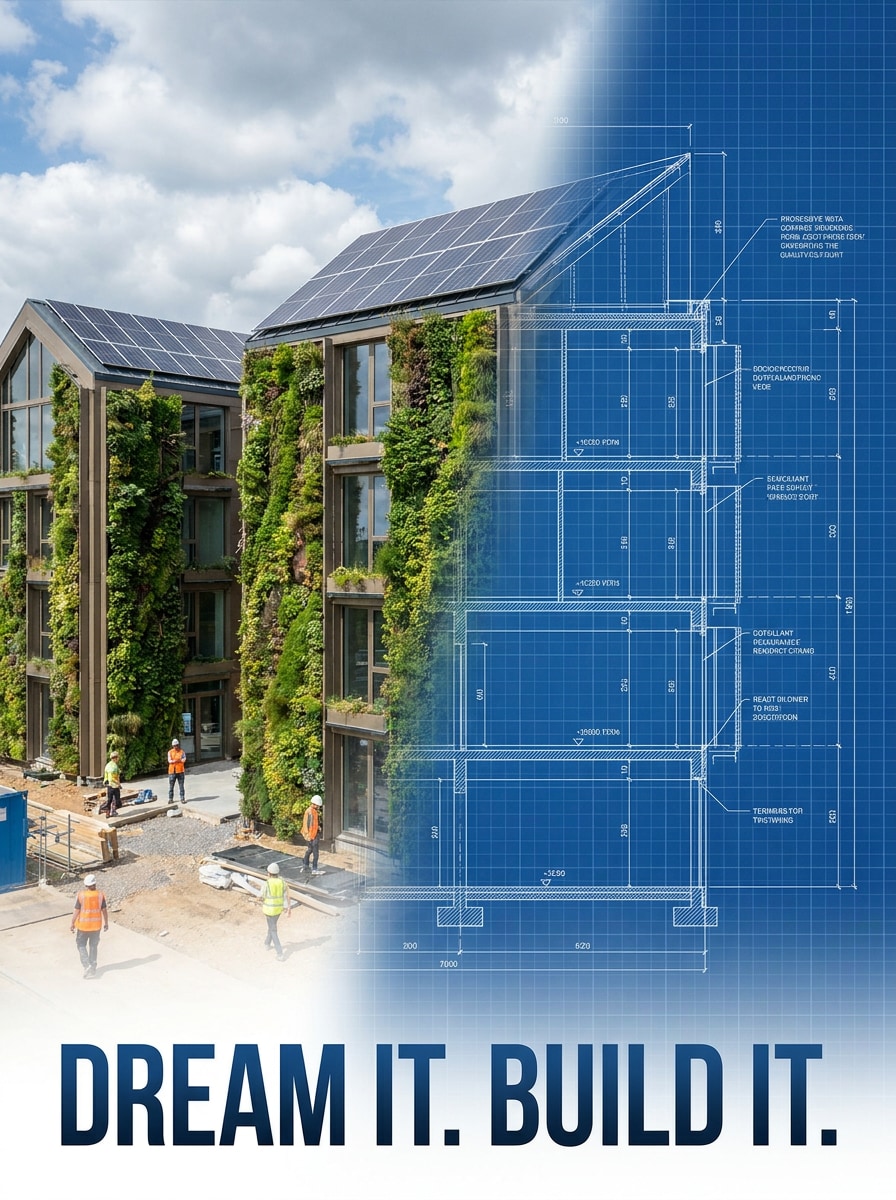
Half Photo Half Blueprint
Use the uploaded image as the subject and create a split composition that is half realistic photo and half blueprint drawing, with a smooth center transition, white technical linework, deep blue drafting background, high contrast, and an eye-catching before-and-after transformation style.
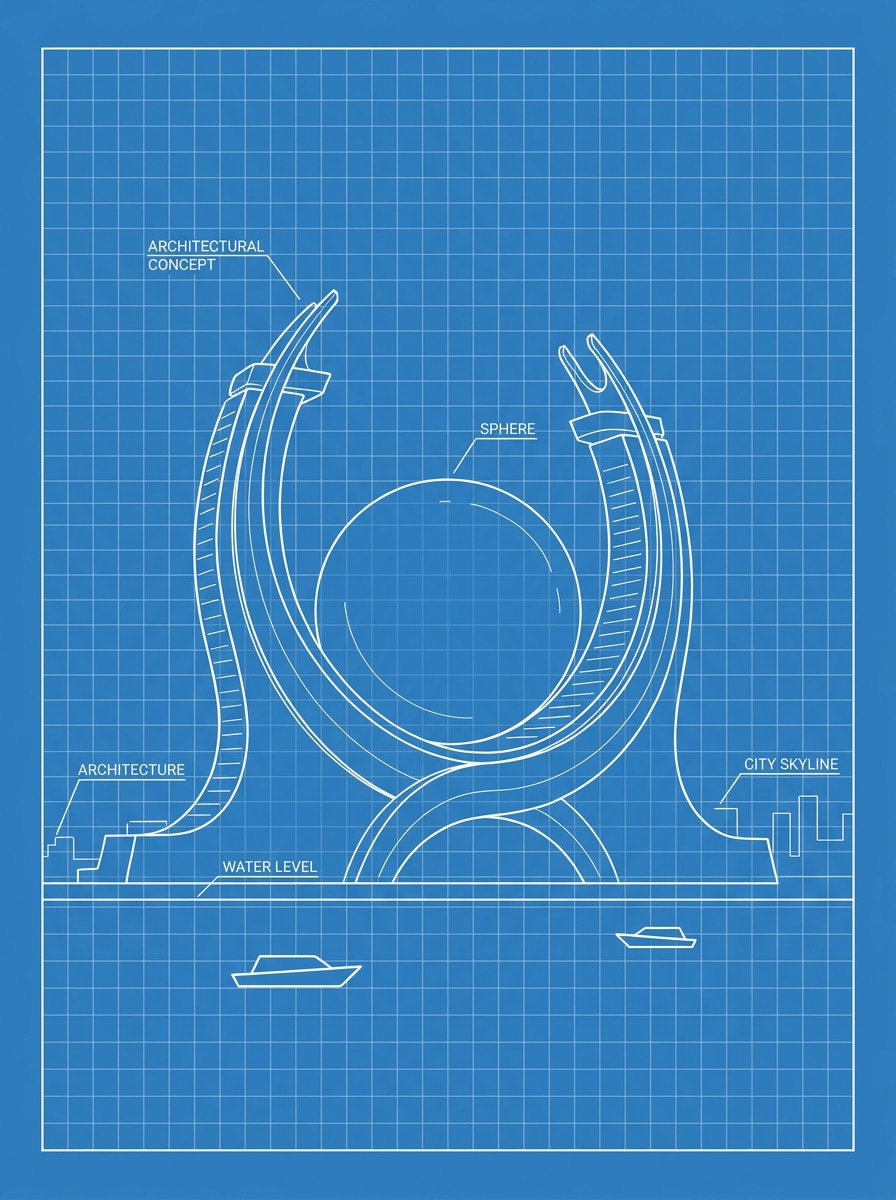
Blueprint Sketch Minimal
Use the uploaded image as the base and turn it into a minimal sketch blueprint with simplified white outlines, reduced technical detail, clean blue background, elegant drafting style, spacious composition, soft grid hints, and a modern poster-ready look with understated precision.
Why Use Media.io to Create a Blueprint Photo Effect
Works for Architecture, Objects, and Creative Portraits
Whether you want an architectural blueprint effect for a facade, a room concept board, or a stylized blueprint portrait filter, Media.io supports reference-based editing that keeps the main subject recognizable while shifting it into a drafting-inspired style.
Match the Right Style for Every Version
A single idea often needs more than one look. Media.io helps reinterpret the same turn photo into blueprint across different styles so each version can better match the project brief.
Create High-Resolution Images for Real Use
For projects that need more than draft quality, Media.io helps produce turn photo into blueprint with up to 4K output so details stay cleaner when you present, crop, or repurpose the final file.
Easy to Use Across Devices and Projects
When a turn photo into blueprint idea starts away from your main setup, Media.io lets you create and refine it in the browser so moving between mobile and desktop feels seamless instead of disruptive.
How to Turn a Photo Into a Blueprint
Turn your words into stunning visuals in three simple steps, then continue refining the result if you want to take it further.
Step 1
Upload Your Reference Image
Start with a clear photo of a house, room, product, vehicle, or person. Images with visible edges, simple backgrounds, and good lighting usually produce a cleaner technical drawing transformation.
Step 2
Describe the Change and Set Options
Enter a prompt that defines the blueprint look you want, such as white linework, navy drafting paper, grid texture, minimal shading, or patent-poster styling. Then choose your model, aspect ratio, resolution, and number of images.
Step 3
Generate, Download, and Keep Improving
Create several variations, compare line strength and layout, and download the best result. If needed, refine the prompt, try a different composition, or generate another version for printing, presentations, or social content.
See how creators use this Turn Photo Into Blueprint for content, marketing, and personal projects, then adapt each idea to fit the brief.
Make Design Boards for Homes and Renovations
Convert exterior and interior photos into blueprint-style concept visuals for renovation pitches, architecture moodboards, or client presentations. The drafting look helps ideas feel more intentional, polished, and easy to discuss before final design decisions are made.
Create Technical Posters From Products and Objects
Restyle gadgets, furniture, tools, or vehicles into clean drafting-inspired posters for e-commerce visuals, portfolio pages, classroom materials, or industrial design storytelling. A recognizable subject paired with crisp linework creates a strong editorial result.
Build Eye-Catching Social Before-and-After Content
Use split compositions or futuristic line-art styling to show an image changing from normal photography into a blueprint render. This approach works especially well for reels, short videos, and posts where visual transformation is the main hook.
What Users Say
Lena Morris
Interior Design Student
"Perfect for concept boards" I used it to turn room photos into blueprint-style visuals for a presentation. The results looked clean and organized, and I didn't need extra design software to make them usable.
Eric Dalton
Product Marketer
"Great technical poster effect" I uploaded a product shot and got a strong patent-style graphic in minutes. The white lines and blue background looked polished enough for a campaign mockup.
Monica Reyes
Content Creator
"Easy before-and-after transformations" The half-photo half-blueprint style worked really well for social content. I made multiple versions quickly and picked the one with the best contrast for my reel cover.
Daniel Cho
Architecture Enthusiast
"Useful for house images" I wanted a blueprint-like rendering from a house photo, not a random AI illustration. This gave me a recognizable facade with a clean drafting feel, which was exactly the look I needed.
1. How can I turn a photo into a blueprint online?
Upload a JPG, PNG, or JPEG to Media.io, then describe the blueprint style you want, such as white technical lines, a blue drafting background, grid texture, or a patent-poster layout. The image-to-image workflow generates blueprint-style variations directly in your browser, so you can review and download the version that matches your project.
2. Can AI make a blueprint from a picture?
Media.io can use your uploaded image as a reference and apply a stylized blueprint look to it. It is best understood as a visual style conversion rather than a precise construction plan generator.
3. Is there a free app to turn photos into blueprint drawings?
Media.io offers free credits, so you can test a photo-to-blueprint workflow before upgrading. Free downloads may include a watermark, while paid plans unlock watermark-free high-resolution exports. You can compare options on the pricing page. Free users can use free credits. For more usage, users can subscribe to a plan on the pricing page. Upgrade to a paid plan on the pricing page for more credits and watermark-free high-resolution downloads.
4. What kinds of photos work best for a blueprint effect?
Clear images with strong edges, visible structure, and simple composition usually work best. Houses, rooms, vehicles, furniture, gadgets, and portraits with good lighting tend to produce cleaner linework. If you want a more polished blueprint photo filter result, start with a sharp image where the main subject stands out clearly from the background.
5. Can I turn a house or room photo into a blueprint-style image?
Media.io is well suited for exterior house photos and interior room shots when you want a concept-oriented drafting look. You can prompt for an architectural blueprint effect with white outlines, blue paper tones, and subtle grids, which is useful for presentations, renovation ideas, and design moodboards.
6. Will my blueprint image be high resolution enough to download or print?
Media.io supports 1K, 2K, and 4K resolution options, so you can generate files suitable for digital use and many print-oriented projects. That makes it easier to create crisp blueprint-style images for presentation boards, posters, covers, or mockups without losing detail in the linework. Free users may have watermarks.
Beyond AI-Powered Online Turn Photo Into Blueprint